
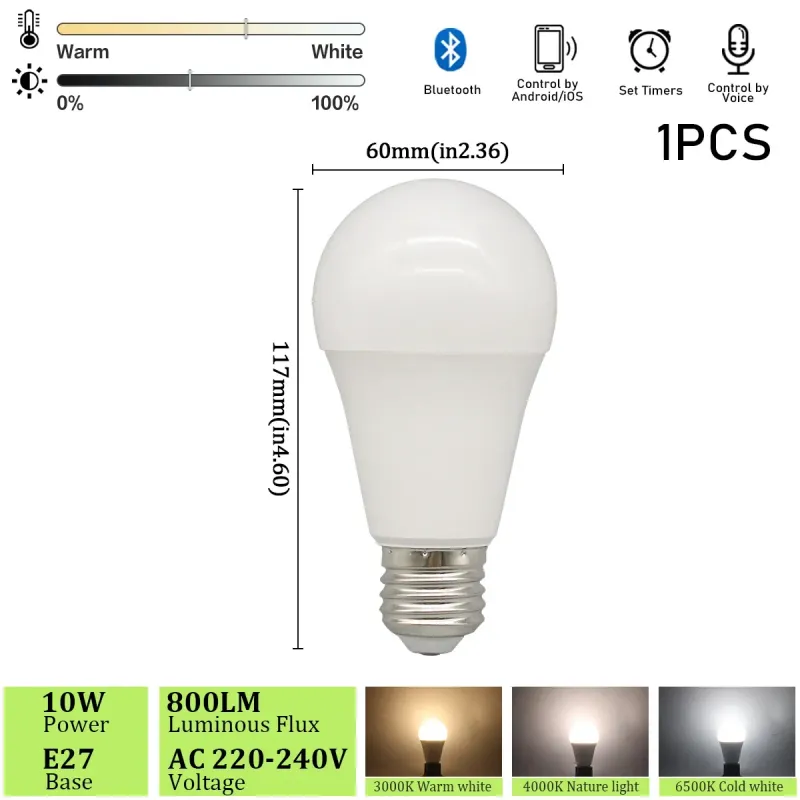
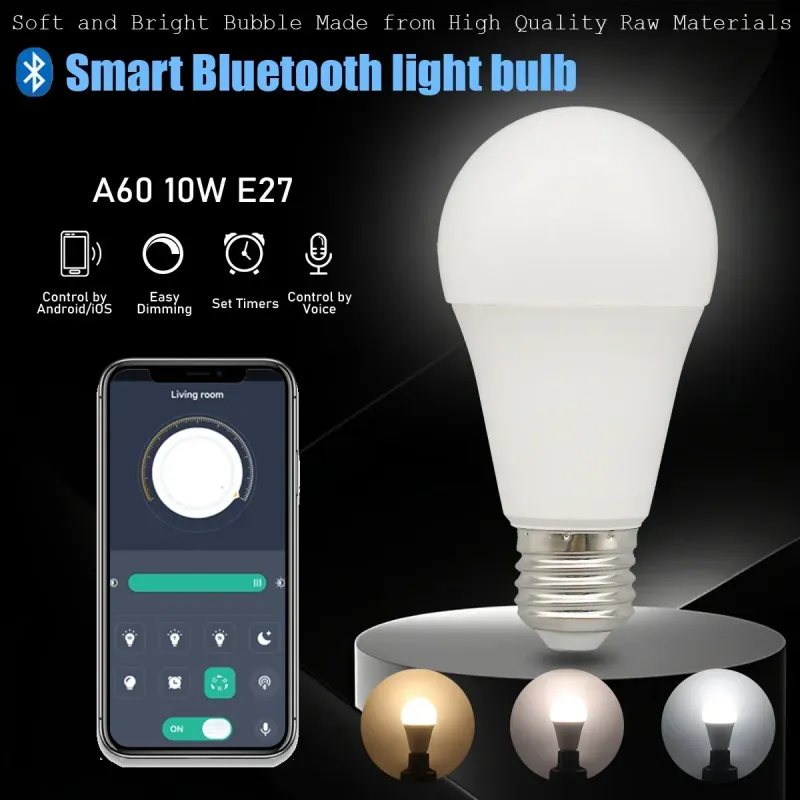
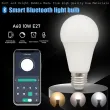
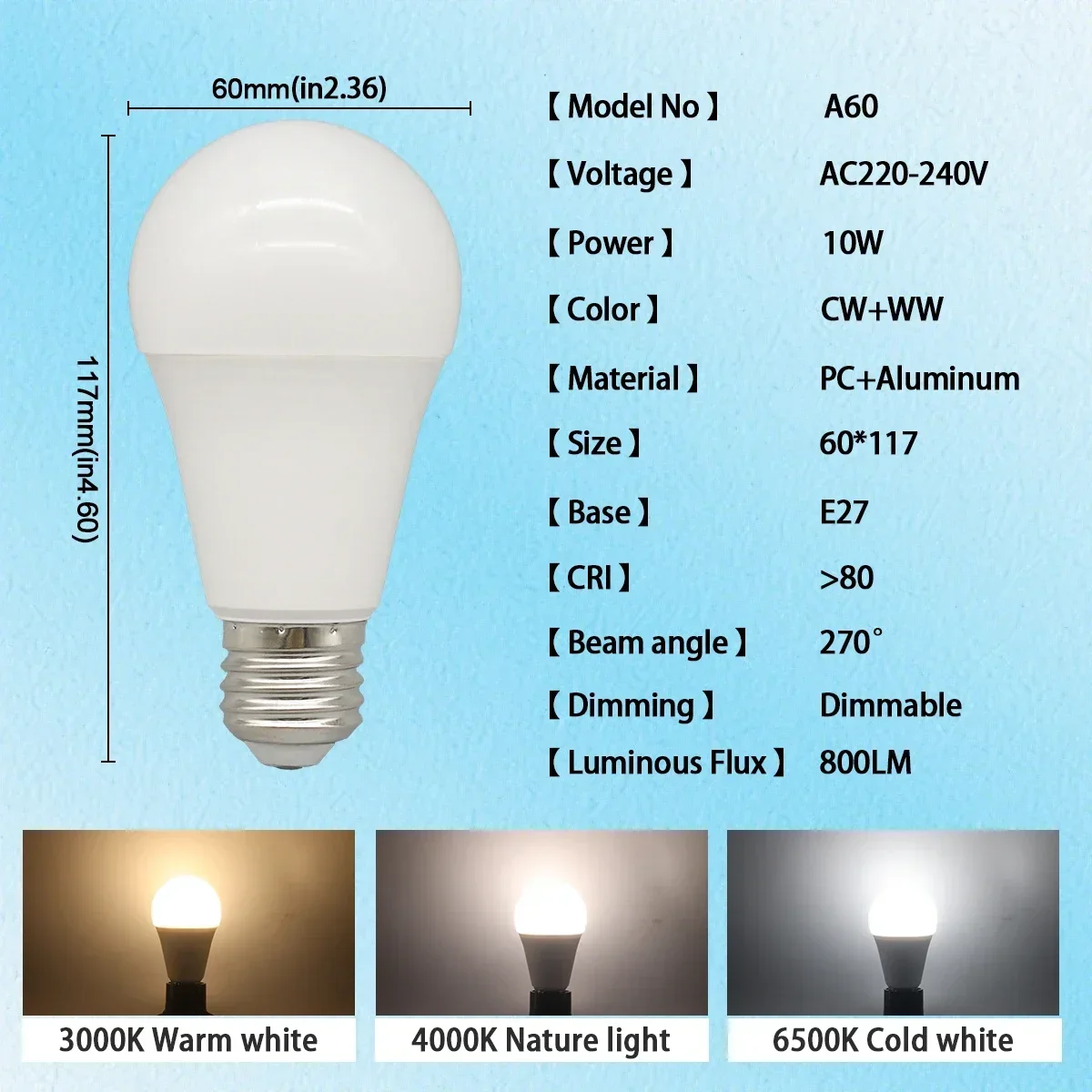
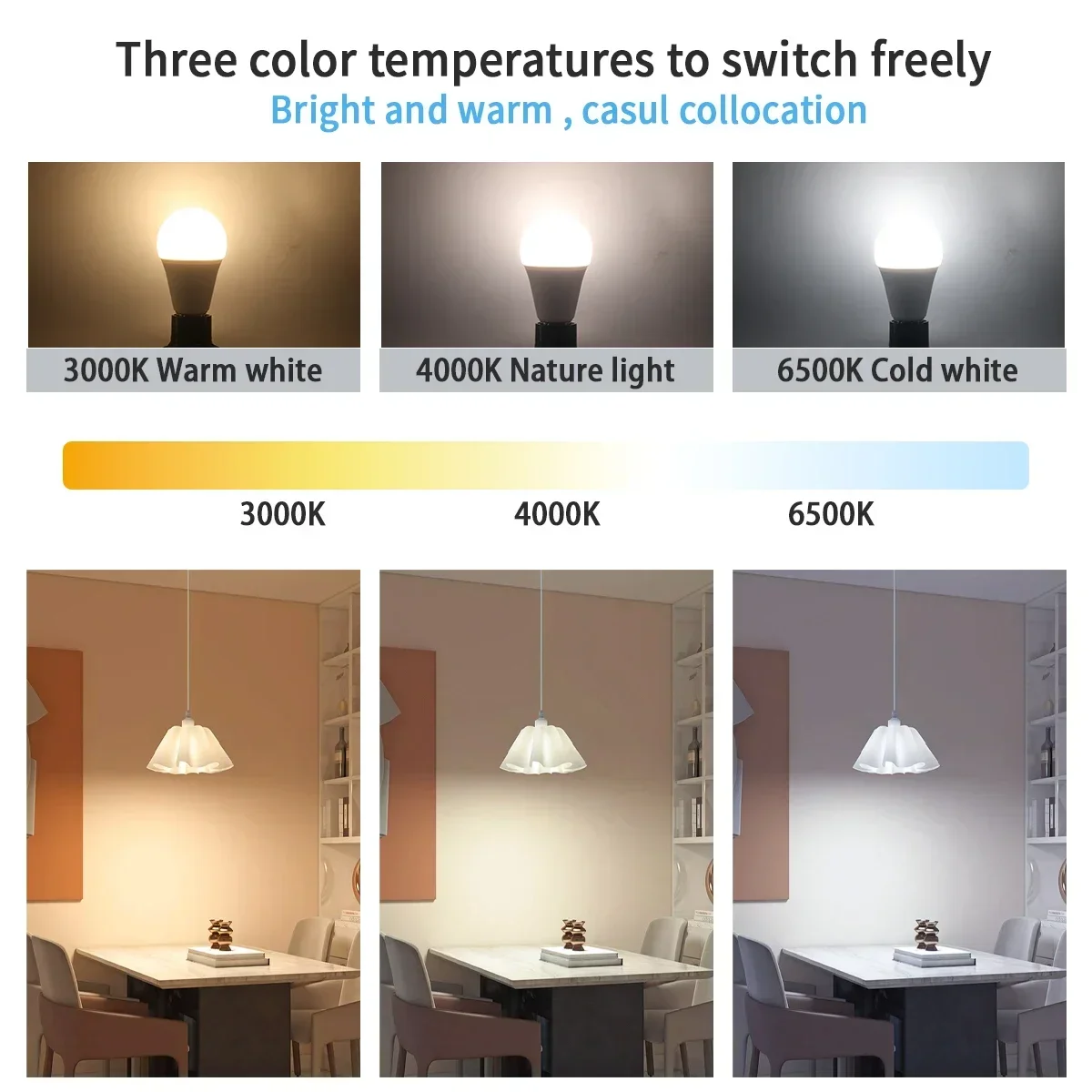
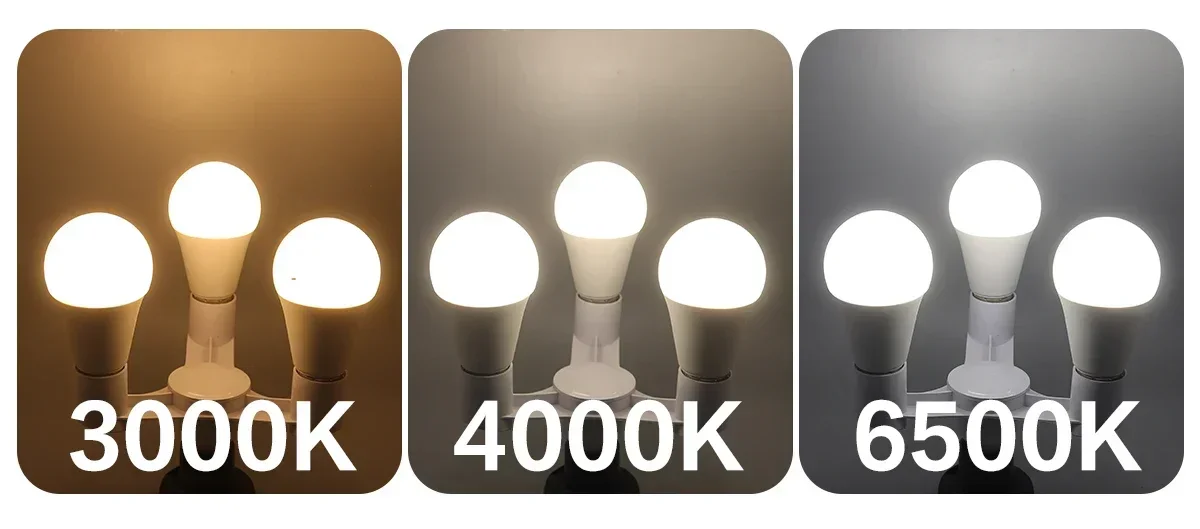
1-10pcs LED Smart Bulb Light Lamps Bluetooth APP E27 3000K-6500K Dimmable Bulbs 10W 220V for Liveroom Bedroom Home Derecs
Includes all taxes
Meet your Seller
-
$10.67Sold by BILLIONS BIRDS
Description
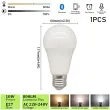
Note:: This light bulb does not have RGB color adjustment function
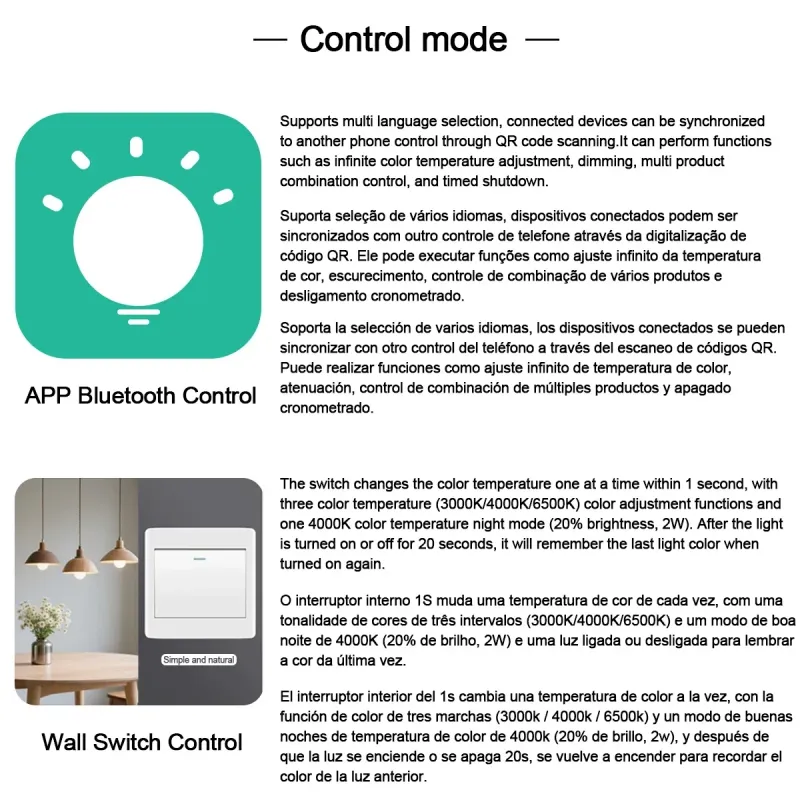
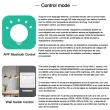
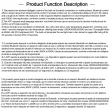
Smart Lamp Pro Manual
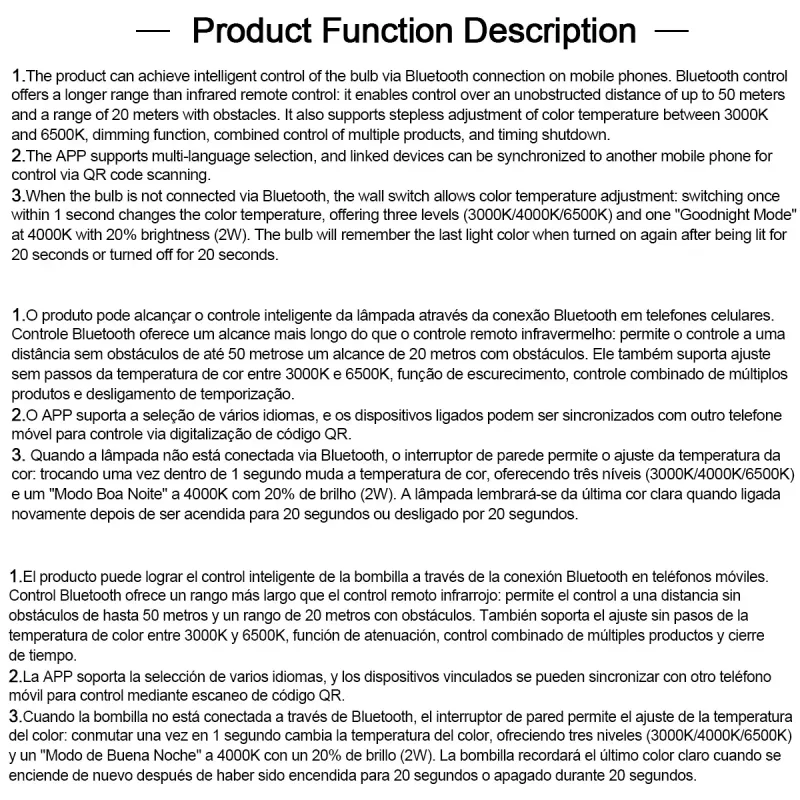
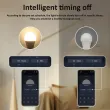
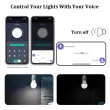
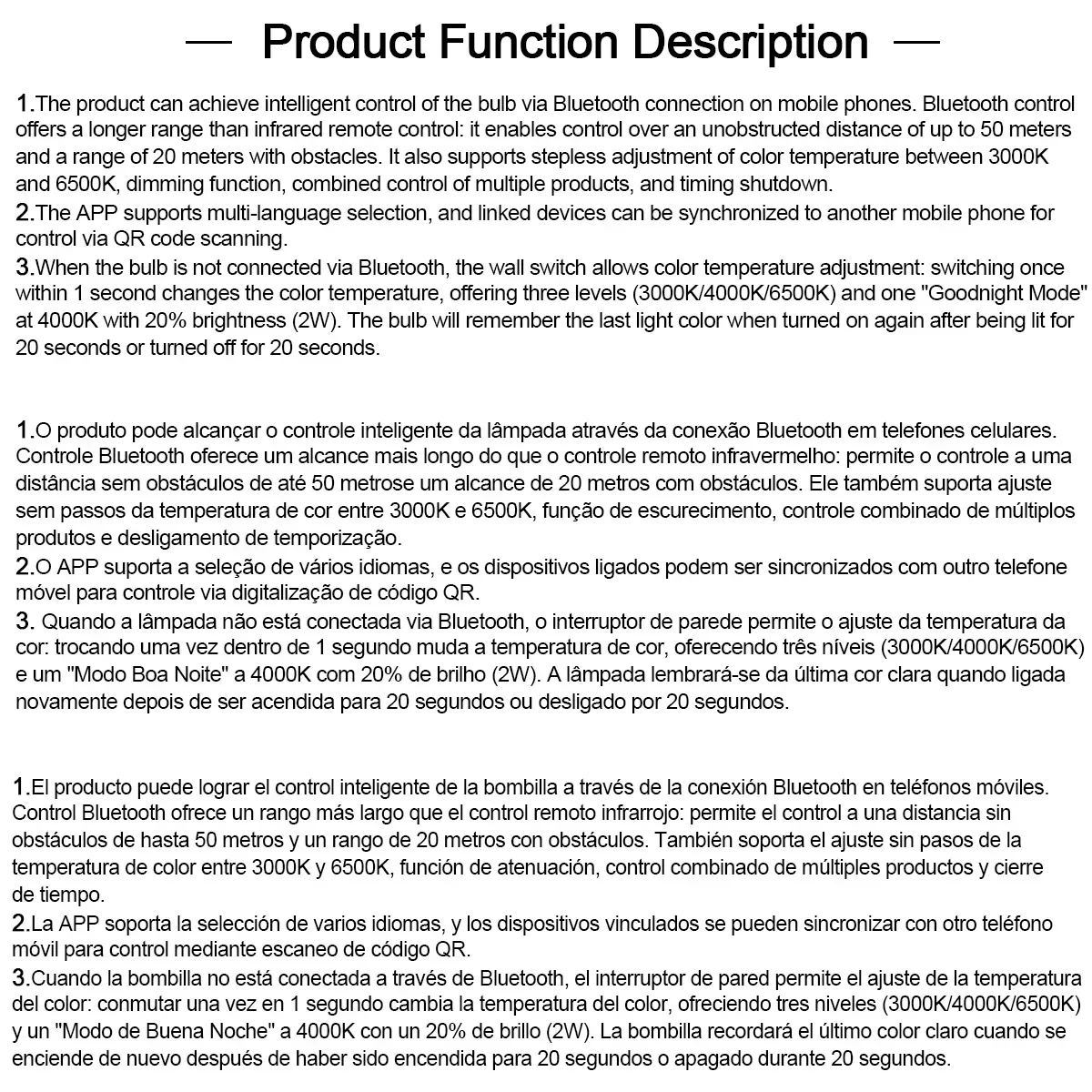
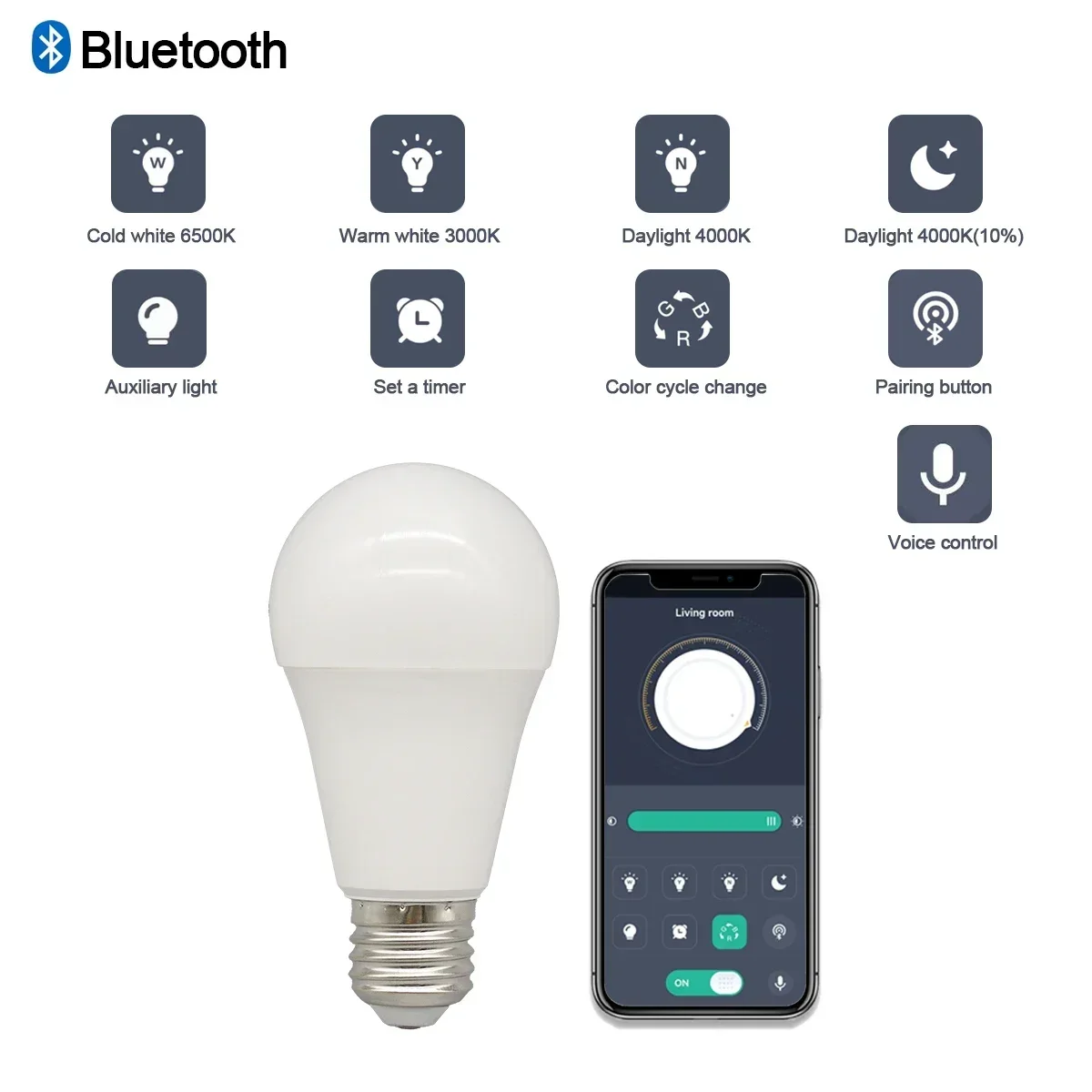
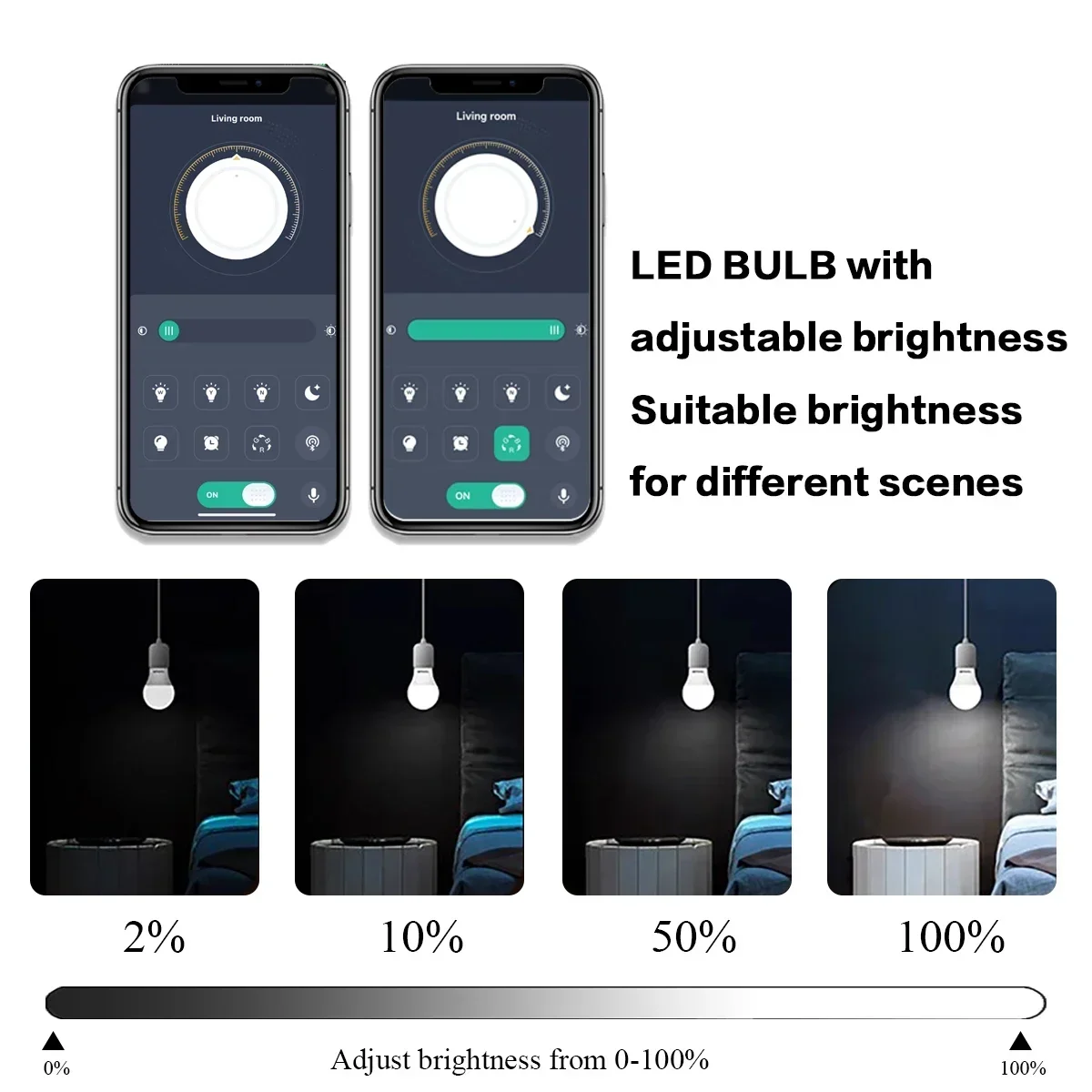
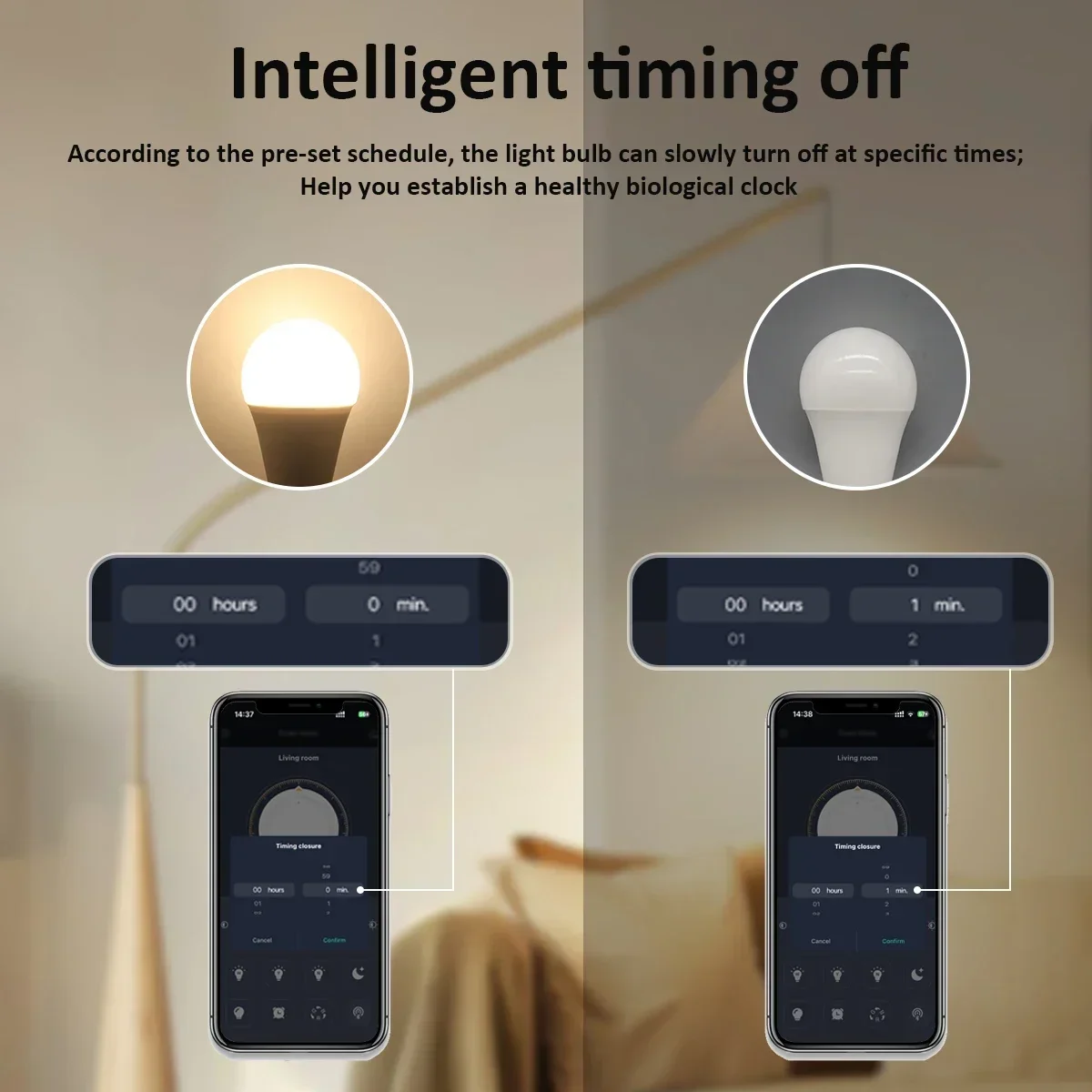
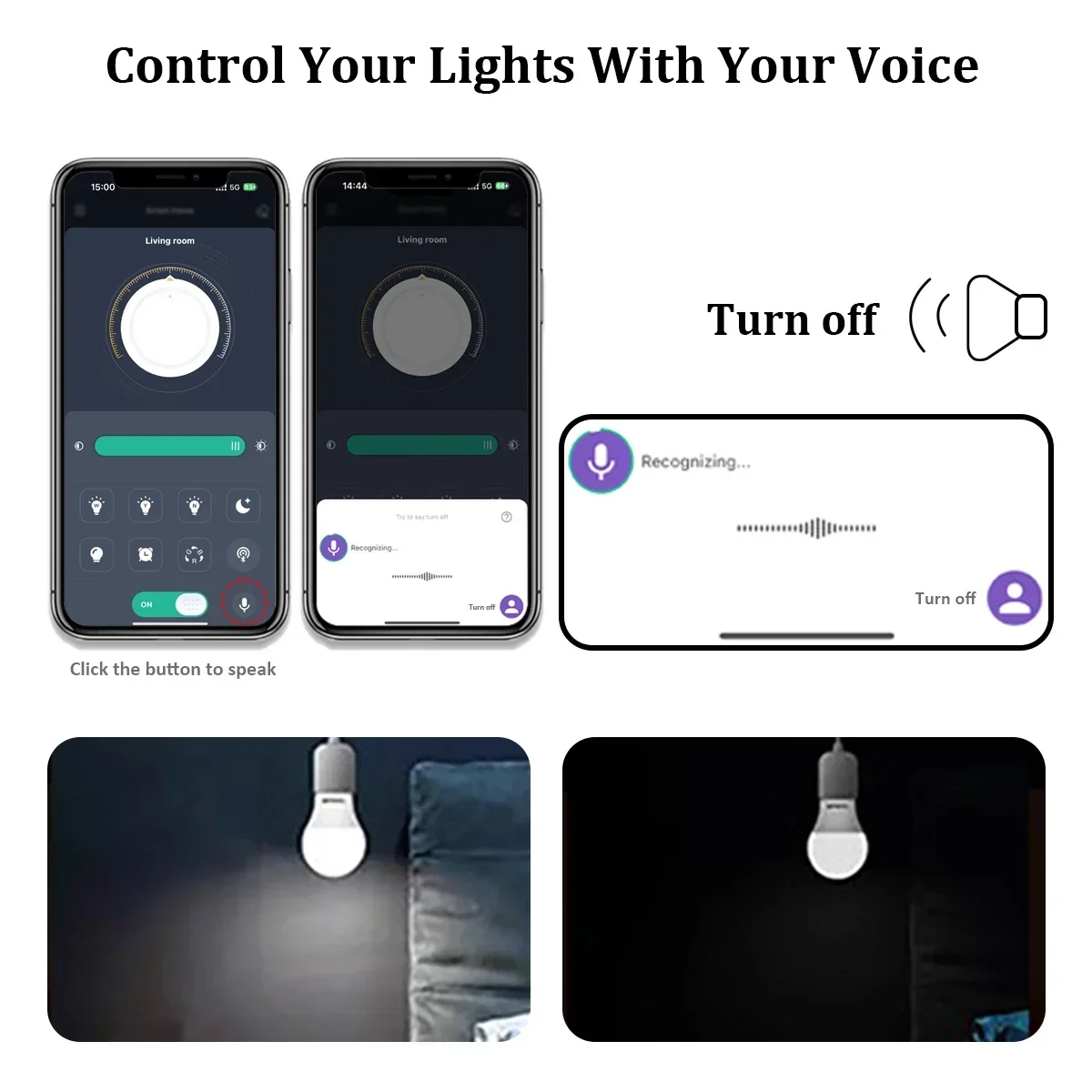
Smart Light Pro is a mobile phone application specially designed to control lighting. Through this application,
the switch, brightness, color temperature and other States of the lamp can be adjusted. The
application and the lighting lamp are controlled through the Bluetooth, but a user does not need to search the
Bluetooth for pairing operation, and a new pairing mode is adopted, which is convenient and fast, and greatly
improves the use experience of the user.
Download Method
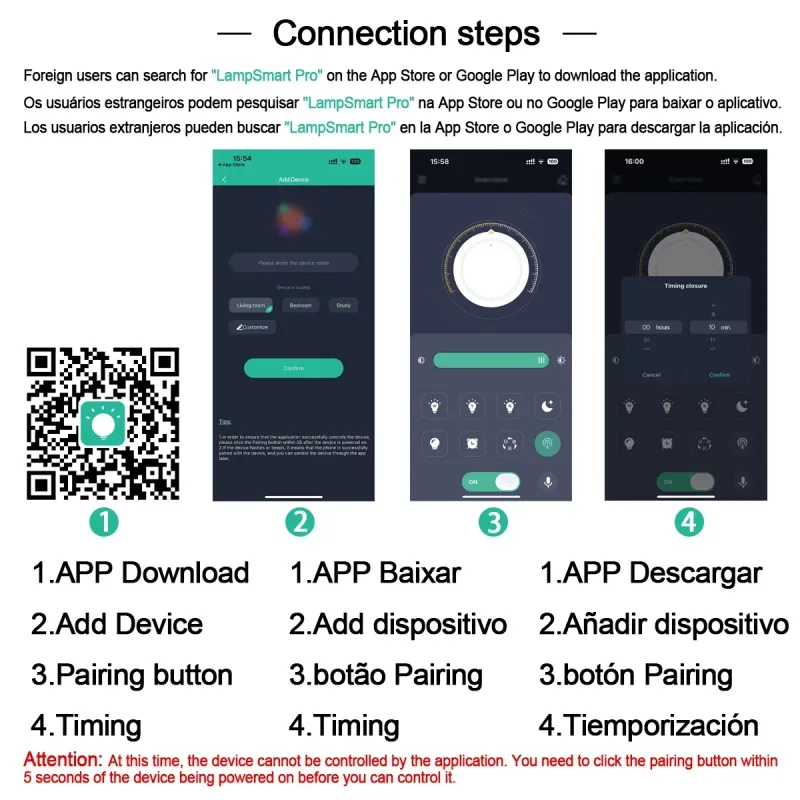
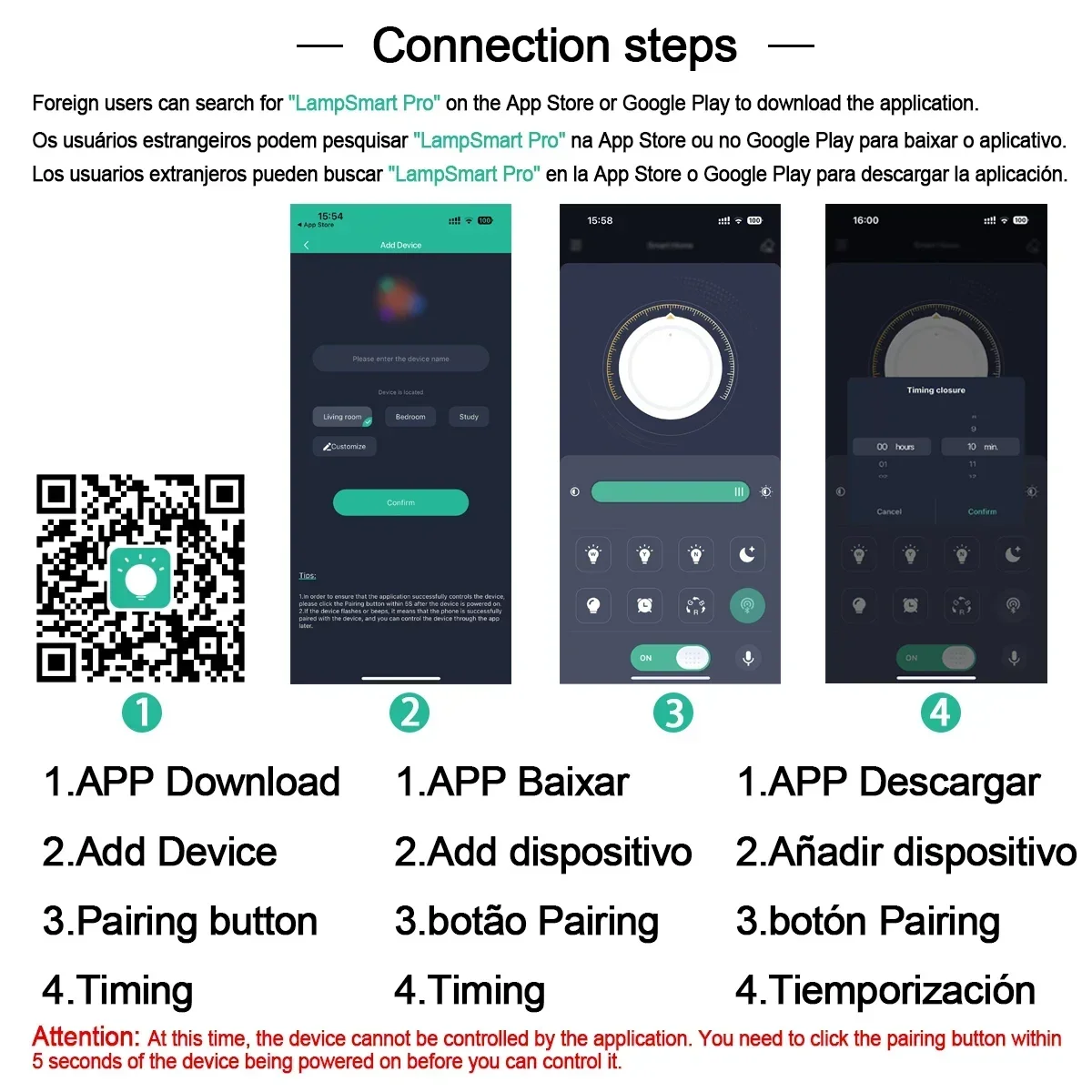
1.Scan QR Code Download

App store download
users can download applications in the App Store or Google Play search "" LampSmart Pro "".
Use the Steps
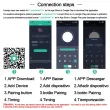
Step 1: Add Device
There is no device in the room when you open the app for the first time. You need to click the "Plus" button
at the bottom of the app to add a device. Enter the device name on the Add Device page and click the "OK"
button.
The page now looks like this:
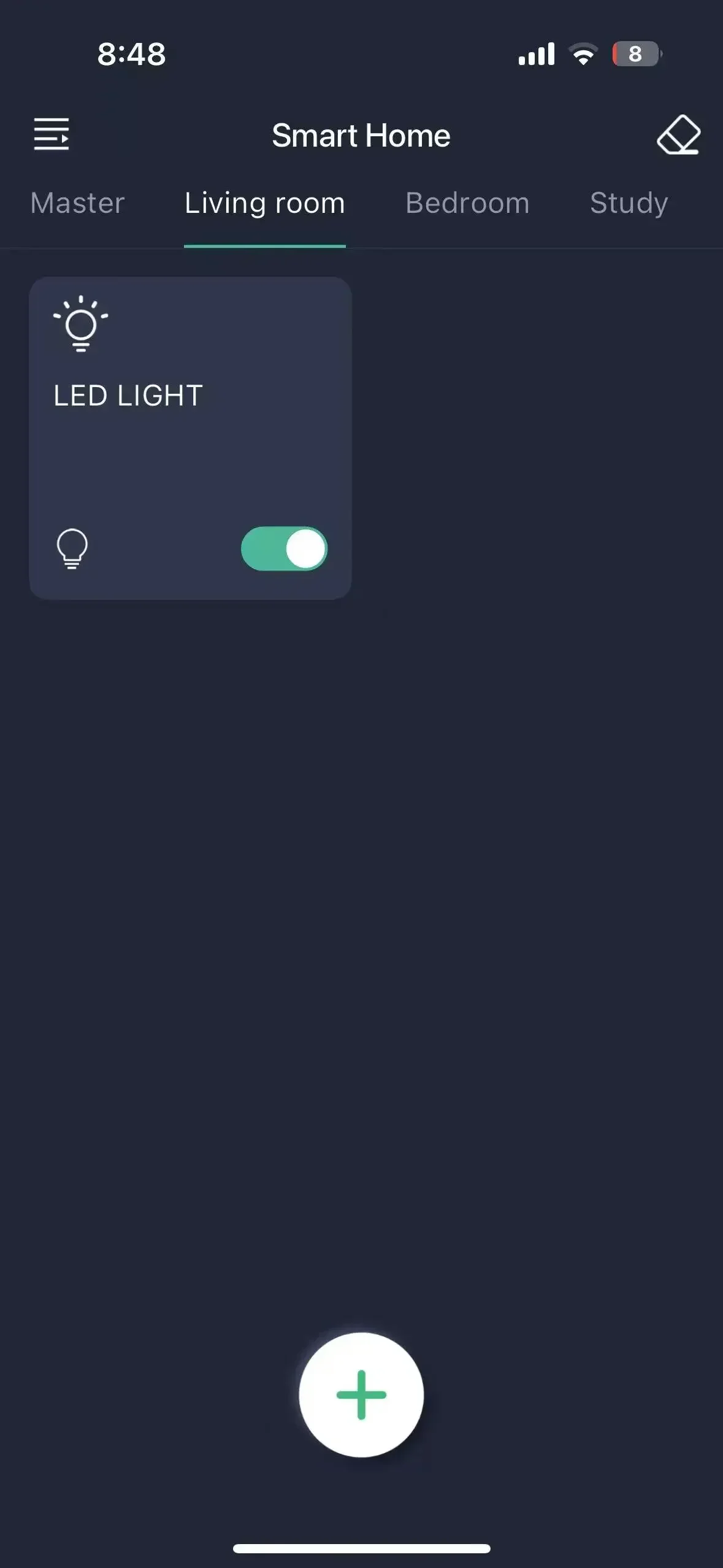
Note: At This Time, the Application Cannot Control the Device. You Need to Click the Pairing Button Within 5
Seconds After the Device Is Powered On.
The upper left corner is the menu button, which can be clicked to open the menu.
The upper right corner is the clear code button. If the lamp flashes after clicking the clear code button
within 5 seconds after the lamp is powered on, the application will not be able to control the lamp in the
future.
General control: when there is equipment in the room, all equipment in the room can be controlled on this
page. Taking the above figure as an example, all devices in the living room can be controlled.
Equipment card: Click the card to enter the equipment control page, and press and hold the card to delete
the equipment or modify the equipment name.
Step 2: Pairing
Click the equipment card in the application to enter the
equipment control page.
Menu Description
Click the menu button on the home
page to open the menu page. As shown
in the following figure:
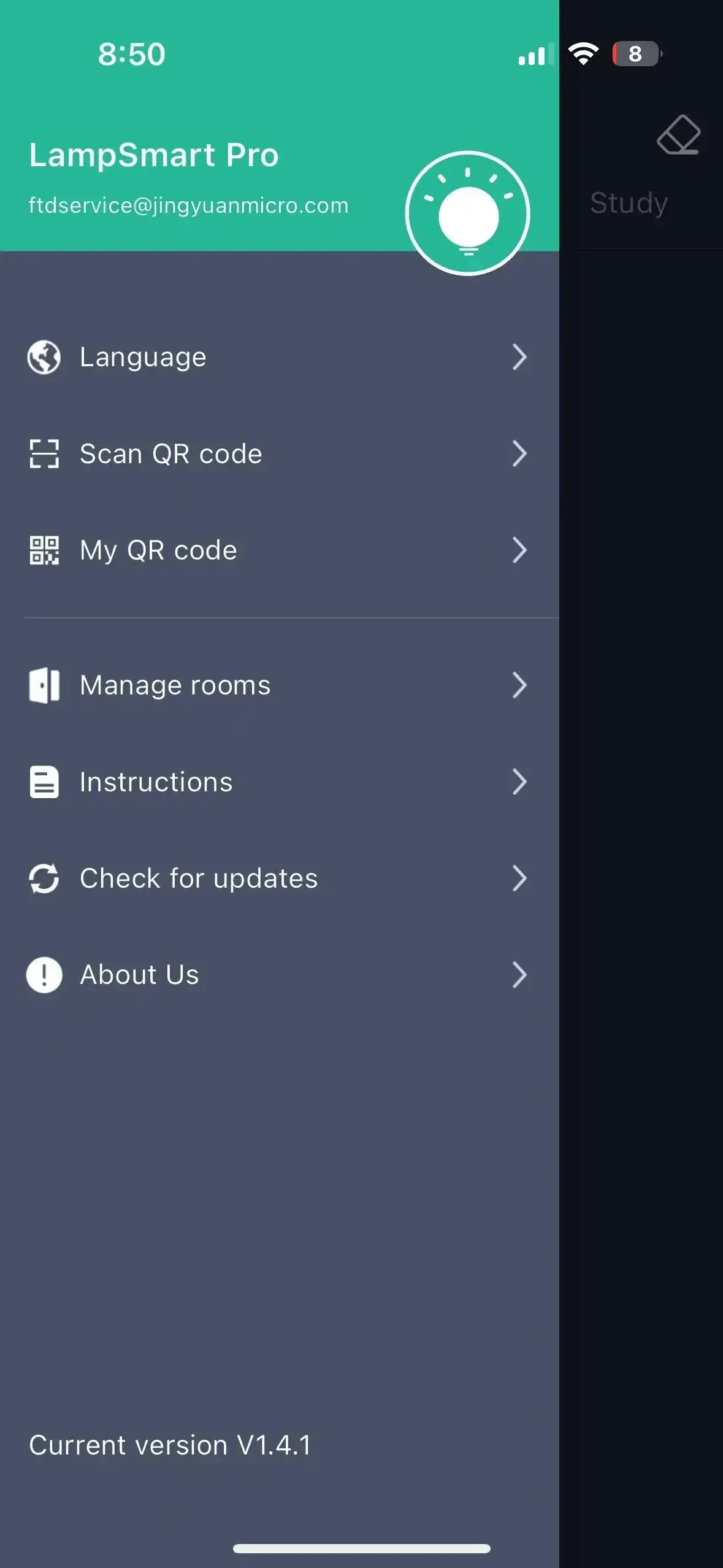 Language: You can choose to switch the language of the application.
Sweep: The QR Code information of the application can be scanned. After successful
scanning, the device information of the scanned application can be synchronized to the
mobile phone, so that multiple mobile phones can control one device.
My QR Code: to present the device information of the application in the form of
QR Code, so as to share the device information of my application. Room
management: rooms can be added, deleted and modified.
Instructions for use: explain how to use the application.
Check for updates: updates can be applied to the latest version.
Question feedback: Send us comments or requests by email so that we can provide better
service.
[End]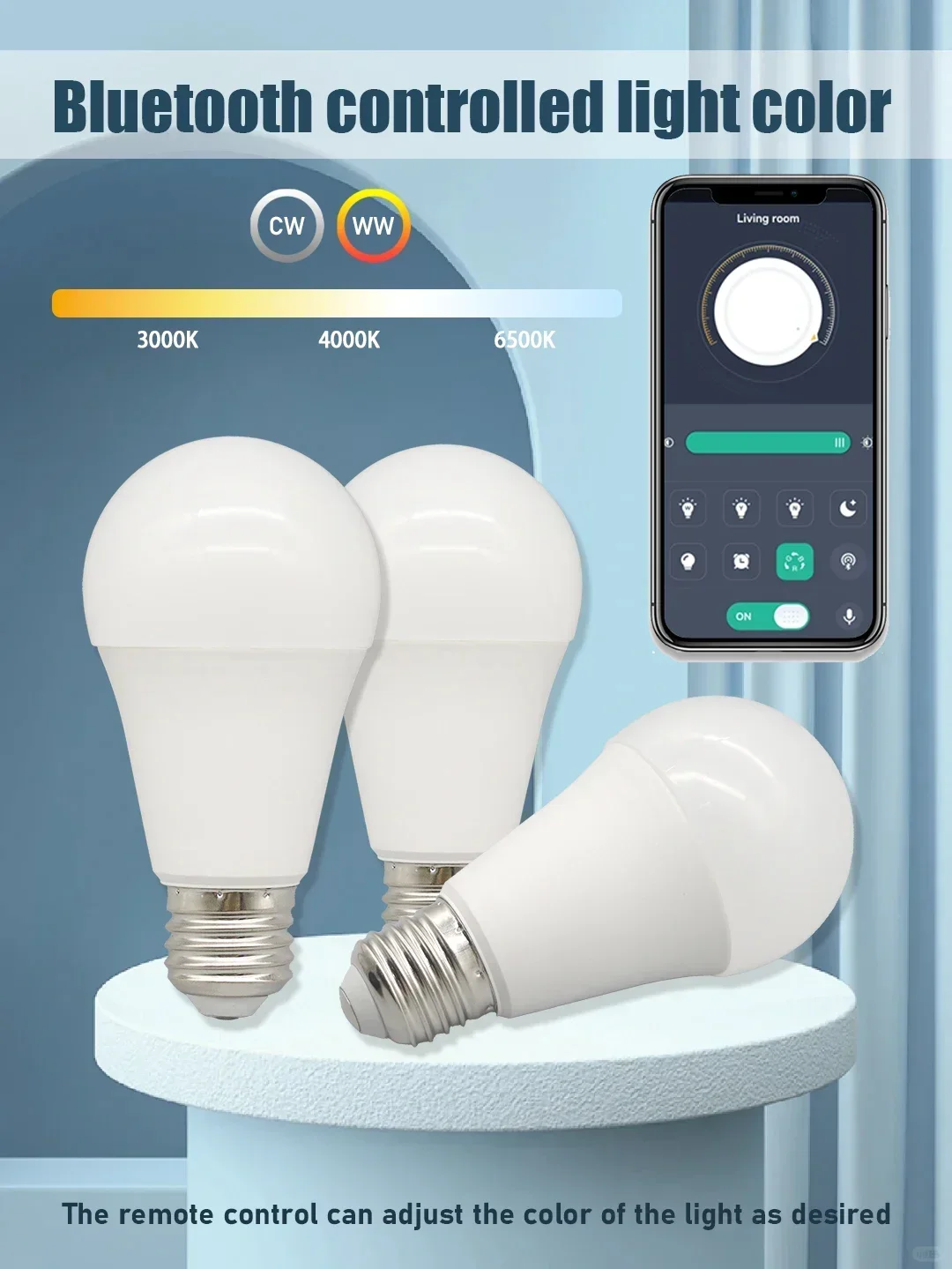

Shop Policies
Payment Policy
Payment Policy – BILLIONS BIRDS
At BILLIONS BIRDS, we are committed to providing a safe, secure, and seamless payment experience for our customers.
1. Accepted Payment Methods
We accept the following payment options:
Major Credit & Debit Cards (Visa, MasterCard, American Express)
Secure Online Payment Gateways (such as PayPal, Stripe, or other providers available at checkout)
Any additional payment methods displayed during checkout
All payments must be completed in full at the time of purchase.
2. Secure Transactions
All transactions are processed through encrypted and secure payment systems to protect your personal and financial information. We do not store your full payment details on our servers.
3. Currency
Prices are displayed in the currency indicated on the website. If you are purchasing from another country, your bank may apply currency conversion fees.
4. Order Confirmation
Once your payment has been successfully processed, you will receive an order confirmation email containing your purchase details.
5. Failed or Declined Payments
If your payment is declined, please verify your billing information or contact your bank. Orders will only be processed after successful payment confirmation.
6. Fraud Prevention
BILLIONS BIRDS reserves the right to cancel or refuse any order if fraud or unauthorised activity is suspected.
Delivery Policy
Delivery Policy – BILLIONS BIRDS
At BILLIONS BIRDS, we are dedicated to delivering your orders safely and efficiently.
1. Order Processing
All orders are processed within 1–3 business days after payment confirmation. Orders are not processed or shipped on weekends or public holidays.
2. Shipping Times
Estimated delivery times vary depending on your location:
Domestic Shipping: 3–7 business days
International Shipping: 7–15 business days
Please note that delivery times are estimates and may vary due to customs procedures, carrier delays, weather conditions, or other unforeseen circumstances.
3. Shipping Costs
Shipping fees are calculated at checkout based on your location and selected shipping method. Any customs duties, taxes, or import fees are the customer's responsibility.
4. Tracking Information
Once your order has been shipped, you will receive a confirmation email with tracking details (if available) so you can monitor your package.
5. Delivery Issues
If your order is delayed, lost, or arrives damaged, please contact us within 7 days of the expected delivery date. We will work with the shipping carrier to resolve the issue as quickly as possible.
6. Incorrect Shipping Information
Customers are responsible for providing accurate shipping details at checkout. BILLIONS BIRDS is not responsible for orders shipped to incorrect addresses provided by the customer.
Refund Policy
Refund Policy – BILLIONS BIRDS
At BILLIONS BIRDS, customer satisfaction is our top priority. If you are not completely satisfied with your purchase, we’re here to help.
1. Return Eligibility
You may request a return within 14 days of receiving your order. To qualify for a return:
The item must be unused, unworn, and in the same condition as received.
The item must be in its original packaging.
Proof of purchase (order confirmation or receipt) is required.
Certain items may not be eligible for return, including clearance items, gift cards, or personalised/custom products.
2. Non-Refundable Items
The following items are non-refundable:
Final sale or discounted items
Gift cards
Items damaged due to misuse, negligence, or improper care
3. Return Process
To initiate a return, please contact our customer support team with your order number and reason for return. If your return is approved, you will receive instructions for returning the item.
Unless the item is defective or incorrect, customers are responsible for return shipping costs.
4. Refund Processing
Once we receive and inspect your returned item:
We will notify you of the approval or rejection of your refund.
If approved, the refund will be issued to your original payment method within 5–10 business days.
Please note that banks or payment providers may require additional time to process refunds.
5. Damaged or Incorrect Items
If you receive a damaged, defective, or incorrect item, please contact us within 7 days of delivery and provide clear photos of the product and packaging. We will arrange a replacement or full refund at no additional cost.
6. Late or Missing Refunds
If you have not received your refund:
Check your bank account again.
Contact your credit card company or payment provider.
If the issue persists, don't hesitate to contact our support team for assistance.
Recommended Products
Customer reviews
Share your thoughts with other customers
Be the first one to write a review!

Items (0)
