
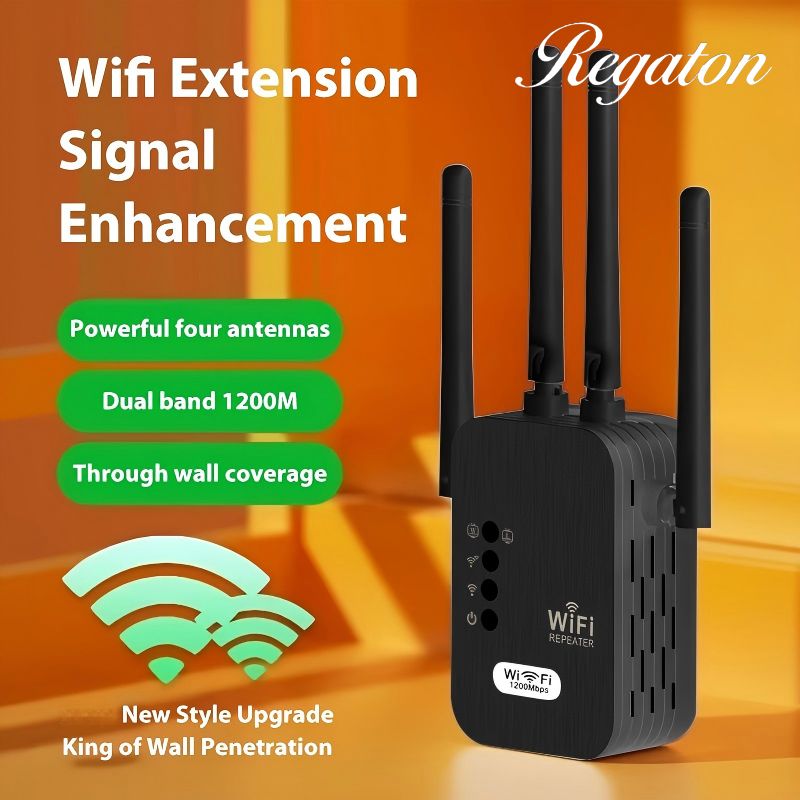
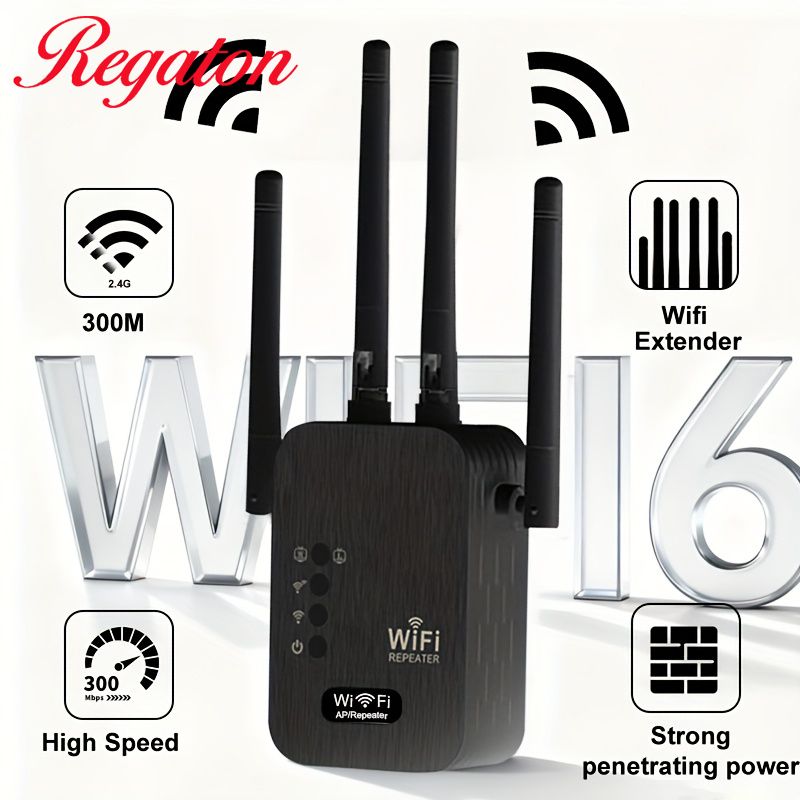
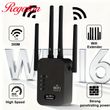
1200Mbps WiFi Repeater Wireless Extender WiFi Booster 5G 2.4G Dual-band Network Amplifier Long Range Signal WiFi Router Home
Includes all taxes
Meet your Seller
-
$25.10Sold by BILLIONS BIRDS
Description
WiFi 6 Wireless Extender User Guide
1. Product Overview
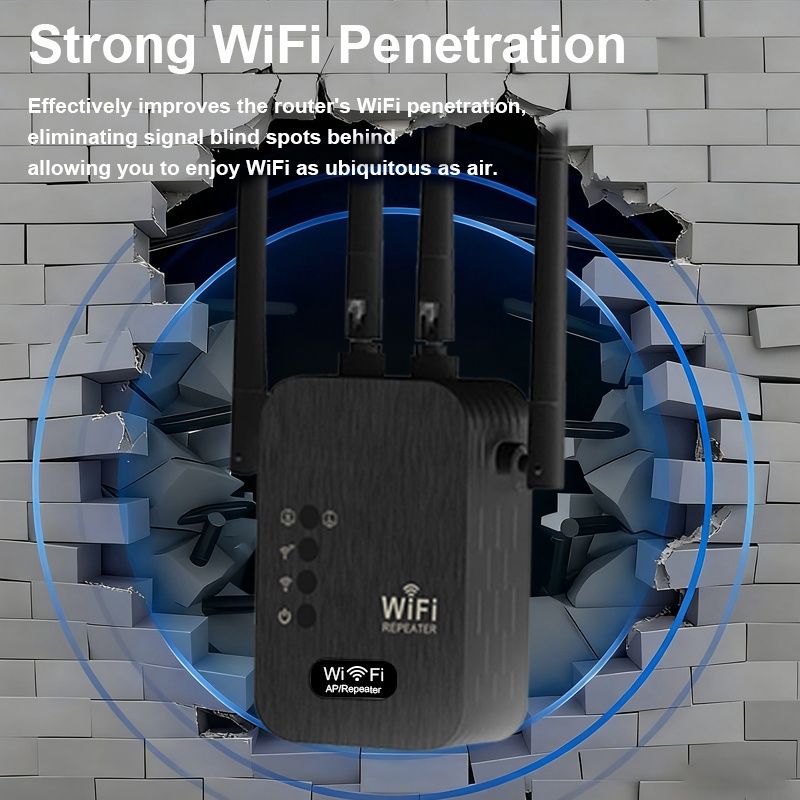
The WiFi 6 dual-band wireless extender is a signal amplification device supporting 2.4GHz and 5GHz dual bands with a maximum speed of 1200Mbps. It is specially designed to solve common WiFi problems such as weak signals, dead zones, and unstable network speeds in homes, offices, shops, and other scenarios. By receiving and amplifying the signal from your existing wireless router, this extender extends WiFi coverage over long distances, ensuring stable internet connection in previously unreachable areas such as bedrooms, balconies, bathrooms, and corridors.
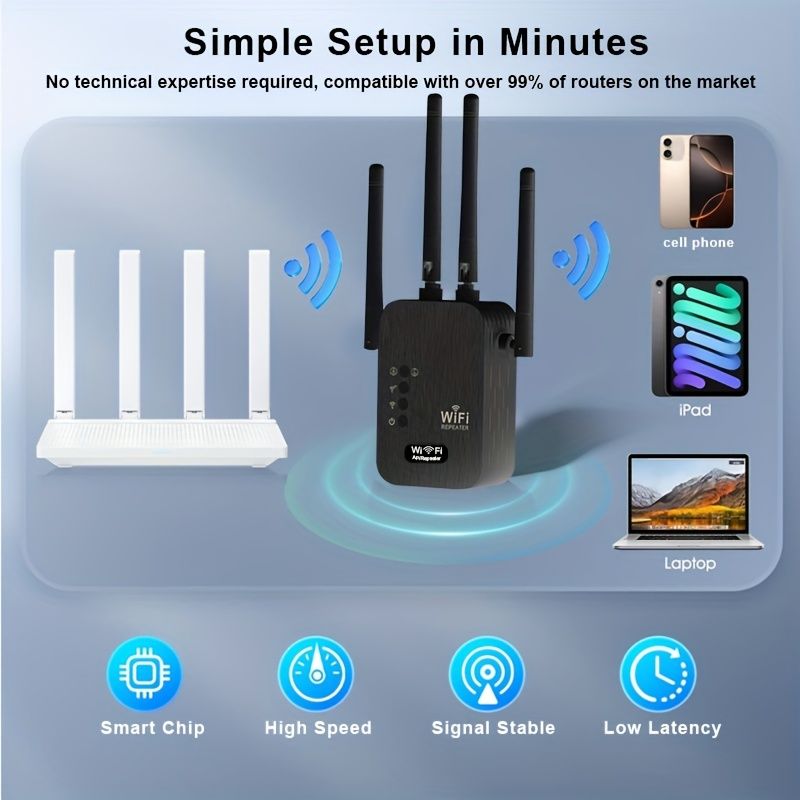
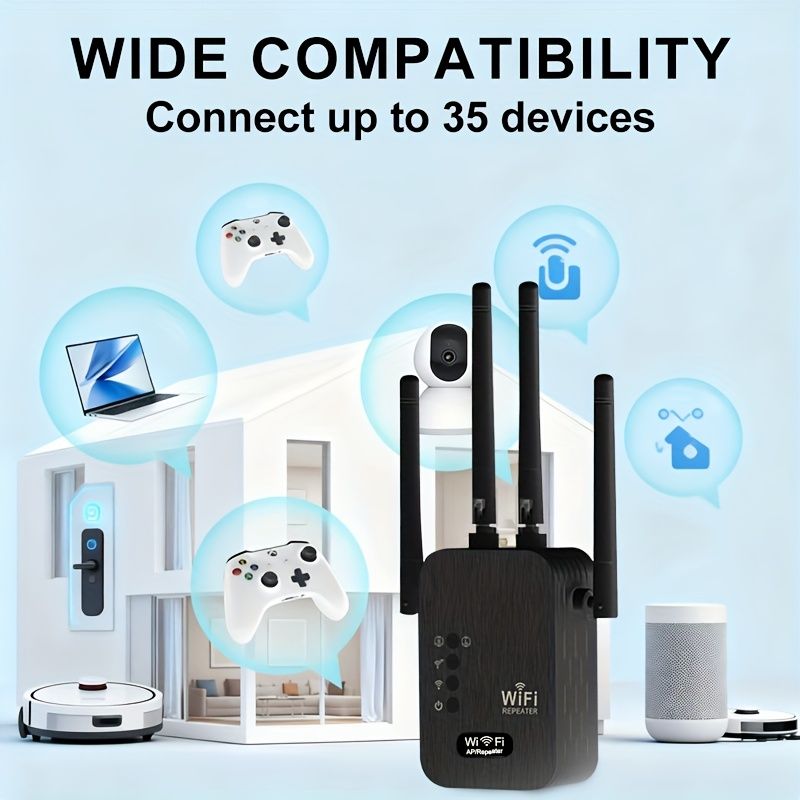
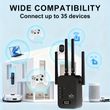
Adopting advanced WiFi 6 technology, the extender delivers lower latency, stronger anti-interference capability, and more stable connections for multiple devices. It is widely compatible with mobile phones, computers, TVs, smart home devices, and other wireless terminals. The device features plug-and-play functionality, allowing users to complete setup quickly without professional network knowledge.
2. Pre-Installation Preparation
Before use, please check that the device and accessories are intact, including the main extender unit and this user manual. Place the extender between your main router and the WiFi dead zone to ensure it can stably receive the router’s signal. Avoid placing the device near metal obstructions, thick walls, microwaves, induction cookers, cordless phones, or other strong interference sources, as these may weaken signal quality and reduce network speed.
The installation environment should be dry, ventilated, cool, and free from high temperatures or moisture to prevent equipment damage and ensure stable performance.
3. Two Configuration Methods
(1) WPS One-Button Connection (Recommended)
Plug the extender into a power socket near your main router and wait for the indicator light to turn on, entering pairing mode.
Press the WPS button on your main router within 1 minute; the WPS light will usually flash rapidly.
Immediately press the WPS button on the extender and wait for automatic connection.
When the indicator light turns solid green or blue, pairing is successful.
Unplug the extender and move it to your ideal position for full signal coverage. This method requires no password input and is suitable for users unfamiliar with network settings.
(2) Web Management Setup (Compatible with All Routers)
Connect your phone or computer to the extender’s default WiFi name (printed on the device label).
Open a browser and enter the management IP address (usually 192.168.x.x) or scan the QR code in the manual.
Log in with the default administrator password to enter the setup wizard.
Select your main router’s WiFi name and enter the correct WiFi password.
Set the extended WiFi name and password. Using the same name and password as your main router supports seamless roaming.
Save settings and wait for the device to reboot. A steady indicator light means setup is complete.
4. Usage and Placement Tips
Proper placement directly determines WiFi performance. The best location is the midpoint between the router and the weak-signal area, ensuring strong reception and effective amplification. Placing it too far causes slow speeds and frequent disconnections; placing it too close limits coverage.
For dual-band usage:
Connect to the 5GHz band for short distances and high-speed demand (faster speed, lower latency).
Connect to the 2.4GHz band for long distances and wall penetration (more stable, stronger coverage).
The extender supports simultaneous connections of multiple devices. For optimal stability, power-cycle the extender every 7 to 15 days.
5. Indicator Light Status
Solid power light: Device powered on normally.
Flashing light: Booting or connecting.
Solid green/blue light: Successfully connected, good signal.
Flashing red or solid yellow light: Weak signal; move closer to the router.
All lights off: Check power supply or device damage.
6. Factory Reset
If you forget the password, misconfigure settings, cannot connect, or change the usage environment, perform a reset:
Use a pin or toothpick to press and hold the Reset hole for 8–10 seconds until all lights flash. Release the button, and the device will restore to factory defaults. All previous settings will be erased, and you may reconfigure it.
7. Warnings and Troubleshooting
This device only extends WiFi coverage and does not increase broadband bandwidth.
Do not use the extender outdoors in rain, high temperatures, or dusty environments.
Slow speed after extension: Usually caused by weak signal or interference. Adjust placement.
Cannot find extended WiFi: Reset and reconfigure; check if the main router works normally.
Frequent disconnections: Keep away from interference, restart both router and extender, and verify password correctness.
8. Summary
The WiFi 6 dual-band wireless extender is easy to operate and highly practical, effectively improving insufficient WiFi coverage and weak signals. With proper placement, reasonable configuration, and regular maintenance, the device can run stably for a long time, providing full-home high-speed and seamless internet access for daily entertainment, office work, and smart home connections.
Shop Policies
Payment Policy
Payment Policy – BILLIONS BIRDS
At BILLIONS BIRDS, we are committed to providing a safe, secure, and seamless payment experience for our customers.
1. Accepted Payment Methods
We accept the following payment options:
Major Credit & Debit Cards (Visa, MasterCard, American Express)
Secure Online Payment Gateways (such as PayPal, Stripe, or other providers available at checkout)
Any additional payment methods displayed during checkout
All payments must be completed in full at the time of purchase.
2. Secure Transactions
All transactions are processed through encrypted and secure payment systems to protect your personal and financial information. We do not store your full payment details on our servers.
3. Currency
Prices are displayed in the currency indicated on the website. If you are purchasing from another country, your bank may apply currency conversion fees.
4. Order Confirmation
Once your payment has been successfully processed, you will receive an order confirmation email containing your purchase details.
5. Failed or Declined Payments
If your payment is declined, please verify your billing information or contact your bank. Orders will only be processed after successful payment confirmation.
6. Fraud Prevention
BILLIONS BIRDS reserves the right to cancel or refuse any order if fraud or unauthorised activity is suspected.
Delivery Policy
Delivery Policy – BILLIONS BIRDS
At BILLIONS BIRDS, we are dedicated to delivering your orders safely and efficiently.
1. Order Processing
All orders are processed within 1–3 business days after payment confirmation. Orders are not processed or shipped on weekends or public holidays.
2. Shipping Times
Estimated delivery times vary depending on your location:
Domestic Shipping: 3–7 business days
International Shipping: 7–15 business days
Please note that delivery times are estimates and may vary due to customs procedures, carrier delays, weather conditions, or other unforeseen circumstances.
3. Shipping Costs
Shipping fees are calculated at checkout based on your location and selected shipping method. Any customs duties, taxes, or import fees are the customer's responsibility.
4. Tracking Information
Once your order has been shipped, you will receive a confirmation email with tracking details (if available) so you can monitor your package.
5. Delivery Issues
If your order is delayed, lost, or arrives damaged, please contact us within 7 days of the expected delivery date. We will work with the shipping carrier to resolve the issue as quickly as possible.
6. Incorrect Shipping Information
Customers are responsible for providing accurate shipping details at checkout. BILLIONS BIRDS is not responsible for orders shipped to incorrect addresses provided by the customer.
Refund Policy
Refund Policy – BILLIONS BIRDS
At BILLIONS BIRDS, customer satisfaction is our top priority. If you are not completely satisfied with your purchase, we’re here to help.
1. Return Eligibility
You may request a return within 14 days of receiving your order. To qualify for a return:
The item must be unused, unworn, and in the same condition as received.
The item must be in its original packaging.
Proof of purchase (order confirmation or receipt) is required.
Certain items may not be eligible for return, including clearance items, gift cards, or personalised/custom products.
2. Non-Refundable Items
The following items are non-refundable:
Final sale or discounted items
Gift cards
Items damaged due to misuse, negligence, or improper care
3. Return Process
To initiate a return, please contact our customer support team with your order number and reason for return. If your return is approved, you will receive instructions for returning the item.
Unless the item is defective or incorrect, customers are responsible for return shipping costs.
4. Refund Processing
Once we receive and inspect your returned item:
We will notify you of the approval or rejection of your refund.
If approved, the refund will be issued to your original payment method within 5–10 business days.
Please note that banks or payment providers may require additional time to process refunds.
5. Damaged or Incorrect Items
If you receive a damaged, defective, or incorrect item, please contact us within 7 days of delivery and provide clear photos of the product and packaging. We will arrange a replacement or full refund at no additional cost.
6. Late or Missing Refunds
If you have not received your refund:
Check your bank account again.
Contact your credit card company or payment provider.
If the issue persists, don't hesitate to contact our support team for assistance.
Recommended Products
Customer reviews
Share your thoughts with other customers
Be the first one to write a review!

Items (0)
