
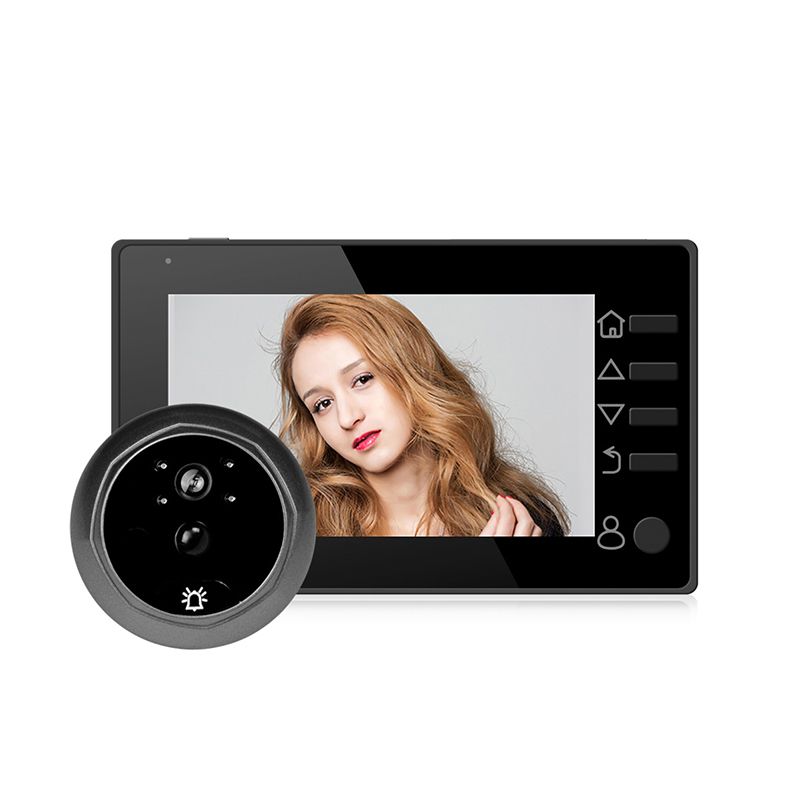
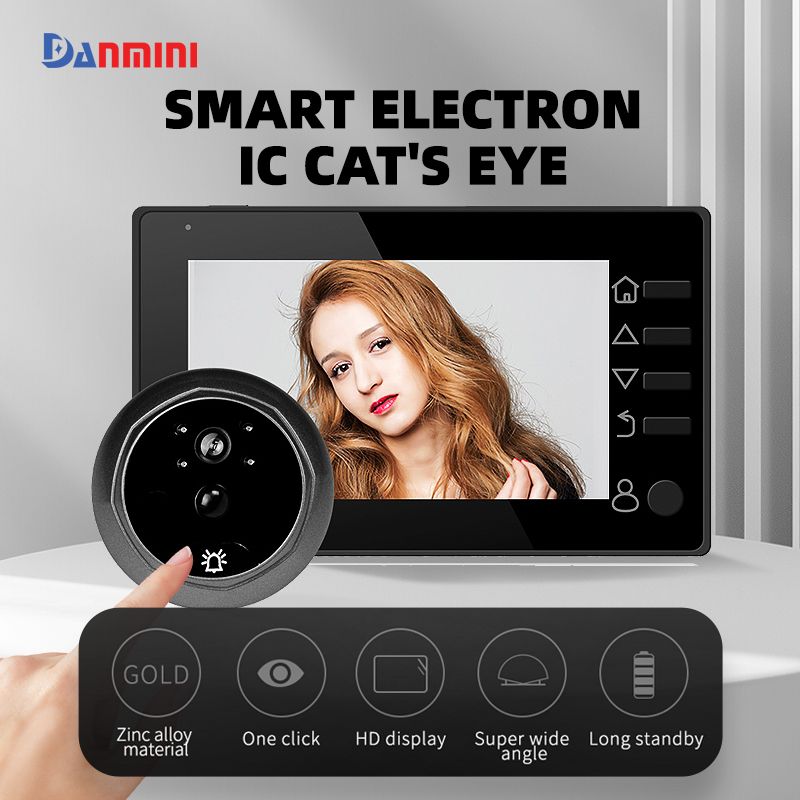
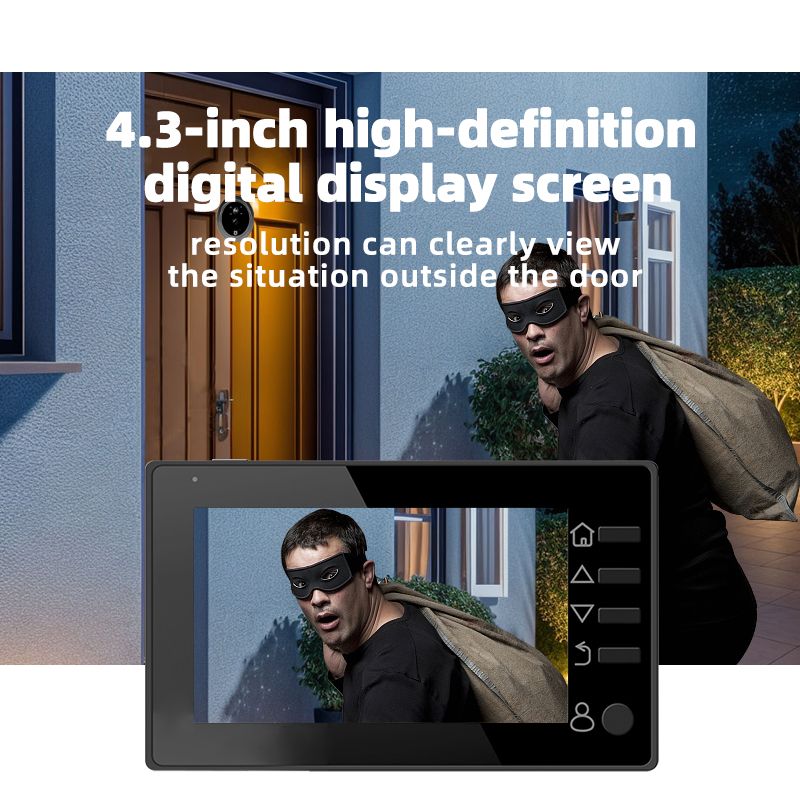
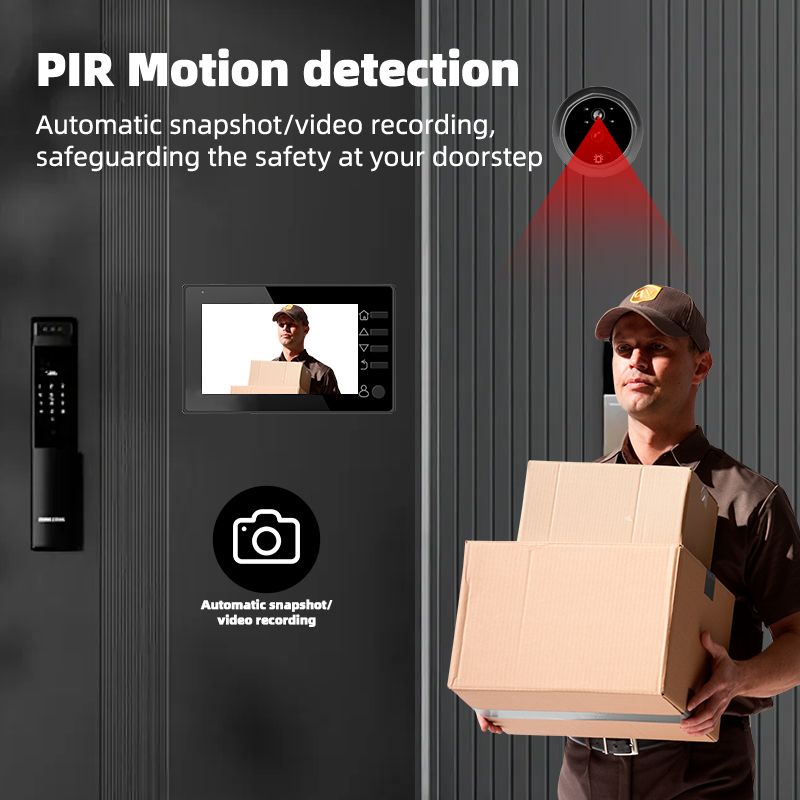
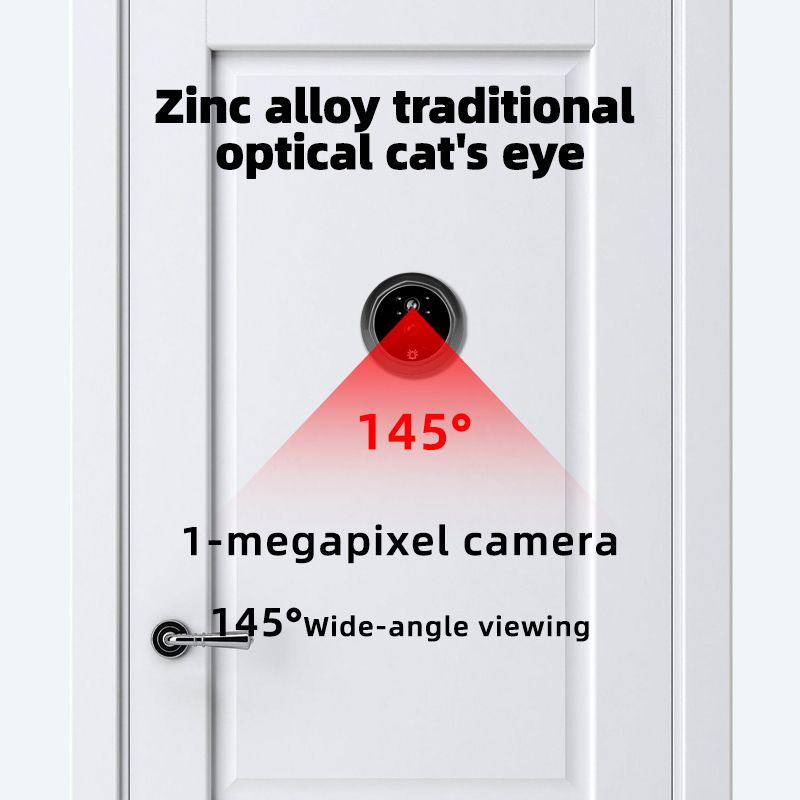

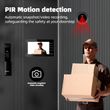
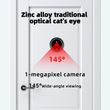
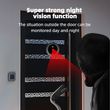
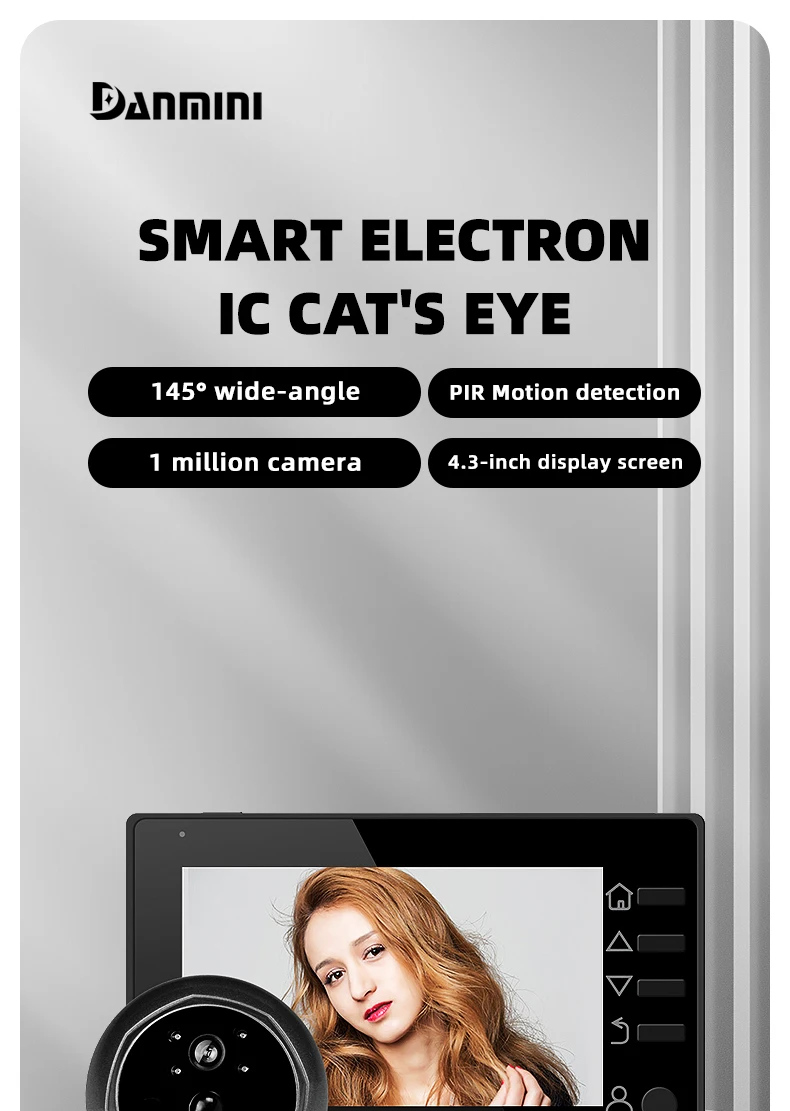
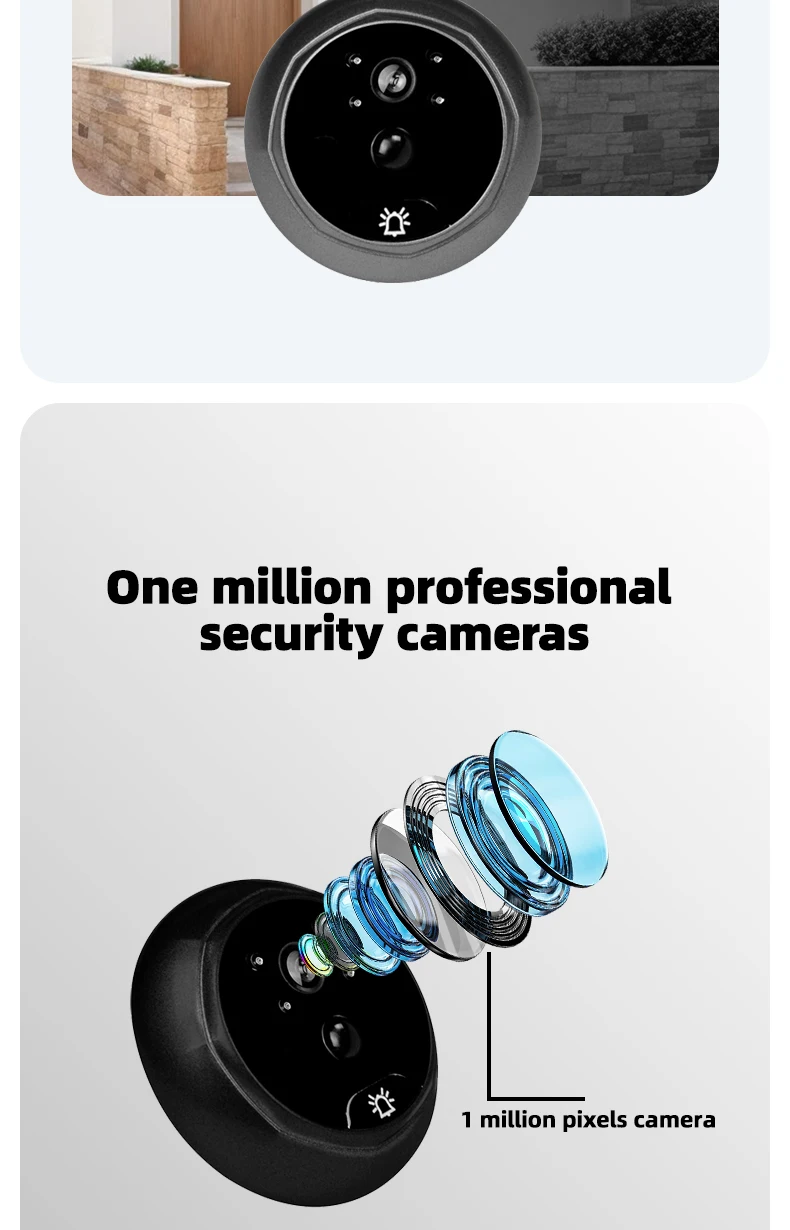
4.3 Inch HD Display Visual Peephole Video Doorbell 145 Degree Angel 1 Megapixel Camera PIR Motion Detection Night Vision Cat Eye
Includes all taxes
Meet your Seller
-
$167.29Sold by BILLIONS BIRDS
Description
👆👆👆This is a video about installation👆👆👆
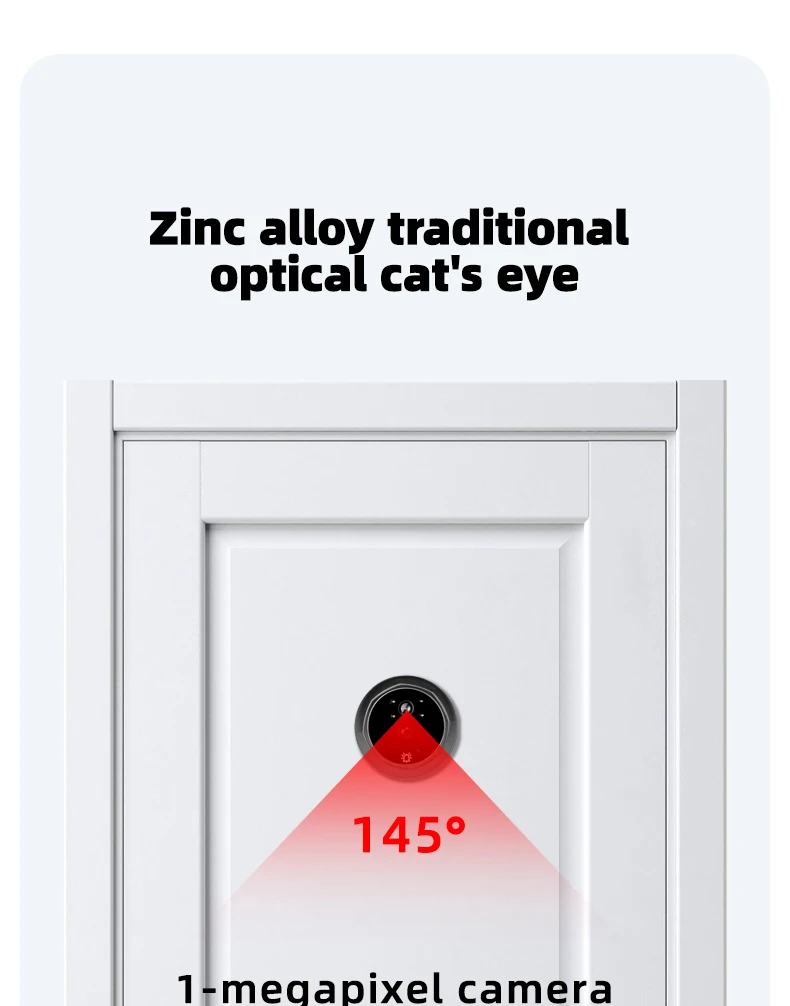
Dannini SMART ELECTRONIC CAT'S EYE
Tips:
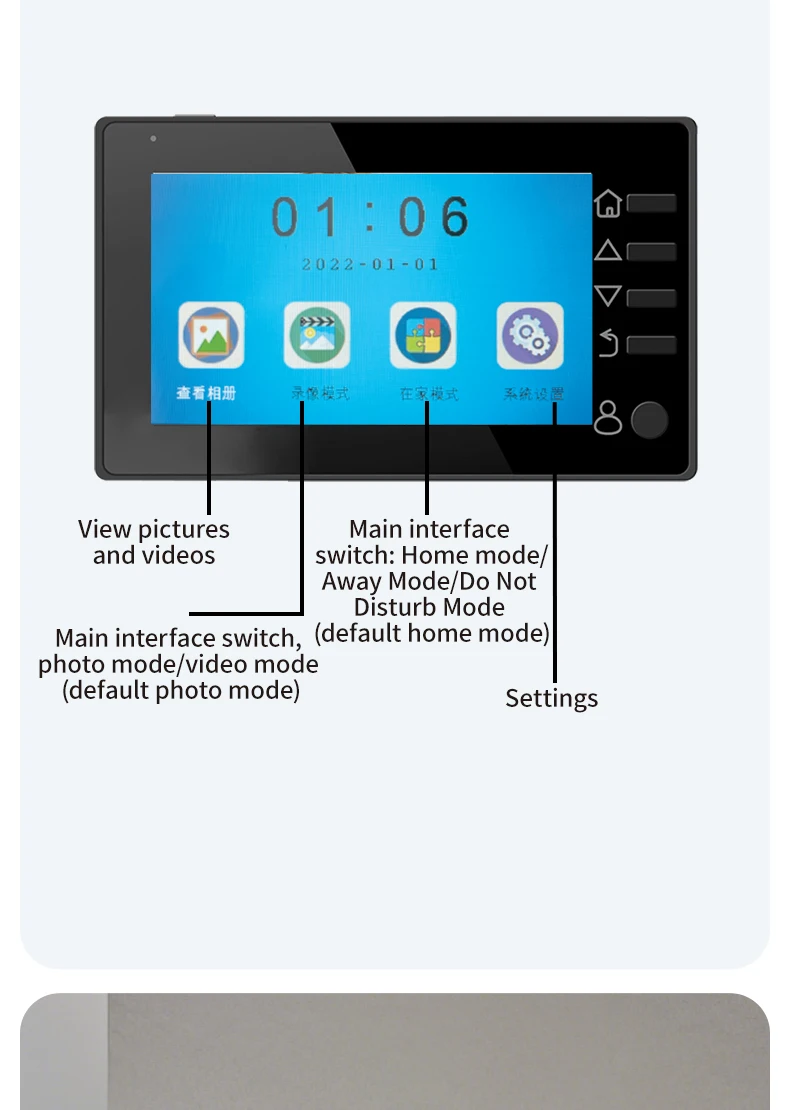
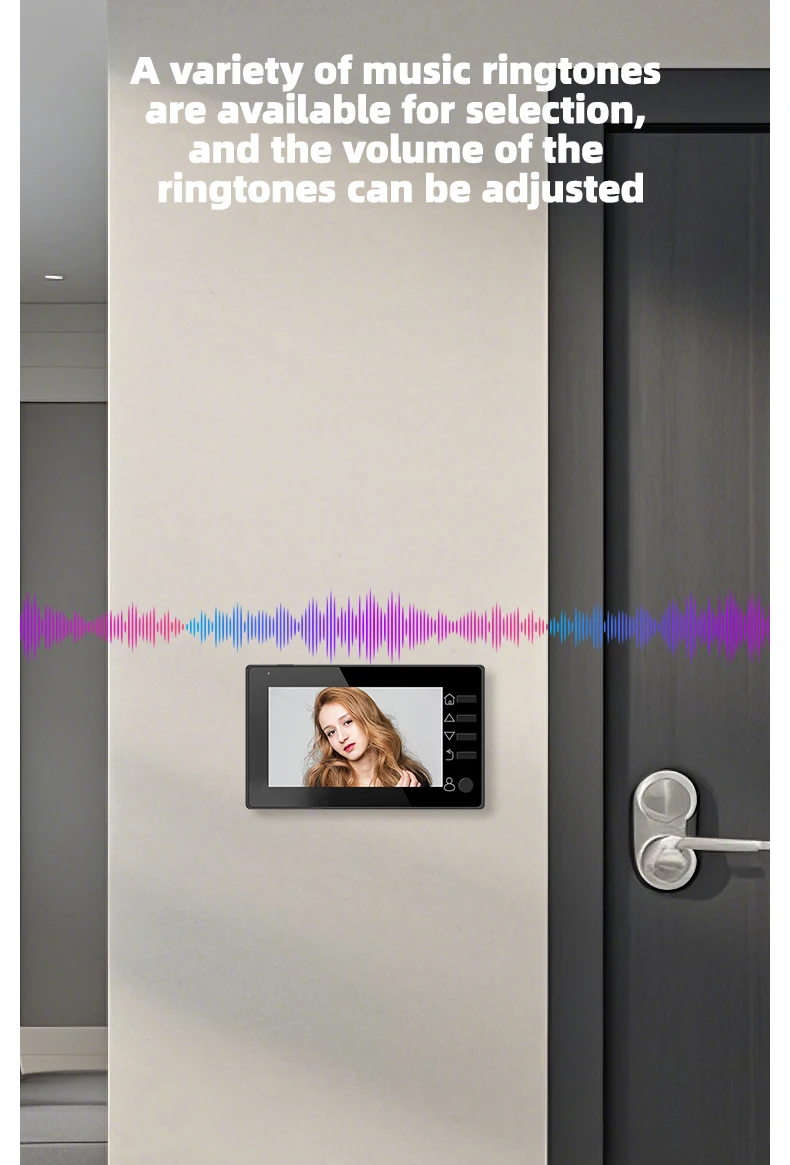
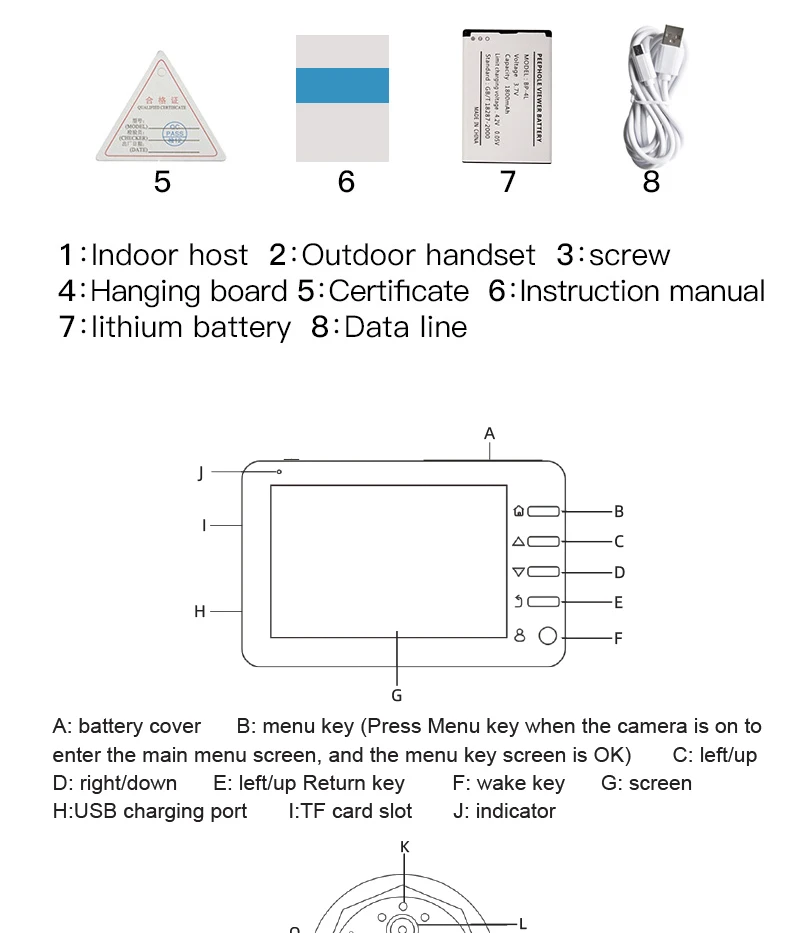
1.The first button is the menu button and the confirm button. Clicking the menu button will enter the main menu interface. The photo mode and video mode are the same icon. After selecting them, press the menu button to switch. The recording mode requires a TF card to be inserted in order to use.
2. The sensitivity of the mobile monitoring function can be low, medium, or high, and it can also be turned off.
3. This product has six languages, including English, Chinese, Russian, French, Italian, and Spanish, which can be changed in the settings.
4. The recording time can be set to automatically record for 10, 20, or 30 seconds, and you can adjust it according to your needs. After setting up, click the recording button to automatically record. The recording function requires inserting a TF card to use.
5. The photo quality can be selected from 1M, 2M, 3M. The larger the memory, the clearer the photo. You can adjust it according to your needs. When there is not enough memory, you can enter the main menu page, click on the album, enter it, select the unwanted photos, and click the menu button to delete them.
6. The number of photos can be set to 1, 2, or 3 per shot, and you can adjust it according to your needs. After setting up, press the photo button to take the desired number of photos at once.
7. The automatic screen shutdown time is 10, 20, and 30 seconds, and it can also be turned off, but it will cause the battery to consume quickly.
8. The light source frequency has two types: 50HZ and 60Hz. The higher the frequency, the higher the power consumption. You can adjust it according to your needs.
9. The formatting function will clear the contents of the memory card, and resetting the system option will restore all product functions to factory default settings. Please use with caution.
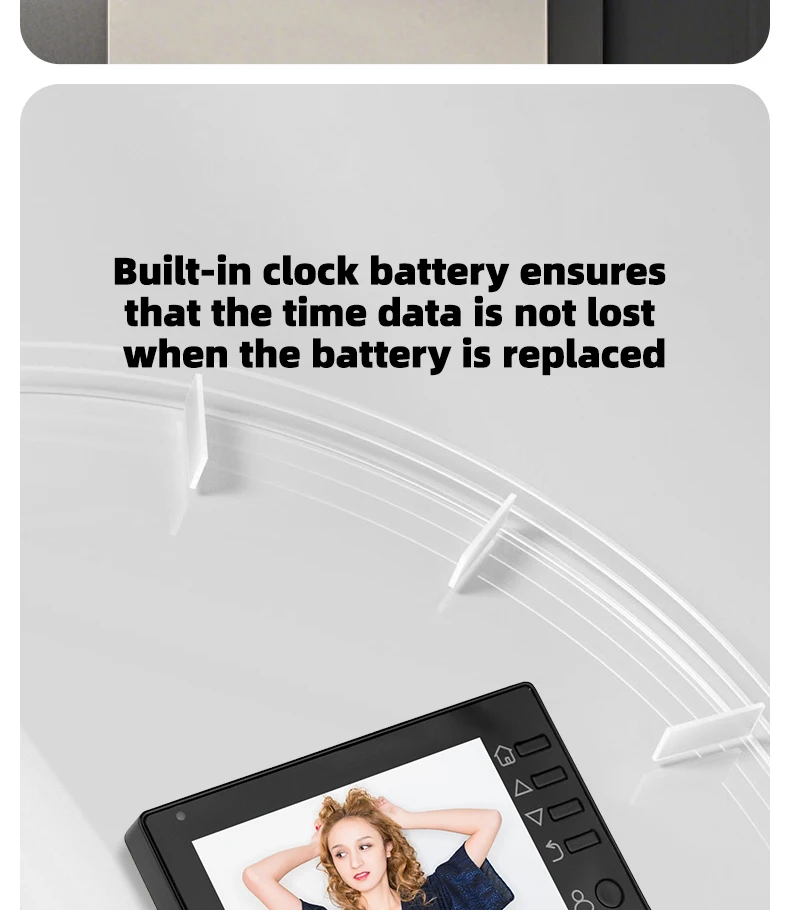
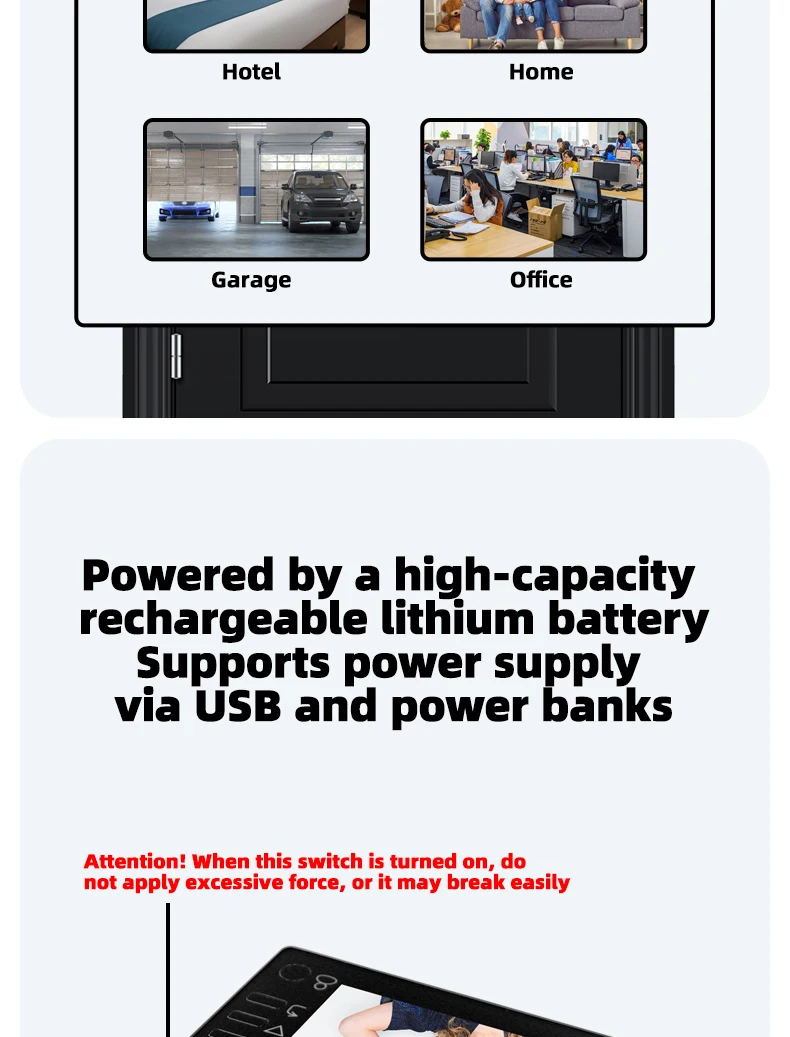
10. This product has two power supply modes. You can use a 1800mAh rechargeable lithium battery or a 5V1A external power supply to power it before testing.
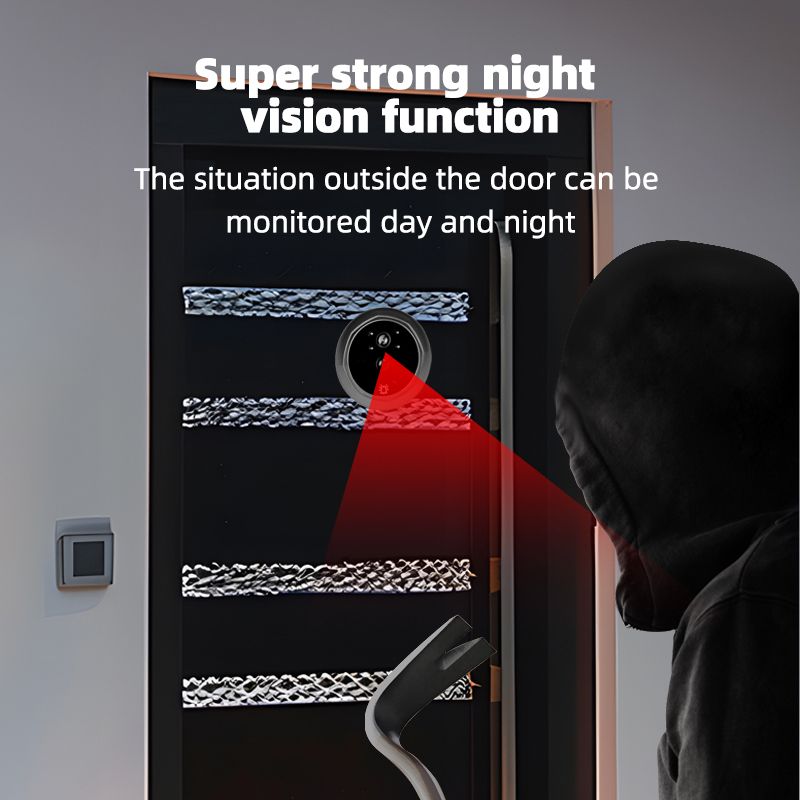
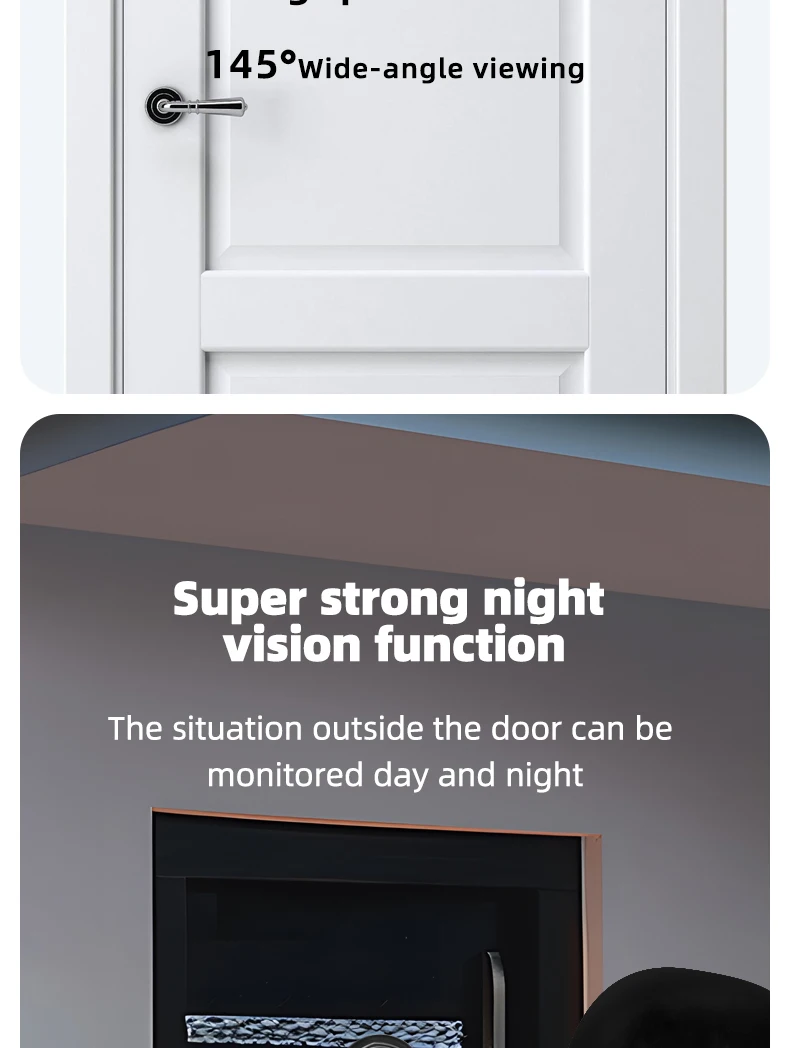
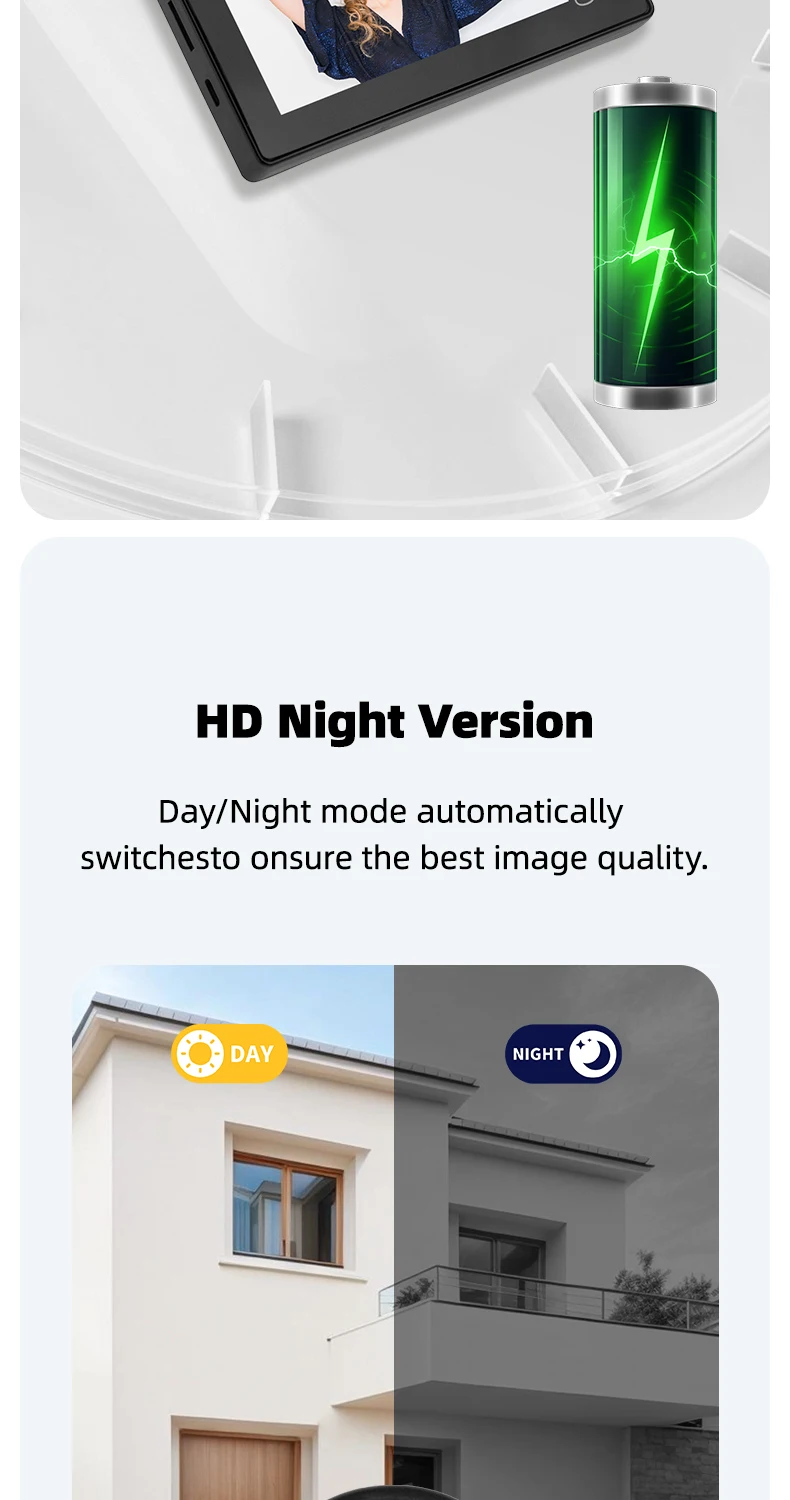
11. This product has infrared night vision function.
12. This product is a standalone peephole doorbell, and you cannot synchronize the screen to your phone through WiFi connection.
Due to manual measurement, please allow for a difference of 1-3CM.
Thank you for your understanding!!!
Disadvantage:
1. It has 4M built-in memory. Can it only be used for taking photos? A TF memory card is needed for video recording.
2. No WIFI, No APP.
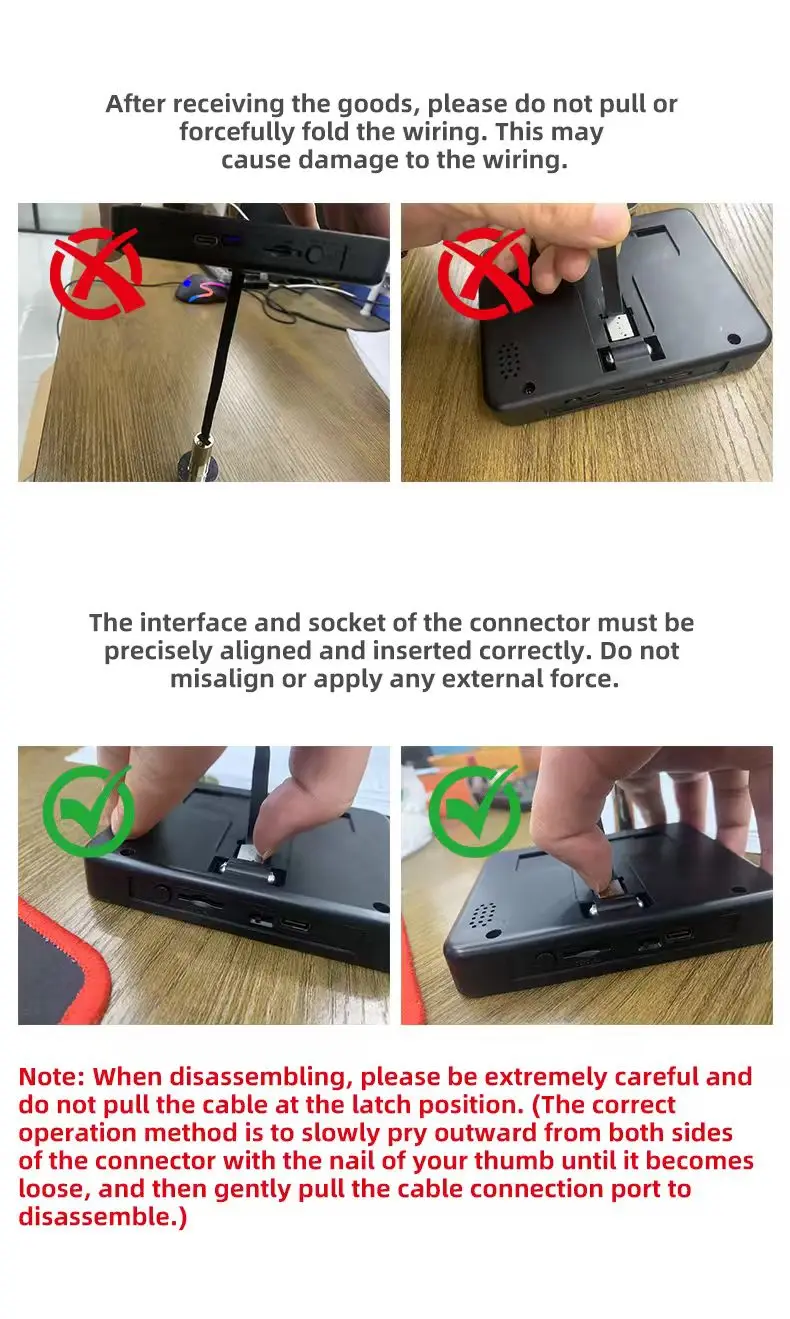
3. After the doorbell is installed, be careful when unplugging the cables between the doorbells, as this can easily damage the cables.
4. Meanwhile, please use a 5V 2A /5V 1Acharging plug that meets the specifications for power supply. Do not use a charger that does not meet the specifications for power supply, otherwise the equipment may be burned out.
5. Due to manual measurement, please allow for a difference of 1-3CM.
Product Function Introduction and Precautions:
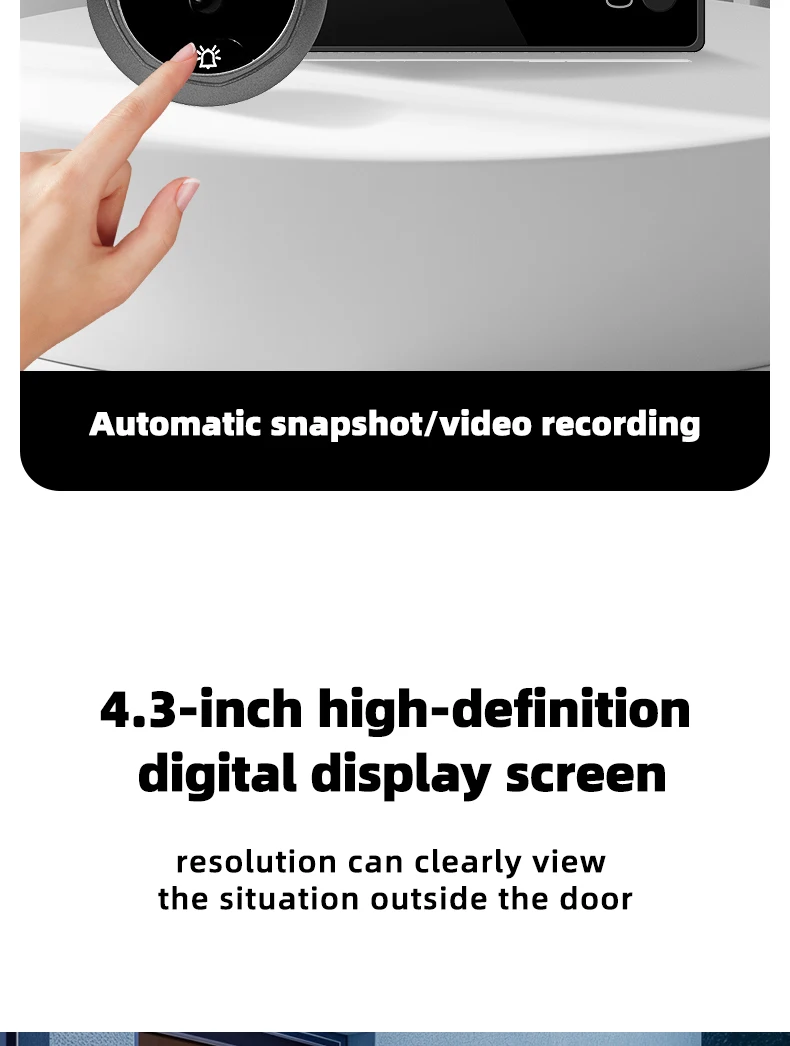
1. The product adopts energy-saving mode, and enters automatic standby mode after ten seconds of screen shutdown. When you need to use it, press the menu button to turn on and check the situation outside the door.
2. Short press the menu button to take a photo, long press the menu button to enter the album. Quickly press the menu button twice in a row to enter the photo deletion interface, click the menu and select OK to delete unnecessary photos.
Handle the peephole camera cable with care during installation; do not pull it forcefully.
When installing, align the peephole connector with the display port and press down gently.
After connecting, do not drag the display unit by the peephole camera.
Dragging the camera may damage the internal wiring.
When removing, lift the display gently and carefully snap the peephole connector out from the left and right sides.
Common Questions
1. The machine doesn't start up and has no response at all?
A: Check if the battery is correctly placed in the battery compartment
B: Check the battery quality and power. (Initial voltage greater than or equal to 4.2V)
C: It can be powered on via USB (using a 5V1A/2A mobile phone charger plug).
D: The working voltage of the machine is 3.6V-5V. Check if the input voltage is within this range
2. Does the startup show "Video Not Started" with no image?
A: The ribbon cable interface is connected in reverse. Please pay attention to the direction.
B: The ribbon cable is damaged or the camera ribbon cable or the cat's eye head ribbon cable has poor contact (re-plug and unplug)
Insert it in the direction of the arrow on the motherboard
3. The machine automatically goes black?
The machine adopts an energy-saving design. It takes 10 seconds by default and automatically turns off the screen for standby. You can enter it in the Settings menu
Make other choices.
4. Does the machine not turn off the screen for standby?
In the Settings menu "Auto Shutdown", set the Settings for 10 seconds (10 seconds of screen off and standby) and 20 seconds
20-second screen off standby, 30 seconds (30-second screen off standby), off (non-screen off standby)
5. No photos or videos allowed?
The machine only has the function of taking photos or videos when a TF card is inserted.
6. Not reading the TF card, not saving photos, unable to play photos, etc.?
A: Please use a high-speed and full-capacity memory card. Format the memory card before use
B: Insert the TF card into another device and confirm whether the TF card is in good condition
C: Restart the host after inserting the TF card
D: Use alcohol or an eraser to clean the gold finger part of the memory card
E: Replace the memory card
7. Can it be used at night?
The outdoor unit is equipped with an infrared lamp and supports a night vision with an effective distance of 2 meters, allowing visitors' faces to be clearly seen
Characteristics.
8. The doorbell doesn't ring or the screen doesn't light up?
A: Confirm whether it is turned on; Check whether the connection ribbon cable between the camera and the main unit is properly connected and whether
Obviously damaged
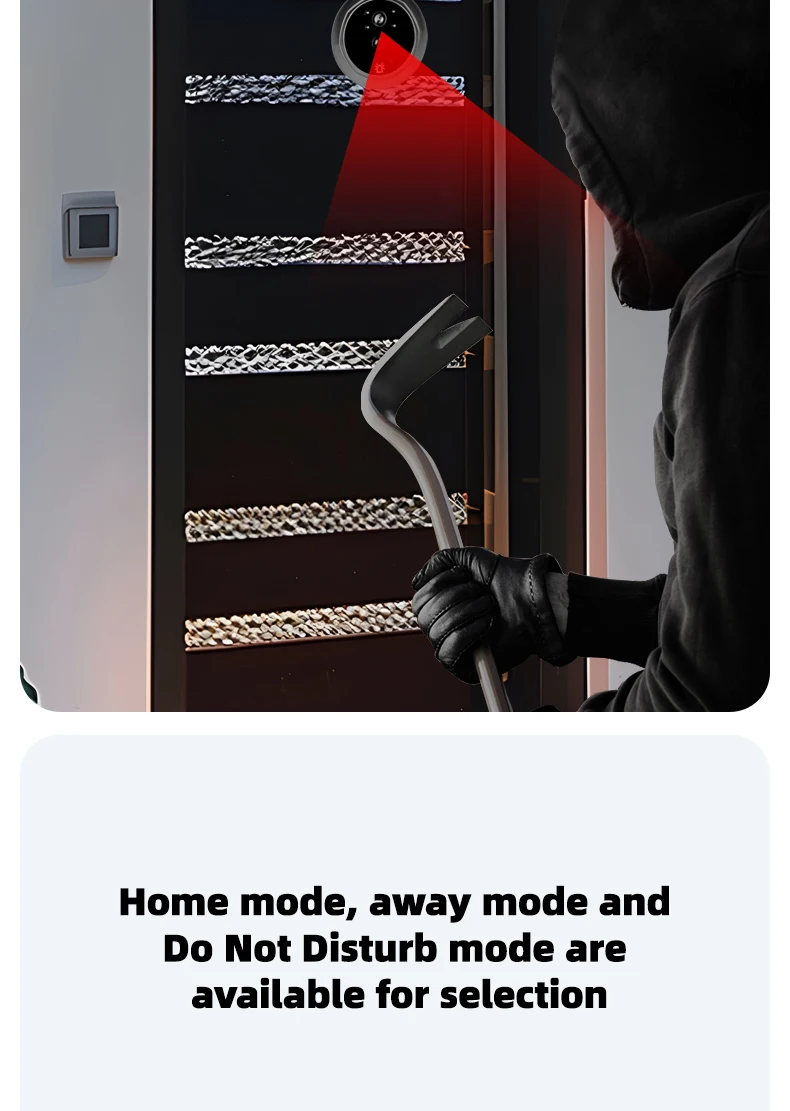
B: Check the machine mode and switch to the mode that suits you. Home mode (Press the doorbell button outside the door.
When the machine rings the doorbell and the screen lights up)/ Away mode (when the doorbell button outside the door is pressed, the machine
When the door rings, the screen does not light up. It automatically takes photos/videos and stores them for visitors. / Do Not Disturb mode
When the doorbell button outside the door is pressed, the machine does not ring the doorbell, the screen does not light up, and it automatically takes photos/videos
"Store visitors
9. How thick should the door be for installation? Are there enough screws?
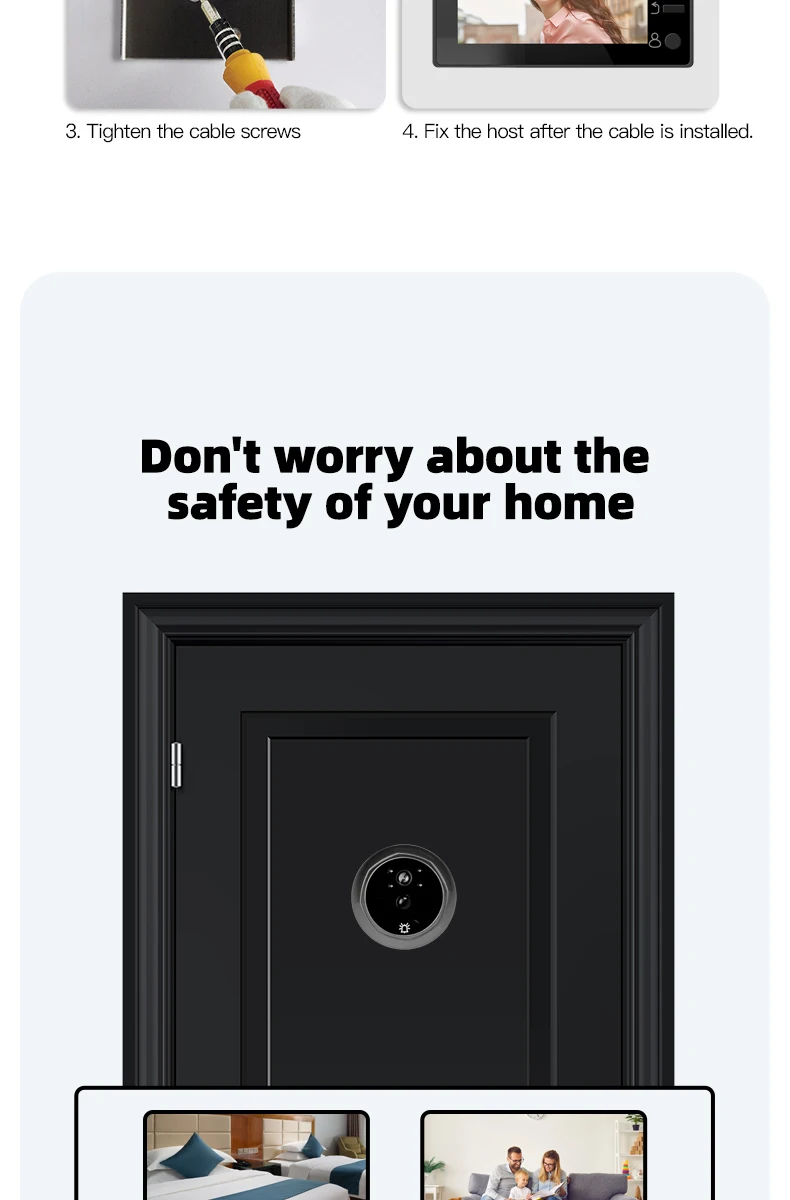
Doors without holes need to be drilled before installation, and the best size of the hole diameter is 15-20mm.
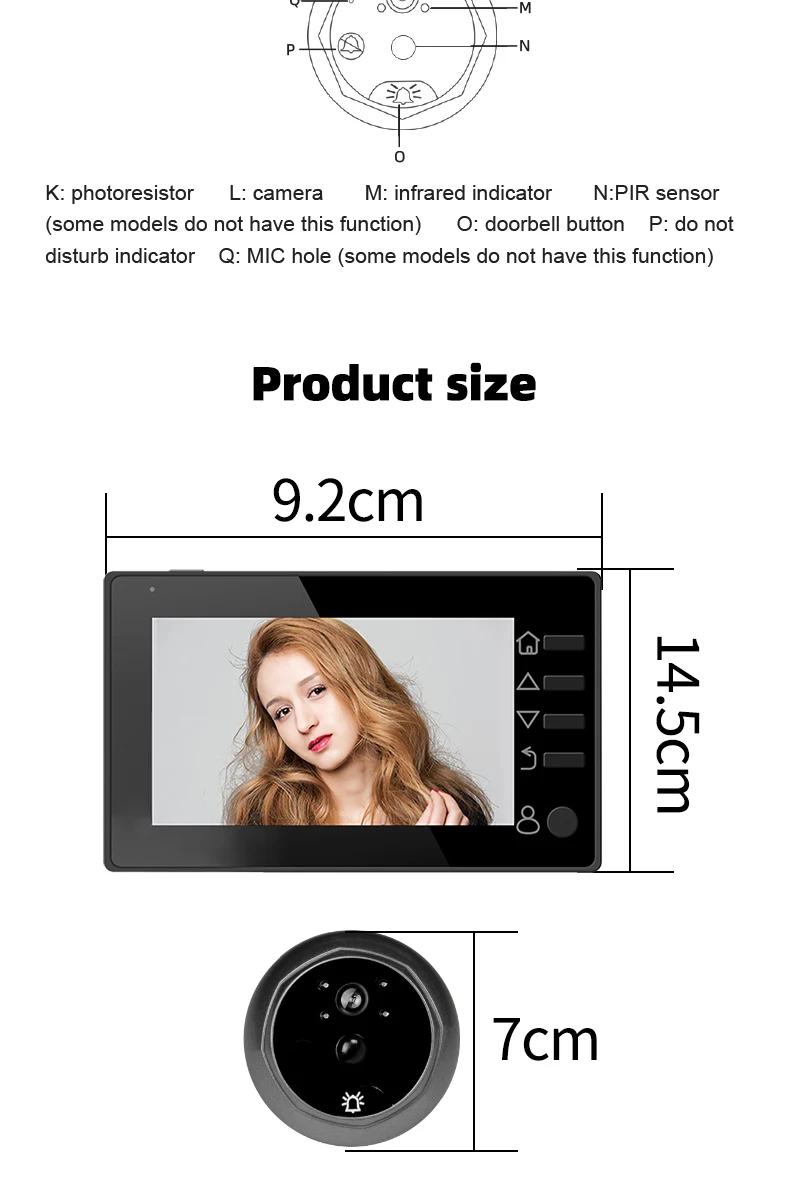
Applicable range of door thickness: 30mm to 110mm; The suitable range for the door opening is 15 to 50mm
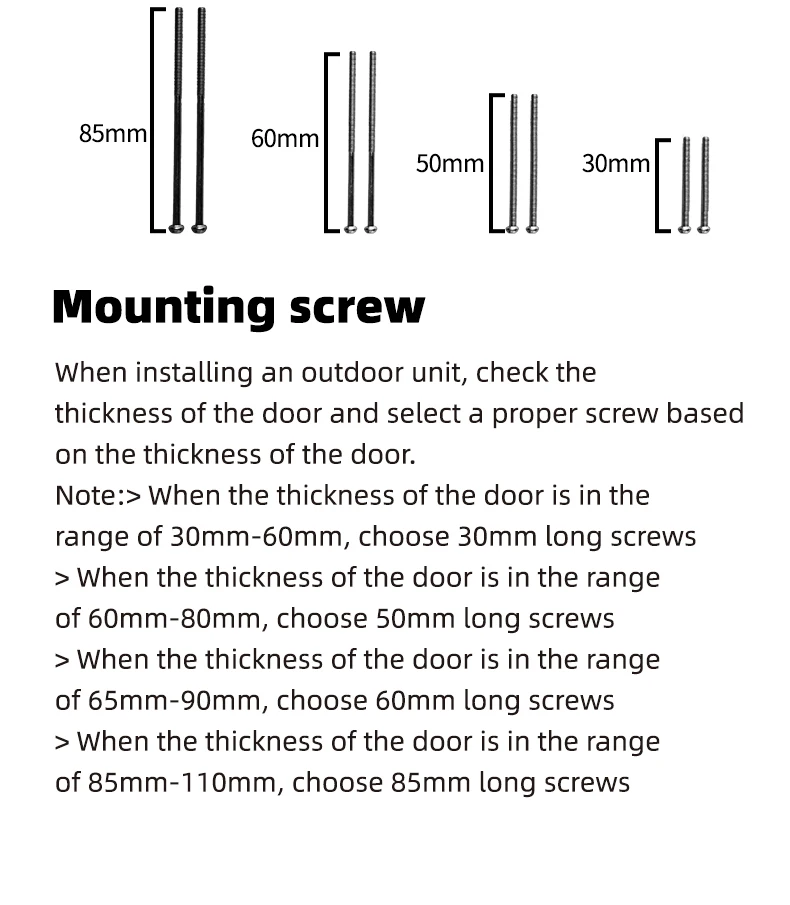
When installing the outdoor unit, please first confirm the thickness of the door and select the appropriate screw according to the thickness of the door
Silk.
Note
When the thickness of the door is within the range of 30mm to 60mm, 35mm long screws should be selected
When the thickness of the door is within the range of 60mm to 90mm, a 65mm long screw should be selected
When the thickness of the door is within the range of 90mm to 110mm, 85mm long screws should be selected
10. How to charge it? How long is the battery on standby and usage time?
The battery used in the machine is the common N7100 lithium battery for mobile phones. There are two charging methods: 1
Plug the data cable directly into the USB port of the machine for charging (be sure to pay attention to the power of the charger)
It is recommended to charge with a 5V2A charger. 2. Remove the battery for matching
It can be charged with a charger or universal charger.
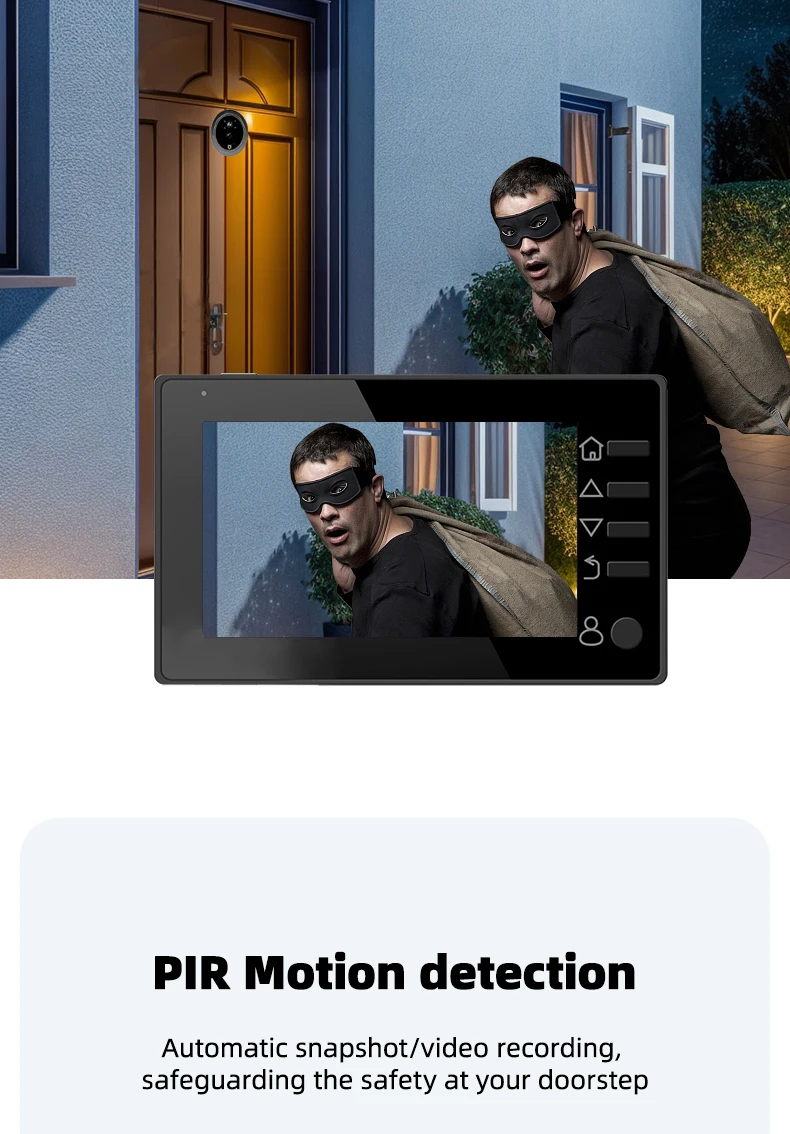
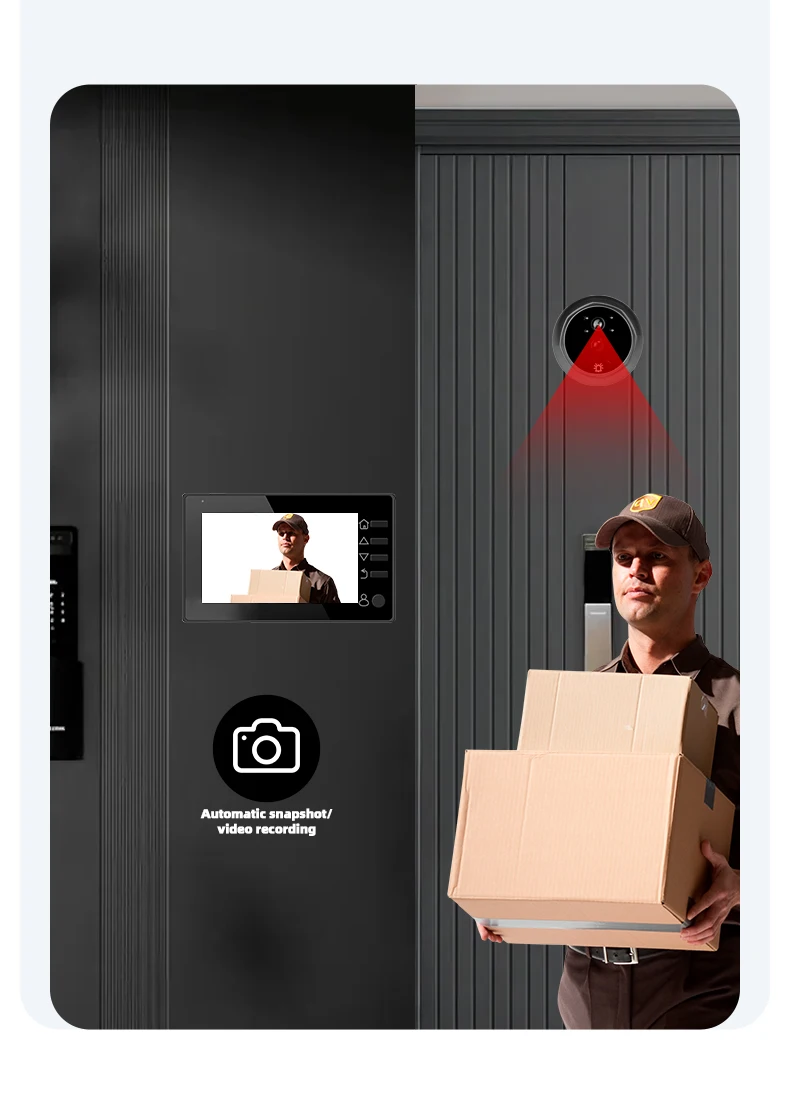
11. No response or false alarm in motion detection?
A: The detection range is approximately within 1 to 2 meters. In summer, the range will shorten (due to the temperature difference between people and the environment)
Recently
B: When there is cold or hot air, a certain false alarm will occur. The PIR sensitivity can be appropriately adjusted
Lower
C: Make sure there are no moving objects in front of the machine outside the door. Wait for 20 seconds and then try again
D: Check the ribbon cable
The theoretical standby time of the machine is 180 days, and the actual usage time is approximately 90 days (calculated at 10 times /)
(Calculated from the start of the day); The standby time and PIR can be adjusted according to the power-saving prompt card
Change options such as motion detection to more power-efficient modes.
12. Does the startup show "Video Not Started" with no image?
A: Check if the ribbon cable interface is connected in reverse. Please pay attention to the direction
B: The ribbon cable is damaged or the camera ribbon cable is damaged, and the cat head ribbon cable has poor contact (re-plug and unplug)
13. The photo is very blurry and the face can't be seen clearly?
A: Is there any light directly shining on the camera in the corridor
B: If the light is dim, check whether the infrared lamp is turned on
14. The screw is not firm?
Whether the screw is too long → Whether the screw is stuck on the right side of the hanging plate (screw)
It should be stuck in the card slot on the right.
15. The night vision is very poor. It's pitch-dark outside?
Because night vision is achieved by reflecting infrared light onto the camera to form an image, if there is no such thing outside the door
If someone says that light cannot be reflected, one will not be able to see anything.
16. Does the memory card show damaged files?
A: Check if the battery is low. If the battery is low, it might break down
Damaged documents
B: Check if the recording interval is too short or if the write speed of the memory card is too slow, causing memory problems
The card couldn't keep up with the recording speed, so the recording failed and a damaged file was displayed
C: A high-speed card needs to be replaced to solve the problem
17. Screen flickering?
This might be due to the ribbon cable being loosened during installation, resulting in poor contact
Try reconnecting the ribbon cable.
18. Can't charge the seat?
A: When using a base charger, the two hardware components of the base charger need to be aligned with the positive and negative terminals of the battery
It can be charged
B: Check if the seat charger is damaged (for example, whether the hardware of the seat charger is dented)
19. The circuit boards have poor contact and often cut off power for no reason. Pulling out the circuit boards and reinstalling them works again
Remove the two black plastic insulating tapes on the battery contacts. The original intention of the plastic insulating tapes is
The battery is protected from short circuits, but during the production process, some insulation is made a little thicker, which may cause contact
No problem. Just pull it out. It won't affect its use.
How long can a memory card store videos and pictures?
This depends on the capacity of the memory card and the size of the files to be saved to determine how long they can be saved
An 8G card can support 800 10-second videos.
21. Battery standby and usage status?
The battery can stand by for about three months. In ordinary residential areas, it can be used normally for about one month
If it is equipped with motion detection, you can also check if there are many visitors in front of your door
So, it depends on how many times the motion detection is activated for taking photos and videos because the motion detection is activated
Taking photos or videos consumes a lot of power. If they are frequently started up, the usage time will be relatively short
The specific battery life depends on your usage.
22. What are the requirements for memory cards?
If you purchase a memory card yourself, it should not be larger than 32G or less than 4G than what you have used
The card needs to be formatted to be used normally. The machine is equipped with a formatting function. You just need to
Just insert the memory card and format it inside the machine. It's best to choose a high-speed card.
23. Why can't motion detection be started again after it has been activated once?
It takes about 20 seconds to restart the motion detection after its first startup
Shop Policies
Payment Policy
Payment Policy – BILLIONS BIRDS
At BILLIONS BIRDS, we are committed to providing a safe, secure, and seamless payment experience for our customers.
1. Accepted Payment Methods
We accept the following payment options:
Major Credit & Debit Cards (Visa, MasterCard, American Express)
Secure Online Payment Gateways (such as PayPal, Stripe, or other providers available at checkout)
Any additional payment methods displayed during checkout
All payments must be completed in full at the time of purchase.
2. Secure Transactions
All transactions are processed through encrypted and secure payment systems to protect your personal and financial information. We do not store your full payment details on our servers.
3. Currency
Prices are displayed in the currency indicated on the website. If you are purchasing from another country, your bank may apply currency conversion fees.
4. Order Confirmation
Once your payment has been successfully processed, you will receive an order confirmation email containing your purchase details.
5. Failed or Declined Payments
If your payment is declined, please verify your billing information or contact your bank. Orders will only be processed after successful payment confirmation.
6. Fraud Prevention
BILLIONS BIRDS reserves the right to cancel or refuse any order if fraud or unauthorised activity is suspected.
Delivery Policy
Delivery Policy – BILLIONS BIRDS
At BILLIONS BIRDS, we are dedicated to delivering your orders safely and efficiently.
1. Order Processing
All orders are processed within 1–3 business days after payment confirmation. Orders are not processed or shipped on weekends or public holidays.
2. Shipping Times
Estimated delivery times vary depending on your location:
Domestic Shipping: 3–7 business days
International Shipping: 7–15 business days
Please note that delivery times are estimates and may vary due to customs procedures, carrier delays, weather conditions, or other unforeseen circumstances.
3. Shipping Costs
Shipping fees are calculated at checkout based on your location and selected shipping method. Any customs duties, taxes, or import fees are the customer's responsibility.
4. Tracking Information
Once your order has been shipped, you will receive a confirmation email with tracking details (if available) so you can monitor your package.
5. Delivery Issues
If your order is delayed, lost, or arrives damaged, please contact us within 7 days of the expected delivery date. We will work with the shipping carrier to resolve the issue as quickly as possible.
6. Incorrect Shipping Information
Customers are responsible for providing accurate shipping details at checkout. BILLIONS BIRDS is not responsible for orders shipped to incorrect addresses provided by the customer.
Refund Policy
Refund Policy – BILLIONS BIRDS
At BILLIONS BIRDS, customer satisfaction is our top priority. If you are not completely satisfied with your purchase, we’re here to help.
1. Return Eligibility
You may request a return within 14 days of receiving your order. To qualify for a return:
The item must be unused, unworn, and in the same condition as received.
The item must be in its original packaging.
Proof of purchase (order confirmation or receipt) is required.
Certain items may not be eligible for return, including clearance items, gift cards, or personalised/custom products.
2. Non-Refundable Items
The following items are non-refundable:
Final sale or discounted items
Gift cards
Items damaged due to misuse, negligence, or improper care
3. Return Process
To initiate a return, please contact our customer support team with your order number and reason for return. If your return is approved, you will receive instructions for returning the item.
Unless the item is defective or incorrect, customers are responsible for return shipping costs.
4. Refund Processing
Once we receive and inspect your returned item:
We will notify you of the approval or rejection of your refund.
If approved, the refund will be issued to your original payment method within 5–10 business days.
Please note that banks or payment providers may require additional time to process refunds.
5. Damaged or Incorrect Items
If you receive a damaged, defective, or incorrect item, please contact us within 7 days of delivery and provide clear photos of the product and packaging. We will arrange a replacement or full refund at no additional cost.
6. Late or Missing Refunds
If you have not received your refund:
Check your bank account again.
Contact your credit card company or payment provider.
If the issue persists, don't hesitate to contact our support team for assistance.
Recommended Products
Customer reviews
Share your thoughts with other customers
Be the first one to write a review!

Items (0)
