
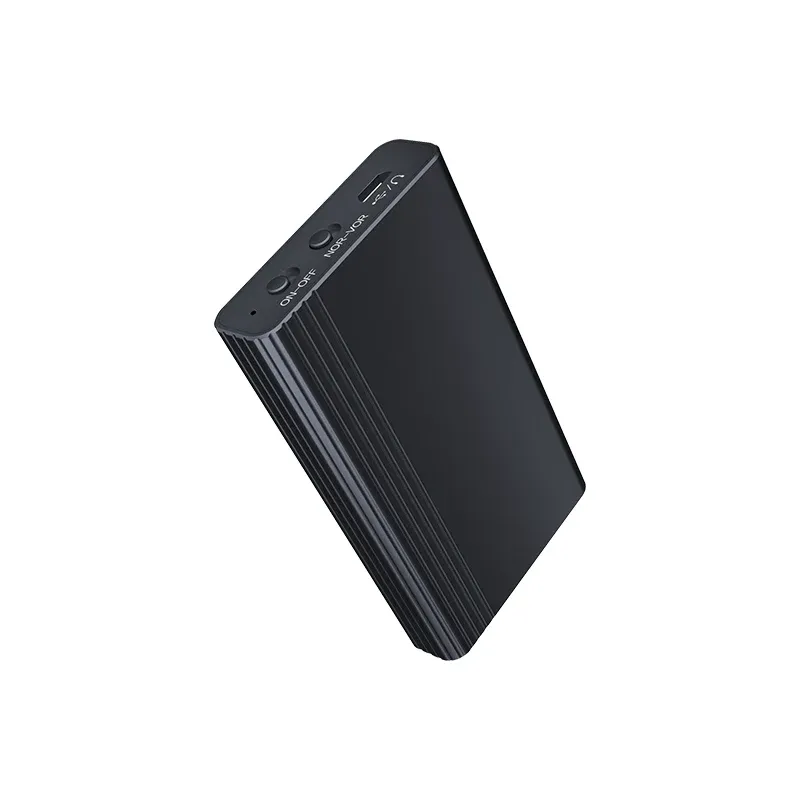
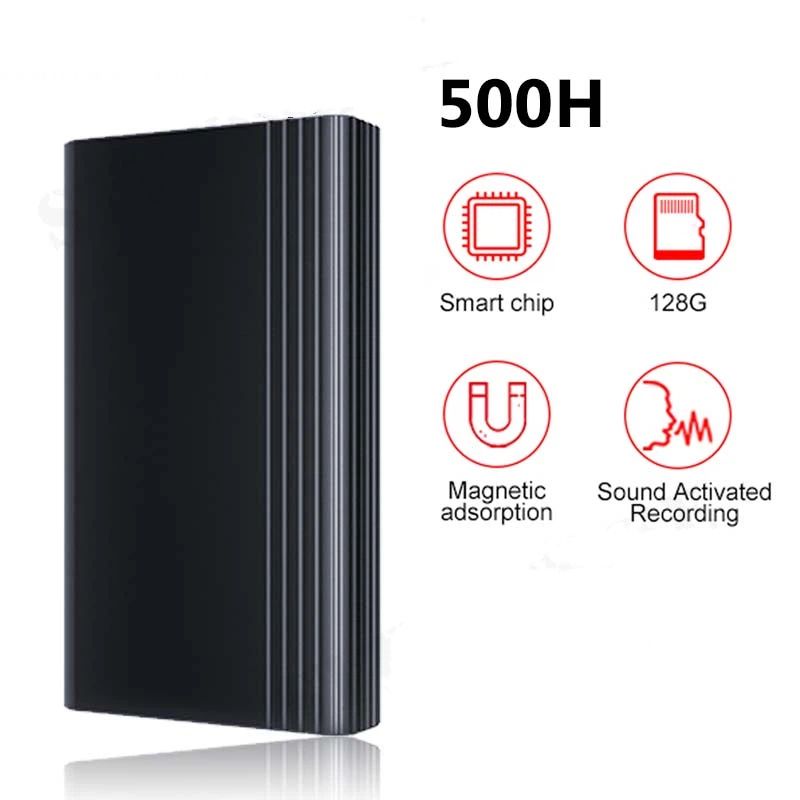
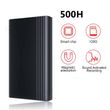

500hours Voice Activated Recorder Dictaphone Audio Sound Activated Digital Professional Micro Flash Drive Secret Voice Recording
Includes all taxes
Meet your Seller
-
$70.05Sold by BILLIONS BIRDS
Description
500 Hours Time Mini Voice Activated Recorder Built-in Magnet Small Digital Audio Recording Device Sound Dictaphone
Friendly reminder:
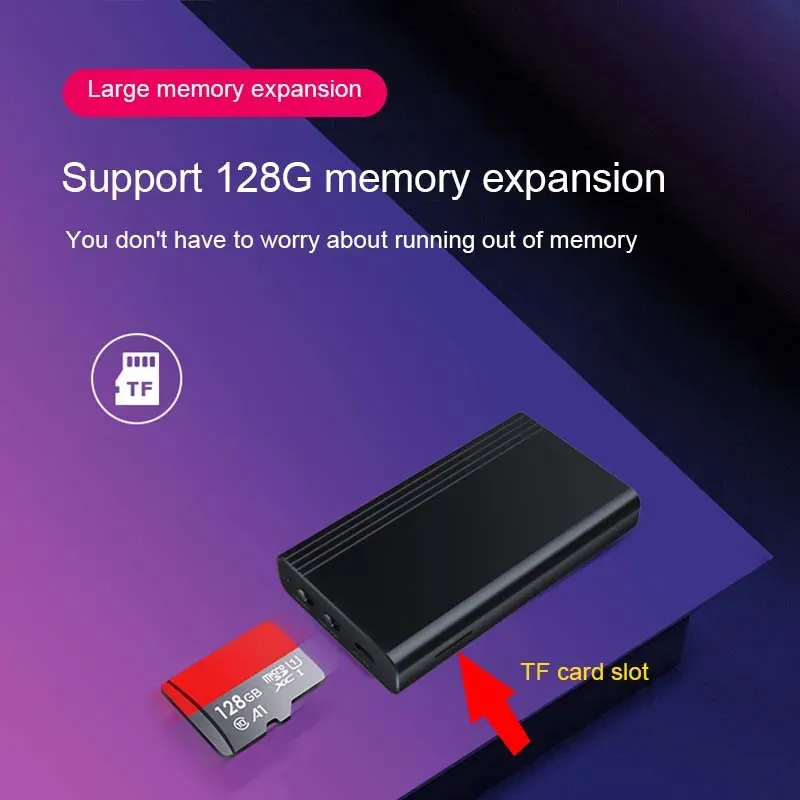
*<1A means there is no TF card and you need to insert your own memory card before it can be used.
*After receiving the recorder, please use a charger with an output power of less than 1A to charge it before use.
*The product manual is at the bottom of the link
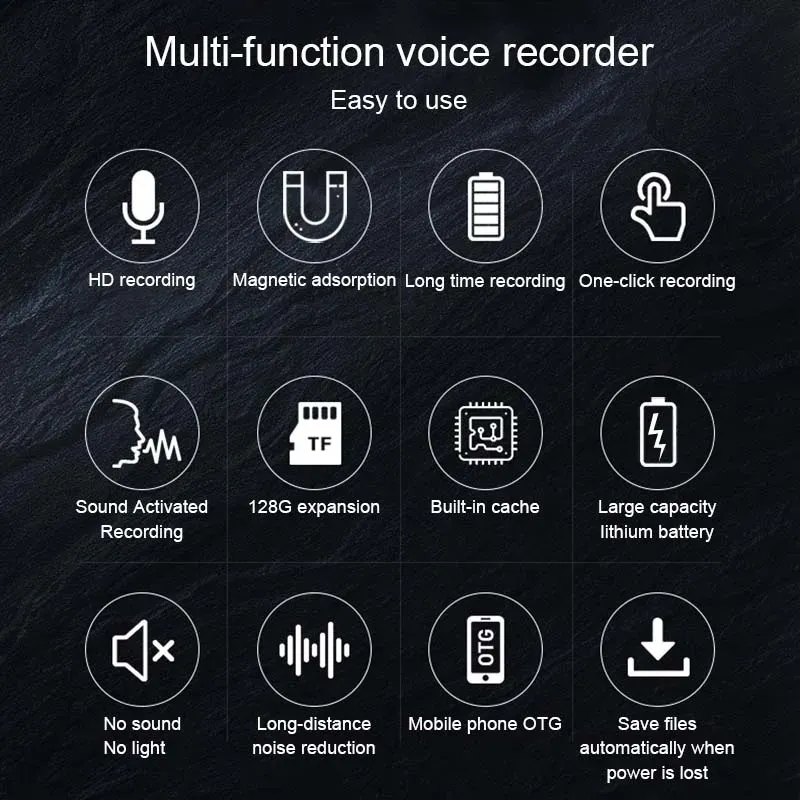
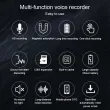
Multi-function voice recorder Easy to use
HD recording
Magnetic adsorption
Long time recording
One-click recording
Sound Activated Recording
128G expansion
Built-in cache
Large capacity lithium battery
No sound No light
Long-distance noise reduction
Save files automatically when power is lost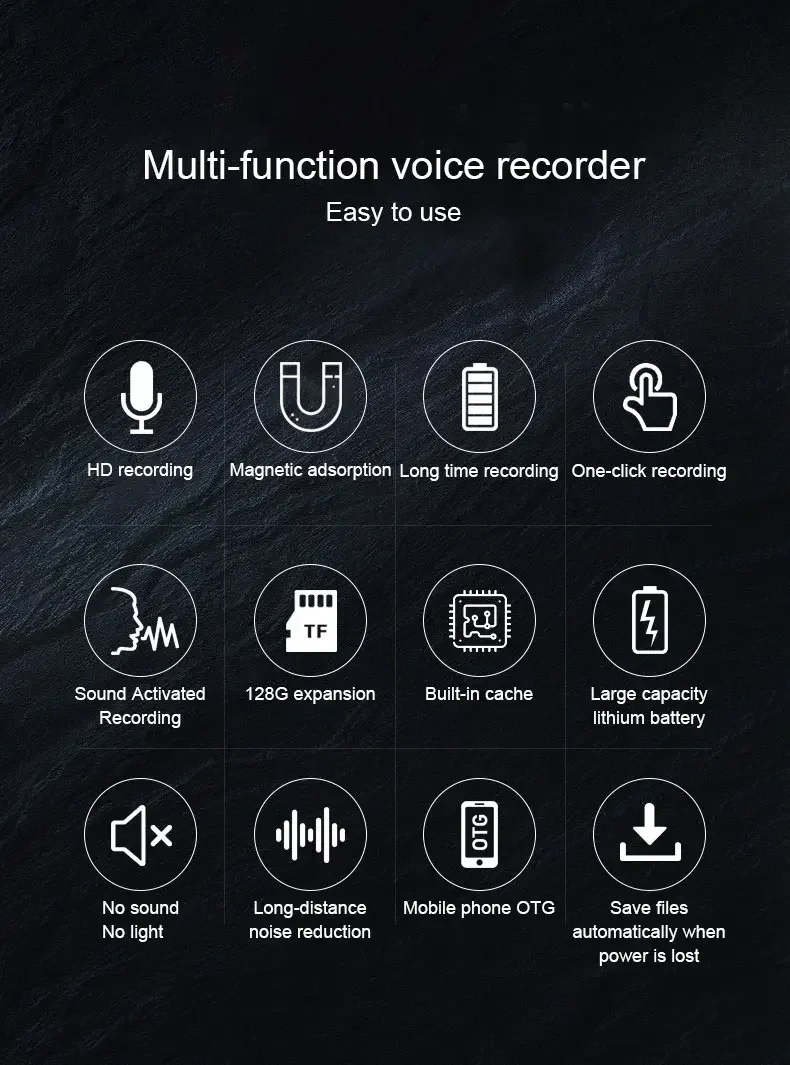
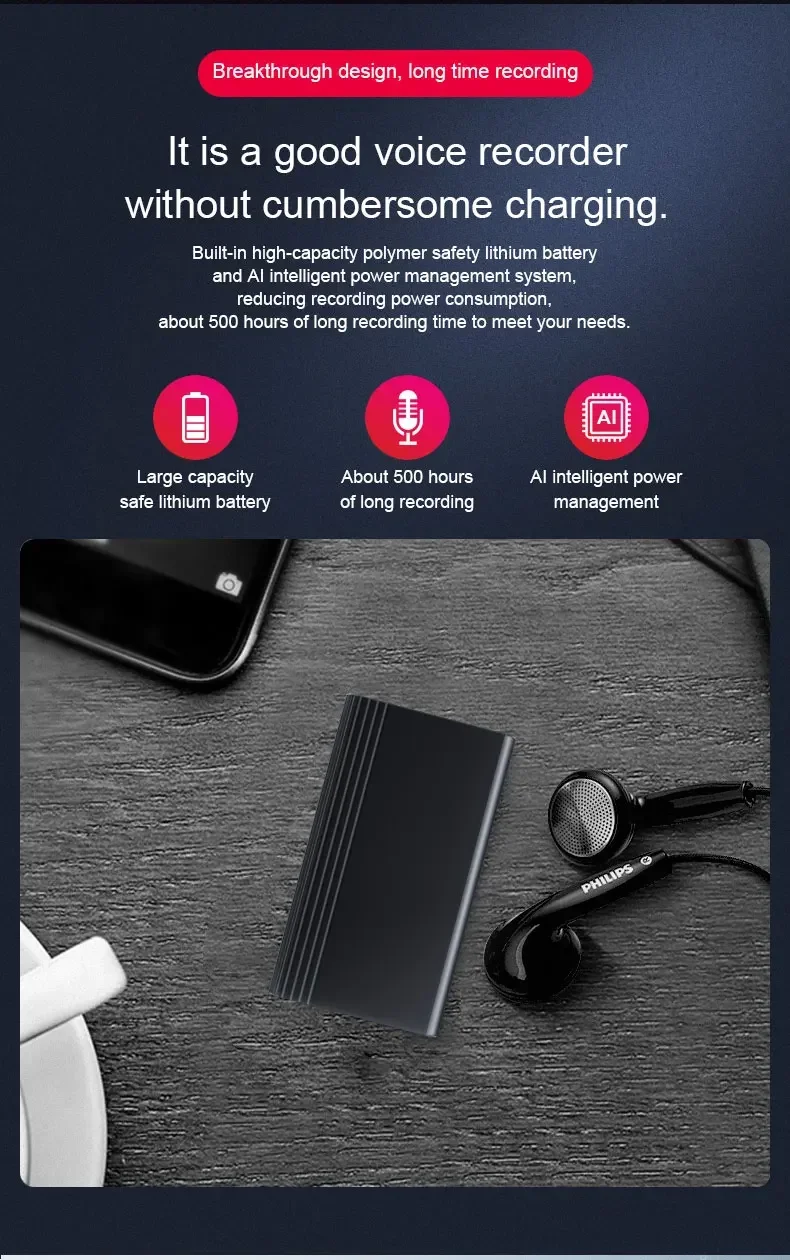
Breakthrough design, long time recording
It is a good voice recorder without cumbersome charging.
Built-in high-capacity polymer safety lithium battery and AI intelligent power management system, reducing recording power consumption, about 500 hours of long recording time to meet your needs.
Large capacity safe lithium battery
About 500 hours of long recording
AI intelligent power management
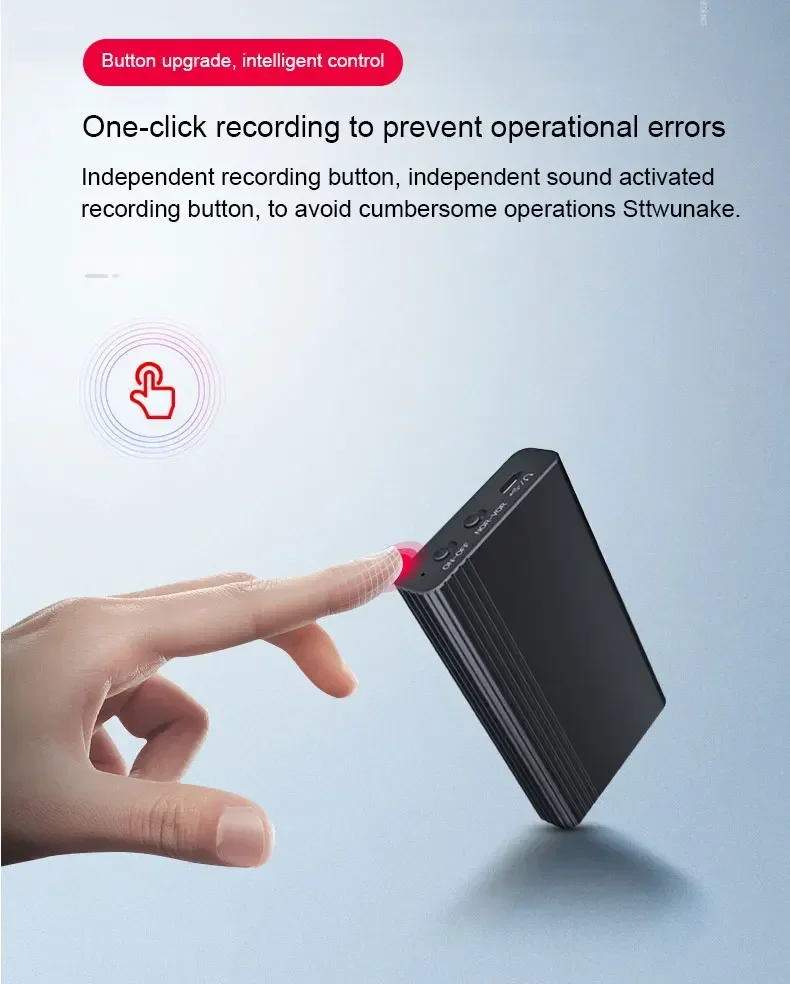
Button upgrade, intelligent control
One-click recording to prevent operational errors
Independent recording button, independent sound activated recording button, to avoid cumbersome operations Sttwunake.
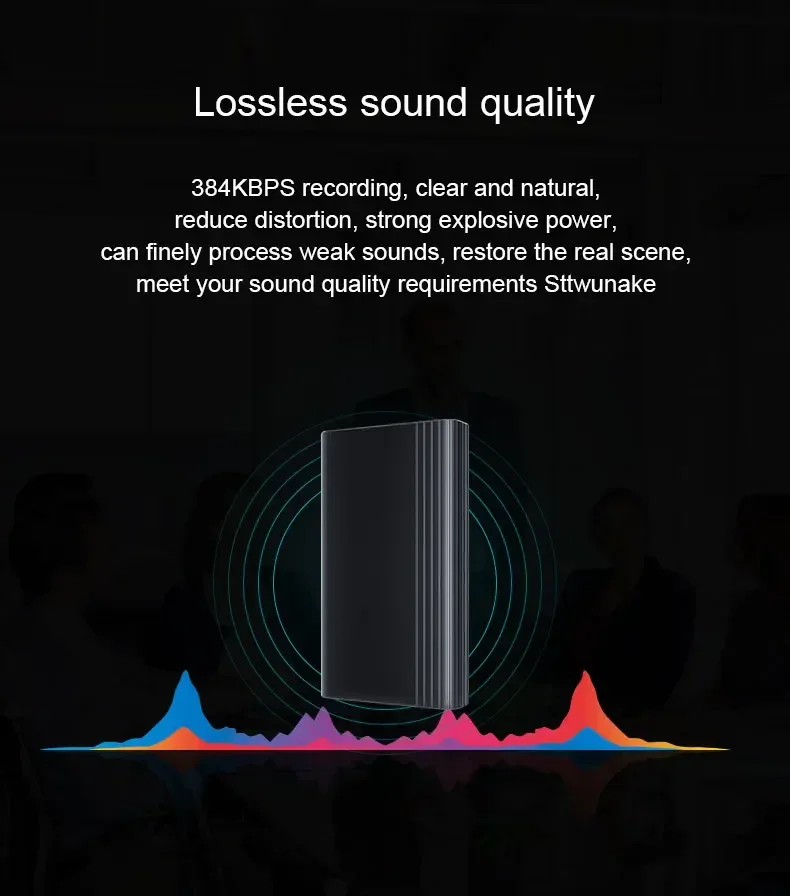
Lossless sound quality
384KBPS recording, clear and natural, reduce distortion, strong explosive power, can finely process weak sounds, restore the real scene, meet your sound quality requirements Sttwunake
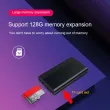
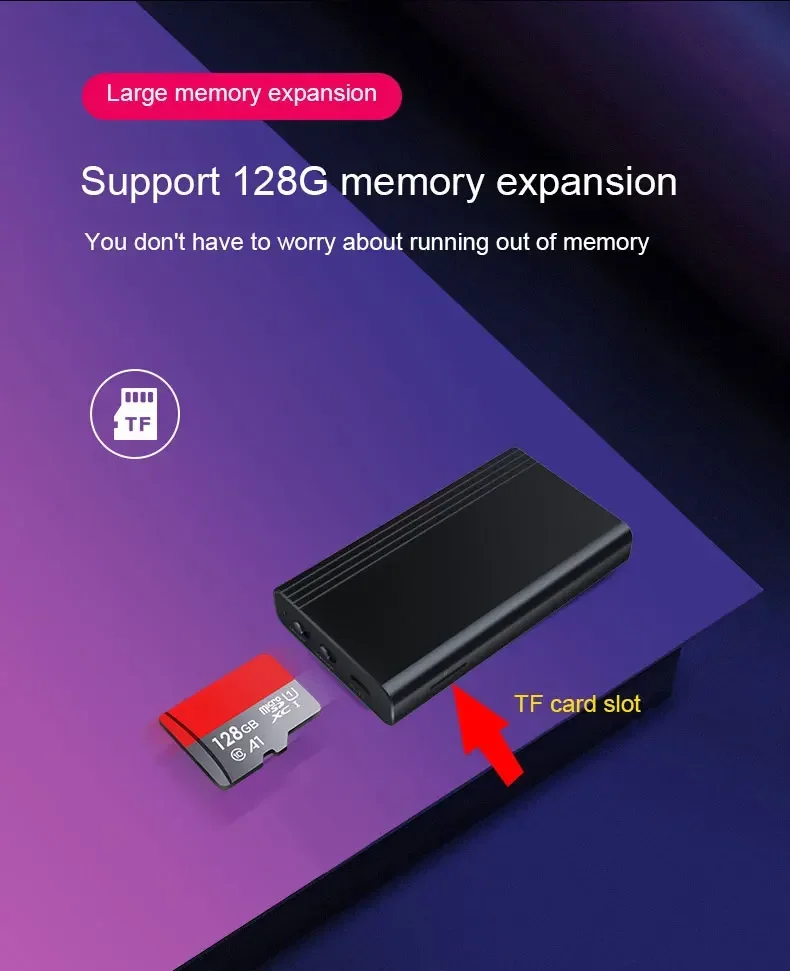
Large memory expansion
Support 128G memory expansion
You don't have to worry about running out of memory
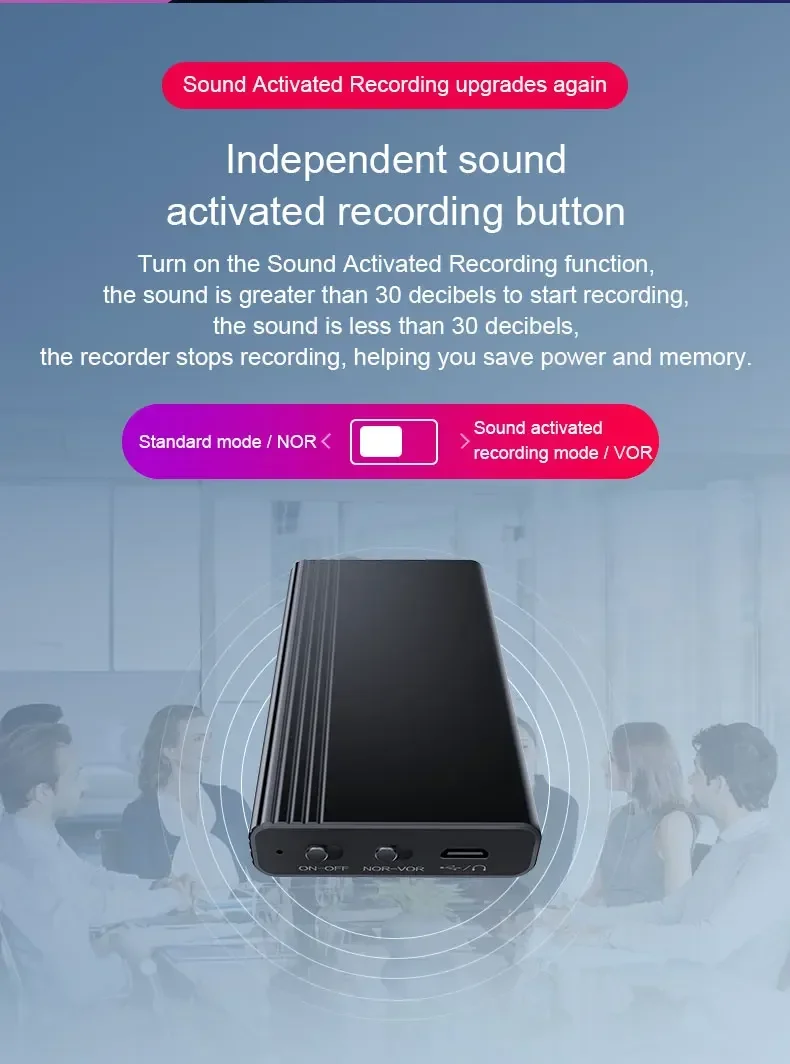
Sound Activated Recording upgrades again
Independent sound activated recording button
Turn on the Sound Activated Recording function, the sound is greater than 30 decibels to start recording, the sound is less than 30 decibels, the recorder stops recording, helping you save power and memory.
Standard mode / NOR
Sound activated recording mode / VOR
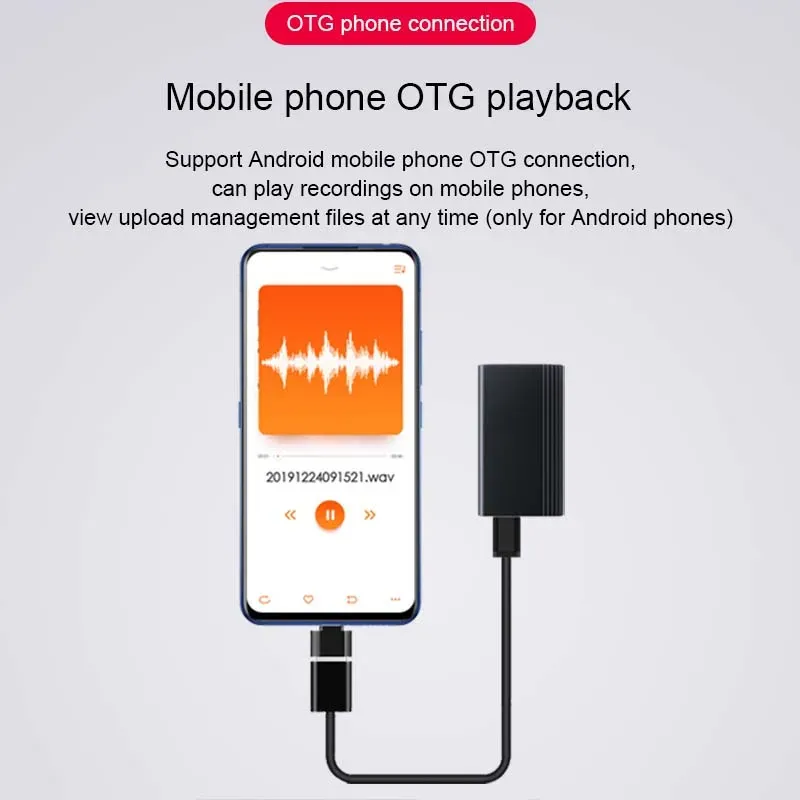
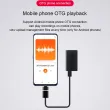
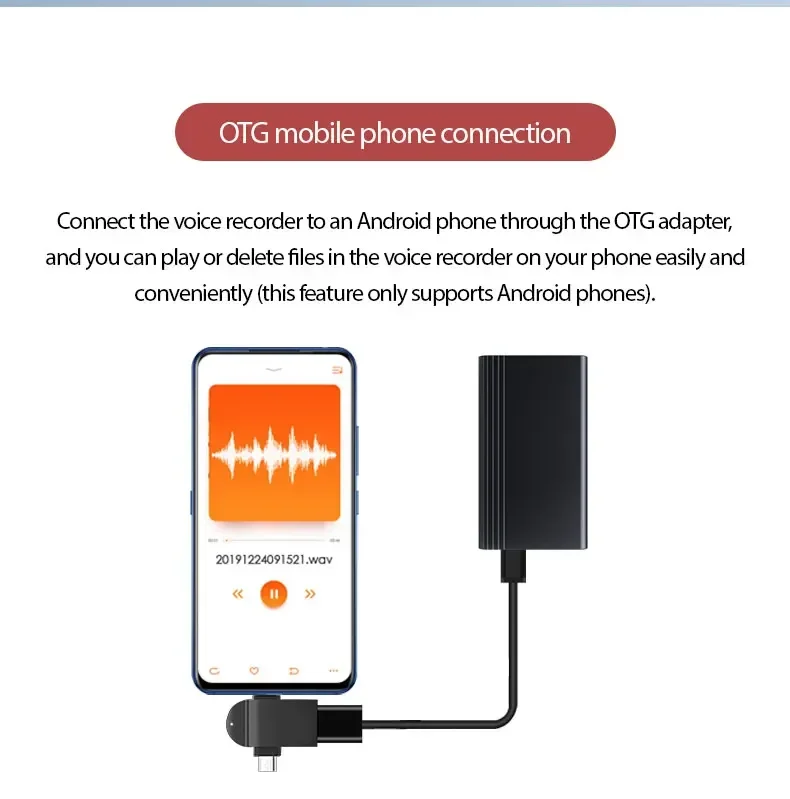
OTG mobile phone connection
Connect the voice recorder to an Android phone through the OTG adapter, and you can play or delete files in the voice recorder on your phone easily and conveniently (this feature only supports Android phones).
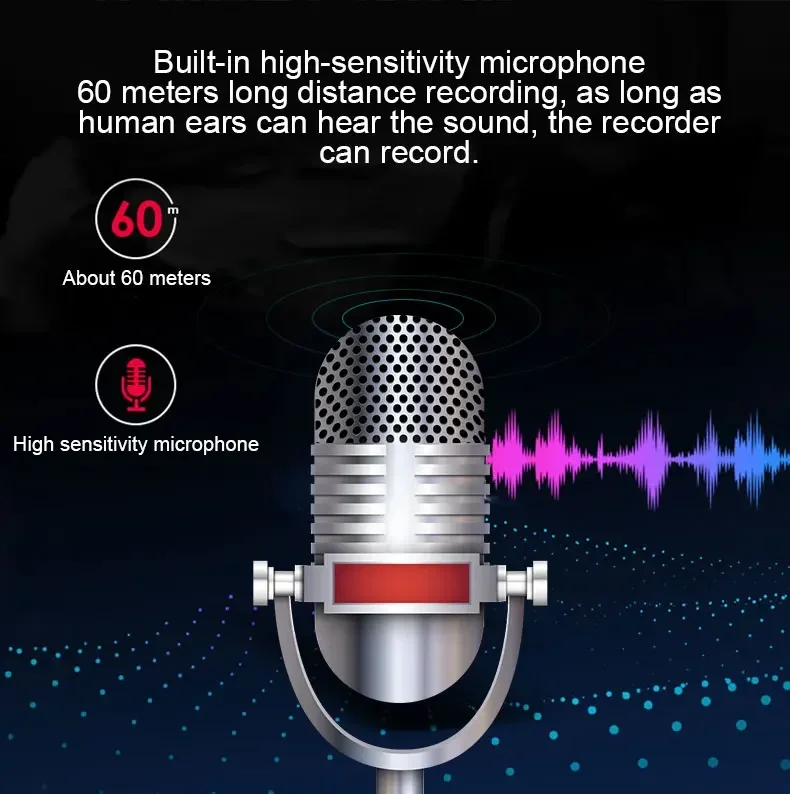
Built-in high-sensitivity microphone 60 meters long distance recording, as long as human ears can hear the sound, the recorder can record.
About 60 meters
High sensitivity microphone
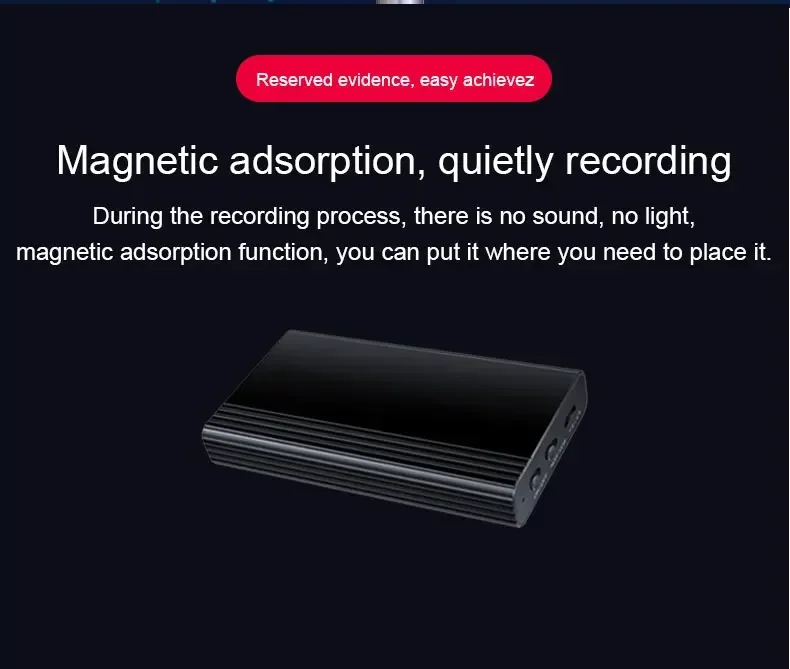
Reserved evidence, easy achievez
Magnetic adsorption, quietly recording
During the recording process, there is no sound, no light, magnetic adsorption function, you can put it where you need to place it.
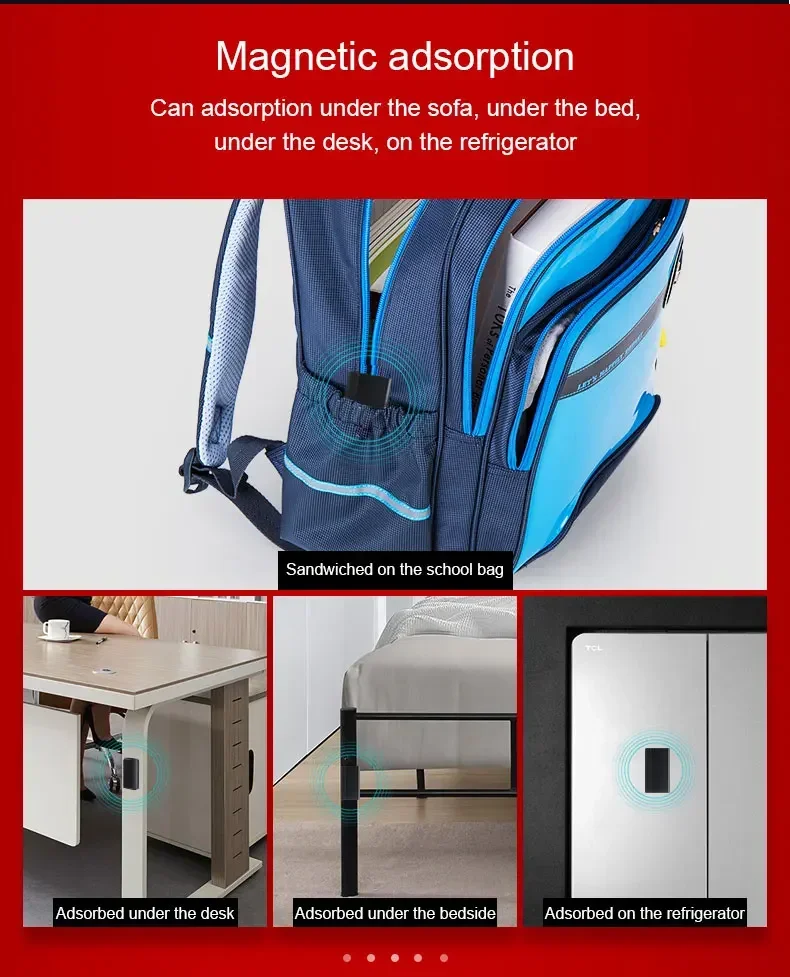
Magnetic adsorption
Can adsorption under the sofa, under the bed, under the desk, on the refrigerator
Sandwiched on the school bag
Adsorbed under the desk
Adsorbed under the bedside
Adsorbed on the refrigerator
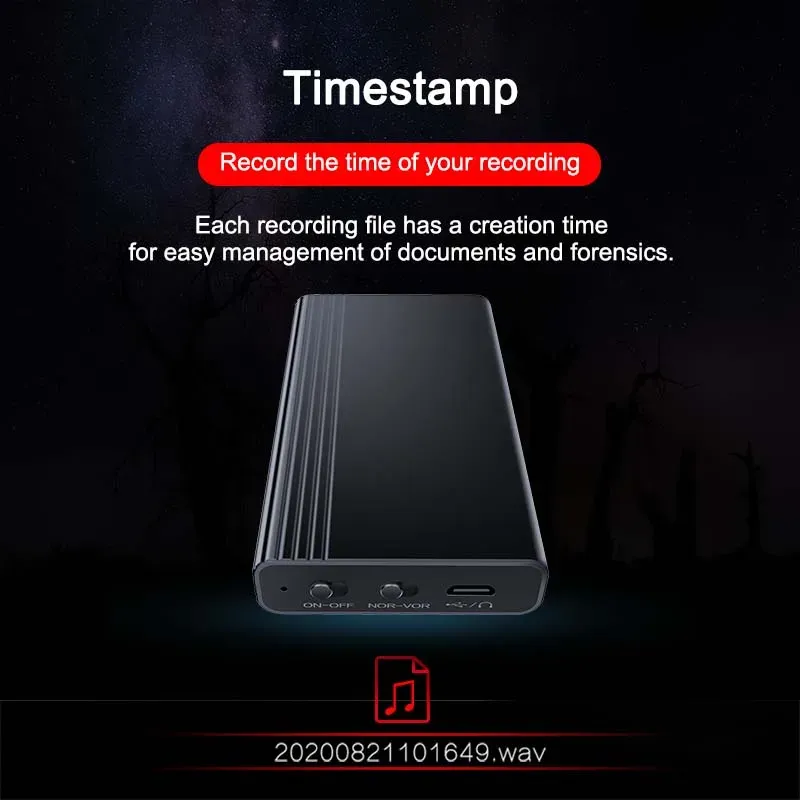
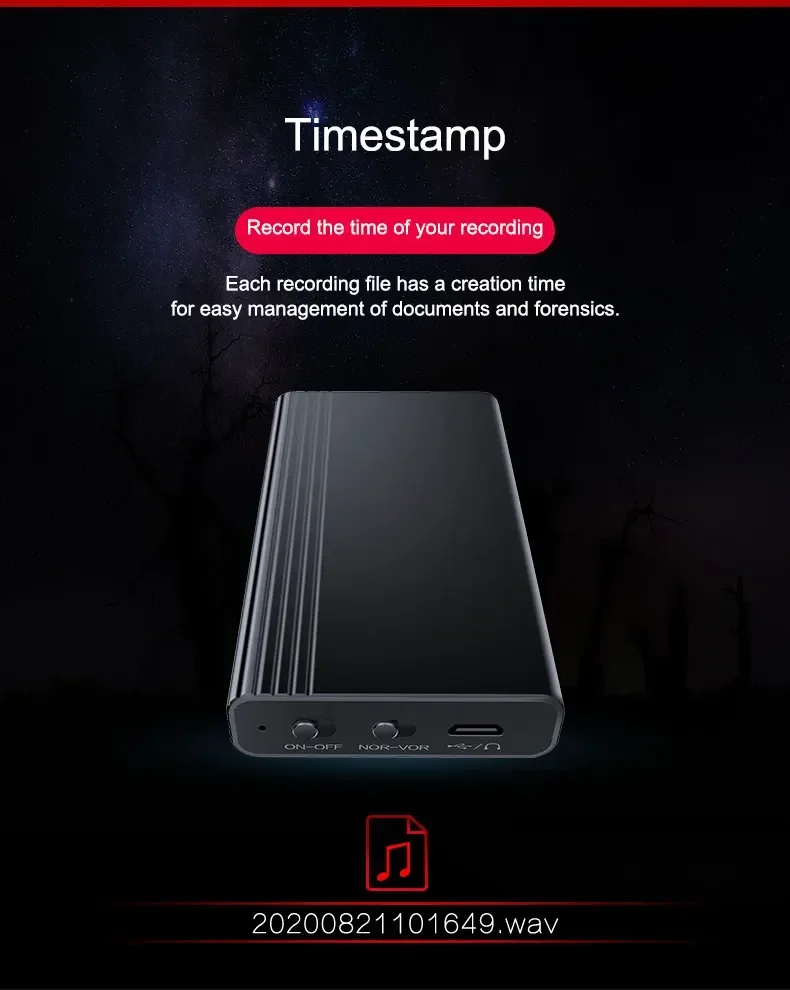
Timestamp
Record the time of your recording
Each recording file has a creation time for easy management of documents and forensics.
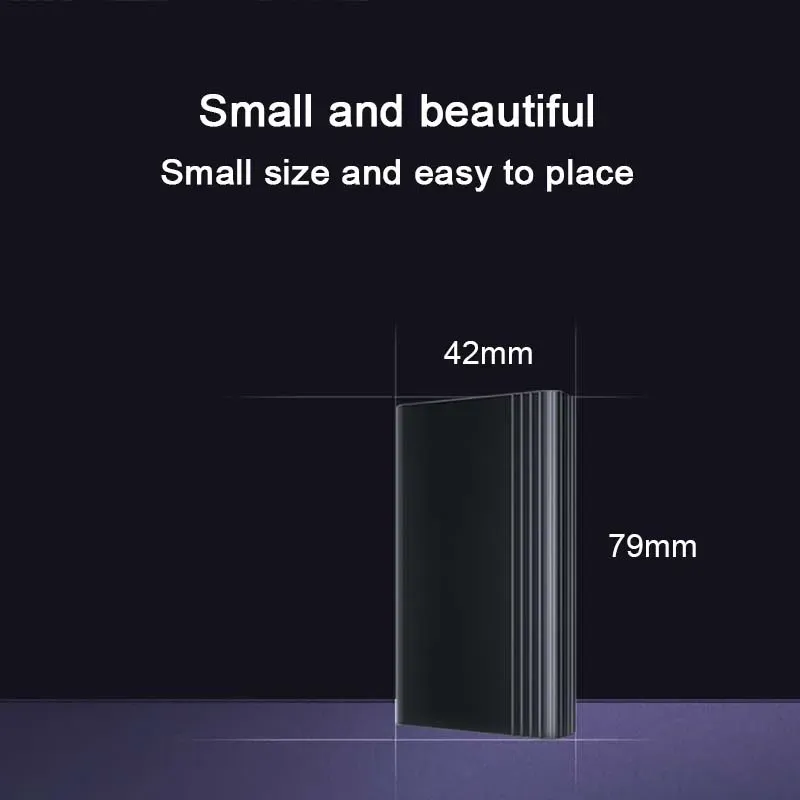
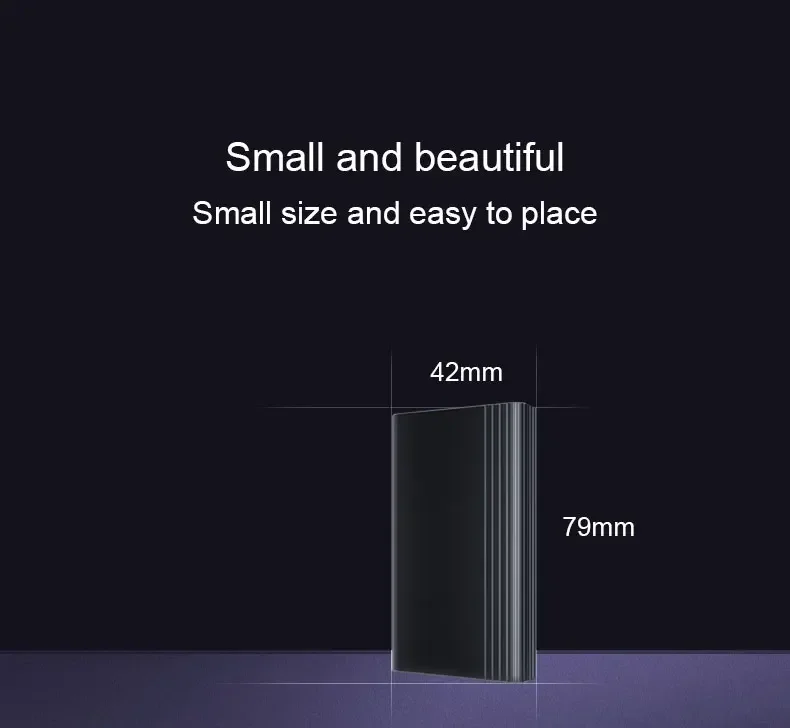
Small and beautiful
Small size and easy to place
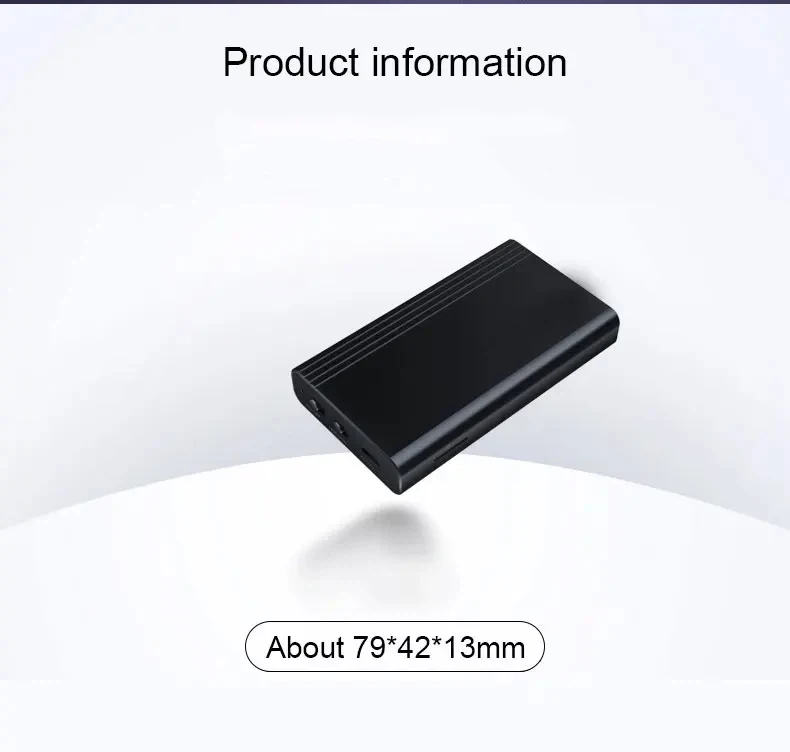
 Product information
About 79*42*13mm
 User Manual
*Recording: During the recording process, the red indicator light flashes three times and then goes out.
*Battery prompt: When turning on the machine, the red and blue lights flash twice to indicate the battery level of the machine.
The red and blue light flashes once to indicate that the battery level is less than 25%;
The red and blue light flashes twice in succession to indicate that the machine’s power is 50%;
The red and blue light flashes 3 times to indicate that the machine’s power is 75%;
The red and blue lights flash 4 times to indicate that the machine's power is 100%.
*Charging: The blue indicator light flashes during charging, and the red and blue indicator light flashes when fully charged the indicator light stays on
*Recording while charging: If recording is being performed during charging, the red indicator light will turn on. the blue indicator light flashes. When fully charged, the red and blue indicator lights are always on
*Low battery reminder: During recording or playback, the red and blue lights flash to indicate low battery. red and blue ,The light flashes 10 times and then automatically shuts down and saves the recording file.
Power on/off
Turn the ON/OFF switch to the ON position and turn on the machine; turn the ON/OFF. Turn the switch to the OFF position to shut down
Recording
Without plugging in the headphones, slide the ON/OFF button to the ON position.
After powering on, the red and blue lights flash to indicate the battery level, then the blue light lights up and enters standby status, then the red light flashes 3 times and then goes out and starts recording. when recording process indicator light is off.
Save recording
1. In the recording state, move the ON/OFF button to the OFF position. At this time, the machine will shut down and the recording will be saved.
2. In the recording state, plug in the wire-controlled headset, the red light of the machine will flash once, and the recording file will be saved. At this time, the blue light will always be on.
If you need to change the time software, please contact the email address of the paper version of the manual
Q&A
*The computer cannot recognize the recorder
Solution: 【 Some data cables can only be used for charging and cannot transmit data, so please use connect the original data cable to the computer (or other data cable with data transmission function)】
*The computer suddenly cannot read the recorder
Solution:【Please turn off the power switch of the device before connecting.】
*The product cannot be recorded or connected to the computer?
Solution:【Please check whether the product you purchased is ≤1GB, or the "0GB" option. These two options mean that the product has no memory and you need to insert a memory card before it can be used.】
* Indicator light abnormal?
Solution: [Connect the device to the computer and format the disk where the device is located]
Shop Policies
Payment Policy
Payment Policy – BILLIONS BIRDS
At BILLIONS BIRDS, we are committed to providing a safe, secure, and seamless payment experience for our customers.
1. Accepted Payment Methods
We accept the following payment options:
Major Credit & Debit Cards (Visa, MasterCard, American Express)
Secure Online Payment Gateways (such as PayPal, Stripe, or other providers available at checkout)
Any additional payment methods displayed during checkout
All payments must be completed in full at the time of purchase.
2. Secure Transactions
All transactions are processed through encrypted and secure payment systems to protect your personal and financial information. We do not store your full payment details on our servers.
3. Currency
Prices are displayed in the currency indicated on the website. If you are purchasing from another country, your bank may apply currency conversion fees.
4. Order Confirmation
Once your payment has been successfully processed, you will receive an order confirmation email containing your purchase details.
5. Failed or Declined Payments
If your payment is declined, please verify your billing information or contact your bank. Orders will only be processed after successful payment confirmation.
6. Fraud Prevention
BILLIONS BIRDS reserves the right to cancel or refuse any order if fraud or unauthorised activity is suspected.
Delivery Policy
Delivery Policy – BILLIONS BIRDS
At BILLIONS BIRDS, we are dedicated to delivering your orders safely and efficiently.
1. Order Processing
All orders are processed within 1–3 business days after payment confirmation. Orders are not processed or shipped on weekends or public holidays.
2. Shipping Times
Estimated delivery times vary depending on your location:
Domestic Shipping: 3–7 business days
International Shipping: 7–15 business days
Please note that delivery times are estimates and may vary due to customs procedures, carrier delays, weather conditions, or other unforeseen circumstances.
3. Shipping Costs
Shipping fees are calculated at checkout based on your location and selected shipping method. Any customs duties, taxes, or import fees are the customer's responsibility.
4. Tracking Information
Once your order has been shipped, you will receive a confirmation email with tracking details (if available) so you can monitor your package.
5. Delivery Issues
If your order is delayed, lost, or arrives damaged, please contact us within 7 days of the expected delivery date. We will work with the shipping carrier to resolve the issue as quickly as possible.
6. Incorrect Shipping Information
Customers are responsible for providing accurate shipping details at checkout. BILLIONS BIRDS is not responsible for orders shipped to incorrect addresses provided by the customer.
Refund Policy
Refund Policy – BILLIONS BIRDS
At BILLIONS BIRDS, customer satisfaction is our top priority. If you are not completely satisfied with your purchase, we’re here to help.
1. Return Eligibility
You may request a return within 14 days of receiving your order. To qualify for a return:
The item must be unused, unworn, and in the same condition as received.
The item must be in its original packaging.
Proof of purchase (order confirmation or receipt) is required.
Certain items may not be eligible for return, including clearance items, gift cards, or personalised/custom products.
2. Non-Refundable Items
The following items are non-refundable:
Final sale or discounted items
Gift cards
Items damaged due to misuse, negligence, or improper care
3. Return Process
To initiate a return, please contact our customer support team with your order number and reason for return. If your return is approved, you will receive instructions for returning the item.
Unless the item is defective or incorrect, customers are responsible for return shipping costs.
4. Refund Processing
Once we receive and inspect your returned item:
We will notify you of the approval or rejection of your refund.
If approved, the refund will be issued to your original payment method within 5–10 business days.
Please note that banks or payment providers may require additional time to process refunds.
5. Damaged or Incorrect Items
If you receive a damaged, defective, or incorrect item, please contact us within 7 days of delivery and provide clear photos of the product and packaging. We will arrange a replacement or full refund at no additional cost.
6. Late or Missing Refunds
If you have not received your refund:
Check your bank account again.
Contact your credit card company or payment provider.
If the issue persists, don't hesitate to contact our support team for assistance.
Recommended Products
Customer reviews
Share your thoughts with other customers
Be the first one to write a review!

Items (0)
