
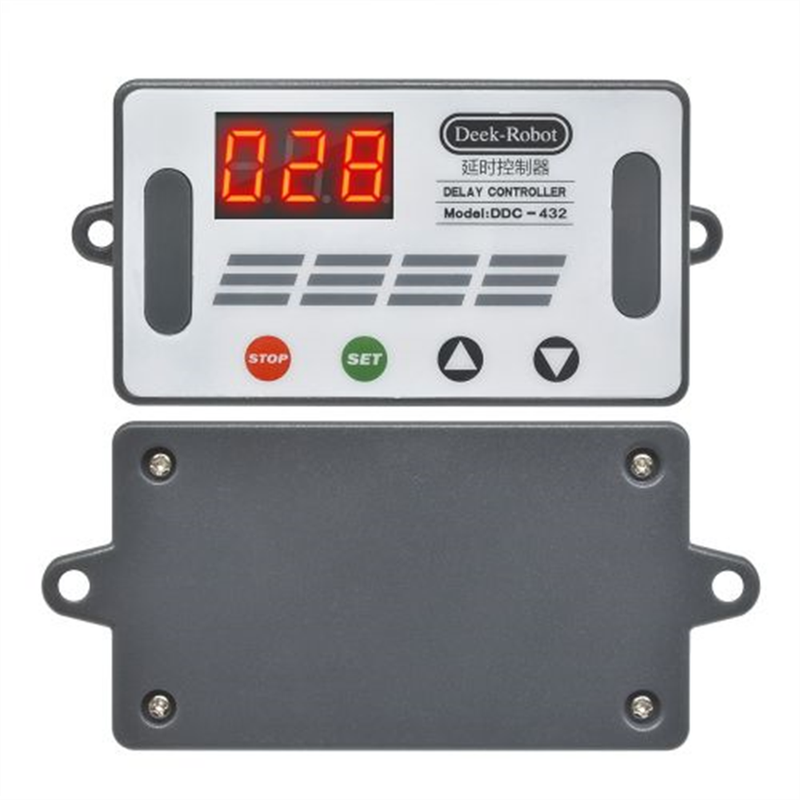
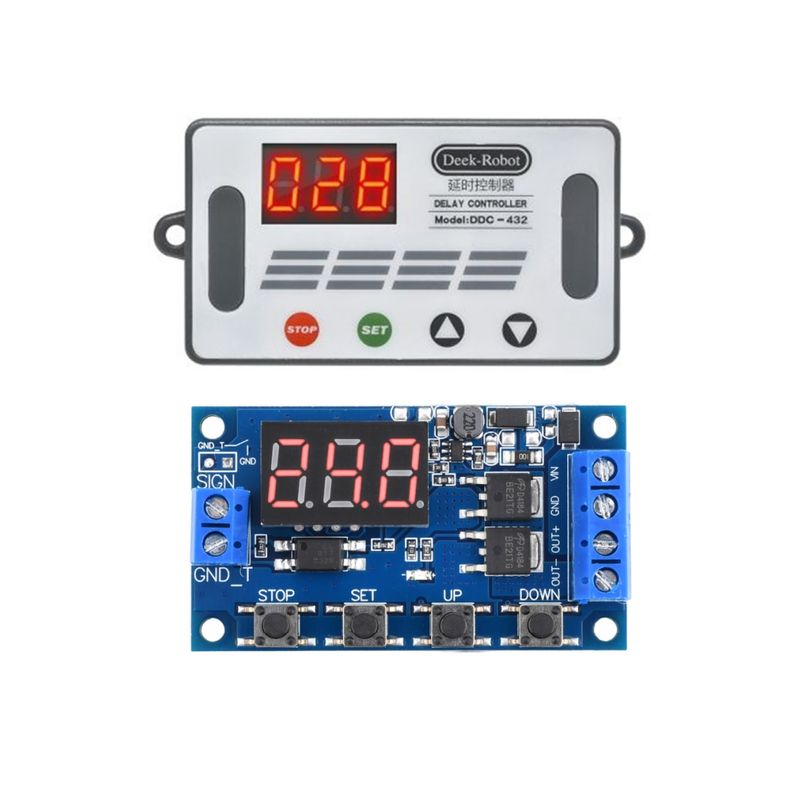
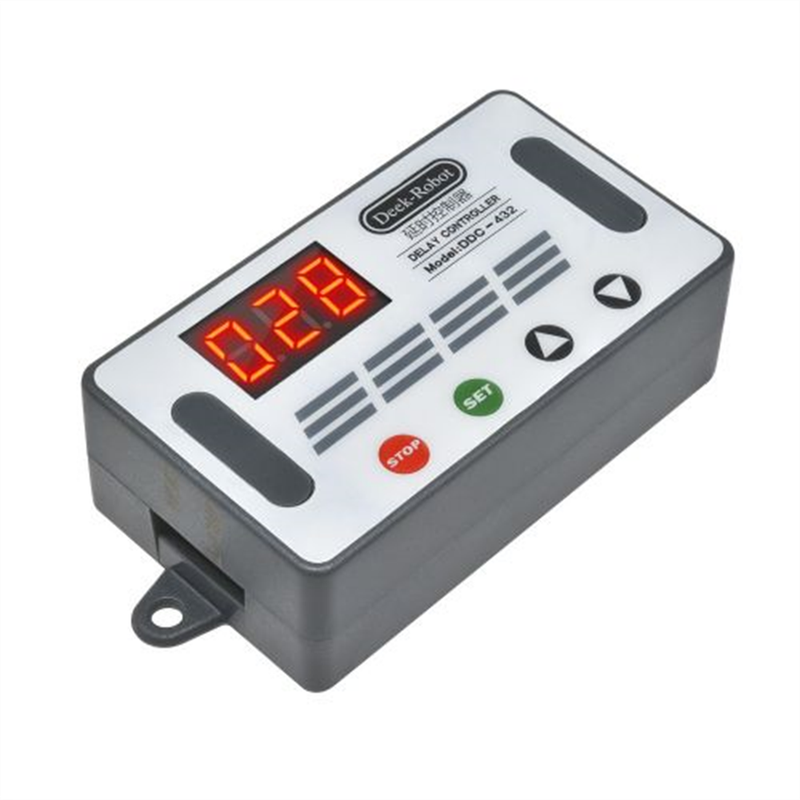
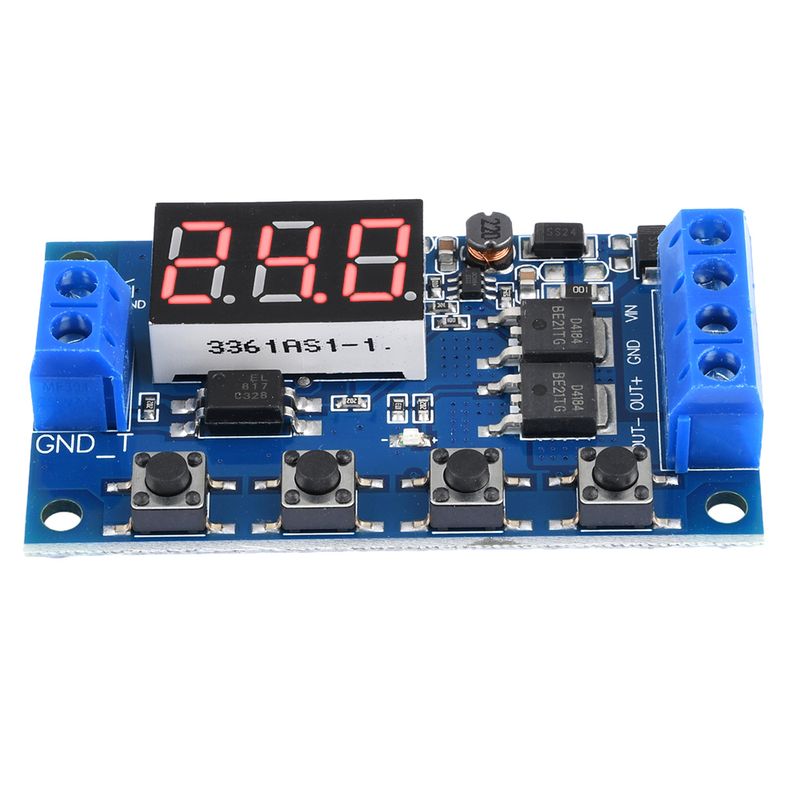
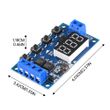
DC 5V-30V Dual MOS Time Delay Relay High Level Trigger LED Digital Display Cycle Time Timer Delay Switch Circuit 12V 24V 0-999
Includes all taxes
Meet your Seller
-
$8.51Sold by BILLIONS BIRDS
Description
Features:
1.Implement high-frequency fast and frequent on/off of the circuit, with unlimited switching times;
2.The on-off process will not generate noise, no electric sparks, and no electromagnetic interference;
3.The service life is longer than that of commonly used electromagnetic relays;
4.Adopting dual MOS parallel active output, lower internal resistance, higher current, strong power, 10A at room temperature, 400W, meeting the needs of most devices;
5.It is often used to control motors, light bulbs, LED light strips, DC motors, micro water pumps, solenoid valves, etc. Through this module, these devices can be easily controlled, which is very convenient.
Module highlights:
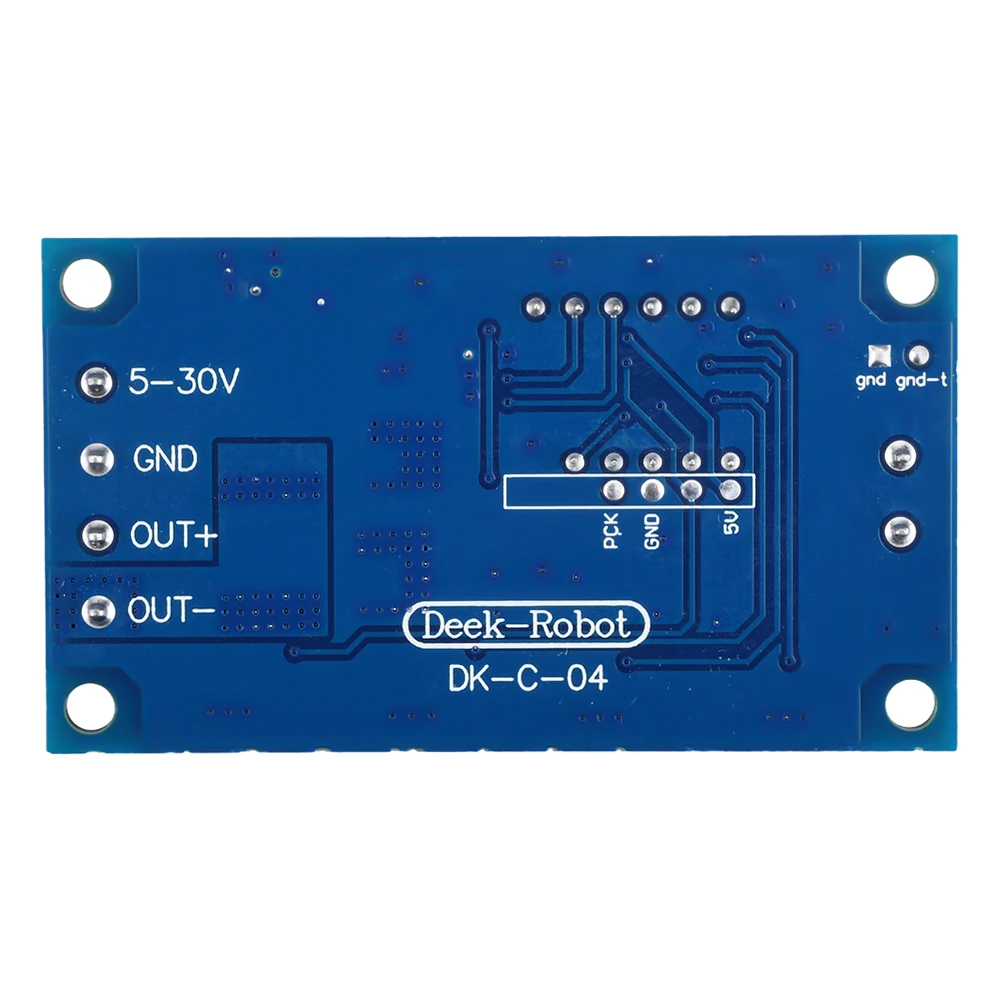
1. Wide voltage operation (5-36V), most devices can be used, very convenient;
2. The interface is clear and simple, powerful, and easy to understand, almost meeting all your needs;
3. It has a one button emergency stop function (STOP key) with reverse connection protection, and reverse connection does not burn;
4. Added a sleep mode, which automatically turns off the display after enabling it without any operation for 5 minutes;
Wake up with any button;
5. Different OP, CL, and LOP parameters can be set, which are independent of each other and saved separately;
6. All set parameters are automatically saved after power off.
Working mode:
P1 mode: After the signal is triggered, the relay conducts for OP time and then disconnects; During the OP time, proceed as follows
P1.1: Signal triggered again invalid
P1.2: Signal triggered again for re timing
P1.3: The signal triggers a reset again, the relay is disconnected, and the timing stops;
P-2: Give a trigger signal, after the relay is disconnected for CL time, the relay conducts for OP time, and after the timing is completed, disconnect the relay;
P3.1: After the trigger signal is given and the relay is turned on for OP time, the relay will disconnect for CL time, and then the above actions will be repeated. If the signal is given again during the cycle, the relay will disconnect and stop timing; The number of cycles (LOP) can be set;
P3.2: After powering on, there is no need to trigger the signal. The relay conducts OP time, and the relay disconnects CL time. Cycle the above actions; The number of cycles (LOP) can be set;
P-4: Signal holding function: If there is a trigger signal, the timer will be reset and the relay will remain conductive; When the signal disappears, time OP and disconnect the relay; During the timing period, if there is another signal, the timing will be reset to zero;
Parameters:
1: Working voltage: DC 5V -36V;
2: Trigger signal source: High level trigger (DC 3.0V-24V) The signal ground is not in common with the system ground to improve the system's anti-interference ability (it can also be short circuited to common ground)
3: Output capacity: DC 5V-36V, continuous current 15A at room temperature, power 400W! Under auxiliary heat dissipation conditions, the maximum current can reach 30A.
4: Quiescent current: 15mA
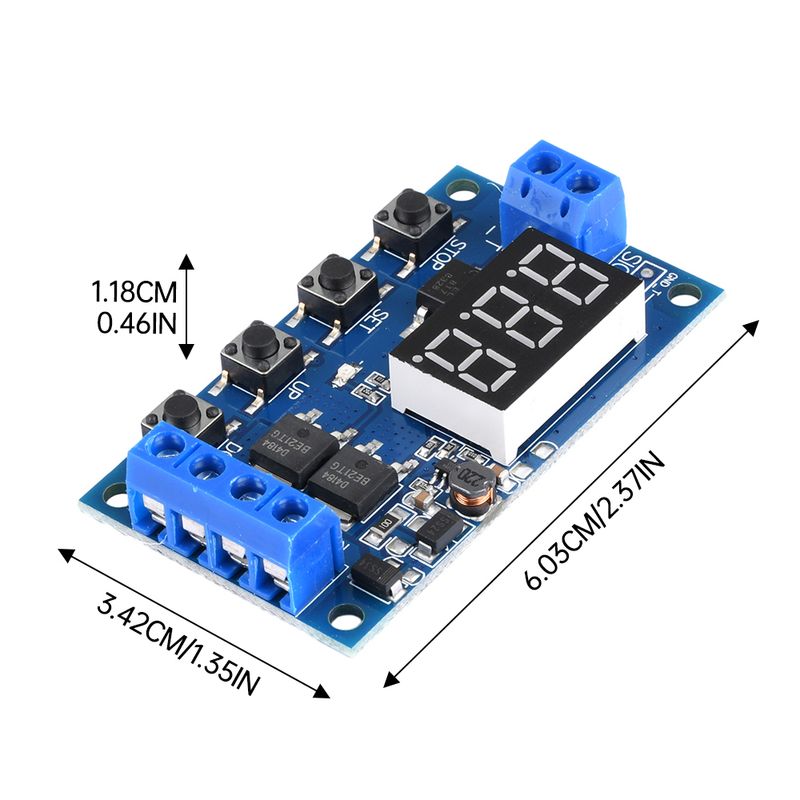
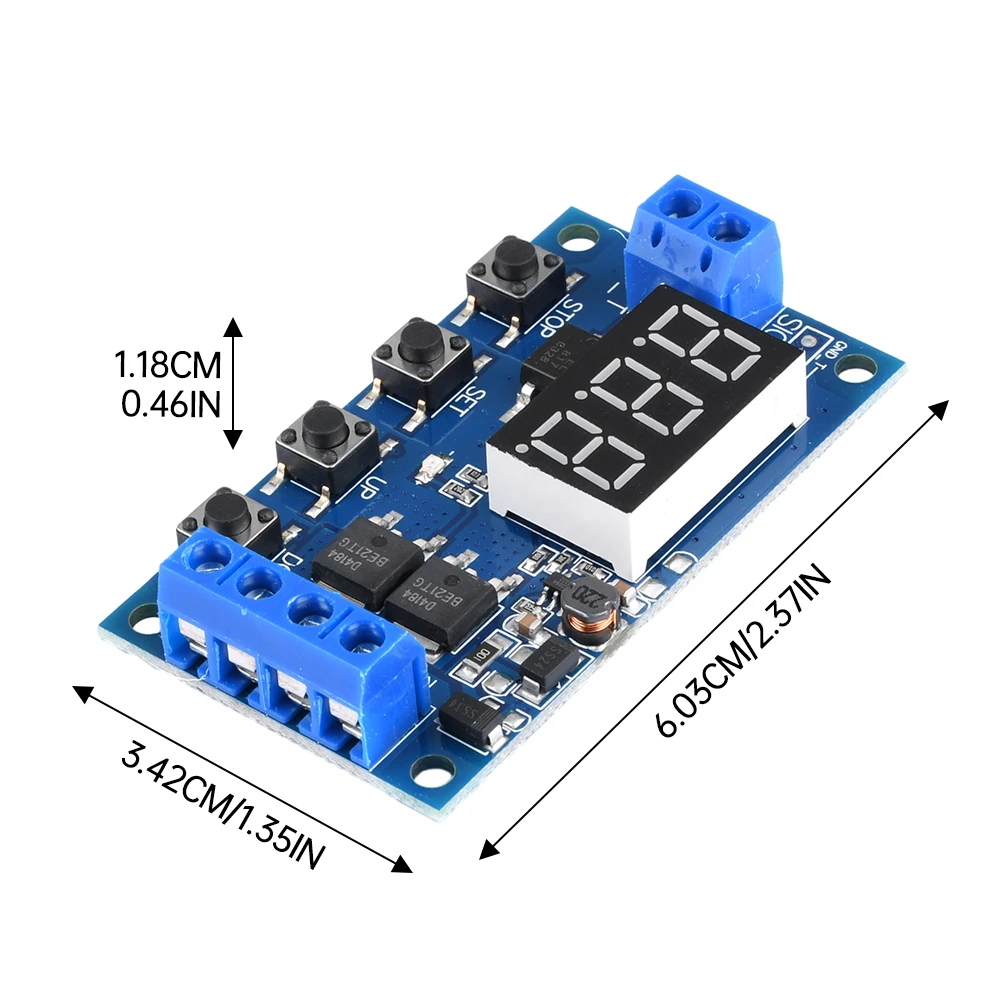
5: Service life: unlimited switching times; Working temperature: -40-85 ℃; Size: 6.0 * 3.4 * 1.2cm
6: Equipped with optocoupler isolation, enhanced anti-interference ability, industrial grade circuit board, set parameters for permanent memory after power outage.
Special attention:
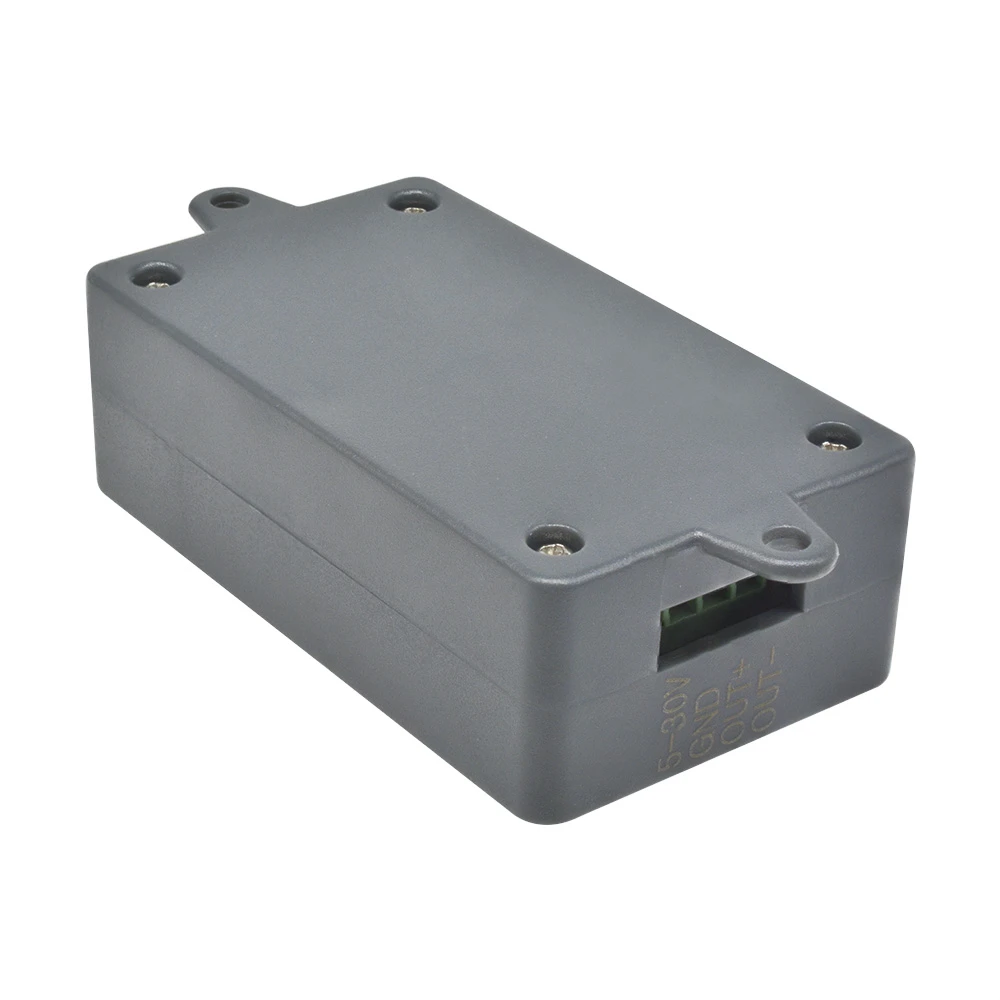
The module is an active live output, and the voltage at the output end (load end) is equal to the input voltage (DC 5V -36V).
The two poles of 'DC+' and load '+' are internally short circuited, but the two poles of 'DC -' and load '-' cannot be short circuited during use, otherwise the load will not be controlled to turn on and off, which is equivalent to the load being continuously powered on.
Timing range
0.1 seconds (minimum) to 999 minutes (maximum) continuously adjustable
How to select a timing range:
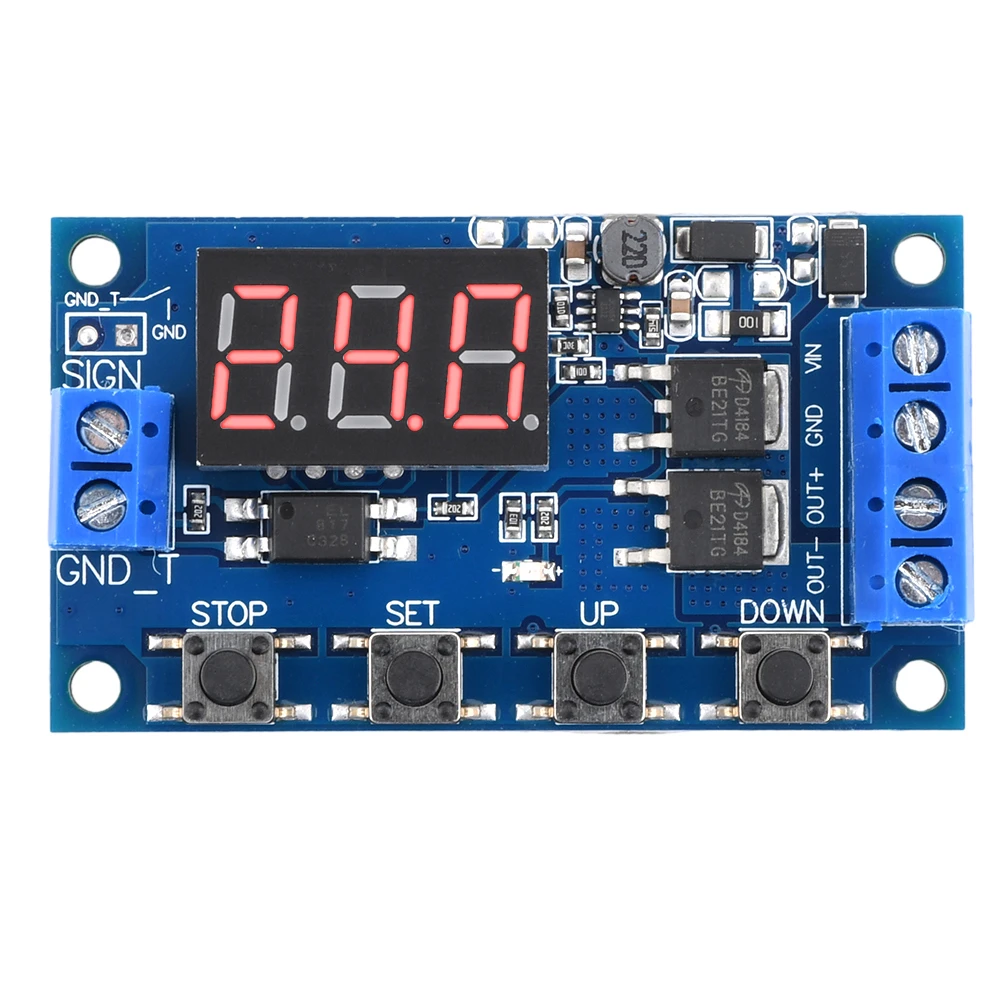
After setting the parameter values on the mode selection interface, press the STOP key briefly to select the timing range;
XXX Decimal point in one place, timing range: 1 second to 999 seconds
XX. X decimal point to the tenth place, timing range: 0.1 seconds to 99.9 seconds
X. X.X. All decimal points are on, timing range: 1 minute to 999 minutes
For example, if you want to set OP to 3.2 seconds, then move the decimal point to ten places and the digital tube will display 03.2
Parameter Description:
OP conduction time, CL disconnection time, number of LOP cycles (1-999, "---" represents infinite cycles)
These parameters are independent of each other, but each mode shares these parameters. For example, if the conduction time OP is set to 5 seconds in P1.1 and the user wants to switch to P1.2 mode, when entering P1.2 to set the corresponding parameters, the OP will also be 5 seconds;
Short press the SET button on the main interface (displaying 000) to display OP (CL, LOP) and corresponding time XXX;
If there is only OP time in the mode (such as mode P1.1, P1.2, P1.3), short pressing the SET key will only display OP and the corresponding time;
If there are OP, CL, and LOP in the mode (such as modes P3.1 and P3.2), pressing the SET key briefly will display OP and corresponding time, CL and corresponding time, LOP and corresponding times;
After setting the mode, you can easily view the parameters set in the current mode by short pressing the SET key on the main interface, which is very convenient!
How to set parameters:
Firstly, determine the working mode of the relay;
2. According to the working mode of the relay, in the main interface (when the module is powered on, it will flash the current working mode (default P1.1 mode), and then enter the main interface.) "Press and hold the SET button for 2 seconds and then release" to enter the mode selection interface. Select the mode to be set (P1.1~P-4) by short pressing the UP and DOWN buttons;
3. After selecting the mode to be set (such as P3.2), press the SET key briefly to set the corresponding parameters. At this time, the parameters to be set will flash (OP conduction time, CL disconnection time, LOP cycle times ("-" represents infinite cycles)). Adjust the parameter values through UP and DOWN, and support long press (fast increase or decrease) and short press (increase or decrease by 1 unit); After setting the parameter values, press the STOP key briefly to select the decimal point position and timing range (corresponding time of 0.1 seconds to 999 minutes); Short press the SET key to set the next parameter for the current mode, the process is the same as above;
4. After setting the parameters for the selected mode, press and hold the SET key for 2 seconds before releasing it. The currently set mode will flash and then return to the main interface. Setting the parameters successfully is very simple!
Main interface: Display "000" (without decimal point) when the relay is not working, with decimal point when the relay is working, very clear!
Mode selection interface: Press and hold the SET key to enter. After setting, press and hold the SET key to exit and return to the main interface. It's very simple!
STOP button function extension:
Relay Enable Mode:
1. ON: The relay is allowed to conduct during the OP conduction time;
2. OFF: The relay is prohibited from conducting and always in a closed state;
Short press the STOP button on the main interface to switch between ON and OFF, and the current state will flash before returning to the main interface. (This function is an emergency stop function, which opens and closes the relay with one click)
Sleep mode:
1. C-P sleep mode: Within five minutes, there is no operation, the digital tube automatically turns off the display, and the program runs normally;
2. O-d normal mode: The digital tube is always on for display;
Press and hold the STOP button for 2 seconds and release it to switch between C-P and O-d states. The current state will flash and then return to the main interface.
Package include:
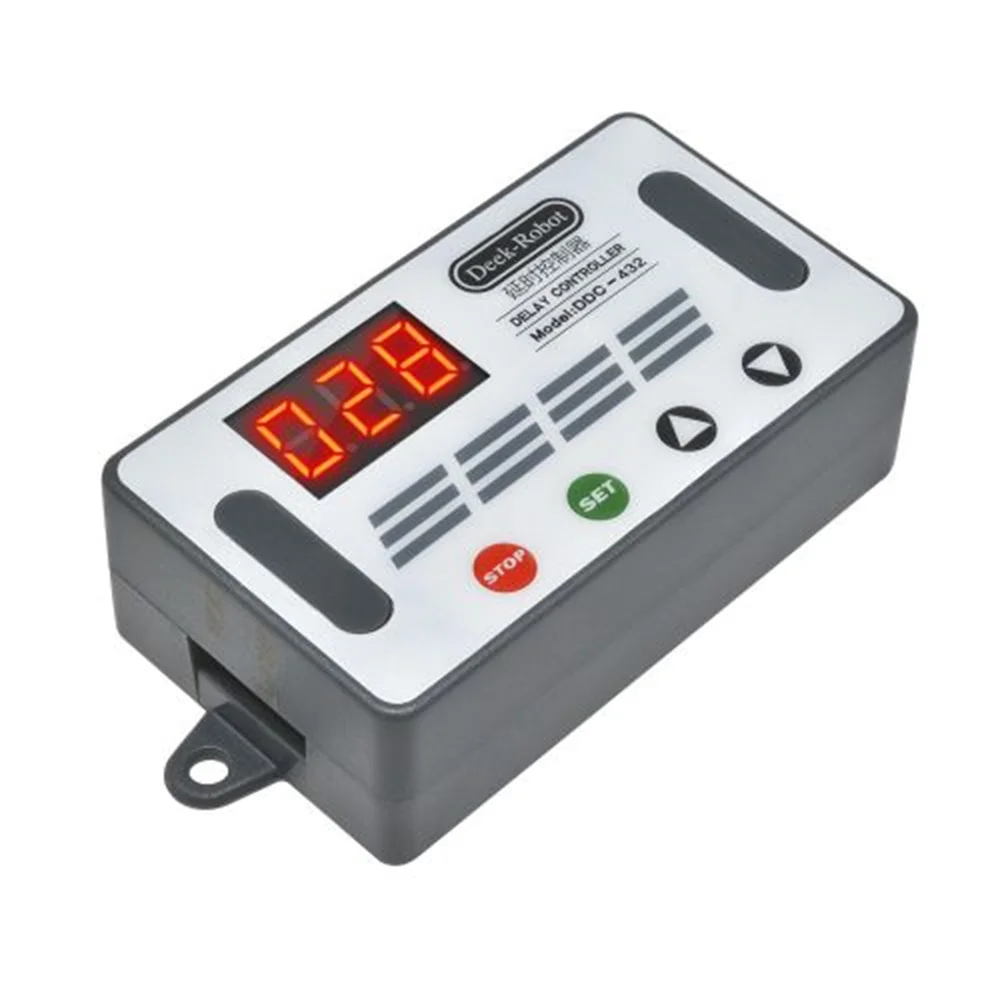
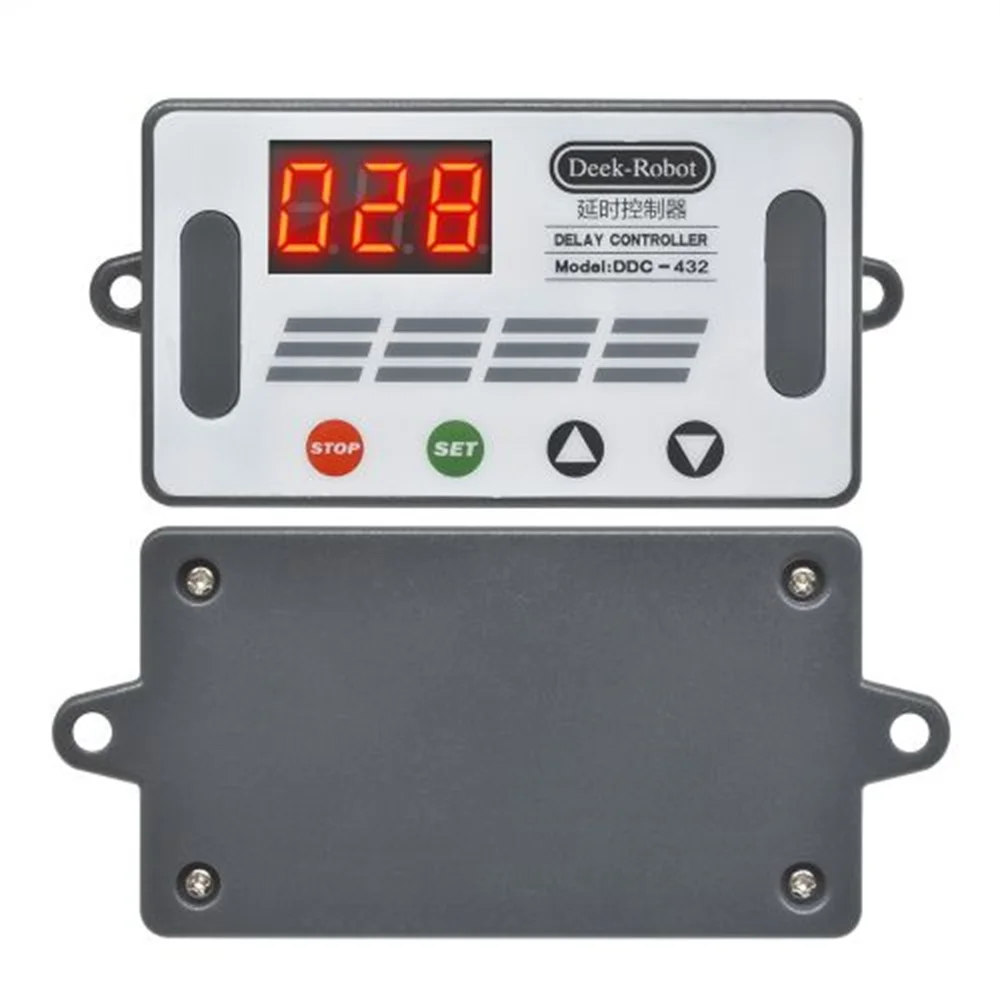
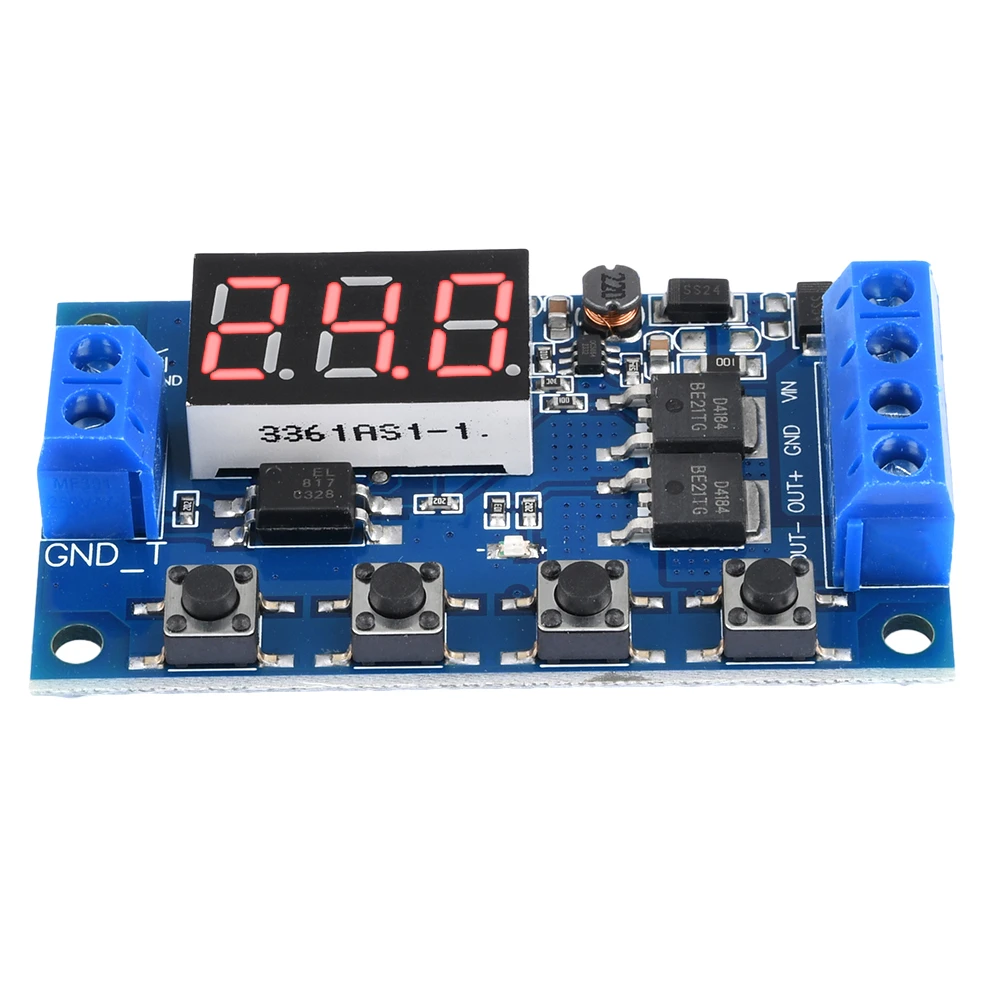
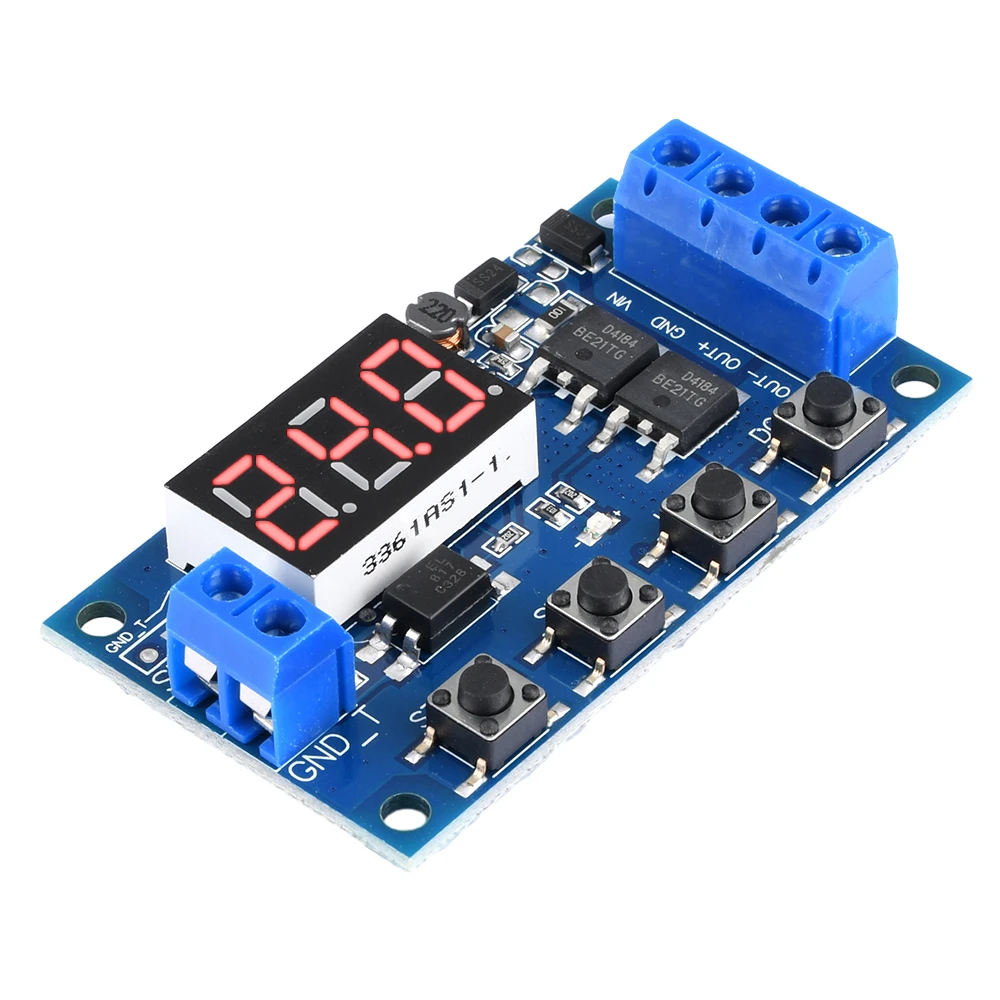
1 * Control board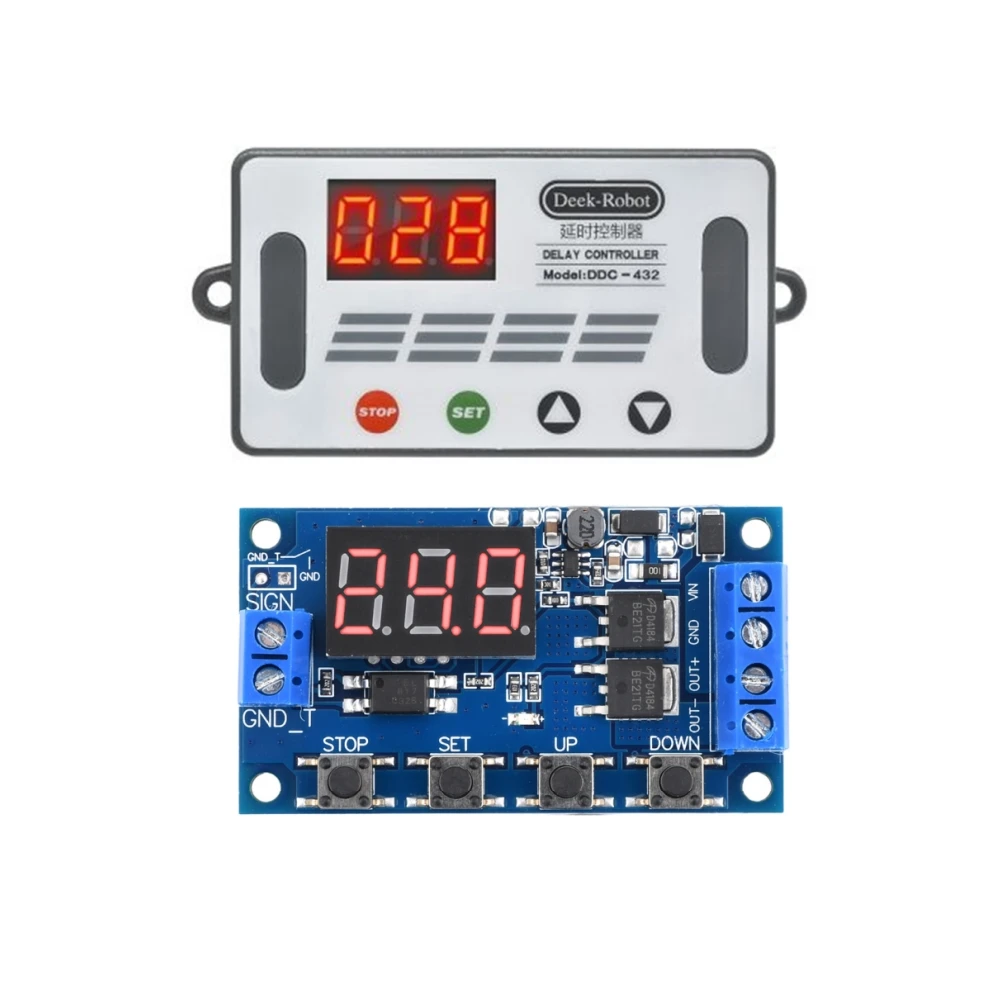
Shop Policies
Payment Policy
Payment Policy – BILLIONS BIRDS
At BILLIONS BIRDS, we are committed to providing a safe, secure, and seamless payment experience for our customers.
1. Accepted Payment Methods
We accept the following payment options:
Major Credit & Debit Cards (Visa, MasterCard, American Express)
Secure Online Payment Gateways (such as PayPal, Stripe, or other providers available at checkout)
Any additional payment methods displayed during checkout
All payments must be completed in full at the time of purchase.
2. Secure Transactions
All transactions are processed through encrypted and secure payment systems to protect your personal and financial information. We do not store your full payment details on our servers.
3. Currency
Prices are displayed in the currency indicated on the website. If you are purchasing from another country, your bank may apply currency conversion fees.
4. Order Confirmation
Once your payment has been successfully processed, you will receive an order confirmation email containing your purchase details.
5. Failed or Declined Payments
If your payment is declined, please verify your billing information or contact your bank. Orders will only be processed after successful payment confirmation.
6. Fraud Prevention
BILLIONS BIRDS reserves the right to cancel or refuse any order if fraud or unauthorised activity is suspected.
Delivery Policy
Delivery Policy – BILLIONS BIRDS
At BILLIONS BIRDS, we are dedicated to delivering your orders safely and efficiently.
1. Order Processing
All orders are processed within 1–3 business days after payment confirmation. Orders are not processed or shipped on weekends or public holidays.
2. Shipping Times
Estimated delivery times vary depending on your location:
Domestic Shipping: 3–7 business days
International Shipping: 7–15 business days
Please note that delivery times are estimates and may vary due to customs procedures, carrier delays, weather conditions, or other unforeseen circumstances.
3. Shipping Costs
Shipping fees are calculated at checkout based on your location and selected shipping method. Any customs duties, taxes, or import fees are the customer's responsibility.
4. Tracking Information
Once your order has been shipped, you will receive a confirmation email with tracking details (if available) so you can monitor your package.
5. Delivery Issues
If your order is delayed, lost, or arrives damaged, please contact us within 7 days of the expected delivery date. We will work with the shipping carrier to resolve the issue as quickly as possible.
6. Incorrect Shipping Information
Customers are responsible for providing accurate shipping details at checkout. BILLIONS BIRDS is not responsible for orders shipped to incorrect addresses provided by the customer.
Refund Policy
Refund Policy – BILLIONS BIRDS
At BILLIONS BIRDS, customer satisfaction is our top priority. If you are not completely satisfied with your purchase, we’re here to help.
1. Return Eligibility
You may request a return within 14 days of receiving your order. To qualify for a return:
The item must be unused, unworn, and in the same condition as received.
The item must be in its original packaging.
Proof of purchase (order confirmation or receipt) is required.
Certain items may not be eligible for return, including clearance items, gift cards, or personalised/custom products.
2. Non-Refundable Items
The following items are non-refundable:
Final sale or discounted items
Gift cards
Items damaged due to misuse, negligence, or improper care
3. Return Process
To initiate a return, please contact our customer support team with your order number and reason for return. If your return is approved, you will receive instructions for returning the item.
Unless the item is defective or incorrect, customers are responsible for return shipping costs.
4. Refund Processing
Once we receive and inspect your returned item:
We will notify you of the approval or rejection of your refund.
If approved, the refund will be issued to your original payment method within 5–10 business days.
Please note that banks or payment providers may require additional time to process refunds.
5. Damaged or Incorrect Items
If you receive a damaged, defective, or incorrect item, please contact us within 7 days of delivery and provide clear photos of the product and packaging. We will arrange a replacement or full refund at no additional cost.
6. Late or Missing Refunds
If you have not received your refund:
Check your bank account again.
Contact your credit card company or payment provider.
If the issue persists, don't hesitate to contact our support team for assistance.
Recommended Products
Customer reviews
Share your thoughts with other customers
Be the first one to write a review!

Items (0)
