

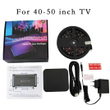
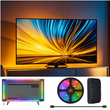


LED HDMI Sync TV Backlight with Dynamic Ambiance Lighting | LED Light Strip Works with TV Box/PS5/Fire Stick| Gaming Mode
Includes all taxes
Meet your Seller
-
$155.59Sold by BILLIONS BIRDS
Description
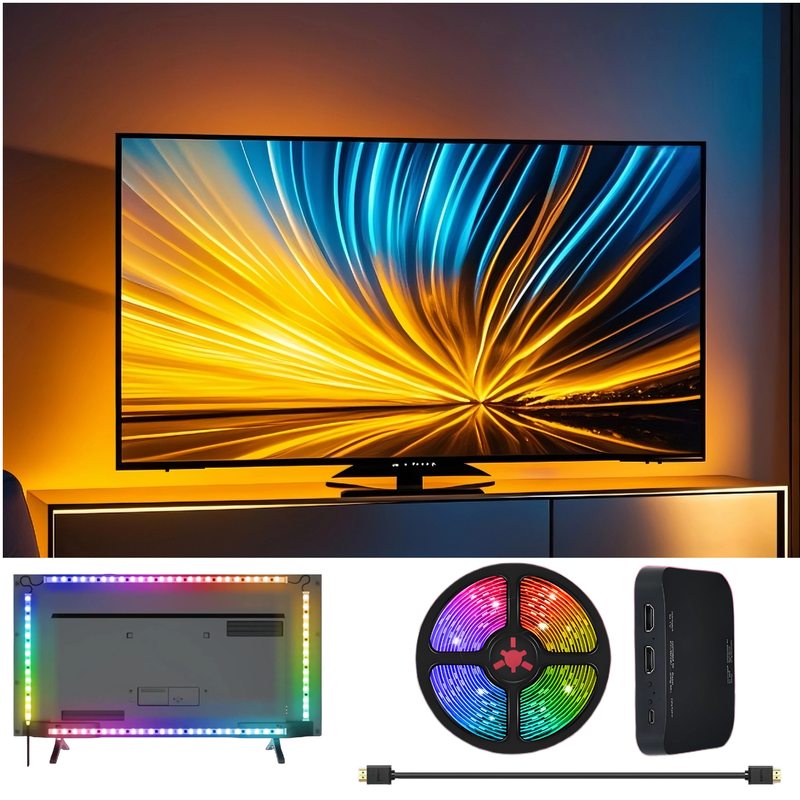
WACUAAO LED strips mirror your TV's colors in real-time through the HDMI 2.0 box. No complex setup! Perfect for movies, gaming, or setting the mood.
Real-Time Sync Modes
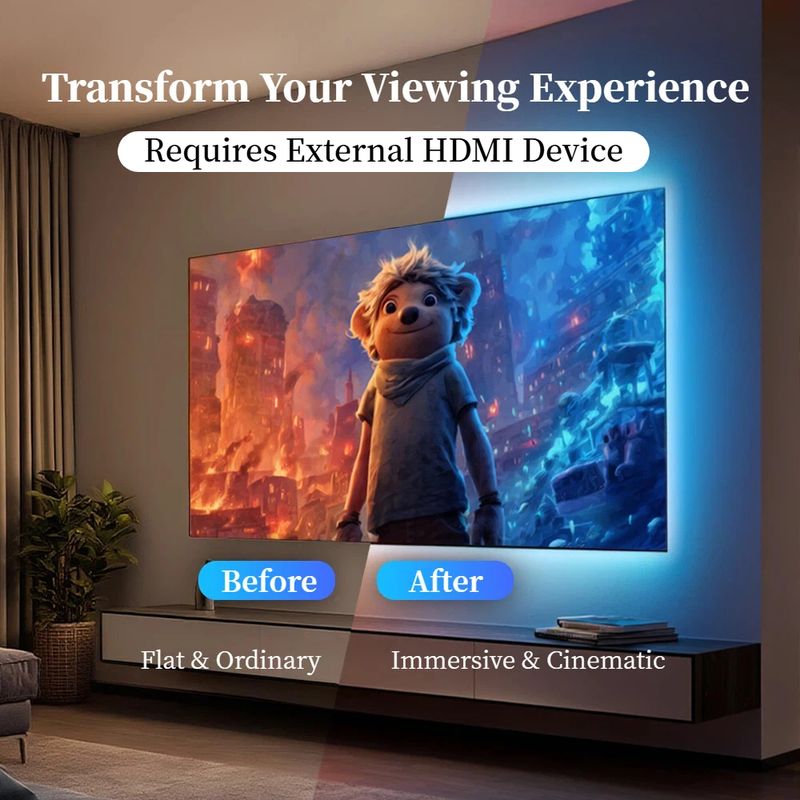
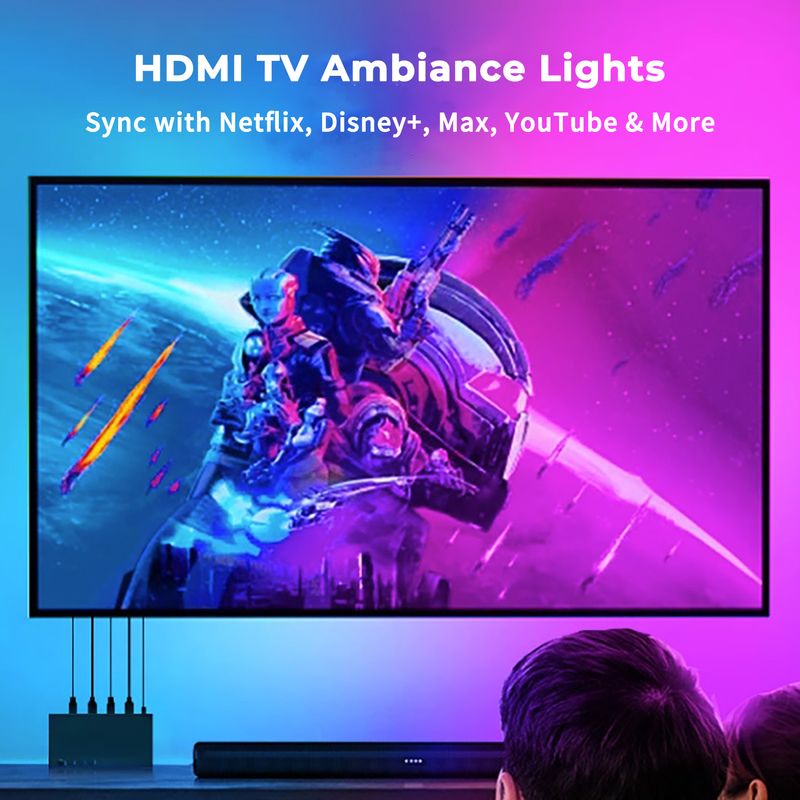
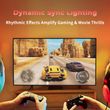
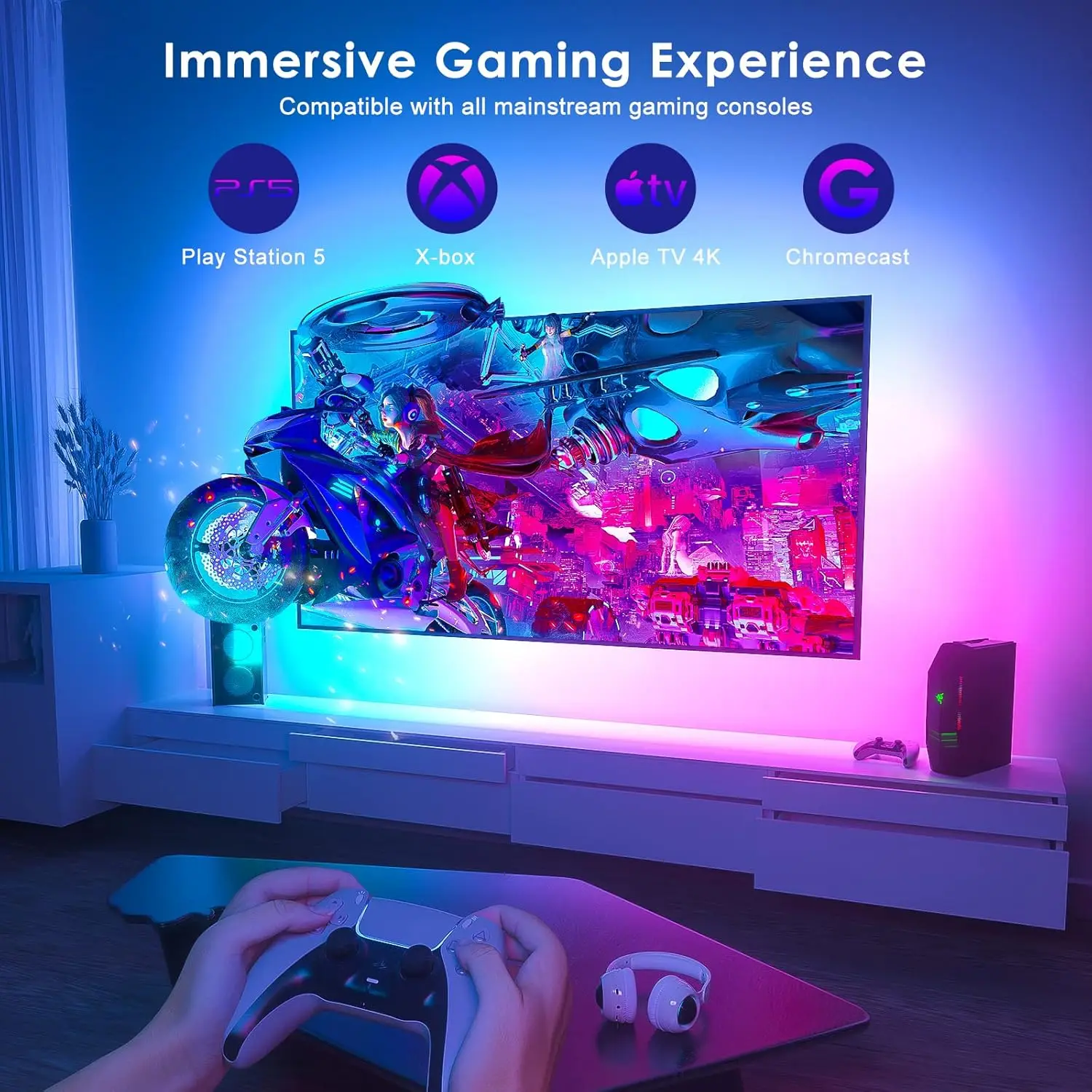
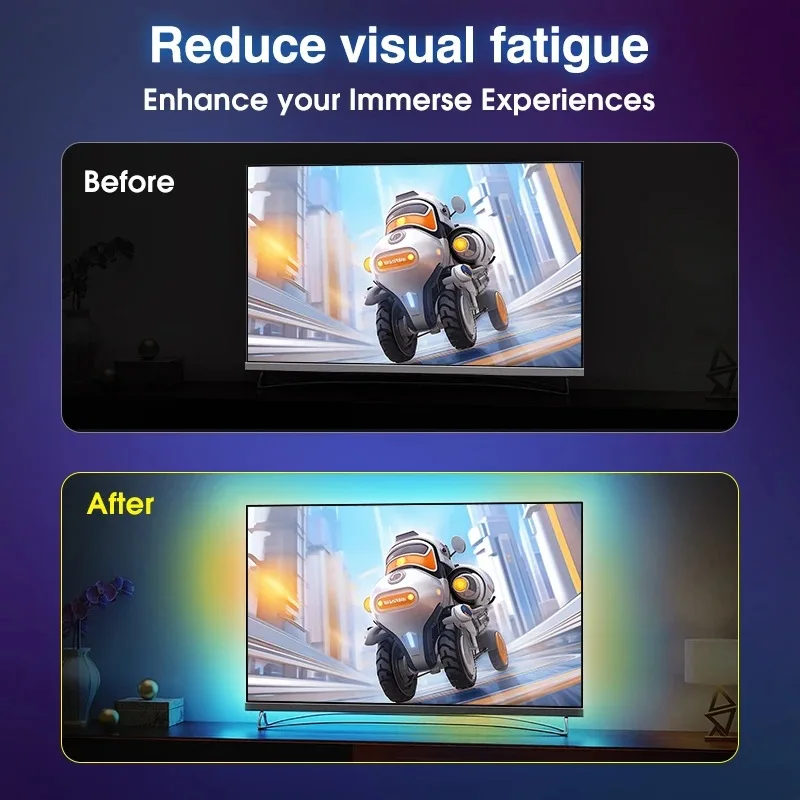
Lights instantly match the colors of your screen, creating an immersive ambient glow that reacts in real time to whatever you’re watching or playing.
No WiFi or Apps
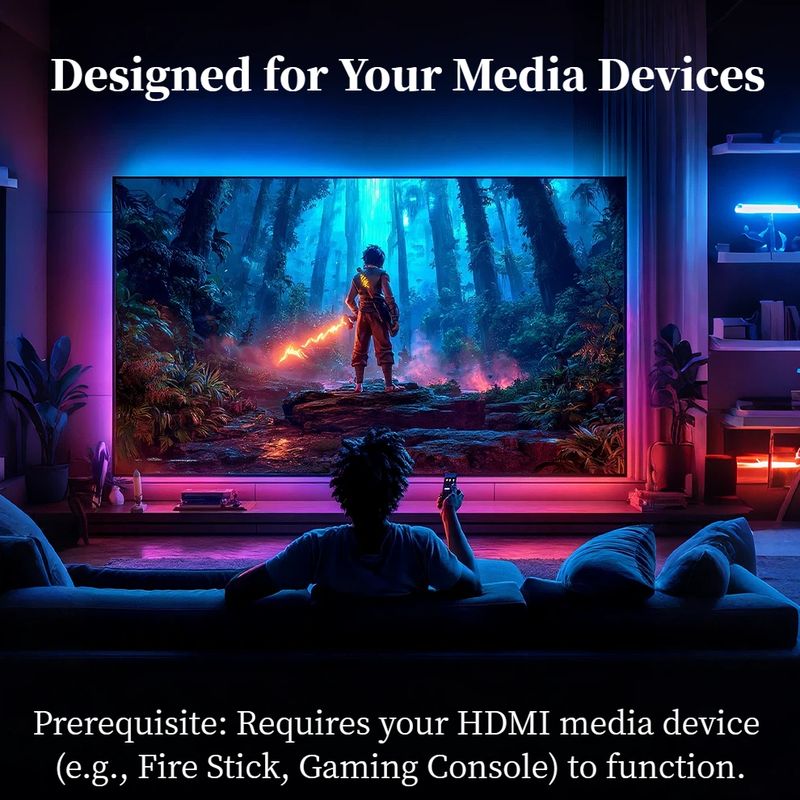
Works instantly via HDMI 2.0 input (TV Box, Apple TV, Fire Stick, PS4/5, Xbox,Switch)。.No complex APP setup, no tracking, no data sharing.
Plug & Play
Easy setup with plug-and-play functionality, no additional configuration required.
Waterproof
Designed to withstand splashes and spills, ensuring durability in various environments.
Dynamic Ambiance Lighting
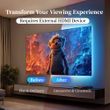
Enhance your viewing experience with dynamic ambiance lighting that changes color based on your TV content.
Easy DIY Setup
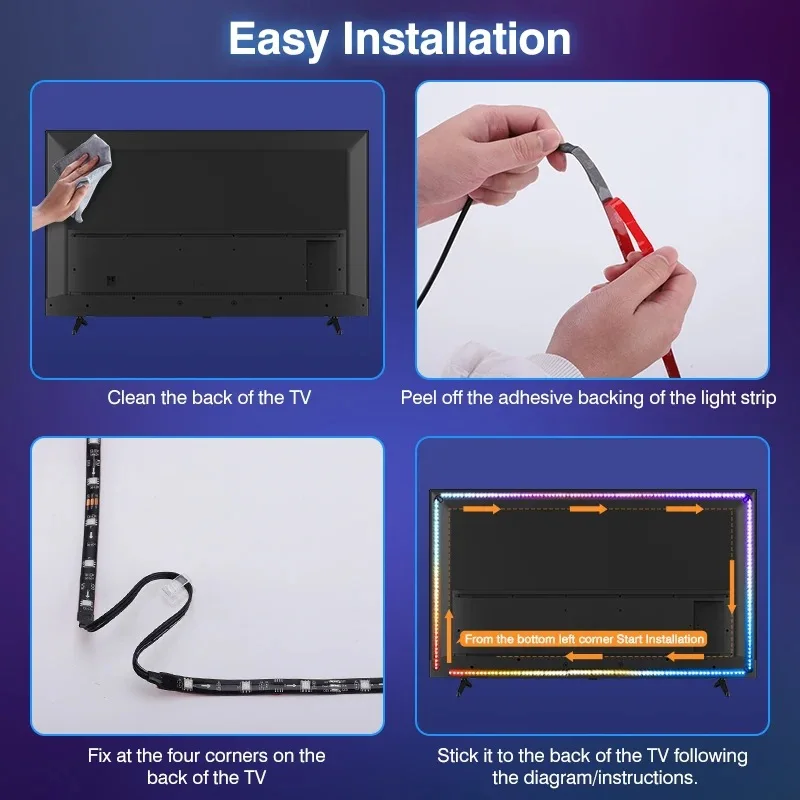
Peel, stick, and plug into HDMI; no tools or tech skills required.
Product Description
Elevate your TV experience with the HDMI Sync TV Backlight, designed to transform your space into a cinematic hub or gaming arena.
Simply connect via HDMI 2.0 to sync lights with movies, shows, or gameplay in real-time.
The peel-and-stick LED strips fit any TV size, while the spill-proof design ensures longevity.
Perfect for gamers, streamers, or movie nights – plug in, light up, and immerse!
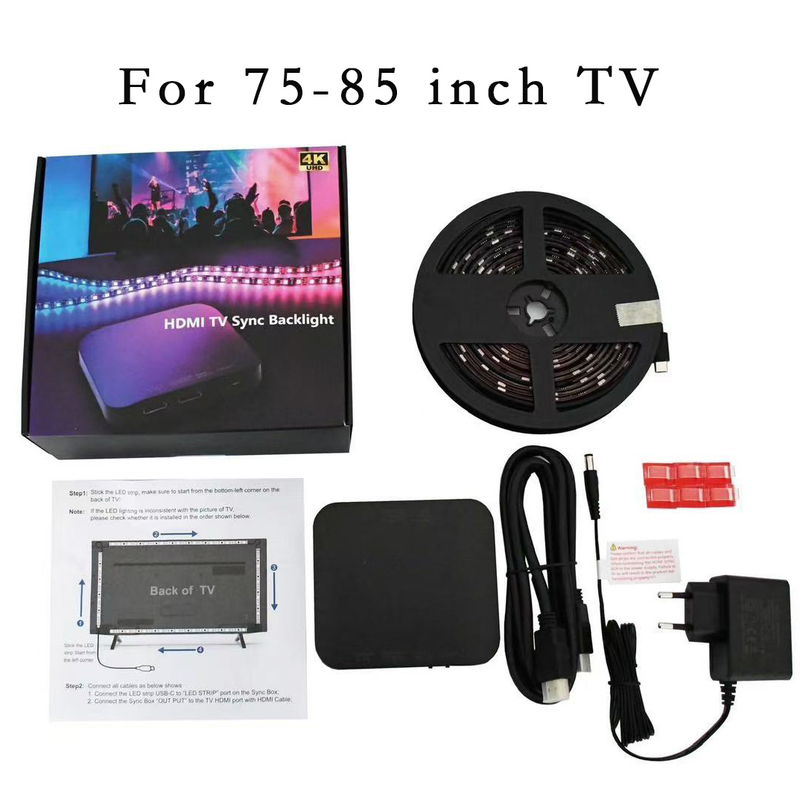
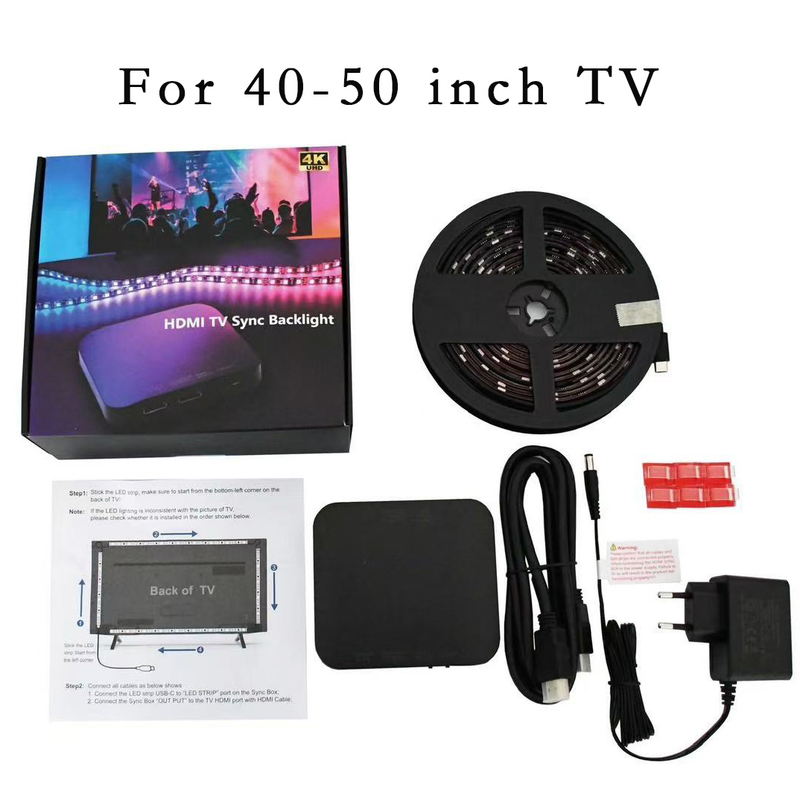
How To Install?
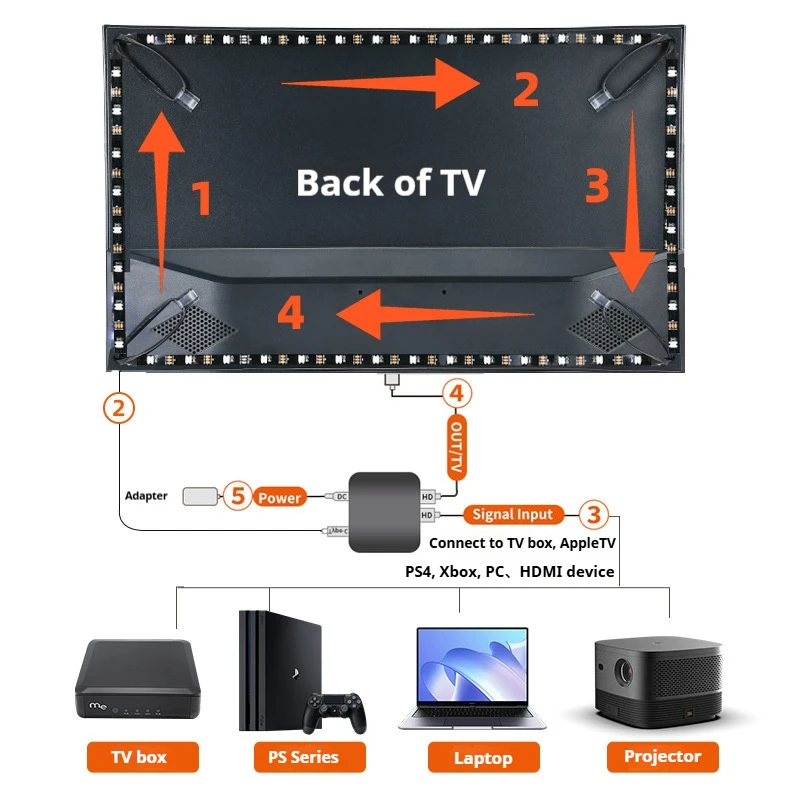
Tear off the adhesive tape and stick the light strip clockwise to the back ofTV from the bottom left corner. Fix the light strip in corners with clips.
Connect the light strip to the “LED Strip" Type-C port of the sync box.
Connect TV Box or other signal sources to the “input" port of sync box with an HD cable.
Connect Your TV or monitor to the “output" port of the sync boxwith the data cable.P
Power on the light strip with the power adapter.
Troubleshooting: Quick Fix for Lighting Issues
Q: What should I do if part of the LED strip isn’t lighting up or colors are out of sync?
A: No problem! This is often a simple connection glitch. Here’s how to reset it:
Press and hold the "RESET" button on the sync box for 5 seconds (the strip will flash red).
Unplug the power adapter from the outlet for 10 seconds.
Plug it back in. The lights will perform a white chase effect — this means the reset is complete!
Pro Tip: This process helps recalibrate the LEDs and solves most sync issues instantly.

We're Here to Help!
Have any questions about this product? Or encountered an issue after receiving your order?
We're just a scan away! Feel free to contact us directly on WhatsApp via the QR code below. Our team is ready to assist you with any inquiries, both before and after your purchase.
We'll get back to you as soon as possible!
Technical Support:longlight888@outlook.com
Shop Policies
Payment Policy
Payment Policy – BILLIONS BIRDS
At BILLIONS BIRDS, we are committed to providing a safe, secure, and seamless payment experience for our customers.
1. Accepted Payment Methods
We accept the following payment options:
Major Credit & Debit Cards (Visa, MasterCard, American Express)
Secure Online Payment Gateways (such as PayPal, Stripe, or other providers available at checkout)
Any additional payment methods displayed during checkout
All payments must be completed in full at the time of purchase.
2. Secure Transactions
All transactions are processed through encrypted and secure payment systems to protect your personal and financial information. We do not store your full payment details on our servers.
3. Currency
Prices are displayed in the currency indicated on the website. If you are purchasing from another country, your bank may apply currency conversion fees.
4. Order Confirmation
Once your payment has been successfully processed, you will receive an order confirmation email containing your purchase details.
5. Failed or Declined Payments
If your payment is declined, please verify your billing information or contact your bank. Orders will only be processed after successful payment confirmation.
6. Fraud Prevention
BILLIONS BIRDS reserves the right to cancel or refuse any order if fraud or unauthorised activity is suspected.
Delivery Policy
Delivery Policy – BILLIONS BIRDS
At BILLIONS BIRDS, we are dedicated to delivering your orders safely and efficiently.
1. Order Processing
All orders are processed within 1–3 business days after payment confirmation. Orders are not processed or shipped on weekends or public holidays.
2. Shipping Times
Estimated delivery times vary depending on your location:
Domestic Shipping: 3–7 business days
International Shipping: 7–15 business days
Please note that delivery times are estimates and may vary due to customs procedures, carrier delays, weather conditions, or other unforeseen circumstances.
3. Shipping Costs
Shipping fees are calculated at checkout based on your location and selected shipping method. Any customs duties, taxes, or import fees are the customer's responsibility.
4. Tracking Information
Once your order has been shipped, you will receive a confirmation email with tracking details (if available) so you can monitor your package.
5. Delivery Issues
If your order is delayed, lost, or arrives damaged, please contact us within 7 days of the expected delivery date. We will work with the shipping carrier to resolve the issue as quickly as possible.
6. Incorrect Shipping Information
Customers are responsible for providing accurate shipping details at checkout. BILLIONS BIRDS is not responsible for orders shipped to incorrect addresses provided by the customer.
Refund Policy
Refund Policy – BILLIONS BIRDS
At BILLIONS BIRDS, customer satisfaction is our top priority. If you are not completely satisfied with your purchase, we’re here to help.
1. Return Eligibility
You may request a return within 14 days of receiving your order. To qualify for a return:
The item must be unused, unworn, and in the same condition as received.
The item must be in its original packaging.
Proof of purchase (order confirmation or receipt) is required.
Certain items may not be eligible for return, including clearance items, gift cards, or personalised/custom products.
2. Non-Refundable Items
The following items are non-refundable:
Final sale or discounted items
Gift cards
Items damaged due to misuse, negligence, or improper care
3. Return Process
To initiate a return, please contact our customer support team with your order number and reason for return. If your return is approved, you will receive instructions for returning the item.
Unless the item is defective or incorrect, customers are responsible for return shipping costs.
4. Refund Processing
Once we receive and inspect your returned item:
We will notify you of the approval or rejection of your refund.
If approved, the refund will be issued to your original payment method within 5–10 business days.
Please note that banks or payment providers may require additional time to process refunds.
5. Damaged or Incorrect Items
If you receive a damaged, defective, or incorrect item, please contact us within 7 days of delivery and provide clear photos of the product and packaging. We will arrange a replacement or full refund at no additional cost.
6. Late or Missing Refunds
If you have not received your refund:
Check your bank account again.
Contact your credit card company or payment provider.
If the issue persists, don't hesitate to contact our support team for assistance.
Recommended Products
Customer reviews
Share your thoughts with other customers
Be the first one to write a review!

Items (0)
