
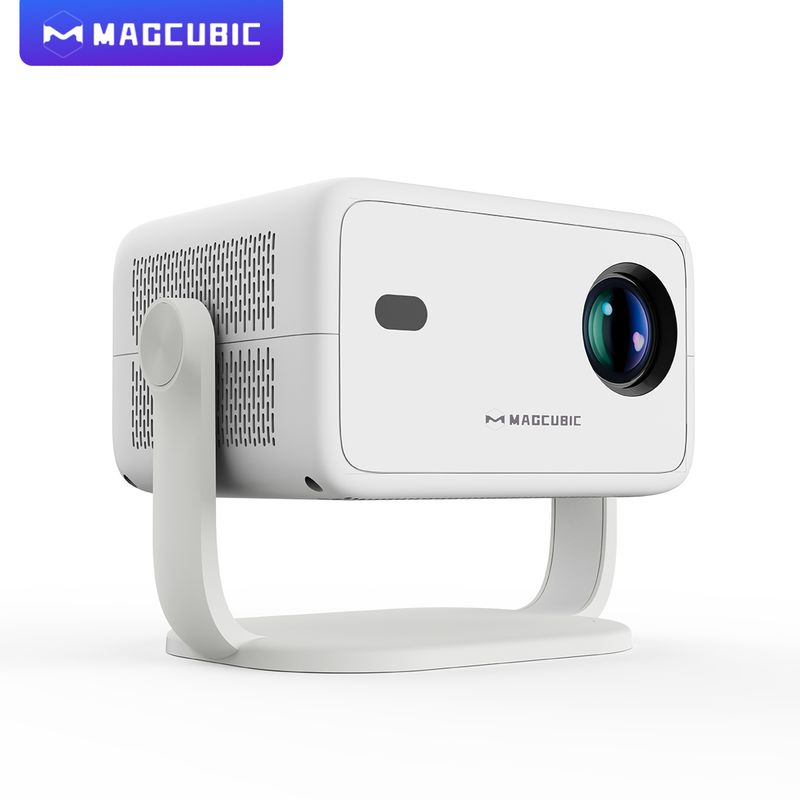
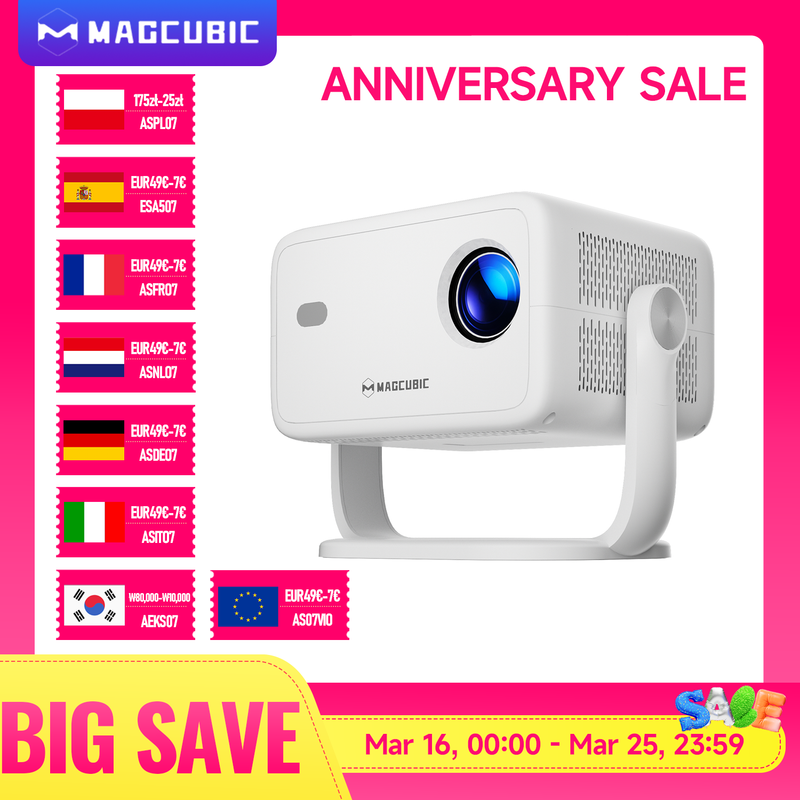


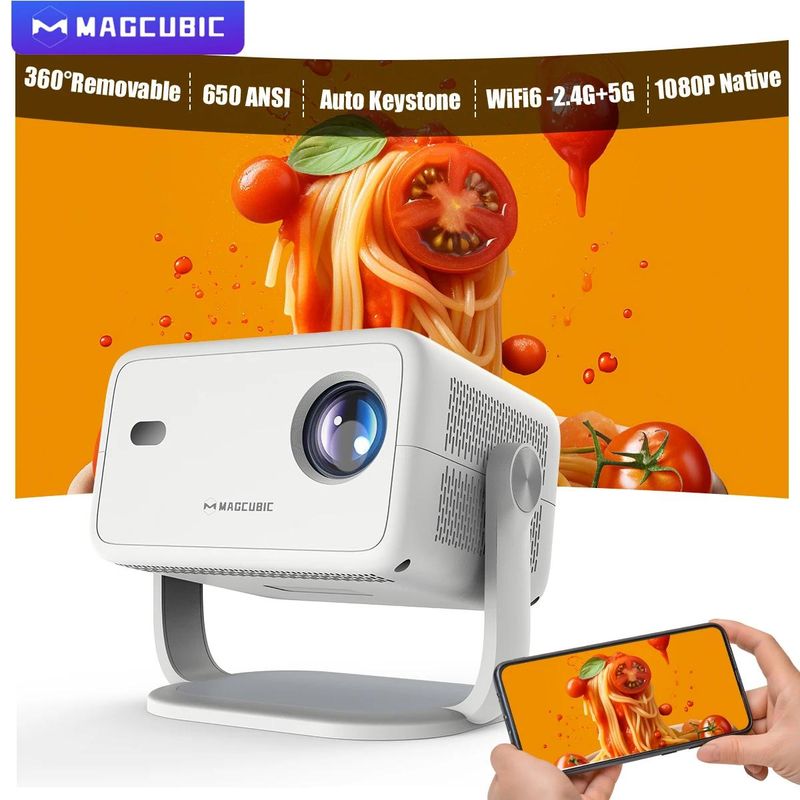








Magcubic 8K L018 Android14 Projector 650ANSI Native 1080P Auto Focus & Keystone BT5.4 WIFI6 Allwinner H726 Portable 360° Rotate
Includes all taxes
Meet your Seller
-
$513.18Sold by BILLIONS BIRDS
Description
Magcubic 360° Removable Portable Projector
Full of movie theater atmosphere in one device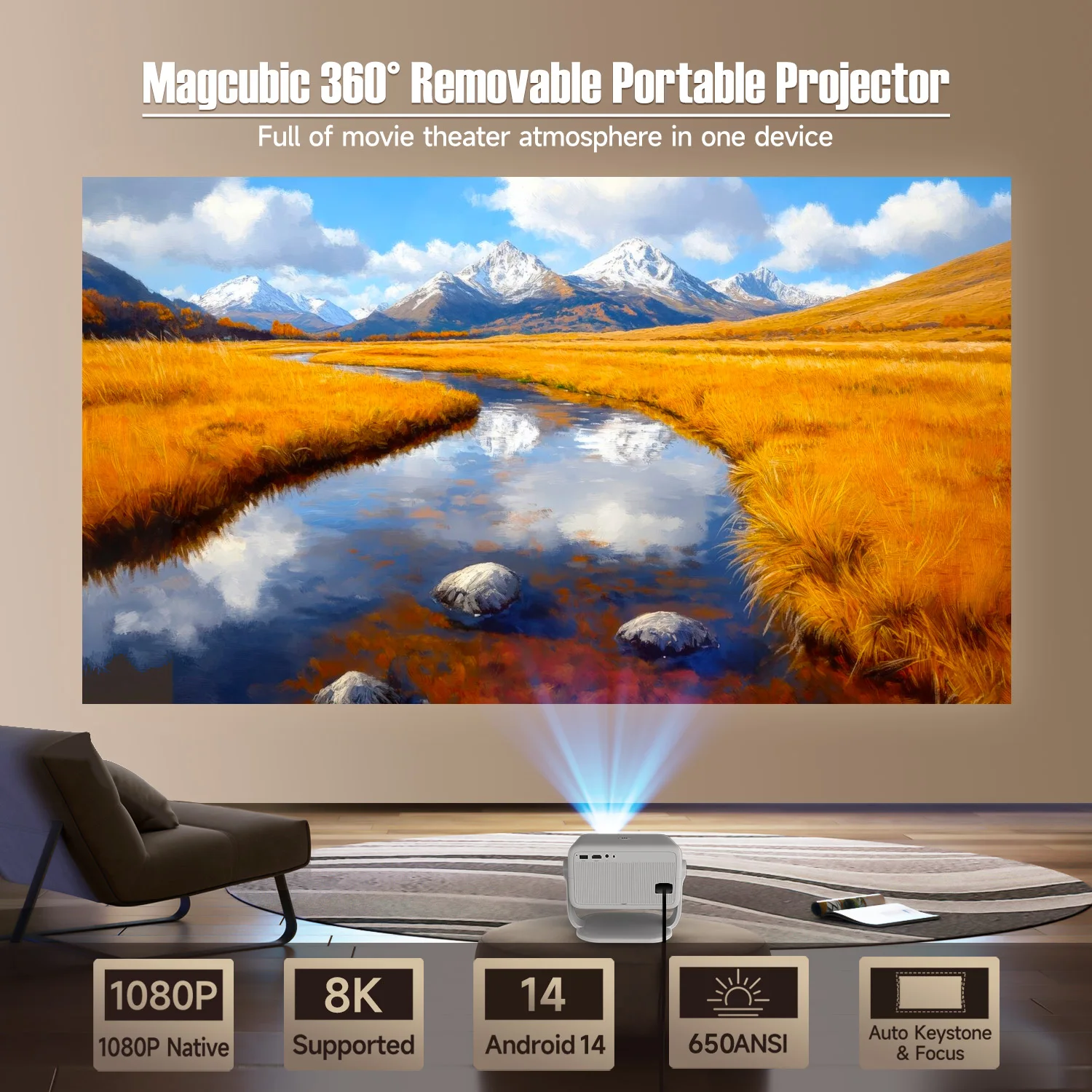
360° & 650ANSI & WIFI6/2.4G+5G & BT5.4 & Auto Keystone/Focus & 1080P Native/8K Supported
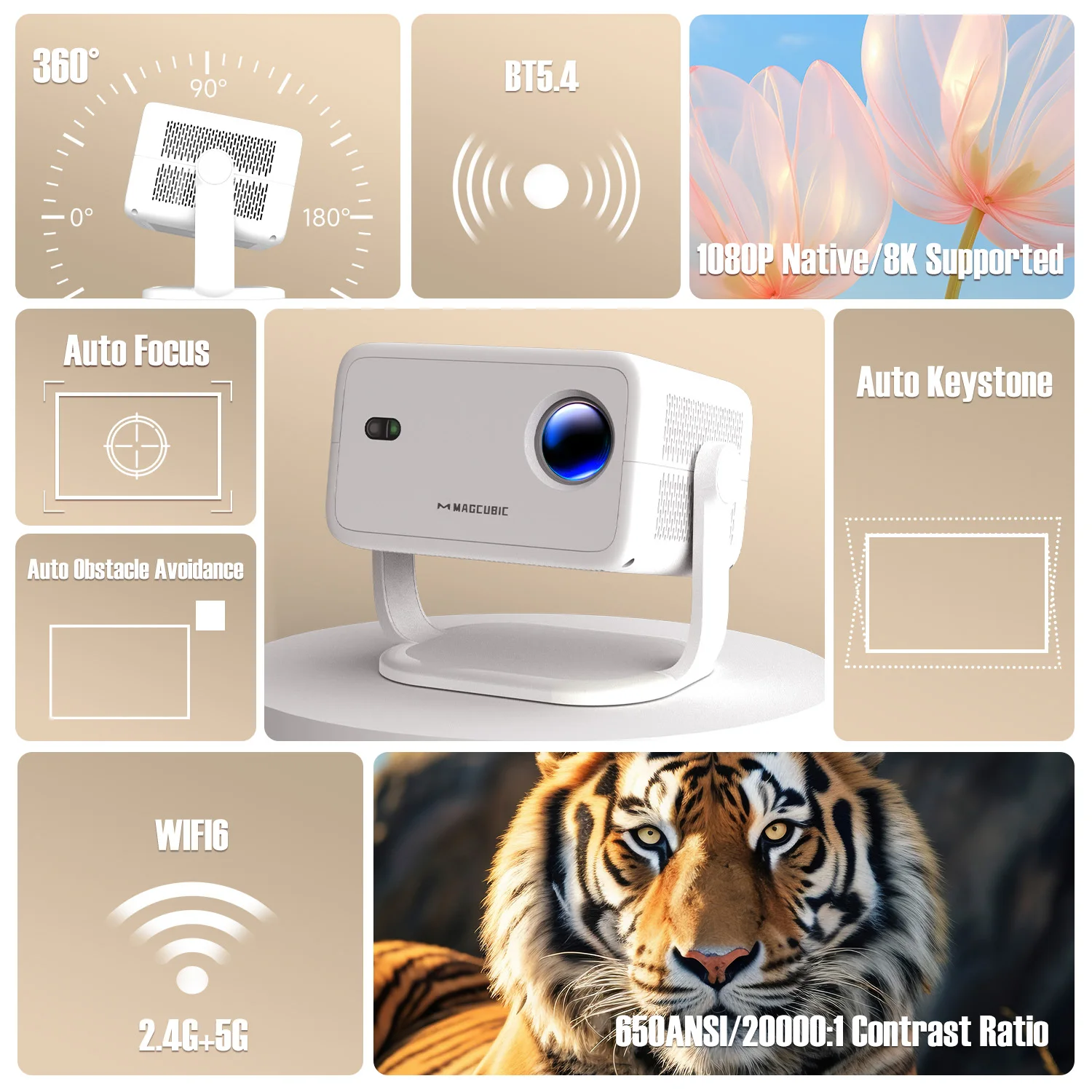
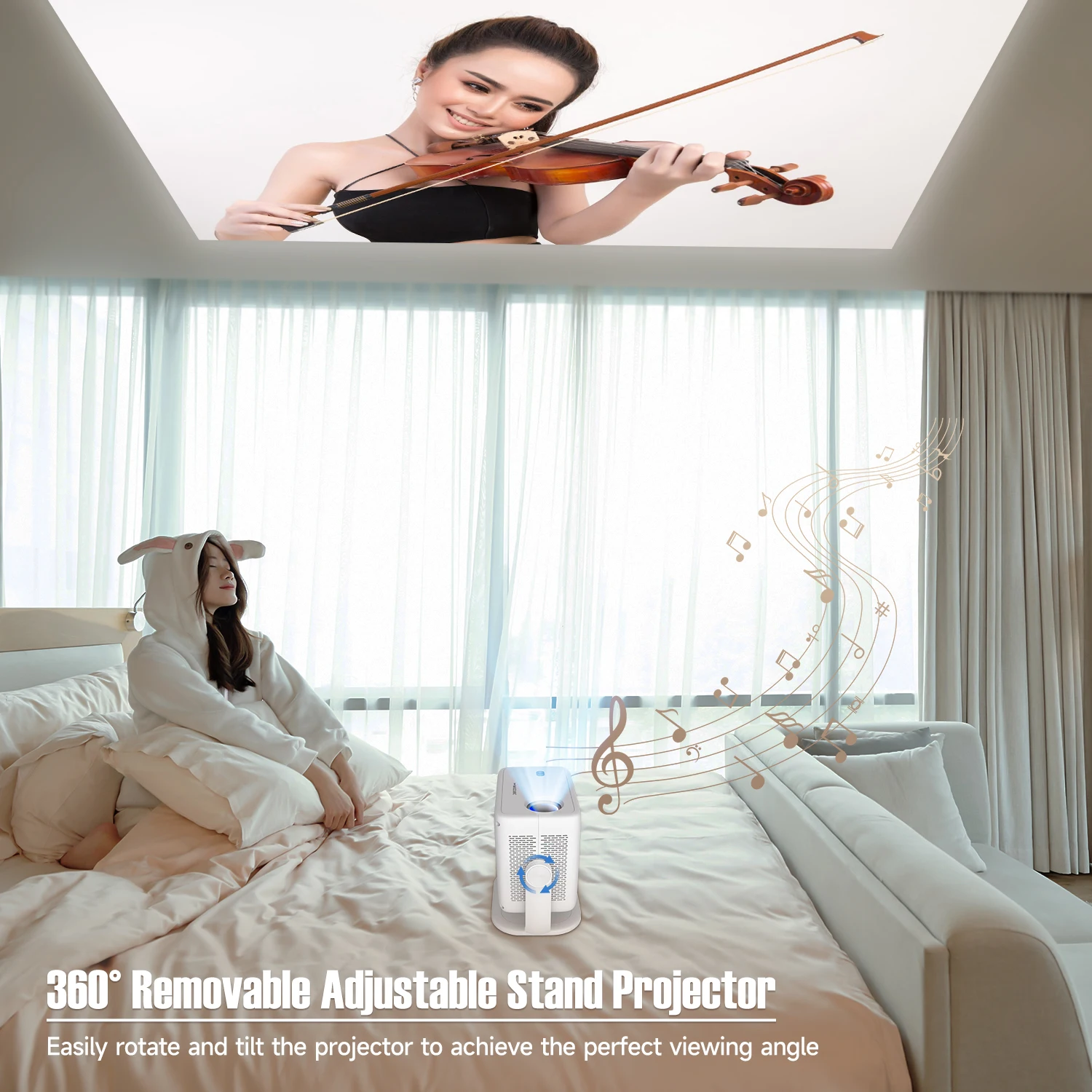
360° Removable Adjustable Stand Projector
Easily rotate and tilt the projector to achieve the perfect viewing angle
Auto Keystone Correction & Focus
Say goodbye to manual. Just 2 seconds to get clear image

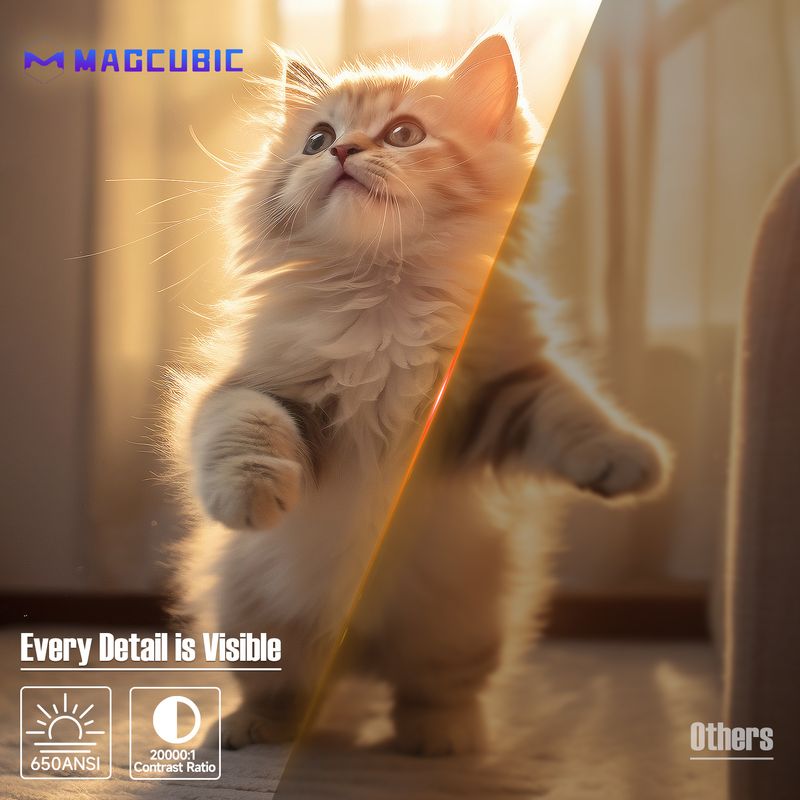
Every Detail is Visible
650ANSI/20000:1 Contrast Ratio

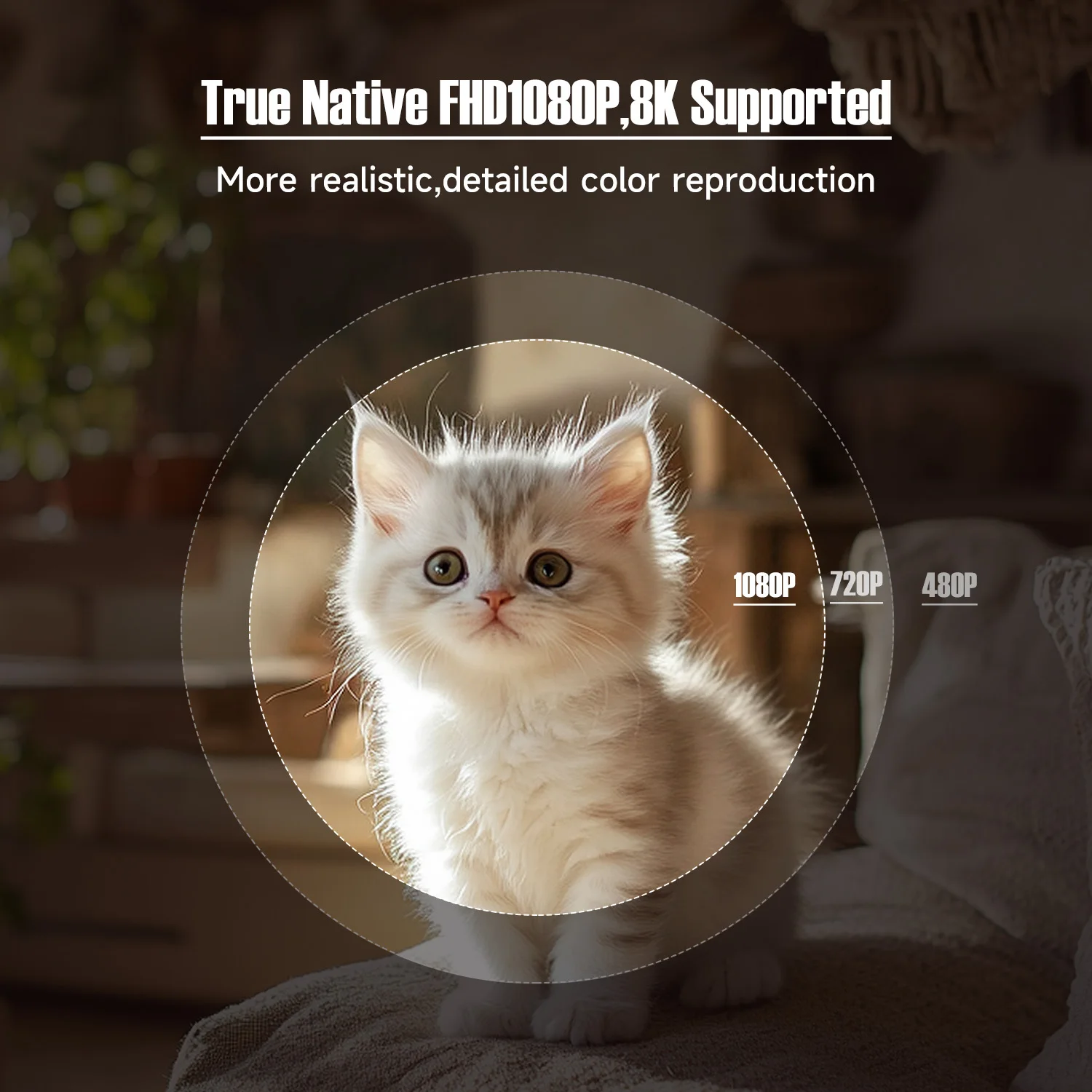
True Native FHD1080P,8K Supported
More realistic,detailed color reproduction
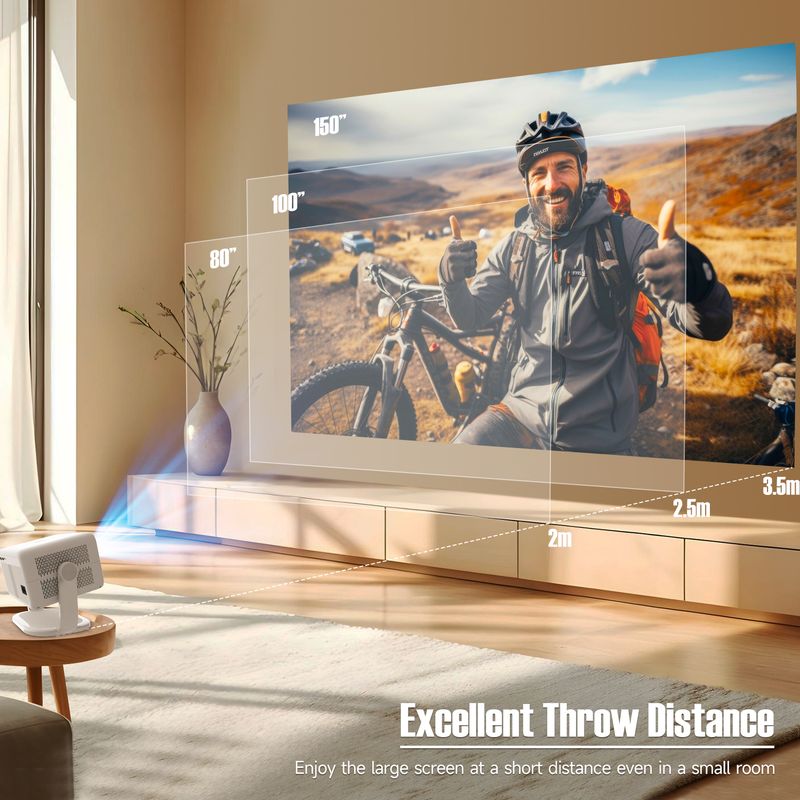
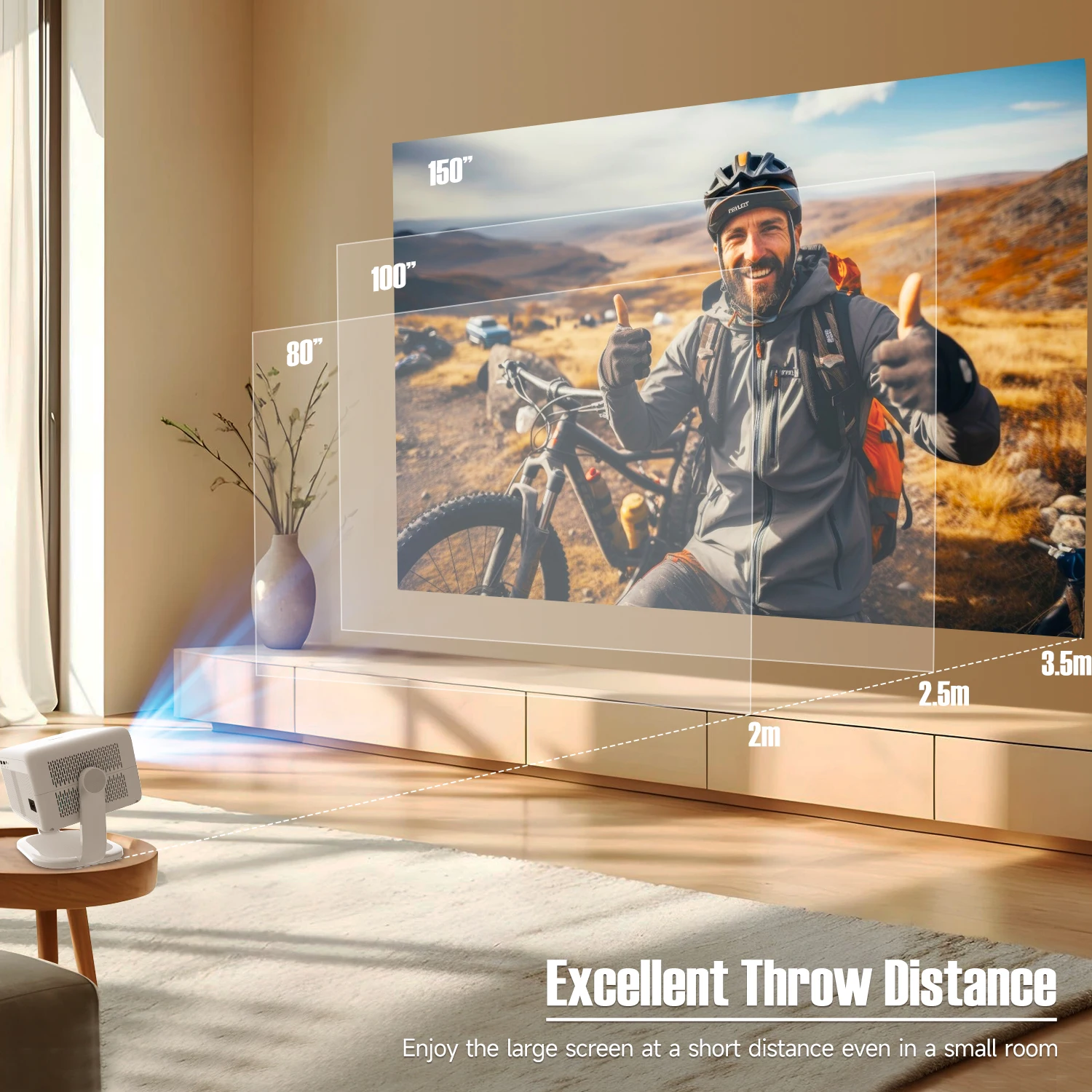
Excellent Throw Distance
Enjoy the large screen at a short distance even in a small room, 1.2:1 Projection Throw Ratio
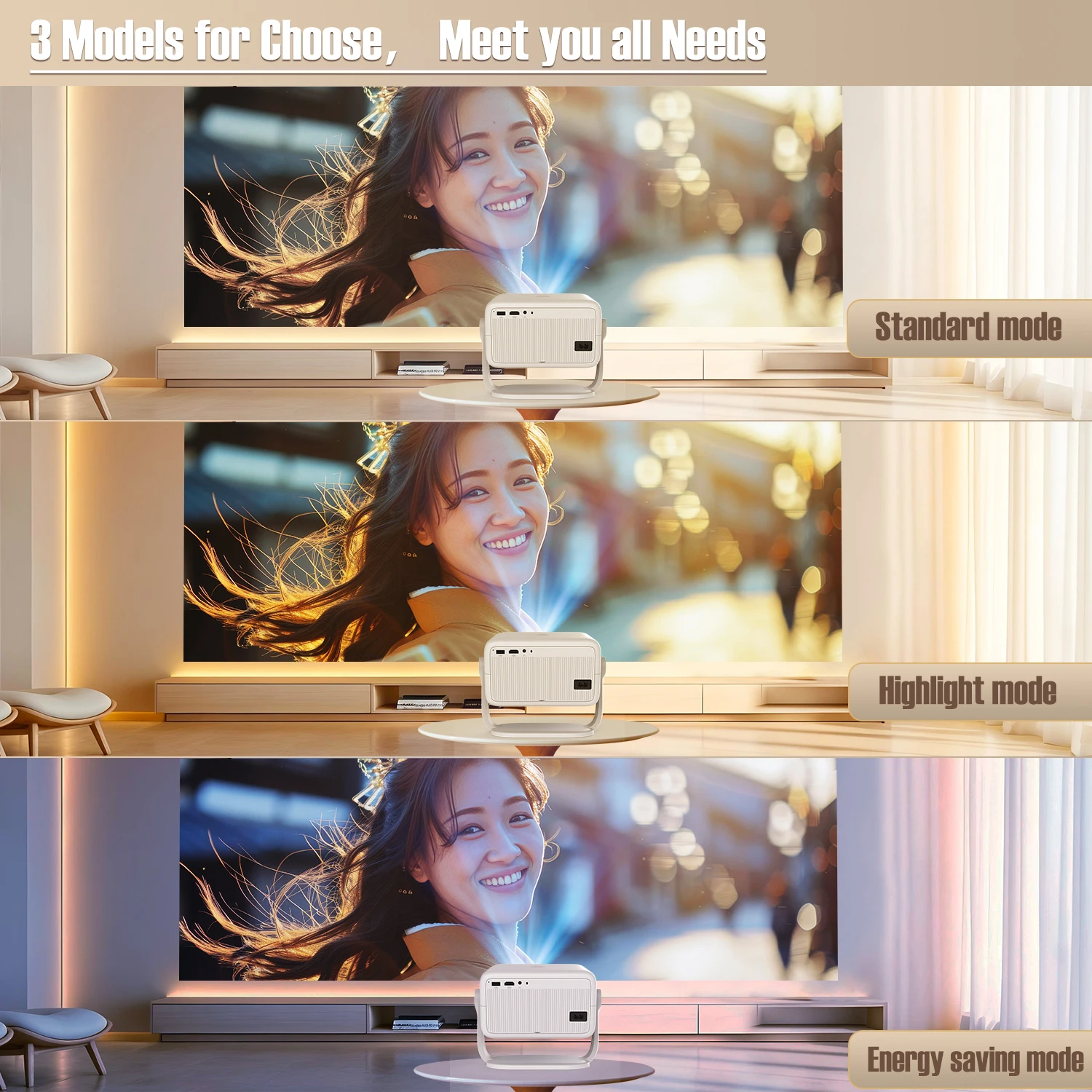
3 Models for Choose,Meet you all Needs
Standard mode,highlight mode and energy saving mode
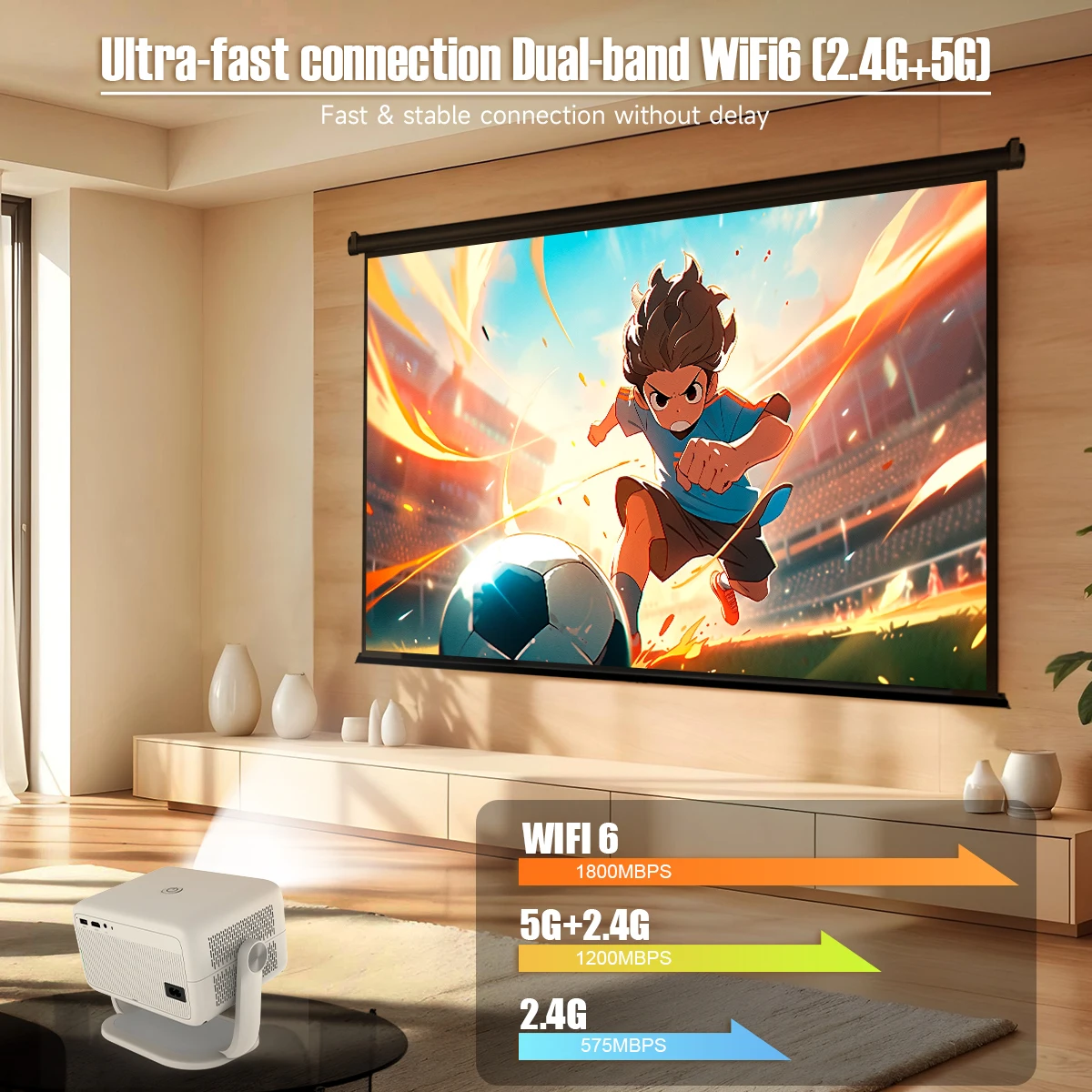
Ultra-fast connection Dual-band WiFi6 (2.4G+5G)
Fast & stable connection without delay
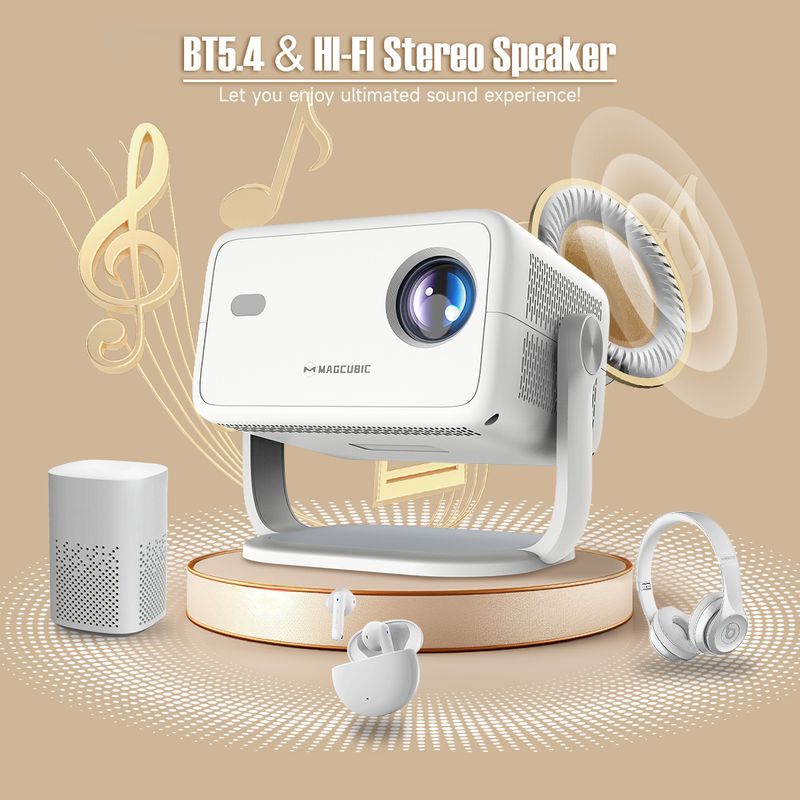
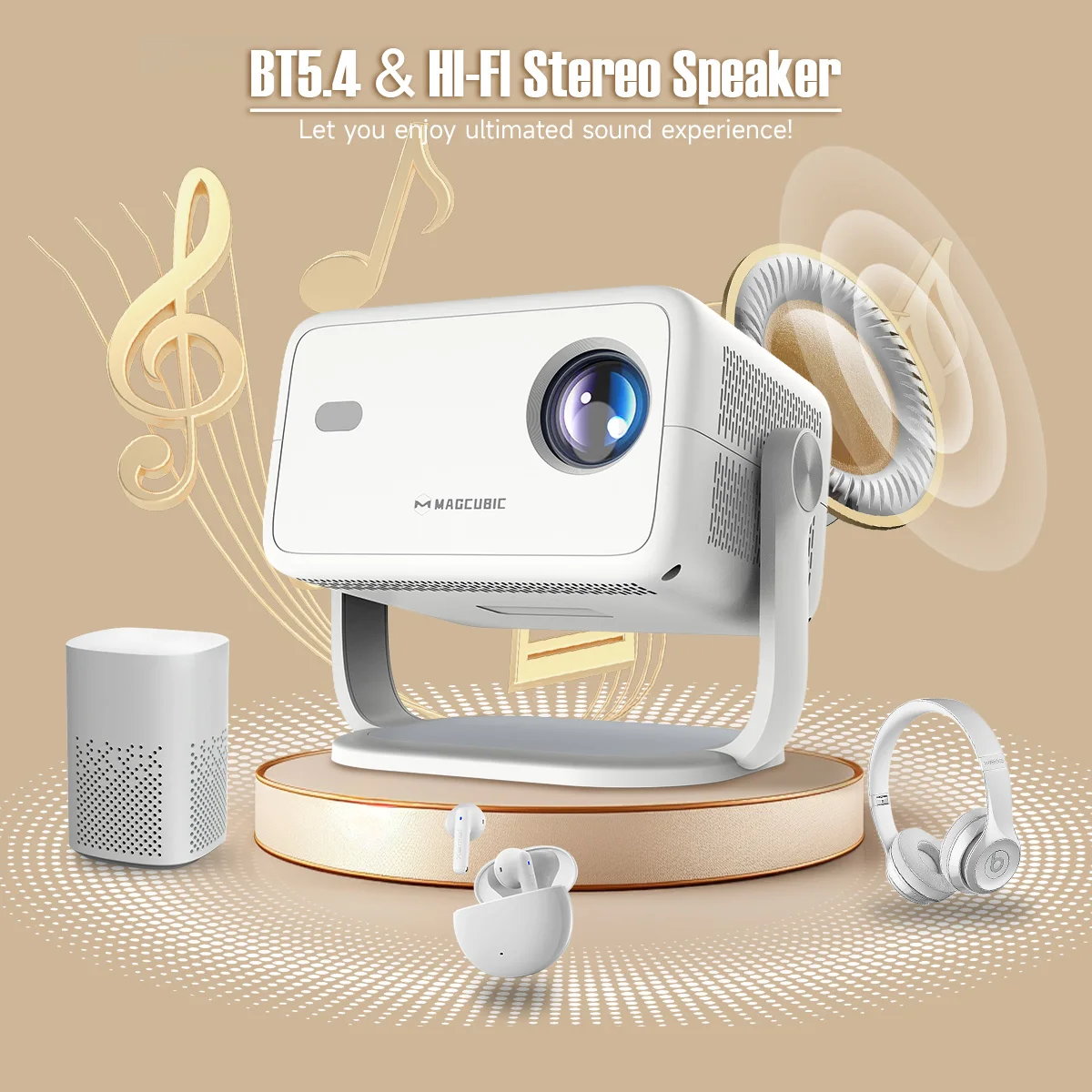
BT5.4 & Hl-Fl Stereo Speaker
Let you enjoy ultimated sound experience!
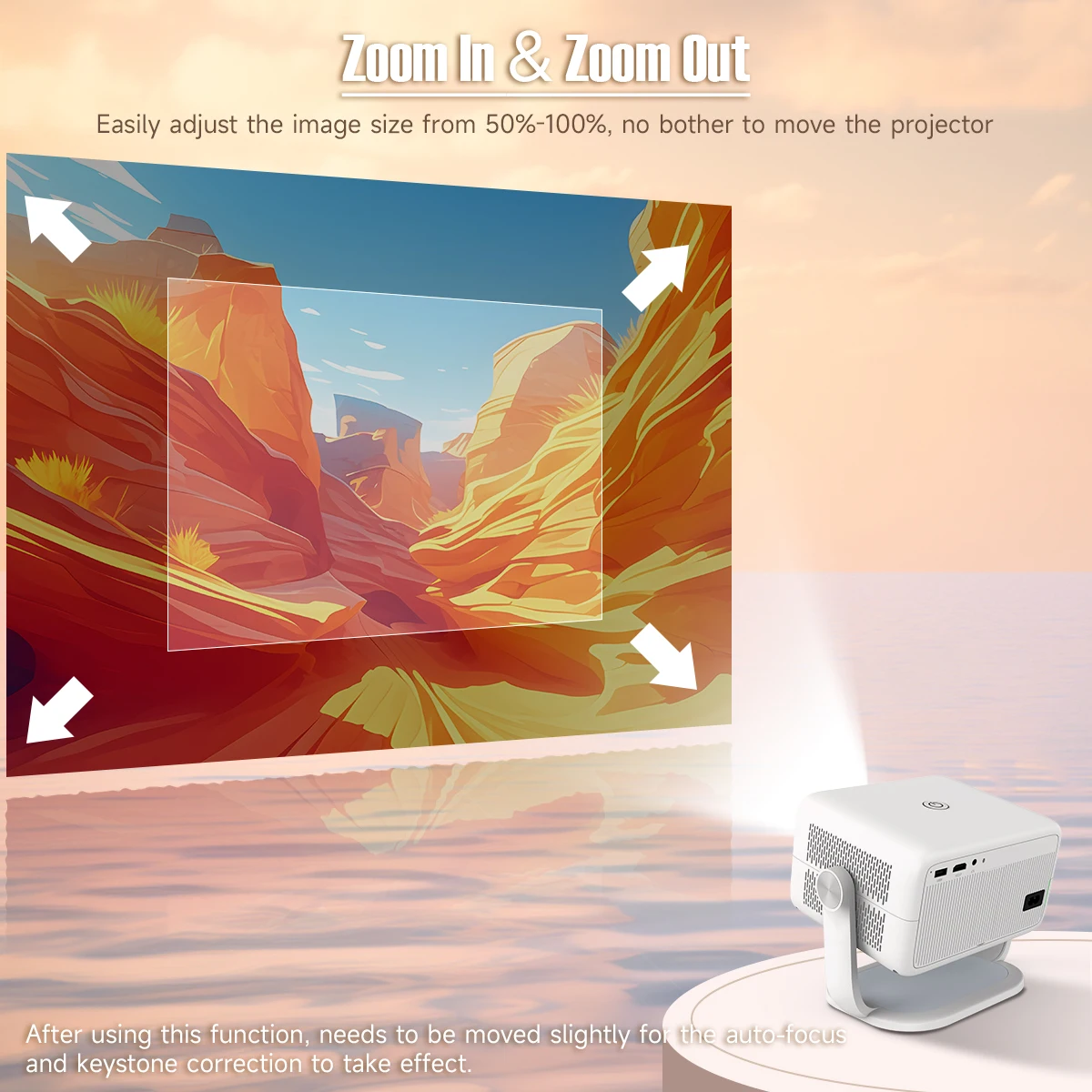
Zoom In & Zoom Out
Easily adjust the image size from 50%-100%, no bother to move the projector
Note : After using this function, needs to be moved slightly for the auto-focus and keystone correction to take effect.
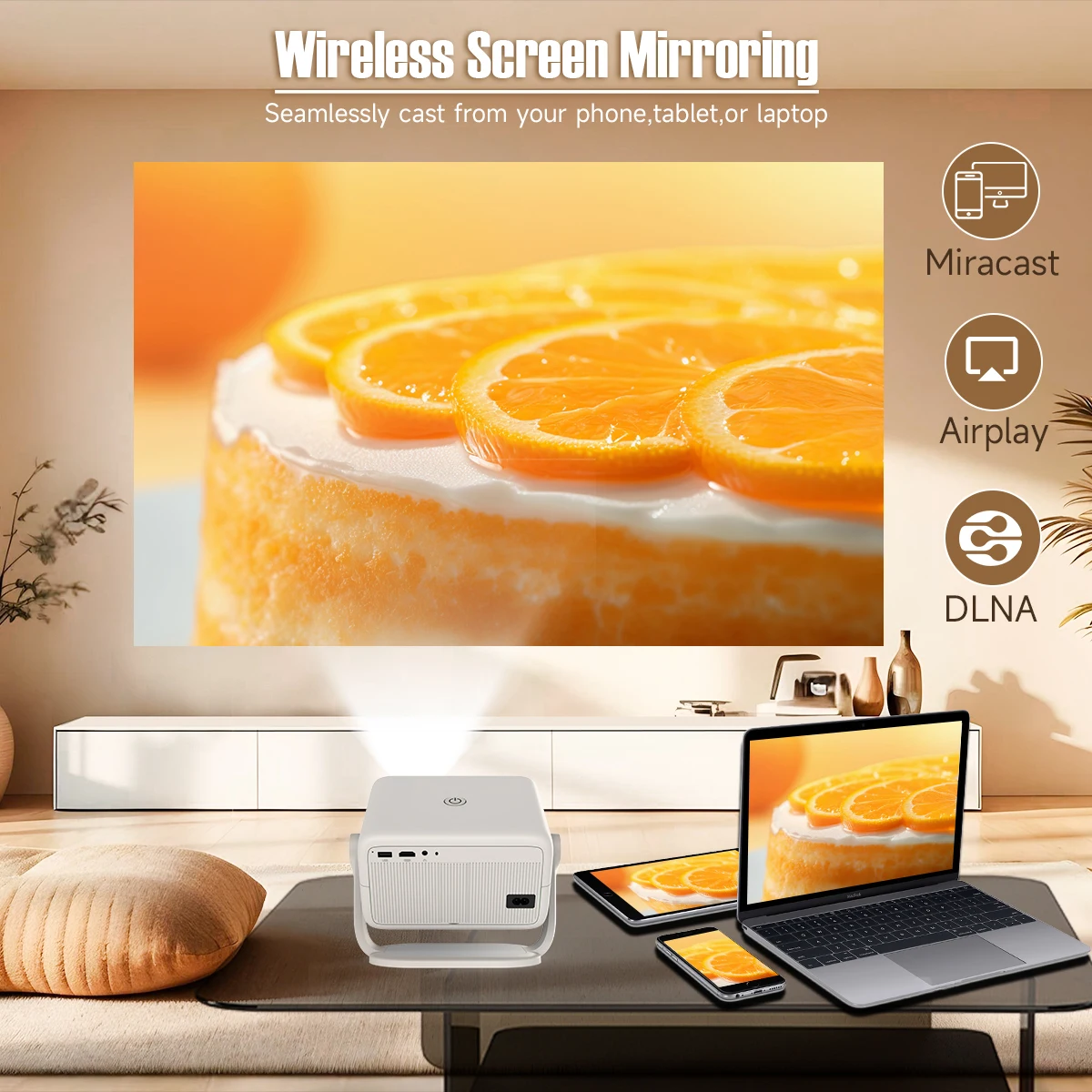
Wireless Screen Mirroring
Seamlessly cast from your phone,tablet,or laptop
Built-in Android 14 System
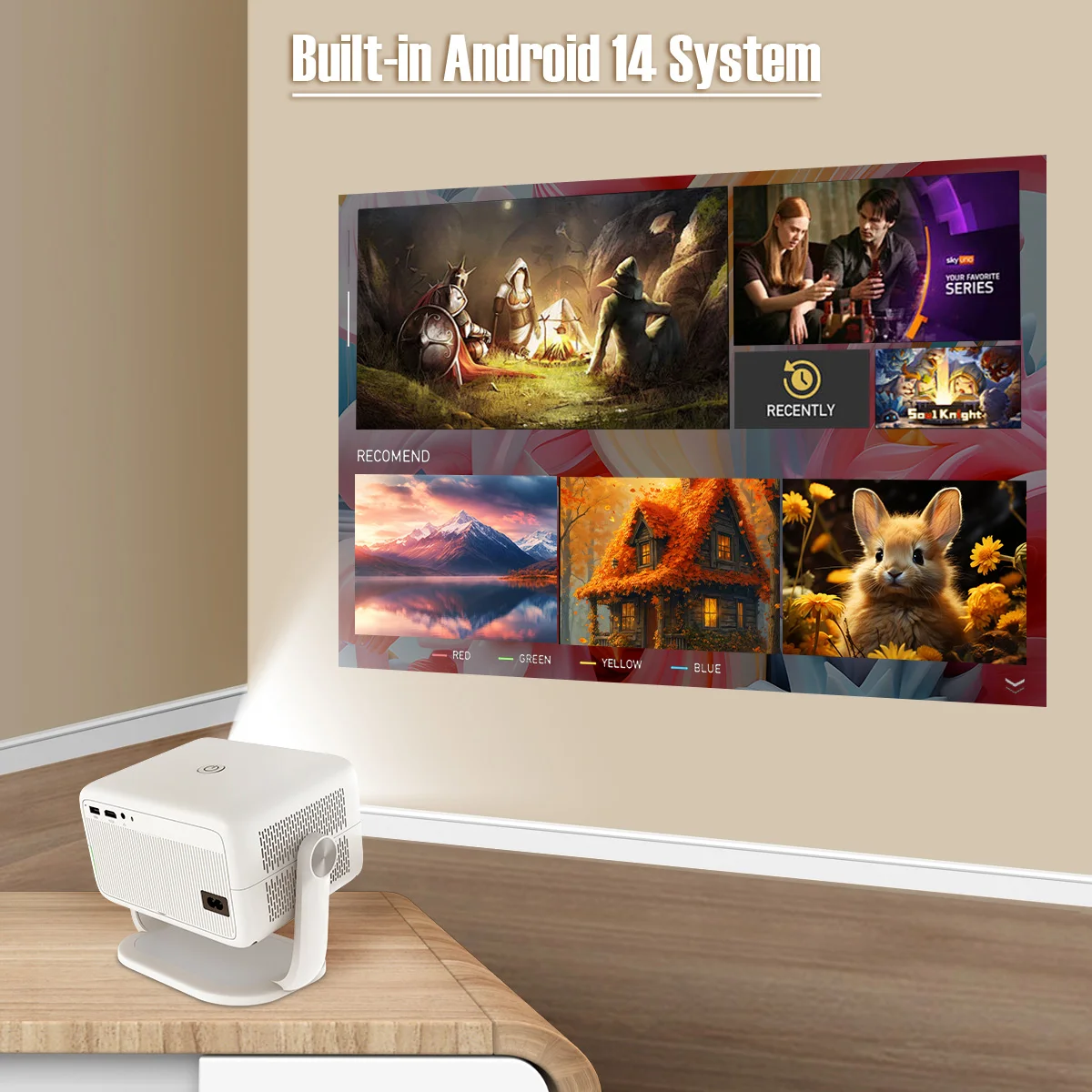
High-Performing Processor Allwinner H726 Chip

Bedroom & Home Theather & Outdoor & Gaming

Product Interfaces & Accessories
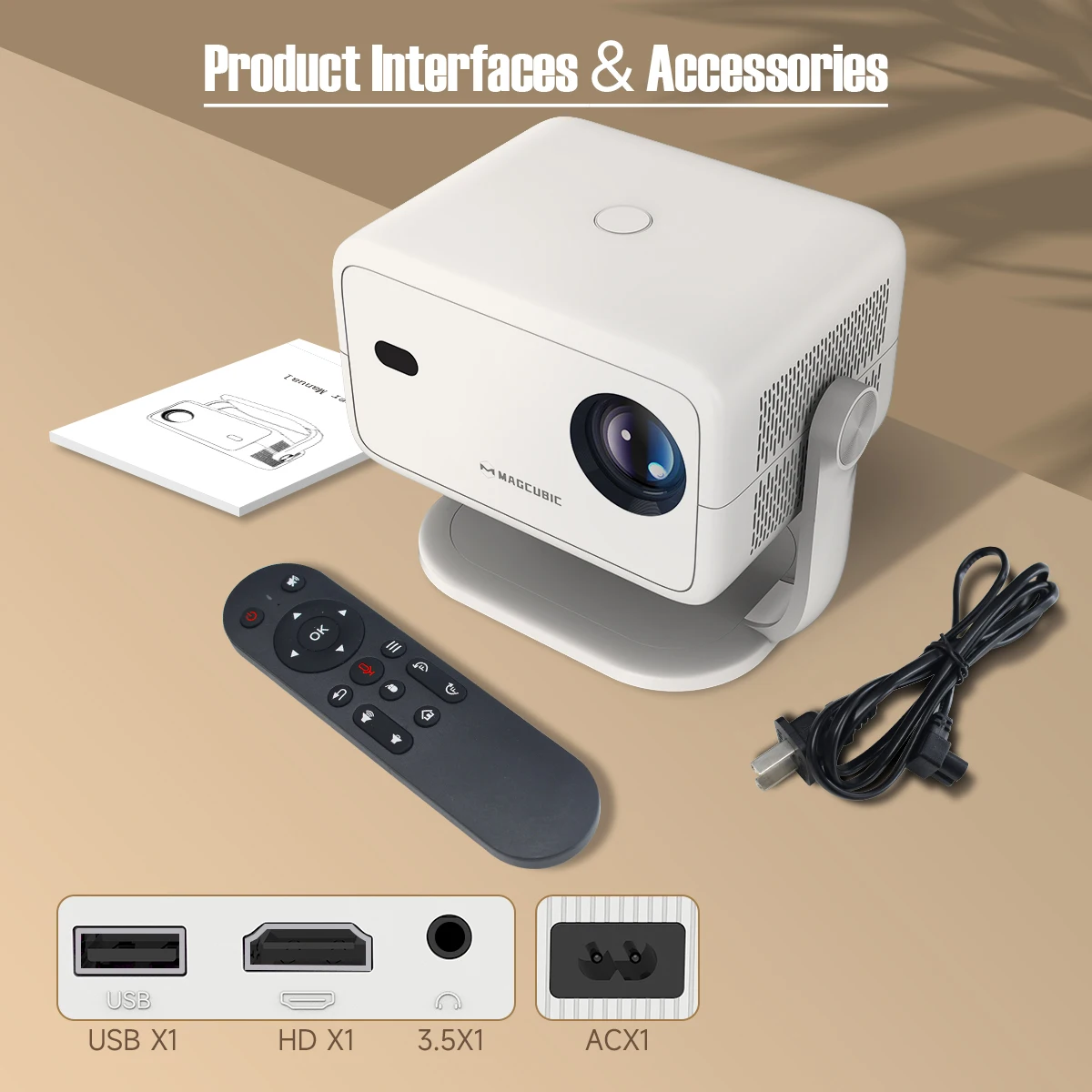
Question & Answer
Q1: How Do I Upgrade the Firmware of L018?
A: Go to Settings > About devices > Local upgrade/Online upgrade
Q2: How Do I Factory Reset the L018?
A: Go to Settings > Other Settings > Restore factory settings
Q3: How Do I Zoom In/Out?
A: Go to Settings > Projection settings > Digital scaling
Q4 : How Do I Maunally Adjust the Keystone
A : Go to Settings > Projection settings > Manual trapezoidal
Q5 : How to I activate L018's Manual Focus?
A: Press the focus buttons on the remote control to get the best clarity.
Q6: What Should I Do If My L018 Has No Sound?
A: Try the following steps to see if they help:
1. Hit the Volume Up/Down button on the remote control
2. Connect your L018 to an external BT speaker via Settings > BT > Available devices
3. Turn the projector to speaker mode
4. Factory reset the L018 via Settings > Other Settings > Restore factory settings
Q7: What Should I Do If the Image is Tilted?
A : Try the following steps to see if they help:
1. Update the firmware to the latest. Go to Settings > About devices > Local upgrade/Online upgrade
2. Manaulally adjust the keystone. Go to Settings > Projection settings > Manual trapezoidal
3. Go to Settings >Projection settings > Reset trapezoidal correction if the above tips not work
Q8: What Should I Do If My App Crashes?
A: 1. Try another Wi-Fi network and update the firmware. Go to Settings > About devices > Local upgrade/Online upgrade
2. Check if your time zone is accurate via Settings > Date and time > Time Zone
3. Clear data via Settings > Apps management > (App Name) > Clear Cache.
4. Reset the L018 via Settings > Other Settings > Restore factory settings
Q9: What Should I Do if the L018 Can't Connect to Wi-Fi?
A : 1. Place the L018 and your router within 16 ft / 5 m of each other. Test if other devices can connect to Wi-Fi.
2. Check if your time zone is accurate via Settings > Date and time > Time Zone
3. Try a different Wi-Fi network or connect to your phone's hotspot.
4. Try your router's 2.4GHz and 5GHz settings.
5. Reset the L018 by going to Settings > Other Settings > Restore factory settings.
Shop Policies
Payment Policy
Payment Policy – BILLIONS BIRDS
At BILLIONS BIRDS, we are committed to providing a safe, secure, and seamless payment experience for our customers.
1. Accepted Payment Methods
We accept the following payment options:
Major Credit & Debit Cards (Visa, MasterCard, American Express)
Secure Online Payment Gateways (such as PayPal, Stripe, or other providers available at checkout)
Any additional payment methods displayed during checkout
All payments must be completed in full at the time of purchase.
2. Secure Transactions
All transactions are processed through encrypted and secure payment systems to protect your personal and financial information. We do not store your full payment details on our servers.
3. Currency
Prices are displayed in the currency indicated on the website. If you are purchasing from another country, your bank may apply currency conversion fees.
4. Order Confirmation
Once your payment has been successfully processed, you will receive an order confirmation email containing your purchase details.
5. Failed or Declined Payments
If your payment is declined, please verify your billing information or contact your bank. Orders will only be processed after successful payment confirmation.
6. Fraud Prevention
BILLIONS BIRDS reserves the right to cancel or refuse any order if fraud or unauthorised activity is suspected.
Delivery Policy
Delivery Policy – BILLIONS BIRDS
At BILLIONS BIRDS, we are dedicated to delivering your orders safely and efficiently.
1. Order Processing
All orders are processed within 1–3 business days after payment confirmation. Orders are not processed or shipped on weekends or public holidays.
2. Shipping Times
Estimated delivery times vary depending on your location:
Domestic Shipping: 3–7 business days
International Shipping: 7–15 business days
Please note that delivery times are estimates and may vary due to customs procedures, carrier delays, weather conditions, or other unforeseen circumstances.
3. Shipping Costs
Shipping fees are calculated at checkout based on your location and selected shipping method. Any customs duties, taxes, or import fees are the customer's responsibility.
4. Tracking Information
Once your order has been shipped, you will receive a confirmation email with tracking details (if available) so you can monitor your package.
5. Delivery Issues
If your order is delayed, lost, or arrives damaged, please contact us within 7 days of the expected delivery date. We will work with the shipping carrier to resolve the issue as quickly as possible.
6. Incorrect Shipping Information
Customers are responsible for providing accurate shipping details at checkout. BILLIONS BIRDS is not responsible for orders shipped to incorrect addresses provided by the customer.
Refund Policy
Refund Policy – BILLIONS BIRDS
At BILLIONS BIRDS, customer satisfaction is our top priority. If you are not completely satisfied with your purchase, we’re here to help.
1. Return Eligibility
You may request a return within 14 days of receiving your order. To qualify for a return:
The item must be unused, unworn, and in the same condition as received.
The item must be in its original packaging.
Proof of purchase (order confirmation or receipt) is required.
Certain items may not be eligible for return, including clearance items, gift cards, or personalised/custom products.
2. Non-Refundable Items
The following items are non-refundable:
Final sale or discounted items
Gift cards
Items damaged due to misuse, negligence, or improper care
3. Return Process
To initiate a return, please contact our customer support team with your order number and reason for return. If your return is approved, you will receive instructions for returning the item.
Unless the item is defective or incorrect, customers are responsible for return shipping costs.
4. Refund Processing
Once we receive and inspect your returned item:
We will notify you of the approval or rejection of your refund.
If approved, the refund will be issued to your original payment method within 5–10 business days.
Please note that banks or payment providers may require additional time to process refunds.
5. Damaged or Incorrect Items
If you receive a damaged, defective, or incorrect item, please contact us within 7 days of delivery and provide clear photos of the product and packaging. We will arrange a replacement or full refund at no additional cost.
6. Late or Missing Refunds
If you have not received your refund:
Check your bank account again.
Contact your credit card company or payment provider.
If the issue persists, don't hesitate to contact our support team for assistance.
Recommended Products
Customer reviews
Share your thoughts with other customers
Be the first one to write a review!

Items (0)
