
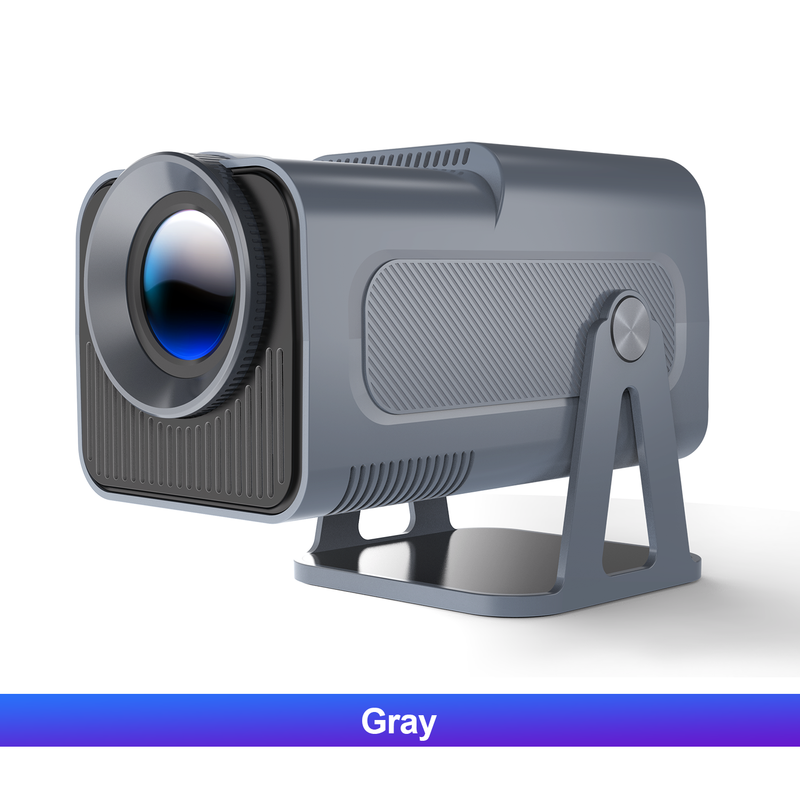
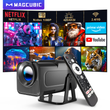
Magcubic HY320 NTV Netflix Officially Licensed Android 13 Projector with 1080P 500ANSI Prime Video YouTube WIFi BT5.2 Portable
Includes all taxes
Meet your Seller
-
$600.22Sold by BILLIONS BIRDS
Description
Magcubic 1080P 500ANSI Portable Android 13 Projector
with Officially Certified Streaming Apps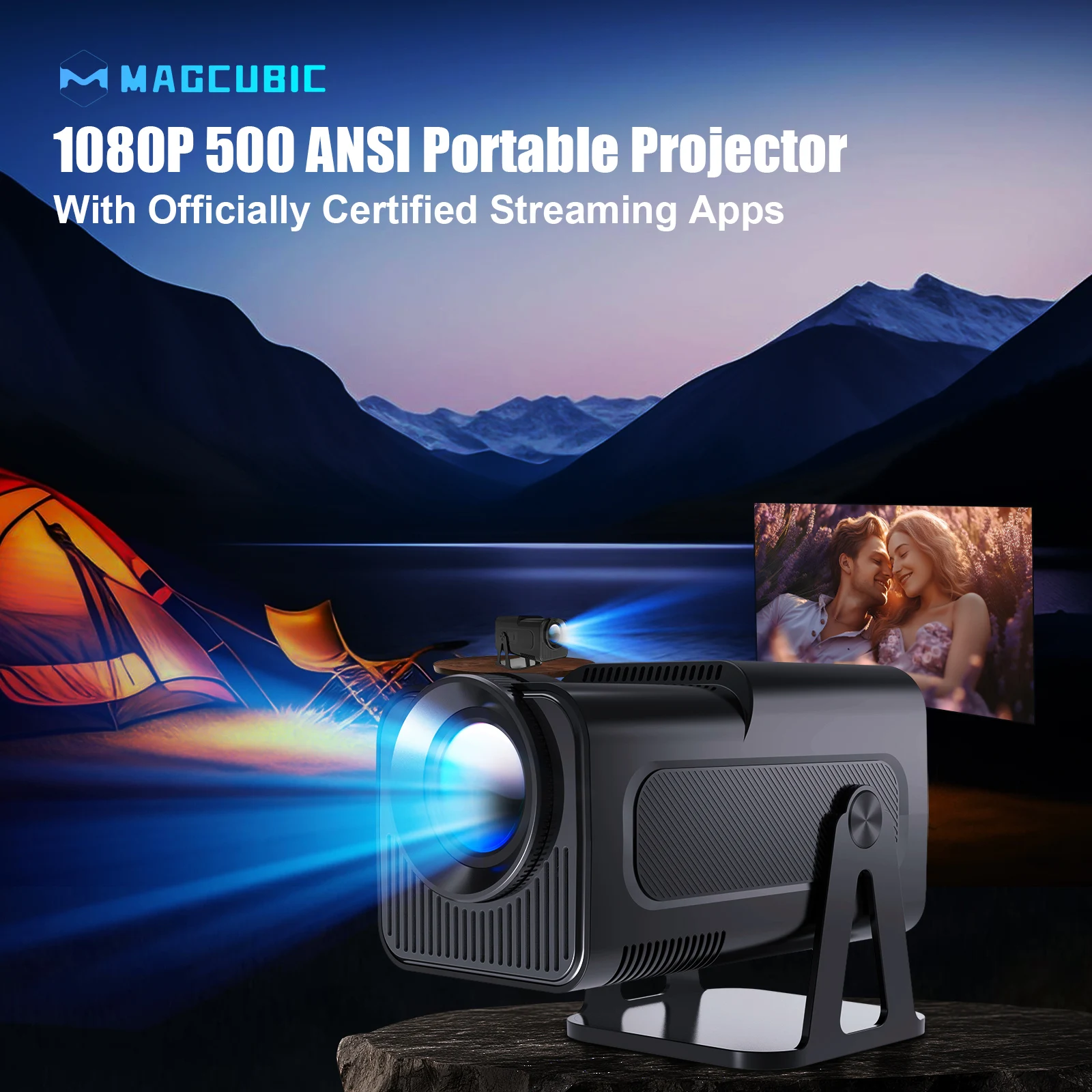
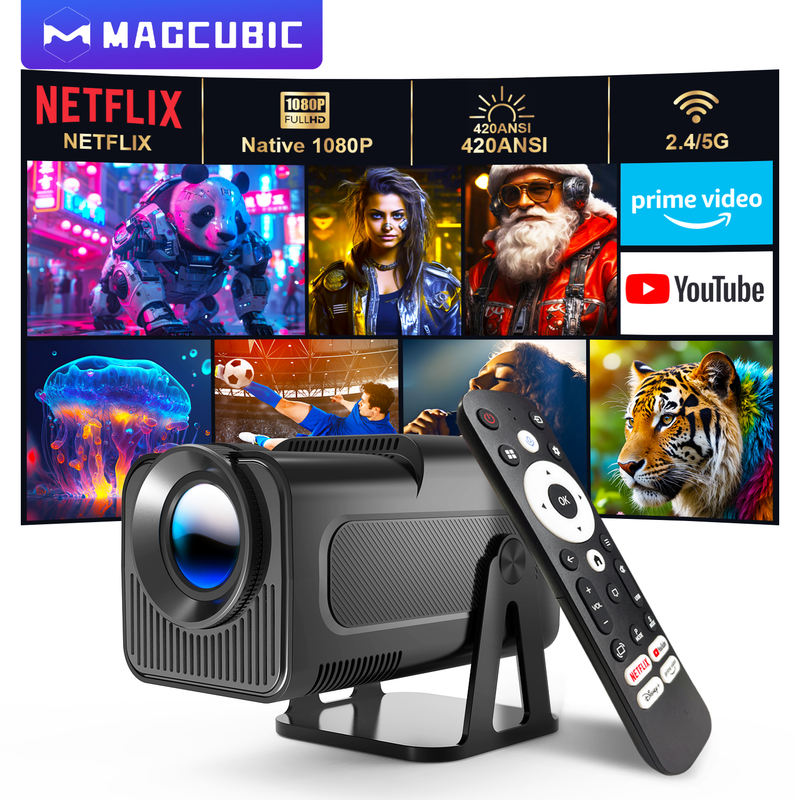
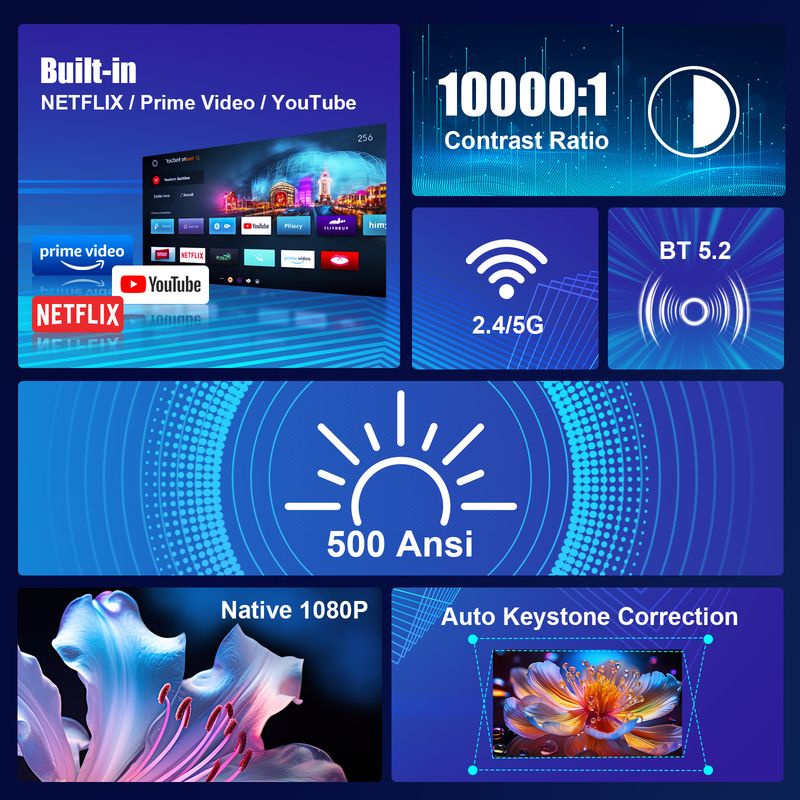
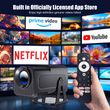
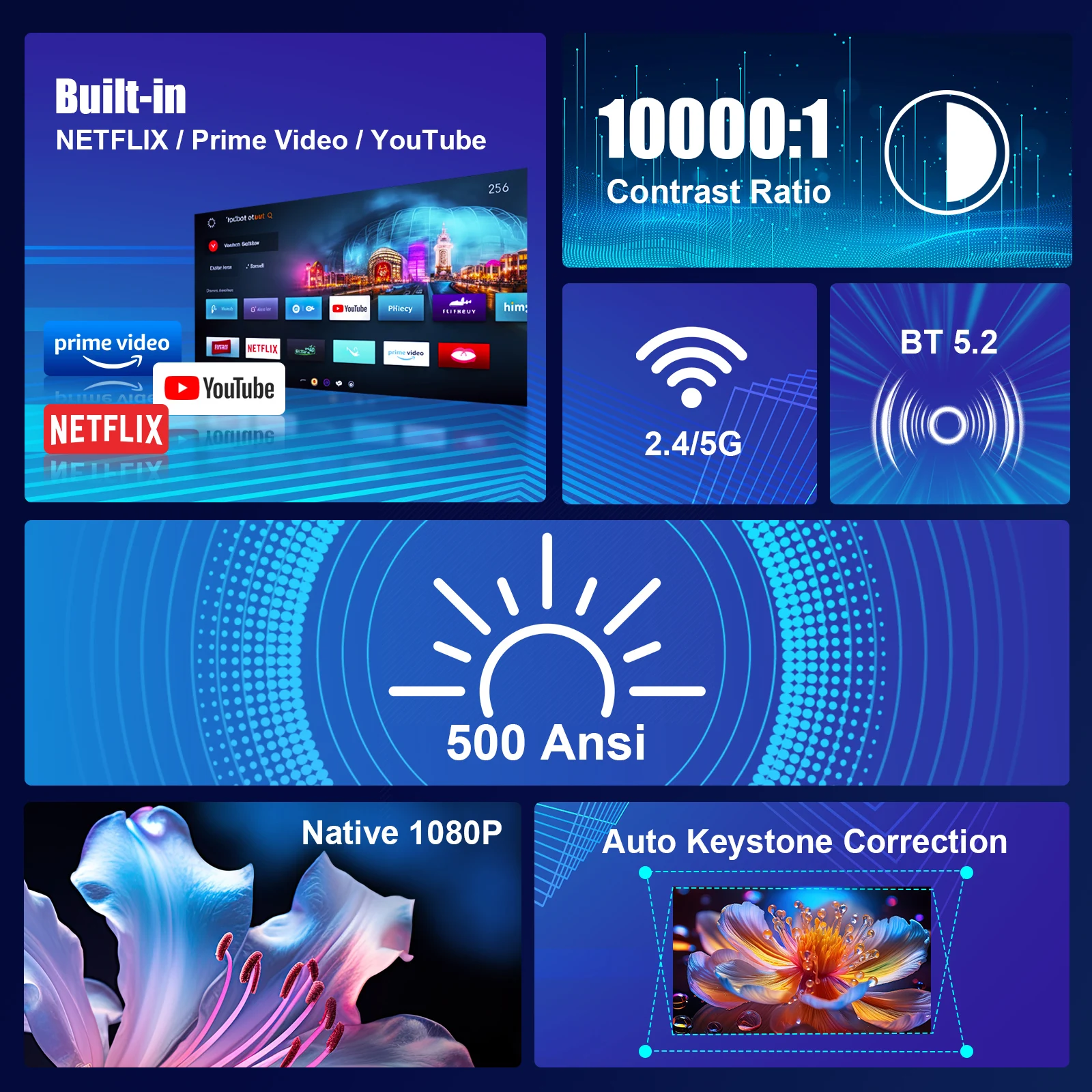
Built-in Officially Certified NETFLIX/Prime Video/YouTube & 1080P
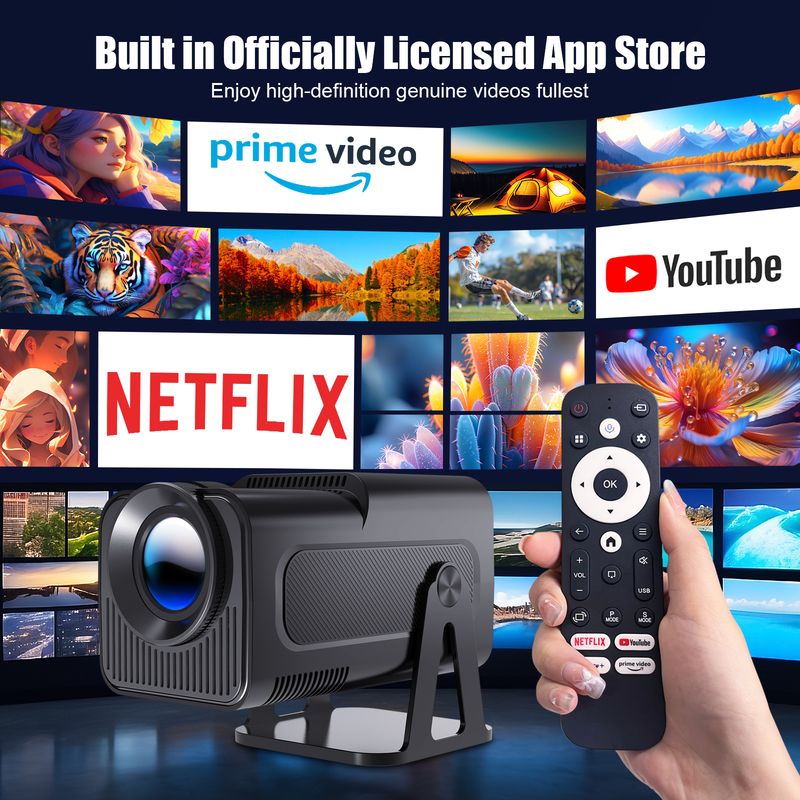
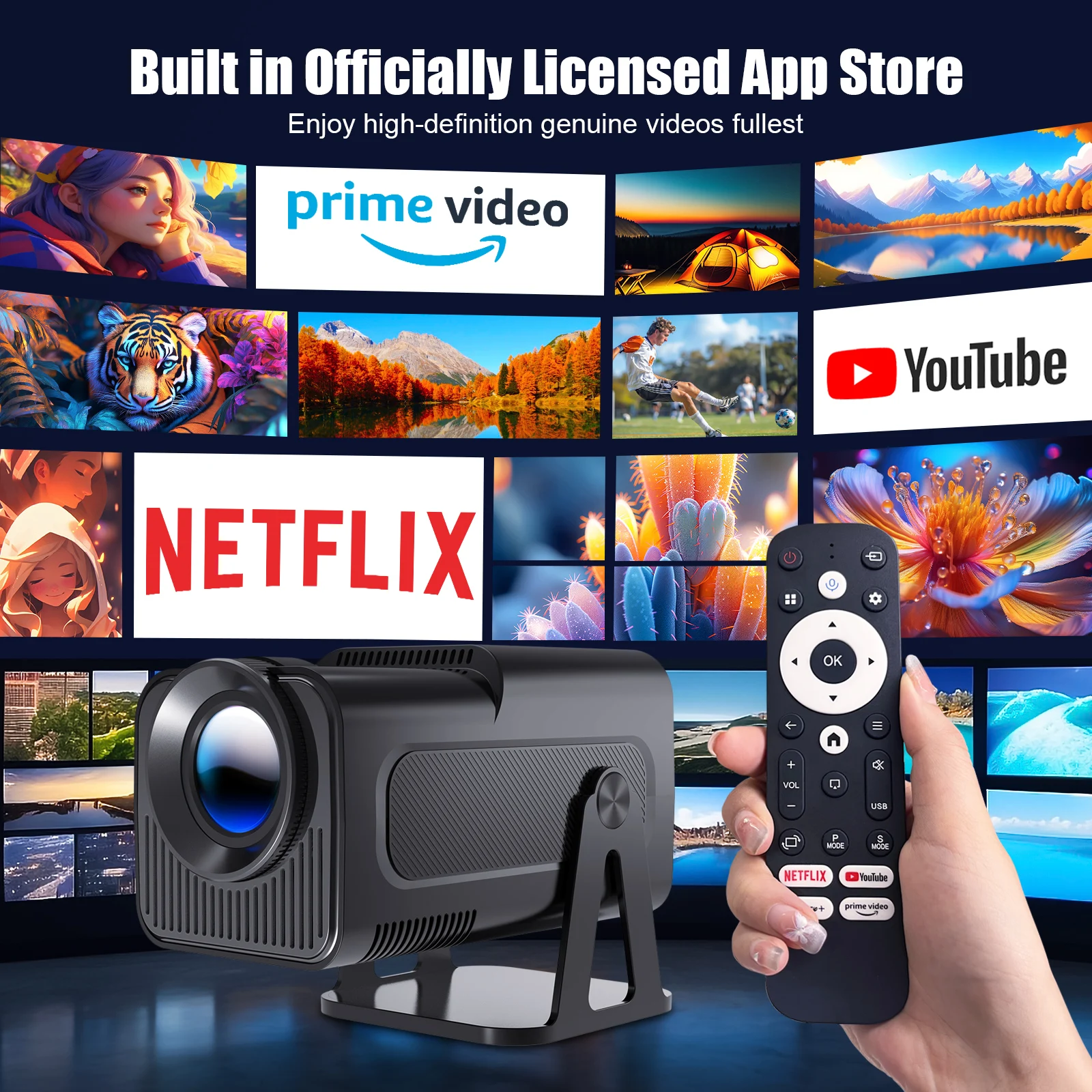
Built in Officially Certified App Store
Enjoy high-definition genuine videos fullest
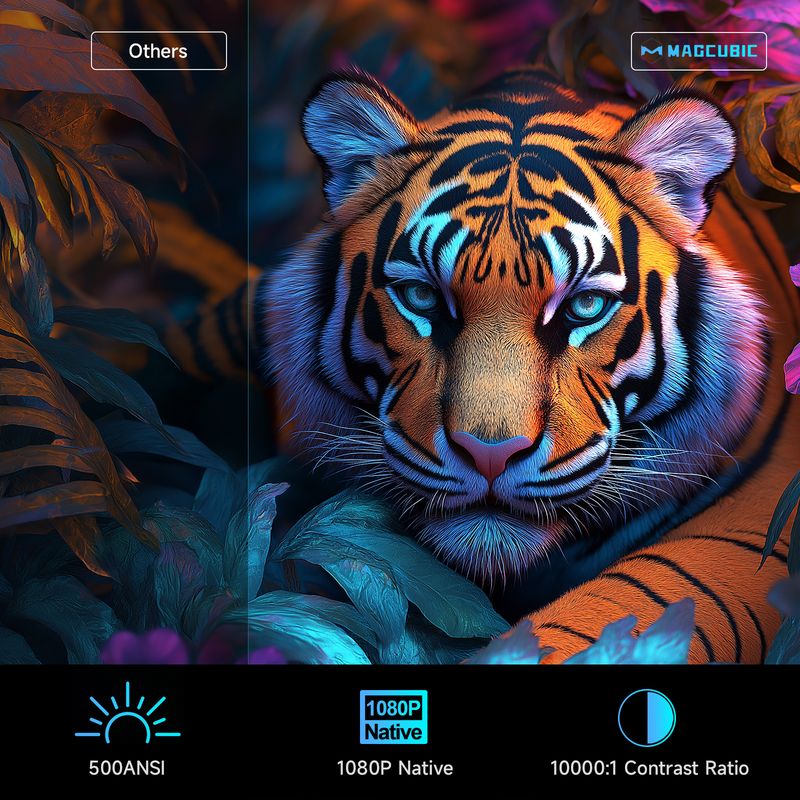
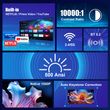
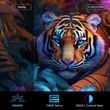
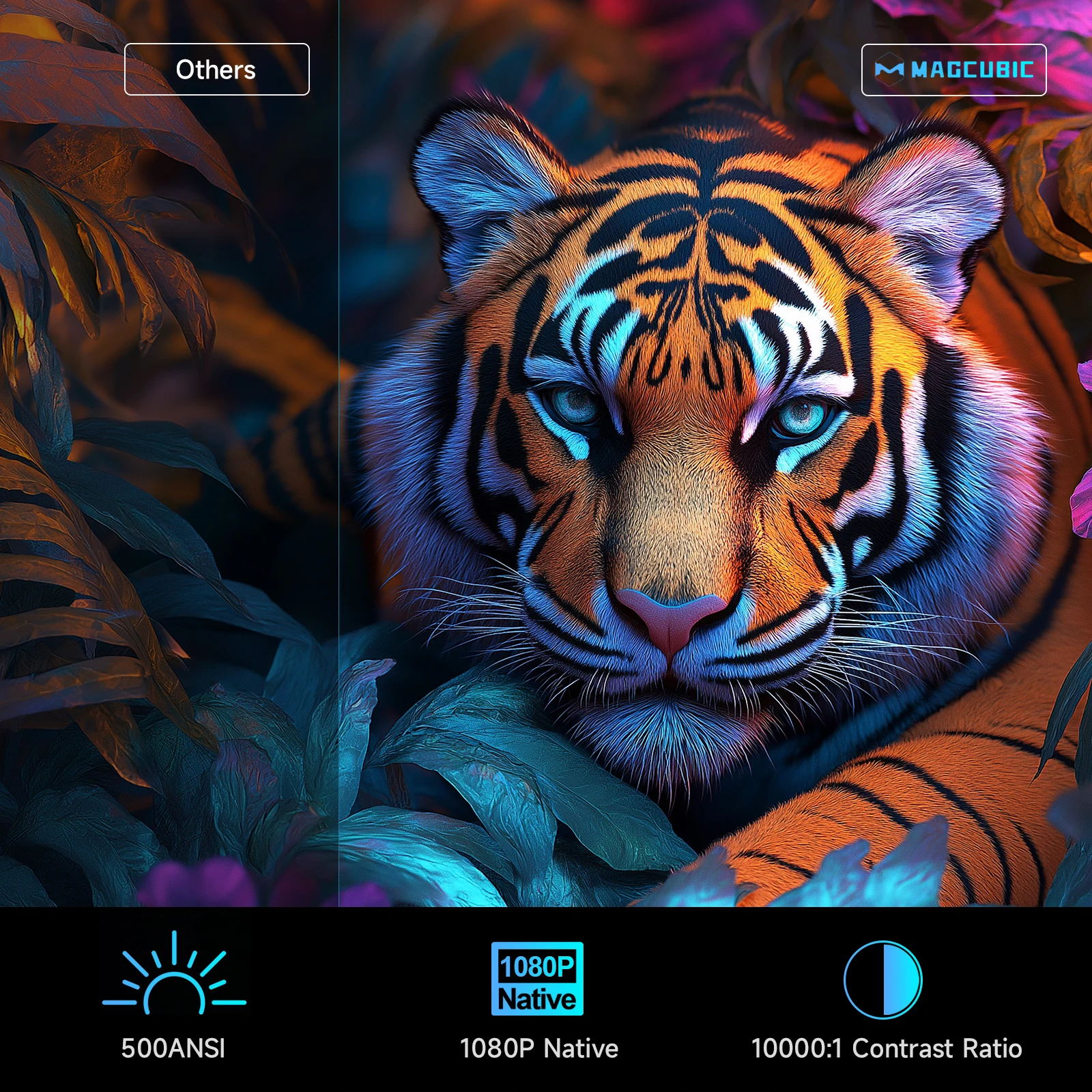
500ANSI & 1080P Native & 10000:1 Contrast Ratio
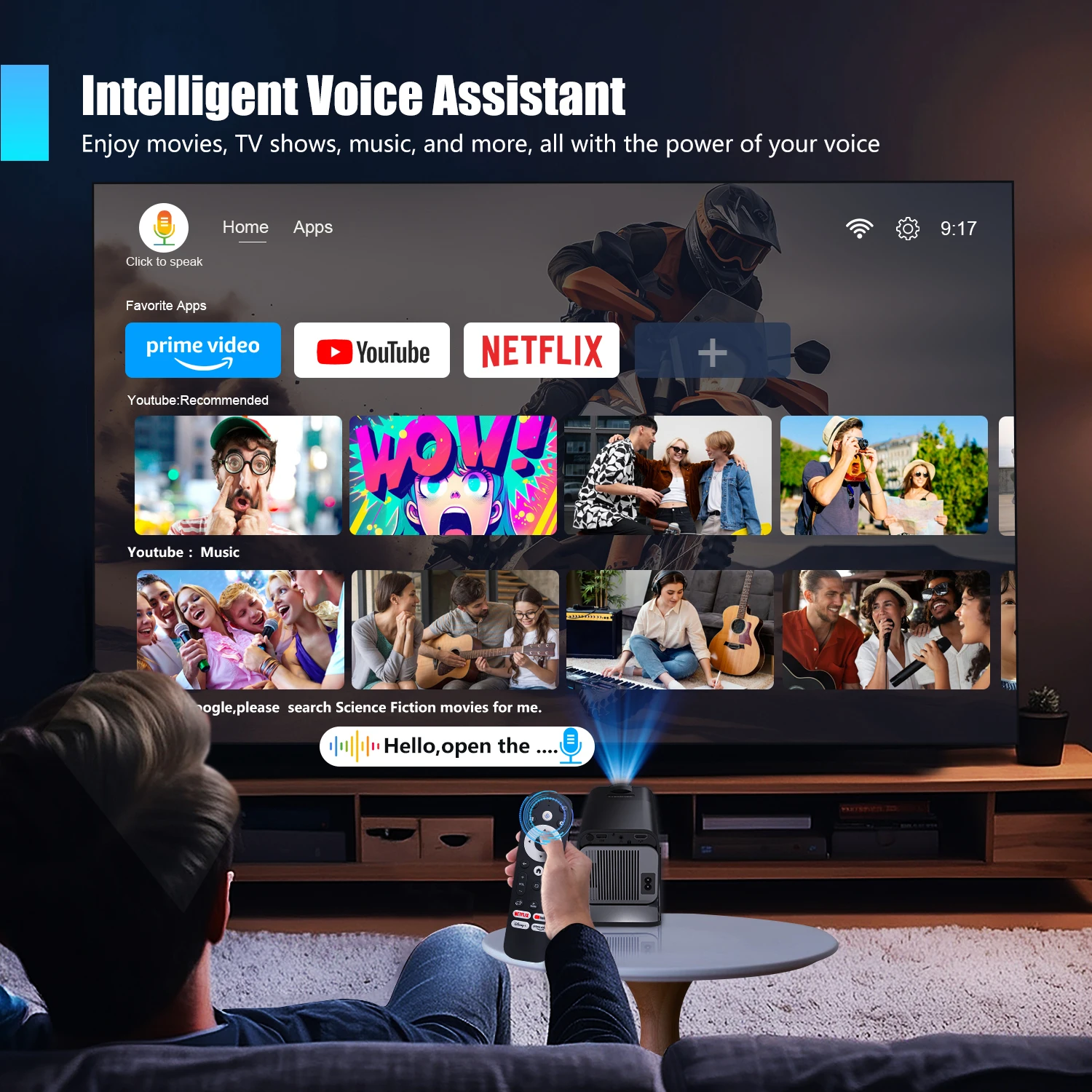
Intelligent Voice Assistant
Enjoy movies, TV shows, music, and more, all with the power of your voice
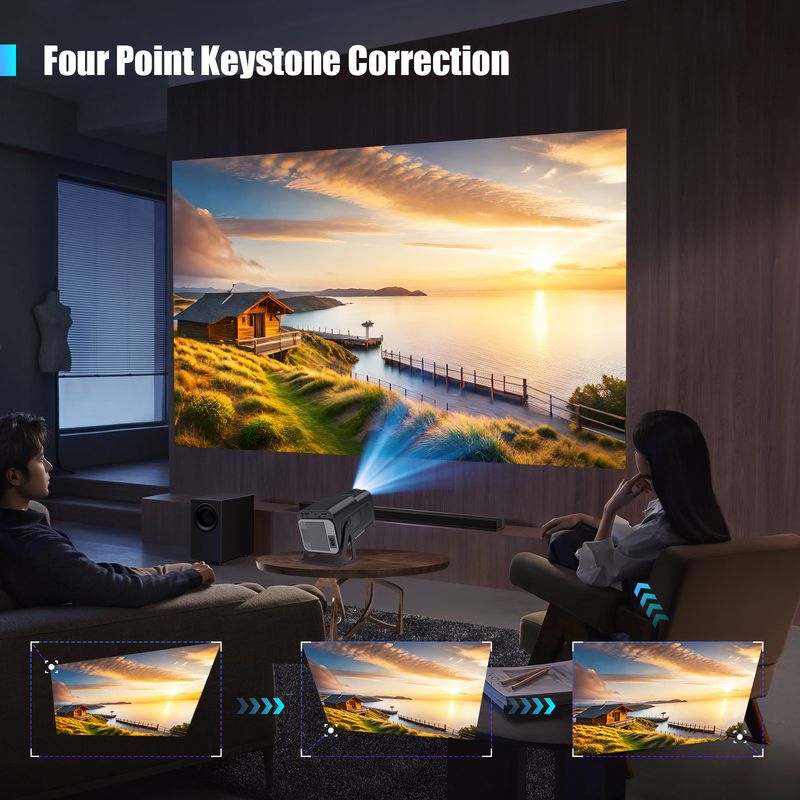
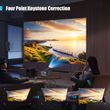
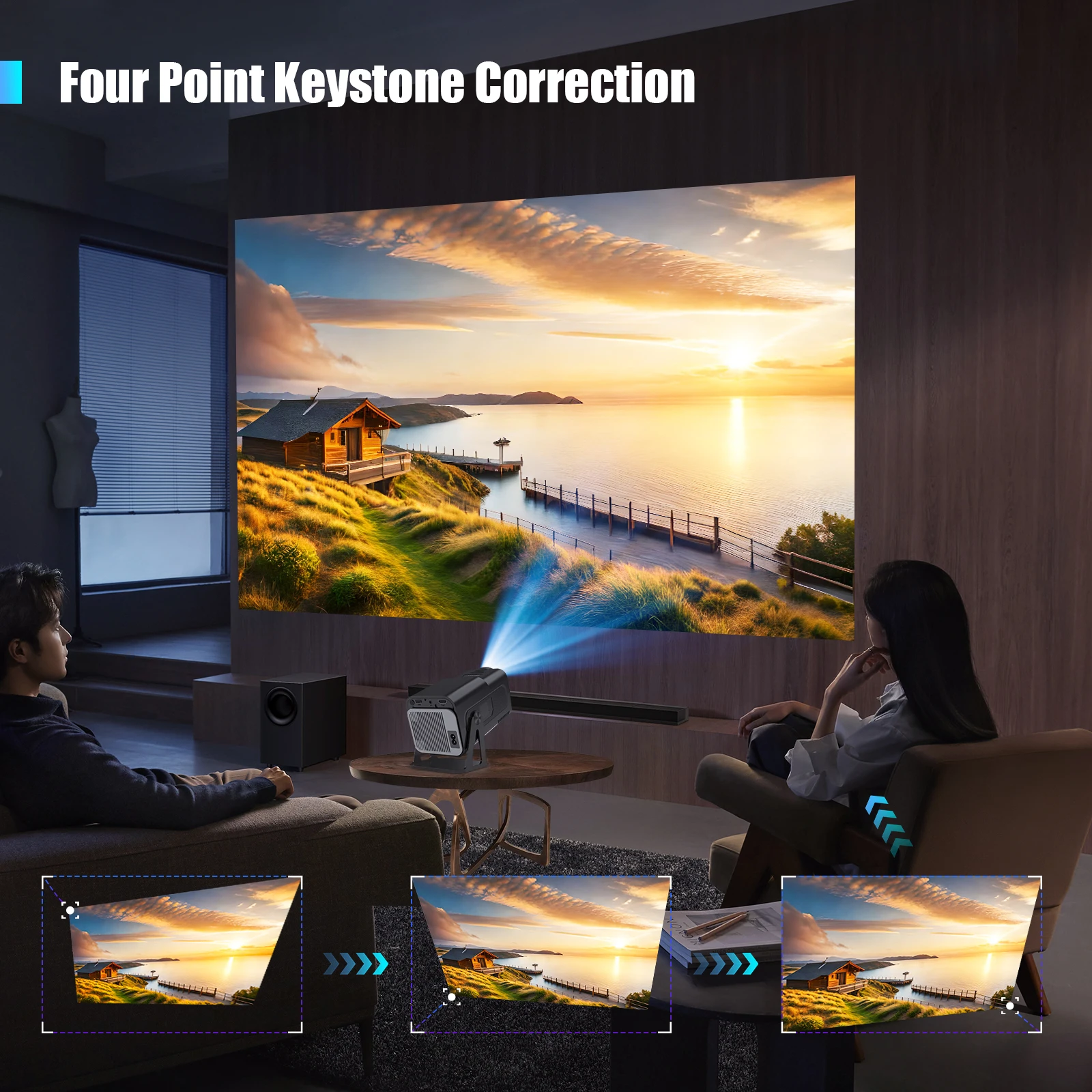
Four Point Keystone Correction
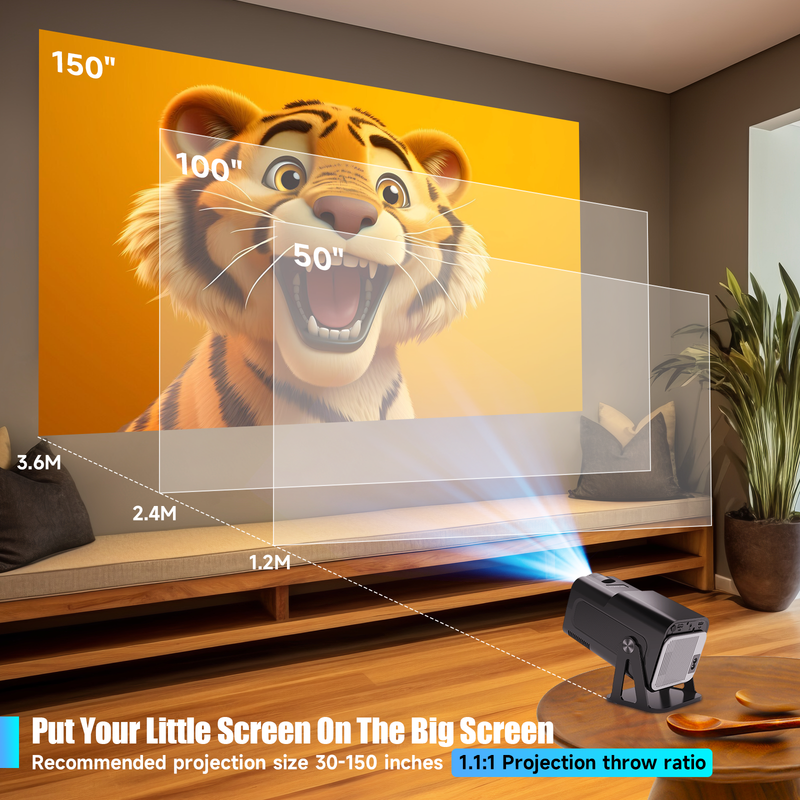
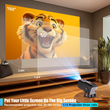
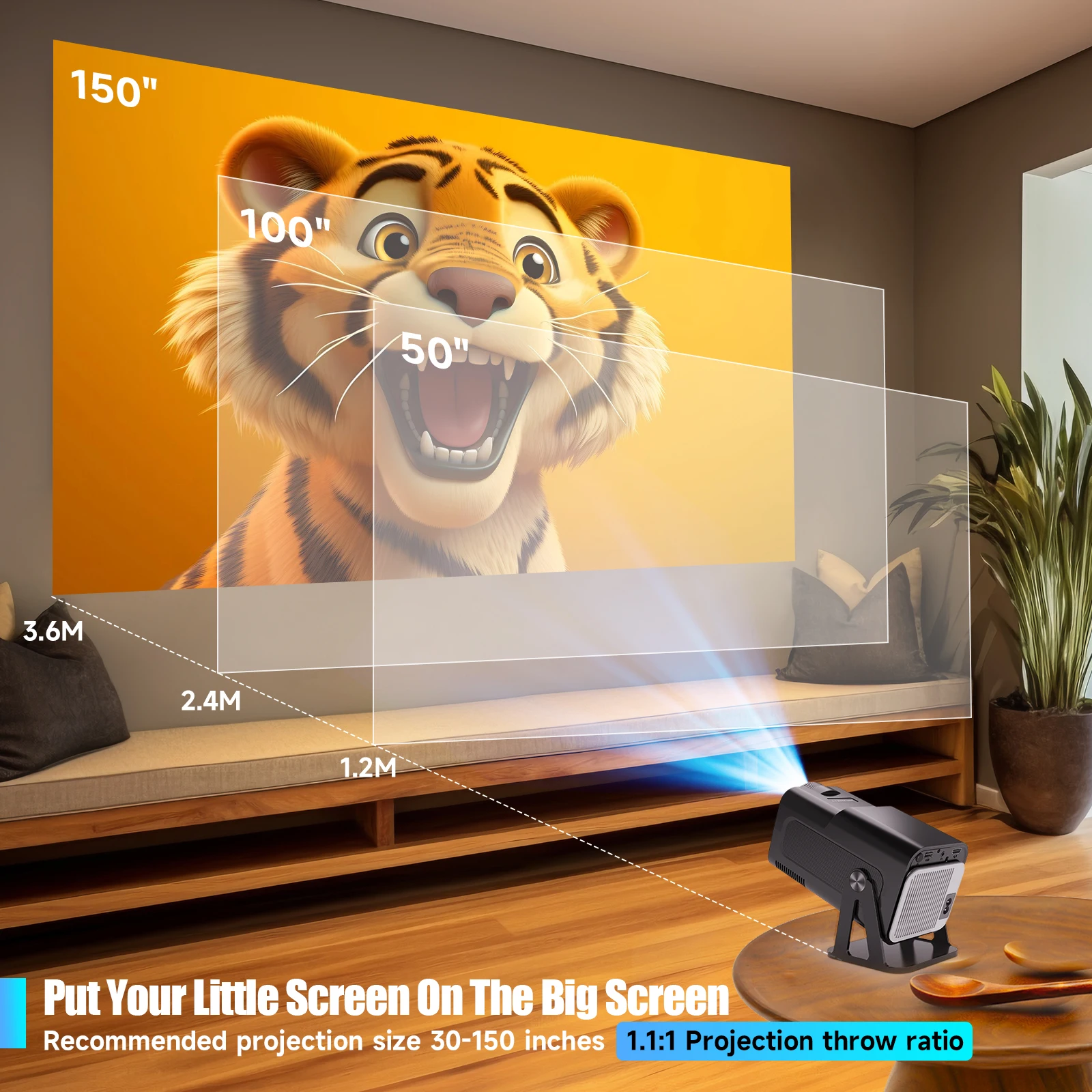
Put Your Little Screen On The Big Screen
Recommended projection size 30-150 inches,1.1:1 Projection throw ratio
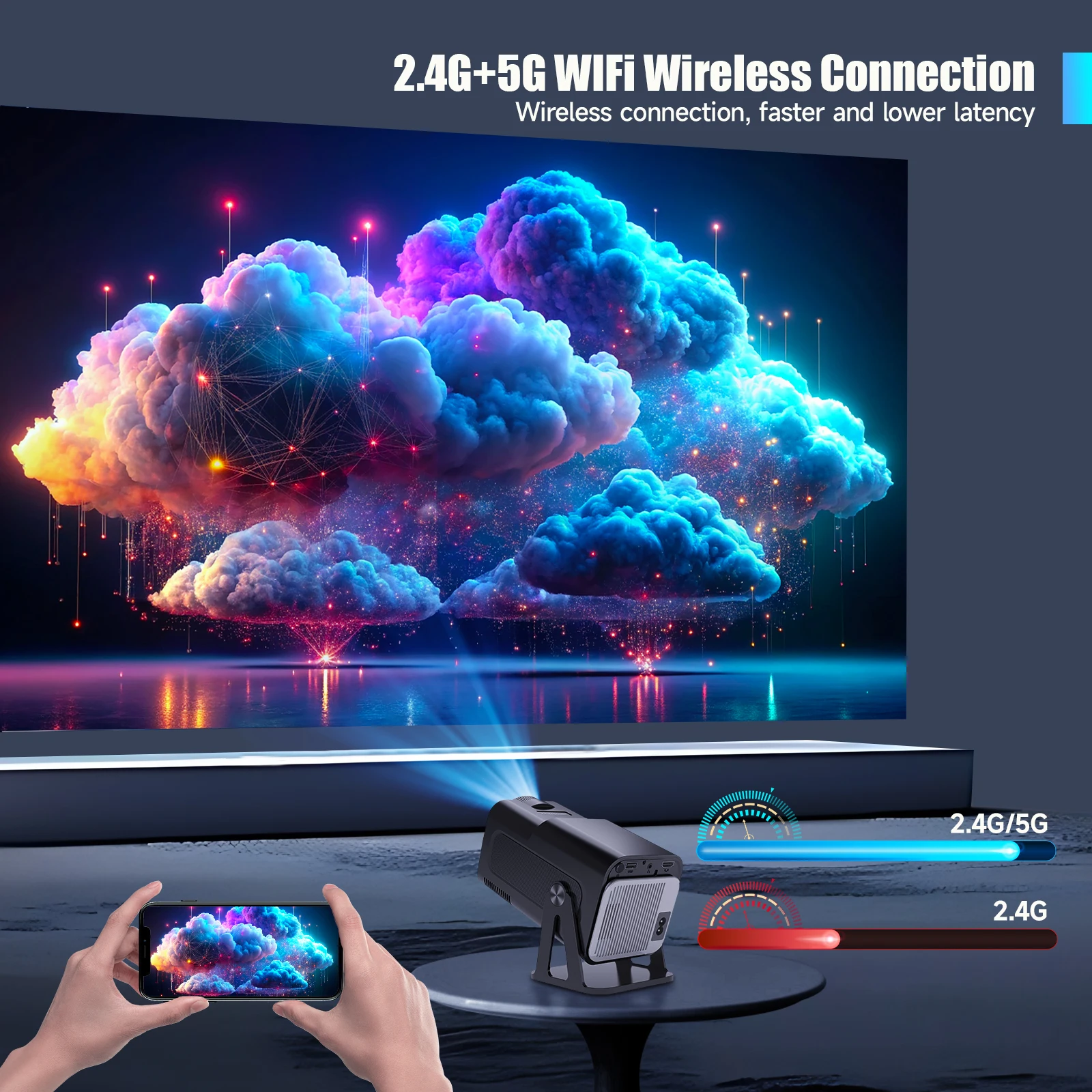
2.4G+5G WIFi Wireless Connection
Wireless connection, faster and lower latency
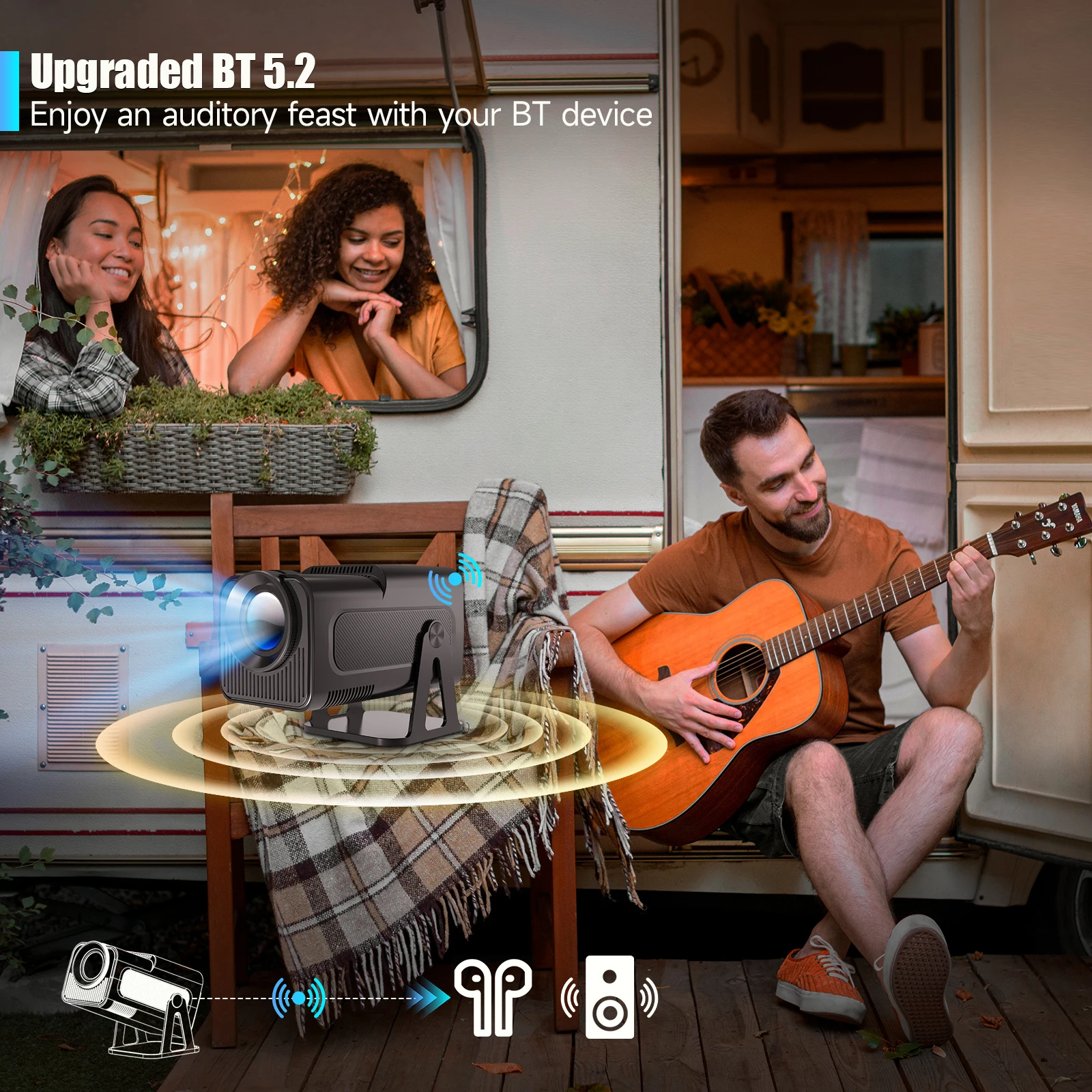
Upgraded BT 5.2
Enjoy an auditory feast with your BT device
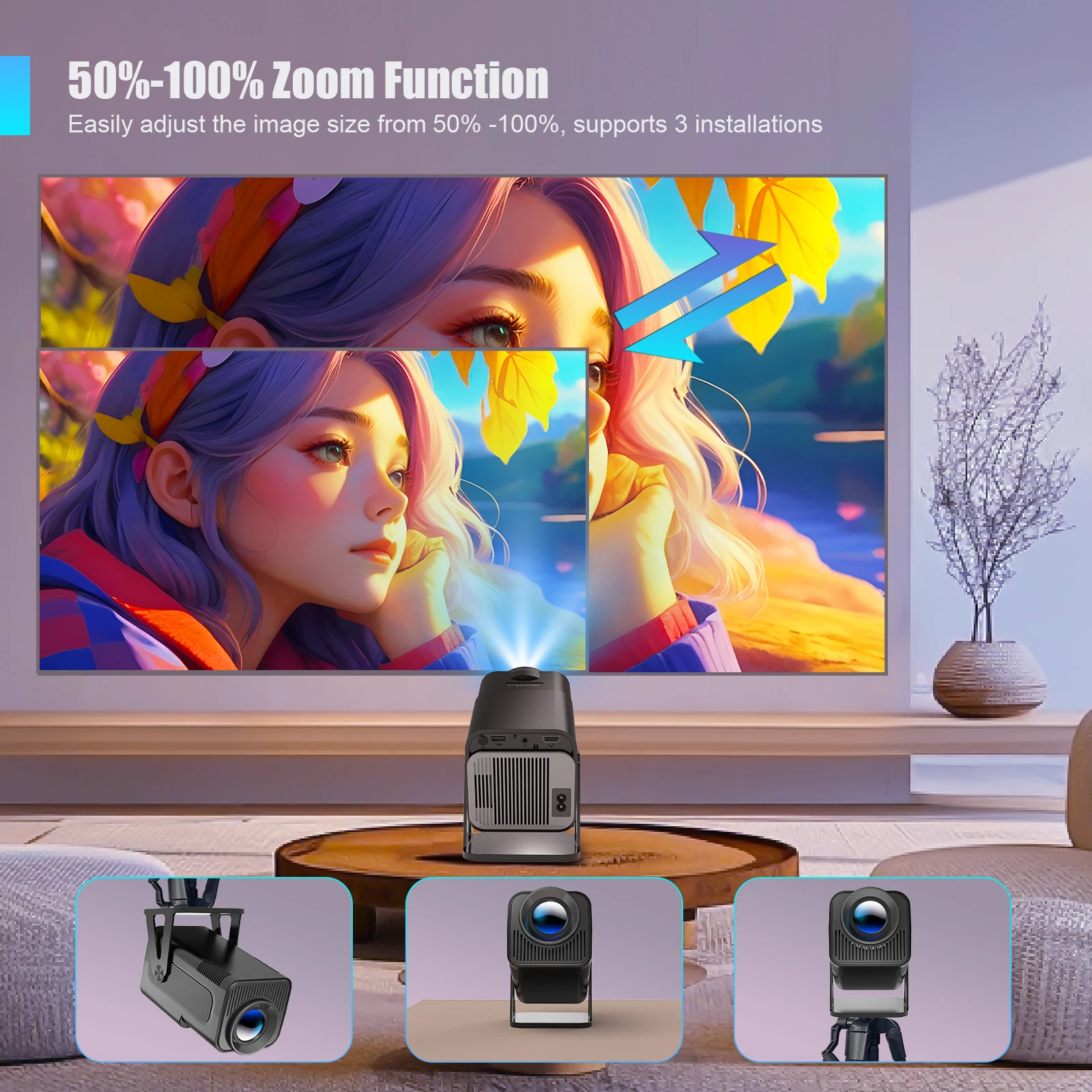
50%-100% Zoom Function
Easily adjust the image size from 50% -100%, supports 3 installations
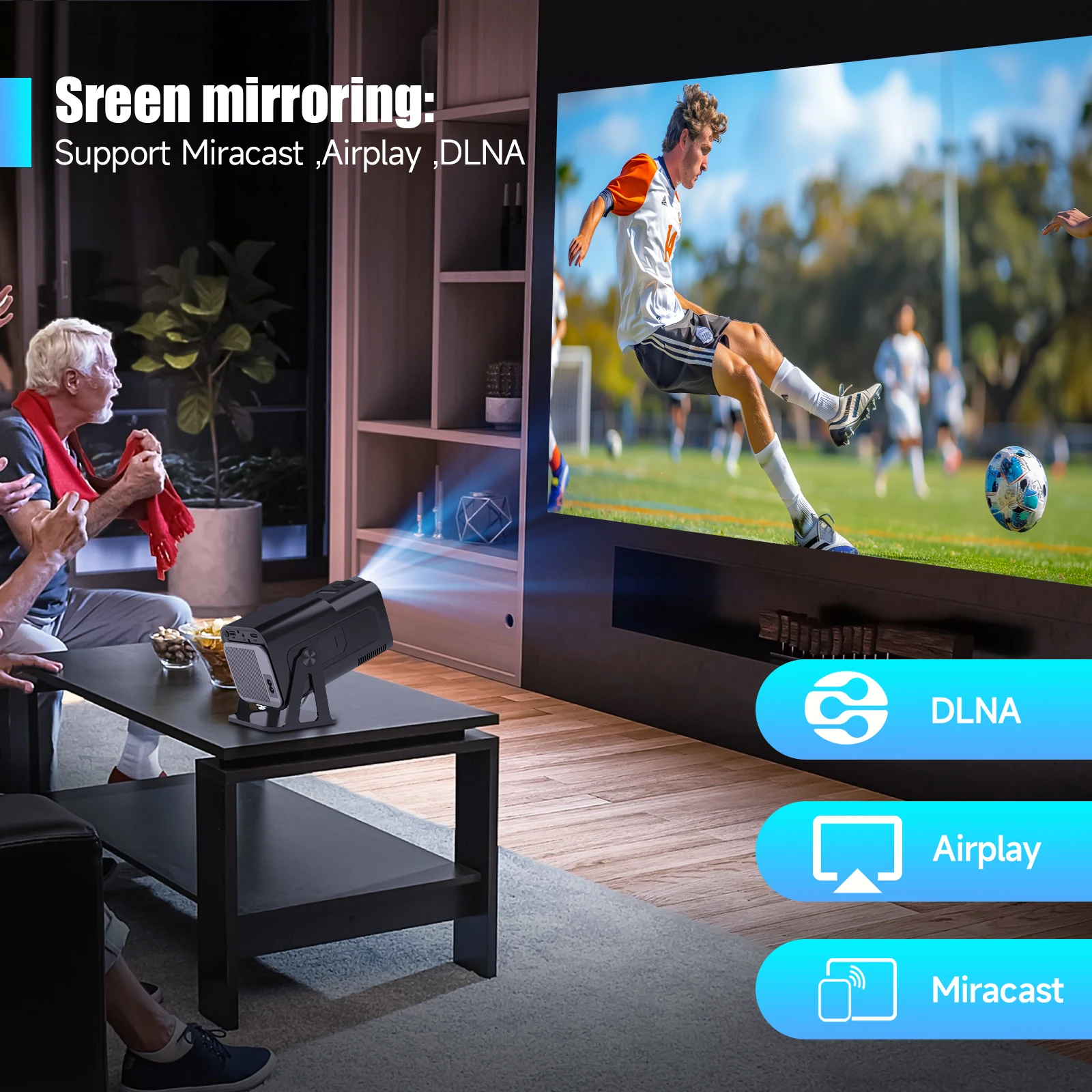
Sreen mirroring:Support Miracast ,Airplay ,DLNA
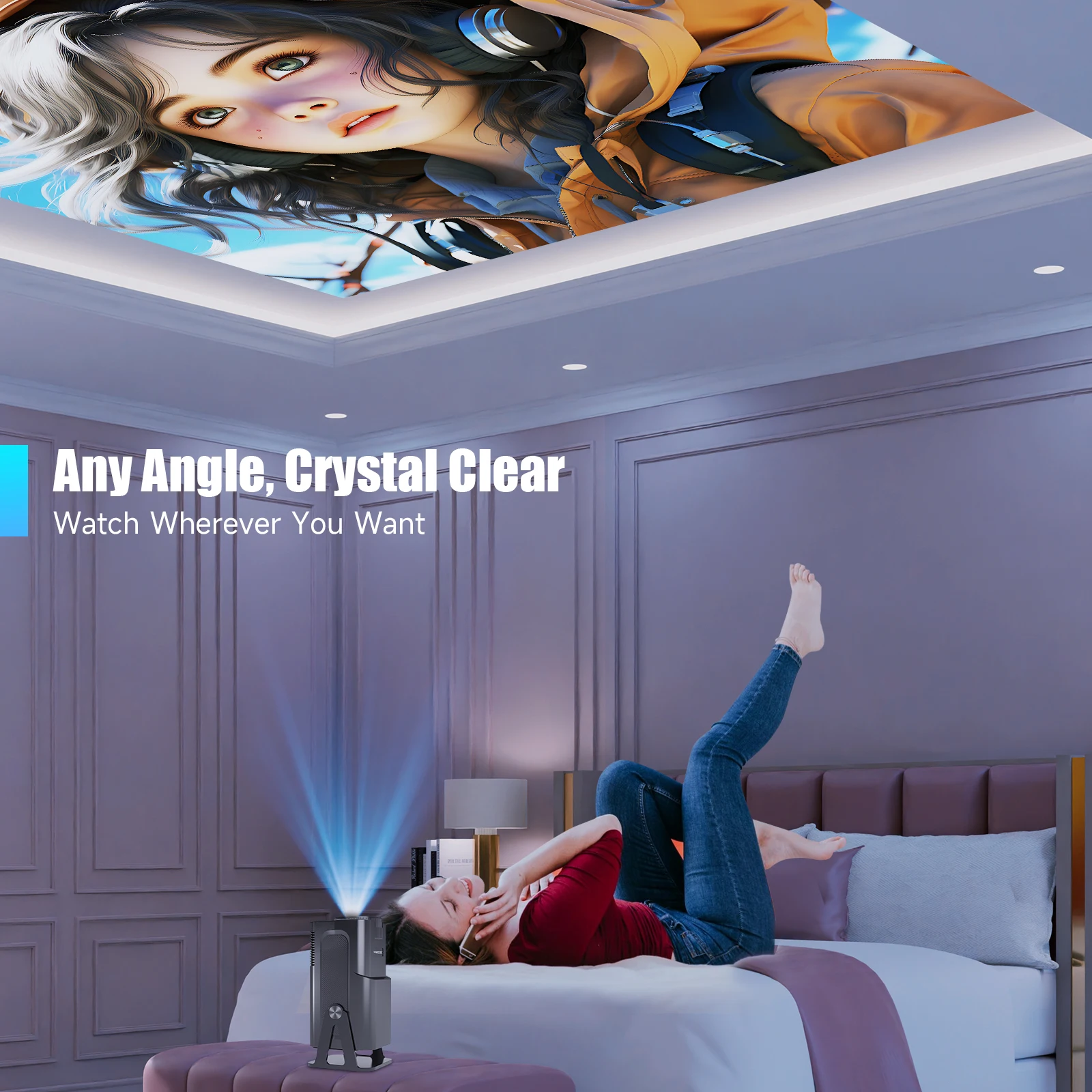
Any Angle, Crystal Clear
Watch Wherever You Want
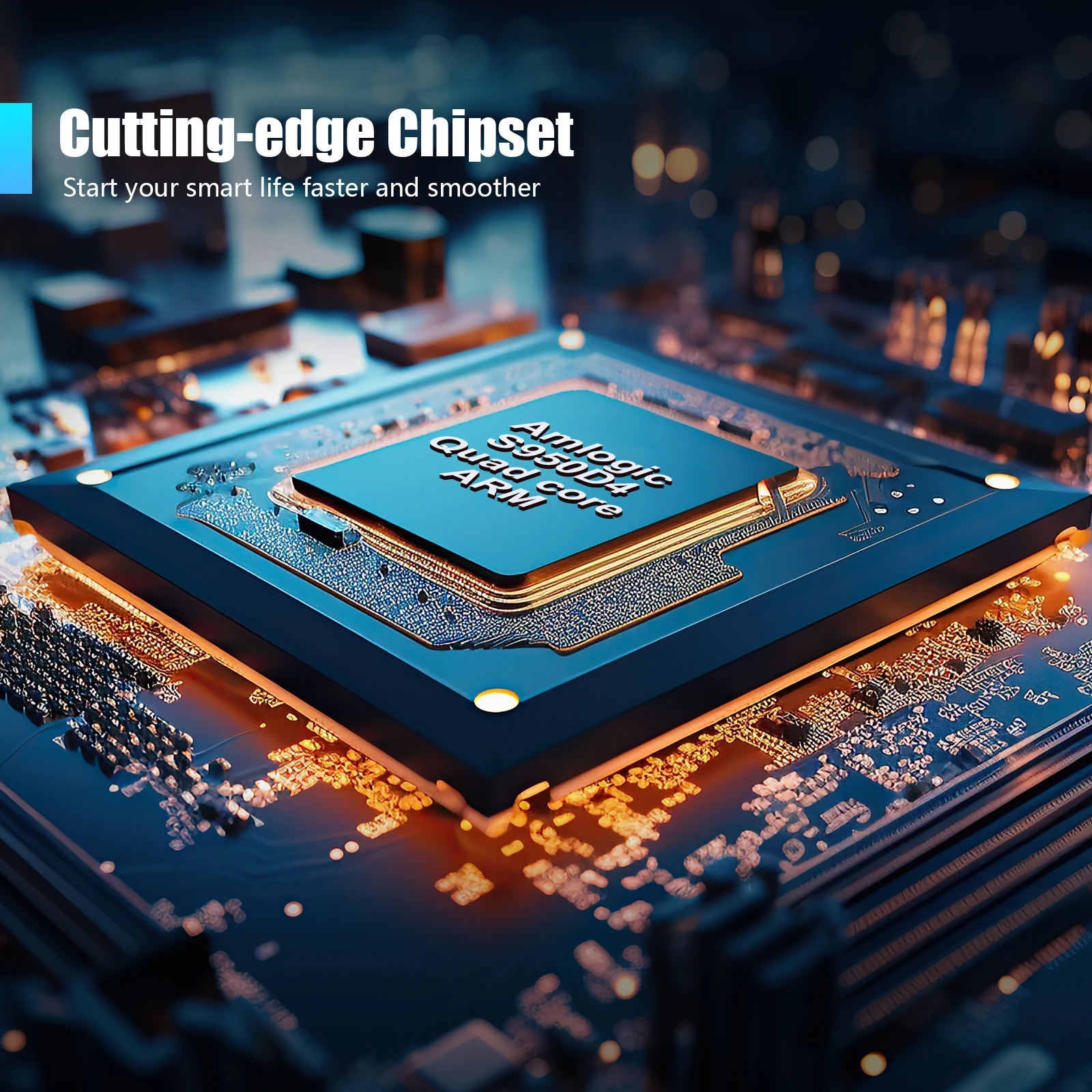
Cutting-edge Chipset,Amlogic S950D4
Start your smart life faster and smoother
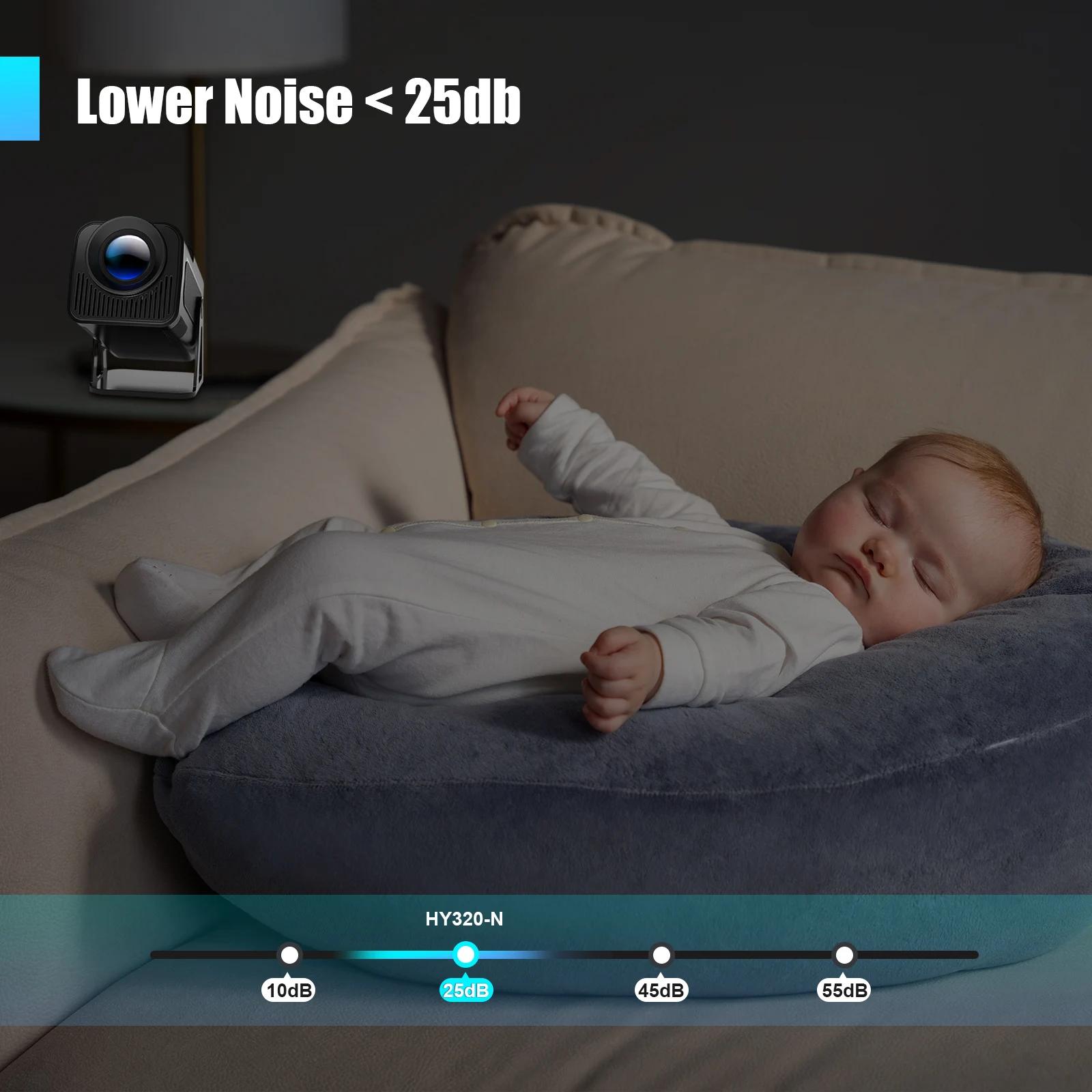
Lower Noise < 25db
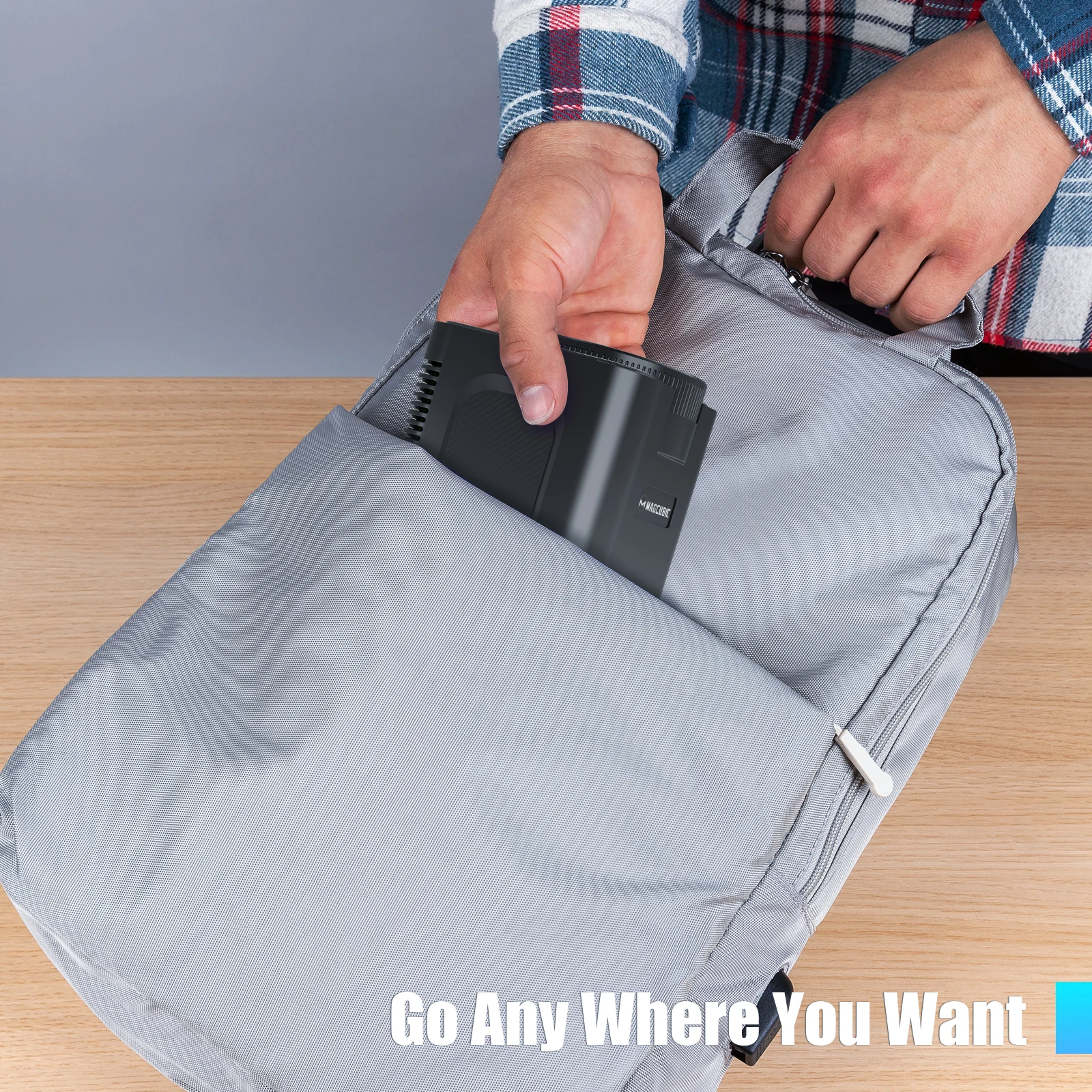
Go Any Where You Want
Convenient for Office & Enjoyable Playtime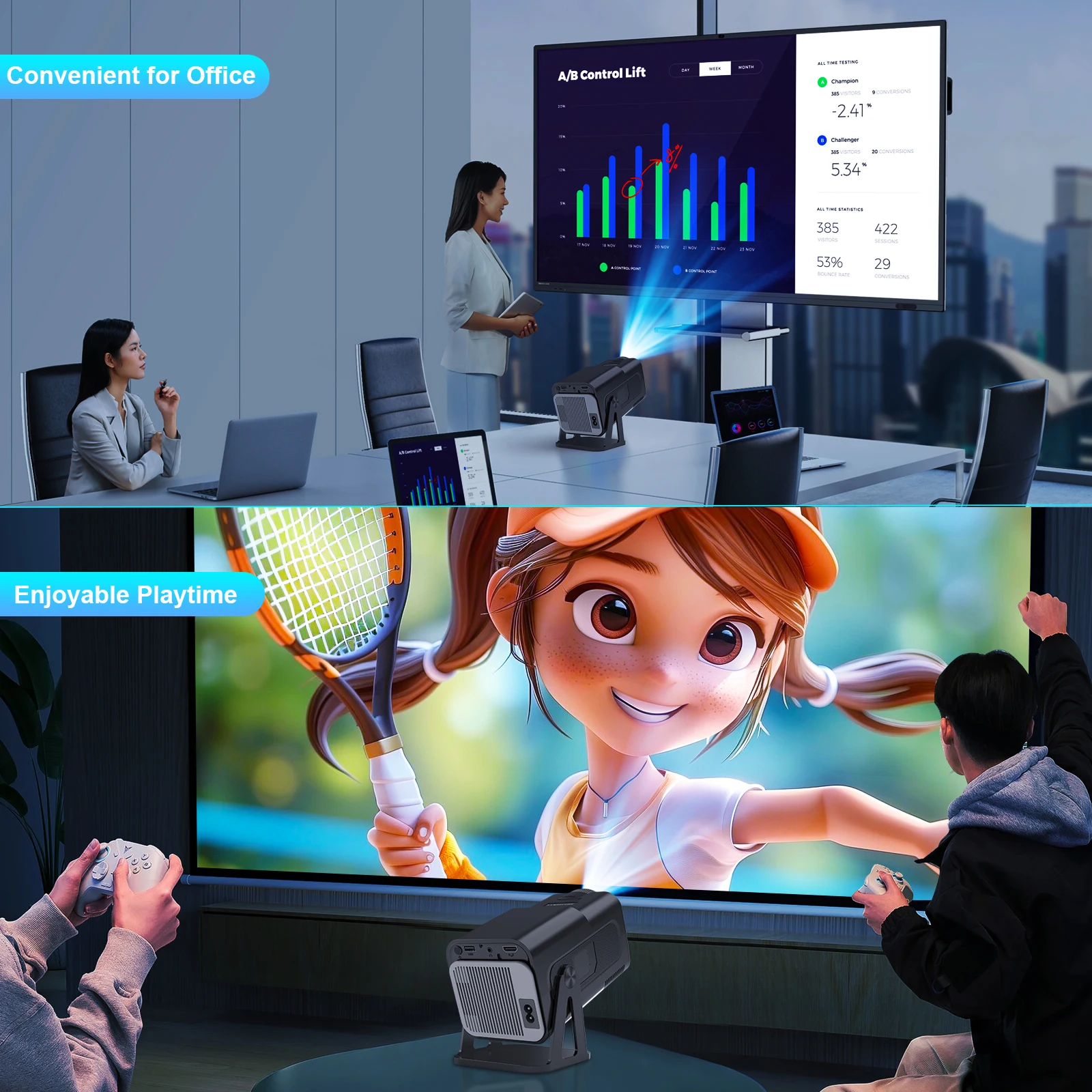
Indoor Family Day & Outdoor Recreation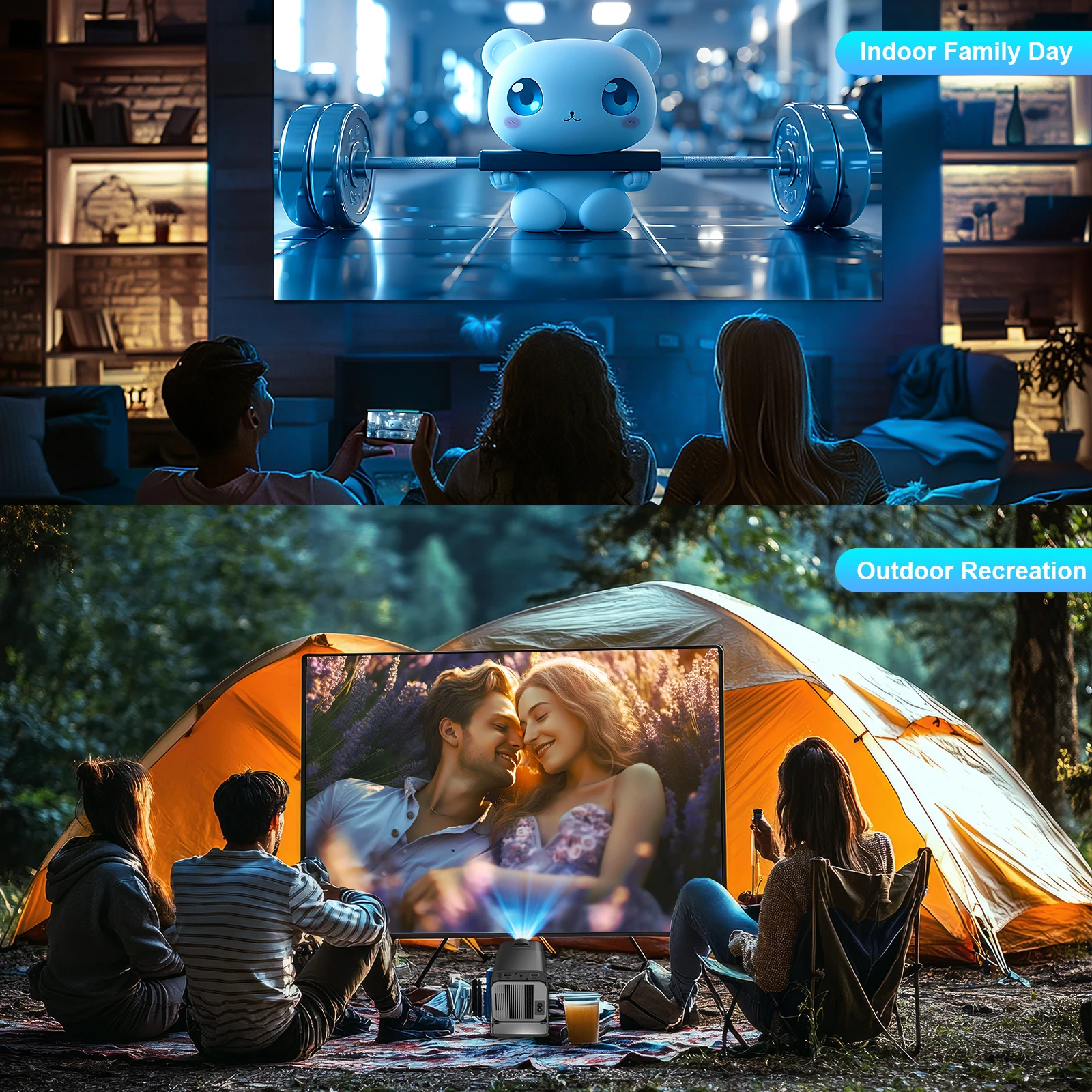
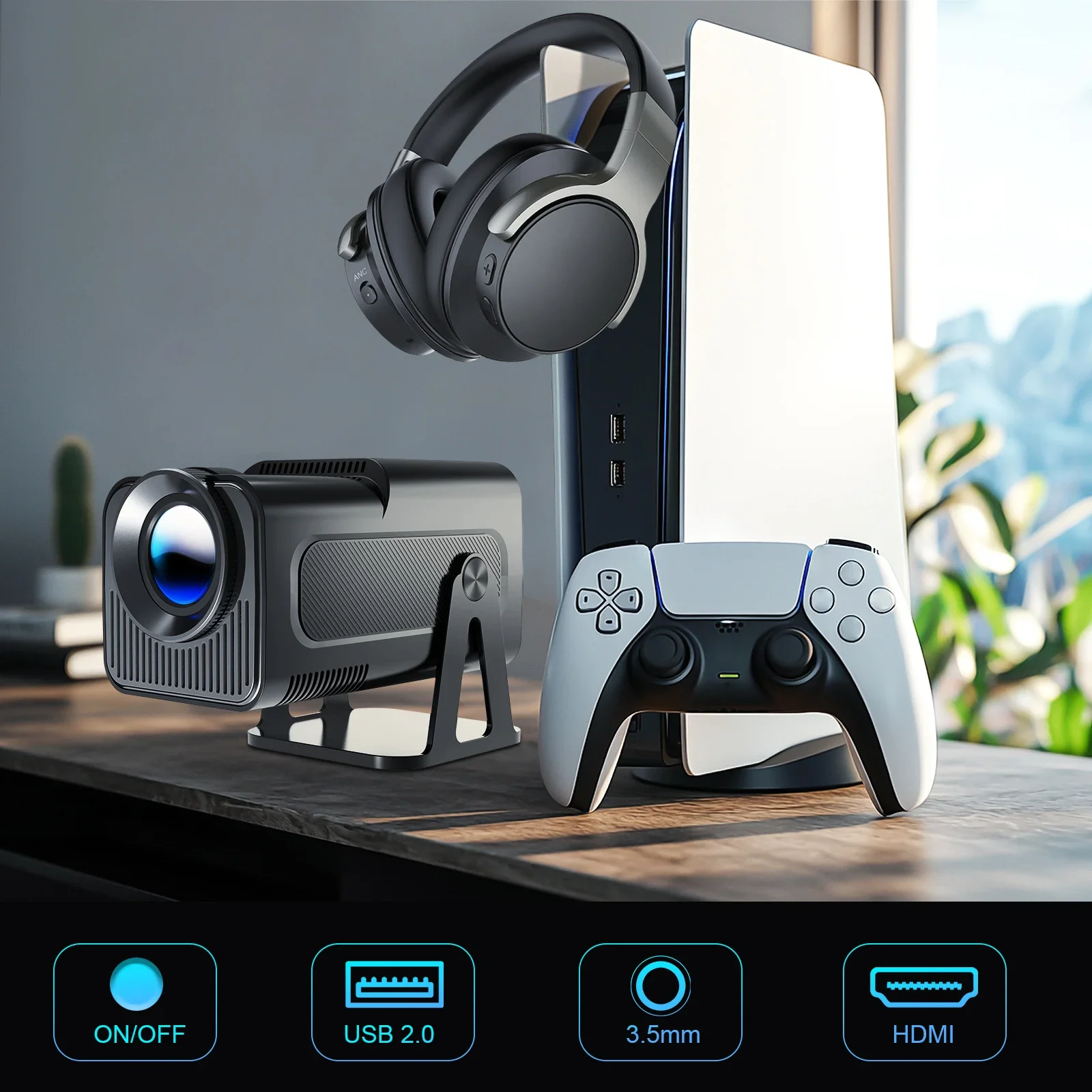
Product Interface
Question & Answer |
Q1: Is the projector compatible with Google smartphones?
A: Due to mirroring protocol issues of Motorola and Google phones, it prohibits screen mirroring directly from the projector. You need to have a Google Chromecast to connect it.
Q2: How can I access Netflix, Prime Video, and YouTube?
A: The HY320NTV comes with officially licensed Netflix, Prime Video, and YouTube pre-installed. No TV stick is required—simply press a button on the remote control to launch these apps quickly and easily.
Q3: Can I download other apps?
A: The HY320NTV runs on Whale OS, and you can download apps directly from the App store. If you can't find a specific app, please contact our support team for assistance.
Q4: How do I screen-mirror iOS devices to the HY320NTV?
A: 1.Go to Settings > Device Preference > Whale OS Cast > TV casting
2.Use the AirPlay feature on your iOS devices, ensuring both devices are connected to the same WiFi network
3.Copyrighted content from apps like of Disney+ cannot be mirrored or cast
Q5: How to Get a Squared Image?
A: 1. Align the projector properly so the lens faces the screen directly.
2. Go to Settings > Lens > Reset keystone correction data.
3. If needed, manually adjust: Settings > Lens > Keystone Correction > Turn Off Auto Keystone > 4-Corner Correction.
Q6: What Should I Do if the HY320NTV Projector Can't Connect to Wi-Fi?
A : 1. Verify the time zone under Settings > Device Preferences > Date & Time.
2. Switch to another Wi-Fi network or use a mobile hotspot.
3. Test both 2.4GHz and 5GHz bands.
4. Reset via Settings > Other Settings > Restore factory settings.
Q7: How Can I Customize the Picture Settings (Brightness, Contrast, etc.) on the HY320NTV Projector?
A: Press the "P MODE" button to customize your picture settings via Picture Mode > User > Personalized Picture Settings.
Shop Policies
Payment Policy
Payment Policy – BILLIONS BIRDS
At BILLIONS BIRDS, we are committed to providing a safe, secure, and seamless payment experience for our customers.
1. Accepted Payment Methods
We accept the following payment options:
Major Credit & Debit Cards (Visa, MasterCard, American Express)
Secure Online Payment Gateways (such as PayPal, Stripe, or other providers available at checkout)
Any additional payment methods displayed during checkout
All payments must be completed in full at the time of purchase.
2. Secure Transactions
All transactions are processed through encrypted and secure payment systems to protect your personal and financial information. We do not store your full payment details on our servers.
3. Currency
Prices are displayed in the currency indicated on the website. If you are purchasing from another country, your bank may apply currency conversion fees.
4. Order Confirmation
Once your payment has been successfully processed, you will receive an order confirmation email containing your purchase details.
5. Failed or Declined Payments
If your payment is declined, please verify your billing information or contact your bank. Orders will only be processed after successful payment confirmation.
6. Fraud Prevention
BILLIONS BIRDS reserves the right to cancel or refuse any order if fraud or unauthorised activity is suspected.
Delivery Policy
Delivery Policy – BILLIONS BIRDS
At BILLIONS BIRDS, we are dedicated to delivering your orders safely and efficiently.
1. Order Processing
All orders are processed within 1–3 business days after payment confirmation. Orders are not processed or shipped on weekends or public holidays.
2. Shipping Times
Estimated delivery times vary depending on your location:
Domestic Shipping: 3–7 business days
International Shipping: 7–15 business days
Please note that delivery times are estimates and may vary due to customs procedures, carrier delays, weather conditions, or other unforeseen circumstances.
3. Shipping Costs
Shipping fees are calculated at checkout based on your location and selected shipping method. Any customs duties, taxes, or import fees are the customer's responsibility.
4. Tracking Information
Once your order has been shipped, you will receive a confirmation email with tracking details (if available) so you can monitor your package.
5. Delivery Issues
If your order is delayed, lost, or arrives damaged, please contact us within 7 days of the expected delivery date. We will work with the shipping carrier to resolve the issue as quickly as possible.
6. Incorrect Shipping Information
Customers are responsible for providing accurate shipping details at checkout. BILLIONS BIRDS is not responsible for orders shipped to incorrect addresses provided by the customer.
Refund Policy
Refund Policy – BILLIONS BIRDS
At BILLIONS BIRDS, customer satisfaction is our top priority. If you are not completely satisfied with your purchase, we’re here to help.
1. Return Eligibility
You may request a return within 14 days of receiving your order. To qualify for a return:
The item must be unused, unworn, and in the same condition as received.
The item must be in its original packaging.
Proof of purchase (order confirmation or receipt) is required.
Certain items may not be eligible for return, including clearance items, gift cards, or personalised/custom products.
2. Non-Refundable Items
The following items are non-refundable:
Final sale or discounted items
Gift cards
Items damaged due to misuse, negligence, or improper care
3. Return Process
To initiate a return, please contact our customer support team with your order number and reason for return. If your return is approved, you will receive instructions for returning the item.
Unless the item is defective or incorrect, customers are responsible for return shipping costs.
4. Refund Processing
Once we receive and inspect your returned item:
We will notify you of the approval or rejection of your refund.
If approved, the refund will be issued to your original payment method within 5–10 business days.
Please note that banks or payment providers may require additional time to process refunds.
5. Damaged or Incorrect Items
If you receive a damaged, defective, or incorrect item, please contact us within 7 days of delivery and provide clear photos of the product and packaging. We will arrange a replacement or full refund at no additional cost.
6. Late or Missing Refunds
If you have not received your refund:
Check your bank account again.
Contact your credit card company or payment provider.
If the issue persists, don't hesitate to contact our support team for assistance.
Recommended Products
Customer reviews
Share your thoughts with other customers
Be the first one to write a review!

Items (0)
