
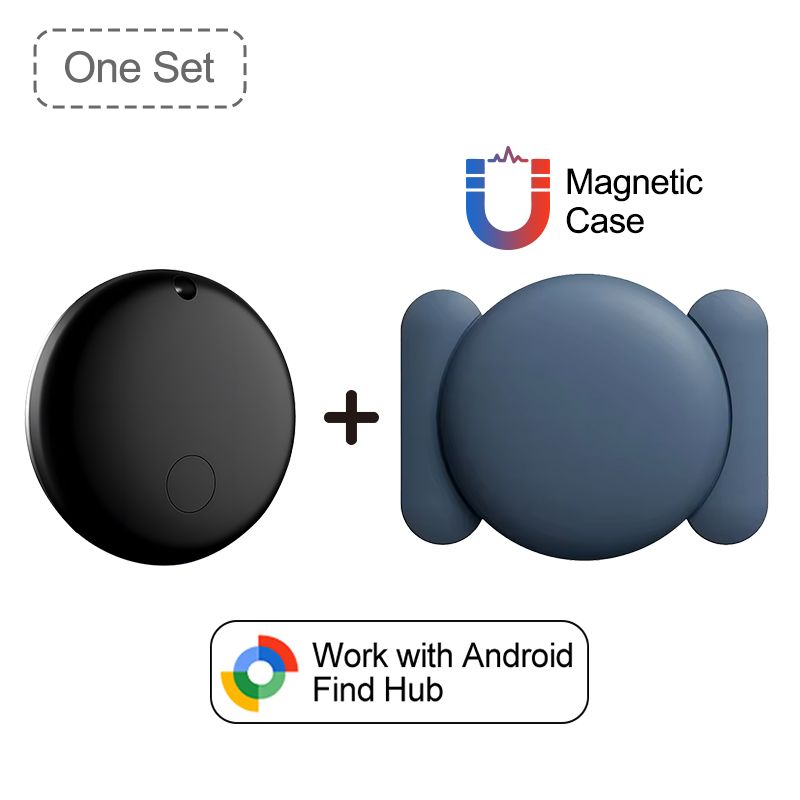
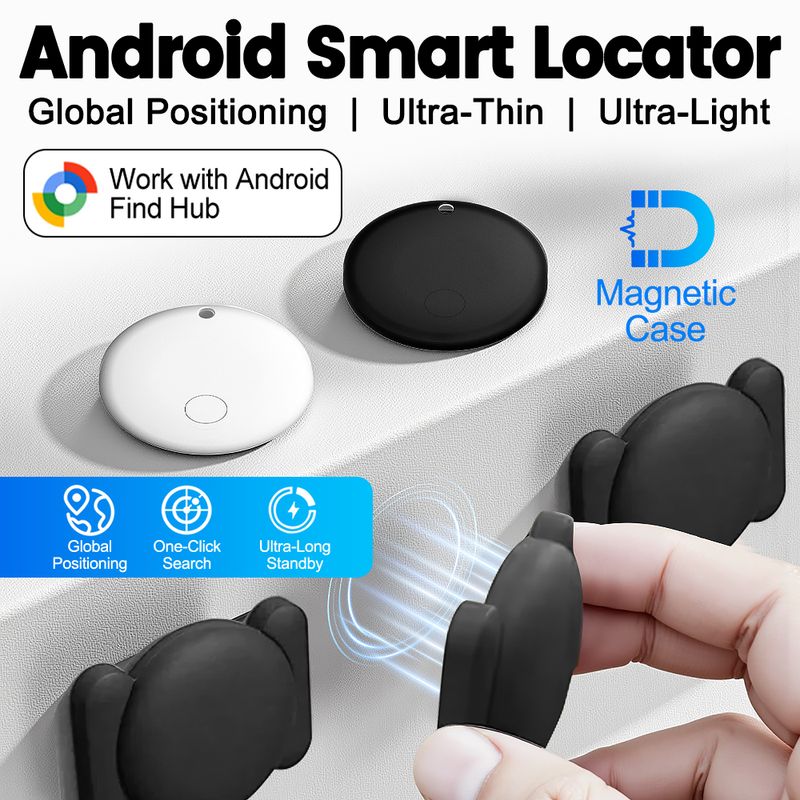
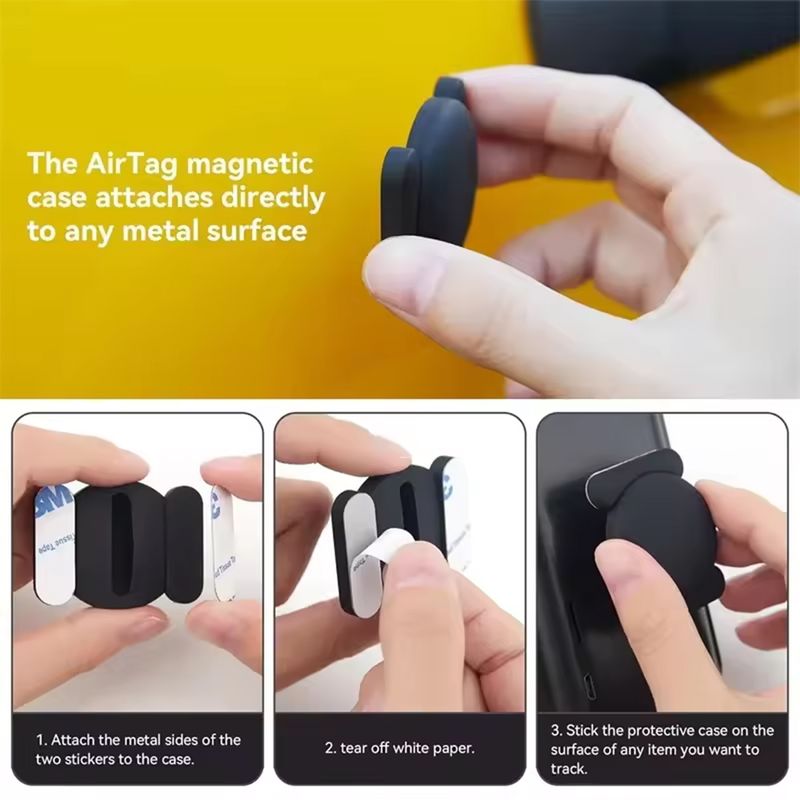
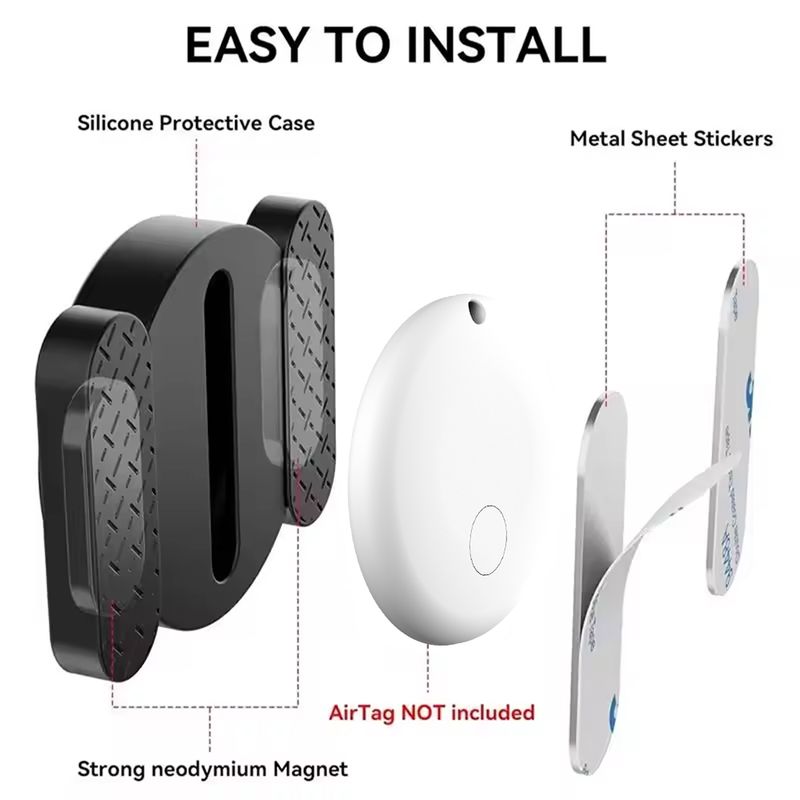
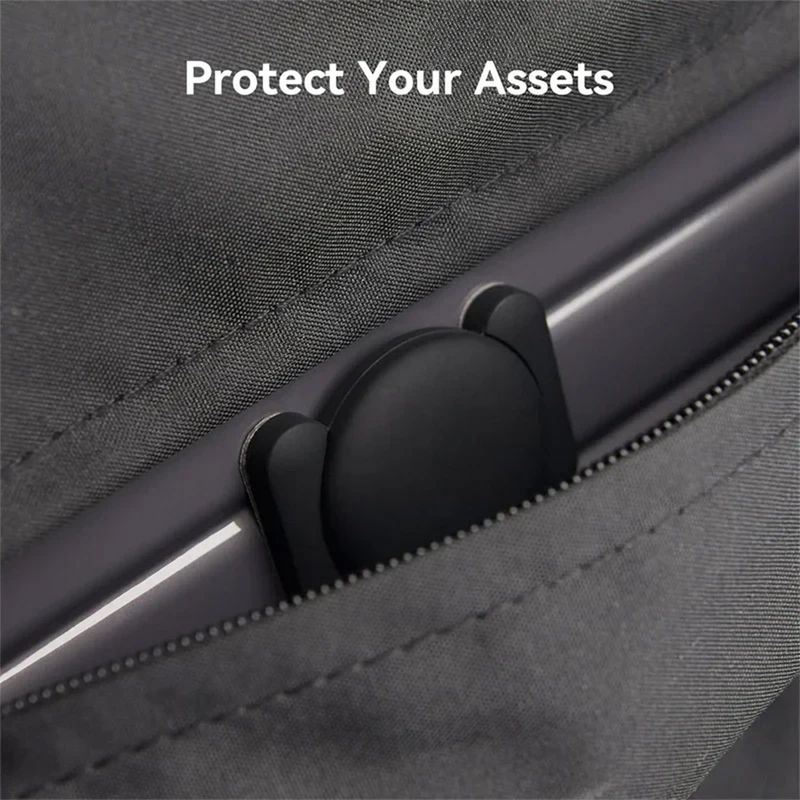
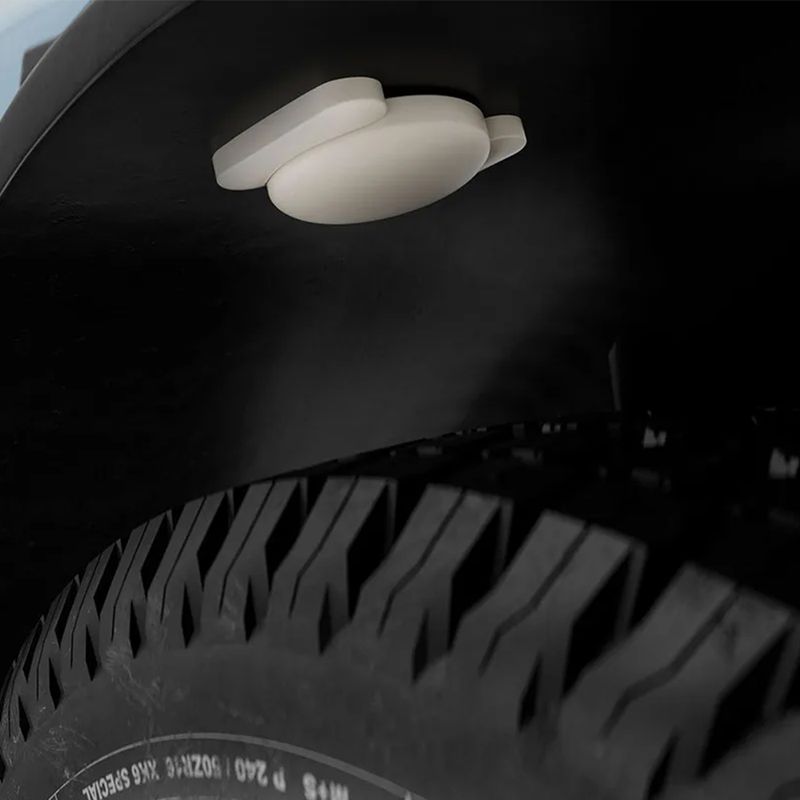
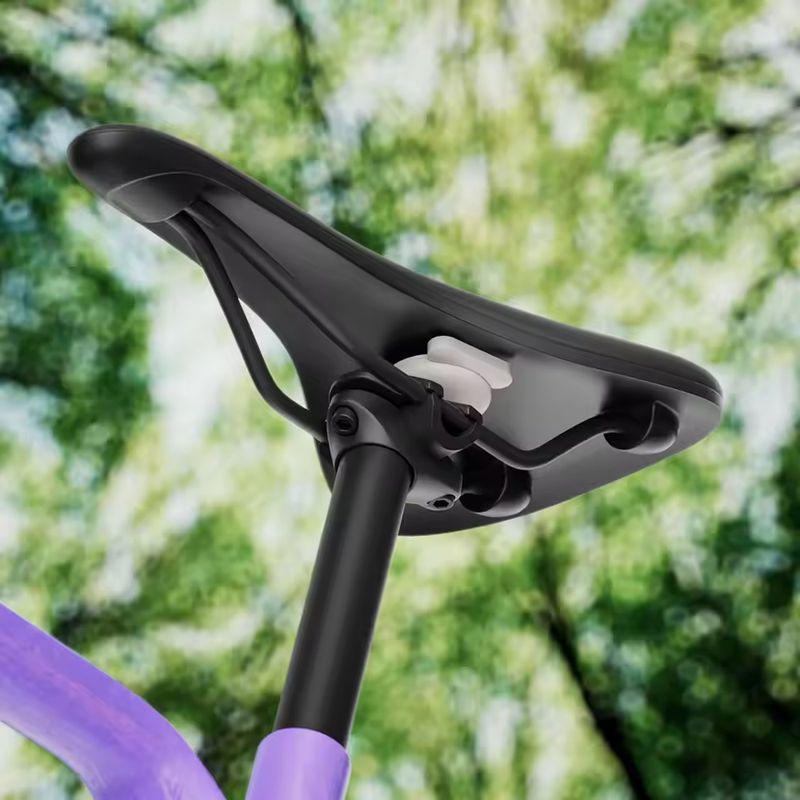
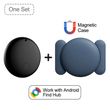
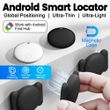
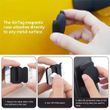
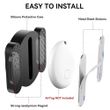

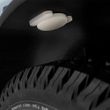
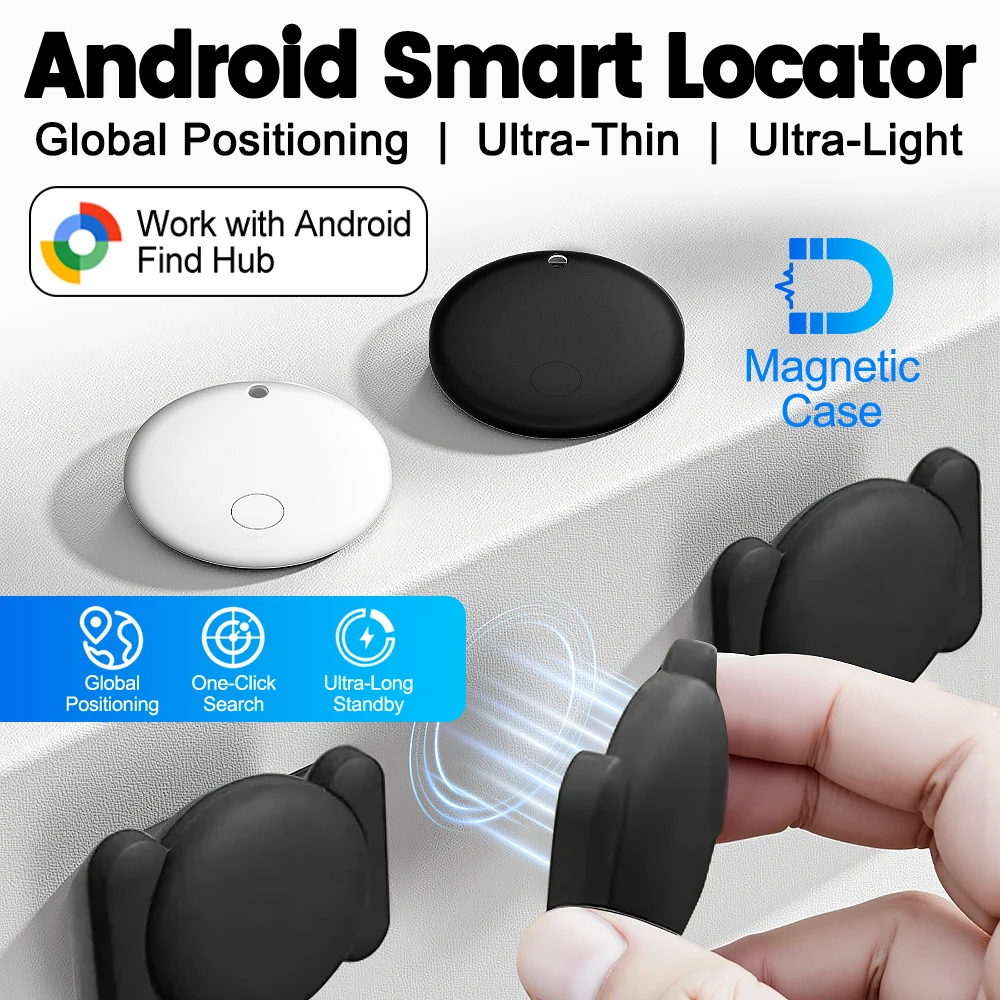
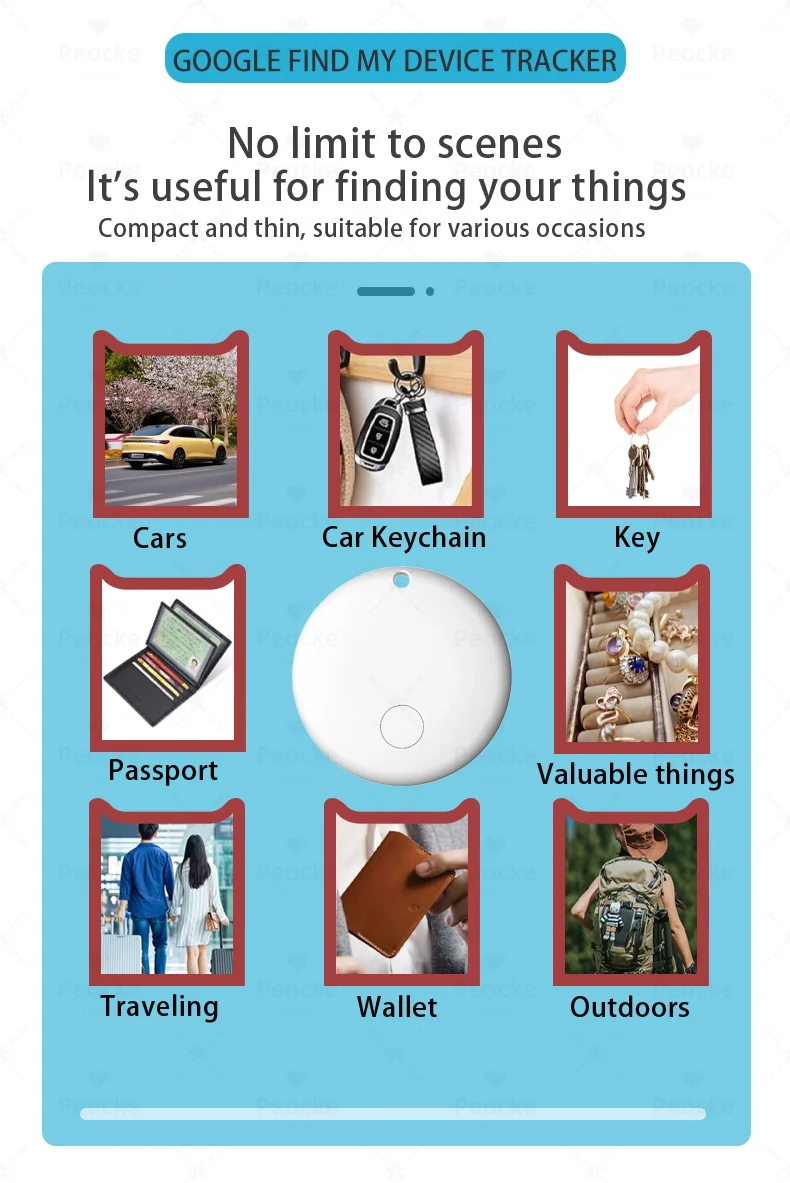
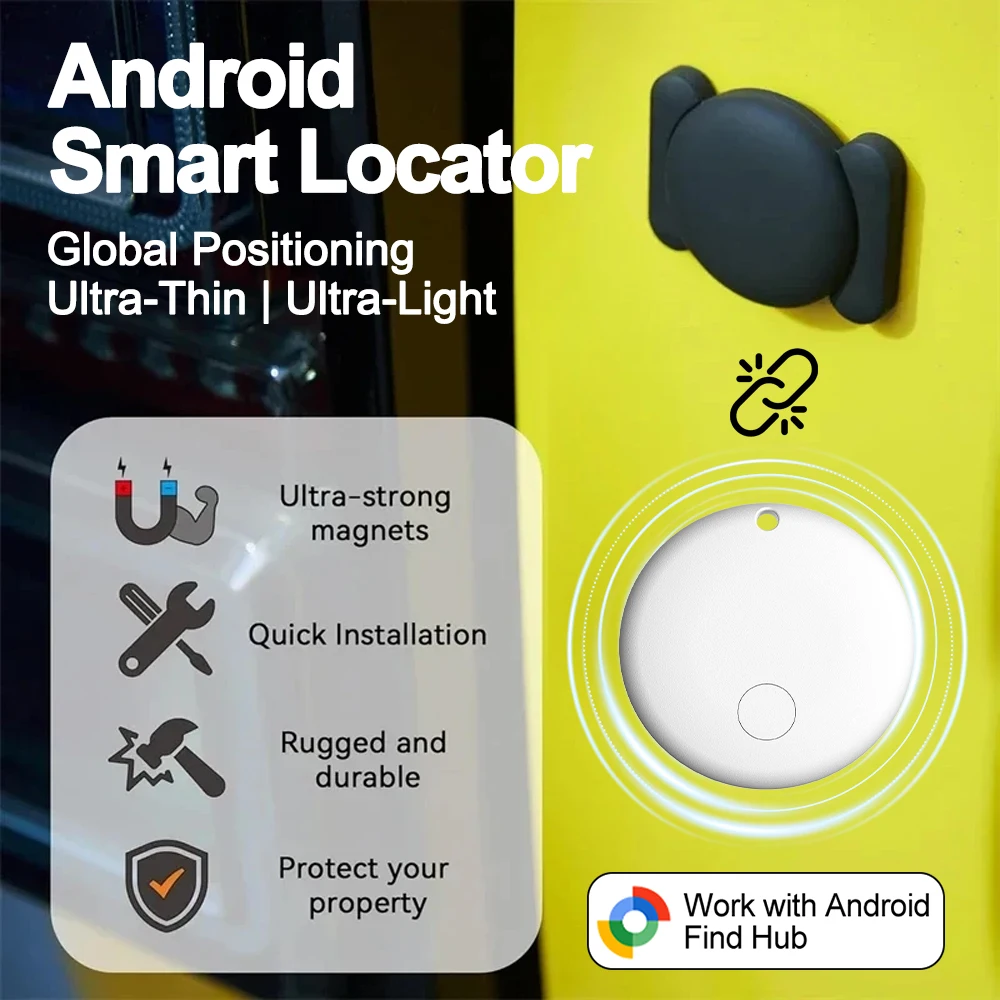
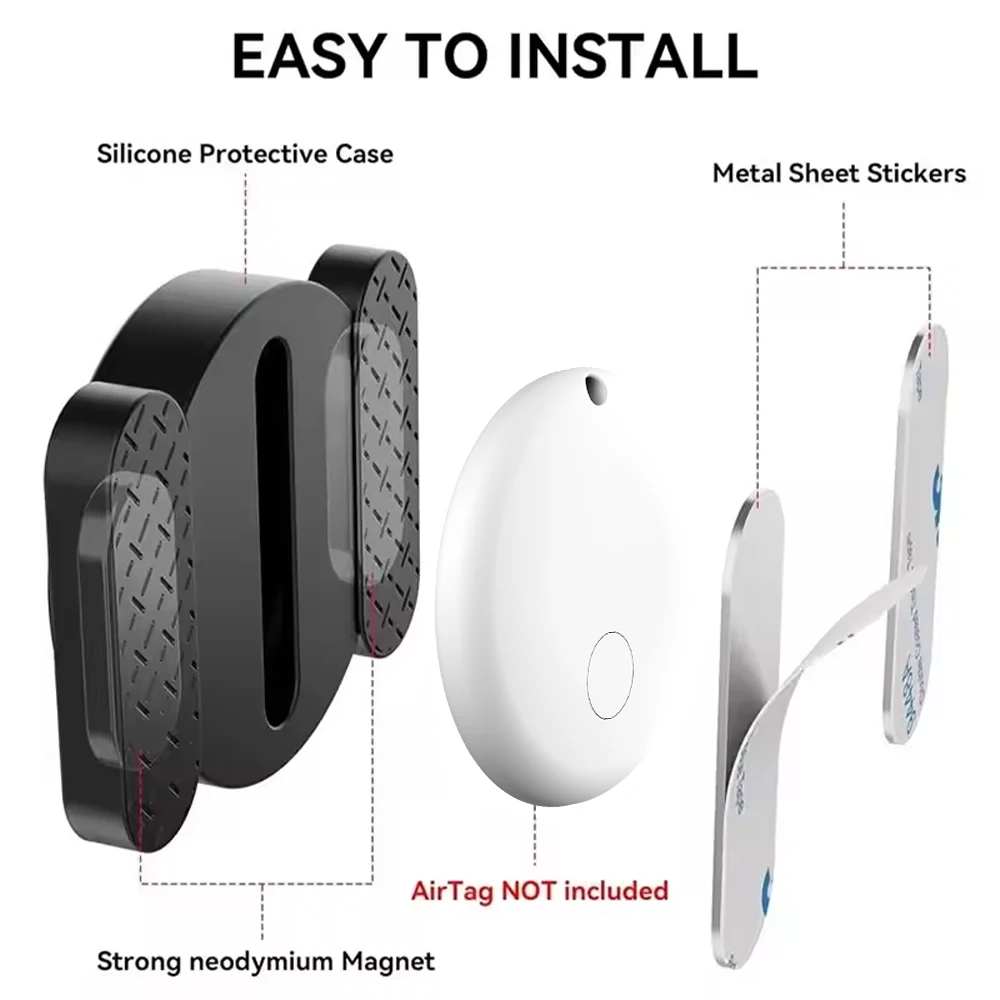
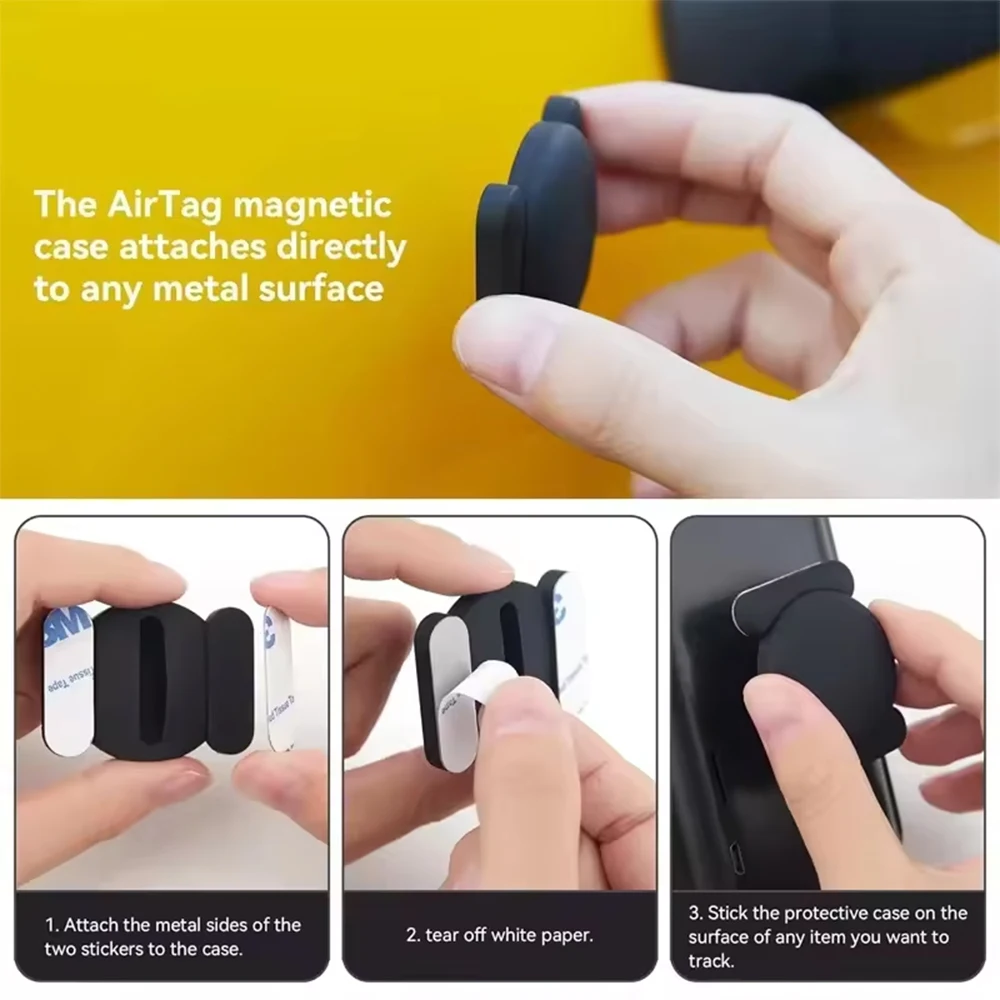
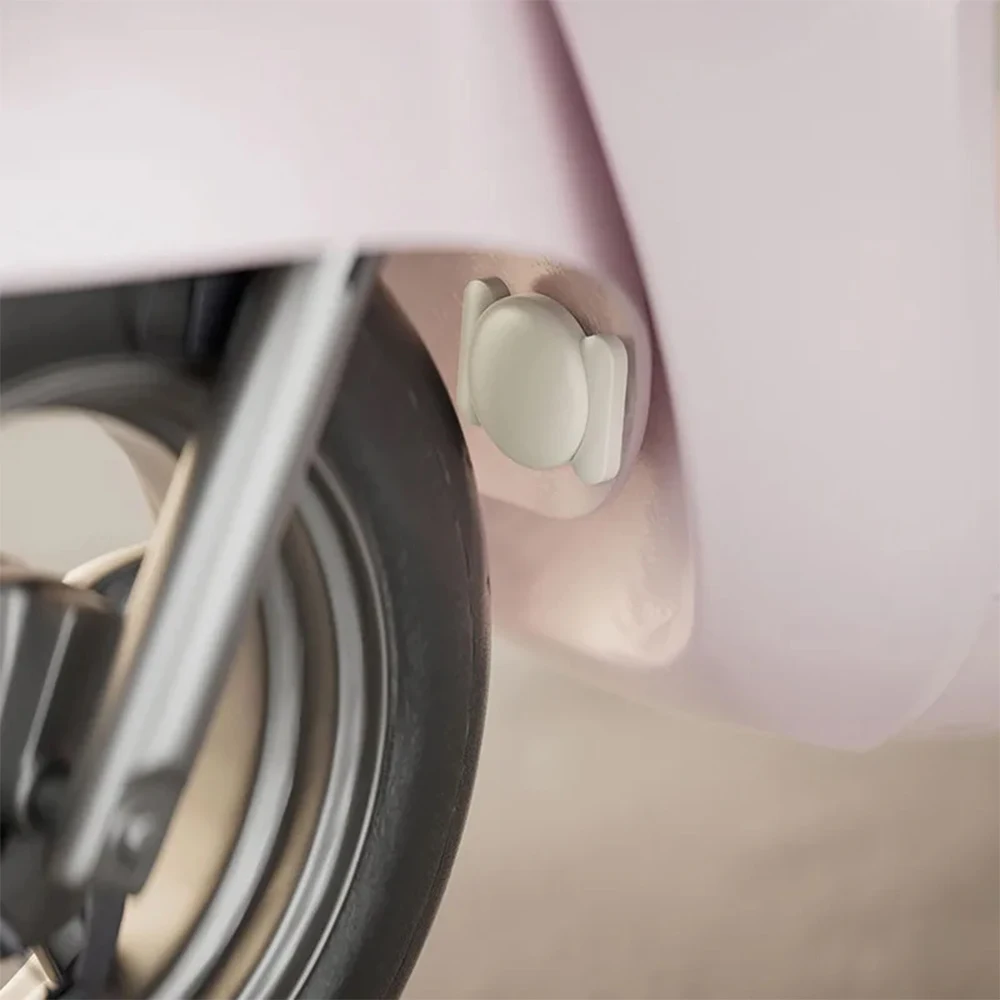
Smart GPS Tracker with Strong Magnetic Silicone Protective Case For Google Find Hub Device Tracker Scooter Luggage Key Tracking
Includes all taxes
Meet your Seller
-
$23.72Sold by BILLIONS BIRDS
Description
Note:
🔔.This card is only suitable for Android,IOS devices and Huawei are not supported.
🔔.To Russian buyers:I'm very sorry that this device can't be used normally because the local mobile phone system in Russia doesn't support this application(Find My Device App). Please don't place an order to buy it. Thank you for your understanding.
🔔.If your mobile phone is from Apple or Huawei, please do not place an order as this product is not supported.
Please pay attention before buying:
1.Rgarding Google Anti-Loss Device, a foreign version of the phone is required and the system version must be Android 9 or above to be used
2.Android 9 and above systems do not come with built-in apps. Generally, new phones released in 2025 or old phones updated to the latest Android system in 2025 will come with the Google Search APP
3.If your phone doesn't have this APP, you need to download it from the Google Play Store. It can be used on mobile phones or tablets with Android 9 or above
4.Please confirm that your phone can download the Google Find Hub Device APP before placing an order. Thank you.
5.This tracker basically works like AirTags. It needs to update the location effectively when there are other android phones nearby, and the phone must also register or use Google Find My Device to report the last tracker location to you.
Feature
Feature
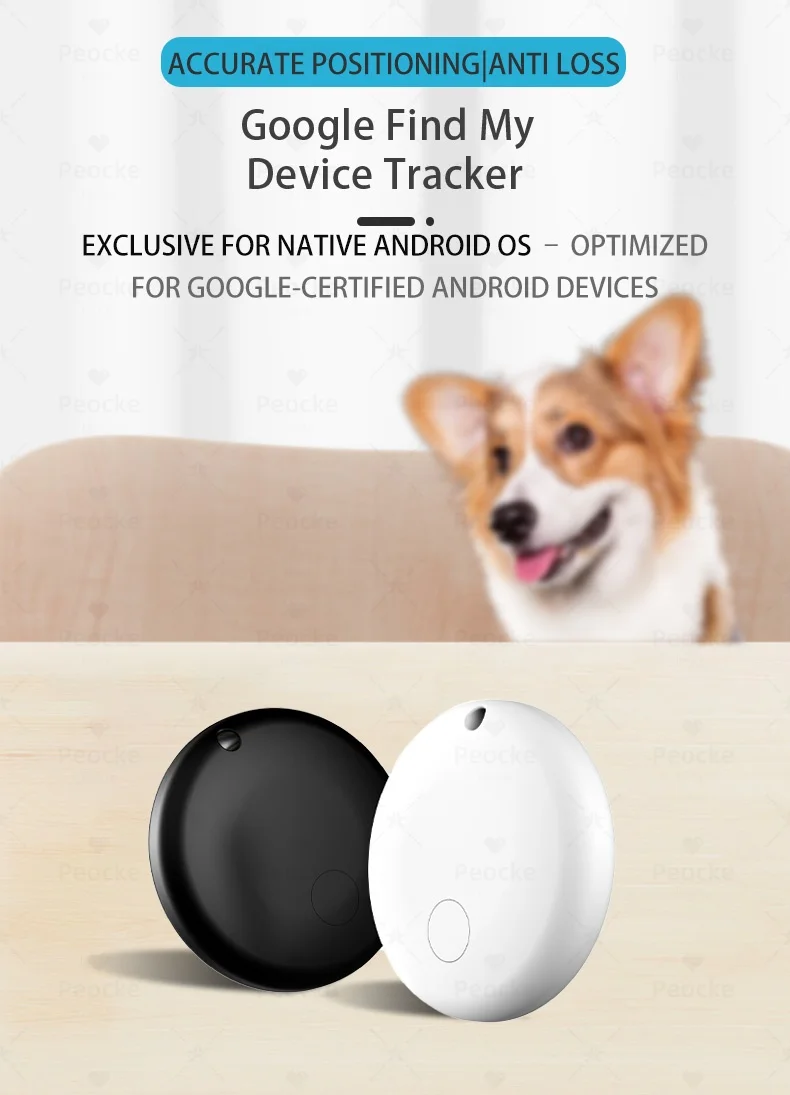
• Google Certified Product
• Integrated with Google Find My Device
• Global positioning coverage
• Privacy Protection
• IP67 Waterproof Rating
• Long-lasting Replaceable Battery
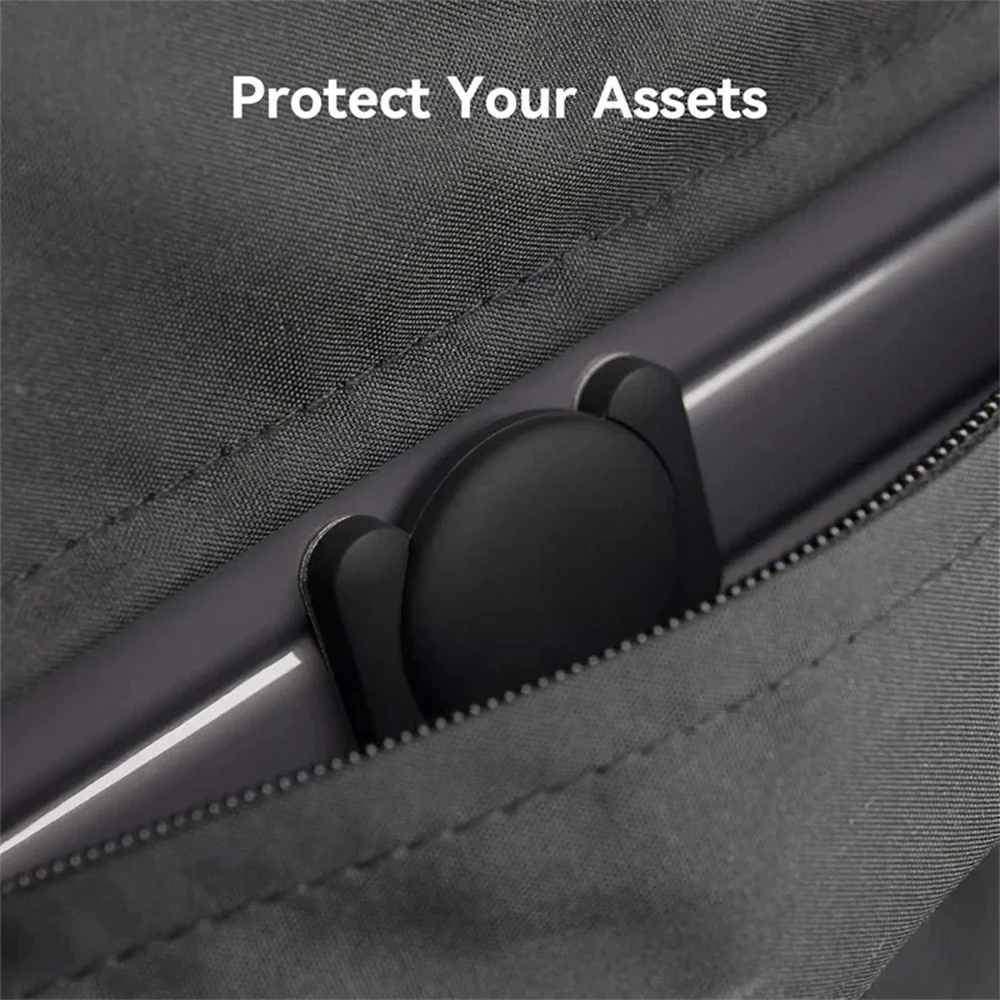
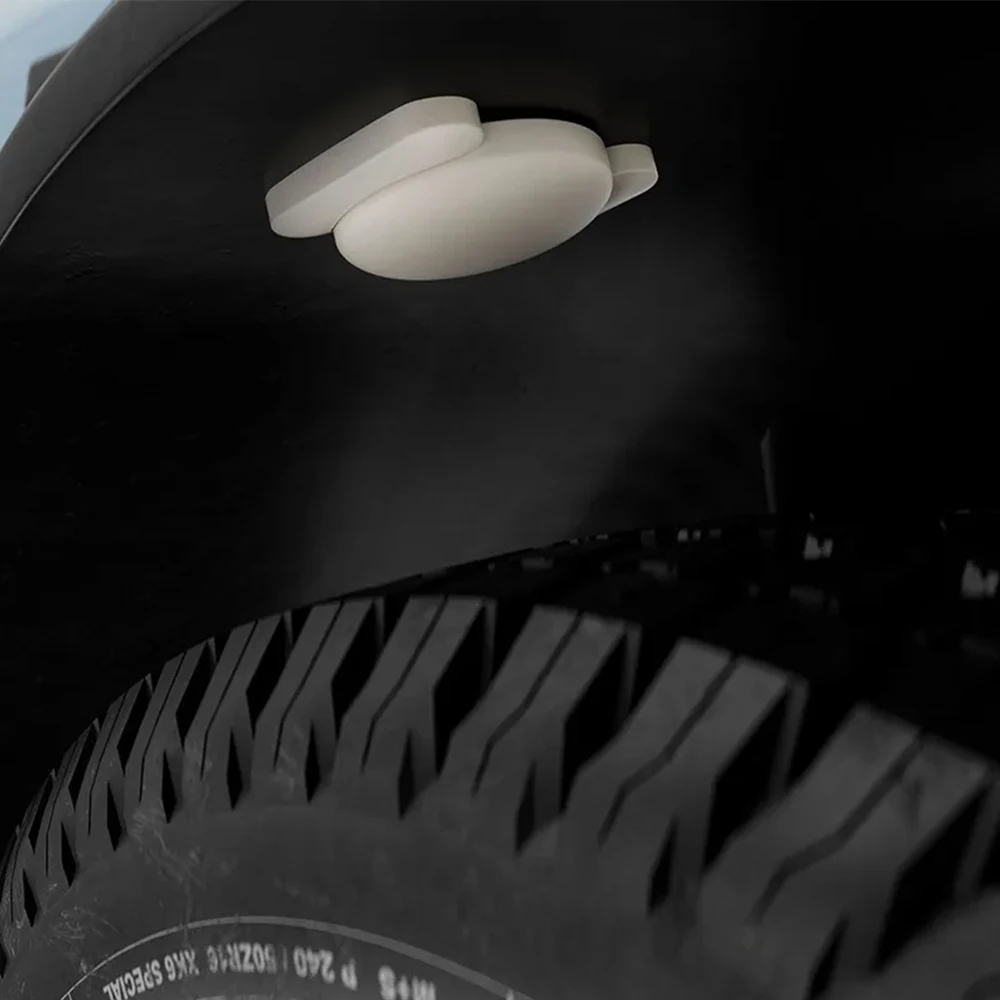
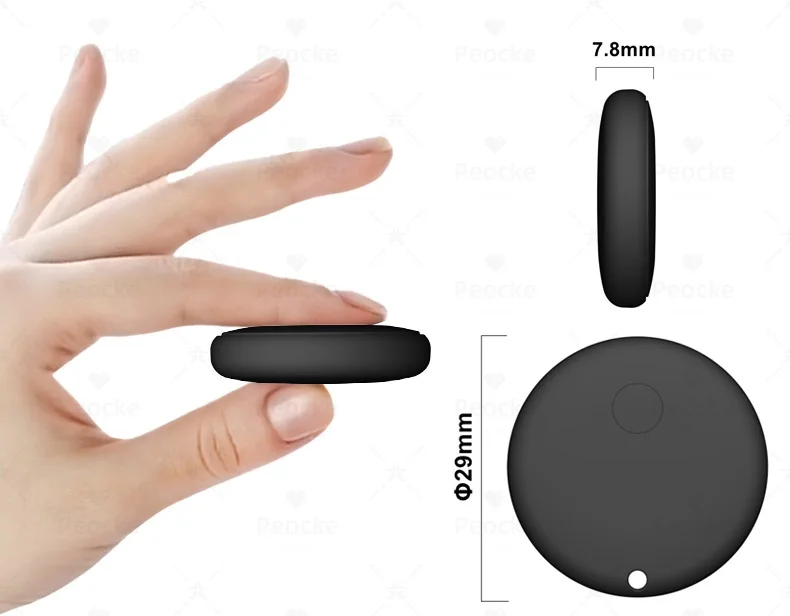
FAQ & AFA
Q: Why can't my Android phone connect to Tag ?
A: This is usually because the user missed the automatic pop-up window of Tag, you can try to restore the factory settings. The steps are as followsHow to reset: Please refer to the paper manual for the reset operation
Step: Manual Connection Steps(Please refer to the video below)
If the automatic popup doesn't appear, follow these steps to connect manually:
1. Open phone settings
2. Go to Google
3. Select All services
4. Go to Devices
5. Turn on Scan for nearby devices
6. View Available devices nearby
P.S.: If you can't connect even after reset and no automatic pop-up window appears, please refer to the Troubleshooting Guide.
Step 1: Check the Google service version
1. Open device settings
2. Enter the "Google" option and ensure that you have logged into your Google account
3. Enter the "About phone" option
4. Confirm that the updated version of Google Play Service will be available after March 1, 2025
According to the phone model:
Google Pixel: Android version ->Google Play System Update ->Check for updates
• Samsung: Software information -> Google Play System Update -> Check for updates
Step 2: Check Google Play permission settings
Please ensure that the following permissions are enabled:
Google Play Service: Enable "Nearby Devices" permission
Google Play Store: Enable "Nearby Devices" and "Show on Other Apps" permissions
Step 3: Manual connection steps
If the automatic pop-up window does not appear, please manually connect according to the following steps:
1. Open the phone settings
2. Enter Google
3. Select all services
4. Enter the device
5. Open and scan nearby devices
6. Check nearby available devices
Common problem solutions
Still unable to pop up after updating the system?
1. Restart the phone
2. Reset device: Quickly press four times, press and hold the fifth time until you hear a confirmation sound
Can't find the device?
Ensure that the device has Bluetooth enabled
Ensure that the equipment is within an effective range (usually within 10 meters)
• Attempt to restart Bluetooth service
Pairing failed?
Check if the network connection is normal
Ensure that your Google account is logged in correctly
Try clearing the Google Play Service cache and retry
Shop Policies
Payment Policy
Payment Policy – BILLIONS BIRDS
At BILLIONS BIRDS, we are committed to providing a safe, secure, and seamless payment experience for our customers.
1. Accepted Payment Methods
We accept the following payment options:
Major Credit & Debit Cards (Visa, MasterCard, American Express)
Secure Online Payment Gateways (such as PayPal, Stripe, or other providers available at checkout)
Any additional payment methods displayed during checkout
All payments must be completed in full at the time of purchase.
2. Secure Transactions
All transactions are processed through encrypted and secure payment systems to protect your personal and financial information. We do not store your full payment details on our servers.
3. Currency
Prices are displayed in the currency indicated on the website. If you are purchasing from another country, your bank may apply currency conversion fees.
4. Order Confirmation
Once your payment has been successfully processed, you will receive an order confirmation email containing your purchase details.
5. Failed or Declined Payments
If your payment is declined, please verify your billing information or contact your bank. Orders will only be processed after successful payment confirmation.
6. Fraud Prevention
BILLIONS BIRDS reserves the right to cancel or refuse any order if fraud or unauthorised activity is suspected.
Delivery Policy
Delivery Policy – BILLIONS BIRDS
At BILLIONS BIRDS, we are dedicated to delivering your orders safely and efficiently.
1. Order Processing
All orders are processed within 1–3 business days after payment confirmation. Orders are not processed or shipped on weekends or public holidays.
2. Shipping Times
Estimated delivery times vary depending on your location:
Domestic Shipping: 3–7 business days
International Shipping: 7–15 business days
Please note that delivery times are estimates and may vary due to customs procedures, carrier delays, weather conditions, or other unforeseen circumstances.
3. Shipping Costs
Shipping fees are calculated at checkout based on your location and selected shipping method. Any customs duties, taxes, or import fees are the customer's responsibility.
4. Tracking Information
Once your order has been shipped, you will receive a confirmation email with tracking details (if available) so you can monitor your package.
5. Delivery Issues
If your order is delayed, lost, or arrives damaged, please contact us within 7 days of the expected delivery date. We will work with the shipping carrier to resolve the issue as quickly as possible.
6. Incorrect Shipping Information
Customers are responsible for providing accurate shipping details at checkout. BILLIONS BIRDS is not responsible for orders shipped to incorrect addresses provided by the customer.
Refund Policy
Refund Policy – BILLIONS BIRDS
At BILLIONS BIRDS, customer satisfaction is our top priority. If you are not completely satisfied with your purchase, we’re here to help.
1. Return Eligibility
You may request a return within 14 days of receiving your order. To qualify for a return:
The item must be unused, unworn, and in the same condition as received.
The item must be in its original packaging.
Proof of purchase (order confirmation or receipt) is required.
Certain items may not be eligible for return, including clearance items, gift cards, or personalised/custom products.
2. Non-Refundable Items
The following items are non-refundable:
Final sale or discounted items
Gift cards
Items damaged due to misuse, negligence, or improper care
3. Return Process
To initiate a return, please contact our customer support team with your order number and reason for return. If your return is approved, you will receive instructions for returning the item.
Unless the item is defective or incorrect, customers are responsible for return shipping costs.
4. Refund Processing
Once we receive and inspect your returned item:
We will notify you of the approval or rejection of your refund.
If approved, the refund will be issued to your original payment method within 5–10 business days.
Please note that banks or payment providers may require additional time to process refunds.
5. Damaged or Incorrect Items
If you receive a damaged, defective, or incorrect item, please contact us within 7 days of delivery and provide clear photos of the product and packaging. We will arrange a replacement or full refund at no additional cost.
6. Late or Missing Refunds
If you have not received your refund:
Check your bank account again.
Contact your credit card company or payment provider.
If the issue persists, don't hesitate to contact our support team for assistance.
Recommended Products
Customer reviews
Share your thoughts with other customers
Be the first one to write a review!

Items (0)
