
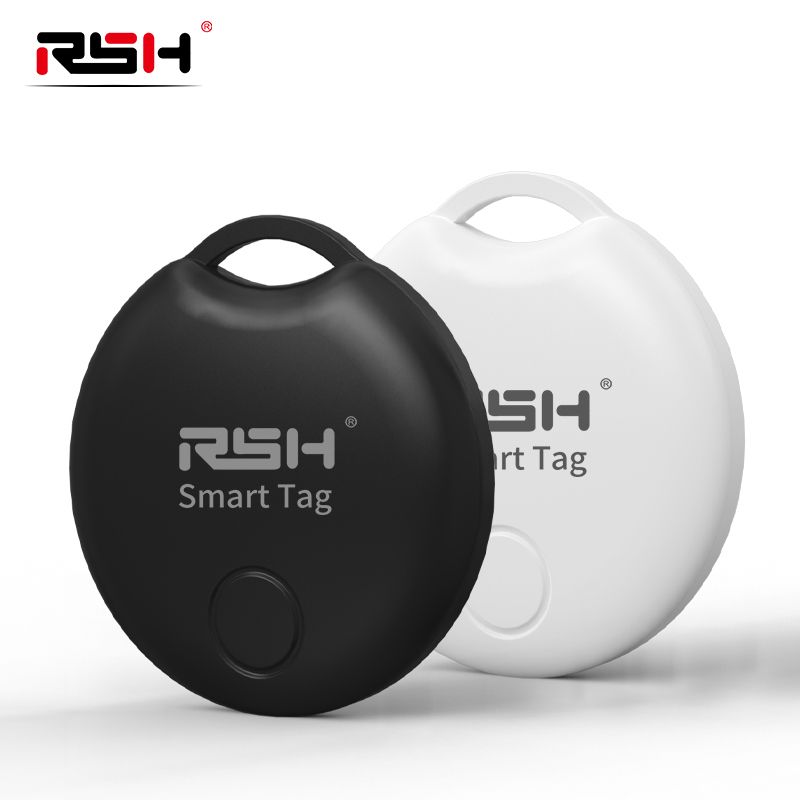
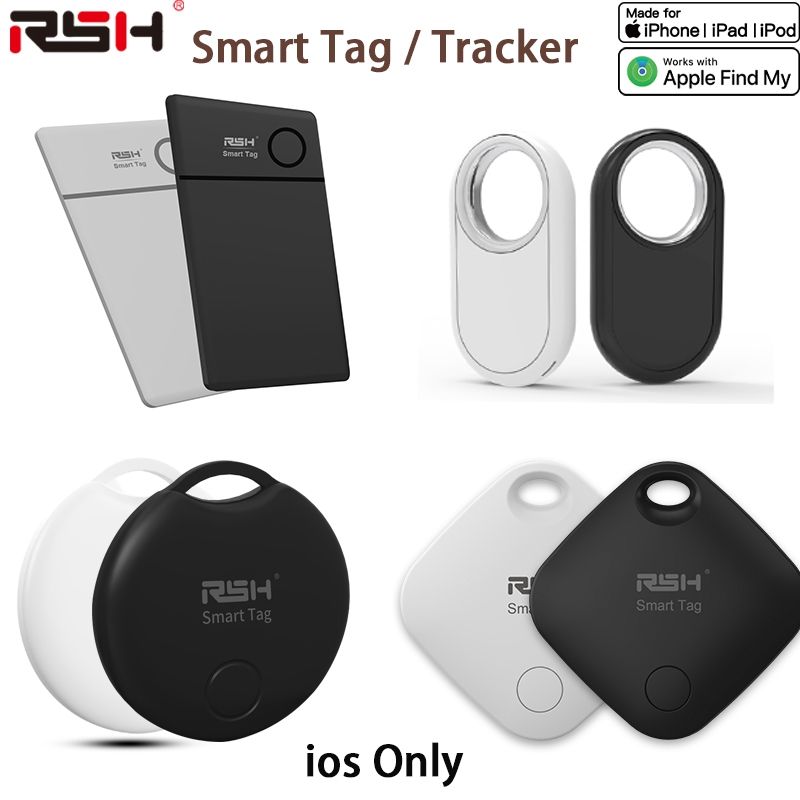
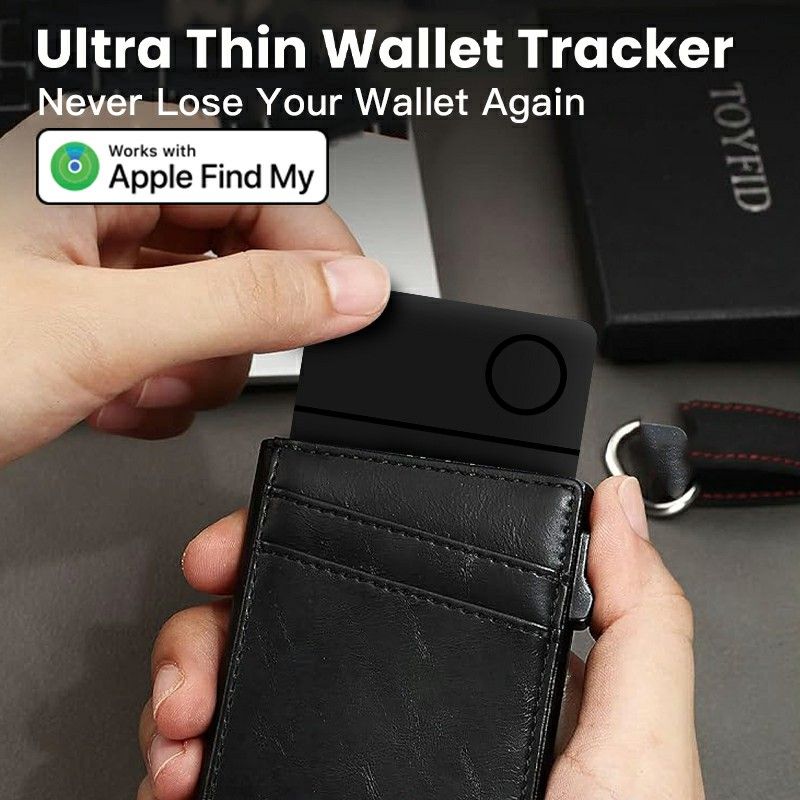
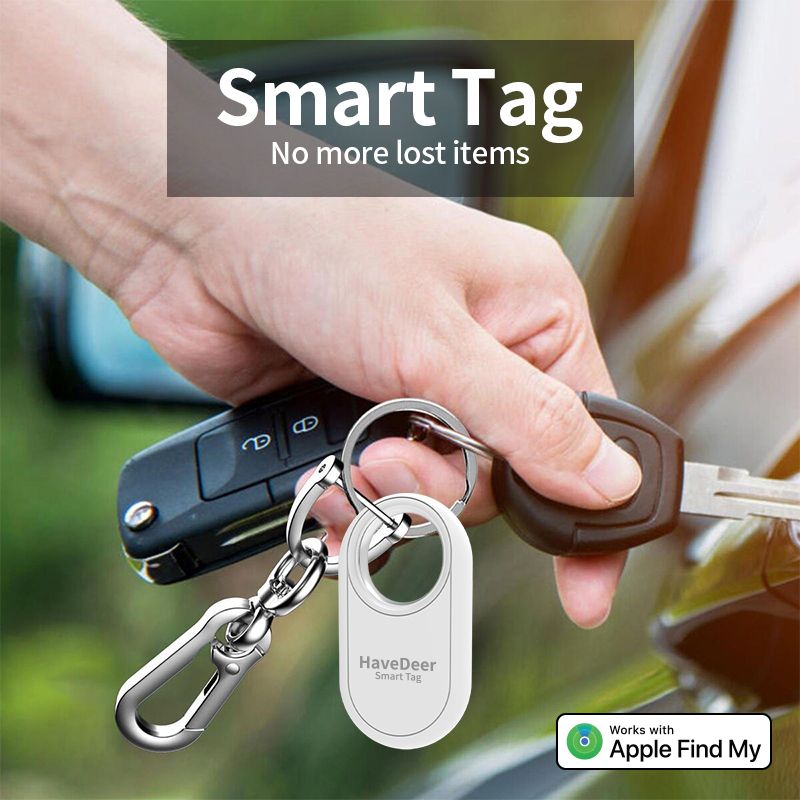
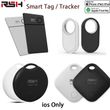
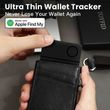
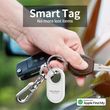


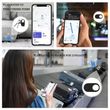
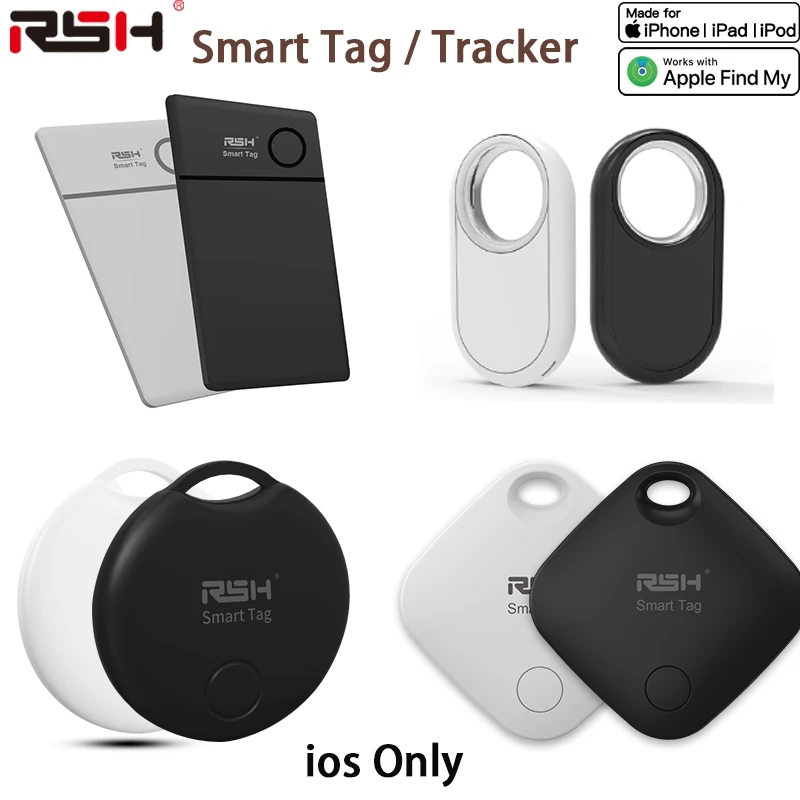
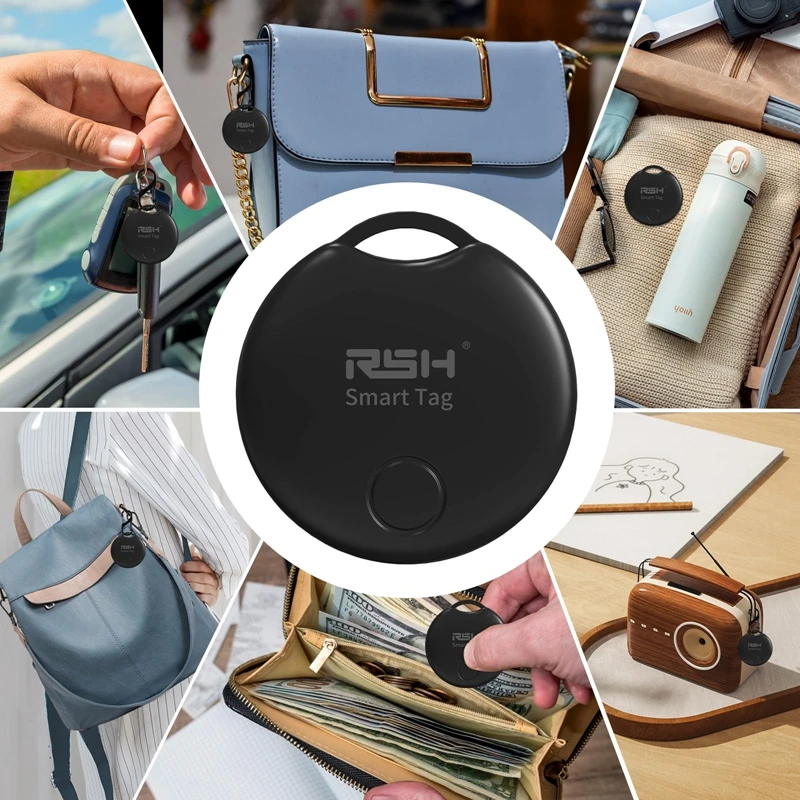
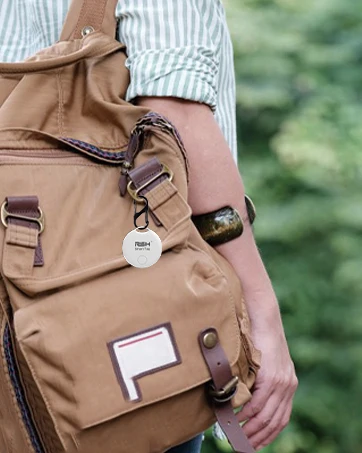
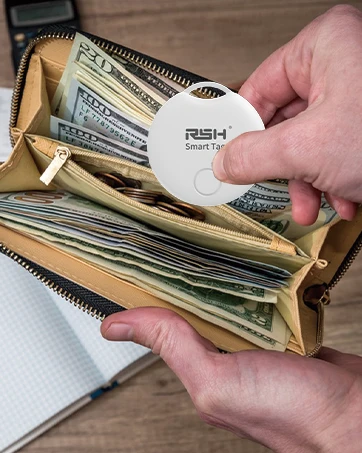
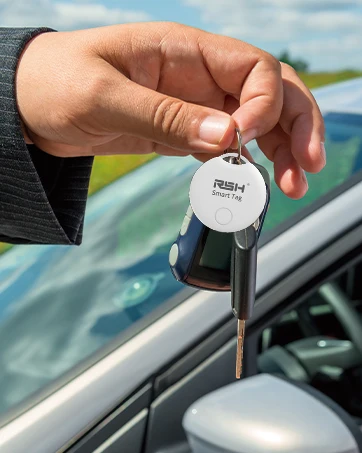
Smart Tag GPS Tracker Airtag For Apple Find My APP Bluetooth GPS Tracker Anti Lost Item Locator for Luggage Suitcase Key Finder
Includes all taxes
Meet your Seller
-
$35.71Sold by BILLIONS BIRDS
Description
only Apple ios use !~
Function:
*Accessbility: Record lost location, Rename Item, Customize item icon.
* Keep tracking and find your items alongside friends and devices in the Find My app.
* Simple one-tap setup instantly connects smart Tag with your Phone or Pad.
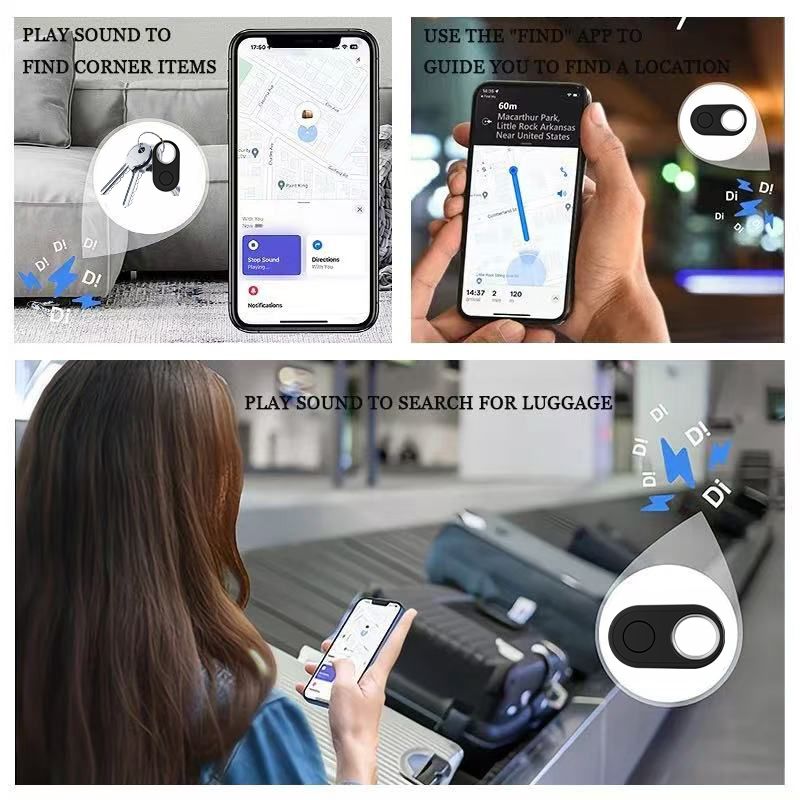
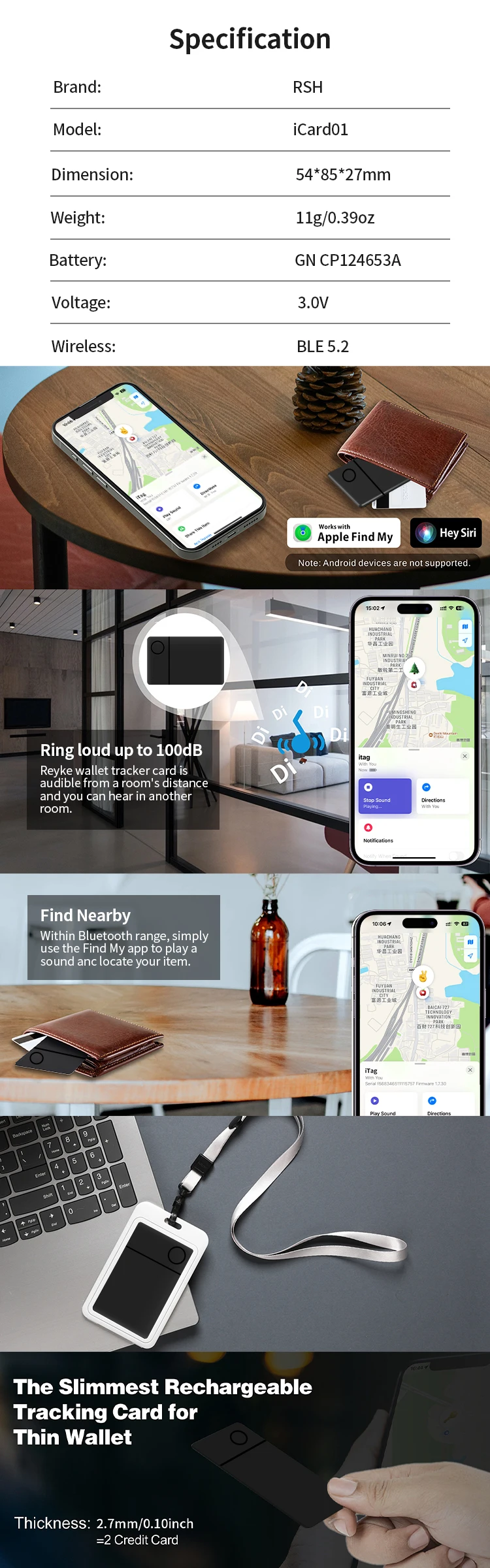
* Play a sound on the built-in speaker to help find your things, or voice control.
* Precision Finding with Ultra Wideband technology leads you right to your nearby smart Tag.
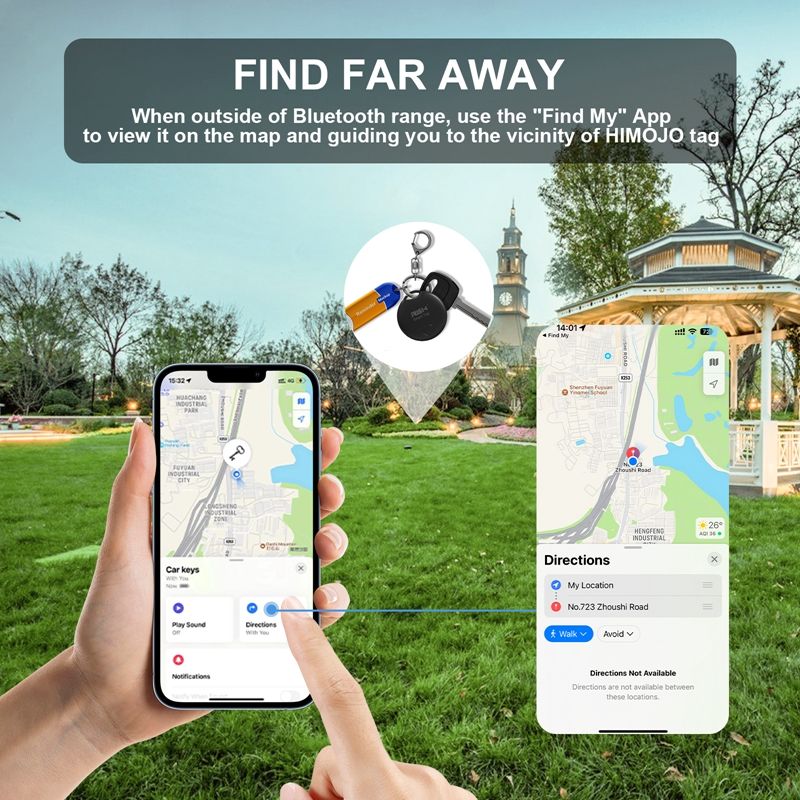
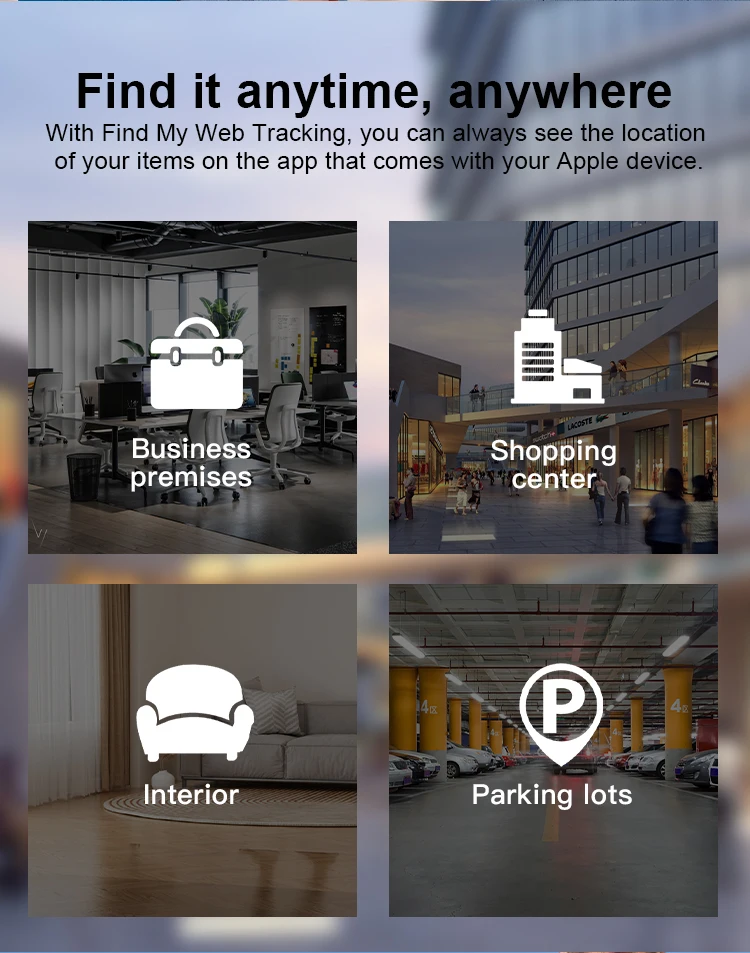
* Find items further away with the help of hundreds of millions in the Find My network.
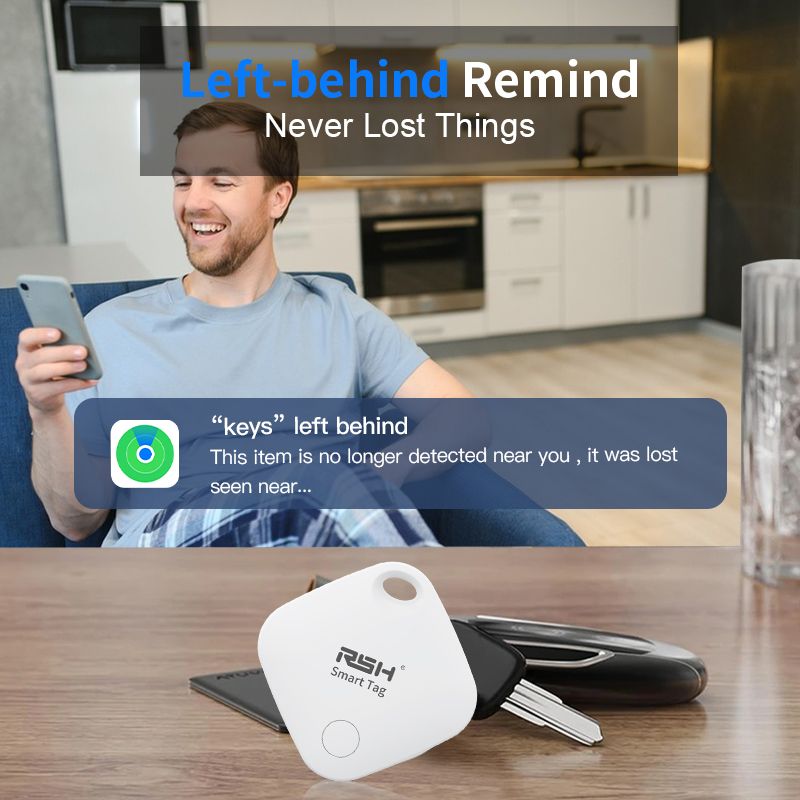
* Put smart Tag into Lost Mode to be automatically notified when it’s detected in the Find My network.
* All communication with the Find My network is anonymous and encrypted for privacy, Location data and history are never stored on smart Tag.
* Make smart Tag yours with a range of colorful accessories, sold separately.
* Globally, as long as there are apple devices (iPhone, iPad and MAC) around this device, you can track items through the Findmy network, and you will see the location of items in the "Find" app.
* Pairing requires an iPhone or iPad. The iTag needs to be located by the Apple Find My app on your iPhone/iPad/iPod touch/Mac. The latest version of iOS, iPadOS, or macOS is recommended.
Functions:
1. " Find " the network location:
When the device exceeds the Bluetooth distance from the phone,the device cannot be connected in the search App.
Select : Lost Mode - Enabled. Enter your contact phone number, etc. If the device has been disconnected from your phone for more than a while, and there is another,Apple device near the device,you will receive notifications and the latest location of the smart tag.
2.Play the sound:
Mobile phone and device in the BLE model domestic
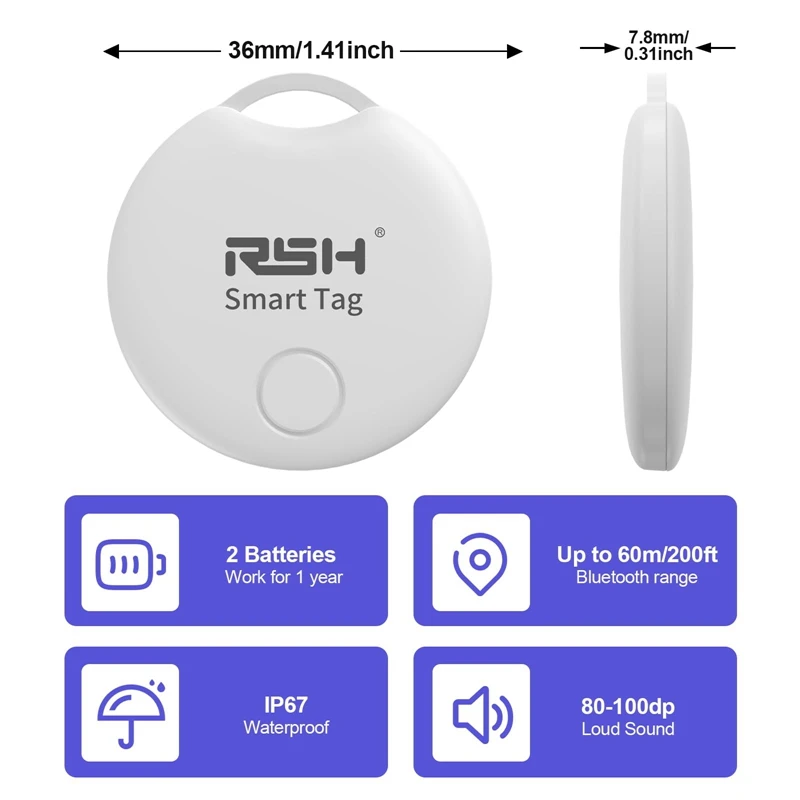
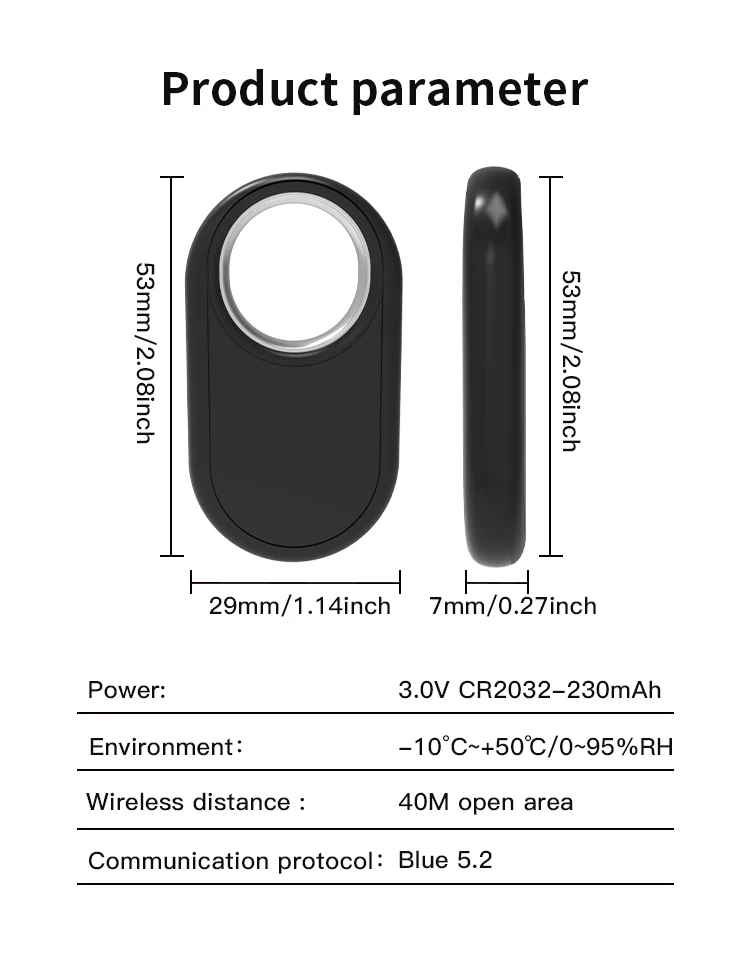
(generally about 20 meters),in the " find " App, click, play the sound,the device will issue a prompt sound, help you quickly find the near by smart tag.
Quick instructions:
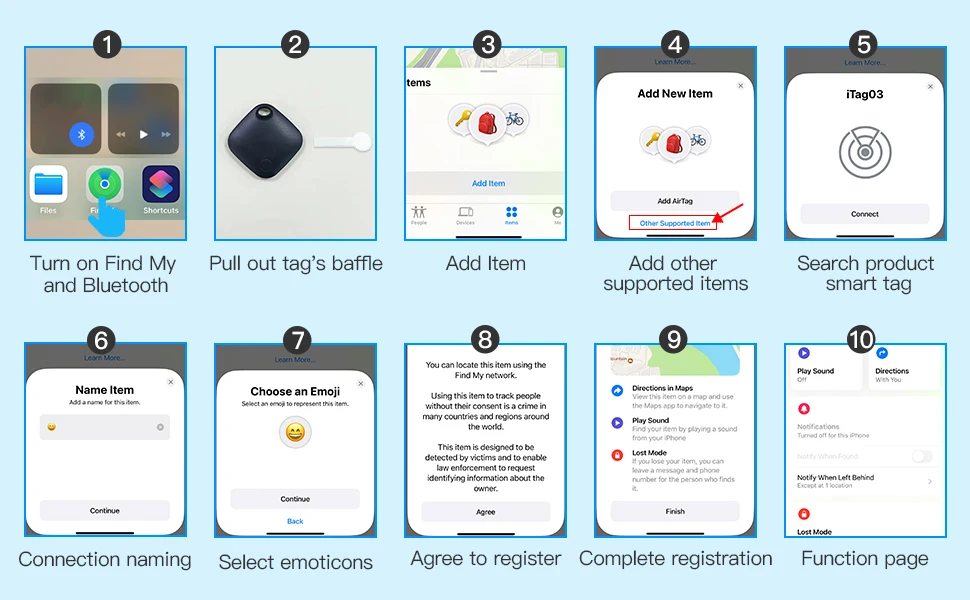
1.Start up the equipment and enter thematching state·Click the product once,and the product is started and prompted to enter the matching state.
2.Pair the device
: Open apple's own "Find" App.( iPhone, iPad, iPod touch all support "Find" App )Bring the device close to your iPhone, iPador iPod touch, tap the "item" tab for
the "Find" the App, Select Add New Items and click on Other Supported Items.The App displays the word smart tag deviceand click "Connect"Fill in the custom name, to name your device and select anemoji.Agree to register the device to your Apple ID.Tap "Finish" binding successfully.
3.Enable the Lost Mode mode
: Open apple's own "Find" App,click on the "item"at the bottom of the
screen,and then click on the name of the item.Below Lost Mode click EnableFollow the screen instructions,click "Continue", and enter the contact phone number or email address. After clicking Next to check the information, click Enable again to complete the setting .Open Apple's own "Find" App,click on the "device" at the bottom of the screen,and then click on the name of the device.
4.Remove equipment
: Find "Remove Items" at the bottom of the list and click the "Remove"button.
Note: After deleting the device, if you want to match the device,
you can use the "Find" App to pair directly with in 3 minutes. If it
exceeds 3 minutes, click the product once and start the product
with a ring prompt.At this time,the device enters the pairing state
again and can be paired with the App.


Shop Policies
Payment Policy
Payment Policy – BILLIONS BIRDS
At BILLIONS BIRDS, we are committed to providing a safe, secure, and seamless payment experience for our customers.
1. Accepted Payment Methods
We accept the following payment options:
Major Credit & Debit Cards (Visa, MasterCard, American Express)
Secure Online Payment Gateways (such as PayPal, Stripe, or other providers available at checkout)
Any additional payment methods displayed during checkout
All payments must be completed in full at the time of purchase.
2. Secure Transactions
All transactions are processed through encrypted and secure payment systems to protect your personal and financial information. We do not store your full payment details on our servers.
3. Currency
Prices are displayed in the currency indicated on the website. If you are purchasing from another country, your bank may apply currency conversion fees.
4. Order Confirmation
Once your payment has been successfully processed, you will receive an order confirmation email containing your purchase details.
5. Failed or Declined Payments
If your payment is declined, please verify your billing information or contact your bank. Orders will only be processed after successful payment confirmation.
6. Fraud Prevention
BILLIONS BIRDS reserves the right to cancel or refuse any order if fraud or unauthorised activity is suspected.
Delivery Policy
Delivery Policy – BILLIONS BIRDS
At BILLIONS BIRDS, we are dedicated to delivering your orders safely and efficiently.
1. Order Processing
All orders are processed within 1–3 business days after payment confirmation. Orders are not processed or shipped on weekends or public holidays.
2. Shipping Times
Estimated delivery times vary depending on your location:
Domestic Shipping: 3–7 business days
International Shipping: 7–15 business days
Please note that delivery times are estimates and may vary due to customs procedures, carrier delays, weather conditions, or other unforeseen circumstances.
3. Shipping Costs
Shipping fees are calculated at checkout based on your location and selected shipping method. Any customs duties, taxes, or import fees are the customer's responsibility.
4. Tracking Information
Once your order has been shipped, you will receive a confirmation email with tracking details (if available) so you can monitor your package.
5. Delivery Issues
If your order is delayed, lost, or arrives damaged, please contact us within 7 days of the expected delivery date. We will work with the shipping carrier to resolve the issue as quickly as possible.
6. Incorrect Shipping Information
Customers are responsible for providing accurate shipping details at checkout. BILLIONS BIRDS is not responsible for orders shipped to incorrect addresses provided by the customer.
Refund Policy
Refund Policy – BILLIONS BIRDS
At BILLIONS BIRDS, customer satisfaction is our top priority. If you are not completely satisfied with your purchase, we’re here to help.
1. Return Eligibility
You may request a return within 14 days of receiving your order. To qualify for a return:
The item must be unused, unworn, and in the same condition as received.
The item must be in its original packaging.
Proof of purchase (order confirmation or receipt) is required.
Certain items may not be eligible for return, including clearance items, gift cards, or personalised/custom products.
2. Non-Refundable Items
The following items are non-refundable:
Final sale or discounted items
Gift cards
Items damaged due to misuse, negligence, or improper care
3. Return Process
To initiate a return, please contact our customer support team with your order number and reason for return. If your return is approved, you will receive instructions for returning the item.
Unless the item is defective or incorrect, customers are responsible for return shipping costs.
4. Refund Processing
Once we receive and inspect your returned item:
We will notify you of the approval or rejection of your refund.
If approved, the refund will be issued to your original payment method within 5–10 business days.
Please note that banks or payment providers may require additional time to process refunds.
5. Damaged or Incorrect Items
If you receive a damaged, defective, or incorrect item, please contact us within 7 days of delivery and provide clear photos of the product and packaging. We will arrange a replacement or full refund at no additional cost.
6. Late or Missing Refunds
If you have not received your refund:
Check your bank account again.
Contact your credit card company or payment provider.
If the issue persists, don't hesitate to contact our support team for assistance.
Recommended Products
Customer reviews
Share your thoughts with other customers
Be the first one to write a review!

Items (0)
