
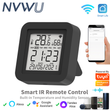
Tuya WiFi Smart IR with Temperature & Humidity Sensor and Date Display for Air Conditioner TV Work with Alexa,Google Home
Includes all taxes
Meet your Seller
-
$23.04Sold by BILLIONS BIRDS
Description
Product Features:
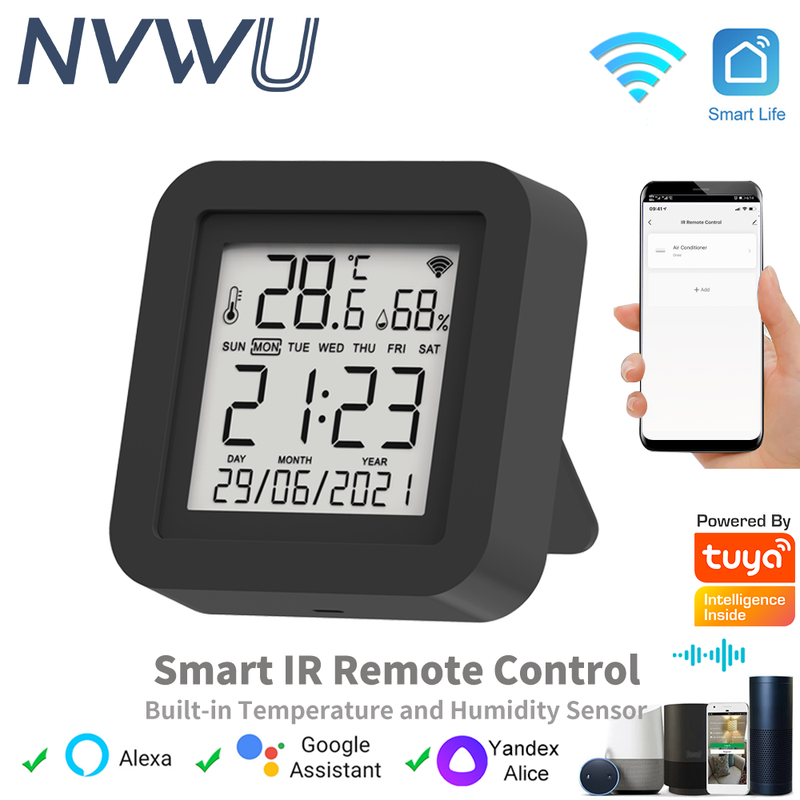
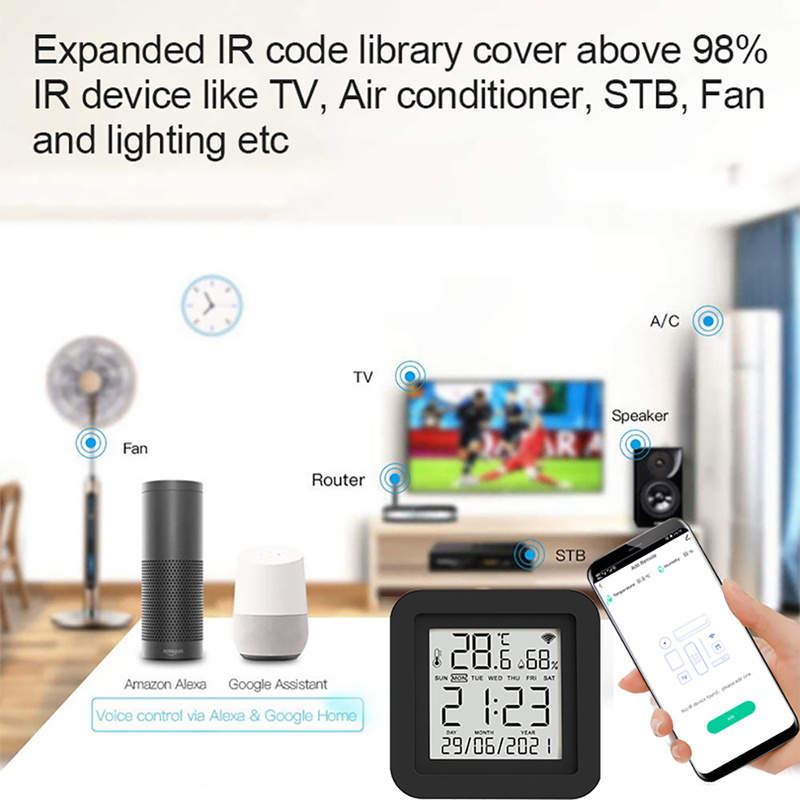
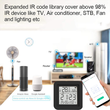
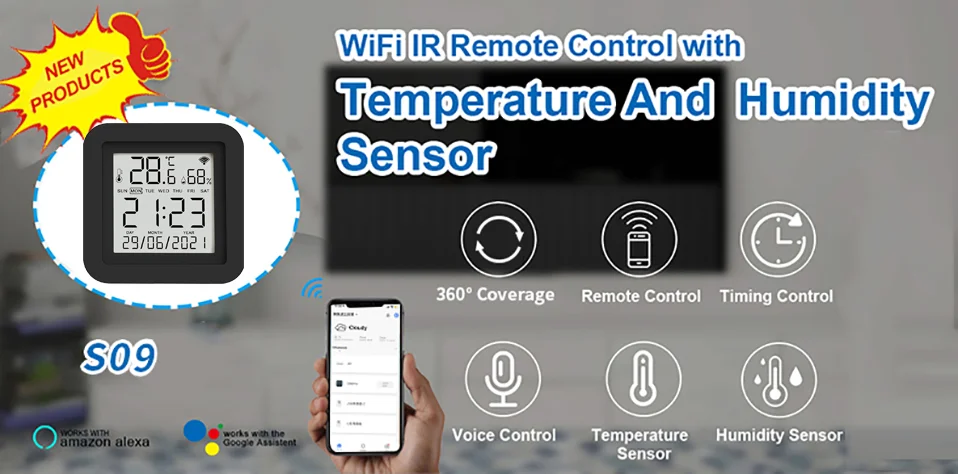
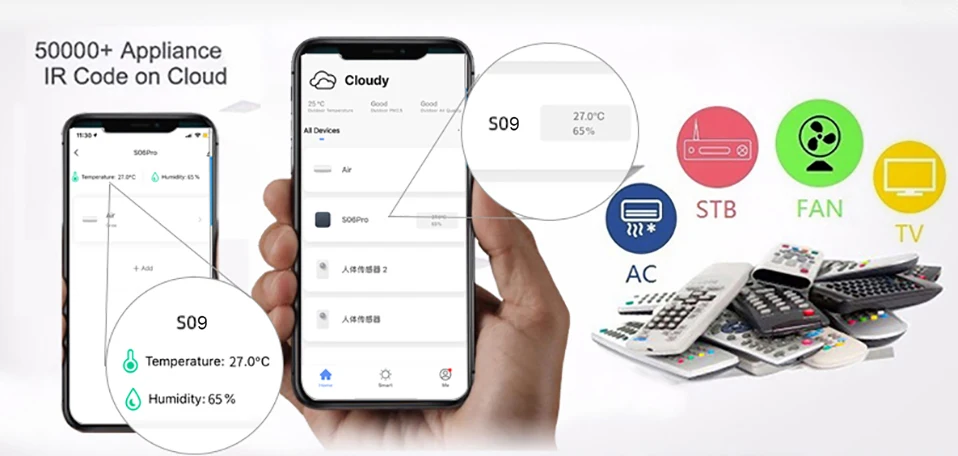
With this Universal IR Remote Control, you may use your smart phone to control home appliances, such as STB(Set-Top-Box), TV Box, TV, Air Conditioner, Fan, DVD, etc. Compatible with most of brands, for details, please refer to the supported brand list in App. Besides, it has LEARNING FUNCTON, allows you to copy the key function of original remote control to App.
Note: Not compatible with the home appliances which use RF or BLUETOOTH remote control.
1. Massive IR Code Database
Support 4000+ brands, 50000+ IR Code on cloud, supported devices library is constantly being updated by the cloud.
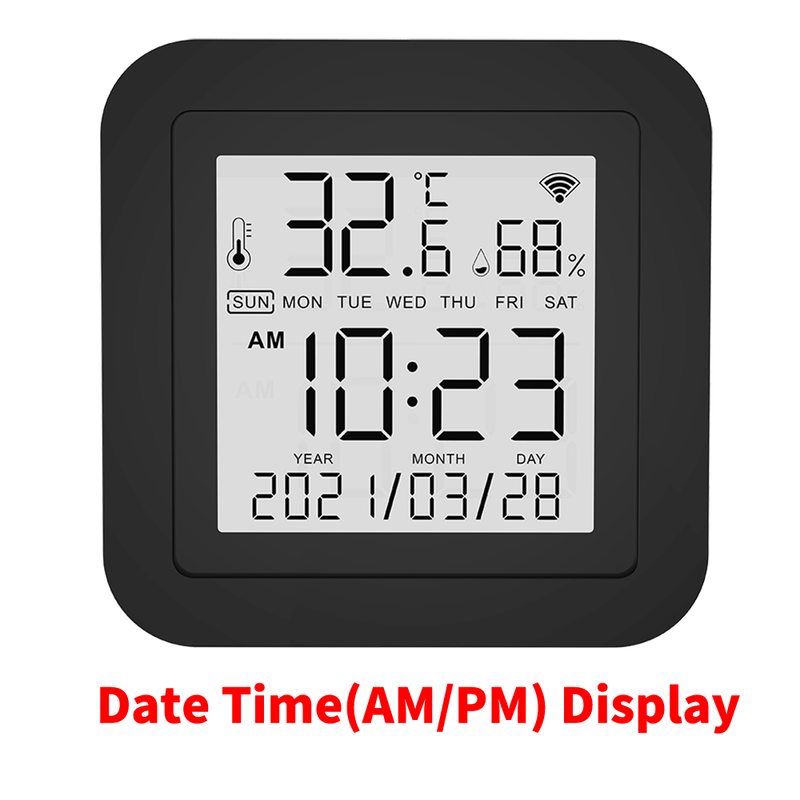
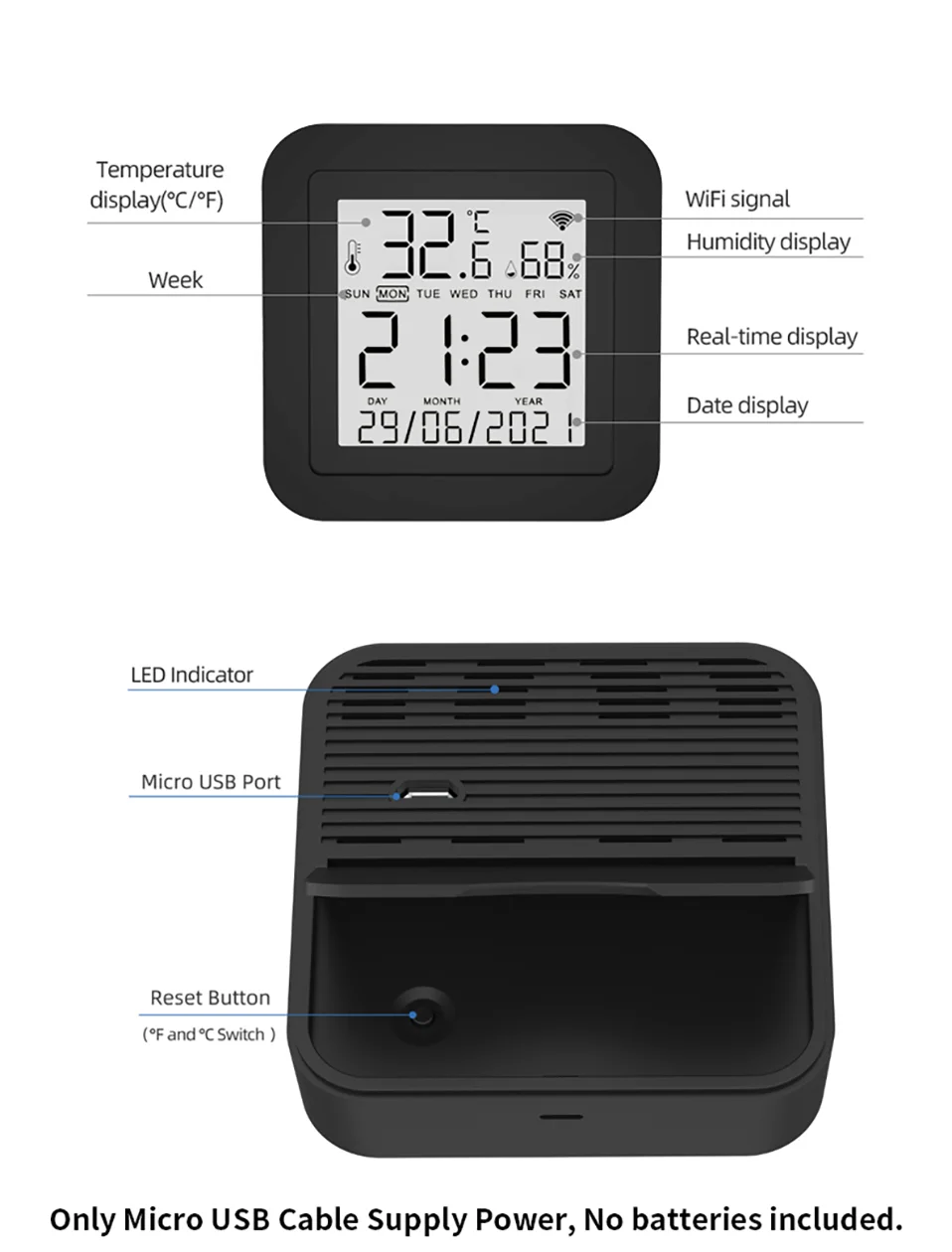
2. Built-in Temperature & Humidity sensor and Built-in display screen
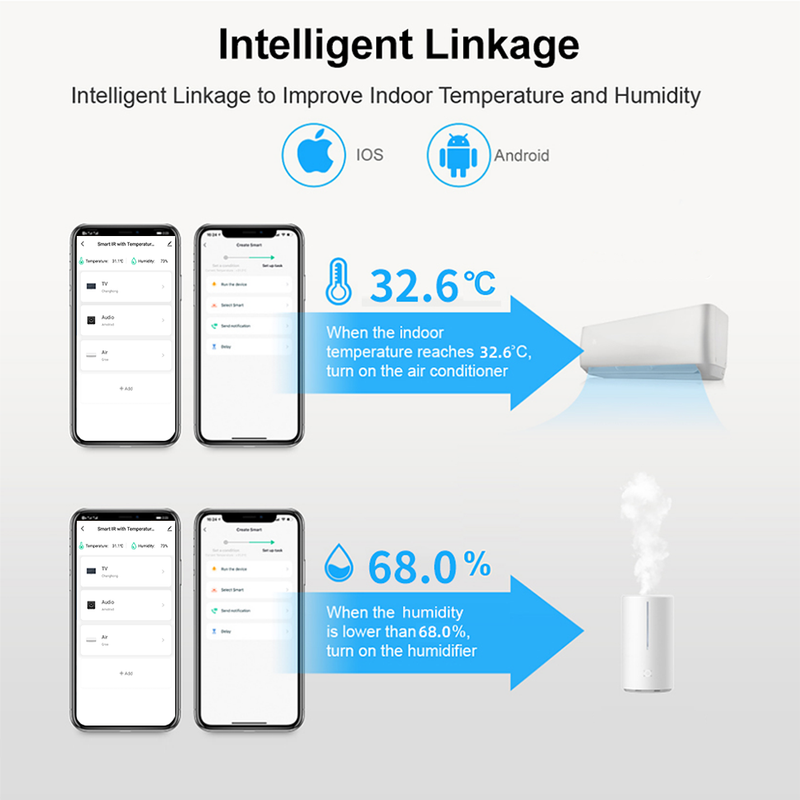
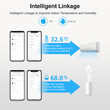
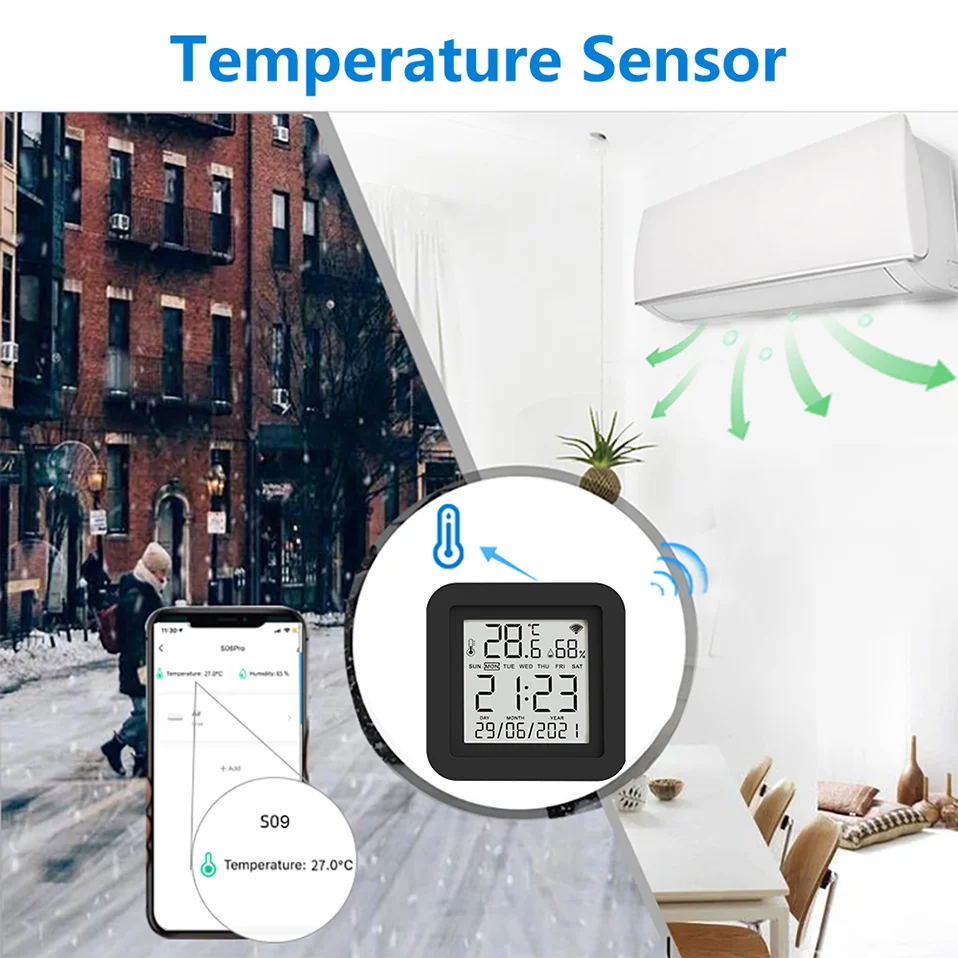
With the help of the built-in sensor, you can know the temperature and humidity in the room at any time. And according to their values, do subsequent automation. For example, turn on the air conditioner when the temperature is higher than 26 ℃, and turn on the humidifier when the humidity is less than 50%
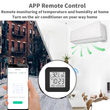
3. App Remote Control
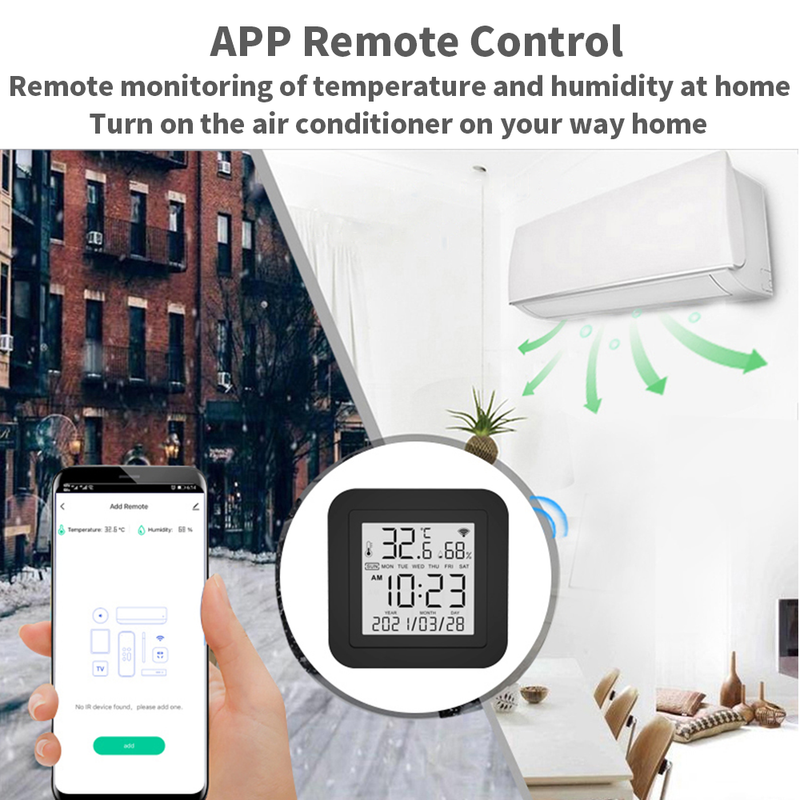
Remote Control your home appliances by using “Smart Life” App in your smart phone anywhere anytime. For example: Switch on home A/C in advance, enjoying the comfortable temperature once you get home.
4. Easy to install and add to app
Once you plug the cable line into the device, the device enters configuration mode, and then Then use Bluetooth configuration in APP. The whole process takes only a few minutes.
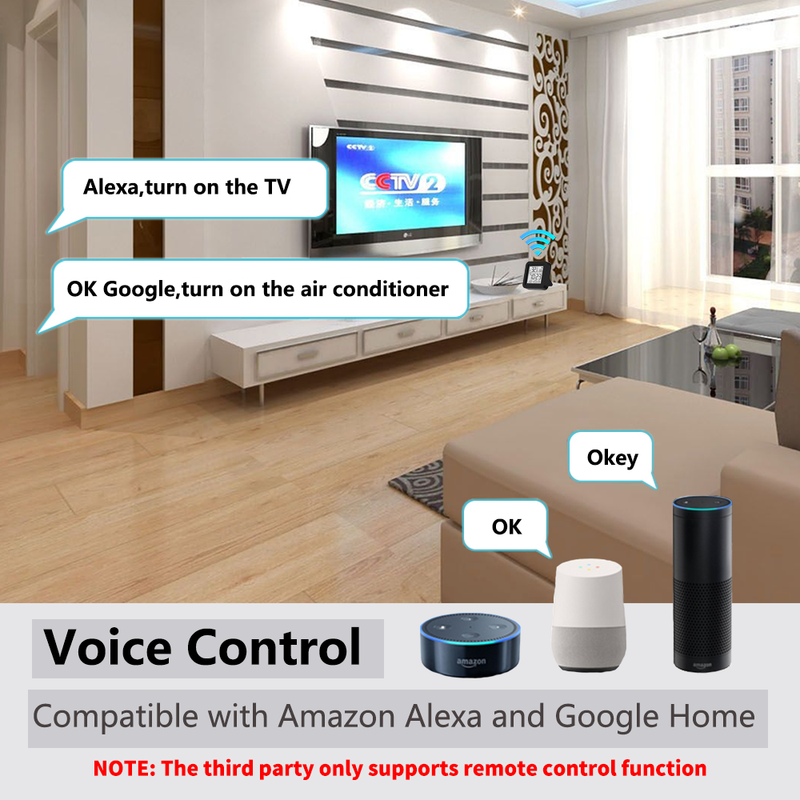
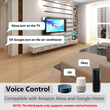
5. Voice Control
By connecting Intelligent speaker, such as Amazon Alexa, Google Home, you are able to control your home appliances by voice. For example: Alexa, turn on TV; OK Google, set air conditioning temperature to 25 degrees.
6. Scenario and Automation in App
A scenario consists of 1 or more actions. By creating an “Scenario”, you may control multiple devices with one tap; By adding an “Automation” and interworking with other smart home devices, Wi-Fi remote control is able to execute actions automatically according to conditions, such as device status, weather and time.
7. Timer and Automatic Trigger
According to your living habits, set time switches for your home appliances, such as turning on/off the air conditioner at regular intervals.
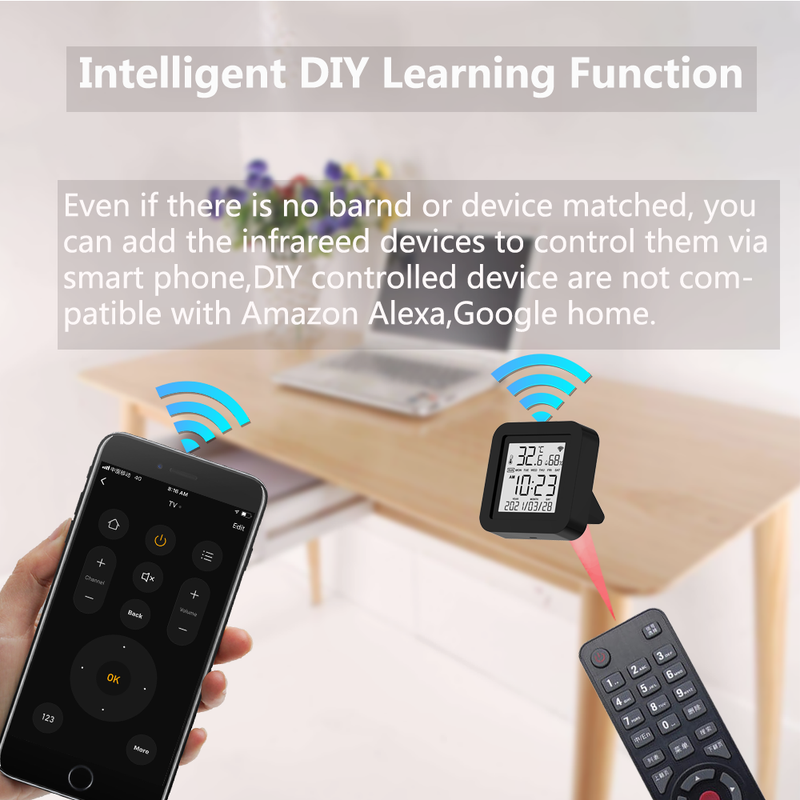
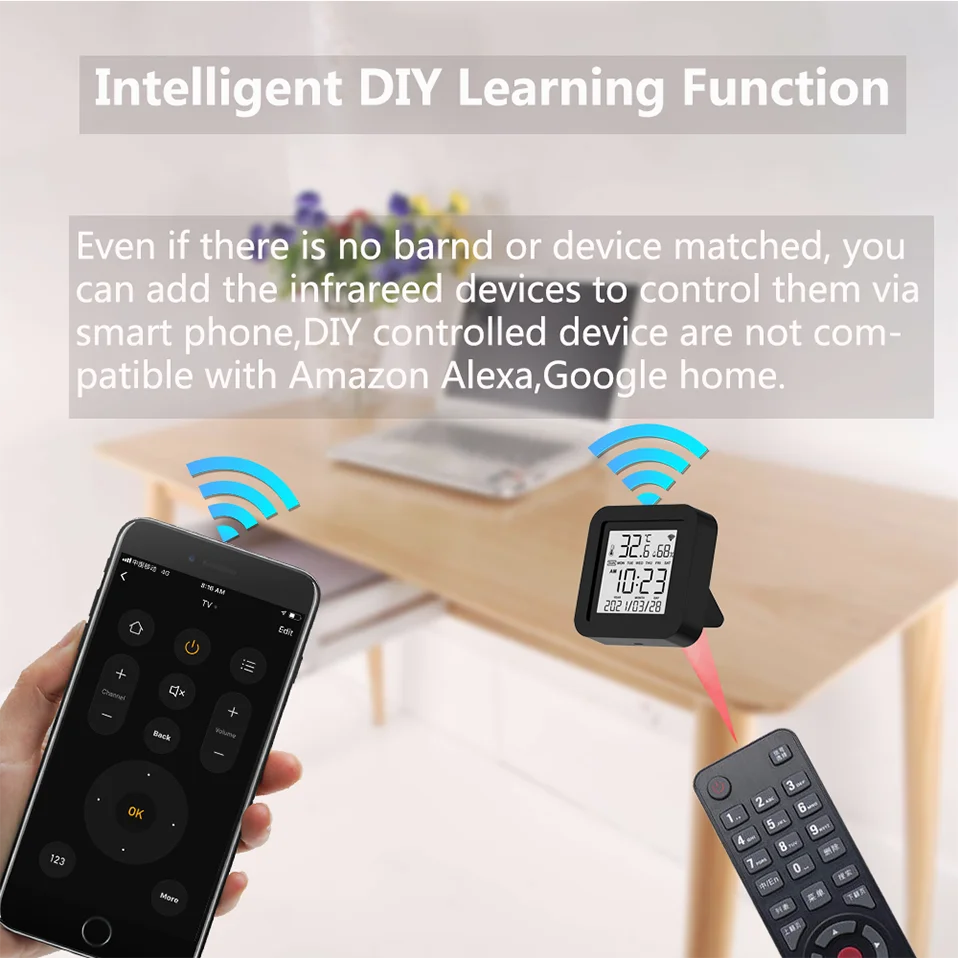
8. DIY
Customizing buttons in the Tuya Smart App if your home appliances brand is not in the list or not supported.
9. Third-Party Control
Works with Amazon Alexa, Google Assistant, Tmall Genie, Tecent Xiaowei, DingDong, Rokid, DuerOS, etc.
Product Parameter:
* Input: DC 5V/1A(Micro USB NO Adapter)
* Infrared Frequency: 38KHz
* IR Remote Control Distance: 10m
* Connection: Wi-Fi 2.4GHz
* App: TuyaSmart or Smart Life
* Temperature Measuer Range: 0℃-80℃
* Temperature Accuracy: ±1℃
* Humidity Measure Range: 0%RH-99%RH
* Humidty Accuracy: ±5%RH
* Material: ABS
* Size: 45mm*47mm
* Screen Size: 40mm*40mm
Why choose this product?
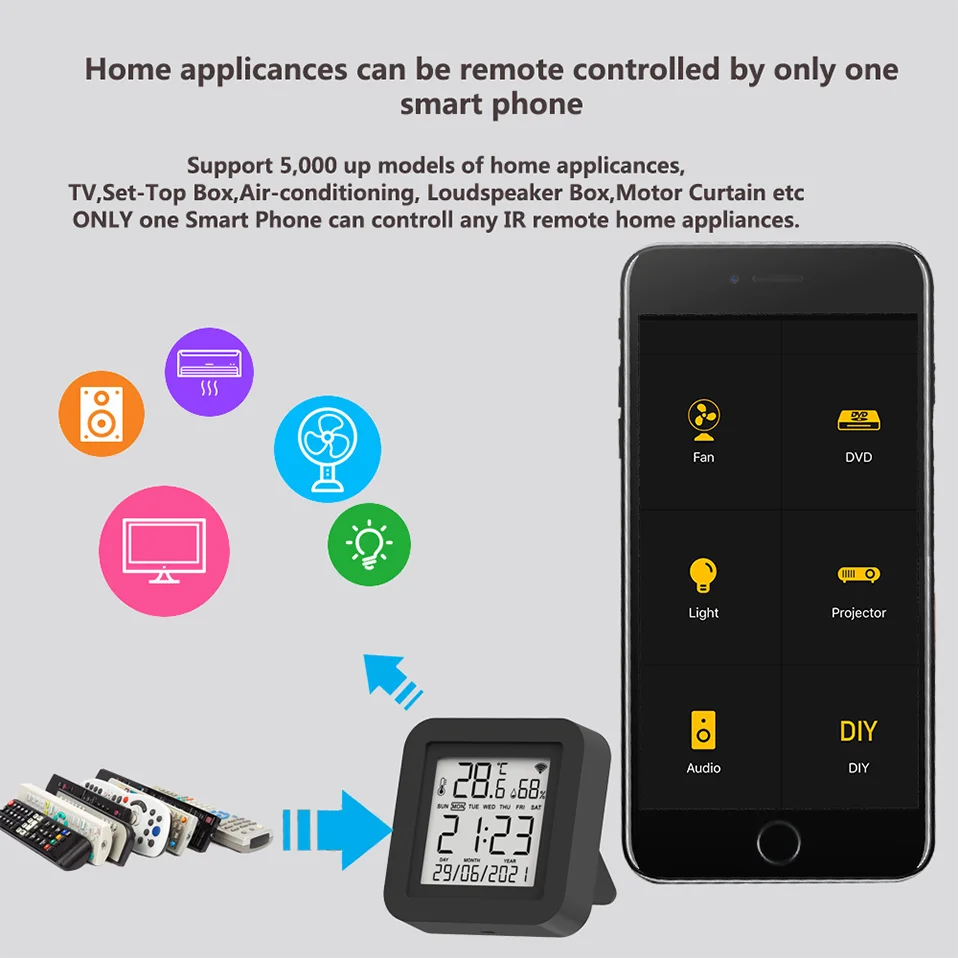
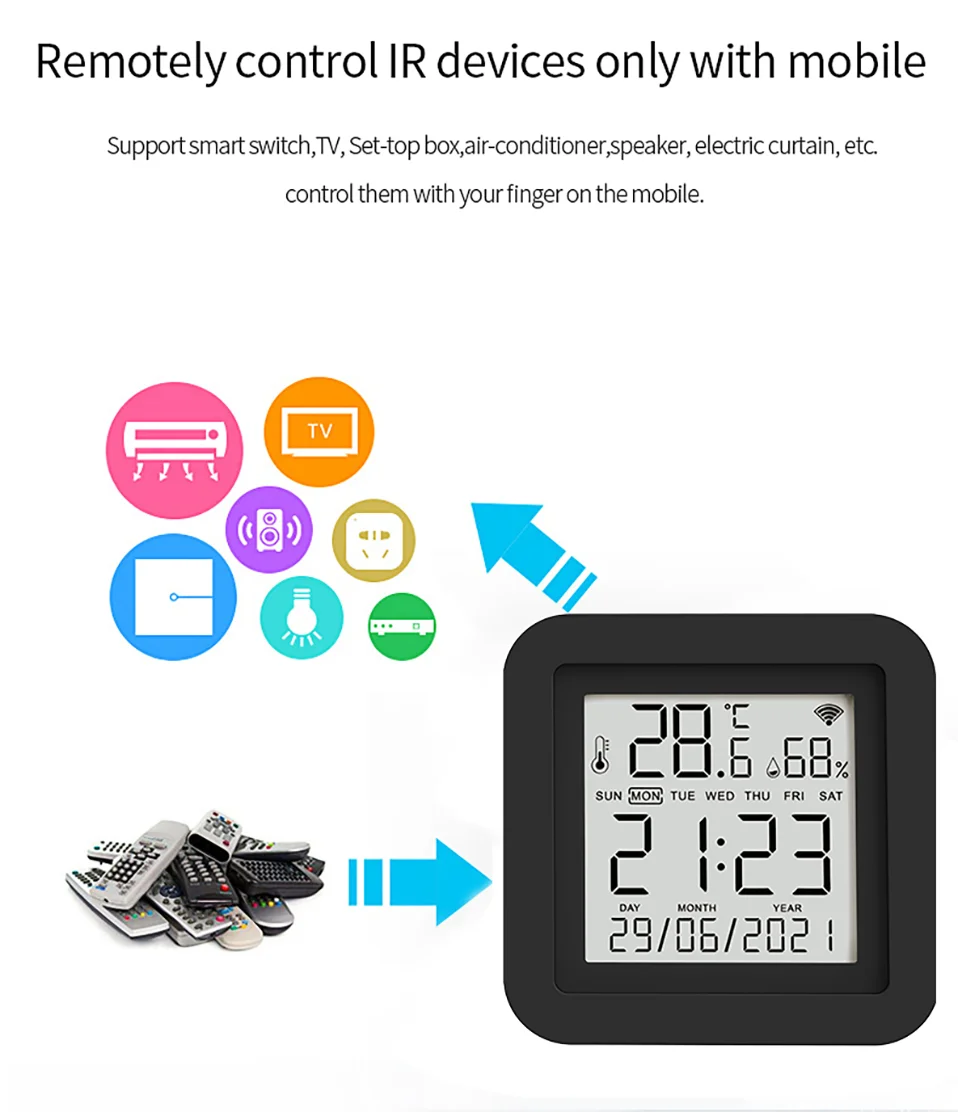
Say goodbye to use remote controls for each of the IR home appliances such as TV, Air-Conditioner , TV box, light, Fan, Audio, etc. You can remotely control these devices with the tap of your finger on the mobile App, Also you can real-time monitor the temperature and humidity on App at anytime and anywhere.
Please kindly read the user manual carefully before usage and keep it for future reference.
All in One Smart Remote Control
With this Universal IR Remote Control, you may use your smart phone to control home appliances, such as STB (Set-Top-Box), TV Box, TV, Air Conditioner, Fan, DVD, etc. It's compatible with most of brands in the market.
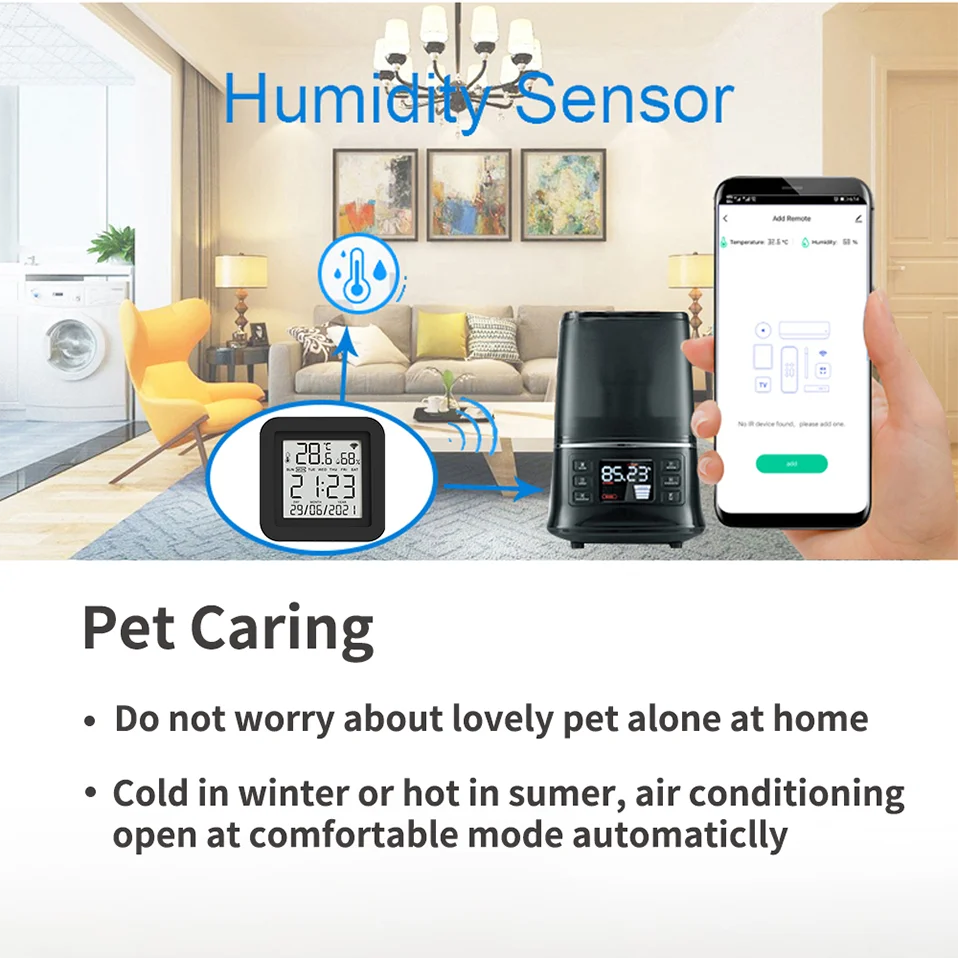
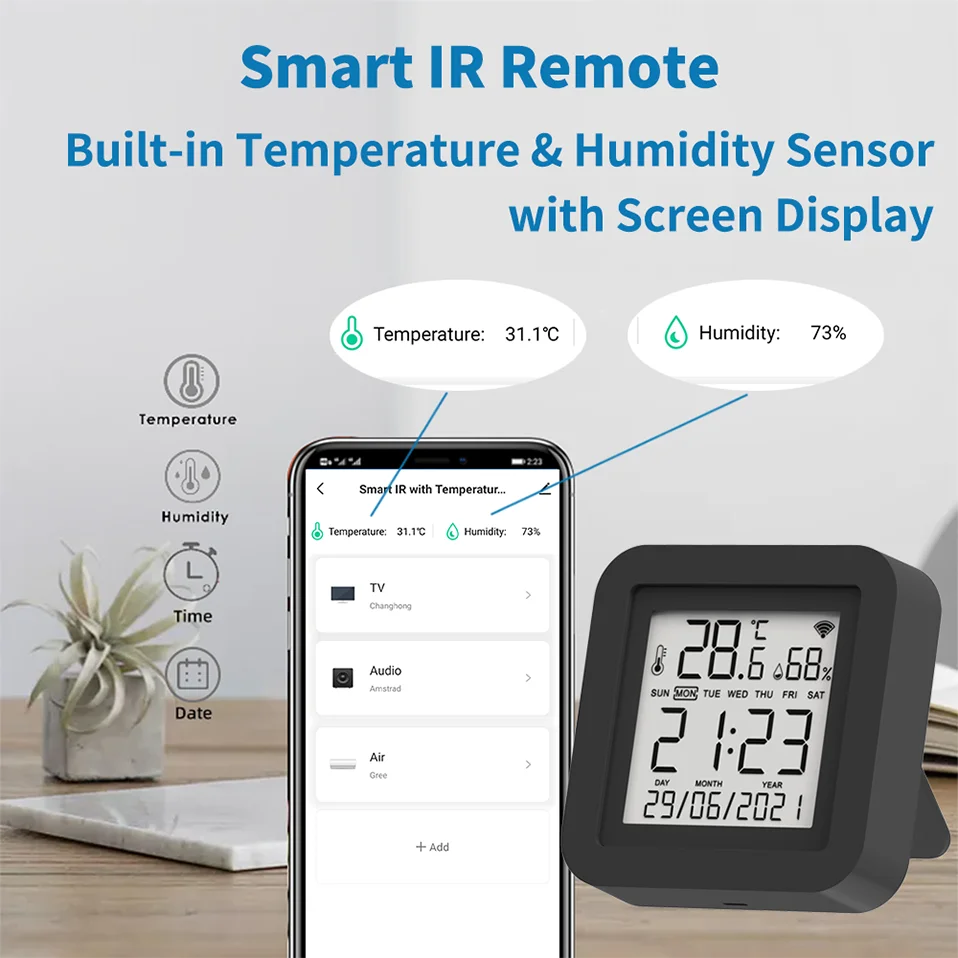
Built in Temperature and Humidity Sensor
With the help of the built-in sensor, you can know the temperature and humidity in the room at any time. And according to their values, do subsequent automation. For example, turn on the air conditioner when the temperature is higher than 26 ℃, and turn on the humidifier when the humidity is less than 50%.
App Remote Control
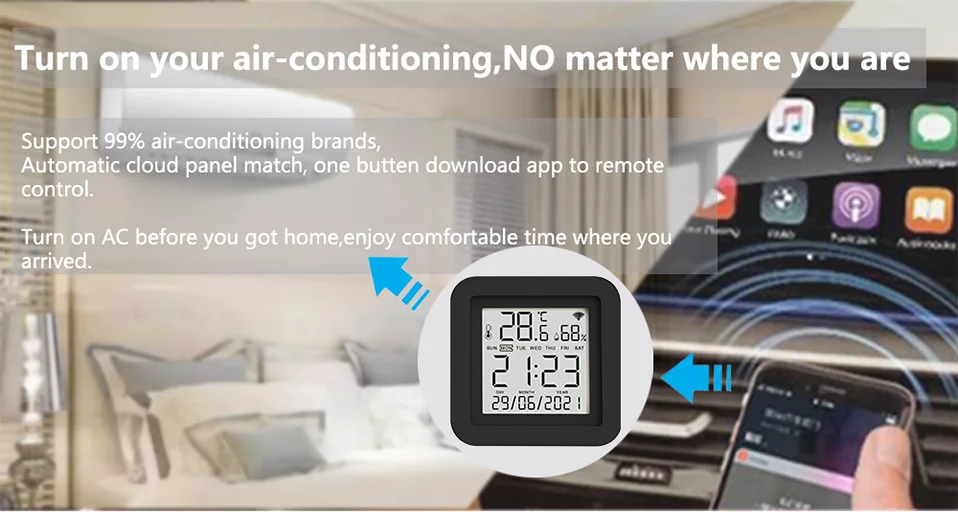
Turn on your air conditioner, no matter where you are.
-Support 99% air conditioner in the market,automatic cloud panel match,one button download App to remote control
-Turn on AC in advance, enjoy the warm time when you get home
Voice Control
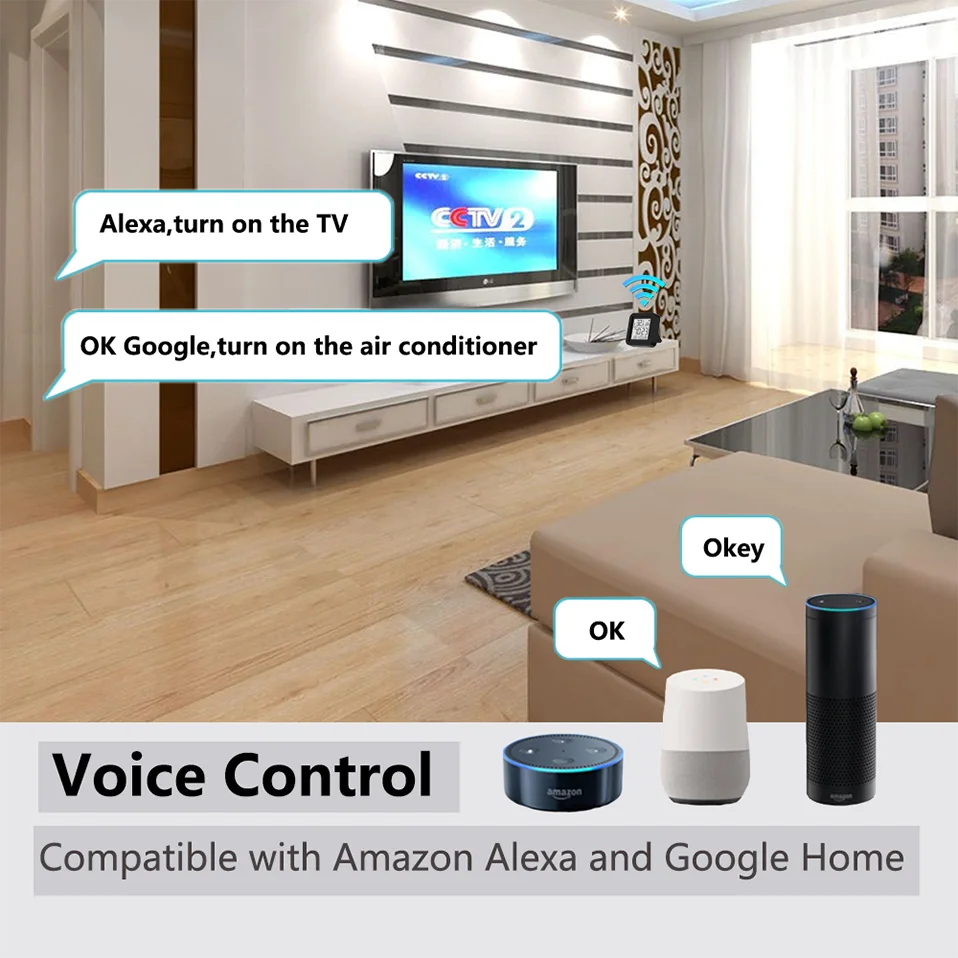
Works with Amazon Alexa, Google Assistant, Yandex Alice.
By connecting App to Amazon Alexa, Google Home, Yandex Alice you are able to control your home appliances by voice.
For example:
-Alexa, turn on the TV;
-OK Google, set air conditioning temperature to 25 degrees.
-Алиса, установи температуру кондиционера на 20 градусов.
NOTE:
1. This product is recognized as a universal remote control on Amazon Alexa and Google Home, and cannot be recognized as a temperature and humidity sensor.
2. Our products will not be displayed on Amazon Alexa and Google Home, only the appliances added to our products, and you can only control them by voice.
Timer and Automatic Trigger
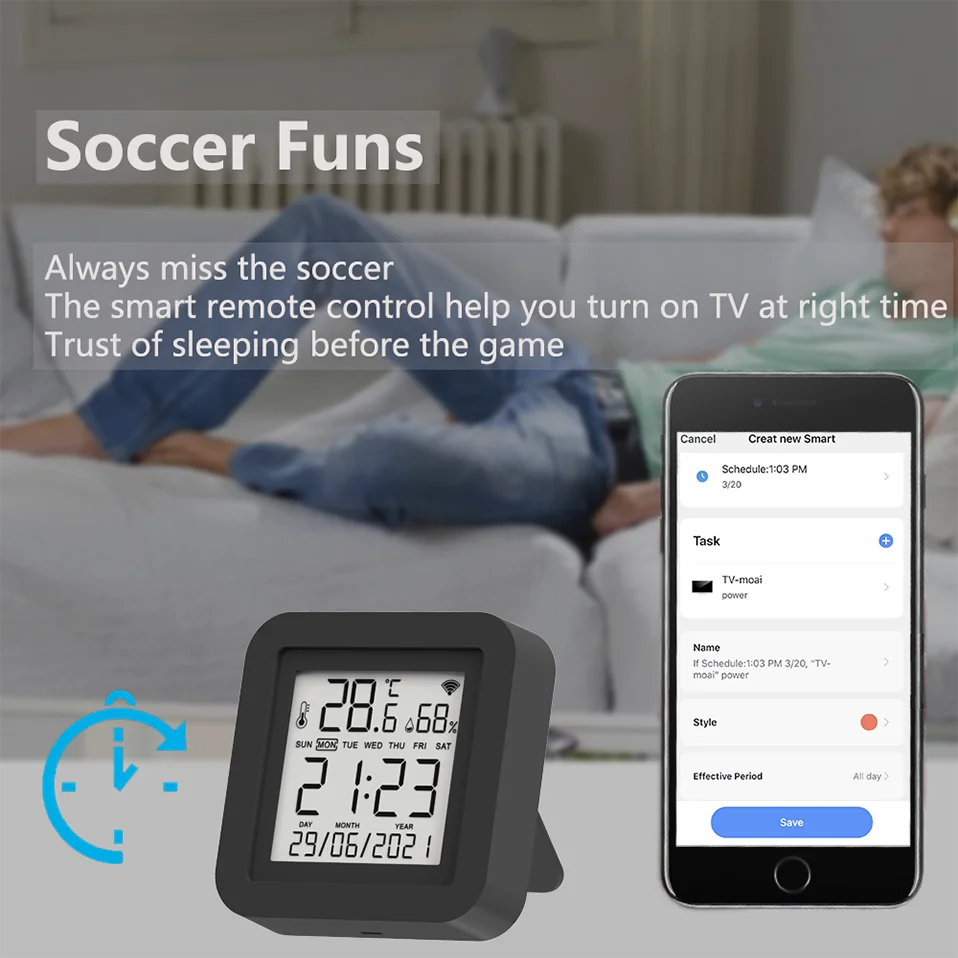
Never miss one second of excellent match
-Stay up late for the match,but always oversleep?
-The smart remote control helps you turn on TV at right time and right channel. Enjoy your match!
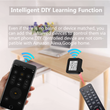
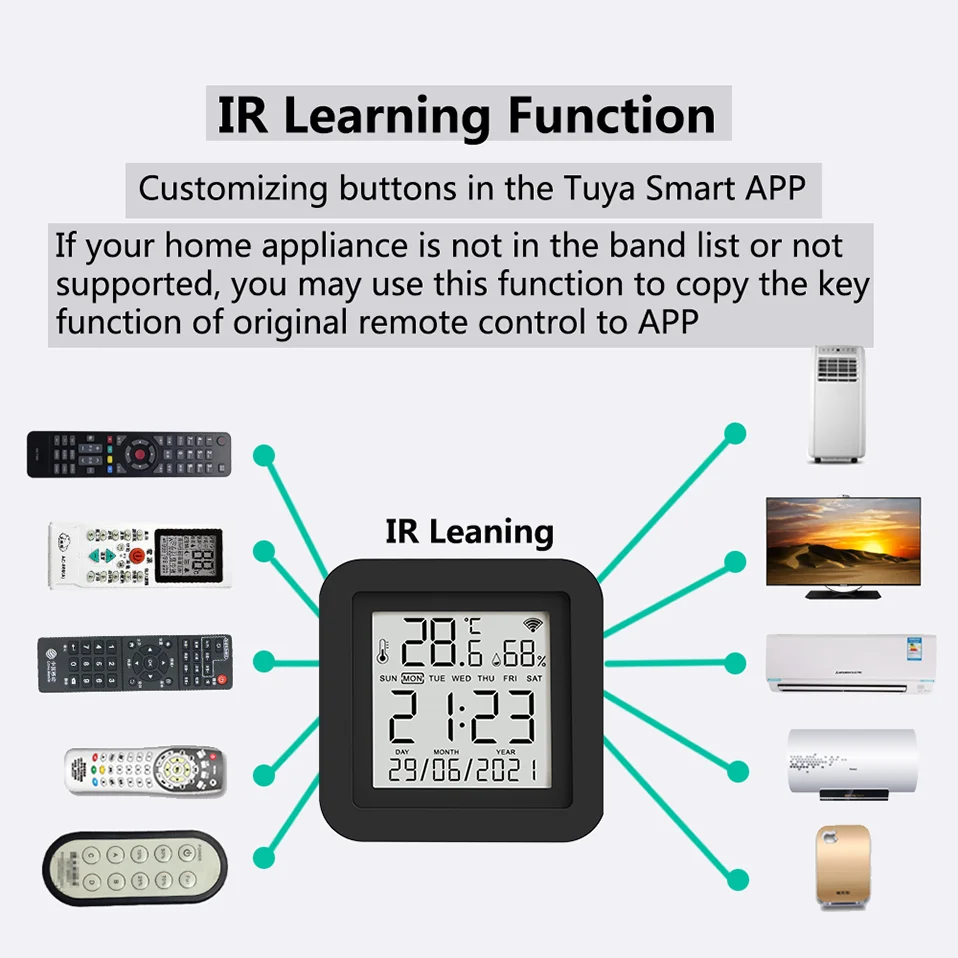
IR Learning Function:
-Customizing buttons in the Tuya Smart App
If your home appliances is not in the brand list or not supported, you may use this function to copy the key function of original remote control to App.
NOTE: DIY does not support voice control
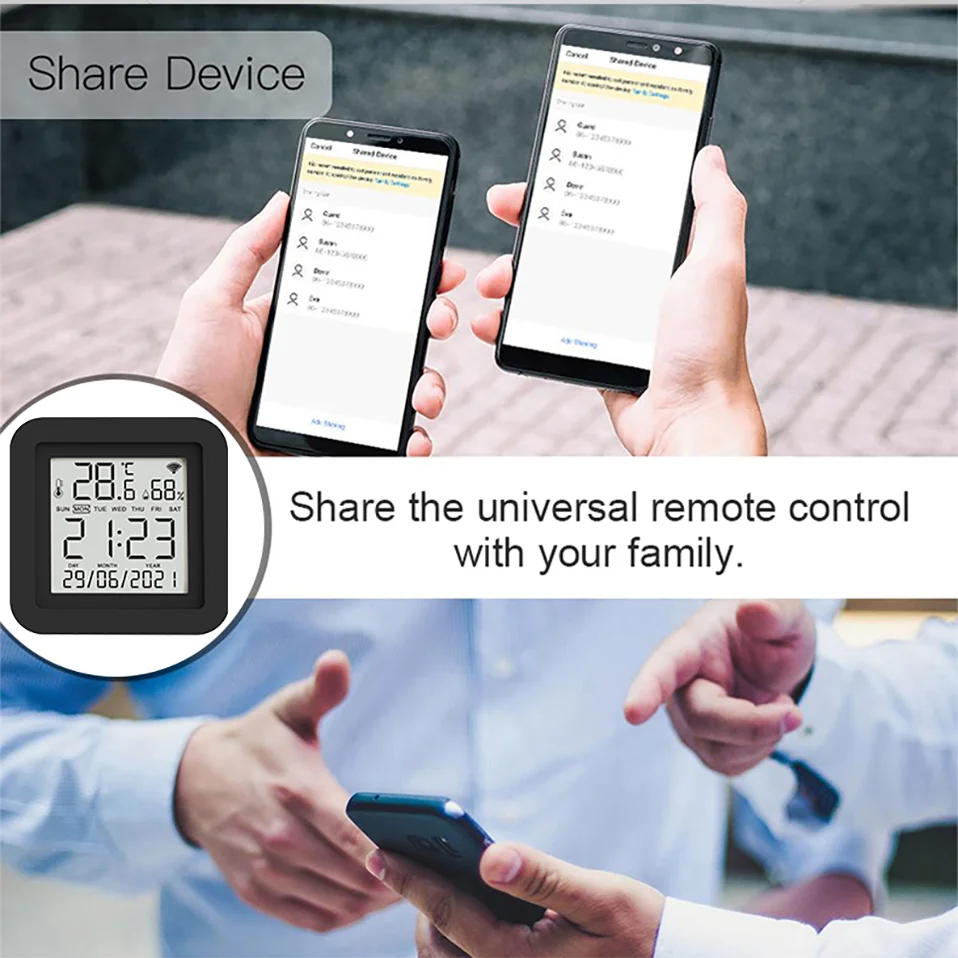
Control household appliances with your family
Control the infrared home appliances with your family together. Have fun to enjoy smart life.
There are two ways.
1. Share it to your family or friends.
2. Invite your family or friends to become your Home members.
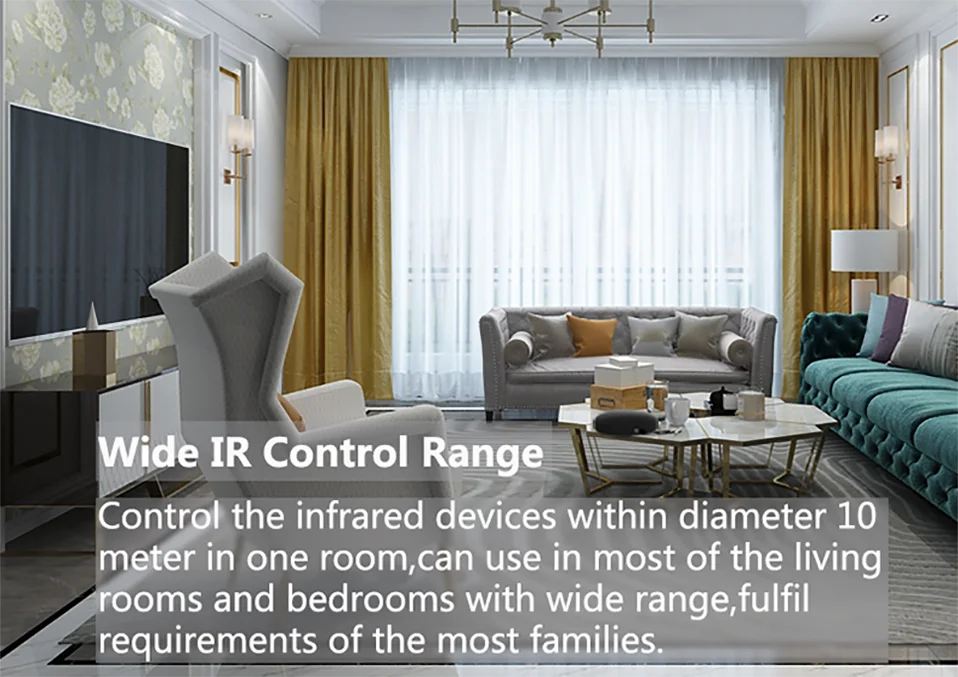
Wide IR Remote Control Range
Control the infrared home appliances within 10 Meters in one room, can be used in most of living rooms and bedrooms with wide range,fulfill requirements of most families.
NOTE:
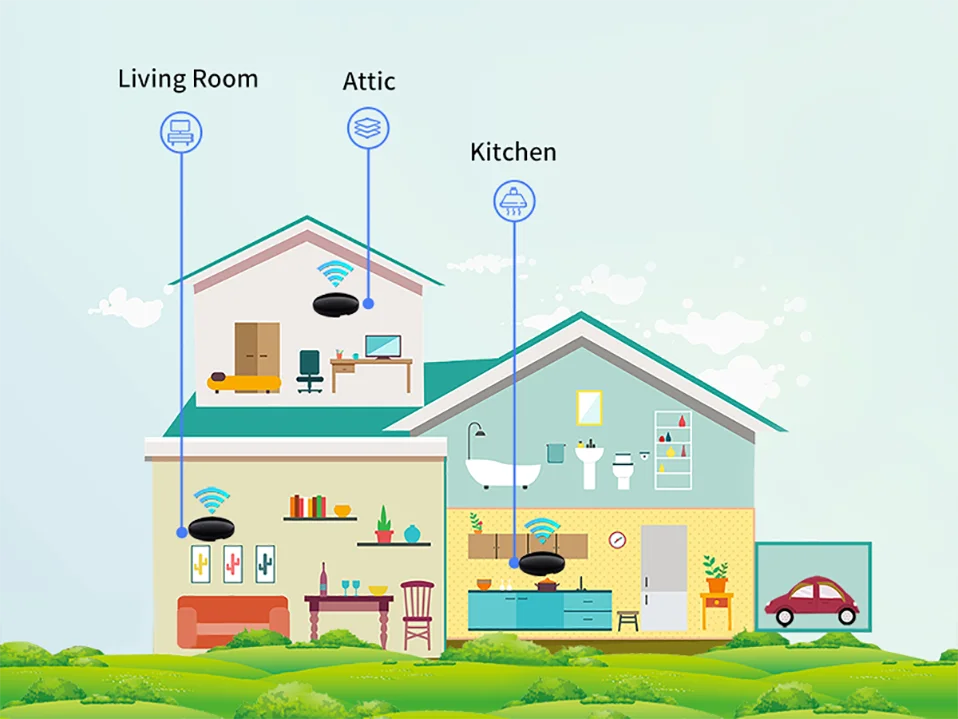
IR can not penetrate walls, so make sure there is no obstacle between IR remote and the IR devices. So,If you want to control household appliances in different rooms, you need to install one in each room
Maybe every room needs one
Infrared cannot penetrate the wall. So one of our products can only control the household appliances in one room. We recommend that each room install one of our products.
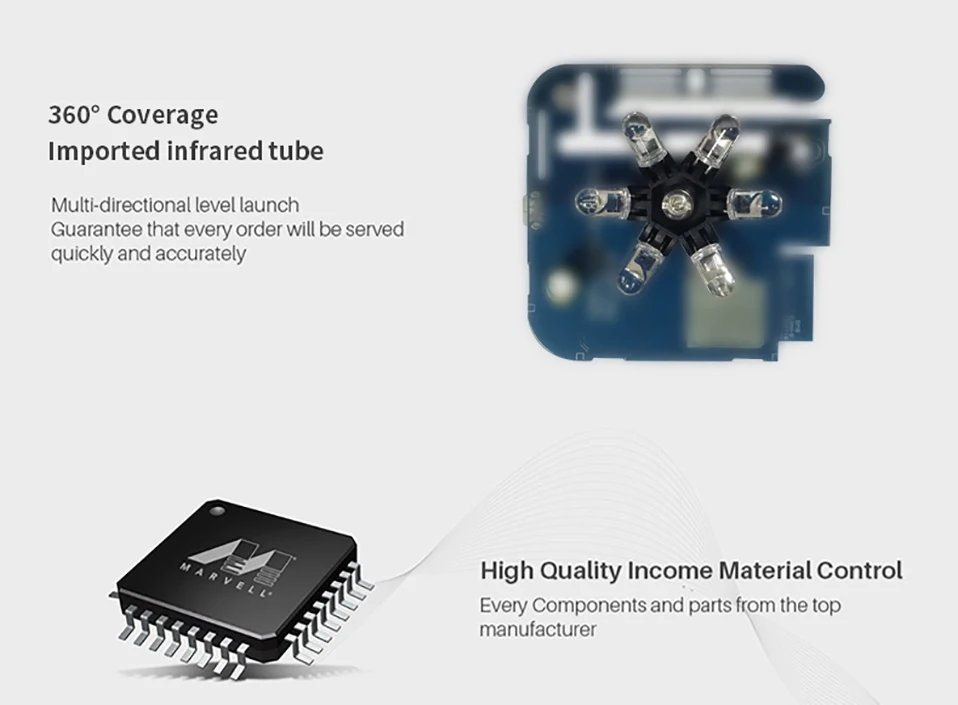
360° Petal Shape IR Emitting Lamp
Multi-directional launch, guarantee that every order will be served quickly and accurately.
Every components and parts are from the top manufacturer.
APP Pages
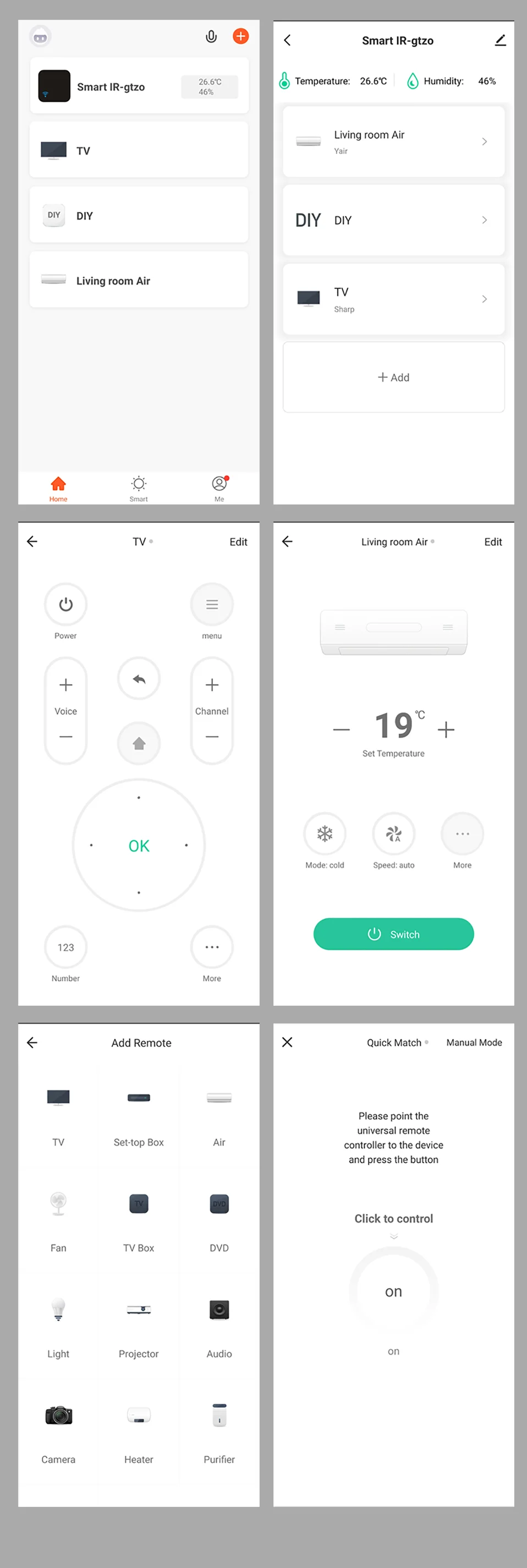
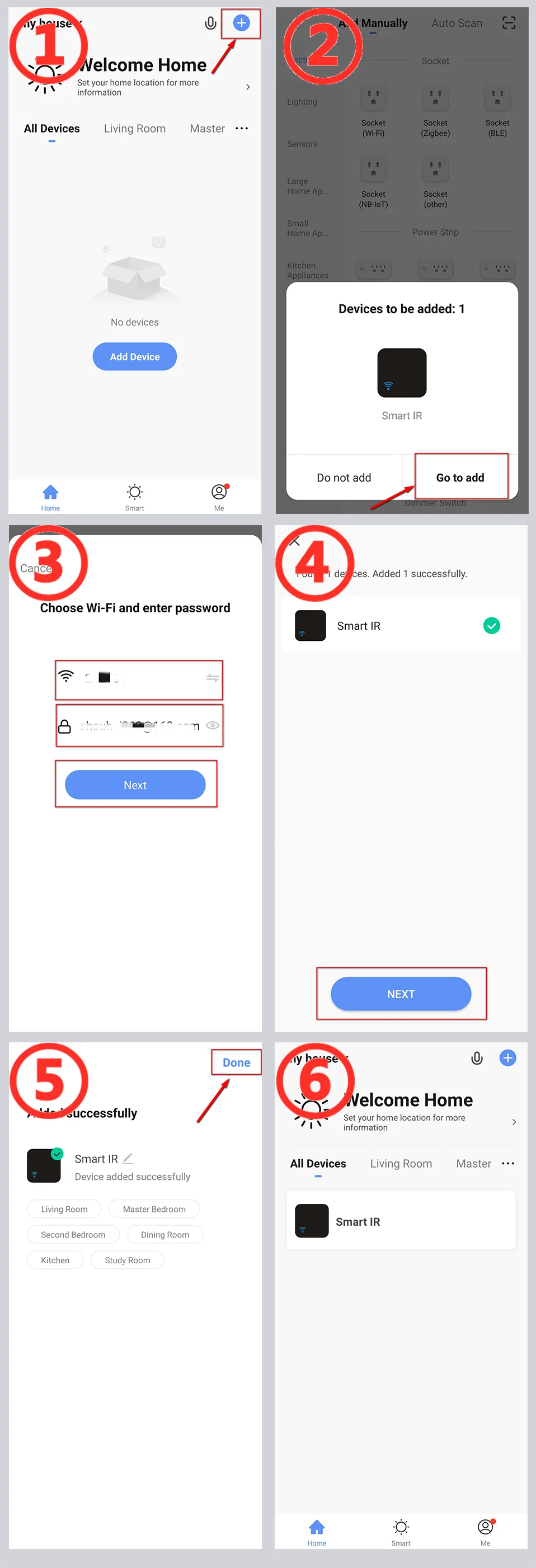
How to link APP
1. Open the APP, use "+" to add a device.
2. The APP automatically discovers our device (via Bluetooth).
3. Switch to the WiFI router you need to connect to, and enter the SSID password.
4. Wait for the APP to configure the device to complete.
5. Add our product to your room and give him a name.
6. The addition is complete.
NOTE:
1. If there are multiple WiFi routers, I recommend choosing a router with strong WiFi signal.
2. You need to give APP Bluetooth operation permissions
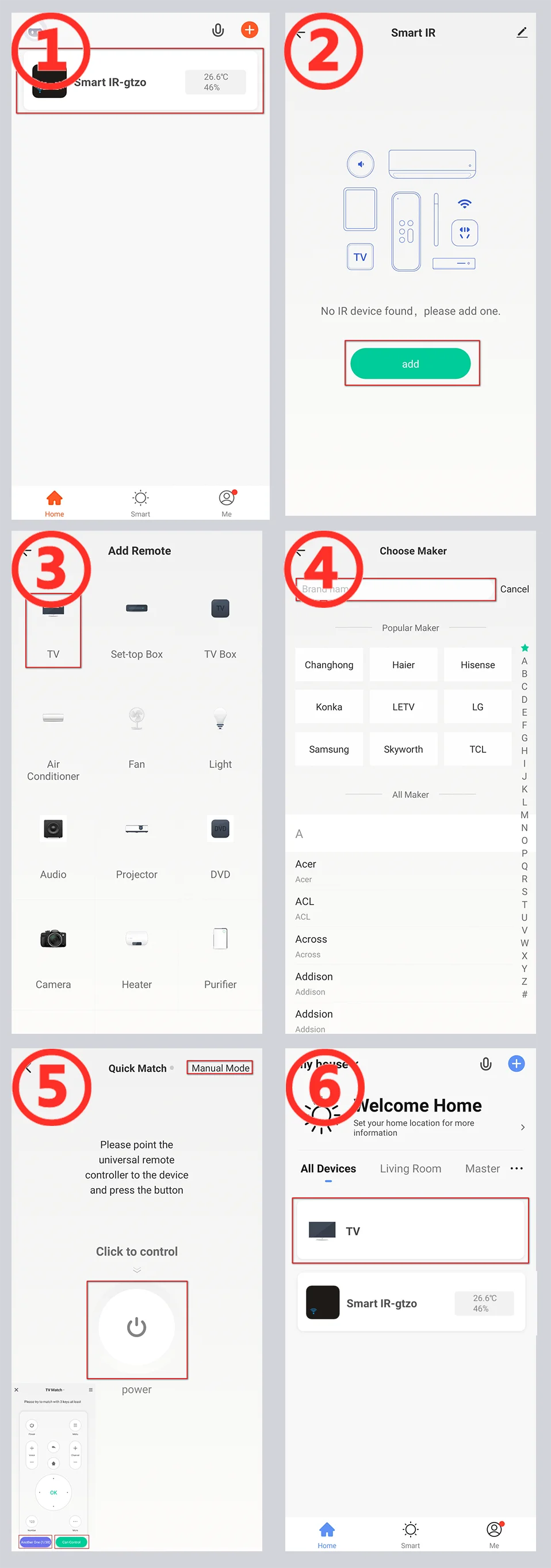
How to Add Remote Control (Take TV as an example)
Take the addition of TV as an example. The remote control of other household appliances is similar.
1. Click on our product on the main page of the app.
2. Use the "Add" button on the control page of our product.
3. Select "TV" as the type of remote control.
4. Find the brand of your TV.
5. [Automatic mode] According to the prompt, use the original remote control to transmit the signal, our product automatically recognizes the remote control type. [Manual mode] Switch to manual mode on the page, and select the control panel that can control the TV.
6. The addition is complete. You can see the added remote control for household appliances on the main page. Enjoy your smart life.
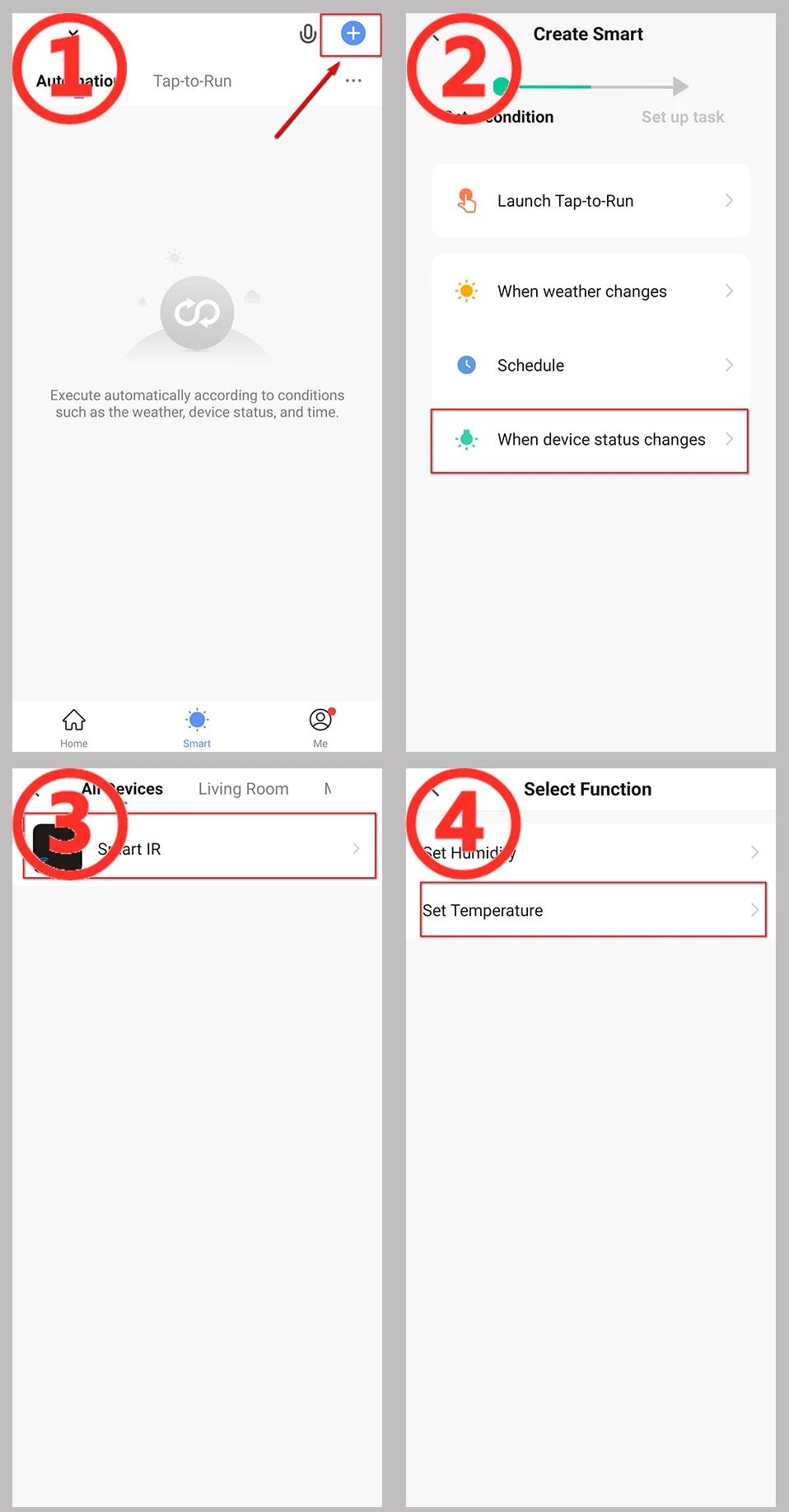
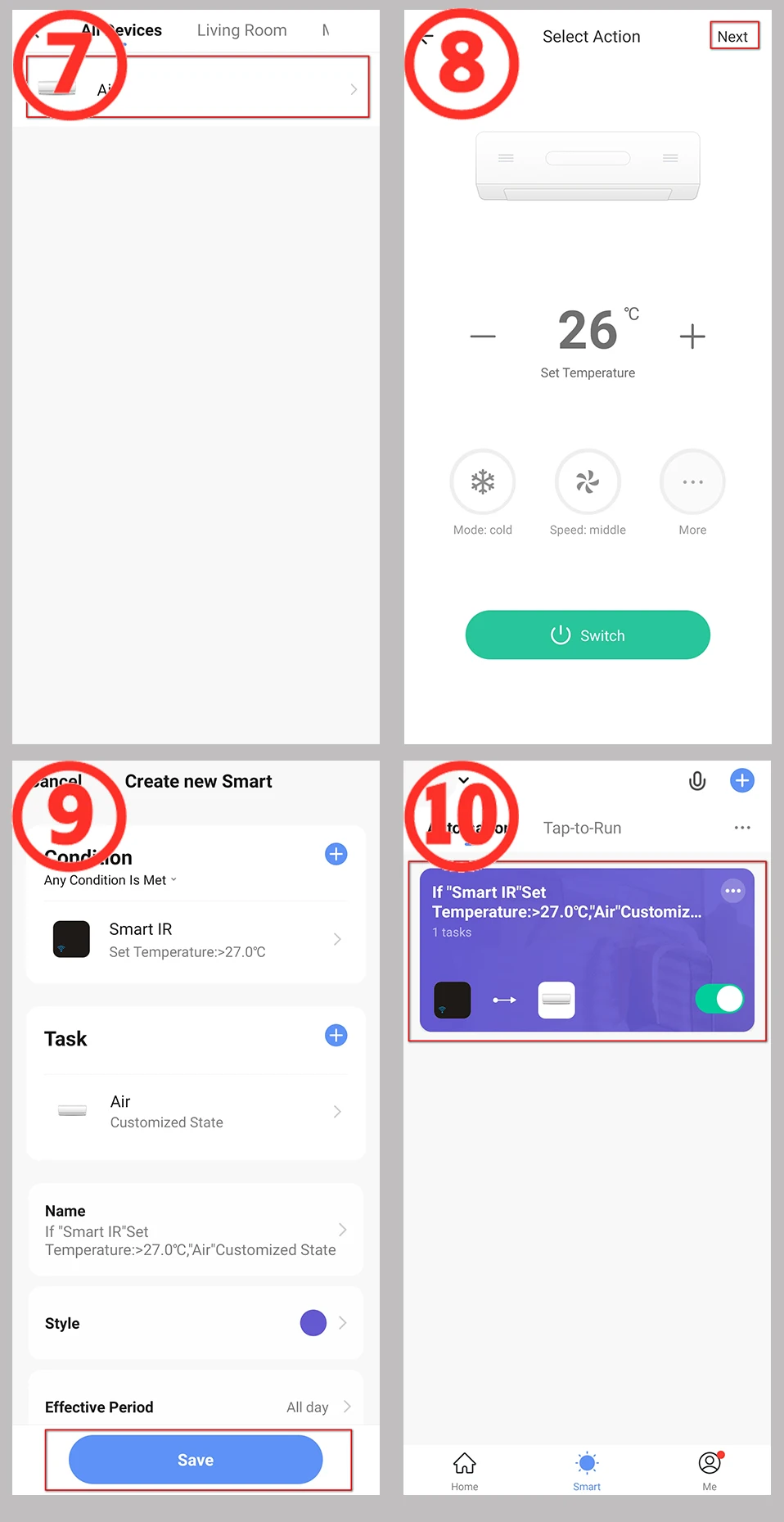
How to build an automated process
Take the temperature adjustment air conditioning setting as an example.
1. Select the "+" button on the "Smart" page to establish an automated process.
2, Select "when device status changes". (You can also choose other conditions according to your actual needs).
3. Select the devices as the condition. (Here takes the temperature and humidity remote control equipment as an example).
4. Select the state condition of the device, and choose the temperature as the input condition.
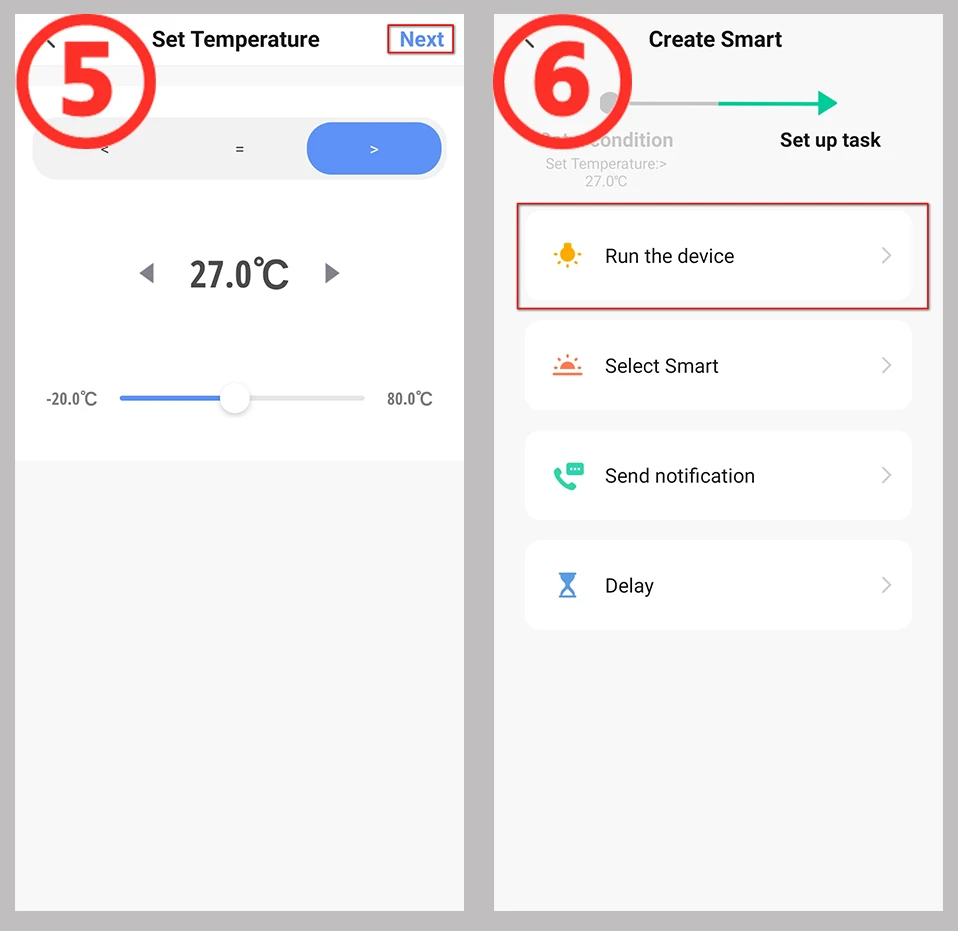
5. Set the temperature conditions. There can be "greater than"/"less than"/"equal to", set the temperature value below. Then select the "Next" button.
6, Set the task to run after the conditions are met. Here, select the device that needs to be run.
7, Choose to run the air conditioner. You can choose the devices you want to run according to the actual situation.
8, Set the command when operating the air conditioner. NOTE: This page needs to set the operation status of the remote control.
9, "Smart" condition and operation summary page, select "Save".
10. The establishment of the automation process is complete. You can quickly close and open the automation on this page.
If you need help in setting up this process, please contact me, we are professional
What is Included?
* Universal IR Remote Control x1
* Micro Charging Cable x1 (NO ADAPTER)
* User Manual x1
How to get technical support quickly
You can contact us through aliexpress message immediately. We will reply to you after receiving the message.
It's better to include some information in the message to help us identify your problem quickly:
1. For the problem of adding product to APP, please describe the status of indicator light and the screenshot of APP page.
2. For the problem of adding the remote control device, please describe the device type and submit the photo of the remote control.
3. For To set up an automated process, please tell me what functions you need to implement, and if possible, provide a screenshot of the automated process you set up.
4. Because of the translation problem, please try to use complete sentences when contacting us. This will help us understand your meaning correctly.
If necessary, I will ask for a video
FQA
1.What devices can control with WiFi IR Remote control?
You can control TV, Fan, Air conditioner and other IR enabled appliances.
2. What should I do when I cannot control the devices with this remote control?
Firstly, make sure your mobile device and the WiFi IR Remote control are adjacent and connected to the same network,Assure the WiFi infrared remote control is always power on.
3. Can I control devices through 2G/3G/4G network?
The WiFi IR Remote control and mobile device are required to share the same WiFi network when adding WiFi IR Remote Control the first time. After device configuration succeed,you can remotely control devices through 2G/3G/4G/5G cellular network.
4.What should I do when device configuration process has failed ?
you can:
Check whether the remote control is powered on or not.
1).Check whether your mobile device is connected to2.4GHz WiFi network.
2).Check your network connectivity, make sure the router is working properly.
3).Make sure the WiFi password entered is correct when adding remote control.
5. Can it go through walls or be used to control IR devices in upstairs/downstairs rooms?
IR can not go through walls, so make sure there are no obstacles between IR remote and IR enabled devices.
6. We have Huawei/Xiaomi set-top box, why is it not connecting?
There are two types of set-top boxes, OTT and IPTV,the most obvious difference is that IPTV supports living streaming while OTT does not. please make sure you have matching TV box before setup.
7.What we should do when we are unable to use IR remote to control an electric device?
Please check the following:
1).IR remote network in good condition(click any key on the remote control panel in the app and see whether the indicator light starts flashing. if it flashes, it indicates to work properly.
2).There is no object blocking between IR remote and electric device
3).The factory remote control of electric device is IR enabled.(cover the top of the remote control with hand or any object, then press any keys. if the device does not respond, it is IR based, otherwise, it is Bluetooth or RF based remote control.)



Shop Policies
Payment Policy
Payment Policy – BILLIONS BIRDS
At BILLIONS BIRDS, we are committed to providing a safe, secure, and seamless payment experience for our customers.
1. Accepted Payment Methods
We accept the following payment options:
Major Credit & Debit Cards (Visa, MasterCard, American Express)
Secure Online Payment Gateways (such as PayPal, Stripe, or other providers available at checkout)
Any additional payment methods displayed during checkout
All payments must be completed in full at the time of purchase.
2. Secure Transactions
All transactions are processed through encrypted and secure payment systems to protect your personal and financial information. We do not store your full payment details on our servers.
3. Currency
Prices are displayed in the currency indicated on the website. If you are purchasing from another country, your bank may apply currency conversion fees.
4. Order Confirmation
Once your payment has been successfully processed, you will receive an order confirmation email containing your purchase details.
5. Failed or Declined Payments
If your payment is declined, please verify your billing information or contact your bank. Orders will only be processed after successful payment confirmation.
6. Fraud Prevention
BILLIONS BIRDS reserves the right to cancel or refuse any order if fraud or unauthorised activity is suspected.
Delivery Policy
Delivery Policy – BILLIONS BIRDS
At BILLIONS BIRDS, we are dedicated to delivering your orders safely and efficiently.
1. Order Processing
All orders are processed within 1–3 business days after payment confirmation. Orders are not processed or shipped on weekends or public holidays.
2. Shipping Times
Estimated delivery times vary depending on your location:
Domestic Shipping: 3–7 business days
International Shipping: 7–15 business days
Please note that delivery times are estimates and may vary due to customs procedures, carrier delays, weather conditions, or other unforeseen circumstances.
3. Shipping Costs
Shipping fees are calculated at checkout based on your location and selected shipping method. Any customs duties, taxes, or import fees are the customer's responsibility.
4. Tracking Information
Once your order has been shipped, you will receive a confirmation email with tracking details (if available) so you can monitor your package.
5. Delivery Issues
If your order is delayed, lost, or arrives damaged, please contact us within 7 days of the expected delivery date. We will work with the shipping carrier to resolve the issue as quickly as possible.
6. Incorrect Shipping Information
Customers are responsible for providing accurate shipping details at checkout. BILLIONS BIRDS is not responsible for orders shipped to incorrect addresses provided by the customer.
Refund Policy
Refund Policy – BILLIONS BIRDS
At BILLIONS BIRDS, customer satisfaction is our top priority. If you are not completely satisfied with your purchase, we’re here to help.
1. Return Eligibility
You may request a return within 14 days of receiving your order. To qualify for a return:
The item must be unused, unworn, and in the same condition as received.
The item must be in its original packaging.
Proof of purchase (order confirmation or receipt) is required.
Certain items may not be eligible for return, including clearance items, gift cards, or personalised/custom products.
2. Non-Refundable Items
The following items are non-refundable:
Final sale or discounted items
Gift cards
Items damaged due to misuse, negligence, or improper care
3. Return Process
To initiate a return, please contact our customer support team with your order number and reason for return. If your return is approved, you will receive instructions for returning the item.
Unless the item is defective or incorrect, customers are responsible for return shipping costs.
4. Refund Processing
Once we receive and inspect your returned item:
We will notify you of the approval or rejection of your refund.
If approved, the refund will be issued to your original payment method within 5–10 business days.
Please note that banks or payment providers may require additional time to process refunds.
5. Damaged or Incorrect Items
If you receive a damaged, defective, or incorrect item, please contact us within 7 days of delivery and provide clear photos of the product and packaging. We will arrange a replacement or full refund at no additional cost.
6. Late or Missing Refunds
If you have not received your refund:
Check your bank account again.
Contact your credit card company or payment provider.
If the issue persists, don't hesitate to contact our support team for assistance.
Recommended Products
Customer reviews
Share your thoughts with other customers
Be the first one to write a review!

Items (0)
