
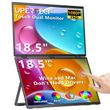
UPERFECT 18.5" Delta Max Laptop Screen Extender 100Hz Dual Monitor Stacked Folding Triple Display 1080P For Laptop 180° Rotation
Includes all taxes
Meet your Seller
-
$1,207.21Sold by BILLIONS BIRDS
Description

UPERFECT Delta 18.5" 100Hz Touchscreen Dual Portable Monitor
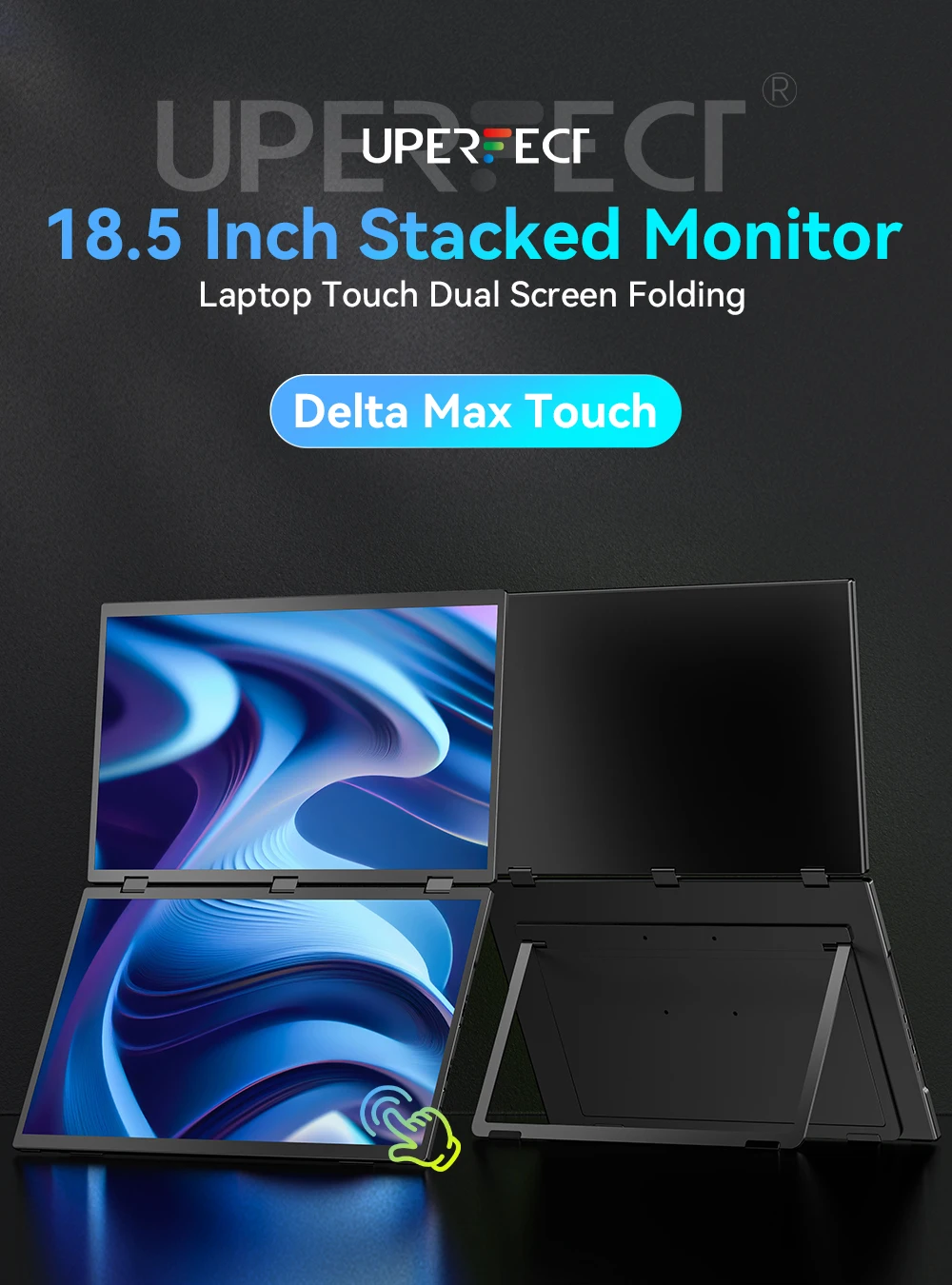
【Smooth Operation Experience】
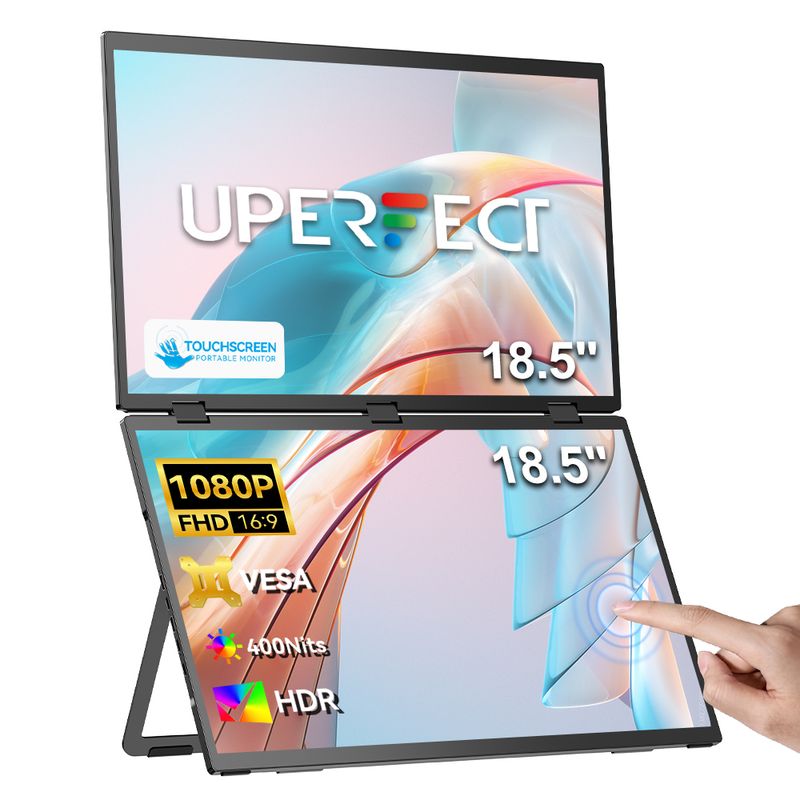
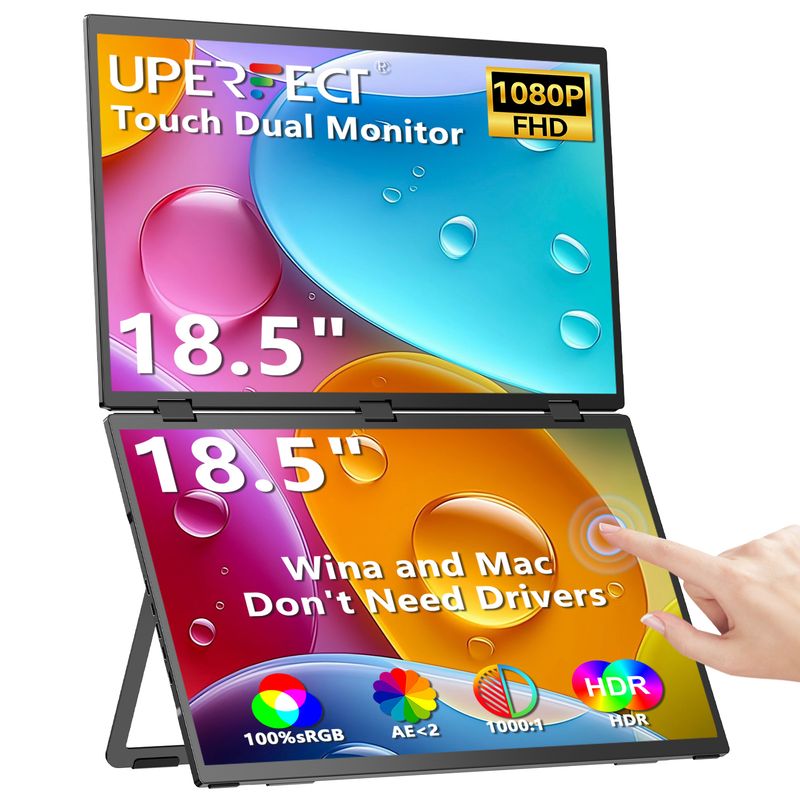
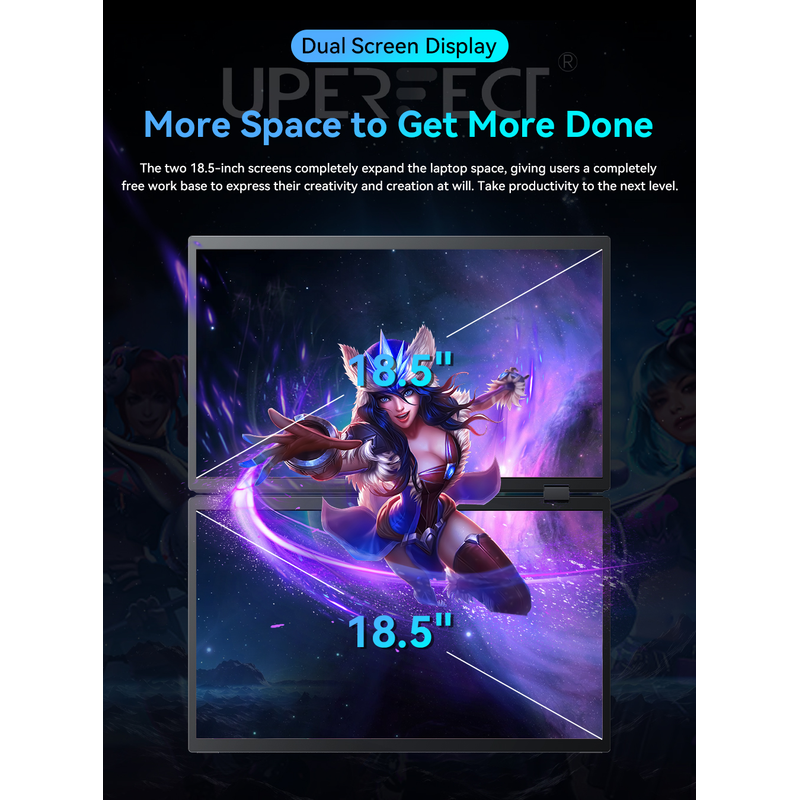
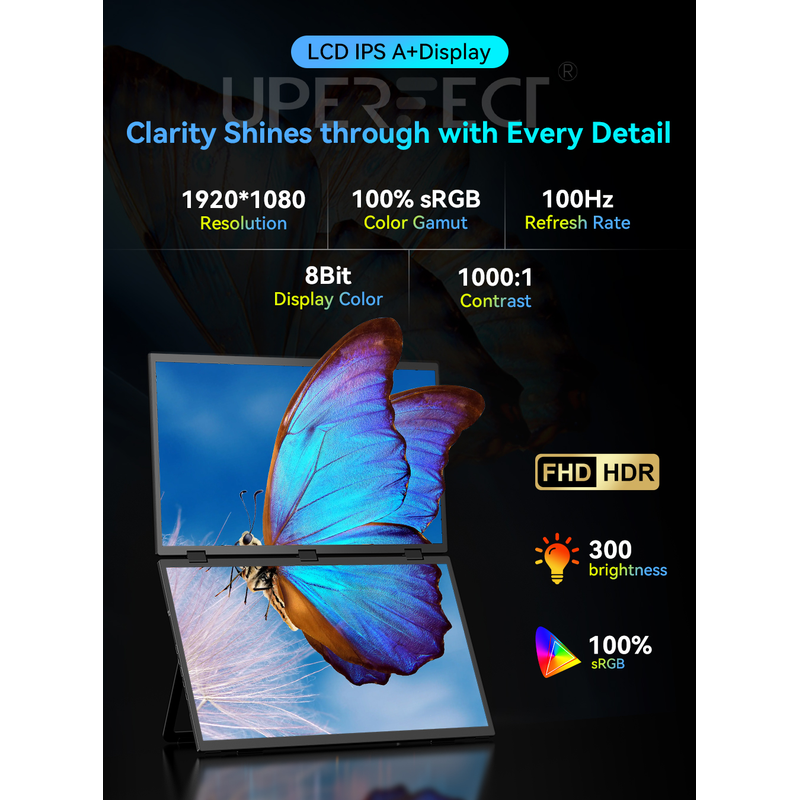
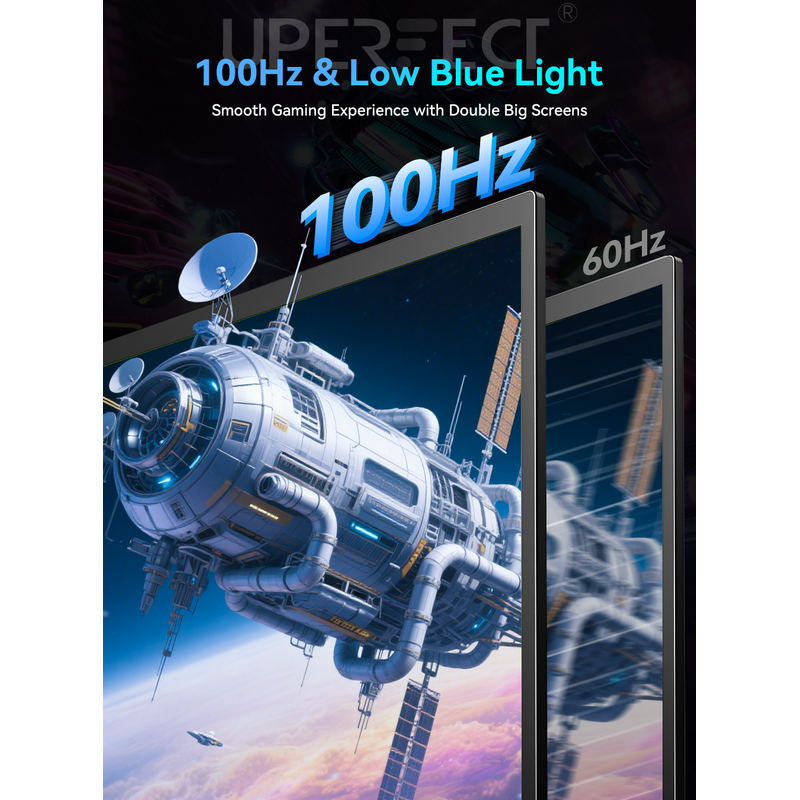
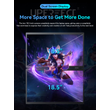
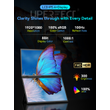
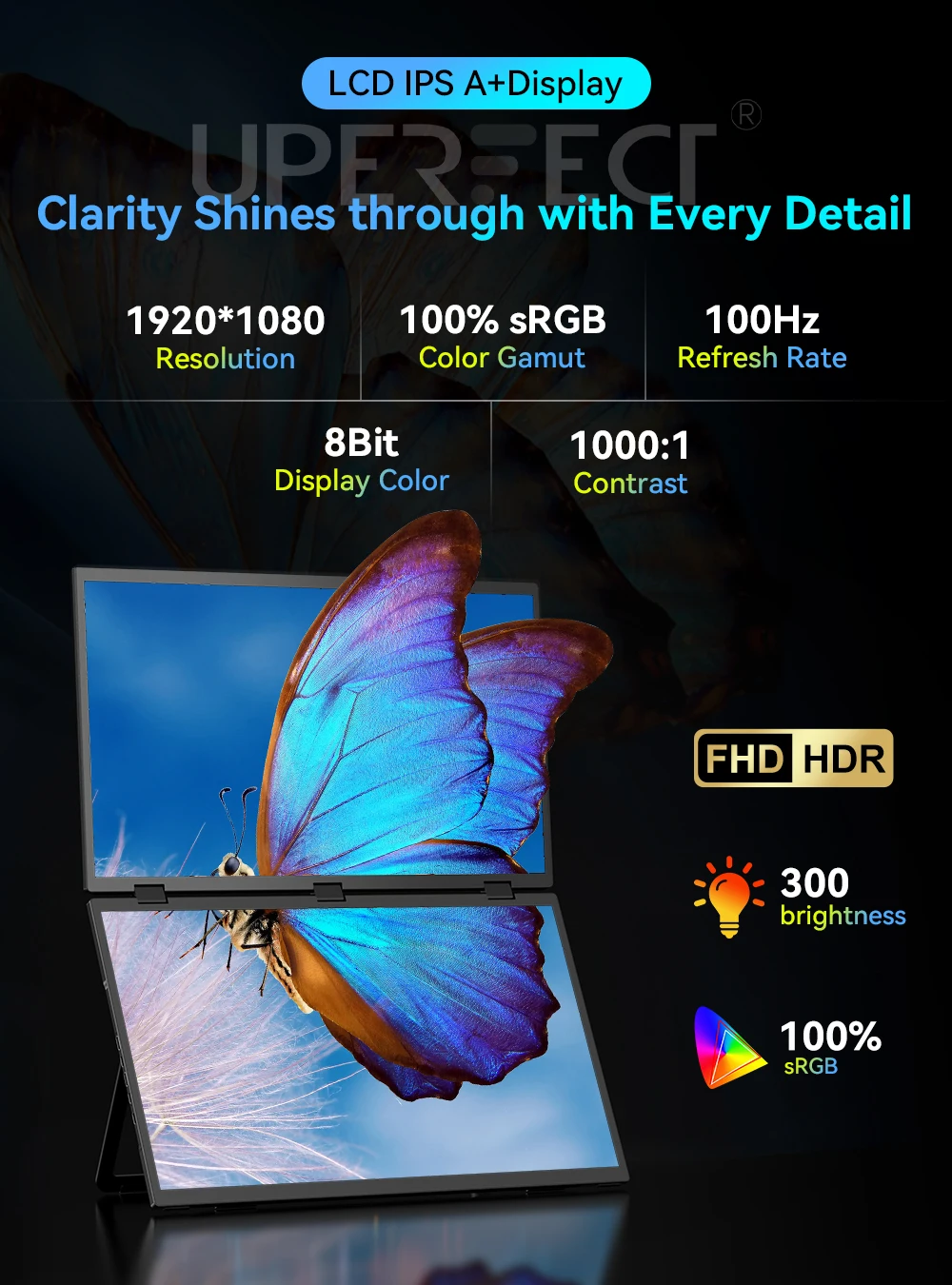
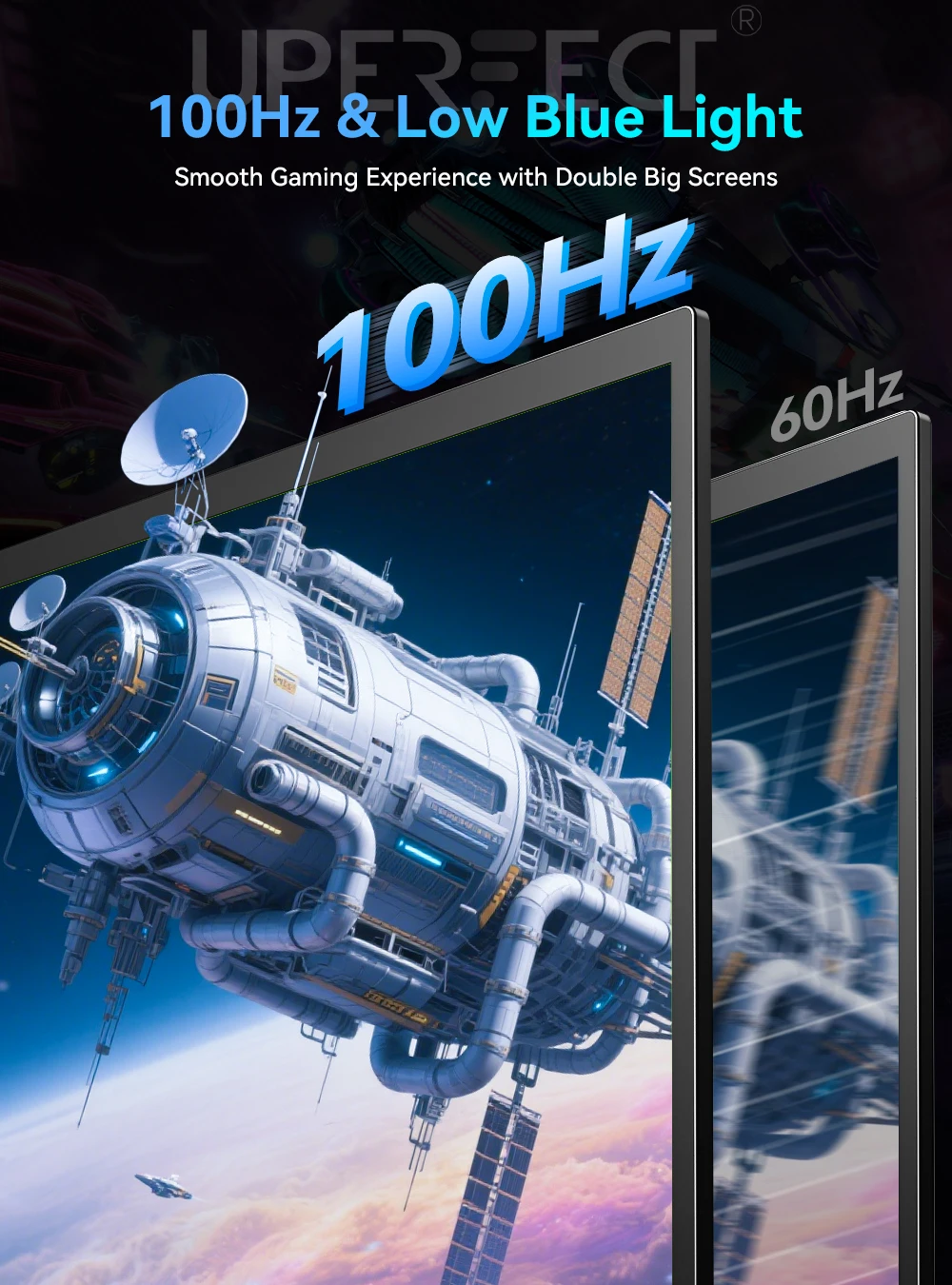
Laptop Screen Extender features a combination of two 18.5-inch screens, 1080P resolution, Full HD IPS A+ screen, 100% sRGB color gamut and 100Hz refresh rate, providing users with excellent color perception and silky smooth operation experience.
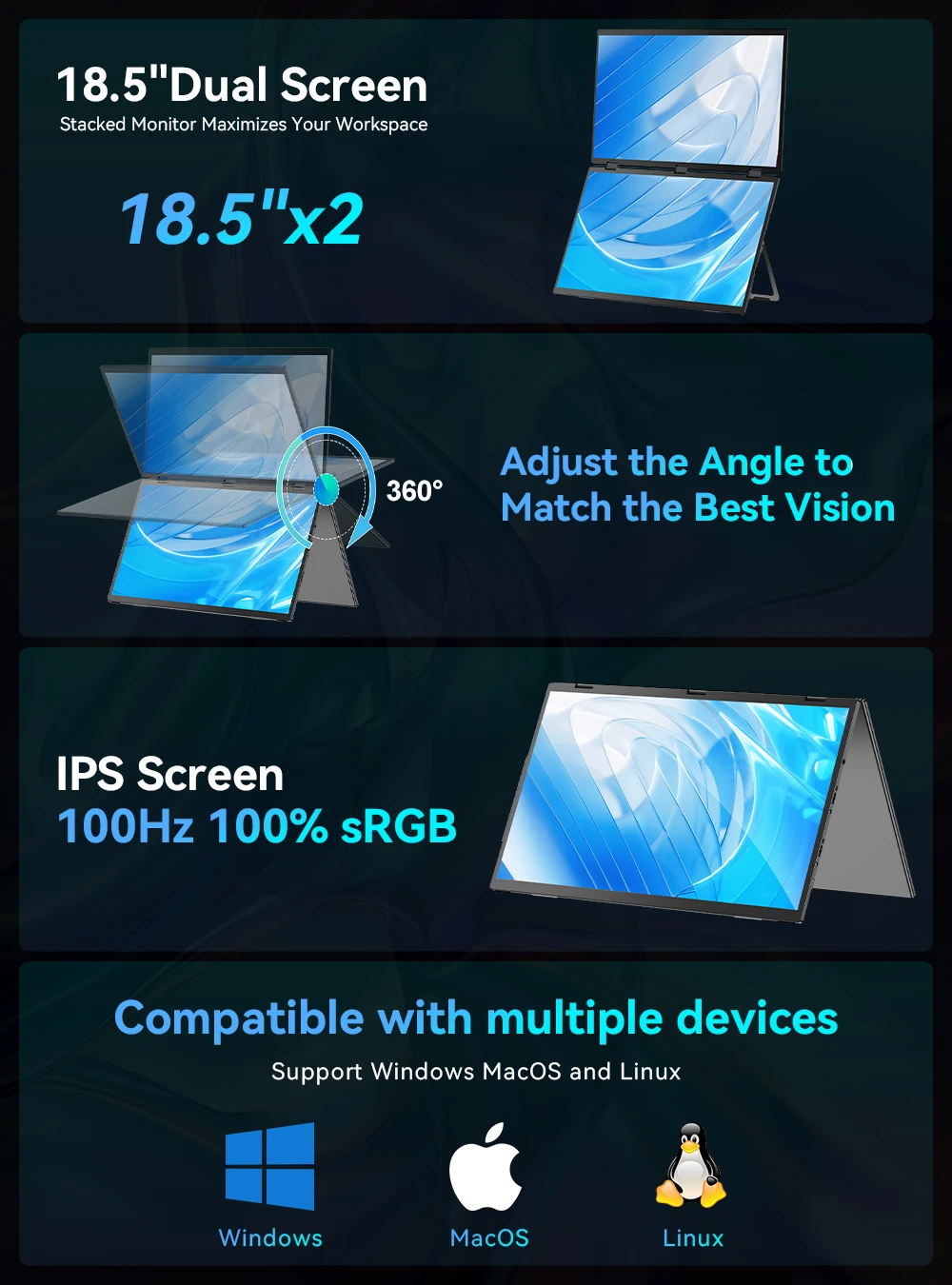
【100HZ Touchscreen Function】
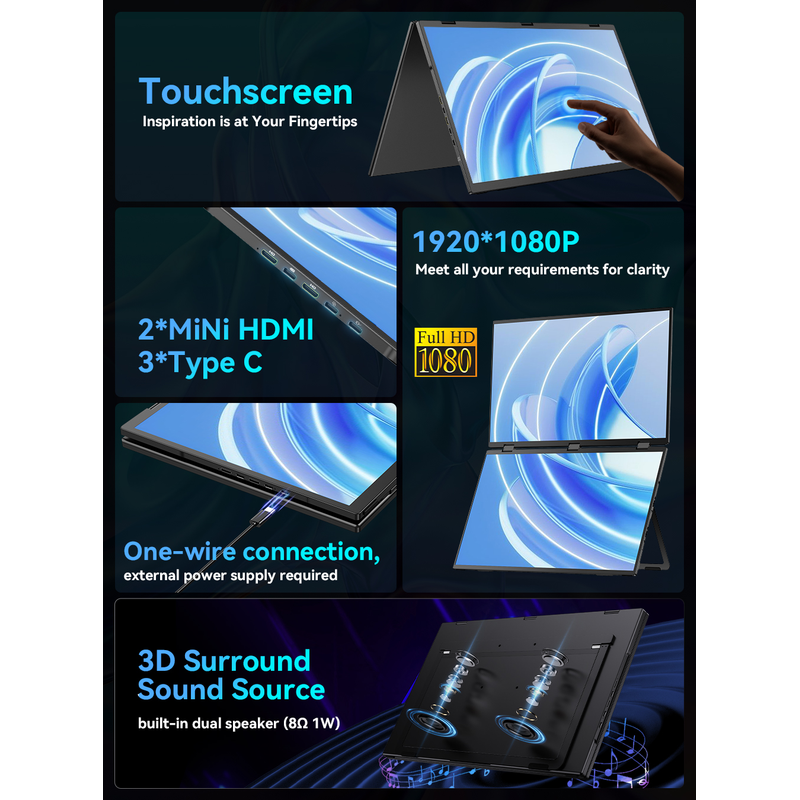
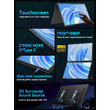
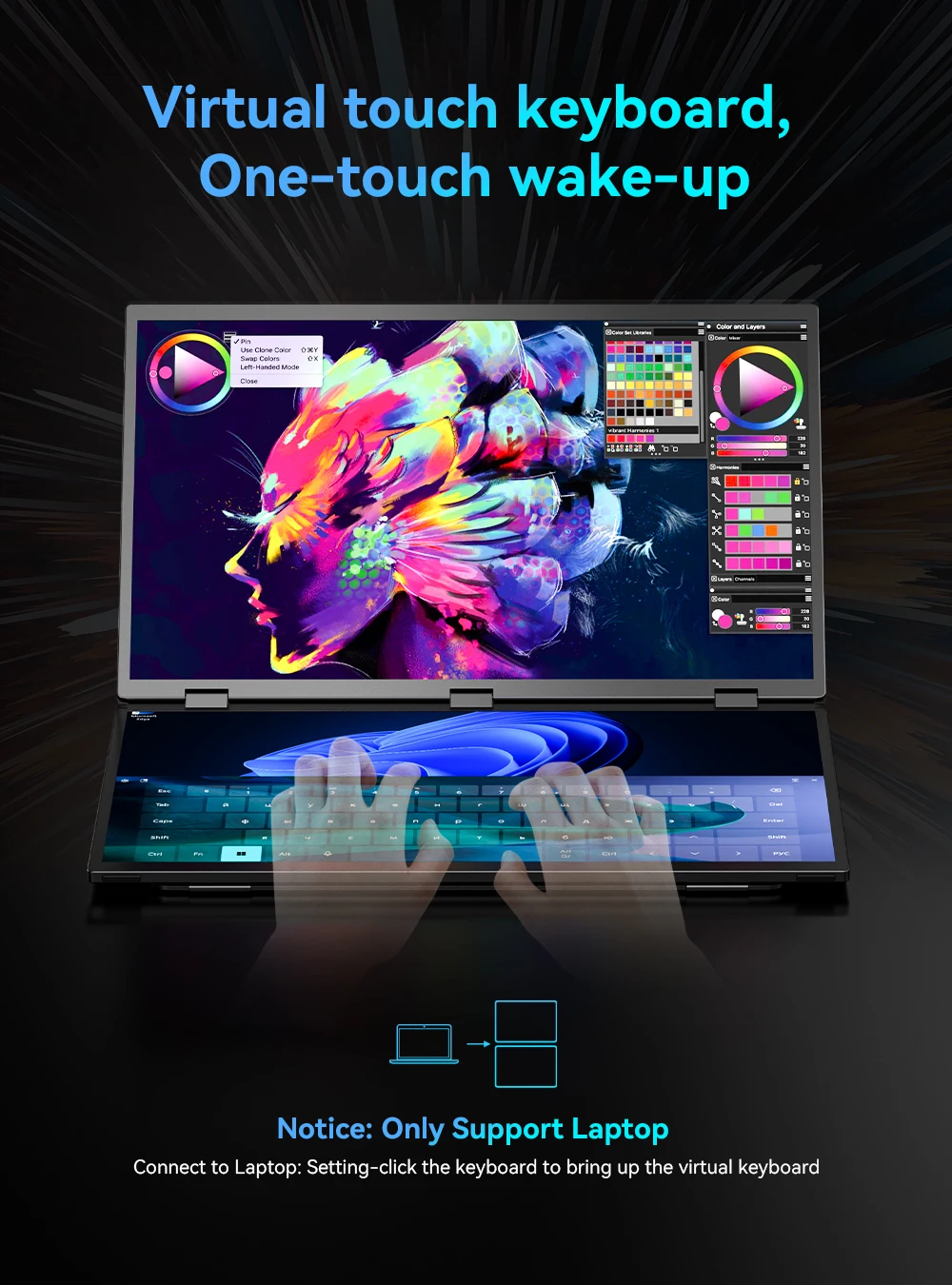
This is the 1st 18.5-inch 100Hz TOUCH Dual Triple Portable Monitor all over the world; you can tap to productivity;
【Plug & Play, Easy Setup】
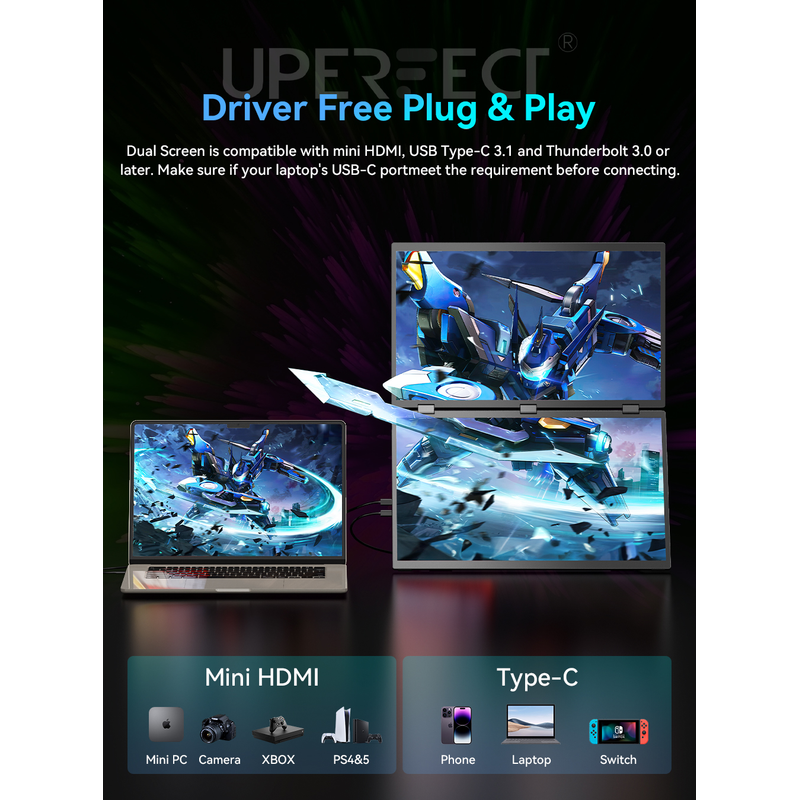
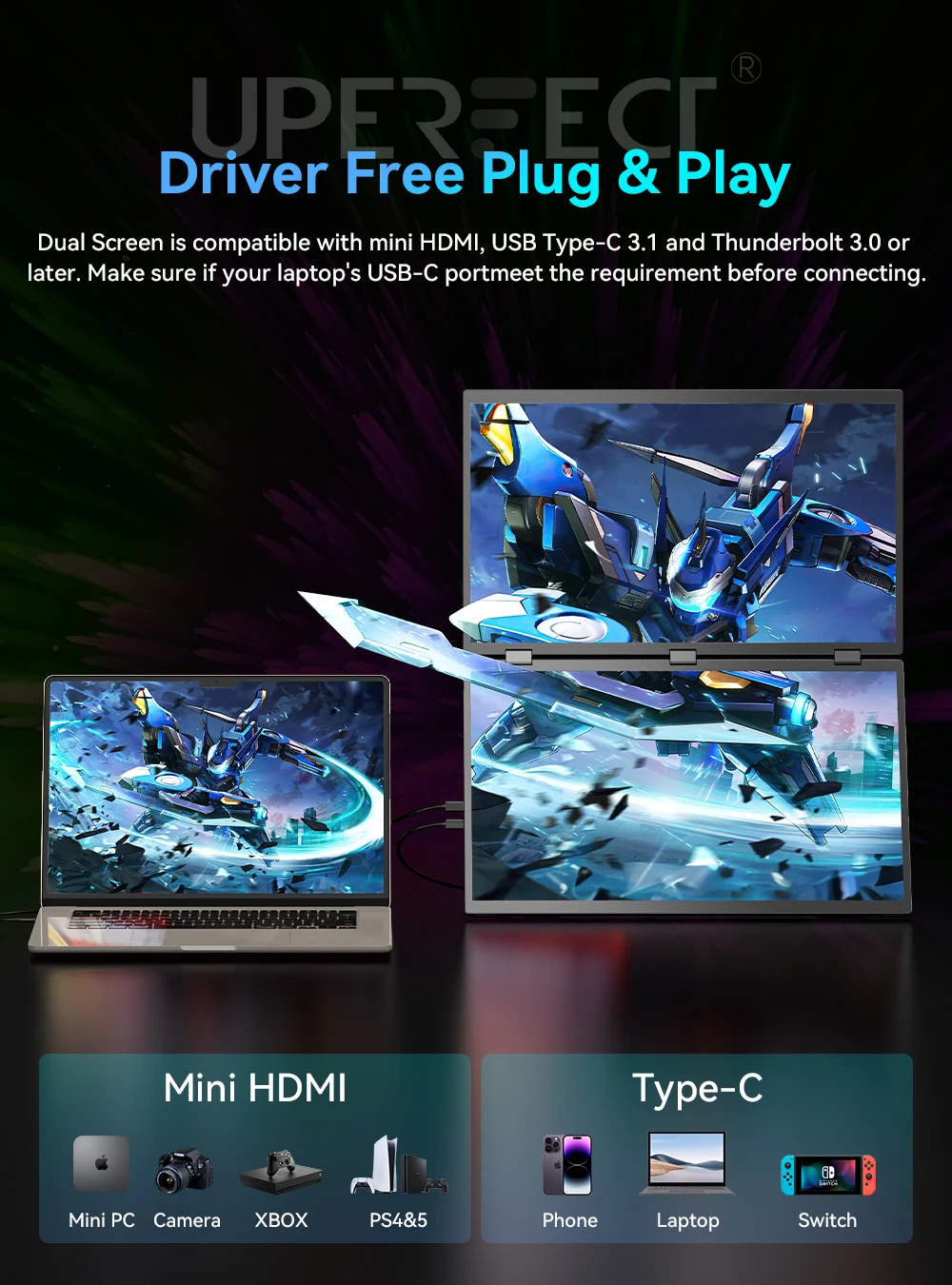
Discover the game-changing difference with UPERFECT's first-ever driver-free dual-screen monitor! Unlike traditional dual monitors that require tedious driver installations, our innovative design simplifies the process, eliminating errors and complexities; Just connect your devices with a single Type-C cable and enjoy seamless dual-screen display; Kind tips: For a better experience, it's recommended to connect the power supply
【Versatile Folding Monitor】
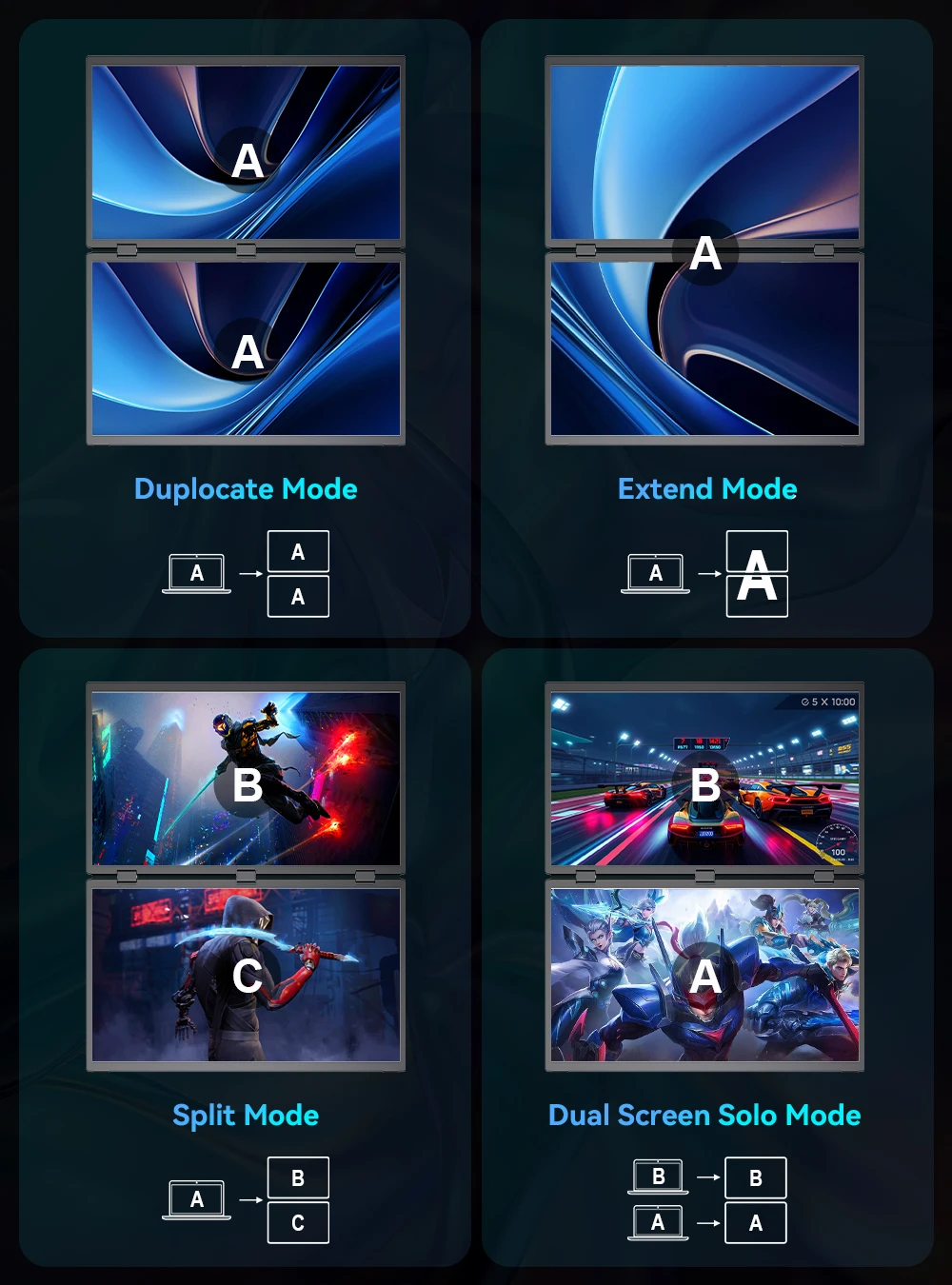
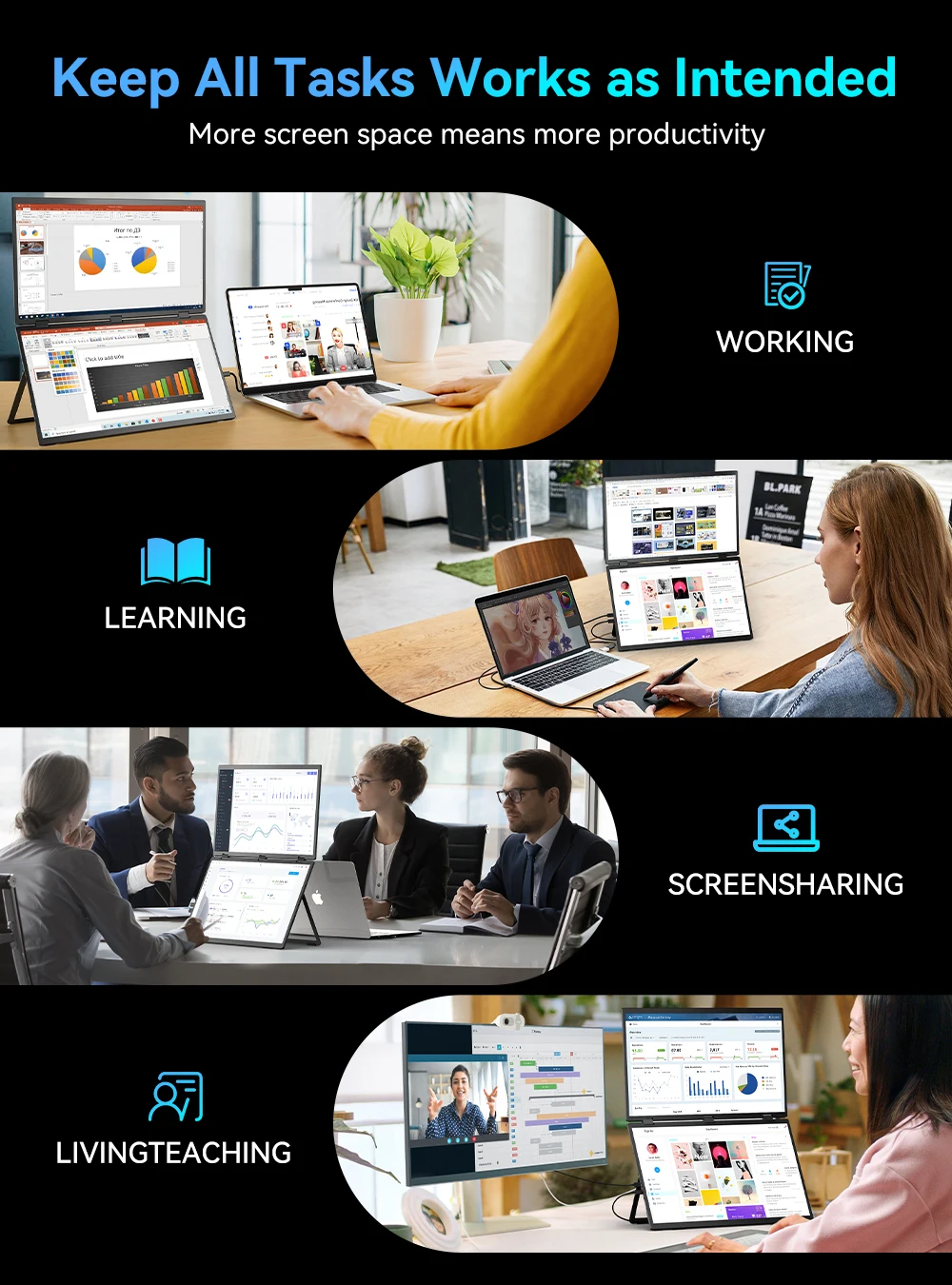
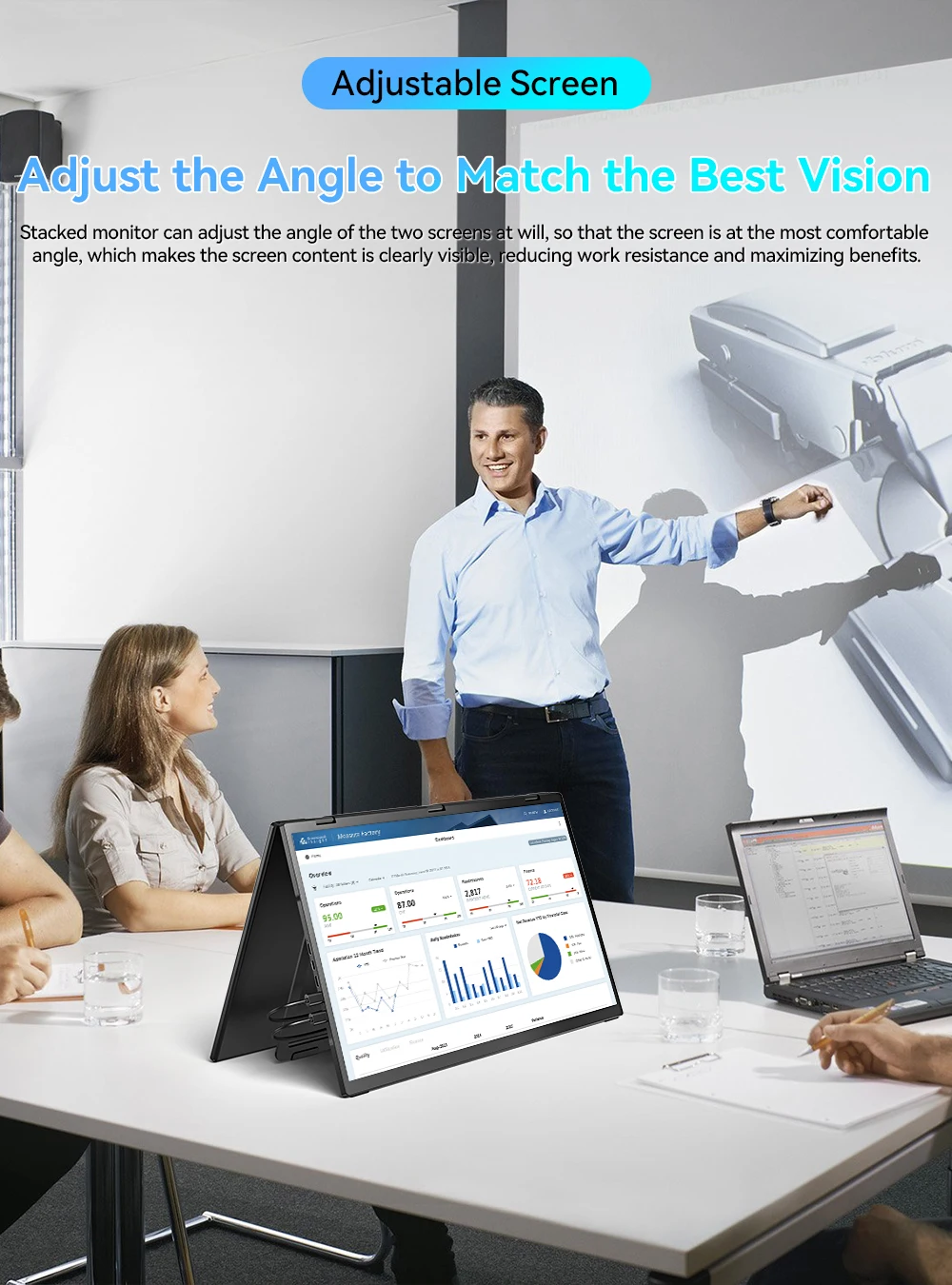
Share your screen effortlessly in all directions with 0-360° rotation, ideal for collaborating with colleagues or partners; Built-in gravity sensors enable 180° automatic rotation, and supports duplicate, expand, split, landscape, and portrait modes for easy switching; Perfect for multi-screen simultaneous and independent displays
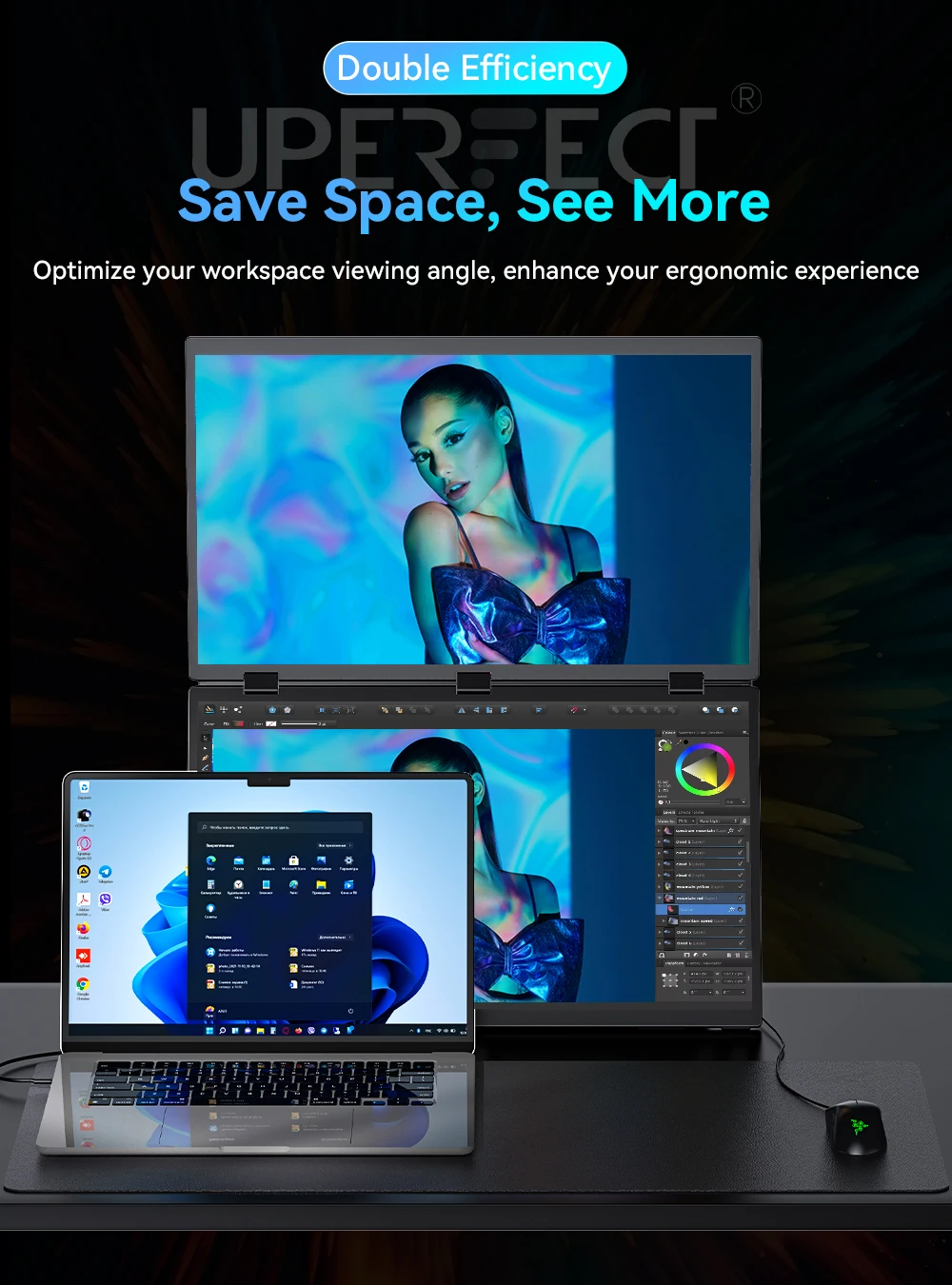
Adjustable Stand & VESA Mount
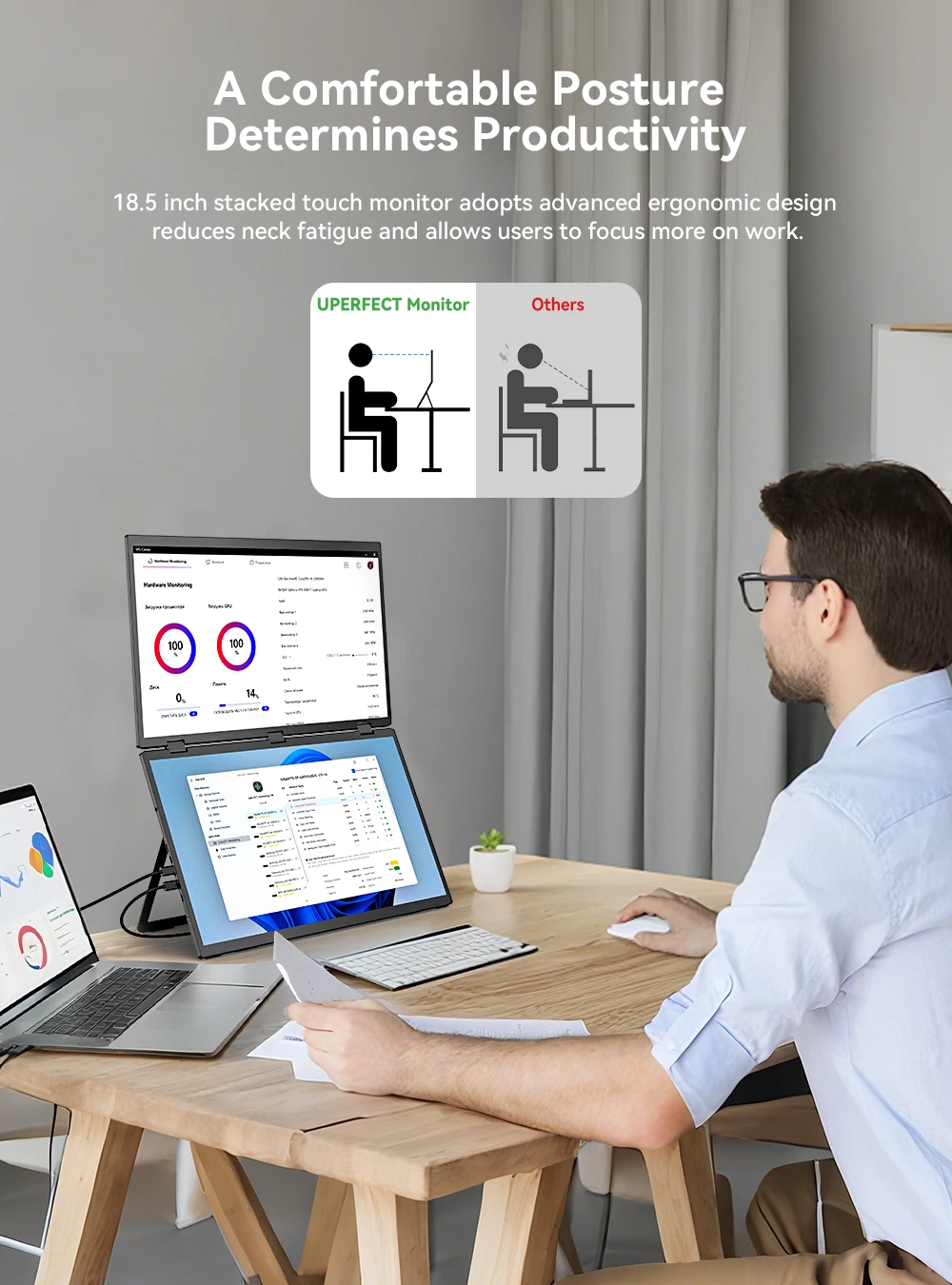
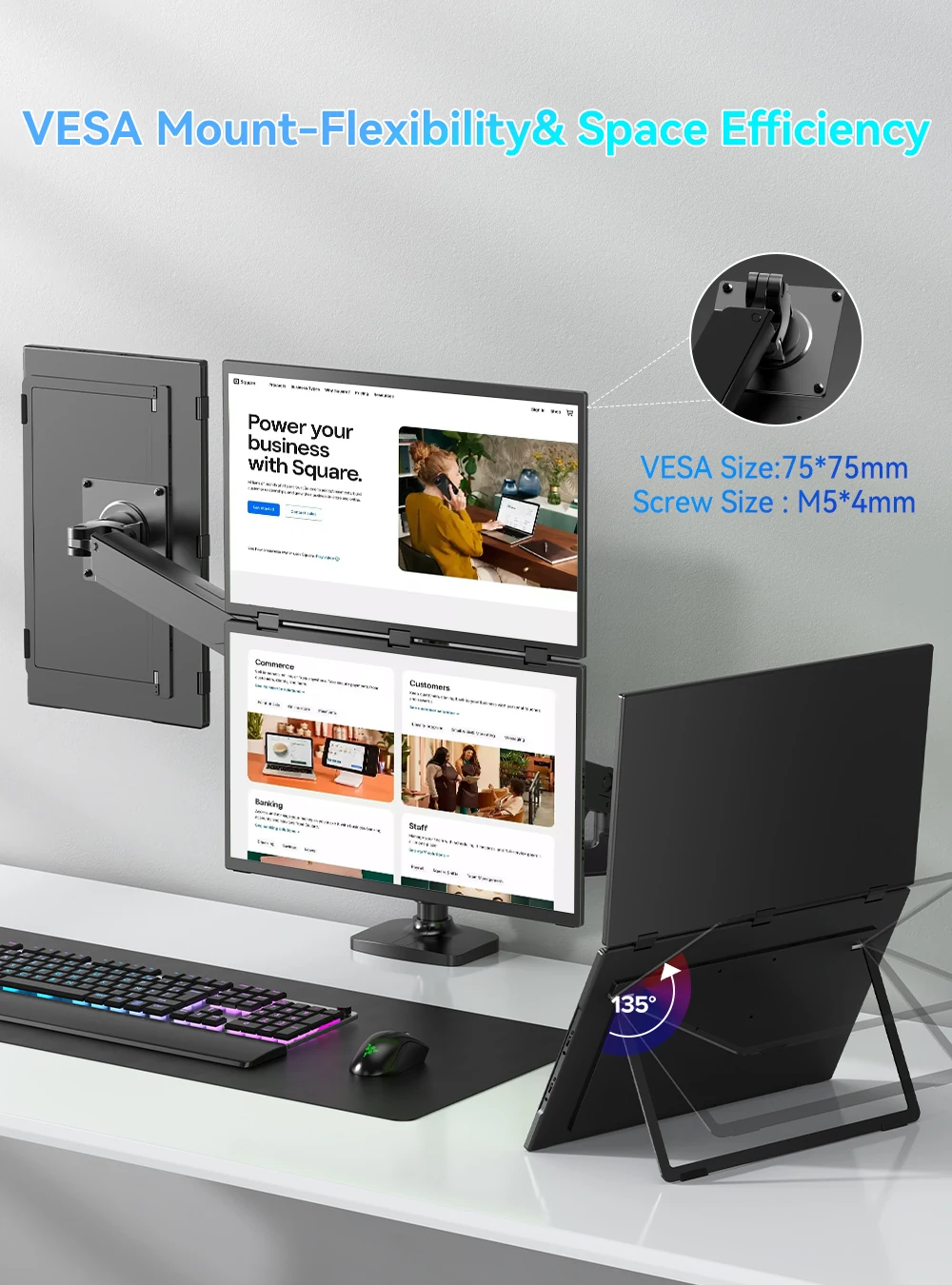
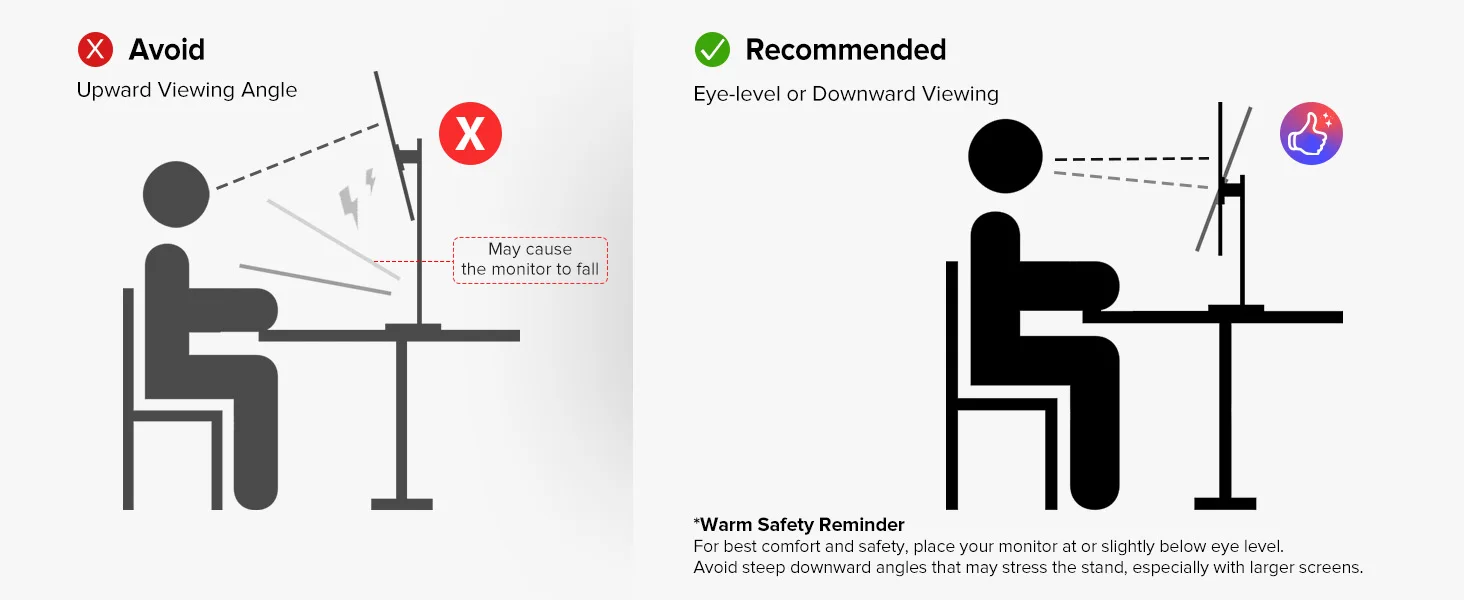
Its built-in 180° adjustable stand allows you to easily tilt, swivel, and pivot the monitor, ensuring that you can find the perfect ergonomic position for your needs; With VESA (75x75 mm, M5*4 mm) support, you can easily mount the monitor to a wall, monitor arm, or any other VESA-compatible mounting system; Especially valuable for users looking to save desk space or create a multi-monitor setup
Specifications
Series: UStation
Model: Δ / Delta Plus
Refresh Rate: 100Hz
Screen Size: 18.5 inch
Resolution: 1920 × 1080 (FHD)
Display Ratio: 16:9
Viewing Angle: 178°
Panel Type: IPS
Contrast Ratio: 1000:1
Brightness: 300 cd/m²
Color Gamut: 100% sRGB
Color Depth: 16.7M(8bit)
Rated Power: 16W
Material: Aluminum
Auto Rotation: No
Built-in Speaker: Yes, 2*8Ω 1W
Built-in Battery: No
Vesa: Yes, 75*75mm@M4*6mm
Fold Size: 425 × 252 × 24 mm (16.73 × 9.92 × 0.94 inch)
Unfold Size: 425 × 507 × 12 mm (16.73 × 19.9 × 0.47 inch)
Net Weight: 2.24 kg (4.94 lbs)
Interface
1 × Full-Featured USB Type-C for Audio & Video Input
1 × USB Type-C for Audio & Video Input
1 × USB Type-C for Power Input
2 × mini HDMI for Audio & Video Input
What's in the box?
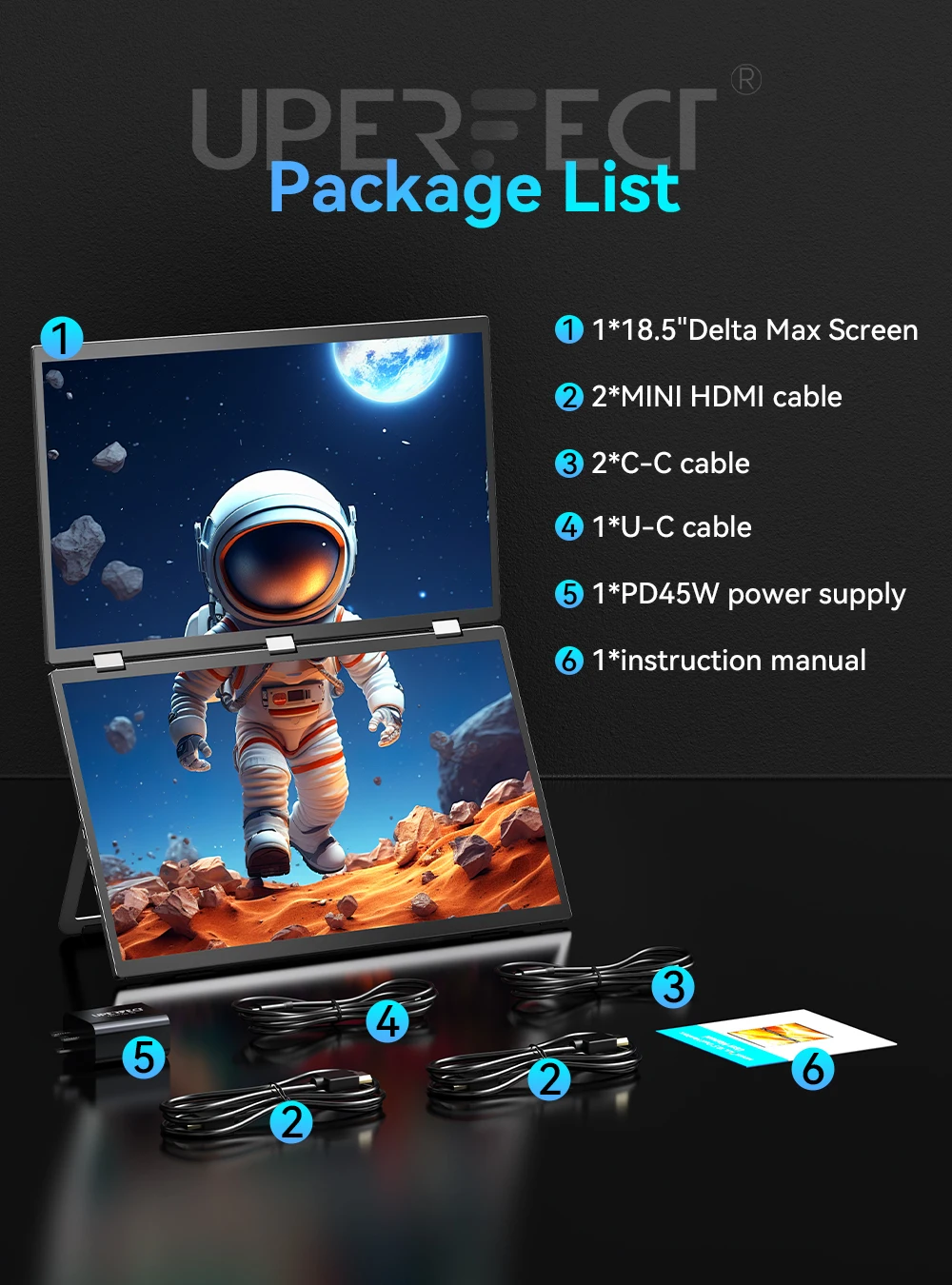
1 × UPERFECT 18.5 Inch Dual Monitor
1 × Power Adapter
1 × Manual
2 × Type C to Type C Cable
1 × USB-A to USB-C Cable
1 × mini HDMI to HDMI Cable
Support Single Type-C Cable For Display & Power Device Model
For Samsung: Samsung Galaxy S8, S8+, S9, S9+, S10, S10+, S10e,S20,S20+,S20 Ultra,S21,S21+,S21 Ultra,S22,S22+,S22 Ultra, Note 8, Note 9,Note 10
For Huawei: P50 Pocket/40 Pro/40/30/20/10/9 Series, Mate X/Xs/X2/40 Pro/40/30/20/10/9 Series, Honor Note 10,Honor Magic V/3/Pro/Pro+/4/4 Pro/4 Ultimate;
For SONY: Xperia 1 / 1 II/1 III/1 IV/5/5 II/5 III/10 III/Pro/Pro-I;
For OnePlus: 7/7 Pro/8/8 Pro/9/9R/9 Pro;
For OPPO: Find X3 Pro/Reno 10x Zoom/Reno 5G/R17 Pro (OPPO RX17 Pro in Europe);
For LG: V60/V50/V40/V35/V30/V30+/V20 Series,G8/G7/G6/G6+(with Dec 2018 update)*functionality has not been tested*/G5 Series,Q8;
For HTC: 10/U Ultra/U11/U11+/U12+/U19e,Exodus 1;
For ASUS:ROG Phone/Phone II/Phone 3/Phone 5/Phone 5s Series,ZenFone 3 Ultra,ZenFone AR,ZenFone Ares;
For Motorola: Edge+/Edge S (China variant)/Moto G100 (global version for European market)/ Edge 20 Pro/30 Pro(global variant)/X30;
For Xiaomi: Black Shark 2/3/4;
For ZTE: Axon 9 Pro/10 Pro,Nubia Red Magic 6S Pro/7/7 Pro;
Others: BlackBerry Key2,BQ Aquaris X2,Essential Phone,Fairphone 4,Lenovo Legion Phone Duel/2 Pro/Duel 2,NOKIA 9 PureView, Microsoft Lumia 950/950 XL, HP Elite x3,Razer Phone/Phone 2,Fairphone 4;
*NOTE: If you can not find your devices above, please use IOS/Android to HDMI Adapter for connecting.
- Laptops Support Thunderbolt 3 or USB 3.1:
For Apple: Apple MacBook Pro (Late 2016) and newer,Apple MacBook Air (Late 2018) and newer ;
For Huawei: MateBook D/X/X Pro/E/13, MagicBook;
For ASUS: ZenBook, U4100UN, U5100UQ, ROG Series;
For HP: EliteBook Folio G1, Spectre 13,ZbookZbook Studio;
For Dell: G3/G5/G7 Series, Inspiron 5000/7000 Series, XPS12/13/15;
For Lenovo: Thinkpad E580/T470/T470s/T480/T480s/X1 Carbon (2017-2019);
For MIUI: Air 12.5"/133.3", Pro 15.6", MI Game NoteBook
For Google: ChromeBook Pixels
For Razer: Blade Stealth Series (All)
For Microsoft: Surface Book 2
Others: Acer Swift 5,MSI GS60 6QE,Gigabyte Aero 15x/15 x9/15 y9;
*NOTE: If you can not find your devices above, please use mini HDMI cable instead.
TROUBLESHOOTING
Q1: Monitor shows nothing or 'No Signal' while connecting my cellphone with monitor via Type-C cable?
A:Be sure the model of your cellphone has USB 3.1 port. Cellphone models support one Type-C cable functioning is listed as below:
Huawei Mate 10/10 Pro/20/20 Pro/P20/P20 Pro/P30/P30 Pro//Samsung S8/S8+/S9/S9+/Note 8/Note 9.
Q2: Monitor shows nothing or 'No Signal' while connecting my laptop with monitor via Type-C cable?
A: Be sure your laptop hasThunderbolt 3.0 port, if it has, to check and be sure the cable-port connecting is correct.
Q3: The screen displays unchangeable picture while connecting my laptop with monitor via HDMI cable?
A: Monitoris in EXTENSION mode, you can adjust it to DUPLICATE mode by pressing simultaneously 'Win'+'P' forWindows or adjusting ’Preference’for Mac.
Q4: Monitor shows nothing or 'No Signal' while connecting my laptop with monitor via HDMI cable?
A:First, check and adjustthe resolution of your laptop to be same withthat of monitor. Second, try to connect with another laptop to see if everything is okay.Third, to change with a new HDMI cable
Q5: How to get touch function?
A:
1. When the devices you connect with the monitor own a Type-C 3.1 port, you can get the touch function just using a C-C cable to connect.
2. When you connect the device with the monitor through mini HDMI port, please use the A-C cable to plug in the Type-C port on the monitor for the touch function. And don’t forget to plug in power adapter.
3. When connect to phones without Type-C 3.1 port or iphone, you would need an ios/android to HDMI adapter and a mini HDMI to HDMI adapter to connect to the monitor for signal transmission. And please check what the port is on your devices and note that there will be NO TOUCH function in this case. Please make sure you don’t mind before you place an order.
4. We recommend you to plug in the original power adapter to get sufficient power for the monitor and work smoothly. Or it would have some issues such as flickering, on-and-off and so on.
lmportant Tips:
lf you find any issues with your monitor, please contact us before returning it. We will help you solve your problems and try our best to makeyou satisfied. We take full responsibility for our products.
lf there are any defects that cannot be solved, we will refund or send you areplacement.
Shop Policies
Payment Policy
Payment Policy – BILLIONS BIRDS
At BILLIONS BIRDS, we are committed to providing a safe, secure, and seamless payment experience for our customers.
1. Accepted Payment Methods
We accept the following payment options:
Major Credit & Debit Cards (Visa, MasterCard, American Express)
Secure Online Payment Gateways (such as PayPal, Stripe, or other providers available at checkout)
Any additional payment methods displayed during checkout
All payments must be completed in full at the time of purchase.
2. Secure Transactions
All transactions are processed through encrypted and secure payment systems to protect your personal and financial information. We do not store your full payment details on our servers.
3. Currency
Prices are displayed in the currency indicated on the website. If you are purchasing from another country, your bank may apply currency conversion fees.
4. Order Confirmation
Once your payment has been successfully processed, you will receive an order confirmation email containing your purchase details.
5. Failed or Declined Payments
If your payment is declined, please verify your billing information or contact your bank. Orders will only be processed after successful payment confirmation.
6. Fraud Prevention
BILLIONS BIRDS reserves the right to cancel or refuse any order if fraud or unauthorised activity is suspected.
Delivery Policy
Delivery Policy – BILLIONS BIRDS
At BILLIONS BIRDS, we are dedicated to delivering your orders safely and efficiently.
1. Order Processing
All orders are processed within 1–3 business days after payment confirmation. Orders are not processed or shipped on weekends or public holidays.
2. Shipping Times
Estimated delivery times vary depending on your location:
Domestic Shipping: 3–7 business days
International Shipping: 7–15 business days
Please note that delivery times are estimates and may vary due to customs procedures, carrier delays, weather conditions, or other unforeseen circumstances.
3. Shipping Costs
Shipping fees are calculated at checkout based on your location and selected shipping method. Any customs duties, taxes, or import fees are the customer's responsibility.
4. Tracking Information
Once your order has been shipped, you will receive a confirmation email with tracking details (if available) so you can monitor your package.
5. Delivery Issues
If your order is delayed, lost, or arrives damaged, please contact us within 7 days of the expected delivery date. We will work with the shipping carrier to resolve the issue as quickly as possible.
6. Incorrect Shipping Information
Customers are responsible for providing accurate shipping details at checkout. BILLIONS BIRDS is not responsible for orders shipped to incorrect addresses provided by the customer.
Refund Policy
Refund Policy – BILLIONS BIRDS
At BILLIONS BIRDS, customer satisfaction is our top priority. If you are not completely satisfied with your purchase, we’re here to help.
1. Return Eligibility
You may request a return within 14 days of receiving your order. To qualify for a return:
The item must be unused, unworn, and in the same condition as received.
The item must be in its original packaging.
Proof of purchase (order confirmation or receipt) is required.
Certain items may not be eligible for return, including clearance items, gift cards, or personalised/custom products.
2. Non-Refundable Items
The following items are non-refundable:
Final sale or discounted items
Gift cards
Items damaged due to misuse, negligence, or improper care
3. Return Process
To initiate a return, please contact our customer support team with your order number and reason for return. If your return is approved, you will receive instructions for returning the item.
Unless the item is defective or incorrect, customers are responsible for return shipping costs.
4. Refund Processing
Once we receive and inspect your returned item:
We will notify you of the approval or rejection of your refund.
If approved, the refund will be issued to your original payment method within 5–10 business days.
Please note that banks or payment providers may require additional time to process refunds.
5. Damaged or Incorrect Items
If you receive a damaged, defective, or incorrect item, please contact us within 7 days of delivery and provide clear photos of the product and packaging. We will arrange a replacement or full refund at no additional cost.
6. Late or Missing Refunds
If you have not received your refund:
Check your bank account again.
Contact your credit card company or payment provider.
If the issue persists, don't hesitate to contact our support team for assistance.
Recommended Products
Customer reviews
Share your thoughts with other customers
Be the first one to write a review!

Items (0)
