
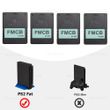
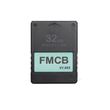
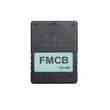
V1.953 Free McBoot FMCB Program Card OPL for PlayStation2 PS2 Fat Console 8MB/16MB/32MB/64MB Memory Card for PS2 Accessories
Includes all taxes
Meet your Seller
-
$14.40Sold by BILLIONS BIRDS
Description
NOTE
1. We suggest not to use FMCB card to save the games. There is a certain chance that the FMCB file will be damaged during the process of writing the saves, making the fmcb unable to work. Please plug another PS2 card for saving games.
2. Doesn't support EXFAT format.
Features:
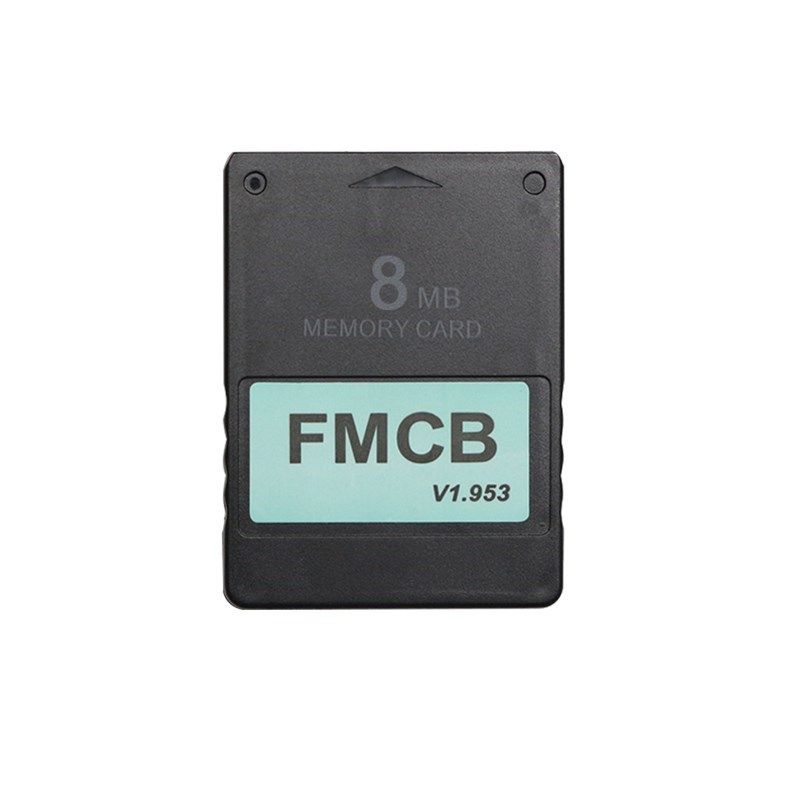
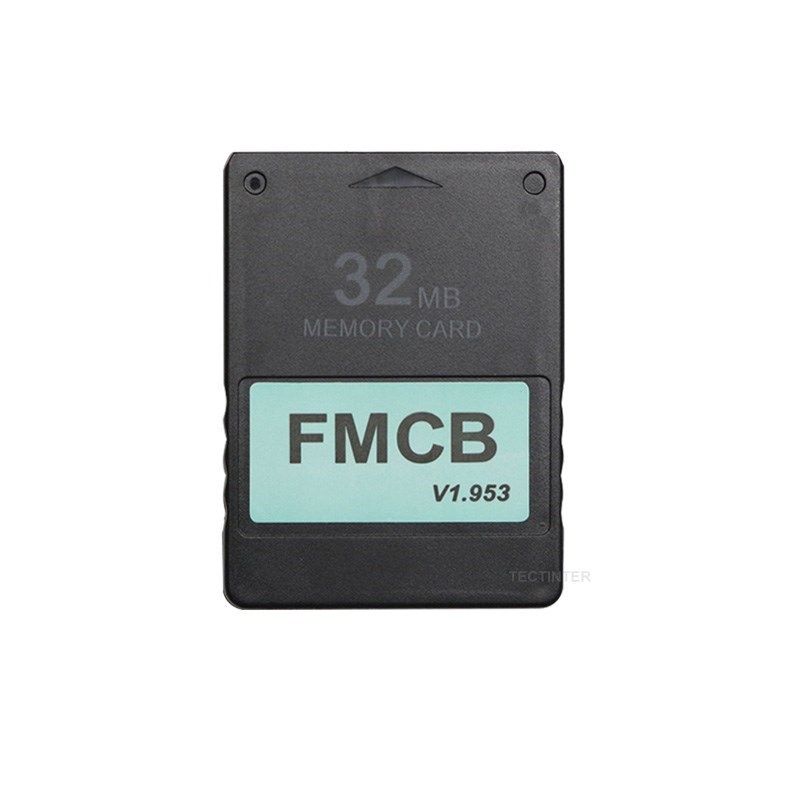
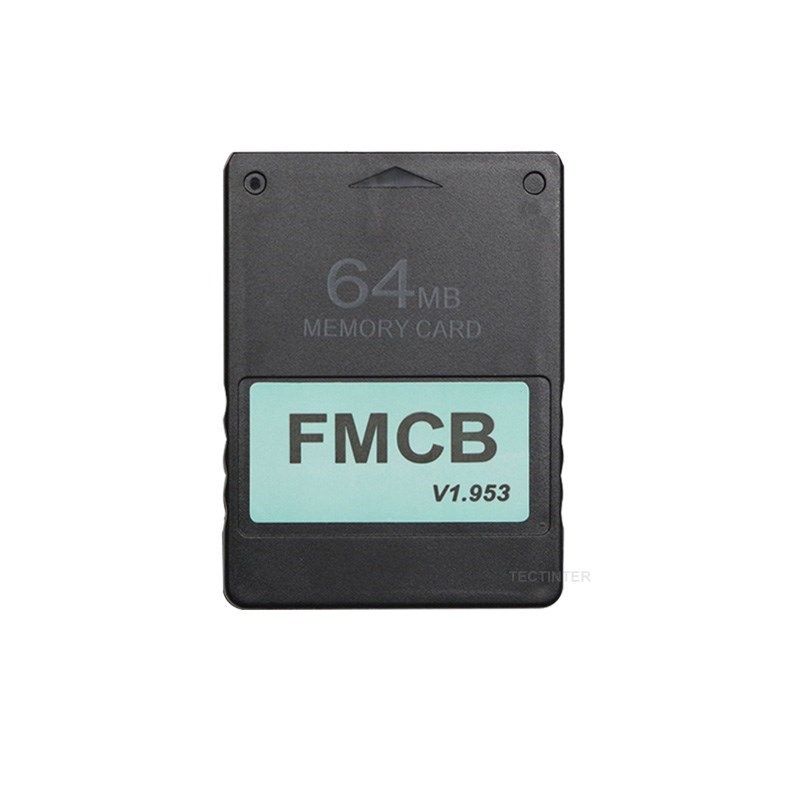
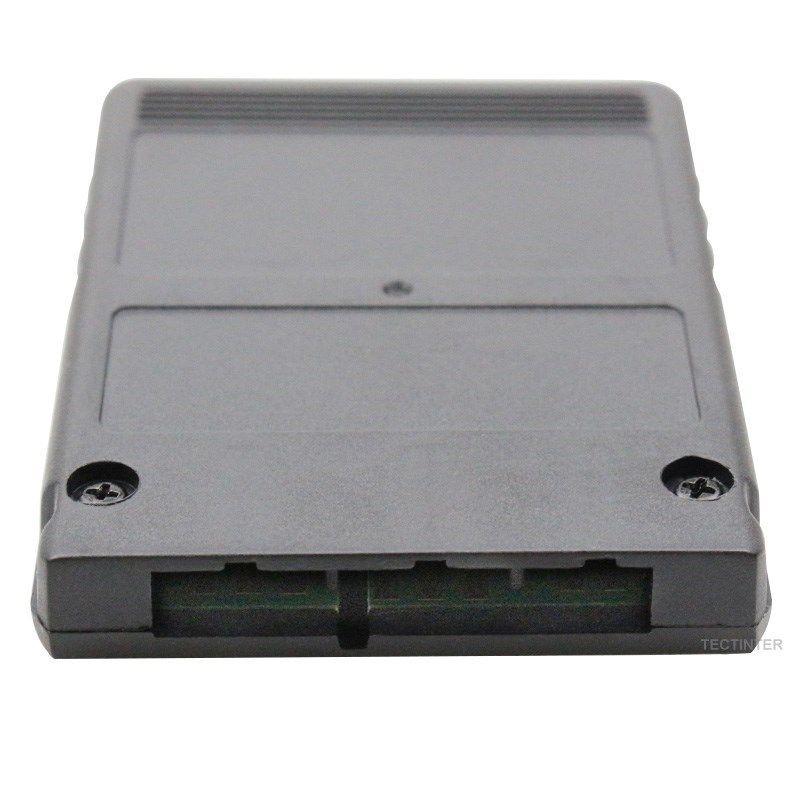
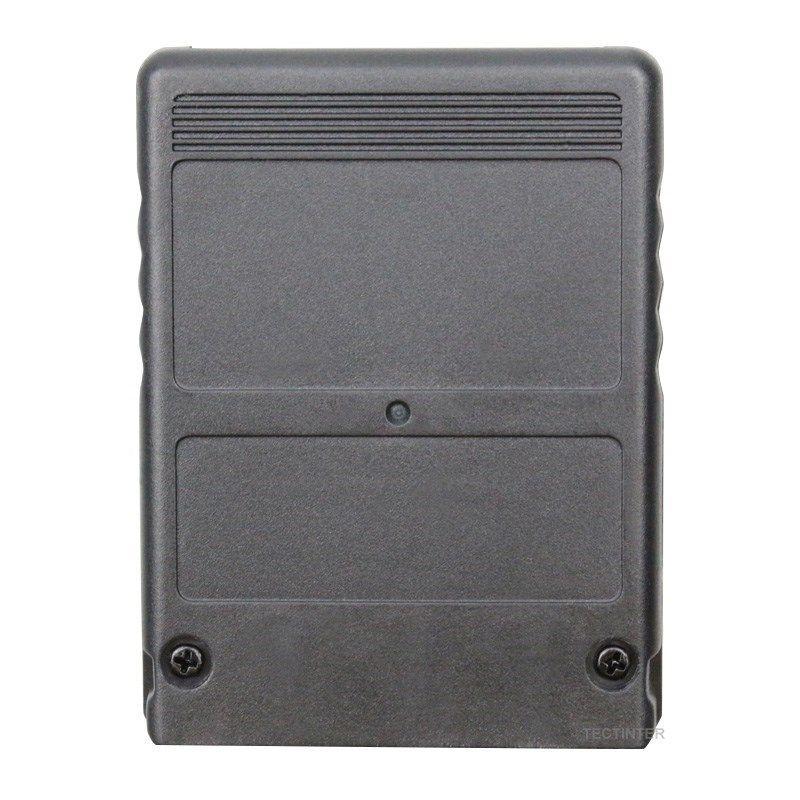
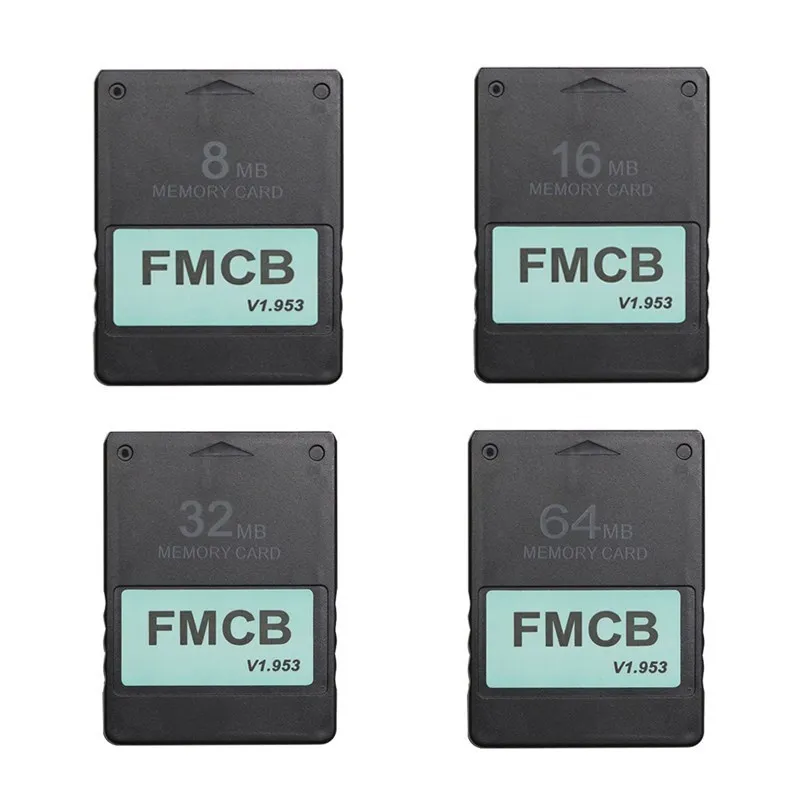
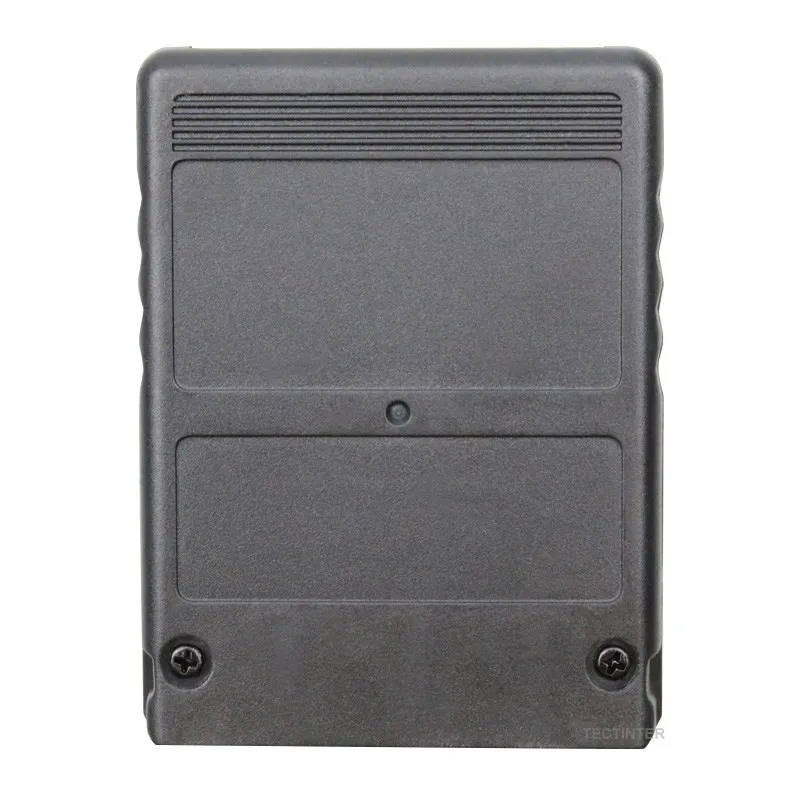
Brand New MagicGate 8MB Free McBoot card (FMCB)
Sample and Easy, Quick plug into your PS2 fat console and play.
Support with CHIP MOD or without CHIP MOD on your ps2 console.
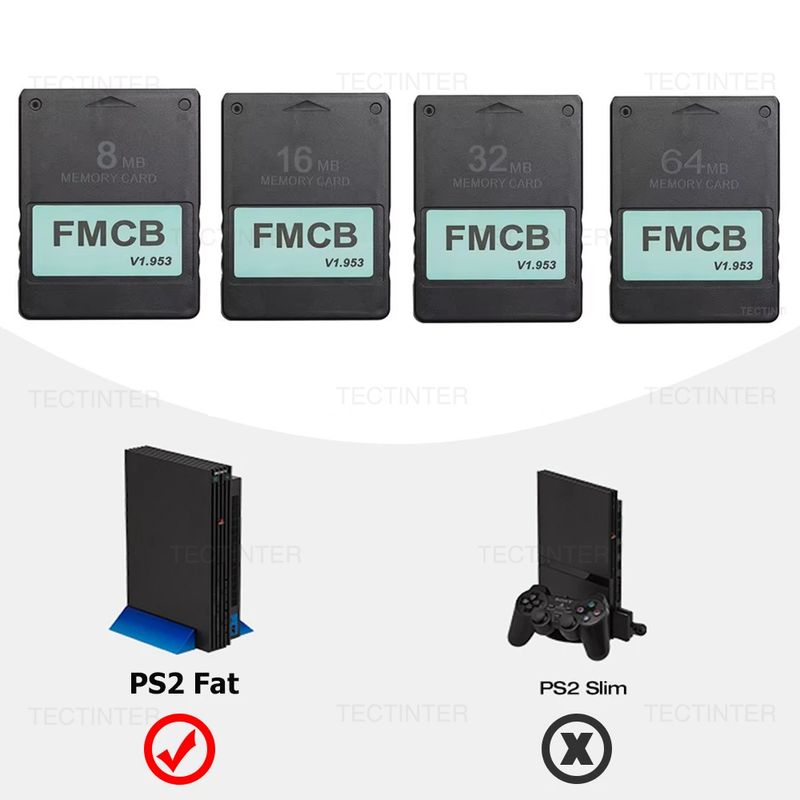
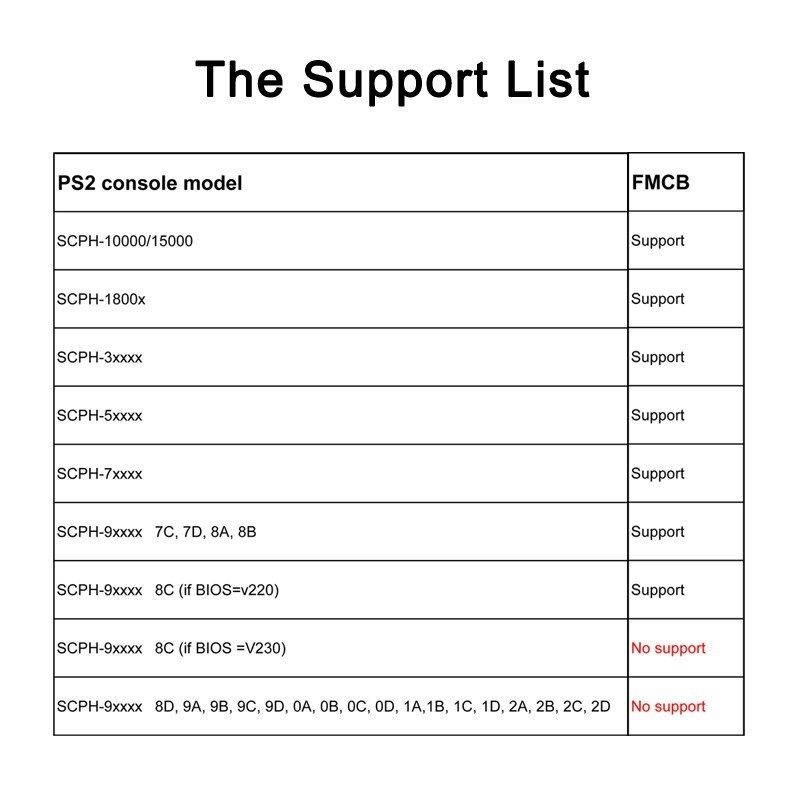
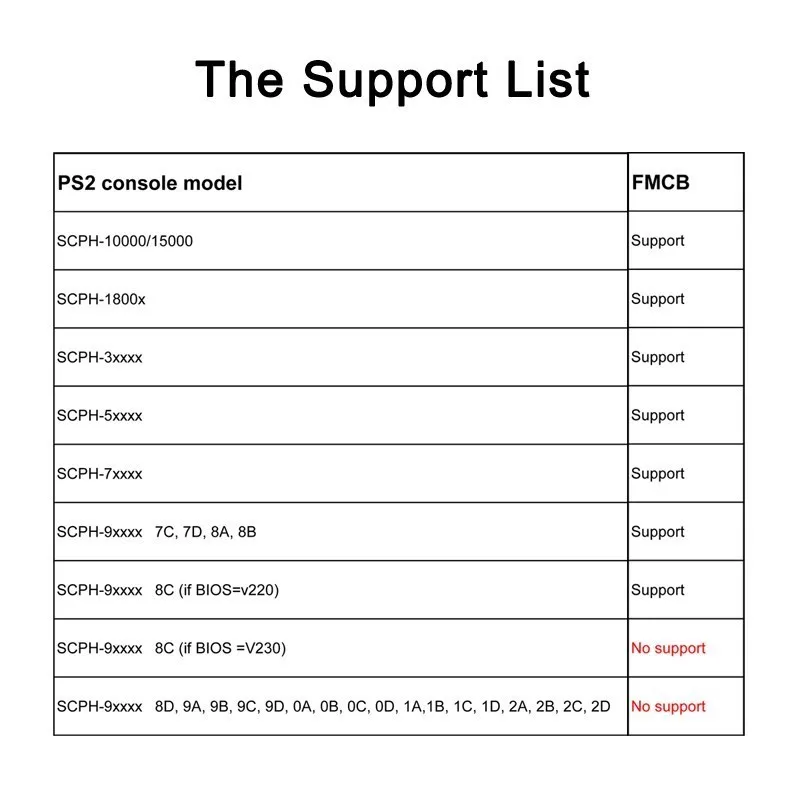
No Region limited, compatible with all ps2 fat console (SCPH-3XXXX and SCPH-5XXXX Series).
Operation Software:
uLaunchELF
uLaunchELF also known as uLE (abbreviated) is an open source file manager and executable launcher for the Playstation 2 console based off of the original LaunchELF. It contains many different features, including a text editor, hard drive manager, as well as network support, and much more.
ESR beta r9b( Launch Disc)
ESR is a homebrew app made specifically to work with FMCB to allow you to play backup games on self-create DVD discs . You will have to patch the game before burring into DVD disc.
Please Note: CDs format are not supported.
OPENPS2Loader v0.9.3 [OPL v0.9.3]
Open PS2 Loader (OPL) is an application designed to allow you to play your backup ps2 games from an Internal HDD, a local Hard disk, a connected USB disk or USB Hard disk.
HDLoader 0.8c
HDloader allow you to play backup games from an Internal HDD
Code Break v10
The CodeBreaker is an accessorythat alters a video game's code, giving the user various cheats and other advantages.
ulaunchELF v4.4.2d
uLaunchELF also known as uLE (abbreviated) is an open source file manager and executable launcher for the PS-2 console based off of the original LaunchELF. It contains many different features, including a text editor, hard drive manager, as well as network support, and much more.
Sample Media System
Using this program you can view multimedia files including DIVX, AVI, XVID, MPEG, MP3, etc … on your PS-2 console.
USB Advance
If you want use USB disk or USB HDD to play games, USB Advance will be a good choose
GSM v0.38
GSM intends to make on-the-fly conversion from the original graphic mode of games (or application) choosen by user, to the ones he/she wants to force.
PS2infoGB (GameBoy Emulator)(Only 32MB 64MB have this)
PS2InfoGB is a GameBo emulator for the Playstation2. Recommand using the USB storage to placed your ROMS.
PS2FCEUltra 0.9.3 (NES emulator)(Only 32MB 64MB have this)
A NES emulator, support playing games on usb,mc,and hdd. More information please visit the website
PGEN v1.5.1 (Genesis/Mega Drive emulator)(Only 32MB 64MB have this)
PGEN is a Genesis/Mega Drive emulator which allows you to run your favorite roms directly from the hard drive (which can also be run from a memory card and USB).
SNES-Station(SNES emulator)(Only 32MB 64MB have this)
SNES-Station is a SuperNintendo/SuperFamicom emulator for the Playstation 2. For the extreme newbs, that means you can play your Super Nintendo games on your PS2 by using ROMs placed on the CDROM, USB, MC, and HDD.
FAQ:
When I plug it into the ps2 console and power on, it's not work. The ps2 console can't find FMCB.
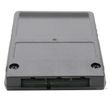
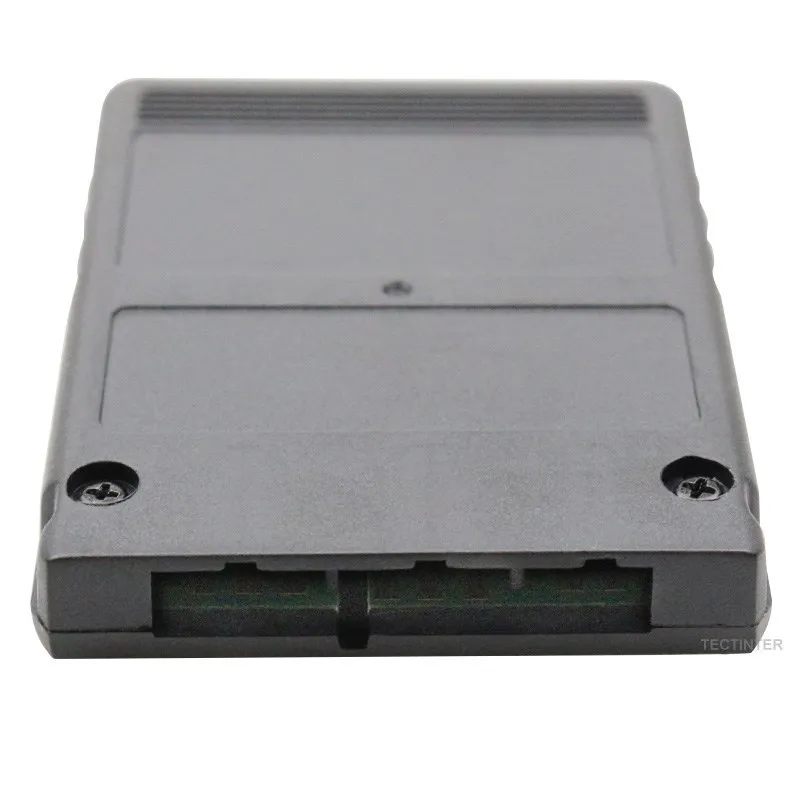
This situation is mostly caused by poor connection between FMCB and the PS2 console, in other words the gold finger of the FMCB board and the PS2 console are not in good connection. There are two steps fix it out. Step 1.You need open the FMCB card with Philips screwdriver and clean the dash on the gold fingers on the pcb board. Step 2. Fix the PCB board position on the case, make sure the pcb board lying flat and not skewed. Then you can assemble back and test it again.
What is the OPL ? what can I do with OPL ?
Open PS2Loader (OPL) is an application designed to allow you to play your backup games from an Internal HDD, a connected USB disk or USB Hard disk.
How to install backup games into internal IDE HDD ?
The internal HDD is the normal 3.5 IDE HDD, if you are using a SATA network adapter, you can use 2.5'' and 3.5'' Hard Disk. If you have ps2 console SPCH-3xxxx or SPCH-5xxxx, congratulations ! With the Network Adapter , you can use the OPL which has been installed on the FMCB to play backup games in the internal HDD, the games run fast and smoothly.
But how games are installed into the HDD. Frist you need to connect your IDE/SATA HDD to your computer, Then use the windows Software WinHIIP to install the ps2 Games into your harddisk.
How to burn backup games into USB disk or USB Hard disk ?
1.Format your usb disk
Run the FMCB card in your ps2 console, plug your usb disk to console and then open the software USBAdvace which has been installed in your FMCB , then choose your usb device and click the format button on the right side of the screen.
2.Burn games into your usb disk which has been formatted.
open USBAHD_GameInstall.exe (you can get it from google) and chose the iso games and burn it to your usb disk.
3.Replug you usb disk to your console and use the USBAdvance or OPL to play games.
Shop Policies
Payment Policy
Payment Policy – BILLIONS BIRDS
At BILLIONS BIRDS, we are committed to providing a safe, secure, and seamless payment experience for our customers.
1. Accepted Payment Methods
We accept the following payment options:
Major Credit & Debit Cards (Visa, MasterCard, American Express)
Secure Online Payment Gateways (such as PayPal, Stripe, or other providers available at checkout)
Any additional payment methods displayed during checkout
All payments must be completed in full at the time of purchase.
2. Secure Transactions
All transactions are processed through encrypted and secure payment systems to protect your personal and financial information. We do not store your full payment details on our servers.
3. Currency
Prices are displayed in the currency indicated on the website. If you are purchasing from another country, your bank may apply currency conversion fees.
4. Order Confirmation
Once your payment has been successfully processed, you will receive an order confirmation email containing your purchase details.
5. Failed or Declined Payments
If your payment is declined, please verify your billing information or contact your bank. Orders will only be processed after successful payment confirmation.
6. Fraud Prevention
BILLIONS BIRDS reserves the right to cancel or refuse any order if fraud or unauthorised activity is suspected.
Delivery Policy
Delivery Policy – BILLIONS BIRDS
At BILLIONS BIRDS, we are dedicated to delivering your orders safely and efficiently.
1. Order Processing
All orders are processed within 1–3 business days after payment confirmation. Orders are not processed or shipped on weekends or public holidays.
2. Shipping Times
Estimated delivery times vary depending on your location:
Domestic Shipping: 3–7 business days
International Shipping: 7–15 business days
Please note that delivery times are estimates and may vary due to customs procedures, carrier delays, weather conditions, or other unforeseen circumstances.
3. Shipping Costs
Shipping fees are calculated at checkout based on your location and selected shipping method. Any customs duties, taxes, or import fees are the customer's responsibility.
4. Tracking Information
Once your order has been shipped, you will receive a confirmation email with tracking details (if available) so you can monitor your package.
5. Delivery Issues
If your order is delayed, lost, or arrives damaged, please contact us within 7 days of the expected delivery date. We will work with the shipping carrier to resolve the issue as quickly as possible.
6. Incorrect Shipping Information
Customers are responsible for providing accurate shipping details at checkout. BILLIONS BIRDS is not responsible for orders shipped to incorrect addresses provided by the customer.
Refund Policy
Refund Policy – BILLIONS BIRDS
At BILLIONS BIRDS, customer satisfaction is our top priority. If you are not completely satisfied with your purchase, we’re here to help.
1. Return Eligibility
You may request a return within 14 days of receiving your order. To qualify for a return:
The item must be unused, unworn, and in the same condition as received.
The item must be in its original packaging.
Proof of purchase (order confirmation or receipt) is required.
Certain items may not be eligible for return, including clearance items, gift cards, or personalised/custom products.
2. Non-Refundable Items
The following items are non-refundable:
Final sale or discounted items
Gift cards
Items damaged due to misuse, negligence, or improper care
3. Return Process
To initiate a return, please contact our customer support team with your order number and reason for return. If your return is approved, you will receive instructions for returning the item.
Unless the item is defective or incorrect, customers are responsible for return shipping costs.
4. Refund Processing
Once we receive and inspect your returned item:
We will notify you of the approval or rejection of your refund.
If approved, the refund will be issued to your original payment method within 5–10 business days.
Please note that banks or payment providers may require additional time to process refunds.
5. Damaged or Incorrect Items
If you receive a damaged, defective, or incorrect item, please contact us within 7 days of delivery and provide clear photos of the product and packaging. We will arrange a replacement or full refund at no additional cost.
6. Late or Missing Refunds
If you have not received your refund:
Check your bank account again.
Contact your credit card company or payment provider.
If the issue persists, don't hesitate to contact our support team for assistance.
Recommended Products
Customer reviews
Share your thoughts with other customers
Be the first one to write a review!

Items (0)
