
WAVLINK USB2.0 Wireless Printer Server With 10/100Mbps LAN/Bridge WiFi Support Wired/Wireless/Standalone Modes For Windows/Mac
Includes all taxes
Meet your Seller
-
$76.46Sold by BILLIONS BIRDS
Description
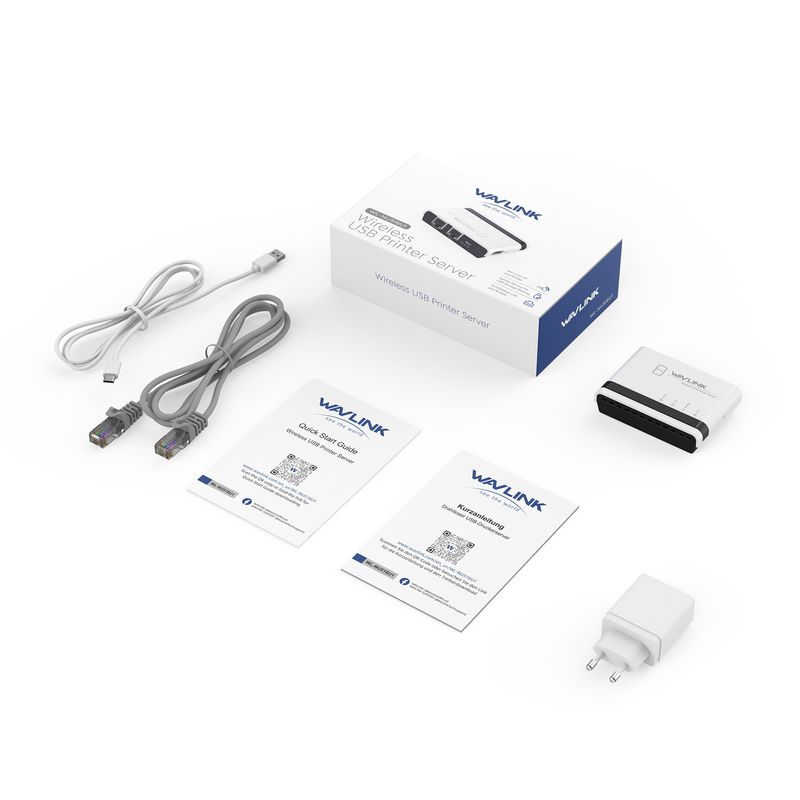
WAVLINK USB Wireless Print Server, WiFi Print Server with 10/100Mbps LAN/Bridge, 480Mbps USB2.0, Support Wired/Wireless/Standalone Modes, Compatible with Windows/Mac and All RAW-supported Printers
Description:
Come and Get WAVLINK WiFi USB Print Server, Share Printers in Home&Office Wireless
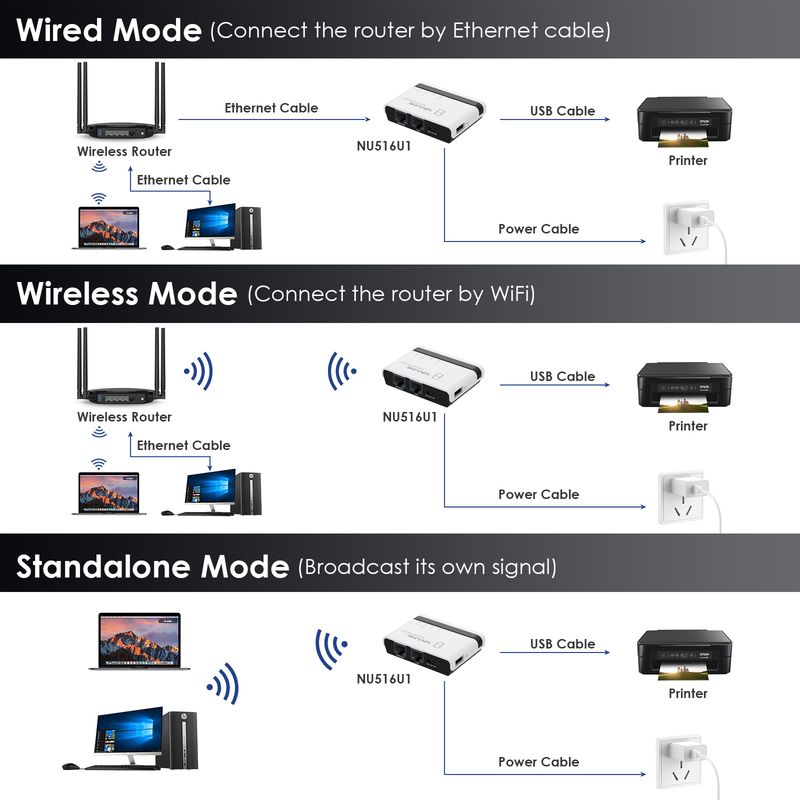
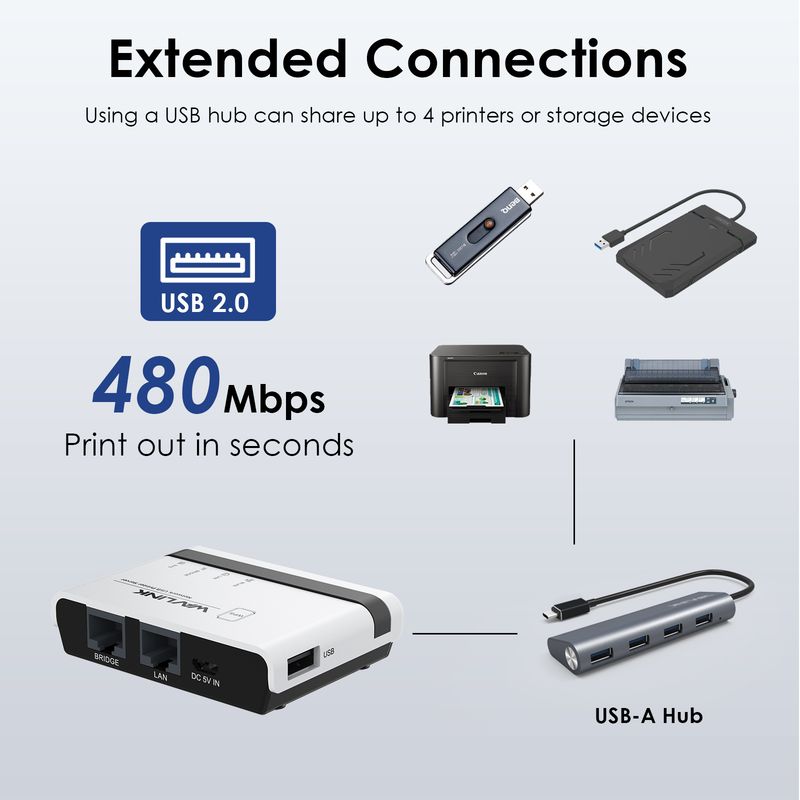
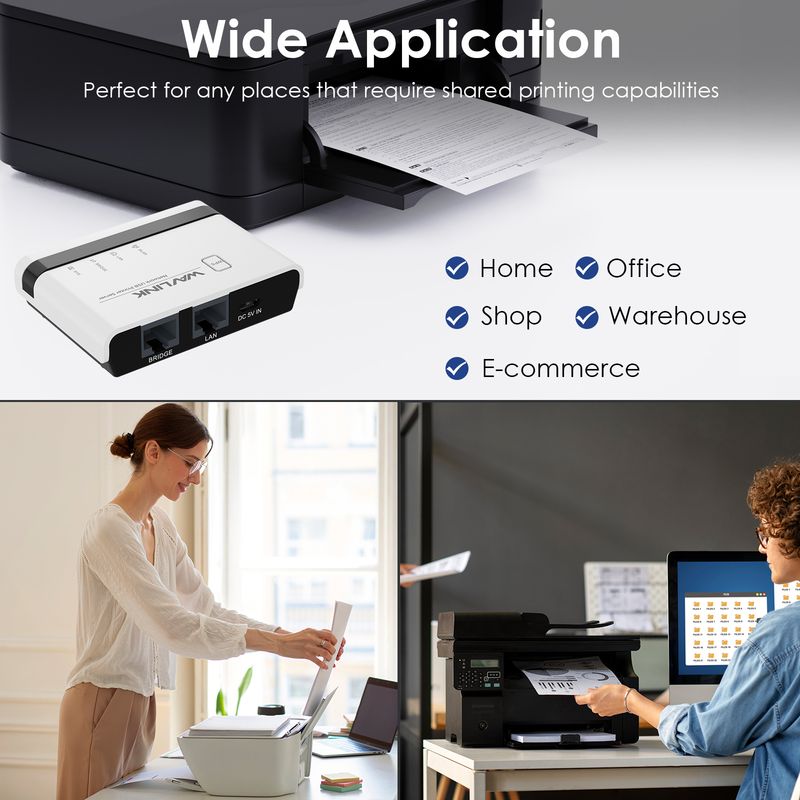
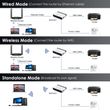
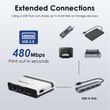
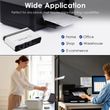
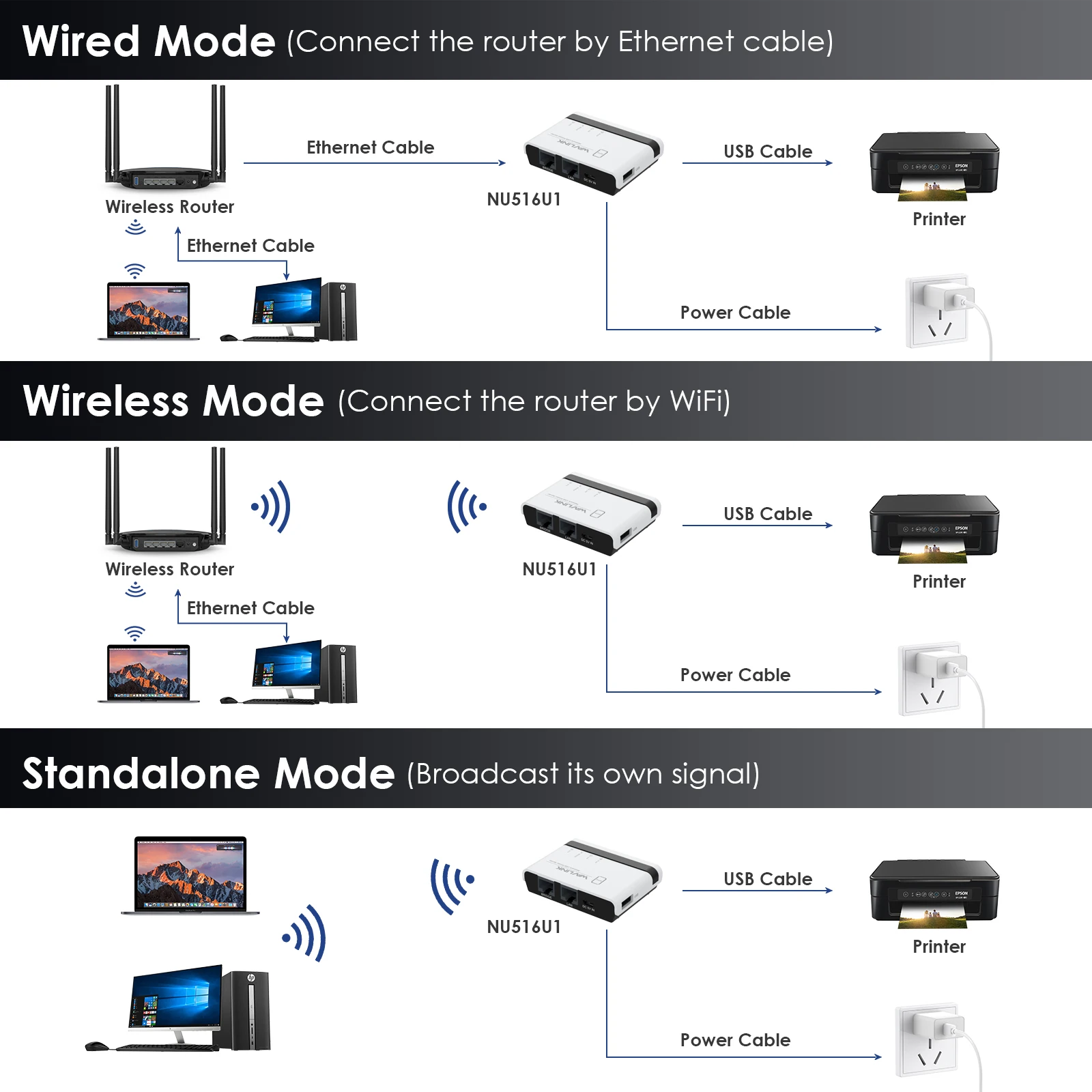
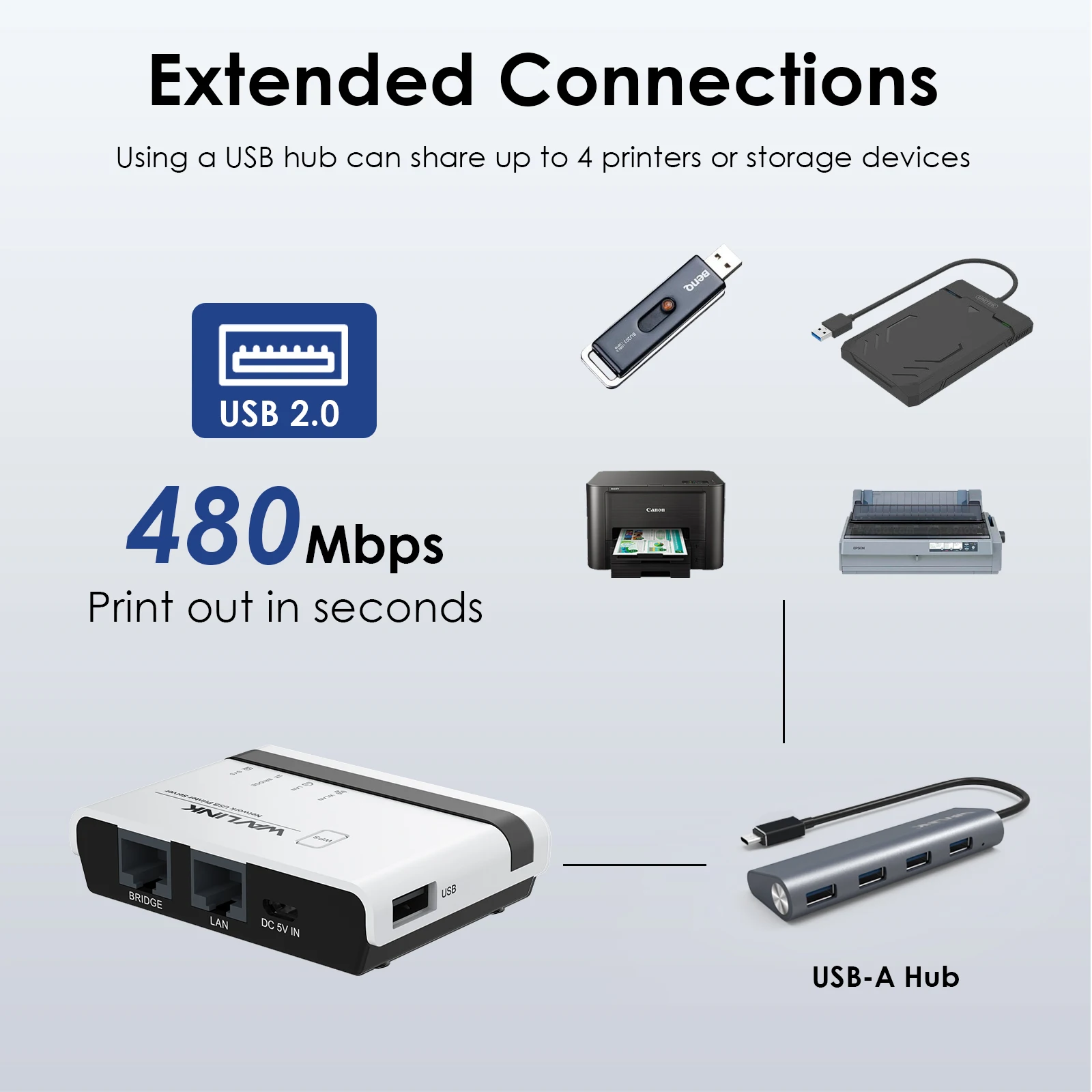
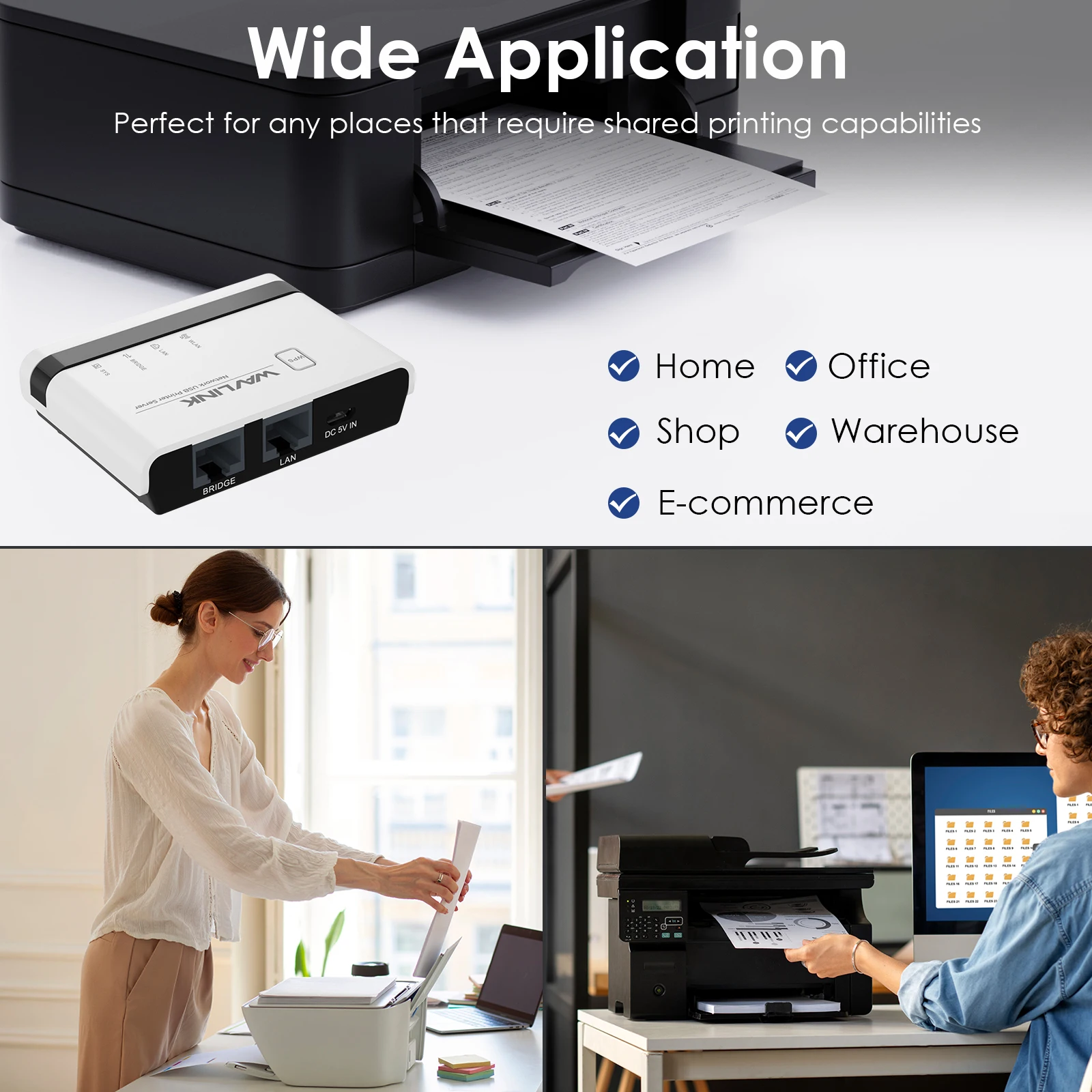
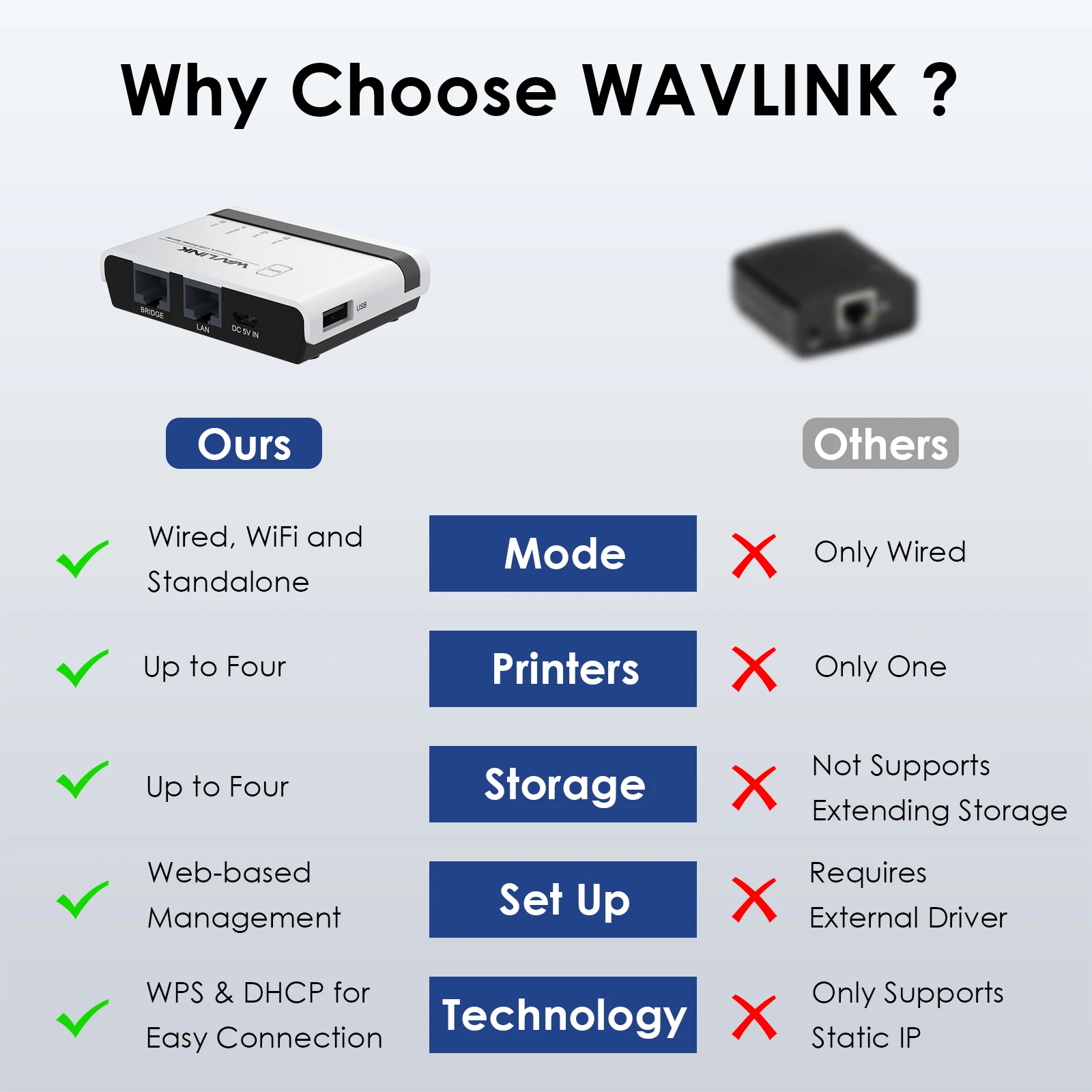
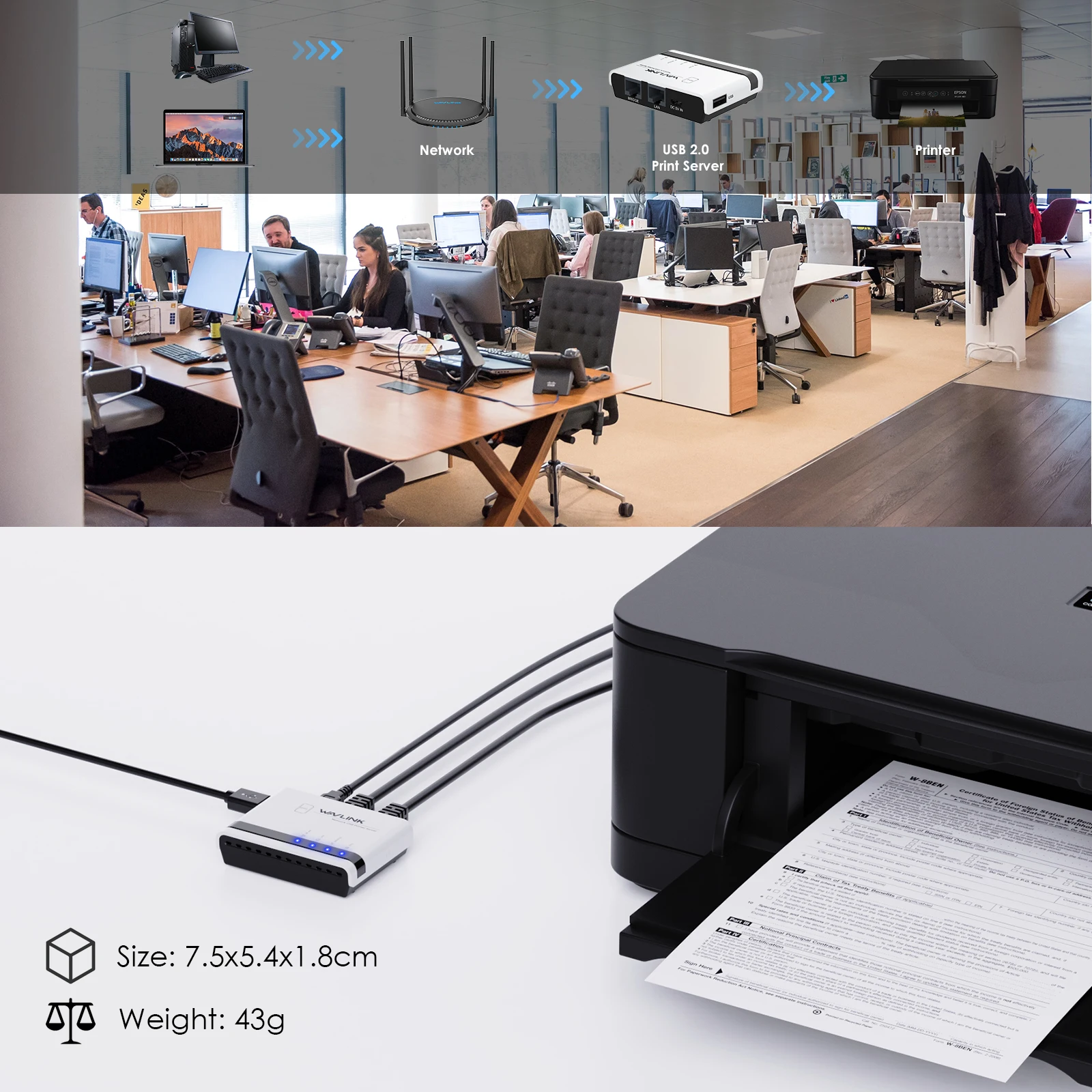
WAVLINK wifi print server allows you to share usb printers with multiple users in different ways. In the wired/wireless mode, the product connects to the superior router through the network cable/wifi signal. In stand-alone mode, the product broadcasts a wifi signal, and computers can also share the printer by connecting this signal. The usb-a port complies with usb2.0, which supports connecting four printers or storage devices via a usb hub. Its palm-size and wide compatibility make the print server suitable for home, warehouse, shop, office, e-commerce, soho, government, educational institutions and any other places that require shared printing capabilities.
Installation Steps
1.Connect the power adapter.
2.Connect the printer and network.
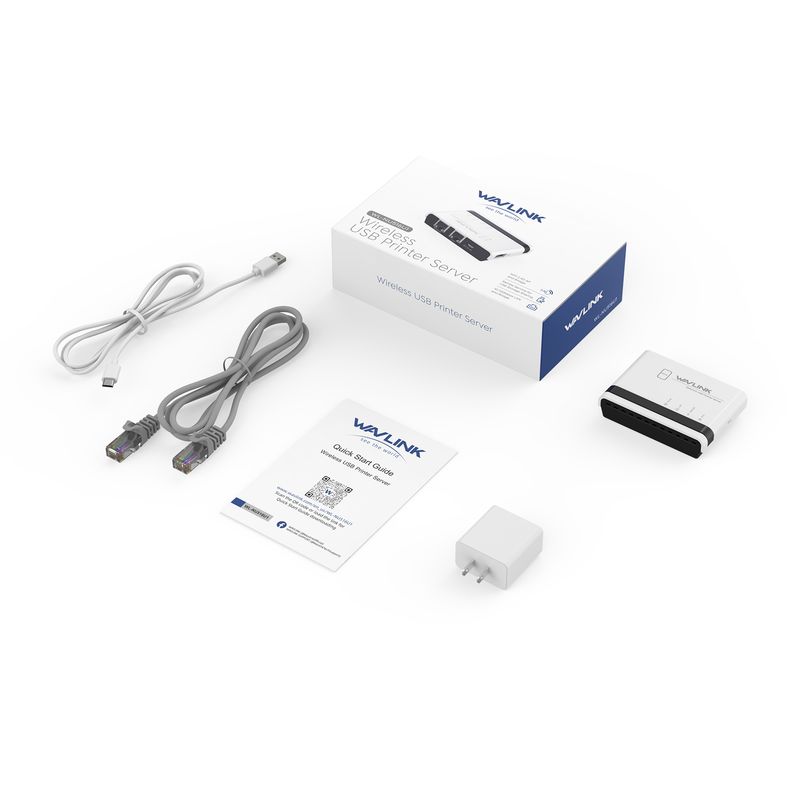
3.Follow the Quick Start Guide to configure the printer and network settings on your PC
Please check the Quick Start Guide for more detailed printer and network setup steps.
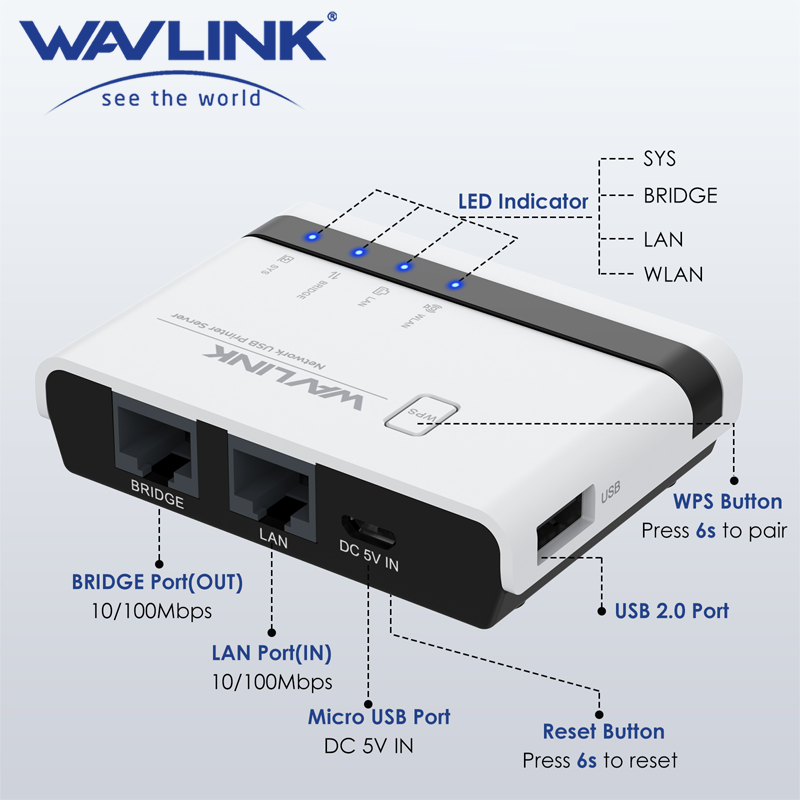
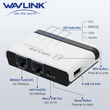
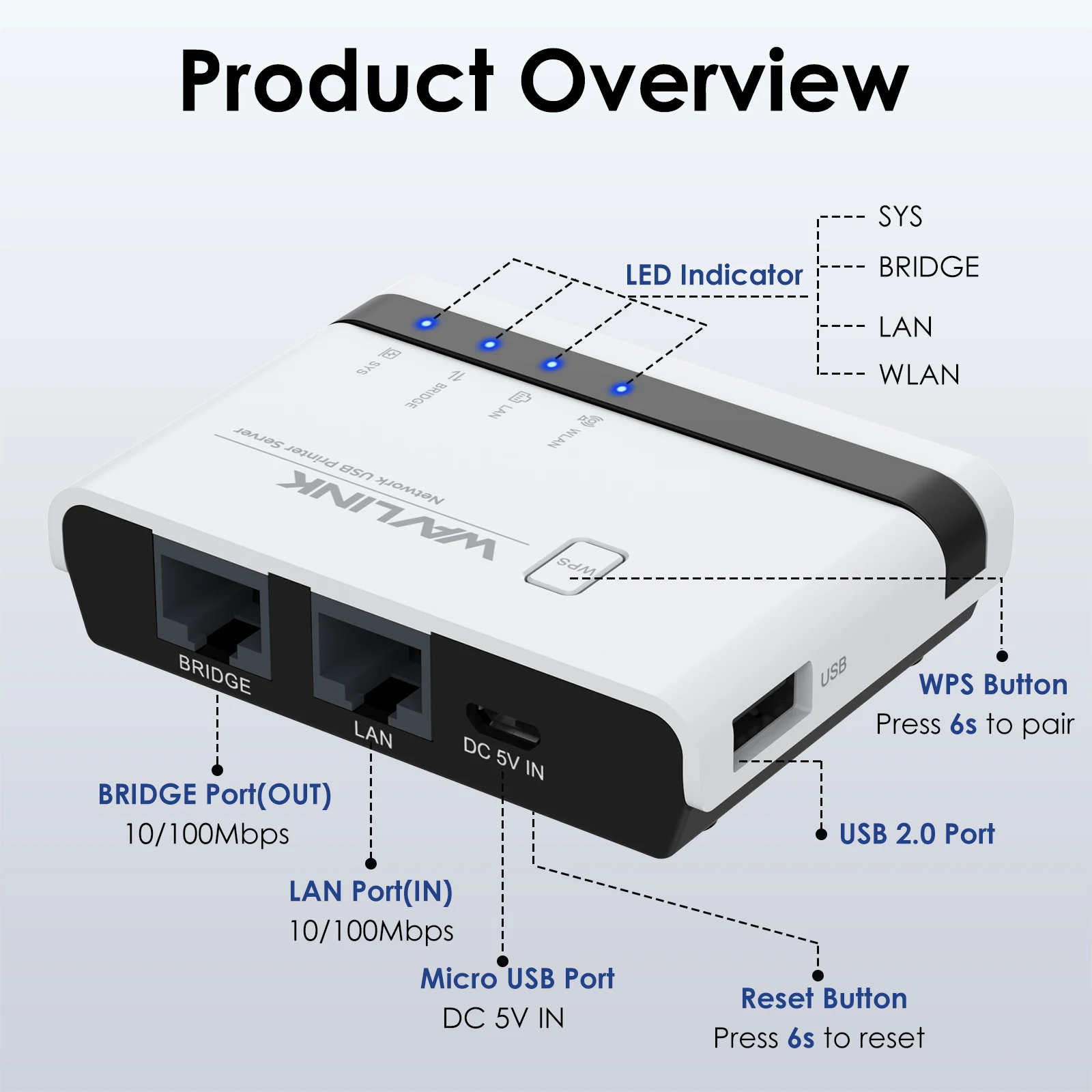
Description of LED Indicators
WLAN LED is on/off —— The WiFi is activated/deactivated
LAN LED is on/off —— The LAN port is connected/disconnected
BRIDGE LED is on/off —— The BRIDGE port is connected/disconnected
SYS LED is on/slow blinking —— The printer server has/hasn't connected to the router.
SYS LED is fast blinking —— The WPS is ON
Wide Compatibility
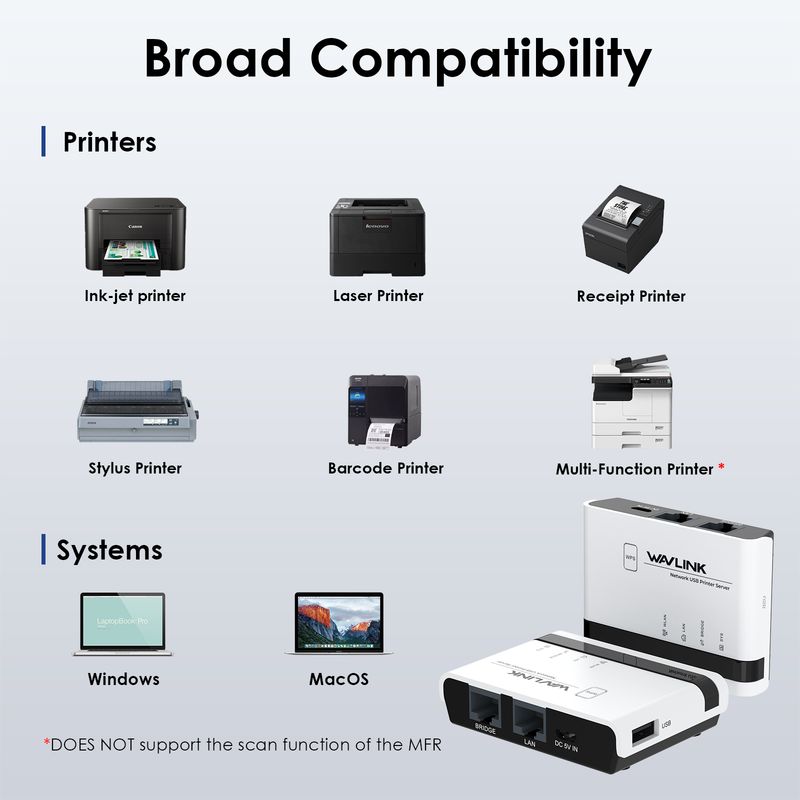
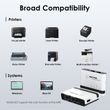
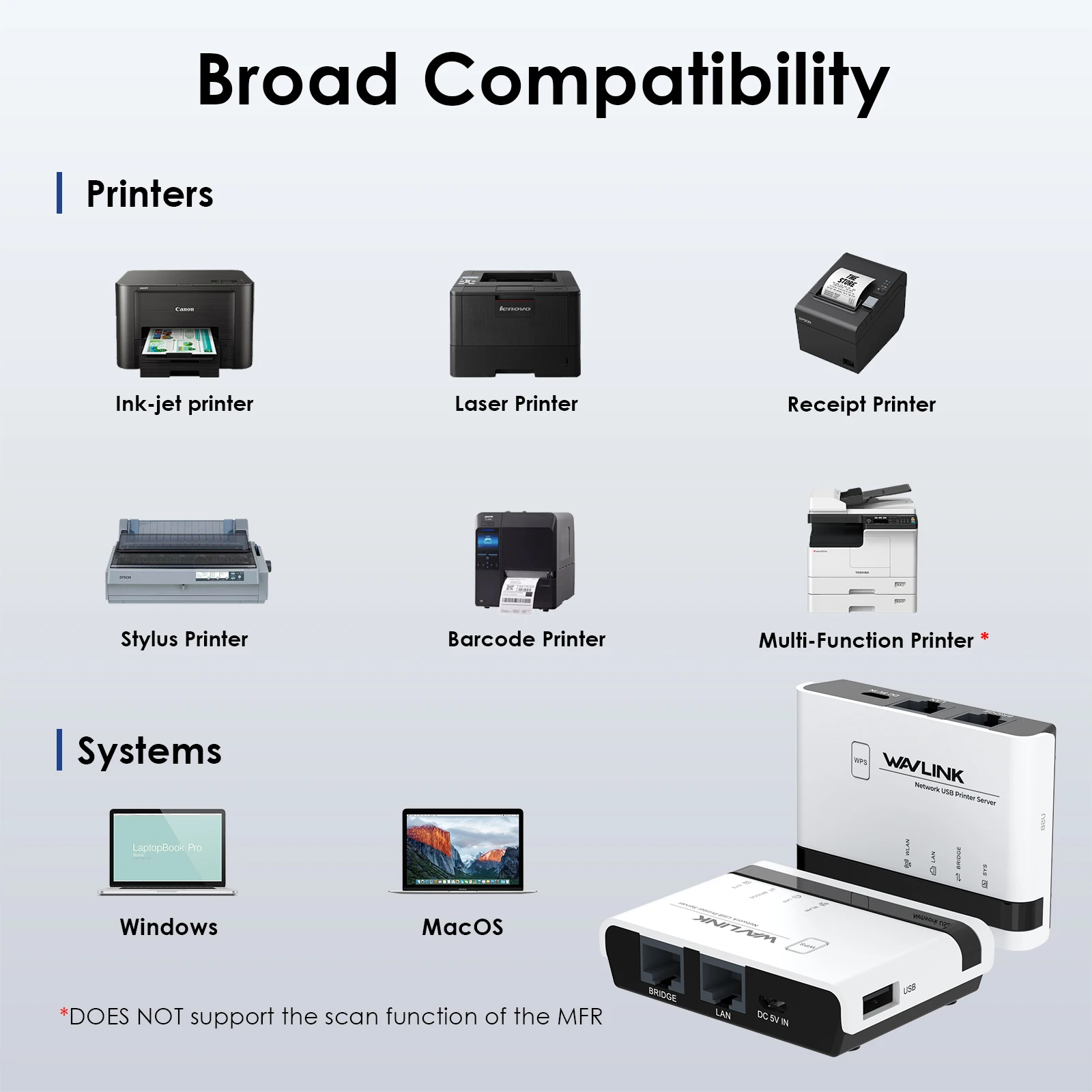
This USB wireless print server works with most usb printers, such as HP, Canon, Epson, Brother, Sharp, Fuji Xerox, Lenovo, Aurora, Samsung, Konica Minolta, Deli, Toshiba, Kyocera, Zebra, OKI and other printers that support RAW protocol. A few printers are not supported, such as Canon LBP2900, 2900+, 3000, 7200, HP P1108, HP M403D, Epson 1390. If you are not sure whether your printer supports the RAW protocol, it's recommended to consult our customer service to confirm.
WPS & Reset Button
WPS function supported, allowing for easy and convenient connection to your wireless network without input password. Press the WPS button for 6s to pair with the router when in Wireless Repeater Mode and press the Reset button for 6s to reset the device.
Share Printers via Network
WAVLINK usb wireless print server converts your usb printers into wifi printers, so that all connected computers(connect to the print server directly or through a router) can share these printers, suitable for home, warehouse, shop, office, etc. Note: It is recommended that your computer and the print server be under the same local network.
Manage on Web Interface
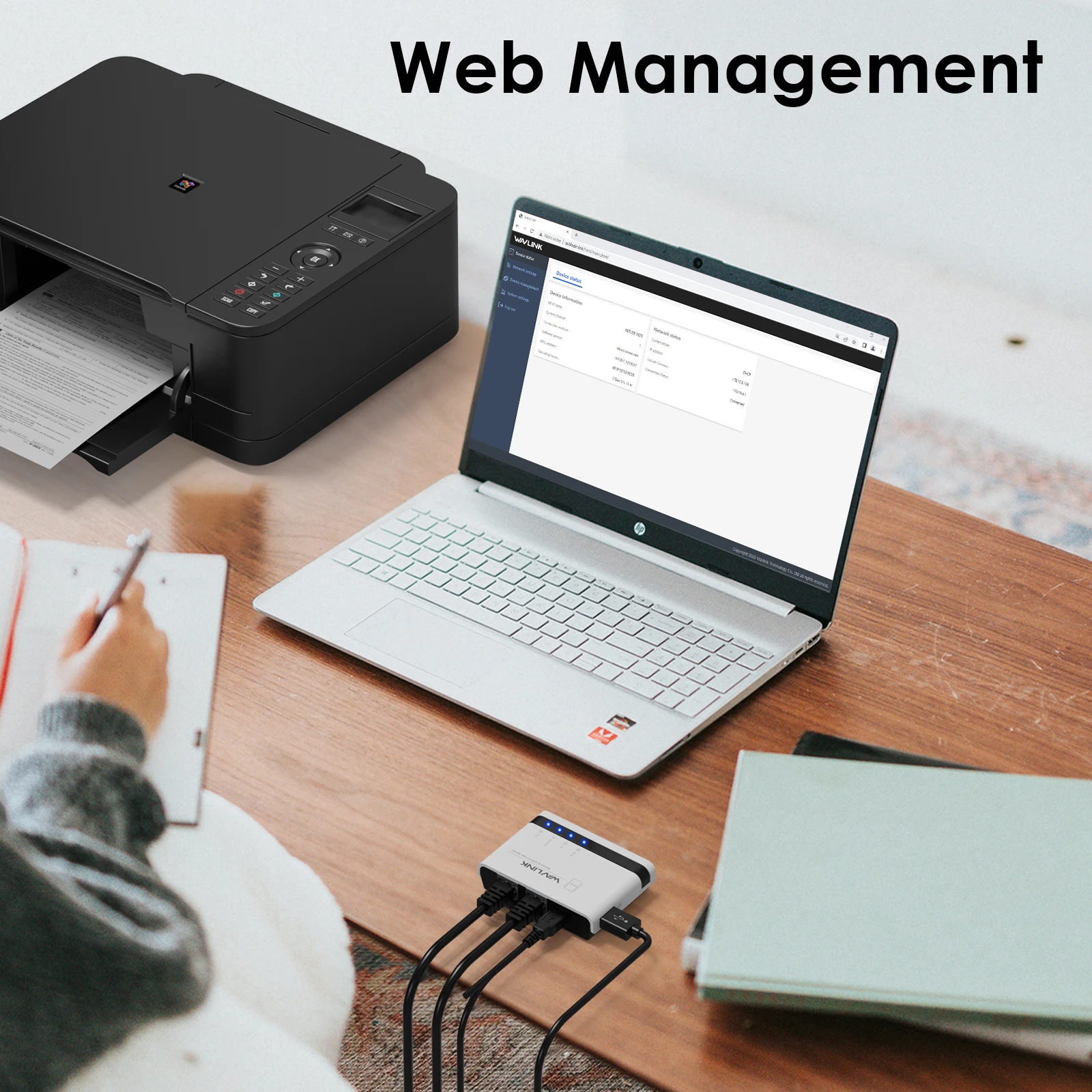
Supporting web management, this print server provides more convenience by allowing the user to configure, monitor and even reset the print server on a web interface, which eliminates the hassle of technically complex setup of your print server.
Good Heat Dissipation
Heat ventilation holes are added at the bottom of the usb print server to ensure a good cooling effect and prolong its service life.
Specification:
Model: WL-NU516U1
Color: White
Material Type: PC+ABS
Item Weight: 43g/1.5oz
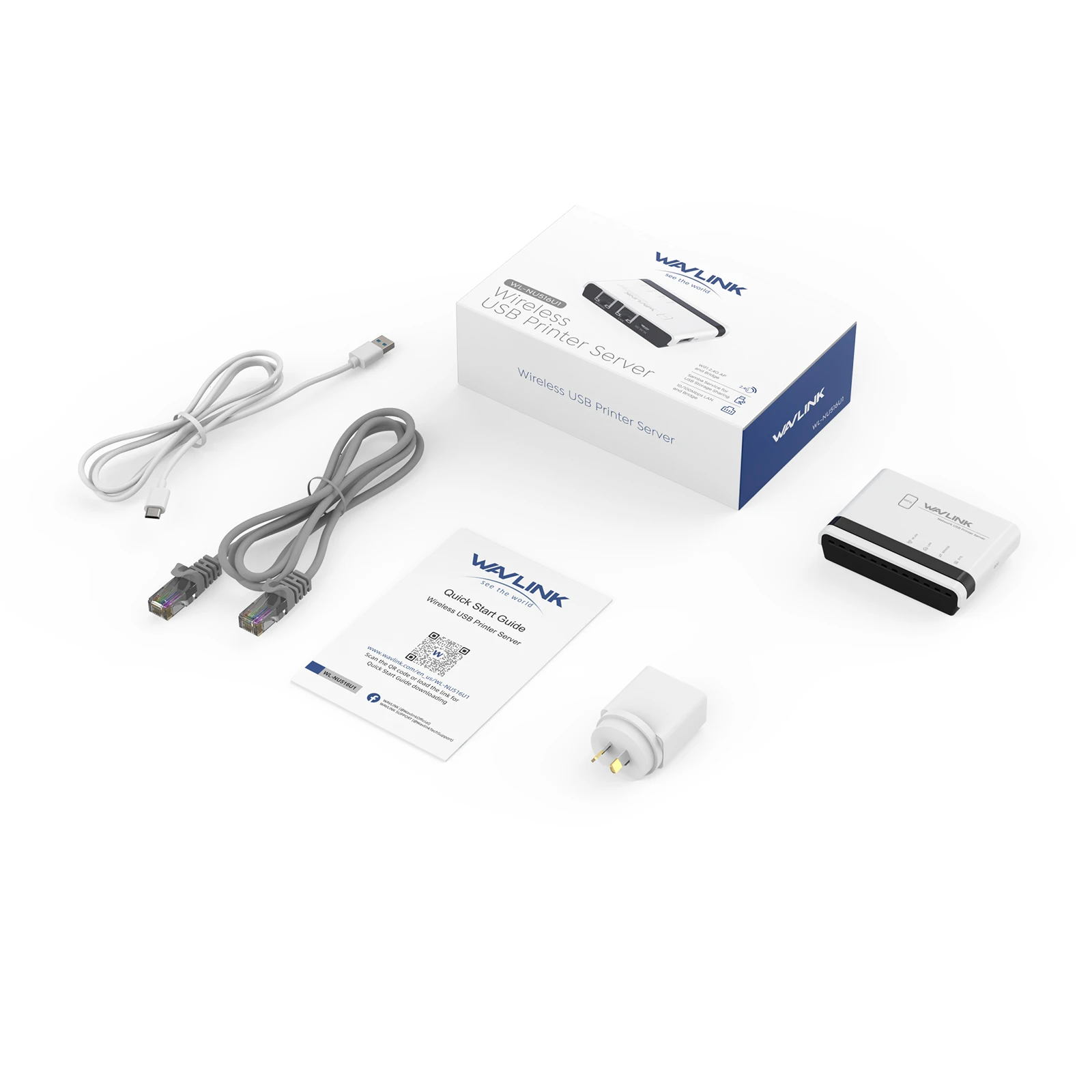
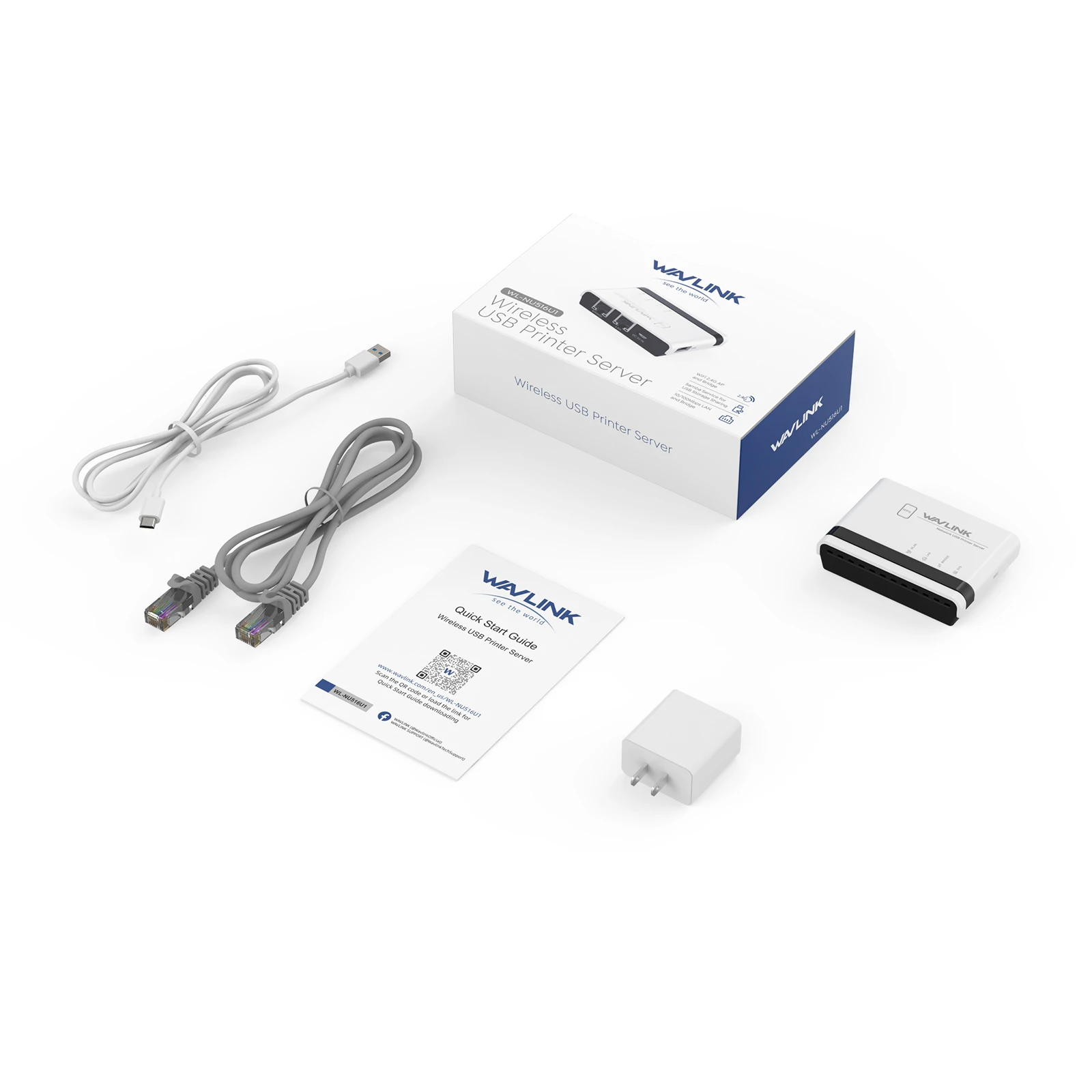
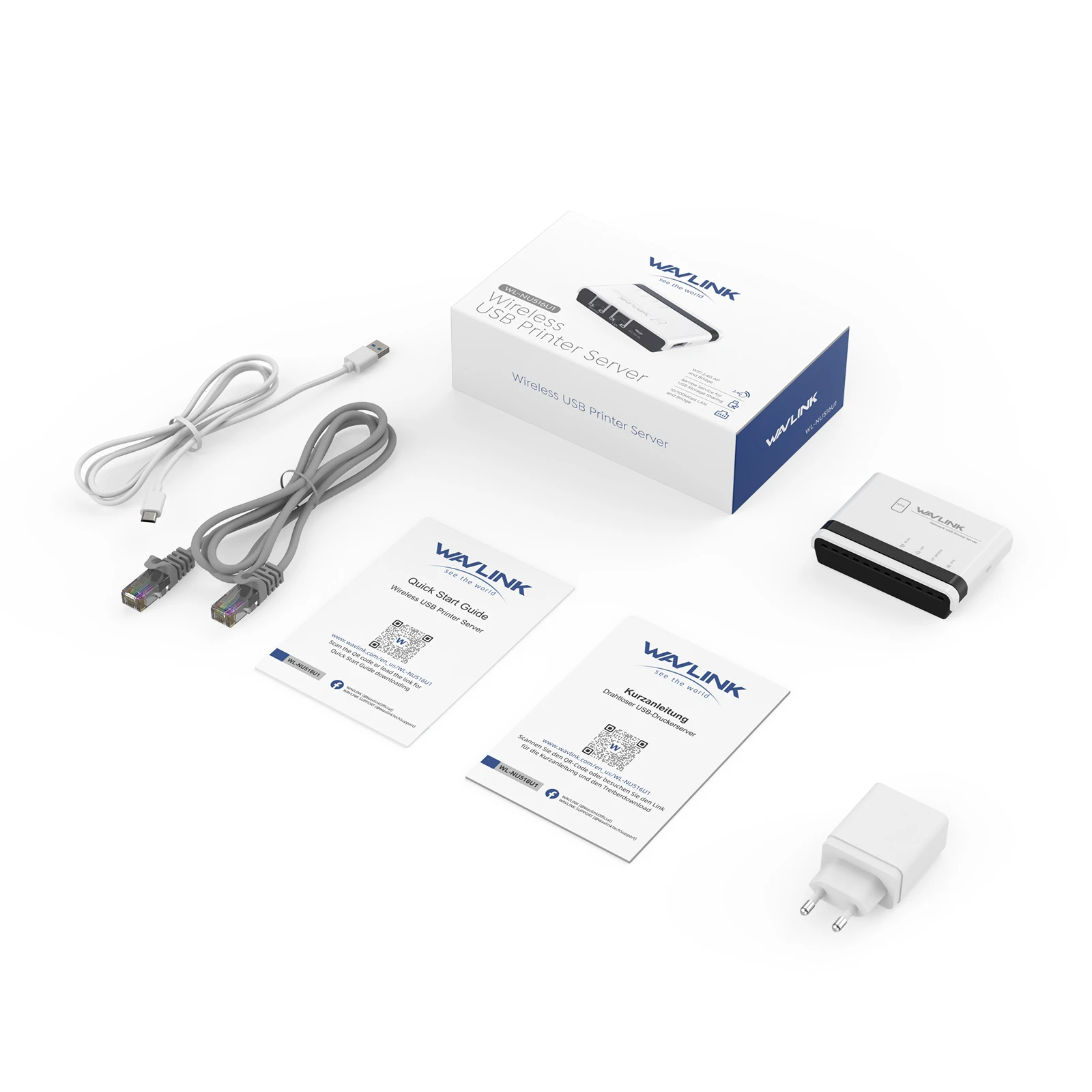
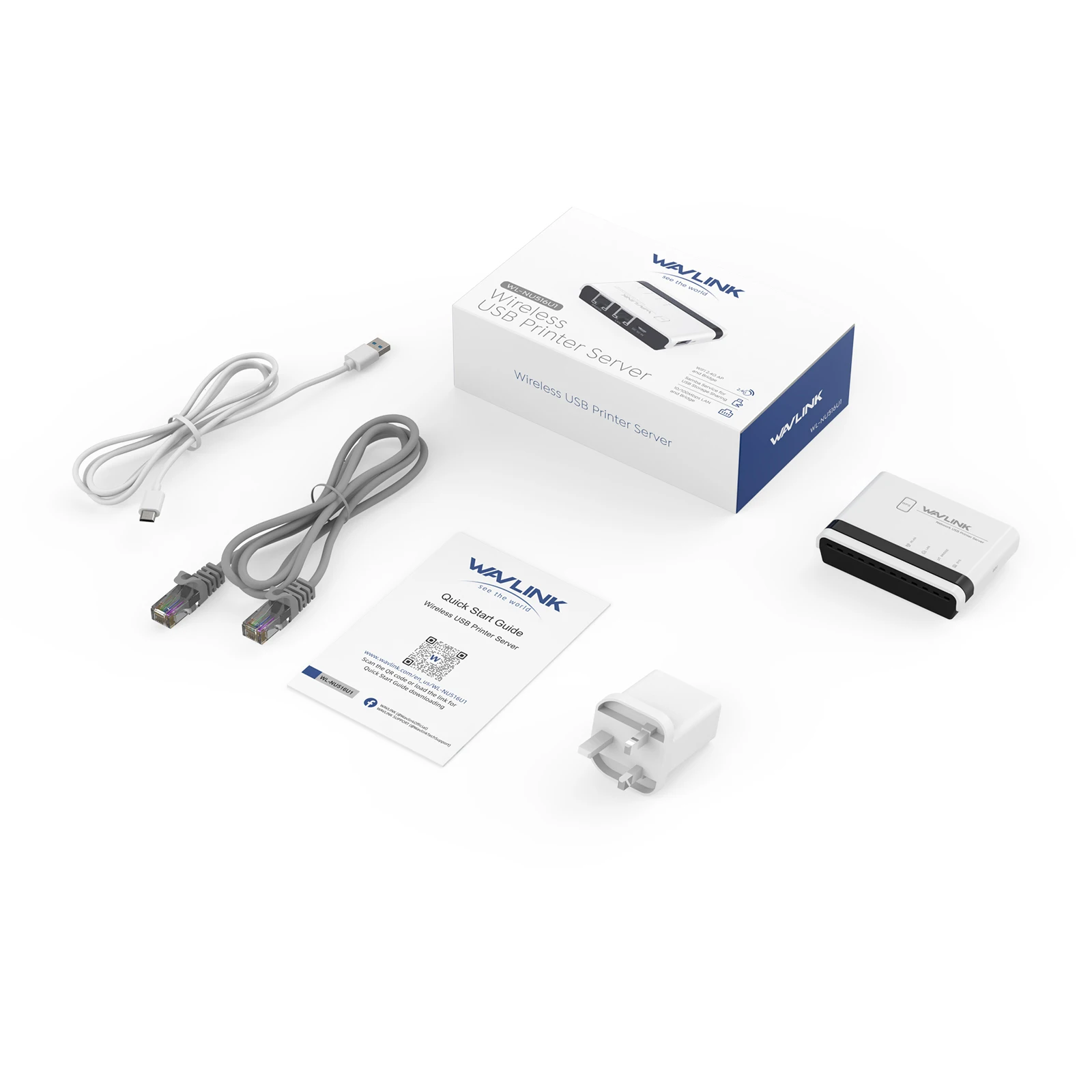
Network Cable Length: 1.1m/3.61ft
Power Adapter Cable Length: 1m/3.28ft
Product Dimensions: 7.5x5.4x1.8cm/2.95x2.13x0.70in
System Requirement: Windows 7/8/10/11/XP, Mac OS
Operation Modes: Wire Mode, Wireless Mode, Standalone Mode
Default Parameters
Login: usblogin.link
User Password: admin
Default IP:192.168.10.1
Default SSID: NETUSB_XXXX
WiFi Key: netusb12345
Features:
- Allow multiple computers to share USB Printers on your local network and print from any computers.
- Compatible with most mainstream USB interface printers.
- Support Samba Service to share USB storage.
- Provide 2 x 10/100Mbps Ports for LAN and Bridge.Can extend your network.
- Support High-Speed USB 2.0 Standard for the Stable Printing Service.
- Support Various Operation Mode:Wired,2.4G Wireless Network and Standalone Mode.
- Support WEB management which is easy to manage your USB Printer Server.
- Support mDNS and SSDP Protocol to find a USB Printer Server easily.
- Support JetDirect(AppSocket)protocol.
- Support WPS button for easy and convenient connection to your wireless network without input password
- Using USB HUB can share up to 4 Printers or 4 Storage devices.
Shop Policies
Payment Policy
Payment Policy – BILLIONS BIRDS
At BILLIONS BIRDS, we are committed to providing a safe, secure, and seamless payment experience for our customers.
1. Accepted Payment Methods
We accept the following payment options:
Major Credit & Debit Cards (Visa, MasterCard, American Express)
Secure Online Payment Gateways (such as PayPal, Stripe, or other providers available at checkout)
Any additional payment methods displayed during checkout
All payments must be completed in full at the time of purchase.
2. Secure Transactions
All transactions are processed through encrypted and secure payment systems to protect your personal and financial information. We do not store your full payment details on our servers.
3. Currency
Prices are displayed in the currency indicated on the website. If you are purchasing from another country, your bank may apply currency conversion fees.
4. Order Confirmation
Once your payment has been successfully processed, you will receive an order confirmation email containing your purchase details.
5. Failed or Declined Payments
If your payment is declined, please verify your billing information or contact your bank. Orders will only be processed after successful payment confirmation.
6. Fraud Prevention
BILLIONS BIRDS reserves the right to cancel or refuse any order if fraud or unauthorised activity is suspected.
Delivery Policy
Delivery Policy – BILLIONS BIRDS
At BILLIONS BIRDS, we are dedicated to delivering your orders safely and efficiently.
1. Order Processing
All orders are processed within 1–3 business days after payment confirmation. Orders are not processed or shipped on weekends or public holidays.
2. Shipping Times
Estimated delivery times vary depending on your location:
Domestic Shipping: 3–7 business days
International Shipping: 7–15 business days
Please note that delivery times are estimates and may vary due to customs procedures, carrier delays, weather conditions, or other unforeseen circumstances.
3. Shipping Costs
Shipping fees are calculated at checkout based on your location and selected shipping method. Any customs duties, taxes, or import fees are the customer's responsibility.
4. Tracking Information
Once your order has been shipped, you will receive a confirmation email with tracking details (if available) so you can monitor your package.
5. Delivery Issues
If your order is delayed, lost, or arrives damaged, please contact us within 7 days of the expected delivery date. We will work with the shipping carrier to resolve the issue as quickly as possible.
6. Incorrect Shipping Information
Customers are responsible for providing accurate shipping details at checkout. BILLIONS BIRDS is not responsible for orders shipped to incorrect addresses provided by the customer.
Refund Policy
Refund Policy – BILLIONS BIRDS
At BILLIONS BIRDS, customer satisfaction is our top priority. If you are not completely satisfied with your purchase, we’re here to help.
1. Return Eligibility
You may request a return within 14 days of receiving your order. To qualify for a return:
The item must be unused, unworn, and in the same condition as received.
The item must be in its original packaging.
Proof of purchase (order confirmation or receipt) is required.
Certain items may not be eligible for return, including clearance items, gift cards, or personalised/custom products.
2. Non-Refundable Items
The following items are non-refundable:
Final sale or discounted items
Gift cards
Items damaged due to misuse, negligence, or improper care
3. Return Process
To initiate a return, please contact our customer support team with your order number and reason for return. If your return is approved, you will receive instructions for returning the item.
Unless the item is defective or incorrect, customers are responsible for return shipping costs.
4. Refund Processing
Once we receive and inspect your returned item:
We will notify you of the approval or rejection of your refund.
If approved, the refund will be issued to your original payment method within 5–10 business days.
Please note that banks or payment providers may require additional time to process refunds.
5. Damaged or Incorrect Items
If you receive a damaged, defective, or incorrect item, please contact us within 7 days of delivery and provide clear photos of the product and packaging. We will arrange a replacement or full refund at no additional cost.
6. Late or Missing Refunds
If you have not received your refund:
Check your bank account again.
Contact your credit card company or payment provider.
If the issue persists, don't hesitate to contact our support team for assistance.
Recommended Products
Customer reviews
Share your thoughts with other customers
Be the first one to write a review!

Items (0)
