




XGODY 2025 Android 14 8K Ultra HD Smart TV Box Wifi6 Octa-core Transmission Media Player 4GB+64GB Large Memory Youtube Various
Includes all taxes
Meet your Seller
-
$185.75Sold by BILLIONS BIRDS
Description
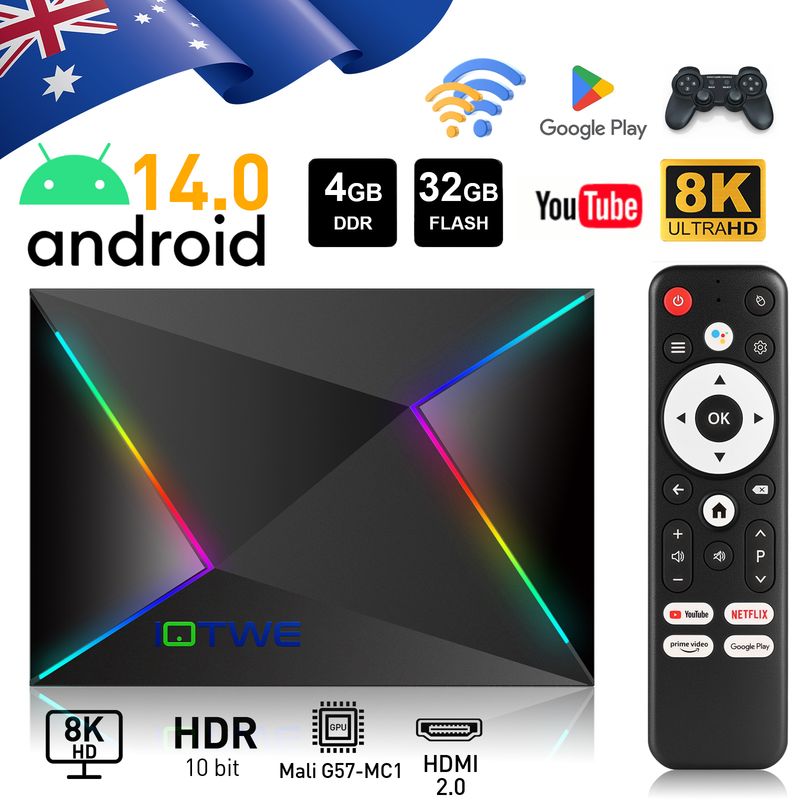
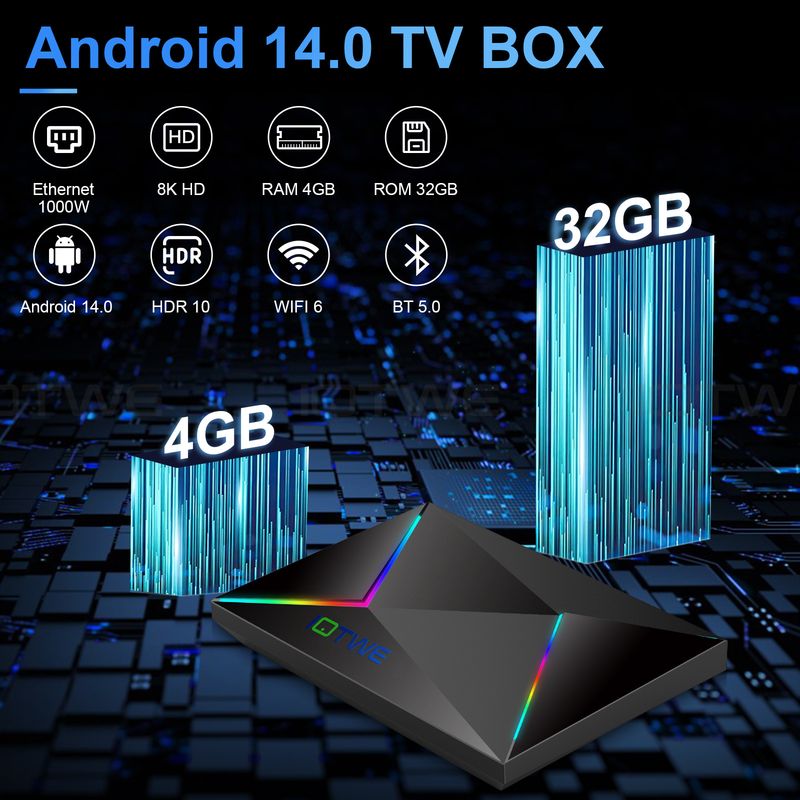
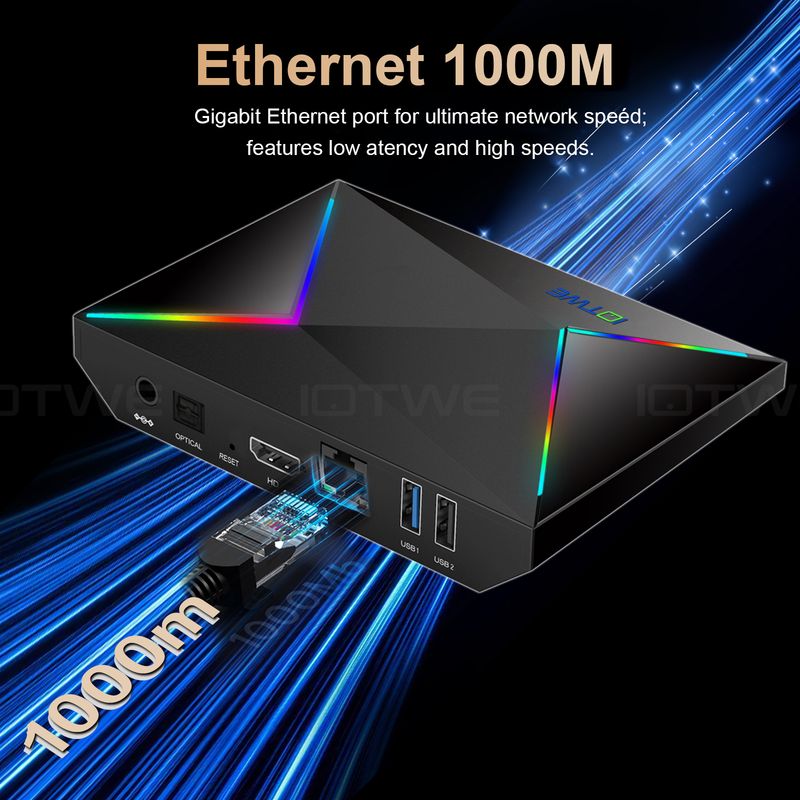
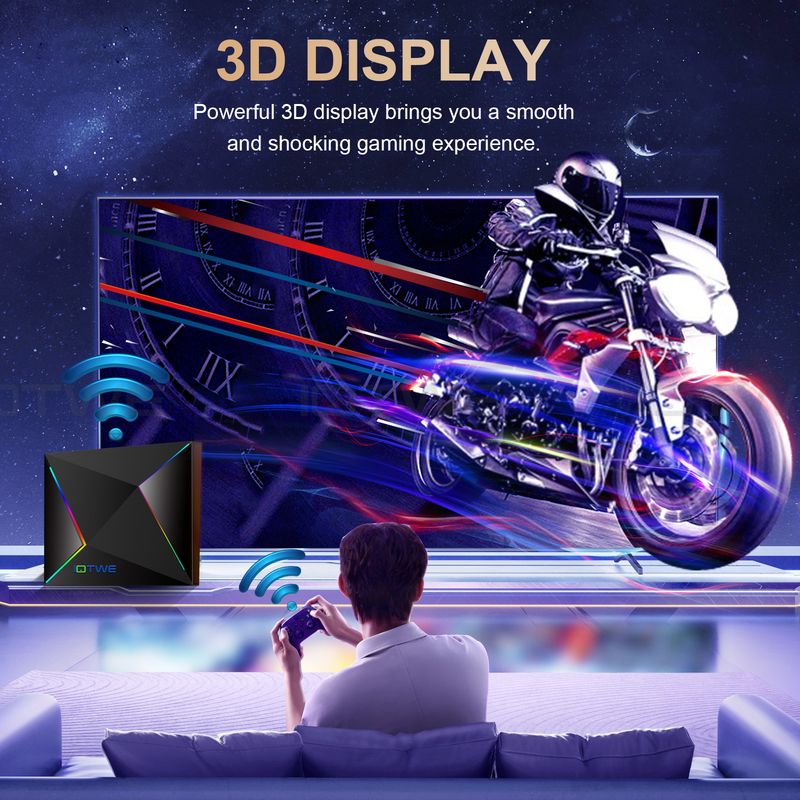
This Android TV box device is equipped with the ultimate Android 14.0 operating system, which has excellent compatibility regarding software, games, and applications. Moreover, it provides a modernized user interface and a first-class user experience. [Allwinner H728 Chipset Technology] The Android TV box with Android 14.0 is powered by a powerful Allwinner H728 quad-core 64-bit Cortex-A53 CPU. Thanks to this advanced technology, users can enjoy an optimal usage experience due to its fast execution speed and professional image processing capacity. [4 GB RAM and 32 GB / 64 GB ROM for High Performance] The Android TV box is designed with 4 GB of RAM and 32 GB / 64 GB of ROM to ensure excellent performance and ample storage capacity. In addition, the box is equipped with USB 3.0, whose transmission speed is several times faster than that of USB 2.0. Thus, you can effortlessly transfer large files and videos at the speeds specified by the storage devices and optimize the device performance to minimize power consumption. [2.4 GHz / 5 GHz Dual-Wi-Fi and BT 5.0 Compatibility] With integrated 2.4 GHz / 5 GHz dual-Wi-Fi and Bluetooth 5.0 functionality, the Android TV box is also compatible with 10 Mbps and 100 Mbps Ethernet connections. The easy connection options and the stable Wi-Fi signal ensure first-class video quality. Once you have connected the device – power adapter, HDMI cable, as well as Wi-Fi or Ethernet connection – you can immerse yourself in your favorite program and enjoy it in the best quality. [Package Contents] The package includes: 1x Android 14.0 TV box, 1x power adapter, 1x HDMI cable, 1x remote control (without batteries), 1x user manual. Do you have any questions? Please contact us. We will give you a reply within 24 hours. |
|

|

|

|

|


Question: Cannot boot/open for the first time? | Question: How to solve the video blur of the TV box? Answer: Wenn es in einigen von ihnen passiert ist, kann es das Problem für die Videoqualität, ist es nicht auf die Box abhängen, können Sie versuchen, die Auflösung auf max (1080P oder mehr), dann prüfen, ob es gut funktioniert.Oder Sie können es in anderen app.If it happened in some of them, it may be the problem for the video quality, it is not depend on the box, you can try to set the resolution to max (1080P or more), then check if it works well.Or you can set it in other app.1.If it happens in the all videos, here is the step:A.If you have another HDMI cable, could you please try with another HDMI cable?B.Connect the TV with the TV box via Av-Out cable properly (there are different color port. Please check and put properly), or you can choose to use the HDMI cable to connect it too.C.If the problem is still there, please try to restore the factory settings as below:Press Setting - Backup & Reset ---- Reset Factory Data ----- Reset TV Box ---- Clear All .D.Set the resolution of TV box to 1080P, here is the step:Setting--Display--Turn off automatic resolution--Set resolution to 1080P. | |
Question: Problems with WiFi setting or connection? Answer: 1. please try to reset the device: ( Setting )-( Backup & Reset )---- ( Factory Data Reset )-----( Reset Device )----( Clear All ) 2.Please check if you have successfully connected the device to your wireless router and if the signal is strong? If the signal is very weak or it is out of range, then try to use it near your wireless router; if it is unable to connect, then please check your wireless router setting and also try to connect to another router. 3. Could you please plug your network cable directly into the RJ45 port to see if it can work. | Question: How can I set the language of the IOTWE TV Box? |

Shop Policies
Payment Policy
Payment Policy – BILLIONS BIRDS
At BILLIONS BIRDS, we are committed to providing a safe, secure, and seamless payment experience for our customers.
1. Accepted Payment Methods
We accept the following payment options:
Major Credit & Debit Cards (Visa, MasterCard, American Express)
Secure Online Payment Gateways (such as PayPal, Stripe, or other providers available at checkout)
Any additional payment methods displayed during checkout
All payments must be completed in full at the time of purchase.
2. Secure Transactions
All transactions are processed through encrypted and secure payment systems to protect your personal and financial information. We do not store your full payment details on our servers.
3. Currency
Prices are displayed in the currency indicated on the website. If you are purchasing from another country, your bank may apply currency conversion fees.
4. Order Confirmation
Once your payment has been successfully processed, you will receive an order confirmation email containing your purchase details.
5. Failed or Declined Payments
If your payment is declined, please verify your billing information or contact your bank. Orders will only be processed after successful payment confirmation.
6. Fraud Prevention
BILLIONS BIRDS reserves the right to cancel or refuse any order if fraud or unauthorised activity is suspected.
Delivery Policy
Delivery Policy – BILLIONS BIRDS
At BILLIONS BIRDS, we are dedicated to delivering your orders safely and efficiently.
1. Order Processing
All orders are processed within 1–3 business days after payment confirmation. Orders are not processed or shipped on weekends or public holidays.
2. Shipping Times
Estimated delivery times vary depending on your location:
Domestic Shipping: 3–7 business days
International Shipping: 7–15 business days
Please note that delivery times are estimates and may vary due to customs procedures, carrier delays, weather conditions, or other unforeseen circumstances.
3. Shipping Costs
Shipping fees are calculated at checkout based on your location and selected shipping method. Any customs duties, taxes, or import fees are the customer's responsibility.
4. Tracking Information
Once your order has been shipped, you will receive a confirmation email with tracking details (if available) so you can monitor your package.
5. Delivery Issues
If your order is delayed, lost, or arrives damaged, please contact us within 7 days of the expected delivery date. We will work with the shipping carrier to resolve the issue as quickly as possible.
6. Incorrect Shipping Information
Customers are responsible for providing accurate shipping details at checkout. BILLIONS BIRDS is not responsible for orders shipped to incorrect addresses provided by the customer.
Refund Policy
Refund Policy – BILLIONS BIRDS
At BILLIONS BIRDS, customer satisfaction is our top priority. If you are not completely satisfied with your purchase, we’re here to help.
1. Return Eligibility
You may request a return within 14 days of receiving your order. To qualify for a return:
The item must be unused, unworn, and in the same condition as received.
The item must be in its original packaging.
Proof of purchase (order confirmation or receipt) is required.
Certain items may not be eligible for return, including clearance items, gift cards, or personalised/custom products.
2. Non-Refundable Items
The following items are non-refundable:
Final sale or discounted items
Gift cards
Items damaged due to misuse, negligence, or improper care
3. Return Process
To initiate a return, please contact our customer support team with your order number and reason for return. If your return is approved, you will receive instructions for returning the item.
Unless the item is defective or incorrect, customers are responsible for return shipping costs.
4. Refund Processing
Once we receive and inspect your returned item:
We will notify you of the approval or rejection of your refund.
If approved, the refund will be issued to your original payment method within 5–10 business days.
Please note that banks or payment providers may require additional time to process refunds.
5. Damaged or Incorrect Items
If you receive a damaged, defective, or incorrect item, please contact us within 7 days of delivery and provide clear photos of the product and packaging. We will arrange a replacement or full refund at no additional cost.
6. Late or Missing Refunds
If you have not received your refund:
Check your bank account again.
Contact your credit card company or payment provider.
If the issue persists, don't hesitate to contact our support team for assistance.
Recommended Products
Customer reviews
Share your thoughts with other customers
Be the first one to write a review!

Items (0)
