

5IN1 2026 Android Ai Box With HDMI Port Wireless Carplay Adapter Android Auto Car Play 4K TV box For Netflix YouTube
Includes all taxes
Meet your Seller
-
$142.91Sold by BILLIONS BIRDS
Description

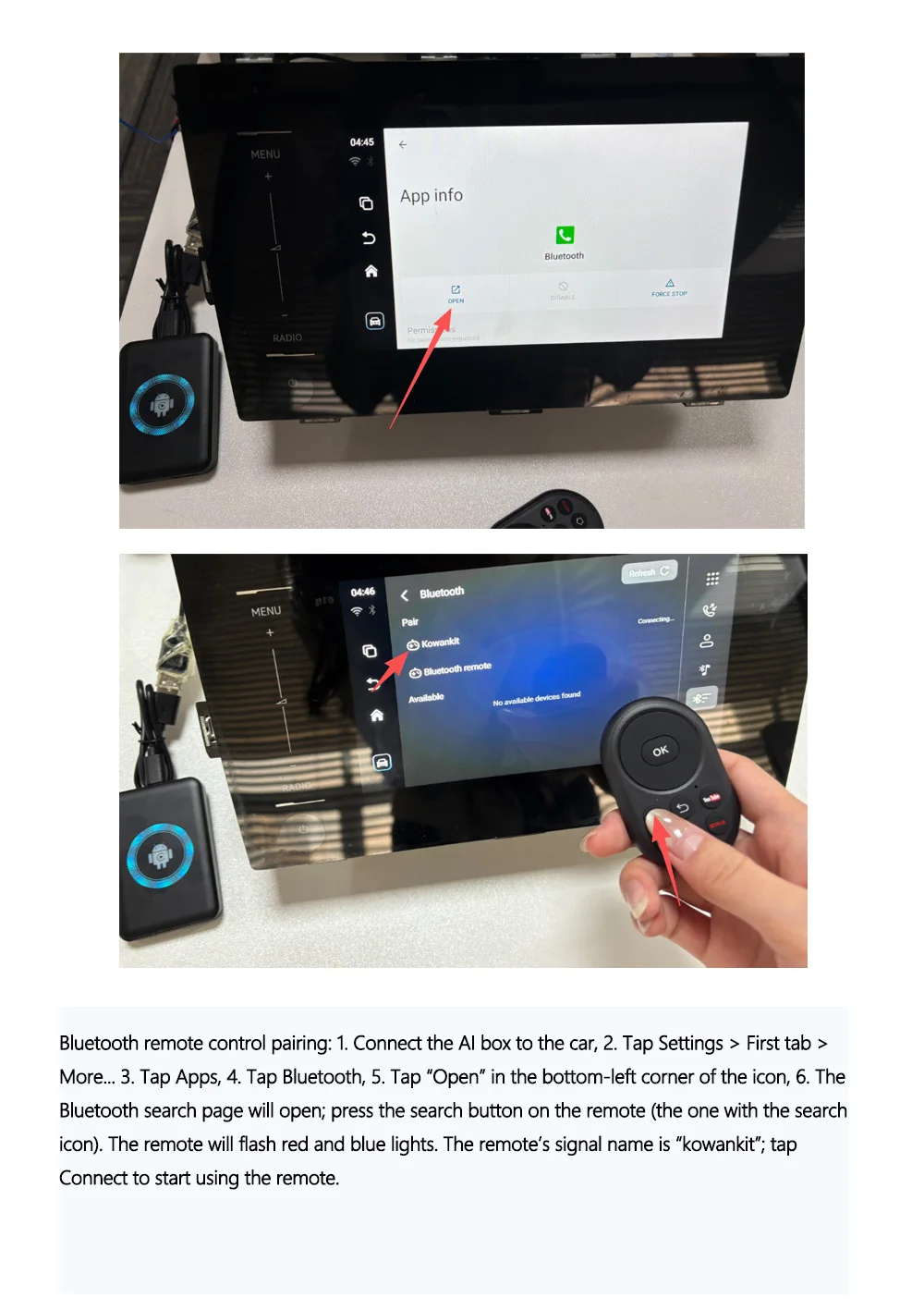
❗❗❗❗❗A Bluetooth remote control is available as an optional accessory for this product. If you purchase the remote control, be sure to carefully read the product details page, which includes instructions on how to pair it.
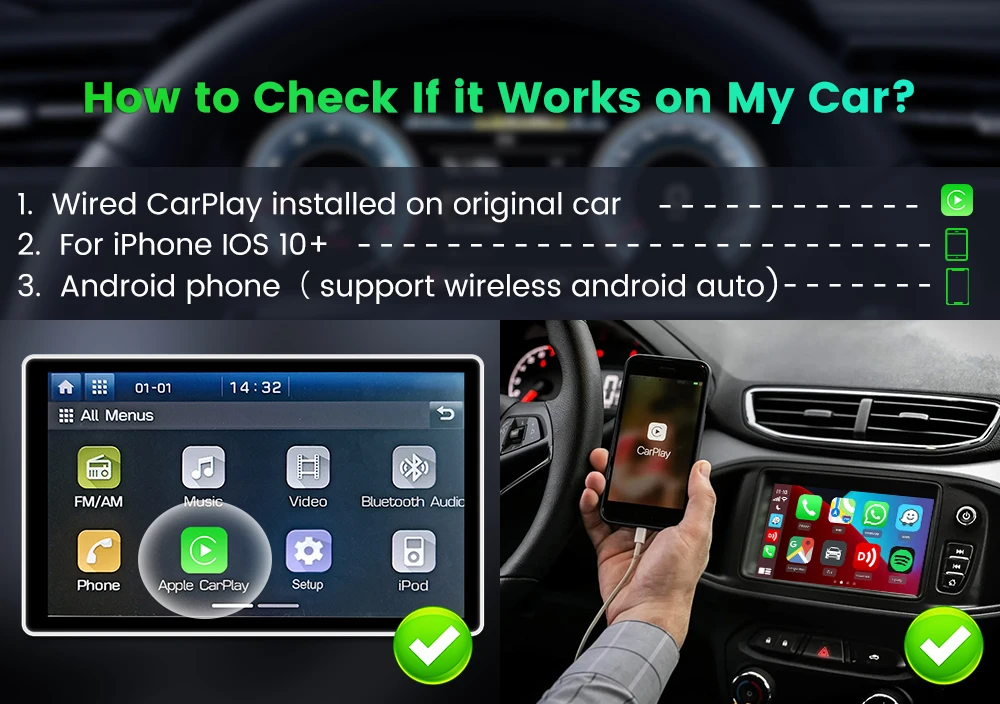
Q&S:🎀How to check if it Works on My car?
Please confirm Wired CarPlay installed on criginal car ,Your car's display must support wired CarPlay to use this device,This product requires touchscreen operation, so your screen must be touch-enabled.
Not compatible with aftermarket screens or screens equipped with wireless CarPlay.
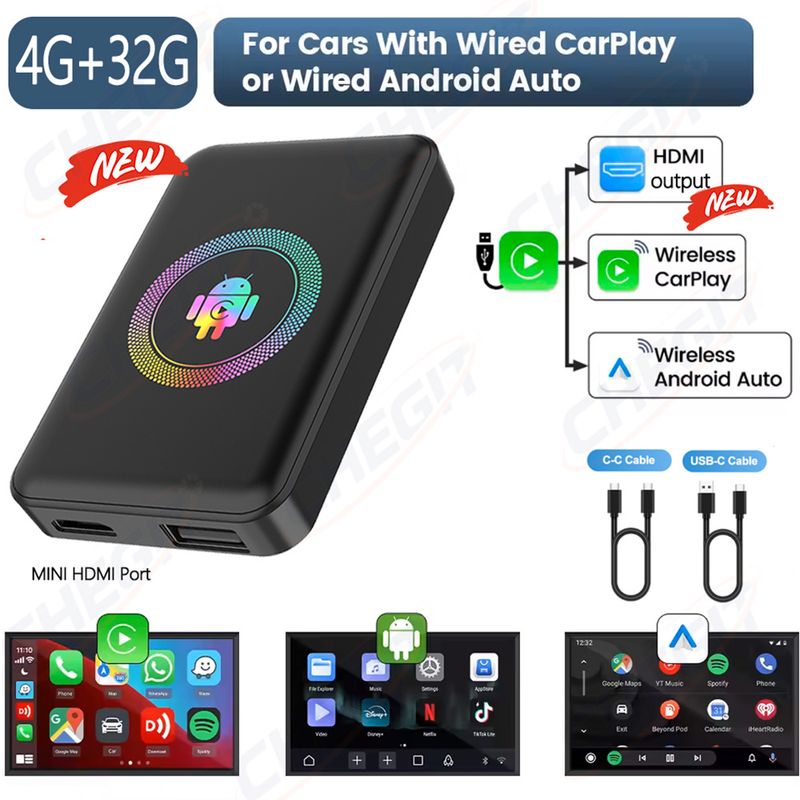
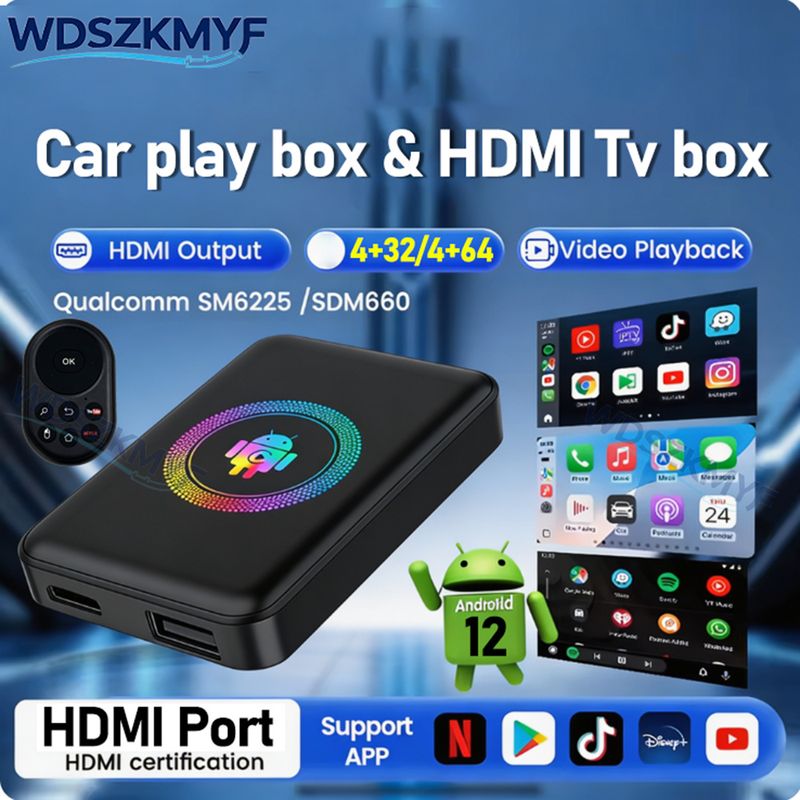
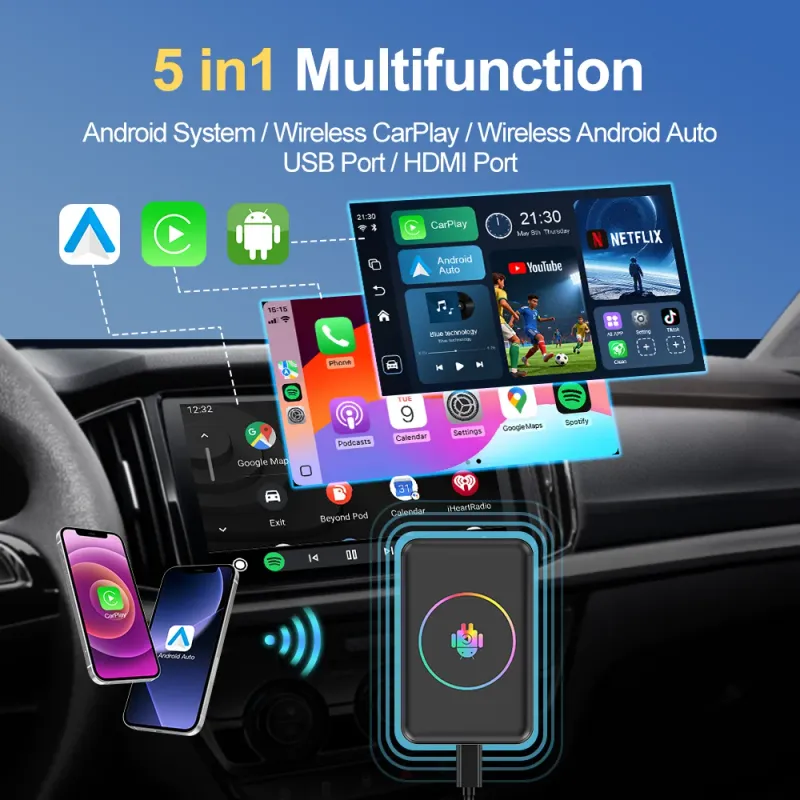
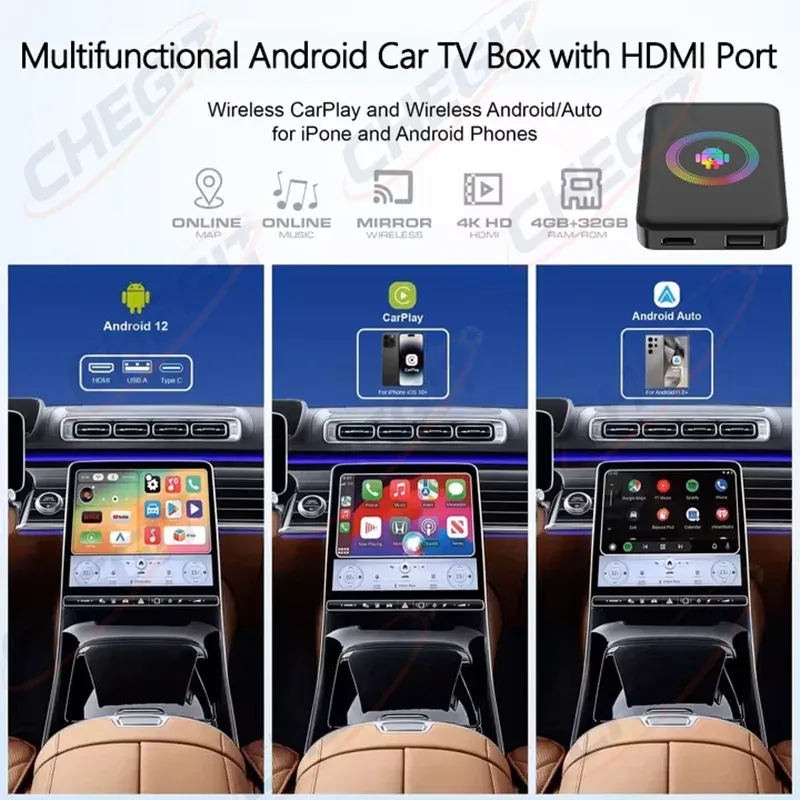
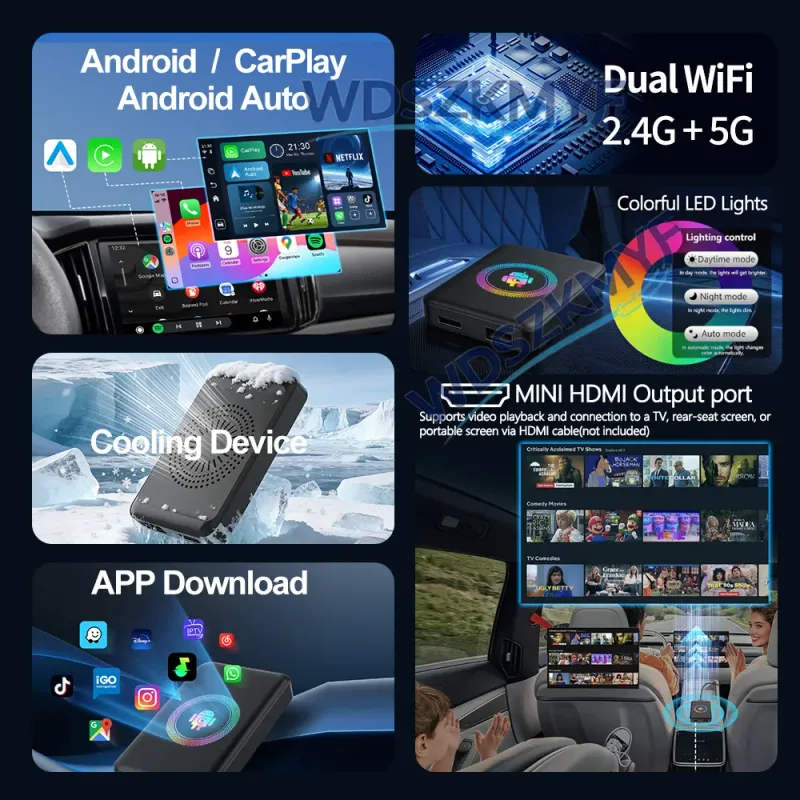
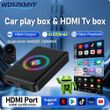
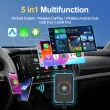
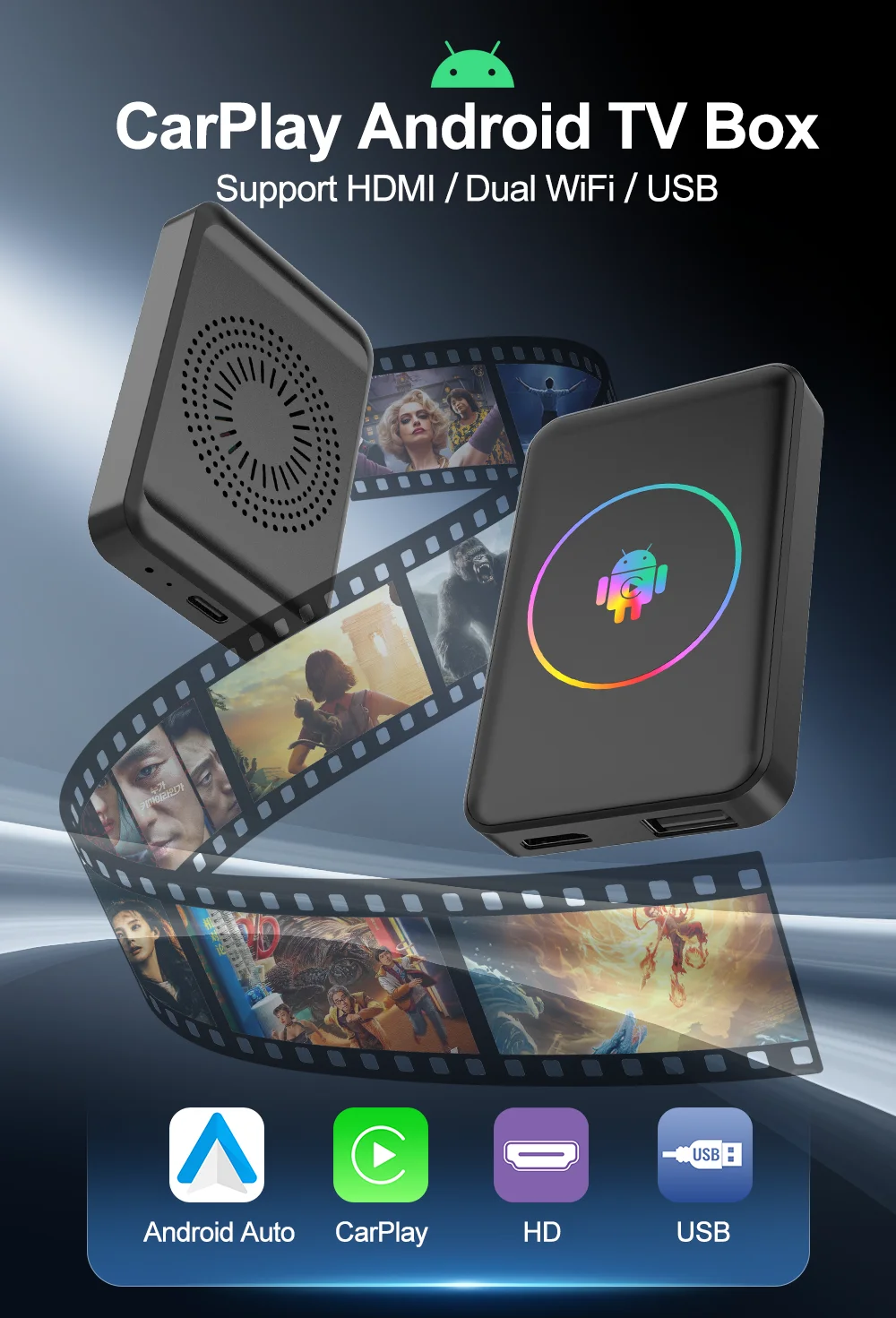
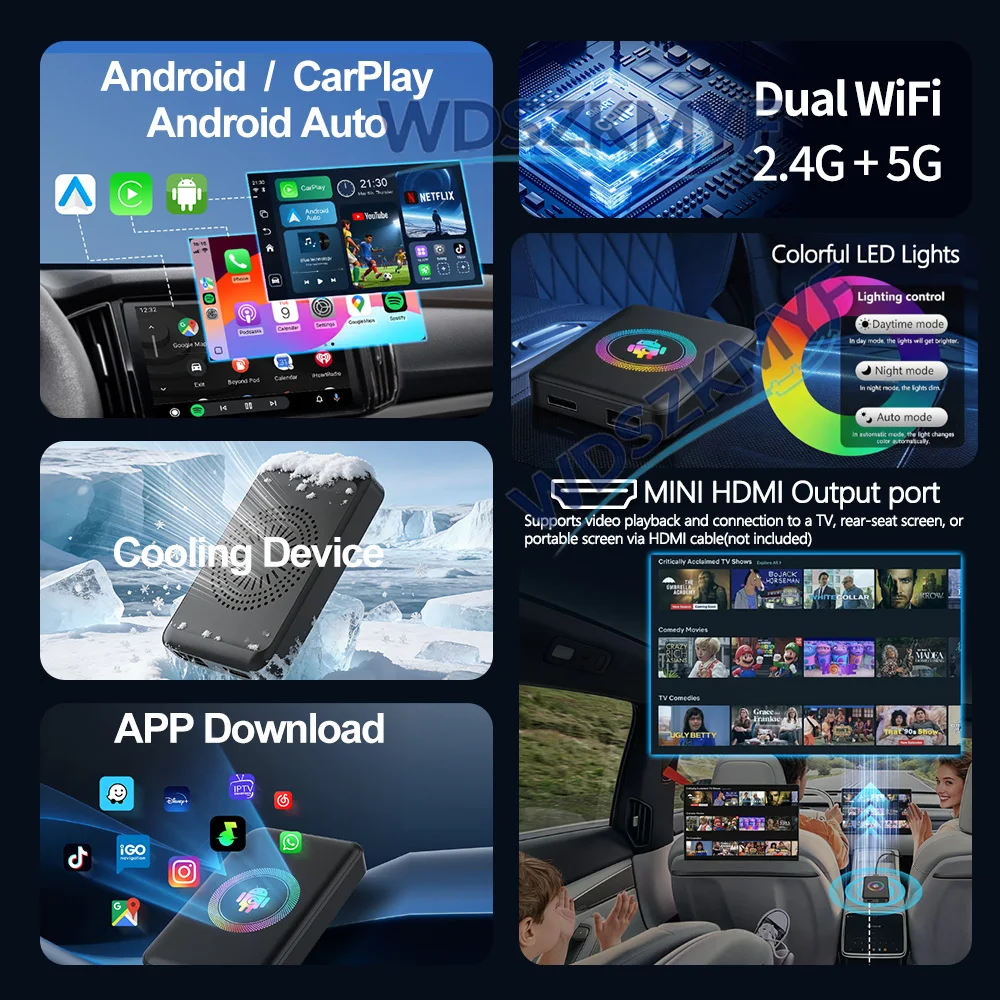
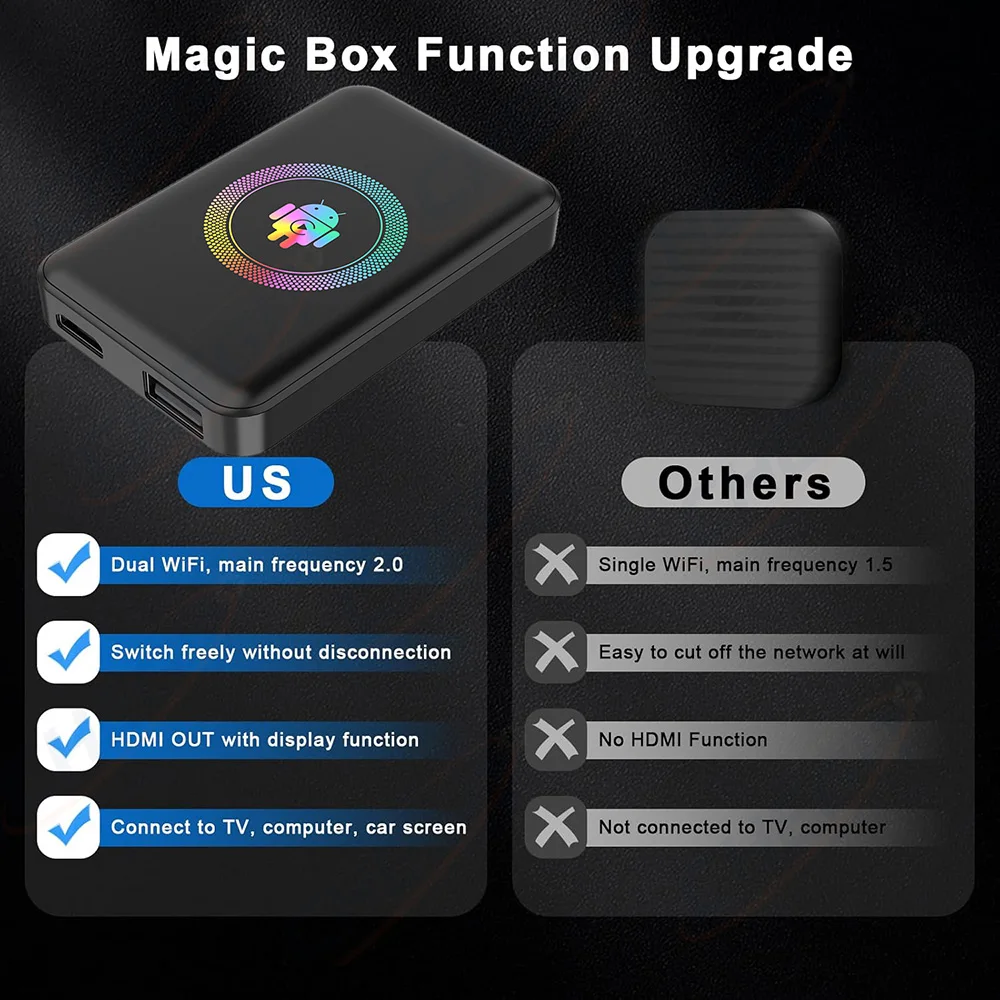
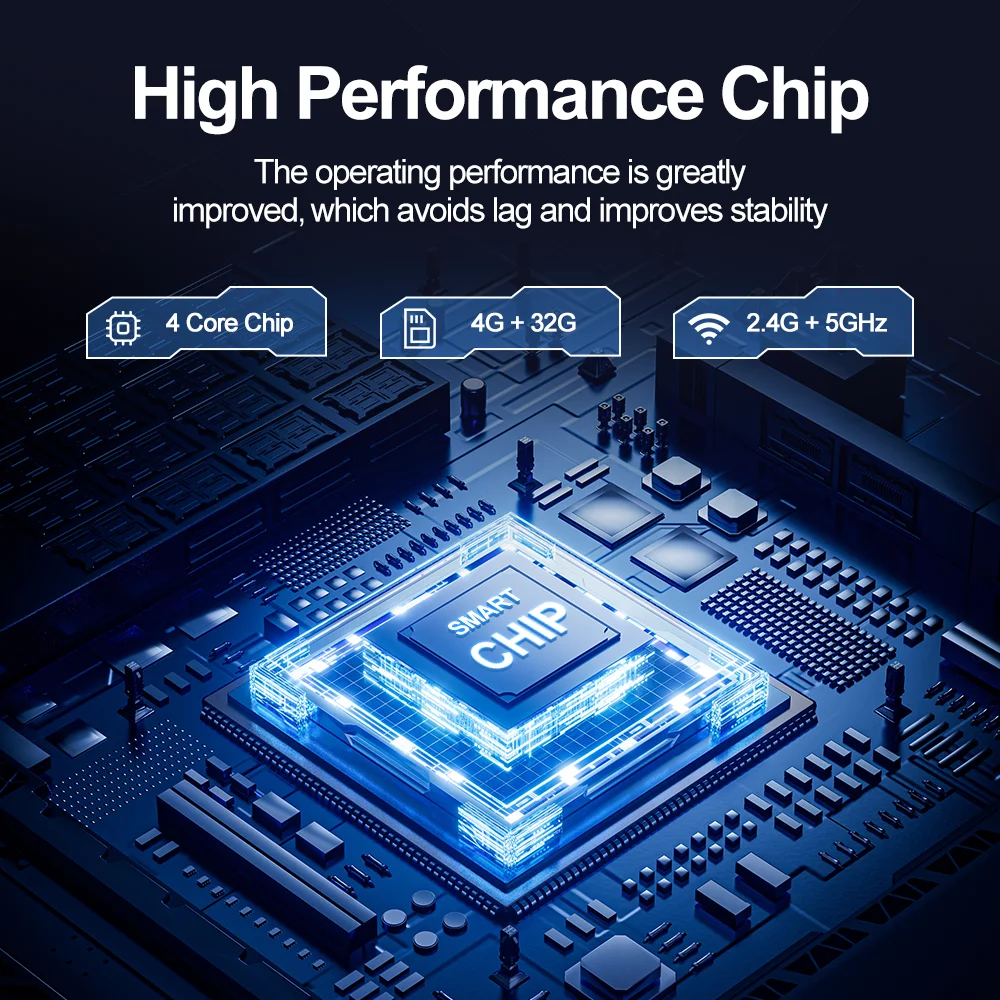
----Multifunction Magic AI Box 3.0- 5 and 1 seamlessly integrated system, Built-in 4GB + 32 GB/4+64G , Android12、 Android auto wireless and carplay wireless adapter. not only a wired-to-wireless carplay adapter that can be used in the car , but also a HDMI dongle streaming media 、USB Flash box that can be used to screen mirror video in the car and at Home. The perfect companion for your car.
----Powerful Streaming Device - Seamless access to popular apps like YT, Ntfx, Dney+,Pv, and more. Don't have a network to connect to, you can still play videos and music by inserting a USB Flash Drive. Effortlessly control your infotainment system with the original car controls.
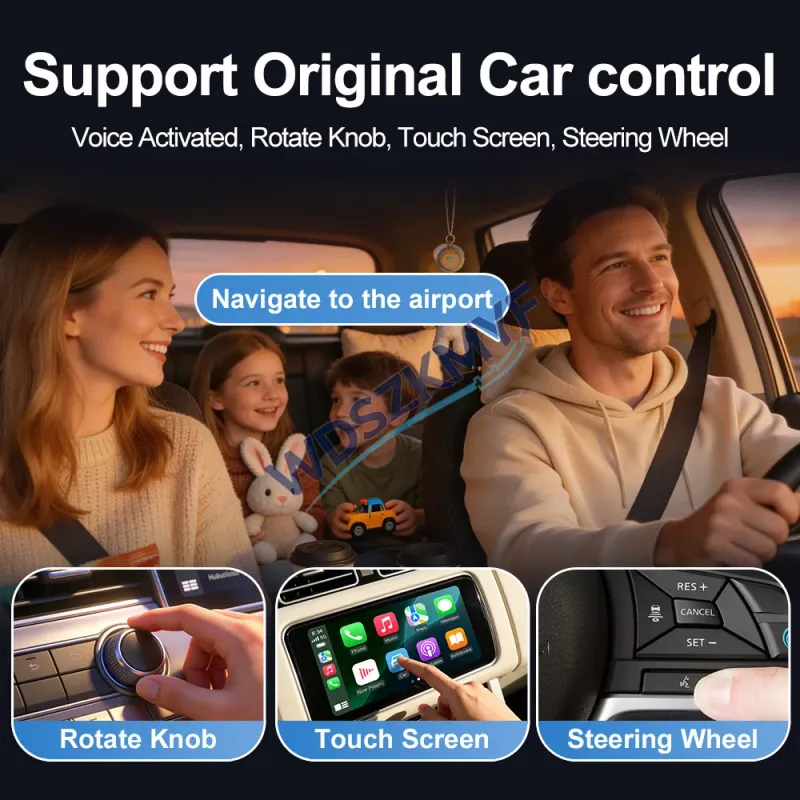
----Plug And Play - This wireless Carplay adapter for apple Carplay or android auto.Plug the box into the vehicle's wired CarPlay USB port, Link to your phone to use.It completely reduces the damage caused by frequent plugging and unplugging of charging cables. carplay It supports all control modes of the original vehicle, such as Siri voice control, steering wheel control, knob and touch screen control. You can leave your phone in your pocket and create a clean and tidy driving environment.
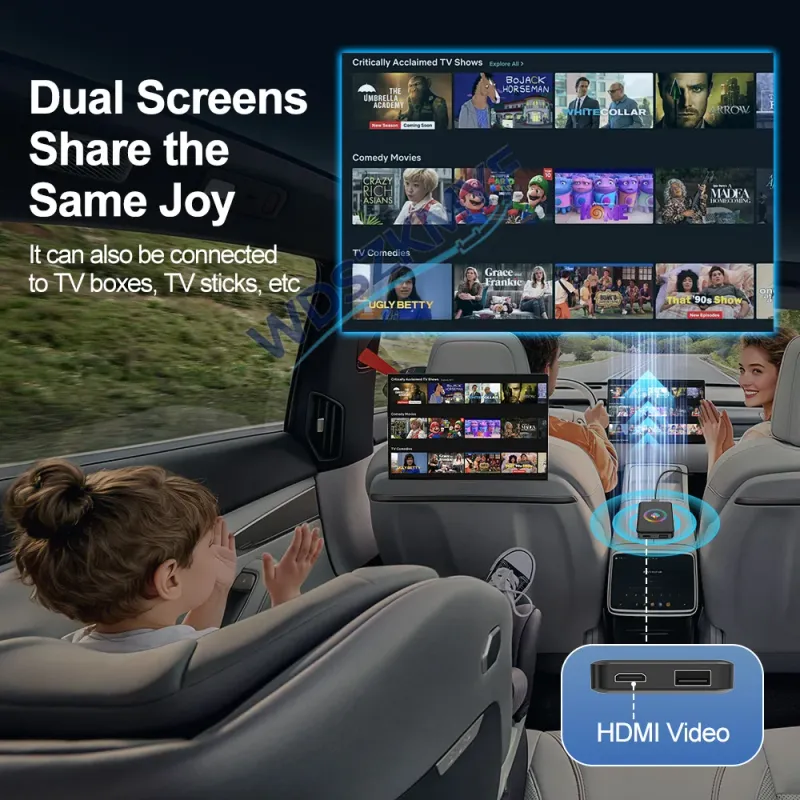
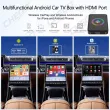
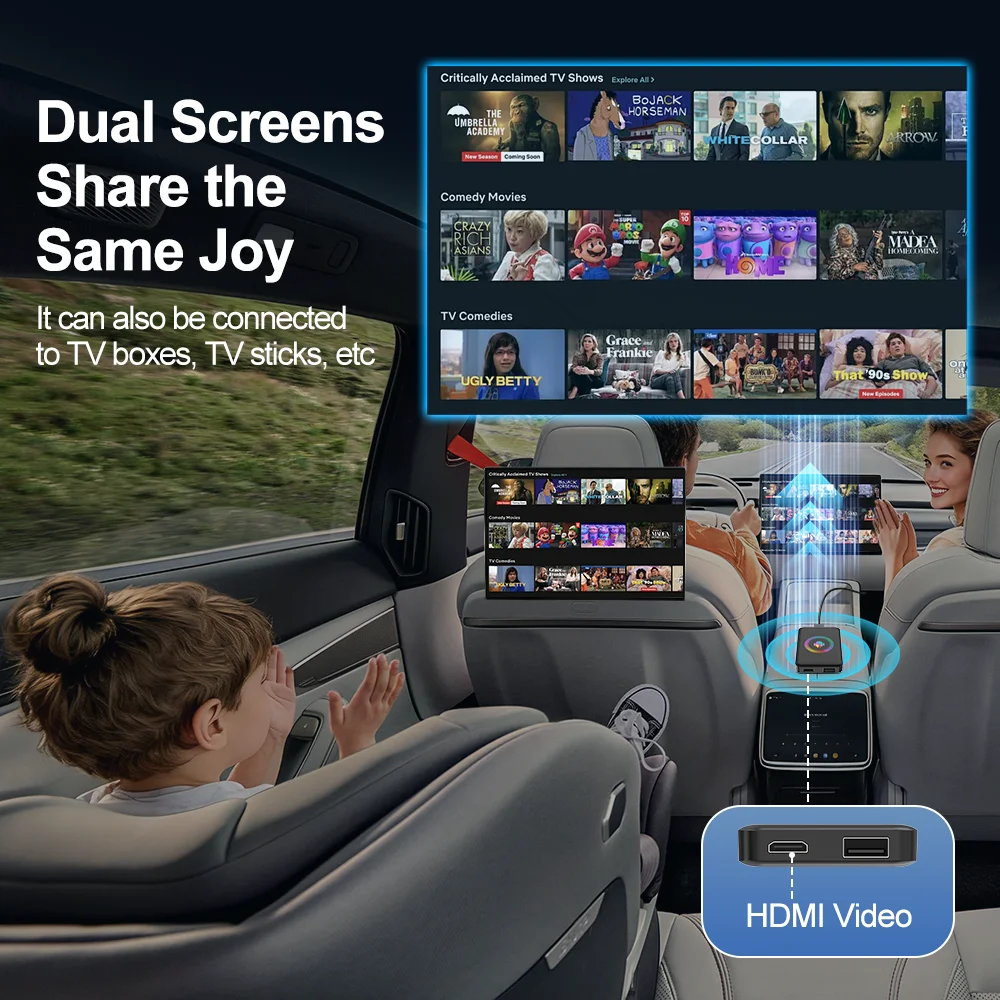
----4K HDMI Out - With full HD Micro HDMI output port, you can enjoy your favorite anime and movies in the back seat. At the same time,Connect to TV / Rear-seat screen / Portable screen (requires an HDMI cable, not included in the package)
**If you need to connect to a TV, please connect this product to your vehicle in advance, then pair and connect the Bluetooth remote control via the product’s Bluetooth settings. Since the TV does not have a touchscreen, you must pair the remote control on a vehicle with a touchscreen; otherwise, the remote control will not pair with the TV and you will not be able to caontrol it. (Bluetooth remote control available as an optional accessory)
Bluetooth Remote Pairing: 1. Connect the AI Box to your car; 2. Open Settings > First Tab > More... 3. Tap Apps, 4. Tap Bluetooth, 5. Tap “Open” in the bottom-left corner of the icon, 6. The Bluetooth search page will open. Press the search button on the remote (the one with the search icon). The remote will flash red and blue lights. The remote’s signal name is “kowankit.” Tap “Connect” to start using the remote.
Note: This remote control has been pre-configured and can quickly open YouTube and Netflix apps. Other remote controls on the market not sold by our store may not support shortcut keys if they haven’t been configured by us. However, standard Bluetooth remote controls can still be connected to control the directional, back, and confirm buttons without any issues.
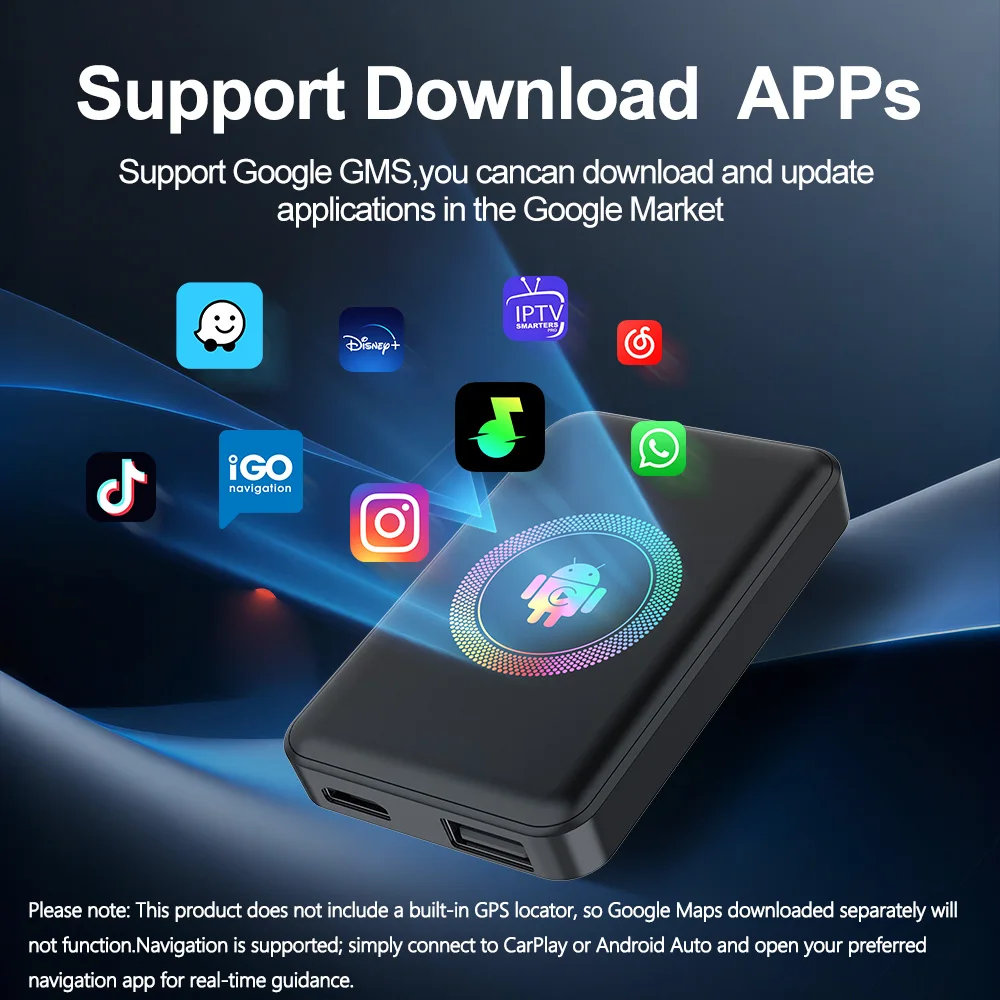
----Support Google Play Store - This New magic AI box device comes with 32GB of storage space.
----Compatible Vehicles:This box only for vehicles with wired CarPlay or android auto. made year: 2017-2026.
【Plug-and-Play · Auto-Connect】Say goodbye to complicated setup—three-step quick pairing! Smartly identifies and automatically connects to your phone. Ready in 3-10 seconds, automatically reconnects without manual intervention each time.
【Compatibility Guide】 1. Vehicle must be equipped with wired CarPlay or Android Auto systems to use the AI Box. 2. Compatible with iPhone 7+/iOS 10.0+ and Android 11.0+ systems. 3. Includes dual cables: USB-A to Type-C and Type-C to Type-C for broader adaptability.
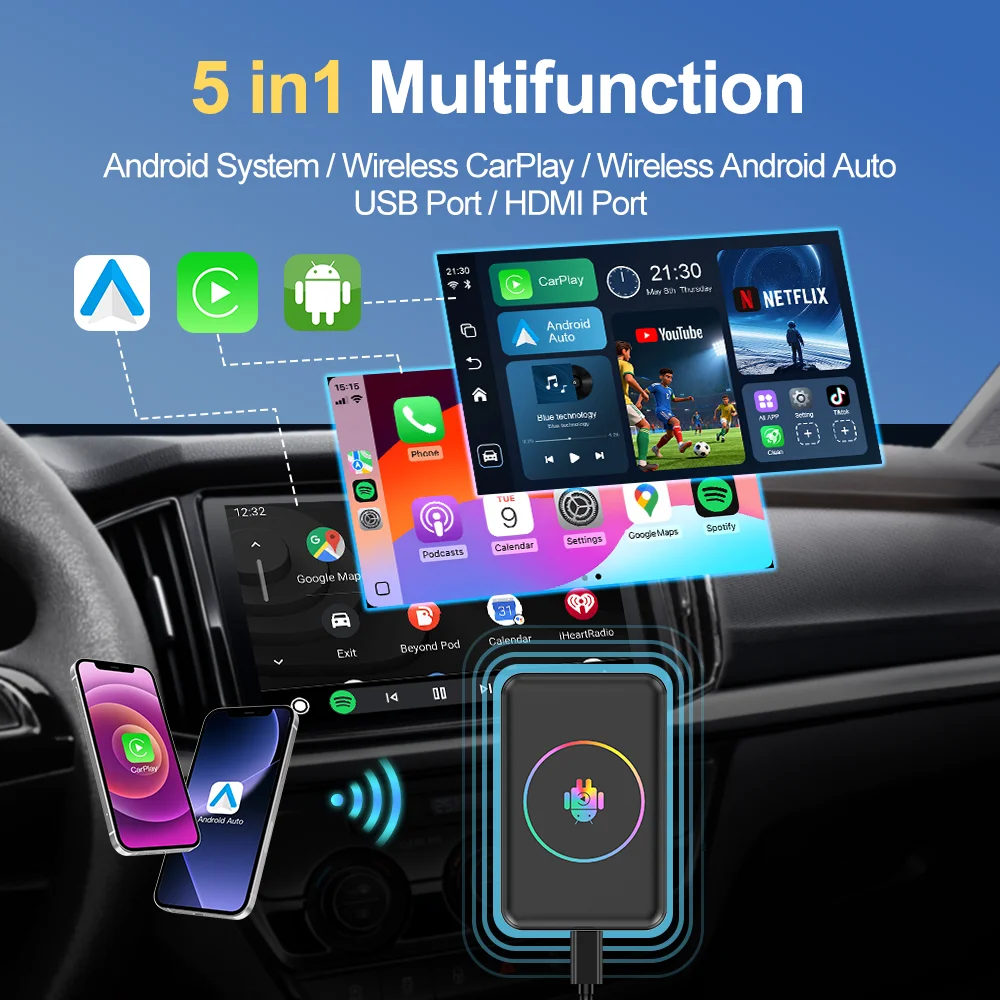
Wireless CarPlay / Wireless Android Auto
1.First You need connect the BOX to the car head unit USB port.
2.Wait for about ten seconds and automatically enter the Android system . ( Equivalent to adding a set of Android 14 system to your original car )
3.Support wireless CP / AA , download APP navigation / video and other applications .
Android Open System
Built-in video software & app store

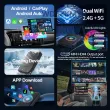
Support Bluetooth & Dual WIFI
Equipped with BT module , support BT music / video. Support Phonebook with name search function and caller name display directly . incoming calls dialed calls missed calls with caller ID.
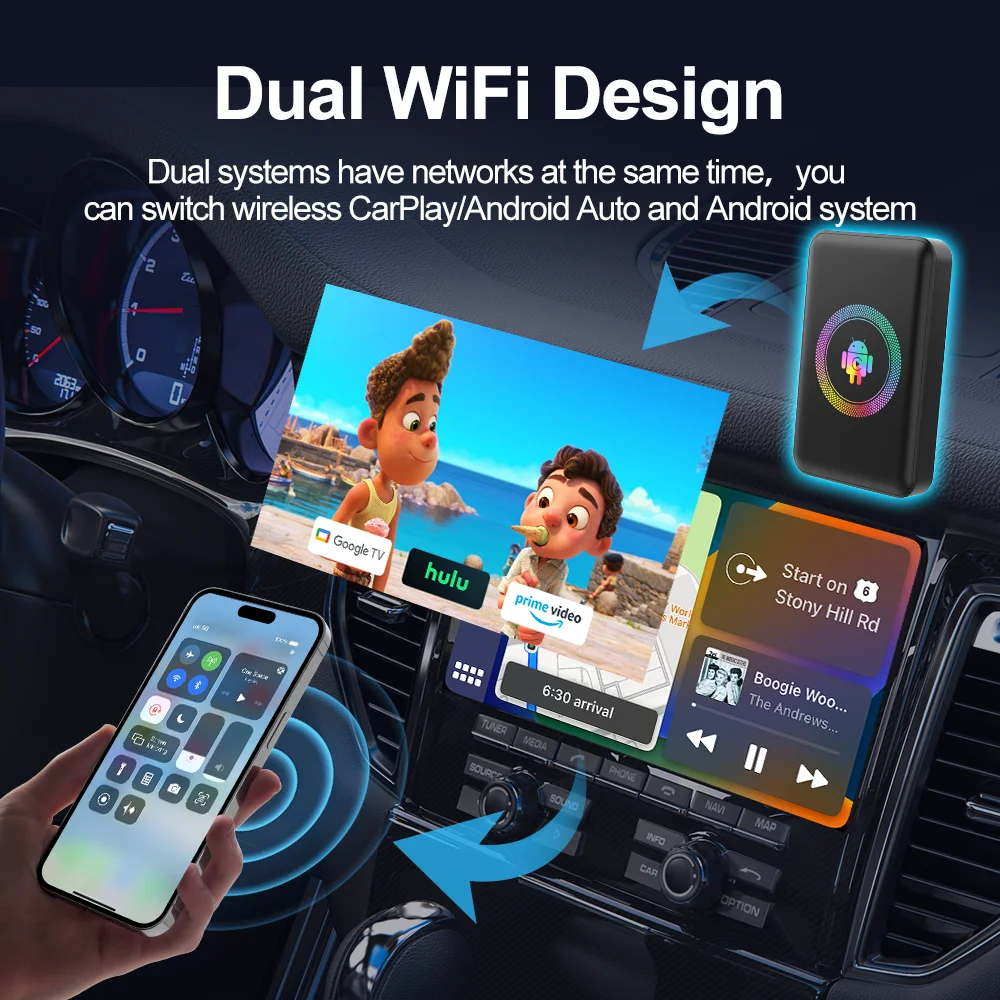
Dual WiFi 2.4G & 5.8G,One WiFi connects to your phone’s hotspot for streaming videos on apps like Netflix, YouTube, or Tk. The other WiFi keeps Apple CarPlay or Android Auto running without needing to disconnect or reconnect
Intelligent Voice Control
By awakening the mobile voice assistant for voice control driving is more safer.
Screen Control
Support steering wheel control ,voice control and touch panel control.

Carplay Android auto Real-time online navigation
Follow CarPlay / Android Auto online map for real-time navigation to wherever you want to go.

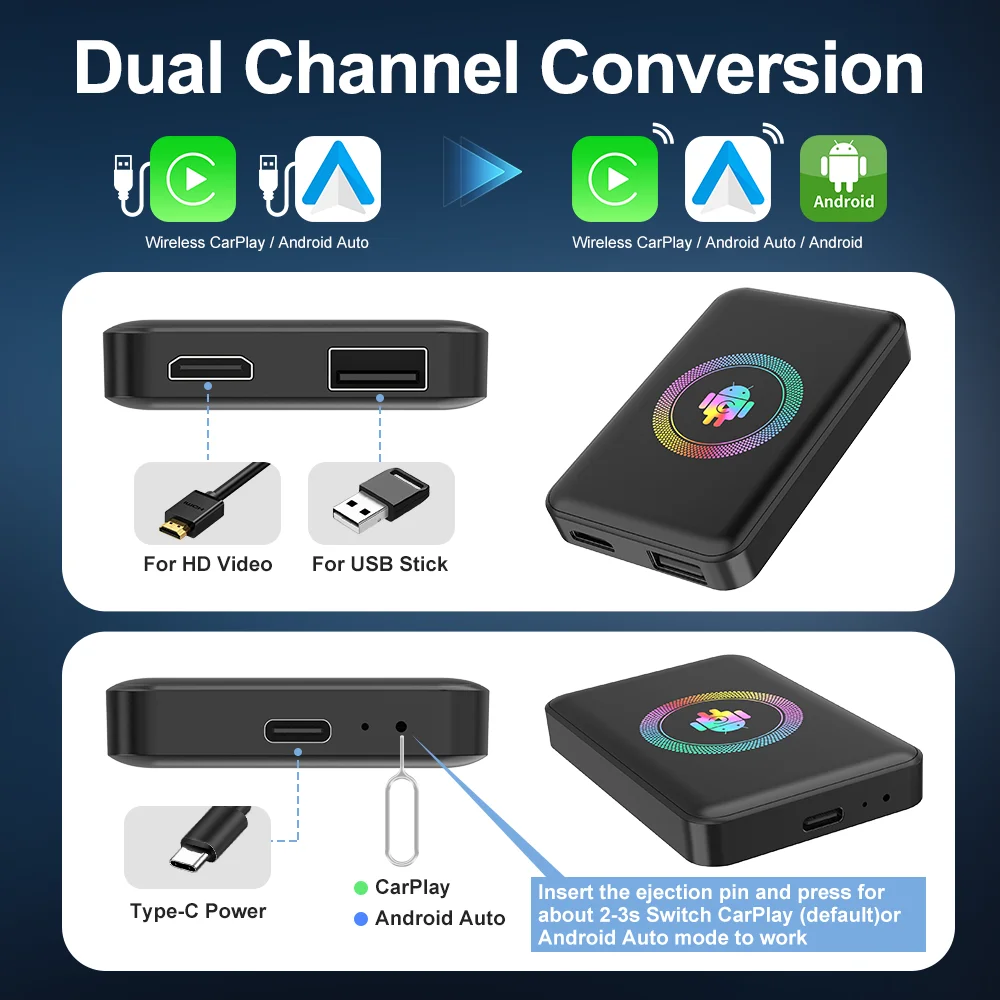
mini HDMI port
4K HDMI Out - With full HD Micro HDMI output port, you can enjoy your favorite anime and movies in the back seat. At the same time,Connect to TV / Rear-seat screen / Portable screen (requires an HDMI cable, not included in the package)

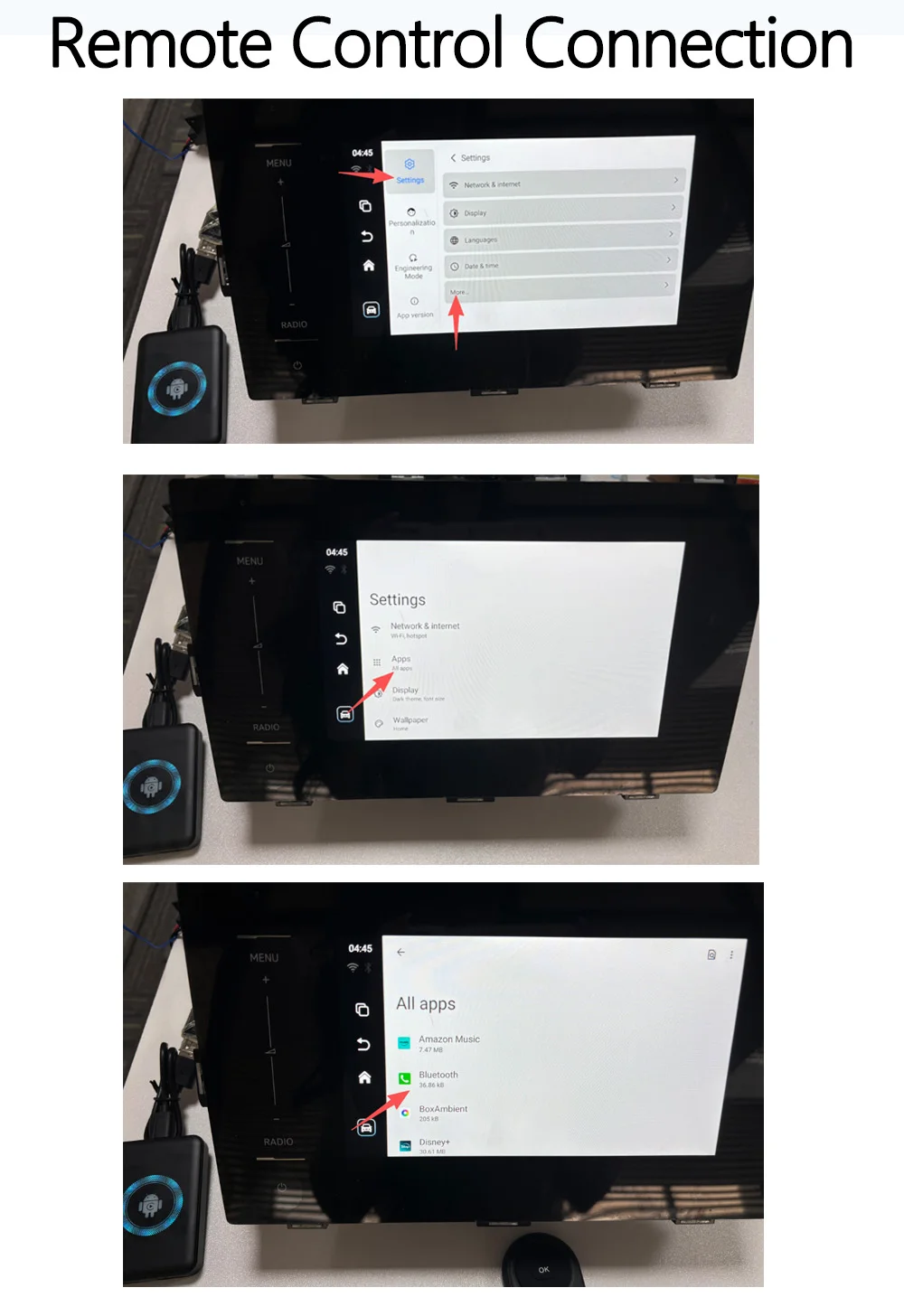
Optional Bluetooth Remote Control Pairing Instructions:
1. Connect the AI Box to your car. 2. Open Settings > First Column Settings > More... 3. Open Apps. 4. Open Bluetooth. 5. Tap “Open” in the bottom-left corner of the icon. 6. The Bluetooth search page will open. Press the search button on the remote (the one with the search icon). The remote will flash red and blue lights. The remote’s signal name is “kowankit.” Tap “Connect” to start using the remote.
Important Note: This remote control has been pre-configured to quickly launch YouTube and Netflix apps. Other remotes on the market not sold by our store may not support shortcut keys if they haven’t been configured by us. However, standard Bluetooth remotes can still be connected to control directional, back, and confirm buttons without issues. (This remote is not included in the standard package; it is an optional add-on.)
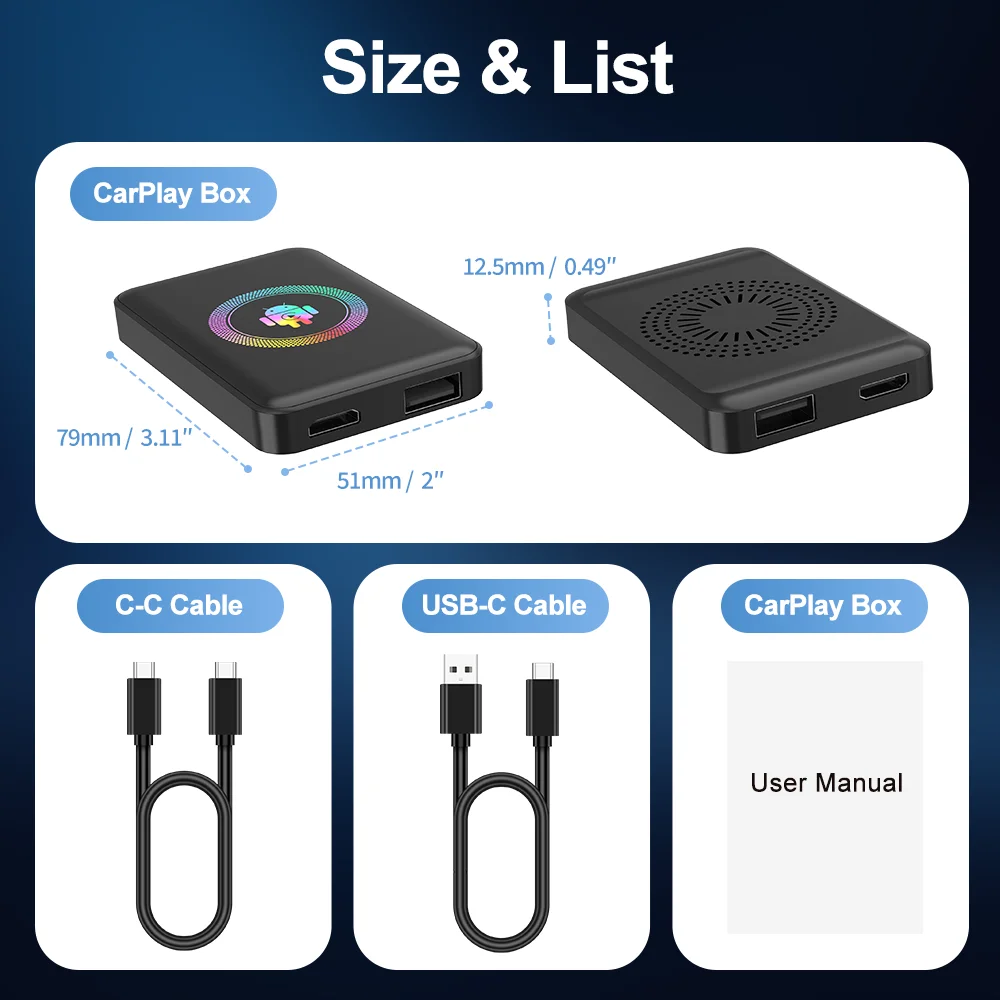
Product Size
Compatible With 99% of Cars
【Wide Compatibility】Designed specifically for cars that have wired carplay functionality, our wireless carplay adapter is compatible with most OEM wired carplay models. Also compatible with 2022 and later new models with large screens, such as Ford F-150, Lexus NX, Mustang Mach-E, etc. The adapter includes a USB cable and a USB C adapter, making it suitable for various car models and series. Please note that it is compatible with iOS10/Android 11 or newer versions (excluding HUAWEI).
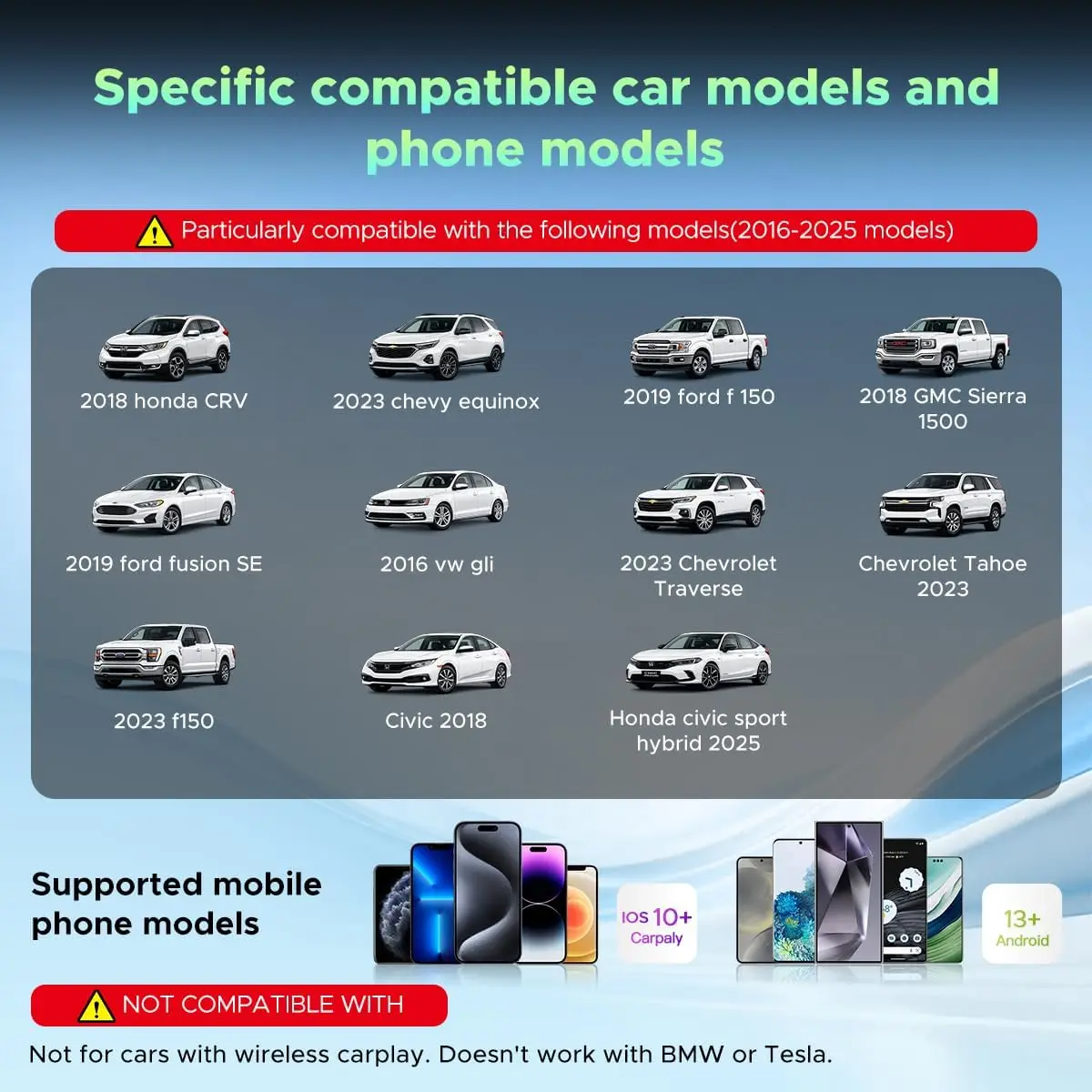
Not compatible with aftermarket screens or screens equipped with wireless CarPlay.
Shop Policies
Payment Policy
Payment Policy – BILLIONS BIRDS
At BILLIONS BIRDS, we are committed to providing a safe, secure, and seamless payment experience for our customers.
1. Accepted Payment Methods
We accept the following payment options:
Major Credit & Debit Cards (Visa, MasterCard, American Express)
Secure Online Payment Gateways (such as PayPal, Stripe, or other providers available at checkout)
Any additional payment methods displayed during checkout
All payments must be completed in full at the time of purchase.
2. Secure Transactions
All transactions are processed through encrypted and secure payment systems to protect your personal and financial information. We do not store your full payment details on our servers.
3. Currency
Prices are displayed in the currency indicated on the website. If you are purchasing from another country, your bank may apply currency conversion fees.
4. Order Confirmation
Once your payment has been successfully processed, you will receive an order confirmation email containing your purchase details.
5. Failed or Declined Payments
If your payment is declined, please verify your billing information or contact your bank. Orders will only be processed after successful payment confirmation.
6. Fraud Prevention
BILLIONS BIRDS reserves the right to cancel or refuse any order if fraud or unauthorised activity is suspected.
Delivery Policy
Delivery Policy – BILLIONS BIRDS
At BILLIONS BIRDS, we are dedicated to delivering your orders safely and efficiently.
1. Order Processing
All orders are processed within 1–3 business days after payment confirmation. Orders are not processed or shipped on weekends or public holidays.
2. Shipping Times
Estimated delivery times vary depending on your location:
Domestic Shipping: 3–7 business days
International Shipping: 7–15 business days
Please note that delivery times are estimates and may vary due to customs procedures, carrier delays, weather conditions, or other unforeseen circumstances.
3. Shipping Costs
Shipping fees are calculated at checkout based on your location and selected shipping method. Any customs duties, taxes, or import fees are the customer's responsibility.
4. Tracking Information
Once your order has been shipped, you will receive a confirmation email with tracking details (if available) so you can monitor your package.
5. Delivery Issues
If your order is delayed, lost, or arrives damaged, please contact us within 7 days of the expected delivery date. We will work with the shipping carrier to resolve the issue as quickly as possible.
6. Incorrect Shipping Information
Customers are responsible for providing accurate shipping details at checkout. BILLIONS BIRDS is not responsible for orders shipped to incorrect addresses provided by the customer.
Refund Policy
Refund Policy – BILLIONS BIRDS
At BILLIONS BIRDS, customer satisfaction is our top priority. If you are not completely satisfied with your purchase, we’re here to help.
1. Return Eligibility
You may request a return within 14 days of receiving your order. To qualify for a return:
The item must be unused, unworn, and in the same condition as received.
The item must be in its original packaging.
Proof of purchase (order confirmation or receipt) is required.
Certain items may not be eligible for return, including clearance items, gift cards, or personalised/custom products.
2. Non-Refundable Items
The following items are non-refundable:
Final sale or discounted items
Gift cards
Items damaged due to misuse, negligence, or improper care
3. Return Process
To initiate a return, please contact our customer support team with your order number and reason for return. If your return is approved, you will receive instructions for returning the item.
Unless the item is defective or incorrect, customers are responsible for return shipping costs.
4. Refund Processing
Once we receive and inspect your returned item:
We will notify you of the approval or rejection of your refund.
If approved, the refund will be issued to your original payment method within 5–10 business days.
Please note that banks or payment providers may require additional time to process refunds.
5. Damaged or Incorrect Items
If you receive a damaged, defective, or incorrect item, please contact us within 7 days of delivery and provide clear photos of the product and packaging. We will arrange a replacement or full refund at no additional cost.
6. Late or Missing Refunds
If you have not received your refund:
Check your bank account again.
Contact your credit card company or payment provider.
If the issue persists, don't hesitate to contact our support team for assistance.
Recommended Products
Customer reviews
Share your thoughts with other customers
Be the first one to write a review!

Items (0)
