
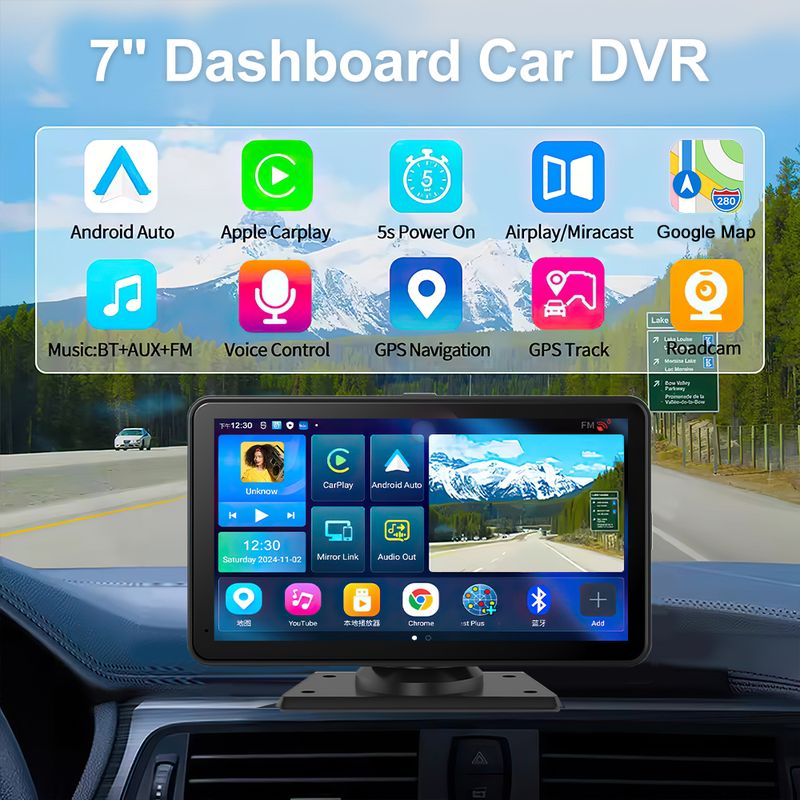
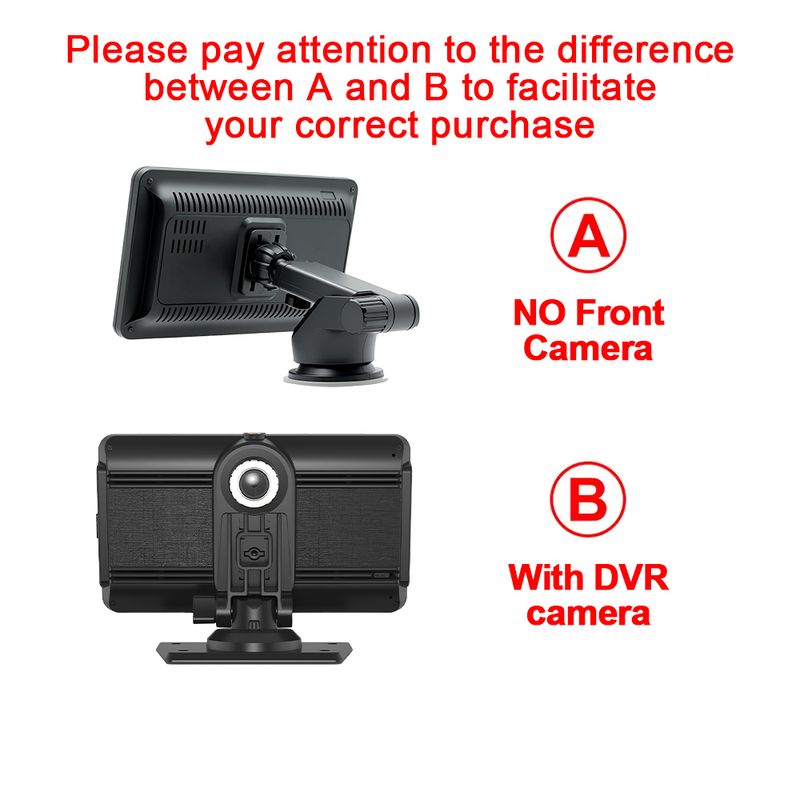
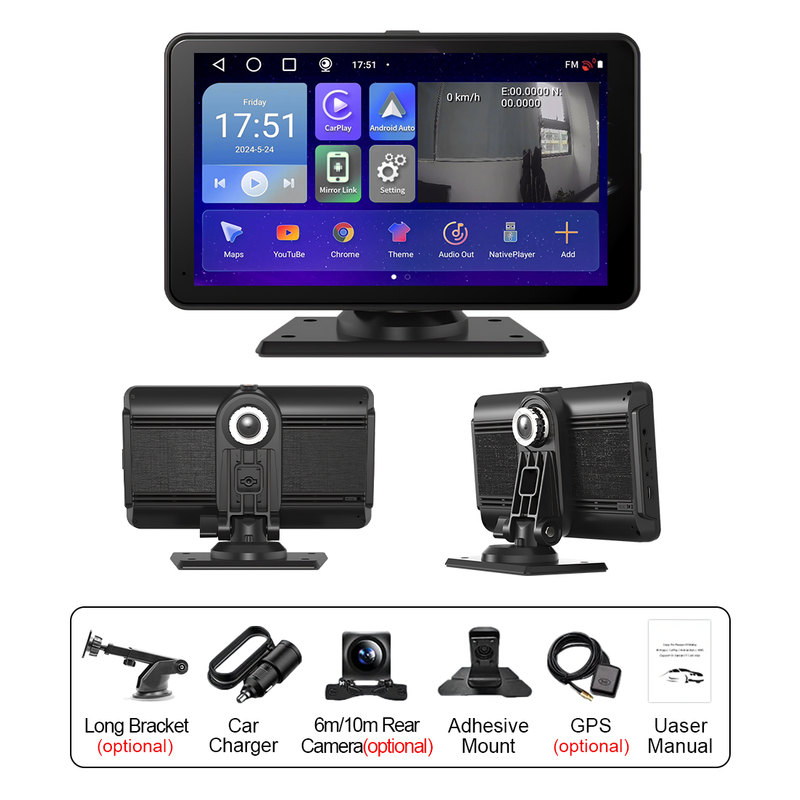
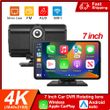


7" Inch 4K Dash Cam Wireless Carplay Android Auto GPS 5G WIFI FM BT Car Dvr Dual Lens Dashcam Truck Camera Drive Video Recorder
Includes all taxes
Meet your Seller
-
$214.74Sold by BILLIONS BIRDS
Description
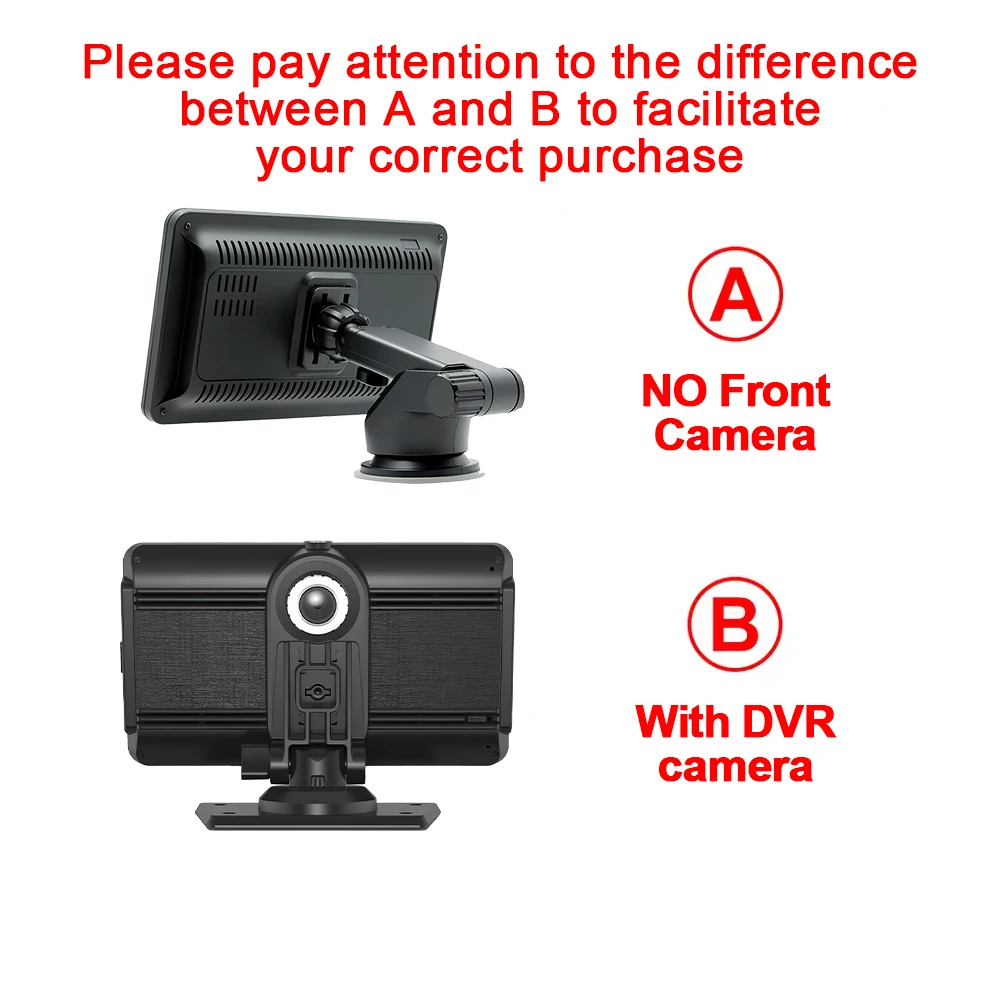
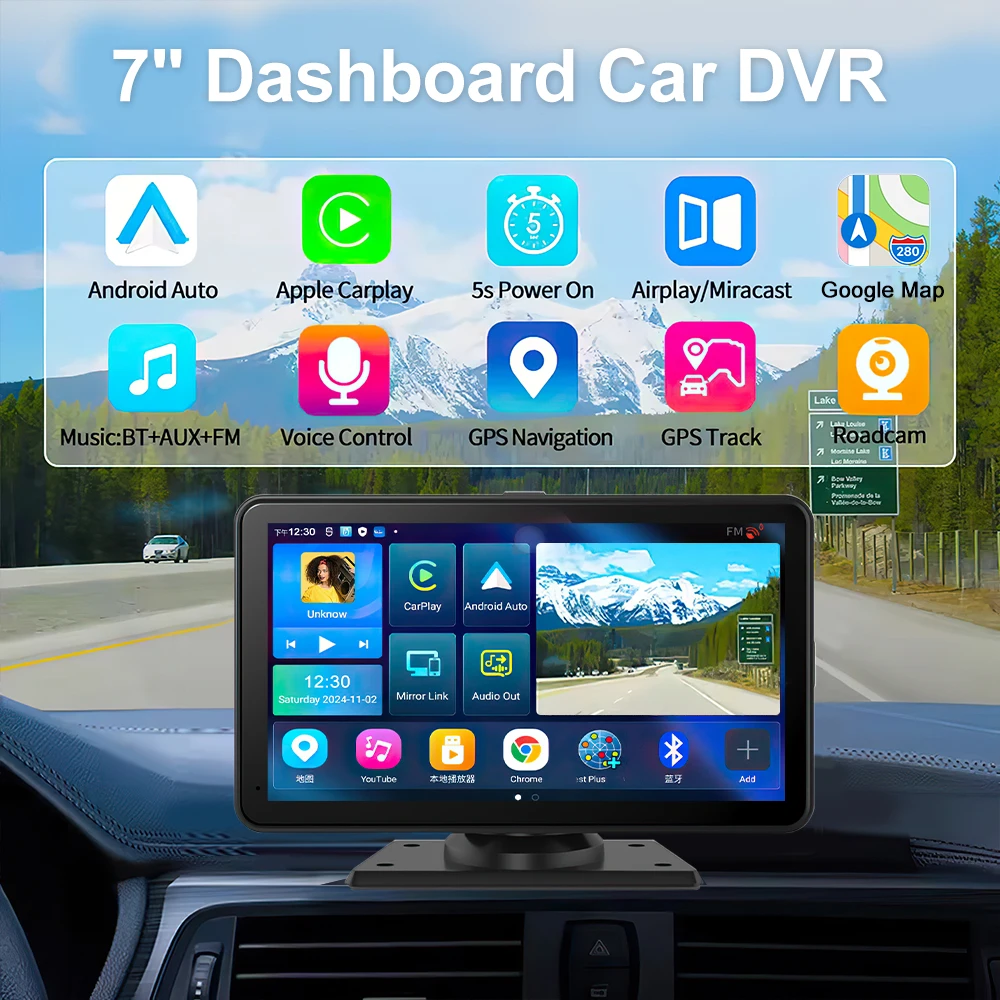
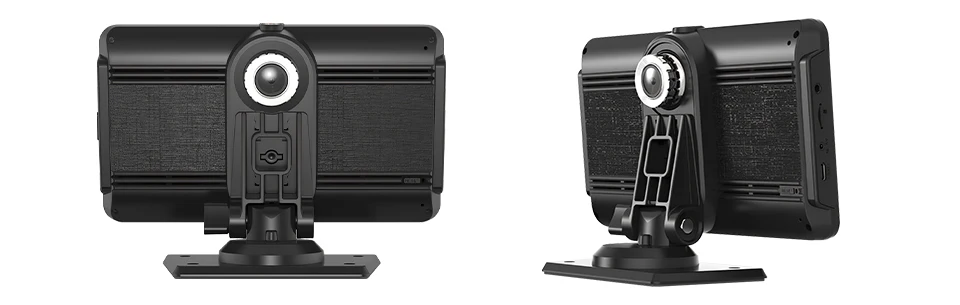
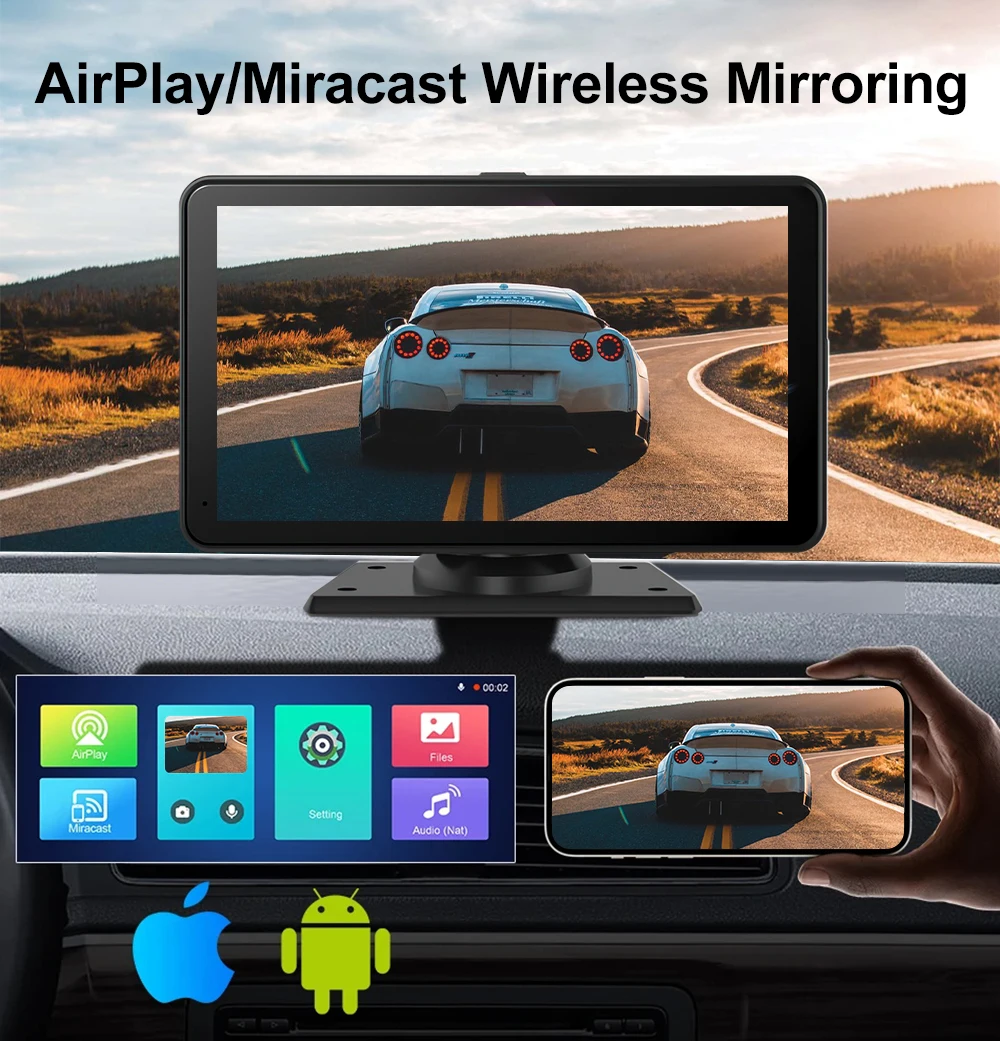
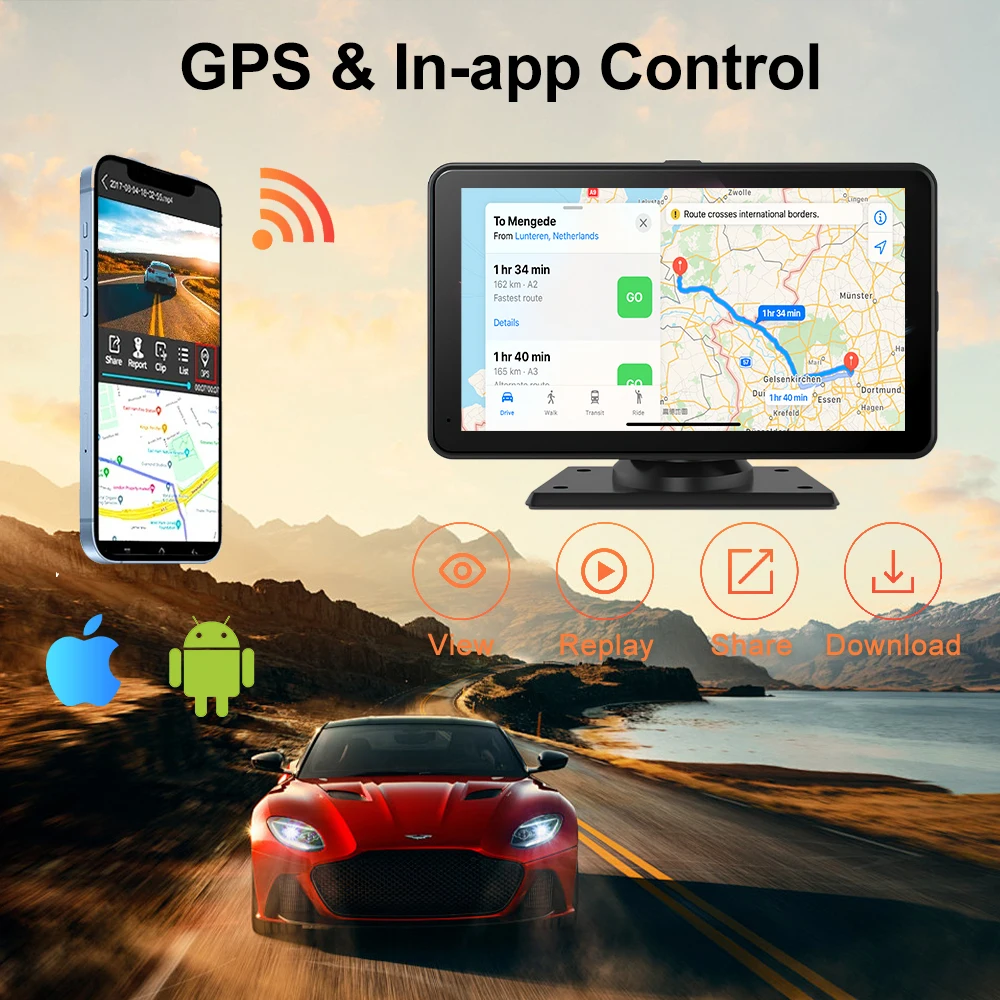
ISO ANDROID
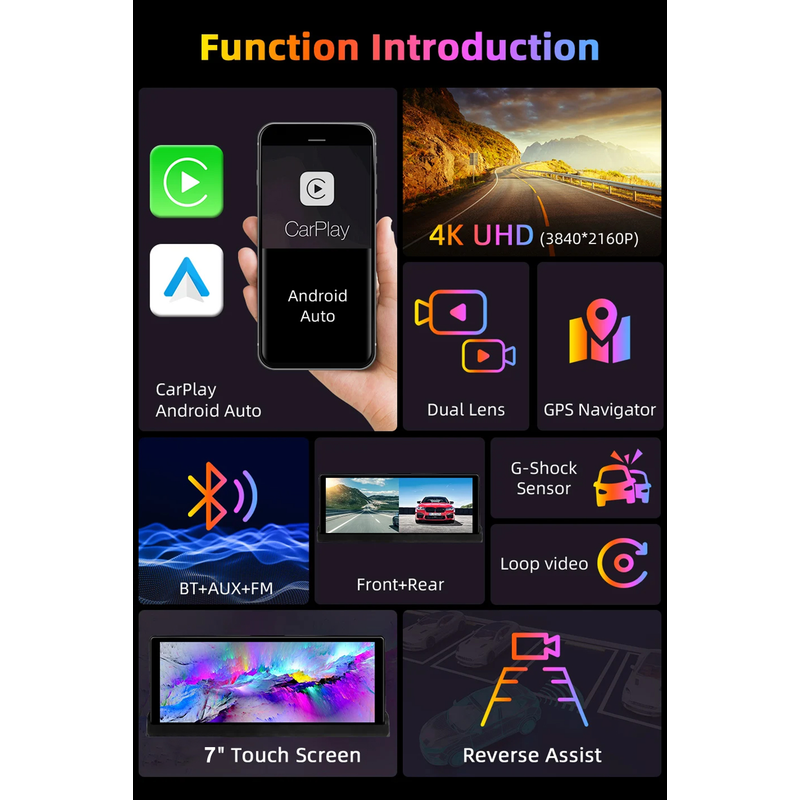
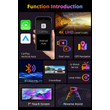
AirPlay/Mirror wireless Mirroring
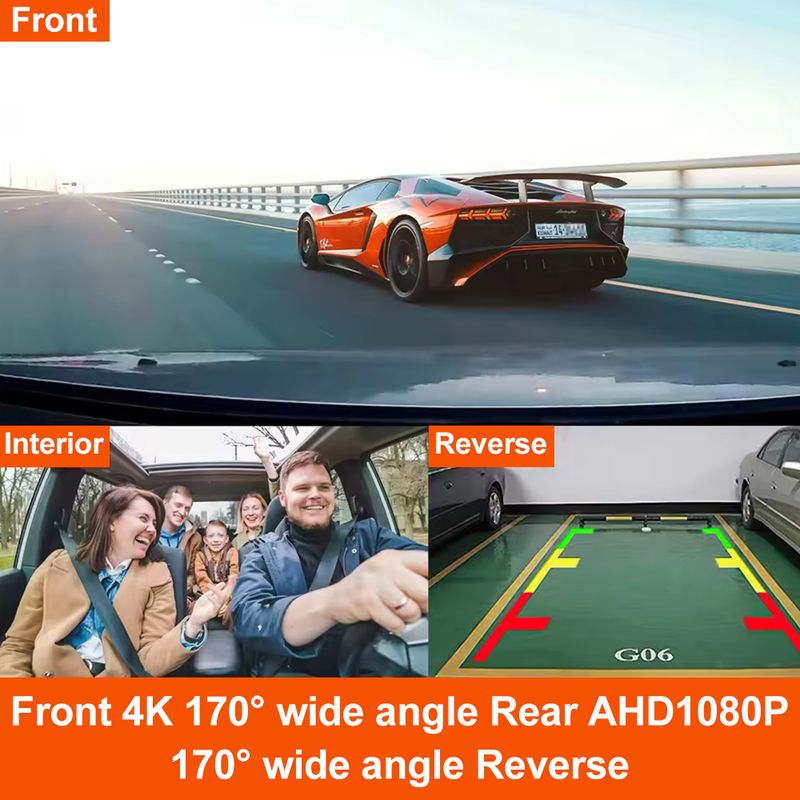
Siri/Google Voice Control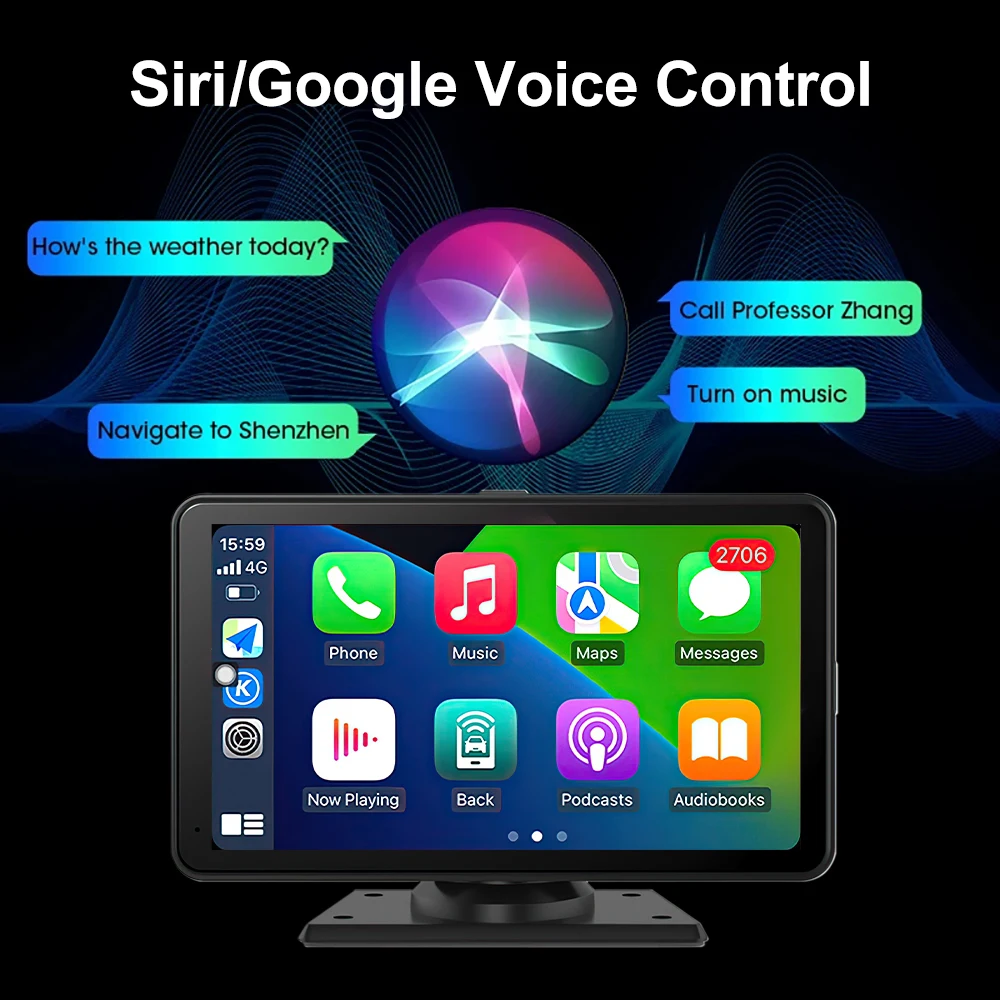 Front 4K 170°wide angle Rear AHD1080
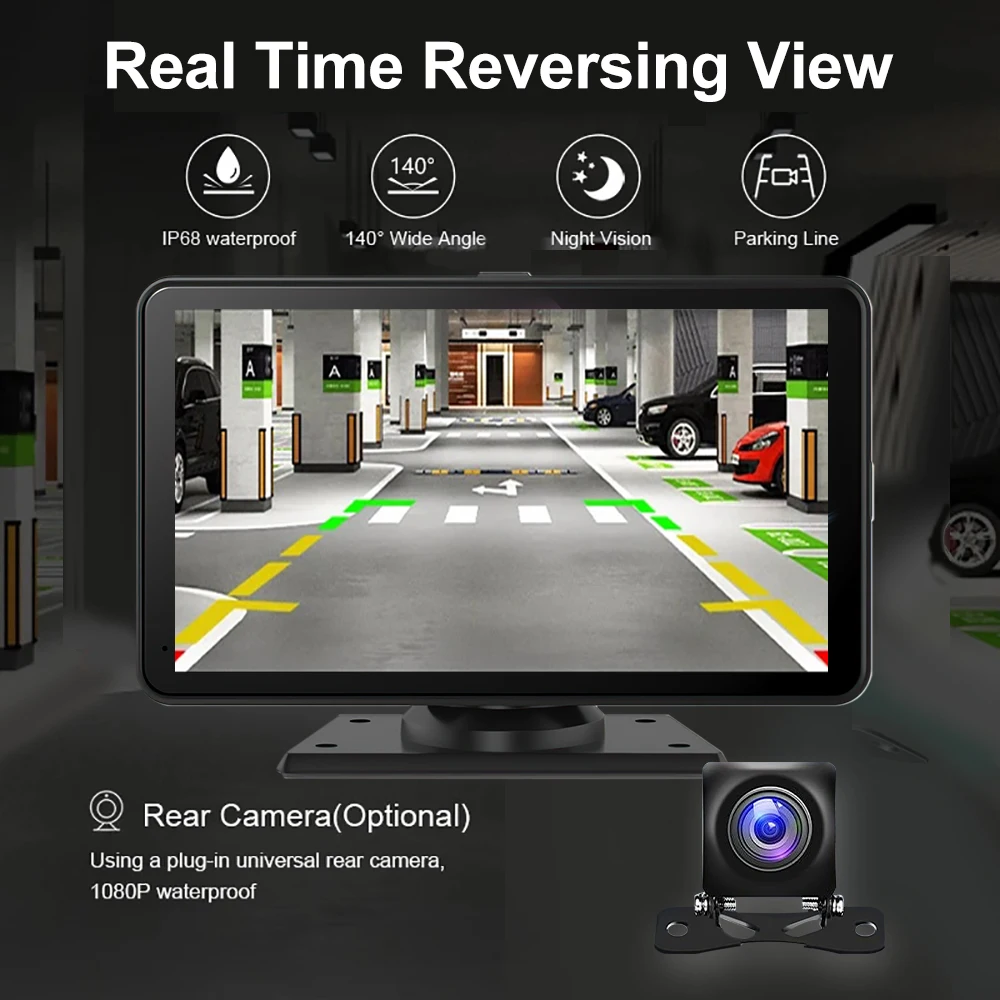
170° wide angle Reverse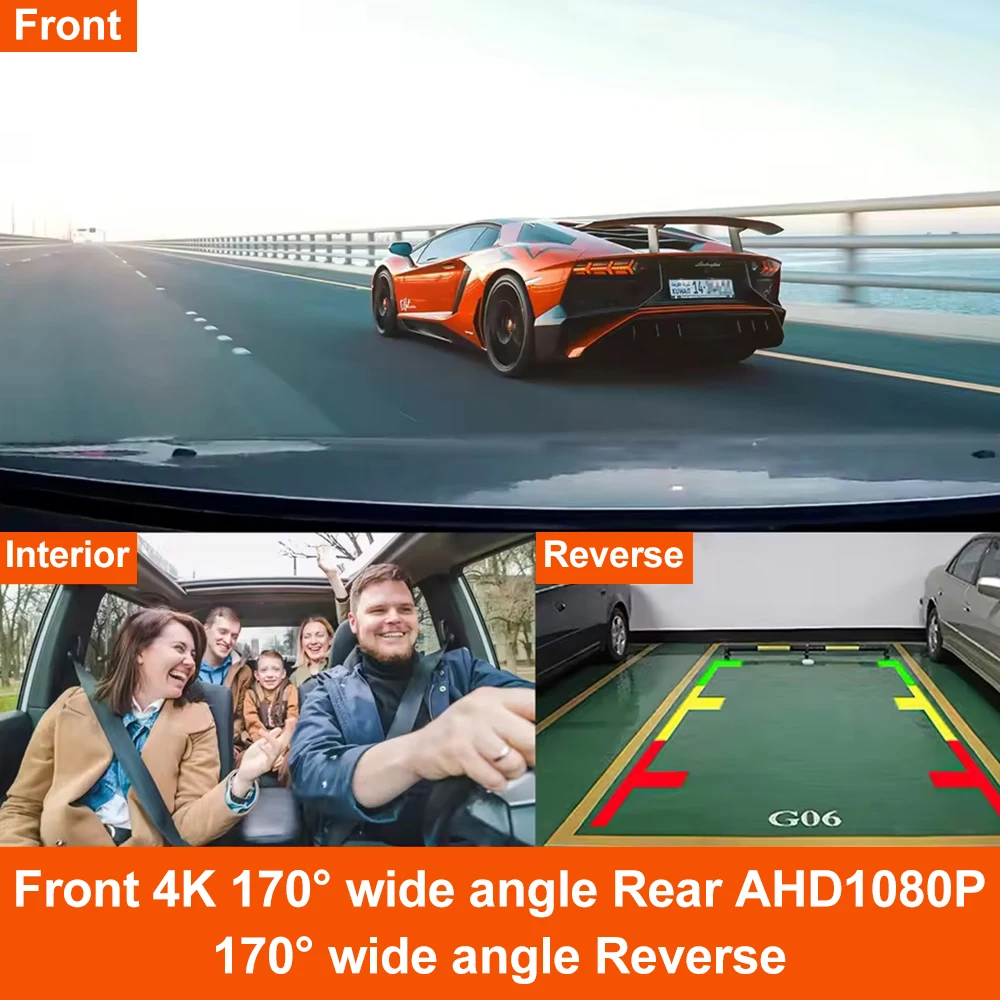
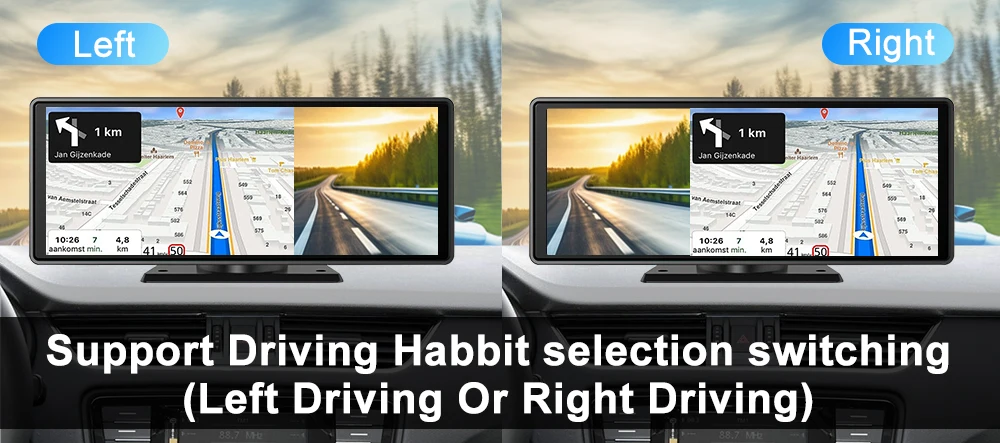
support Driving Habbit selection switching
(Left Driving Or Right Driving)
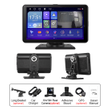
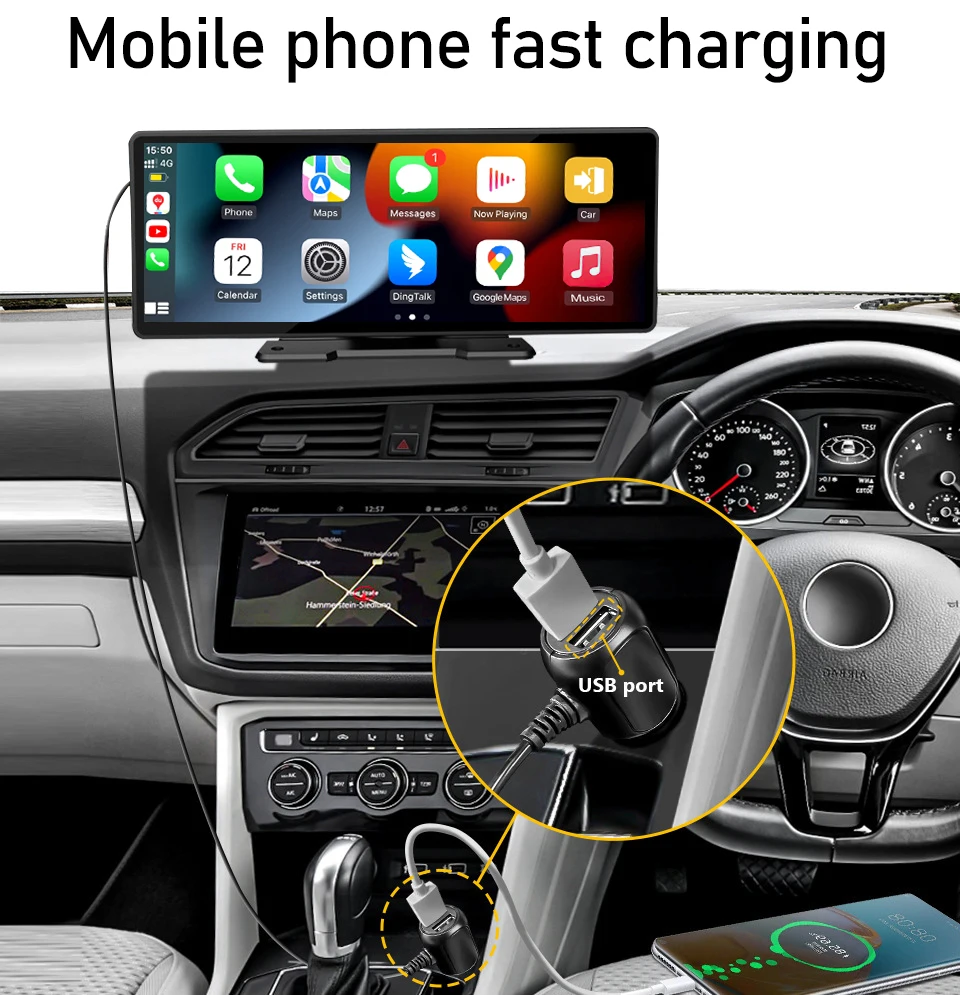
K-Play Easy-Mount 7"IPS Touch Monitor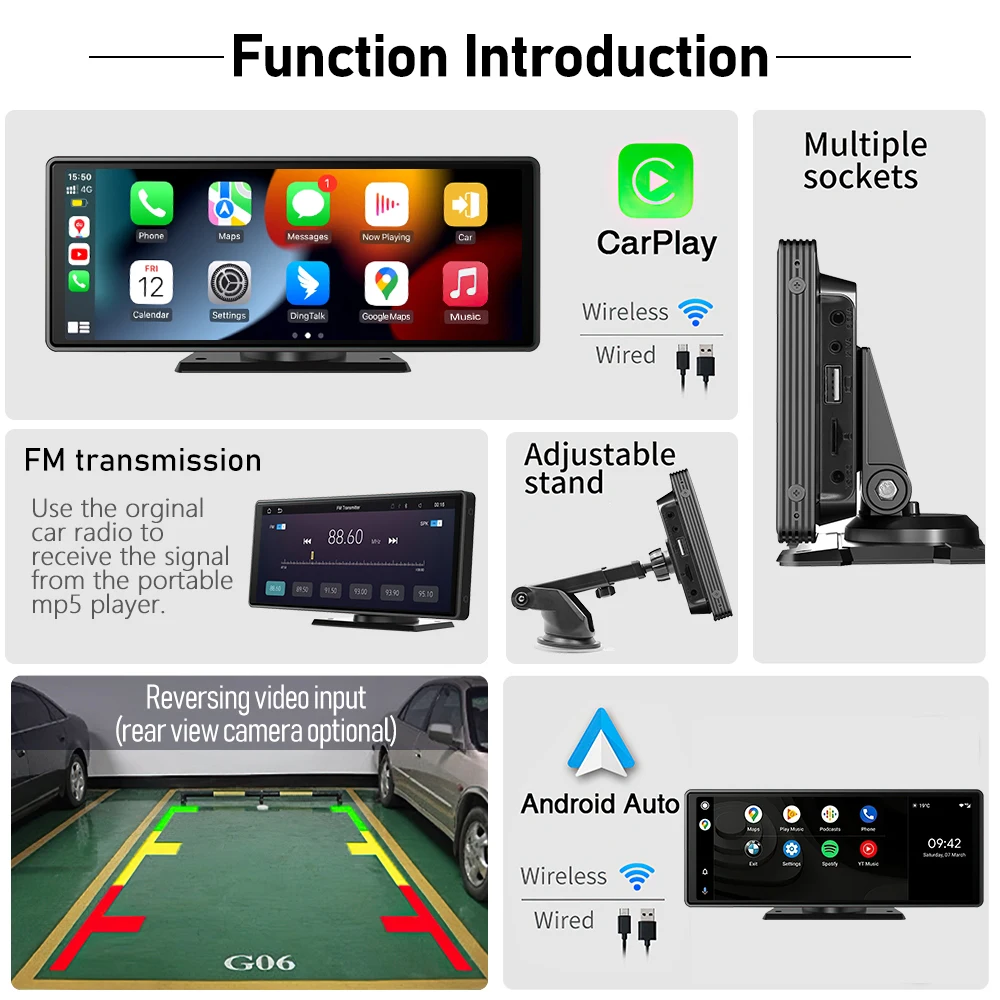 Mobile phone fast charging
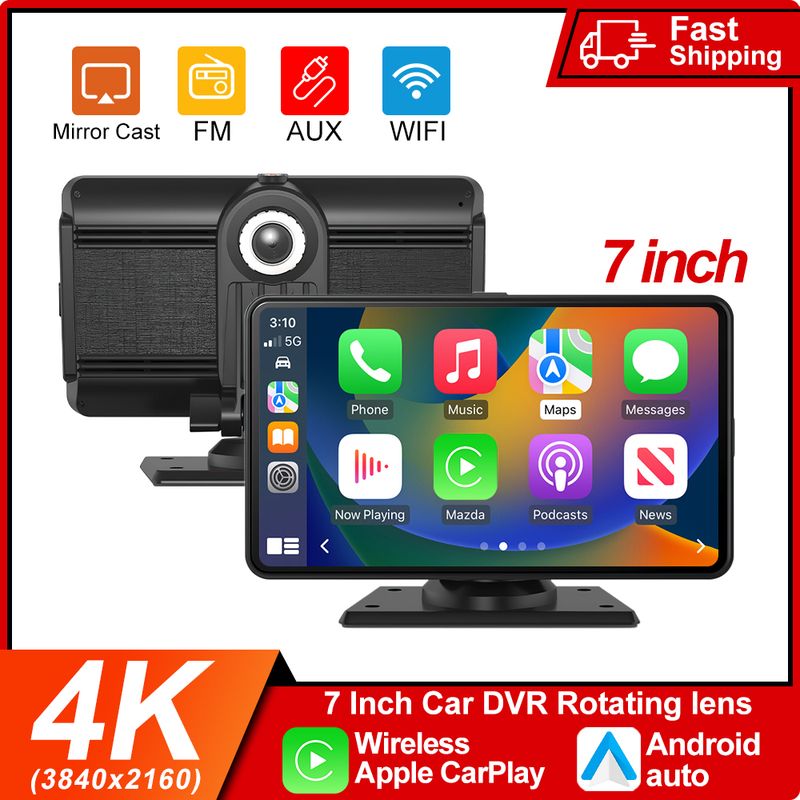
Wireless Carplay/Wireless Android Auto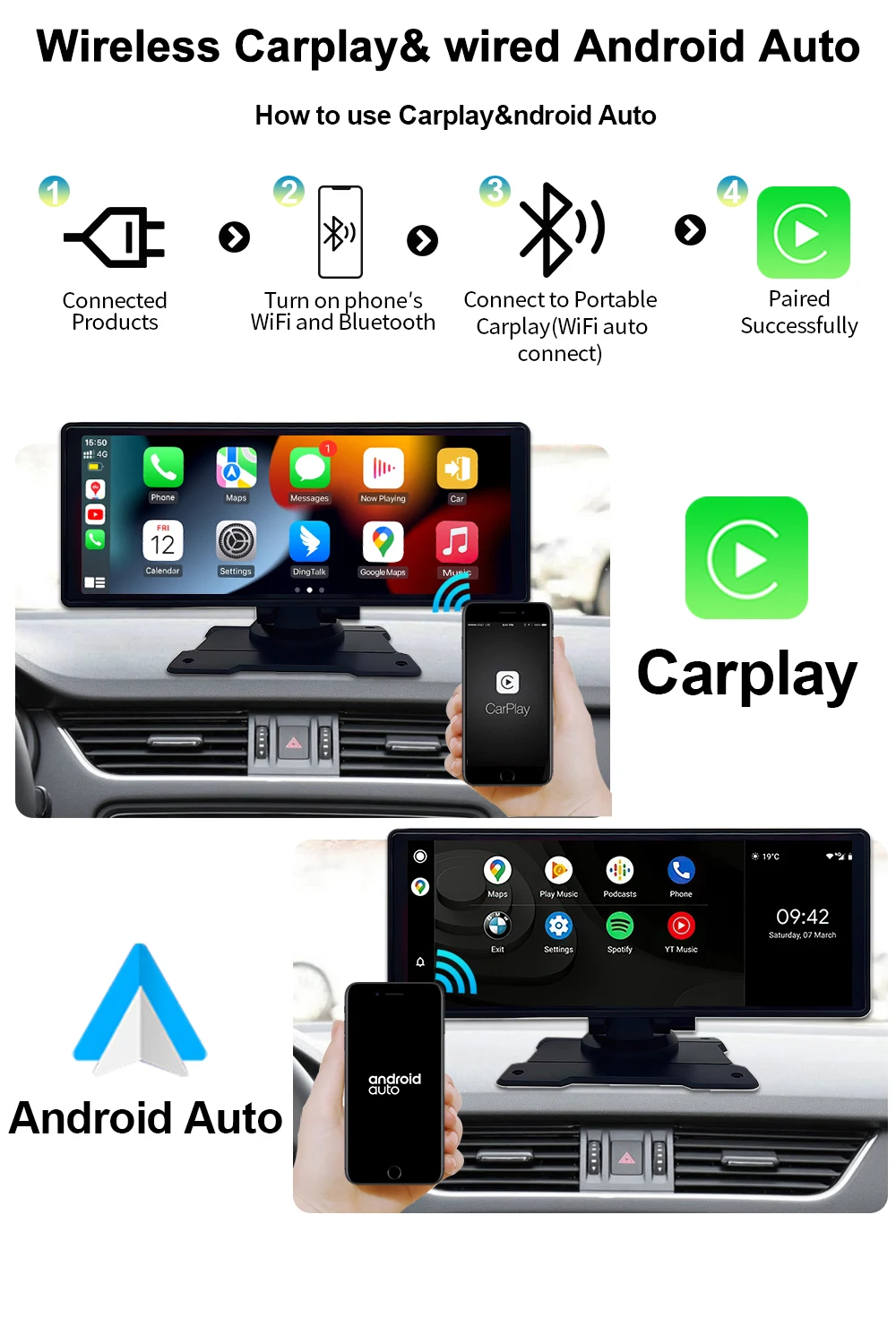
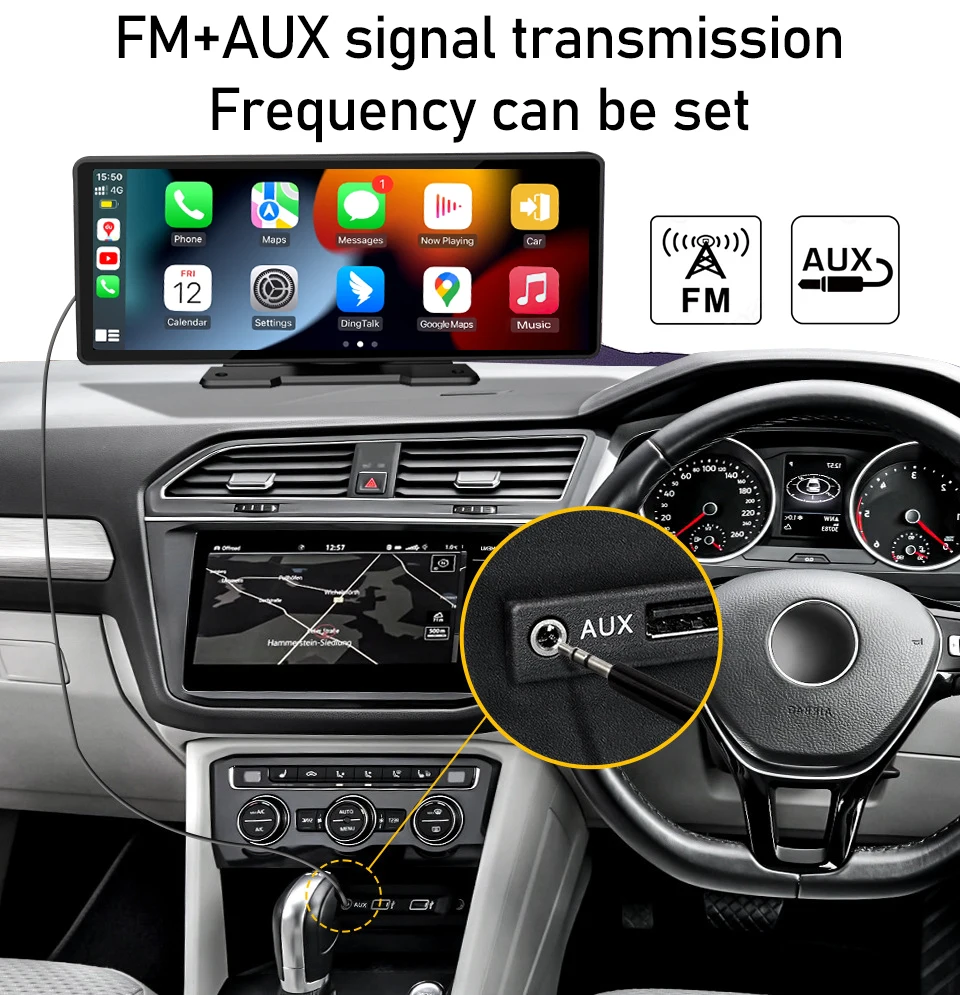
FM+AUX signal transmission
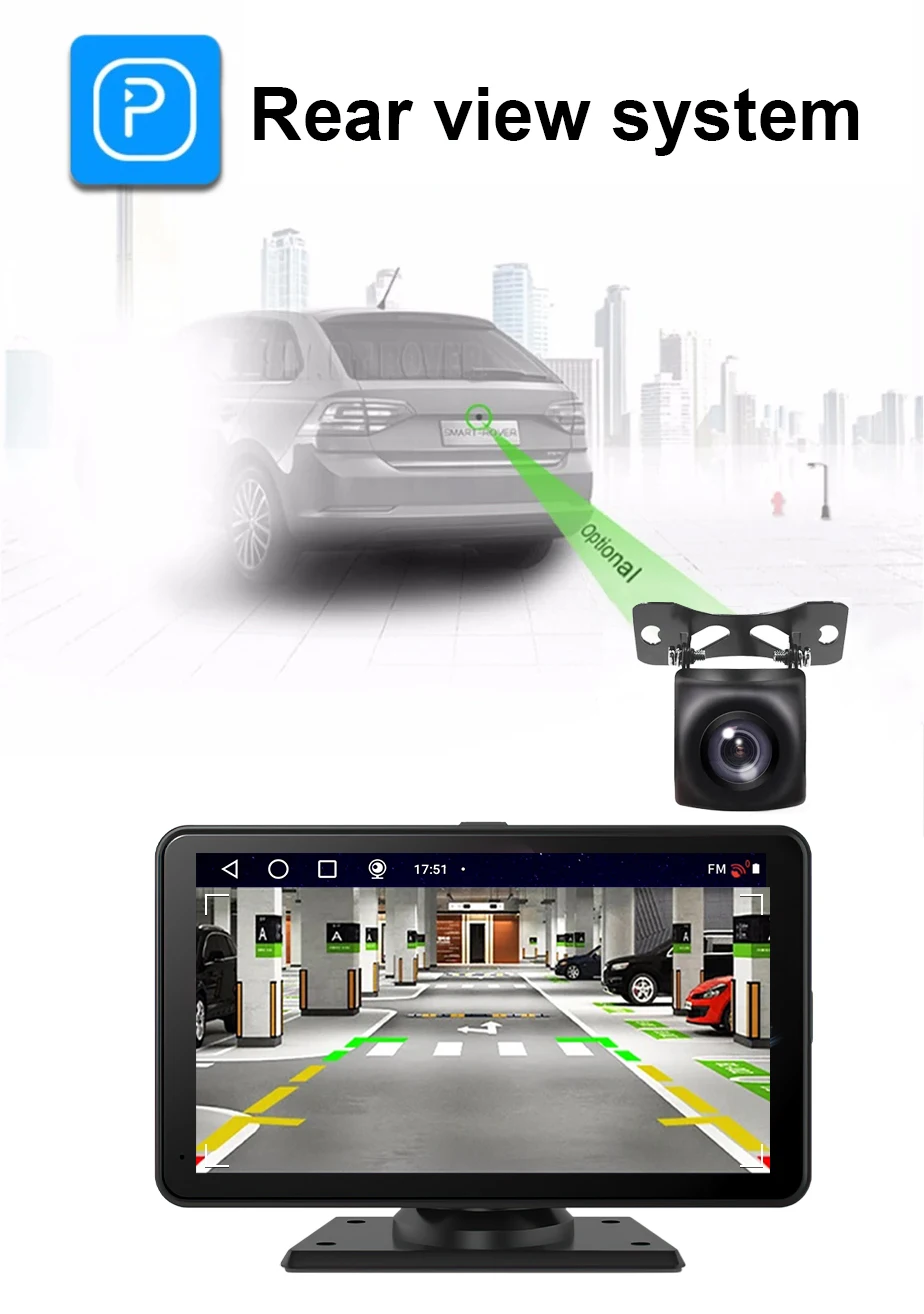
Rear view system
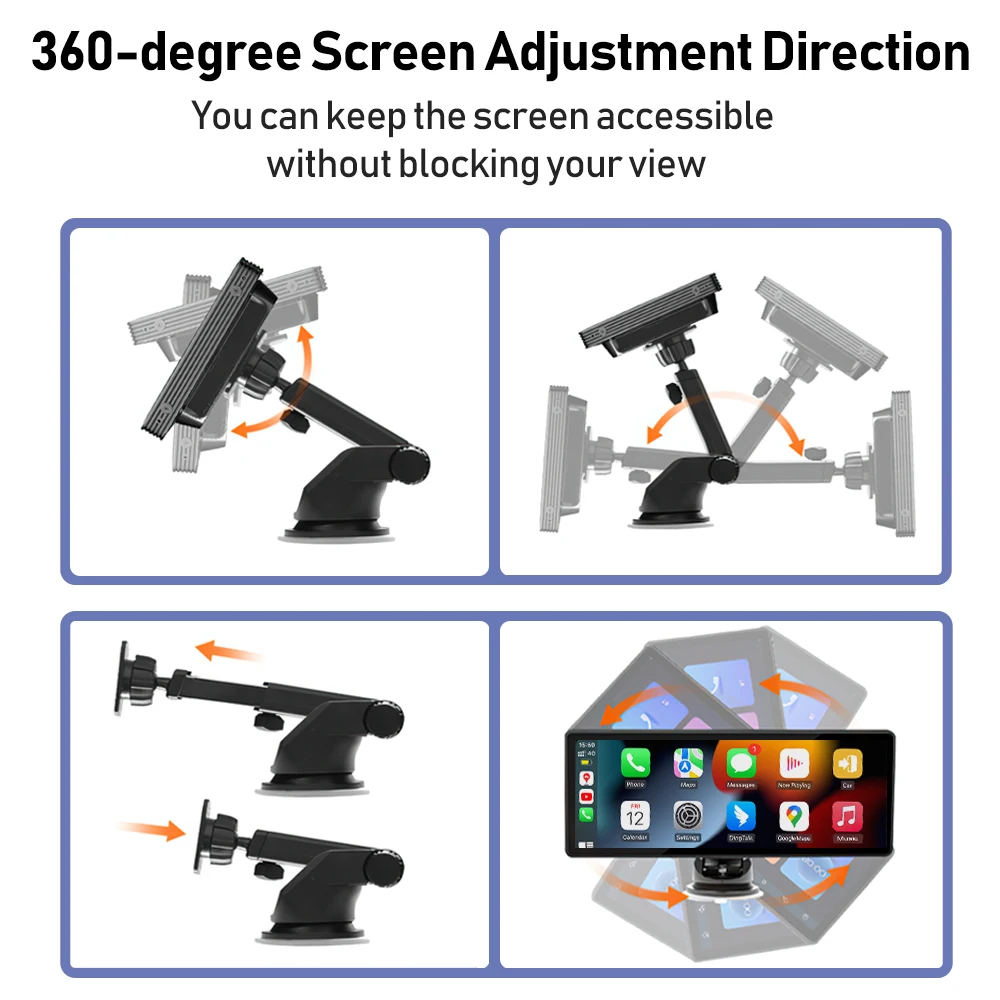
360°View Angle Adjustable
 Bluetooth 5.1 Make Driving Safe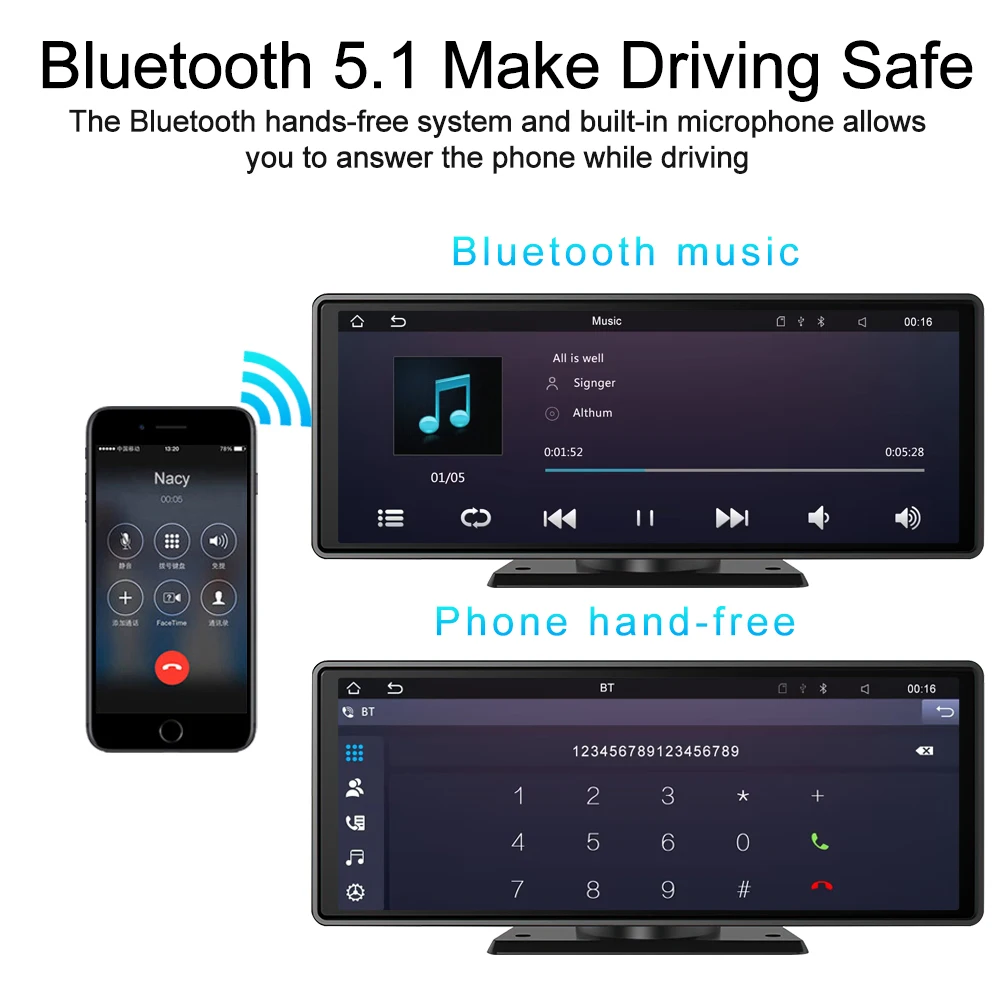
 12NMprocessorfasterspeed and less heatdissipation
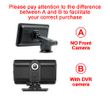
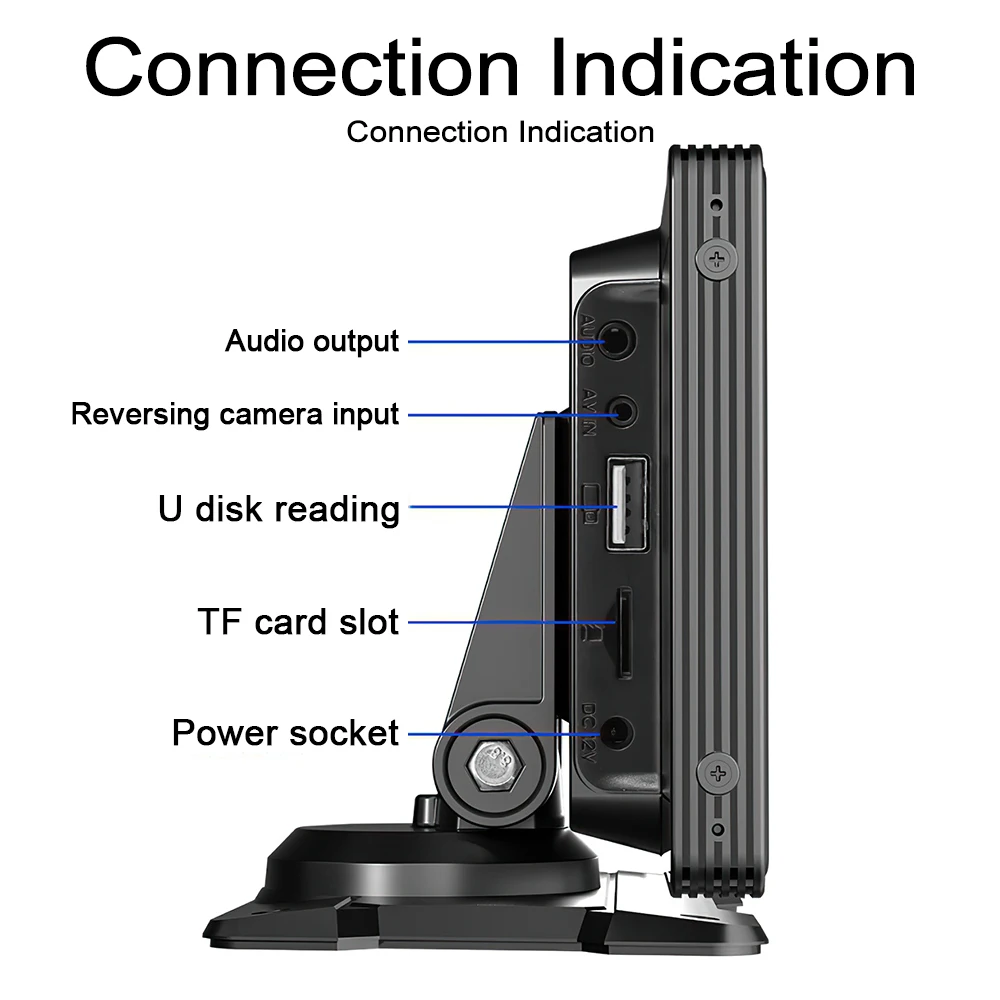
 Can be external CameraConnection Indication
 Company Profile
 Certifications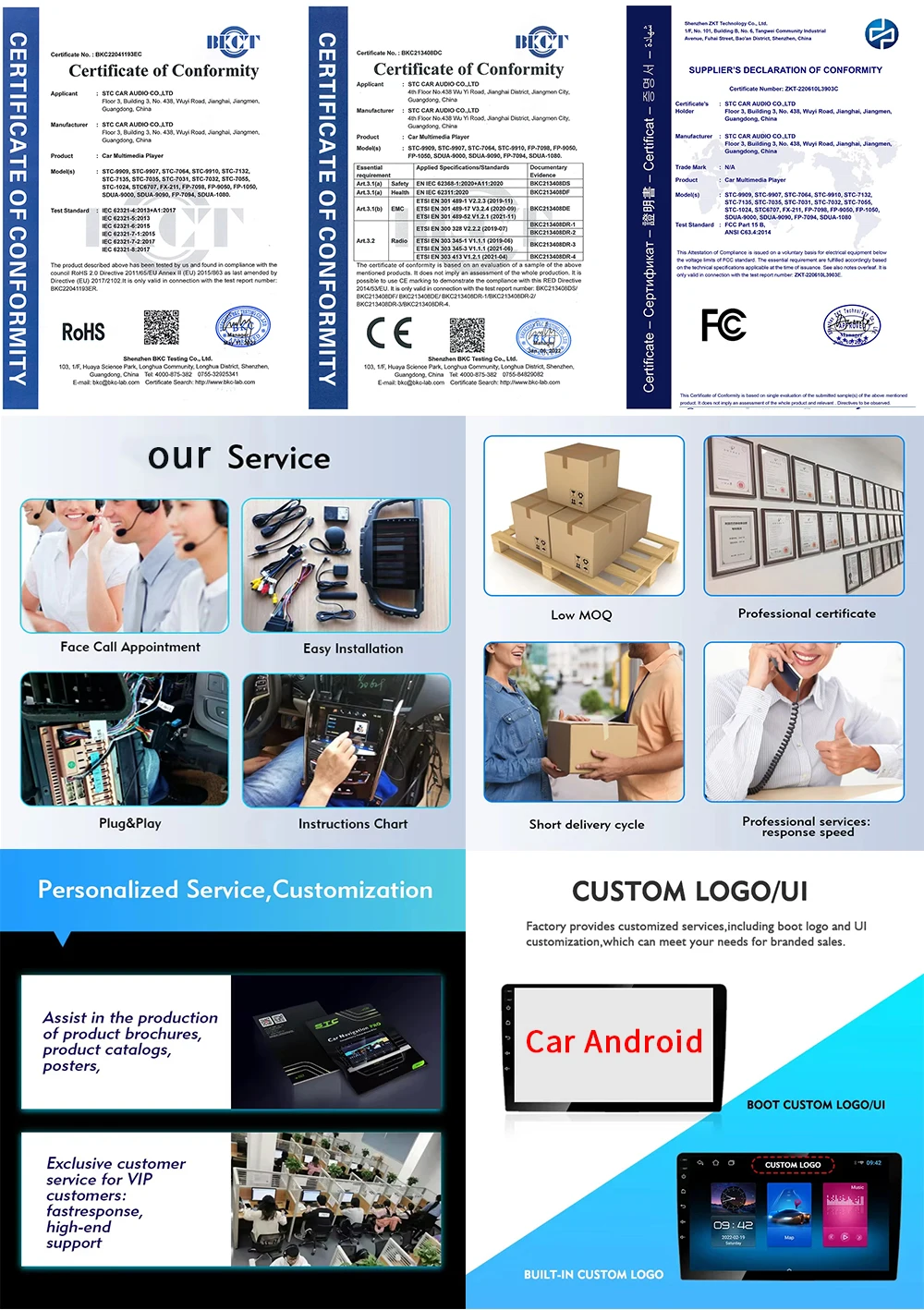
FAQ:
1:Is this device suitable for my car?
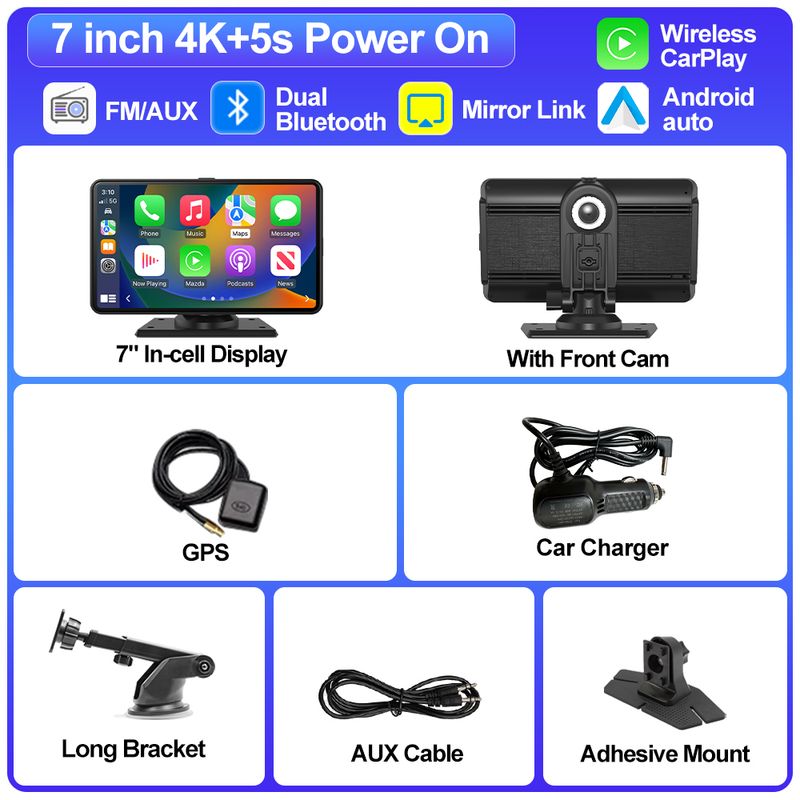
This is a 7" universal car radio, just fix it on the center console or attach it to the windshield, and you will get a perfect car companion
2: How to connect wireless carplay/android auto?
First pair the mobile phone with Bluetooth, and then connect to the WIFI signal. After both are connected, carplay/android auto will automatically jump to the corresponding interface.
3: How to connect wired carplay/android auto?
It can be connected through the mobile phone data cable, please pay attention to use the original car cable that can be used for data transmission.
4: How to connect airplay?
First complete the setting: setting - phone link - I0S device (iso mirror) /wireless connection (airplay), after the setting is completed, restart the car radio to use the airplay function normally.
5: Why is there no sound from the device?
1. The AUX cable is inserted and the FM transmitter switch is turned on.
2. When the FM transmitter switch is turned on, the speaker has no sound.
6:Is it possible to transmit audio to the car's speakers via Bluetooth?
No, only via AUX cable or FM channel.
7:How to sync sound via FM?
Turn on the FM TANSMITTER on the device, click ON on the device, adjust the channel of the car radio to a blank station, and set the radio on the device to the same frequency as the radio on the car, the setting is complete.
8:How to sync sound via AUX cable?
Find the AUX cable in the package, then connect one end of the cable to the AUDIO port on the top left of the device, connect the other end to the AUX-IN port on the car, and enter the AUX playback interface of the car radio to synchronize the sound - Set up.
9:Why doesn't the screen light up?
1. Check whether the power supply is plugged in properly. If one end of the cigarette lighter is installed in place, the indicator light on the USB will light up, and the other end will be connected to the lowermost DC 12V power supply port on the left side of the device.
2. After confirming that the power is turned on, if the screen is still not on, there is a reset button on the back of the device, press and hold for 3 seconds.
3. Software problems, you can upgrade the software, please contact customer service.
10:What should I do if the touch buttons do not work after the upgrade?
Follow the upgrade video, the upgrade process takes two times, and only one upgrade may cause the touch buttons on the bottom of the device to not work. (Please contact customer service for upgrade software and upgrade video).
11:What should I do if the screen is blurry or I can't see the screen clearly when I wear sunglasses?
Adjust the VCOM parameters in the settings (if you need to operate the video, please contact customer service).
12:Can I use the rear camera of the original car/other brand?
No, only the rear camera of Grandnavi is supported, the camera of the original car/other brands is not suitable for the device.
13:How to install the bracket?
1. Front windshield installation: attach the bracket to the front windshield through the adhesive suction cup
2. Center console installation: Adsorb the bracket on the center console through the adhesive suction cup. If the surface of the center console is not smooth enough, you can lock the mounting pad on the center console with screws, and the stability of the bracket will be improved.
Shop Policies
Payment Policy
Payment Policy – BILLIONS BIRDS
At BILLIONS BIRDS, we are committed to providing a safe, secure, and seamless payment experience for our customers.
1. Accepted Payment Methods
We accept the following payment options:
Major Credit & Debit Cards (Visa, MasterCard, American Express)
Secure Online Payment Gateways (such as PayPal, Stripe, or other providers available at checkout)
Any additional payment methods displayed during checkout
All payments must be completed in full at the time of purchase.
2. Secure Transactions
All transactions are processed through encrypted and secure payment systems to protect your personal and financial information. We do not store your full payment details on our servers.
3. Currency
Prices are displayed in the currency indicated on the website. If you are purchasing from another country, your bank may apply currency conversion fees.
4. Order Confirmation
Once your payment has been successfully processed, you will receive an order confirmation email containing your purchase details.
5. Failed or Declined Payments
If your payment is declined, please verify your billing information or contact your bank. Orders will only be processed after successful payment confirmation.
6. Fraud Prevention
BILLIONS BIRDS reserves the right to cancel or refuse any order if fraud or unauthorised activity is suspected.
Delivery Policy
Delivery Policy – BILLIONS BIRDS
At BILLIONS BIRDS, we are dedicated to delivering your orders safely and efficiently.
1. Order Processing
All orders are processed within 1–3 business days after payment confirmation. Orders are not processed or shipped on weekends or public holidays.
2. Shipping Times
Estimated delivery times vary depending on your location:
Domestic Shipping: 3–7 business days
International Shipping: 7–15 business days
Please note that delivery times are estimates and may vary due to customs procedures, carrier delays, weather conditions, or other unforeseen circumstances.
3. Shipping Costs
Shipping fees are calculated at checkout based on your location and selected shipping method. Any customs duties, taxes, or import fees are the customer's responsibility.
4. Tracking Information
Once your order has been shipped, you will receive a confirmation email with tracking details (if available) so you can monitor your package.
5. Delivery Issues
If your order is delayed, lost, or arrives damaged, please contact us within 7 days of the expected delivery date. We will work with the shipping carrier to resolve the issue as quickly as possible.
6. Incorrect Shipping Information
Customers are responsible for providing accurate shipping details at checkout. BILLIONS BIRDS is not responsible for orders shipped to incorrect addresses provided by the customer.
Refund Policy
Refund Policy – BILLIONS BIRDS
At BILLIONS BIRDS, customer satisfaction is our top priority. If you are not completely satisfied with your purchase, we’re here to help.
1. Return Eligibility
You may request a return within 14 days of receiving your order. To qualify for a return:
The item must be unused, unworn, and in the same condition as received.
The item must be in its original packaging.
Proof of purchase (order confirmation or receipt) is required.
Certain items may not be eligible for return, including clearance items, gift cards, or personalised/custom products.
2. Non-Refundable Items
The following items are non-refundable:
Final sale or discounted items
Gift cards
Items damaged due to misuse, negligence, or improper care
3. Return Process
To initiate a return, please contact our customer support team with your order number and reason for return. If your return is approved, you will receive instructions for returning the item.
Unless the item is defective or incorrect, customers are responsible for return shipping costs.
4. Refund Processing
Once we receive and inspect your returned item:
We will notify you of the approval or rejection of your refund.
If approved, the refund will be issued to your original payment method within 5–10 business days.
Please note that banks or payment providers may require additional time to process refunds.
5. Damaged or Incorrect Items
If you receive a damaged, defective, or incorrect item, please contact us within 7 days of delivery and provide clear photos of the product and packaging. We will arrange a replacement or full refund at no additional cost.
6. Late or Missing Refunds
If you have not received your refund:
Check your bank account again.
Contact your credit card company or payment provider.
If the issue persists, don't hesitate to contact our support team for assistance.
Recommended Products
Customer reviews
Share your thoughts with other customers
Be the first one to write a review!

Items (0)
