
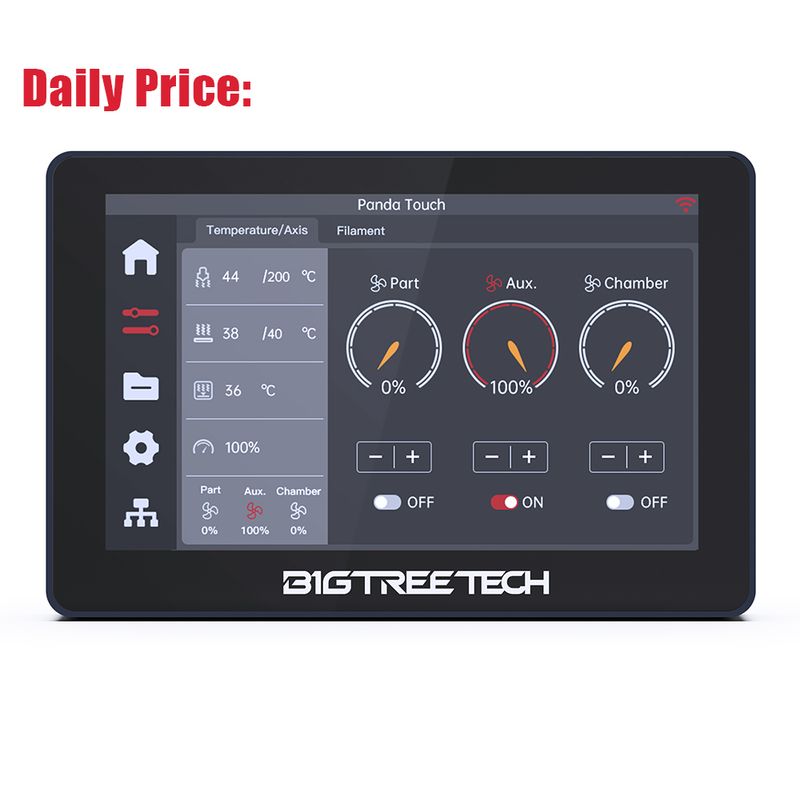
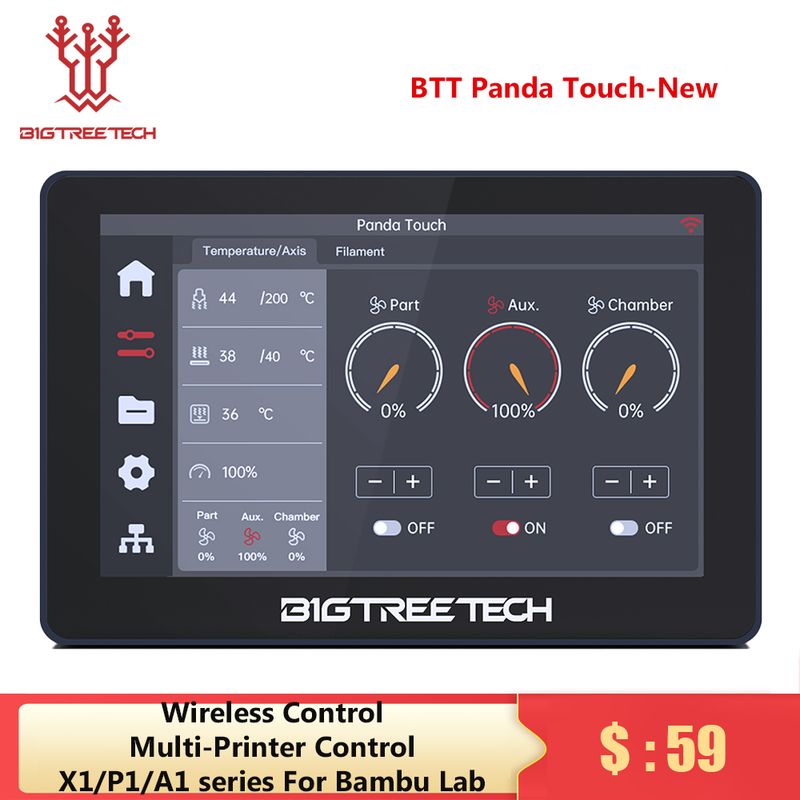
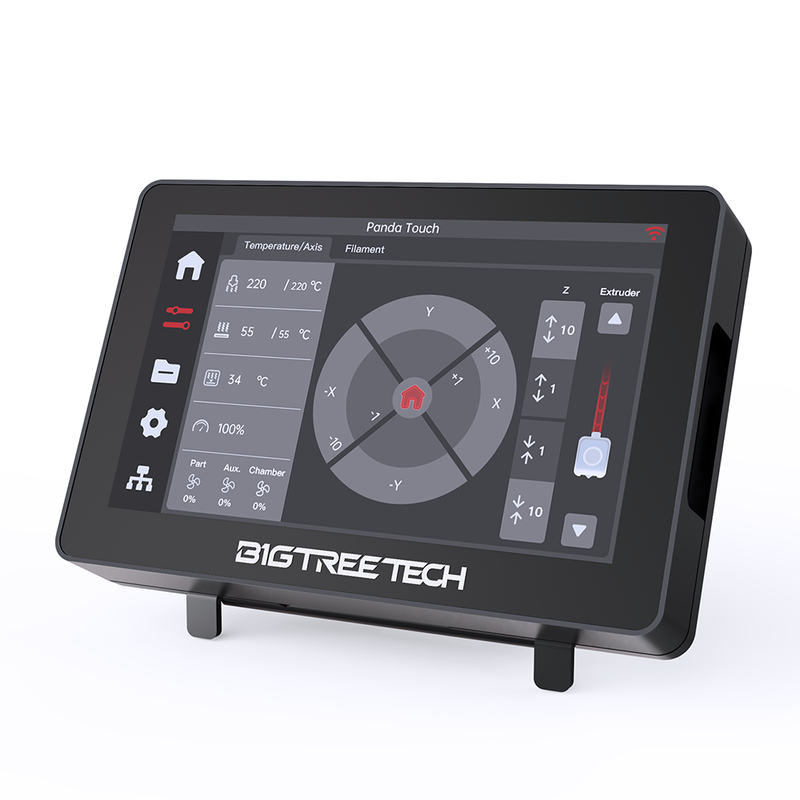
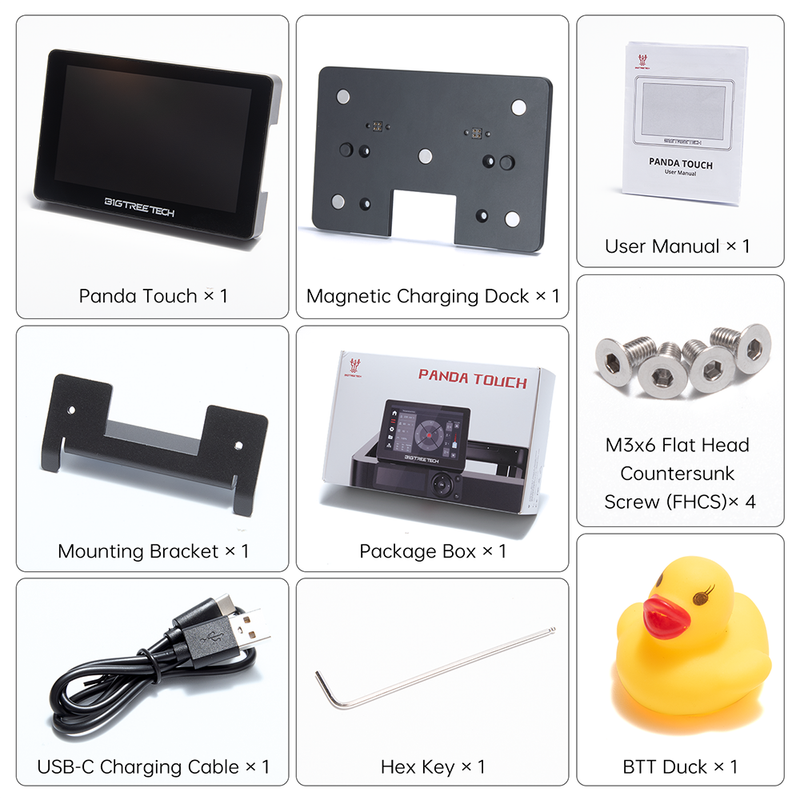
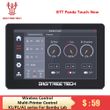
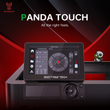
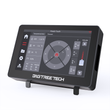
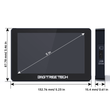
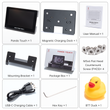
BIGTREETECH Panda Touch 5 Inch Touch Screen Wifi Display For Bambulab P1P P1S Multi-Printer Control Wireless Klipper Screen
Includes all taxes
Meet your Seller
-
$295.95Sold by BILLIONS BIRDS
Description
Feature:
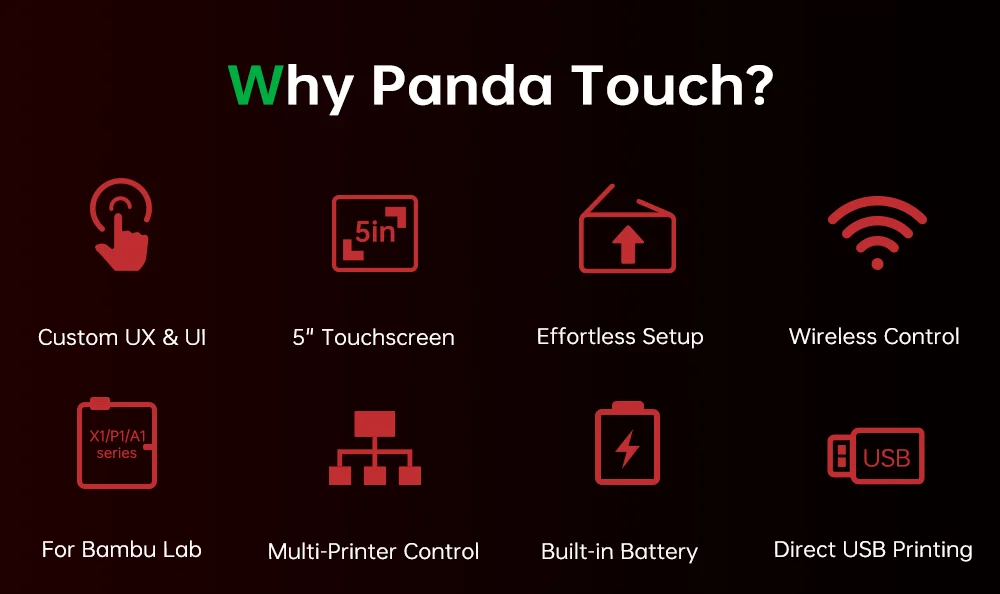
Custom UX & Ul
5" Touchscreen
Effortless Setup
Built-in Battery
Wireless Control
Direct USB Printing
Multi-Printer Control
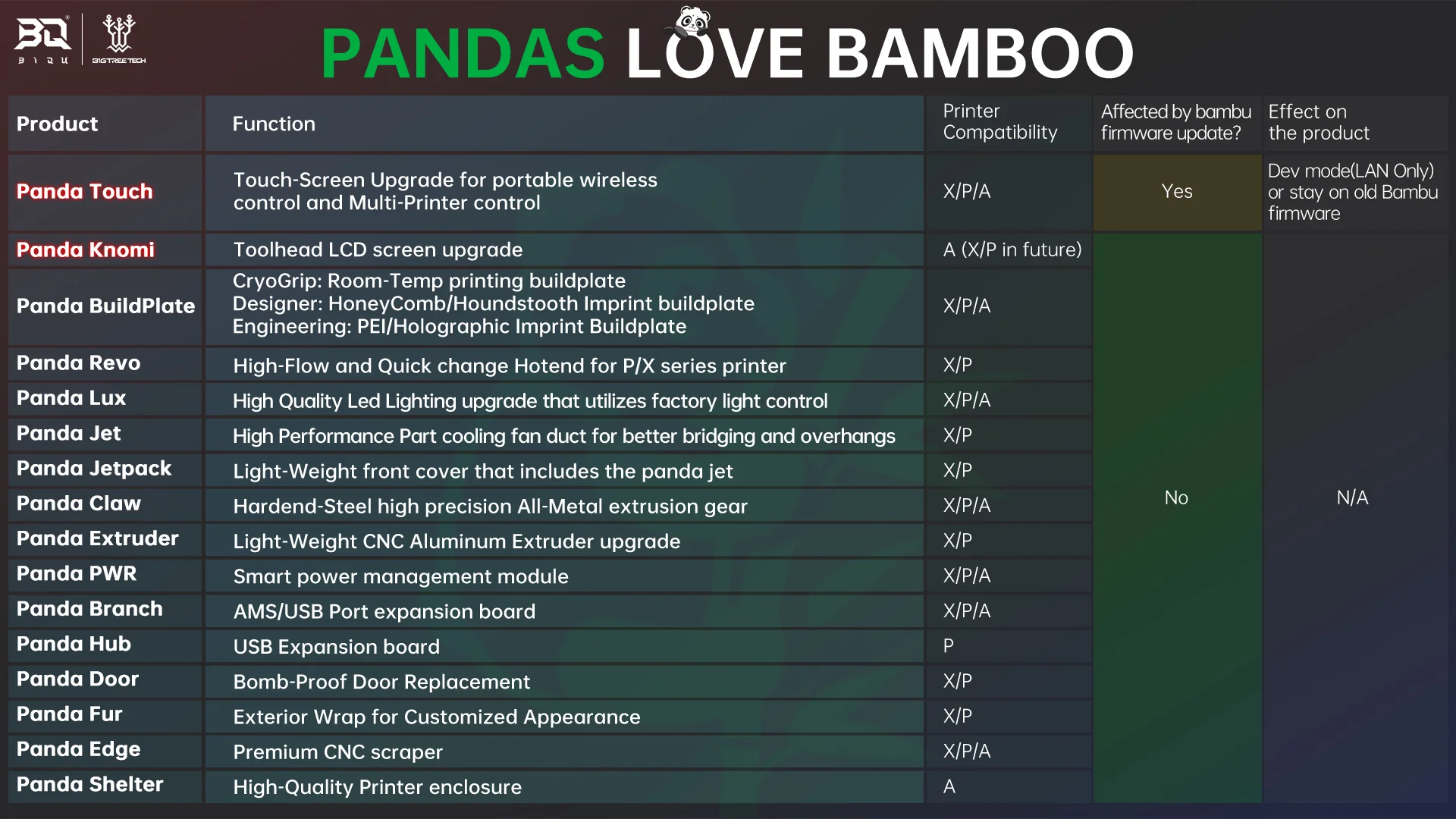
X1/P1/A1 series For Bambu Lab
Click the link to view Panda Touch software instructions and more product information: https://bttwiki.com/Panda%20Touch.html#firmware-history
The Panda Touch is currently compatible with all Bambu Lab printer firmware versions up until:
- P1P -->v01.07.00.00
- P1S -->v01.07.00.00
- X1C -->v01.08.02.00
- X1E -->v01.01.02.00
- A1 -->v01.03.01.02
- A1 Mini -->v01.04.00.00
It is possible that Bambu Lab may release a future firmware version which impacts the functions available from the Panda Touch. Bigtreetech will monitor all beta firmware versions and if we find a firmware version that affects Panda Touch functionality we will send out an alert via email, Aliexpress chat and our social channels. Buyers can then decide whether or not they would like to perform the update at the risk of losing functionality. Note that the Panda Touch warranty does not cover lost functionality due to a Bambu Lab firmware update being performed.
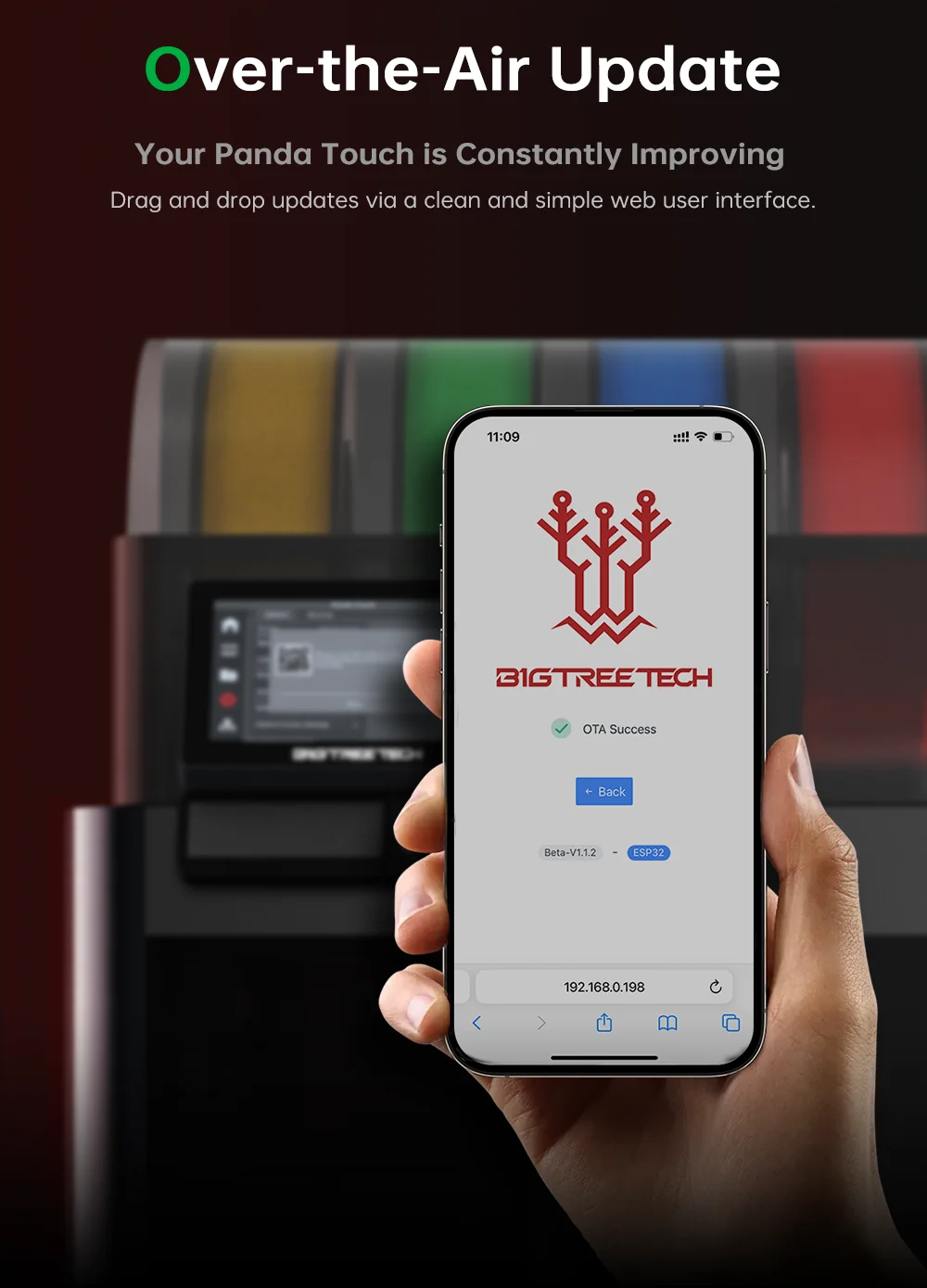
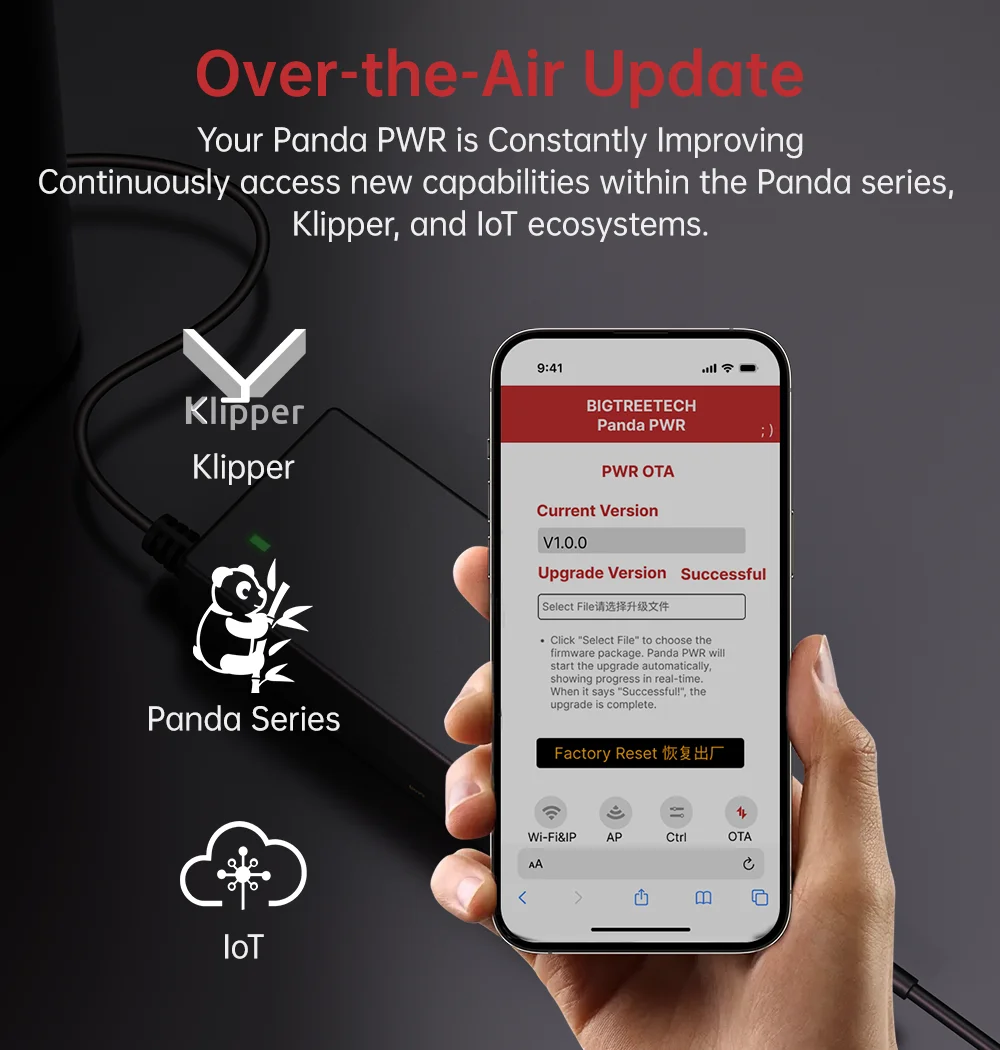
Note: The Panda Touch firmware has been updated to V1.0.6.1. Some units may ship with an earlier firmware version. Please check your firmware version and upgrade to the latest for the best user experience. Please click on the link https://bttwiki.com/PandaTouch.html#firmware for the upgrade tutorial.
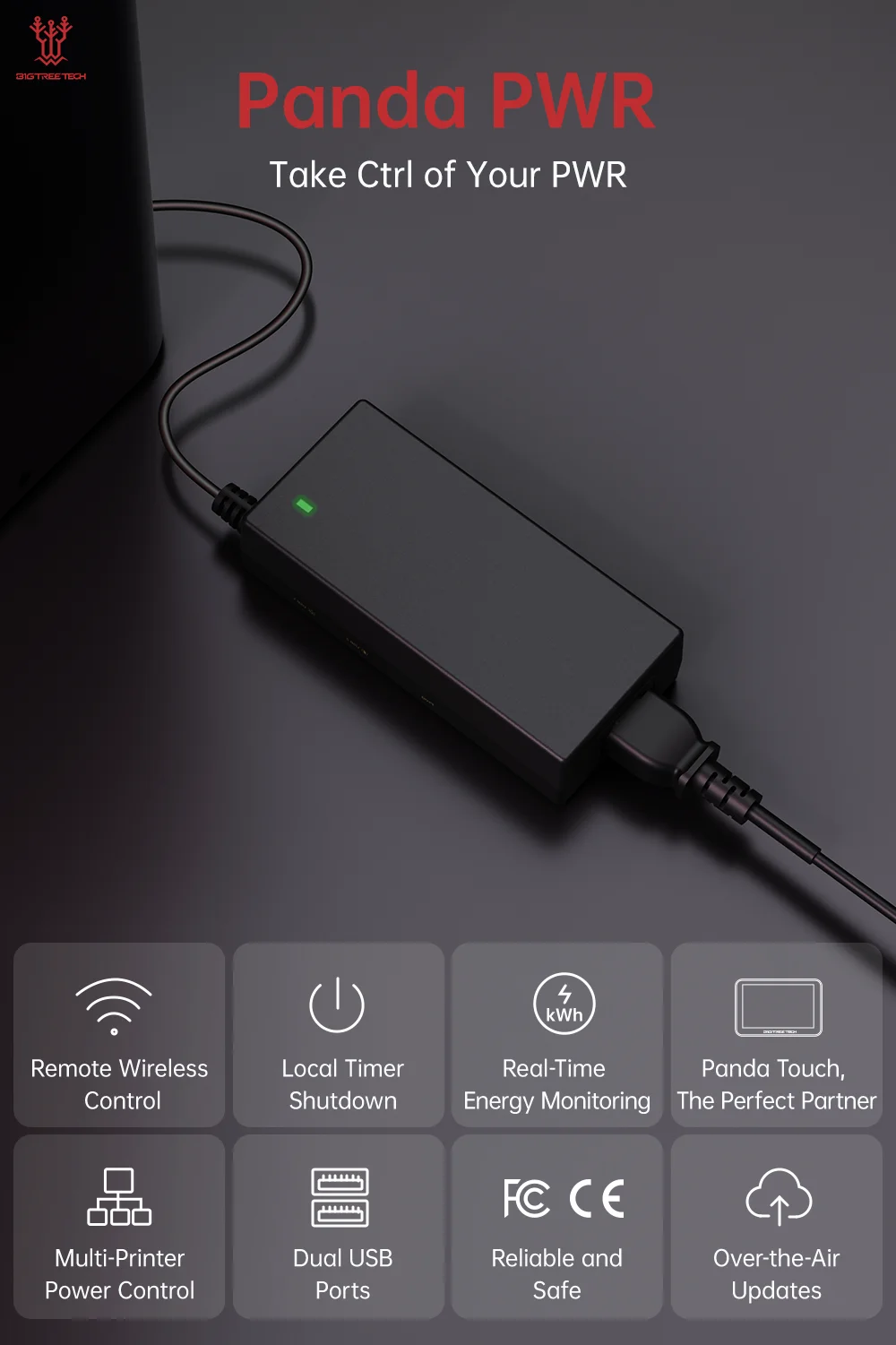
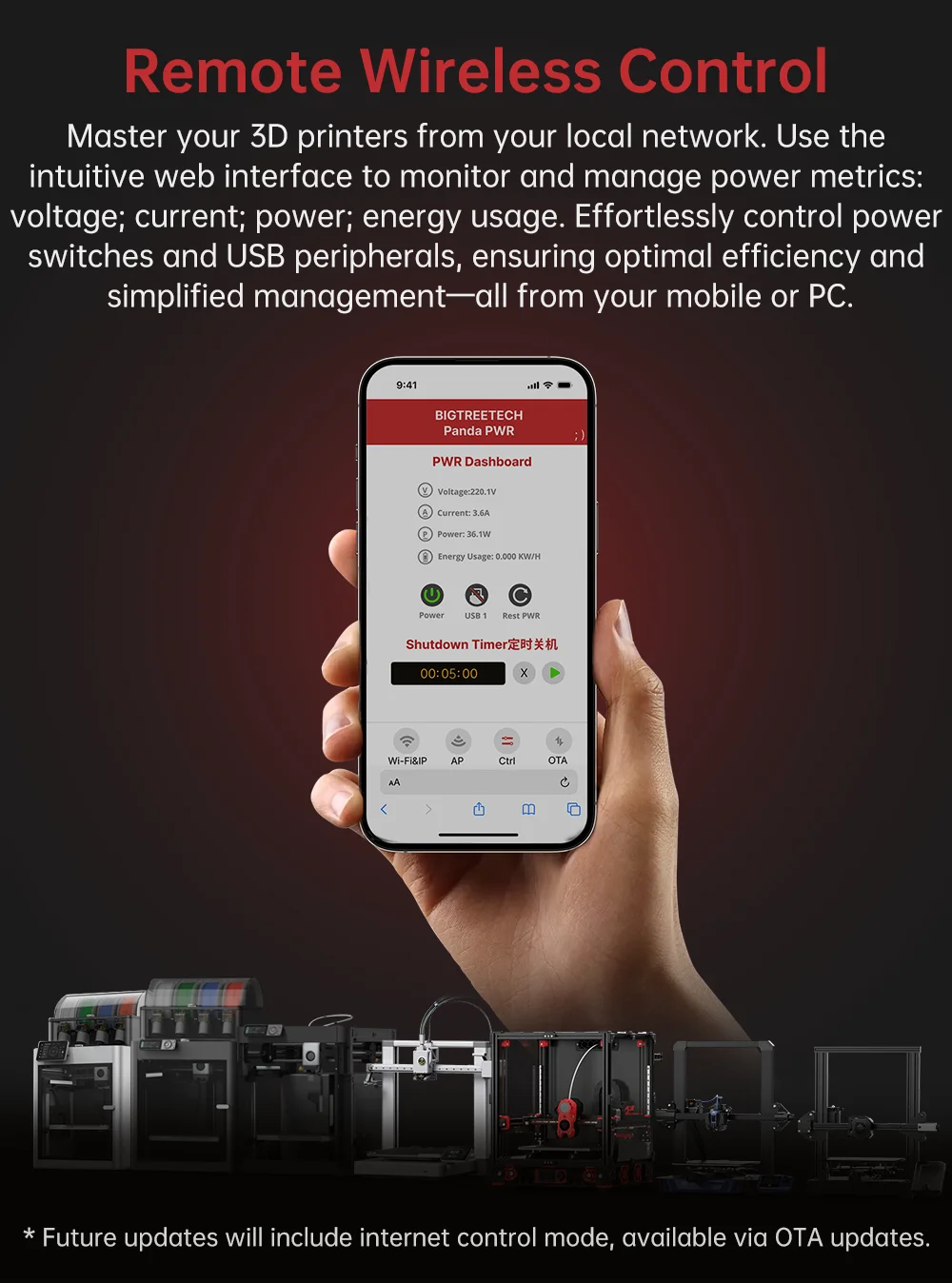
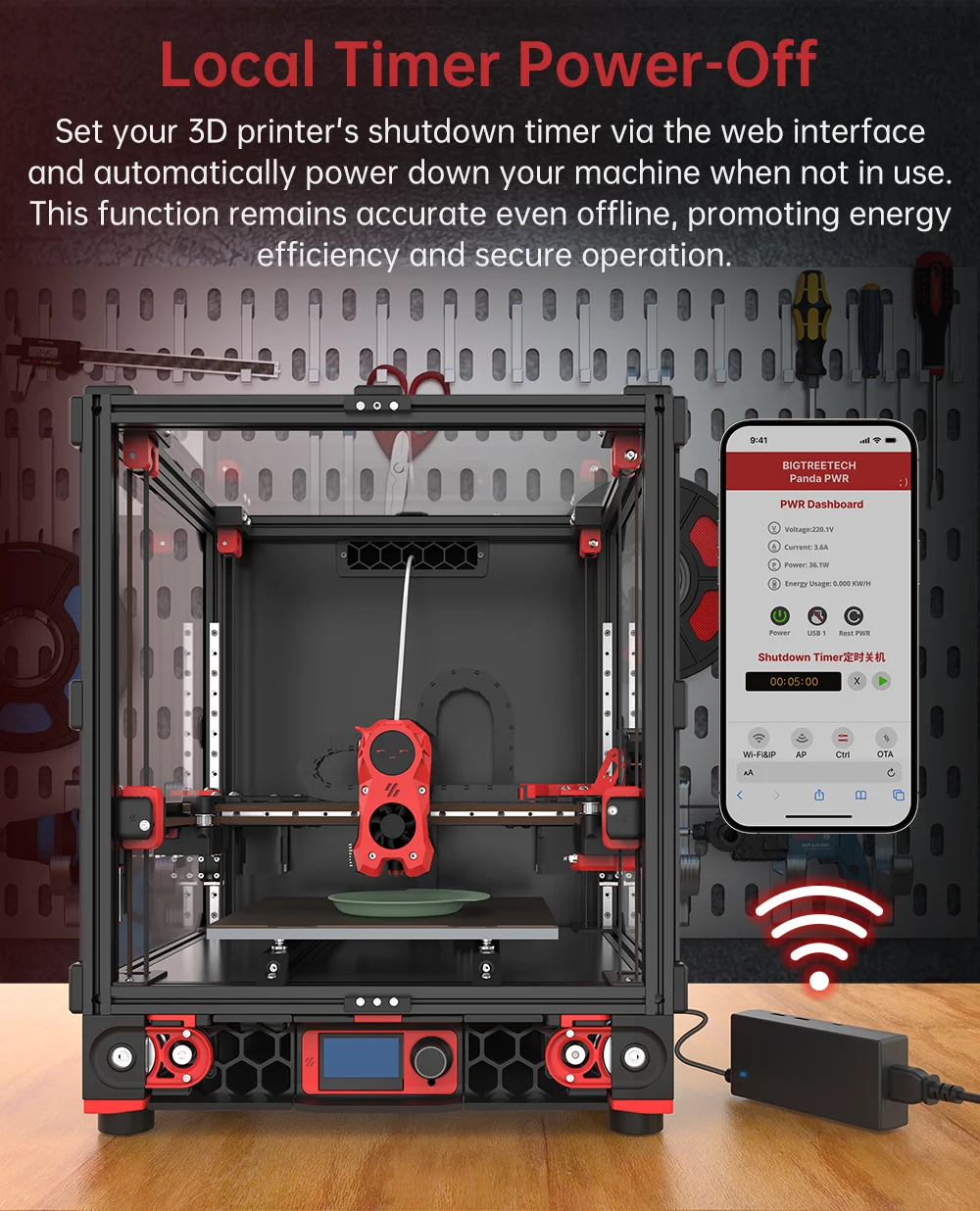
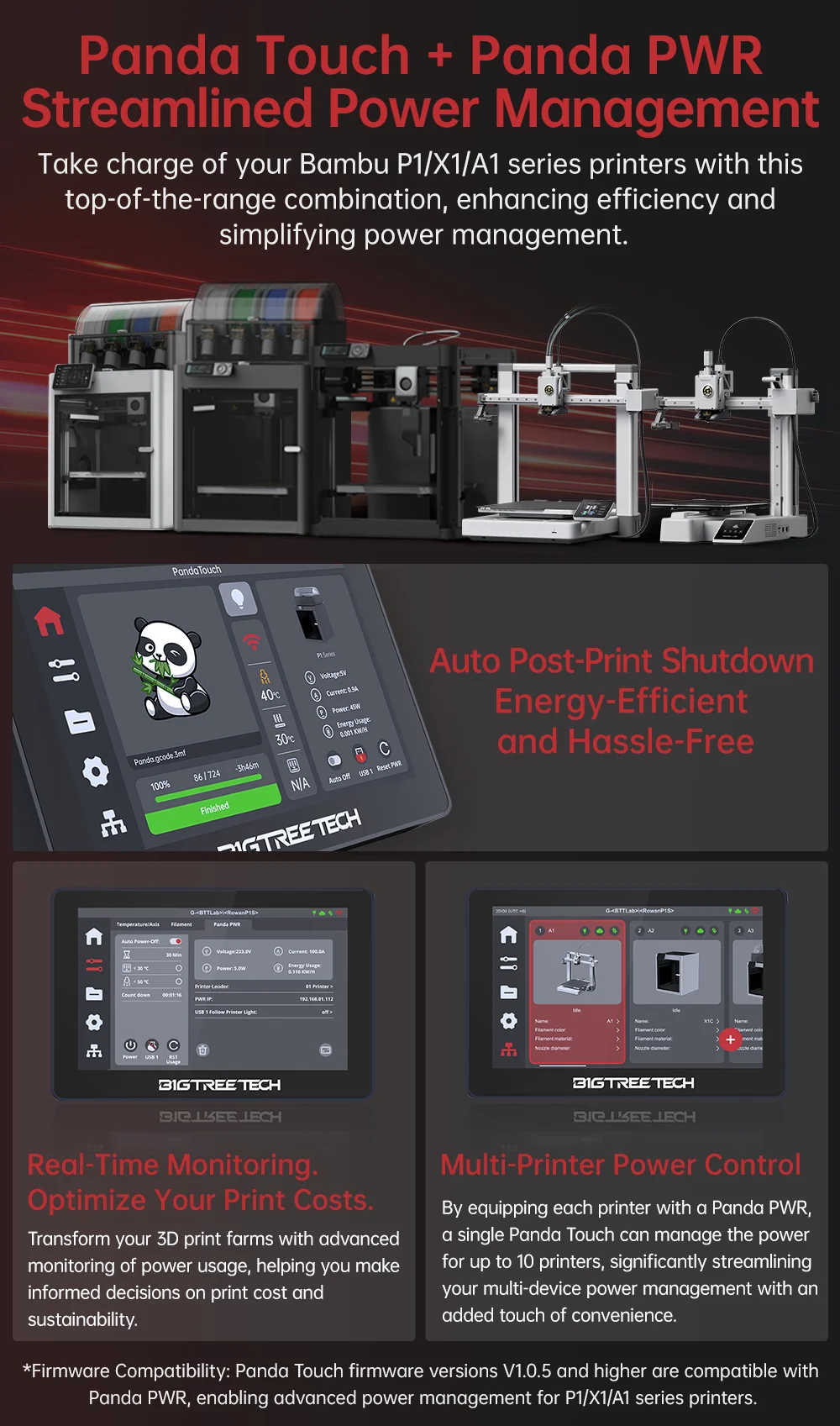
✅ New Panda PWR Binding Mode for Smart Power Management of Bambu printers
✅ Support Print Files Name Sorting for SD card and USB Drive
✅ Support Print Files' Thumbnail Preview of USB Drive
✅ Improved Bed Lift Button Sequence
✅ Optimize WiFi Connection Experience
✅ Fixed the issue of incorrect fan speed display.
✅ Fixed the issue that the Bmabu X1 series hot bed cannot be set to more than 100C.
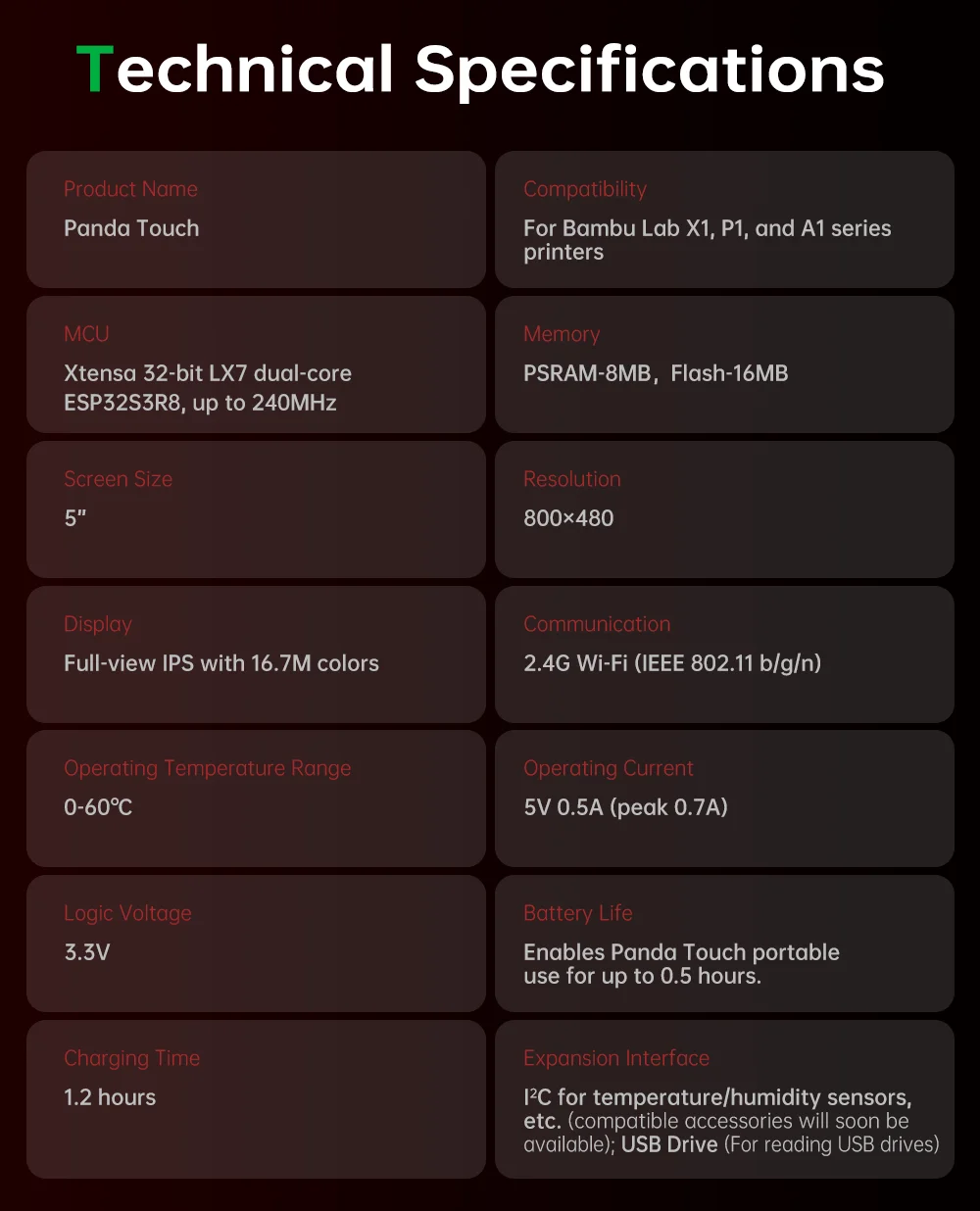
Product Name:Panda Touch
MCU:Xtensa 32-bit LX7 dual-coreESP32S3R8, up to 240MHz
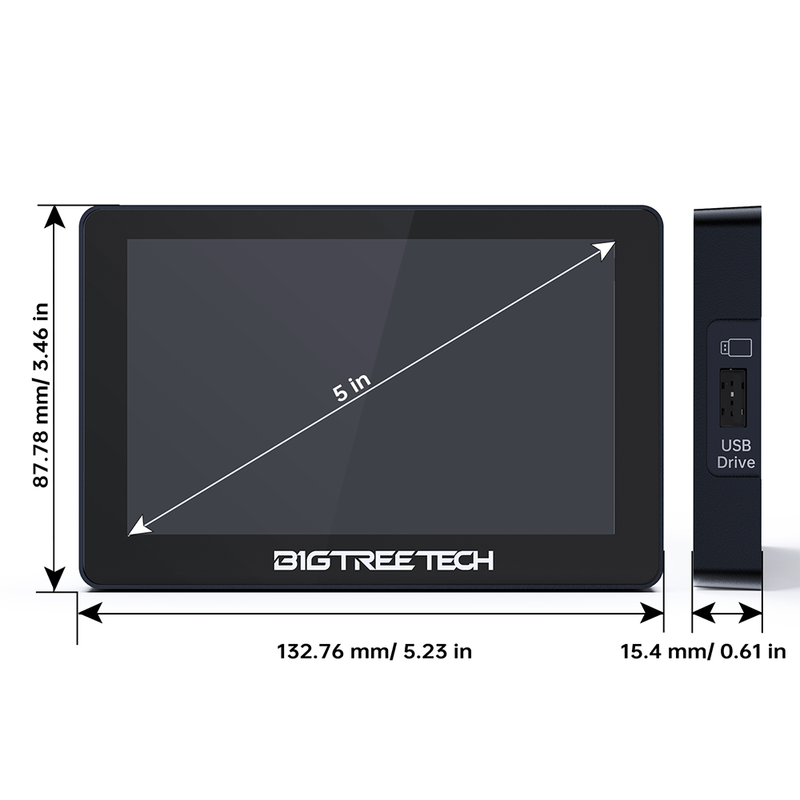
Screen Size:5inch
Display:Full-view IPS with 16.7M colors
Operating Temperature Range:0-60℃C
Logic Voltage:3.3V
Charging Time:1.2 hours
Compatibility:For Bambu Lab X1, P1, and A1 seriesprinters
Memory:PSRAM-8MB, Flash-16MB
Resolution:800x480
Communication:2.4G Wi-Fi (IEEE 802.11 b/g/n)
Operating Current: 5V 0.5A (peak 0.7A)
Battery Life:Enables Panda Touch portableuse for up to 0.5 hours.
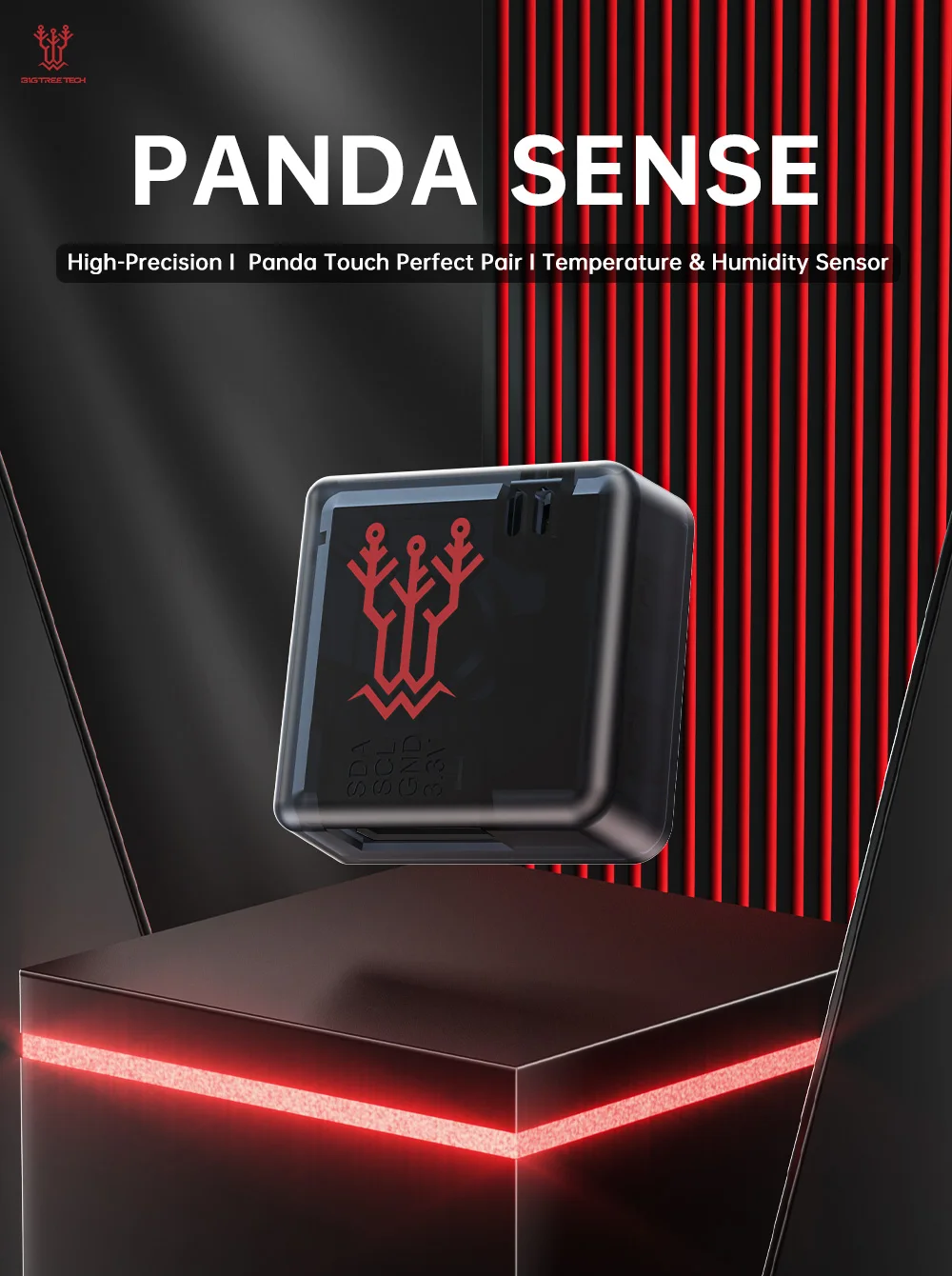
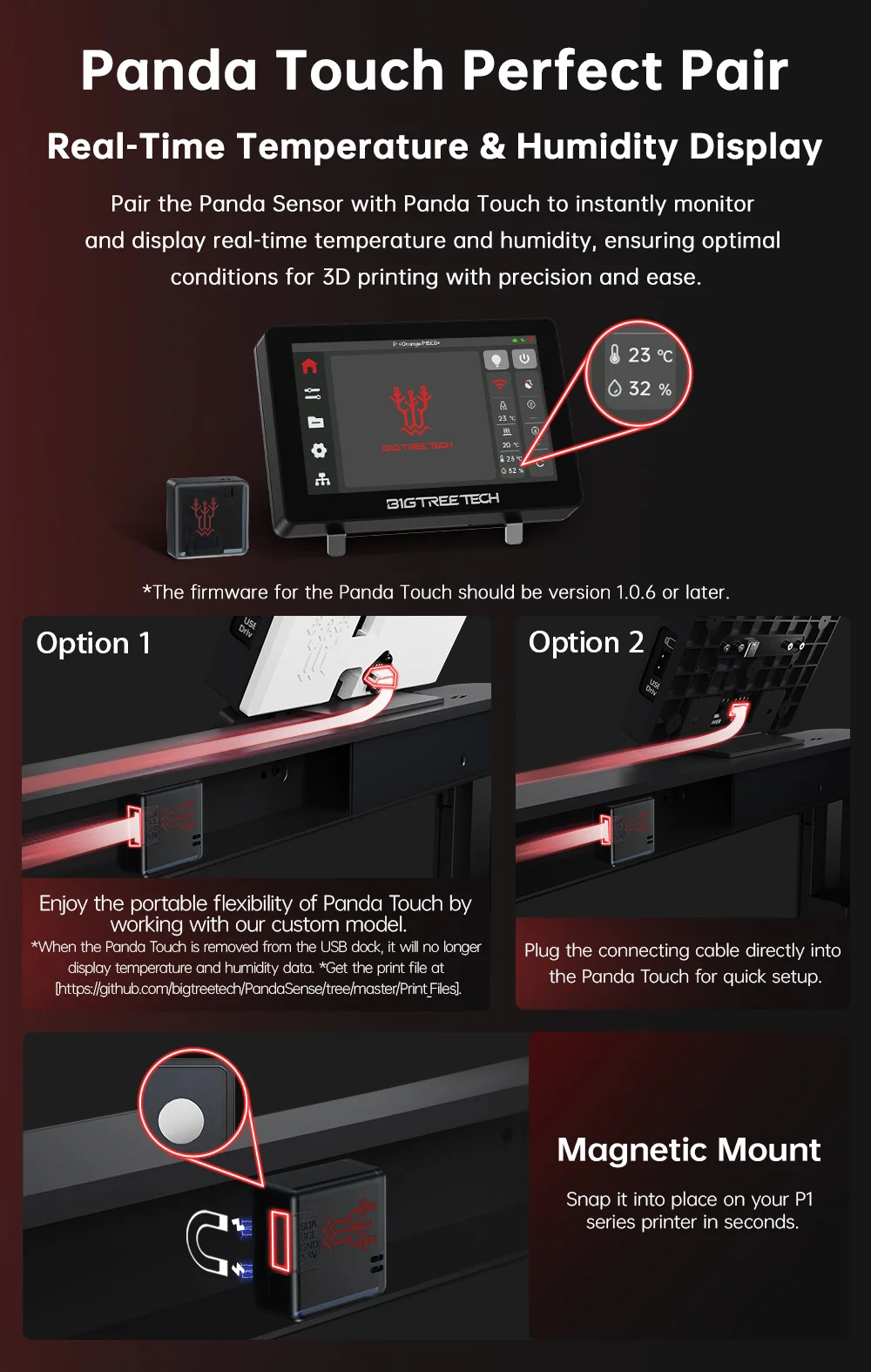
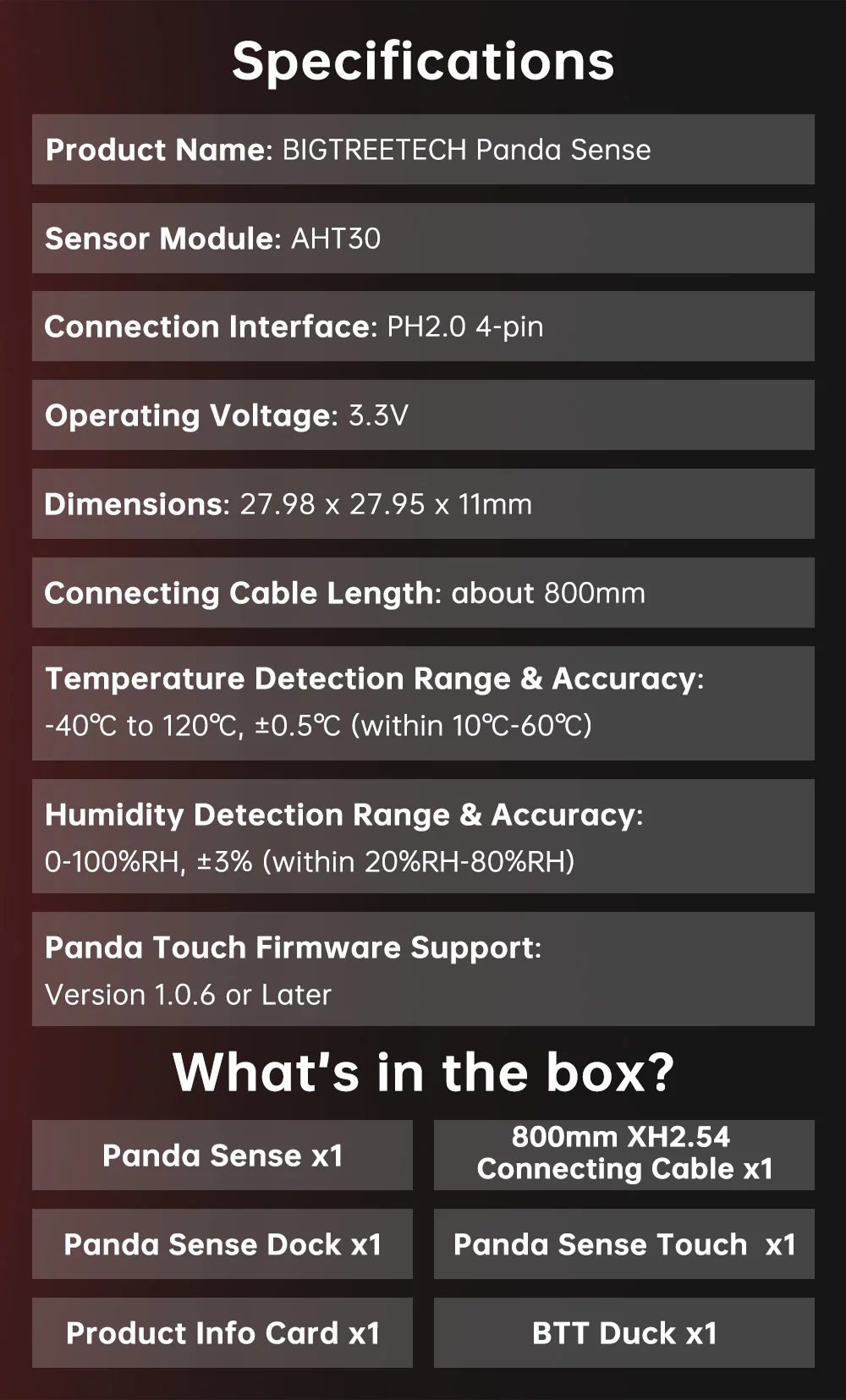
Expansion Interface:12C for temperature/humidity sensorsetc.(compatible accessories will soon beavailable); USB Drive (For reading USB drives)
Certain features of the Panda Touch, including initiating printing, controlling the motion system, adjusting temperatures, controlling fans, AMS settings and calibration are likely to be affected by the authorization and authentication protection mechanisms in Bambu Lab's newly announced firmware which is (at the time of writing) only released for the X1 series. If using an X1 series machine in cloud mode, these features may be unavailable. However, these features will remain avialable if you use the machine in LAN - developer mode. If you would like to operate in cloud mode then the ability to access printer status information, such as printing progress, nozzle temperature, and bed temperature, will remain unaffected. To regain full control of X1 machines (or any machine with the new authentication firmware) when using the Panda Touch, you can manually enable Developer Mode under the LAN mode section. If you wish to use cloud mode while retaining all of the Panda Touch functionality then we recommend rolling back to a firmware version where the authorization controls were not implemented. Note that the Panda Touch warranty does not cover functionality limitations due to the authorization functions in the Bambu Lab firmware.
For more details, please refer to the official announcements by BIQU and Bambu Lab:
1. https://bigtree-tech.com/blogs/news/announcement-on-bambu-lab-security-firmware-update
2. https://blog.bambulab.com/firmware-update-introducing-new-authorization-control-system-2/
3. https://blog.bambulab.com/updates-and-third-party-integration-with-bambu-connect/
Feature Highlights.
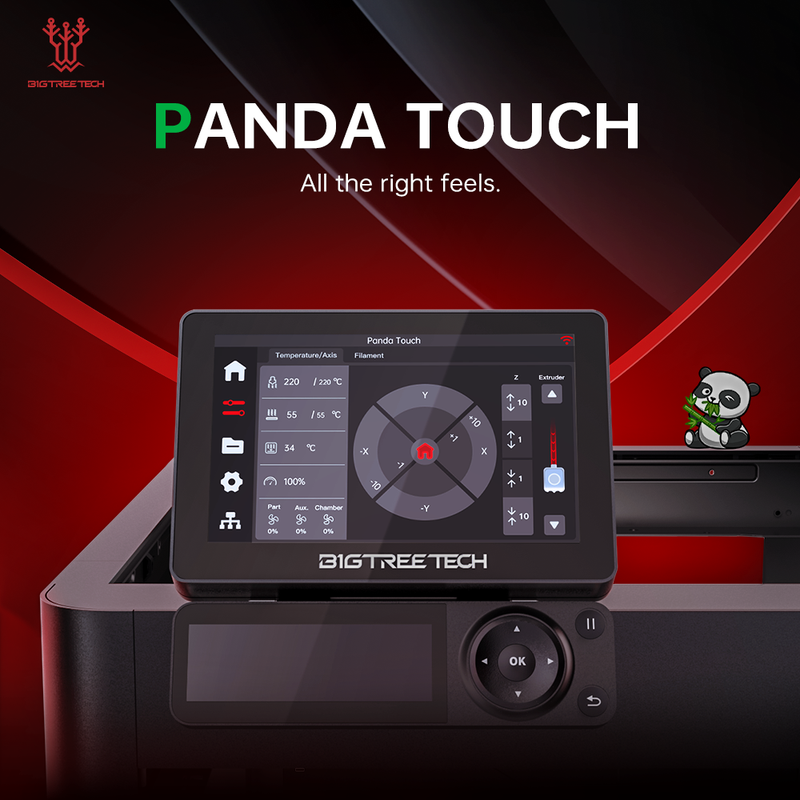
BIGTREETECH Panda Touch
All the Right Feels
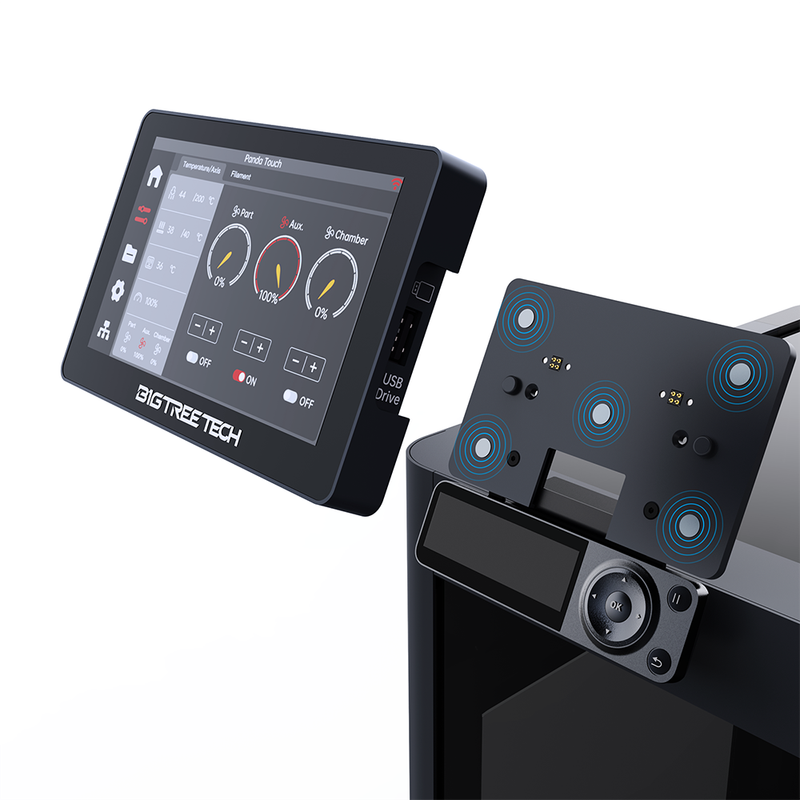
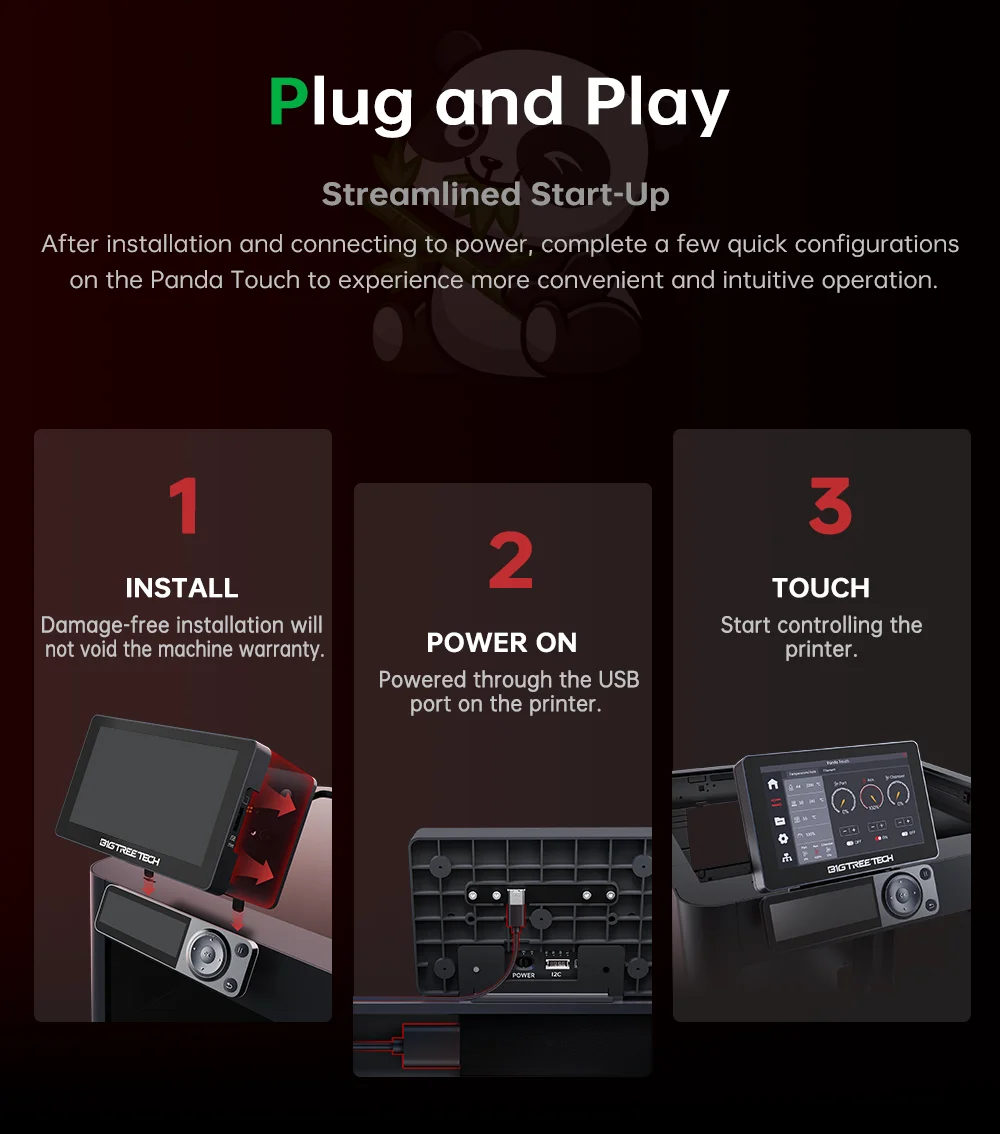
Plug and Play
Streamlined Start-Up
INSTALL
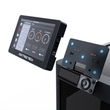
Damage-free installation willnot void the machine warranty
POWER ON
Powered through the USB port on the printer
TOUCH
Start controlling the printer.
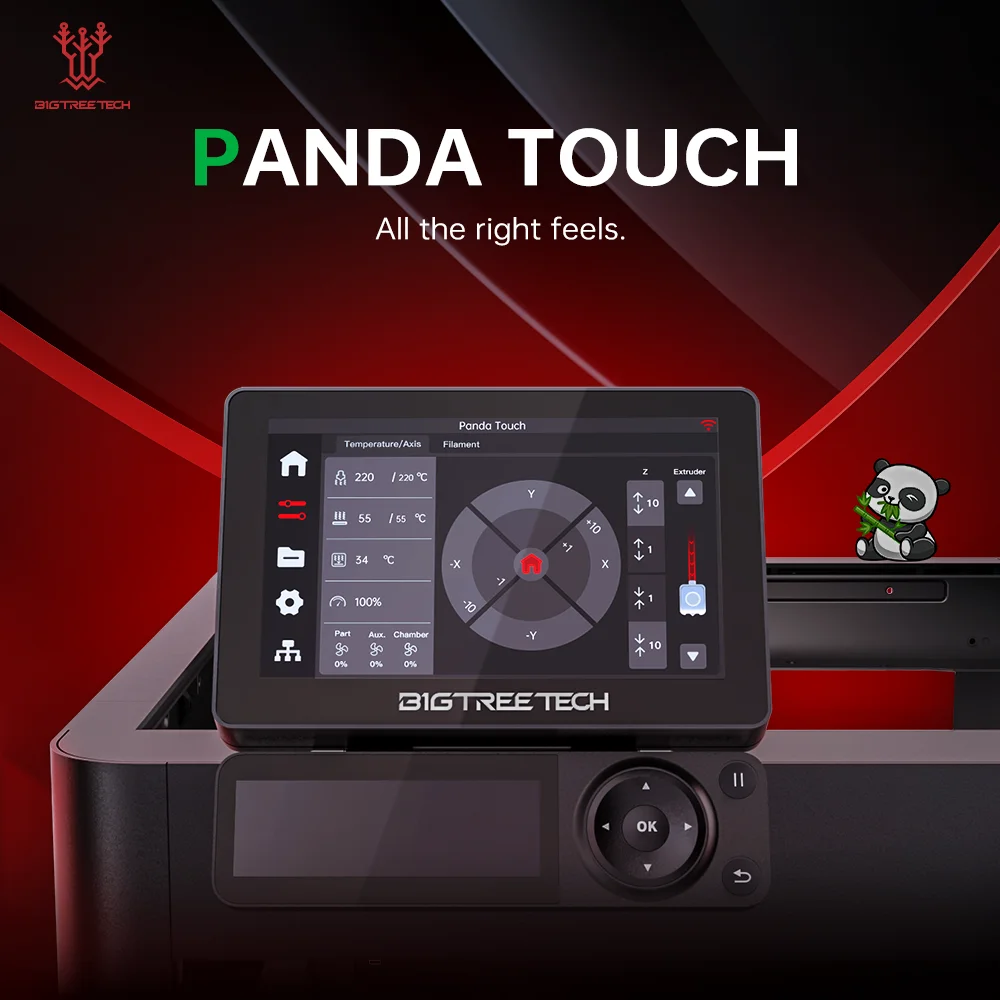
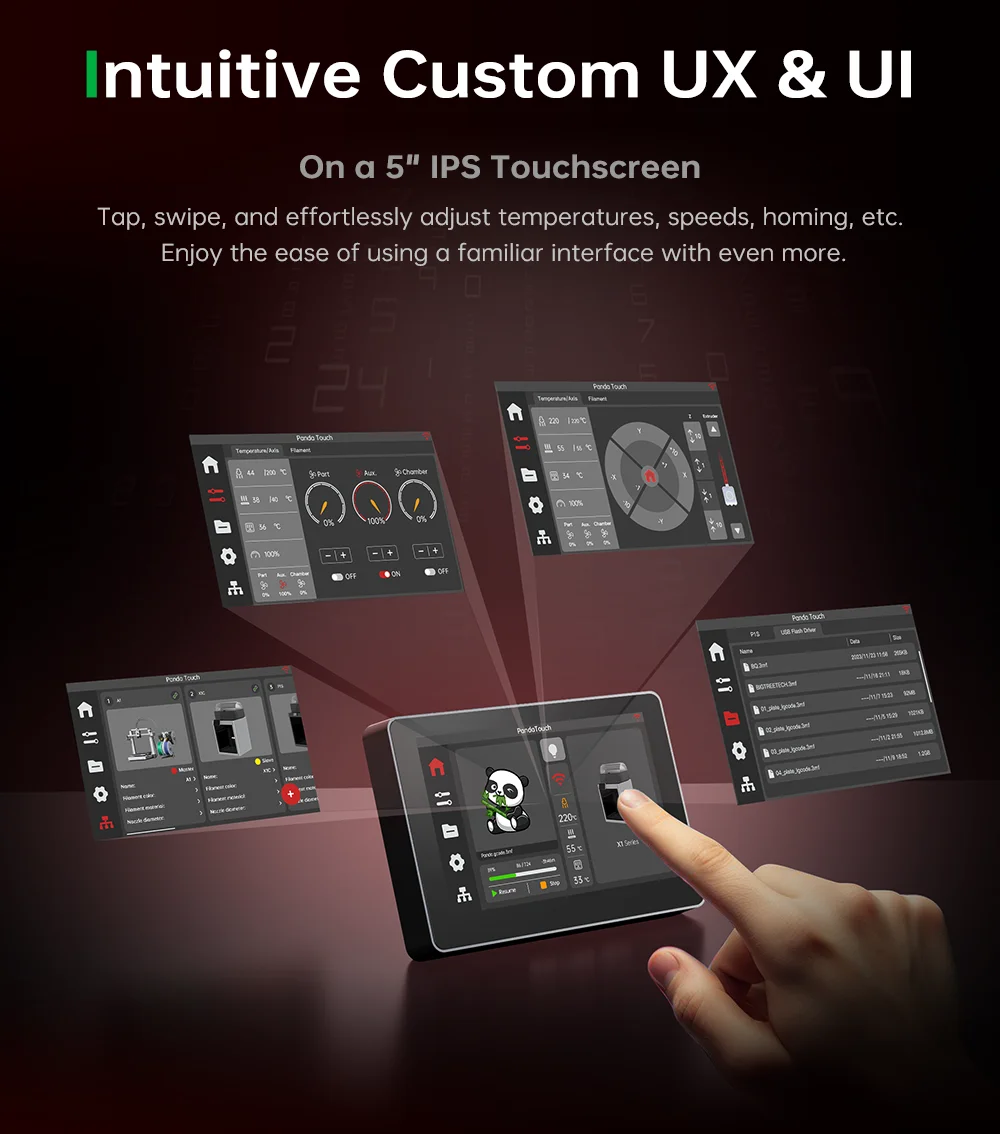
Intuitive Custom Ux&Ul
On a 5" IPS Touchscreen
Tap, swipe, and effortlessly adjust temperatures, speeds, homing, etc.
Enjoy the ease of using a familiar interface with even more.
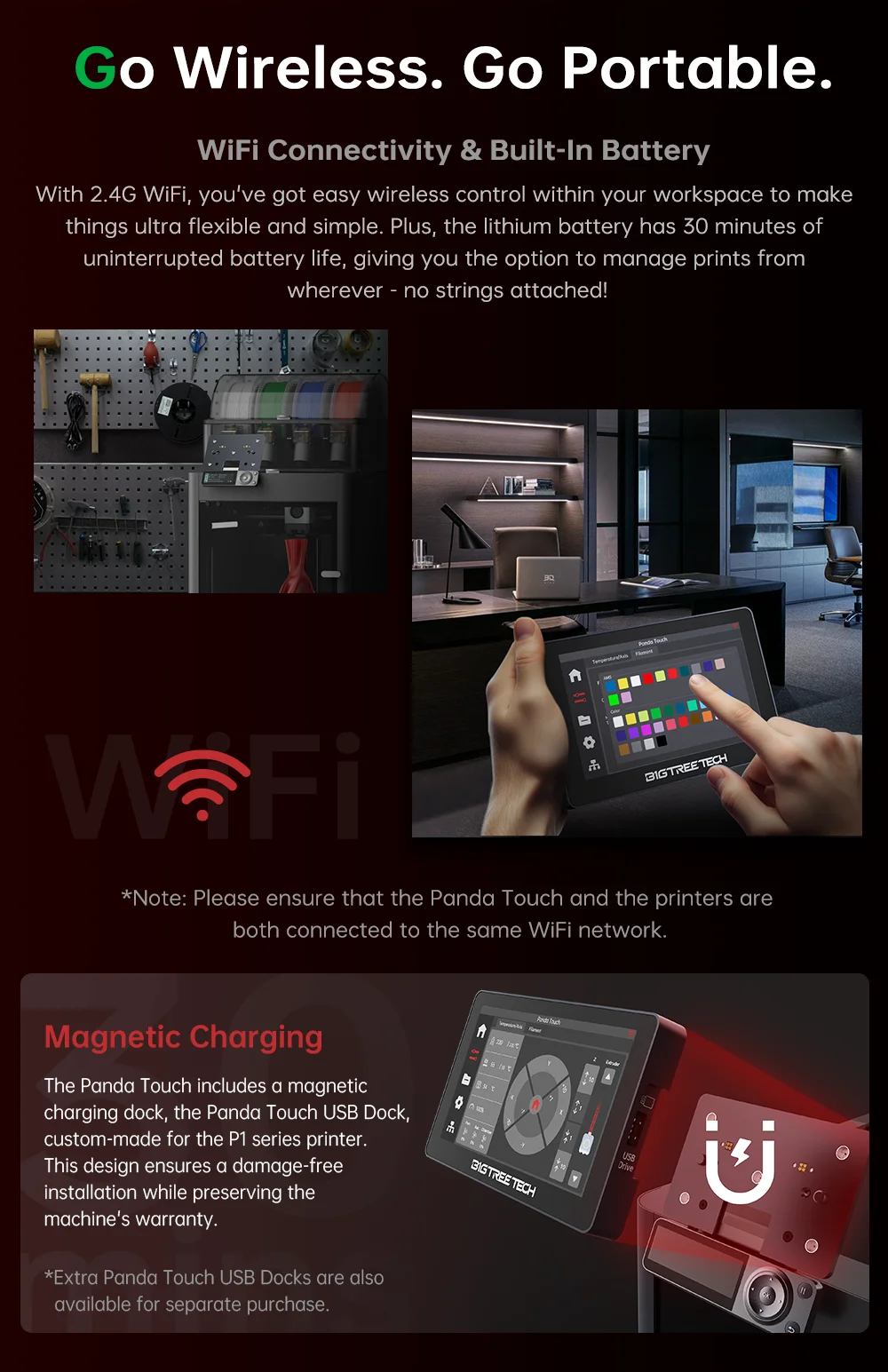
Go Wireless. Go Portable
WiFi Connectivity & Built-In Battery
With 2.4G WiFi, you've got easy wireless control within your workspace to makethings ultra flexible and simple. Plus, the lithium battery has 30 minutes ofuninterrupted battery life, giving you the option to manage prints fromwherever -no strings attached!
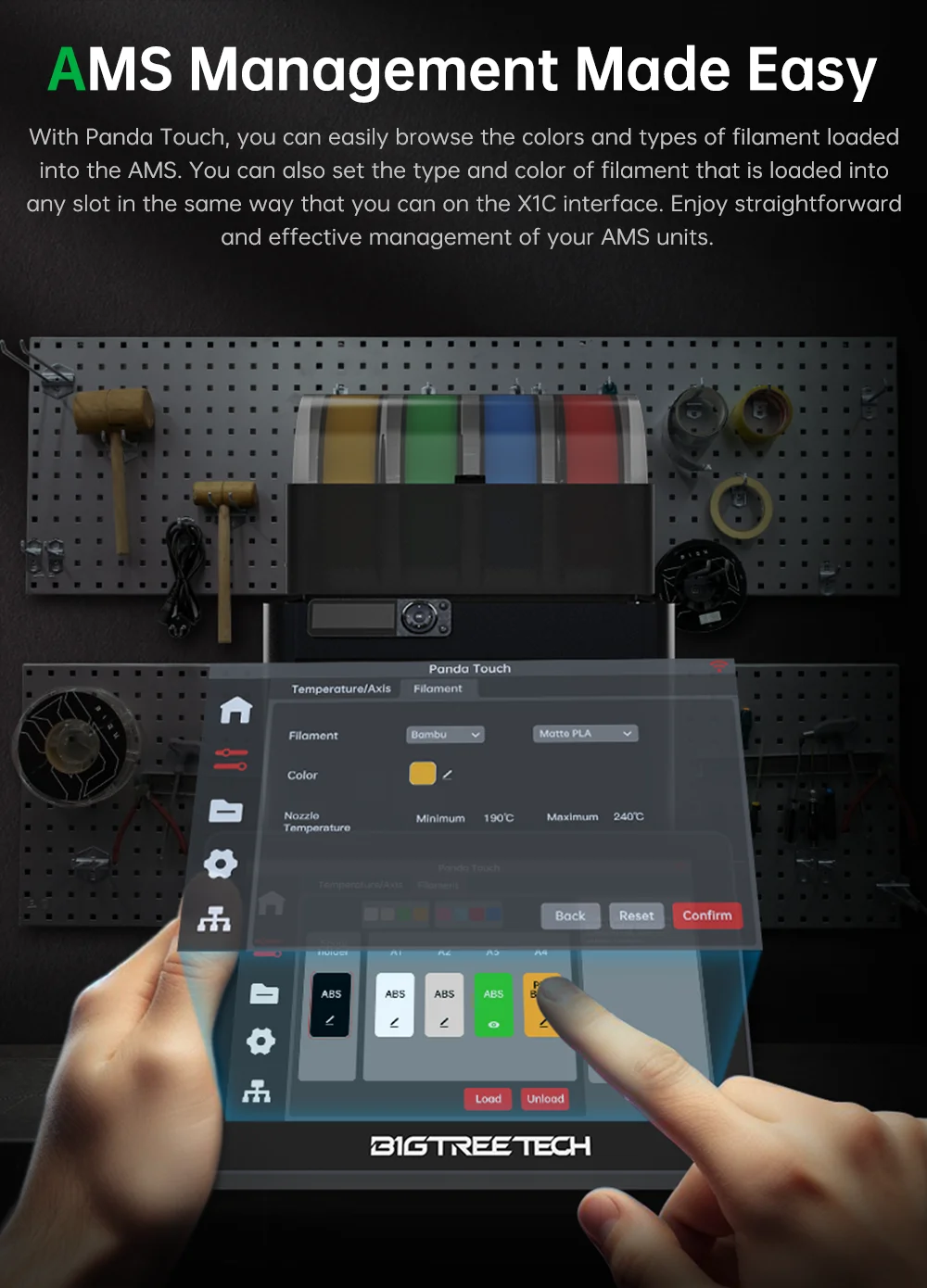
AMS Management Made Easy
With Panda Touch, you can easily browse the colors and types of filament loaded
into the AMS. it also supports the addition and editing of third-party filament. Enjoy
straightforward and effective management of your AMS units
Multi-Printer Management
Ultimate Command Center
Empowers you to seamlessly manage up to 10 printers at the same time.
Running a 3D Print Farm has never been easier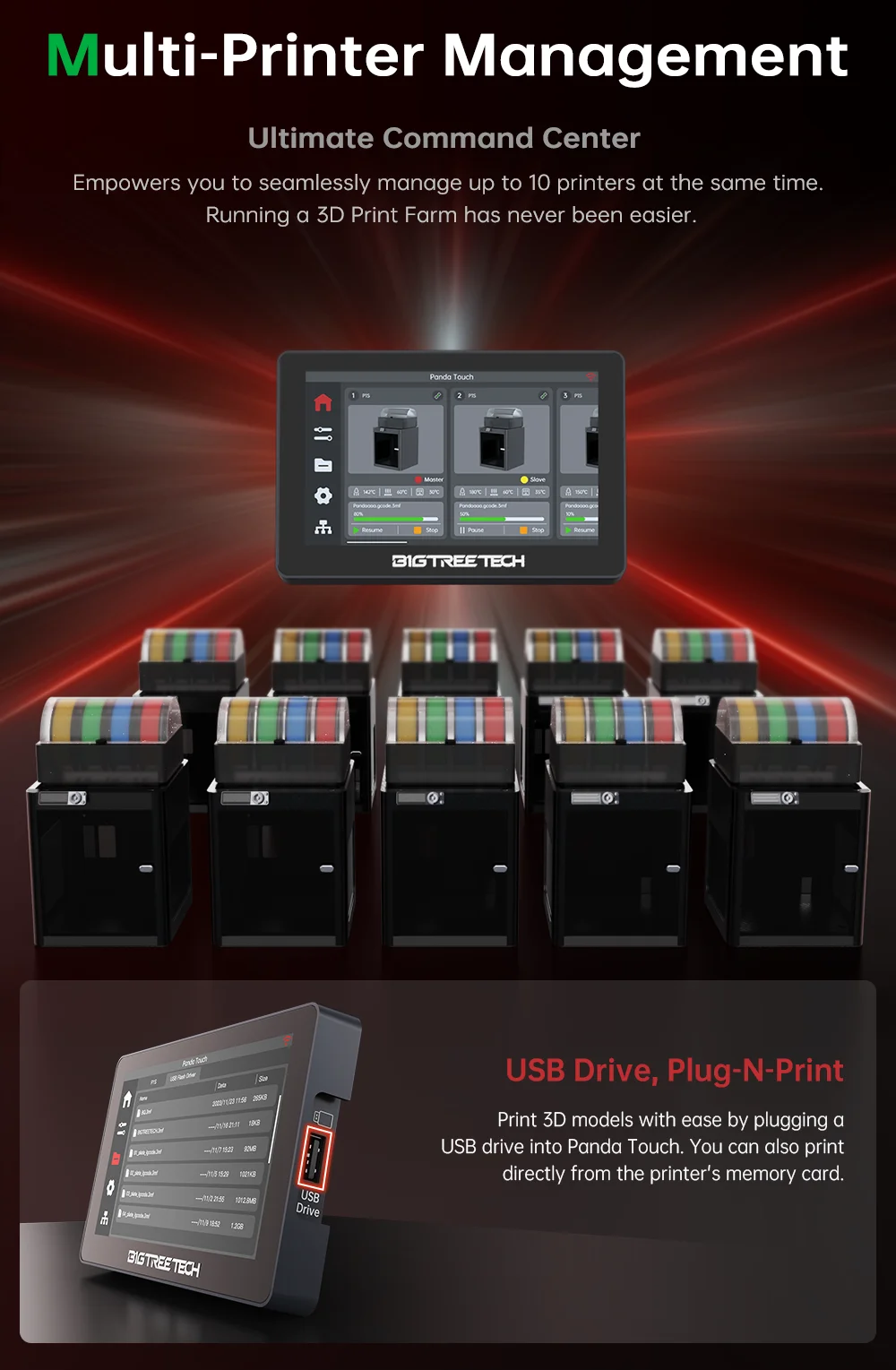 Pandas Love Bamboo
Fully compatible with Bambu Lab X1, P1, and A1 series printers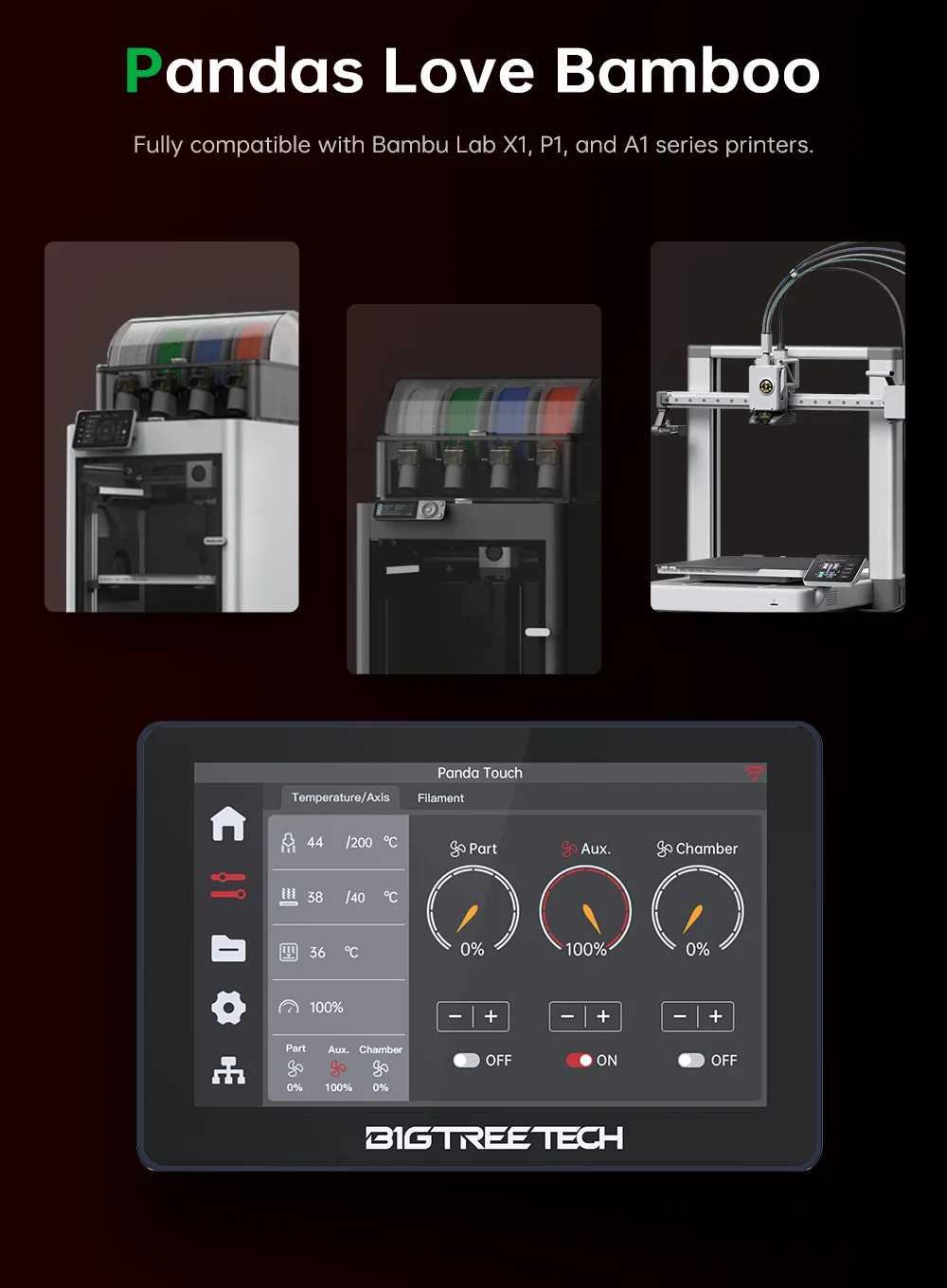


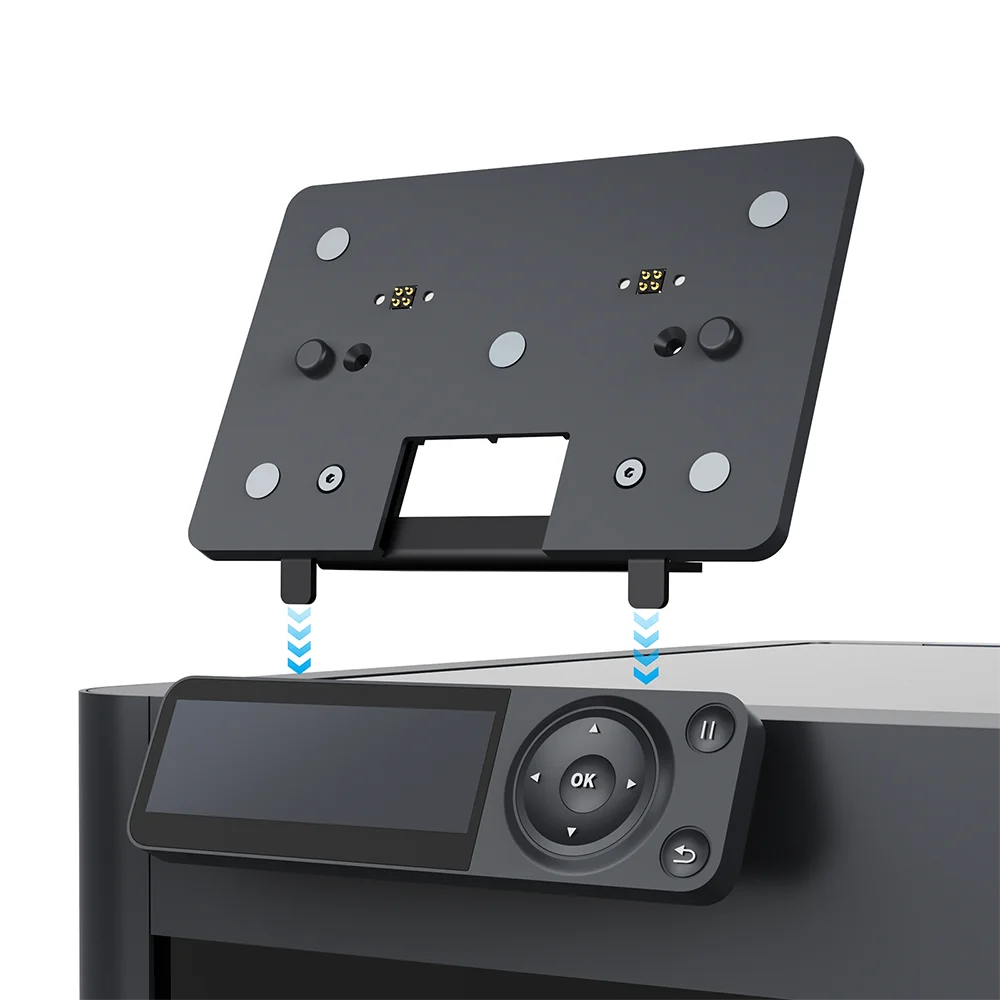
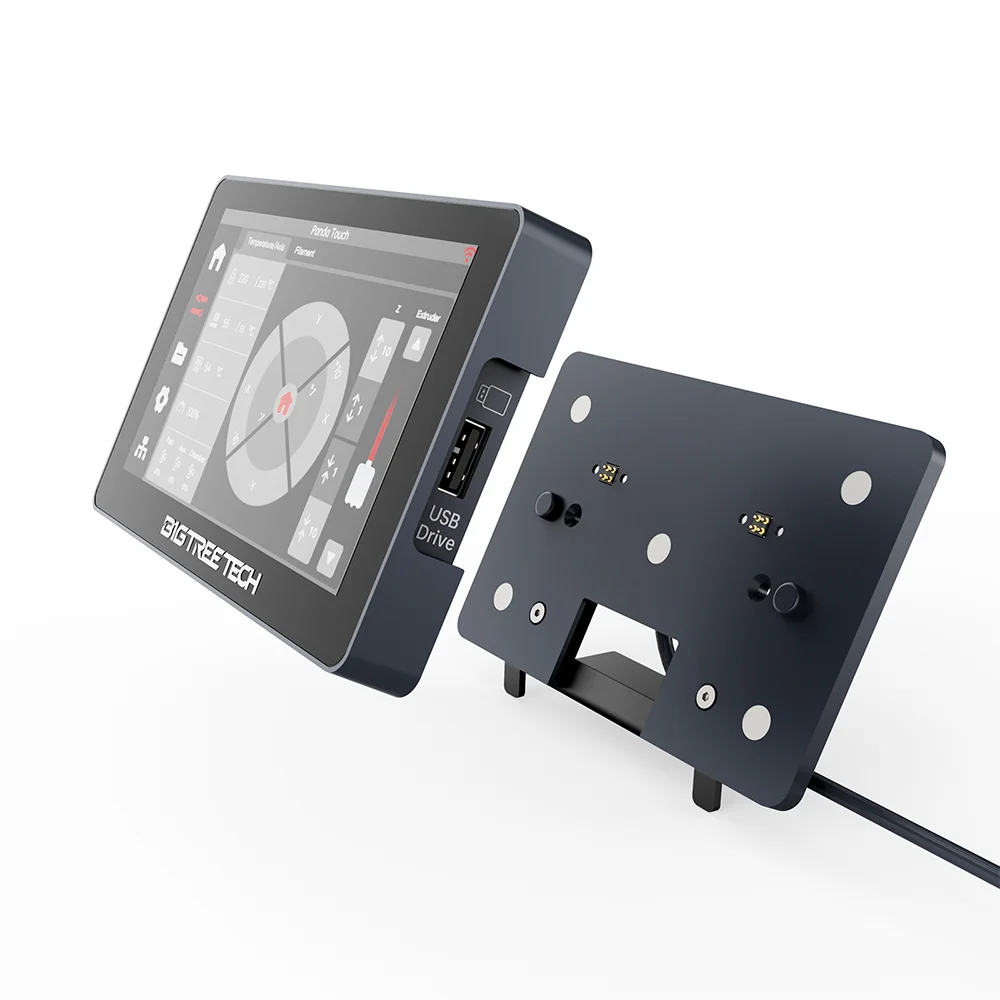
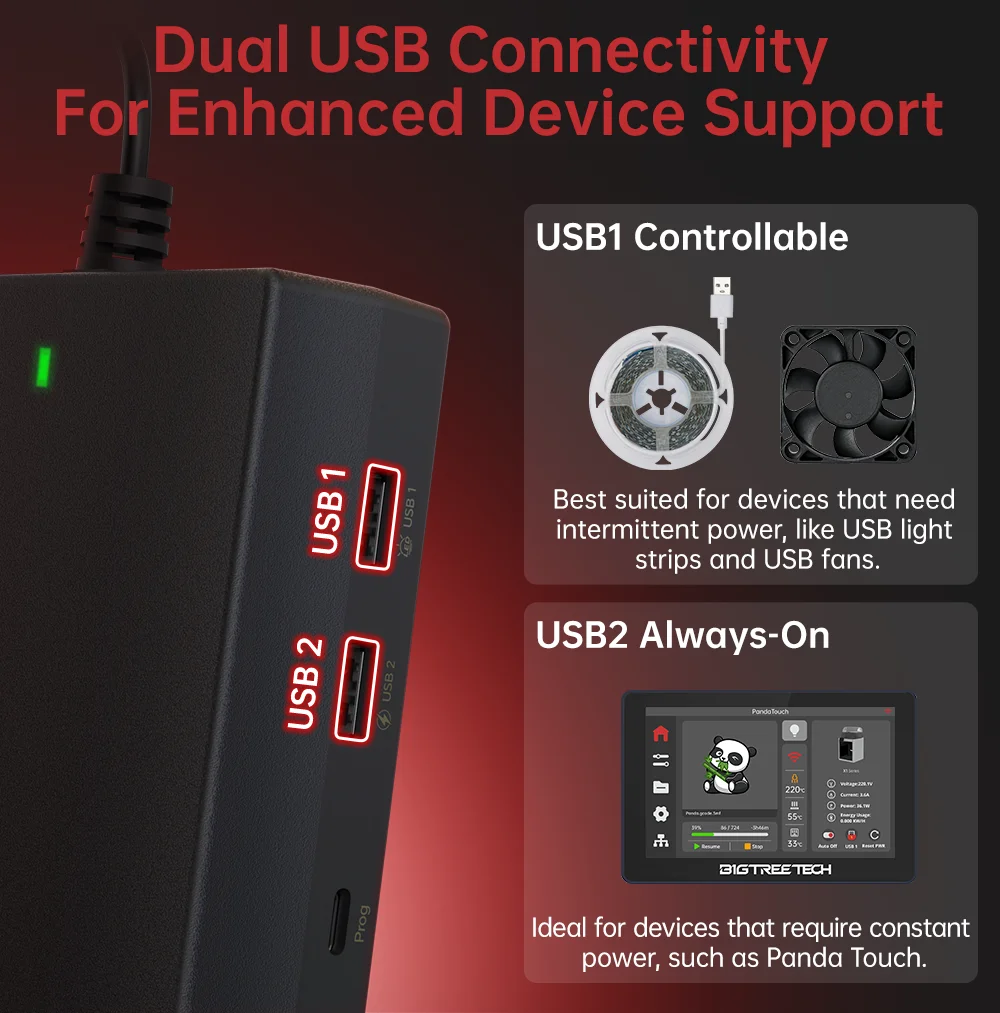
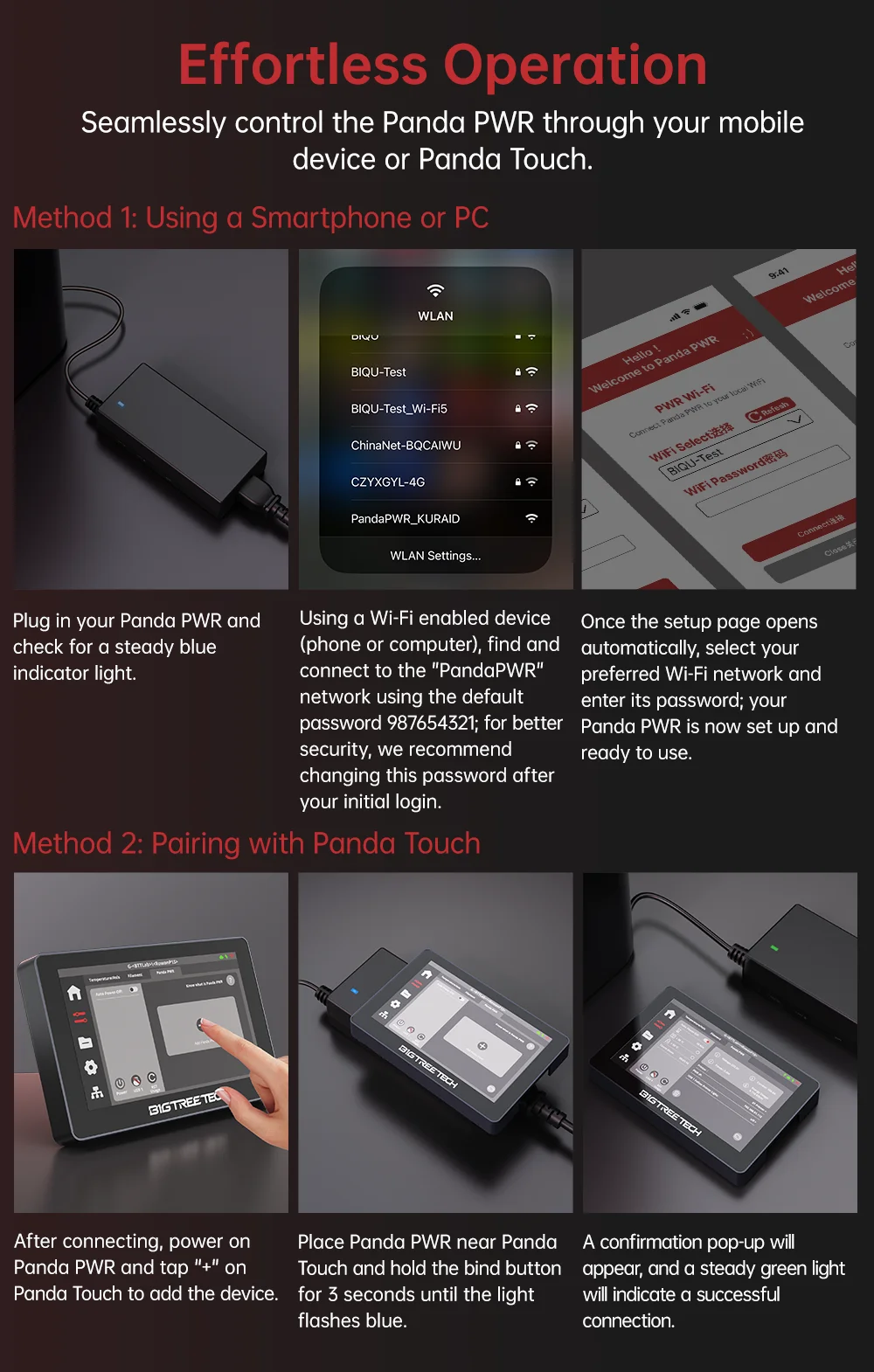
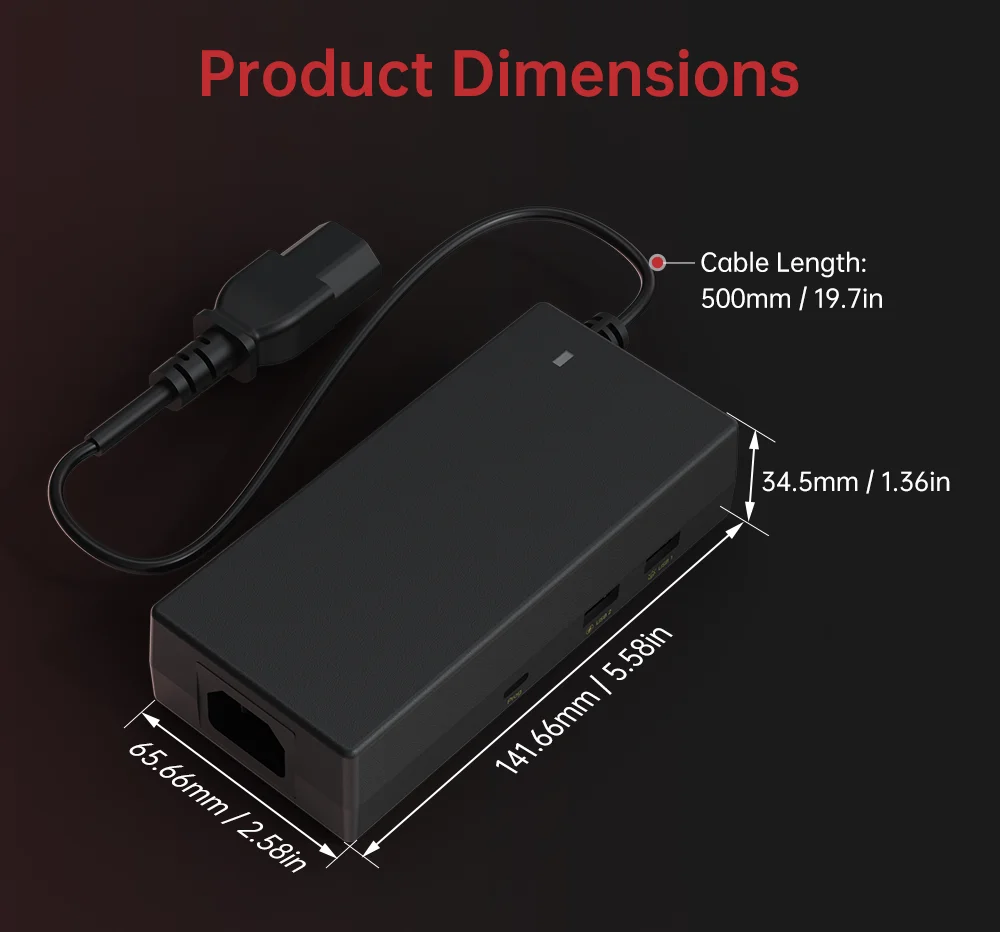
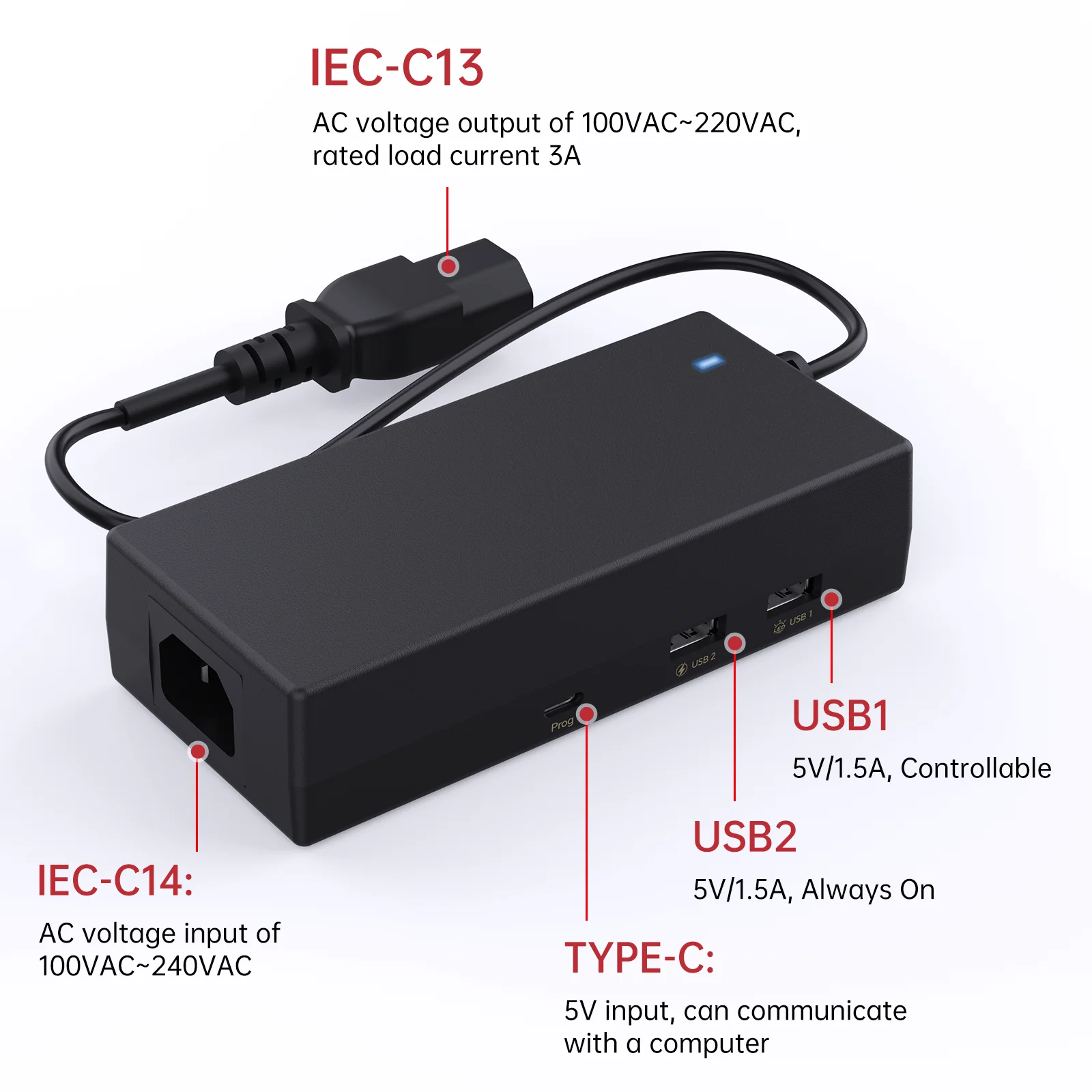
Panda Touch USB Dock:



Shop Policies
Payment Policy
Payment Policy – BILLIONS BIRDS
At BILLIONS BIRDS, we are committed to providing a safe, secure, and seamless payment experience for our customers.
1. Accepted Payment Methods
We accept the following payment options:
Major Credit & Debit Cards (Visa, MasterCard, American Express)
Secure Online Payment Gateways (such as PayPal, Stripe, or other providers available at checkout)
Any additional payment methods displayed during checkout
All payments must be completed in full at the time of purchase.
2. Secure Transactions
All transactions are processed through encrypted and secure payment systems to protect your personal and financial information. We do not store your full payment details on our servers.
3. Currency
Prices are displayed in the currency indicated on the website. If you are purchasing from another country, your bank may apply currency conversion fees.
4. Order Confirmation
Once your payment has been successfully processed, you will receive an order confirmation email containing your purchase details.
5. Failed or Declined Payments
If your payment is declined, please verify your billing information or contact your bank. Orders will only be processed after successful payment confirmation.
6. Fraud Prevention
BILLIONS BIRDS reserves the right to cancel or refuse any order if fraud or unauthorised activity is suspected.
Delivery Policy
Delivery Policy – BILLIONS BIRDS
At BILLIONS BIRDS, we are dedicated to delivering your orders safely and efficiently.
1. Order Processing
All orders are processed within 1–3 business days after payment confirmation. Orders are not processed or shipped on weekends or public holidays.
2. Shipping Times
Estimated delivery times vary depending on your location:
Domestic Shipping: 3–7 business days
International Shipping: 7–15 business days
Please note that delivery times are estimates and may vary due to customs procedures, carrier delays, weather conditions, or other unforeseen circumstances.
3. Shipping Costs
Shipping fees are calculated at checkout based on your location and selected shipping method. Any customs duties, taxes, or import fees are the customer's responsibility.
4. Tracking Information
Once your order has been shipped, you will receive a confirmation email with tracking details (if available) so you can monitor your package.
5. Delivery Issues
If your order is delayed, lost, or arrives damaged, please contact us within 7 days of the expected delivery date. We will work with the shipping carrier to resolve the issue as quickly as possible.
6. Incorrect Shipping Information
Customers are responsible for providing accurate shipping details at checkout. BILLIONS BIRDS is not responsible for orders shipped to incorrect addresses provided by the customer.
Refund Policy
Refund Policy – BILLIONS BIRDS
At BILLIONS BIRDS, customer satisfaction is our top priority. If you are not completely satisfied with your purchase, we’re here to help.
1. Return Eligibility
You may request a return within 14 days of receiving your order. To qualify for a return:
The item must be unused, unworn, and in the same condition as received.
The item must be in its original packaging.
Proof of purchase (order confirmation or receipt) is required.
Certain items may not be eligible for return, including clearance items, gift cards, or personalised/custom products.
2. Non-Refundable Items
The following items are non-refundable:
Final sale or discounted items
Gift cards
Items damaged due to misuse, negligence, or improper care
3. Return Process
To initiate a return, please contact our customer support team with your order number and reason for return. If your return is approved, you will receive instructions for returning the item.
Unless the item is defective or incorrect, customers are responsible for return shipping costs.
4. Refund Processing
Once we receive and inspect your returned item:
We will notify you of the approval or rejection of your refund.
If approved, the refund will be issued to your original payment method within 5–10 business days.
Please note that banks or payment providers may require additional time to process refunds.
5. Damaged or Incorrect Items
If you receive a damaged, defective, or incorrect item, please contact us within 7 days of delivery and provide clear photos of the product and packaging. We will arrange a replacement or full refund at no additional cost.
6. Late or Missing Refunds
If you have not received your refund:
Check your bank account again.
Contact your credit card company or payment provider.
If the issue persists, don't hesitate to contact our support team for assistance.
Recommended Products
Customer reviews
Share your thoughts with other customers
Be the first one to write a review!

Items (0)
