








CarlinKit 5.0 2Air Wireless CarPlay Android Auto Wireless Dongle For Car Radio With Wired CarPlay/Android Auto WIFI USB Port
Includes all taxes
Meet your Seller
-
$302.64Sold by BILLIONS BIRDS
Description
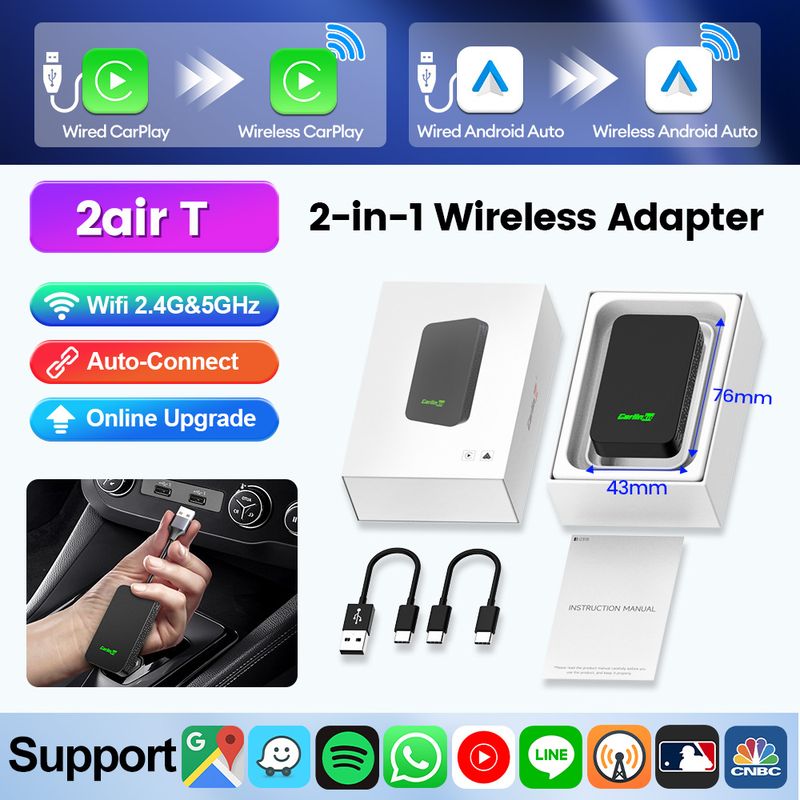
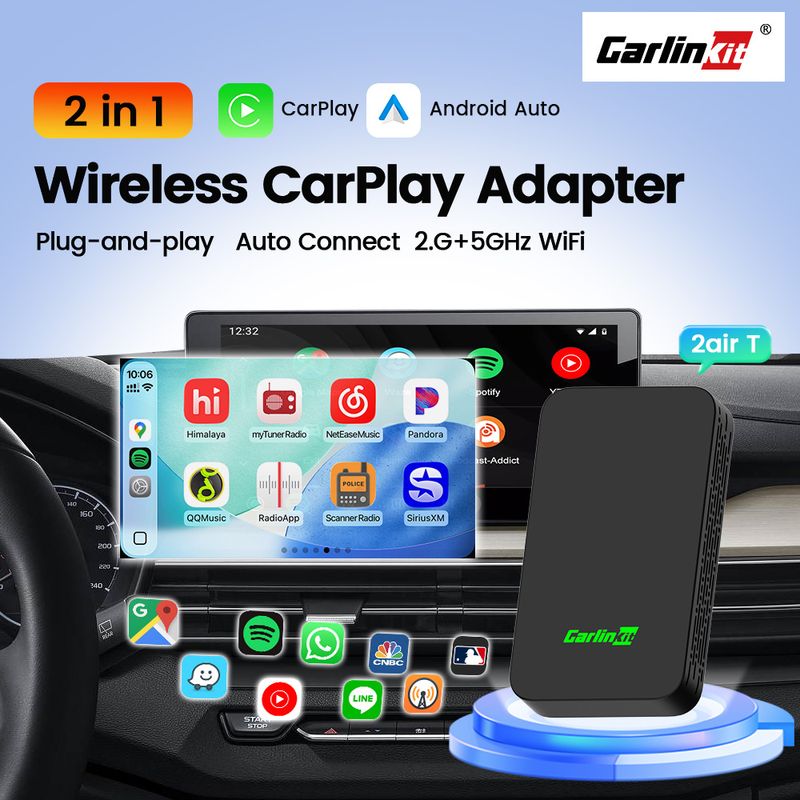
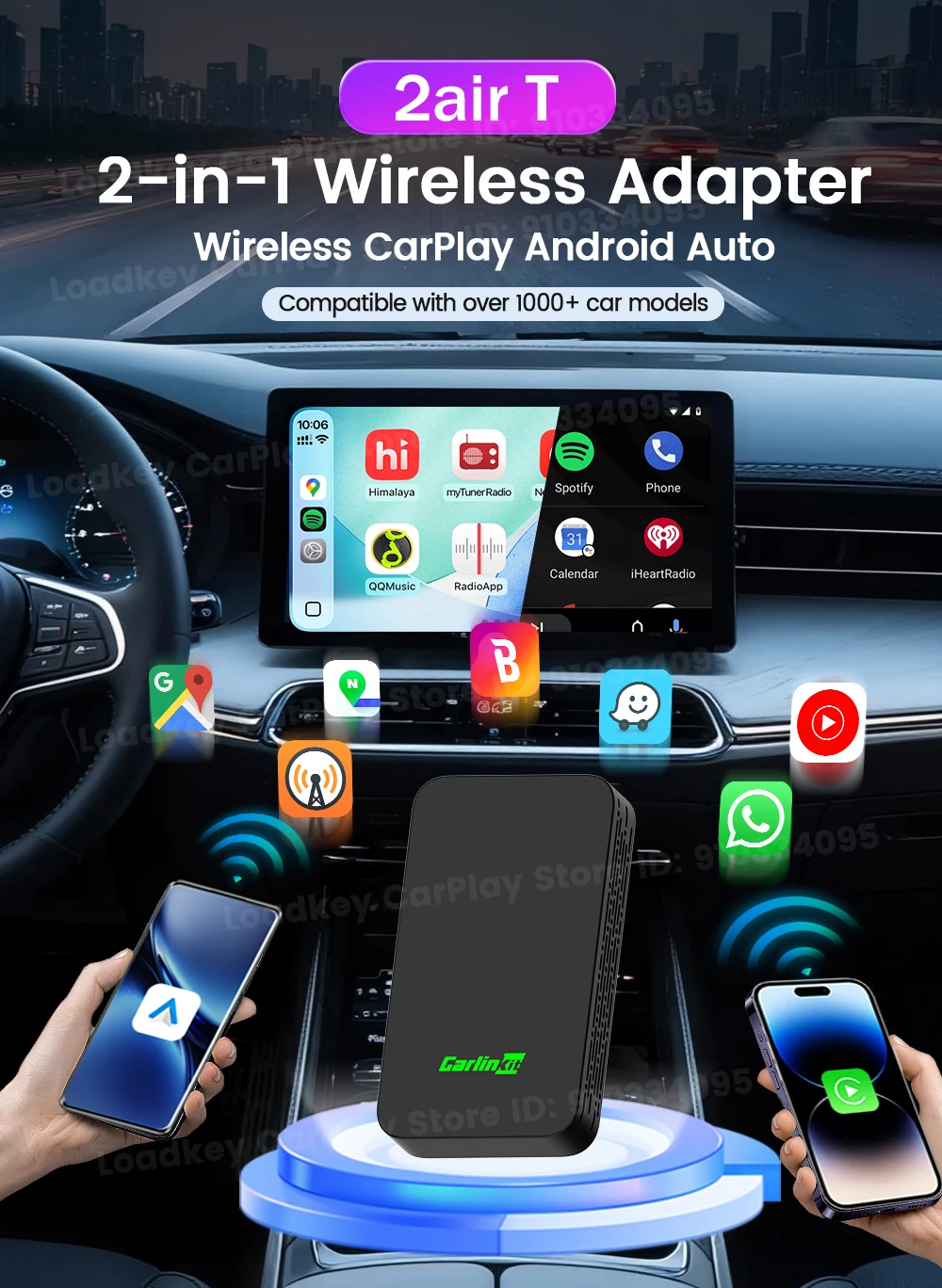
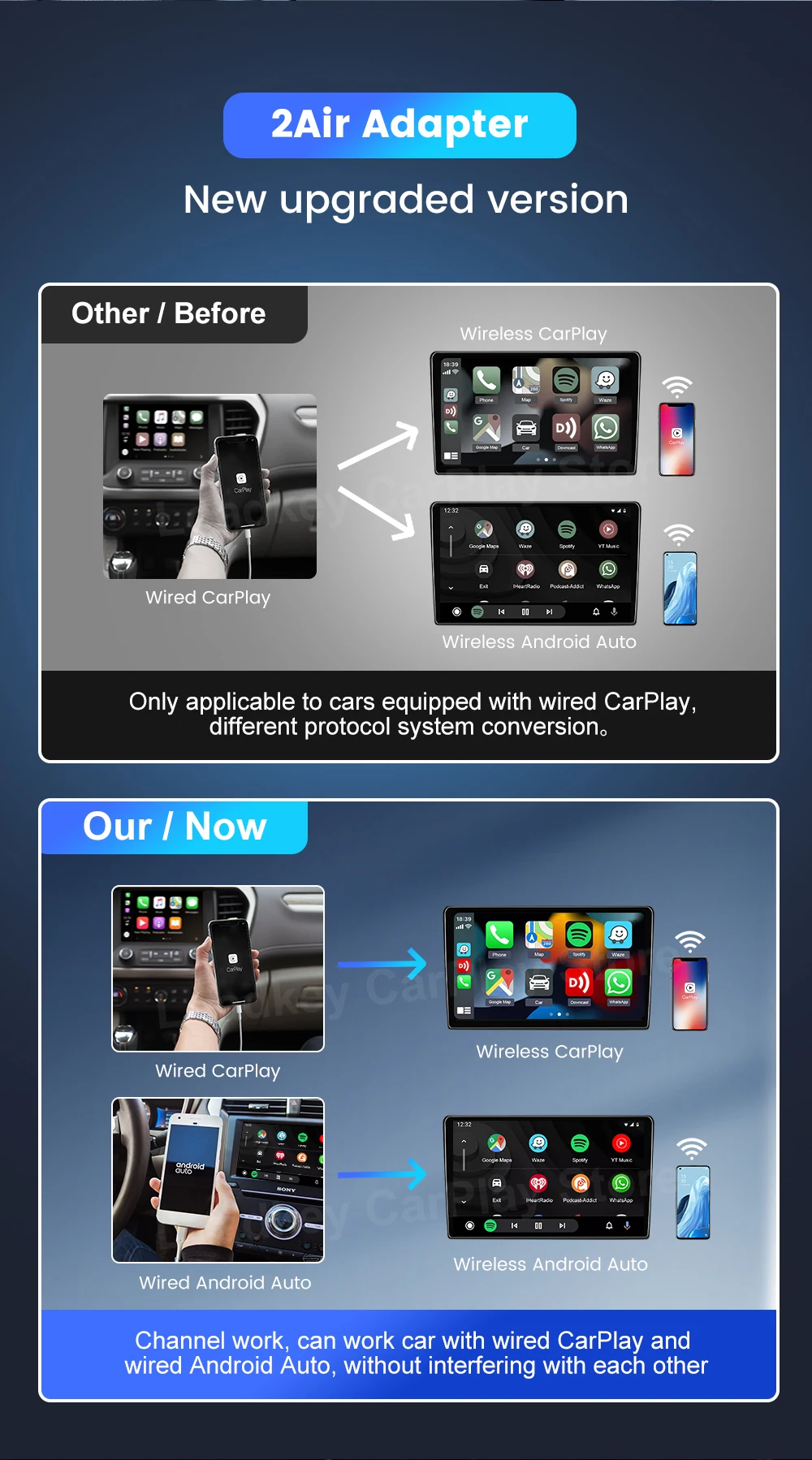
▶CarlinKit 2Air New Wireless 2 in 1 Adapter Upgrade
▶ 2 channels:
The CarPlay and Android auto separate 2 channels the same protocol conversion of the system does not affect the work of each other
▶ Wireless 2 in 1:
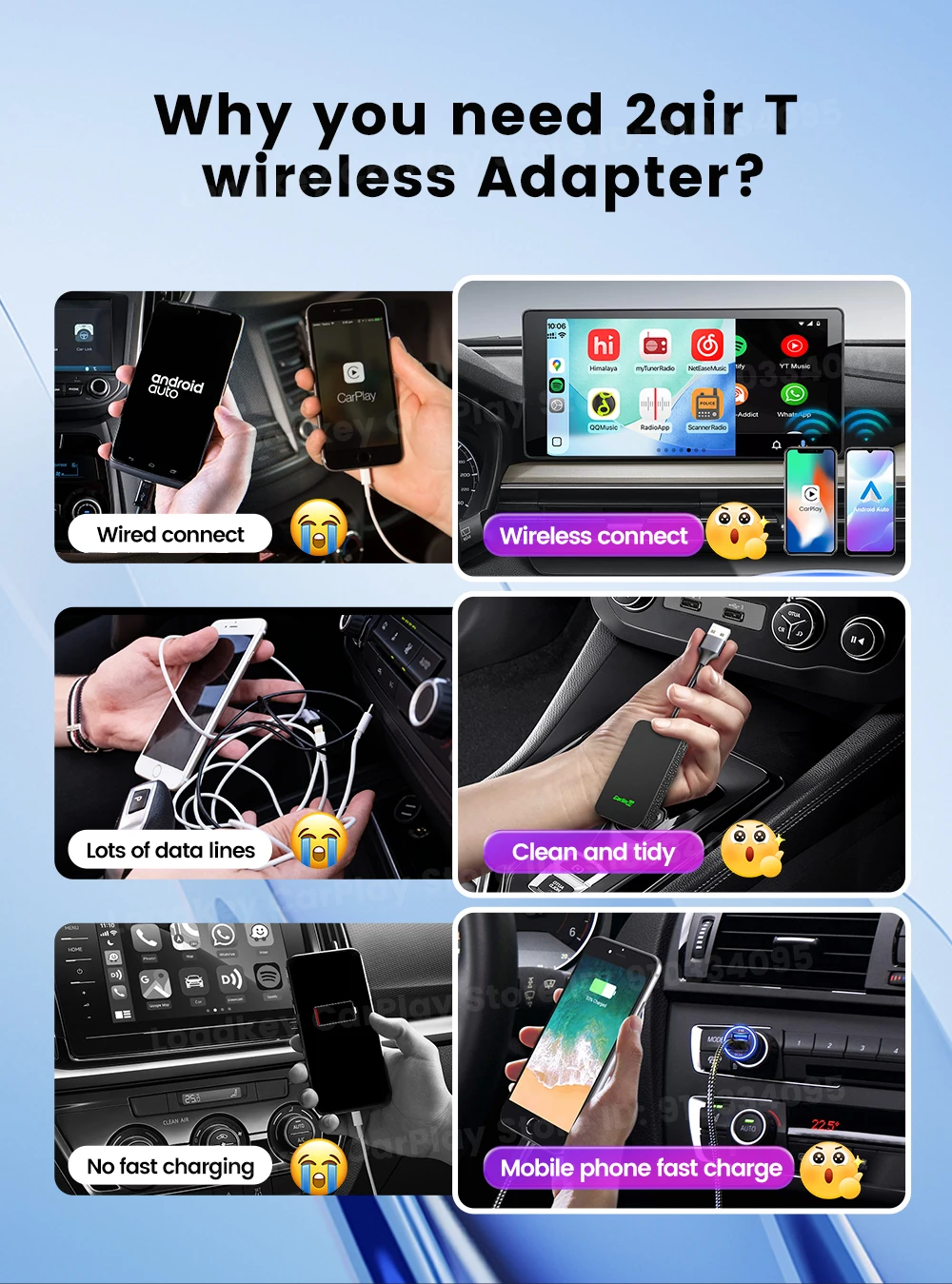
Wireless CarPlay and Wireless Android auto 2 in 1 adapter, Suitable for families with both Android phones and for iPhones or business people with multiple phones.
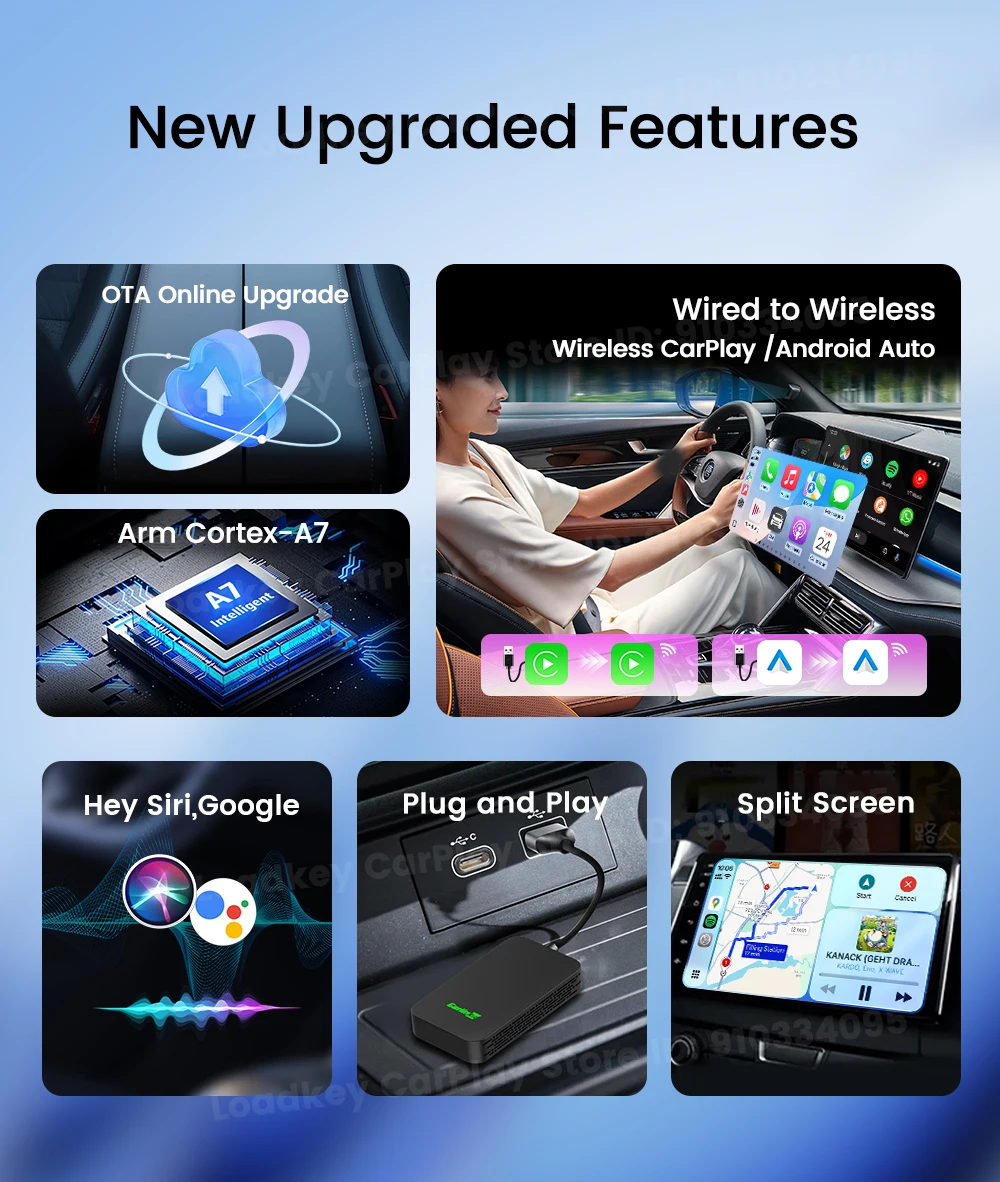
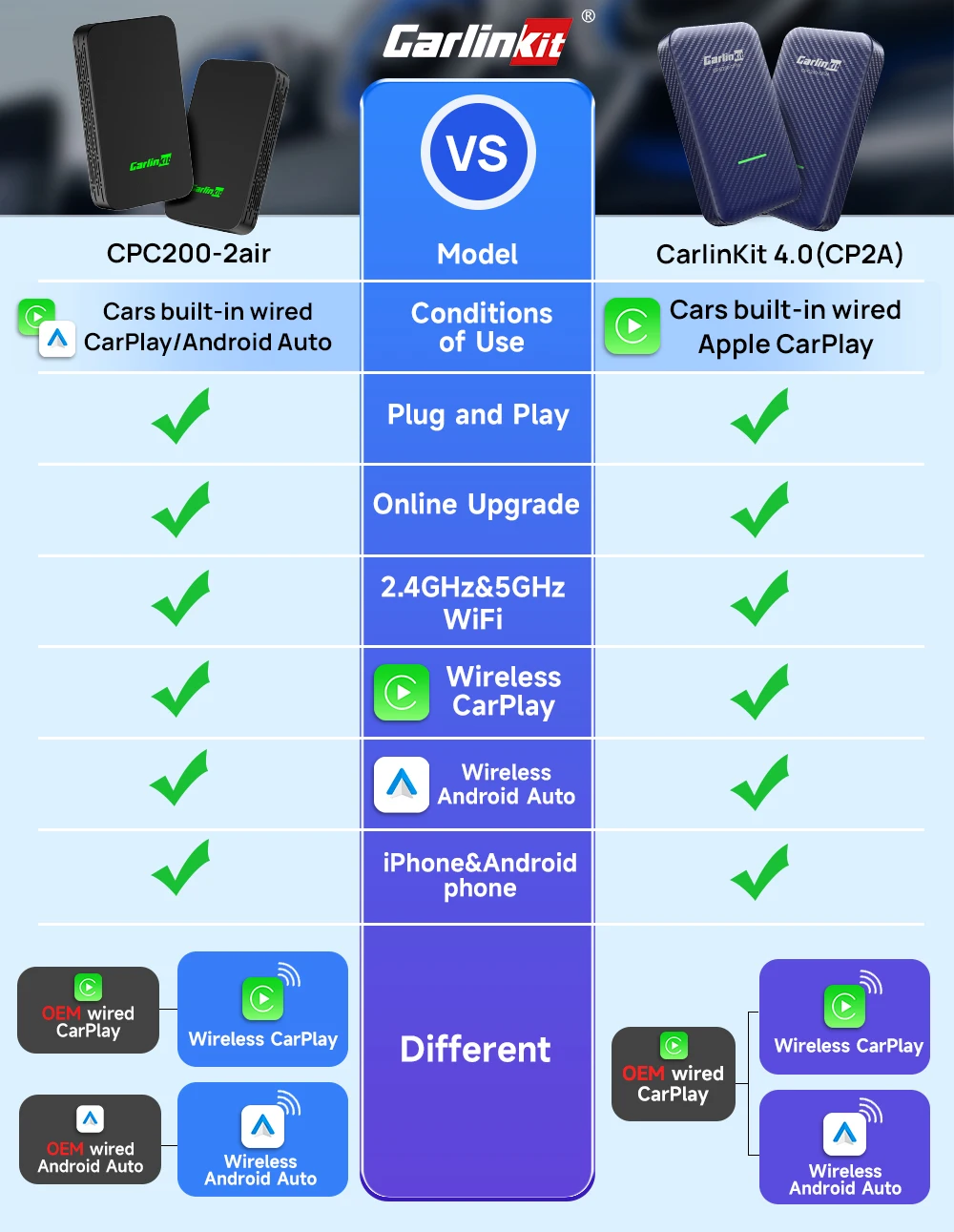
For OEM Wired CarPlay or Wired Android Aut Cars
As long as your car have Wired CraPlay or Wired AndroidAuto, you can use CarPlay or Android auto wirelessly

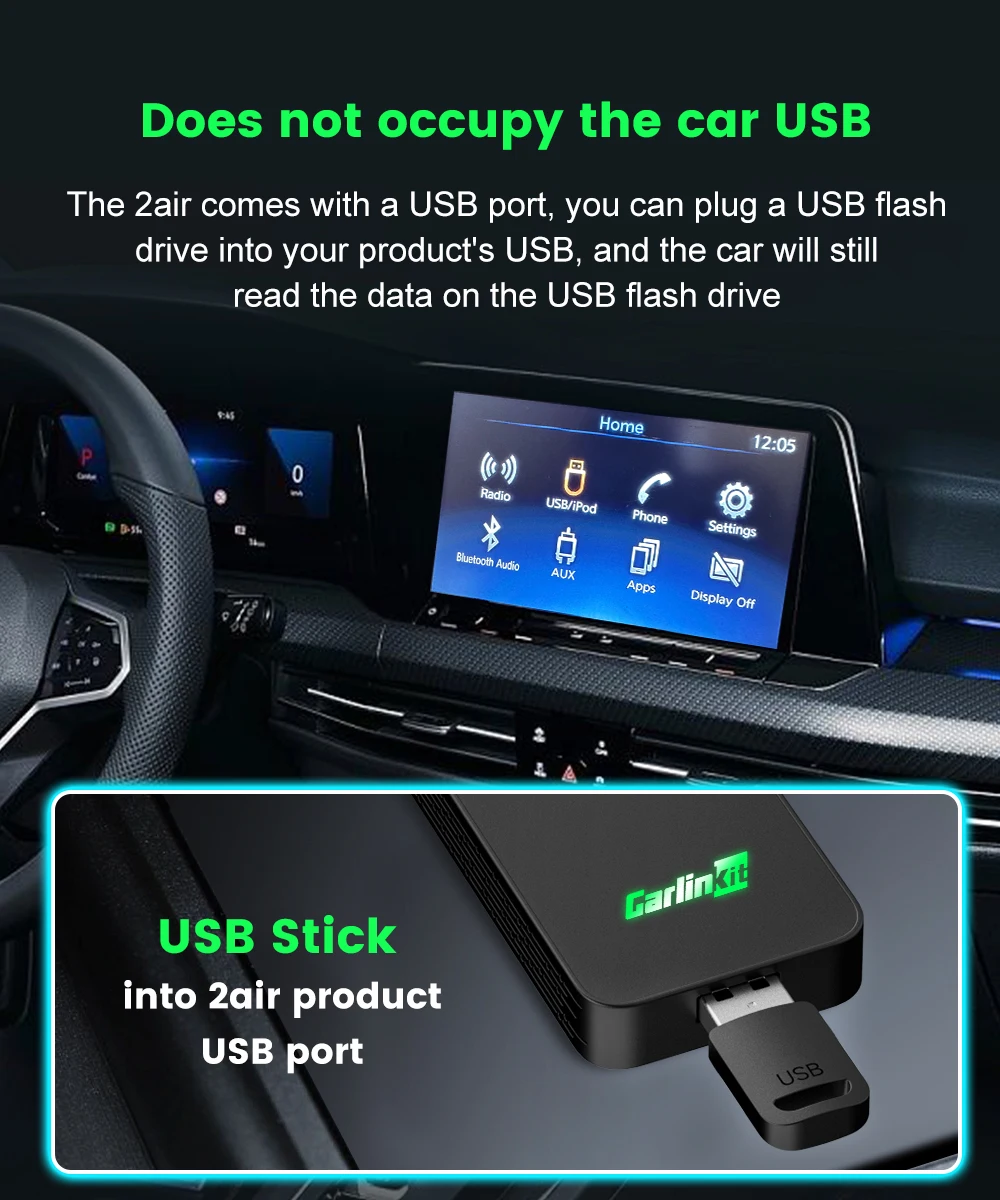
Does not occupy the car USB
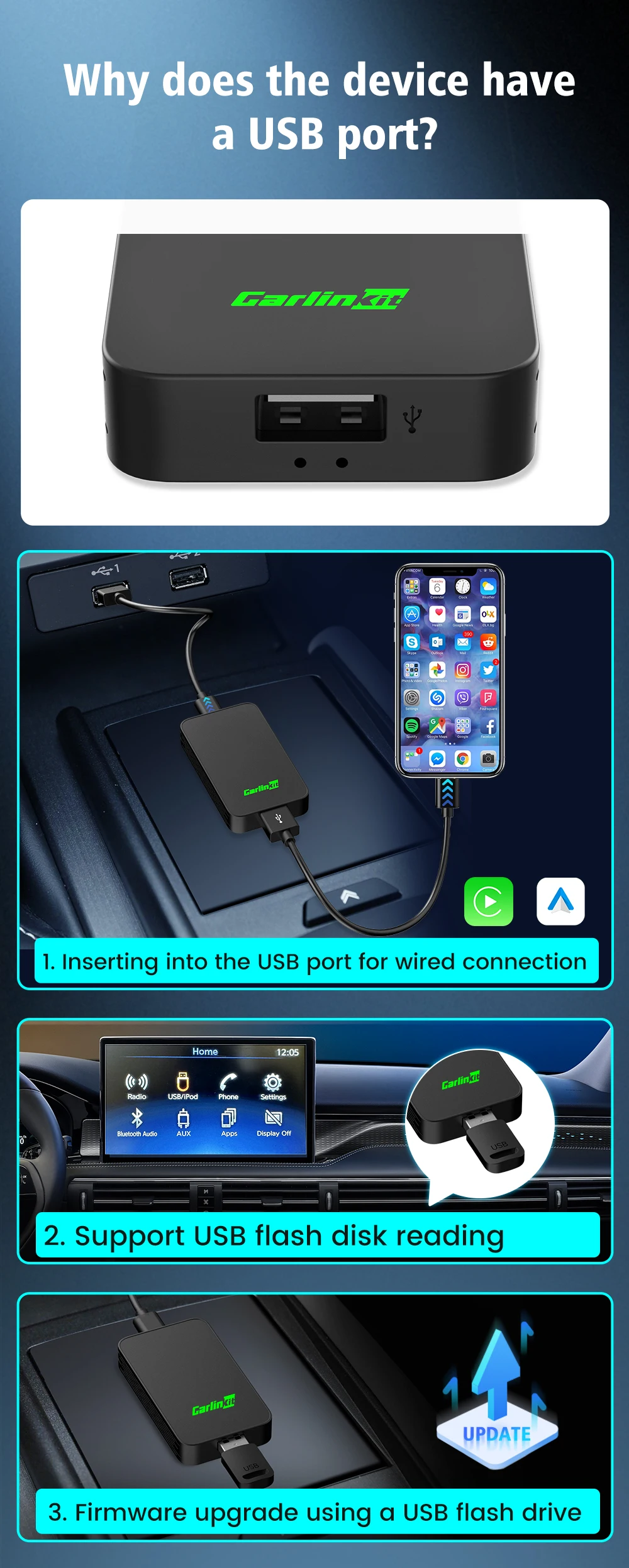
2air is equipped with a USB port. You can insert a USB flash drive into the USB port of the product.
Note: 2air function will not work after inserting the USB flash drive.
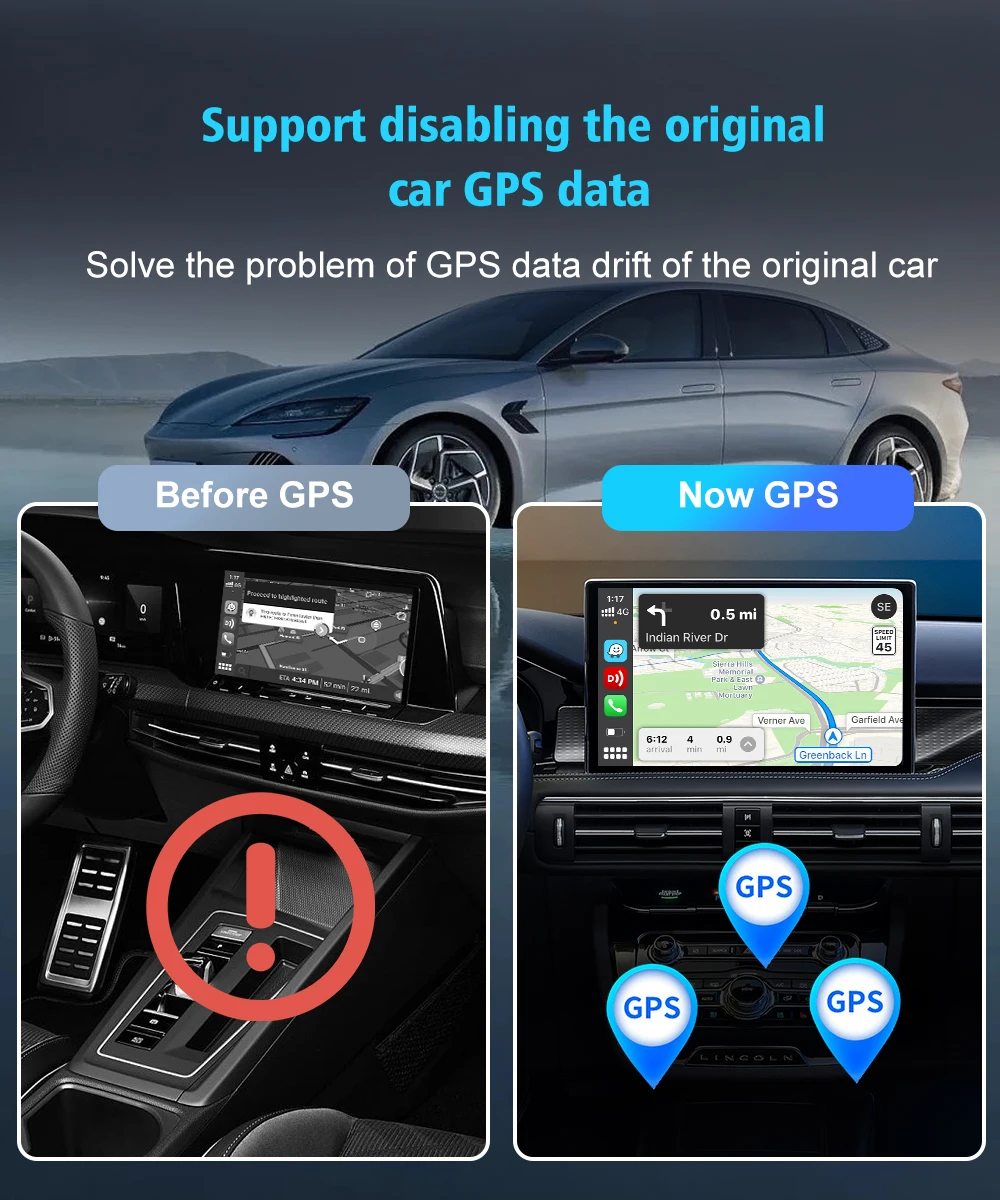
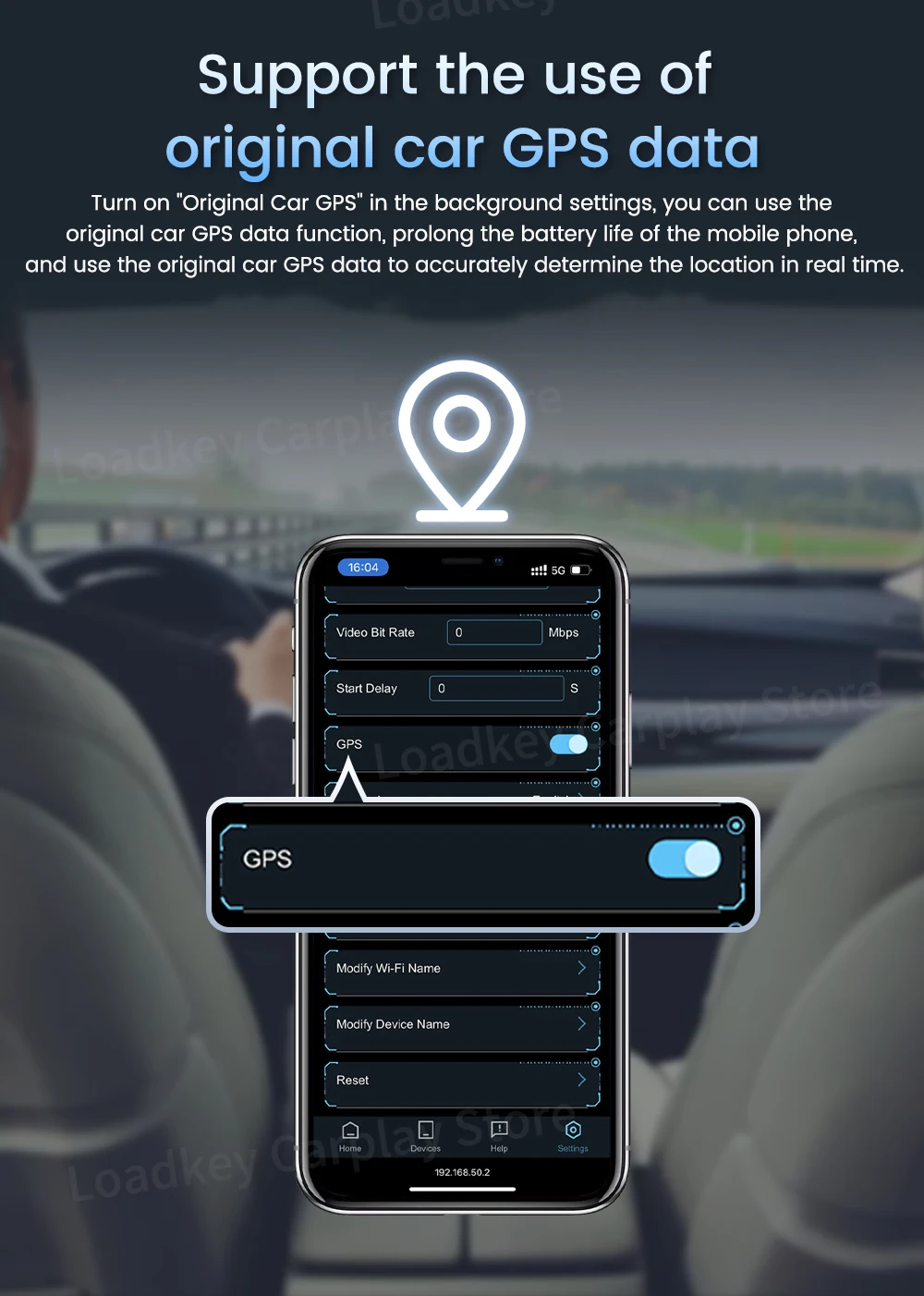
Support disabling the original car GPS data
Solve the problem of GPS data drift of the original car
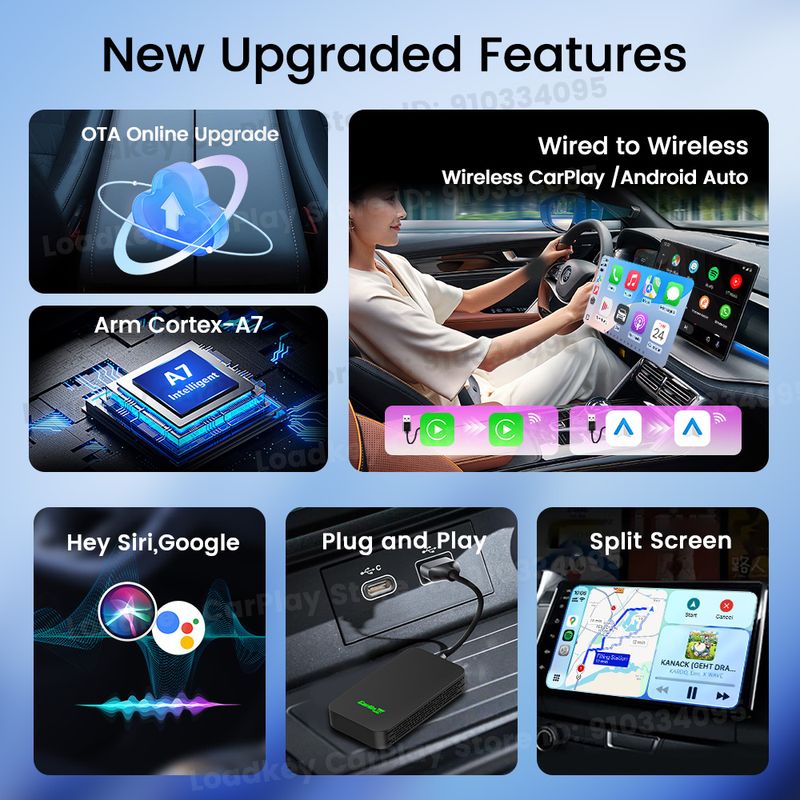
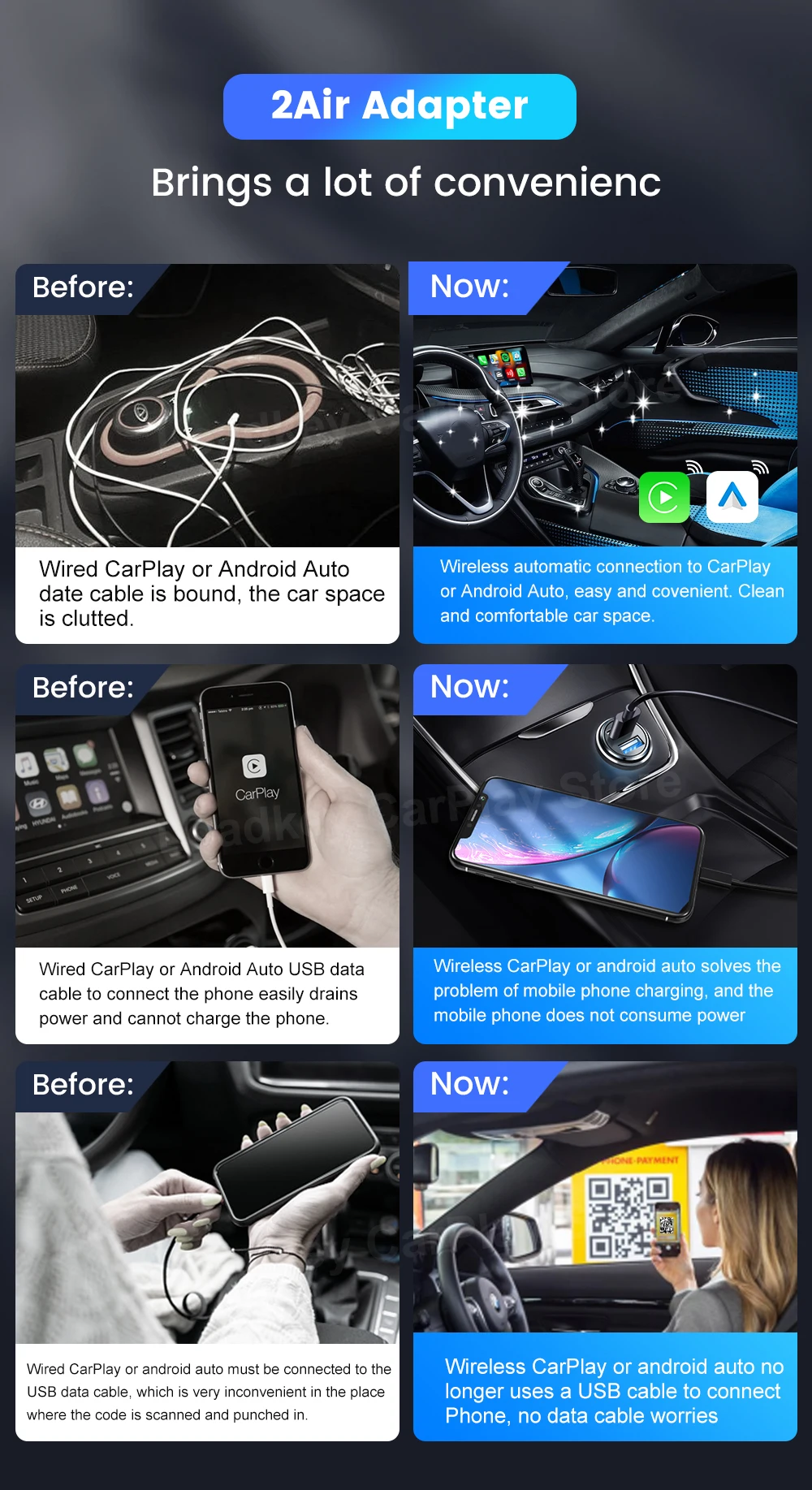
The New Upgrade
Keep your car clean, without occupying fast charging port, phone can be charged at will
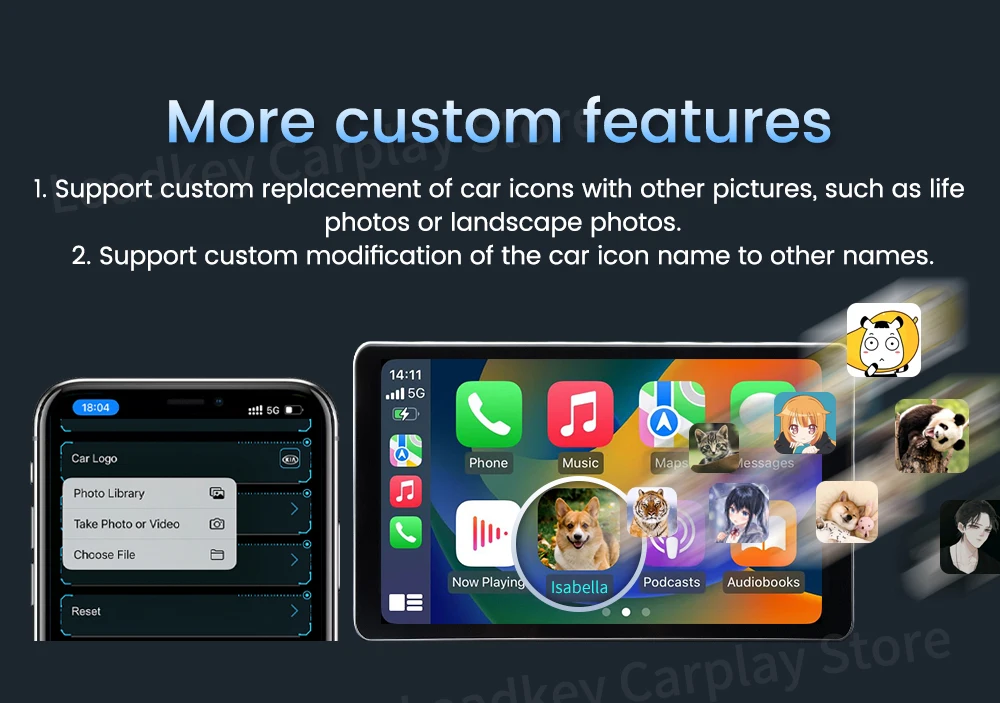
More Custom features
1.Support custom replacement of car icons with other pictures ,such as life photos orlandscape photos.
2.Support custom modification of the car icon name to other names.
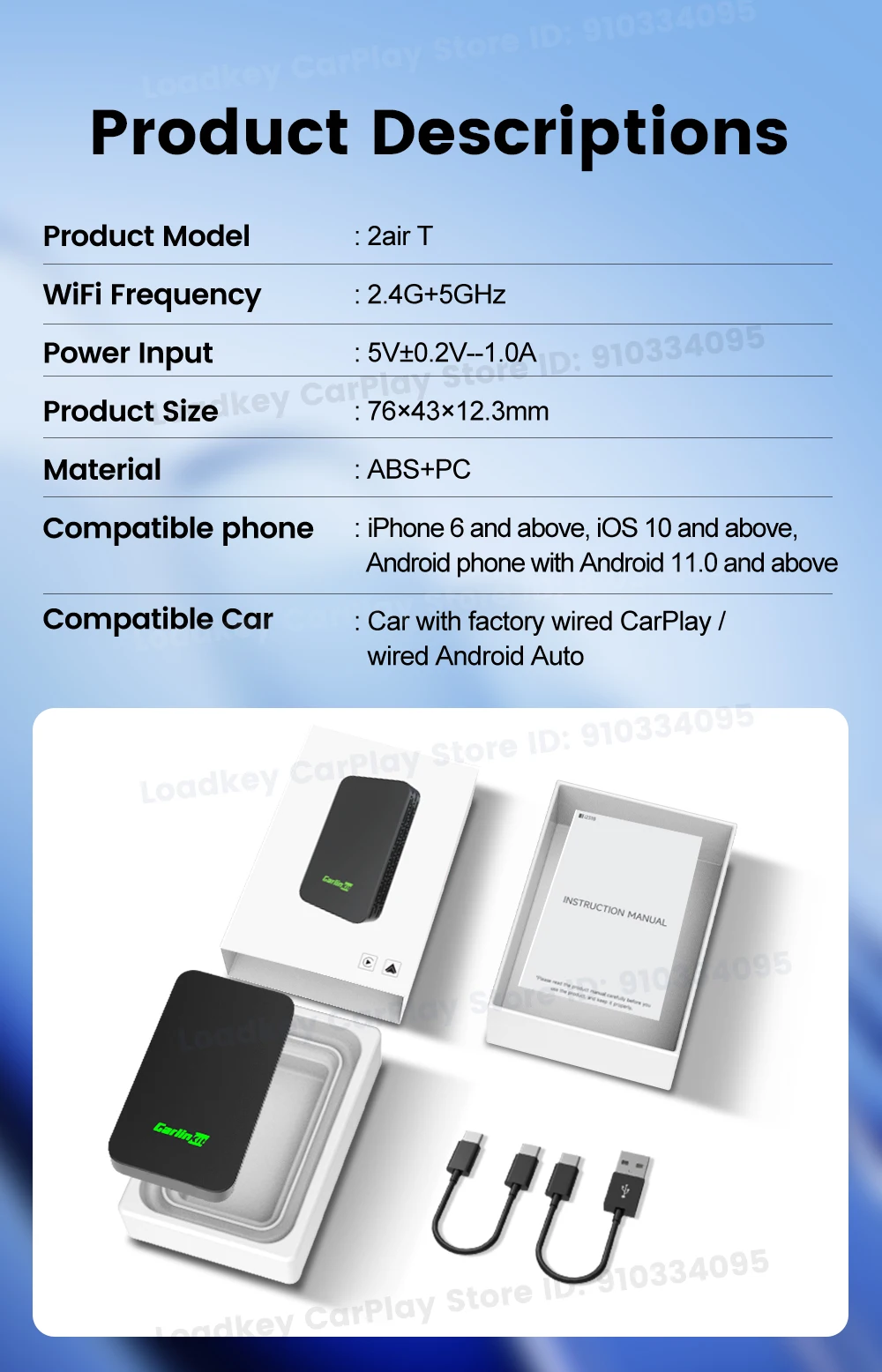
2Air-T Adapter New Upgraded Version
Why does the device have a USB port?
1.Inserting into the USB port for Wired Conncetion
2.Support USB flash disk reading
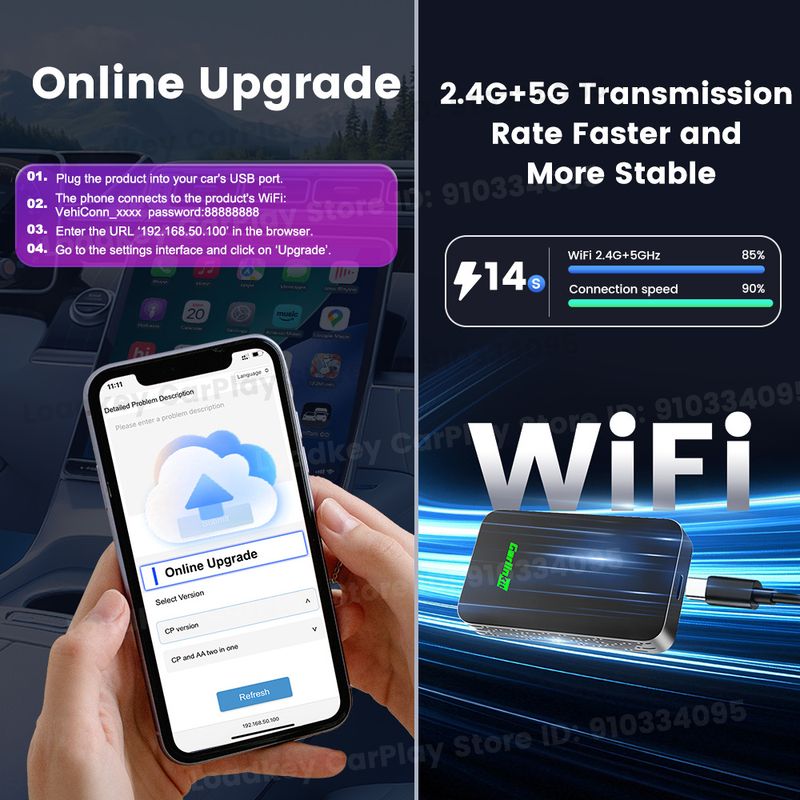
3.Firmvare upgrate using aUSB flash drive
Support the use of original car GPS date
Turn on "Original Car GPS" in the background settings, you can use the original car GPS date function, prolong the battery life of the mobile phone, and use the original car GPS date to accurately datermine the location in real time.
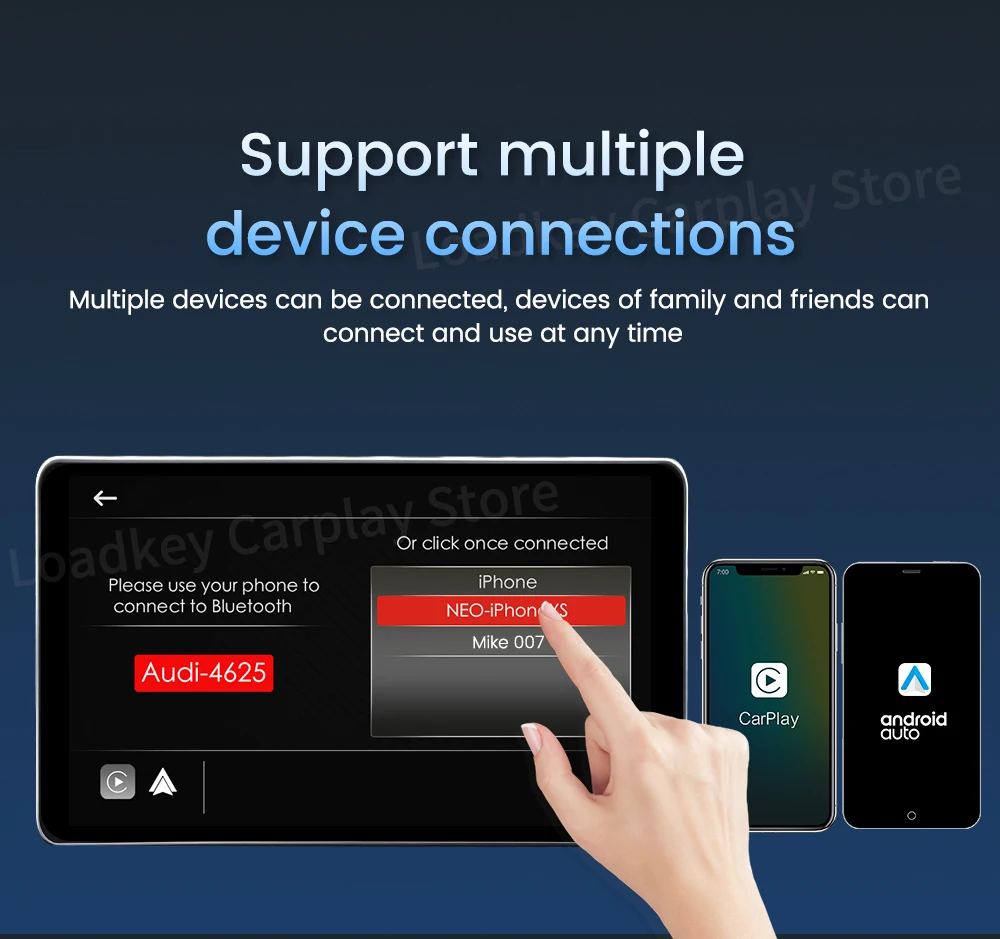
Support multiple device connections
Multiple devices can be connected, devices of family and friends can connect and use at any time
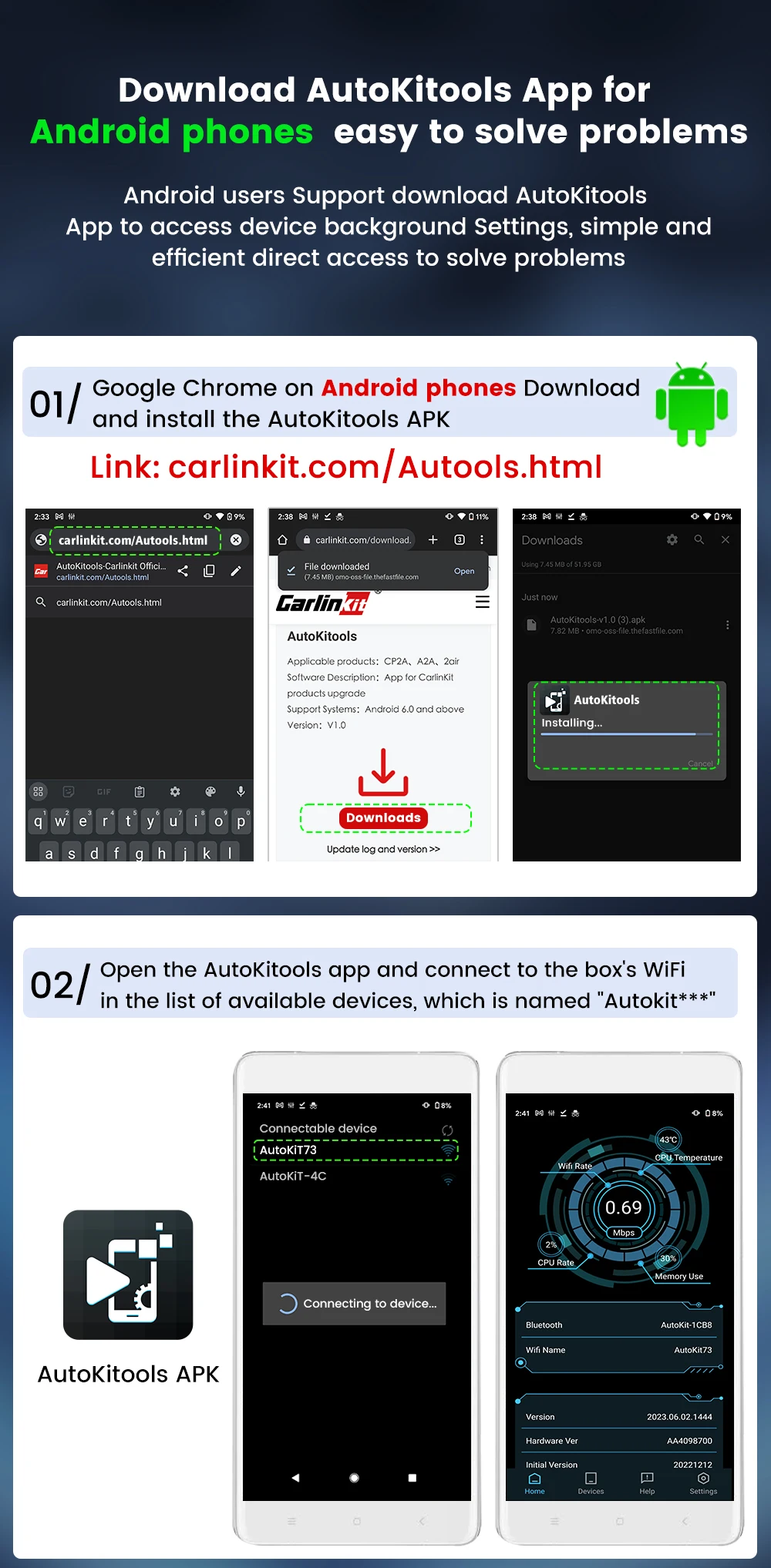
Download AutoKitools App Android Phones easy to solve problems
Android users Support download AutoKitools App to access device background Settings, simple and efficient direct access to solve problems.
① Download and install the APK
Link:carlinkit.com/Autools.html ②Open the AutoKitools app and connect to the box's WiFi in the list of available devices, which is named "autokit***"
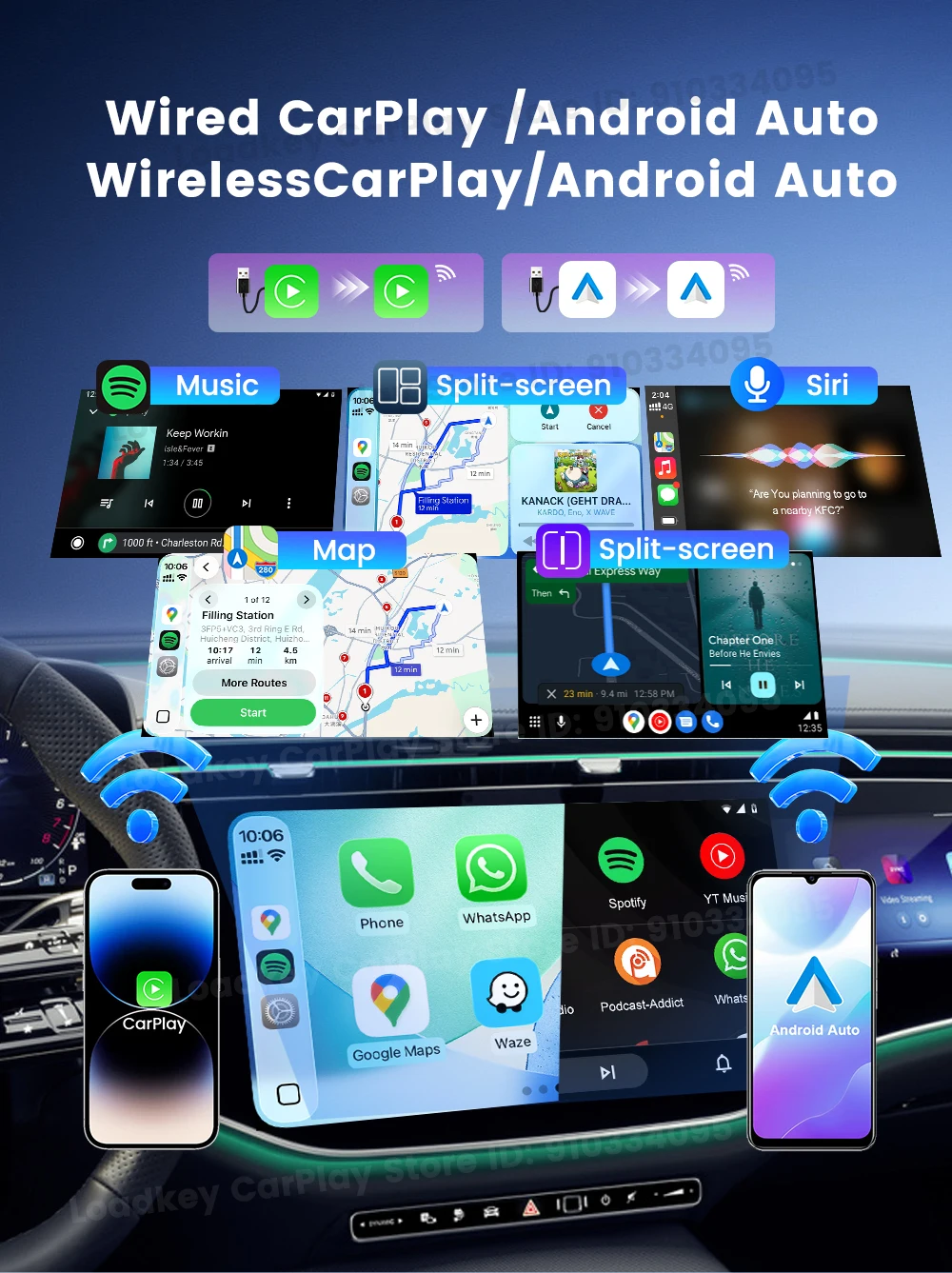
Wireless CarPlay/Android Auto

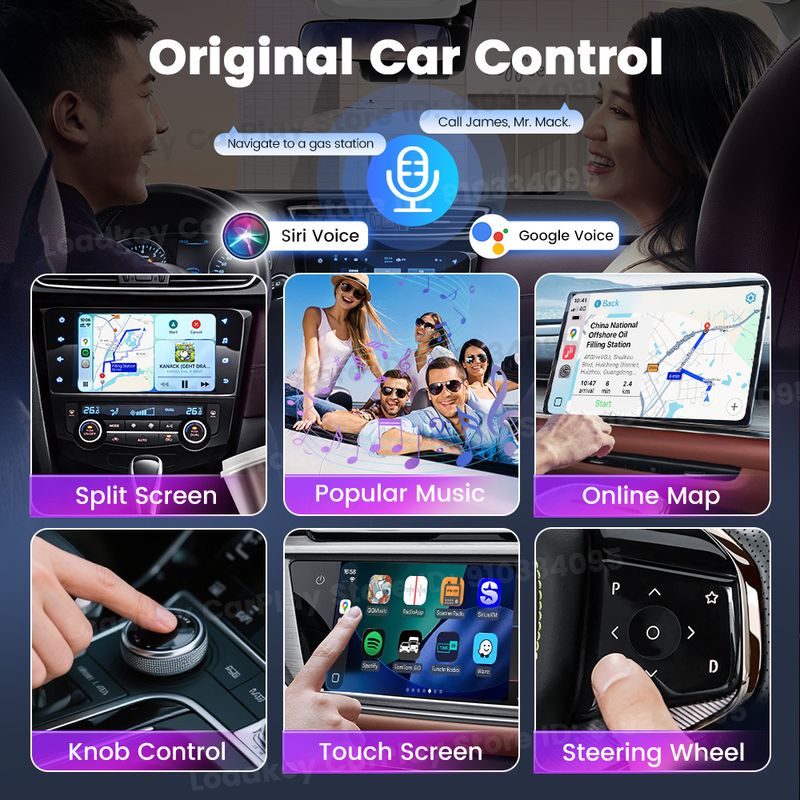
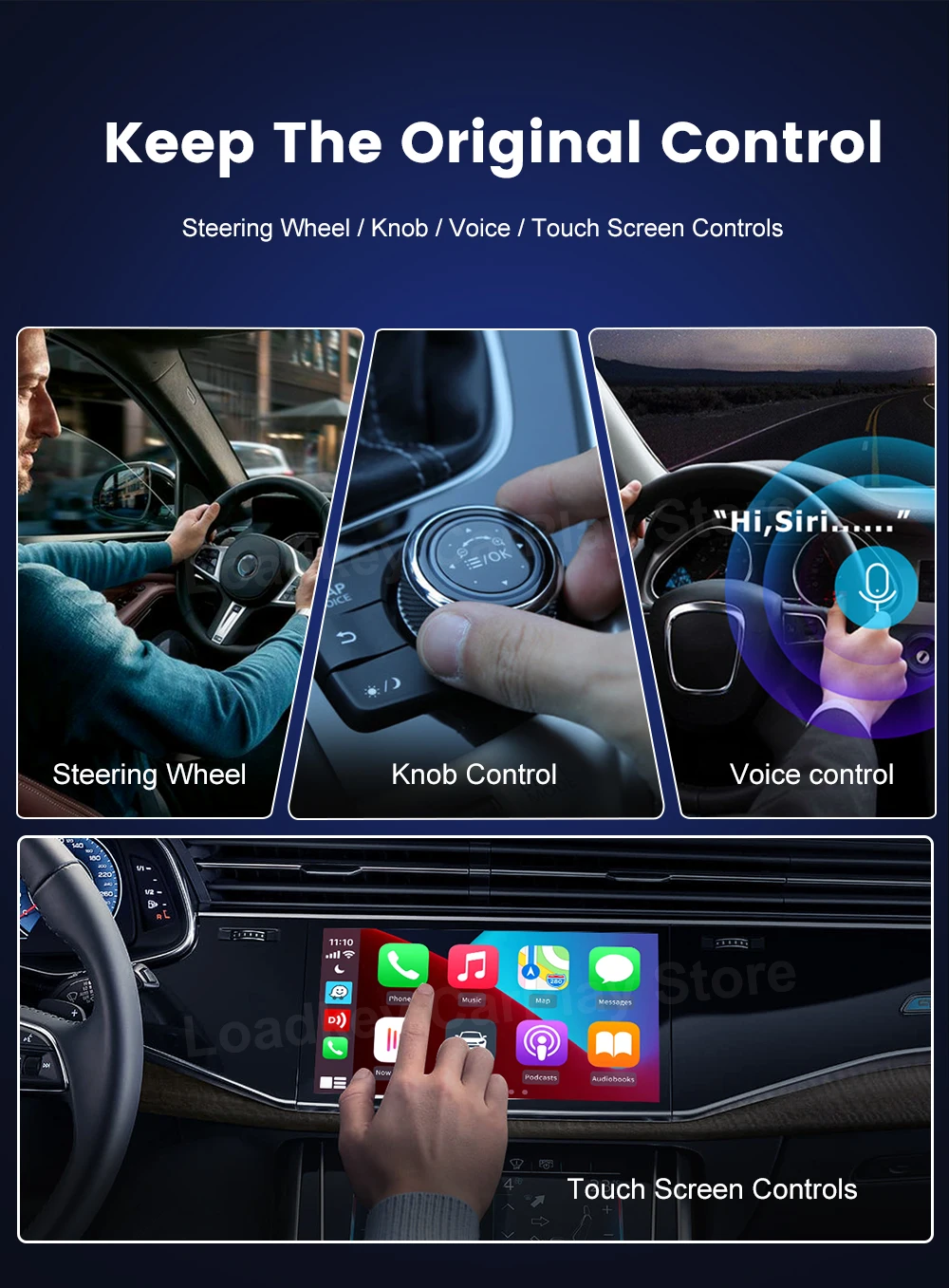
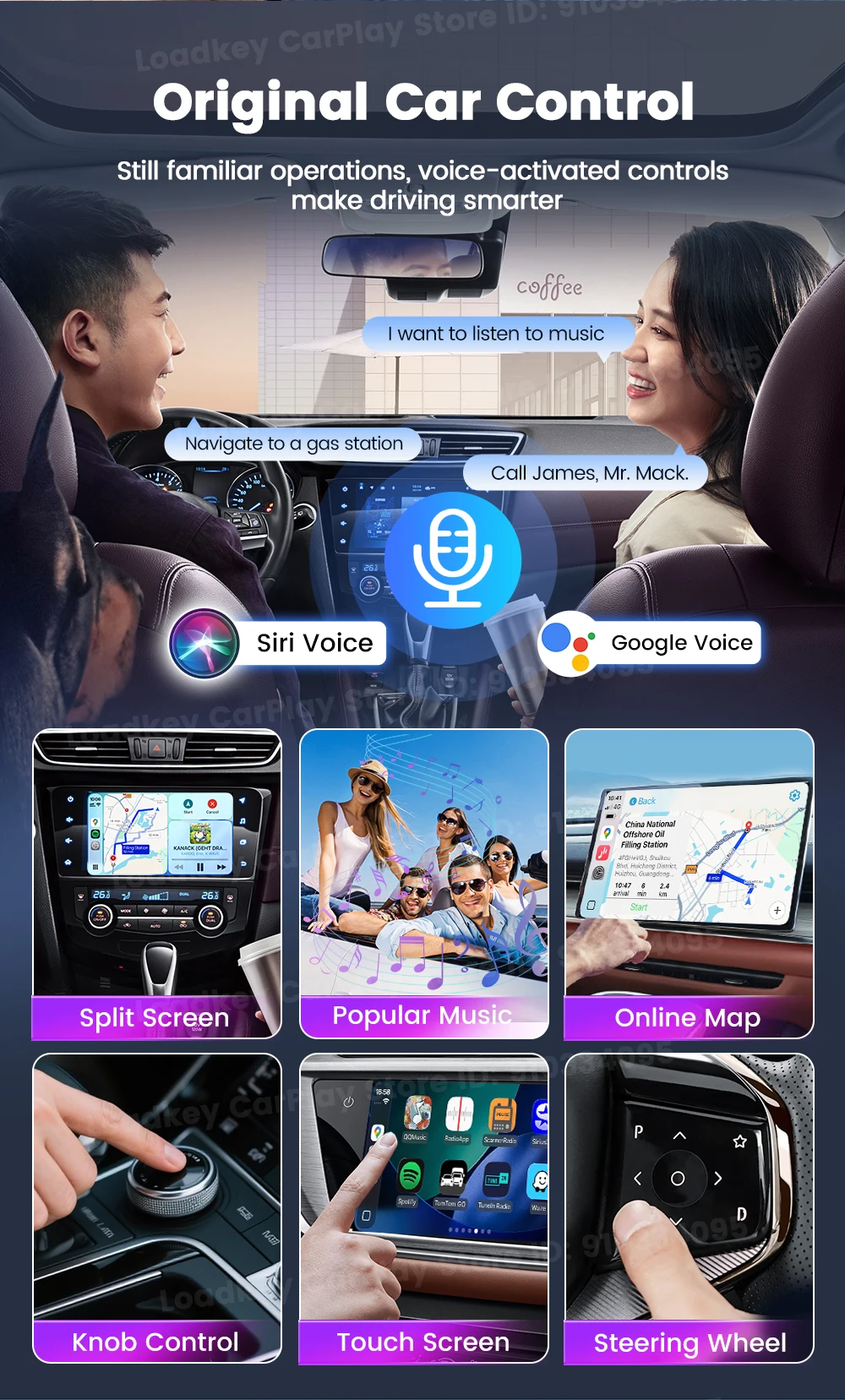
Keep the original contro
voice control mode, touch screen control method, knob control method and steering wheel control method.
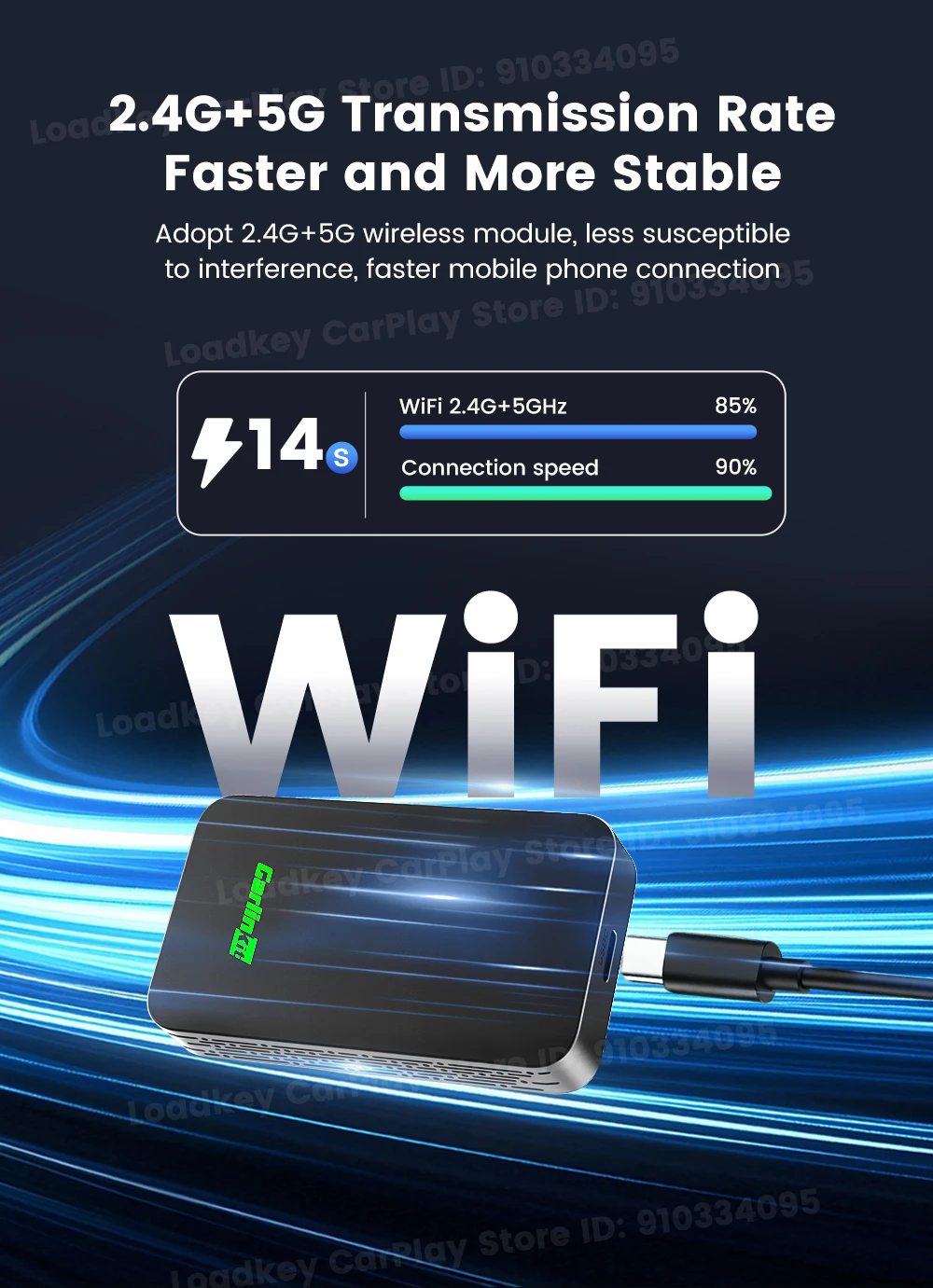
2.4GHz & 5.8GHz WiFi
Why need buy CarlinKit 3.0?
Point 1: Compact and Stylish - Smaller than a credit card save space in your car
Point 2: 98% compatibility - Support most of original cars which installed wired CarPlay
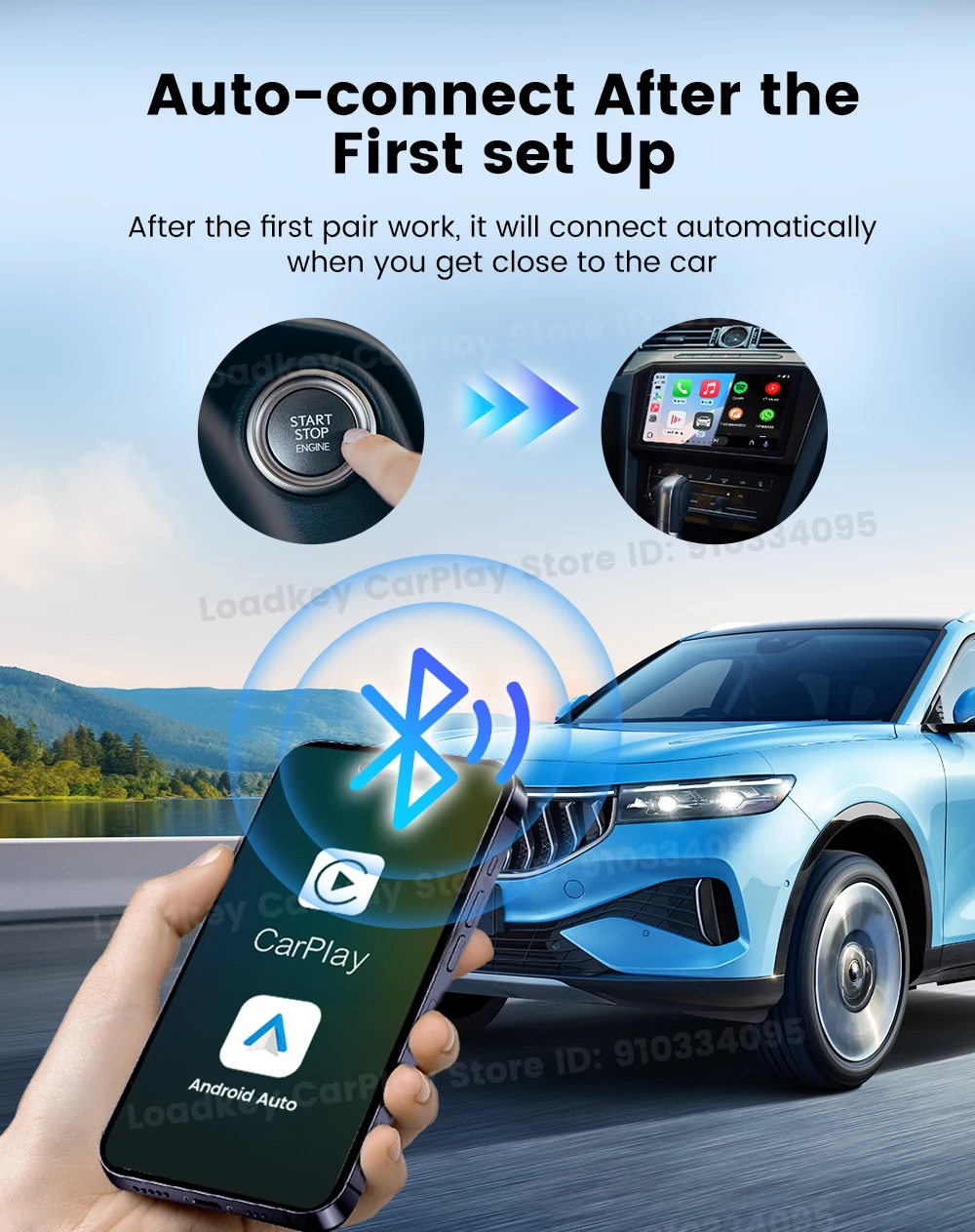
Point 3: Smarter and Convenient - Automatic connection after the first setup

2 Channels Work

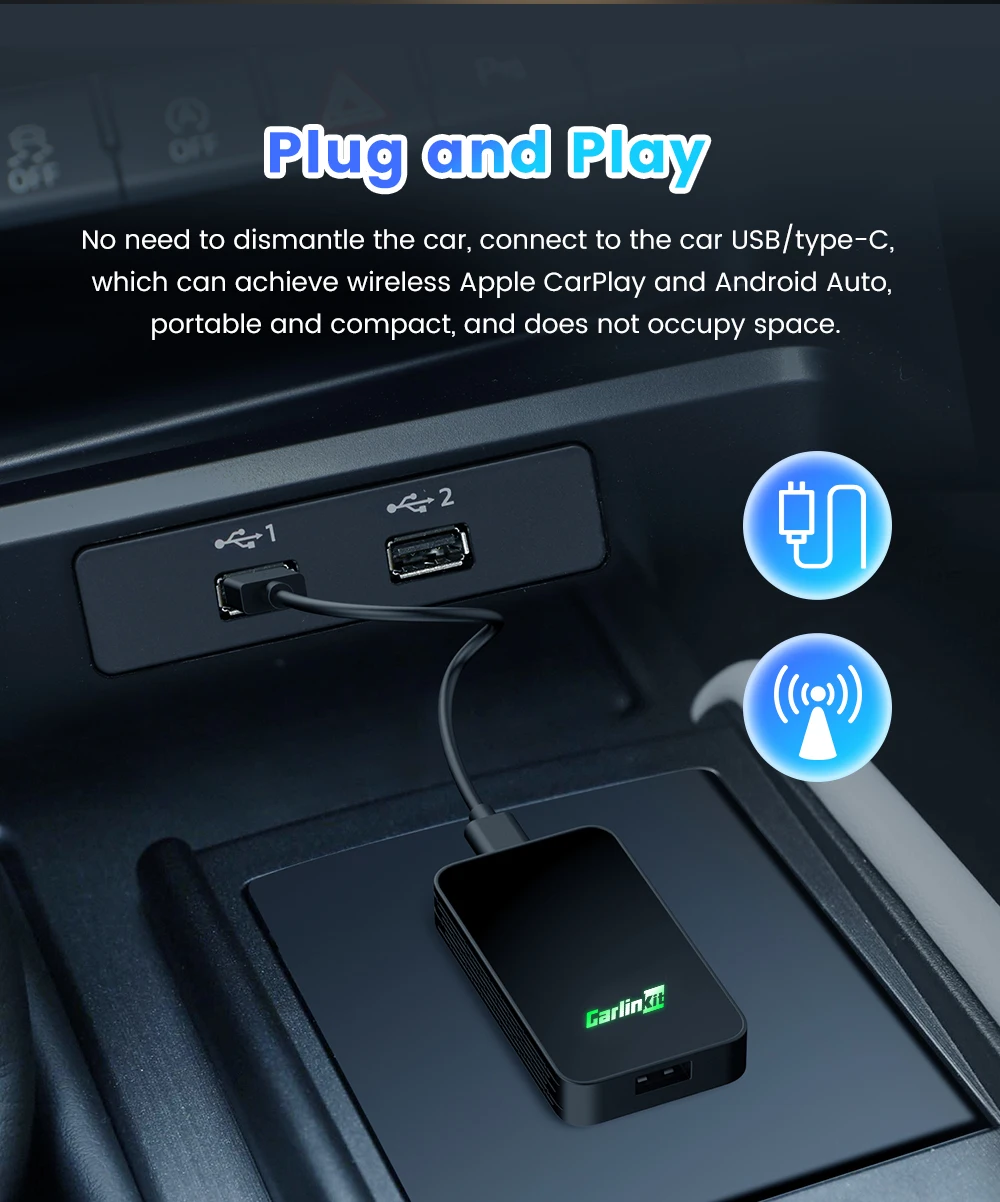
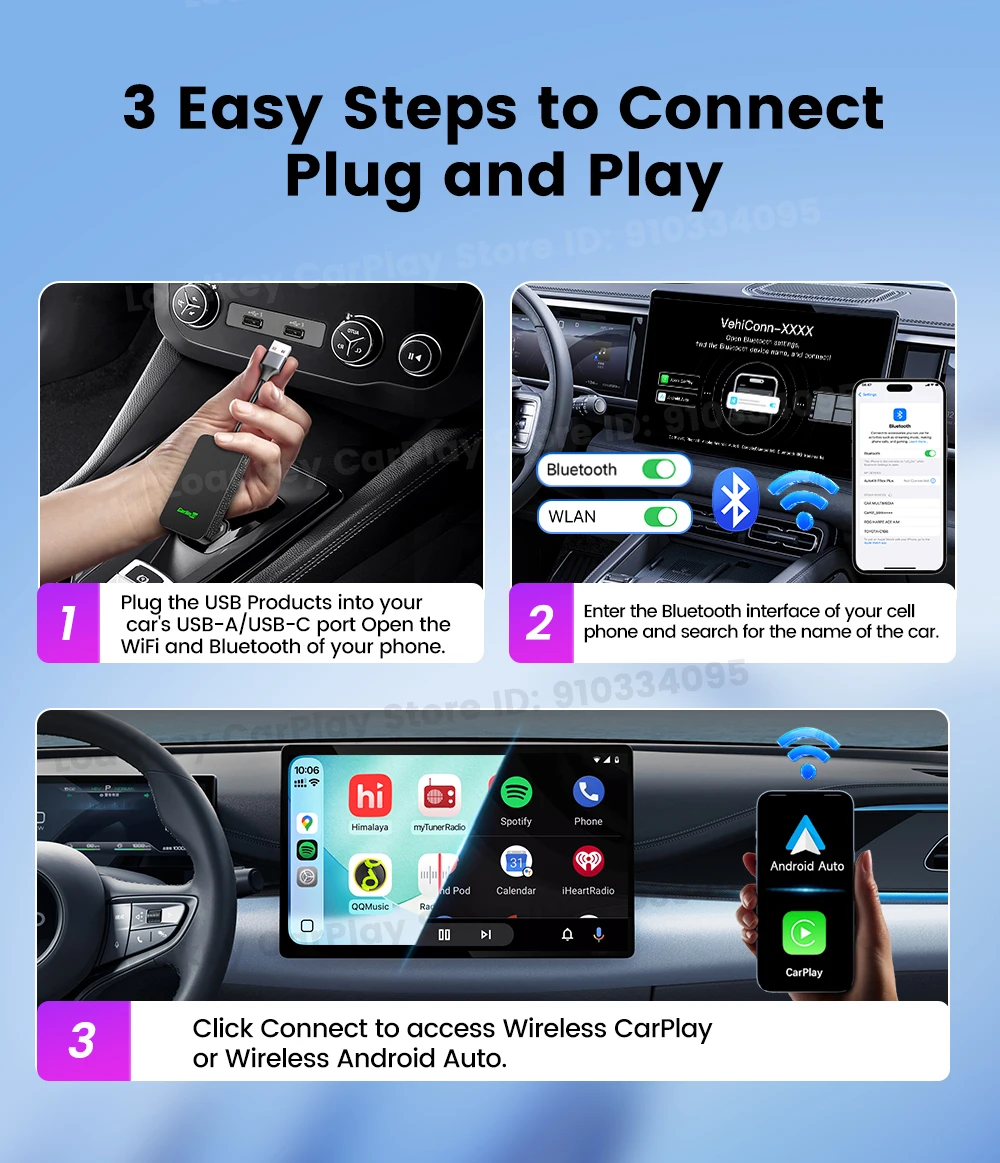
Plug and Play
10S ConnectionInsert the product into the USB port of the car, turn on the WiFi and Bluetooth of the mobile phone ,and pair it.
Google & Siri Voice Assistant Free Your Hands
How to use the 2air adapter?
1.insert the product into the car, Turn on WiFi and Bluetooth, Pair the "Autokit-XXXX"
2.Connect to use wireless Android Auto or wireless CarPlay


Shop Policies
Payment Policy
Payment Policy – BILLIONS BIRDS
At BILLIONS BIRDS, we are committed to providing a safe, secure, and seamless payment experience for our customers.
1. Accepted Payment Methods
We accept the following payment options:
Major Credit & Debit Cards (Visa, MasterCard, American Express)
Secure Online Payment Gateways (such as PayPal, Stripe, or other providers available at checkout)
Any additional payment methods displayed during checkout
All payments must be completed in full at the time of purchase.
2. Secure Transactions
All transactions are processed through encrypted and secure payment systems to protect your personal and financial information. We do not store your full payment details on our servers.
3. Currency
Prices are displayed in the currency indicated on the website. If you are purchasing from another country, your bank may apply currency conversion fees.
4. Order Confirmation
Once your payment has been successfully processed, you will receive an order confirmation email containing your purchase details.
5. Failed or Declined Payments
If your payment is declined, please verify your billing information or contact your bank. Orders will only be processed after successful payment confirmation.
6. Fraud Prevention
BILLIONS BIRDS reserves the right to cancel or refuse any order if fraud or unauthorised activity is suspected.
Delivery Policy
Delivery Policy – BILLIONS BIRDS
At BILLIONS BIRDS, we are dedicated to delivering your orders safely and efficiently.
1. Order Processing
All orders are processed within 1–3 business days after payment confirmation. Orders are not processed or shipped on weekends or public holidays.
2. Shipping Times
Estimated delivery times vary depending on your location:
Domestic Shipping: 3–7 business days
International Shipping: 7–15 business days
Please note that delivery times are estimates and may vary due to customs procedures, carrier delays, weather conditions, or other unforeseen circumstances.
3. Shipping Costs
Shipping fees are calculated at checkout based on your location and selected shipping method. Any customs duties, taxes, or import fees are the customer's responsibility.
4. Tracking Information
Once your order has been shipped, you will receive a confirmation email with tracking details (if available) so you can monitor your package.
5. Delivery Issues
If your order is delayed, lost, or arrives damaged, please contact us within 7 days of the expected delivery date. We will work with the shipping carrier to resolve the issue as quickly as possible.
6. Incorrect Shipping Information
Customers are responsible for providing accurate shipping details at checkout. BILLIONS BIRDS is not responsible for orders shipped to incorrect addresses provided by the customer.
Refund Policy
Refund Policy – BILLIONS BIRDS
At BILLIONS BIRDS, customer satisfaction is our top priority. If you are not completely satisfied with your purchase, we’re here to help.
1. Return Eligibility
You may request a return within 14 days of receiving your order. To qualify for a return:
The item must be unused, unworn, and in the same condition as received.
The item must be in its original packaging.
Proof of purchase (order confirmation or receipt) is required.
Certain items may not be eligible for return, including clearance items, gift cards, or personalised/custom products.
2. Non-Refundable Items
The following items are non-refundable:
Final sale or discounted items
Gift cards
Items damaged due to misuse, negligence, or improper care
3. Return Process
To initiate a return, please contact our customer support team with your order number and reason for return. If your return is approved, you will receive instructions for returning the item.
Unless the item is defective or incorrect, customers are responsible for return shipping costs.
4. Refund Processing
Once we receive and inspect your returned item:
We will notify you of the approval or rejection of your refund.
If approved, the refund will be issued to your original payment method within 5–10 business days.
Please note that banks or payment providers may require additional time to process refunds.
5. Damaged or Incorrect Items
If you receive a damaged, defective, or incorrect item, please contact us within 7 days of delivery and provide clear photos of the product and packaging. We will arrange a replacement or full refund at no additional cost.
6. Late or Missing Refunds
If you have not received your refund:
Check your bank account again.
Contact your credit card company or payment provider.
If the issue persists, don't hesitate to contact our support team for assistance.
Recommended Products
Customer reviews
Share your thoughts with other customers
Be the first one to write a review!

Items (0)
