
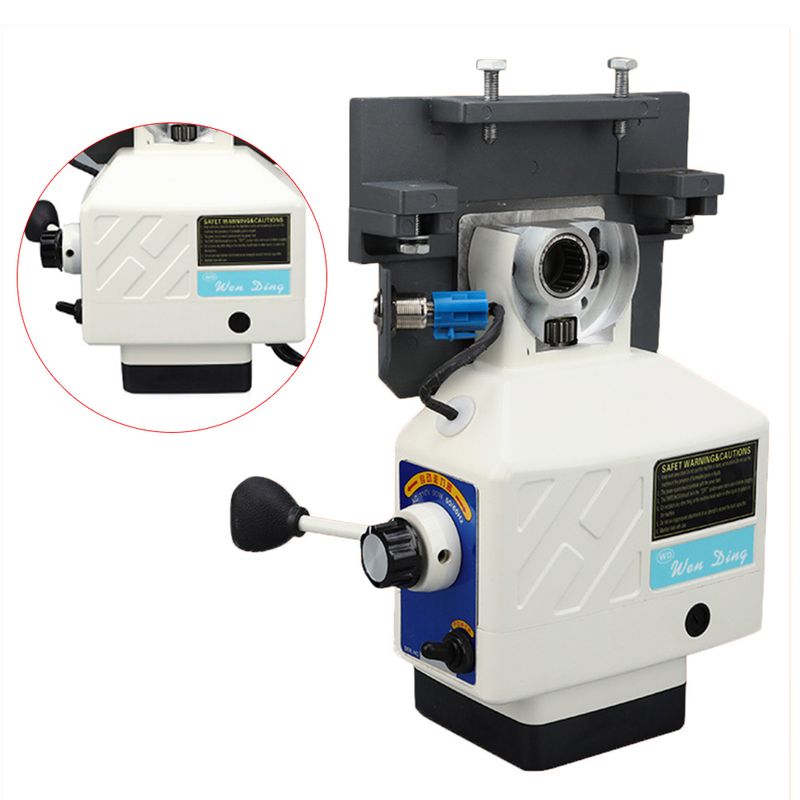
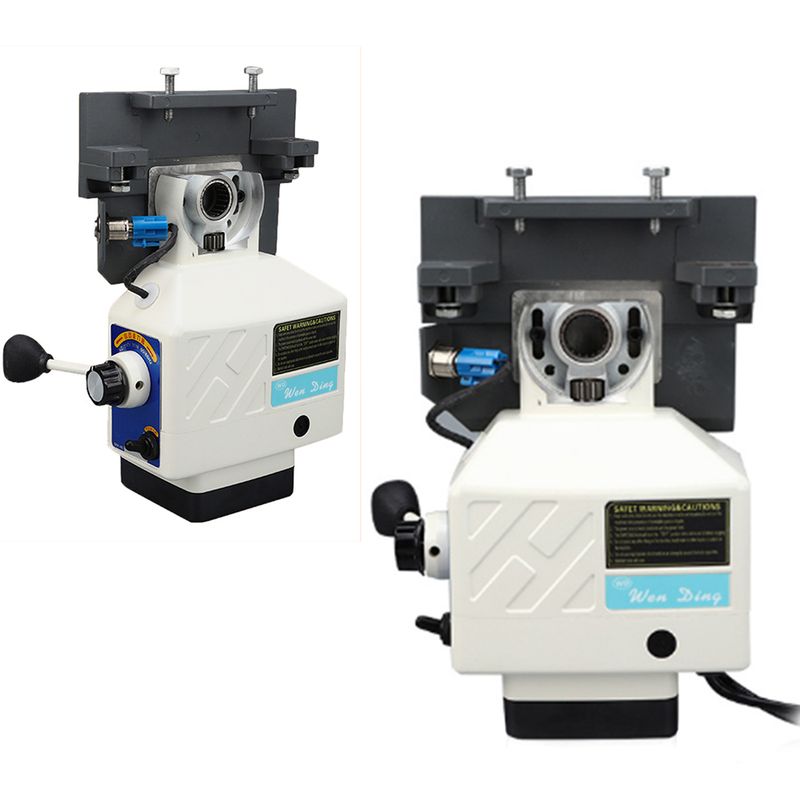
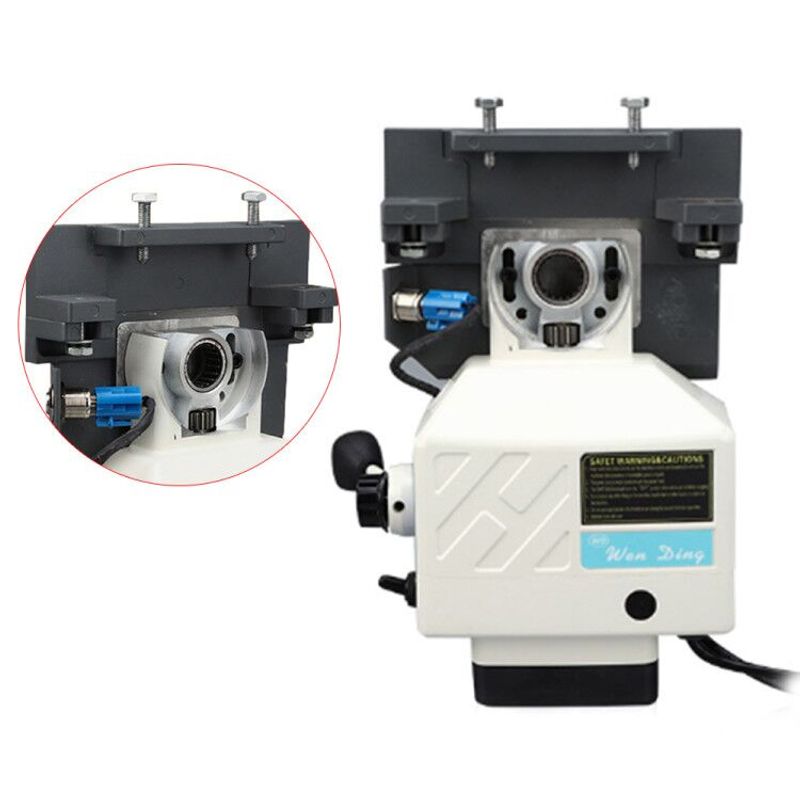
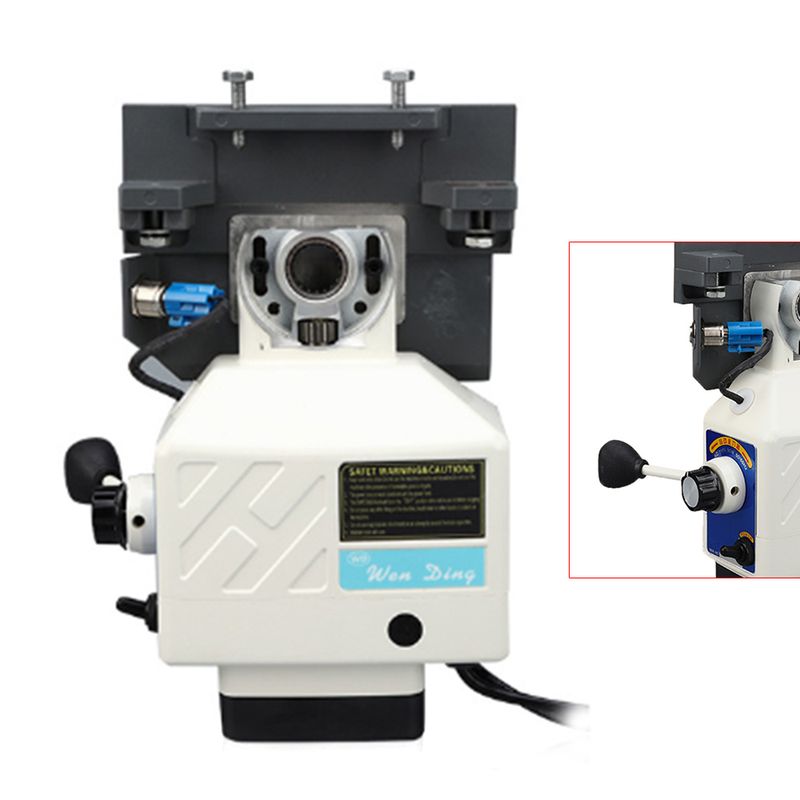
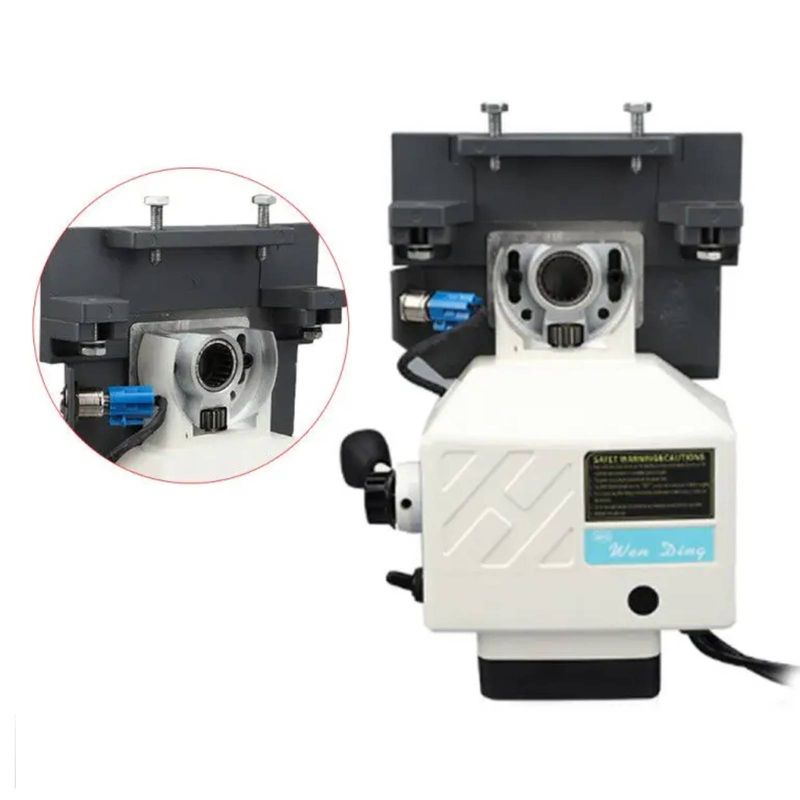
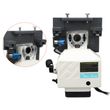
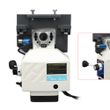
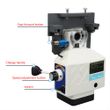
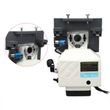
Futchoy Horizontal Milling Machine Power Feed Max Torque 450in.lb 200RPM 95W X-Axis Power Feed Milling Machine Adjustable Speed
Includes all taxes
Meet your Seller
-
$396.75Sold by BILLIONS BIRDS
Description
Product Description
Quiet Change of Direction
Easy Operation
Longer Life Expectancy
Better Surface Smoothness
Small Size, Easy Installation
Excellent Speed Control over the Entire Range
Jog Function Works at Any Feed Rate
Electric Table Feed Does Not Vibrate or Fatigue at Low Speeds
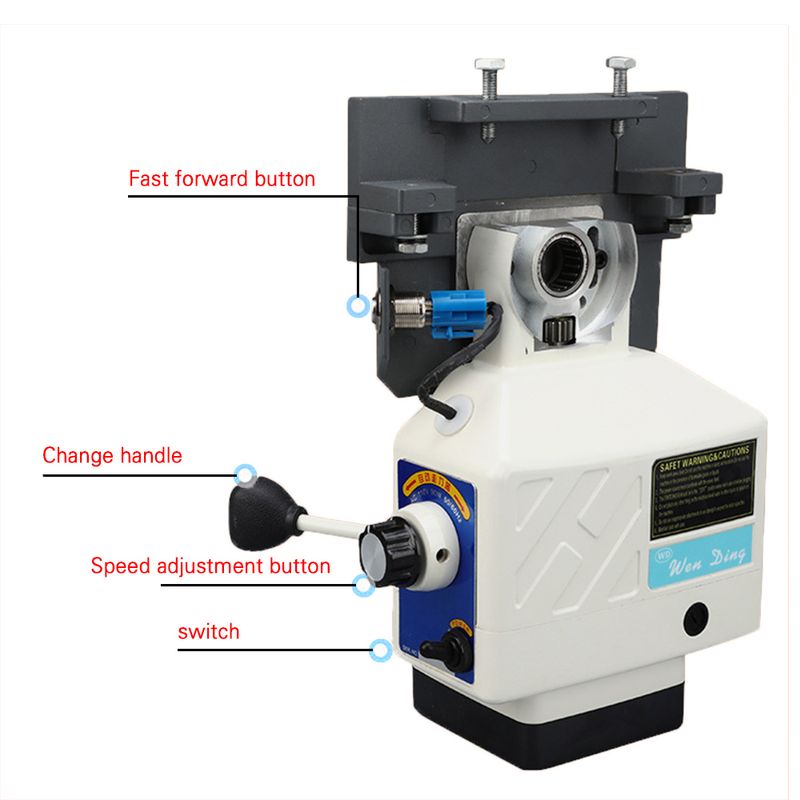
Direction Control Knob, Easy to Operate
Safety Function to Protect Transmission Gears and Electronic Components
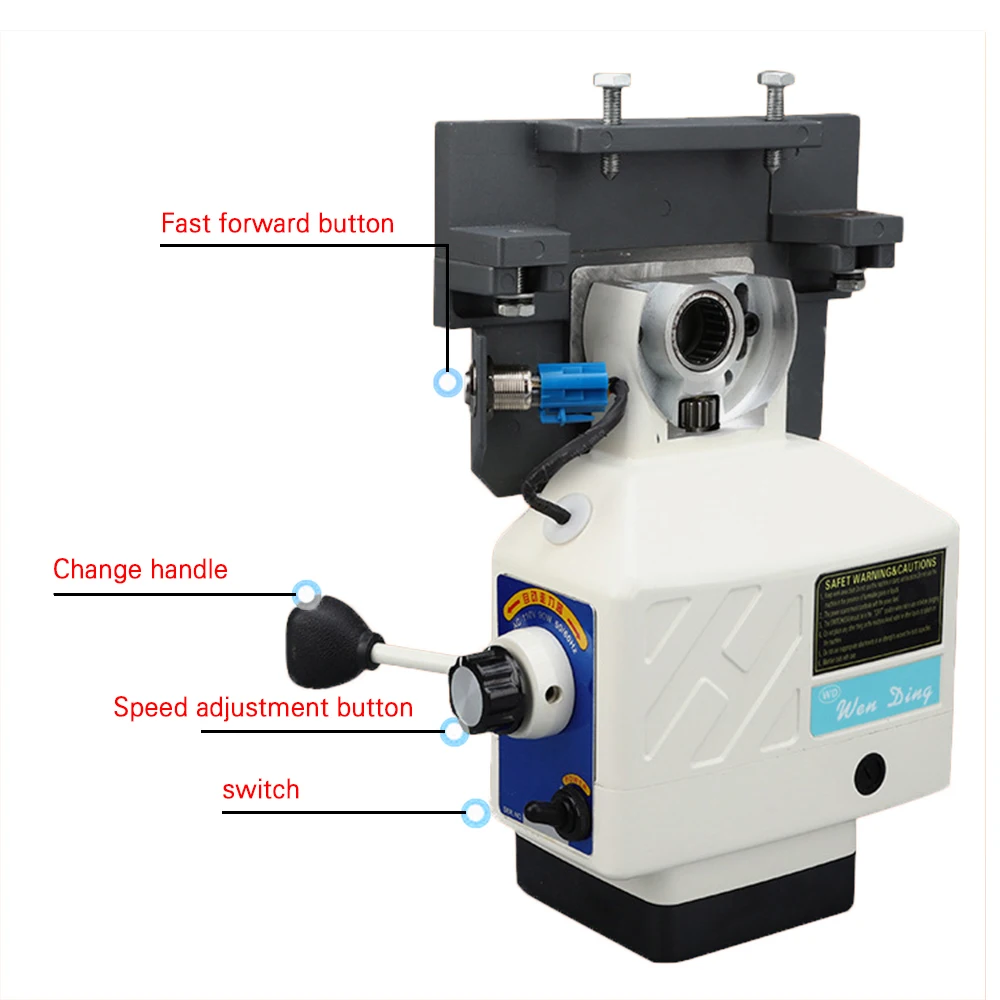
Specifications
Host Power: 95w
Speed Range: 0-190
Speed Limit: 200 Rpm
Torque Limit: 450in.ib
Weight: 6kg
Material: Aluminum
Power Requirements: Ac-220v 50hz
Power Plug: British Sty
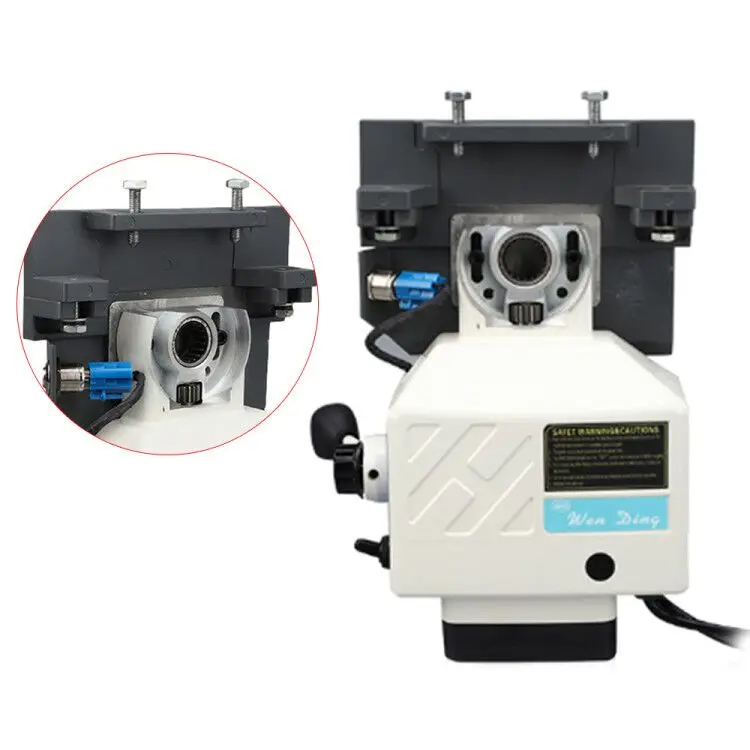
Installation Notes
1. Put the Fixed Bracket on the Worktable, Put the Bearing Ring of the Worktable on the Spindle Screw, Then Set the Feed Table on the Fixed Bracket, and Take out the Gearbox.
2. Hold the Center Drive Shaft with One Hand. Use the Other Hand to Set the Bevel Gear on the Shaft Screw. Then Check That the Gap Between the Gears Is Between 0.1 and 0.2 Mm.
3. If the Gap Is Too Large, Add Spacers (1.0t, 0.25t, 0.1t). Repeat Steps 2-3 Until Satisfactory Gameplay Is Achieved.
4. Tighten the Handle to Start Adjusting the Sleeve Parallel Key and Bevel Gear. Twist the Handle Slightly to Feel If There Is Any Interference Between the Two. If Yes, Repeat Steps 3-4 to Add More Spacers. If Not, Go to the Next Step.
5. Remove the Handle, Add a Suitable Gasket (Φ43xφ33), Adjust the Gap Between the Dial and the Bevel Gear, and Lock It with a Fixing Ring.
6. Adjust and Tighten the Handle, Turning the Handle Slightly. Usually It Should Be Smooth Without Any Distractions.
7. Finally, Set the Gearbox and Limit Switches.
Power Switch and Reset Switch
1. the Right Power Switch Is "on". Left Closed. a Red Light Is Displayed When the Machine Is Turned on.
2. the Red Round Button on the Right Is the Reset Switch. in the Event of a Machine Overload, the Reset Button Trips to Cut off the Power. the Operator Must Reduce the Cutting Load and Then Press the Reset Switch to Continue the Operation.
Forward Button and Quick Button
1. Turn the Power Knob After Power on. Turn Left to Feed Left and Vice Versa.
2. the Middle Button Is the "Quick Button". If You Hold down the Button, the Tool Will Quickly Move to the Left. Release to Make the Feed Table Return to Normal Speed.
Speed Knob
Speed Can Be Adjusted According to Operator Requirements, Ranging from 0 to 9.
Micro Switch
Normally, the Switch Should Be in the "Feed" Position. for Jogging Exercise, Just Switch to the "0" Position. Hold the Switch Until It Moves to the Desired Position.
Note: to Stop Jogging, You Must First Turn the Power Knob to the "0" (off) Position. Then Move the "Jog Switch" to the "Feed" Position. *Be Sure to Follow the Jog Operation Procedure to Avoid Damage Caused by Wrong Action. *
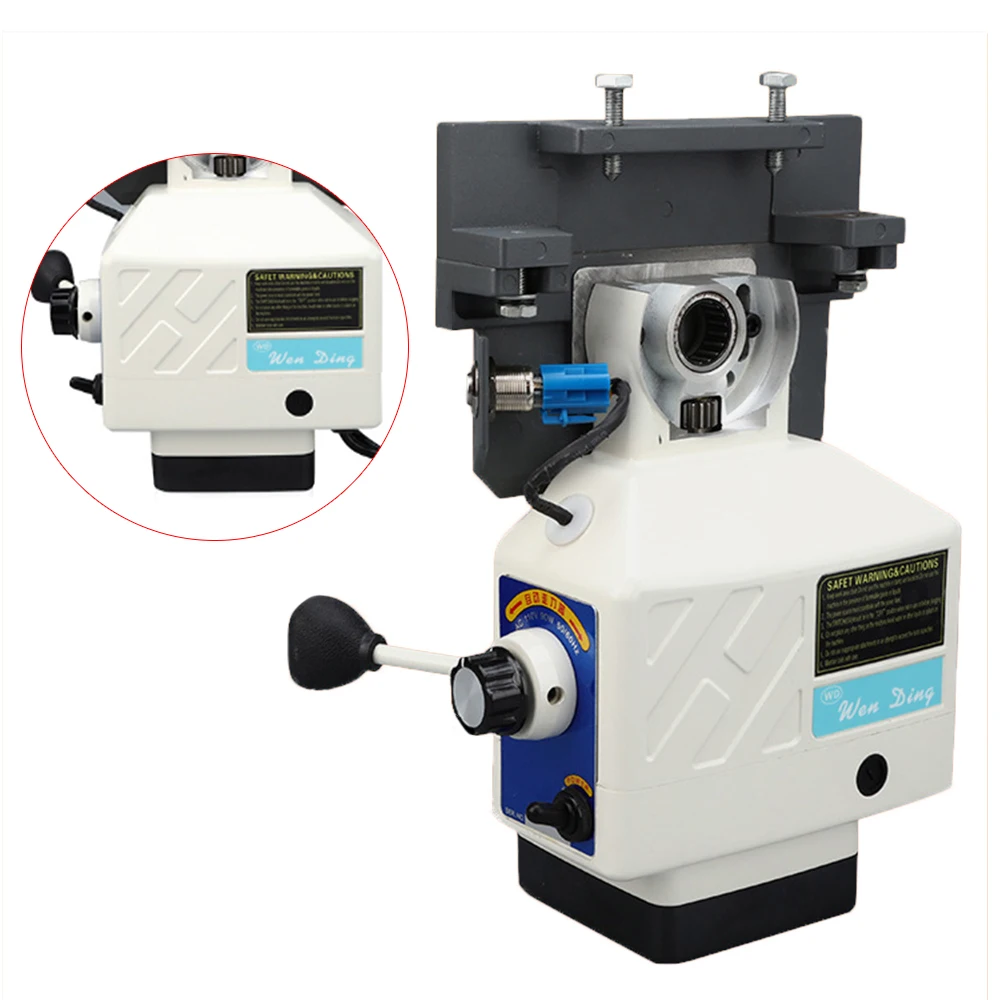
Maintain
1.The Gear Cover Should Be Opened Every 6 Months to Check Whether the Lubrication of the Helical Gear Is Sufficient. It Is Recommended to Use Graphite Type Lubrication Instead of Silicon Type Lubrication.
2.The Carbon Brush Caps Should Be Opened Every 6 Months to Check the Carbon Brushes for Wear. If the Brush Length Is less than 5 Mm, It Must Be Replaced Immediately (the Front and Rear Brushes Must Be Replaced Together).
3.Add Automatic Table Feed to Your Milling Machine! an Easy and Inexpensive Way to Increase Productivity!
Notes
1.Please allow the slight color difference caused by the shooting light and 1-3 cm error due to manual measurement, and make sure you do not mind before ordering.
2.Our aim is to provide high-quality products and services. If you have any questions, please feel free to contact us. We will reply as soon as possible and solve the problem for you.

Shop Policies
Payment Policy
Payment Policy – BILLIONS BIRDS
At BILLIONS BIRDS, we are committed to providing a safe, secure, and seamless payment experience for our customers.
1. Accepted Payment Methods
We accept the following payment options:
Major Credit & Debit Cards (Visa, MasterCard, American Express)
Secure Online Payment Gateways (such as PayPal, Stripe, or other providers available at checkout)
Any additional payment methods displayed during checkout
All payments must be completed in full at the time of purchase.
2. Secure Transactions
All transactions are processed through encrypted and secure payment systems to protect your personal and financial information. We do not store your full payment details on our servers.
3. Currency
Prices are displayed in the currency indicated on the website. If you are purchasing from another country, your bank may apply currency conversion fees.
4. Order Confirmation
Once your payment has been successfully processed, you will receive an order confirmation email containing your purchase details.
5. Failed or Declined Payments
If your payment is declined, please verify your billing information or contact your bank. Orders will only be processed after successful payment confirmation.
6. Fraud Prevention
BILLIONS BIRDS reserves the right to cancel or refuse any order if fraud or unauthorised activity is suspected.
Delivery Policy
Delivery Policy – BILLIONS BIRDS
At BILLIONS BIRDS, we are dedicated to delivering your orders safely and efficiently.
1. Order Processing
All orders are processed within 1–3 business days after payment confirmation. Orders are not processed or shipped on weekends or public holidays.
2. Shipping Times
Estimated delivery times vary depending on your location:
Domestic Shipping: 3–7 business days
International Shipping: 7–15 business days
Please note that delivery times are estimates and may vary due to customs procedures, carrier delays, weather conditions, or other unforeseen circumstances.
3. Shipping Costs
Shipping fees are calculated at checkout based on your location and selected shipping method. Any customs duties, taxes, or import fees are the customer's responsibility.
4. Tracking Information
Once your order has been shipped, you will receive a confirmation email with tracking details (if available) so you can monitor your package.
5. Delivery Issues
If your order is delayed, lost, or arrives damaged, please contact us within 7 days of the expected delivery date. We will work with the shipping carrier to resolve the issue as quickly as possible.
6. Incorrect Shipping Information
Customers are responsible for providing accurate shipping details at checkout. BILLIONS BIRDS is not responsible for orders shipped to incorrect addresses provided by the customer.
Refund Policy
Refund Policy – BILLIONS BIRDS
At BILLIONS BIRDS, customer satisfaction is our top priority. If you are not completely satisfied with your purchase, we’re here to help.
1. Return Eligibility
You may request a return within 14 days of receiving your order. To qualify for a return:
The item must be unused, unworn, and in the same condition as received.
The item must be in its original packaging.
Proof of purchase (order confirmation or receipt) is required.
Certain items may not be eligible for return, including clearance items, gift cards, or personalised/custom products.
2. Non-Refundable Items
The following items are non-refundable:
Final sale or discounted items
Gift cards
Items damaged due to misuse, negligence, or improper care
3. Return Process
To initiate a return, please contact our customer support team with your order number and reason for return. If your return is approved, you will receive instructions for returning the item.
Unless the item is defective or incorrect, customers are responsible for return shipping costs.
4. Refund Processing
Once we receive and inspect your returned item:
We will notify you of the approval or rejection of your refund.
If approved, the refund will be issued to your original payment method within 5–10 business days.
Please note that banks or payment providers may require additional time to process refunds.
5. Damaged or Incorrect Items
If you receive a damaged, defective, or incorrect item, please contact us within 7 days of delivery and provide clear photos of the product and packaging. We will arrange a replacement or full refund at no additional cost.
6. Late or Missing Refunds
If you have not received your refund:
Check your bank account again.
Contact your credit card company or payment provider.
If the issue persists, don't hesitate to contact our support team for assistance.
Recommended Products
Customer reviews
Share your thoughts with other customers
Be the first one to write a review!

Items (0)
