
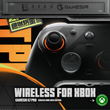



GameSir G7 Pro Zenless Zone Zero Wireless Controller for Xbox Series X|S, Xbox One, PC, Android Mag-Res™ TMR Bluetooth Gaming
Includes all taxes
Meet your Seller
-
$270.26Sold by BILLIONS BIRDS
Description

GREAT PLAYER UNDEFEATED BY HOLLOWS
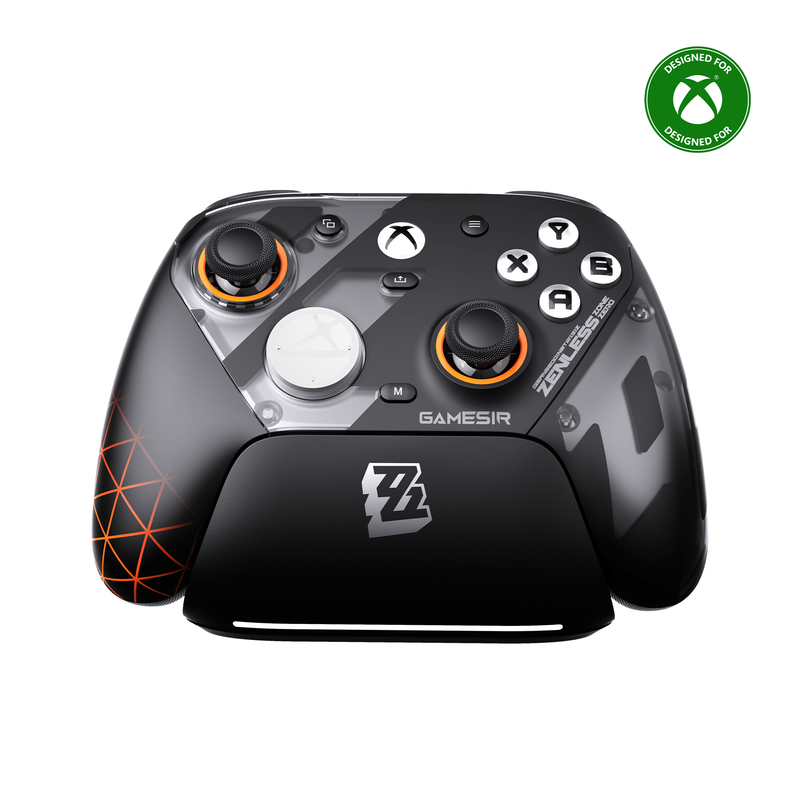
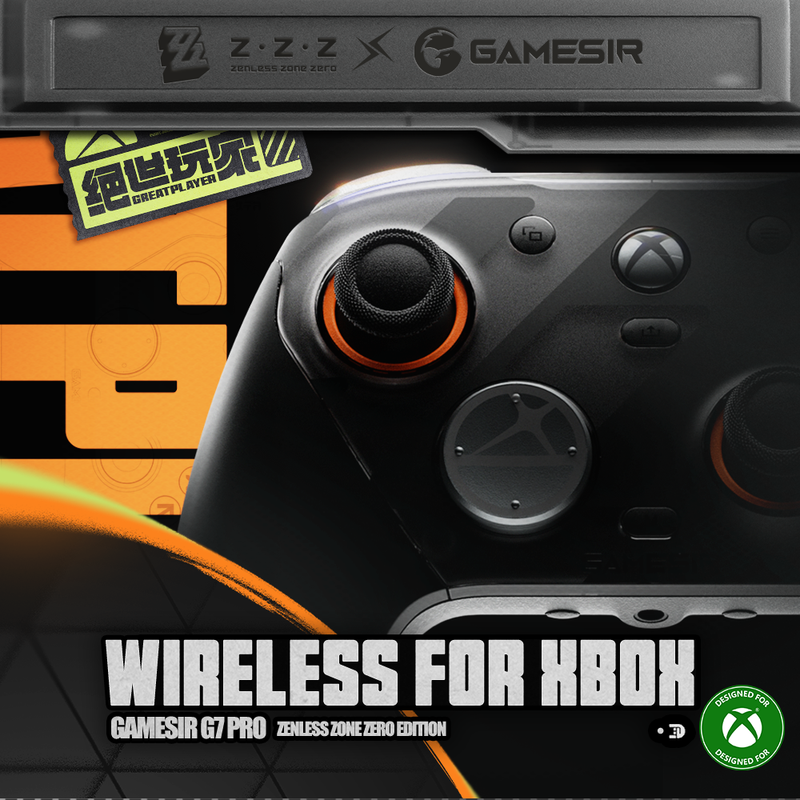
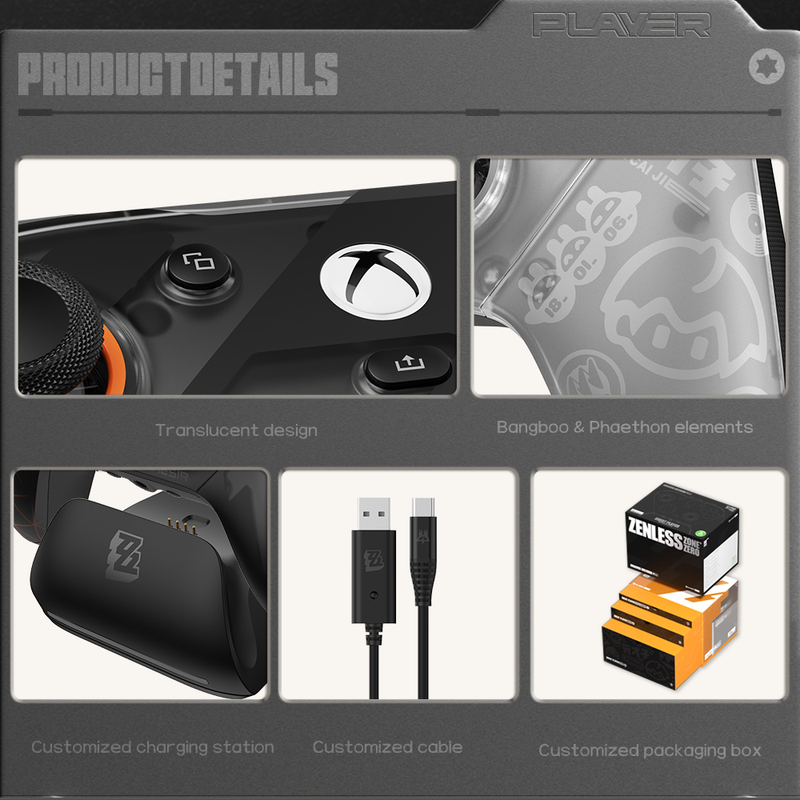
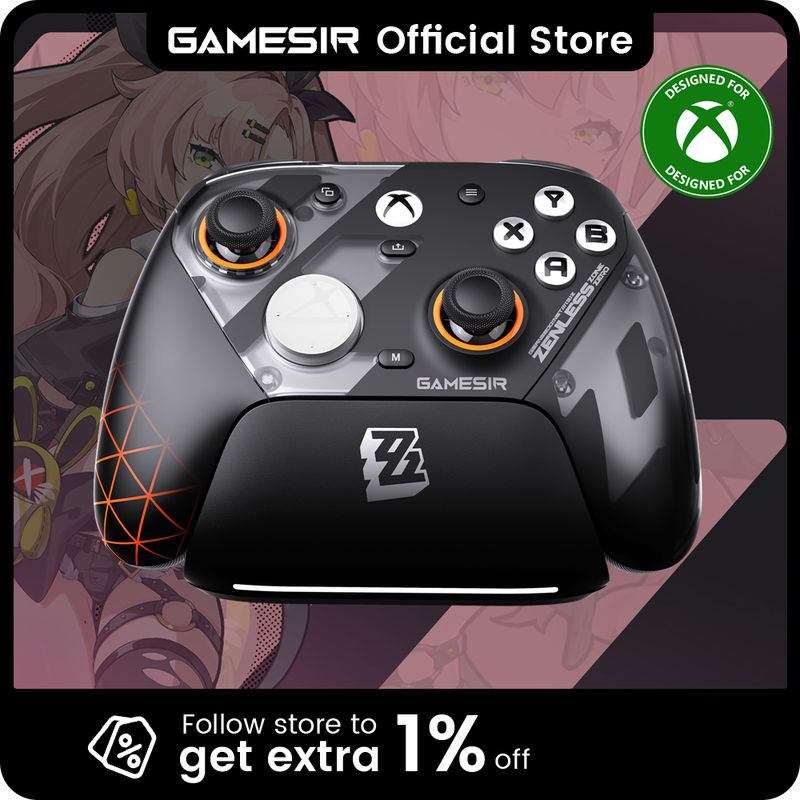
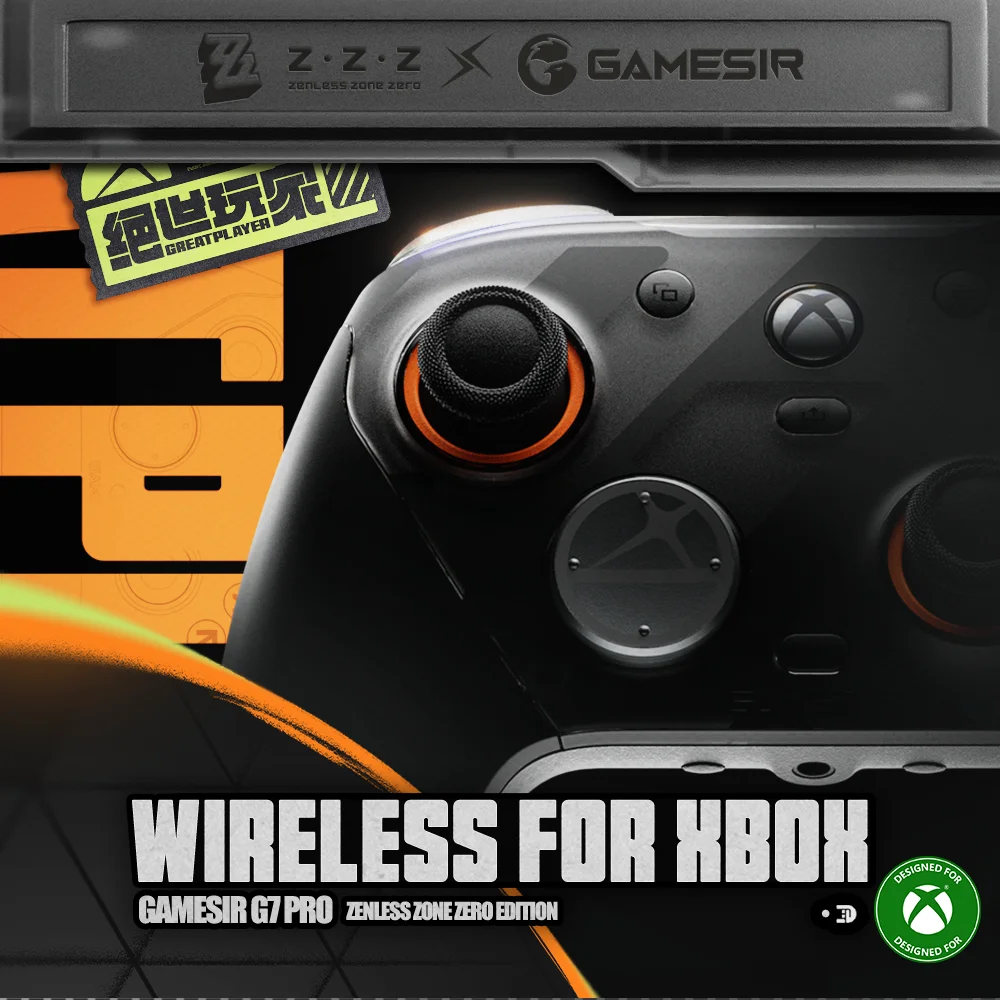
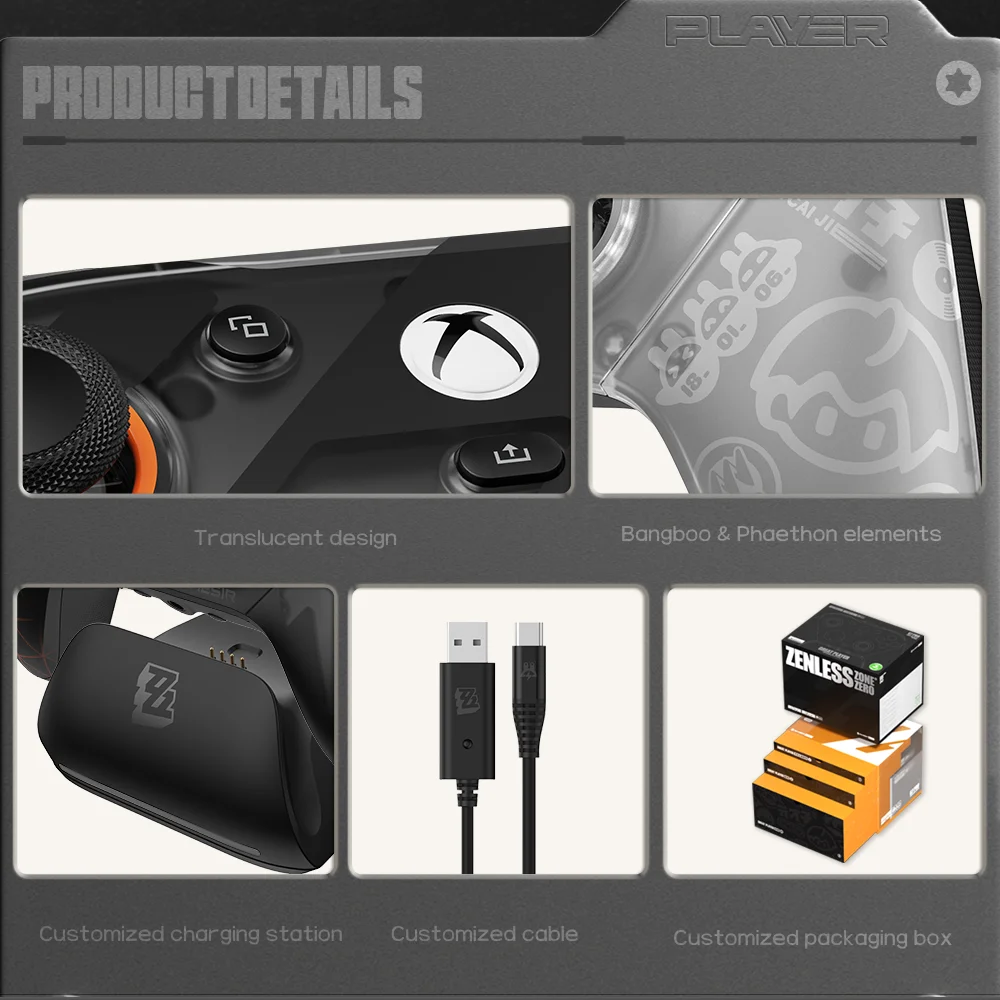
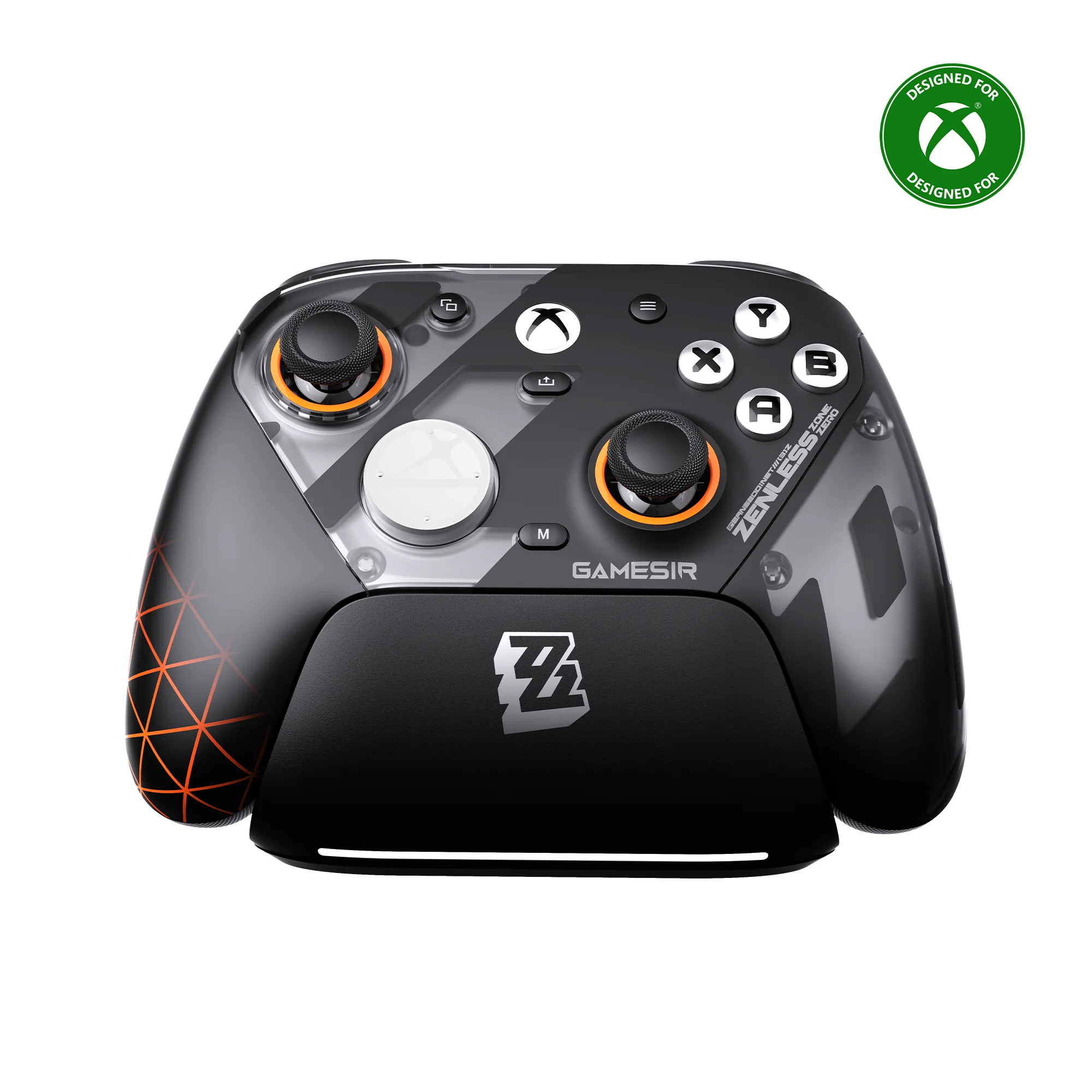
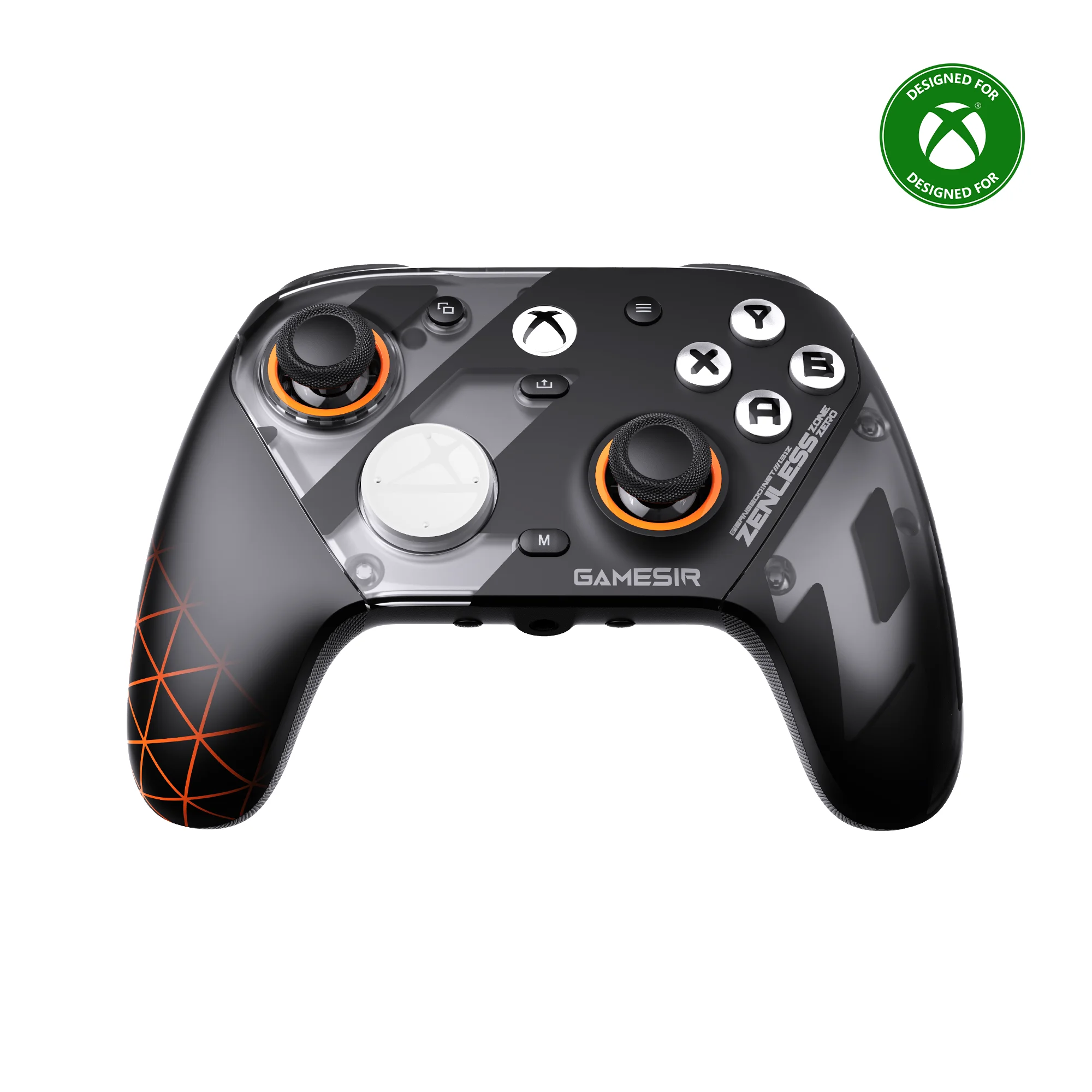
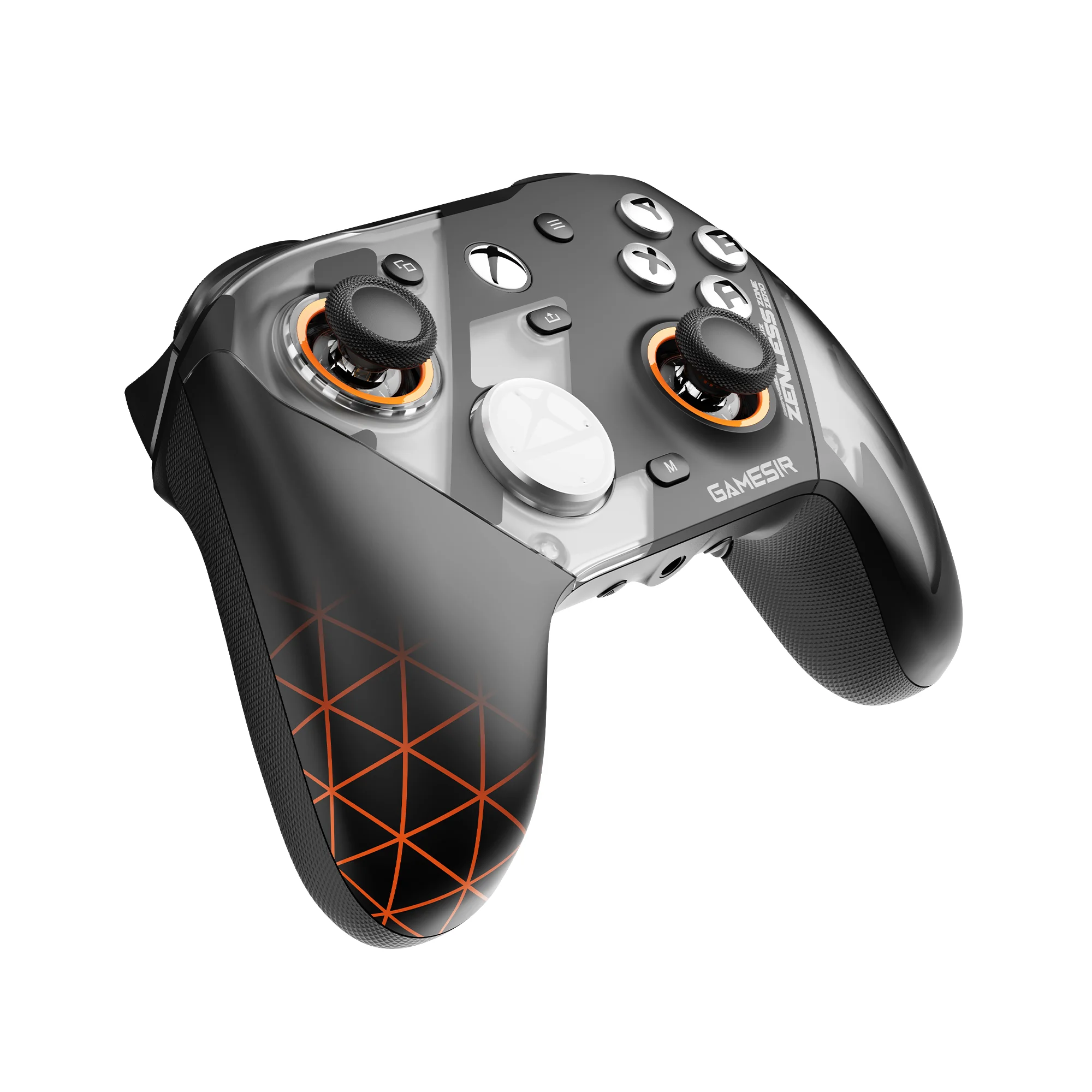
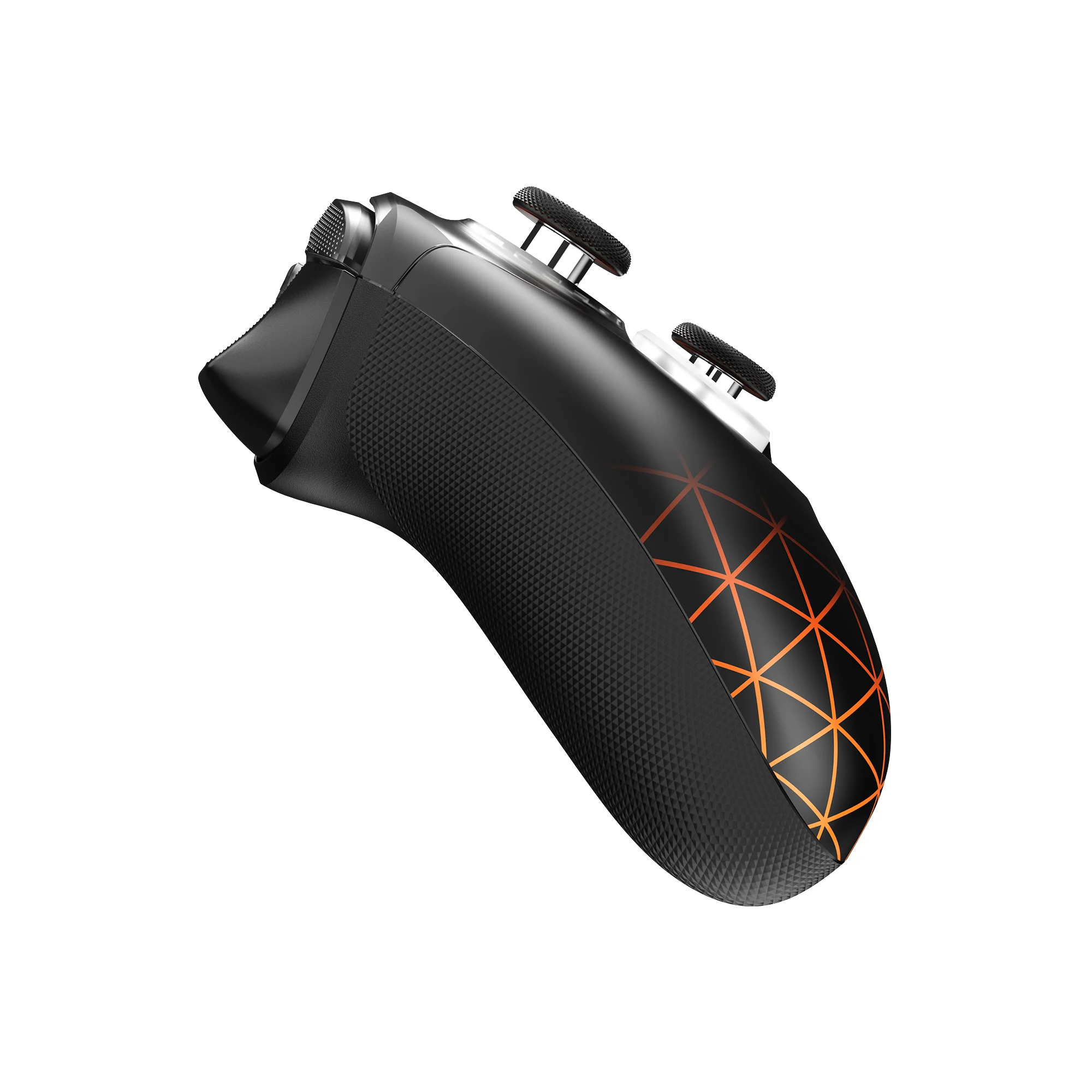
In official collaboration with Zenless Zone Zero, GameSir proudly presents the wireless for Xbox version of the G7 Pro. Engineered with advanced TMR sticks, Hall Effect analog triggers with clicky Micro Switch trigger stops, and four remappable buttons, it delivers instant responsiveness and precise execution for ultimate dominance. Now with full 2.4G wireless support for Xbox consoles, it offers both wired and wireless flexibility. Featuring a translucent design infused with Bangboo and Phaethon elements, it’s your perfect companion for every adventure and exploration in New Eridu.
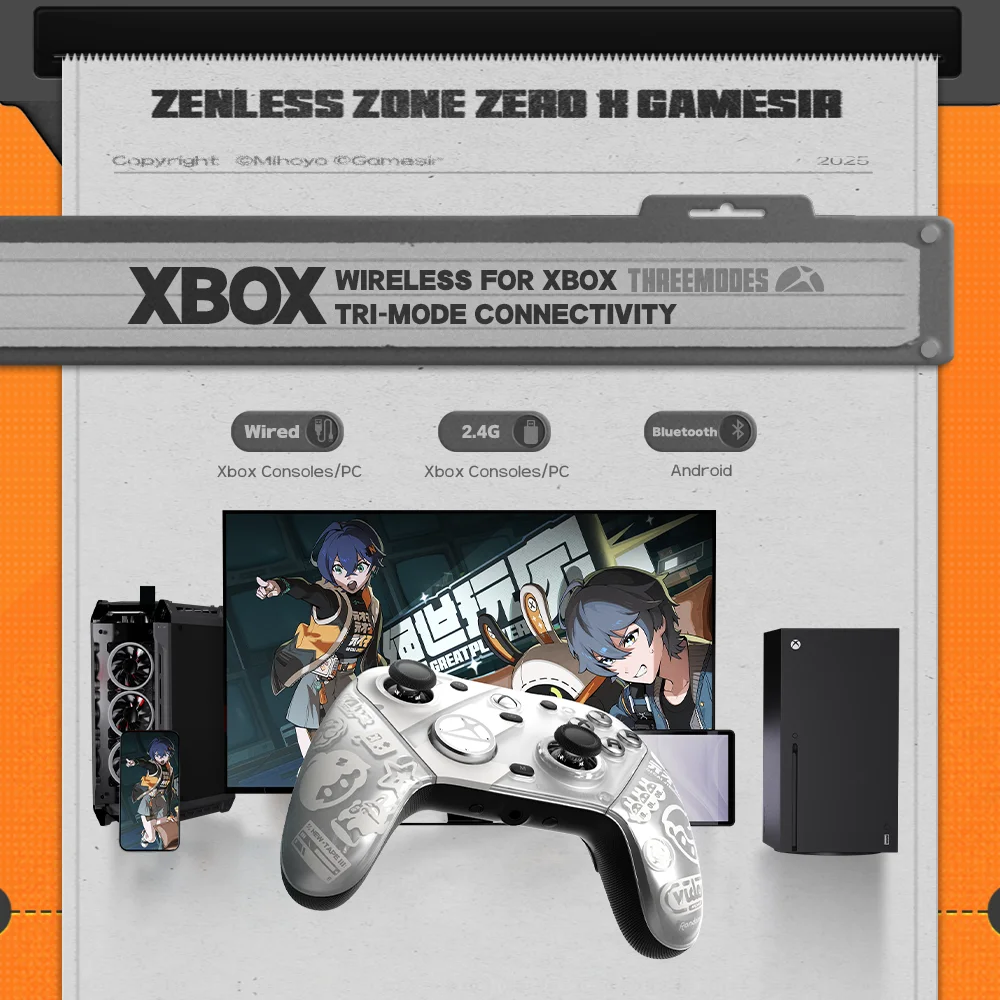
Officially Licensed Wireless Controller for Xbox
As wireless controller for Xbox, it features 2.4G wireless connection and one-press wake-up for Xbox consoles, providing you with fast, reliable gameplay and effortless console activation.
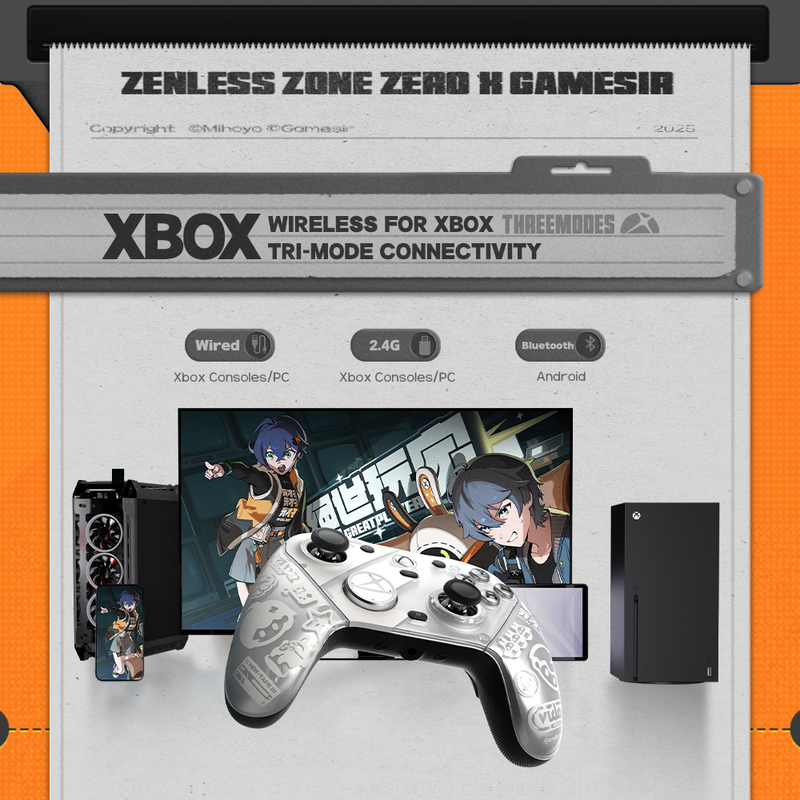
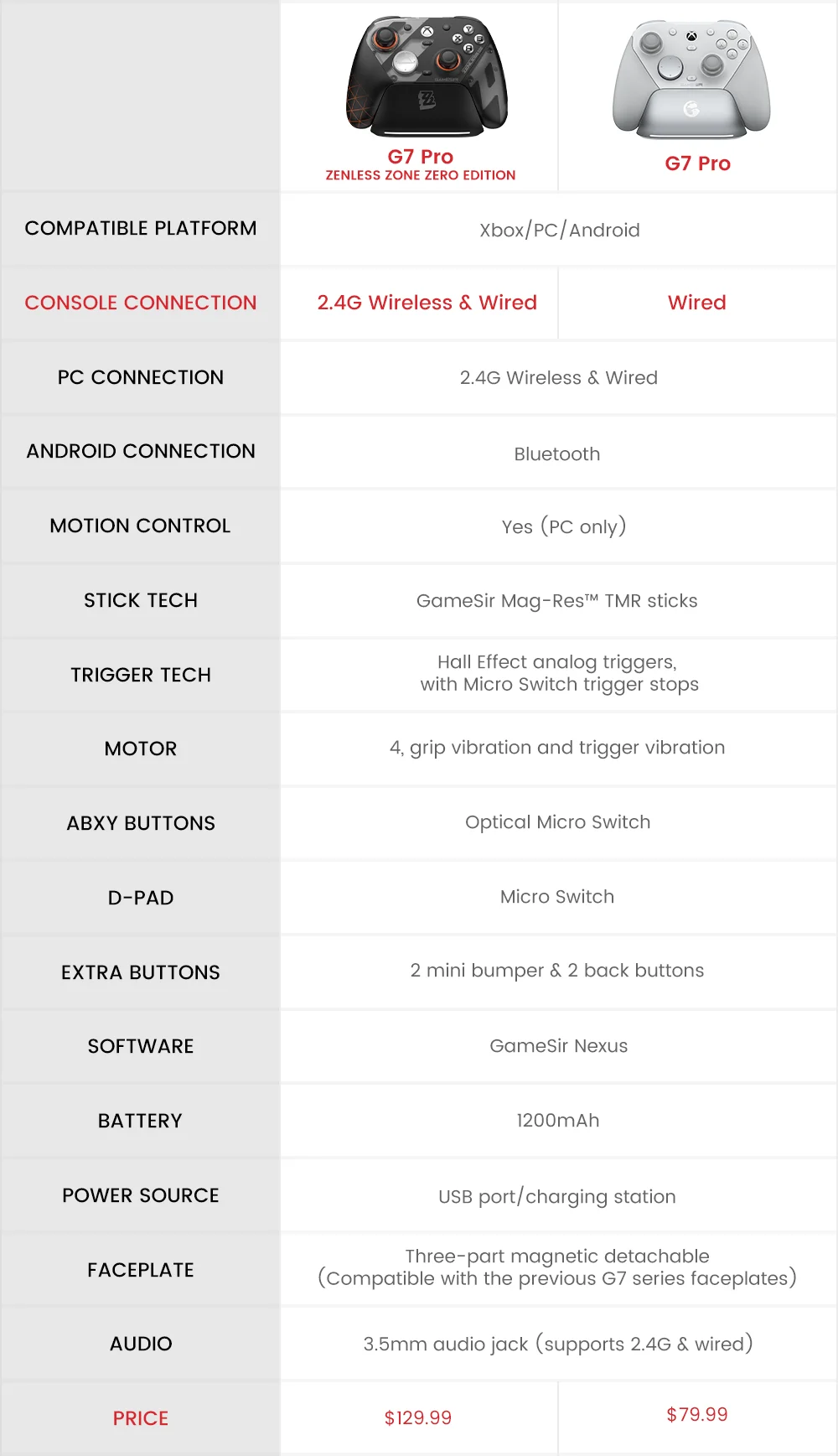
Tri-mode connectivity - 2.4G Wireless & Wired for Xbox consoles and PC; Bluetooth 5.3 for Android
The G7 Pro Zenless Zone Zero edition supports seamless connectivity across Xbox, PC, and Android. Effortlessly switch between modes using the convenient physical mode switch. Choose from 2.4G Wireless & Wired for Xbox consoles and PC; Bluetooth 5.3 for Android.
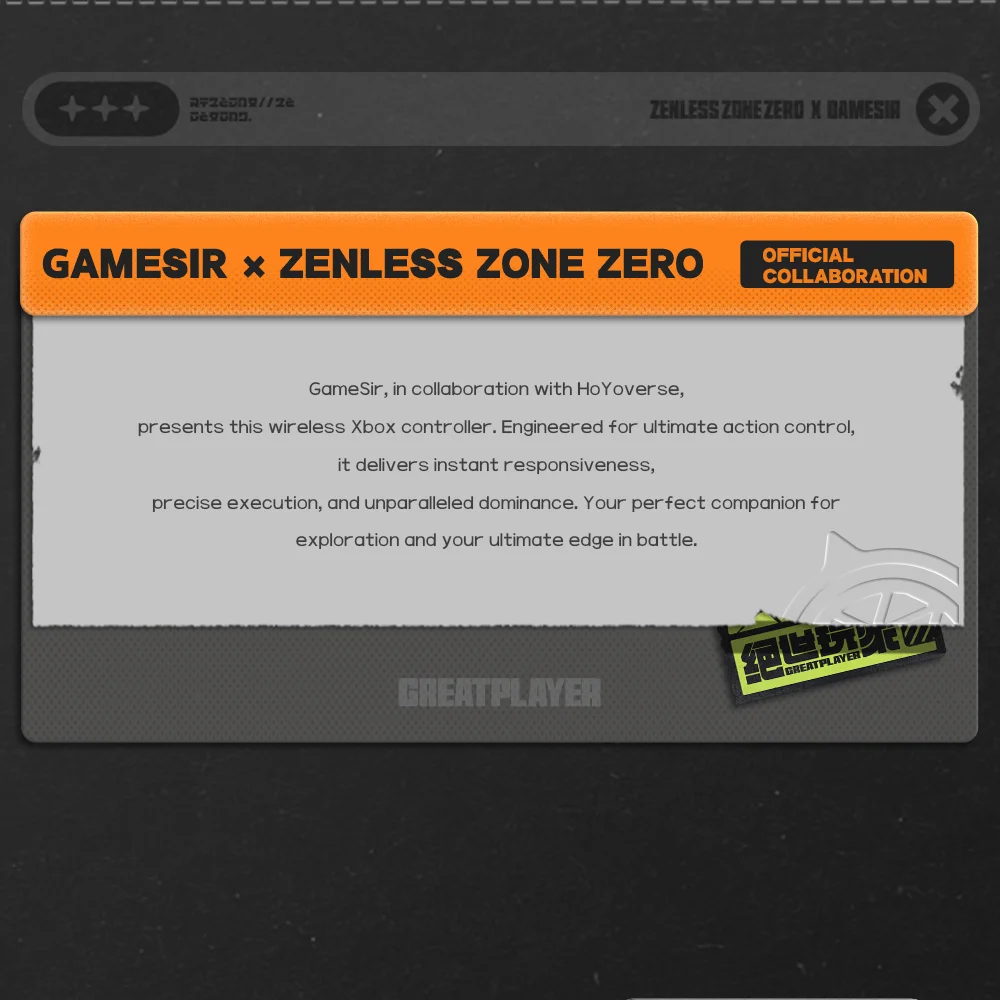
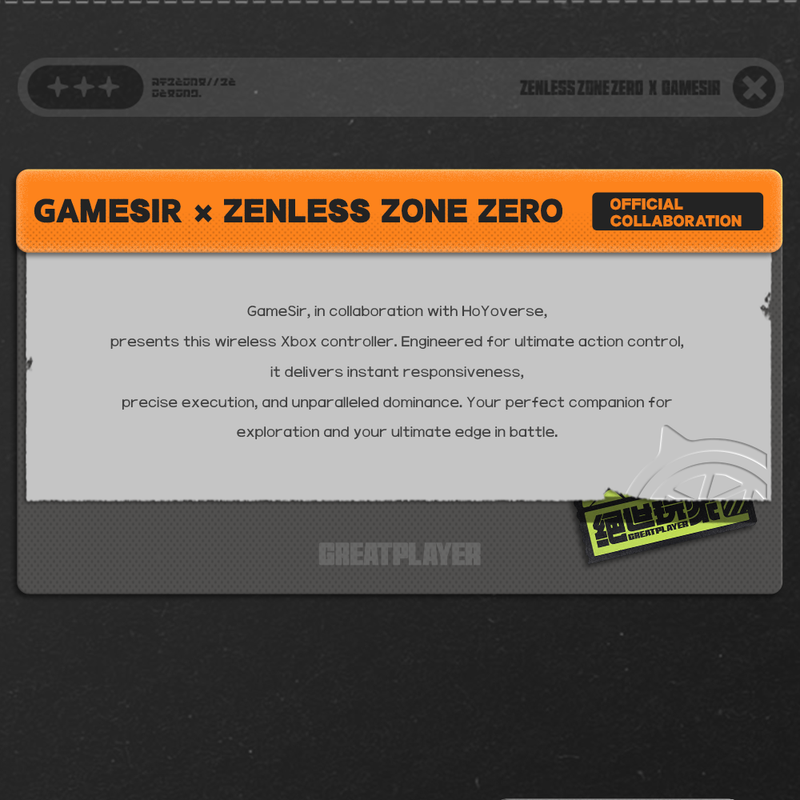
GameSir x Zenless Zone Zero Official Collaboration
GameSir, in collaboration with HoYoverse, presents this wireless Xbox controller. Engineered for ultimate action control, it delivers instant responsiveness, precise execution, and unparalleled dominance. Blending Bangboo and Phaethon elements with a translucent finish, designed to accompany you on every adventure in New Eridu. Your perfect companion for exploration and your ultimate edge in battle.
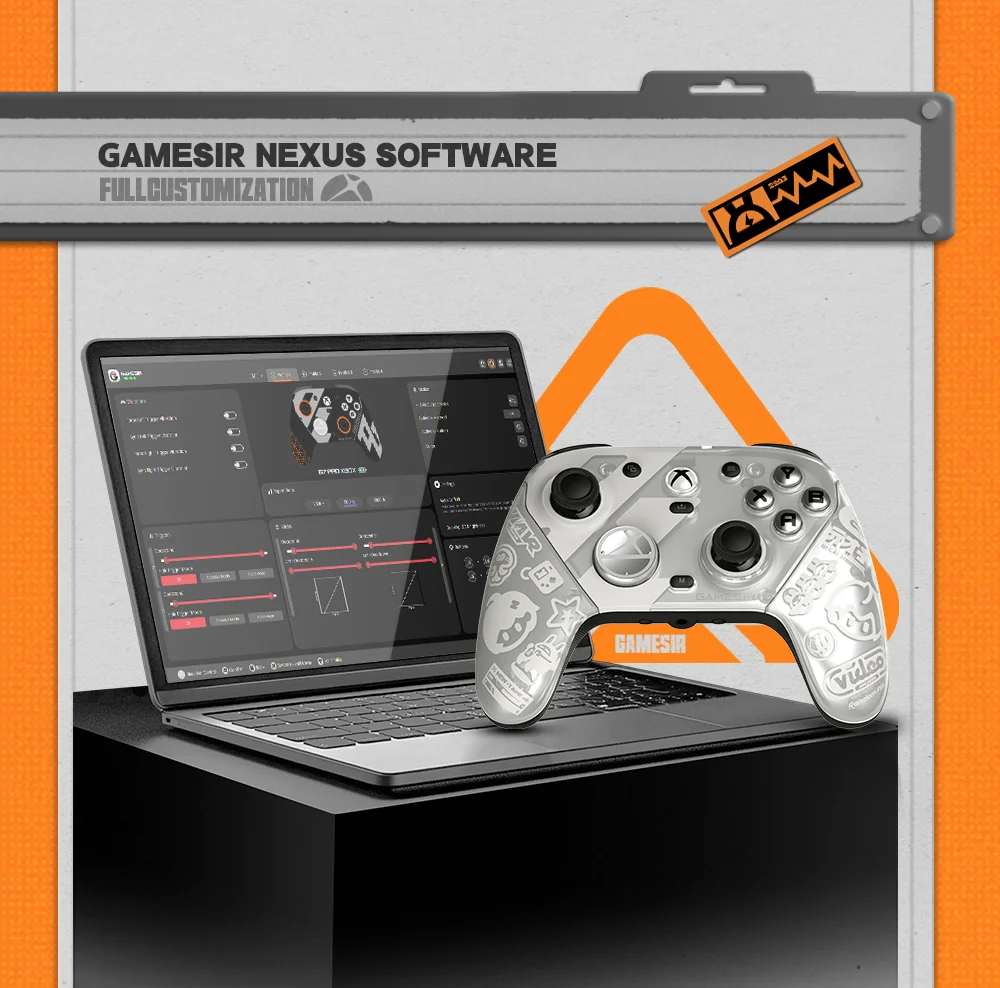
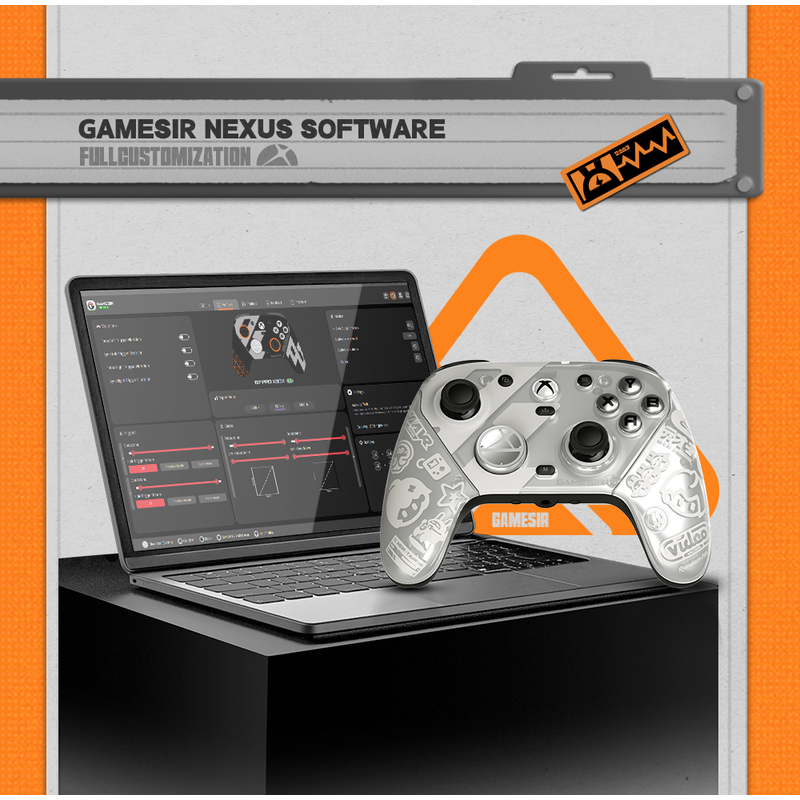
Full customization via GameSir Nexus app
The G7 Pro Zenless Zone Zero edition is compatible with the GameSir Nexus app. It offers powerful features such as gyro settings, stick curve adjustments, and button-to-mouse mapping, giving you full control and customization to tailor your gaming experience exactly how you like.
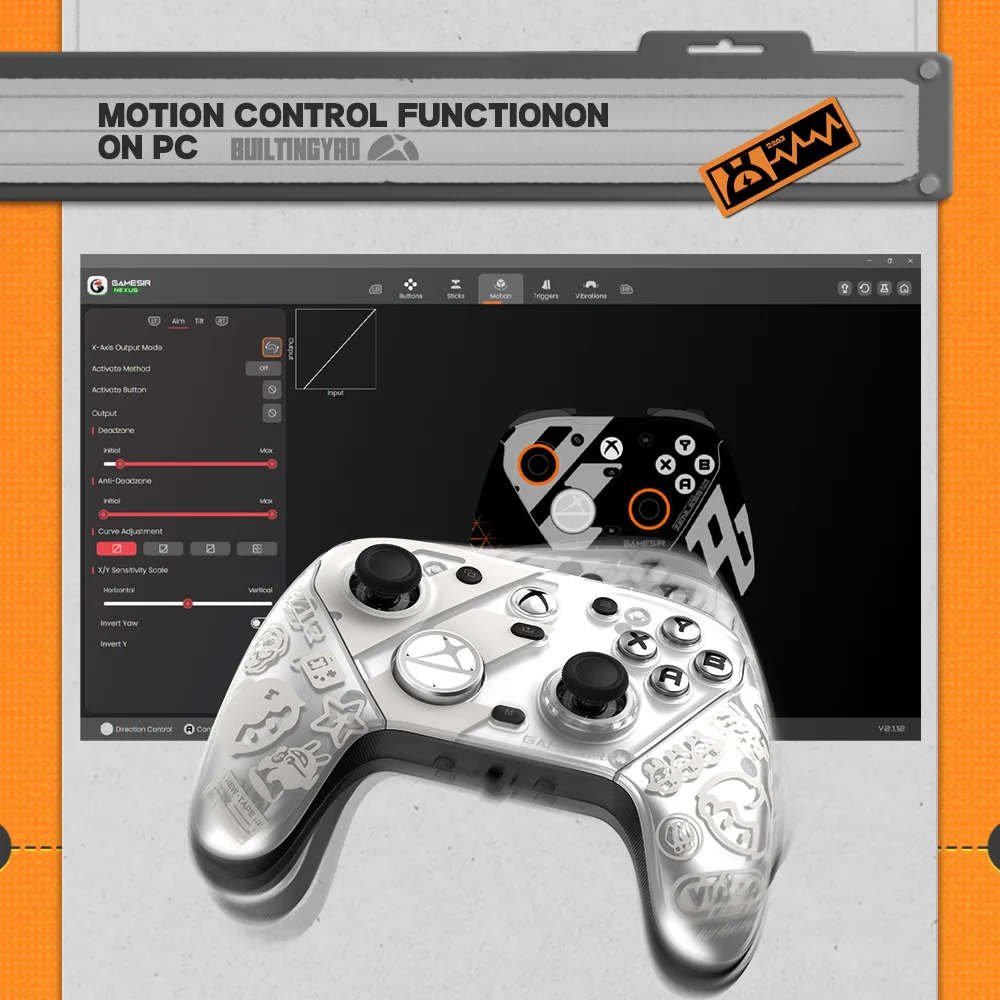
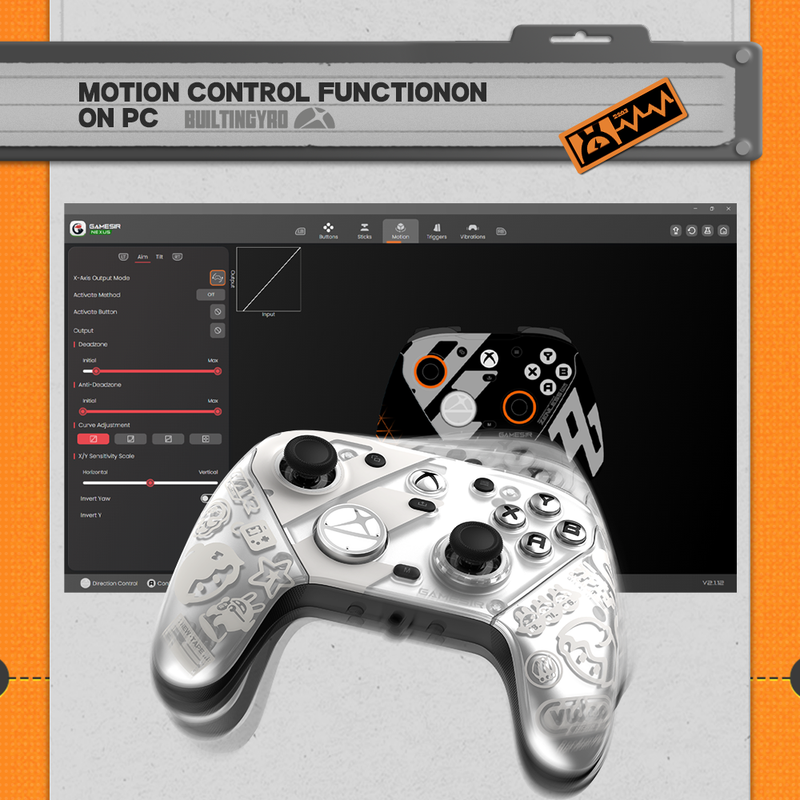
Built-in gyroscope with mapping function (PC only)
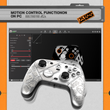
Enhance your control on PC with the built-in gyroscope, which allows you to map the gyroscope to the stick, buttons, or mouse. This enables more precise and intuitive gameplay.
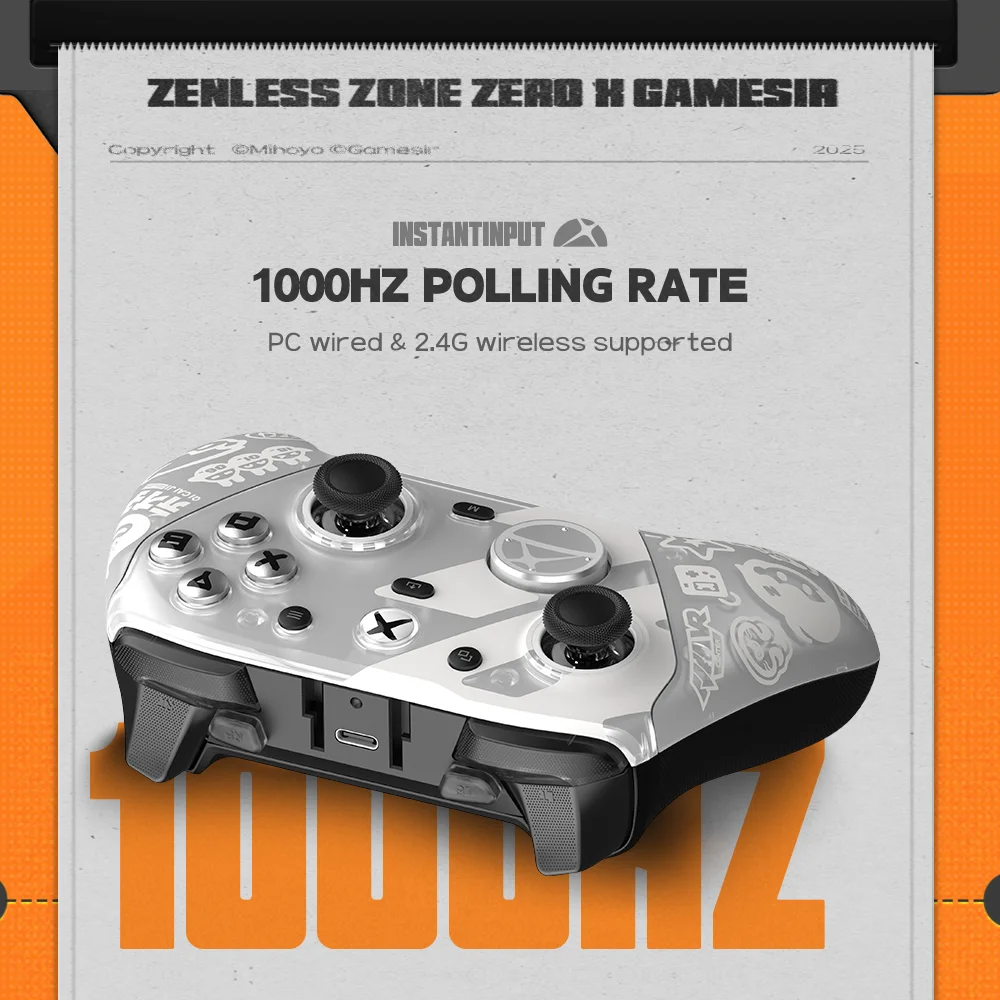
1000Hz polling rate on PC via both wired & 2.4G connections
Experience ultra-responsive gaming with a 1000Hz polling rate on PC, available through both wired and 2.4G wireless connections. This ensures instantaneous input registration, reducing lag and optimizing your performance for the most competitive gameplay.
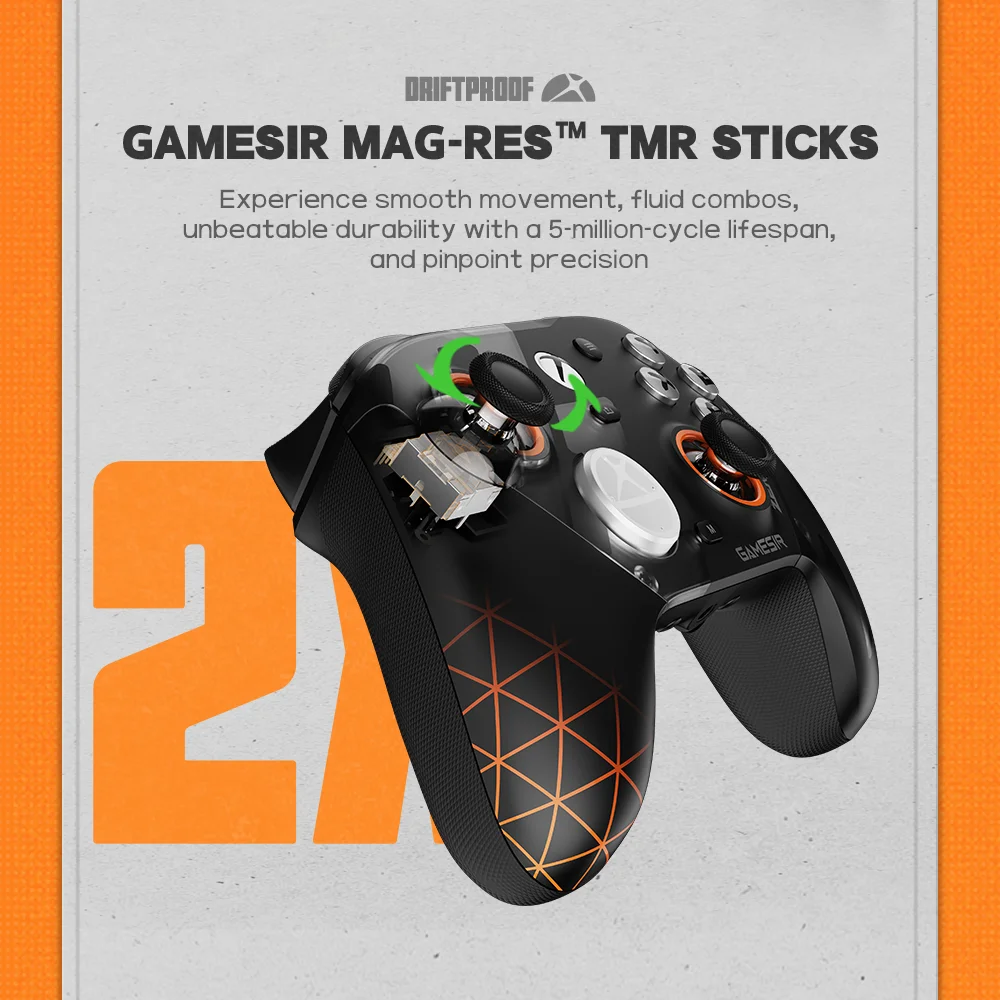
GameSir Mag-Res™ TMR sticks, smooth control and ultra-long lifespan
The G7 Pro Zenless Zone Zero edition is equipped with the latest GameSir Mag-Res™ TMR sticks, blending the precise performance and low power consumption of traditional potentiometer sticks with the exceptional durability of Hall Effect sticks. This innovative technology ensures a higher and more stable polling rate, offering gamers a smoother, instantaneous, and anti-drift gaming experience like never before.
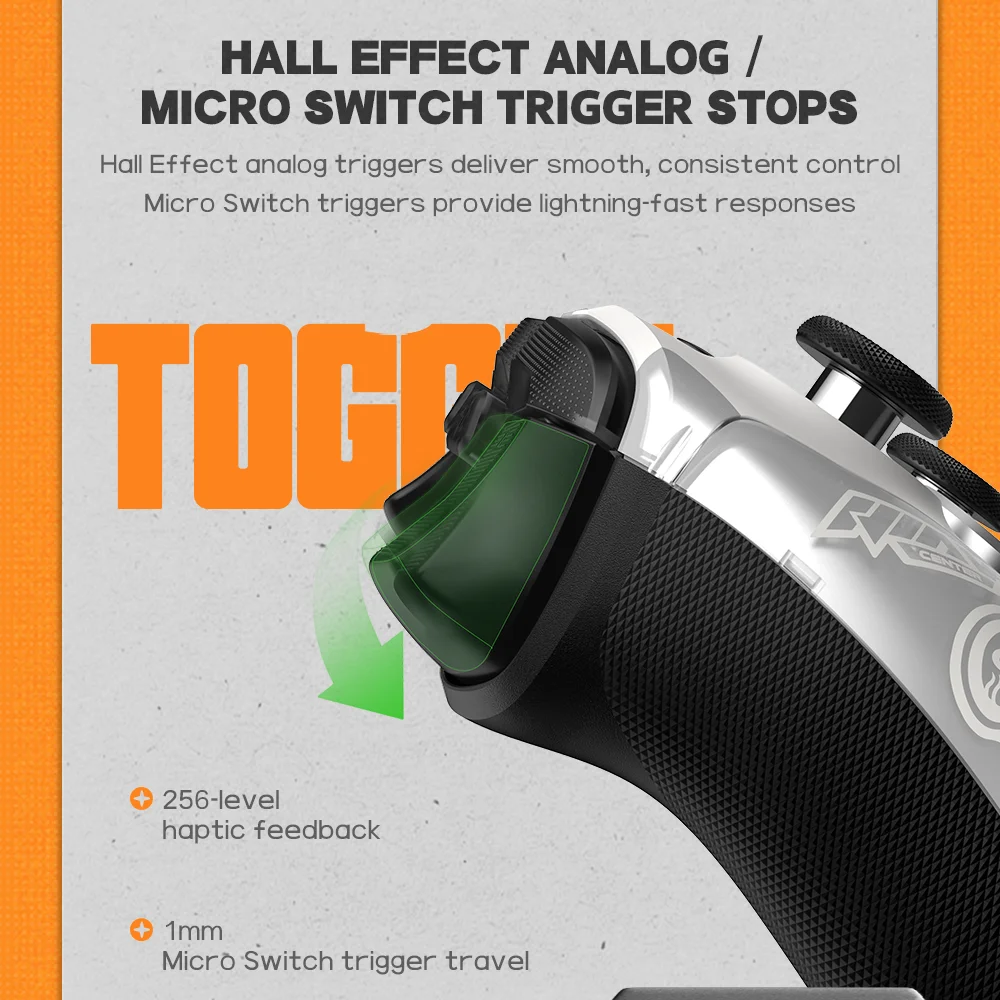
Hall Effect analog triggers, with clicky Micro Switch trigger stops
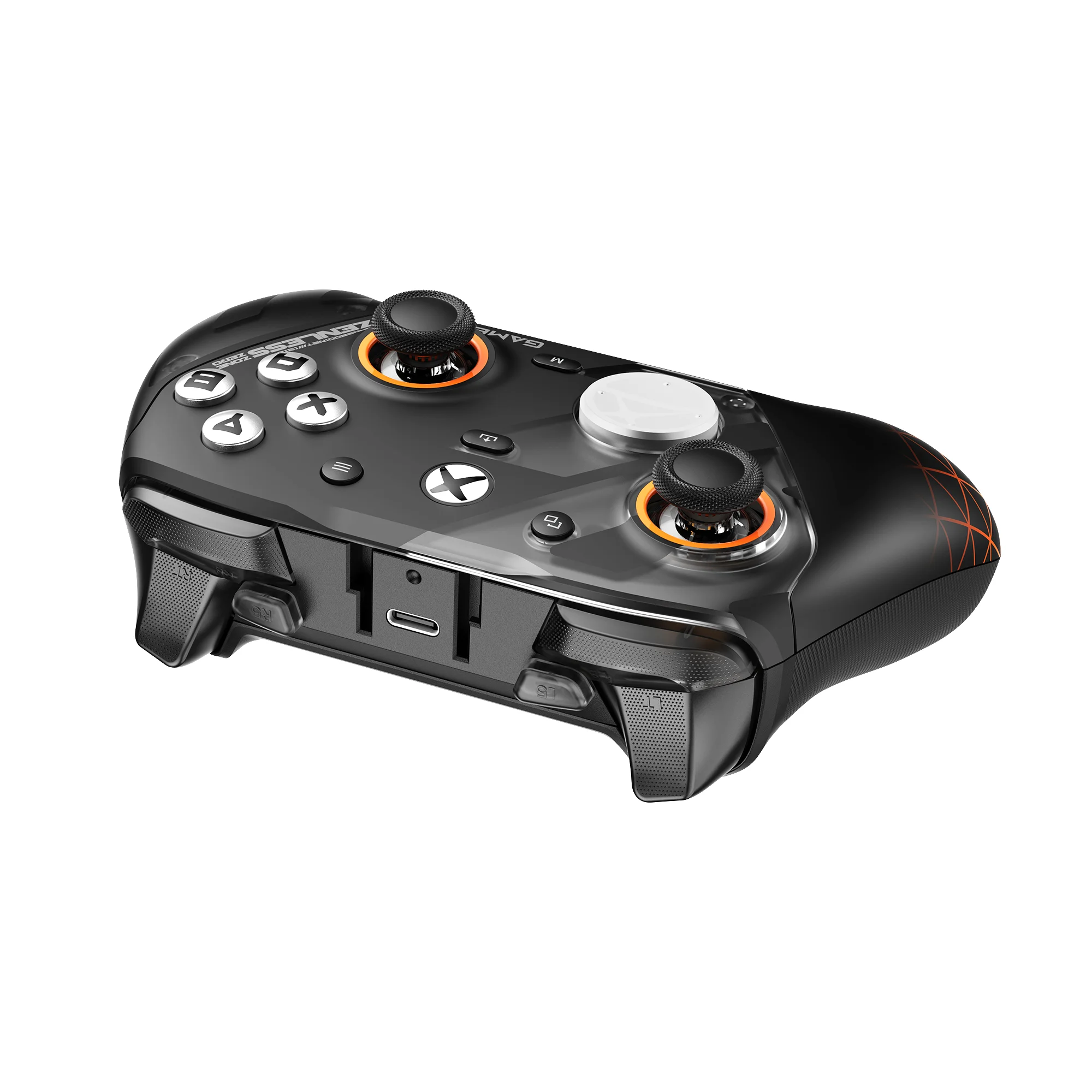
The GameSir precision-tuned Hall Effect analog triggers provide unmatched smoothness and linear input for precise control. Featuring clicky Micro Switch trigger stops, gamers can easily switch based on their preferences. Additionally, the G7 Pro Zenless Zone Zero edition offers a Hair Trigger Mode that can be activated by holding the M+LT/RT buttons. Whether you need precise linear control or ultimate responsiveness, it gives you the competitive edge.
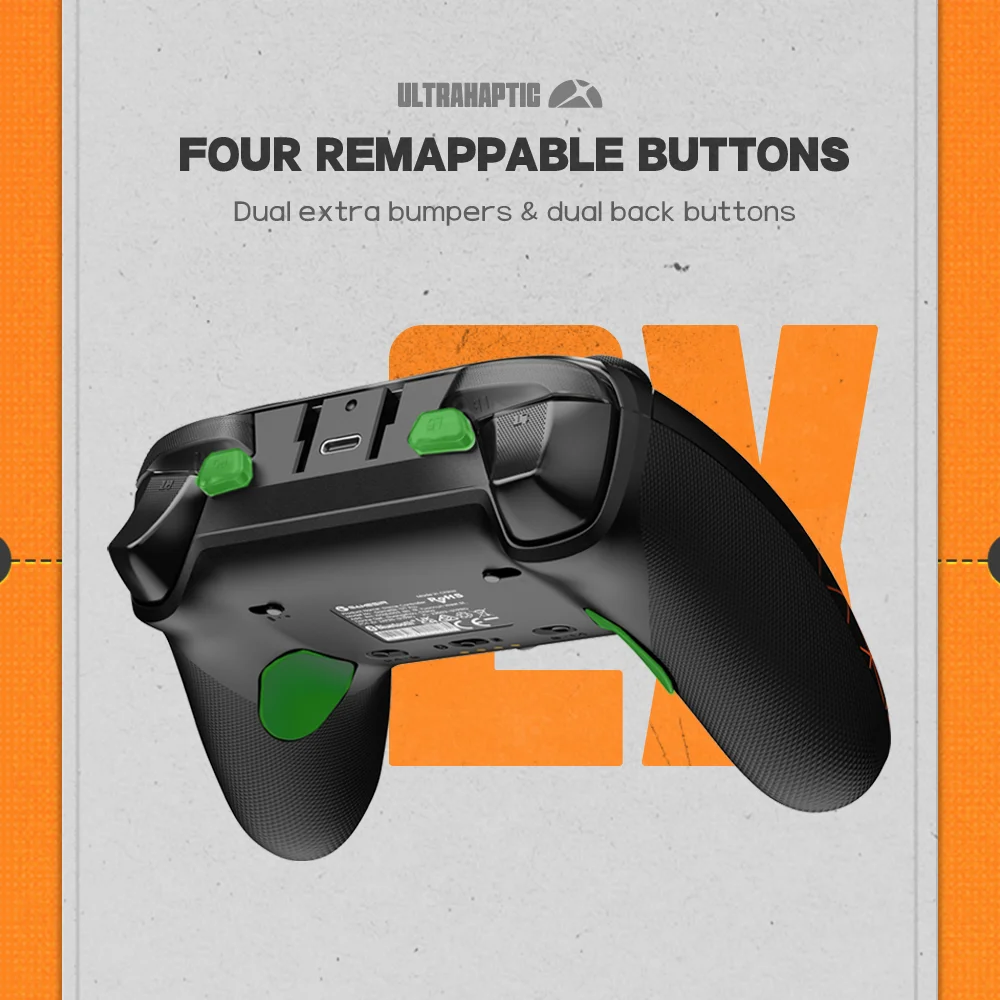
Four remappable buttons for enhanced personalized control
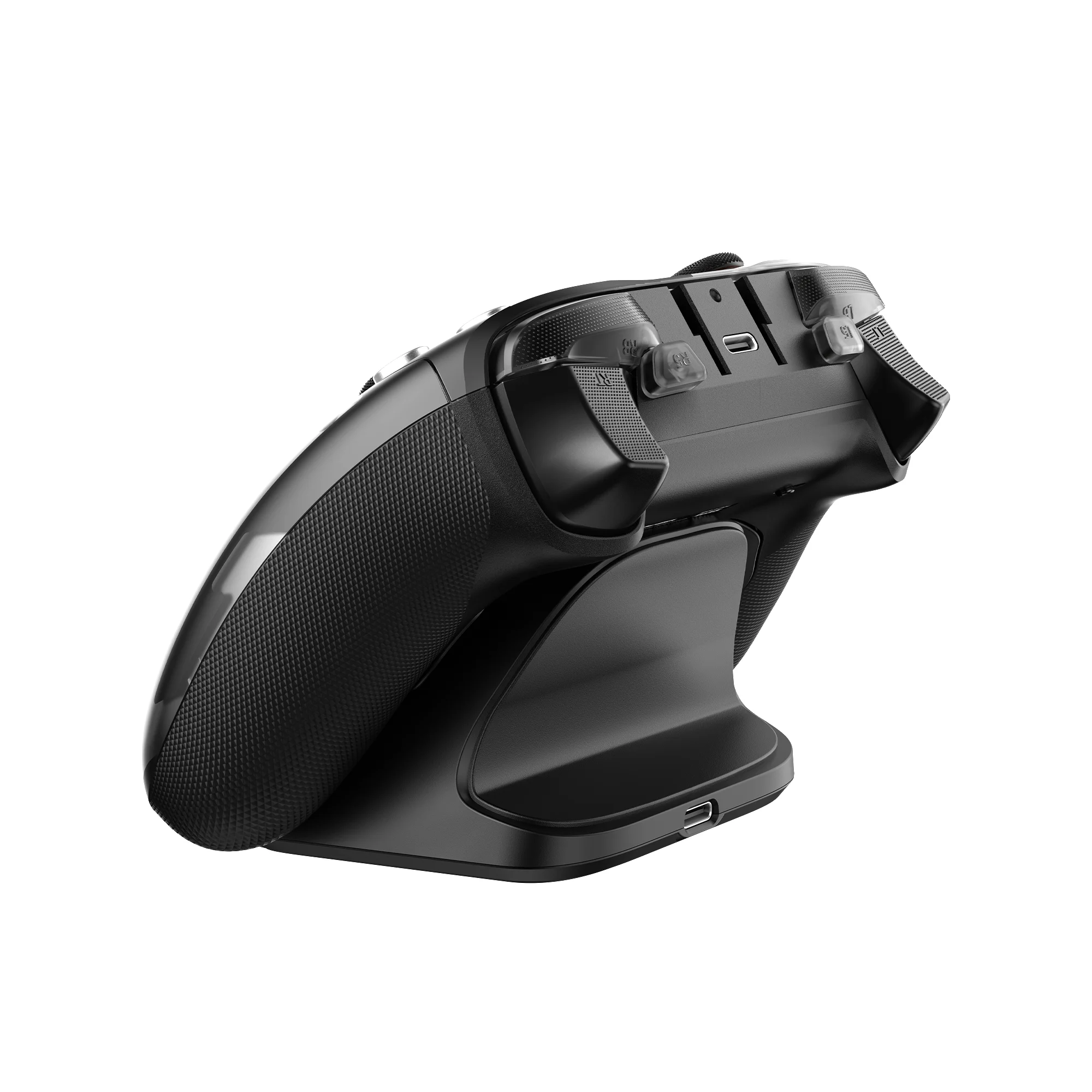
The G7 Pro Zenless Zone Zero edition features four extra remappable buttons, including two mini bumpers (R5/L5) and two lockable back buttons (R4/L4), allowing gamers to customize their controls.
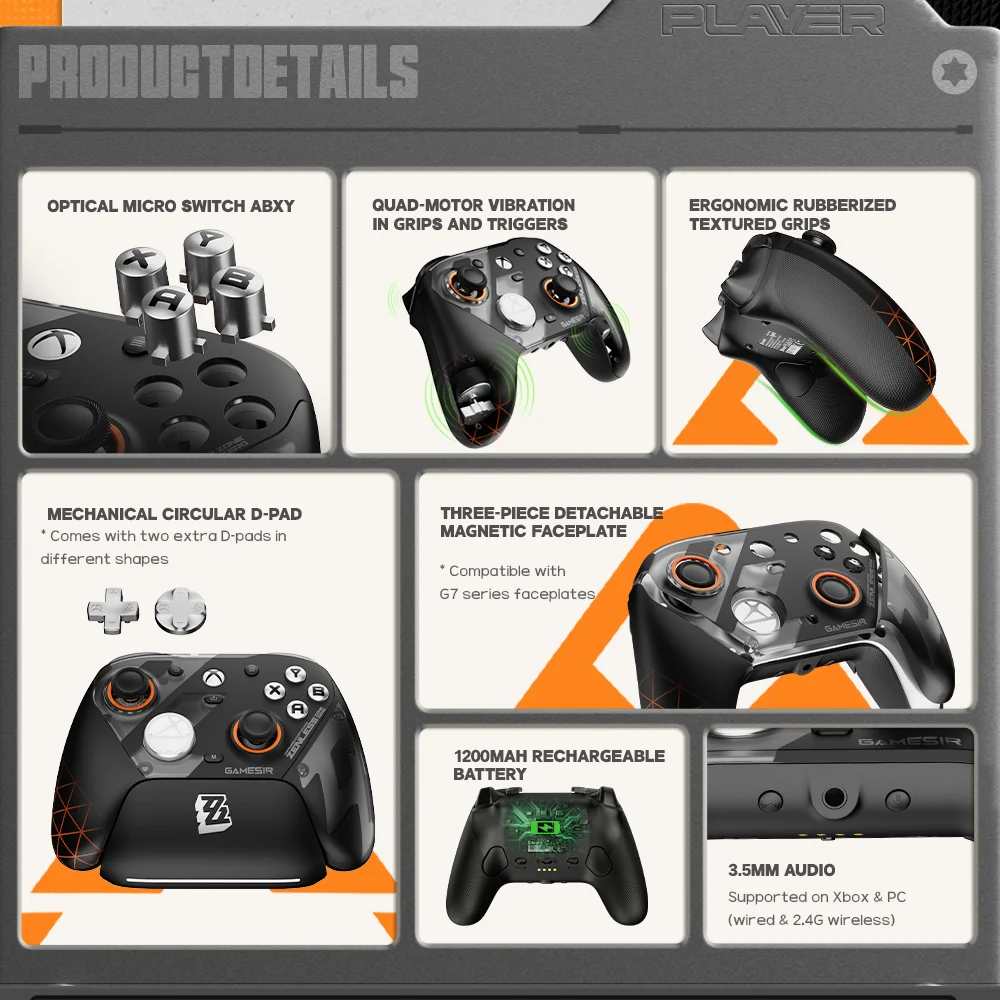
Optical Micro Switch ABXY and Mechanical Micro Switch D-pad
Feel the esports-grade precision with optical micro switch ABXY buttons and a mechanical micro switch D-pad. Designed for tactile feedback and long-lasting durability, every press is crisp and responsive—ensuring consistent performance even during the most intense gaming moments.
Four rumble motors for realistic and immersive haptic feedback
The controller features a total of four rumble motors, with one in each grip and trigger, providing immersive and realistic vibration feedback, ensuring that every small crash and shot is felt in your hands as if it were happening on the spot.
Three-part magnetic swappable faceplate and extra D-pads for free customization
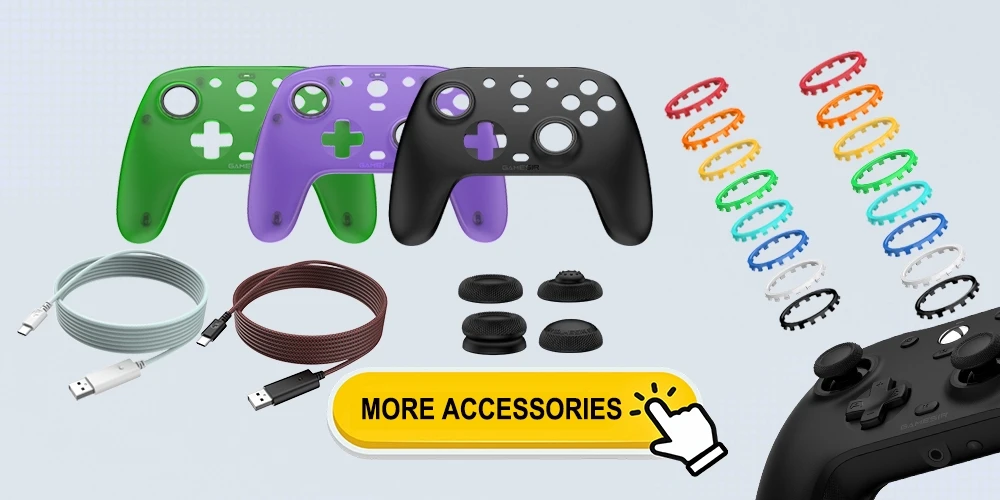
Personalize your setup with a three-part magnetic swappable faceplate and two extra D-pads (included), making it easy to match your controller to your unique style or grip preferences. Plus, the G7 Pro Zenless Zone Zero edition is compatible with faceplates from the previous G7 series, giving you even more ways to customize.
Please note: While G7 series faceplates are compatible with the G7 Pro, the G7 Pro’s faceplate is not compatible with other G7 series controllers (G7, G7 SE, and G7 HE).
3.5mm audio, supported via both wired & 2.4G wireless
The G7 Pro Zenless Zone Zero edition supports 3.5mm audio output via both wired & 2.4G wireless connections, delivering a more convenient and immersive gaming experience.
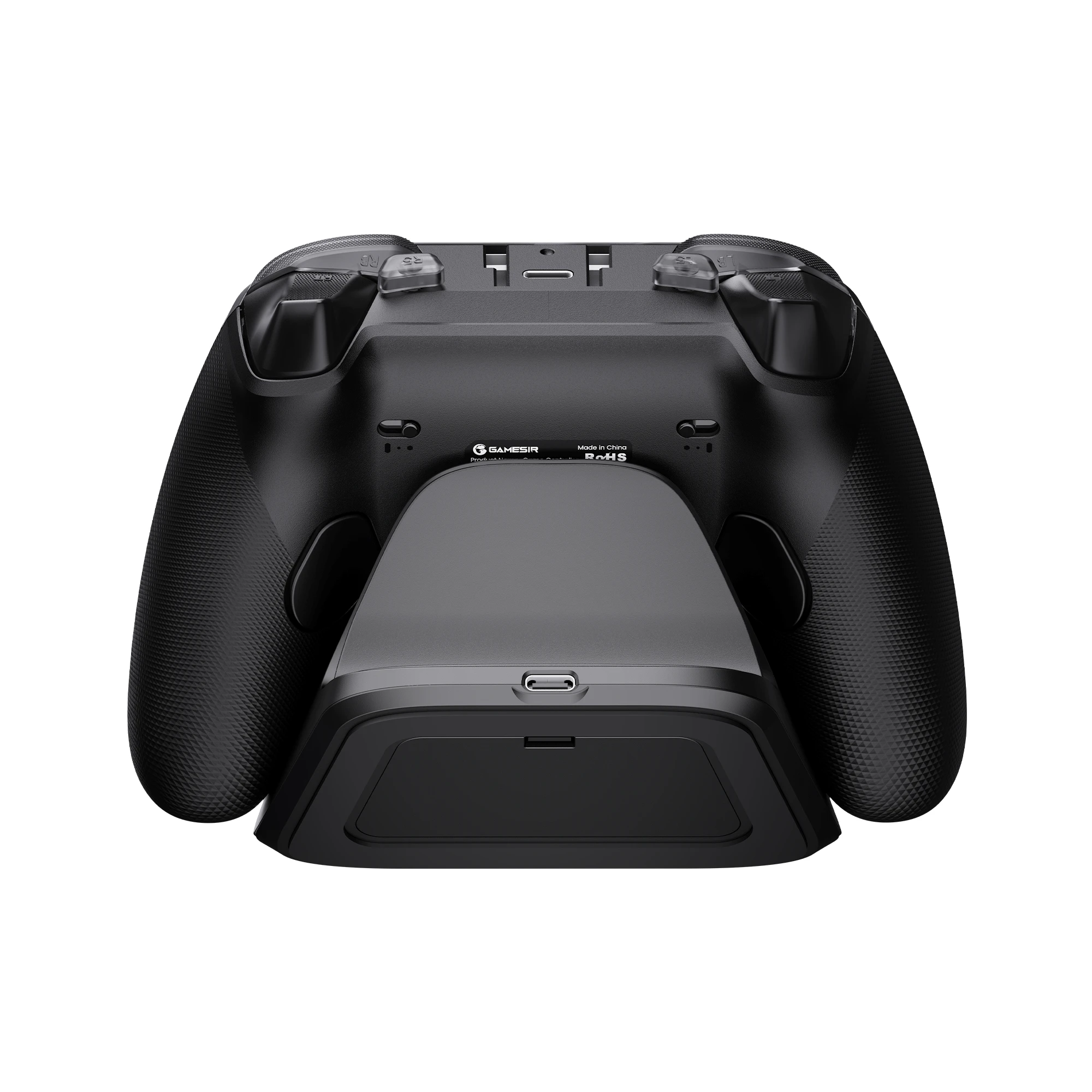
Smart Auto Start-Stop Charging Station
The G7 Pro Zenless Zone Zero edition comes with a smart auto start-stop charging station and a built-in 1200mAh battery, delivering extended battery life for hours of uninterrupted gameplay. Simply place the controller on the station to begin charging, and pick it up to play. The station also includes a receiver storage compartment at the base, allowing you to extend the cable’s reach or to securely store the receiver when not in use.
Tech Specs
Brand: GameSir
Model: G7 Pro Zenless Zone Zero Edition
Connection: 2.4G Wireless & Wired for Xbox consoles and PC; Bluetooth 5.3 for Android
Working Platforms: Xbox Series X|S, Xbox One X|S, Steam, PC and Android
Six-Axis Gyroscope: Yes (for PC only)
Sticks: GameSir Mag-Res™ TMR joysticks
Triggers: Hall Effect analog triggers with Micro Switch trigger stops
Rumble Motors: Yes, 4 in total, in each grip and trigger
Buttons: Optical Micro Switch ABXY, Mechanical Micro Switch D-pad
Extra Buttons: 4 (R4/L4 back button and R5/L5 mini bumper)
Back Button Latches: Yes
3.5mm Audio Jack: Yes, supported via both wired & 2.4G wireless
Microphone Mute Button: Yes
Faceplate: Three-part magnetic swappable
Battery Capacity: built-in 1200mAh lithium battery
Charging Time: 2.5h (5V, 1A, tested by GameSir Lab)
Battery Life: Around 10 hours under typical gaming usage (Tested by GameSir Lab)
Charging Station: Included
Customization Software: Yes, GameSir Nexus
Connectivity: Type-C
Package Size: 247.5*186*213 mm / 9.74*7.32*8.39 in
Gross Weight: 1.89 kg / 4.17 lbs
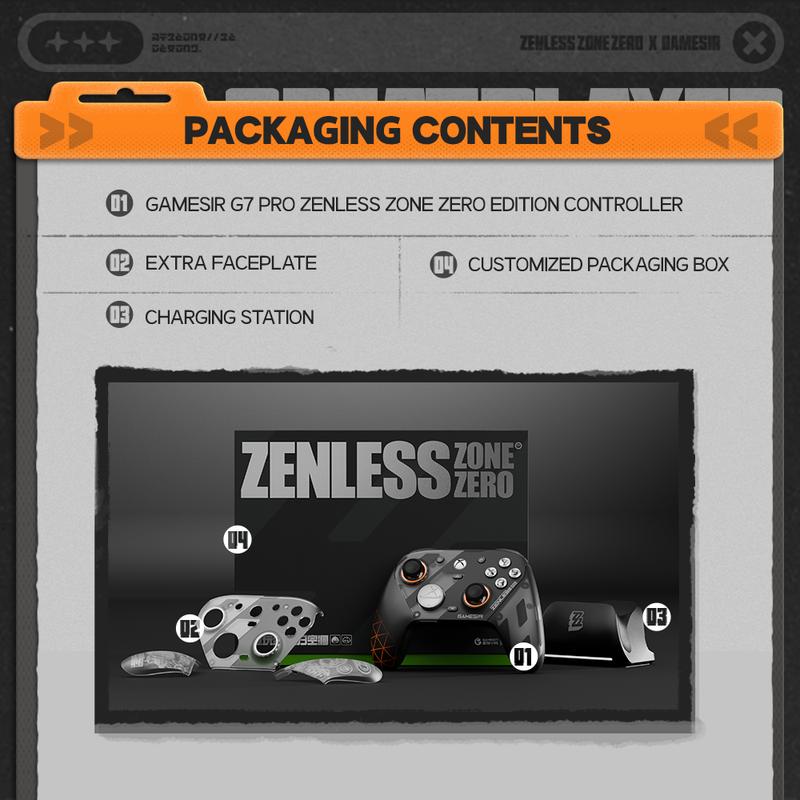
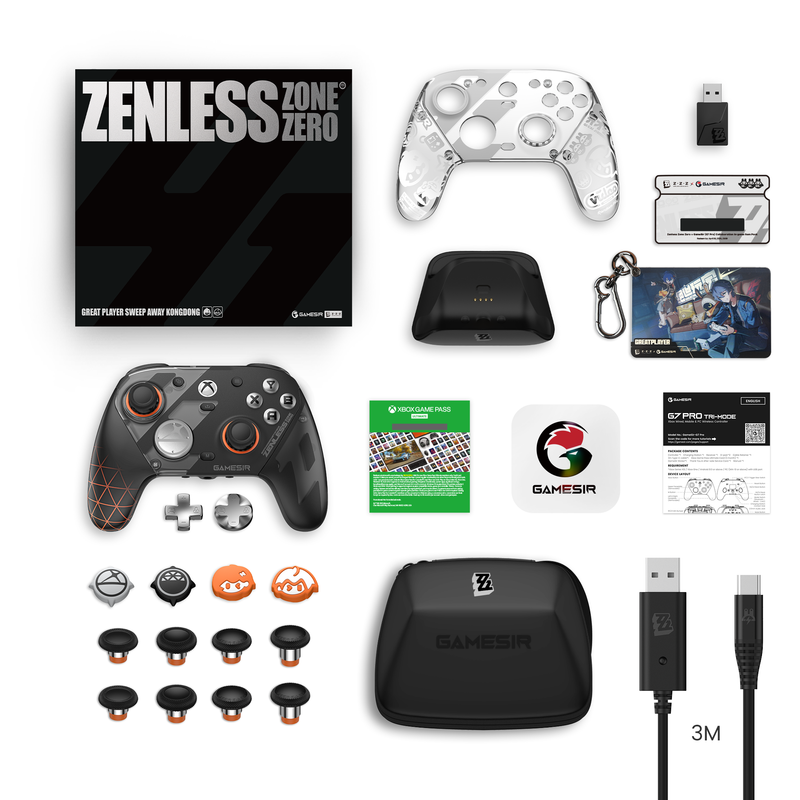
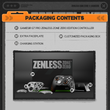
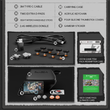
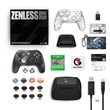
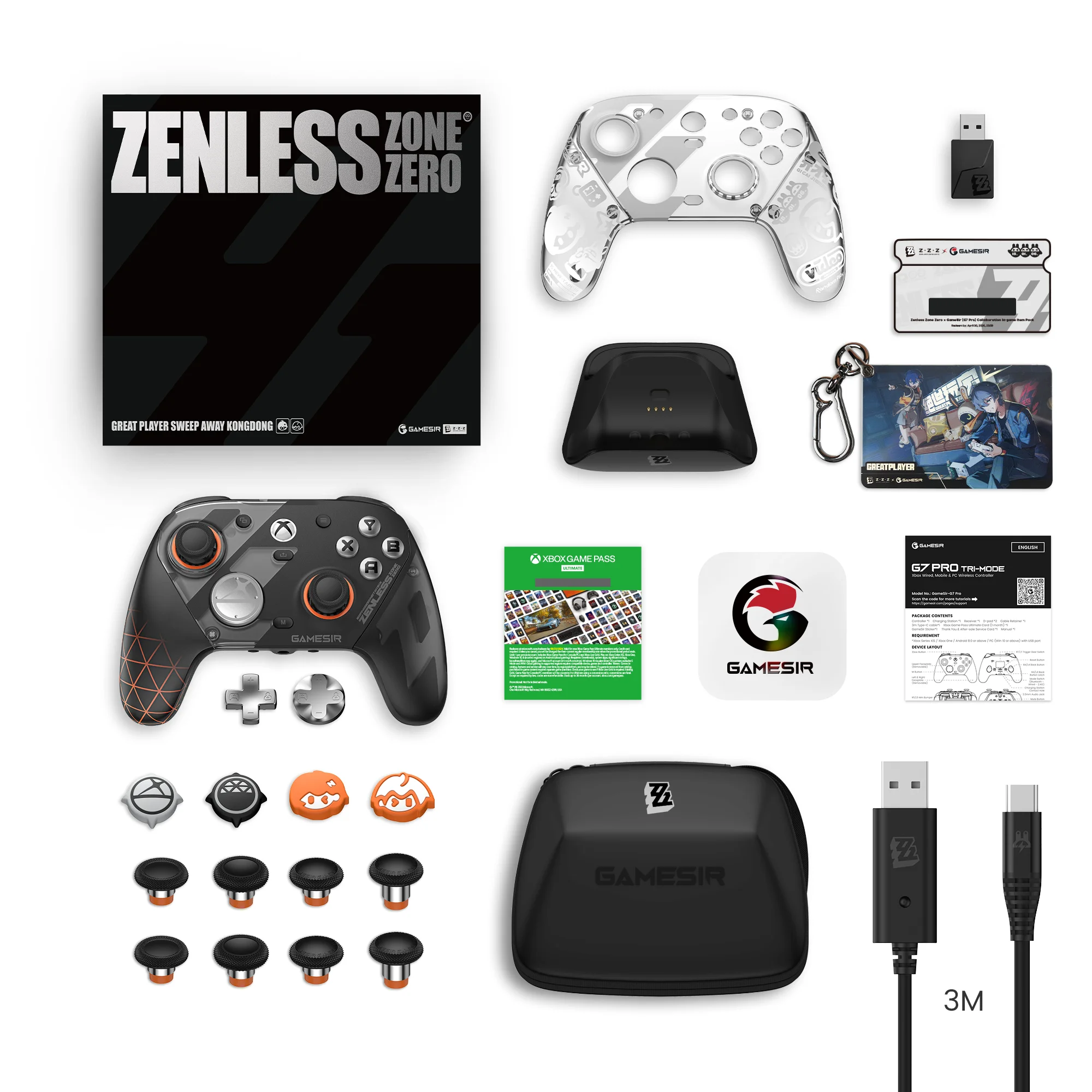
In the Box
1* GameSir G7 Pro Zenless Zone Zero Game Controller
1* Charging Dock
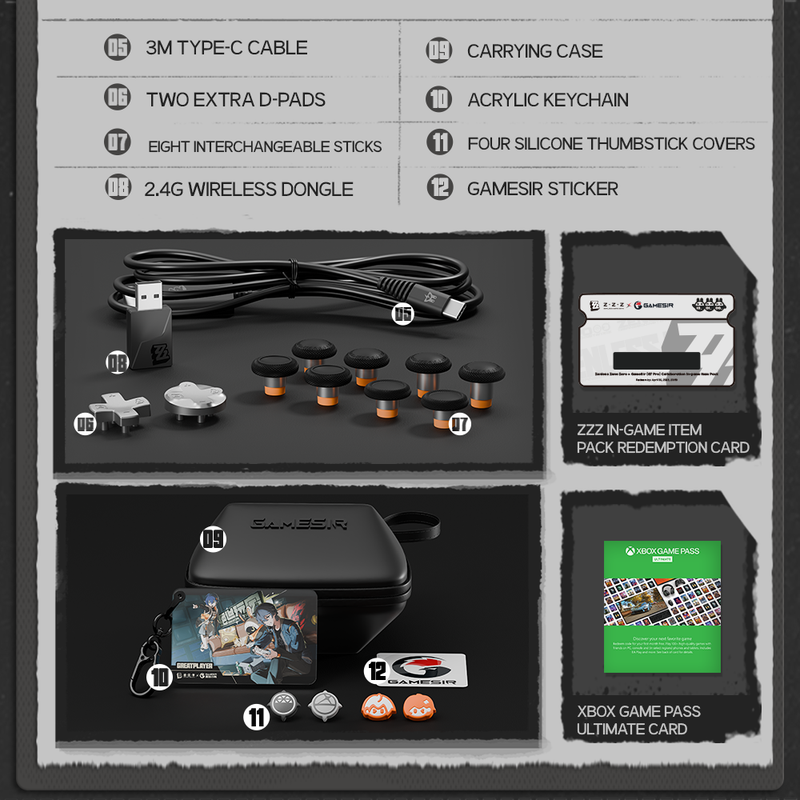
1* Carrying Case
1* Additional Faceplate
2* D-pad
4* Silicone Thumbstick Cover
8* Interchangeable Stick
1* Acrylic keychain
1* Wireless USB Receiver
1* Type-C Cable (3m)
1* User Manual
1* Xbox Game Pass Ultimate Card (1 month for new Xbox users)
1* ZZZ In-Game Item Pack Redemption Card
Shop Policies
Payment Policy
Payment Policy – BILLIONS BIRDS
At BILLIONS BIRDS, we are committed to providing a safe, secure, and seamless payment experience for our customers.
1. Accepted Payment Methods
We accept the following payment options:
Major Credit & Debit Cards (Visa, MasterCard, American Express)
Secure Online Payment Gateways (such as PayPal, Stripe, or other providers available at checkout)
Any additional payment methods displayed during checkout
All payments must be completed in full at the time of purchase.
2. Secure Transactions
All transactions are processed through encrypted and secure payment systems to protect your personal and financial information. We do not store your full payment details on our servers.
3. Currency
Prices are displayed in the currency indicated on the website. If you are purchasing from another country, your bank may apply currency conversion fees.
4. Order Confirmation
Once your payment has been successfully processed, you will receive an order confirmation email containing your purchase details.
5. Failed or Declined Payments
If your payment is declined, please verify your billing information or contact your bank. Orders will only be processed after successful payment confirmation.
6. Fraud Prevention
BILLIONS BIRDS reserves the right to cancel or refuse any order if fraud or unauthorised activity is suspected.
Delivery Policy
Delivery Policy – BILLIONS BIRDS
At BILLIONS BIRDS, we are dedicated to delivering your orders safely and efficiently.
1. Order Processing
All orders are processed within 1–3 business days after payment confirmation. Orders are not processed or shipped on weekends or public holidays.
2. Shipping Times
Estimated delivery times vary depending on your location:
Domestic Shipping: 3–7 business days
International Shipping: 7–15 business days
Please note that delivery times are estimates and may vary due to customs procedures, carrier delays, weather conditions, or other unforeseen circumstances.
3. Shipping Costs
Shipping fees are calculated at checkout based on your location and selected shipping method. Any customs duties, taxes, or import fees are the customer's responsibility.
4. Tracking Information
Once your order has been shipped, you will receive a confirmation email with tracking details (if available) so you can monitor your package.
5. Delivery Issues
If your order is delayed, lost, or arrives damaged, please contact us within 7 days of the expected delivery date. We will work with the shipping carrier to resolve the issue as quickly as possible.
6. Incorrect Shipping Information
Customers are responsible for providing accurate shipping details at checkout. BILLIONS BIRDS is not responsible for orders shipped to incorrect addresses provided by the customer.
Refund Policy
Refund Policy – BILLIONS BIRDS
At BILLIONS BIRDS, customer satisfaction is our top priority. If you are not completely satisfied with your purchase, we’re here to help.
1. Return Eligibility
You may request a return within 14 days of receiving your order. To qualify for a return:
The item must be unused, unworn, and in the same condition as received.
The item must be in its original packaging.
Proof of purchase (order confirmation or receipt) is required.
Certain items may not be eligible for return, including clearance items, gift cards, or personalised/custom products.
2. Non-Refundable Items
The following items are non-refundable:
Final sale or discounted items
Gift cards
Items damaged due to misuse, negligence, or improper care
3. Return Process
To initiate a return, please contact our customer support team with your order number and reason for return. If your return is approved, you will receive instructions for returning the item.
Unless the item is defective or incorrect, customers are responsible for return shipping costs.
4. Refund Processing
Once we receive and inspect your returned item:
We will notify you of the approval or rejection of your refund.
If approved, the refund will be issued to your original payment method within 5–10 business days.
Please note that banks or payment providers may require additional time to process refunds.
5. Damaged or Incorrect Items
If you receive a damaged, defective, or incorrect item, please contact us within 7 days of delivery and provide clear photos of the product and packaging. We will arrange a replacement or full refund at no additional cost.
6. Late or Missing Refunds
If you have not received your refund:
Check your bank account again.
Contact your credit card company or payment provider.
If the issue persists, don't hesitate to contact our support team for assistance.
Recommended Products
Customer reviews
Share your thoughts with other customers
Be the first one to write a review!

Items (0)
