
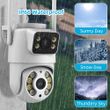
Icsee 5G 10MP 8MP Wifi Camera PTZ Outdoor Dual Screens Human Detection Dual Lenses 4K Security Protection IP Camera Audio iCSee
Includes all taxes
Meet your Seller
-
$114.71Sold by BILLIONS BIRDS
Description

5G WIFI 10MP 8MP Version Comparison
8MP camera version:
Means that the single lens is 4MP, so the dual-lens is 4MP+4MP=8MP.
10MP camera version:
Means that the single lens is 5MP, so the dual-lens is 5MP+5MP=10MP.
The Steps to enlarge video screen for wifi camera
① Please switch the video to landscape mode in the icsee app
② Tap the video on the left or right with both hands,
③ It becomes a big screen with a single video screen
④ Then you can zoom with 2 fingers
4K 8MP Dual Screens Outdoor Wifi Surveillance Camera
① Camera has one year free warranty
② The camera supports the onvif protocol
③ There are 2 lenses, so the icsee app presents 2 screens
④ Powerful night vision function, support two-way voice call function
⑤ After-sales guarantee: 24 hours timely reply
Main Features:
●5G WIFI 10MP 8MP 4KResolution Option
● Dual-Lenses with Dual Screens
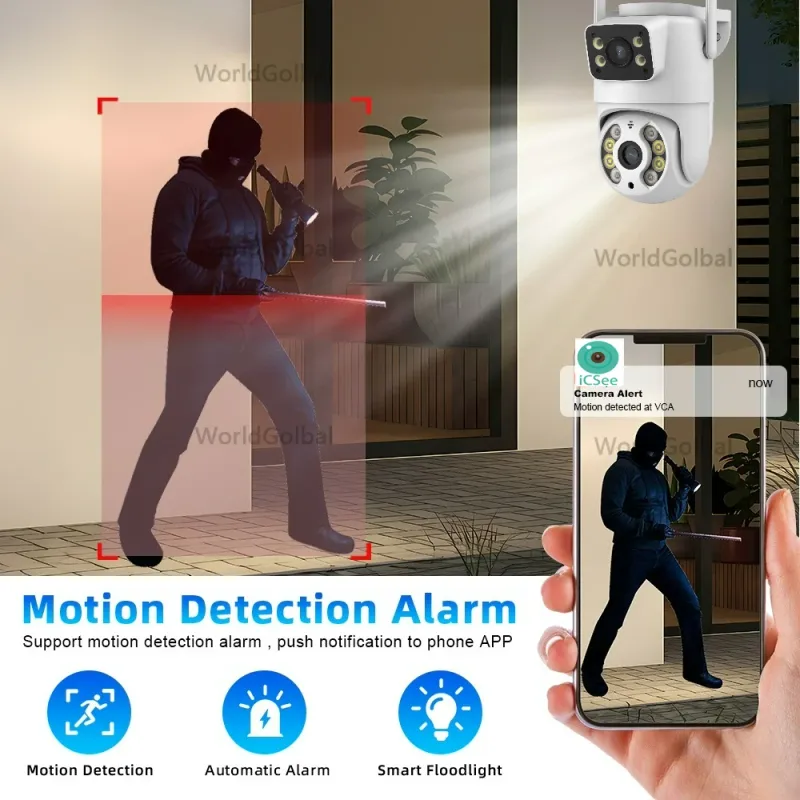
● AI human detection Alarm
● 3.6mm Dual lens camerasystem
● 20~25 meters Colorful/Black White Night Vision
● Enhanced dual antenna penetration ability
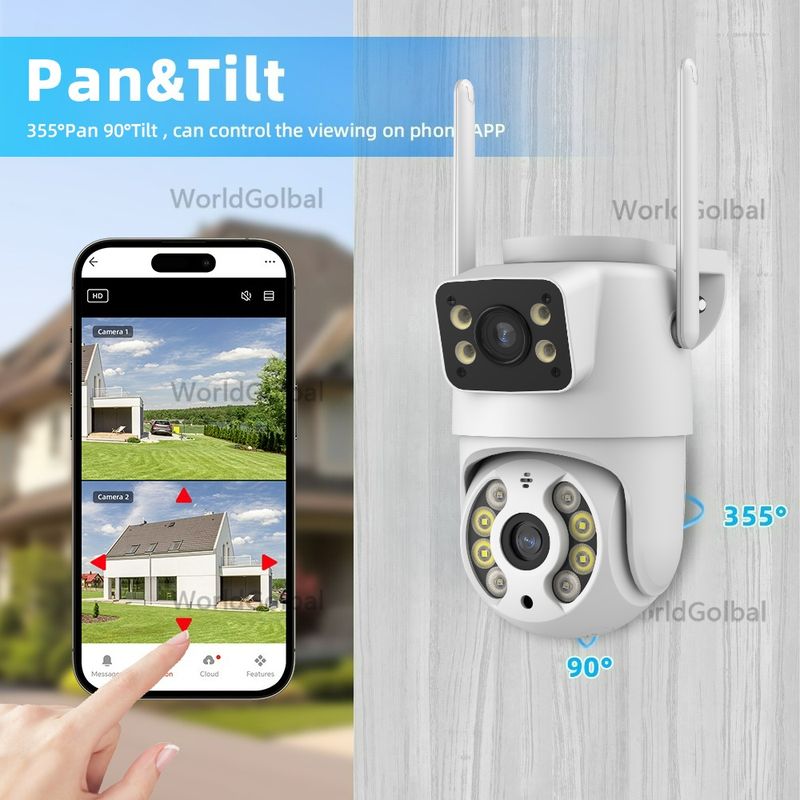
● Pan 270 degree/ Tilt 90 degree
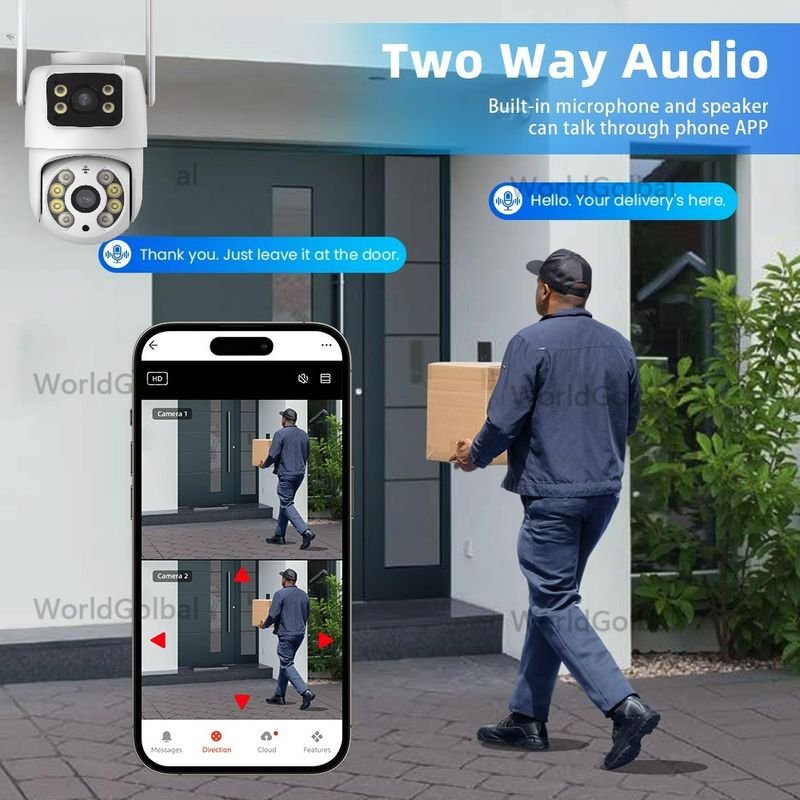
● Two-Way Audio Talk Speak Real Time
● Motion Detection and Alarm Tone Function
● 2.4Ghz Or 5Ghz WiFi & Bluetooth & Wired Connection three Mode
● AP Hotspot Mode Access
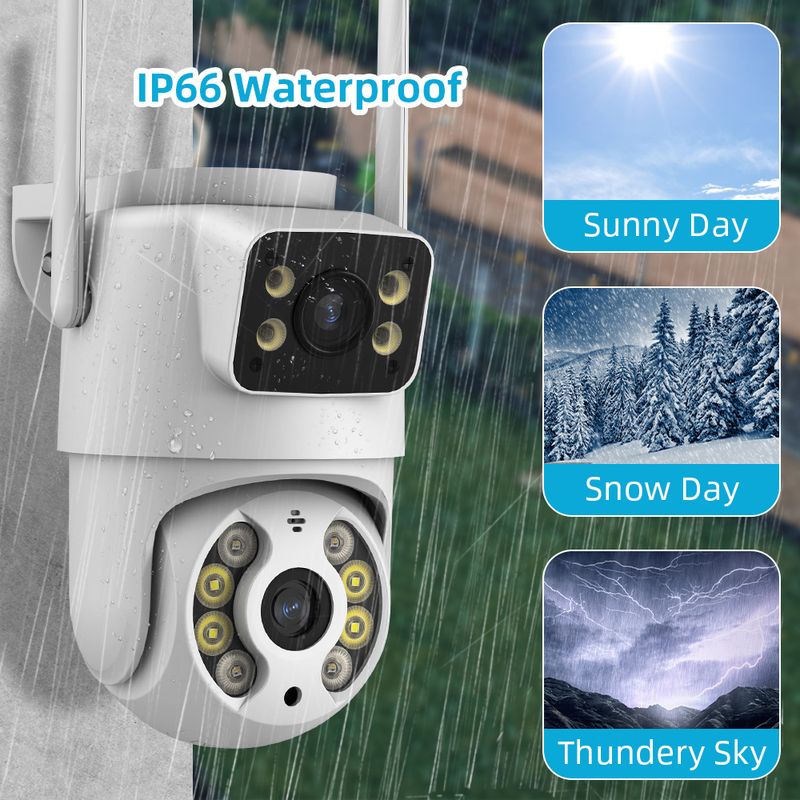
● Waterproof IP66 Use for Outdoor
● TF Card Slot Support Max 256GB(Not Include).
● Encryption security cloud storage (Pay In App)
● Remotely View via the App iCSee on Smartphone
Package Listing:
1x Dual Screens Camera
1x User Manual
1x Power Supply
1x Screws Bag
1x Waterproof Lid
Warm tips: the SD Card is optional :)


You might need such extension cable
This cable is not included , if you need , you could click this image to buy one directly !!!!
Dual Screens & Dual Lenses
① fixed len is the left/top screen in icsee app
② ptz len is the right/bottom screen in icsee app
Double Lenses ,Multiple Views
Configuration of double-lens, a fixed -point monitoring, a pan -tilt monitoring dual lens monitoring, to capture more detail of the scene

PTZ Remote Control
Rotates 270° Horizontally and 90° Vertically,
You can control it in the ICSEE app directly whenever you want and wherever you are.

AI Auto tracking
After locking the target, the camera will adjust the pan rotation automatically, Tracking Moving Human and push alerts notifications to your Smartphone.

Ai Human Detection Alert
Quickly finds human targets and immediately sends a notification to your phone, letting you see what happens anywhere. It only detects the human shape

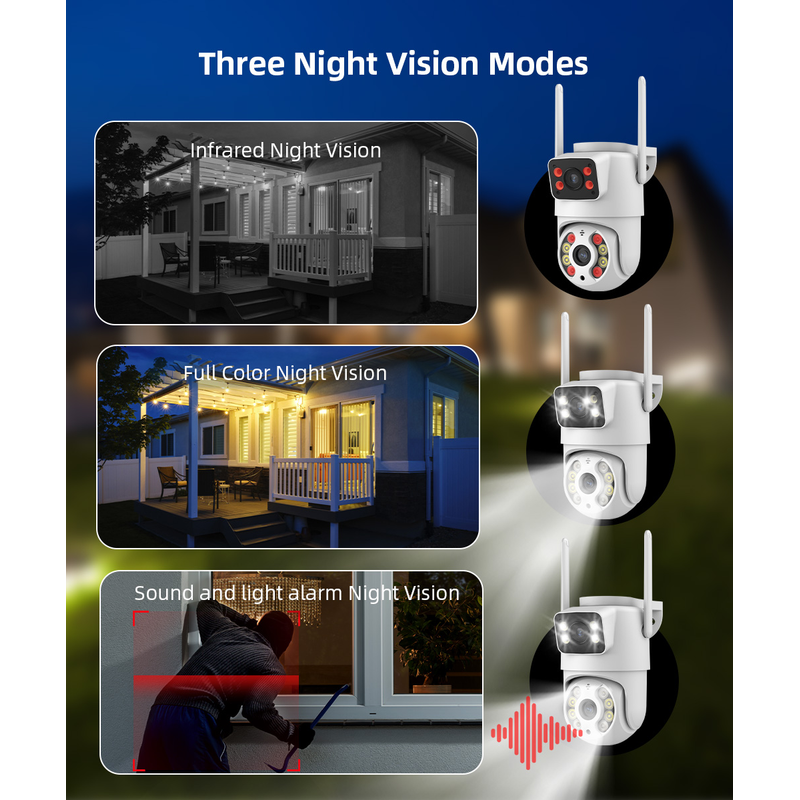
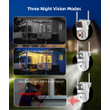
Color Infrared Night Vision
① full-color mode,
(At night, white lights come on as if it were daytime)
② infrared mode
(At night, infrared lights come on and the picture appears in black and white)
③double-light alert mode
(infrared night vision is displayed when no object moves, and the white light will be turned on to switch to full-color mode after motion is detected).

Two Way Audio
Built-in microphone and speaker / Customized new speakers with loud volume; You could talk to anyone nears the camera ( Warn someone to leave your house ).

Three connection modes
① Bluetooth connection
② Wifi connection(2.4G HZ WIFI)
③ RJ-45 Cable connection

IP66 Waterproof / Dustproof
The camera case is made of high-quality ABS plastic, which is waterproof, sun-proof and dust-proof. It is suitable for any environment.

How to find the Alexa configuration portal in the icsee app


Smart H.265 Video Compression
Save you 50% of storage space. Provide you with up to 50% excellent bandwidth improvement, faster image transmission speed, and enjoy smoother video playback speed

NVR with Onvif is Compatible with Our Dual Screens Camera
Camera supports ONVIF protocol so that you can connect it to the Third-party NVR which supports ONVIF.
There is a 48V POE Splitter Cable
IEEE802.3af 48V PoE Splitter Cable 15.5W POE Adapter Cable,Active POE Splitter Power supply Module 12V Separator
Voltage change: Input -- 48V POE , Output -- DC 12V 1A to 2A
Our camera supports onvif protocol. To connect to POE NVR, you need to purchase 48V Splitter Cable
If your POE NVR supports the onvif protocol and you want the camera to be compatible with the POE NVR, please purchase this additional 48V PoE Splitter Cable. Click on the picture to purchase it.
Notice:
① If your NVR is not a POE NVR, you do not need to buy this Splitter Cable, just use the camera directly
② For specific 48V PoE Splitter Cable parameter information introduction, please click on the picture below to enter the product link and understand, thank you
SD Card & Cloud Storage
First month cloud storage and Max 256G SD card Record ,data security is more stable .
If you want to keep using Cloud Service, you just need to pay for it , if you don't need to use , it will stop it automatically when you don't pay for the fee.

APP Remote Access
Easy remote access to get what happens when you left home
How to Configure the Camera in the iCSee App
① Download icsee app from Google Mall or other software malls
② There is a reset button at the bottom of the camera. Press and hold the reset button for 10 seconds. When you hear the sound of a successful reset, the camera has been reset successfully.
③ Connect the camera through the 2.4G HZ Wifi network band, follow the 6 steps in the picture to connect, and you can configure it successfully.

How to Configure the Camera in VMS Software
① The username and password of VMS software are both admin
② Find the complete serial number, password and user name in the icsee app and enter it into the VMS software and add it successfully
③ Double-click the serial number to watch online in real time
Shop Policies
Payment Policy
Payment Policy – BILLIONS BIRDS
At BILLIONS BIRDS, we are committed to providing a safe, secure, and seamless payment experience for our customers.
1. Accepted Payment Methods
We accept the following payment options:
Major Credit & Debit Cards (Visa, MasterCard, American Express)
Secure Online Payment Gateways (such as PayPal, Stripe, or other providers available at checkout)
Any additional payment methods displayed during checkout
All payments must be completed in full at the time of purchase.
2. Secure Transactions
All transactions are processed through encrypted and secure payment systems to protect your personal and financial information. We do not store your full payment details on our servers.
3. Currency
Prices are displayed in the currency indicated on the website. If you are purchasing from another country, your bank may apply currency conversion fees.
4. Order Confirmation
Once your payment has been successfully processed, you will receive an order confirmation email containing your purchase details.
5. Failed or Declined Payments
If your payment is declined, please verify your billing information or contact your bank. Orders will only be processed after successful payment confirmation.
6. Fraud Prevention
BILLIONS BIRDS reserves the right to cancel or refuse any order if fraud or unauthorised activity is suspected.
Delivery Policy
Delivery Policy – BILLIONS BIRDS
At BILLIONS BIRDS, we are dedicated to delivering your orders safely and efficiently.
1. Order Processing
All orders are processed within 1–3 business days after payment confirmation. Orders are not processed or shipped on weekends or public holidays.
2. Shipping Times
Estimated delivery times vary depending on your location:
Domestic Shipping: 3–7 business days
International Shipping: 7–15 business days
Please note that delivery times are estimates and may vary due to customs procedures, carrier delays, weather conditions, or other unforeseen circumstances.
3. Shipping Costs
Shipping fees are calculated at checkout based on your location and selected shipping method. Any customs duties, taxes, or import fees are the customer's responsibility.
4. Tracking Information
Once your order has been shipped, you will receive a confirmation email with tracking details (if available) so you can monitor your package.
5. Delivery Issues
If your order is delayed, lost, or arrives damaged, please contact us within 7 days of the expected delivery date. We will work with the shipping carrier to resolve the issue as quickly as possible.
6. Incorrect Shipping Information
Customers are responsible for providing accurate shipping details at checkout. BILLIONS BIRDS is not responsible for orders shipped to incorrect addresses provided by the customer.
Refund Policy
Refund Policy – BILLIONS BIRDS
At BILLIONS BIRDS, customer satisfaction is our top priority. If you are not completely satisfied with your purchase, we’re here to help.
1. Return Eligibility
You may request a return within 14 days of receiving your order. To qualify for a return:
The item must be unused, unworn, and in the same condition as received.
The item must be in its original packaging.
Proof of purchase (order confirmation or receipt) is required.
Certain items may not be eligible for return, including clearance items, gift cards, or personalised/custom products.
2. Non-Refundable Items
The following items are non-refundable:
Final sale or discounted items
Gift cards
Items damaged due to misuse, negligence, or improper care
3. Return Process
To initiate a return, please contact our customer support team with your order number and reason for return. If your return is approved, you will receive instructions for returning the item.
Unless the item is defective or incorrect, customers are responsible for return shipping costs.
4. Refund Processing
Once we receive and inspect your returned item:
We will notify you of the approval or rejection of your refund.
If approved, the refund will be issued to your original payment method within 5–10 business days.
Please note that banks or payment providers may require additional time to process refunds.
5. Damaged or Incorrect Items
If you receive a damaged, defective, or incorrect item, please contact us within 7 days of delivery and provide clear photos of the product and packaging. We will arrange a replacement or full refund at no additional cost.
6. Late or Missing Refunds
If you have not received your refund:
Check your bank account again.
Contact your credit card company or payment provider.
If the issue persists, don't hesitate to contact our support team for assistance.
Recommended Products
Customer reviews
Share your thoughts with other customers
Be the first one to write a review!

Items (0)
