
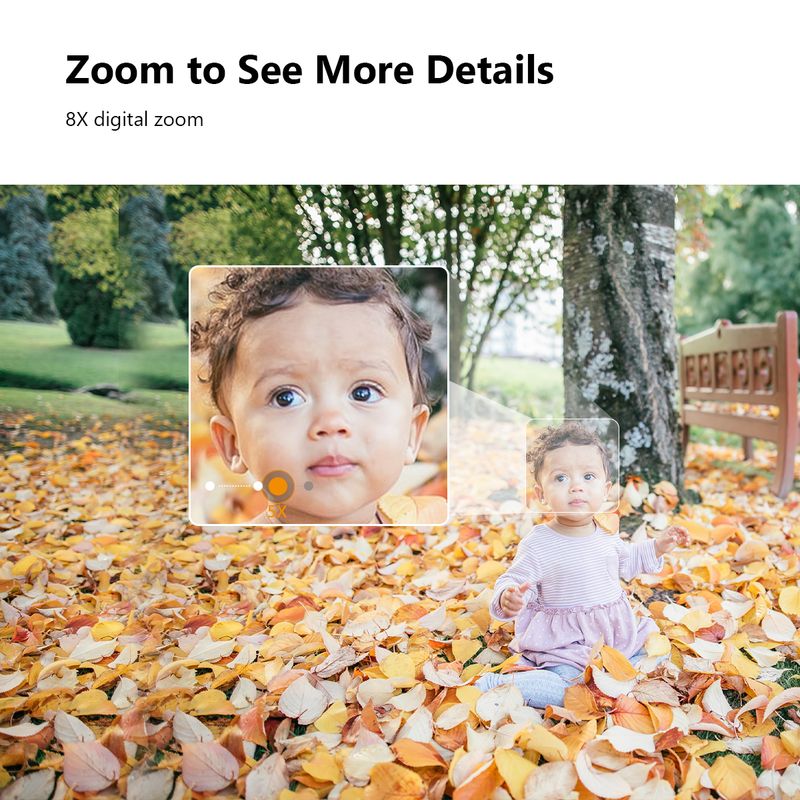



IMOU Cruiser SE+ Series Outdoor Wi-Fi Camera IP66 Weatherproof Camera 8X Digital Zoom Night Vision AI Human Detection Camera
Includes all taxes
Meet your Seller
-
$162.05Sold by BILLIONS BIRDS
Description
Cruiser SE+2MP/3MP/4MP/5MP
Always focus on the point
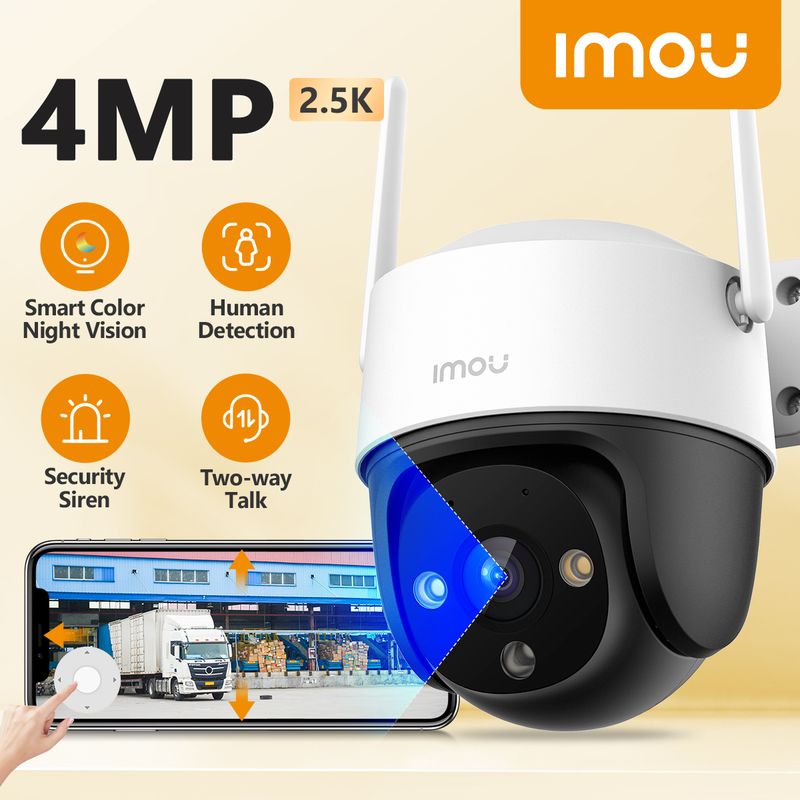
Smart Auto Tracking | 360° Coverage | Two-way Talk

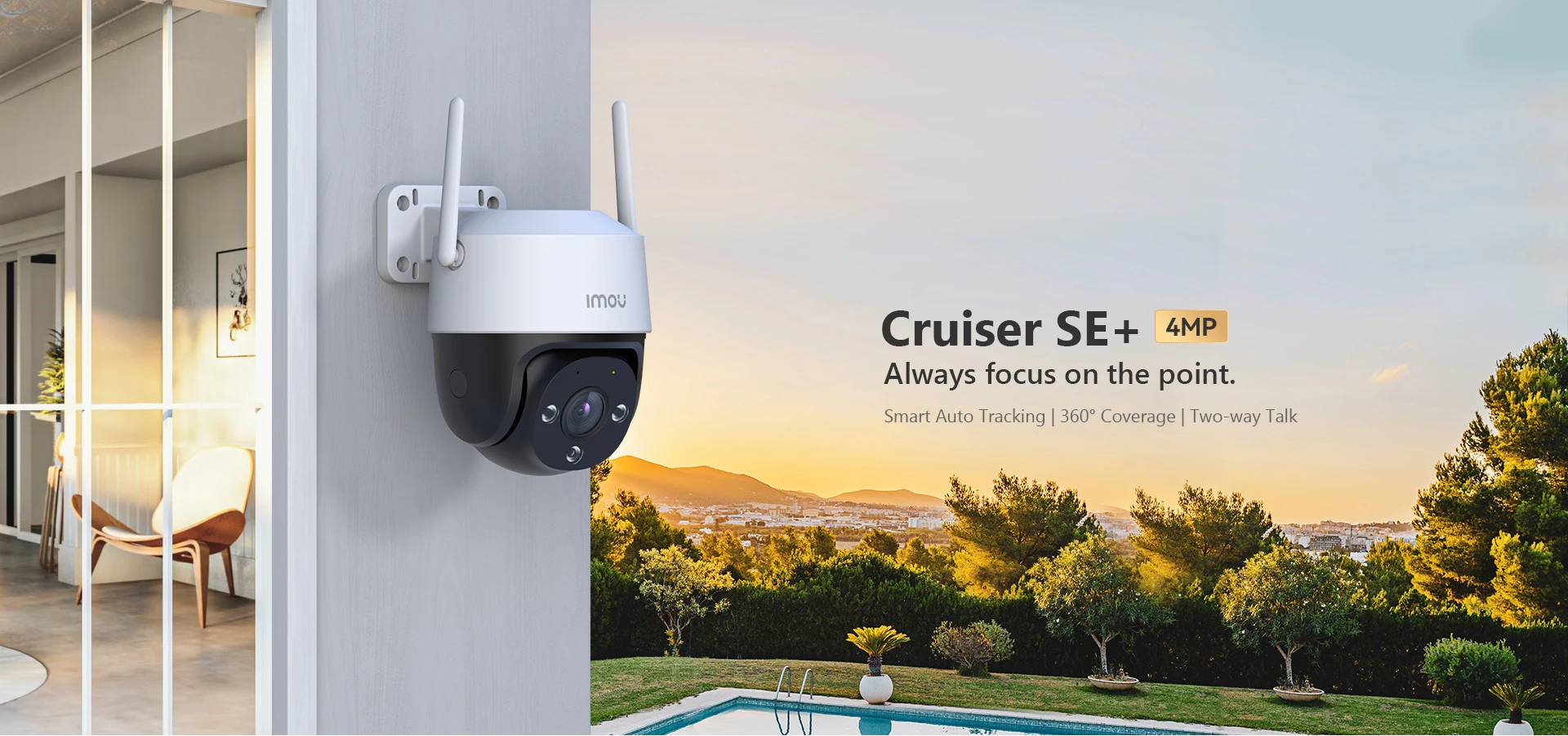

5MP 3K Image | Smart Color Night Vision | Panoramic 360° Pan & Tilt | Two-way Audio
IP66 Weather-resistance | Human Detection | Smart Tracking | Alarm Notification\

5MP Video & H.265 Compression(H.264 compatible)
The sensor and advanced IR algorithms provide crystal clear video both day and night.

30m/98ft Away Smart Color Night Vision
Advanced night vision technology enables the security camera to achieve early targeting across large areas in total darkness, any weather, or even fog over 98ft (30 m) away on a moonless, cloudy night, helping you reveal the secrets of the night around you.

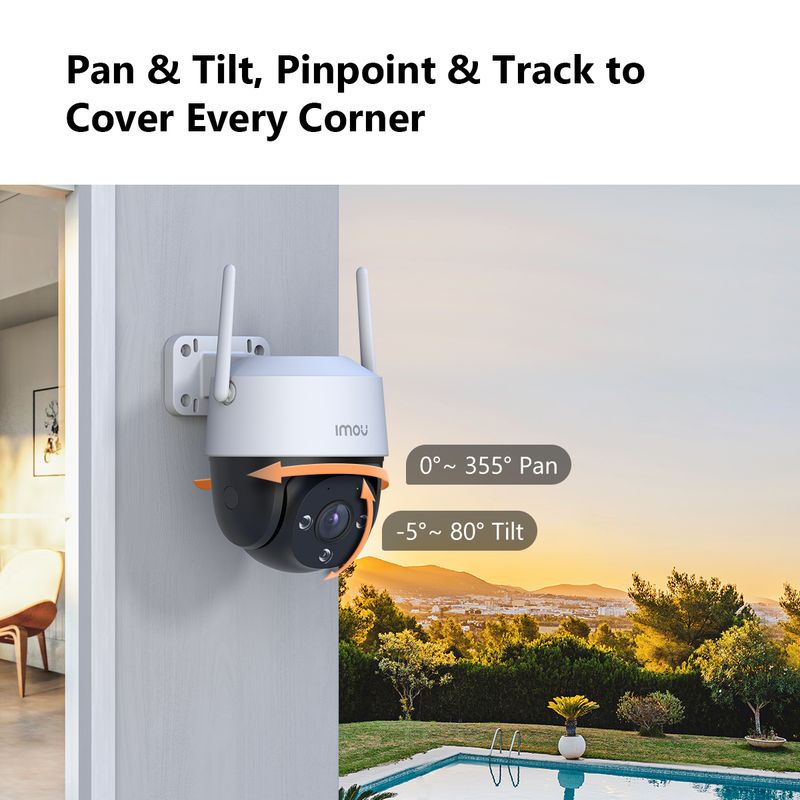
Panoramic pan & tilt for 360° protection
Supports 0°~340° horizontal rotation and 0°~90° vertical rotation, and support APP remote control gives you a 360° view of your home.

Two-way Audio, Connect your home from anywhere
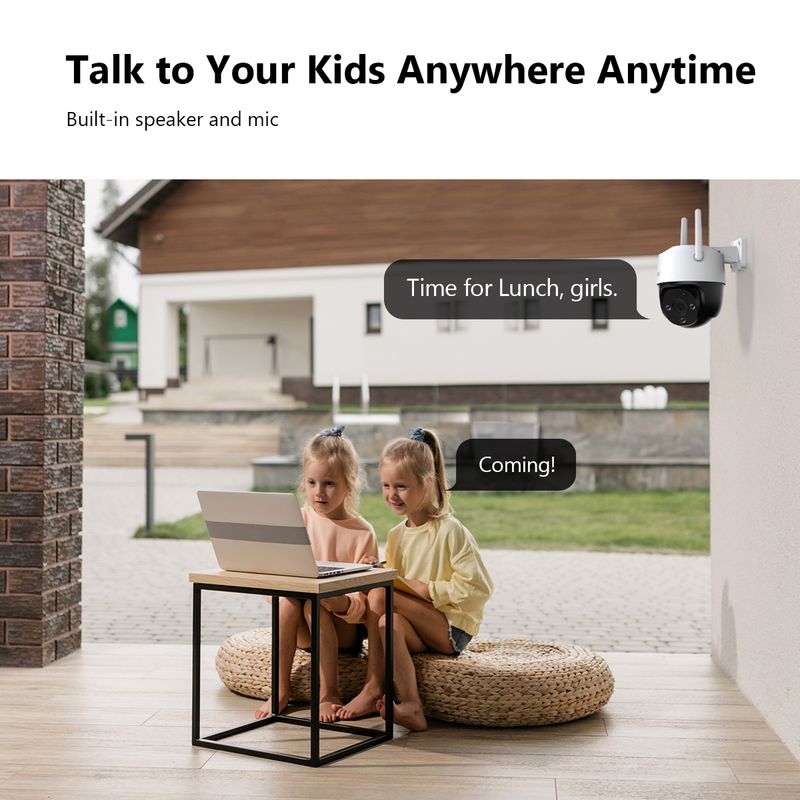
A built-in speaker and a microphone with the echo cancellation feature allow you to interact with pets and family from anywhere.
*This data is IMOU laboratory test data, the actual detectable distance due to environmental and other factors may be different.

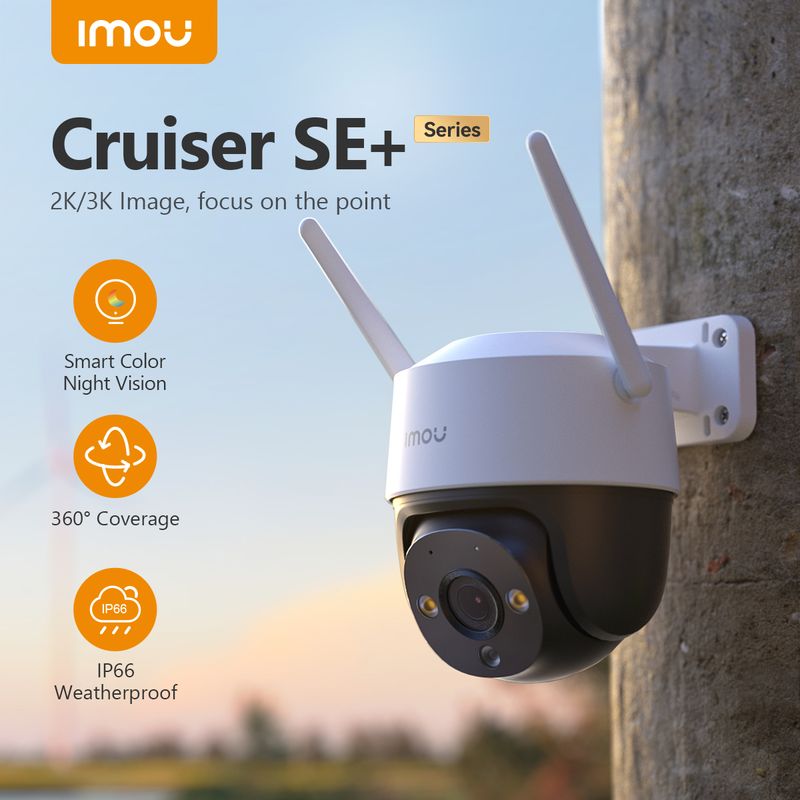
IP66 Water-Resistance Professional protection to weather any storm
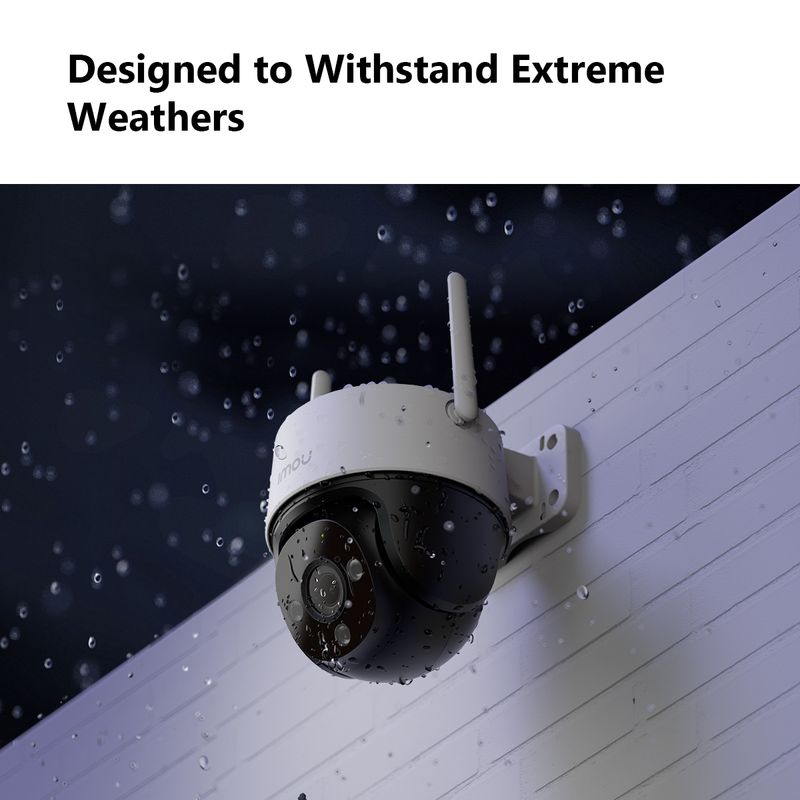
With IP66 water-resistance, Cruiser SE+ is able to against dust penetration and can easily handle rain and wind, keeping you safe around the clock.

AI Human Detection
Powerful image processing technology quickly finds human targets in images and immediately sends a notification to your smartphone, allowing you to monitor what matters without receiving annoying false alerts.

Protect your home like you are there
♦ Record and capture
Record videos and capture photos to review, save and share the moments you missed at any time.
♦ Smooth livestream
Dual antennas provide stronger network signals, with operating range of up to 330ft(in open area).
♦ Real-time notifications
Receive real-time photo notifications on your phone and tablet to stay in-the-know when anything happens at home.

Excellent network connection with dual antennas
No messy cabling | No signal loss | Stronger network signal.


Work with Smart Home Platform
Imou life/Alexa

The 3.6mm lens can cover 108°
3.6mm: Discover the target at 52.8m(173.2ft) field of view is 108°.
*The distance is for reference only, please choose the right lens according to real scenario.

Operating with Imou Life App
♦ Step 1
Scan the following QR code or search “Imou Life” in Google Play or App Store to download and install the app.
♦ Step 2
Run Imou Life App, and then register an account for the first use.
♦ Step 3
Connect the camera to power source with the power adapter.
♦ Step 4
Wait for booting to be finished, and then the camera indicator flashes with green light.
♦ Step 5
Do the following operations to finish adding camera.
Note:If you have more than one camera, do step 5 to add them one by one.
If the Wi-Fi network has changed or the indicator status goes wrong, reset the camera, and then do step 5 to add it again.


Installation Methods

What's in the box?
- 1x Camera
- 1x Mounting Bracket
- 1x Waterproof Connector
- 1x Mounting Template
- 1x Power Adapter
- 1x Quick Start Guide
- 1x Screw package

Specifications

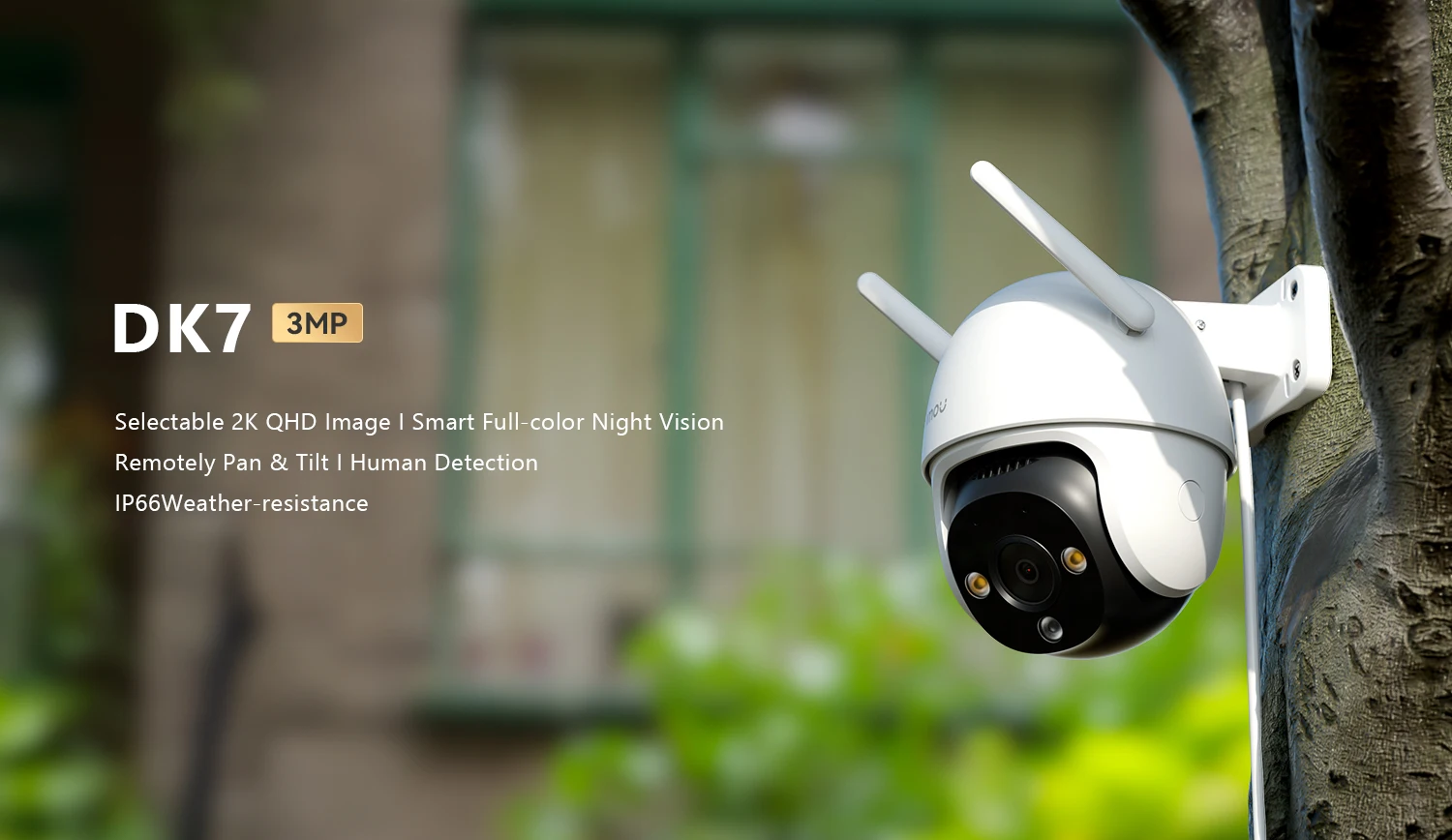
DK7 3MP
Selectable 2K QHD Image I Smart Full-color Night Vision
Remotely Pan & Tilt I Human Detection
IP66Weather-resistance
3MP H.265 Video/Human Detection/Smart Tracking/IP66
/Two-way Talk/Smart Color Night Vision/Wi-Fi Connection
3MP H.265 Video/Human Detection/Smart Tracking/IP66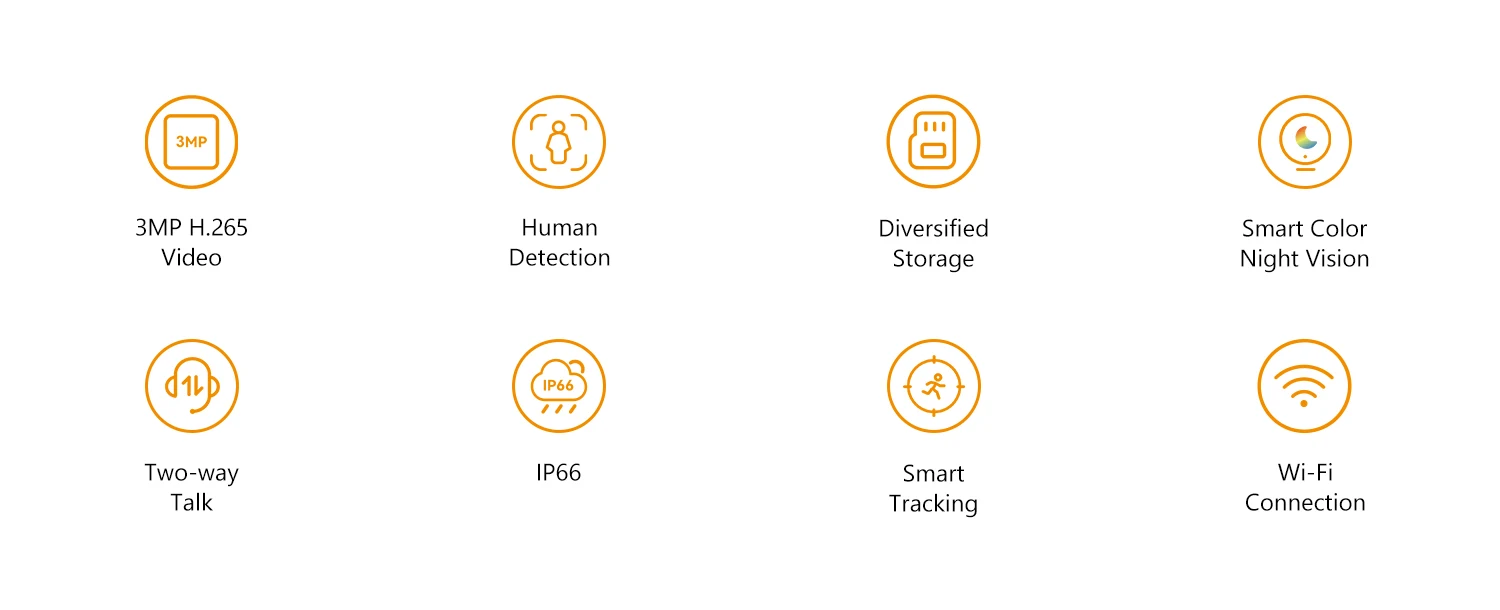
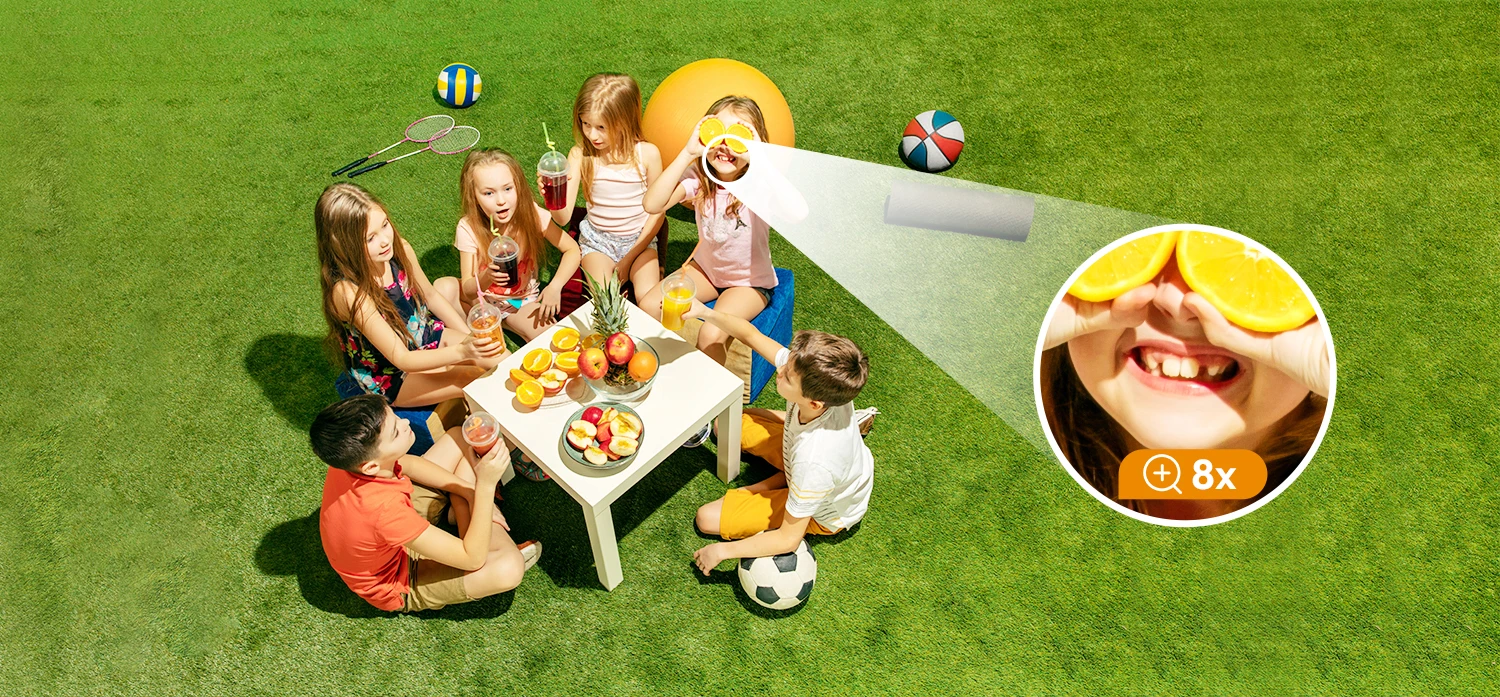
See the Difference, Experience the Details
With 3MP ultra-clear resolution,
capture every detail and exevate your home security to the next level.
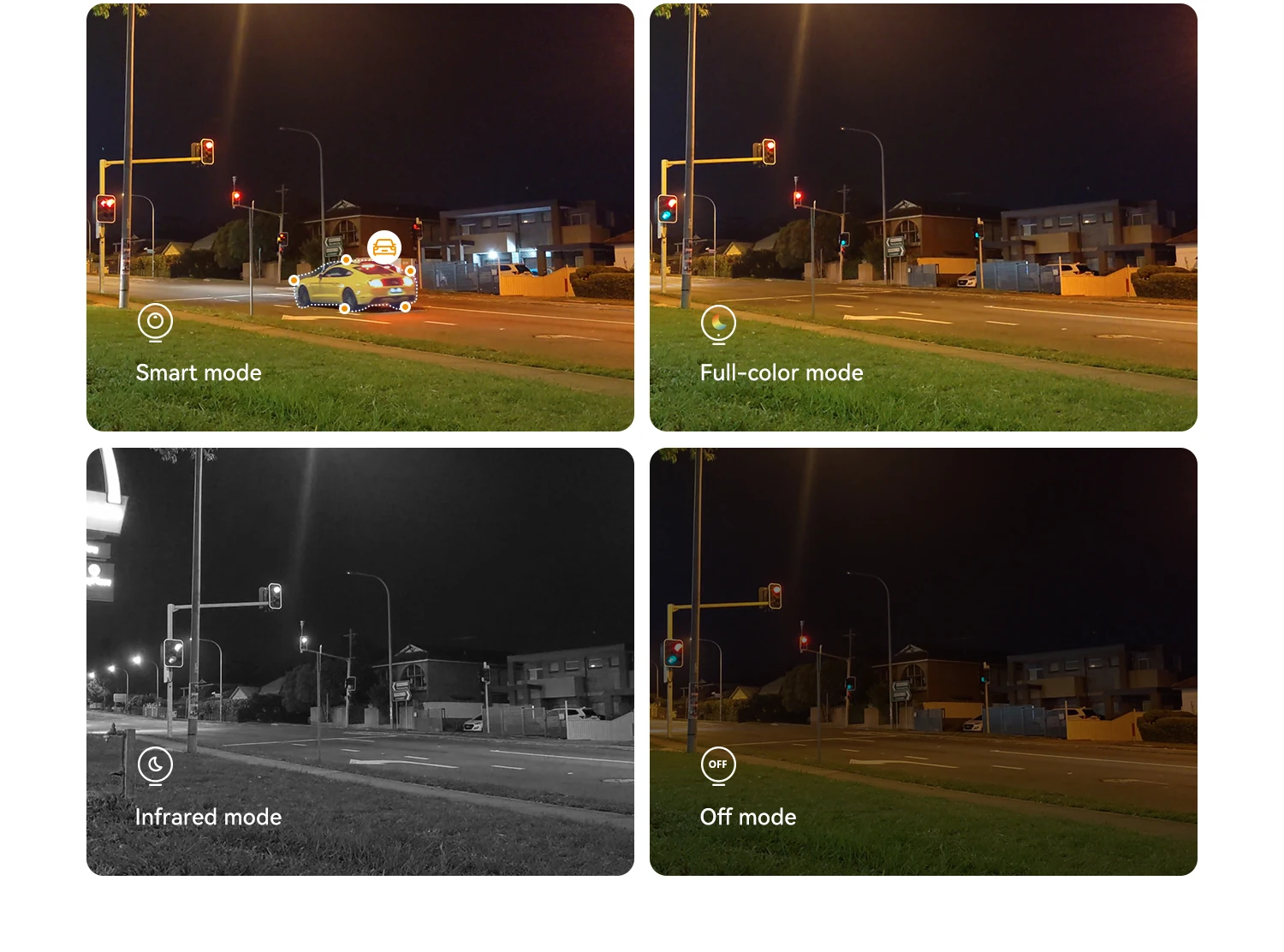
Light the night up with smartness
DK7 can adjust different night vision modes according to your needs, whether you want
the night vision to remain in full color allthe time or want to turn on full color only when there is an event to save energy, it can always satisfy you.
Remote pan & tilt for 360° protection
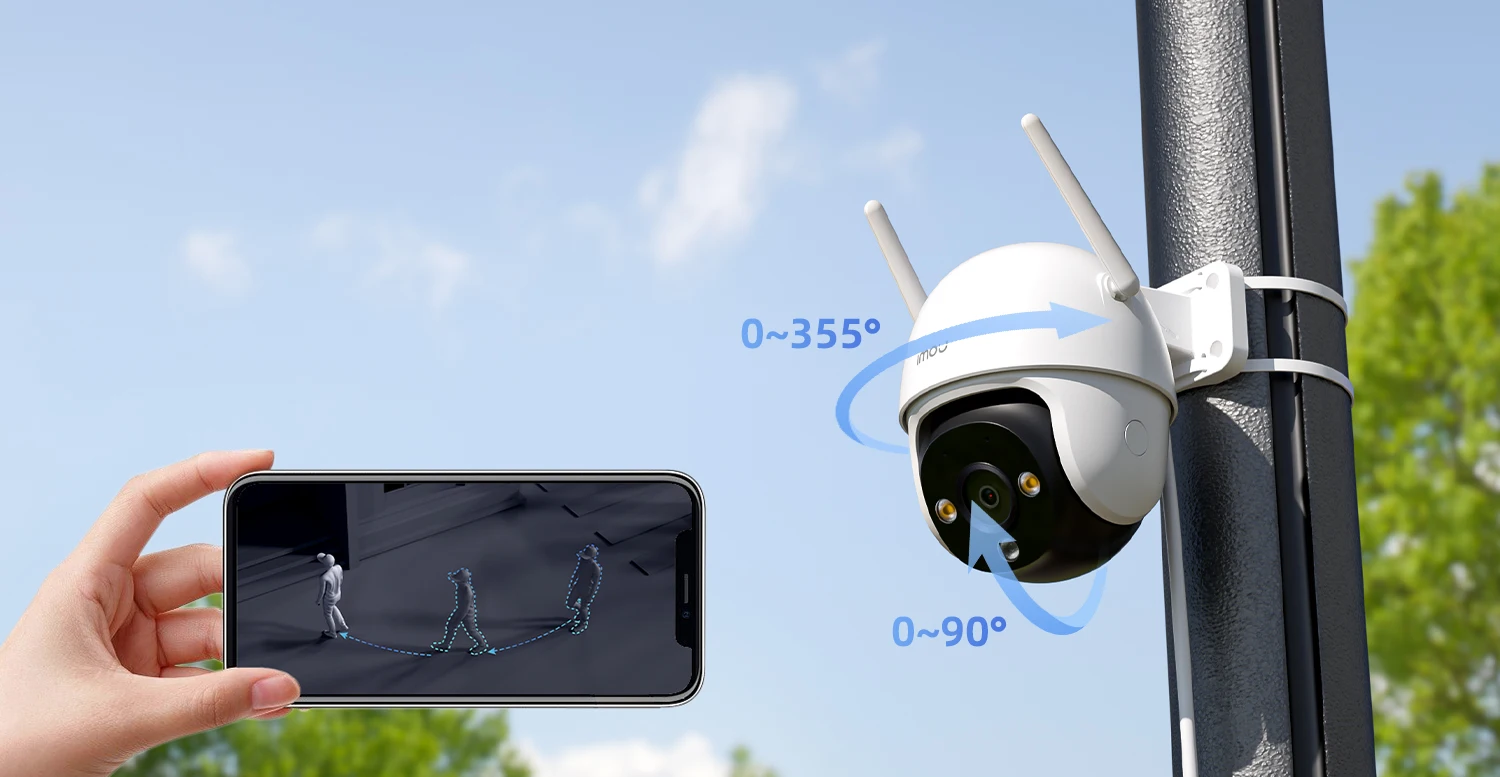
The DK7's pan-tilt lens supports 0°-355° horizontal rotation and 0°-90° vertical rotation to protect your home 360°
Accurate human detection
The newly upgraded human detection can effectively refuce false alarms caused by mosquitoes and tree shaking.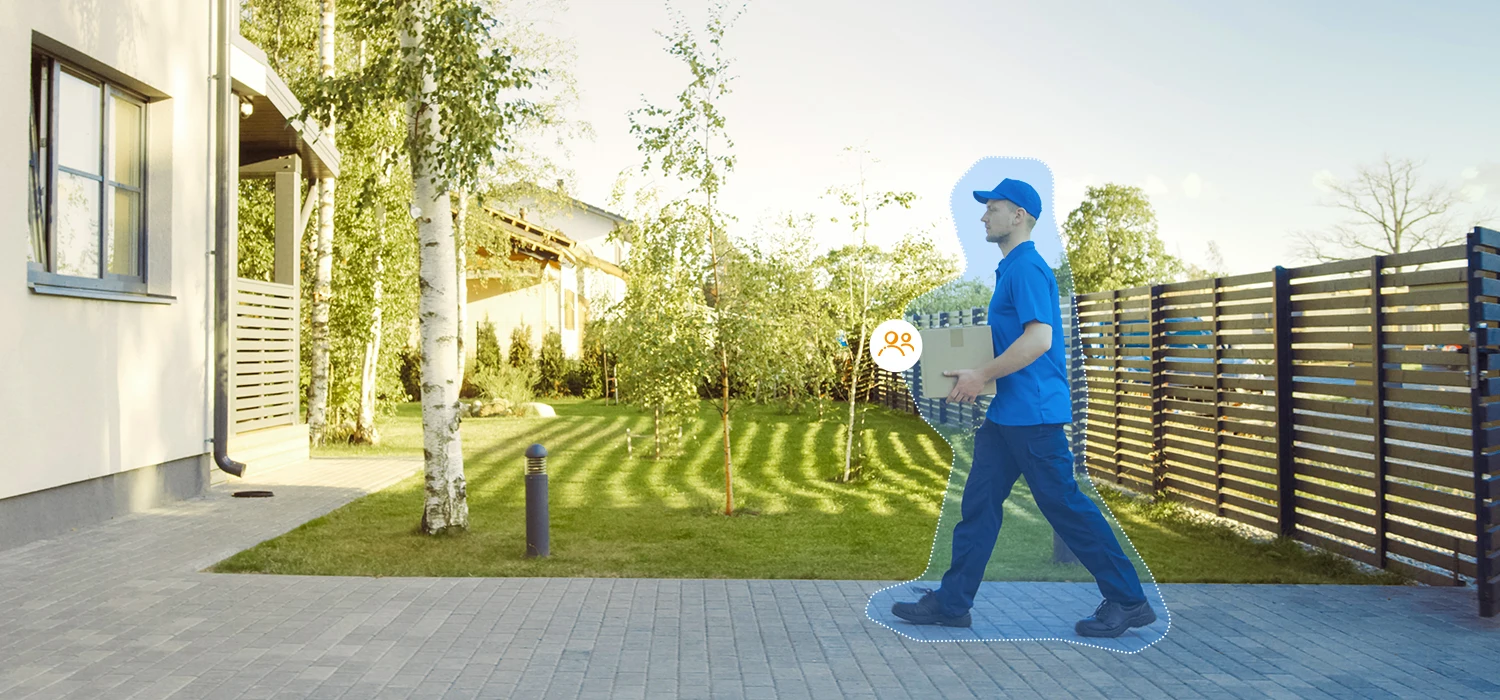
Connect your home from anywhere
It supports full duplex two-way talk with built-in echo cancellation, allowing you to have real-time smmooth communication with the person in front of the camera.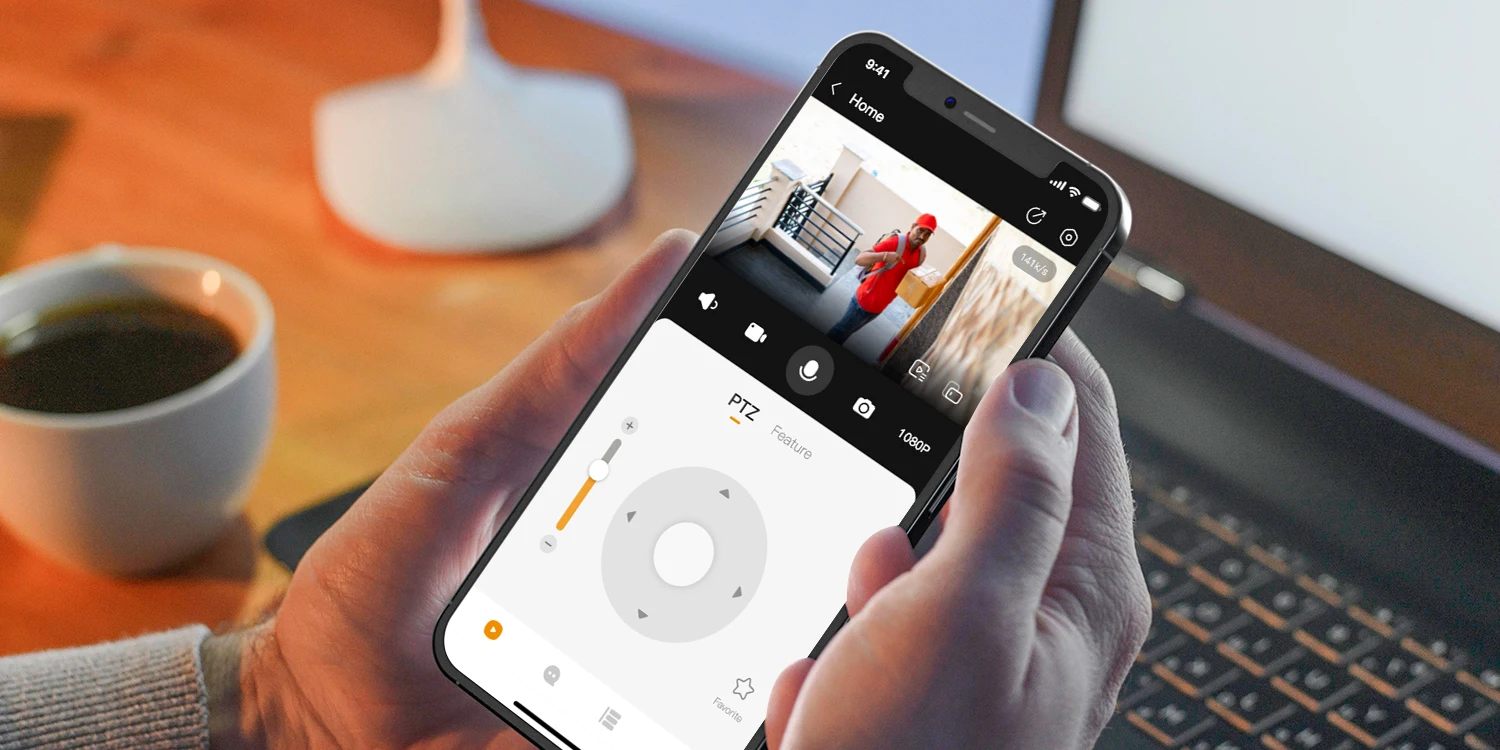
Professional protection to weather any storm
With IP66 water resistance,DK7is ableto against dust penetration and can easily handle rain and wind, keeping you safe around the clock.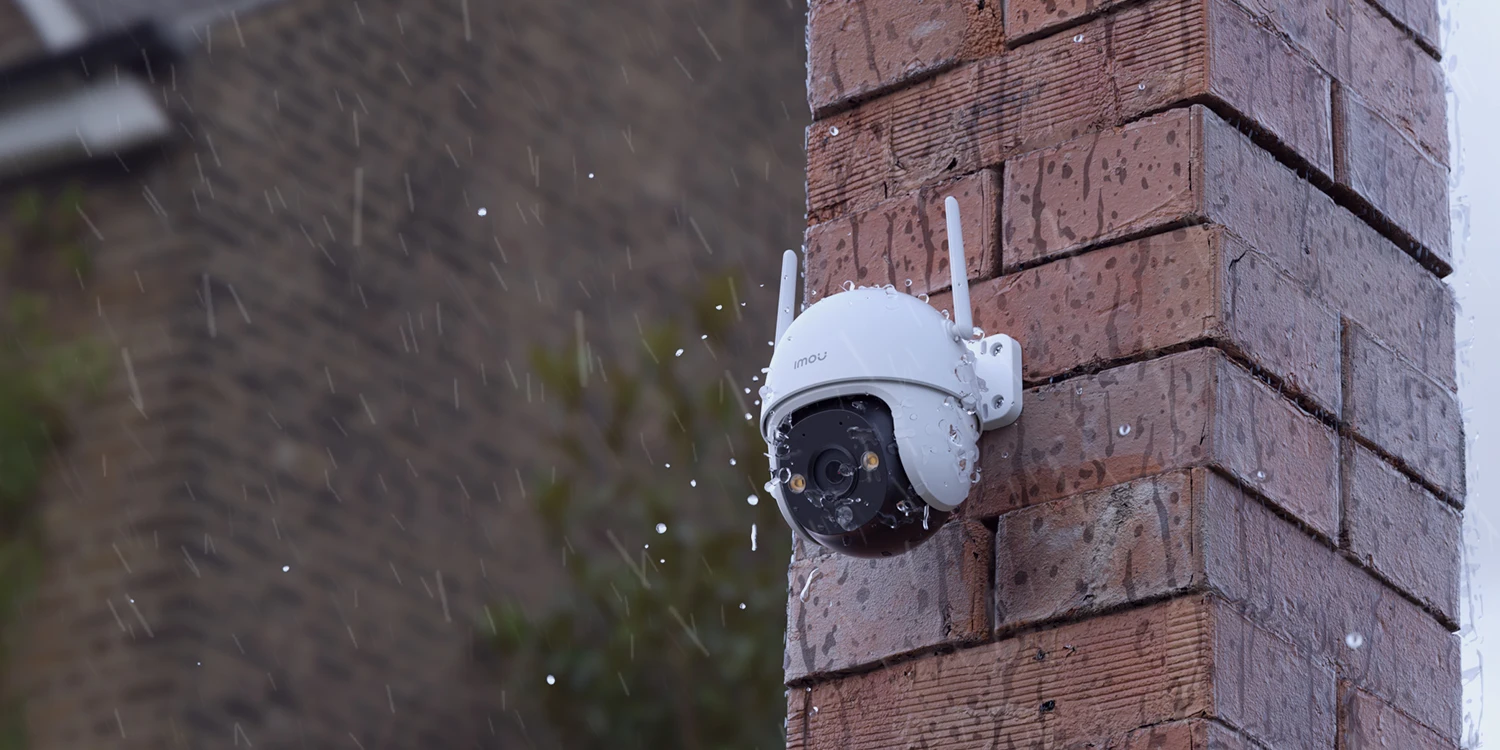
Deter unwelcome visitors
DK7 keeps an eye on your house, when someone breaks in, the 110dB siren will turn on to deter the unwelcom visitor.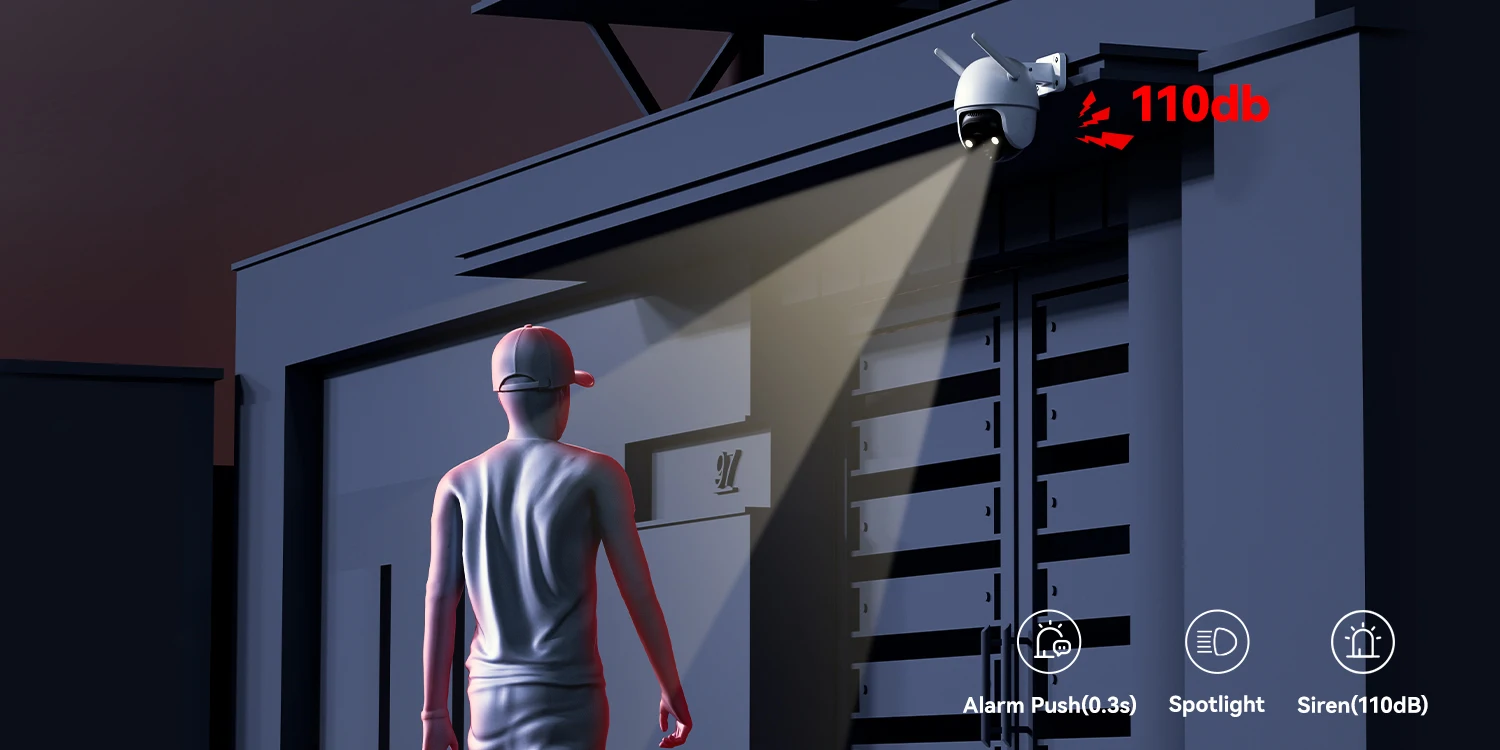
Protect according to your preference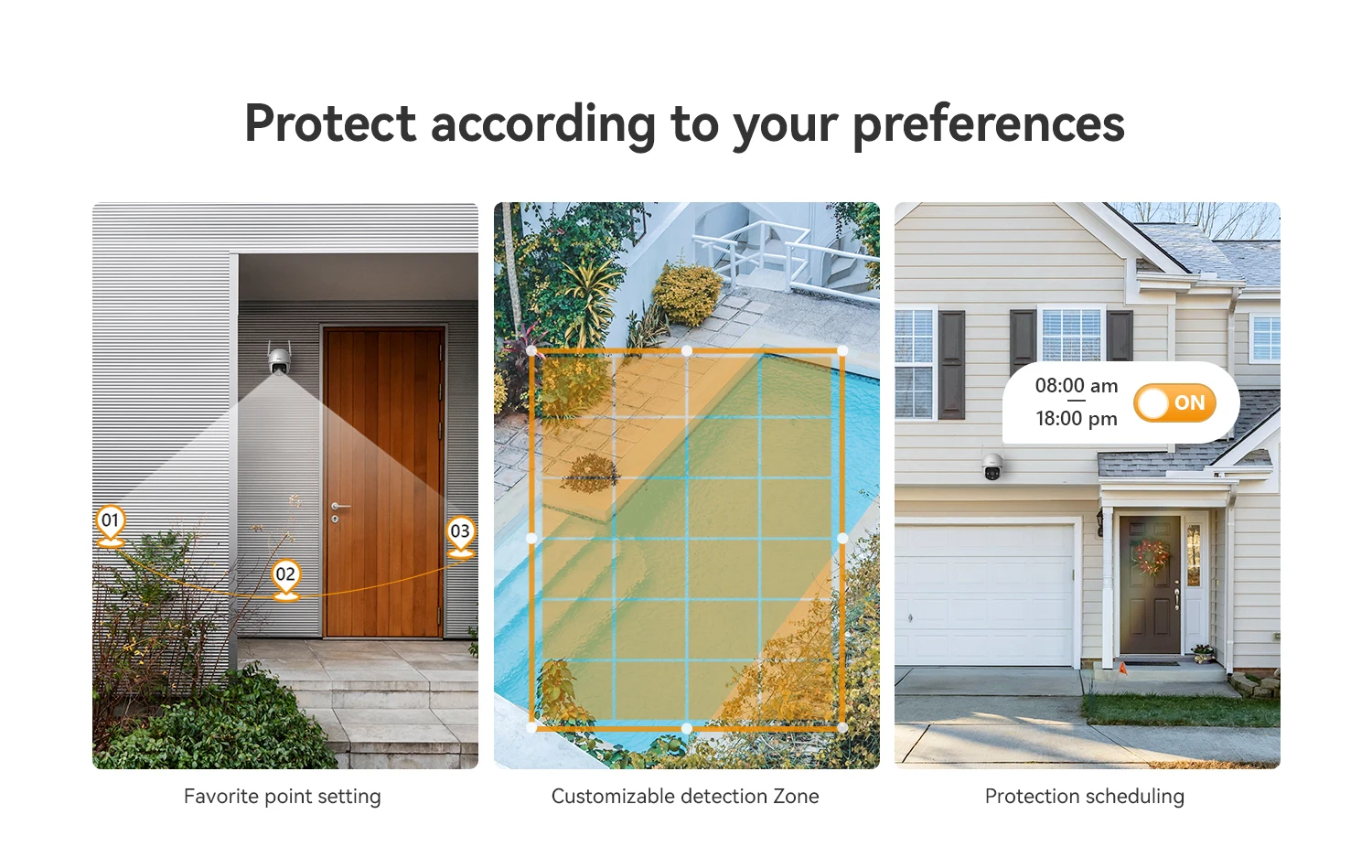
Other amazing features
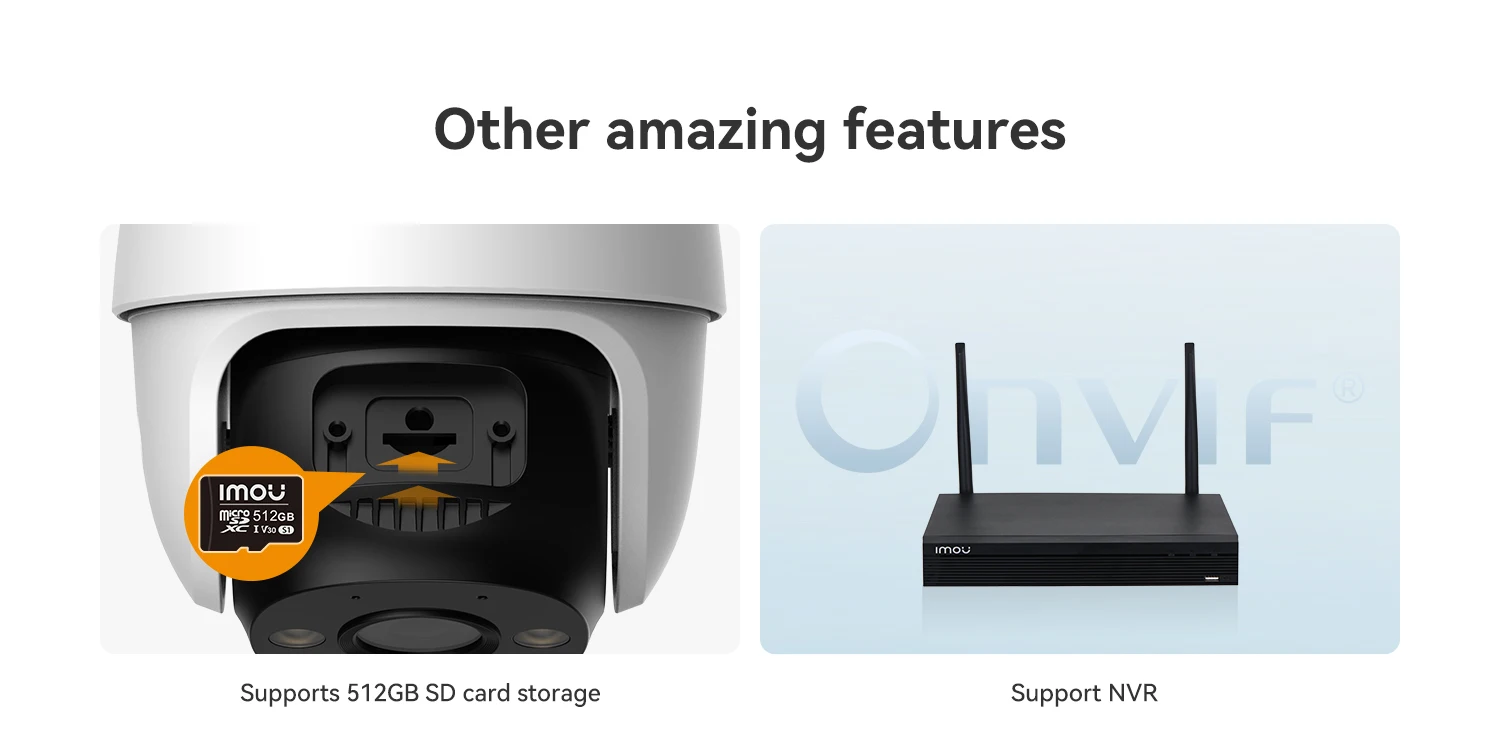
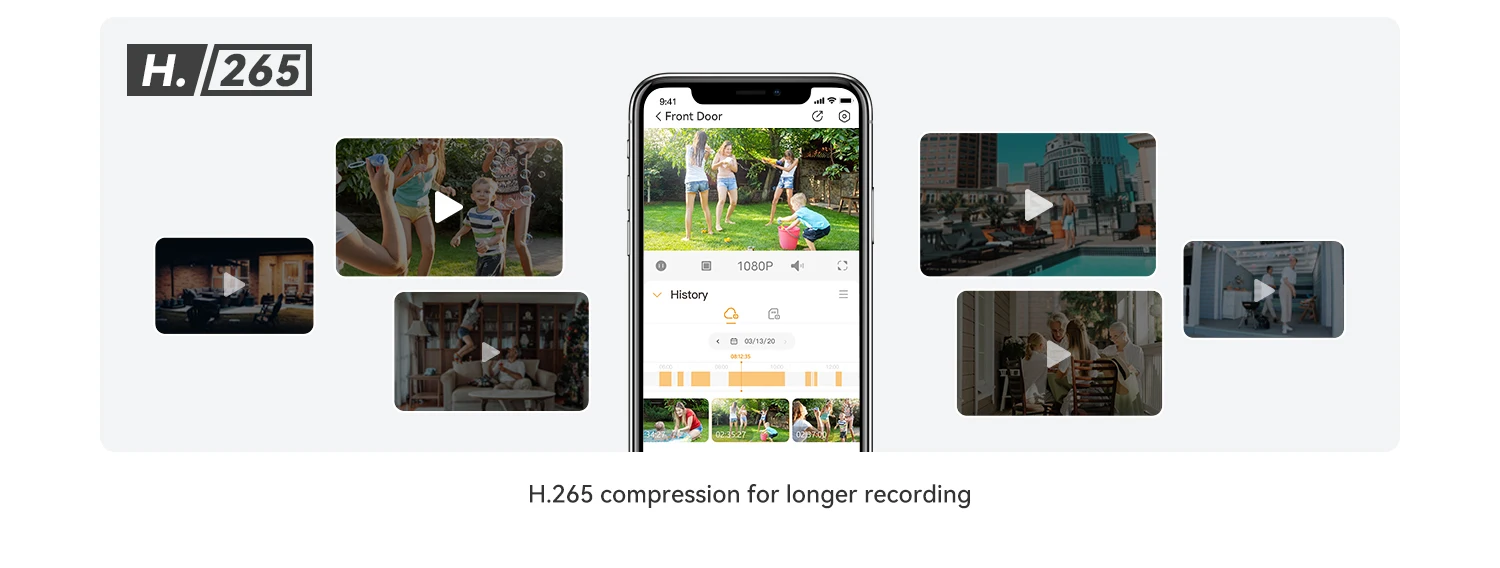
What's in the box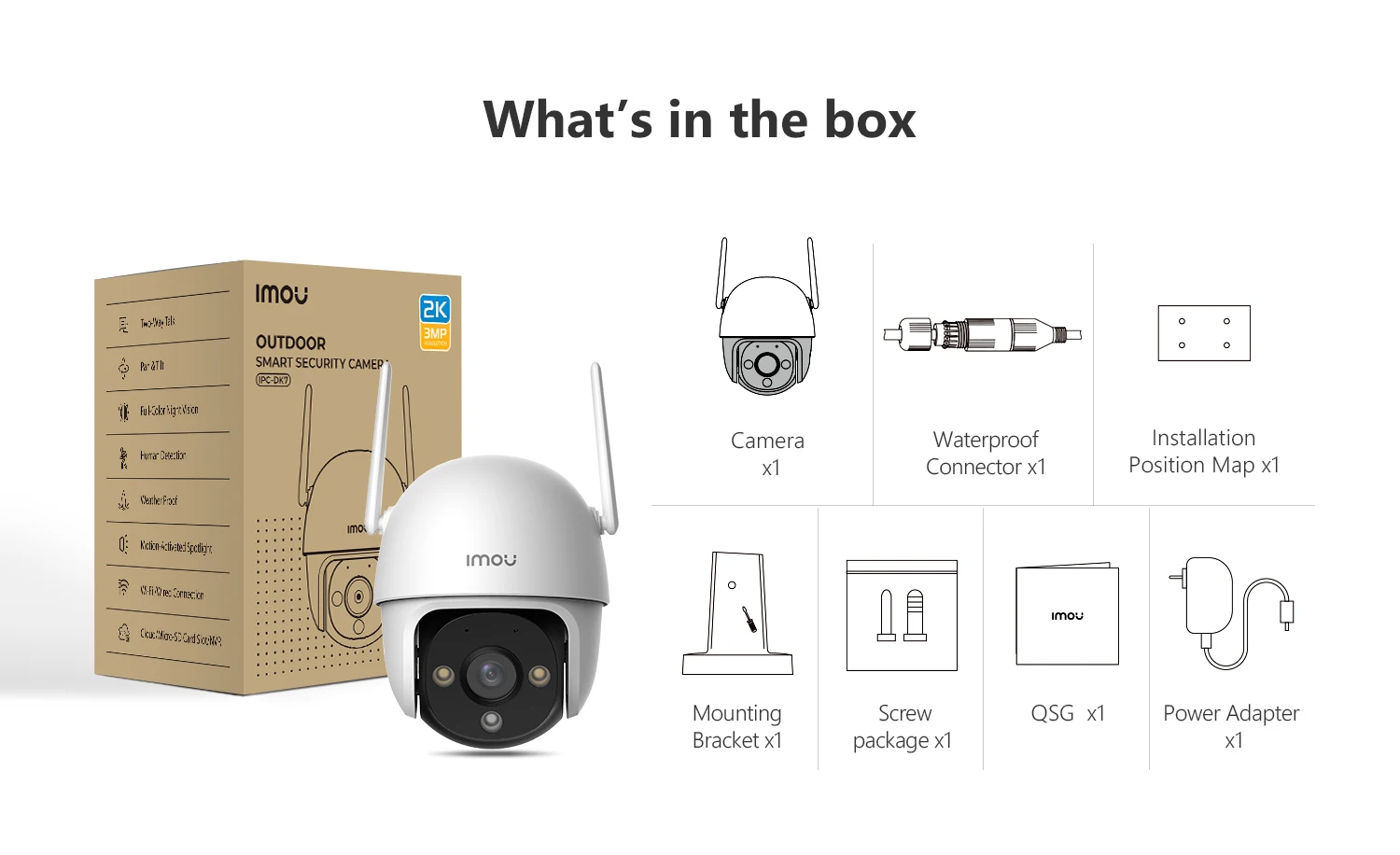
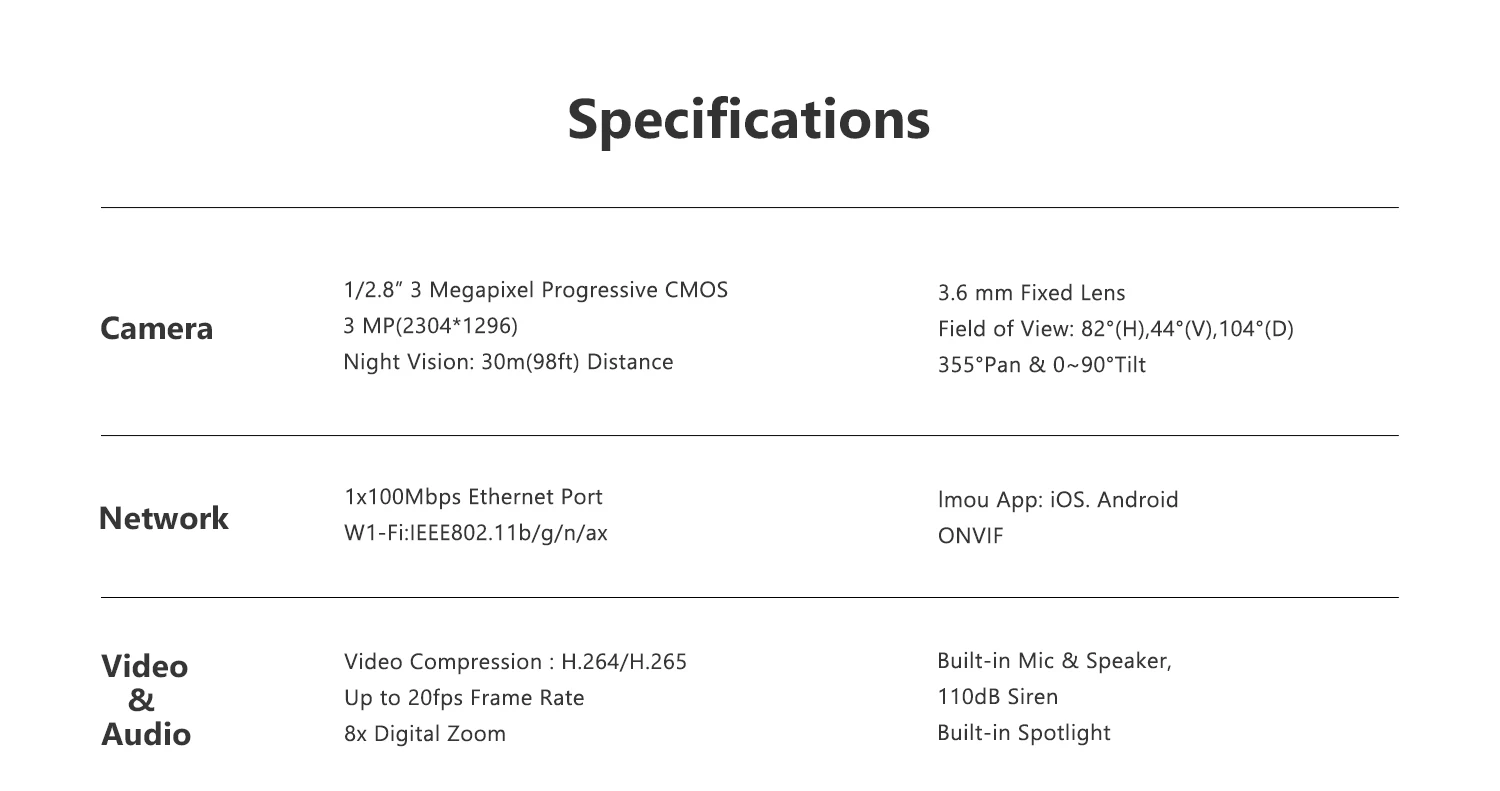
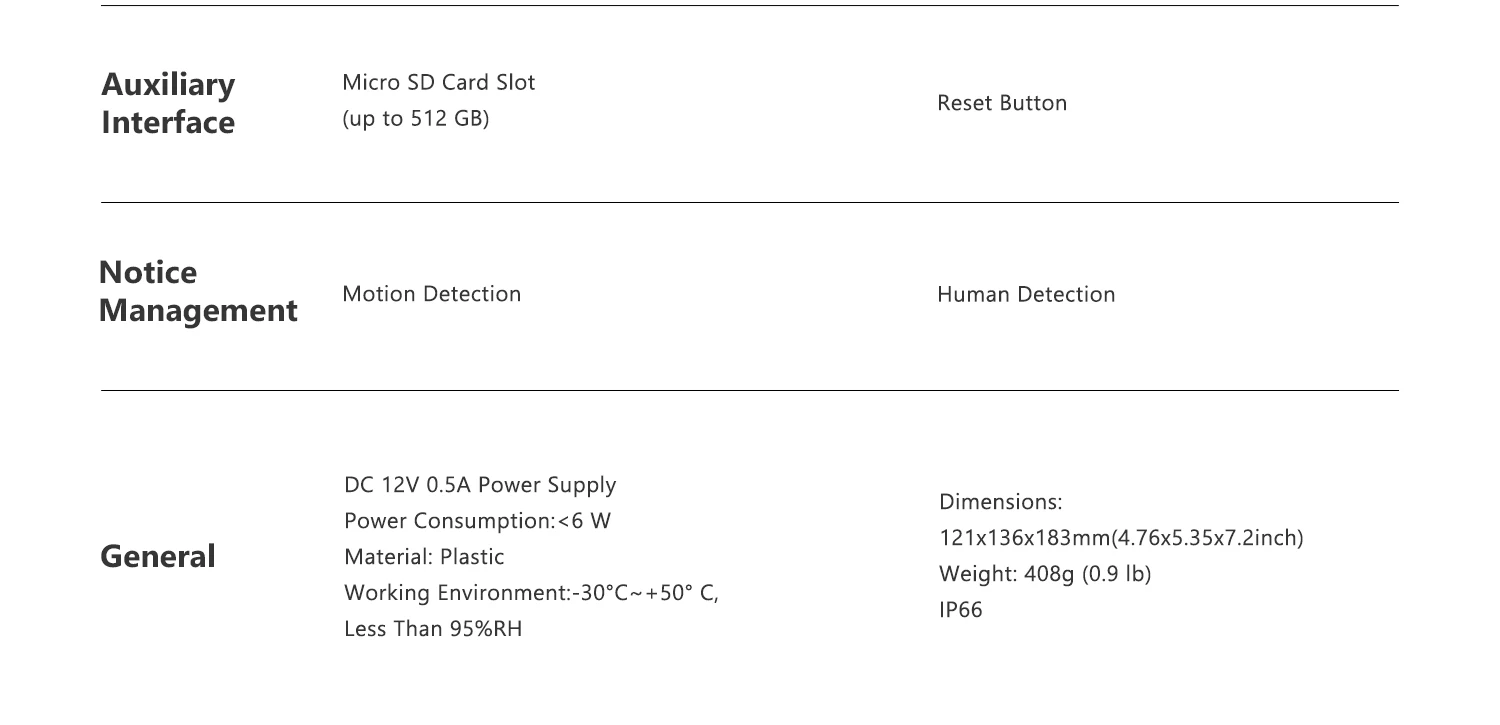
Powered by IMOU SENSE™ precision AI
IMOU SENSE™ is a self-developed AI algorithm under the IMOU brand, including video, audio, navigation, and perception algorithms, the usage of cutting-edge technology in the industry allows your IMOU device to be up to 50% more accurate than ordinary products.

Imou Protect - Level up your security
Imou Protect is a subscription service that is able to empower your IMOU products with advanced cloud computing technology and upgrade your security experiences.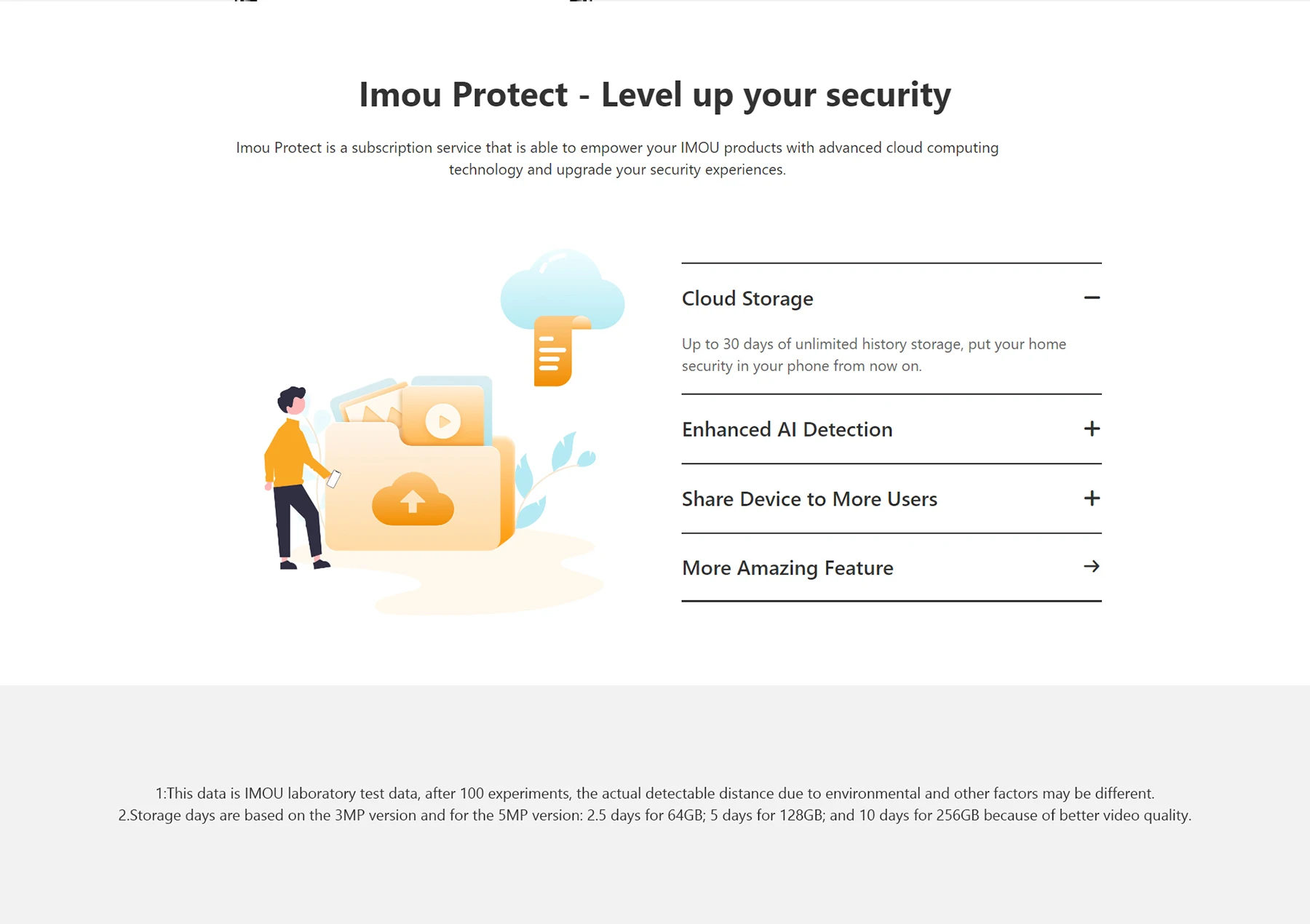
Please choose the correct plug according to your country or needs.
▶ US Plug Adapter (2 Pin Flat Pin)
United States | Canada | Most North and South American Countries | Japan | Philippines | Thailand | etc.
▶ EU Plug Adapter (2 Pin Round Pin)
Most Europe Countries | Most African Countries | Most Middle East Countries | South Korea | Chile | etc.

Q&A area
Q:Difference between SD memory card and cloud storage?
A:
1) Using SD card need to use computer to read the history monitoring screen, when the memory card is full, it will automatically delete and start a new round of recording, make sure to save the data in time;
2) Cloud storage is a value-added service, new devices have a 7-day free trial period of cloud storage, you can view the history monitoring screen directly in the app. When the trial period is over, you can choose to subscribe in the app. There is a time limit for using this service, when the time is full of 3 days or 7 days, the records will be automatically deleted and start a new round, make sure to save the data in time.
Q:How to modify device’s photo /name /channel name /password in mobile app?
A:Two methods to modify device infos from your account,firstly login into your account in mobile app:
Method 1: Go to preview page then click icon on the top right corner, go to device settings page,click device image bar to Device Info page,click corresponding option to modify.
Method 2: Click Me->My Device->select corresponding device ->click device image bar to Device info page -> click corresponding option to modify.
Q:The app says"Failed to bind"?
A:When the app says “Failed to bind”, it means your device is already successfully connected to your Wi-Fi, but failed to add the device to your Imou account. Please double check whether your router is connected to Internet, then try again. Normally the reason is the Internet connection is not stable.
Q:Imou account?
For security reason, one camera can be bound to only one Imou account. So if you want to add your camera to a new account, please delete it from the previous account first.
A:Two methods to delete camera from your account,firstly login into your account in mobile app:
(1) Method 1:go to preview page then click gear icon on the top right corner, go to device settings page, slide to the bottom then delete device.
(2) Method 2:Click Me->My Device->select corresponding device ->slide to the bottom ->Delete Device.
Q:I changed my Wi-Fi, I want to put the camera at a new location, how to connect my camera to my new Wi-Fi?
A:
1)Firstly please check whether your camera has an Ethernet port and whether you have an Ethernet cable at hand.
2)If yes, please power on your camera and connect it to your Router with the Ethernet cable, wait till the LED turn stably blue to make sure it has access to Internet. Then login to your Imou account, find your IPC on “Device” page and go to its settings page, then tap “Wi-Fi Config” and you can connect it to your new Wi-Fi.
3)If your camera has no Ethernet port or you don't have a cable at hand, we suggest you reset your camera to factory default, then setup your camera with the new Wi-Fi.
Q:How can I receive the alarm message?
A:
1)Firstly, you need click the enable button in the upper right corner in the picture of the channel of main page.
2)If it says “Failed to subscribe”, we suggest you ensure the following configuration:
Receives notifications from APP. Enable Imou Notifications via “Settings”->” Notifications” on your iPhone and “Me”-> “Settings”-> “Notice” on Imou APP.
3)Enable Event in the device. Take motion detection as an example, the event should be enable and time schedule should be valid.
4)Make sure the device is connected to Internet.
5)After successfully subscribe, you will receive the message.
Q:Working at night, the image is all black?
A:Reason:
1)IR LED didn’t light up
2)ICR didn’t switch to night mode
3)Objects are too far away from the camera
Solution:
①If the IR LED did light up, but you cannot hear “KA” and the image is still all black, maybe there is something wrong with the ICR.
②For consumer cameras, the IR distance is less than 10m(differ between different models), so you cannot see too far away at night.
About Imou
Founded in 2015, Imou is a commercial smart home product provider that aims at the smart IoT market for global consumers.
With more than 1,000 employees worldwide and over 60% R&D personnel engaged in the professional technical team, Imou has applied for over 100 technology patents. Imou's great technological achievements have gradually helped it get recognized by users all around the world. Up to 2022, Imou has scaled its products to more than 25 million users in over 100 countries around the world.
With the support of Imou AI ability and cloud platform, we structured 4 visual-sense centerd product lines: Imou Security, Imou Robots, Imou Lights, and Imou Link. Imou is devoting itself to provide diversified solutions according to different usage scenarios, creating a more convenient and efficient experience for smart product users.
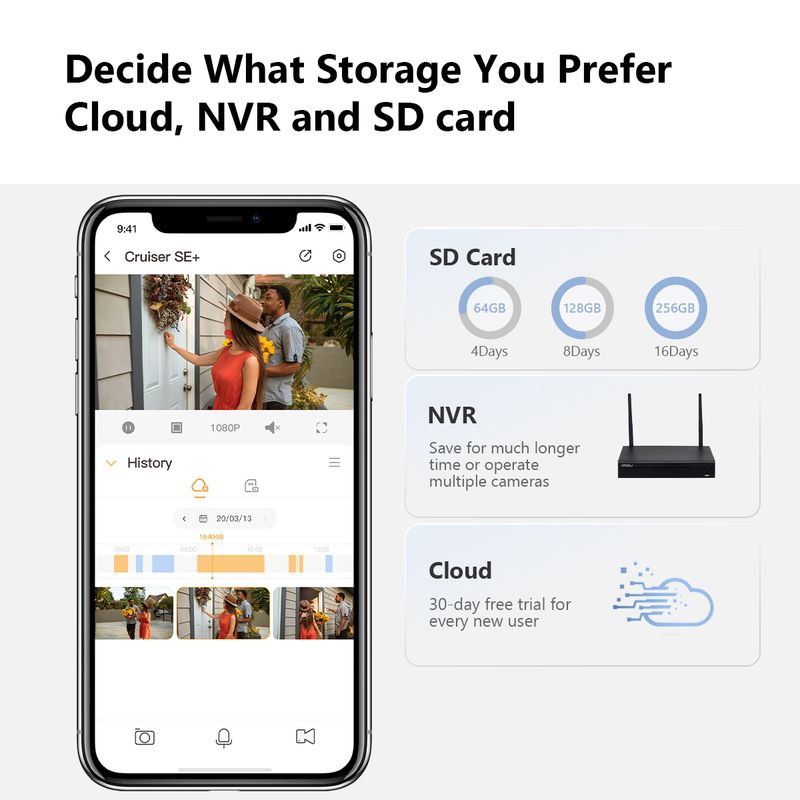
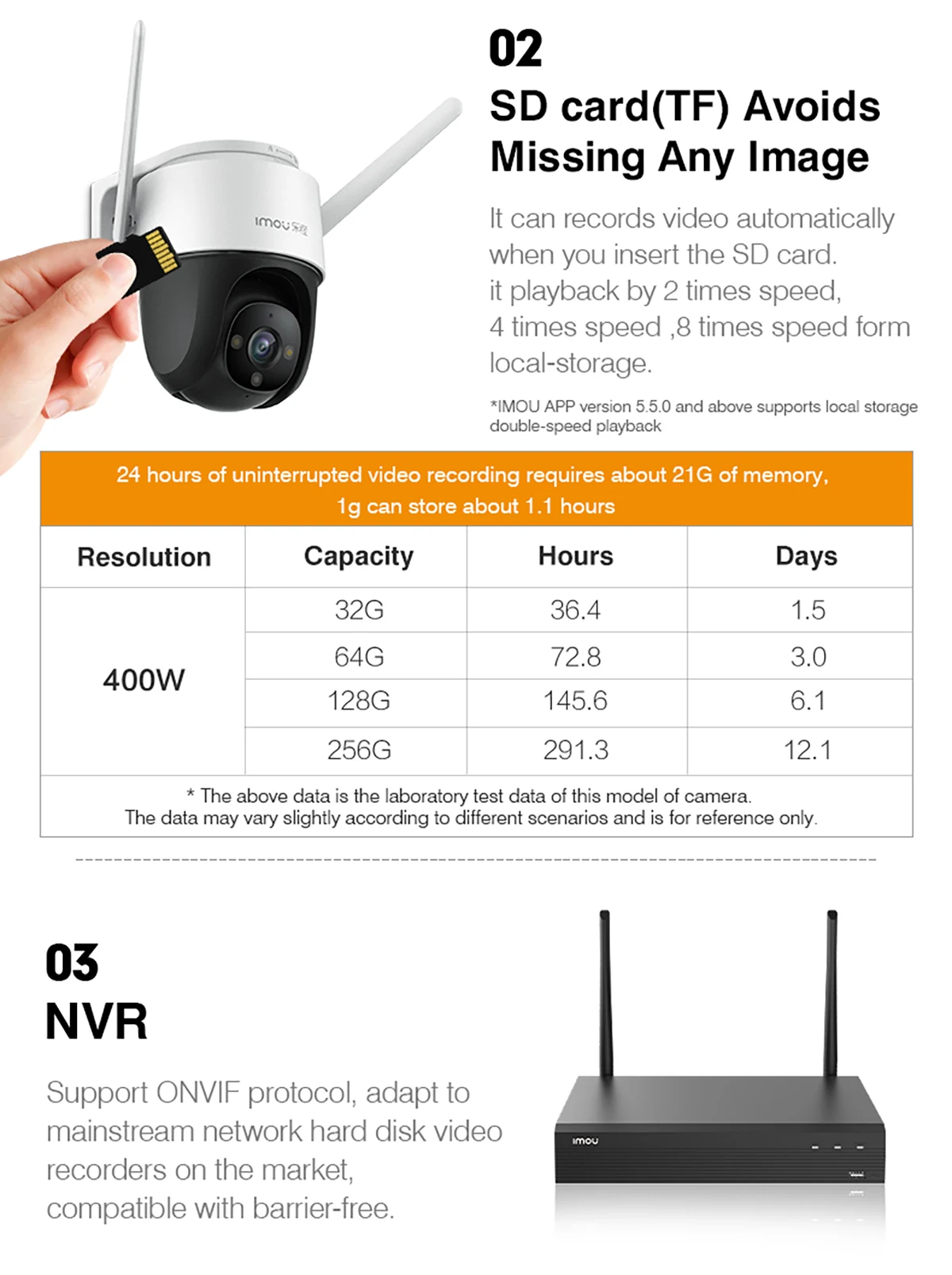
Support Multiple Ways to Store Video
Video is easily stored and accessed through Cloud Storage, SD card and NVR

About IMOU

Shop Policies
Payment Policy
Payment Policy – BILLIONS BIRDS
At BILLIONS BIRDS, we are committed to providing a safe, secure, and seamless payment experience for our customers.
1. Accepted Payment Methods
We accept the following payment options:
Major Credit & Debit Cards (Visa, MasterCard, American Express)
Secure Online Payment Gateways (such as PayPal, Stripe, or other providers available at checkout)
Any additional payment methods displayed during checkout
All payments must be completed in full at the time of purchase.
2. Secure Transactions
All transactions are processed through encrypted and secure payment systems to protect your personal and financial information. We do not store your full payment details on our servers.
3. Currency
Prices are displayed in the currency indicated on the website. If you are purchasing from another country, your bank may apply currency conversion fees.
4. Order Confirmation
Once your payment has been successfully processed, you will receive an order confirmation email containing your purchase details.
5. Failed or Declined Payments
If your payment is declined, please verify your billing information or contact your bank. Orders will only be processed after successful payment confirmation.
6. Fraud Prevention
BILLIONS BIRDS reserves the right to cancel or refuse any order if fraud or unauthorised activity is suspected.
Delivery Policy
Delivery Policy – BILLIONS BIRDS
At BILLIONS BIRDS, we are dedicated to delivering your orders safely and efficiently.
1. Order Processing
All orders are processed within 1–3 business days after payment confirmation. Orders are not processed or shipped on weekends or public holidays.
2. Shipping Times
Estimated delivery times vary depending on your location:
Domestic Shipping: 3–7 business days
International Shipping: 7–15 business days
Please note that delivery times are estimates and may vary due to customs procedures, carrier delays, weather conditions, or other unforeseen circumstances.
3. Shipping Costs
Shipping fees are calculated at checkout based on your location and selected shipping method. Any customs duties, taxes, or import fees are the customer's responsibility.
4. Tracking Information
Once your order has been shipped, you will receive a confirmation email with tracking details (if available) so you can monitor your package.
5. Delivery Issues
If your order is delayed, lost, or arrives damaged, please contact us within 7 days of the expected delivery date. We will work with the shipping carrier to resolve the issue as quickly as possible.
6. Incorrect Shipping Information
Customers are responsible for providing accurate shipping details at checkout. BILLIONS BIRDS is not responsible for orders shipped to incorrect addresses provided by the customer.
Refund Policy
Refund Policy – BILLIONS BIRDS
At BILLIONS BIRDS, customer satisfaction is our top priority. If you are not completely satisfied with your purchase, we’re here to help.
1. Return Eligibility
You may request a return within 14 days of receiving your order. To qualify for a return:
The item must be unused, unworn, and in the same condition as received.
The item must be in its original packaging.
Proof of purchase (order confirmation or receipt) is required.
Certain items may not be eligible for return, including clearance items, gift cards, or personalised/custom products.
2. Non-Refundable Items
The following items are non-refundable:
Final sale or discounted items
Gift cards
Items damaged due to misuse, negligence, or improper care
3. Return Process
To initiate a return, please contact our customer support team with your order number and reason for return. If your return is approved, you will receive instructions for returning the item.
Unless the item is defective or incorrect, customers are responsible for return shipping costs.
4. Refund Processing
Once we receive and inspect your returned item:
We will notify you of the approval or rejection of your refund.
If approved, the refund will be issued to your original payment method within 5–10 business days.
Please note that banks or payment providers may require additional time to process refunds.
5. Damaged or Incorrect Items
If you receive a damaged, defective, or incorrect item, please contact us within 7 days of delivery and provide clear photos of the product and packaging. We will arrange a replacement or full refund at no additional cost.
6. Late or Missing Refunds
If you have not received your refund:
Check your bank account again.
Contact your credit card company or payment provider.
If the issue persists, don't hesitate to contact our support team for assistance.
Recommended Products
Customer reviews
Share your thoughts with other customers
Be the first one to write a review!

Items (0)
