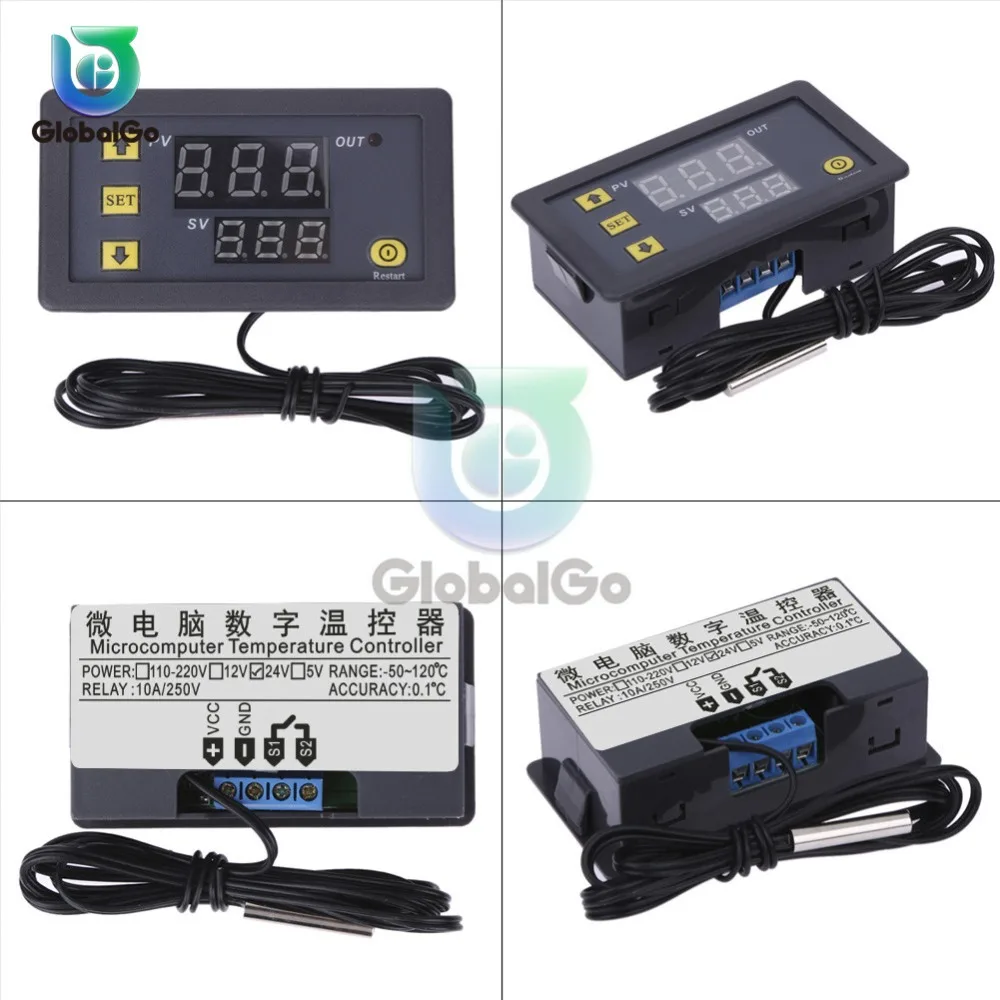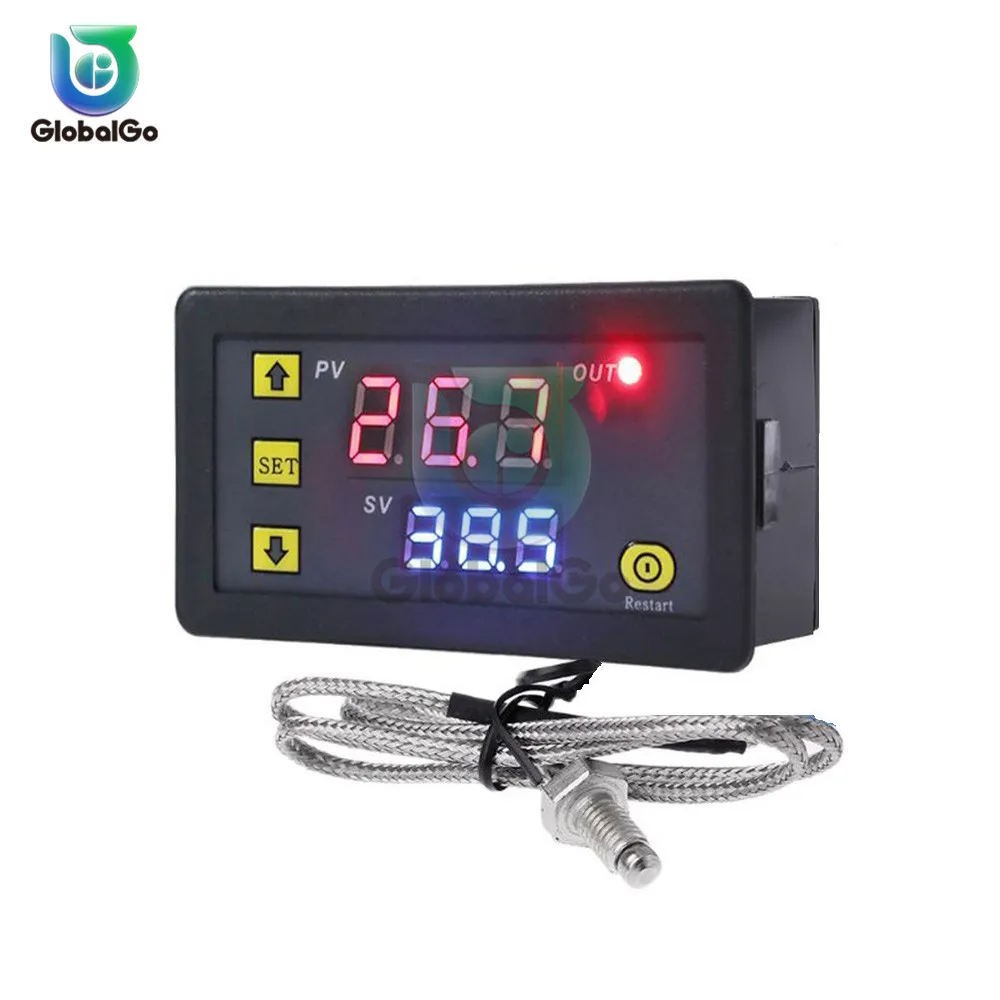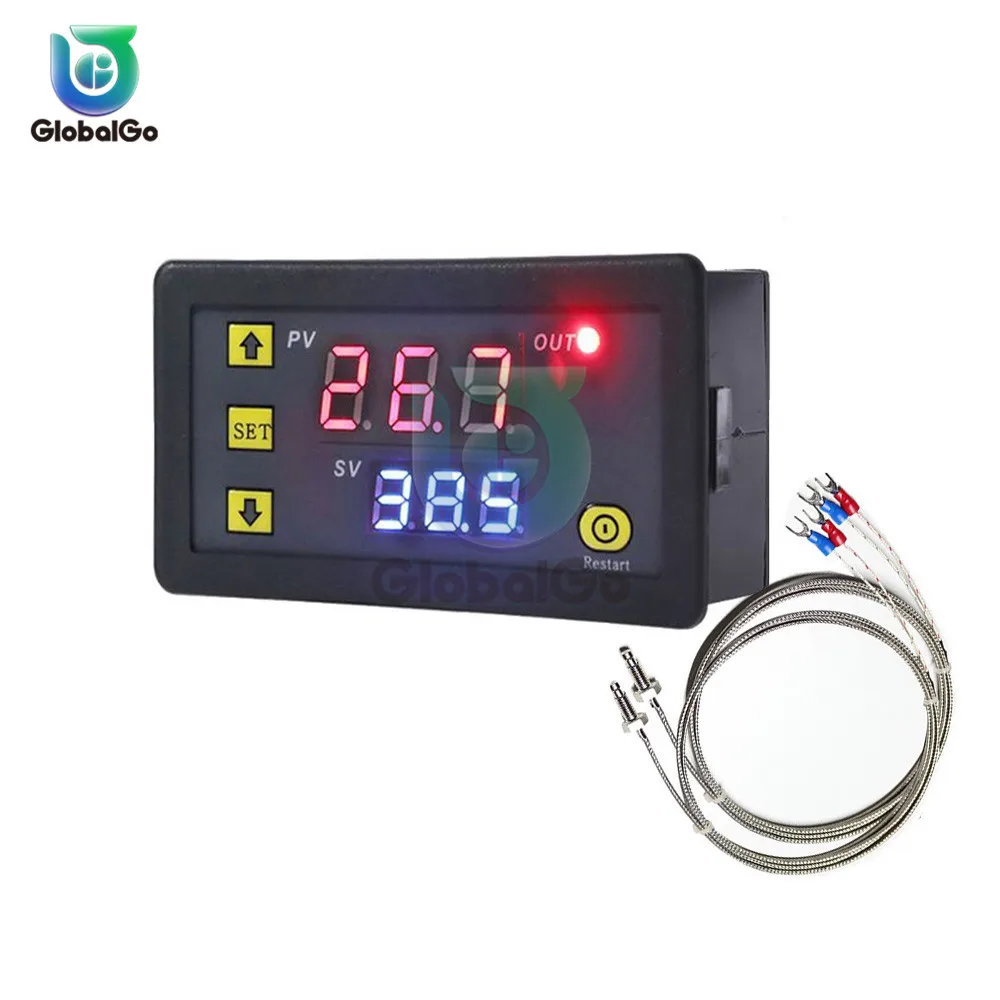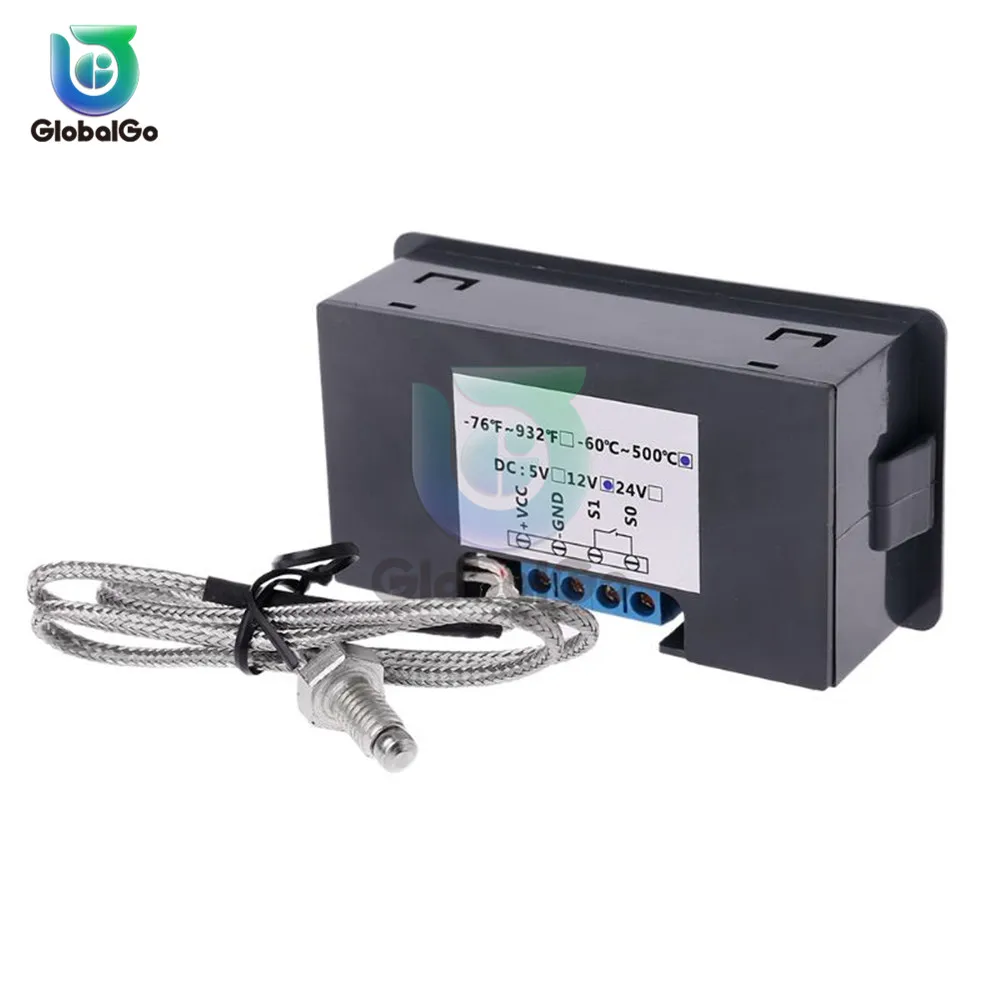
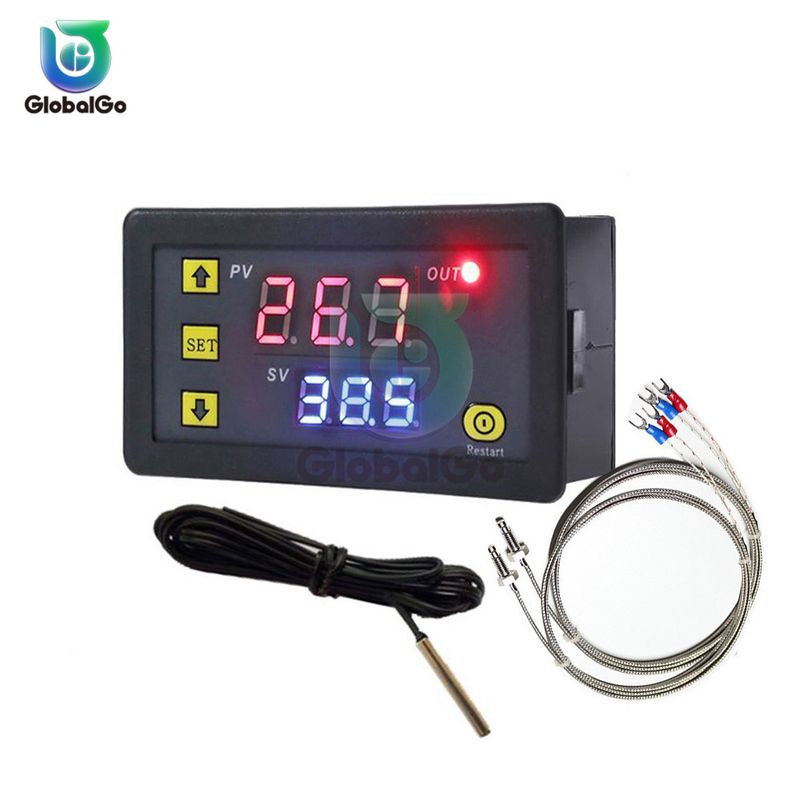
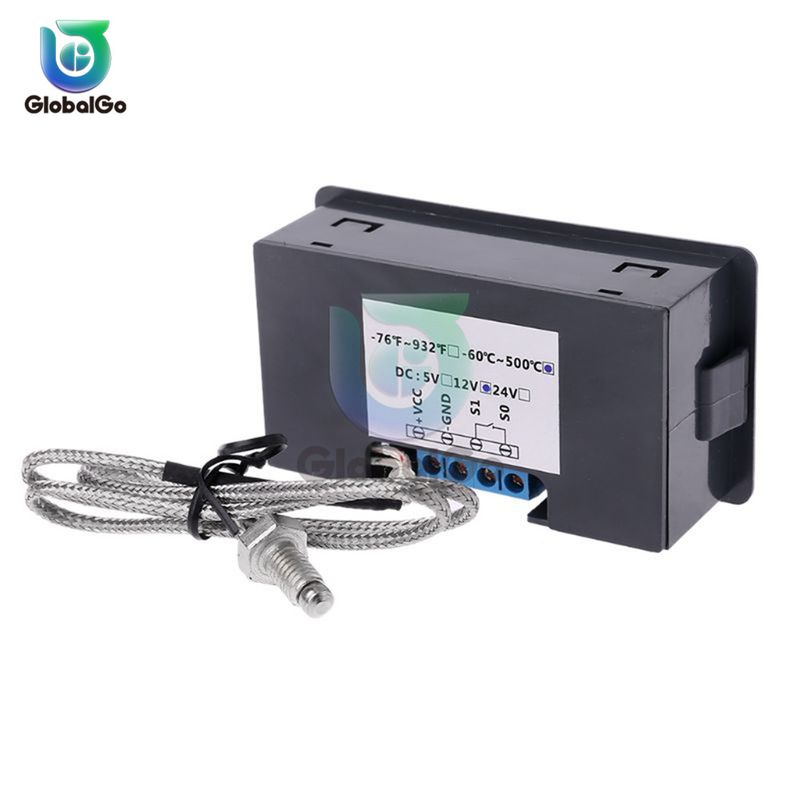
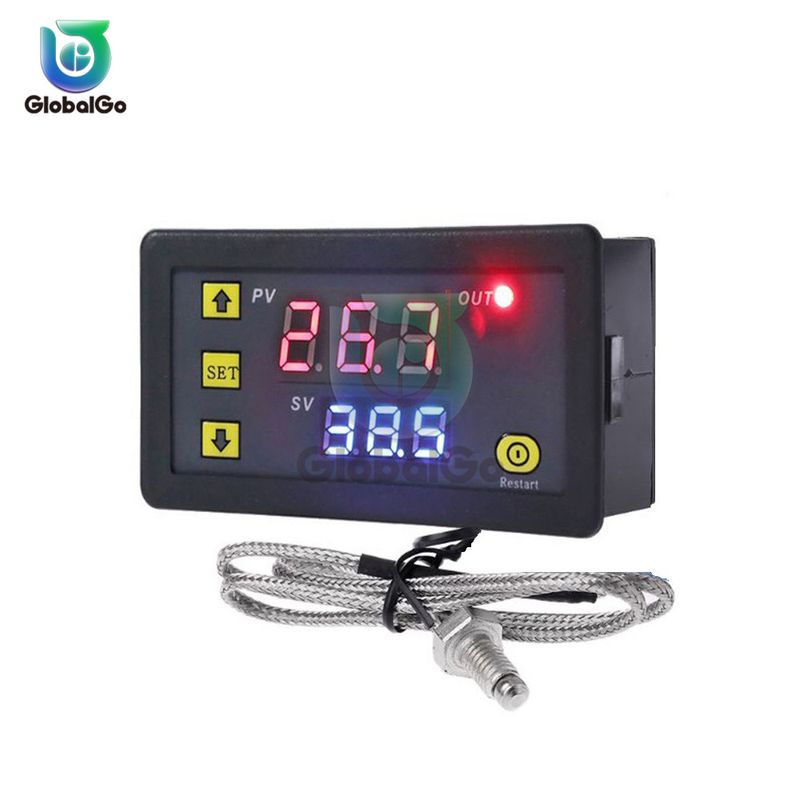
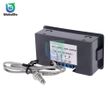
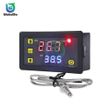
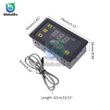
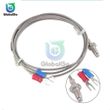
K-type Thermocouple Thermometer Thermostat -60℃-500℃ Digital Temperature Controller Heating Cooling Switch NTC Sensor W3230

$8.60

Includes all taxes

Quantity
Meet your Seller
Delivery options
  • Ship Only

Description

K-Type AC220V: -60°C~ 500°C

K-Type DC5V:-60°C~ 500°C

K-Type DC12V:-60°C~ 500°C

K-Type DC24V: -60°C~ 500°C

NTC DC12V:-55℃-120℃

NTC DC24V:-55℃-120℃

NTC AC220V:-55℃-120℃ 

Specifications:

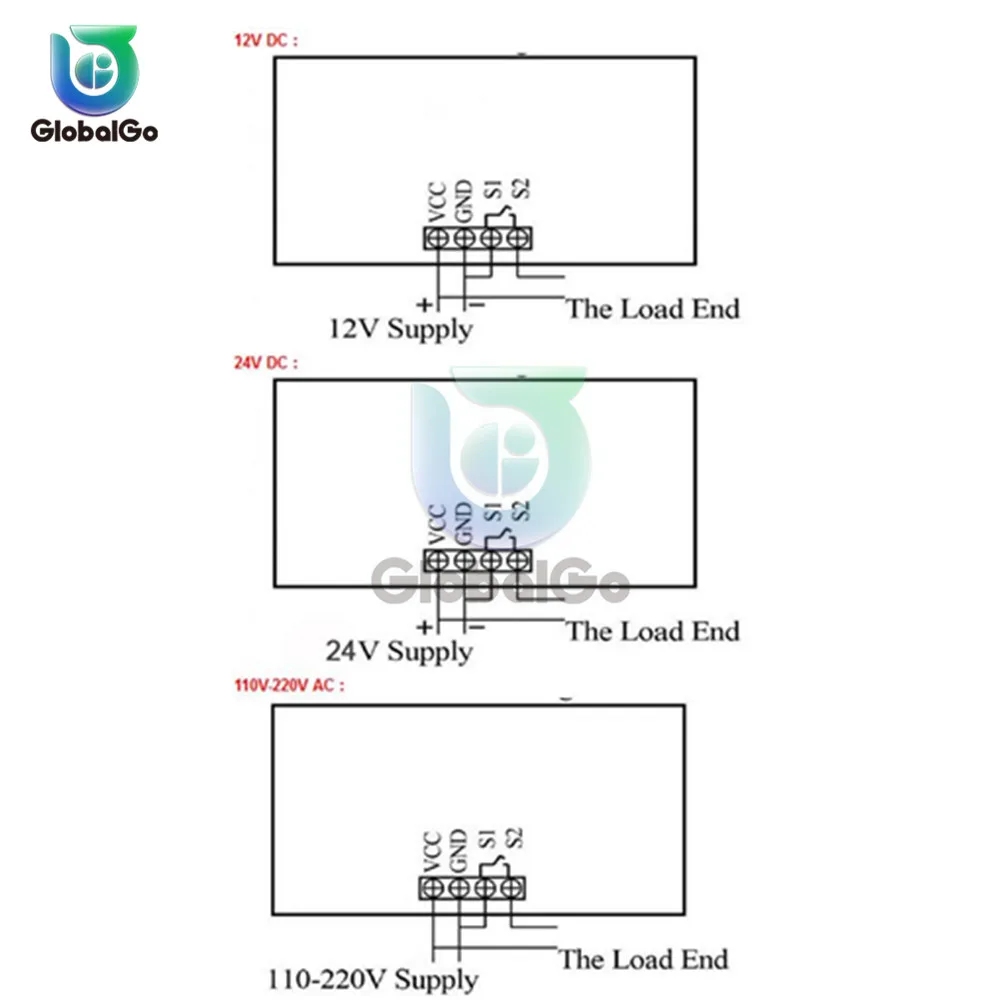
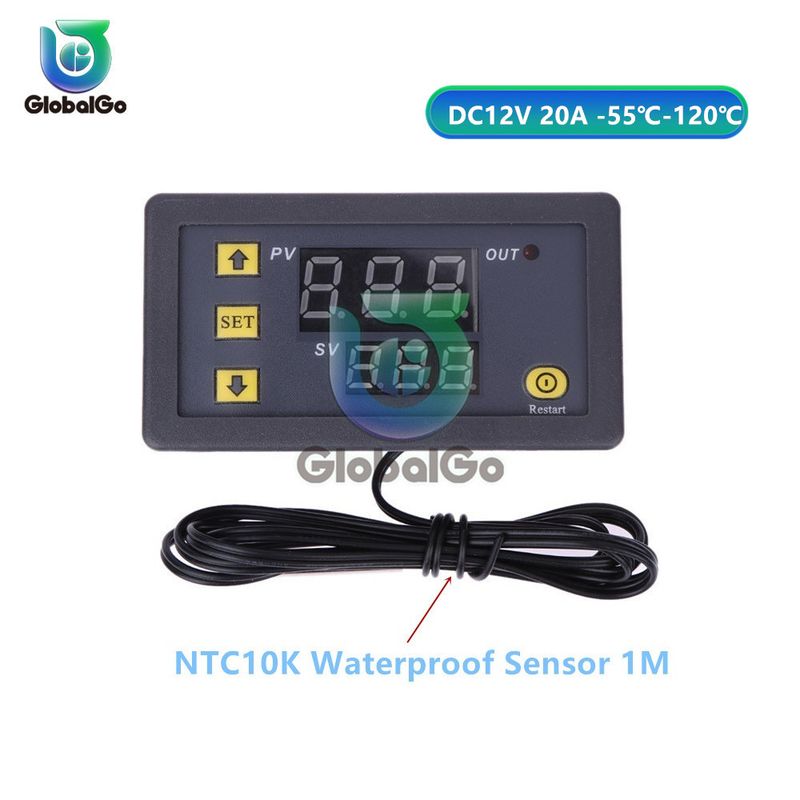
Power Supply:DC 12V/ AC 110V-220V

Temperature Control Range:-55℃-120℃

Resolution Ratio: 0.1°C(-9.9-99.9); 1°C(other range)

Color of Displaying: red/blue

Measurement accuracy: ±0.1°C

Control accuracy: 0.1°C

Sensor: NTC10K Waterproof sensor

Output: Relay Contact Capacity 20A 12V / 10A 220V

Environmental requirements: -10-60°C , humidity 20%-85%RH

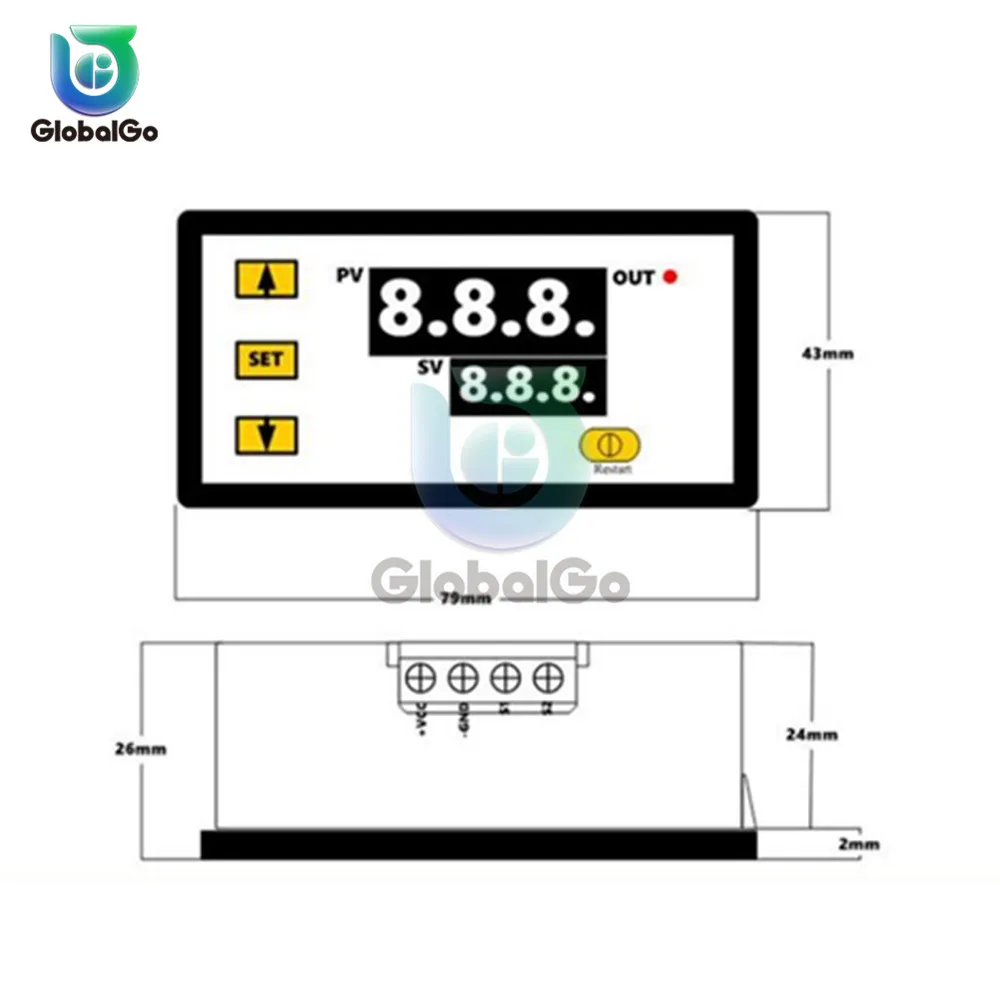
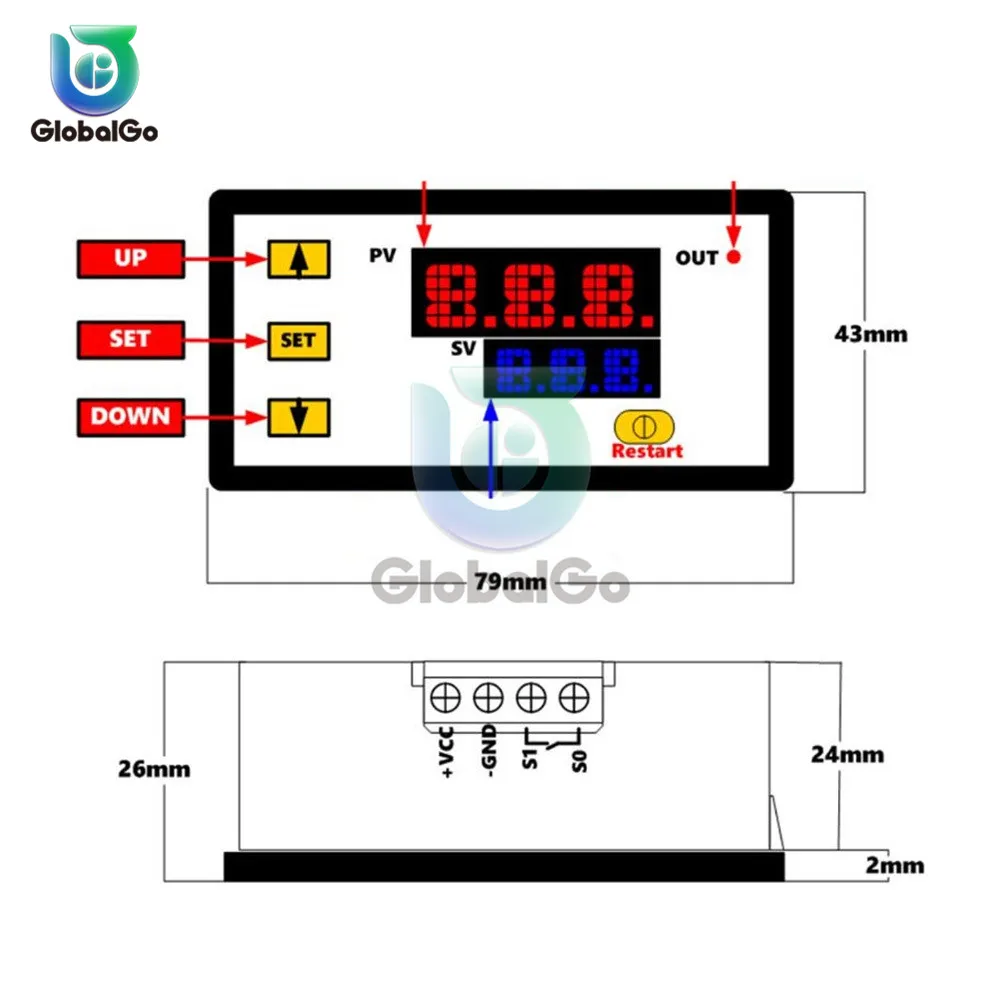
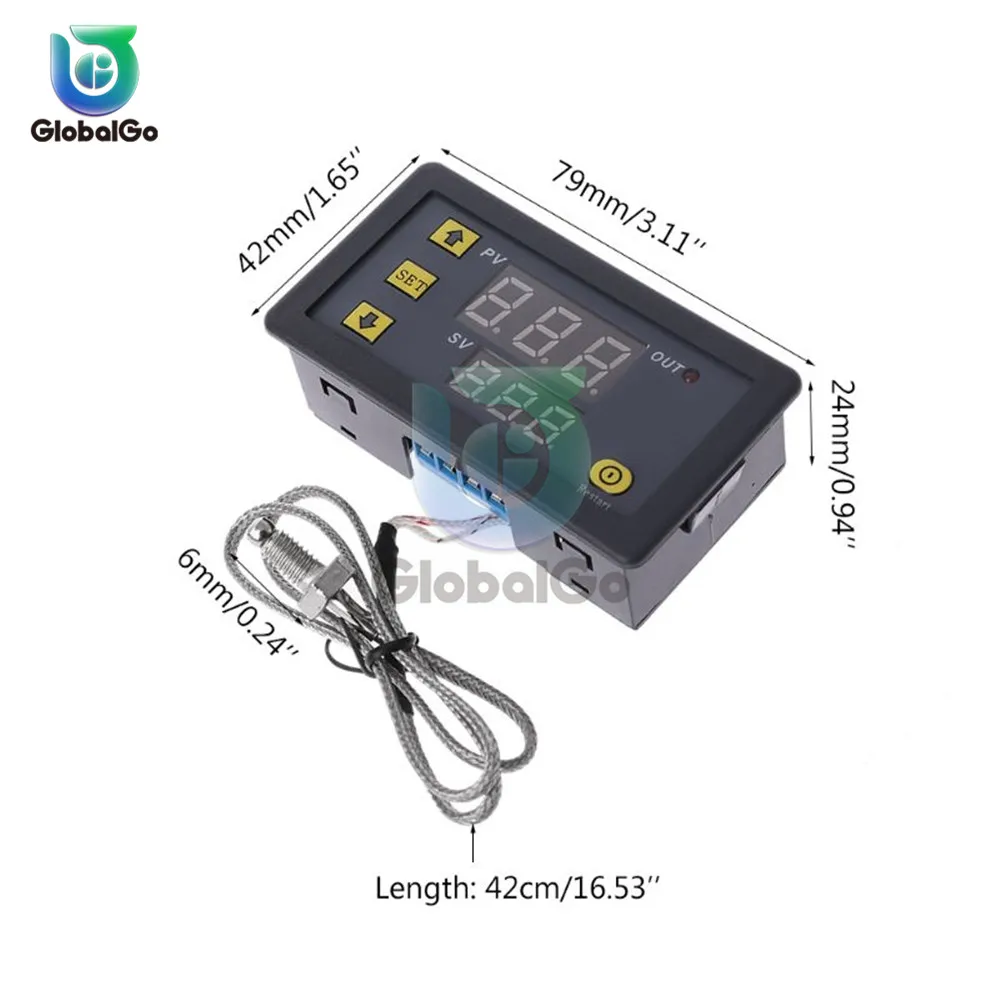
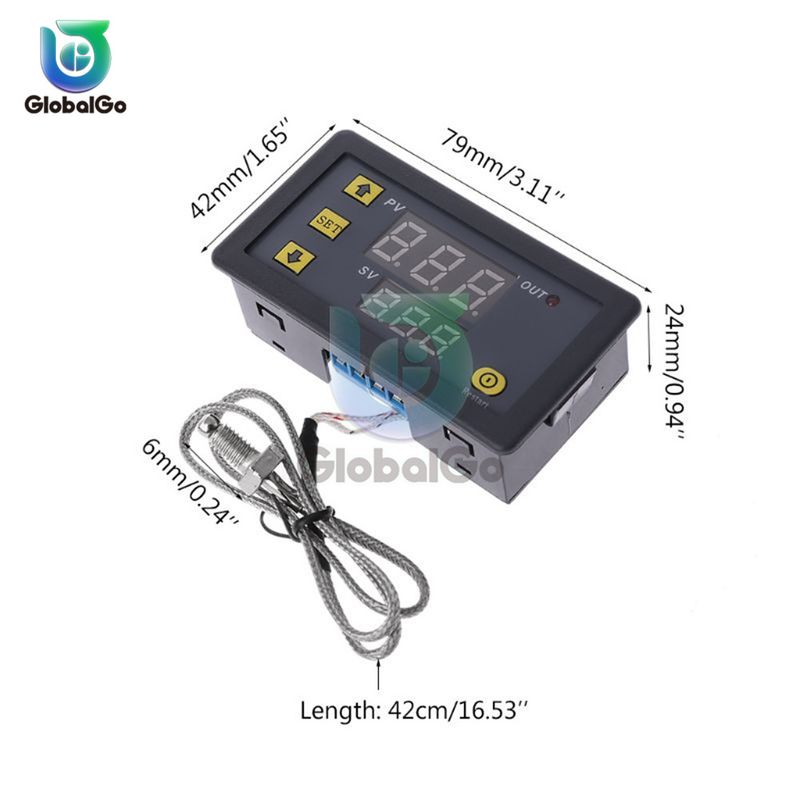
Dimension:79mm *43mm*26mm

Cutting Size:73mm*39mm

Sensor wire: 0.5 meter


Code table:

Code

Function

Set Range

Default

P0

Heating/Cooling

H/C

C

P1

Return Difference

0.1-30

2

P2

Setting limits to the manimum

120

120

P3

Setting limits to the minimum

-55

-55

P4

Temp. Correction

-20

0

P5

Delay Start

0-10min

0

P6

Alarm Temp

-175

OFF

P7

Data locked

ON/OFF

OFF

P8

Restore factory settings

ON/OFF

OFF

 
Instructions:
 
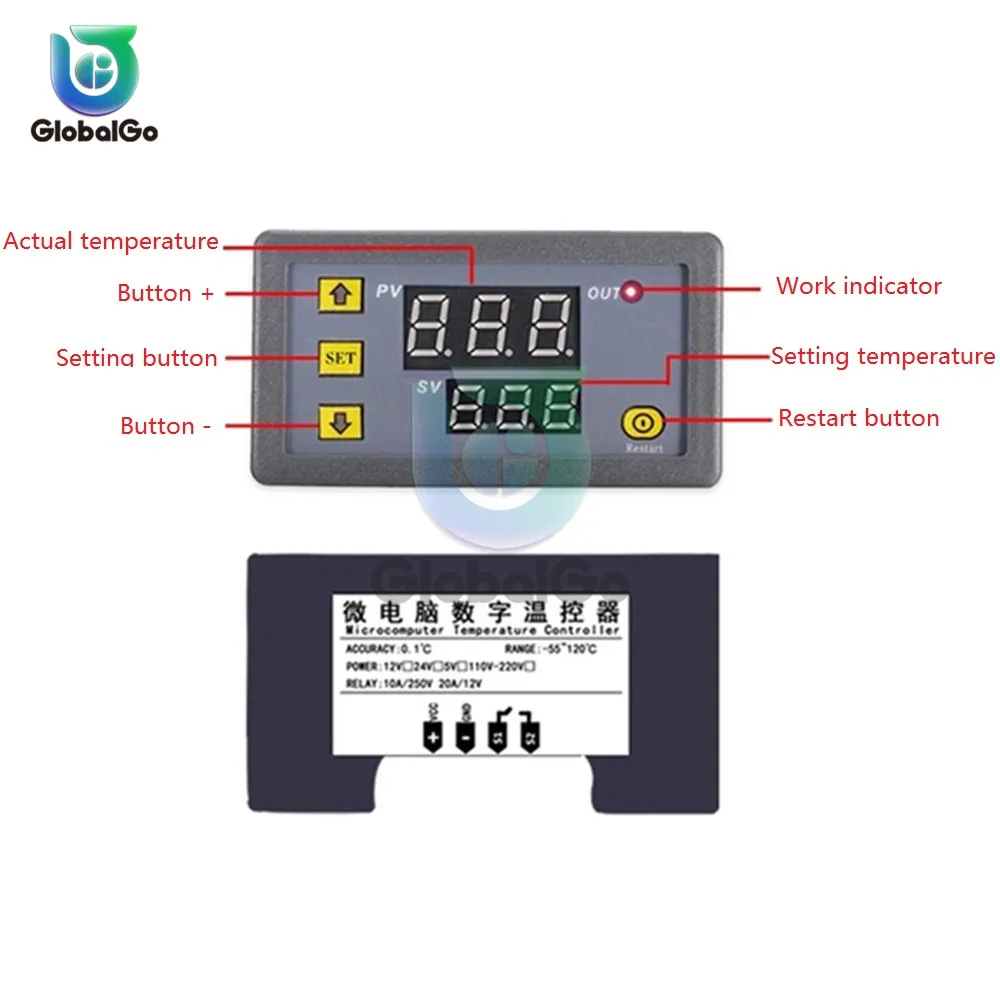
Connect the power supply and equipment to supply power to the controller. At this time, it is displayed as measuring temperature. Press SET once, the display temperature will flash, press +- to set the desired temperature (press +- to quickly raise and lower) After finishing, press SET to confirm the return. At this time, the controller automatically performs relay on/off according to the setting! The output of the thermostat is a 20A relay, which satisfies various high-power loads. When the control circuit is connected, the thermostat can be powered. At this time, the display shows the ambient temperature.
 
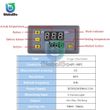
Indicator light, digital tube status description
Indicator light: Blinking indicates cooling or heating start delay, always on indicates that the relay is closed
Digital tube: Display LL is the sensor open circuit, please follow the instructions to connect the sensor; display HH is out of the measurement range, the thermostat will forcibly open the relay; display --- for high temperature alarm
 
Parameter function description
Press and hold SET for 5 seconds to enter the main menu settings, press +- to switch P0...P6, long press SET or 10 seconds without button action, the controller automatically confirms the return.
 
P0 cooling and heating mode
Press and hold SET for 5 seconds to display P0, press SET once to set the working mode, press +- to switch [H is heating mode] [C is cooling mode] Press SET once to return, long press SET or 10 seconds without button action controller automatically confirm carry out.
In the cooling mode: when the temperature measurement value ≥ the temperature set point, the refrigeration relay is closed and the refrigerator is started; when the temperature measurement value ≤ temperature set point - the return difference, the refrigeration relay is turned off and the refrigerator is turned off.
In the heating mode: when the temperature measurement value ≤ temperature set point, the heating relay pulls in and the heater starts; when the temperature measurement value ≥ temperature set point + hysteresis, the heating relay is turned off and the heater is turned off.
 
P1 hysteresis setting
Press and hold SET for 5 seconds to display P0, press +- to switch to P1, press SET once to return the difference, press +- to set the difference to 0.1-15, press SET once after completion, long press SET or 10 seconds without button The motion controller automatically confirms the completion.
In the cooling mode: when the temperature measurement value ≥ the set value, the relay is closed, the refrigerator starts; when the temperature measurement value ≤ the set value - the difference value, the relay is turned off and the refrigerator is turned off.
For example, if the environment is 30 °C, the set value is 25 °C, and the hysteresis is set to 2 °C. After the power is turned on, the relay closes the refrigerator to start. When the cooling reaches 23 °C, the relay turns off the refrigerator and the refrigerator is turned off. The open temperature starts to rise. When it rises to the set value of 25 °C, the relay closes the refrigerator again, so the repeated cycle control temperature is not higher than 25 °C.
In the heating mode: when the temperature measurement value ≤ the set value, the relay pulls in and the heater starts; when the temperature measurement value ≥ the set value + the difference value, the relay is turned off and the heater is turned off.
For example, if the environment is 10 °C, the set value is 25 °C, and the hysteresis is set to 2 °C. After the power is turned on, the relay closes the heater to start. When it is heated to 27 °C, the relay turns off the heater and the heater is turned off. The on temperature begins to decrease. When it drops to the set value of 25 °C, the relay closes the heater to start again, so the repeated cycle control temperature is not lower than 25 °C.
 
P2 maximum temperature setting upper limit
In order to avoid the danger of setting the temperature too high due to the misoperation of others, the thermostat has the highest setting upper limit function, which limits the setting range of the highest temperature set point controlled by the thermostat.
Press and hold SET for 5 seconds to display P0, press +- to switch to P2, press SET once to set the upper limit, press +- to set the highest settable temperature, the maximum value is 110, press SET once after completion, press SET or 10 The second button is not pressed and the controller automatically confirms the completion.
For example: set to 60 temperature set point can only be set to 60 ° C. If the temperature set point is to be expanded, the upper limit set value needs to be adjusted first.
 
P3 lowest temperature setting lower limit
In order to avoid the ice blockage caused by the misoperation of others, the temperature controller has the lowest setting upper and lower limit functions, which limits the setting range of the lowest temperature set point controlled by the thermostat.
Press and hold SET for 5 seconds to display P0, press +- to switch to P3, press SET once to set the minimum lower limit, press +- to set the lowest settable temperature, the lowest value is -50, press SET once after completion, press SET or The controller automatically confirms completion without a button action for 10 seconds.
For example: set to 2 temperature set point can only be set to 2 °C minimum. If the temperature set point is to be expanded lower, the lower limit set value needs to be adjusted first.
 
P4 temperature correction
When the measured temperature is deviated from the standard temperature or due to special needs of the user's hardware, this function can be used for correction. The corrected temperature = temperature before correction + correction value The valid range is -7.0~7.0.
Press and hold SET for 5 seconds to display P0, press +- to switch to P4, press SET once to correct, press +- to set the correction value, press SET once after completion, long press SET or 10 seconds without button action controller automatically confirms completion .
For example, the normal display is 25 degrees; when the temperature is corrected to 0, it displays 25 degrees; when the temperature is corrected to 1.5, it shows 26.5 degrees; when the temperature is corrected to -1.5, it shows 23.5.
 
P5 delay start time (unit: minute)
When the refrigerator or heater is working with a delay, the delay function can be turned on to protect the life of the device.
Press and hold SET for 5 seconds to display P0, press +- to switch to P5, press SET once to set the delay start time unit is minute, press +- to set 0-10 minutes, press SET to return after completion, long press SET or 10 seconds No button action controller automatically confirms completion
In the cooling mode: the first time the power is turned on, if the current temperature ≥ the set value, the refrigerator will not start the cooling immediately, and it needs to run after the set delay time.
In the heating mode: the first time the power is turned on, if the current temperature ≤ the set value, the heater will not start heating immediately, and it needs to run after the set delay time.
The chiller starts immediately when the downtime between the two starts of the chiller or heater is greater than the set value of the delay start time.
When the stop interval between the two starts of the refrigerator or heater is less than the set value of the delay start time, the device can start after restarting the set delay time of the set after the run. The delay time is calculated from the moment of shutdown.
For example, the setting delay is 5 minutes in the cooling state, the cooling device starts to delay after the power is turned on, and the refrigerator is turned on after 5 minutes. When the required temperature is reached, the refrigerator stops, and the timing starts, when the next cooling start timing is completed. Work, unfinished timing must wait for the end of the timer to work, the LED indicator flashes during the delay.
When the delay start is set to 0, it is equal to the off delay function.
 
How to save settings
If you want to save the set data, set P7 to ON when the temperature is set and the power is off. In this case, the last setting will be retained when the power is turned off.
 
Reset
Due to some human reasons, the internal setting of the thermostat is confusing. It takes a lot of time to set the time. In this case, you can use this function to restore the factory settings. In the off state, press and hold the + and - buttons simultaneously. , then power on, all the above parameters are restored to the factory settings.
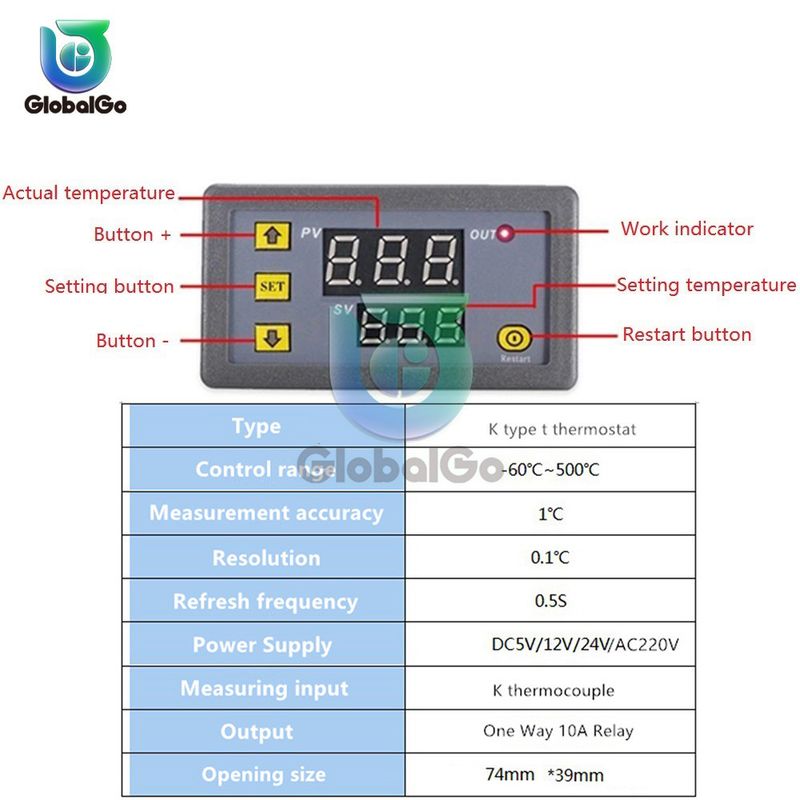
K-type -55°C~ 120°C
Parameter:         
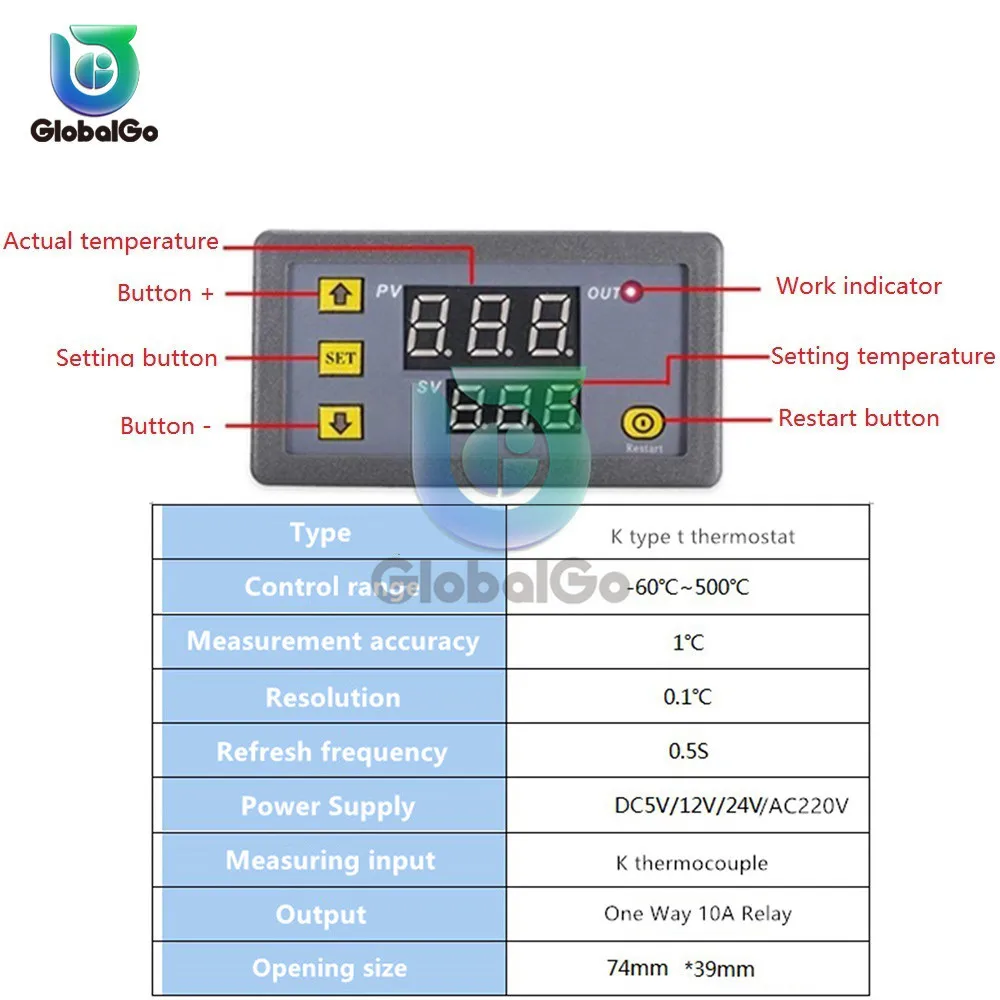
Product name: High temperature K type thermocouple thermostat
Temperature control range: -55℃ ~ 120℃
Temperature measurement accuracy: 1 ℃
Resolution: 0.1C
Refresh frequency: 0.5S 
Measuring input: type K thermocouple
Output: One way 10A Relay
Opening size: 74mm (length) * 39mm (width)
Code table:
 

Code

Function

Set Range

Default

P00

Heating/Cooling

H/C

C

P01

Return Difference

0-50

2

P02

Temp. Correction

-10-10

0

P03

Max Temperature Alarm Value


120

P04

Min Temperature Alarm Value


-55

P05

Data Lock


OFF

K-type thermocouple thermostat function: 
The product has a total of four keys, plus, minus, SET (set key), reset key. 
There are two sets of digital tubes to display the actual temperature and the set temperature, respectively. All parameters are automatically memorized after 5s.
Operation using:
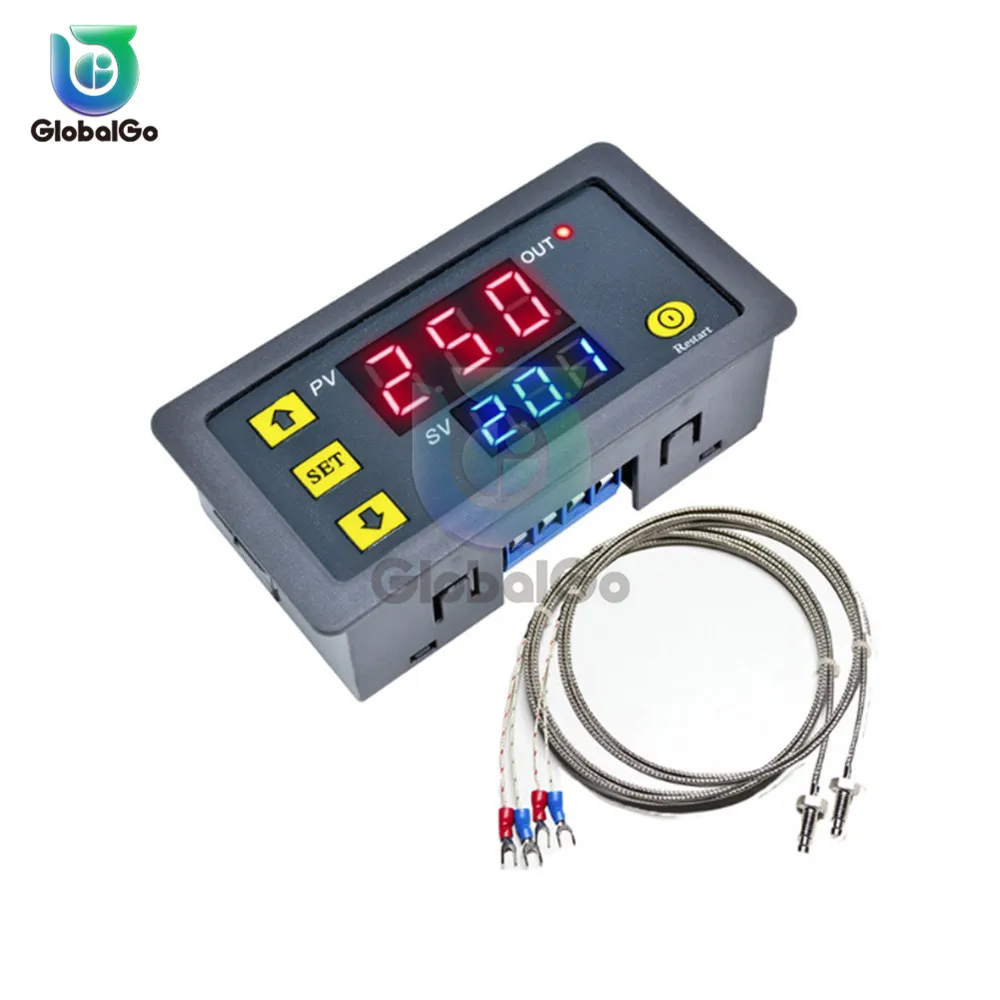
Red digital tube: actual temperature,
Blue digital tube: set temperature
Press key to increase: increase the set temperature.
Press the key to decrease: decrease the set temperature.
Restore factory settings: Press and hold the button plus and minus 5 seconds or more to restore the original setting data.
Set key (SET):
1. Press SET shortly to increase the temperature by 50 ° C each time. The user can first press SET to quickly set the temperature near the preset temperature, and then adjust the temperature to the preset temperature by adding or subtracting keys.
2. Press and hold SET to enter the parameter setting option. 
There are several groups of parameters P00 ~ P05 for users to set. 
After entering the parameter interface, short press SET can switch P00 ~ P05. Set the corresponding data by pressing the plus or minus key under the corresponding parameter. 
After setting, the system will automatically memorize the data and return to the display interface.
Application:
Application 1: This thermostat can be widely used in boiler water temperature control, water dispenser water temperature control and automatic cupboard water temperature control.
Application 2: This thermostat can be used for printer equipment, hatch control, and intelligent control of refrigerator air conditioners.
Application 3: This temperature can be widely used in the fields of intelligent agricultural control, greenhouse temperature control, and automatic irrigation.
 
Feature:
 
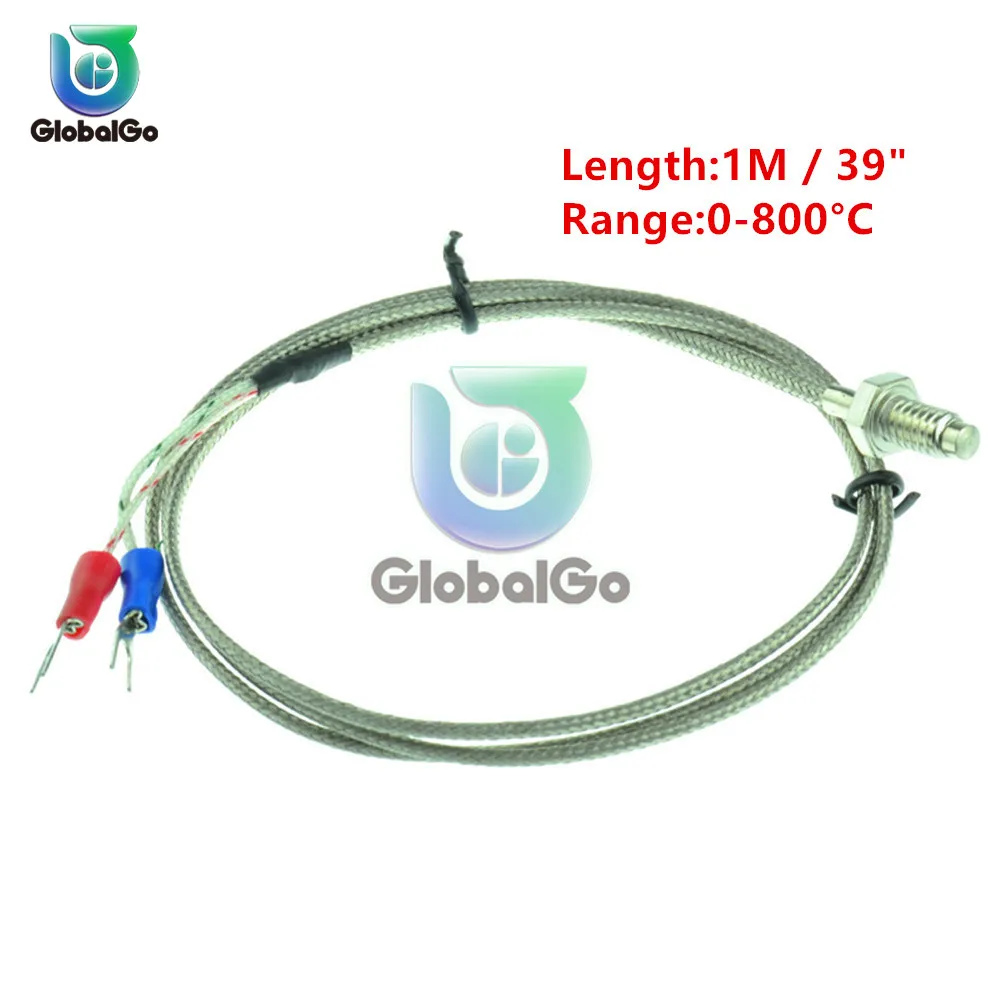
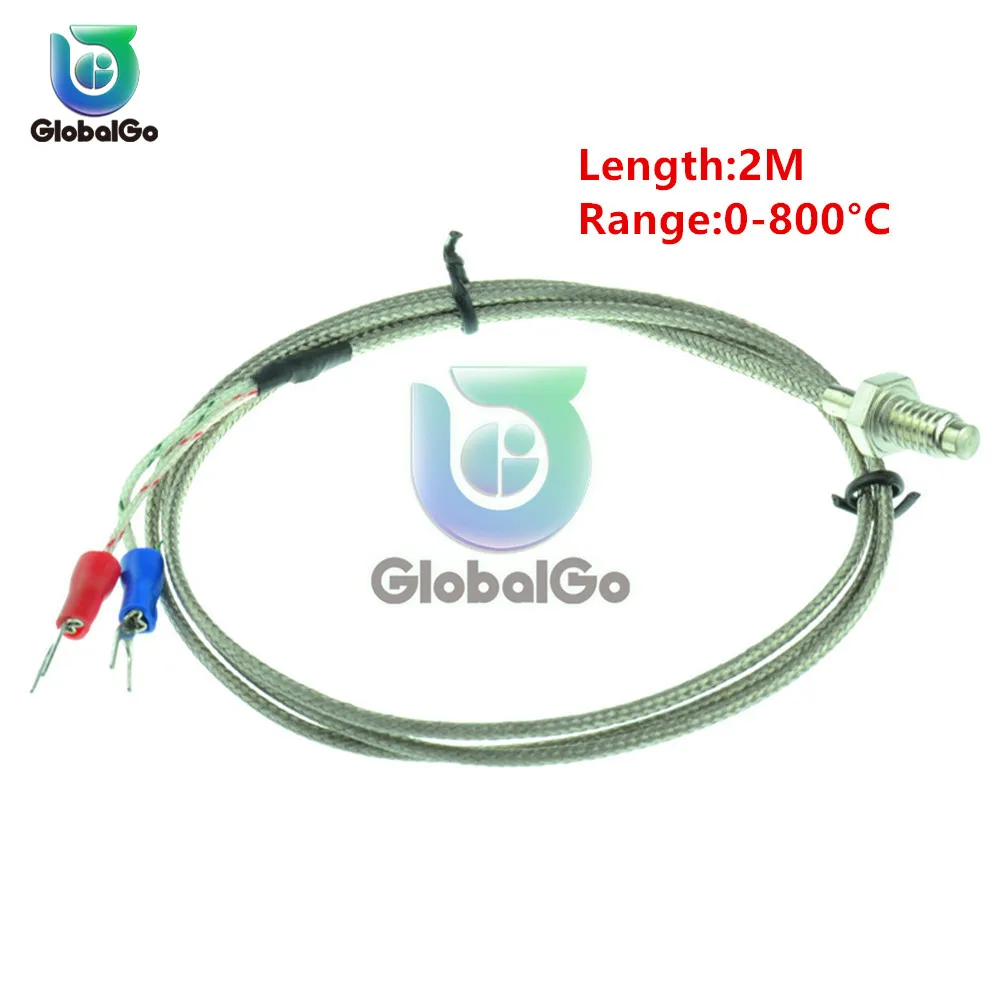
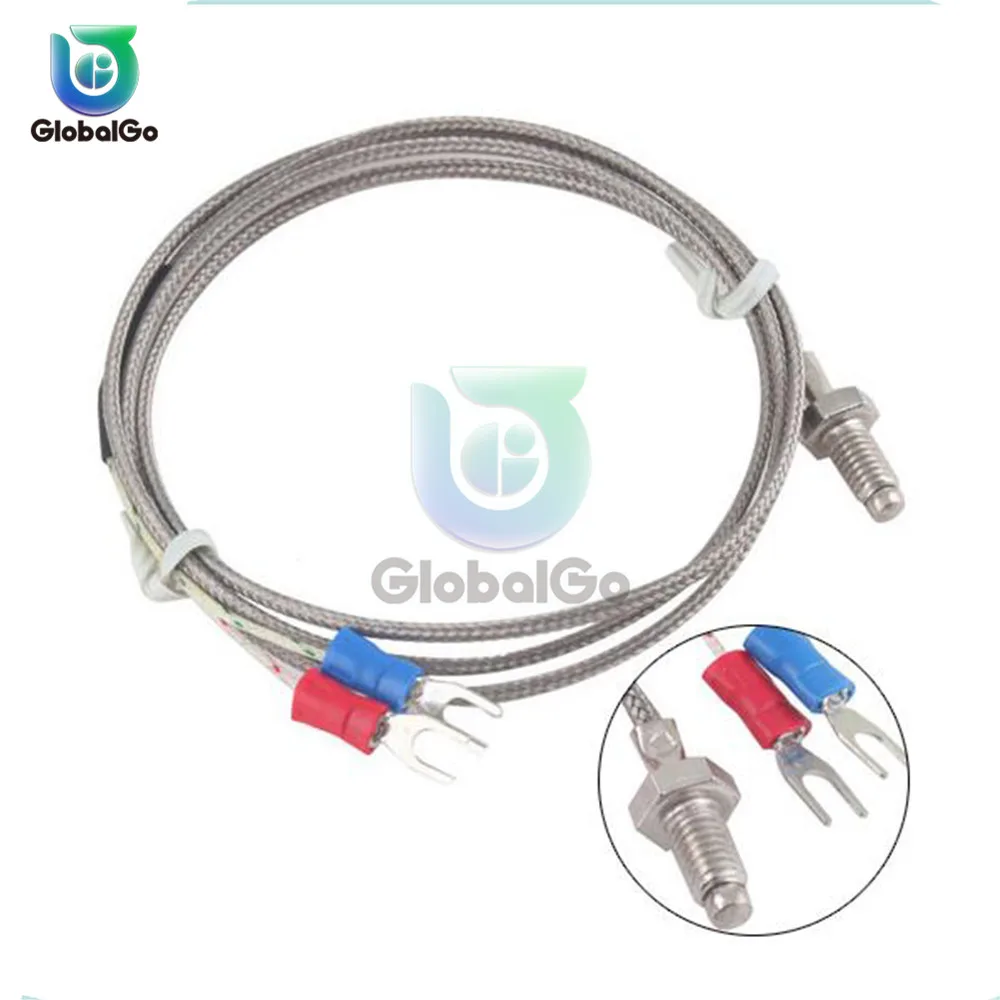
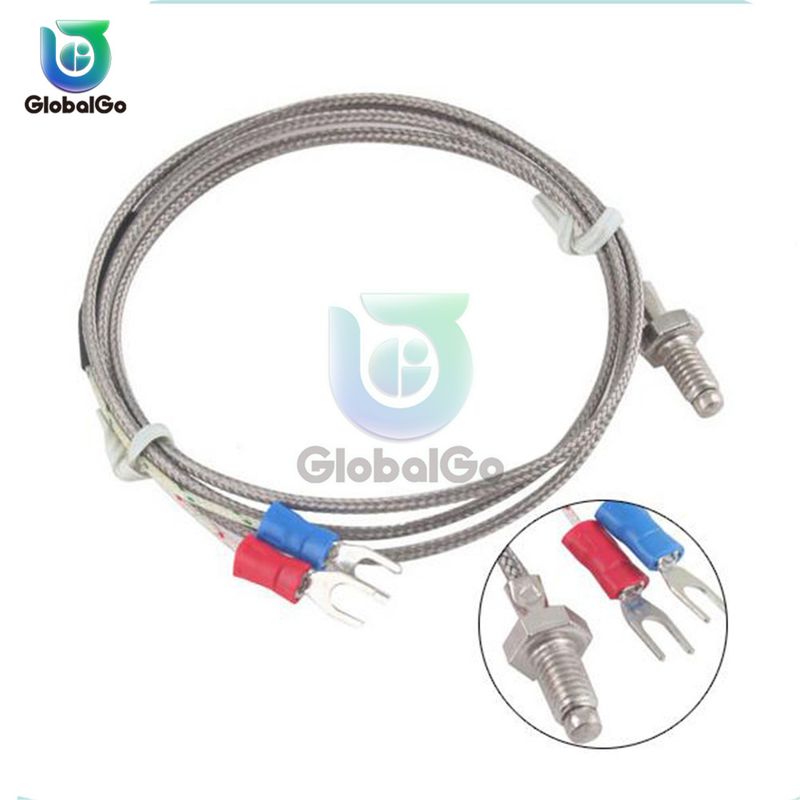
Type K Type.
Temperature Range:0-800°C.
Thread Diameter:6mm / 0.23".
Internal Insulation:Fibreglass.
External Shielding:Metal Shield.
Total Length:1M / 39".
Fork Terminal Spacing: 3.5mm / 0.13".
Designed with two fork terminal, 6mm thread sensor for accurate measurement.
Works well with temperature controller(not included here), wide measurement range of 0-800 degree celsius.
Size:100cm x 1cm x 1cm - 39.37inch x 0.39inch x 0.39inch.


Payment Policy

Payment Policy – BILLIONS BIRDS

At BILLIONS BIRDS, we are committed to providing a safe, secure, and seamless payment experience for our customers.

1. Accepted Payment Methods

We accept the following payment options:

Major Credit & Debit Cards (Visa, MasterCard, American Express)

Secure Online Payment Gateways (such as PayPal, Stripe, or other providers available at checkout)

Any additional payment methods displayed during checkout

All payments must be completed in full at the time of purchase.

2. Secure Transactions

All transactions are processed through encrypted and secure payment systems to protect your personal and financial information. We do not store your full payment details on our servers.

3. Currency

Prices are displayed in the currency indicated on the website. If you are purchasing from another country, your bank may apply currency conversion fees.

4. Order Confirmation

Once your payment has been successfully processed, you will receive an order confirmation email containing your purchase details.

5. Failed or Declined Payments

If your payment is declined, please verify your billing information or contact your bank. Orders will only be processed after successful payment confirmation.

6. Fraud Prevention

BILLIONS BIRDS reserves the right to cancel or refuse any order if fraud or unauthorised activity is suspected.


Delivery Policy

Delivery Policy – BILLIONS BIRDS

At BILLIONS BIRDS, we are dedicated to delivering your orders safely and efficiently.

1. Order Processing

All orders are processed within 1–3 business days after payment confirmation. Orders are not processed or shipped on weekends or public holidays.

2. Shipping Times

Estimated delivery times vary depending on your location:

Domestic Shipping: 3–7 business days

International Shipping: 7–15 business days

Please note that delivery times are estimates and may vary due to customs procedures, carrier delays, weather conditions, or other unforeseen circumstances.

3. Shipping Costs

Shipping fees are calculated at checkout based on your location and selected shipping method. Any customs duties, taxes, or import fees are the customer's responsibility.

4. Tracking Information

Once your order has been shipped, you will receive a confirmation email with tracking details (if available) so you can monitor your package.

5. Delivery Issues

If your order is delayed, lost, or arrives damaged, please contact us within 7 days of the expected delivery date. We will work with the shipping carrier to resolve the issue as quickly as possible.

6. Incorrect Shipping Information

Customers are responsible for providing accurate shipping details at checkout. BILLIONS BIRDS is not responsible for orders shipped to incorrect addresses provided by the customer.


Refund Policy

Refund Policy – BILLIONS BIRDS

At BILLIONS BIRDS, customer satisfaction is our top priority. If you are not completely satisfied with your purchase, we’re here to help.

1. Return Eligibility

You may request a return within 14 days of receiving your order. To qualify for a return:

The item must be unused, unworn, and in the same condition as received.

The item must be in its original packaging.

Proof of purchase (order confirmation or receipt) is required.

Certain items may not be eligible for return, including clearance items, gift cards, or personalised/custom products.

2. Non-Refundable Items

The following items are non-refundable:

Final sale or discounted items

Gift cards

Items damaged due to misuse, negligence, or improper care

3. Return Process

To initiate a return, please contact our customer support team with your order number and reason for return. If your return is approved, you will receive instructions for returning the item.

Unless the item is defective or incorrect, customers are responsible for return shipping costs.

4. Refund Processing

Once we receive and inspect your returned item:

We will notify you of the approval or rejection of your refund.

If approved, the refund will be issued to your original payment method within 5–10 business days.

Please note that banks or payment providers may require additional time to process refunds.

5. Damaged or Incorrect Items

If you receive a damaged, defective, or incorrect item, please contact us within 7 days of delivery and provide clear photos of the product and packaging. We will arrange a replacement or full refund at no additional cost.

6. Late or Missing Refunds

If you have not received your refund:

Check your bank account again.

Contact your credit card company or payment provider.

If the issue persists, don't hesitate to contact our support team for assistance.

Recommended Products

Customer reviews

Share your thoughts with other customers

Be the first one to write a review!
Items (0)
No Record Found

Your Shopping Bag Is Empty