

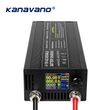


Lifepo4 /Lithium Battery Charger 12V 60A 100Ah Solar Charger Current Voltage Adjustable for 14.6V 13V Lifepo4 Universal Chargers
Includes all taxes
Meet your Seller
-
$141.75Sold by BILLIONS BIRDS
Description
Please read the packaging name and price when purchasing. Same appearance, different products
3-stage charging (CC, CV, TC)
So the charger won't always display the maximum charging value.
Notes:
Do not adjust the charger voltage during the charging process. The voltage of the charger itself will fluctuate,
It is normal to charge a battery with a constant voltage. When the battery is fully charged,
The current on the charger display screen will be displayed as zero or close to zero.
As long as the charger is connected to the power supply, the fan will start until the power is disconnected.
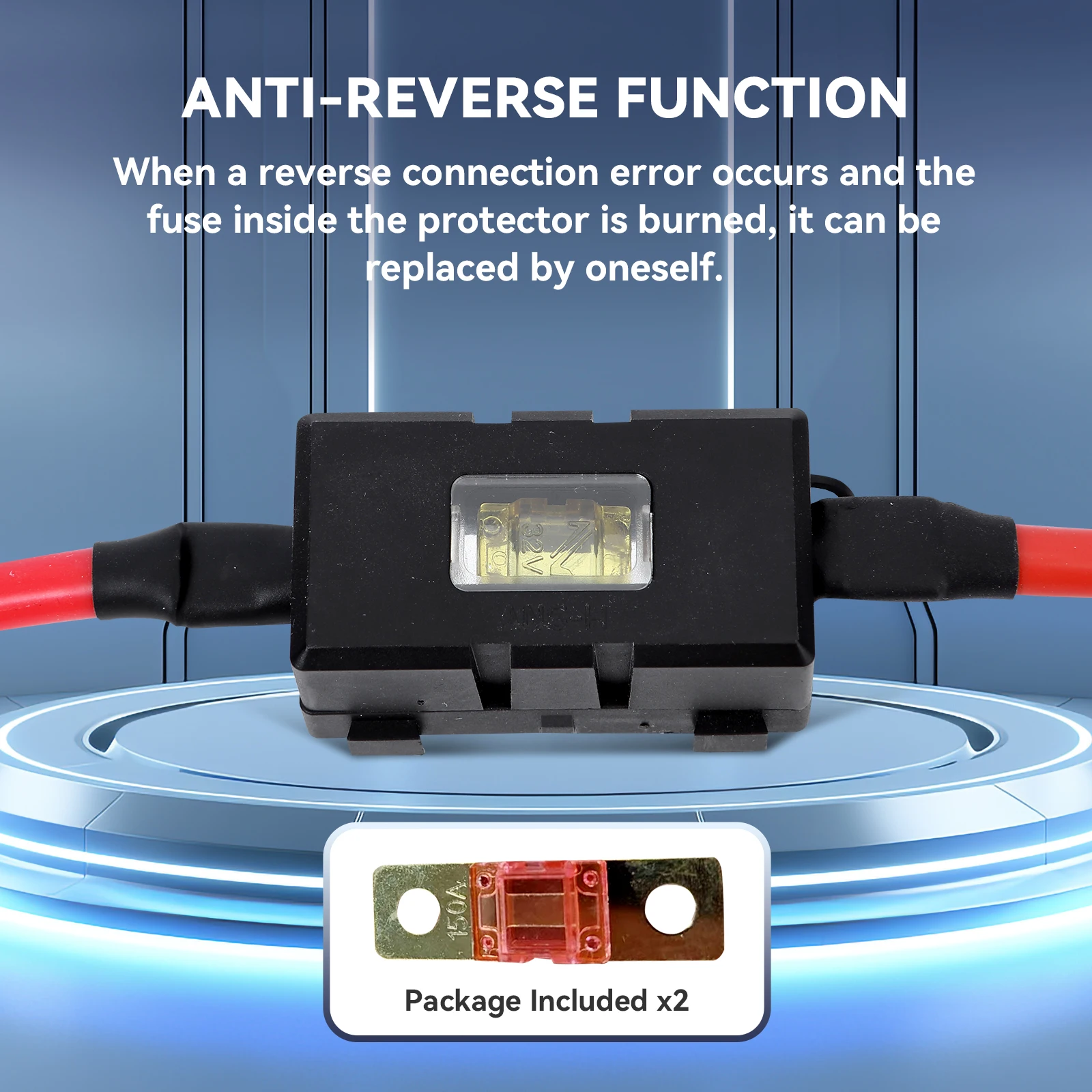
Before adjusting the voltage correctly, please do not connect the charger to the battery. The voltage should be adjusted first before connecting the battery. Otherwise, the motherboard will be burnt out
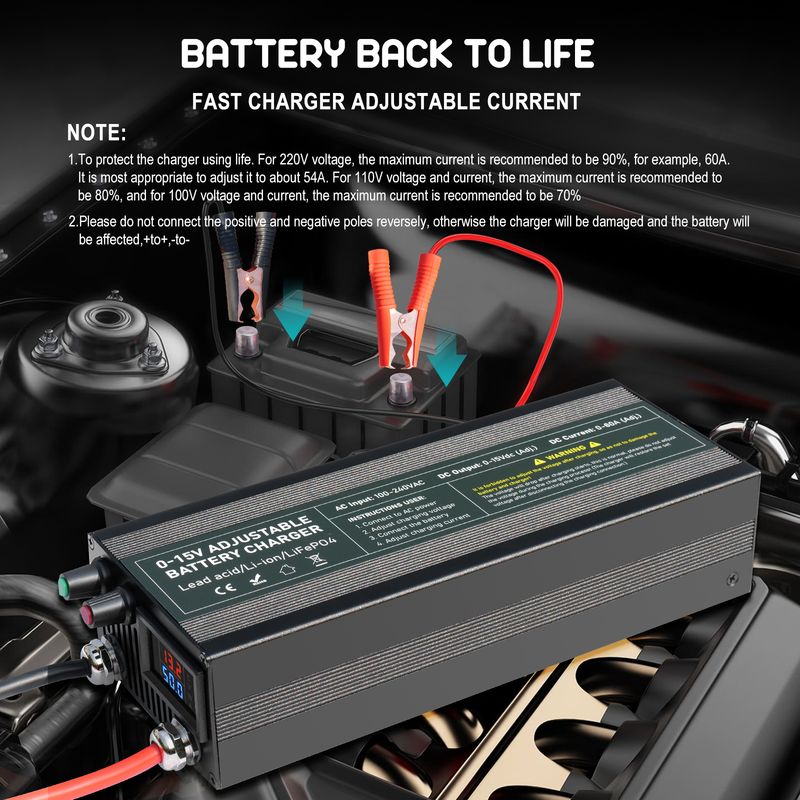
Special instructions for 60A/85A/100A charger: first plug the charger into the power supply - look at the voltage - turn the current on key higher - then adjust the voltage - then connect the load (+To+, - To -) - finally adjust the current. Do not connect the battery before adjusting the voltage, otherwise it will burn out the charger motherboard. Adjust the current again. Do not connect the battery before adjusting the voltage, otherwise it will burn out the charger motherboard. The screen displays the actual current value, which is not the current value you adjusted. Please consider the battery capacity and the maximum BMS current value for the current size. When the battery is fully charged, the current will be very small, with a full charge current of 0
Specific operation steps:
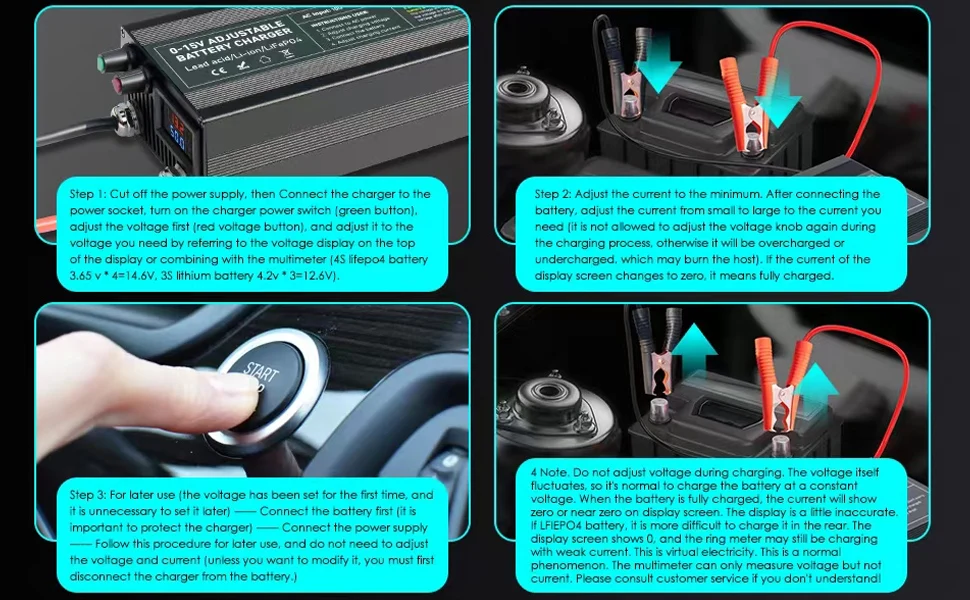
Step 1: Do not connect the battery to the charger. Turn on the power and adjust the voltage knob to adjust the voltage. Refer to the voltage display at the top of the display screen (4S lifepo4 battery 3.65 v * 4=14.6V, 3S lithium battery 4.2v * 3=12.6V), adjust to the voltage you need (you can adjust the voltage with a multimeter. There may be slight errors on the display screen).
Step 2: Turn on the current button and rotate it to the right to increase it a bit. After connecting the battery (+To+, - To -), adjust the current from small to large to the current you need. If the voltage in volts is displayed and the current becomes zero, it indicates that it is fully charged. (Warning: Do not adjust the voltage knob again during the charging process, otherwise it will burn out the main unit)
Step 3: When using it later (the voltage has been set for the first time of charging, no need to set it again later) -- -- Connect the battery first (it is important to protect the charger) -- -- Then connect the power -- Follow this step for future use, and there is no need to adjust the voltage and current (unless you want to modify it),
Video operation method: https://youtu.be/3QDYR0f2Td8
Do not adjust the charger voltage during charging. The voltage of the charger itself fluctuates, and constant voltage charging of the battery is normal. When the battery is fully charged, the current on the charger display screen will be displayed as zero or close to zero. The display screen is a bit inaccurate. If it is an LFIEPO4 battery, it becomes more difficult to charge it later on. The display screen shows 0, and the multimeter may still have weak current charging. This is virtual electricity. This is a normal phenomenon (if you don't understand, please consult customer service!)
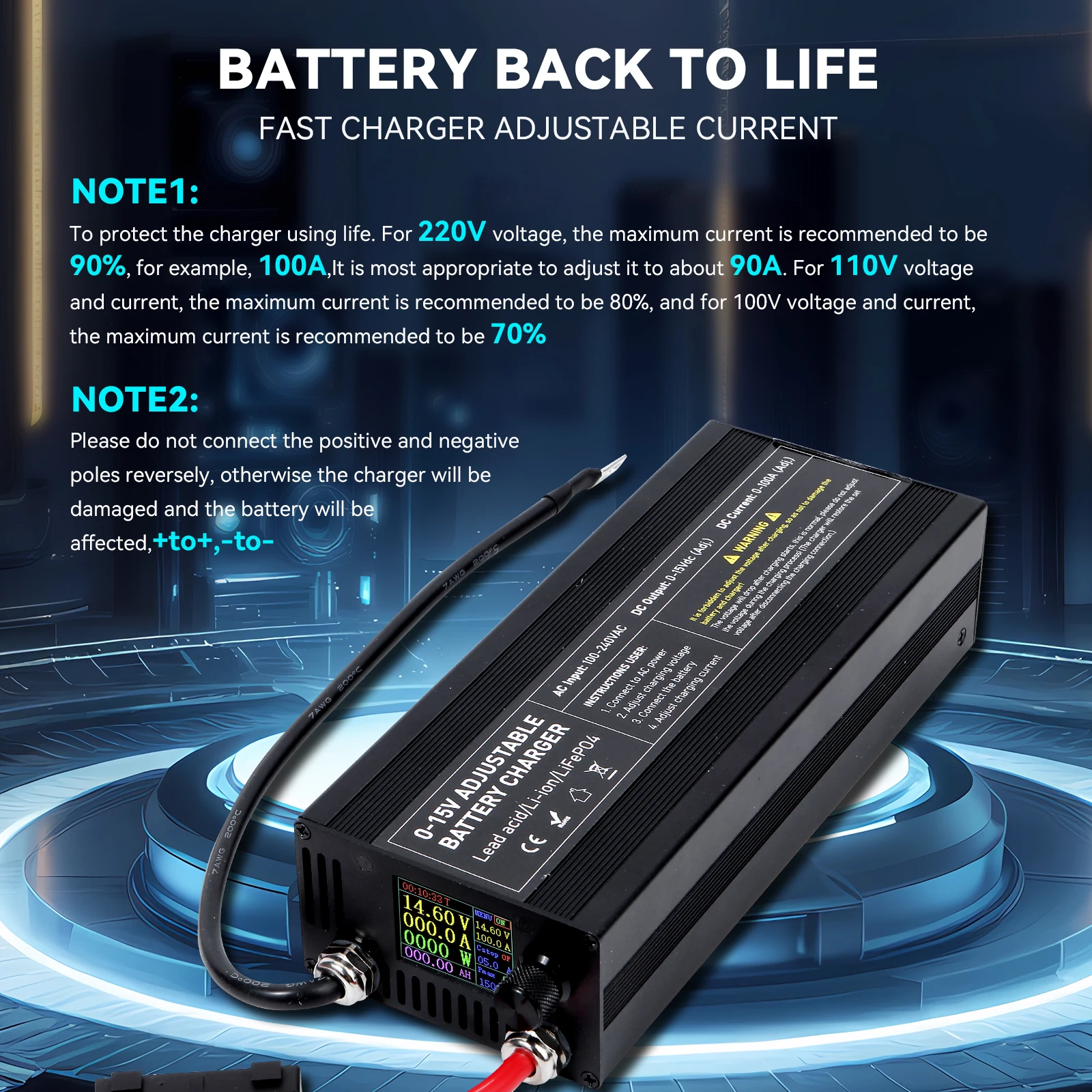
As long as the power is connected, the fan will start. We suggest disconnecting the power after being fully charged. To extend the lifespan of the charger. Charger 220V voltage, maximum recommended current is 90%, maximum recommended current for 110V voltage is 80%, maximum recommended current for 100V voltage is 70%, for example, 60A. Adjusting it to around 54A is most suitable,

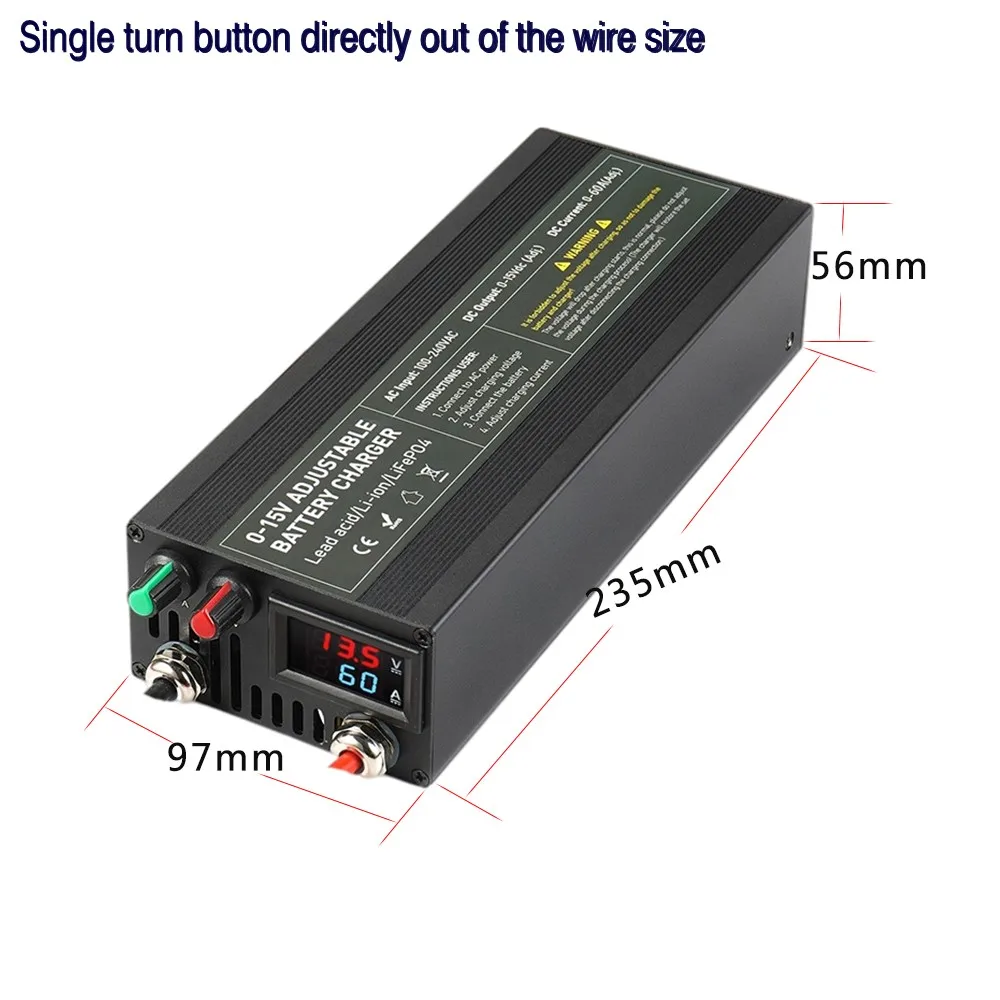

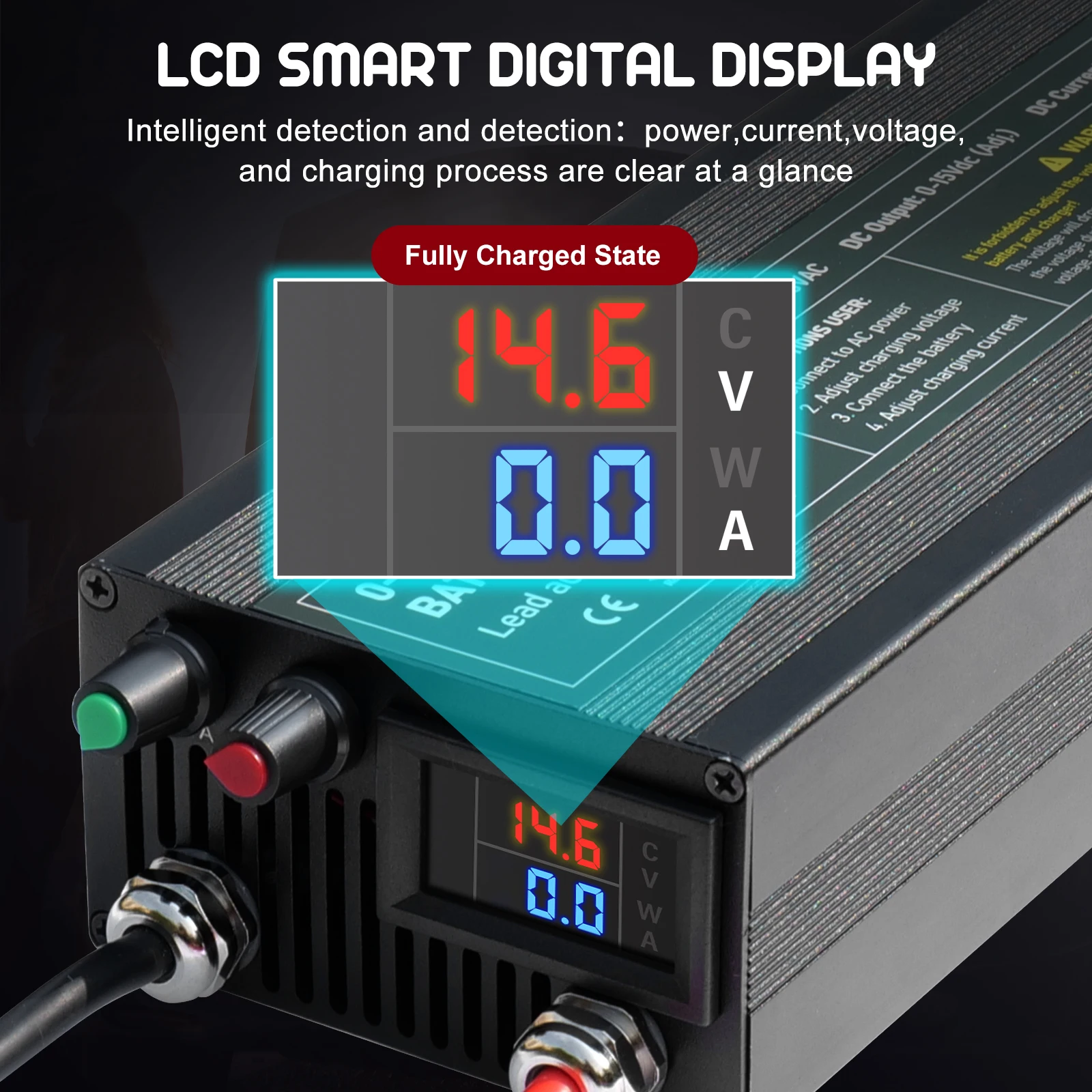
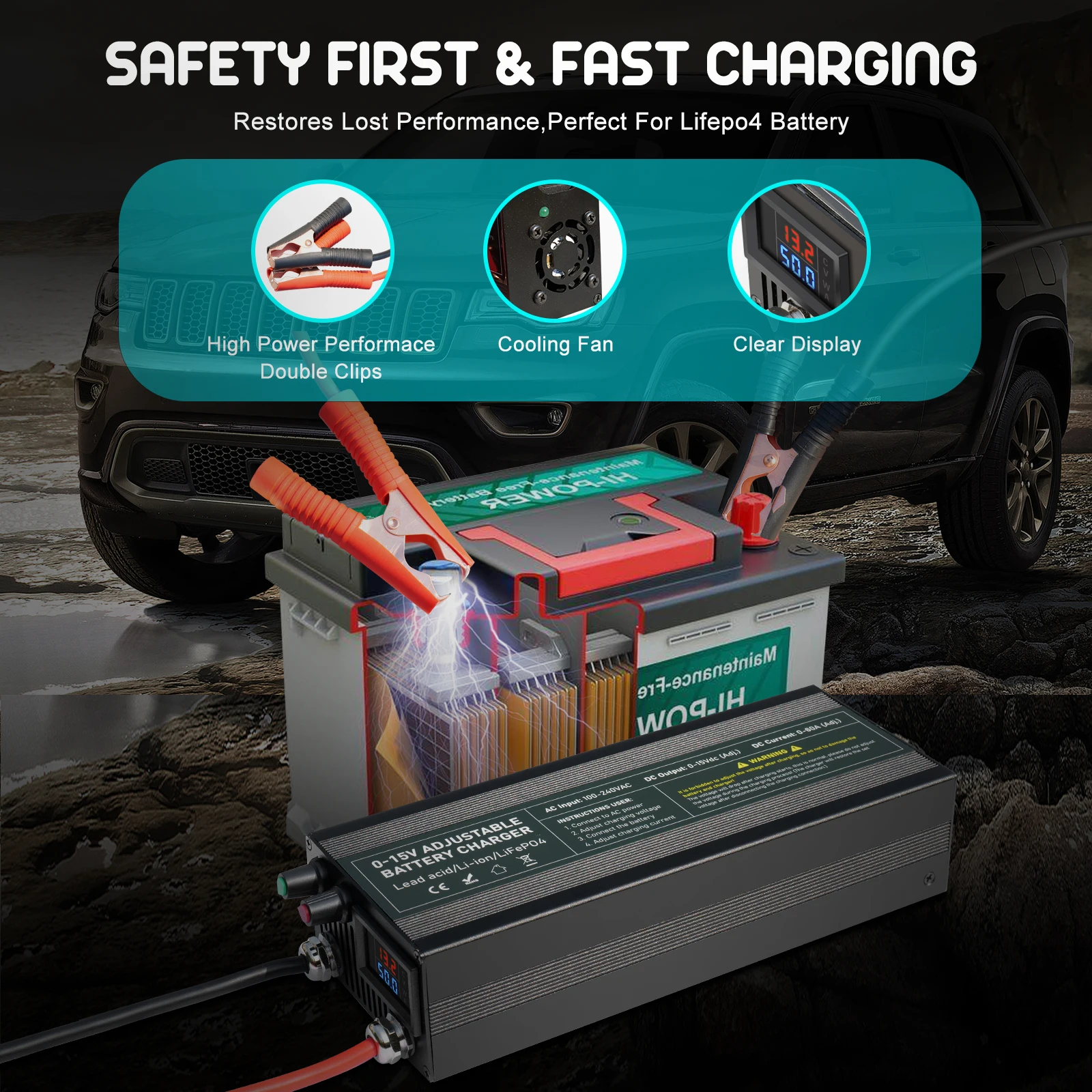

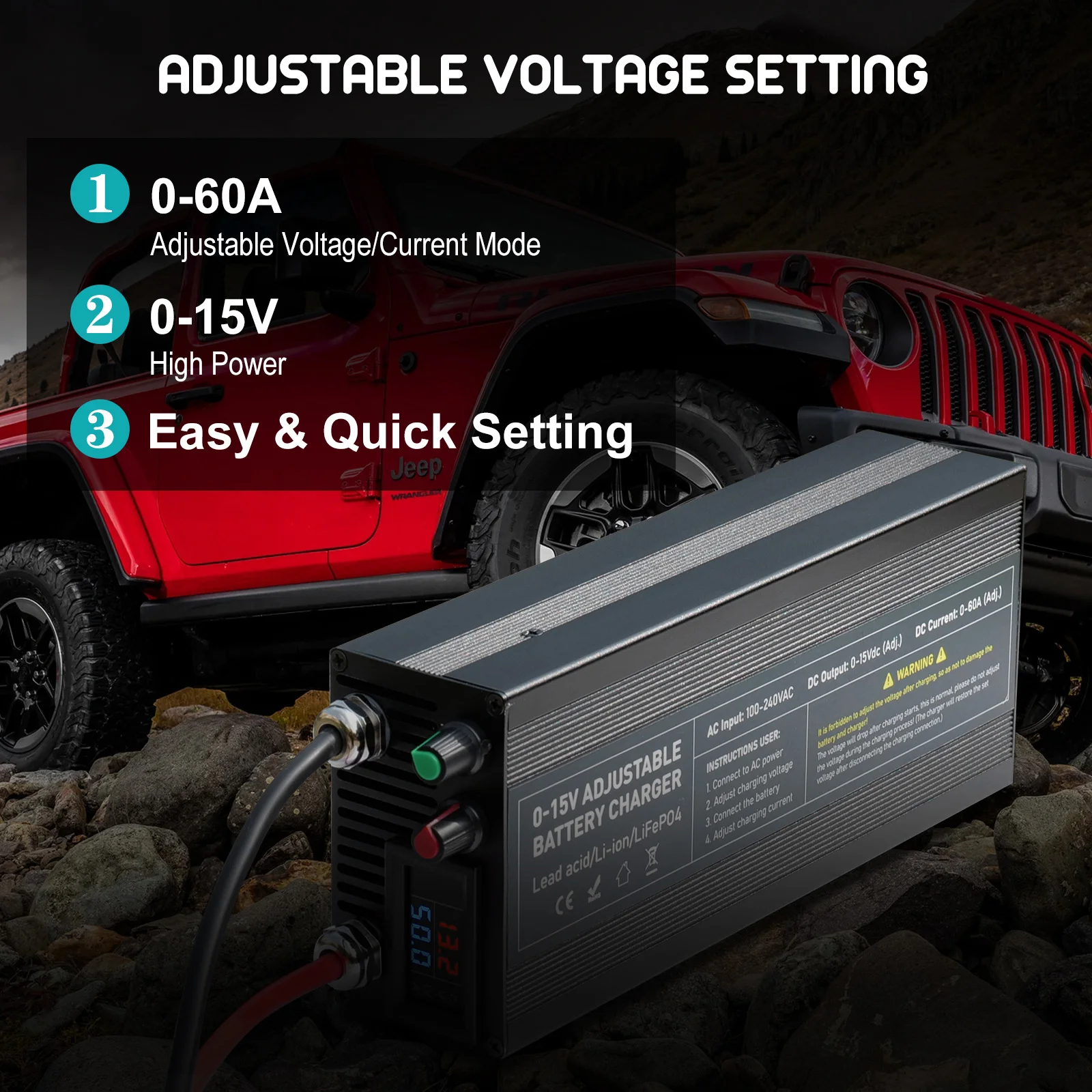
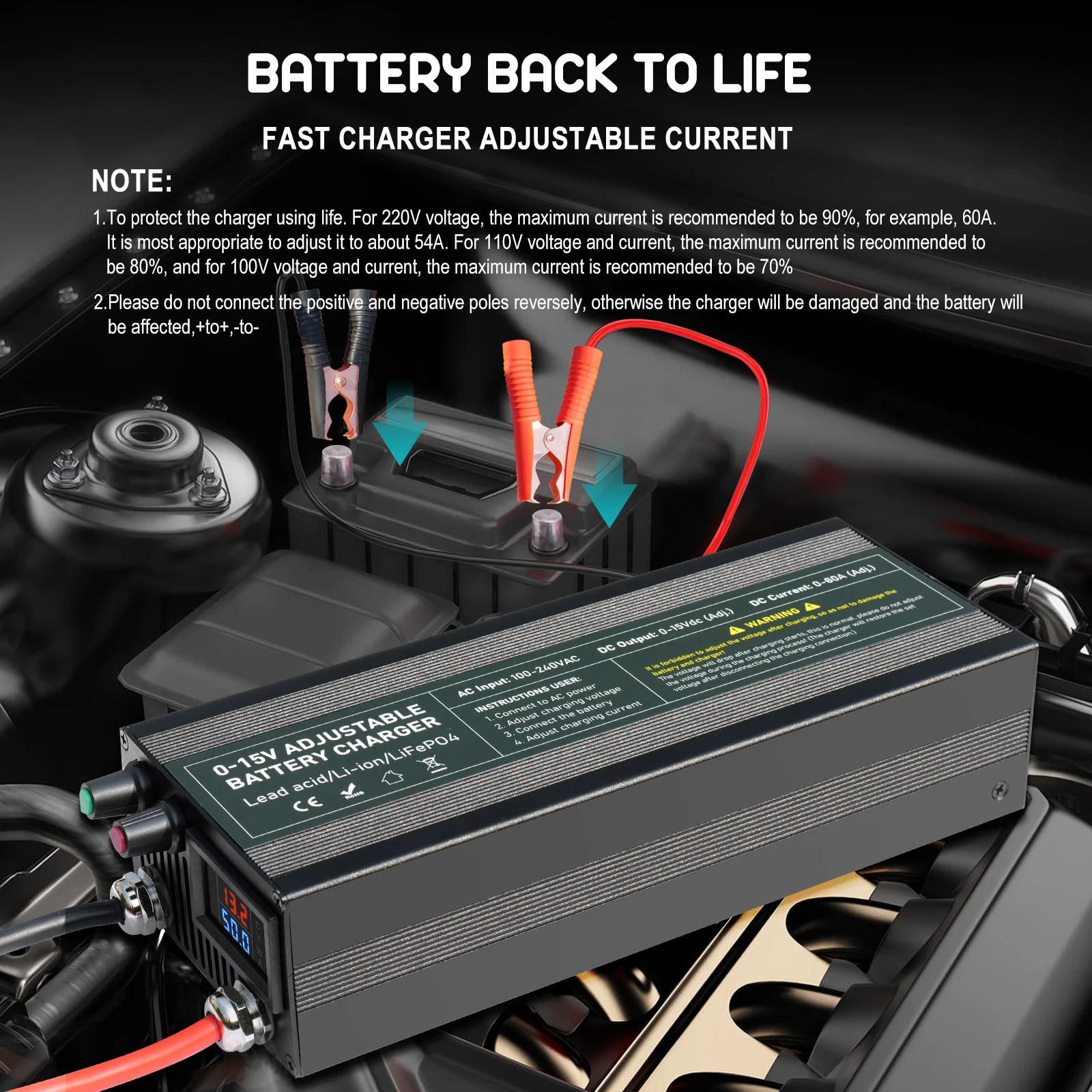
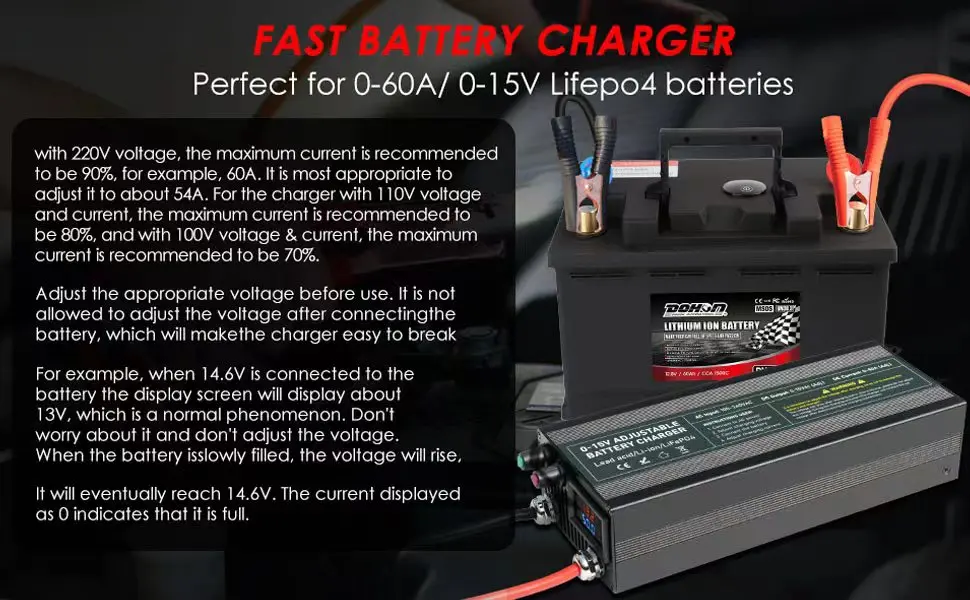

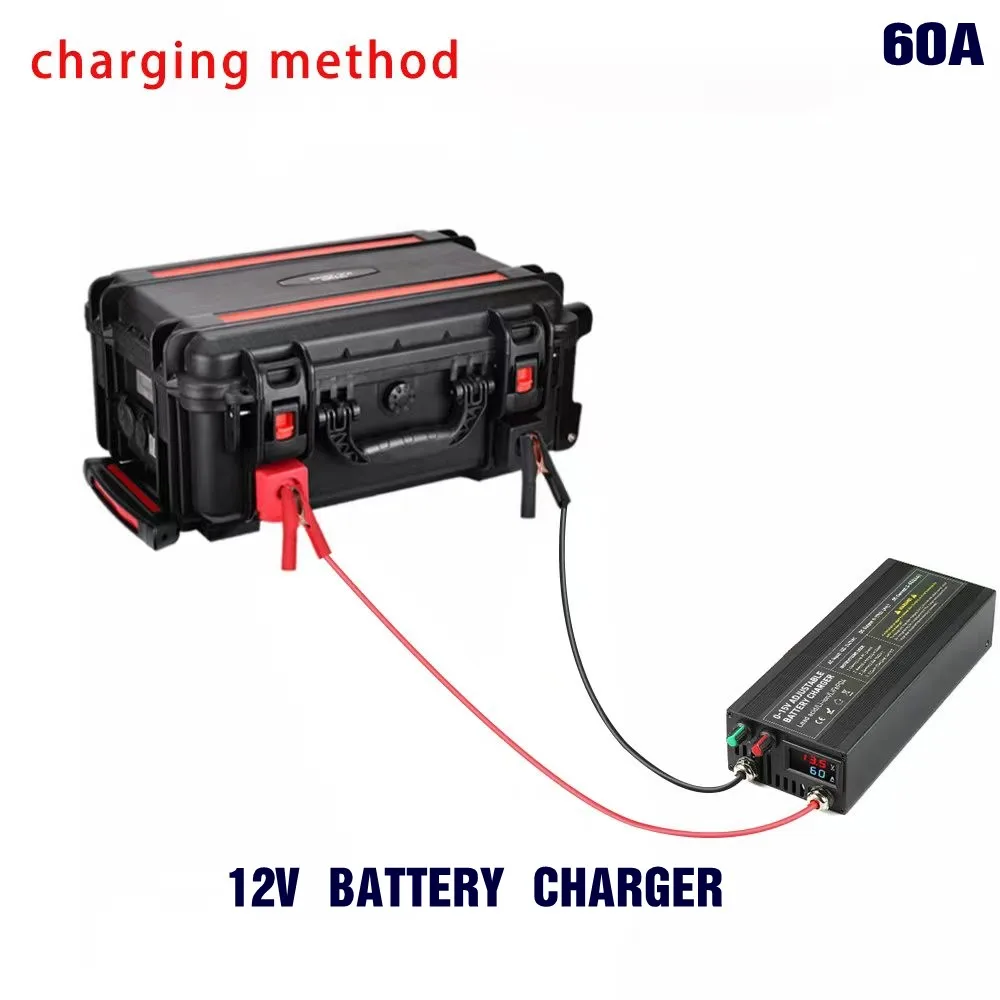
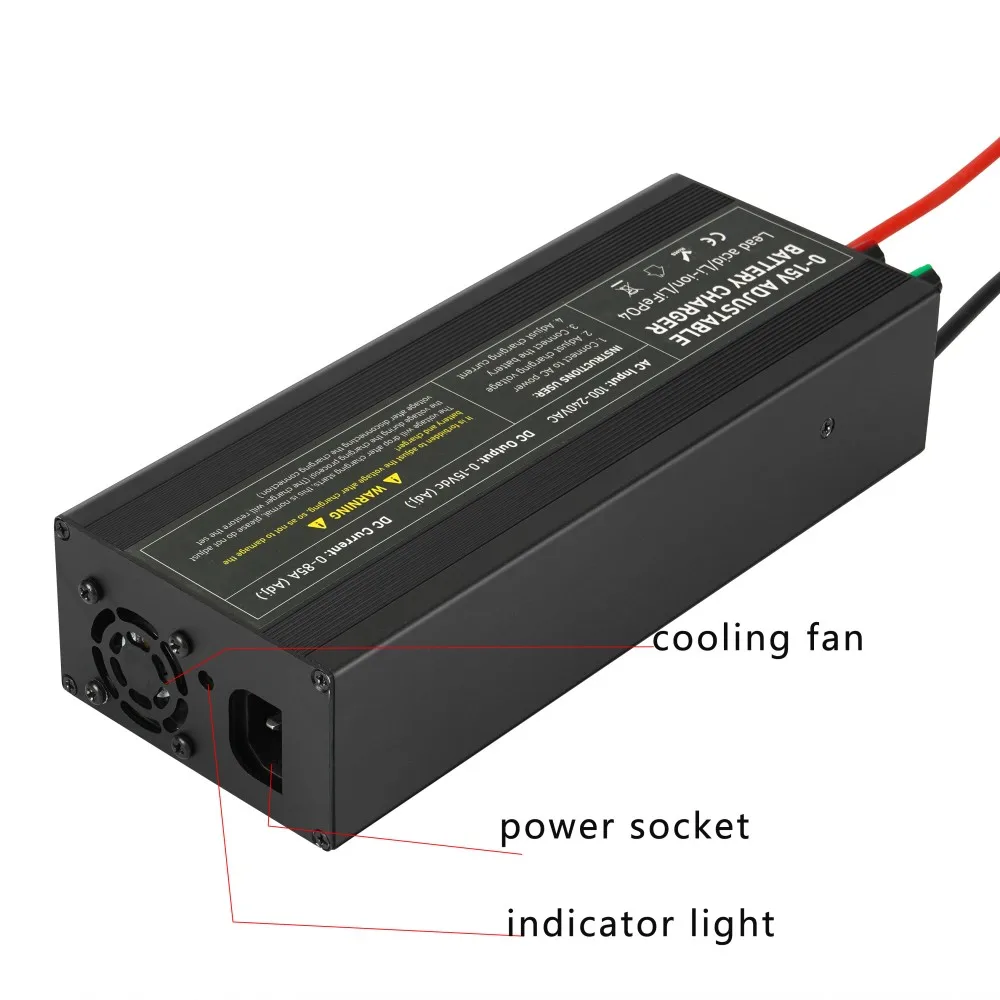
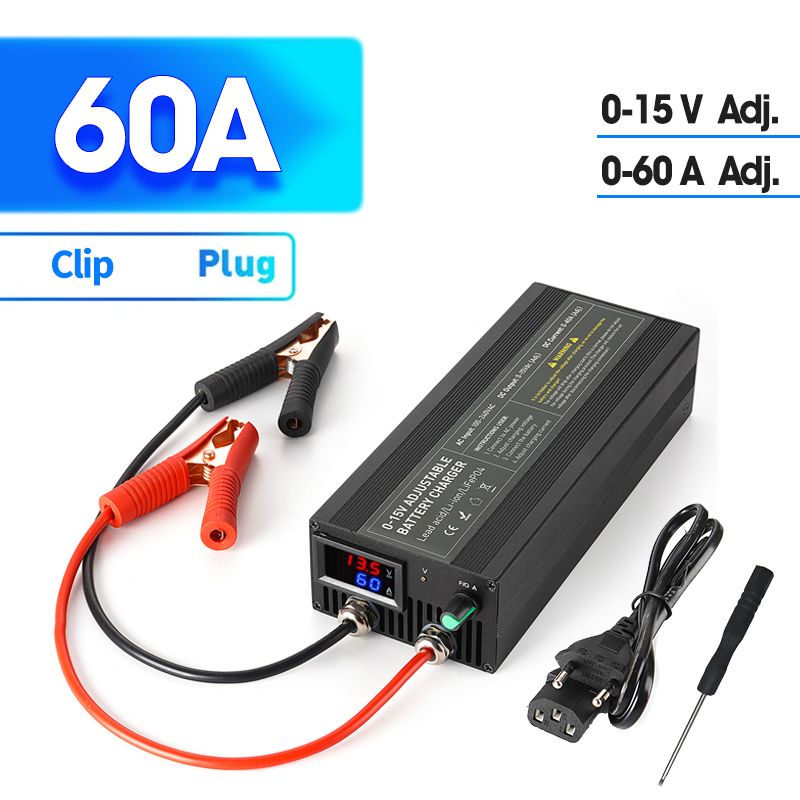
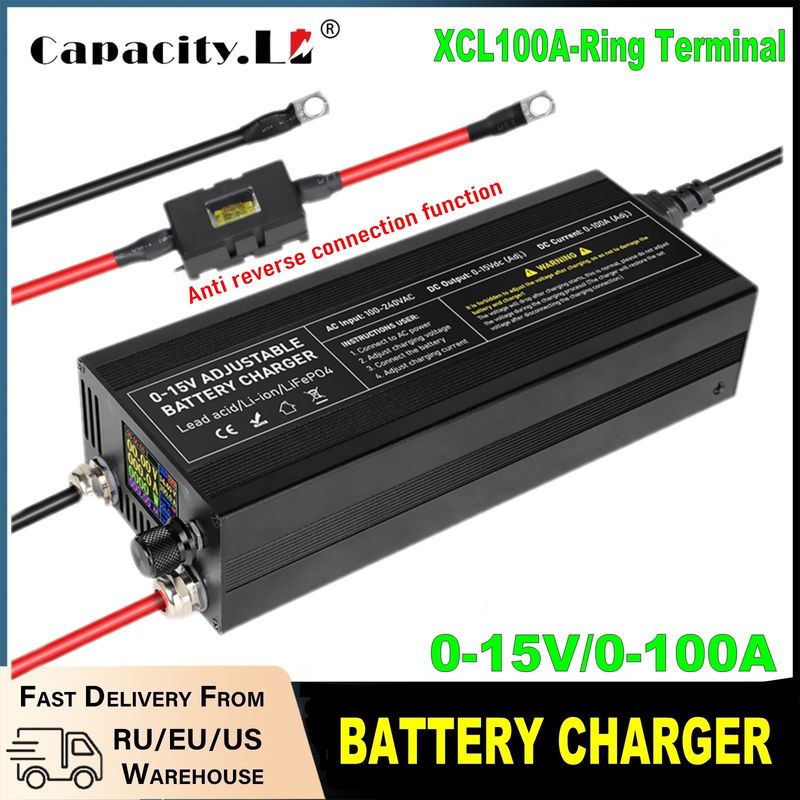
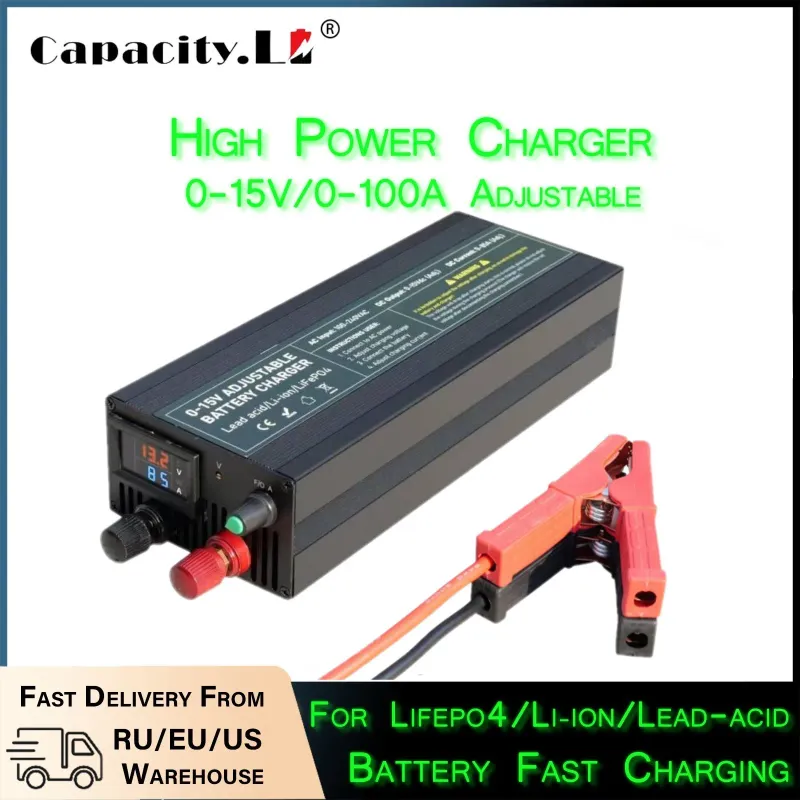
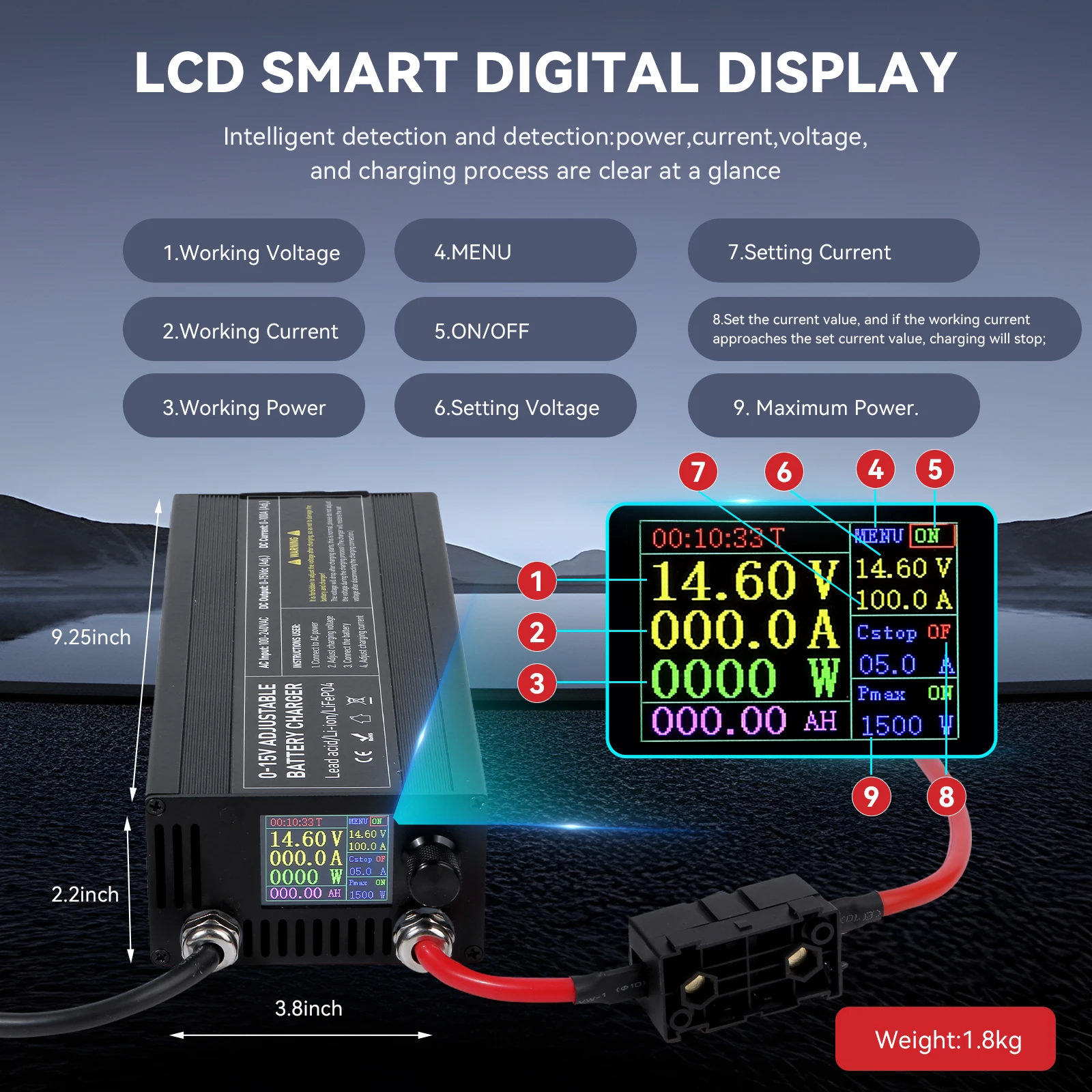
How to use the charger: first connect the charger's power cord to the specified interface of the charger. After the display shows 14.6V or 12.6V, connect to the battery through an alligator clip or Anderson cable. The red clip is connected to the red terminal of the battery. The black clip is connected to the black terminal of the battery. Red is positive. Black is negative.
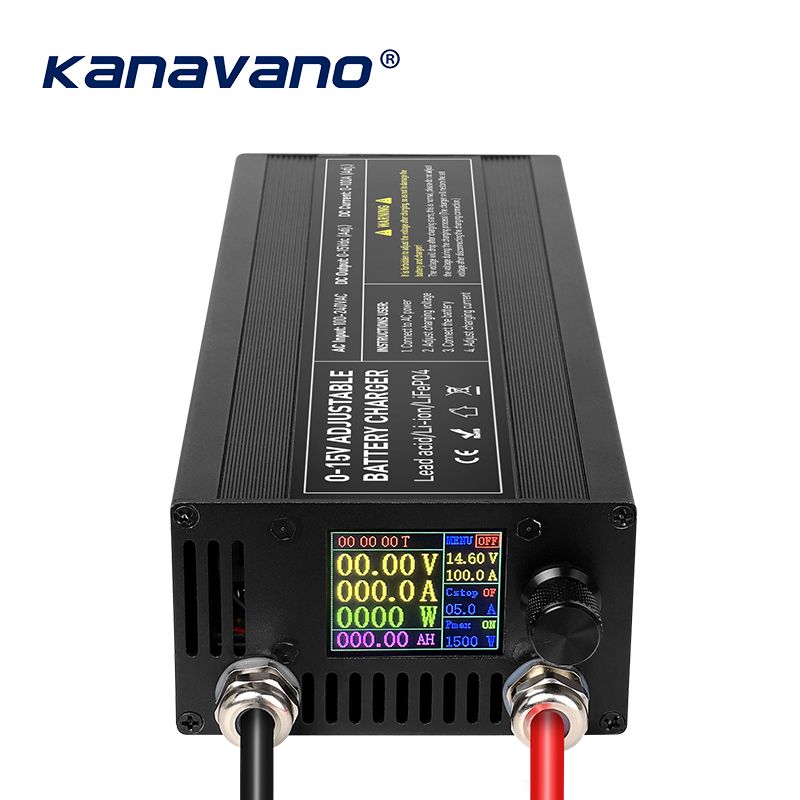
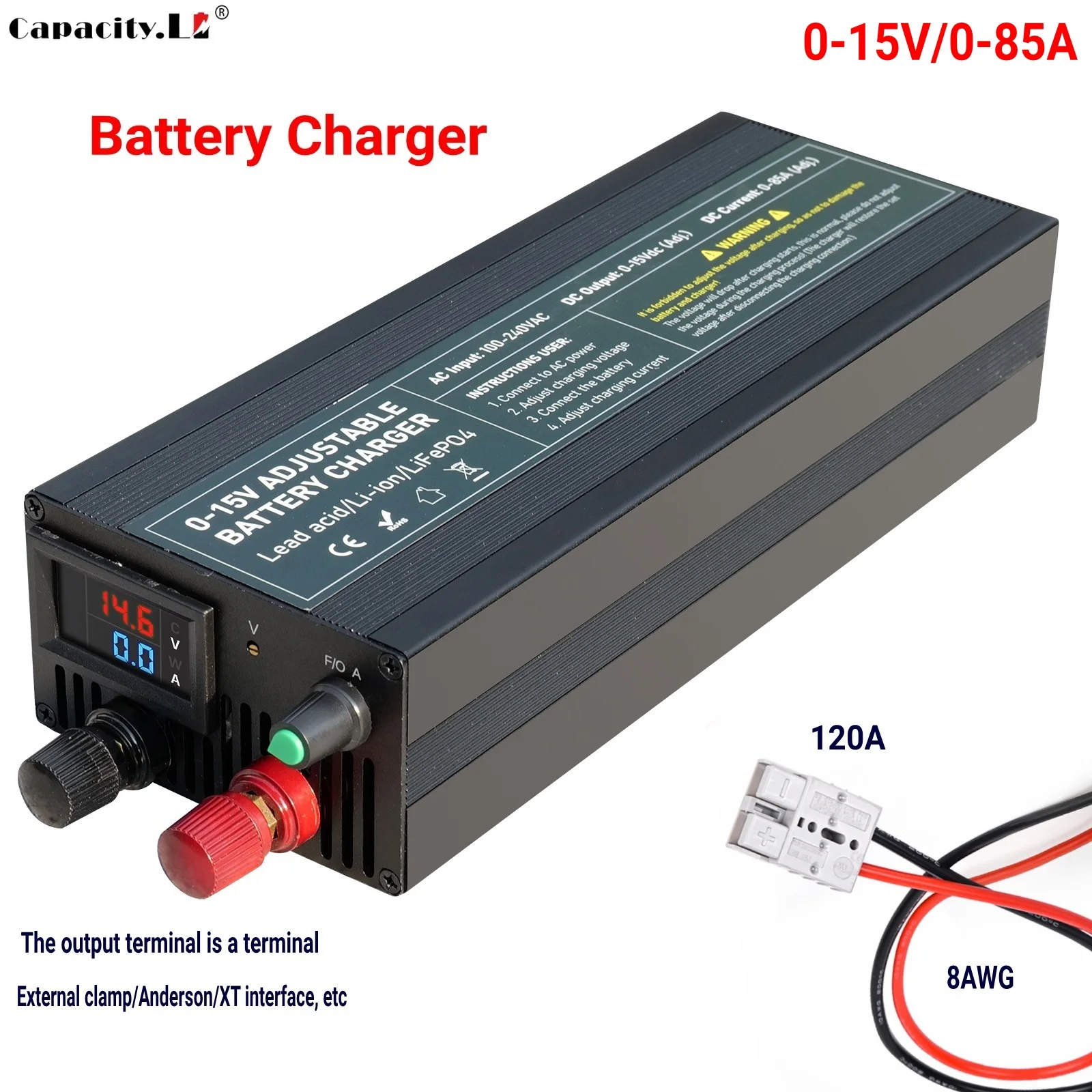
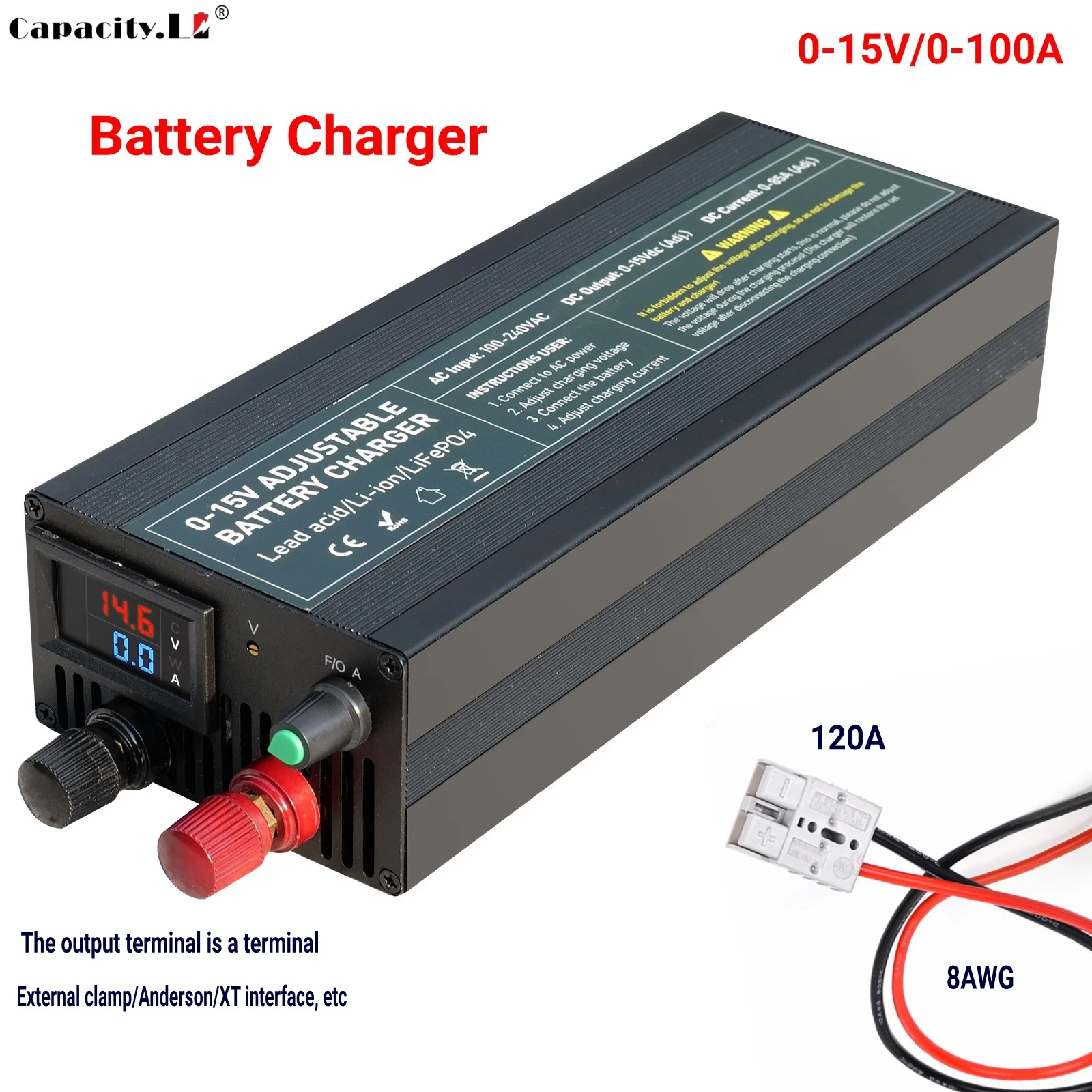
The following is an introduction to multi loop chargers. More sensitive to voltage. Better operation.
The following is an introduction to multi turn chargers


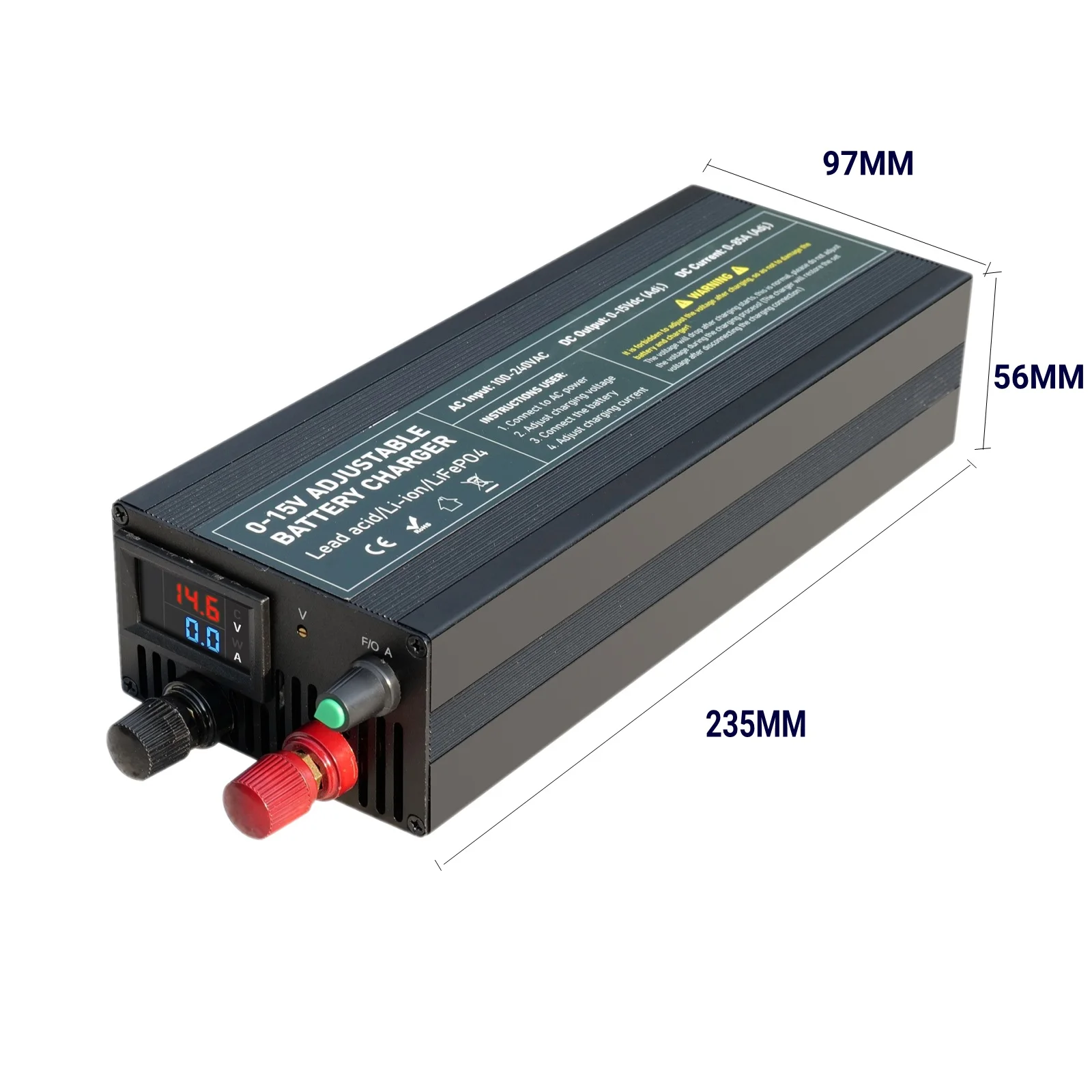

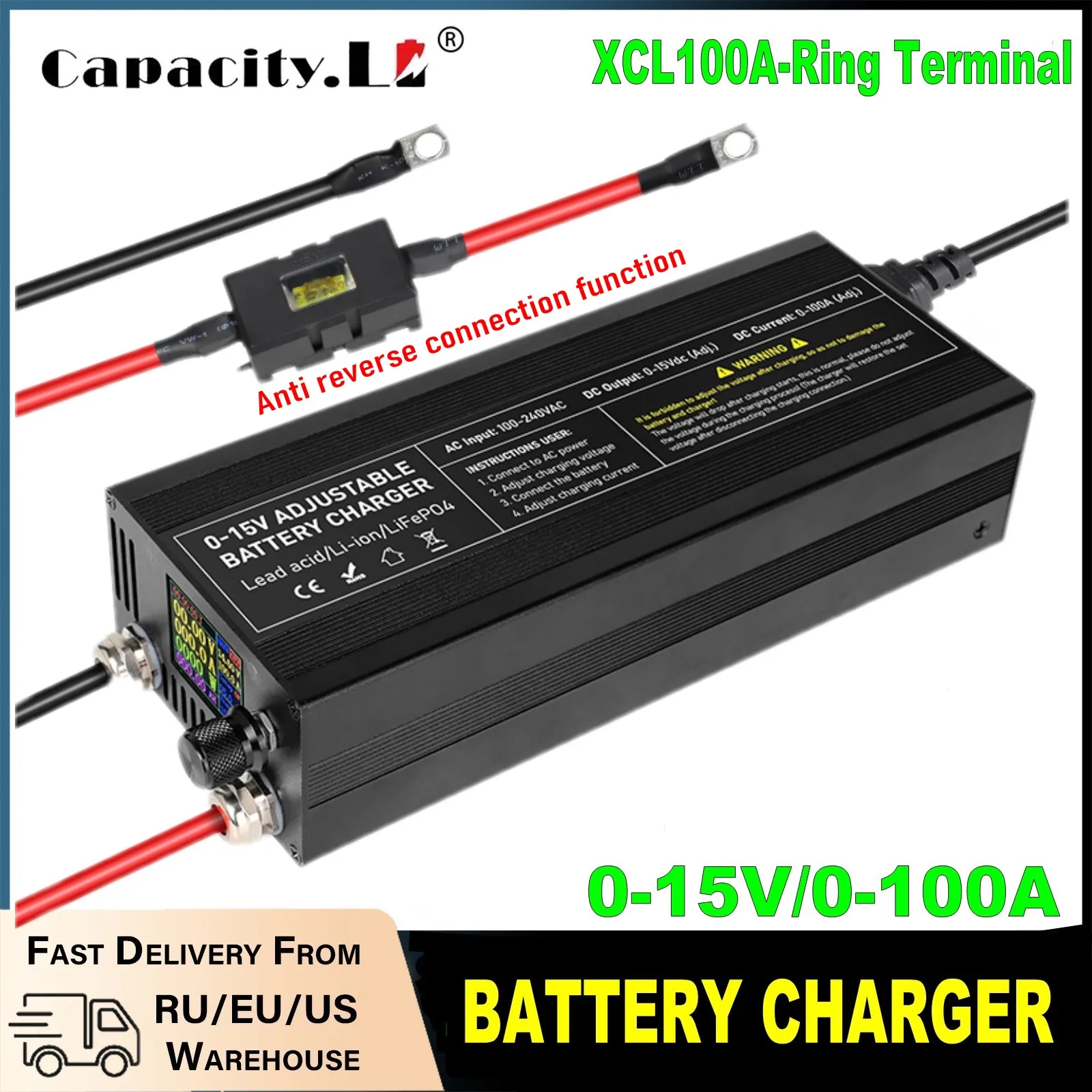
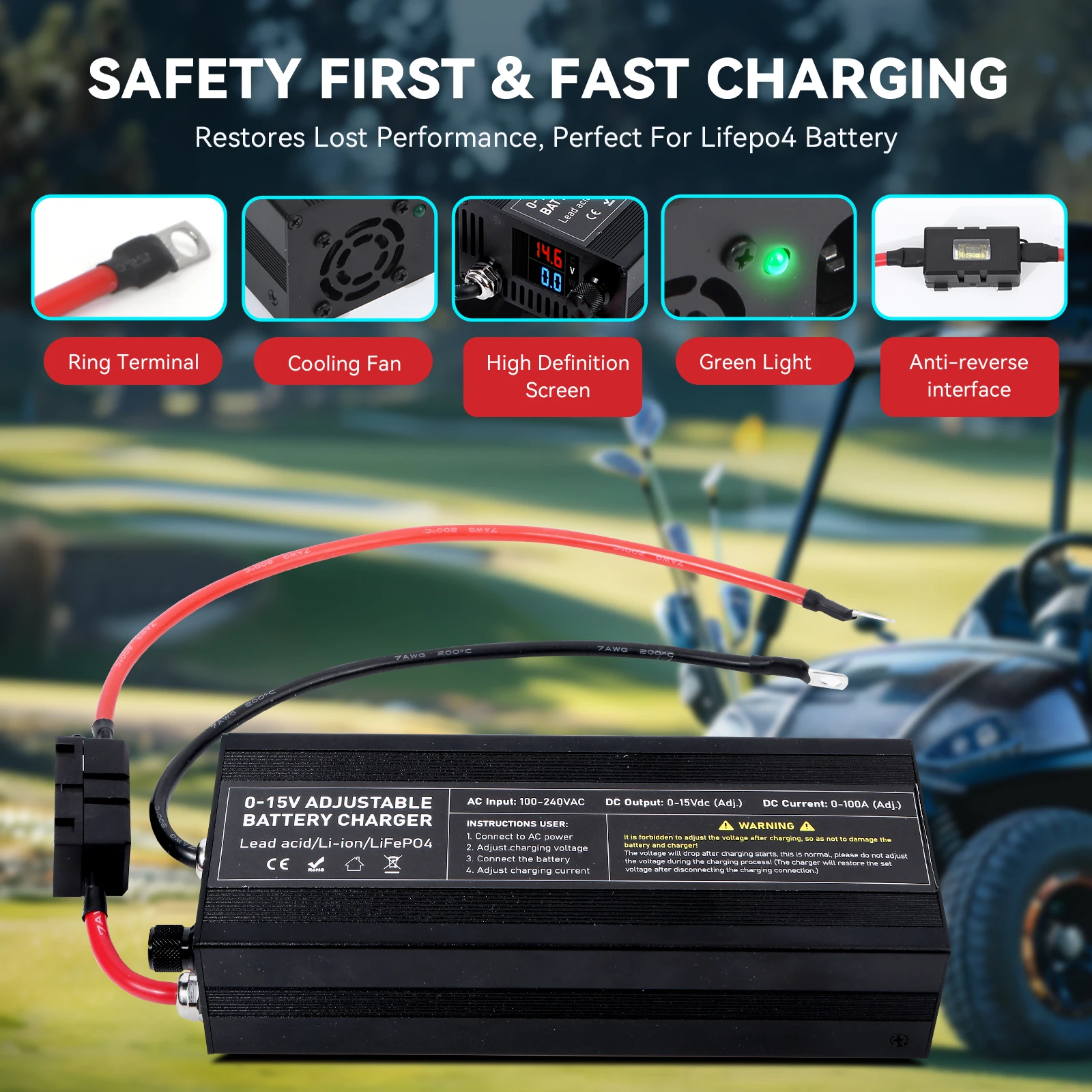
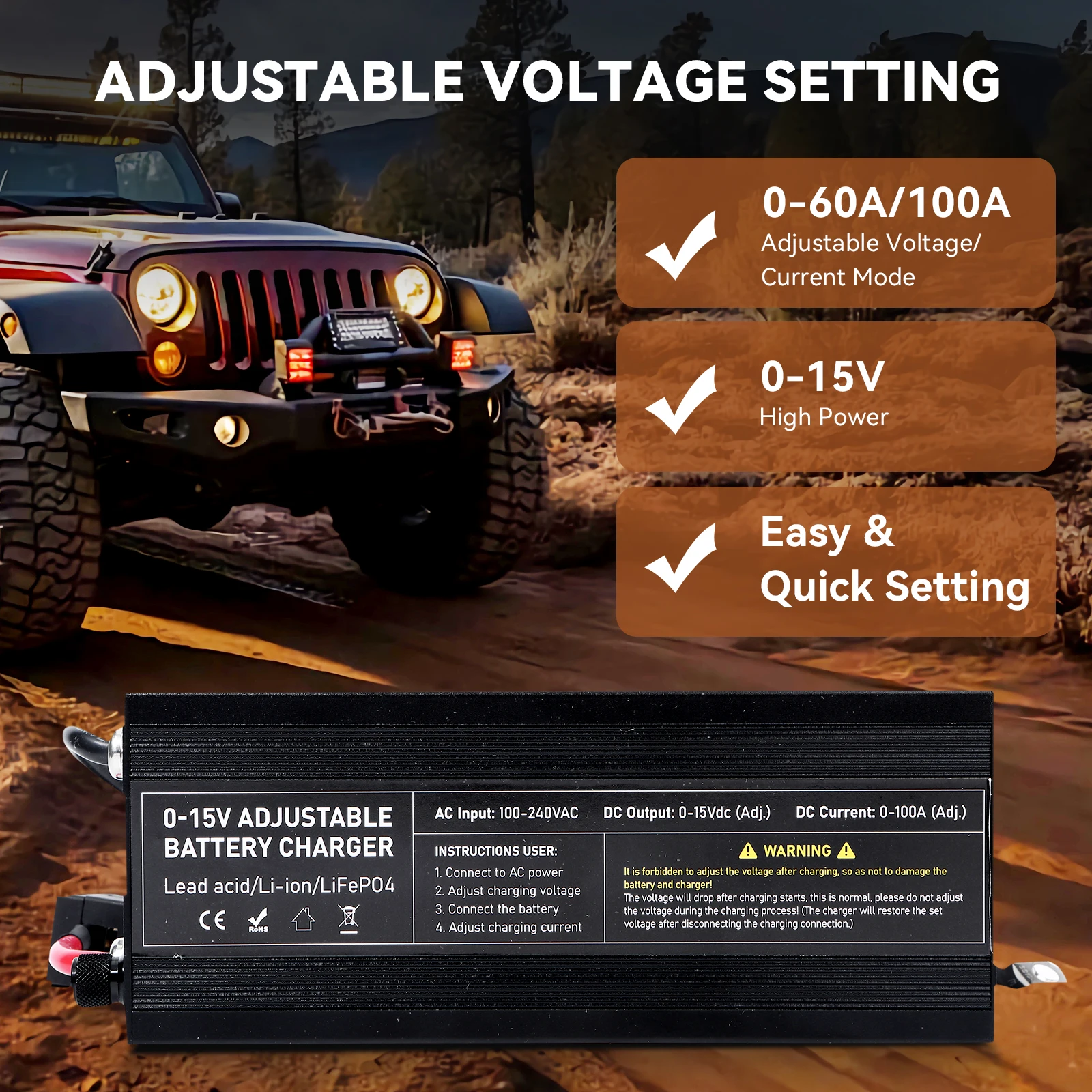



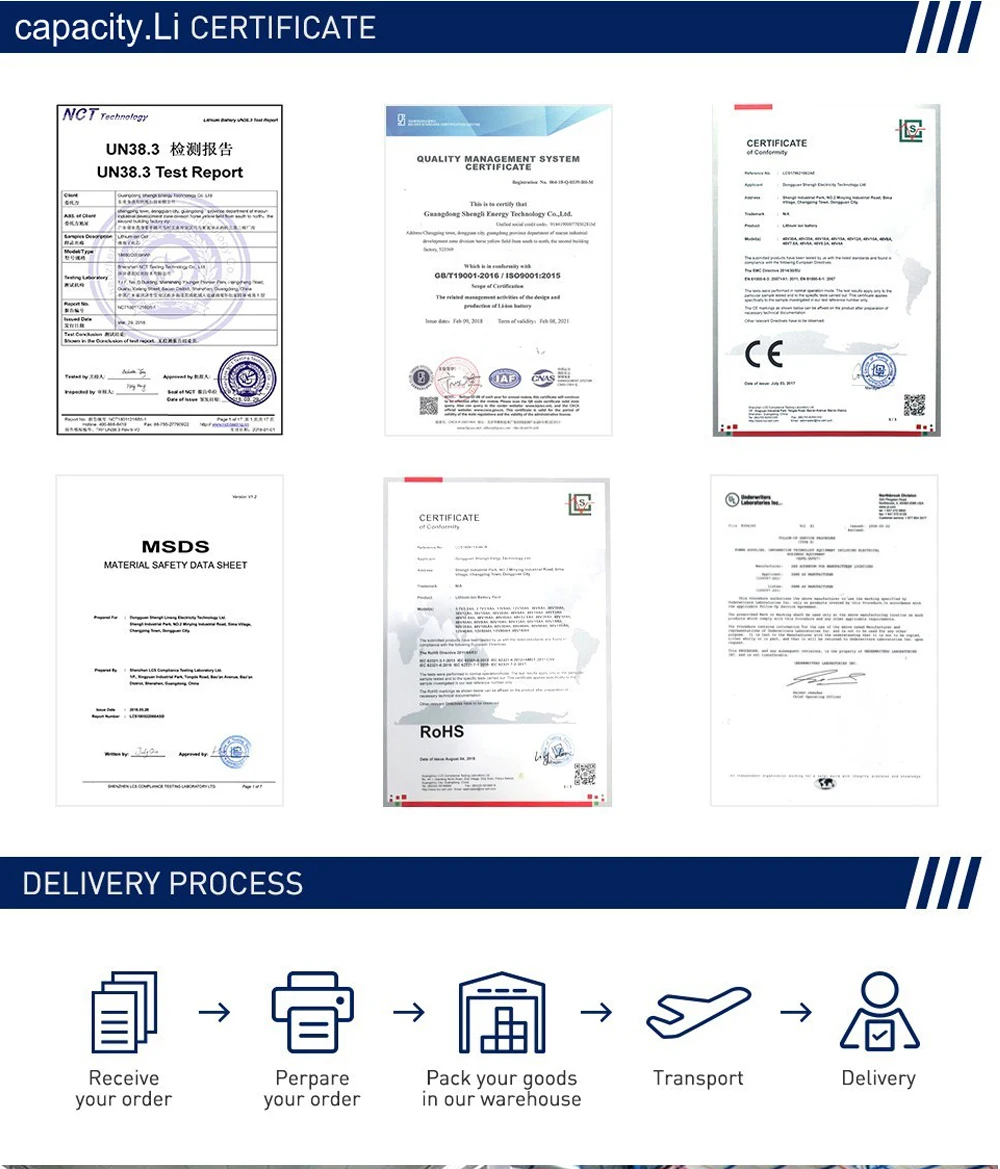
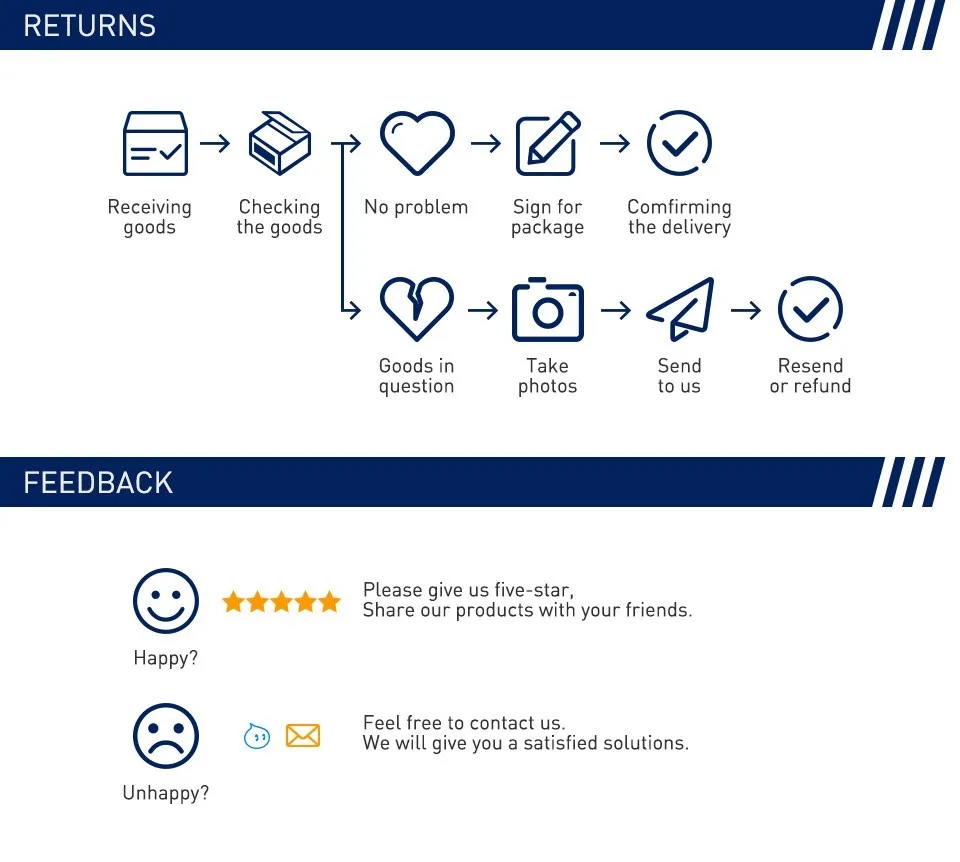
Shop Policies
Payment Policy
Payment Policy – BILLIONS BIRDS
At BILLIONS BIRDS, we are committed to providing a safe, secure, and seamless payment experience for our customers.
1. Accepted Payment Methods
We accept the following payment options:
Major Credit & Debit Cards (Visa, MasterCard, American Express)
Secure Online Payment Gateways (such as PayPal, Stripe, or other providers available at checkout)
Any additional payment methods displayed during checkout
All payments must be completed in full at the time of purchase.
2. Secure Transactions
All transactions are processed through encrypted and secure payment systems to protect your personal and financial information. We do not store your full payment details on our servers.
3. Currency
Prices are displayed in the currency indicated on the website. If you are purchasing from another country, your bank may apply currency conversion fees.
4. Order Confirmation
Once your payment has been successfully processed, you will receive an order confirmation email containing your purchase details.
5. Failed or Declined Payments
If your payment is declined, please verify your billing information or contact your bank. Orders will only be processed after successful payment confirmation.
6. Fraud Prevention
BILLIONS BIRDS reserves the right to cancel or refuse any order if fraud or unauthorised activity is suspected.
Delivery Policy
Delivery Policy – BILLIONS BIRDS
At BILLIONS BIRDS, we are dedicated to delivering your orders safely and efficiently.
1. Order Processing
All orders are processed within 1–3 business days after payment confirmation. Orders are not processed or shipped on weekends or public holidays.
2. Shipping Times
Estimated delivery times vary depending on your location:
Domestic Shipping: 3–7 business days
International Shipping: 7–15 business days
Please note that delivery times are estimates and may vary due to customs procedures, carrier delays, weather conditions, or other unforeseen circumstances.
3. Shipping Costs
Shipping fees are calculated at checkout based on your location and selected shipping method. Any customs duties, taxes, or import fees are the customer's responsibility.
4. Tracking Information
Once your order has been shipped, you will receive a confirmation email with tracking details (if available) so you can monitor your package.
5. Delivery Issues
If your order is delayed, lost, or arrives damaged, please contact us within 7 days of the expected delivery date. We will work with the shipping carrier to resolve the issue as quickly as possible.
6. Incorrect Shipping Information
Customers are responsible for providing accurate shipping details at checkout. BILLIONS BIRDS is not responsible for orders shipped to incorrect addresses provided by the customer.
Refund Policy
Refund Policy – BILLIONS BIRDS
At BILLIONS BIRDS, customer satisfaction is our top priority. If you are not completely satisfied with your purchase, we’re here to help.
1. Return Eligibility
You may request a return within 14 days of receiving your order. To qualify for a return:
The item must be unused, unworn, and in the same condition as received.
The item must be in its original packaging.
Proof of purchase (order confirmation or receipt) is required.
Certain items may not be eligible for return, including clearance items, gift cards, or personalised/custom products.
2. Non-Refundable Items
The following items are non-refundable:
Final sale or discounted items
Gift cards
Items damaged due to misuse, negligence, or improper care
3. Return Process
To initiate a return, please contact our customer support team with your order number and reason for return. If your return is approved, you will receive instructions for returning the item.
Unless the item is defective or incorrect, customers are responsible for return shipping costs.
4. Refund Processing
Once we receive and inspect your returned item:
We will notify you of the approval or rejection of your refund.
If approved, the refund will be issued to your original payment method within 5–10 business days.
Please note that banks or payment providers may require additional time to process refunds.
5. Damaged or Incorrect Items
If you receive a damaged, defective, or incorrect item, please contact us within 7 days of delivery and provide clear photos of the product and packaging. We will arrange a replacement or full refund at no additional cost.
6. Late or Missing Refunds
If you have not received your refund:
Check your bank account again.
Contact your credit card company or payment provider.
If the issue persists, don't hesitate to contact our support team for assistance.
Recommended Products
Customer reviews
Share your thoughts with other customers
Be the first one to write a review!

Items (0)
