
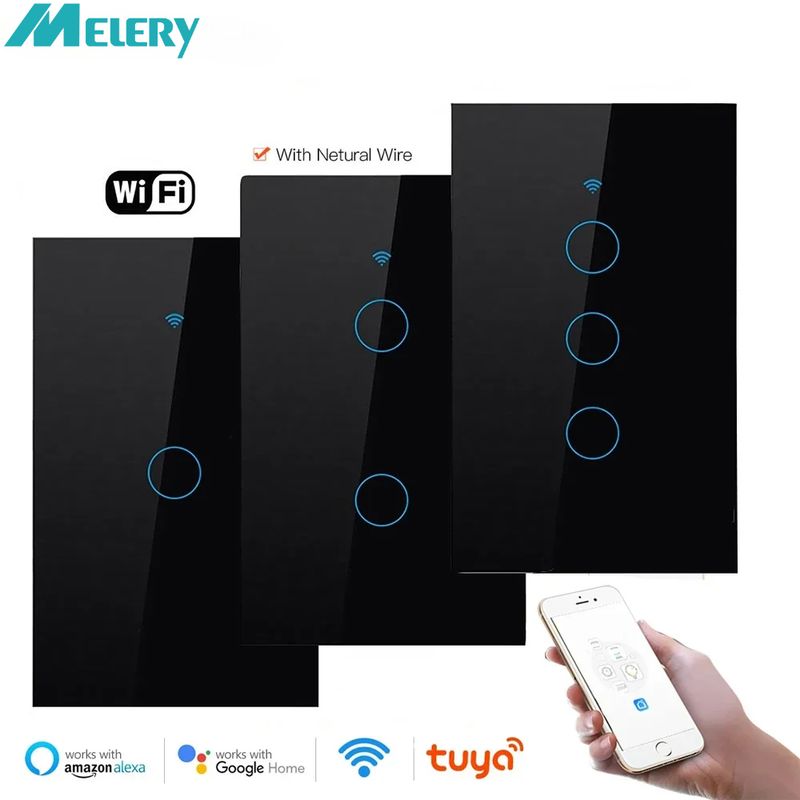
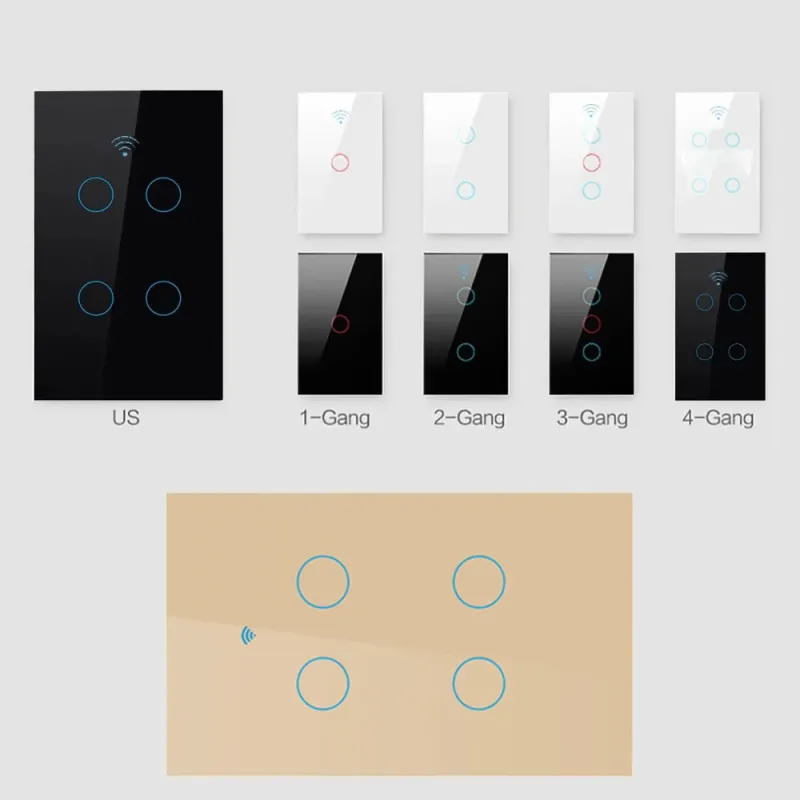
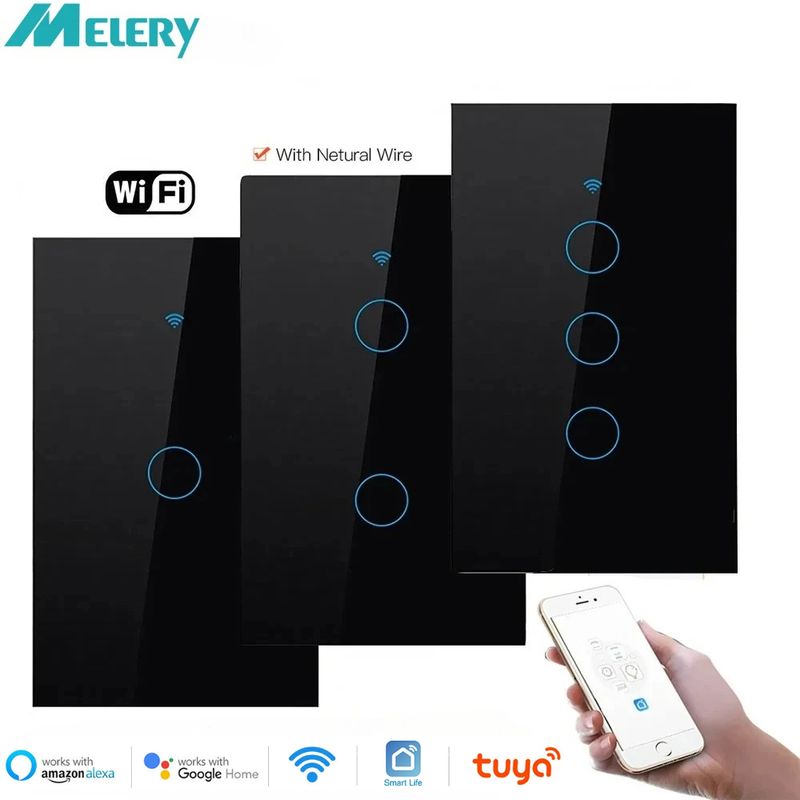
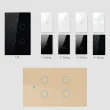

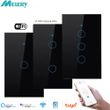

Melery Wifi Smart Light Wall Switch Glass Screen Touch Panel Voice Control Wireless Remote with Alexa Google Home 1/2/3/4 Gang
Includes all taxes
Meet your Seller
-
$30.36Sold by BILLIONS BIRDS
Description
Smart Touch Light Switch - Voice Control & WiFi Remote, Works with Alexa & Google Home
�� Technical Specifications: Safe & Reliable
|
Parameter
|
Details
|
|
Power Supply
|
AC 100-250V (Universal Voltage, Suitable for Global Use)
|
|
Maximum Current
|
10A per circuit
|
|
Maximum Power
|
2000W per circuit
|
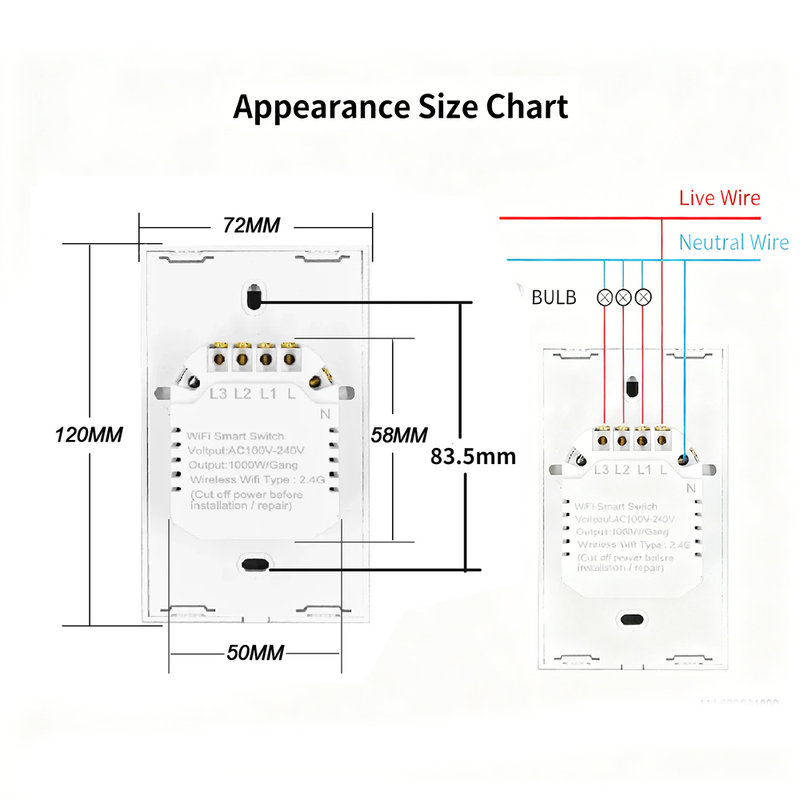
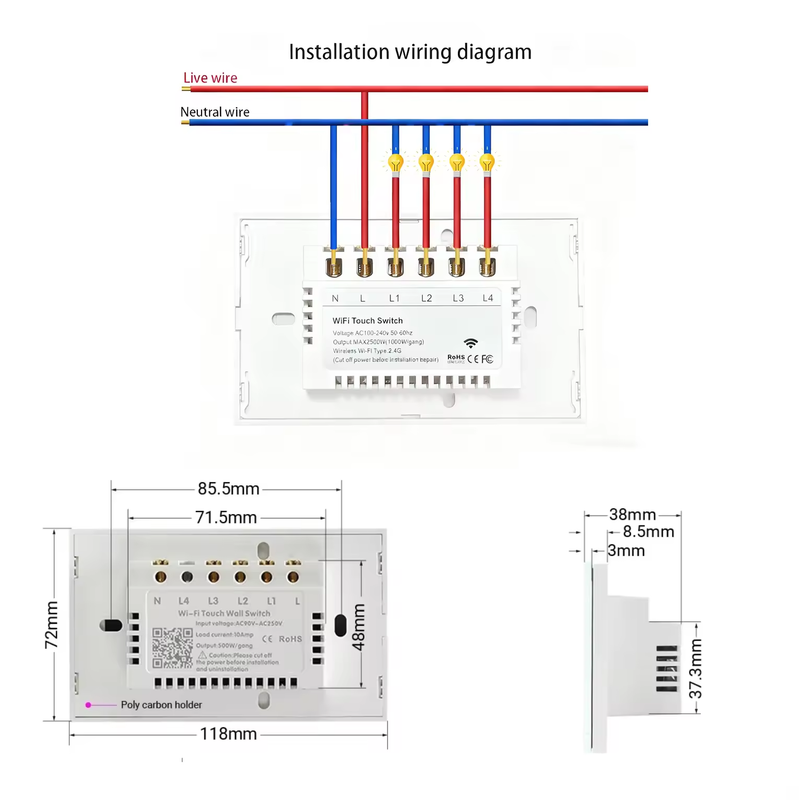
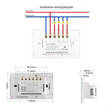
| Neutal Wire Required |
Before you buy, please confirm if your House have Netural Line for this Switch. |
�� Core Smart Features: Control Anywhere, Anytime
-
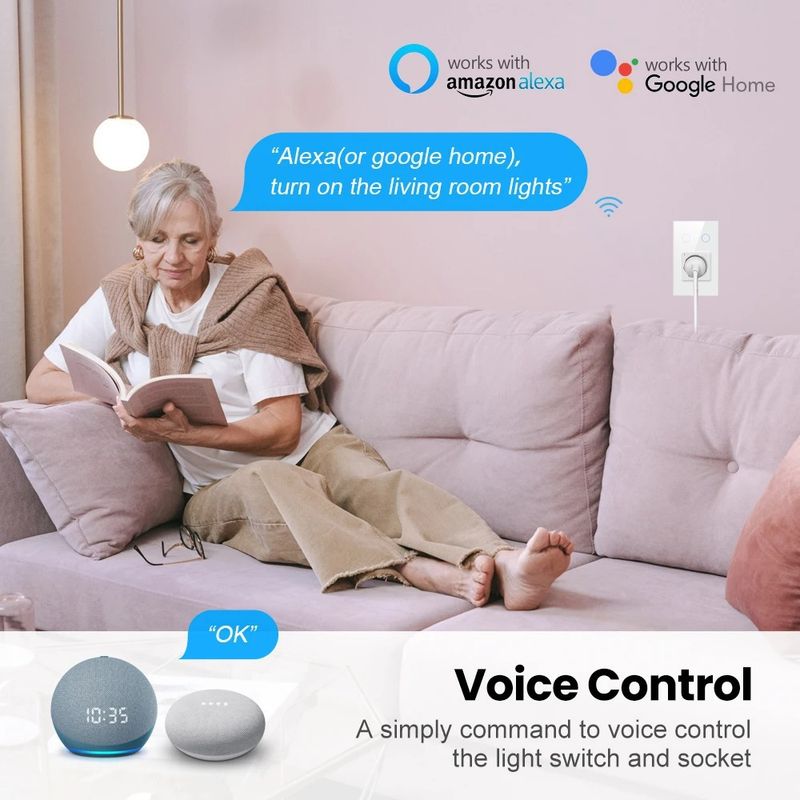
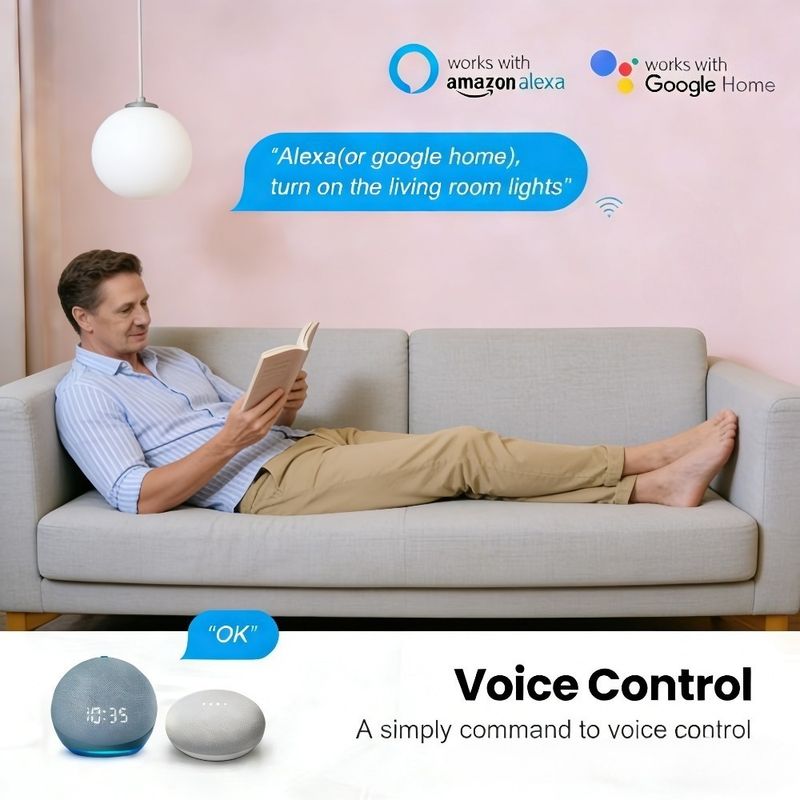
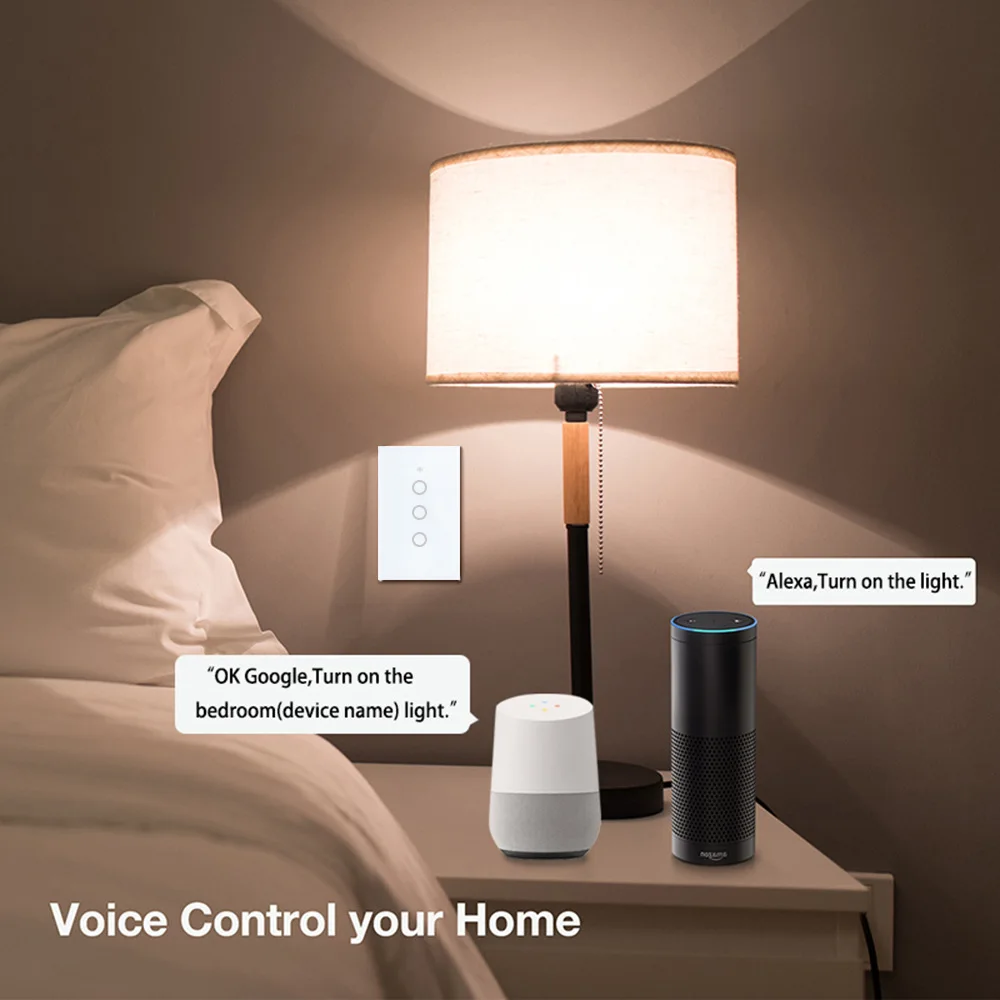
Voice Control for Hands-Free Life: Seamlessly works with Amazon Alexa (Echo, Echo Dot, Tap) and Google Home. Just say "Alexa, turn on the living room light" or "Hey Google, turn off the bedroom light" - no more fumbling for switches, perfect when your hands are full with groceries or a baby.
-
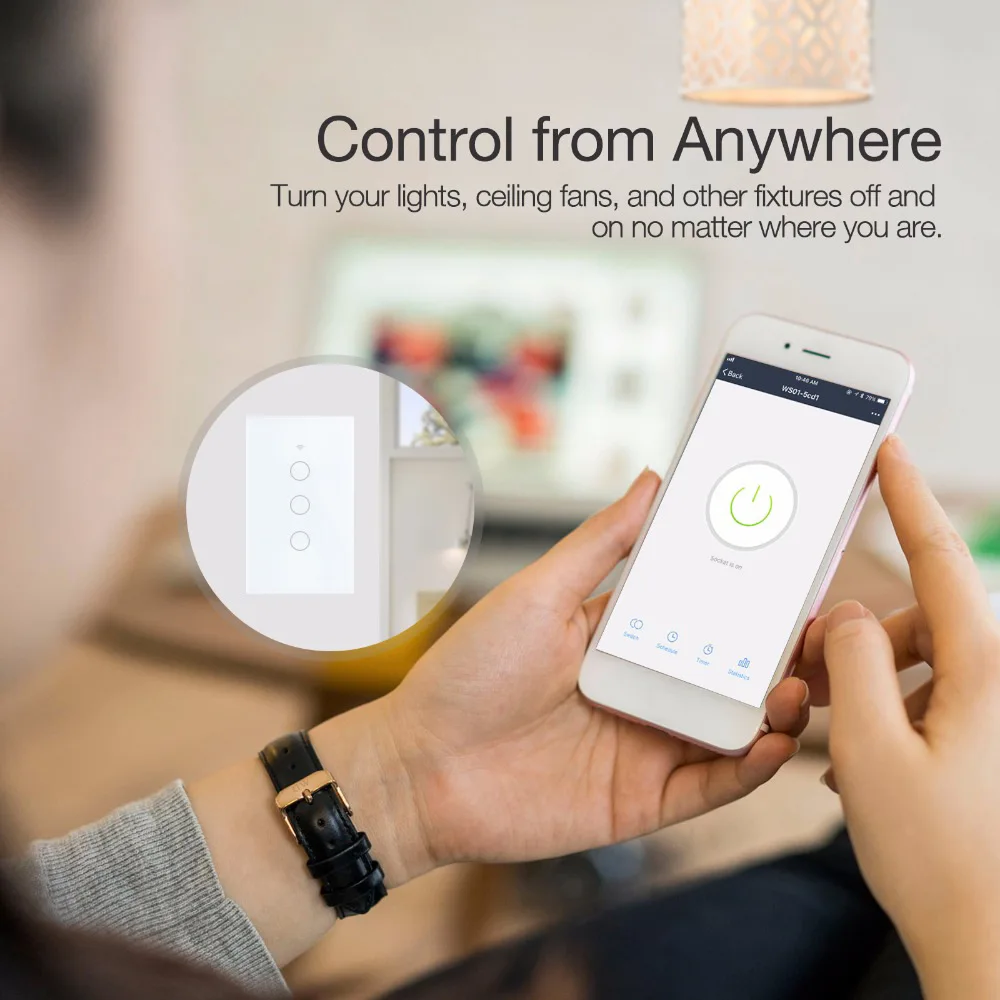
WiFi Remote Control: Control your lights from anywhere in the world as long as your phone has 2G/3G/4G or WiFi. Forgot to turn off the porch light during a business trip? Open the "Smart Life" app, and a single tap does the trick. Keep your home safe and save electricity.
-
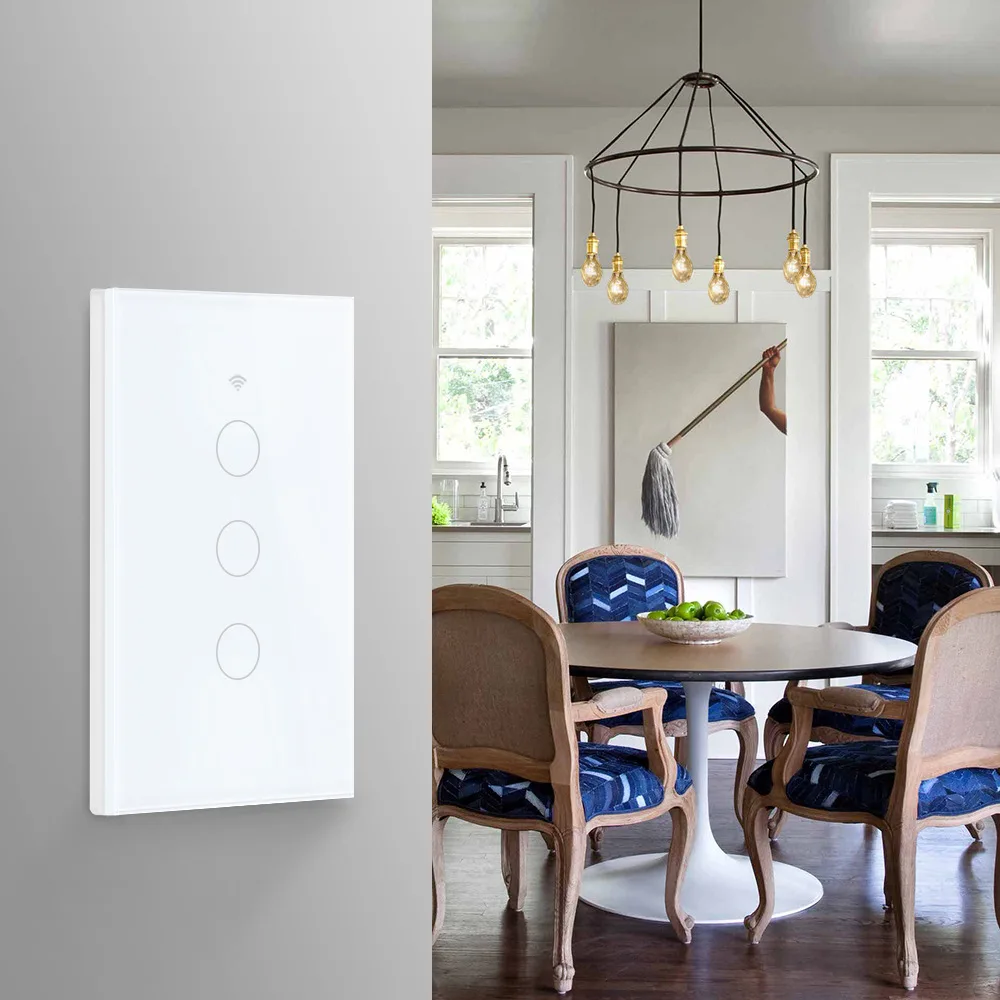
Precise Touch Sensing: Equipped with a premium tempered glass panel, the touch response is instant and sensitive. Rigorous testing proves it can withstand up to 20 million touches, ensuring long-lasting durability and a sleek, modern look that complements any home decor.
-
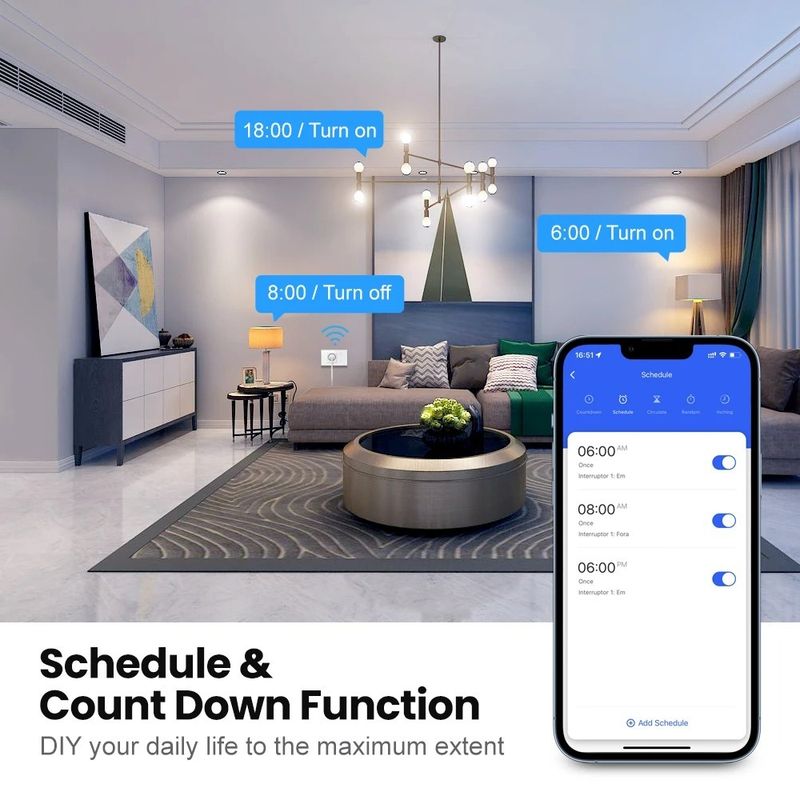
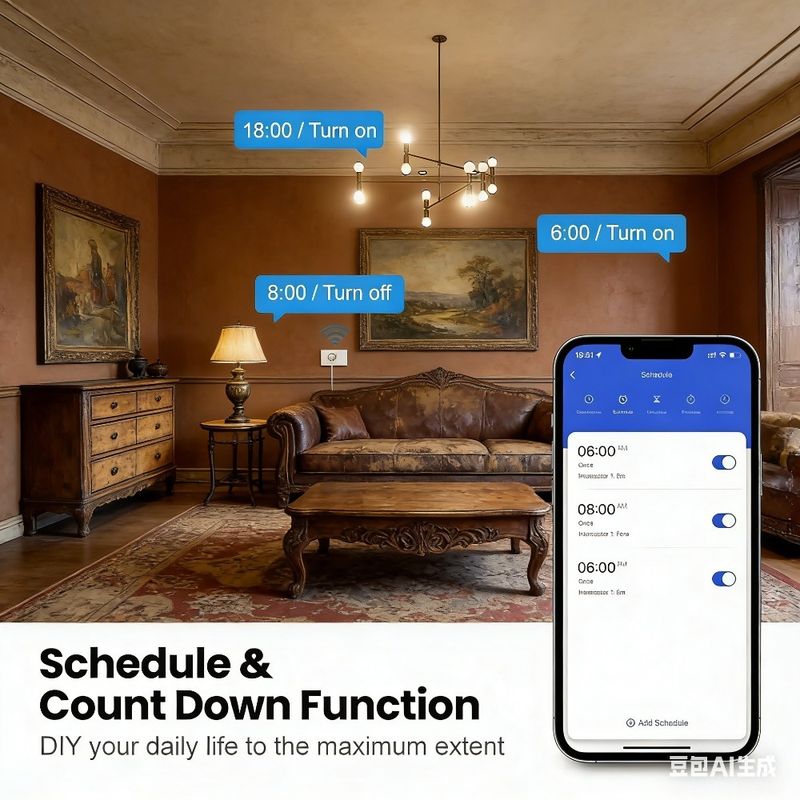
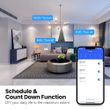
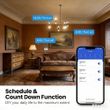
Flexible Timing Function: Set up to 8 groups of timers (single or repeat) for daily scheduling. Program the light to turn on at dusk to welcome you home, or turn off automatically after you fall asleep. The countdown timer is also handy - ideal for lights in kids' rooms or kitchen appliances.
-
Real-Time Status & Independent Control: The app displays the real-time on/off status of each switch, so you’ll never second-guess if you left something on. Each circuit can be controlled independently, allowing you to manage multiple lights or devices with precision.
-
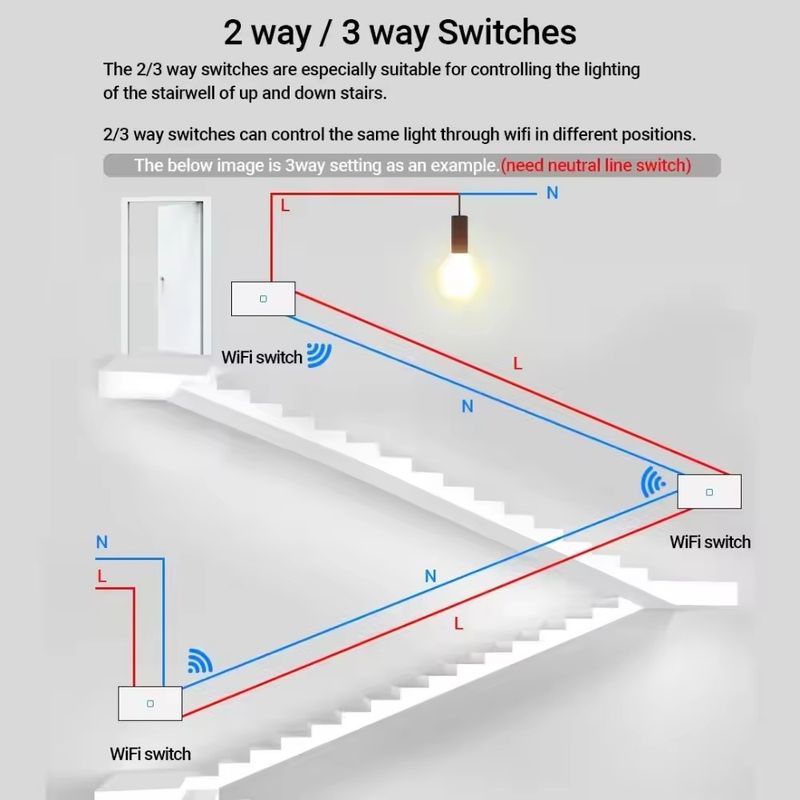
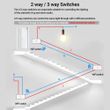
Group & 2-Way Control: Create groups in the app to control all lights in a room with one tap. Supports ladder switch installation (parallel connection) for stairs or hallways - program master and slave modes via the app, making it easy to turn lights on/off from either end.
�� Step-by-Step Guide: WiFi Pairing & Voice Assistant Connection
1. WiFi Pairing (Connect to "Smart Life" App)
-
Prepare Before Pairing: Ensure the switch is correctly wired and powered on. Make sure your mobile phone is connected to a 2.4GHz WiFi network (5GHz WiFi is not supported). Download and install the "Smart Life" app from App Store (iOS) or Google Play Store (Android), then register and log in to your account.
-
Enter Pairing Mode: Press and hold the touch button on the switch for 5-8 seconds until the indicator light starts flashing rapidly (usually 2 times per second) - this means the switch has entered pairing mode.
-
Add Device in App: Open the "Smart Life" app, tap the "+" icon in the top right corner, select "Electrical Outlet" or "Light Switch" from the device list. Enter your 2.4GHz WiFi password, then tap "Next".
-
Complete Pairing: The app will automatically search for the switch. Once found, follow the on-screen prompts to confirm the pairing. When the indicator light stops flashing and stays on, the WiFi connection is successful.
2. Connect to Amazon Alexa
-
Link "Smart Life" Skill: Open the Amazon Alexa app, tap "More" > "Skills & Games", search for the "Smart Life" skill, then tap "Enable to Use".
-
Authorize Account: Enter your "Smart Life" app account and password to link your Alexa account with the "Smart Life" account. Tap "Authorize" to complete the binding.
-
Discover Devices: In the Alexa app, tap "Devices" > "+" > "Add Device", then select "Light" > "Smart Life". Alexa will automatically discover the paired switch. Alternatively, you can say "Alexa, discover devices" to start the discovery.
-
Start Voice Control: After discovery, you can rename the switch (e.g., "living room light") in the Alexa app. Now you can use voice commands like "Alexa, turn on the living room light" to control it.
3. Connect to Google Home
-
Add "Smart Life" to Google Home: Open the Google Home app, tap "Settings" > "Works with Google", search for "Smart Life", then tap "Link".
-
Log in to "Smart Life" Account: Enter your "Smart Life" account credentials and tap "Authorize" to connect your account with Google Home.
-
Sync Devices: After linking, tap "Sync my devices" - Google Home will search for and add the switch. You can also tap "Add" > "Set up device" > "Works with Google" to manually sync.
-
Use Voice Commands: Rename the device in the Google Home app if needed, then use commands like "Hey Google, turn off the bedroom light" to control the switch.




Shop Policies
Payment Policy
Payment Policy – BILLIONS BIRDS
At BILLIONS BIRDS, we are committed to providing a safe, secure, and seamless payment experience for our customers.
1. Accepted Payment Methods
We accept the following payment options:
Major Credit & Debit Cards (Visa, MasterCard, American Express)
Secure Online Payment Gateways (such as PayPal, Stripe, or other providers available at checkout)
Any additional payment methods displayed during checkout
All payments must be completed in full at the time of purchase.
2. Secure Transactions
All transactions are processed through encrypted and secure payment systems to protect your personal and financial information. We do not store your full payment details on our servers.
3. Currency
Prices are displayed in the currency indicated on the website. If you are purchasing from another country, your bank may apply currency conversion fees.
4. Order Confirmation
Once your payment has been successfully processed, you will receive an order confirmation email containing your purchase details.
5. Failed or Declined Payments
If your payment is declined, please verify your billing information or contact your bank. Orders will only be processed after successful payment confirmation.
6. Fraud Prevention
BILLIONS BIRDS reserves the right to cancel or refuse any order if fraud or unauthorised activity is suspected.
Delivery Policy
Delivery Policy – BILLIONS BIRDS
At BILLIONS BIRDS, we are dedicated to delivering your orders safely and efficiently.
1. Order Processing
All orders are processed within 1–3 business days after payment confirmation. Orders are not processed or shipped on weekends or public holidays.
2. Shipping Times
Estimated delivery times vary depending on your location:
Domestic Shipping: 3–7 business days
International Shipping: 7–15 business days
Please note that delivery times are estimates and may vary due to customs procedures, carrier delays, weather conditions, or other unforeseen circumstances.
3. Shipping Costs
Shipping fees are calculated at checkout based on your location and selected shipping method. Any customs duties, taxes, or import fees are the customer's responsibility.
4. Tracking Information
Once your order has been shipped, you will receive a confirmation email with tracking details (if available) so you can monitor your package.
5. Delivery Issues
If your order is delayed, lost, or arrives damaged, please contact us within 7 days of the expected delivery date. We will work with the shipping carrier to resolve the issue as quickly as possible.
6. Incorrect Shipping Information
Customers are responsible for providing accurate shipping details at checkout. BILLIONS BIRDS is not responsible for orders shipped to incorrect addresses provided by the customer.
Refund Policy
Refund Policy – BILLIONS BIRDS
At BILLIONS BIRDS, customer satisfaction is our top priority. If you are not completely satisfied with your purchase, we’re here to help.
1. Return Eligibility
You may request a return within 14 days of receiving your order. To qualify for a return:
The item must be unused, unworn, and in the same condition as received.
The item must be in its original packaging.
Proof of purchase (order confirmation or receipt) is required.
Certain items may not be eligible for return, including clearance items, gift cards, or personalised/custom products.
2. Non-Refundable Items
The following items are non-refundable:
Final sale or discounted items
Gift cards
Items damaged due to misuse, negligence, or improper care
3. Return Process
To initiate a return, please contact our customer support team with your order number and reason for return. If your return is approved, you will receive instructions for returning the item.
Unless the item is defective or incorrect, customers are responsible for return shipping costs.
4. Refund Processing
Once we receive and inspect your returned item:
We will notify you of the approval or rejection of your refund.
If approved, the refund will be issued to your original payment method within 5–10 business days.
Please note that banks or payment providers may require additional time to process refunds.
5. Damaged or Incorrect Items
If you receive a damaged, defective, or incorrect item, please contact us within 7 days of delivery and provide clear photos of the product and packaging. We will arrange a replacement or full refund at no additional cost.
6. Late or Missing Refunds
If you have not received your refund:
Check your bank account again.
Contact your credit card company or payment provider.
If the issue persists, don't hesitate to contact our support team for assistance.
Recommended Products
Customer reviews
Share your thoughts with other customers
Be the first one to write a review!

Items (0)
