
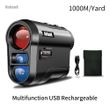
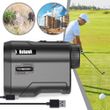
Nohawk 600M 1000Y Golf Laser Rangefinder for Hunting Range Finder With Slope Compensation for Golfer Monoculars Distance Meter
Includes all taxes
Meet your Seller
-
$102.25Sold by BILLIONS BIRDS
Description
Nohawk 600M 1000Y Golf Laser Rangefinder for Hunting Range Finder With Slope Compensation for Golfer Monoculars Distance Meter
Precautions:
1.This is a long distance rangefinder. The measurement distance is at least 5 meters.
2. Glass reflects the laser light and affects the measurement results.Do not measure through glass during measurement.
3.Rainy, foggy, dusty weather, and severe air pollution can affect laser transmission and measurement results.
4. Low-light conditions at night necessitate additional lighting to view the readings, since the eyepiece display lacks illumination.
5.Any problem send customer service information in time. Give you to solve all the problems.
Units of measure: M/Yard—manually switchable(Press and hold the measurement button and M button at the same time for 3-5 seconds to switch)
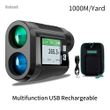
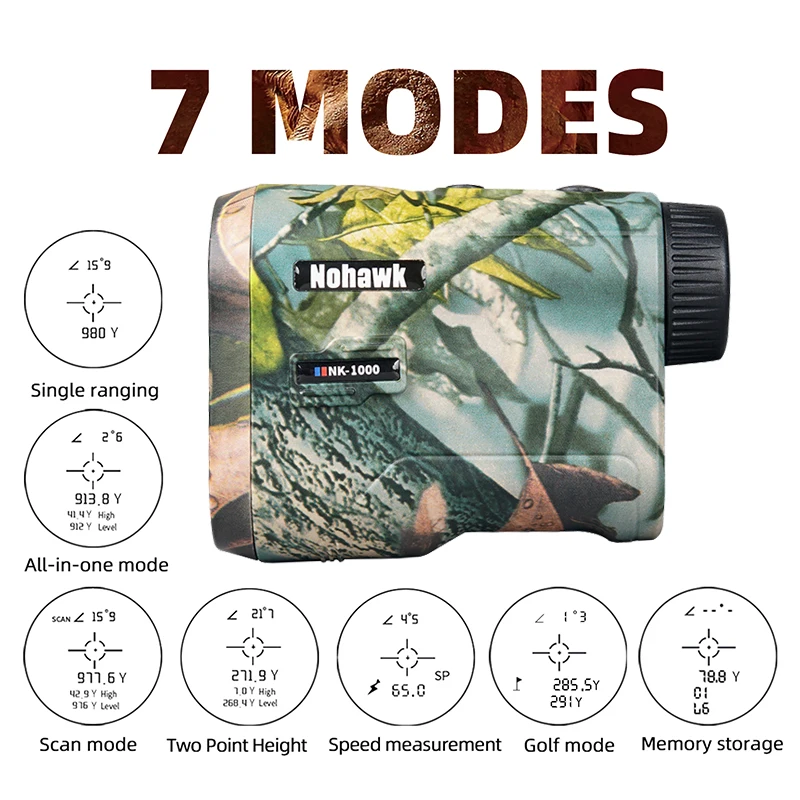
Multifunction Rangefinder:
1. Linear distance measurement
2. All-in-one machine mode (angle/height/horizontal distance)
3. Scan mode
4. Two-point height measurement mode
5. Speed measurement mode
6. Golf mode (with slope compensation)
7. Data storage function
Press mode button to switch the storage function,display shows "Lb". Press power button continuously to view the data.
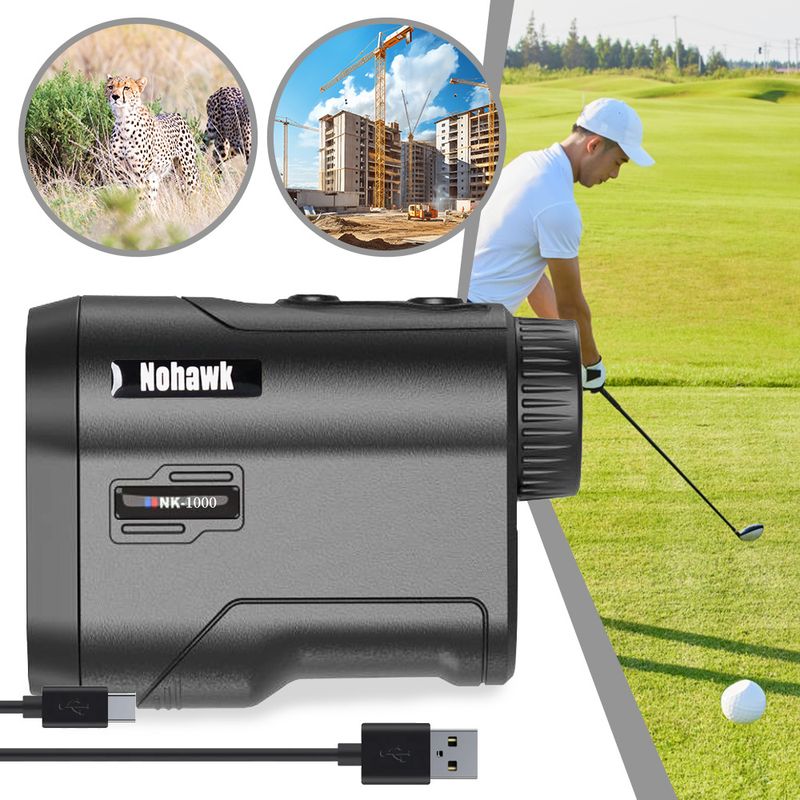
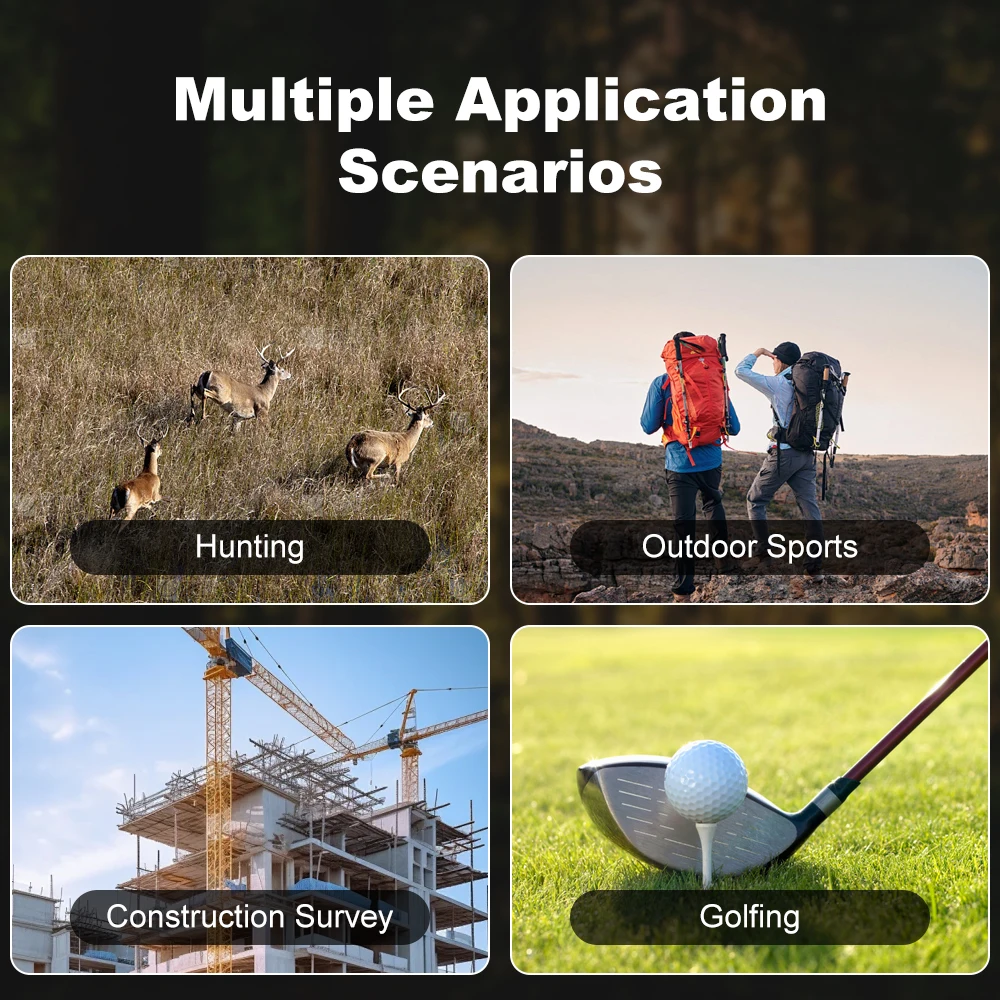
Application: multi-function monocular rangefinder application, hunting/golf/frisbee golf/building construction/altitude measurement/speed measurement...


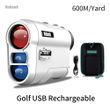
Golf version:
1. Angle switch manual control
2. Linear distance measurement
3. Slope compensation function
4. Flagpole scanning and locking function
3. Vibration mode: Vibration after the flagpole is locked
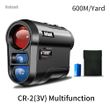
Multifunctional version:
1. Linear distance measurement
2. All-in-one machine mode (angle/height/horizontal distance)
3. Scan mode
4. Two-point height measurement mode
5. Speed measurement mode
6. Golf mode (with slope compensation but NO Angle switch!)
7. Data storage function
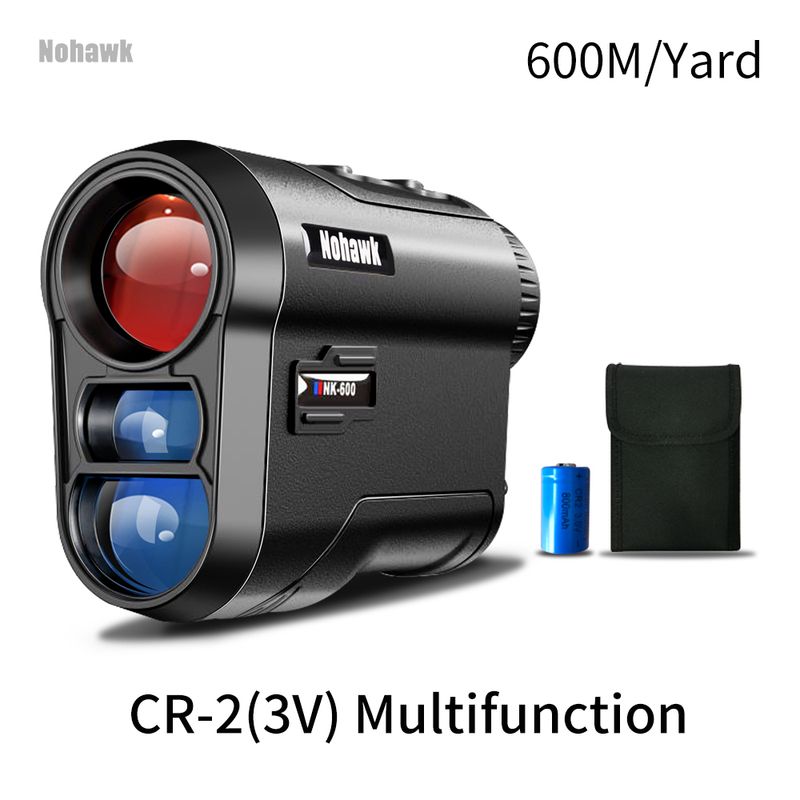
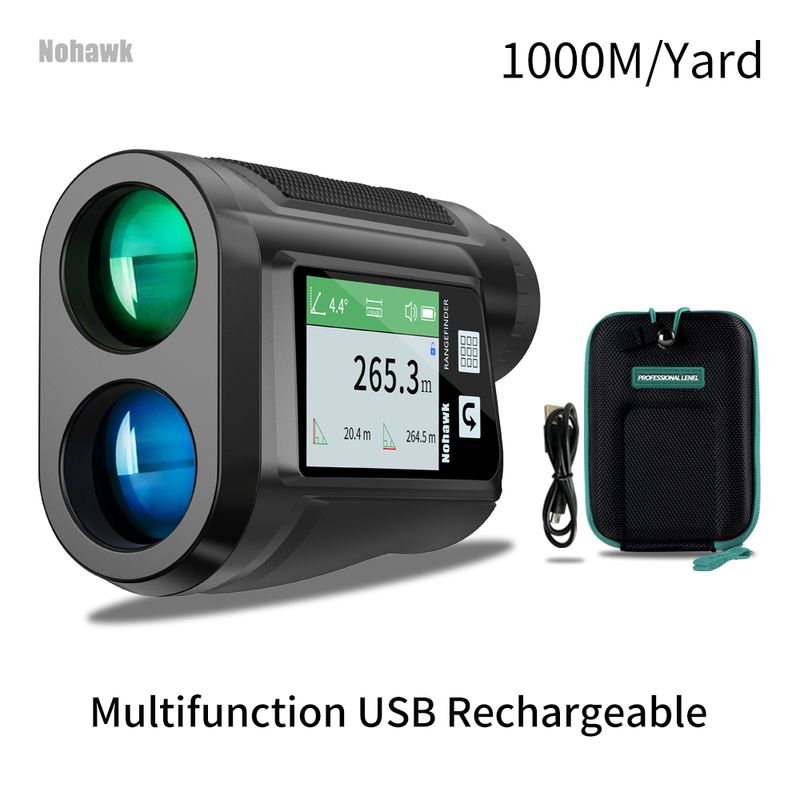
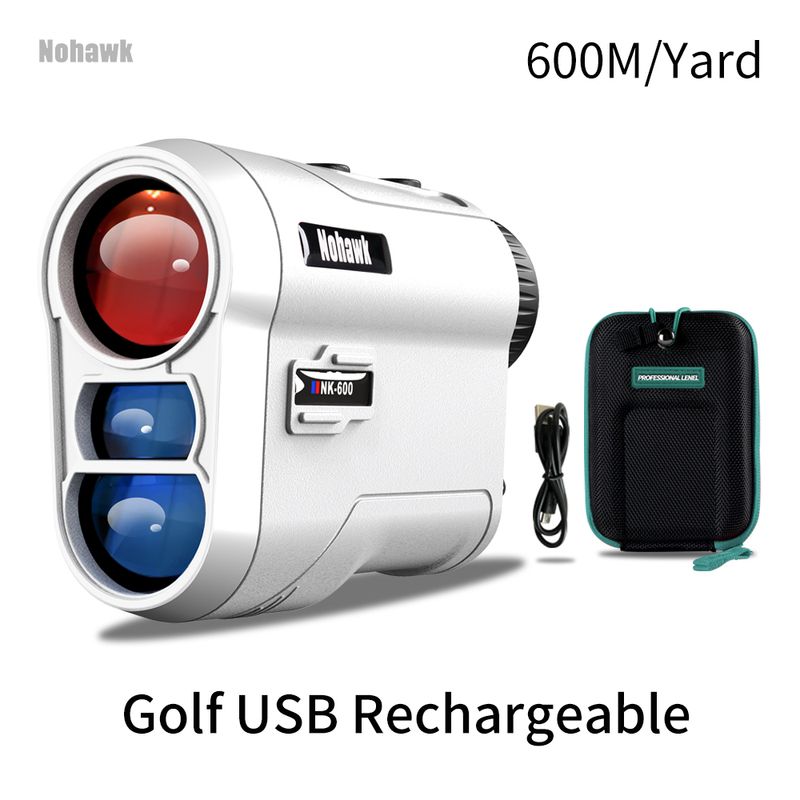
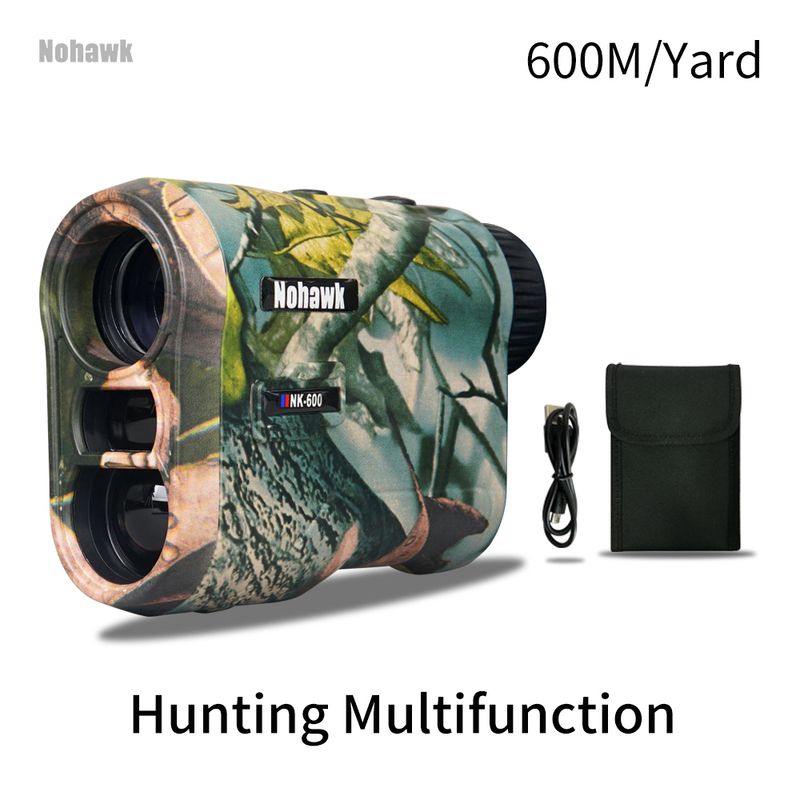
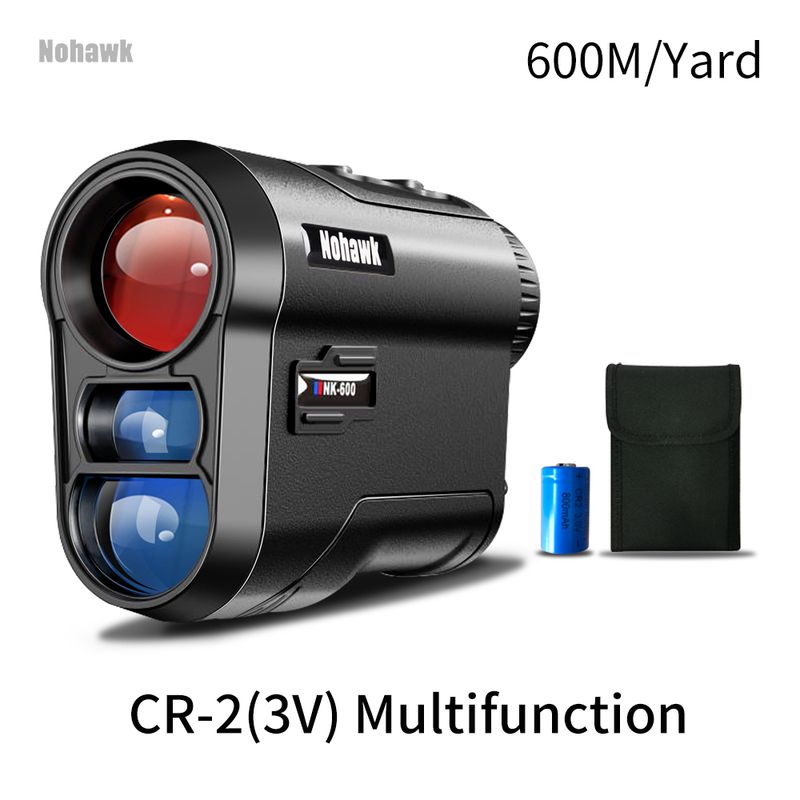
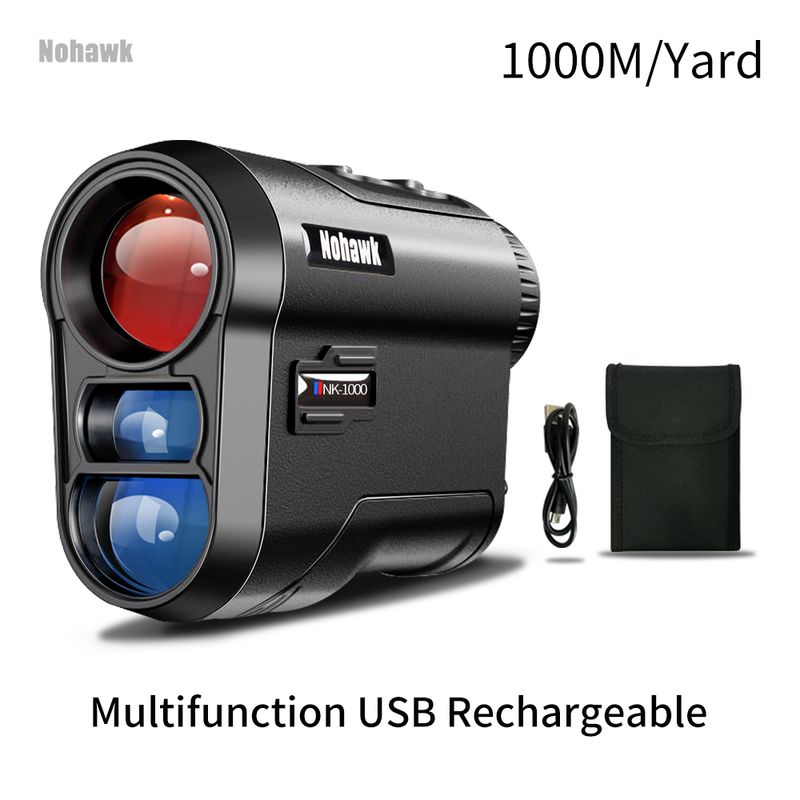
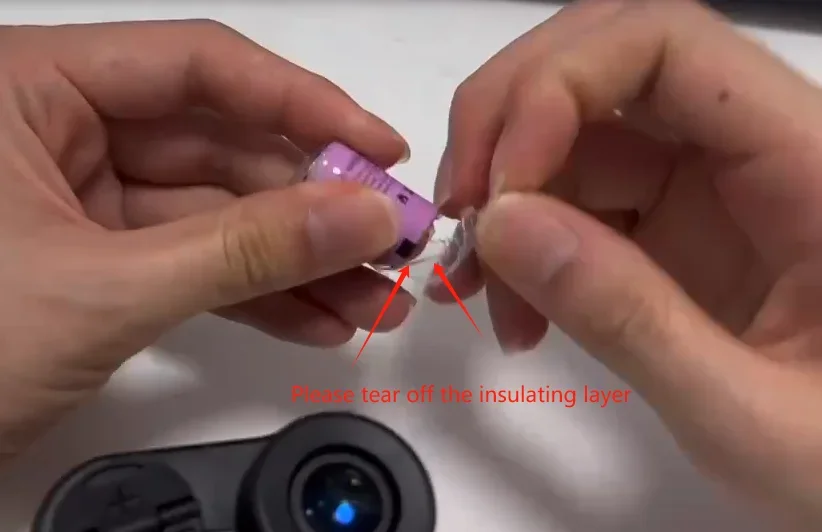
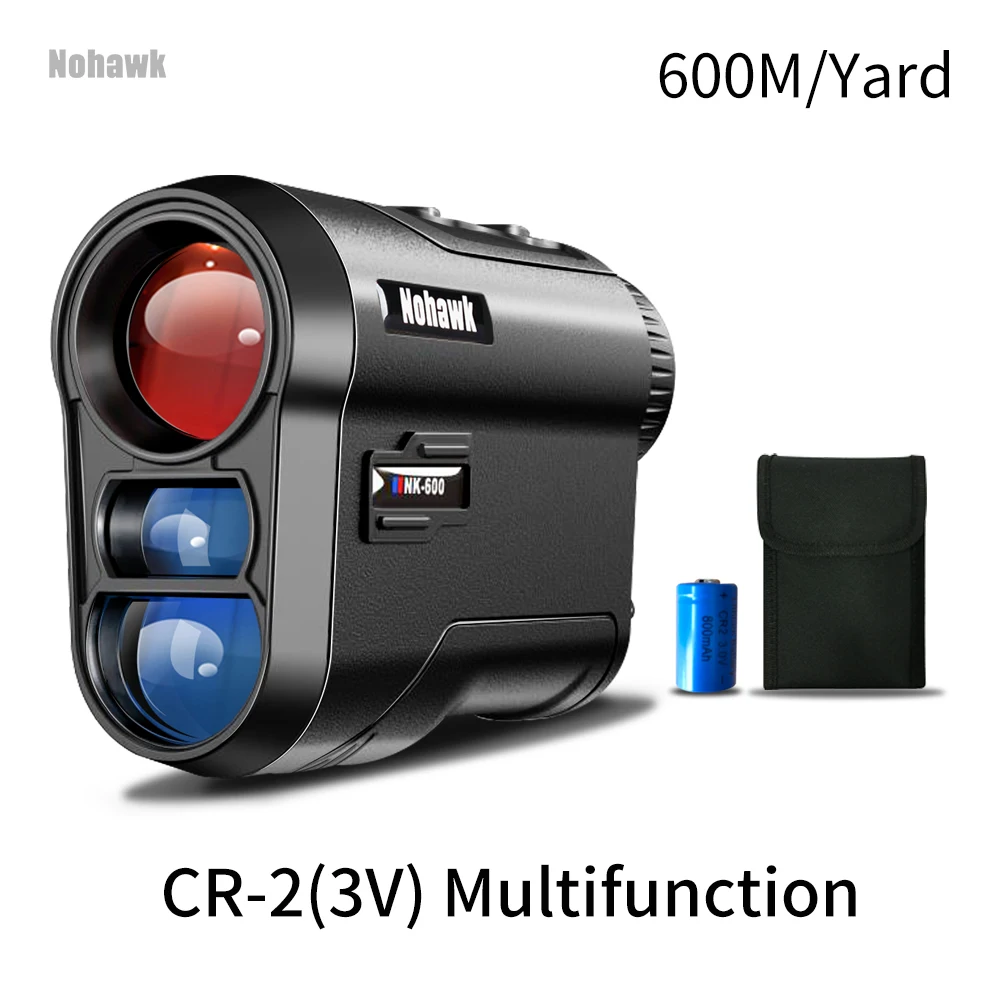
Power supply: According to the picture.
USB rechargeable lithium battery version
CR-2(3V) version, it is recommended to purchase rechargeable CR batteries in advance for long-term use.
600M/Yard Golf Rechargeable-Professional golf version - cost-effective, with zip bag


Golf version:
1. Angle switch manual control
2. Linear distance measurement
3. Slope compensation function
4. Flagpole scanning and locking function
3. Vibration mode: Vibration after the flagpole is locked
How does the rangefinder cause the lock fag to vibrate?
In Golf Mode.
1. measure the background of the slope behind the flag.
2. Press and hold the Measure button (to enter Scan Mode) and slowly move from the background toward the flag. The rangefinder will recognize the flag and the flag logo will flash and vibrate.
3. The distance to the flag and the slope compensation distance are displayed.
You can try again as mentioned above; if you have any other questions, please do not hesitate to contact me and we will reply to you as soon as possible.
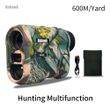
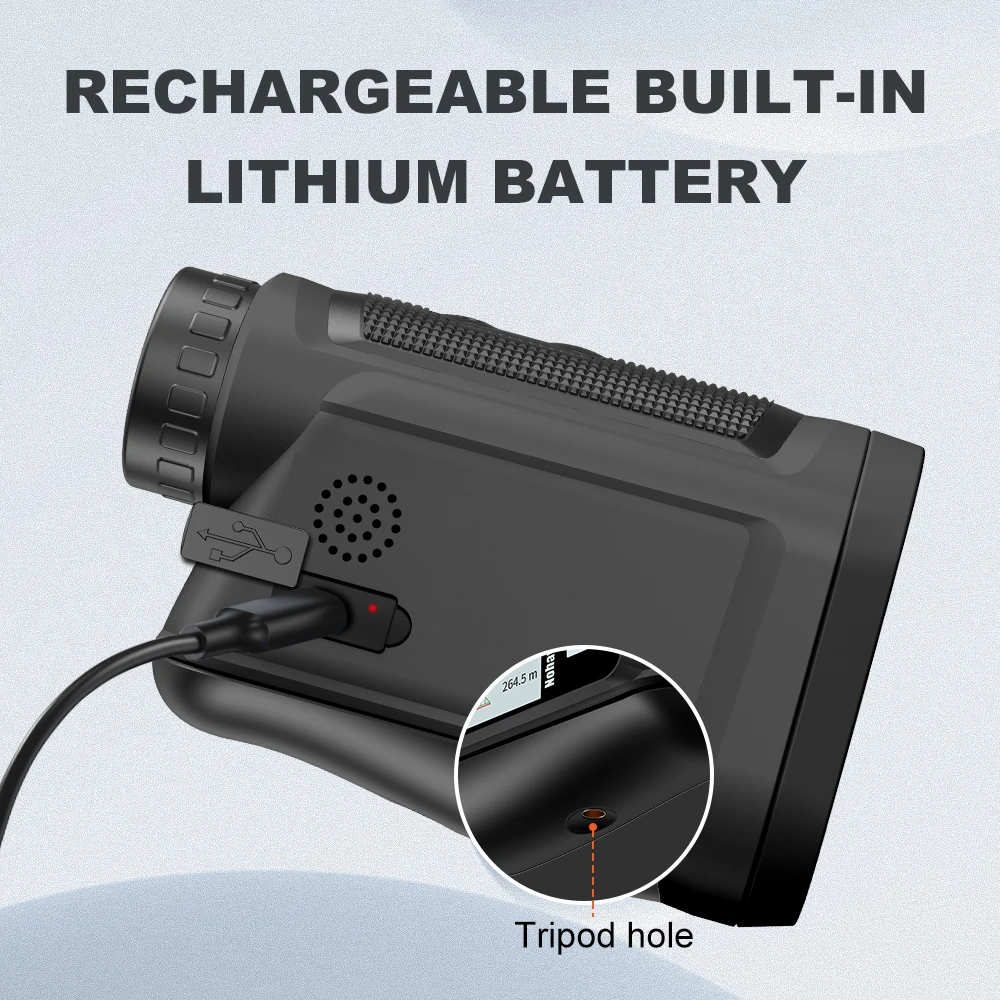
Hunting NKM-600M Rechargeable, built-in lithium battery USB charging
Unit: M/Yard (press and hold the measurement button and the M button for 2 seconds to switch)
Suitable for hunting outdoor sports camping. Camouflage appearance, high cost performance hunting rangefinder.
Product Size:96x34x67MM/3.78x1.34x2.64in
① Measuring distance mode
②All-in-one machine mode (angle/height/horizontal distance)
③ Scan mode
④ Two-point height measurement mode
⑤ Speed measurement mode
⑥Golf Slope Compensation Mode
⑦Data storage function


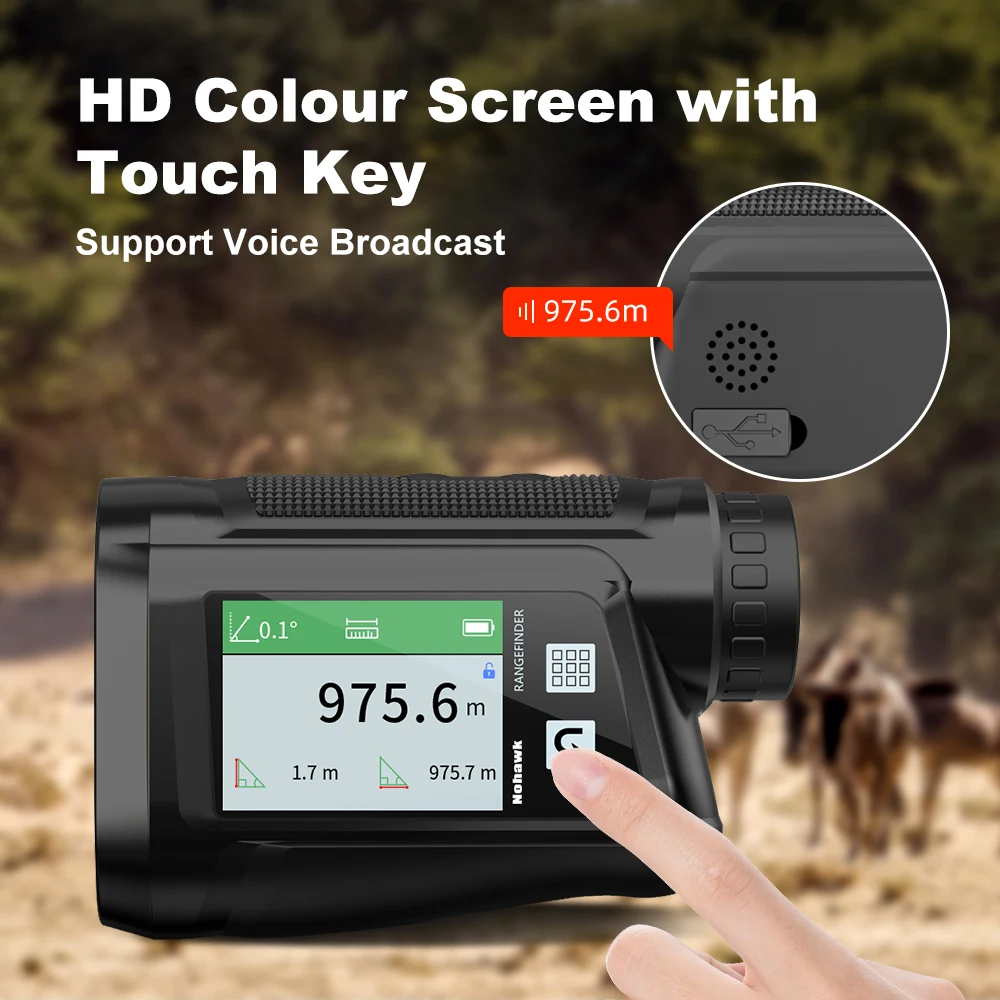
Black-NP-1000M with zipper bag:Large-size color side screen, customizable start-up screen, more convenient touch button operation, intelligent voice broadcast, you can get measurement data without watching the screen, three versions in English, Chinese and Japanese are optional, multiple measurement modes (area, volume measurement, measurement High angle measurement speed), multi-function can meet a variety of industrial scenariosProduct
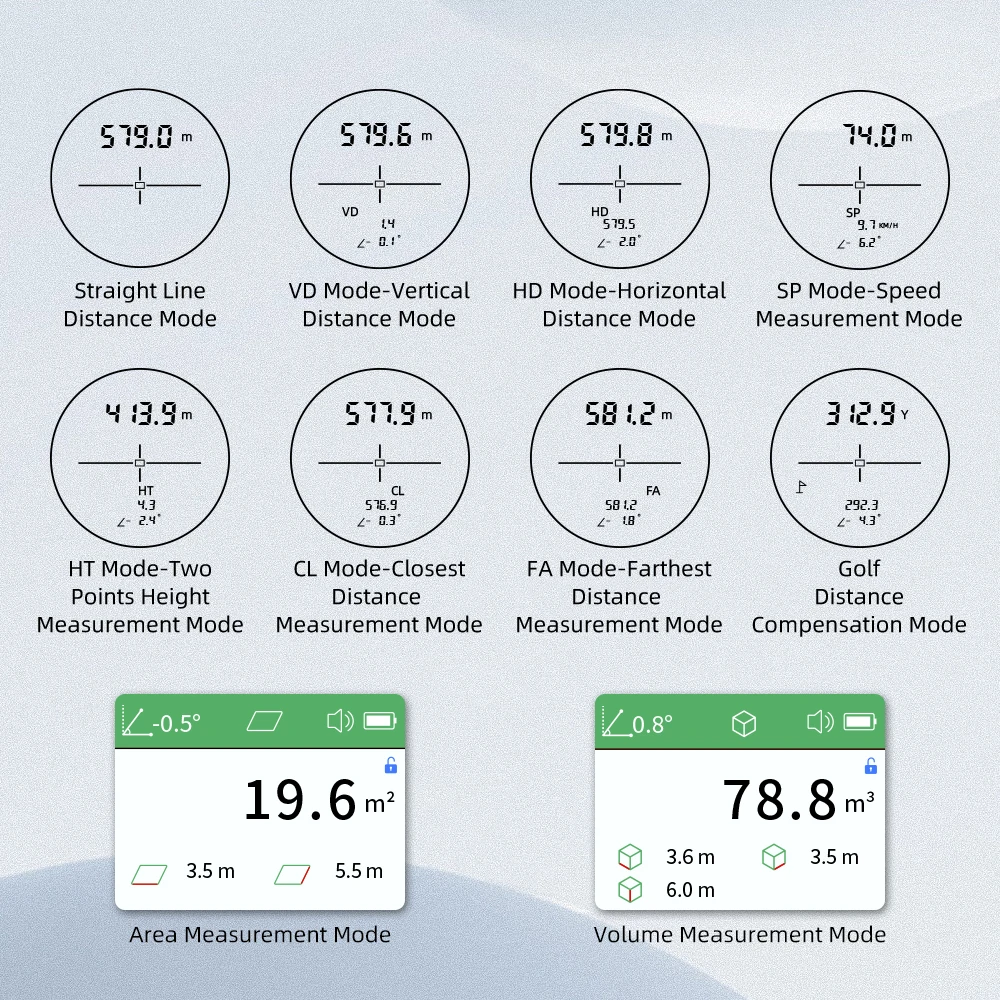
Size:109x40x70MM/4.30x1.58x2.76in
① Distance measurement mode
② Vertical distance
③ Horizontal distance
④ Speed measurement mode
⑤ Tow-point height measurement
⑥ Closest distance mode
⑦Longest distance mode
⑧Golf mode with slope compensation mode with vibration⑨Data storage functionArea measurement mode/volume measurement mode. These two modes need to read the instructions carefully, and you can consult me if you have any questions.
Rangefinder Operating Manual, Multifunction Version:
Unit M/Yard switching method: Press and hold the two keys at the same time for about 2 seconds to switch between meters and yards
The machine has a total of two keys: power button, mode button, after power on, the power button is used as a measurement button
The first mode: single ranging
Press the power button to turn on the machine. After the machine is turned on, this key is used as a measurement key. The target is aligned with the target object. Press the measurement key to directly measure the distance from the objective lens to the target object.
After power on, press the mode button to switch to the second mode
The second mode: all-in-one mode
Aim at the target and press the measurement button, the data from top to bottom are angle, slant distance (M), vertical height (High) between the target and the measuring point (machine position), horizontal distance between the target and the measuring point (Level )
After booting, press the mode button twice
The third mode: SCAN scanning mode
In this mode, press the measurement button once to continuously measure different targets without repeatedly pressing the measurement button, and the measurement results will be continuously updated on the display
Press the mode button three times after power on:
The fourth mode: H2 two-point height measurement
In this mode, aim at the lowest point of the target and press the measurement button, the data under the target will flash, then press the measurement button at the highest point of the target, the data from top to bottom are angle, slant distance (M), target The height of the object (High), the horizontal distance between the target object and the measuring point (Level)
Press the mode button four times after powering on:
The fifth mode: SP speed measurement mode
The speed measurement mode can measure the speed of the radial moving object, and use the distance of the object to be measured twice and the measurement time interval information to calculate the speed of the target object, which cannot be measured in parallel.
Press the mode key five times after powering on:
The sixth mode: flagpole mode (golf distance correction mode)
In this mode, measure the flagstick to calculate the best hitting distance
Press the mode key six times after powering on:
The seventh mode: LB mode: measurement records can save 10 sets of measurement data
Angle calibration: Press the power button, and then long press the power button, the angle flashes once a second at 0.0 degrees, put the rangefinder on the horizontal desktop or the tripod with the adjusted horizontal angle, press the mode button to complete Calibration, at this time, the angle display of the device should be 0.0 degrees in the horizontal state
Shop Policies
Payment Policy
Payment Policy – BILLIONS BIRDS
At BILLIONS BIRDS, we are committed to providing a safe, secure, and seamless payment experience for our customers.
1. Accepted Payment Methods
We accept the following payment options:
Major Credit & Debit Cards (Visa, MasterCard, American Express)
Secure Online Payment Gateways (such as PayPal, Stripe, or other providers available at checkout)
Any additional payment methods displayed during checkout
All payments must be completed in full at the time of purchase.
2. Secure Transactions
All transactions are processed through encrypted and secure payment systems to protect your personal and financial information. We do not store your full payment details on our servers.
3. Currency
Prices are displayed in the currency indicated on the website. If you are purchasing from another country, your bank may apply currency conversion fees.
4. Order Confirmation
Once your payment has been successfully processed, you will receive an order confirmation email containing your purchase details.
5. Failed or Declined Payments
If your payment is declined, please verify your billing information or contact your bank. Orders will only be processed after successful payment confirmation.
6. Fraud Prevention
BILLIONS BIRDS reserves the right to cancel or refuse any order if fraud or unauthorised activity is suspected.
Delivery Policy
Delivery Policy – BILLIONS BIRDS
At BILLIONS BIRDS, we are dedicated to delivering your orders safely and efficiently.
1. Order Processing
All orders are processed within 1–3 business days after payment confirmation. Orders are not processed or shipped on weekends or public holidays.
2. Shipping Times
Estimated delivery times vary depending on your location:
Domestic Shipping: 3–7 business days
International Shipping: 7–15 business days
Please note that delivery times are estimates and may vary due to customs procedures, carrier delays, weather conditions, or other unforeseen circumstances.
3. Shipping Costs
Shipping fees are calculated at checkout based on your location and selected shipping method. Any customs duties, taxes, or import fees are the customer's responsibility.
4. Tracking Information
Once your order has been shipped, you will receive a confirmation email with tracking details (if available) so you can monitor your package.
5. Delivery Issues
If your order is delayed, lost, or arrives damaged, please contact us within 7 days of the expected delivery date. We will work with the shipping carrier to resolve the issue as quickly as possible.
6. Incorrect Shipping Information
Customers are responsible for providing accurate shipping details at checkout. BILLIONS BIRDS is not responsible for orders shipped to incorrect addresses provided by the customer.
Refund Policy
Refund Policy – BILLIONS BIRDS
At BILLIONS BIRDS, customer satisfaction is our top priority. If you are not completely satisfied with your purchase, we’re here to help.
1. Return Eligibility
You may request a return within 14 days of receiving your order. To qualify for a return:
The item must be unused, unworn, and in the same condition as received.
The item must be in its original packaging.
Proof of purchase (order confirmation or receipt) is required.
Certain items may not be eligible for return, including clearance items, gift cards, or personalised/custom products.
2. Non-Refundable Items
The following items are non-refundable:
Final sale or discounted items
Gift cards
Items damaged due to misuse, negligence, or improper care
3. Return Process
To initiate a return, please contact our customer support team with your order number and reason for return. If your return is approved, you will receive instructions for returning the item.
Unless the item is defective or incorrect, customers are responsible for return shipping costs.
4. Refund Processing
Once we receive and inspect your returned item:
We will notify you of the approval or rejection of your refund.
If approved, the refund will be issued to your original payment method within 5–10 business days.
Please note that banks or payment providers may require additional time to process refunds.
5. Damaged or Incorrect Items
If you receive a damaged, defective, or incorrect item, please contact us within 7 days of delivery and provide clear photos of the product and packaging. We will arrange a replacement or full refund at no additional cost.
6. Late or Missing Refunds
If you have not received your refund:
Check your bank account again.
Contact your credit card company or payment provider.
If the issue persists, don't hesitate to contact our support team for assistance.
Recommended Products
Customer reviews
Share your thoughts with other customers
Be the first one to write a review!

Items (0)
