
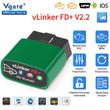
Vgate vLinker FD ELM327 FD+ BT4.0/ FD BT3.0 V2.2 FORScan OBD2 Car Diagnostic OBD 2 Scanner J2534 Auto Tool For Ford ELM 327
Includes all taxes
Meet your Seller
-
$107.26Sold by BILLIONS BIRDS
Description

Vgate vLinker FD ELM327 FD+ BT4.0/ FD BT3.0 V2.2 FORScan OBD2 Car Diagnostic OBD 2 Scanner J2534 Auto Tool For Ford ELM 327
Purchase Notes:
1.Our products support FORScan,We only sell adapters to be compatible with these software, but some of the functions of the software or the software itself are not free, you need to pay additional fees to the software company
2.If your mobile phone is IOS, when you use BT4.0 Ver., please connect to BT directly in the software,Don't connect to BT in phone settings
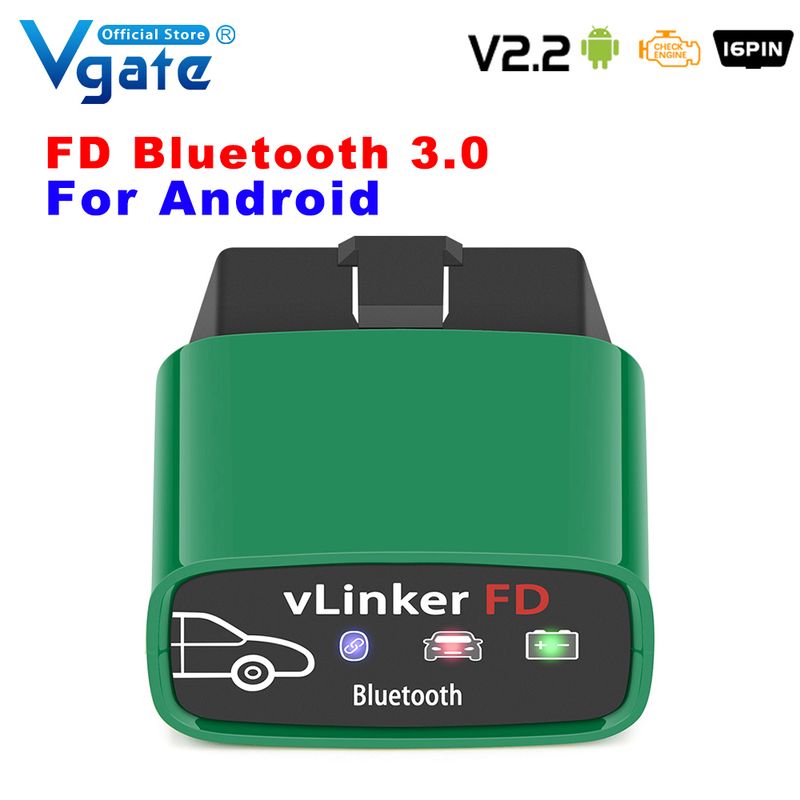
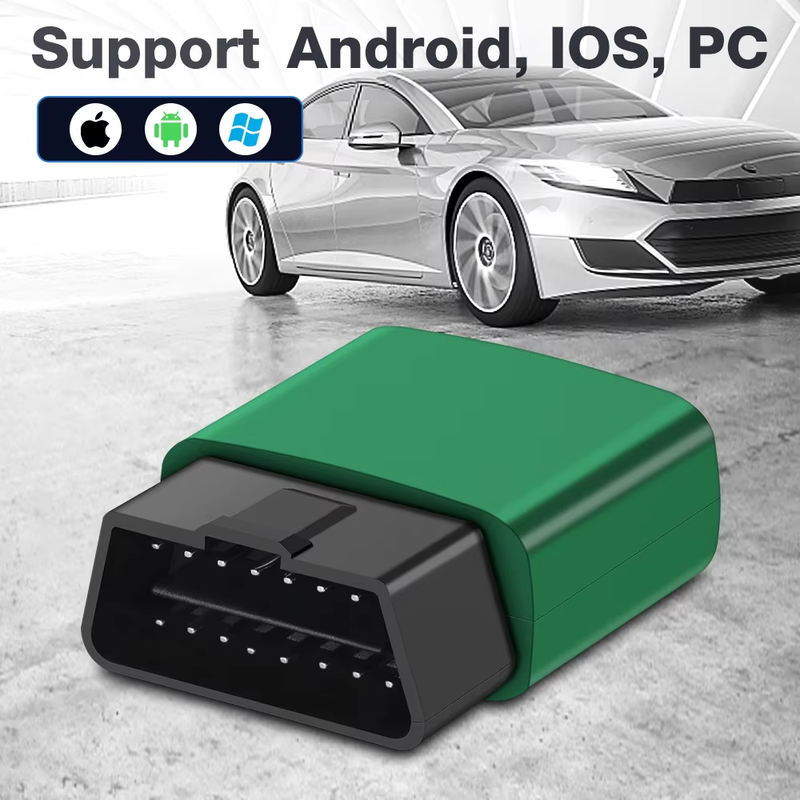
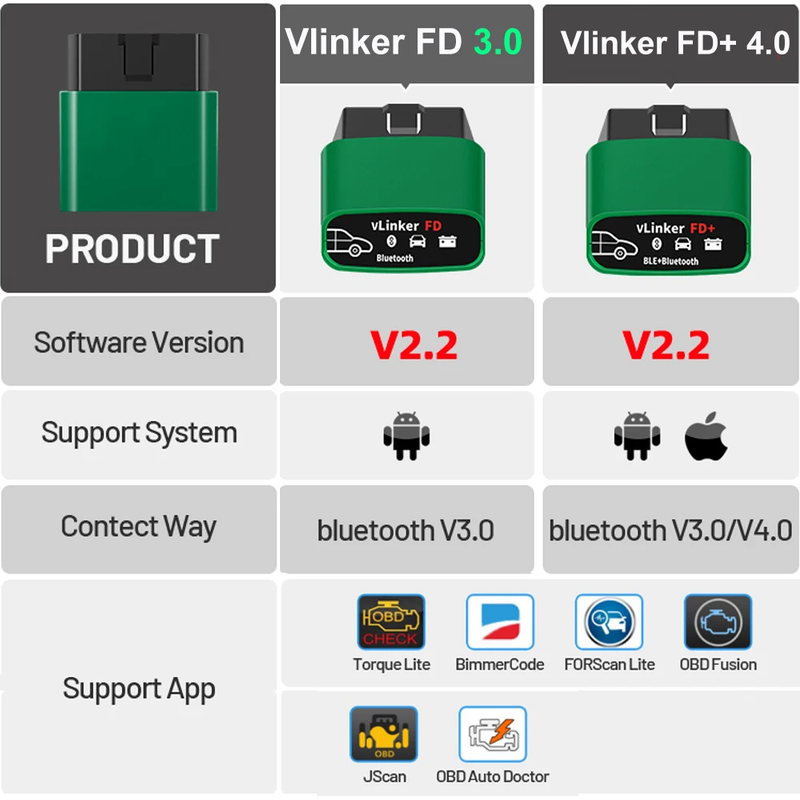
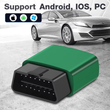
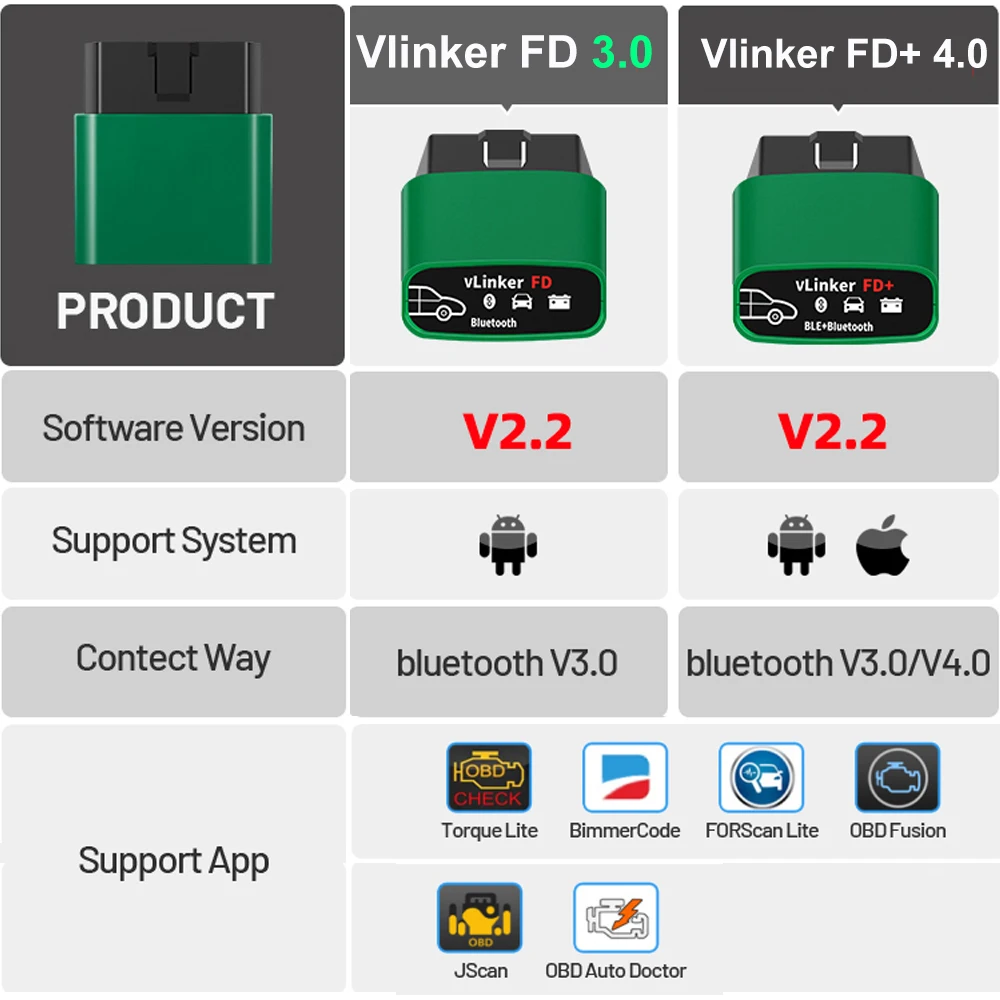
* Vgate Vlinker FD+ Bluetooth 4.0 version, for iphone/ Android
* Vgate Vlinker FD V3.0 Bluetooth 3.0 version, for Android only
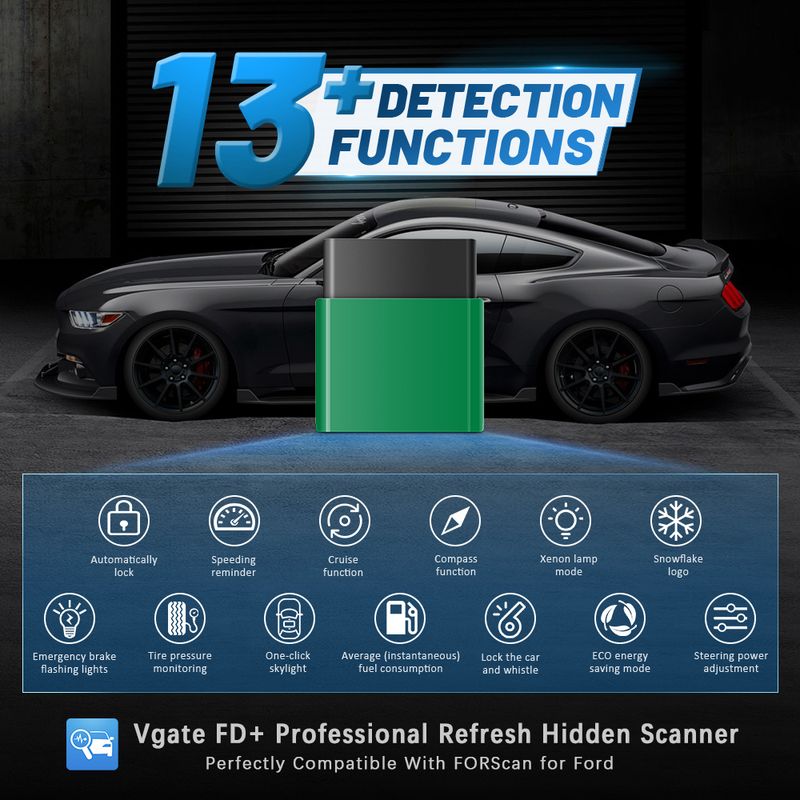
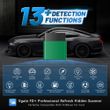
Vgate FD+ Professional Refresh Hidden Scanner Perfectly Compatible With FORscan For Ford
13+ DETECTION FUNCTION:
1. Automatically lock
2. Speeding reminder
3. Emergency brake flashing lights
4. Lock the car and whistle
5. Xenon lamp mode
6. One-click skylight
7. Tire pressure monitoring
8. Snowflake logo
9. Cruise function
10. Compass
11. Average (instantaneous) fuel consumption
12.ECO energy saving mode
13. Steering power adjustment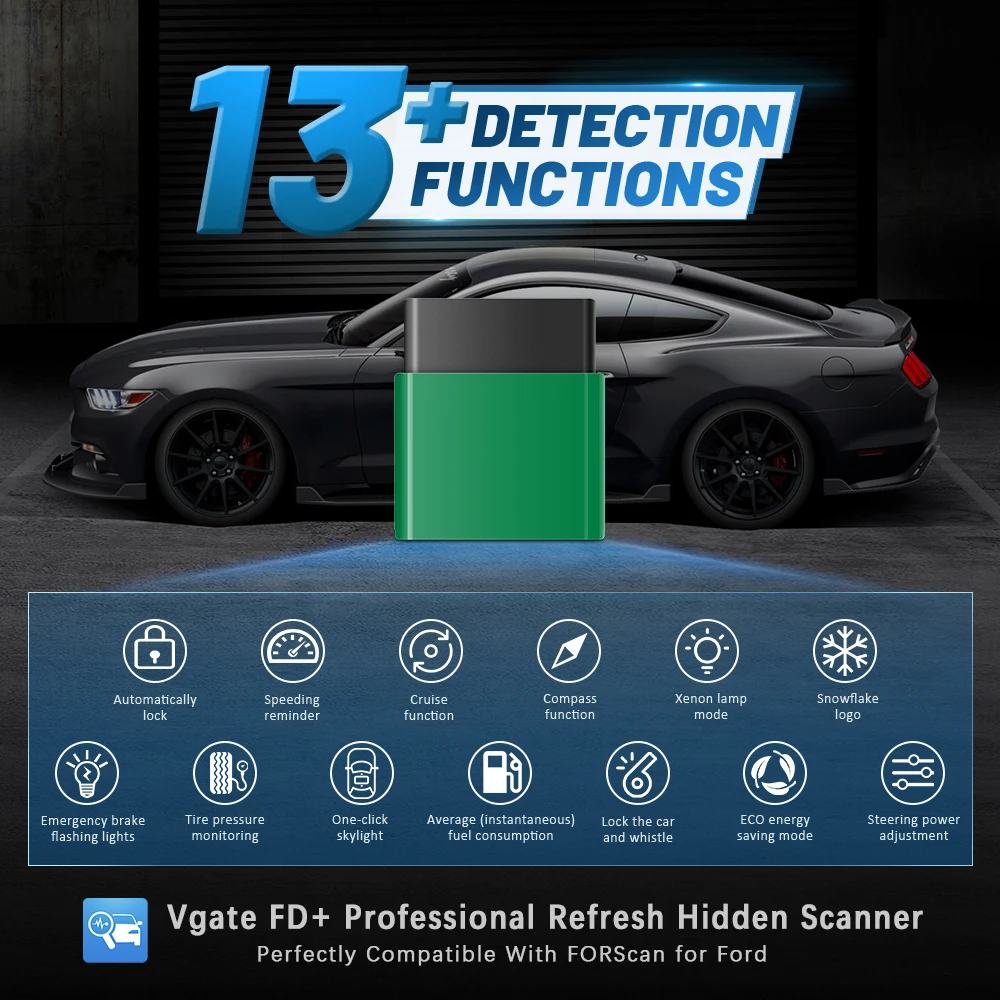 Vqate vlinker FD+ Professionally Suitable for Forscan:
Support Programming And Diagnostic For Ford
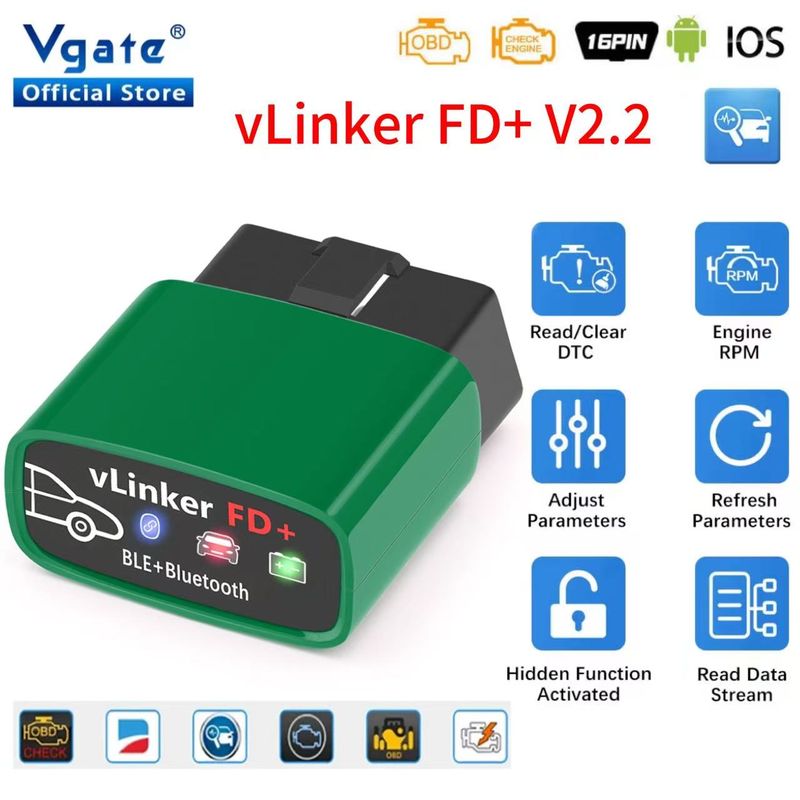
Read / Clear
EngineDTC
Adiust Parameters
Refresh Parameters
Hidden Function Activated
Read Data Stream
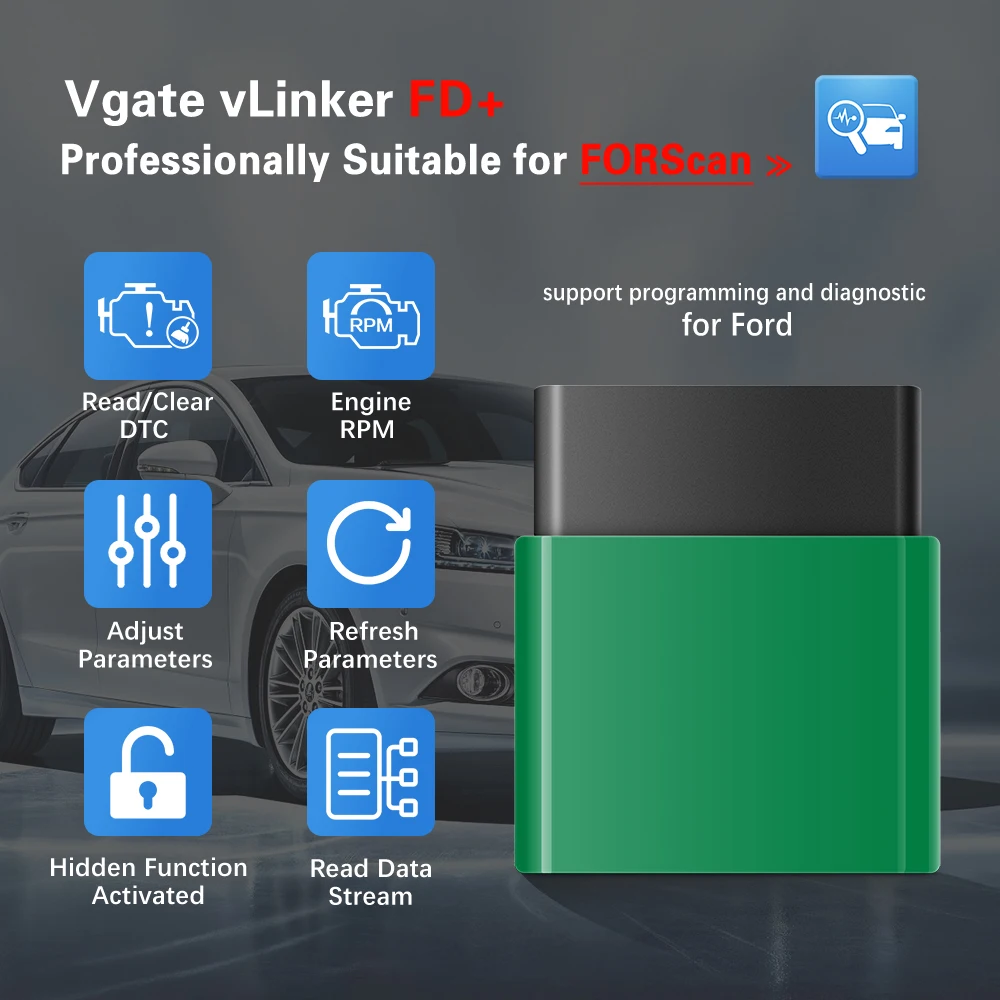
Vgate Vlinker FD supports App
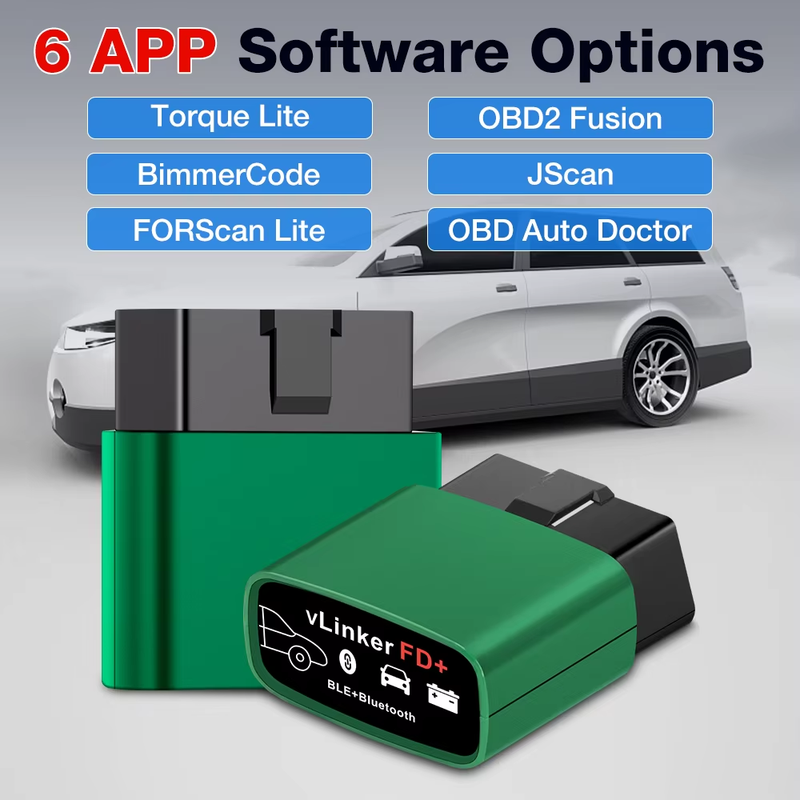
Support App: 6 kinds of APP software options:
1. Torque Lite
2. OBD2 Fusion
3. BimmerCode
4. JScan
5. FORScan Lite
6. OBD Auto Doctor
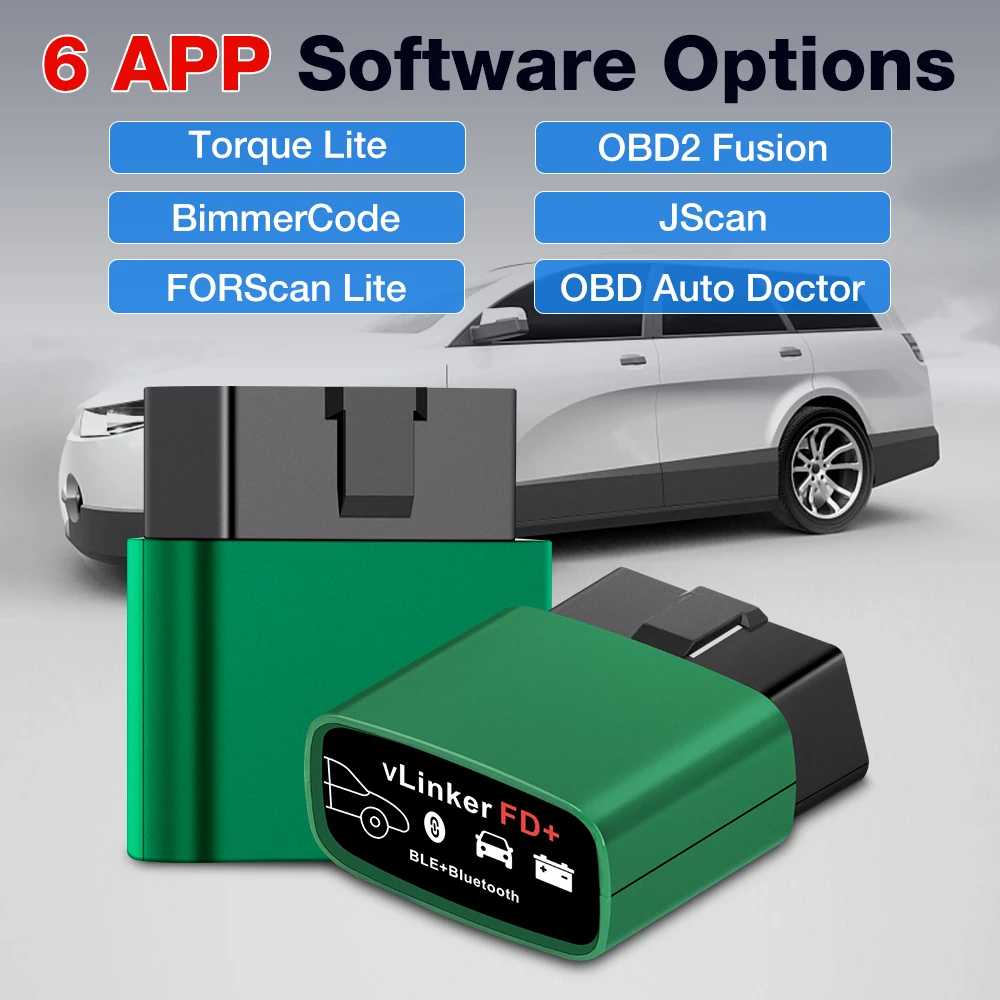
How to Connect Vlinker FD well with ForScan software ?
Step 1: Insert the product into the OBD interface of the car. Turn ignition to key On Engine Off Position. Enable your phone "Bluetooth". (Just enable Bluetooth button on the IOS device and continue to the OBD app setting)
Step 2: Run FORScan Lite
Step 3: Tap CONNECT Button on Statues page
√ Connected. All LED indicators lights on while sync date from Vehicle.
√ Select different function modules on the status page.
Android System :
Step 1: Insert the adapter into the OBD interface of the car. Turn ignition to key On Engine Off Position. Open the "Bluetooth“ Settings and wait to search for available devices.
Tap “ VLinker FD"
Tap: "Scan" if vlinker FD-Android does not show under " Available Devices"
Step 2: Enter the pairing code: 1234
Step 3 : Succcessfully paired "VLinker FD"
Step 4 : Open the setting of FORScan
Step 5: Select Connection Type " Bluetooth 0 or Bluetooth 1 or Bluetooth 2"
Step 6: Select Bluetooth adapter " VLinker FD"
Step 7: Go back and Click the adapter, then adapter's " BT" LED Blinking and the "OBD" red Led Blinking in the middle.
Step 8: Wait for the connection to succeed
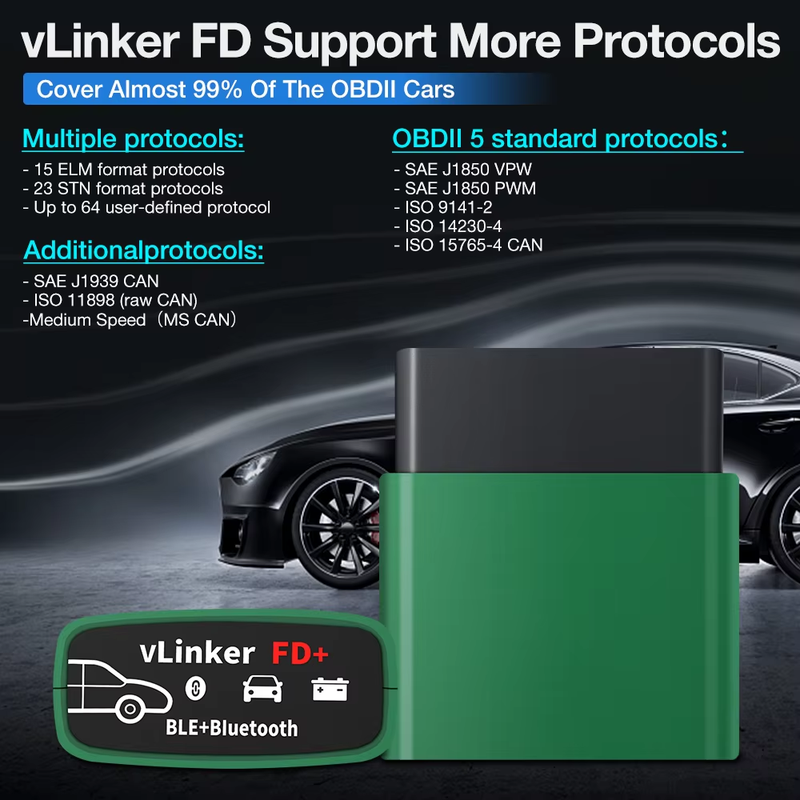
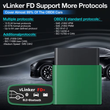
 Support Protocols
Multiple protocols:
--15 ELM format protocols;
-- 23 STN format protocols;
-- Up to 64 user-defined protocols.
OBDII 5 standard protocols:
-- SAE J1850 VPW
-- SAE J1850 PWM
-- ISO 9141-2
-- ISO 14230-4
-- ISO 15765-4 CAN
Additionalprotocols:
-- SAE J1939 CAN
-- ISO 11898 (raw CAN)
--Medium Speed(MS CAN)
Theseprotocolscover almost 99% of the OBDII Cars on the market

Rich instruction set, compatible with more APP software:
-- Fully compatible with ELM's AT command set;
-- Fully compatible with STN's ST command set;
--39 VT macro commands, some instructions are equivalent to the effect of several AT and ST instructions, simplifying the communication steps.
-- Compatible with ELM and STN power management solutions.
-- Support for instructions, UART silence, battery low voltage, OBD bus silence, etc. Up to 5 ways to go to sleep;
-- Support UART active, battery voltage drop, OBD bus active, key, etc. Up to 5 ways to wake up from sleep mode.
-- Device sleep power consumption is less than 2 mA.
-- OBD request byte up to 48 bytes, can meet the needs of some special long framecommunication.
-- UART data buffer up to 2K bytes, baudrate increased to 230.4Kbps.
-- 256-byte storage unit
-- More than 100,000 erasable times
-- Read and write operations on any unit in the storage area by using the VT command
-- Mix ID Sending" mode of CAN protocol.
-- Optional formatted send data according to protocol
-- Multiple WM sequence settings
-- Support AT command to manually set WM sequence
-- Support for specifying a protocol or a full protocol-wide temporary WM sequence
-- Support for a permanent link between a protocol and a private WM sequence
-- Secure bootloader for easy firmware updates
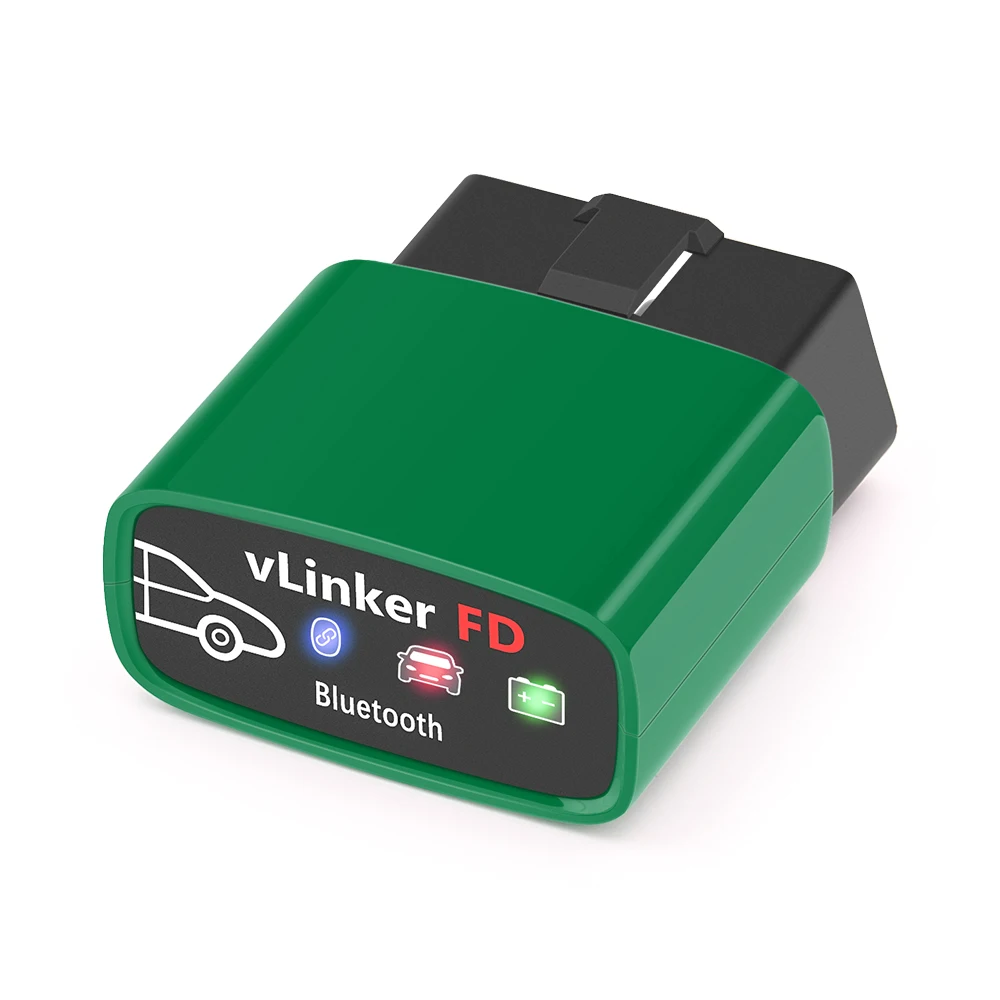
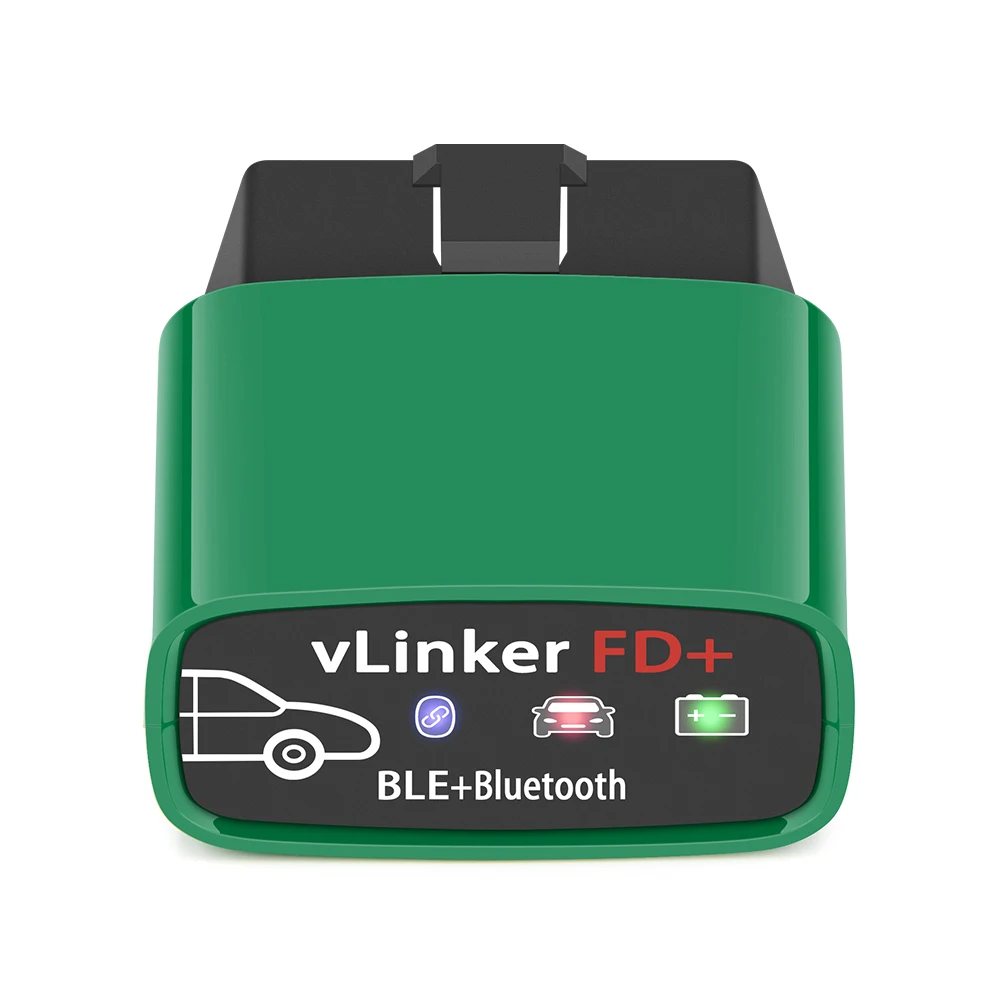

Vgate vLinker FD+ Packing List :
1 x Vgate vLinker BT3.0/BT4.0
1 x User manual

Shop Policies
Payment Policy
Payment Policy – BILLIONS BIRDS
At BILLIONS BIRDS, we are committed to providing a safe, secure, and seamless payment experience for our customers.
1. Accepted Payment Methods
We accept the following payment options:
Major Credit & Debit Cards (Visa, MasterCard, American Express)
Secure Online Payment Gateways (such as PayPal, Stripe, or other providers available at checkout)
Any additional payment methods displayed during checkout
All payments must be completed in full at the time of purchase.
2. Secure Transactions
All transactions are processed through encrypted and secure payment systems to protect your personal and financial information. We do not store your full payment details on our servers.
3. Currency
Prices are displayed in the currency indicated on the website. If you are purchasing from another country, your bank may apply currency conversion fees.
4. Order Confirmation
Once your payment has been successfully processed, you will receive an order confirmation email containing your purchase details.
5. Failed or Declined Payments
If your payment is declined, please verify your billing information or contact your bank. Orders will only be processed after successful payment confirmation.
6. Fraud Prevention
BILLIONS BIRDS reserves the right to cancel or refuse any order if fraud or unauthorised activity is suspected.
Delivery Policy
Delivery Policy – BILLIONS BIRDS
At BILLIONS BIRDS, we are dedicated to delivering your orders safely and efficiently.
1. Order Processing
All orders are processed within 1–3 business days after payment confirmation. Orders are not processed or shipped on weekends or public holidays.
2. Shipping Times
Estimated delivery times vary depending on your location:
Domestic Shipping: 3–7 business days
International Shipping: 7–15 business days
Please note that delivery times are estimates and may vary due to customs procedures, carrier delays, weather conditions, or other unforeseen circumstances.
3. Shipping Costs
Shipping fees are calculated at checkout based on your location and selected shipping method. Any customs duties, taxes, or import fees are the customer's responsibility.
4. Tracking Information
Once your order has been shipped, you will receive a confirmation email with tracking details (if available) so you can monitor your package.
5. Delivery Issues
If your order is delayed, lost, or arrives damaged, please contact us within 7 days of the expected delivery date. We will work with the shipping carrier to resolve the issue as quickly as possible.
6. Incorrect Shipping Information
Customers are responsible for providing accurate shipping details at checkout. BILLIONS BIRDS is not responsible for orders shipped to incorrect addresses provided by the customer.
Refund Policy
Refund Policy – BILLIONS BIRDS
At BILLIONS BIRDS, customer satisfaction is our top priority. If you are not completely satisfied with your purchase, we’re here to help.
1. Return Eligibility
You may request a return within 14 days of receiving your order. To qualify for a return:
The item must be unused, unworn, and in the same condition as received.
The item must be in its original packaging.
Proof of purchase (order confirmation or receipt) is required.
Certain items may not be eligible for return, including clearance items, gift cards, or personalised/custom products.
2. Non-Refundable Items
The following items are non-refundable:
Final sale or discounted items
Gift cards
Items damaged due to misuse, negligence, or improper care
3. Return Process
To initiate a return, please contact our customer support team with your order number and reason for return. If your return is approved, you will receive instructions for returning the item.
Unless the item is defective or incorrect, customers are responsible for return shipping costs.
4. Refund Processing
Once we receive and inspect your returned item:
We will notify you of the approval or rejection of your refund.
If approved, the refund will be issued to your original payment method within 5–10 business days.
Please note that banks or payment providers may require additional time to process refunds.
5. Damaged or Incorrect Items
If you receive a damaged, defective, or incorrect item, please contact us within 7 days of delivery and provide clear photos of the product and packaging. We will arrange a replacement or full refund at no additional cost.
6. Late or Missing Refunds
If you have not received your refund:
Check your bank account again.
Contact your credit card company or payment provider.
If the issue persists, don't hesitate to contact our support team for assistance.
Recommended Products
Customer reviews
Share your thoughts with other customers
Be the first one to write a review!

Items (0)
