
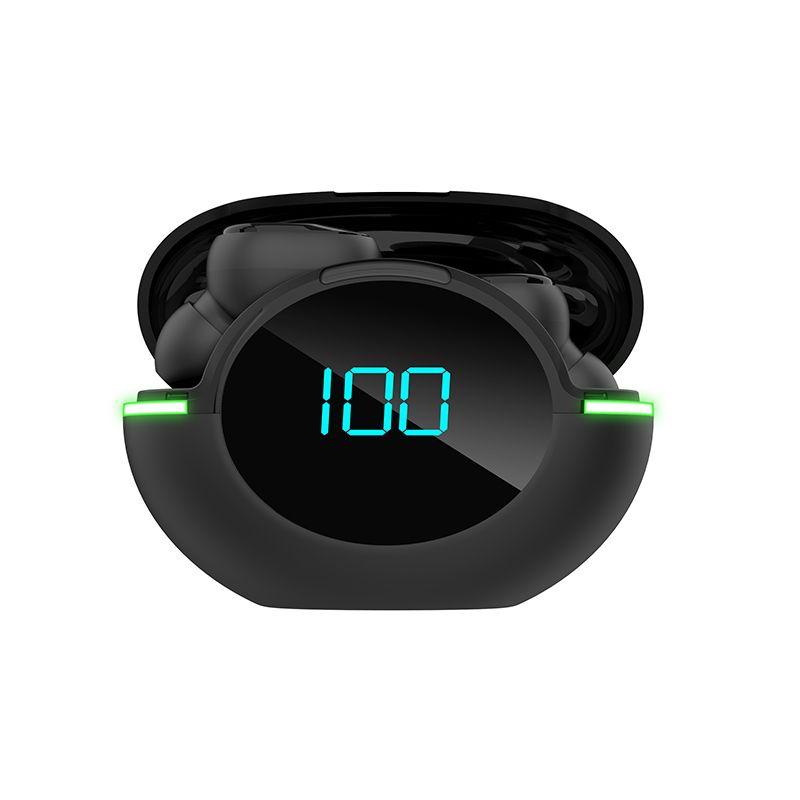

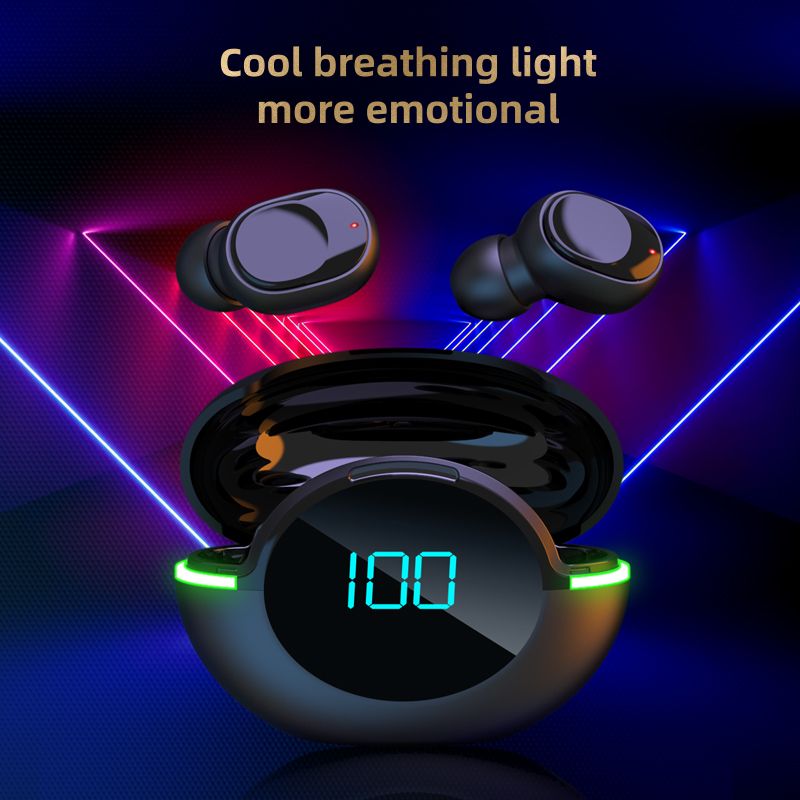





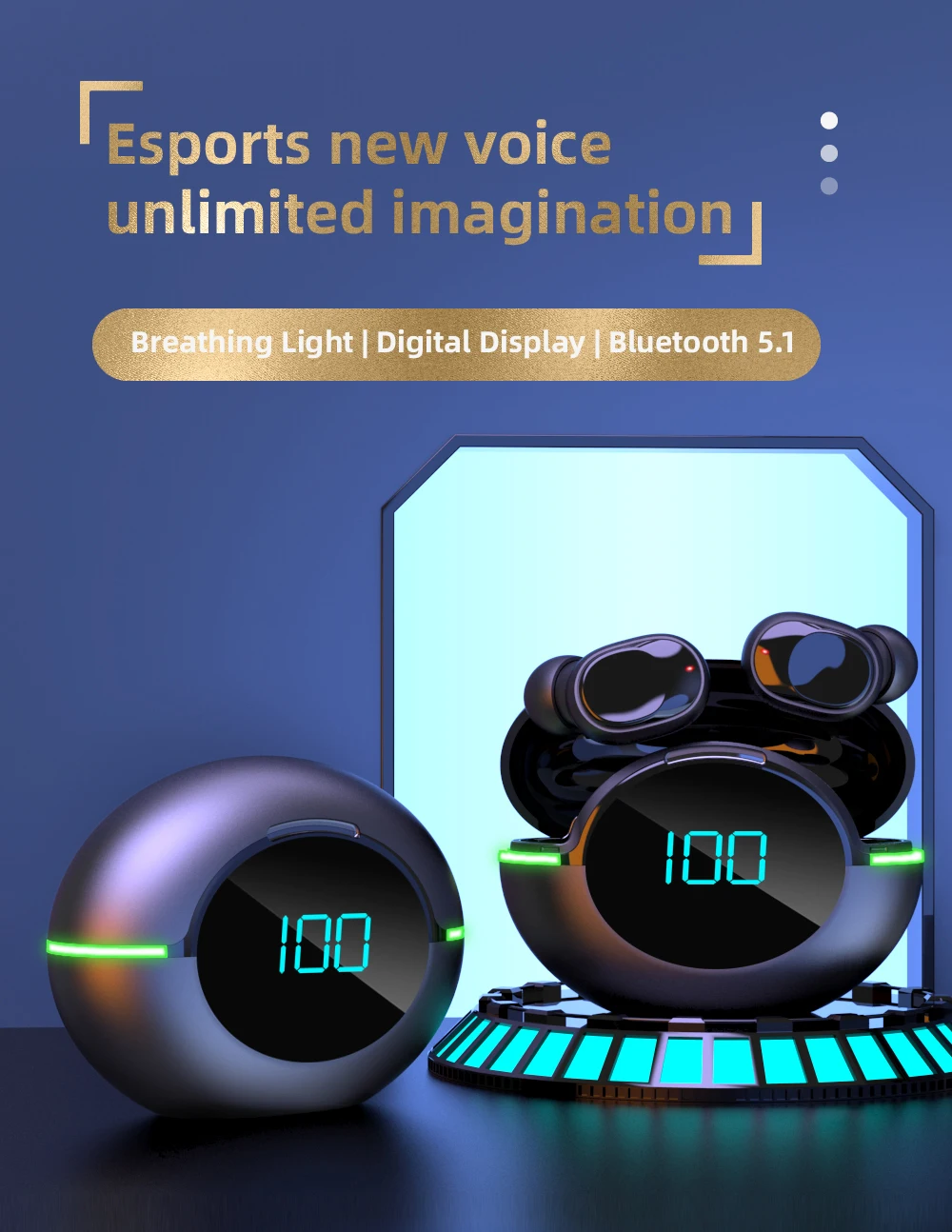
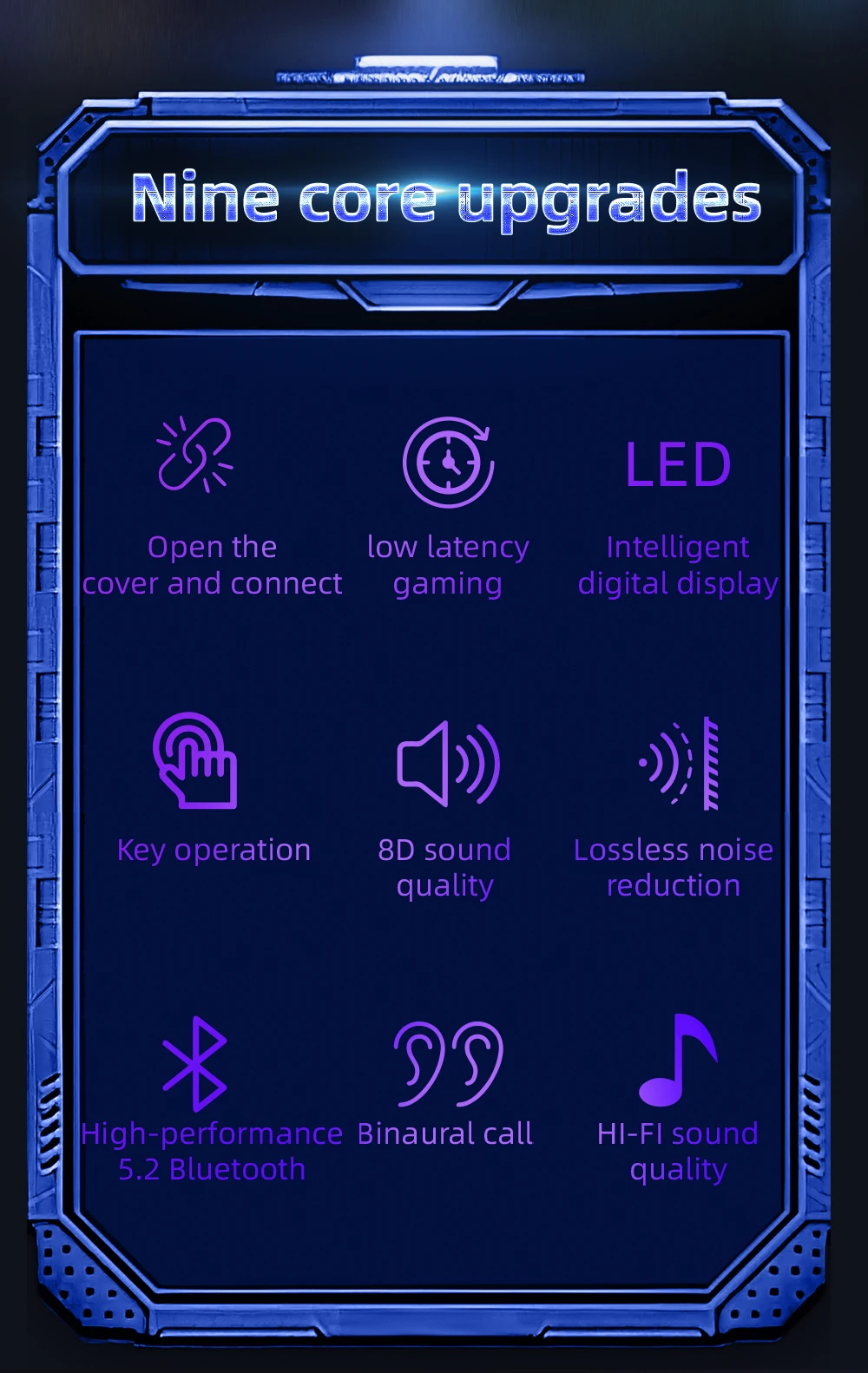
Y80 Bluetooth 5.1 Wireless TWS Earphone Smart Touch Call Headset Waterproof Noise Canceling Headphones for All Smartphones
Includes all taxes
Meet your Seller
-
$5.86Sold by BILLIONS BIRDS
Description
Product specification
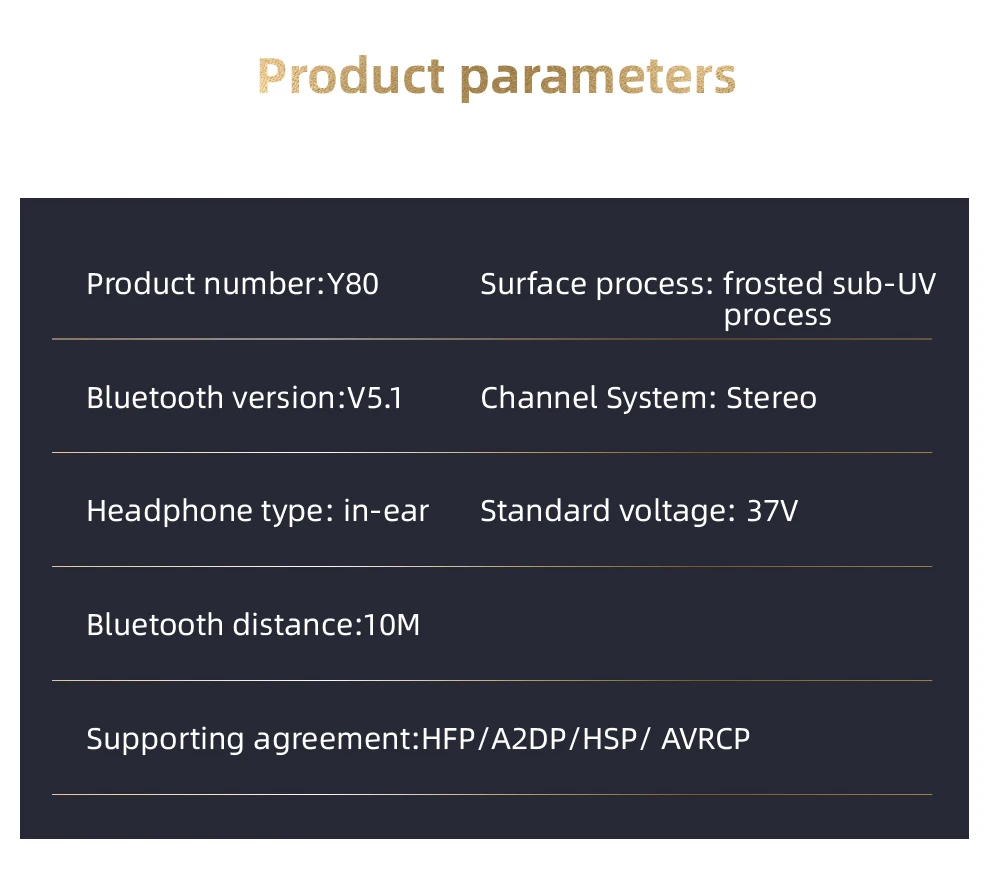
Product model: Y80
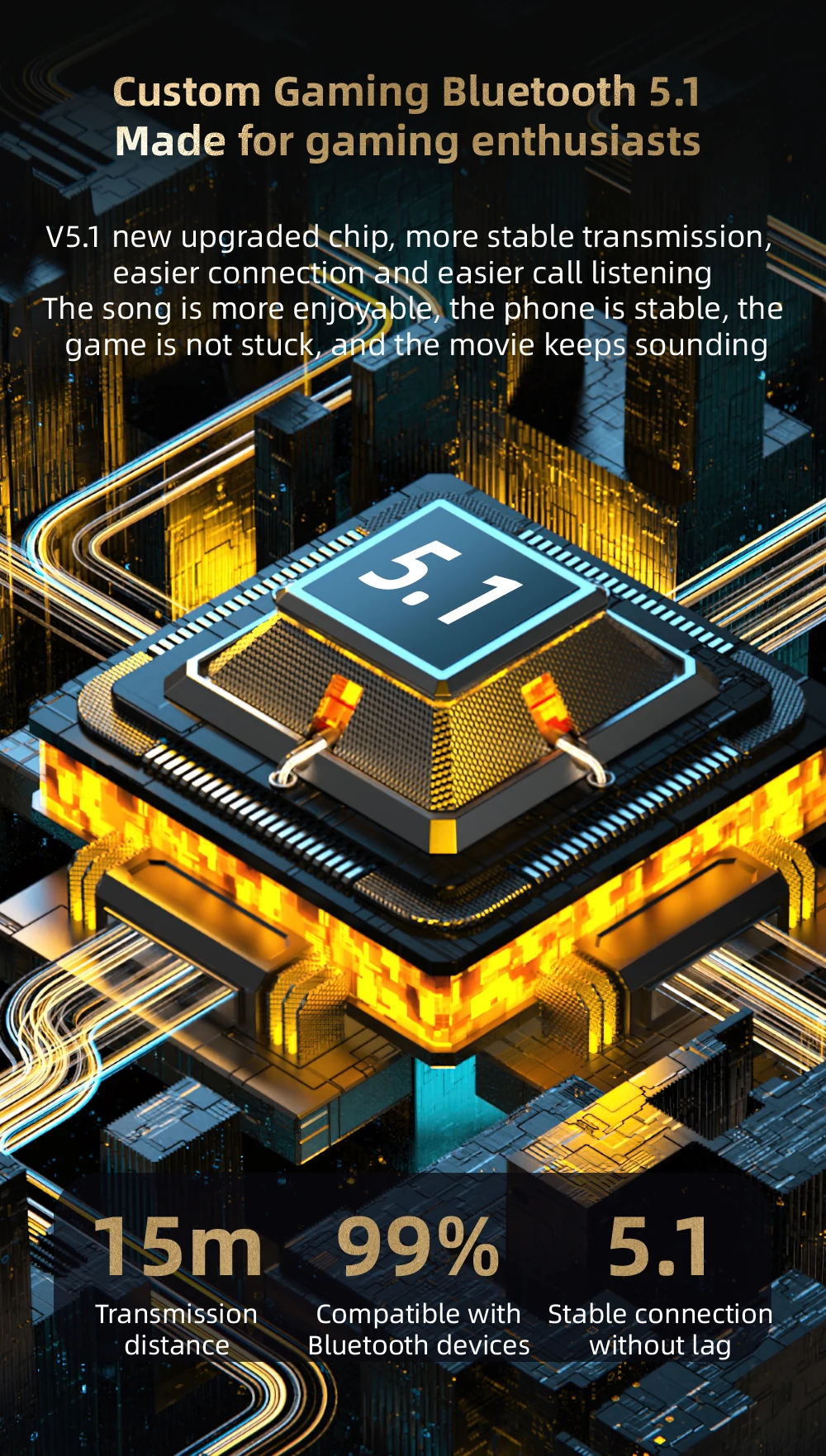
True wireless version: V5.1
Battery specification: earphone 3.7v ; Charging bin 3.7v
Supported mode: HFP/HSP/ A2DP/AVRCP
Sensitivity: 105dB ±3dB S.P.L at 1KHz
Signal distance: 10 m (in an ideal environment without any large obstacles)
Playing time: about 2.5 hours
Talk time: approximately 3 hours
Standby time: about 80 hours
Charging time: charge the charging warehouse for about 1.5 hours,
and charge the headset for about 1 hour
Charging times for the headset: about 3 times
Functional instructions
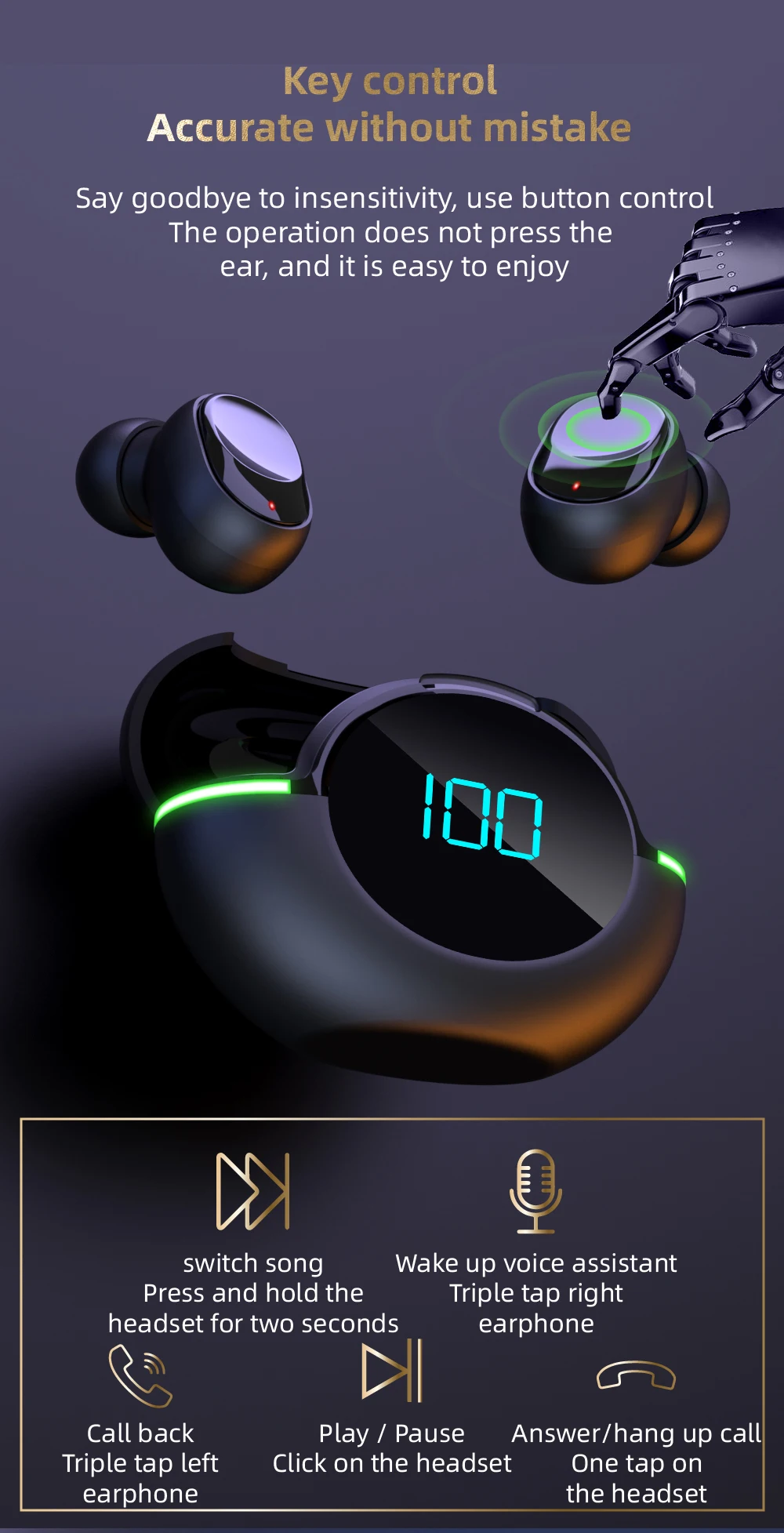
1.Boot
Take the headset out of the charging bin and start it automatically or long press the left and right multi-function button of the headset for 3 seconds.
2. Shut down
Put the earphone into the charging chamber and turn it off automatically. Long press the left and right earphone multifunction keys for 7 seconds to turn it off
3. Boot back
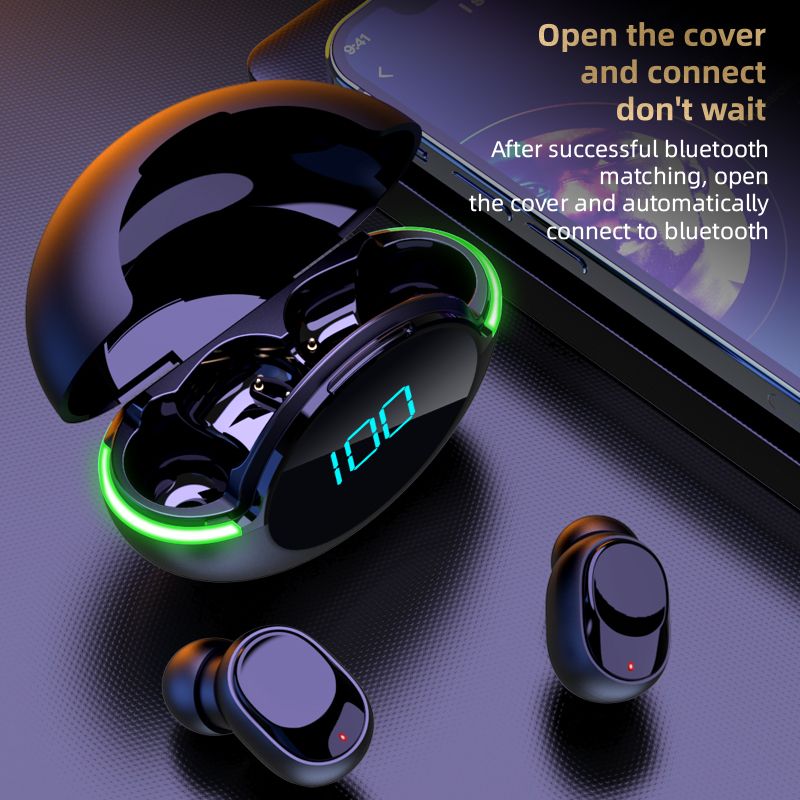
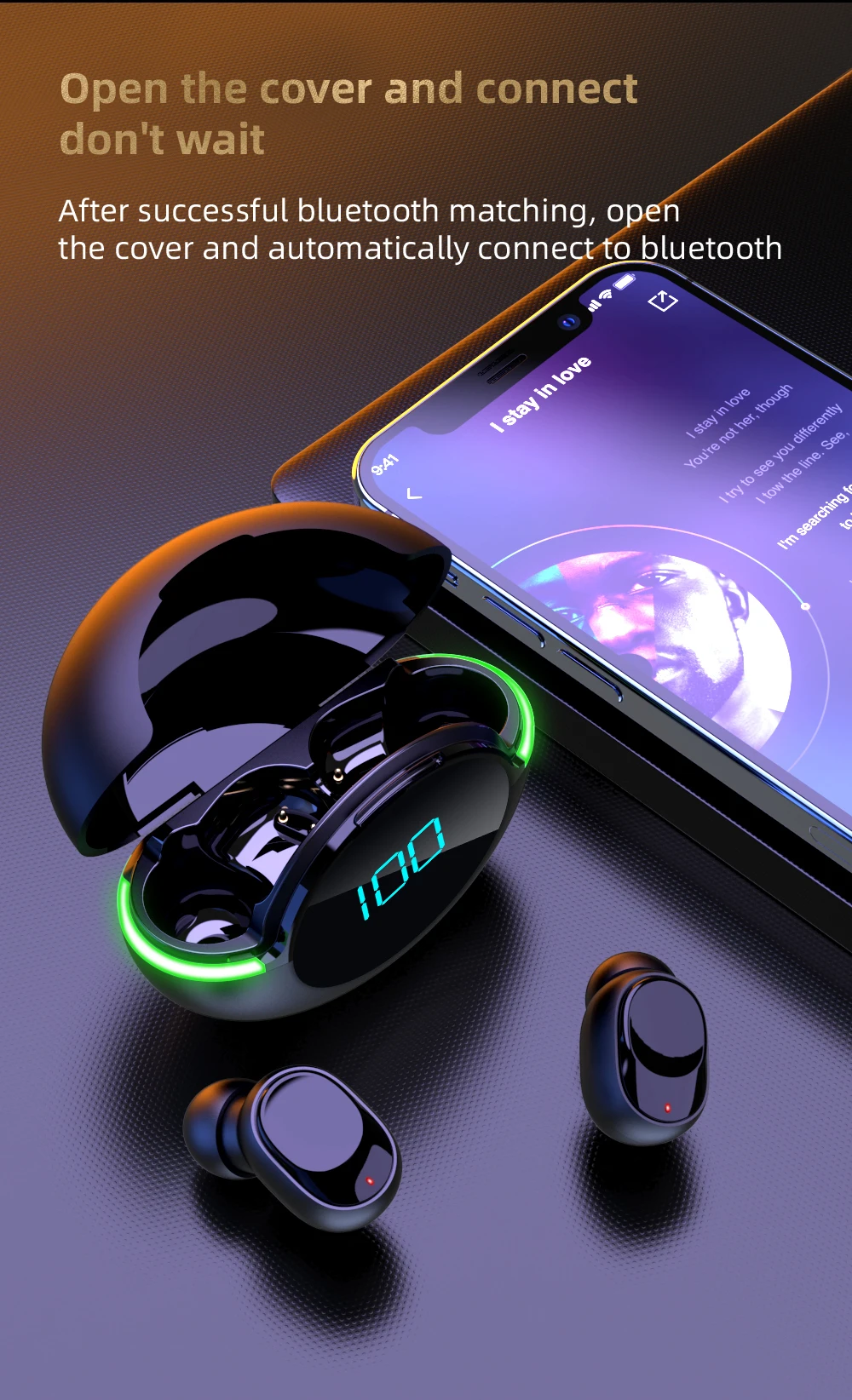
When the pairing is successful, the bluetooth headset will first enter the state of reconnect when the second time is started and automatically reconnect the connected phone.
pairing method
1. Take out from the charging warehouse or press the left and right earphone multifunction button for 3 seconds to start up the headset until the red and blue lights flicker alternately, enter the state of search and pairing for the ear, enter the state of automatic pairing for the ear. After the pairing is successful, the red and blue lights of the main ear (right ear) continue to flicker alternately, while the blue lights of the secondary ear slowly flash, and play the prompt sound of successful pairing for the ear.
2. Start the bluetooth function of mobile phone or other devices. If it is an android phone or device, please click the "search bluetooth device" option. When the model of the bluetooth headset is found, click to enter pairing; After the pairing is successful, the main (right) ear will send out a signal that the connection is successful, and the indicator lights of the left and right earphones will turn to blue light and enter the standby state of connection. After the pairing is successful, the main ear will be the right channel, and the secondary ear will be the left channel.
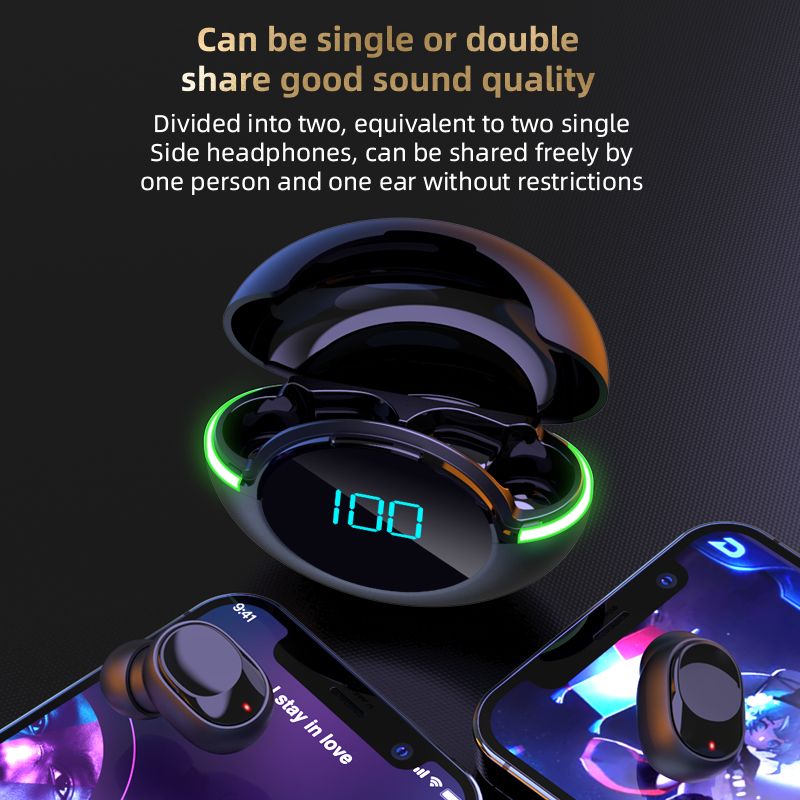
3. The two earphones can also be paired with the mobile phone independently. The lamp operation method can be operated according to the operation method in step 2 above.
Charging operation
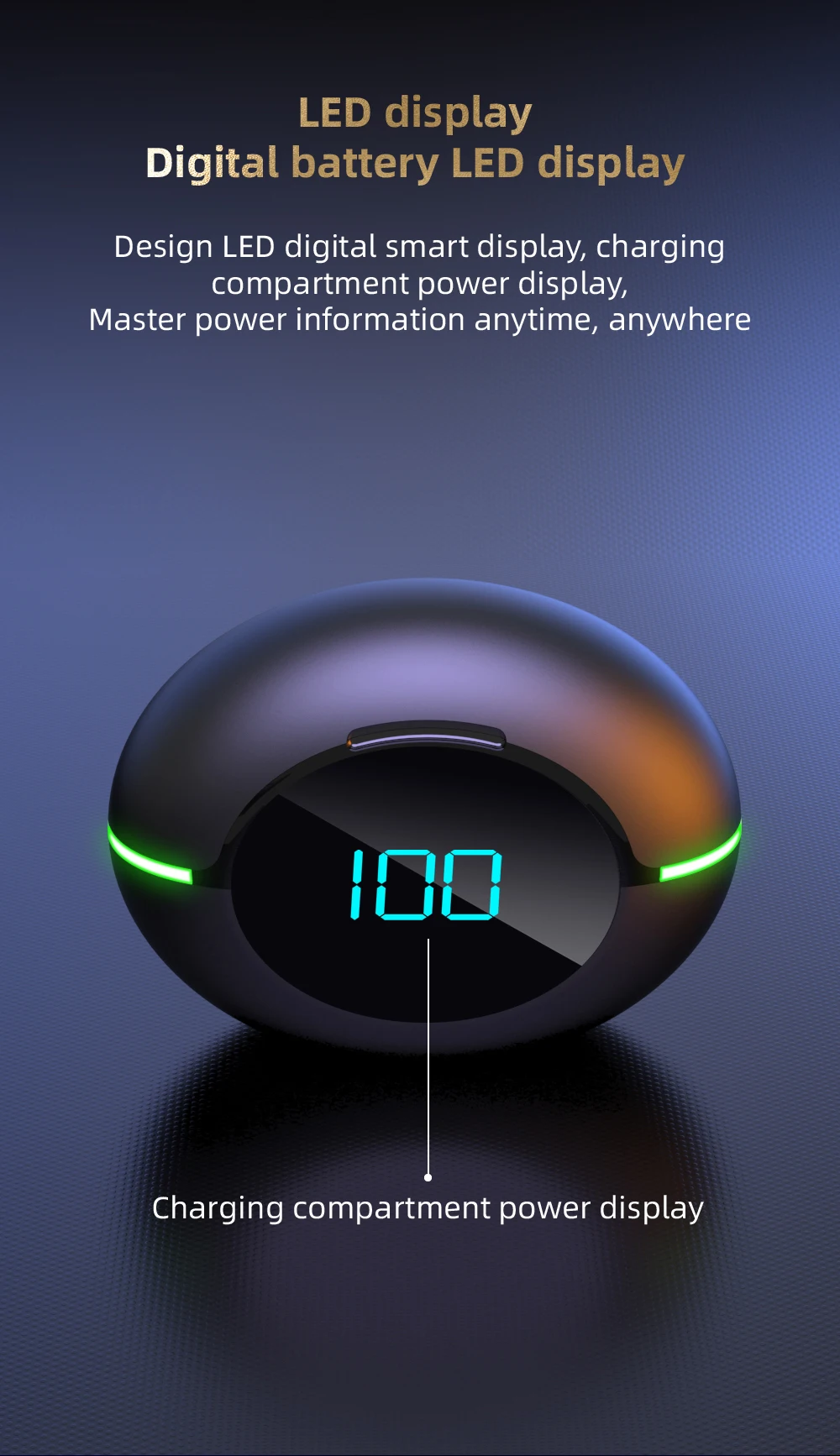
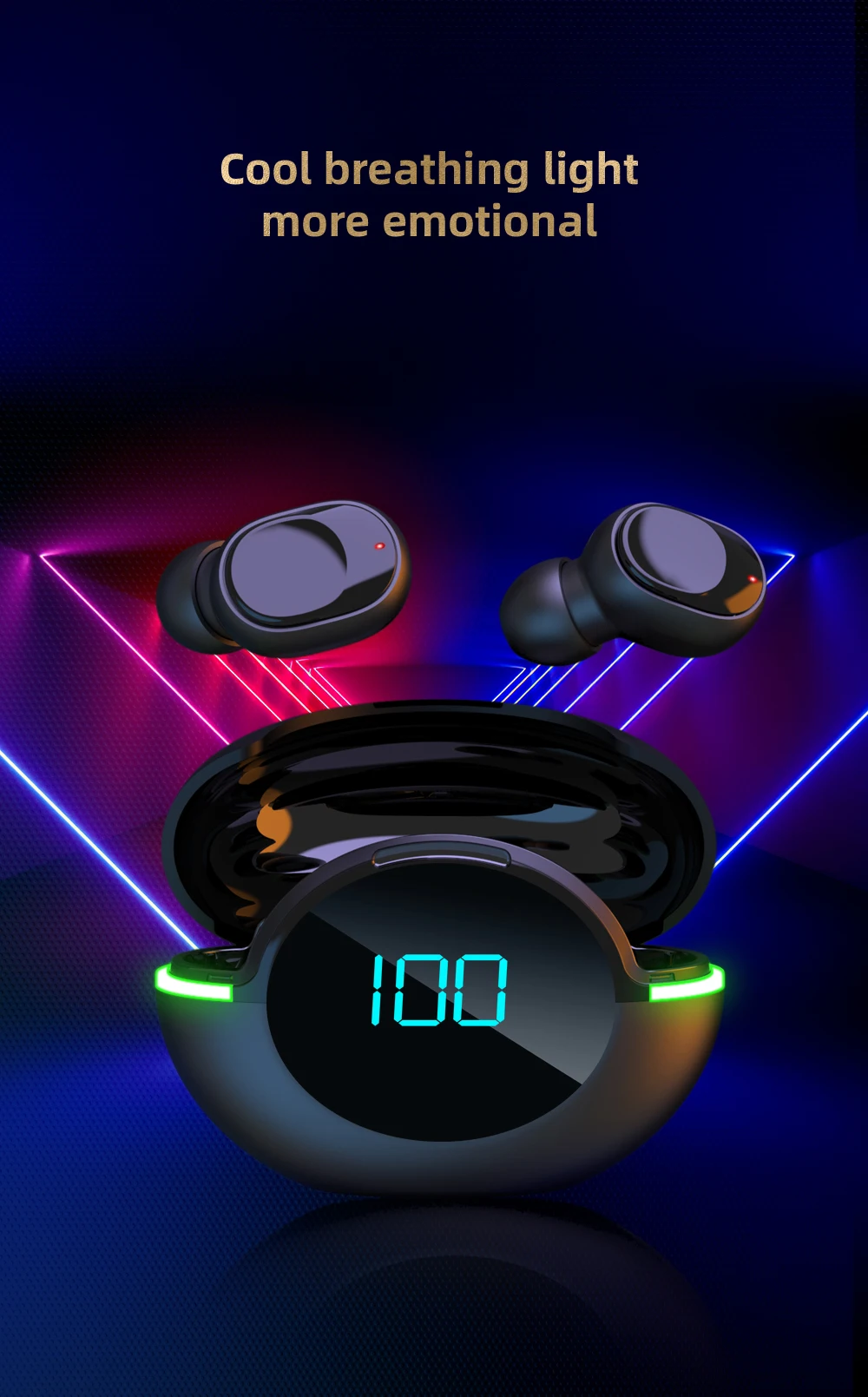
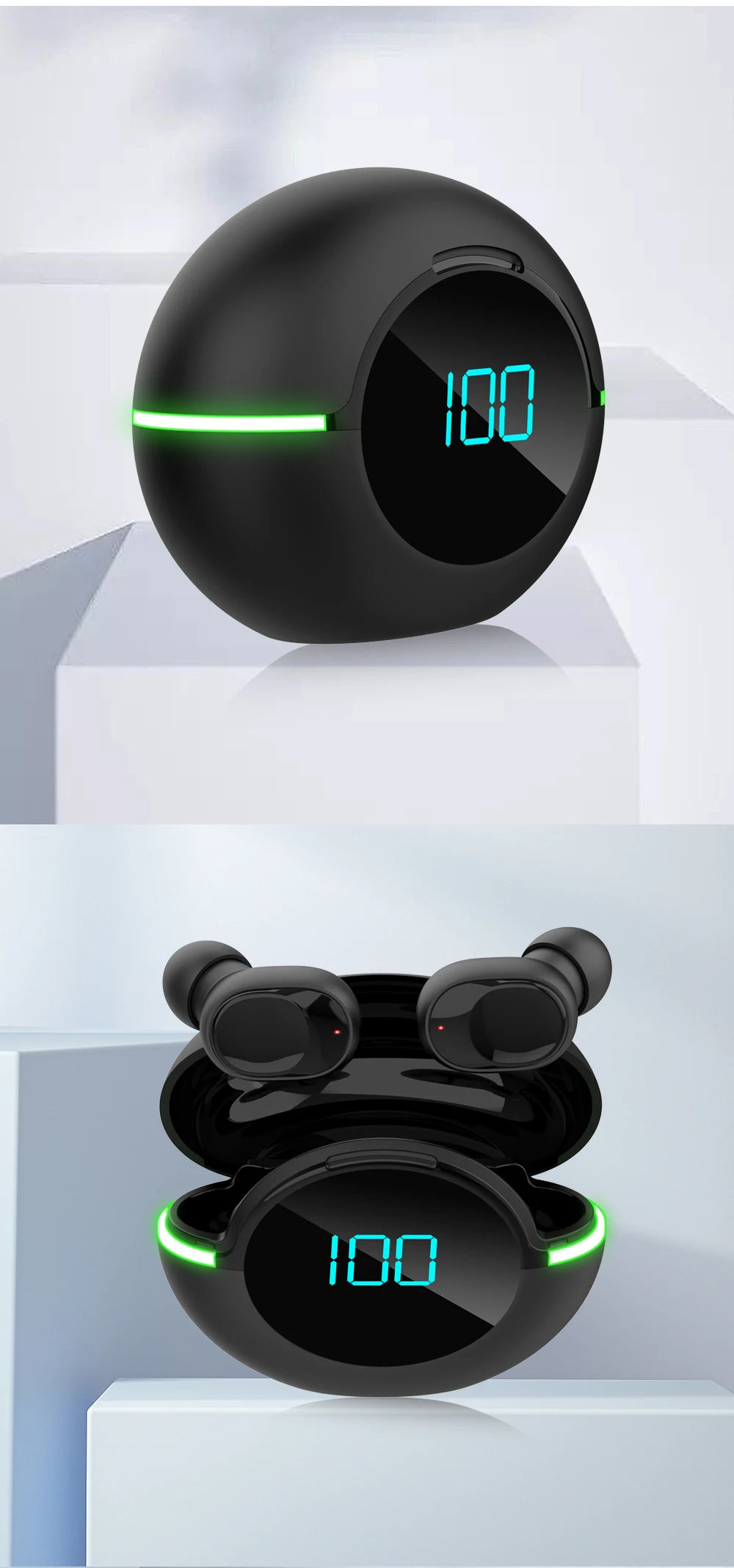
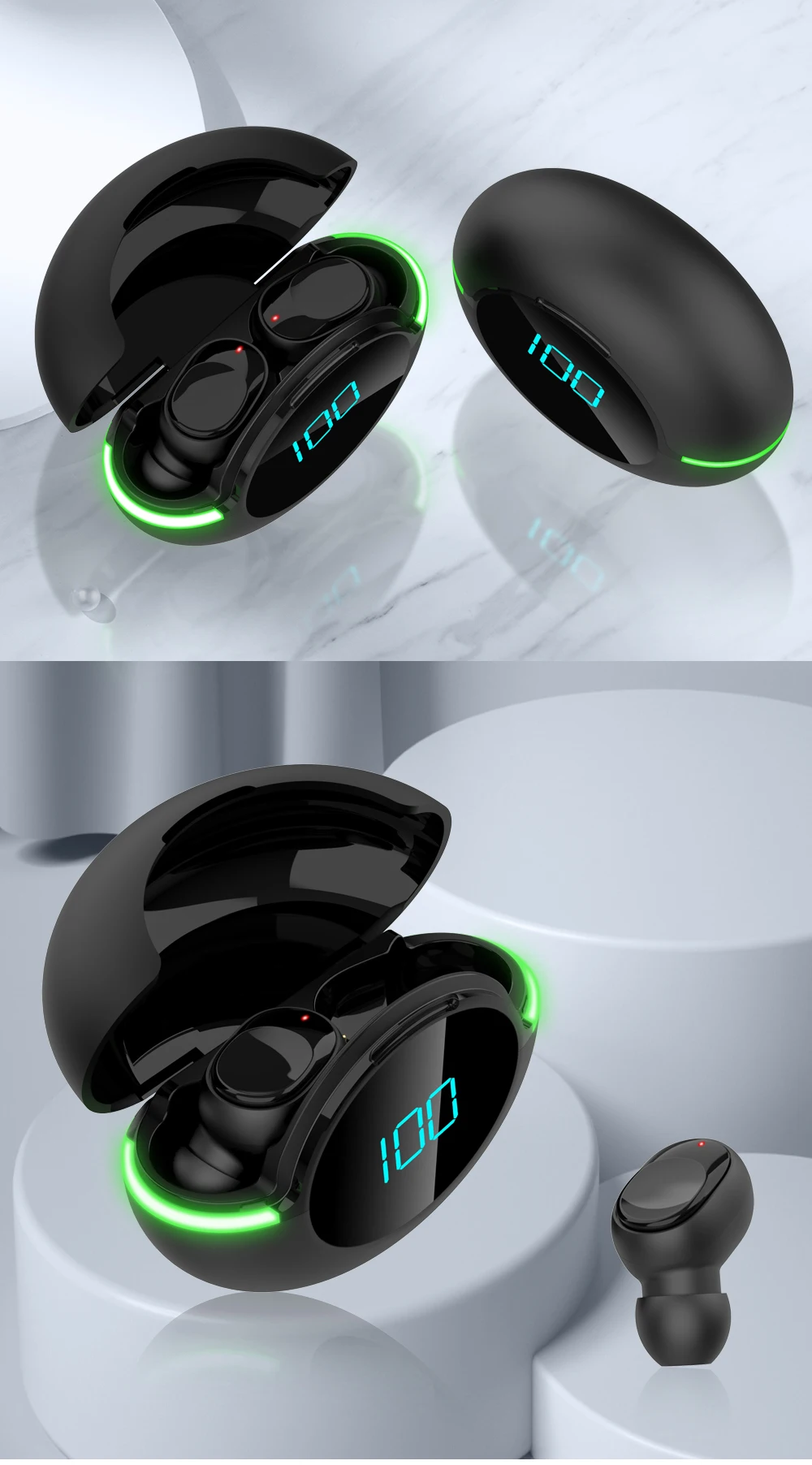
1. When the power of the charging bin is insufficient, the breathing light will flash green. Plug one end of the micro USB charging cable into the USB port of the charging bin. Plug in the charger at the other end to charge the charging chamber. The breathing light will flash red and turn on red after being fully charged
2. Charging the earphone: put the earphone into the charging bin to automatically charge. During charging, the earphone indicator light is red and goes out after being fully charged; When the headset is fully charged, the headset light will go out.
Precautions
1. Please charge in a safe environment. When charging the charging warehouse, please separate the charging warehouse from the USB charging cable as soon as possible after the charging indicator is off, so as to avoid damage to the charging warehouse caused by the long time of charging.
2. When the music is playing, please adjust the music to the appropriate volume to avoid long-term damage to the hearing under the condition of high volume.
3. Try to avoid using the earphone where there is interference source, otherwise it may affect the earphone signal.
4. Try to avoid using the earphone in a corrosive environment, so as not to affect the function of the earphone.


Shop Policies
Payment Policy
Payment Policy – BILLIONS BIRDS
At BILLIONS BIRDS, we are committed to providing a safe, secure, and seamless payment experience for our customers.
1. Accepted Payment Methods
We accept the following payment options:
Major Credit & Debit Cards (Visa, MasterCard, American Express)
Secure Online Payment Gateways (such as PayPal, Stripe, or other providers available at checkout)
Any additional payment methods displayed during checkout
All payments must be completed in full at the time of purchase.
2. Secure Transactions
All transactions are processed through encrypted and secure payment systems to protect your personal and financial information. We do not store your full payment details on our servers.
3. Currency
Prices are displayed in the currency indicated on the website. If you are purchasing from another country, your bank may apply currency conversion fees.
4. Order Confirmation
Once your payment has been successfully processed, you will receive an order confirmation email containing your purchase details.
5. Failed or Declined Payments
If your payment is declined, please verify your billing information or contact your bank. Orders will only be processed after successful payment confirmation.
6. Fraud Prevention
BILLIONS BIRDS reserves the right to cancel or refuse any order if fraud or unauthorised activity is suspected.
Delivery Policy
Delivery Policy – BILLIONS BIRDS
At BILLIONS BIRDS, we are dedicated to delivering your orders safely and efficiently.
1. Order Processing
All orders are processed within 1–3 business days after payment confirmation. Orders are not processed or shipped on weekends or public holidays.
2. Shipping Times
Estimated delivery times vary depending on your location:
Domestic Shipping: 3–7 business days
International Shipping: 7–15 business days
Please note that delivery times are estimates and may vary due to customs procedures, carrier delays, weather conditions, or other unforeseen circumstances.
3. Shipping Costs
Shipping fees are calculated at checkout based on your location and selected shipping method. Any customs duties, taxes, or import fees are the customer's responsibility.
4. Tracking Information
Once your order has been shipped, you will receive a confirmation email with tracking details (if available) so you can monitor your package.
5. Delivery Issues
If your order is delayed, lost, or arrives damaged, please contact us within 7 days of the expected delivery date. We will work with the shipping carrier to resolve the issue as quickly as possible.
6. Incorrect Shipping Information
Customers are responsible for providing accurate shipping details at checkout. BILLIONS BIRDS is not responsible for orders shipped to incorrect addresses provided by the customer.
Refund Policy
Refund Policy – BILLIONS BIRDS
At BILLIONS BIRDS, customer satisfaction is our top priority. If you are not completely satisfied with your purchase, we’re here to help.
1. Return Eligibility
You may request a return within 14 days of receiving your order. To qualify for a return:
The item must be unused, unworn, and in the same condition as received.
The item must be in its original packaging.
Proof of purchase (order confirmation or receipt) is required.
Certain items may not be eligible for return, including clearance items, gift cards, or personalised/custom products.
2. Non-Refundable Items
The following items are non-refundable:
Final sale or discounted items
Gift cards
Items damaged due to misuse, negligence, or improper care
3. Return Process
To initiate a return, please contact our customer support team with your order number and reason for return. If your return is approved, you will receive instructions for returning the item.
Unless the item is defective or incorrect, customers are responsible for return shipping costs.
4. Refund Processing
Once we receive and inspect your returned item:
We will notify you of the approval or rejection of your refund.
If approved, the refund will be issued to your original payment method within 5–10 business days.
Please note that banks or payment providers may require additional time to process refunds.
5. Damaged or Incorrect Items
If you receive a damaged, defective, or incorrect item, please contact us within 7 days of delivery and provide clear photos of the product and packaging. We will arrange a replacement or full refund at no additional cost.
6. Late or Missing Refunds
If you have not received your refund:
Check your bank account again.
Contact your credit card company or payment provider.
If the issue persists, don't hesitate to contact our support team for assistance.
Recommended Products
Customer reviews
Share your thoughts with other customers
Be the first one to write a review!

Items (0)
