
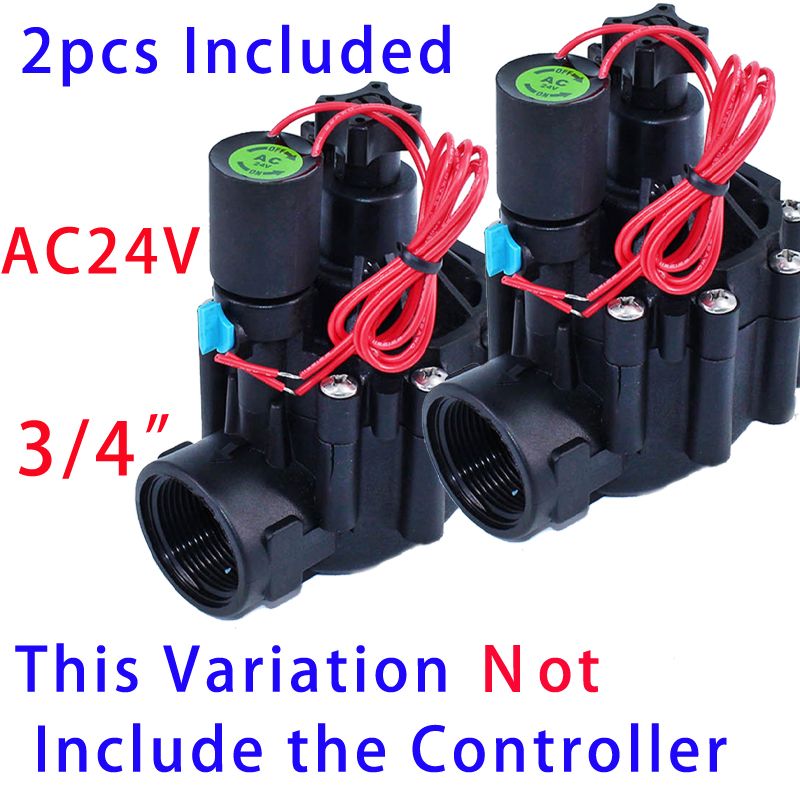
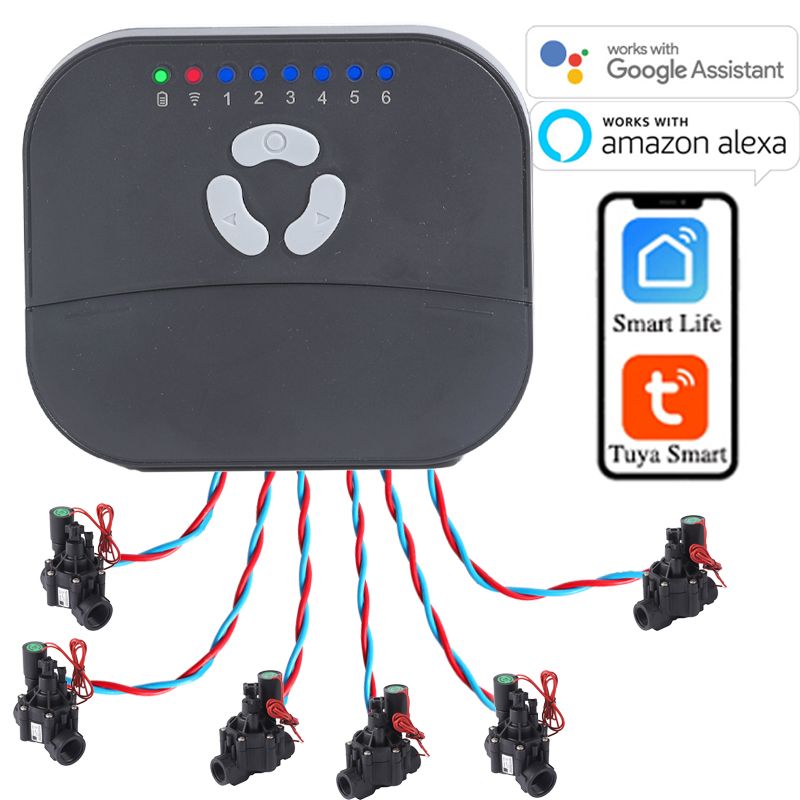
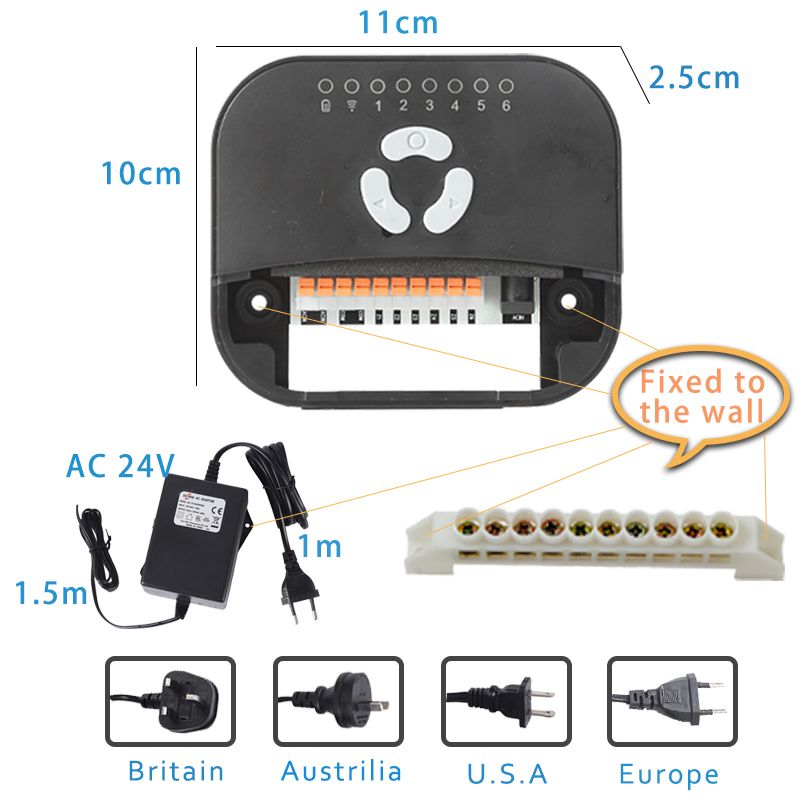
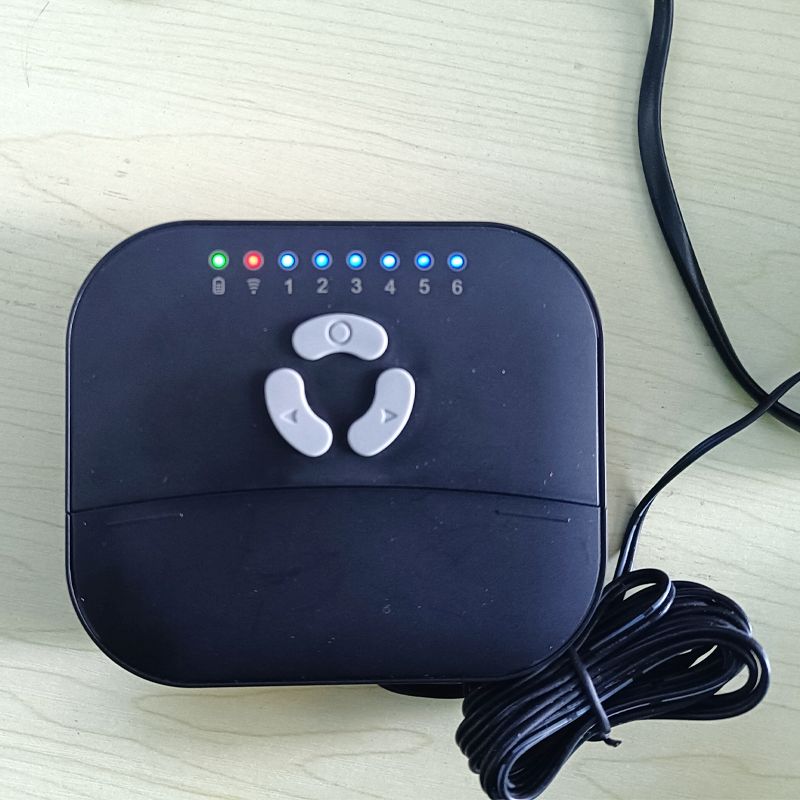
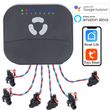
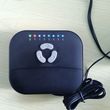
6 Zone WIFI Connect Tuya Smart Home Watering Timer and Garden Irrigation Controller Water solenoid Valve Irrigation Timer System
Includes all taxes
Meet your Seller
-
$115.55Sold by BILLIONS BIRDS
Description
Installation
1. Select a location
Choose a location near power and away from direct sunlight.This location should have a good WiFi signal, you can check the signal using asmartphone.
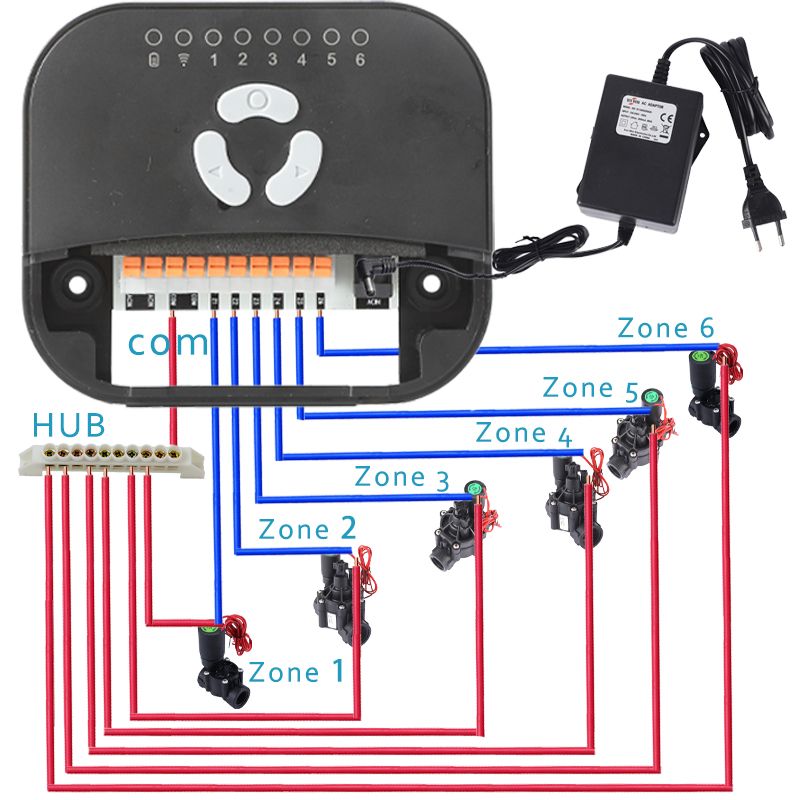
2. Connect valve wires
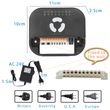
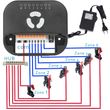
Strip about 10mm of insulation from each wire, attach one wire from each valve to a"Common"(COM) terminal and the other wires to a numbered terminalone wire perterminal)
Note: to prevent damage to the controller, connect only one valve to each terminal.
3. Power on the controller
Insert the power connector into the controller's power port, plug the transformer into awall outlet.
4. Mount the controllerSecure the bracket into the wall with the included screws and anchors, and then hangthe controller on the bracket.
5. Connect the controller to WiFi
(1) Connect your mobile device to the Wi-Fi network that the controller will connect to.Only 2.4G network is supported.
(2) Press and hold the "Select" button for about 5s and release until the WiFi indicatorlight is rapidly flashing that indicates the controller is ready to configure.
(3) Tap the + button on the top right corner, the nearby devices will pop upautomatically, choose the device you want to set up.
(4) Enter the password of the WlFl network that your mobile device connected, then itwil start registering the device to the cloud.
(5) Once the device was added successfully, you will be able to remote water your lawnfrom anywhere.
Create a timer /watering schedule
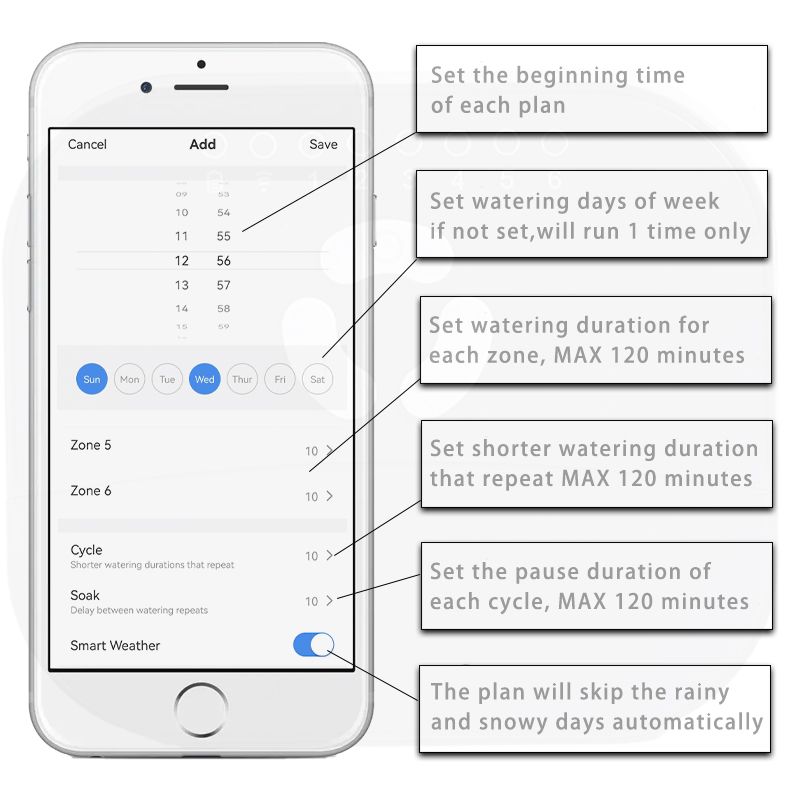
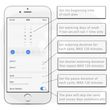
(1) Tap "Timer" on the bottom.
(2} Tap "Add" and set watering start times.
(3) Set watering days of the week. lf not set, the Timer will run one time.
(4) Select the zones and set the run times for each zone.
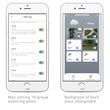
(5) Set Cycle and Soak, it will break up the run times you set for each zone andallow water to soak into the soil before adding more. This method preventswasteful and harmful water runoff while increasing plant health by encouragingdeeper root growth.Cycle: Split up watering durations into multiple shorter watering durationsSoak: Dlay between watering durations.
For example:
If you set 10 Mins for zone 1, 15 Mins for zone 2,5 Mins for the cycle watering time,and 10 Mins for the soak time, when the timer starts, each zone wil circularly runfor 5 Mins and stop for 10 Mins until the watering duration of each zone runs out.
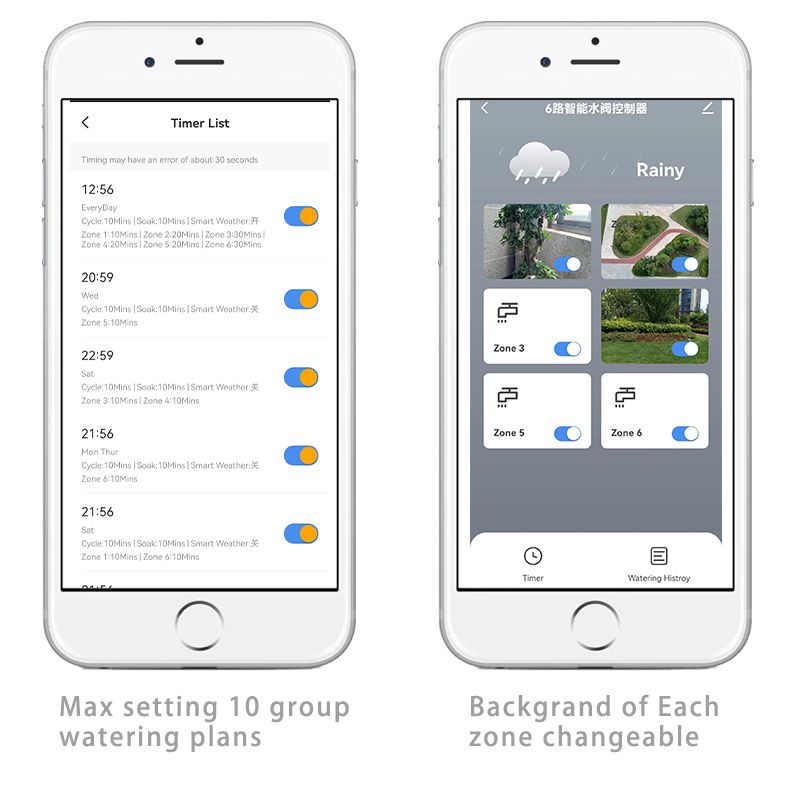
Maximally it allows you to create 10 watering timers, each timer can includemultiple zones and the
watering duration of each zone can be set separately.Please note that the zones in the timer wil run in sequence, and only one zone canrun at a time. The zone's indicator will always be on when watering and turn offwhen the watering duration runs out
For example:
Timer 1 includes zone 1 and 2, the watering time of zone 1 is 20m, zone 2 is 15m, 10Mins for the cycle watering time and 5 Mins for the soak time, and starts from9:00am on Monday. The timer wil run as below:
9:00-9:10 ----Zone 1 is watering
9:10-9:15 -----Zone 1 stops for soaking
9:15-9:25 -----Zone 1 is watering
9:25-------Zone1stops
9:25-9:35 -------Zone 2 is watering
9:35-9:40 ------Zone 2 stops for soaking
9:40-9:45 ------Zone 2 is watering
9:45-------Zone 2 stops
Since only one zone can run at a time, when you set another timer, you should skirun time during 9:00-9:45am on Monday.
(6) lf you turn on the Smart Weather, the timer will skip the rainy and snowy daysautomatically.
How to link to Google Assistant
1. Open the Google Home App, tap "Home Control" on the menu.
2. Tap the add icon "+" on the bottom right.
3. Find "Smart Life" from the list.
4. Type in your information of the Smart Life App account to fnish the account linking
5. Once the linking was successful, you can assign the devices to rooms,then yourdevices will be listed in the Home Control list.
We split our irrigation controller into 9 individual devices, 1 for controlling all the zoneson/off, the rest of 8 are corresponding to the 8 zones of the controller.Now you can use the below voice commands to control all the zones or each zoneseparately.
"Hey Google, turn on/off DEVICENAME"The device name can be assigned from both the Smart Life App and the Google HomeApp.
Troubleshooting
1,Problem:Connection issues between mobile device and controller
Possible cause:
①WiFi signal strengthis low
Verify with your phone, the WiFi signalis at least 2 bars of strength at thelocation of the controller. lf it is not, tryto relocate the WiFi router so it is closeand does have as much interference. fthis is not possible, Use a WiFi rangeextender to boost the signal strength.
②The App shows that the controller is offine andWiFi indicator on the controller is blinking
Check your local network, are otherconnected devices working propery?Try to re-connect the controler to youiWiFi router.
③Failed to connect the controller to WiFi network
Make sure that the WiFi network is2.4Ghz
2,Programmed schedulesand manual wateringfunctions don't start
①,Water source notsupplying water
Verify there is not disruption to the mainwater line and that all other water suppllines are open and functioning propery
②,Wiring is loose or notpropery connected
Check that valve wiring is securelyconnected at the controller and in the field
③,Valve wires arecorroded or damaged
Check valve wiring for damage andreplace if necessary.Check wiring connections and replace with watertight splice connectors if needed


Shop Policies
Payment Policy
Payment Policy – BILLIONS BIRDS
At BILLIONS BIRDS, we are committed to providing a safe, secure, and seamless payment experience for our customers.
1. Accepted Payment Methods
We accept the following payment options:
Major Credit & Debit Cards (Visa, MasterCard, American Express)
Secure Online Payment Gateways (such as PayPal, Stripe, or other providers available at checkout)
Any additional payment methods displayed during checkout
All payments must be completed in full at the time of purchase.
2. Secure Transactions
All transactions are processed through encrypted and secure payment systems to protect your personal and financial information. We do not store your full payment details on our servers.
3. Currency
Prices are displayed in the currency indicated on the website. If you are purchasing from another country, your bank may apply currency conversion fees.
4. Order Confirmation
Once your payment has been successfully processed, you will receive an order confirmation email containing your purchase details.
5. Failed or Declined Payments
If your payment is declined, please verify your billing information or contact your bank. Orders will only be processed after successful payment confirmation.
6. Fraud Prevention
BILLIONS BIRDS reserves the right to cancel or refuse any order if fraud or unauthorised activity is suspected.
Delivery Policy
Delivery Policy – BILLIONS BIRDS
At BILLIONS BIRDS, we are dedicated to delivering your orders safely and efficiently.
1. Order Processing
All orders are processed within 1–3 business days after payment confirmation. Orders are not processed or shipped on weekends or public holidays.
2. Shipping Times
Estimated delivery times vary depending on your location:
Domestic Shipping: 3–7 business days
International Shipping: 7–15 business days
Please note that delivery times are estimates and may vary due to customs procedures, carrier delays, weather conditions, or other unforeseen circumstances.
3. Shipping Costs
Shipping fees are calculated at checkout based on your location and selected shipping method. Any customs duties, taxes, or import fees are the customer's responsibility.
4. Tracking Information
Once your order has been shipped, you will receive a confirmation email with tracking details (if available) so you can monitor your package.
5. Delivery Issues
If your order is delayed, lost, or arrives damaged, please contact us within 7 days of the expected delivery date. We will work with the shipping carrier to resolve the issue as quickly as possible.
6. Incorrect Shipping Information
Customers are responsible for providing accurate shipping details at checkout. BILLIONS BIRDS is not responsible for orders shipped to incorrect addresses provided by the customer.
Refund Policy
Refund Policy – BILLIONS BIRDS
At BILLIONS BIRDS, customer satisfaction is our top priority. If you are not completely satisfied with your purchase, we’re here to help.
1. Return Eligibility
You may request a return within 14 days of receiving your order. To qualify for a return:
The item must be unused, unworn, and in the same condition as received.
The item must be in its original packaging.
Proof of purchase (order confirmation or receipt) is required.
Certain items may not be eligible for return, including clearance items, gift cards, or personalised/custom products.
2. Non-Refundable Items
The following items are non-refundable:
Final sale or discounted items
Gift cards
Items damaged due to misuse, negligence, or improper care
3. Return Process
To initiate a return, please contact our customer support team with your order number and reason for return. If your return is approved, you will receive instructions for returning the item.
Unless the item is defective or incorrect, customers are responsible for return shipping costs.
4. Refund Processing
Once we receive and inspect your returned item:
We will notify you of the approval or rejection of your refund.
If approved, the refund will be issued to your original payment method within 5–10 business days.
Please note that banks or payment providers may require additional time to process refunds.
5. Damaged or Incorrect Items
If you receive a damaged, defective, or incorrect item, please contact us within 7 days of delivery and provide clear photos of the product and packaging. We will arrange a replacement or full refund at no additional cost.
6. Late or Missing Refunds
If you have not received your refund:
Check your bank account again.
Contact your credit card company or payment provider.
If the issue persists, don't hesitate to contact our support team for assistance.
Customer reviews
Share your thoughts with other customers
Be the first one to write a review!

