
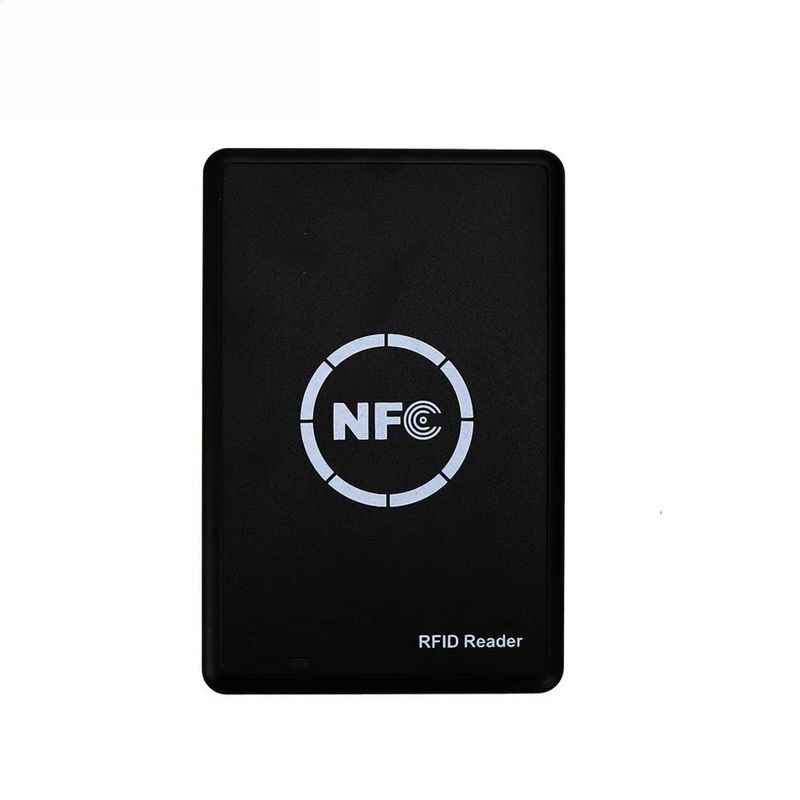
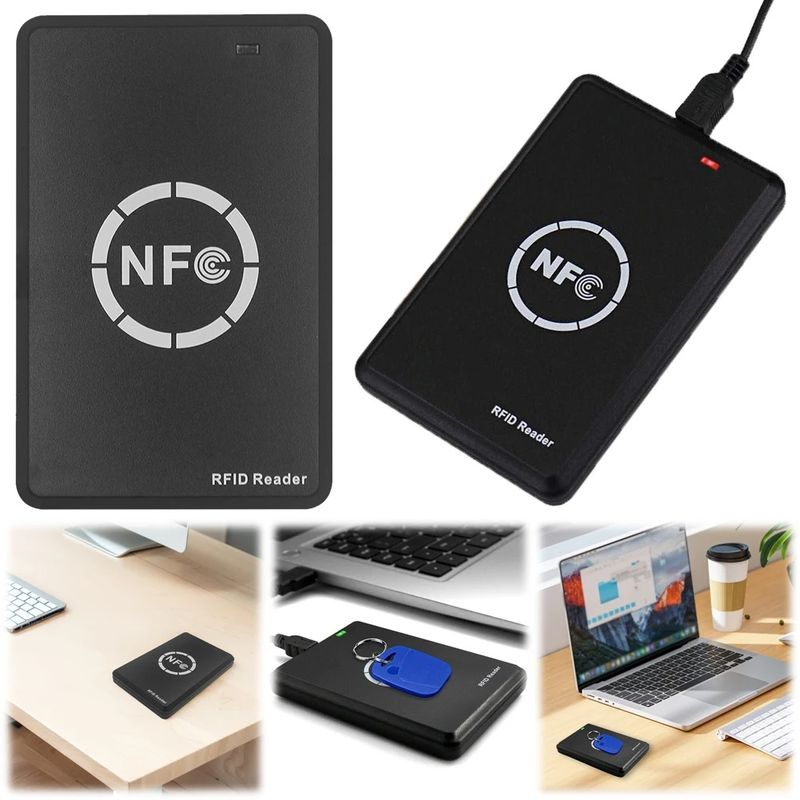
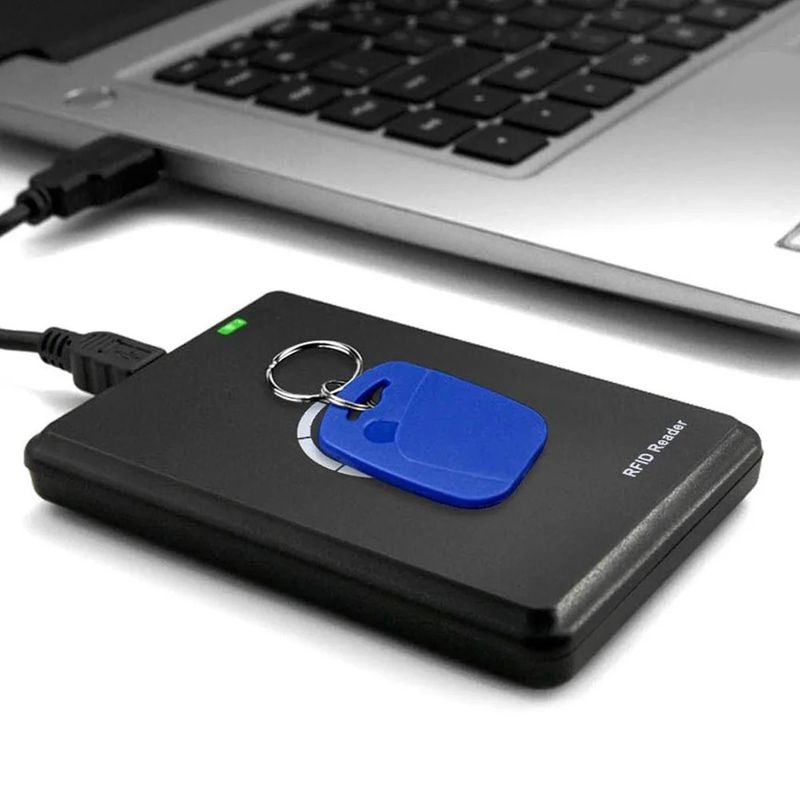
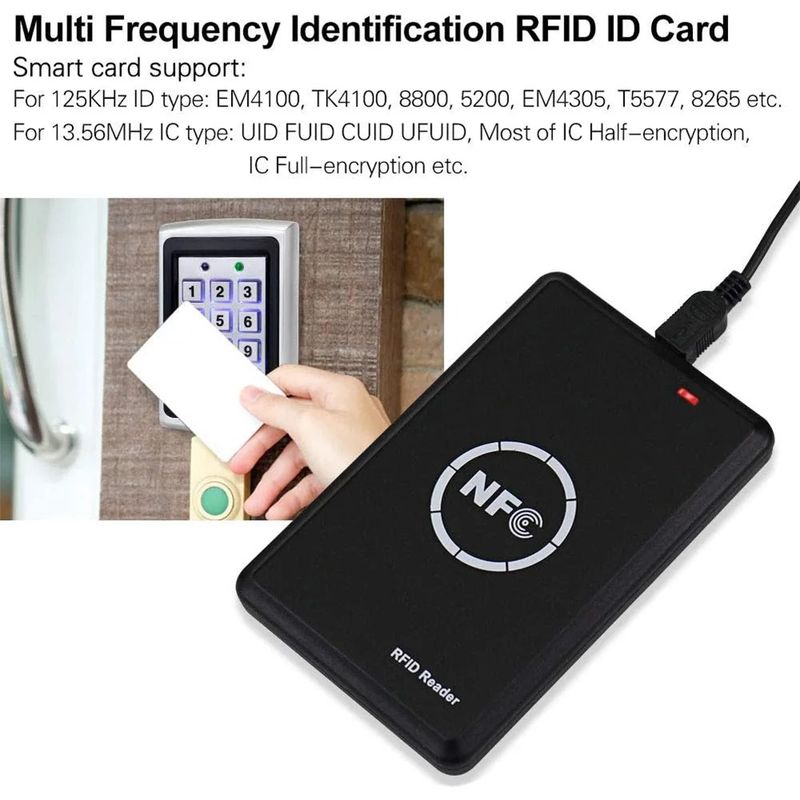
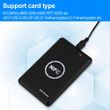
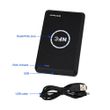
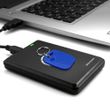
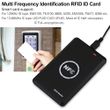
Hilo NFC Smart Card Reader Writer 13.56MHz 125KHz USB Programmer RFID Copier Duplicator Card ID IC Decoder Door Access System
Includes all taxes
Meet your Seller
-
$35.88Sold by BILLIONS BIRDS
Description
1.DOWNLOAD
Visit this URL to download. When the device is plugged into the computer, the pop-up USB drive also contains a web link.
software: https://www.camelote.cn/

2. Introduction to Software Interface Functions
After opening the software, the left side allows switching between: Language, High-frequency Card, Low-frequency Card, Version Control (Device Upgrade), Call Device (Find Device)

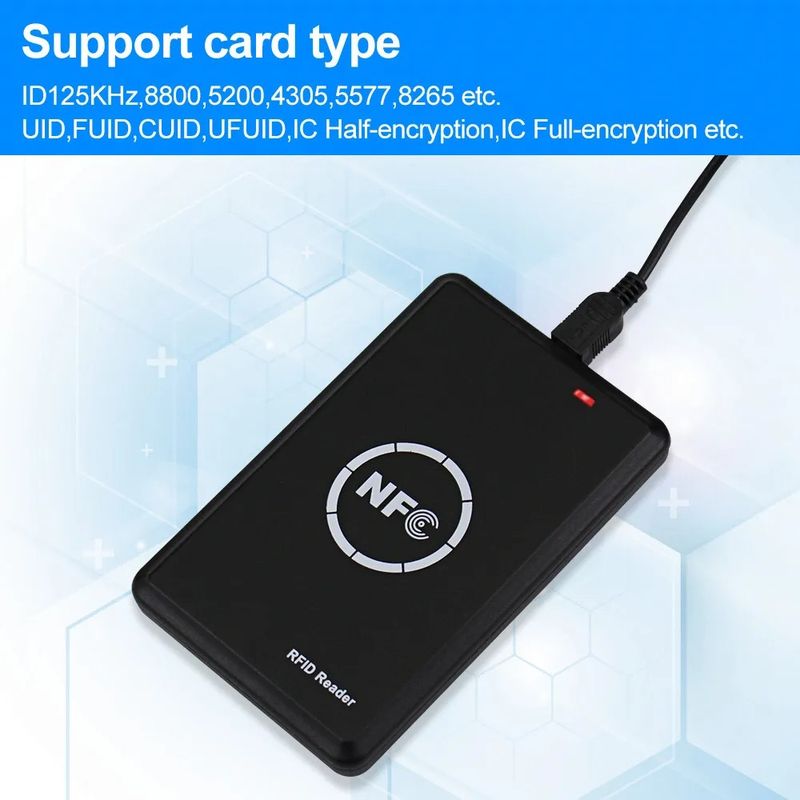
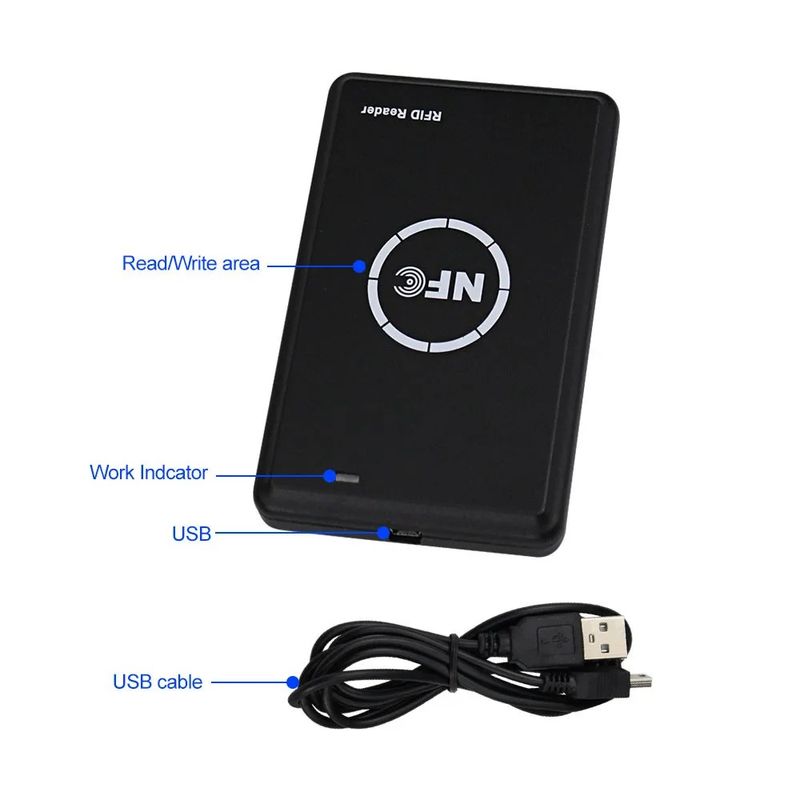
When the software is opened, it will automatically connect to the device; there is no need to select a port or driver. Please connect the device using a data cable, not a charging cable that does not support data transmission. The device supports reading and writing of high-frequency IC cards such as 1K, 2K, 4K, QL88, 1-3 generation non-vulnerable cards, hard cards, UID, CUID, UFUID, FUID, GDM, NTAG213, NTAG215, NTAG216, etc. For low-frequency cards, it supports reading and writing of cards such as 4100, 4305, 5577, 5200, 8265, 8210, 8268, 8310, H-ID operating within the 125KHZ-500KHZ range.
3.Reading and Writing of High-Frequency Cards (Classic Series)
Place the card on the induction area of the device. The device's buzzer will emit two consecutive beeps to remind the user that the device has recognized a high-frequency card using the 1443A protocol. If the buzzer beeps only once, it indicates that the placed card is a low-frequency card. If the device does not emit any beeps, it means the placed card cannot be recognized (please move it to another position) or the placed card is not of a type supported by the device.

After placing the card properly, click "Start". The device will begin reading card data, and a checkmark (√) below indicates that the password for that sector has been obtained. During decryption, the device will display the progress and elapsed time. Depending on the card type, the reading time may range from a few seconds to several tens of minutes. The decryption speed of some cards is related to the CPU performance of the computer, so please wait patiently during the decryption process. Do not move the card while decryption is in progress.
For card duplication, "Advanced Write" must be used. "Advanced Write" uses backdoor commands for writing, and generally does not require key verification. Of course, for cards without backdoor commands, it will automatically execute "Ordinary Write". "Ordinary Write" is a standard writing mode that requires key verification.

When the card writing is completed, the software will prompt the number of blocks that have been successfully written. If there are failed blocks, the data area on the right will be marked in red. Users need to check the reasons for the failed writing before trying again. Common reasons for failed writing include: the card is a non-duplicable card with an unchangeable card number; the card is not a blank card and the key does not match that of the data area; the card sectors are locked; or the card signal is weak.

The special function buttons at the bottom right can be used to repair UID cards that have been compromised by firewalls, clear the card (format the card), unlock some FUID cards, and lock UFUID cards.
If you only need to copy the card number, you can enter or read the card number, then replace the card and click "Write Card Number". This operation supports UID, CUID, FUID, UFUID, 4K duplicable cards, 7-byte duplicable cards, etc.

For cards that cannot be cracked, you can decrypt them by filling in the key after sniffing or using the cloud dictionary.

Fill in the known password, check "Use Cloud Dictionary", and then click "Start
4.HFcard write(NTAG)

After placing the NTAG tag, you can read from and write to the tag. For encrypted cards, you can enter the password on the right side before reading. When writing to the card, if you have special requirements, you can select the areas to be written; if no areas are selected, only the data area will be written by default. The software supports writing the following information to NTAG cards: phone numbers, URLs, WiFi credentials, Bluetooth information, apps (requires entering the application package name), and business cards.
5.LF CARD WRITE(ID/H-ID...)

After placing the card properly, the device will emit a "beep" sound, indicating that the card has been recognized. However, if a brand-new card of type 5577 or 4305 is placed, the device will not emit a "beep". Click "Read Card", and the device will automatically scan frequencies from 125KHz to 500KHz. Once the reading is successful, the card information will be displayed. At this point, you can replace it with a new card and click the "Write ID" button to duplicate the card. If you have special needs, you can check the "Auto-increment Card Number by 1 When Writing" function; when checked, the card number will increase by 1 for each writing operation.
The device also supports other low-frequency cards such as HID, and the supported types can be viewed in the drop-down menu. Click the "Read" button on the left side of the HID section. Without specifying a card type, the device will automatically scan the card type and display data such as the card number after successful reading. After a successful reading, you can replace the card and click the "Write" button to duplicate the card. Alternatively, you can select a specified format type, enter information such as FN/CN, and then click "Write". The device will then write the information specified by the user.

6.update
If there are device updates in the future, you can download the latest upgrade package from the software's official download website, drag it into the red-framed area, and wait for the device upgrade to complete. Please ensure a stable USB connection during the upgrade process.

Shop Policies
Payment Policy
Payment Policy – BILLIONS BIRDS
At BILLIONS BIRDS, we are committed to providing a safe, secure, and seamless payment experience for our customers.
1. Accepted Payment Methods
We accept the following payment options:
Major Credit & Debit Cards (Visa, MasterCard, American Express)
Secure Online Payment Gateways (such as PayPal, Stripe, or other providers available at checkout)
Any additional payment methods displayed during checkout
All payments must be completed in full at the time of purchase.
2. Secure Transactions
All transactions are processed through encrypted and secure payment systems to protect your personal and financial information. We do not store your full payment details on our servers.
3. Currency
Prices are displayed in the currency indicated on the website. If you are purchasing from another country, your bank may apply currency conversion fees.
4. Order Confirmation
Once your payment has been successfully processed, you will receive an order confirmation email containing your purchase details.
5. Failed or Declined Payments
If your payment is declined, please verify your billing information or contact your bank. Orders will only be processed after successful payment confirmation.
6. Fraud Prevention
BILLIONS BIRDS reserves the right to cancel or refuse any order if fraud or unauthorised activity is suspected.
Delivery Policy
Delivery Policy – BILLIONS BIRDS
At BILLIONS BIRDS, we are dedicated to delivering your orders safely and efficiently.
1. Order Processing
All orders are processed within 1–3 business days after payment confirmation. Orders are not processed or shipped on weekends or public holidays.
2. Shipping Times
Estimated delivery times vary depending on your location:
Domestic Shipping: 3–7 business days
International Shipping: 7–15 business days
Please note that delivery times are estimates and may vary due to customs procedures, carrier delays, weather conditions, or other unforeseen circumstances.
3. Shipping Costs
Shipping fees are calculated at checkout based on your location and selected shipping method. Any customs duties, taxes, or import fees are the customer's responsibility.
4. Tracking Information
Once your order has been shipped, you will receive a confirmation email with tracking details (if available) so you can monitor your package.
5. Delivery Issues
If your order is delayed, lost, or arrives damaged, please contact us within 7 days of the expected delivery date. We will work with the shipping carrier to resolve the issue as quickly as possible.
6. Incorrect Shipping Information
Customers are responsible for providing accurate shipping details at checkout. BILLIONS BIRDS is not responsible for orders shipped to incorrect addresses provided by the customer.
Refund Policy
Refund Policy – BILLIONS BIRDS
At BILLIONS BIRDS, customer satisfaction is our top priority. If you are not completely satisfied with your purchase, we’re here to help.
1. Return Eligibility
You may request a return within 14 days of receiving your order. To qualify for a return:
The item must be unused, unworn, and in the same condition as received.
The item must be in its original packaging.
Proof of purchase (order confirmation or receipt) is required.
Certain items may not be eligible for return, including clearance items, gift cards, or personalised/custom products.
2. Non-Refundable Items
The following items are non-refundable:
Final sale or discounted items
Gift cards
Items damaged due to misuse, negligence, or improper care
3. Return Process
To initiate a return, please contact our customer support team with your order number and reason for return. If your return is approved, you will receive instructions for returning the item.
Unless the item is defective or incorrect, customers are responsible for return shipping costs.
4. Refund Processing
Once we receive and inspect your returned item:
We will notify you of the approval or rejection of your refund.
If approved, the refund will be issued to your original payment method within 5–10 business days.
Please note that banks or payment providers may require additional time to process refunds.
5. Damaged or Incorrect Items
If you receive a damaged, defective, or incorrect item, please contact us within 7 days of delivery and provide clear photos of the product and packaging. We will arrange a replacement or full refund at no additional cost.
6. Late or Missing Refunds
If you have not received your refund:
Check your bank account again.
Contact your credit card company or payment provider.
If the issue persists, don't hesitate to contact our support team for assistance.
Customer reviews
Share your thoughts with other customers
Be the first one to write a review!

