
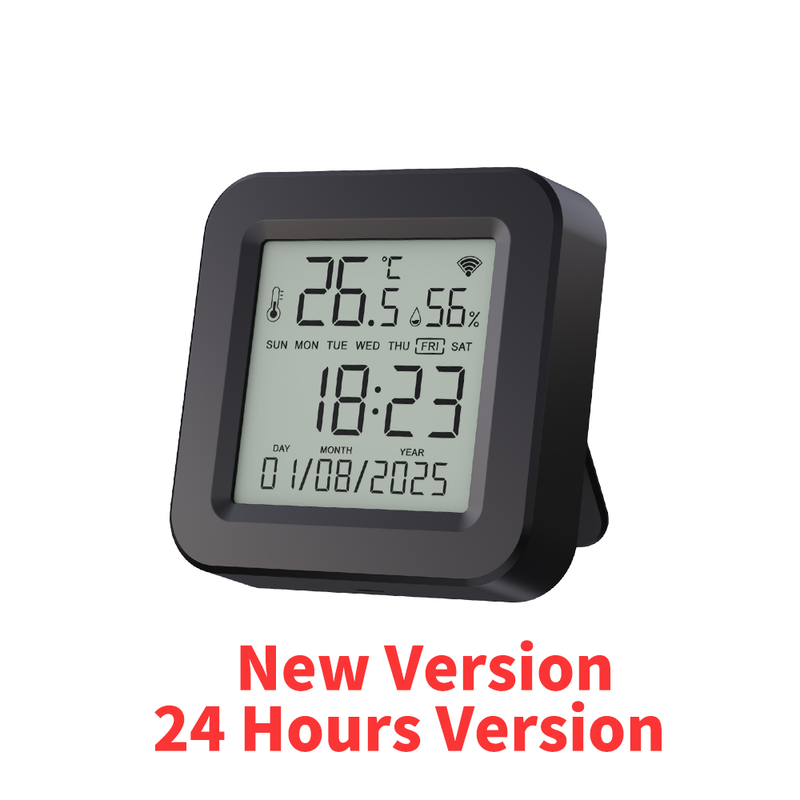
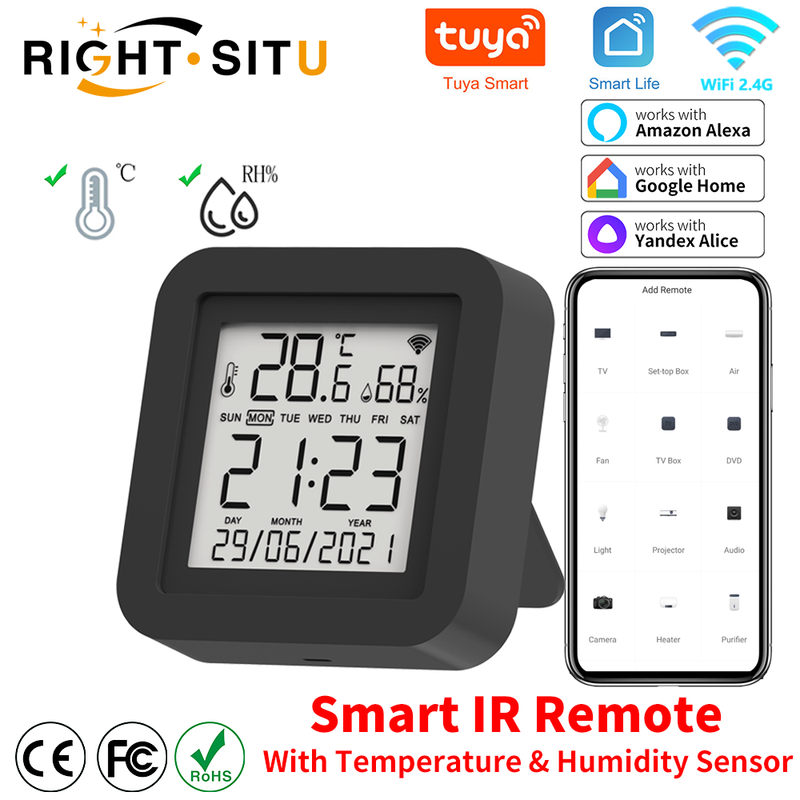
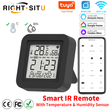
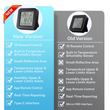
Tuya Smart Universal IR Remote With Temperature Humidity Sensor for Air Conditioner TV AC Works with Alexa Google Home Yandex
Includes all taxes
Meet your Seller
-
$47.68Sold by BILLIONS BIRDS
Description
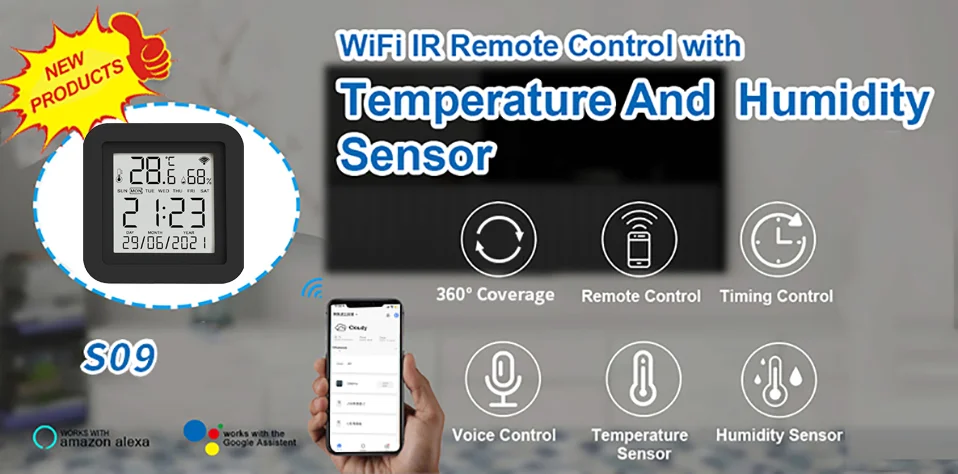
• Universal Compatibility :Works with Alexa, Google Home, and Yandex for voice control.
• Temperature and Humidity Sensor :Monitors temperature and humidity levels in the room for optimal comfort.
• Smart IR Remote Control :Control your air conditioner and TV with ease using the smart IR remote control.
• Easy Setup :Simply plug in the device and follow the instructions to set up the remote control.
NOTE:
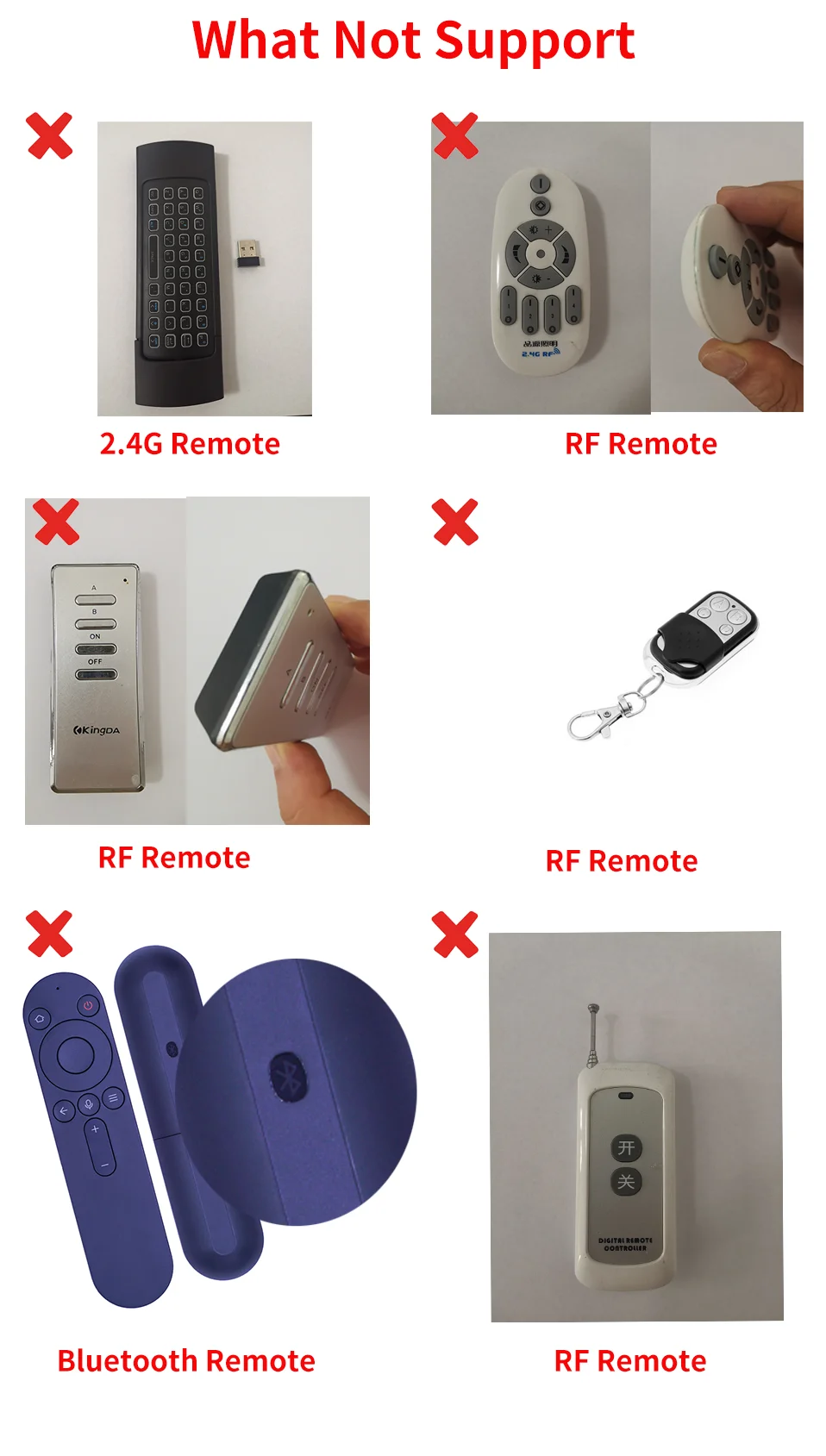
1. The intelligent remote control only supports infrared remote control, and does not support Bluetooth or RF or 2.4G remote control
2. It does not have a built-in battery and requires constant USB power supply.
3. It needs a WiFi 2.4GHz network that is always connected when it works. Please turn on 2.4GHz WiFi and stay online.
4. The original APP is Smart Life and Tuya Smart, and the third party (Alexa, Google Home, Yandex Alice) is not necessary.
5. Because the third party (Alexa/Google Home/Yandex Alice) does not have a corresponding display panel, after linking, they cannot display the same control panel as Smart Life on their APP.
6. The remote control can be controlled by voice on the third-party smart speaker (Alexa/Google Home/Yandex Alice), But DIY learning control panel does not support it.
7. It cannot reverse synchronize the signal of the original remote control of household appliances.
8. Yandex Alice only supports AC, TV, TV Box and Fan.
9. Bluetooth only works when configuring
10. The temperature and humidity data cannot be displayed on the third party (Alexa/Google Home/Yandex Alice), cannot be queried by voice, and cannot establish an automatic process on the third-party APP.
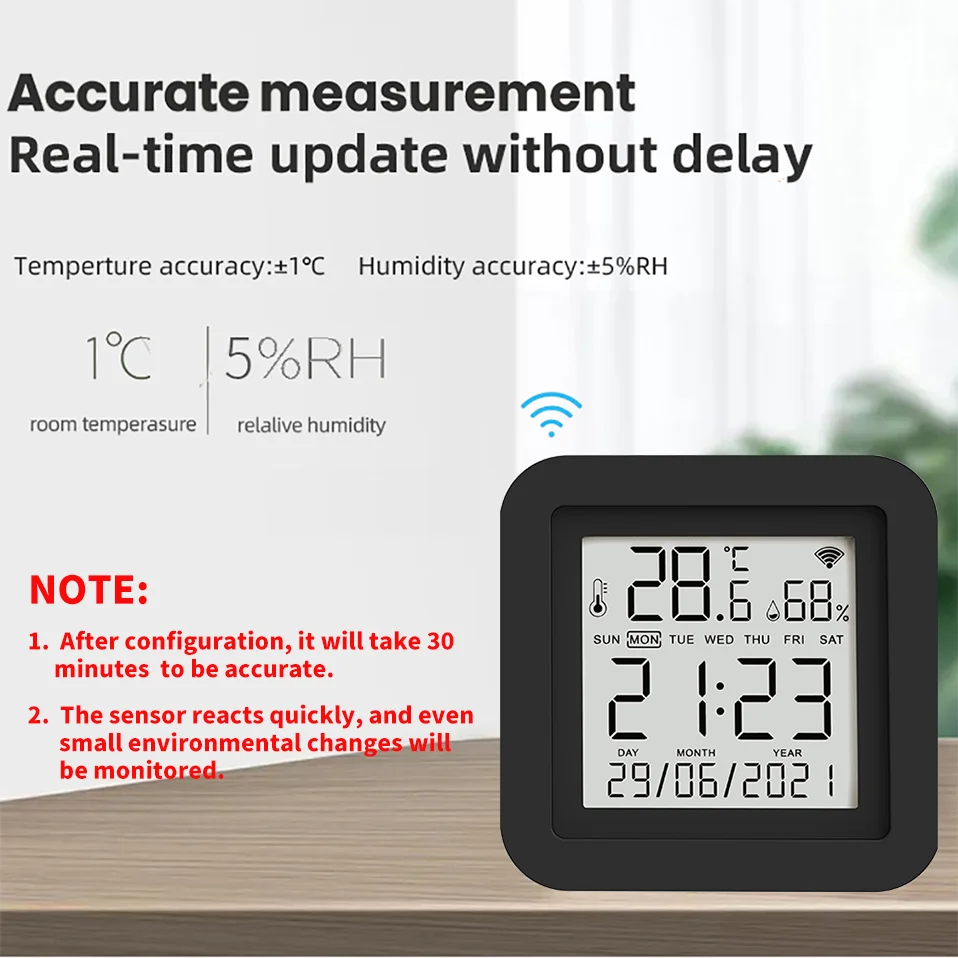
11. All temperature and humidity sensors will have certain errors, please note. The error of this sensor is ± 1 ℃ and the error of humidity is ± 5% RH
12. The minimum granularity of historical data (daily chart) is 1 hour, and the minimum granularity of exported data is also 1 hour.
Days of historical data are stored for 7 days.
The value of historical data is the average value, that is, the average value in a minimum granularity time
About using temperature or humidity data as automation conditions
The sensor data uses the principle of Edge Triggered
That is, the action can only be triggered if the condition crosses the set condition
For example, when the automatic setting temperature is greater than 25 ℃, then turn on the air conditioner.
1. When the temperature rises from below 25 ℃ to 25 ℃, the automatic process can trigger to start the air conditioner
2. After the automatic process is set, the temperature is always above 25 ℃, and the air conditioner is not turned on.
3. When the temperature drops to 25 ℃ and rises to above 25 ℃, the automatic process will be activated.
For example, when the automatic setting temperature is less than 20 ℃, turn on the air conditioner
1. When the temperature drops from above 20 ℃ to 20 ℃, the automatic process can trigger to start the air conditioner
2. After the automatic process is set, the temperature is always below 20 ℃, and the air conditioner is not turned on
3. When the temperature rises to 20 ℃ and then drops to above 20 ℃, the automatic process will be activated.
Product Features:
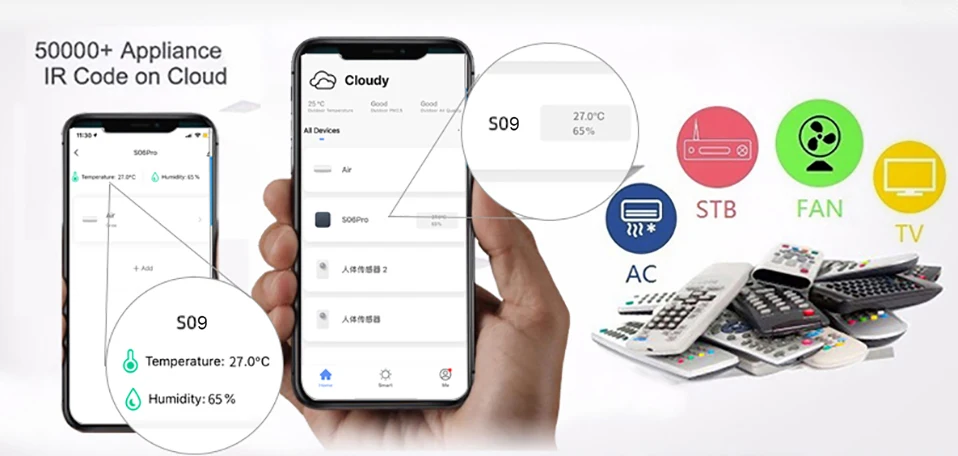
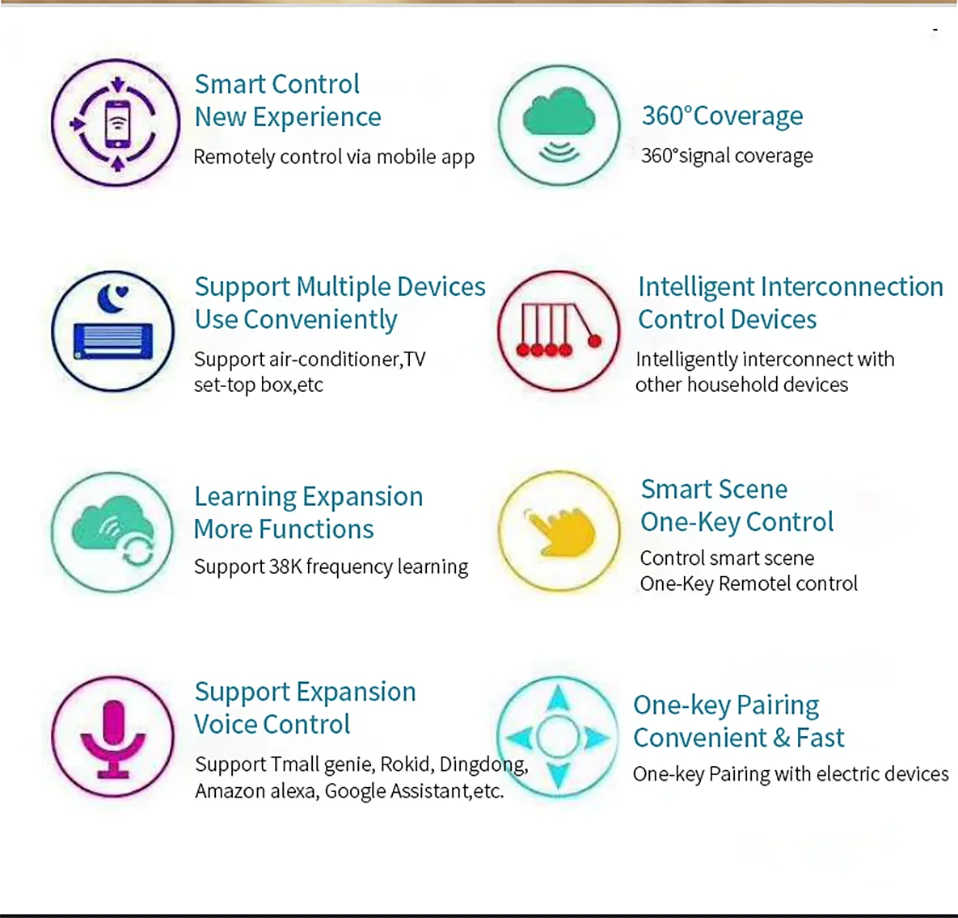
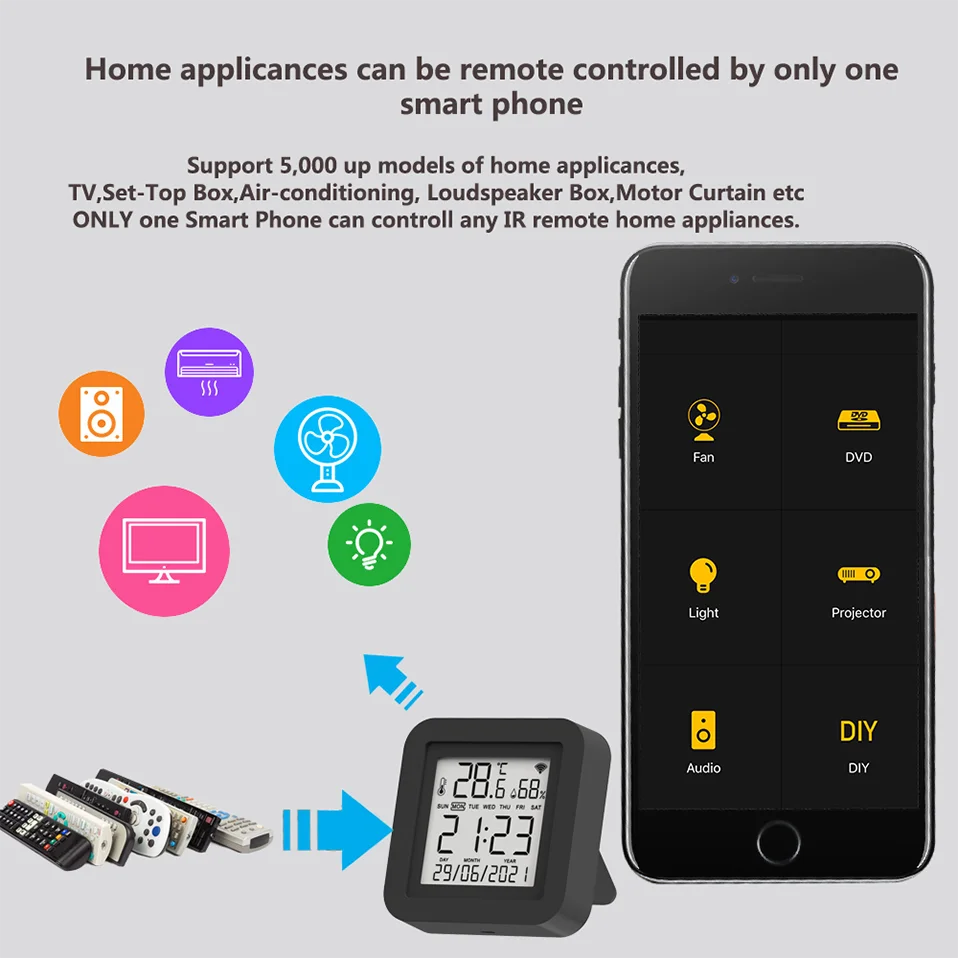
With this Universal IR Remote Control, you may use your smart phone to control home appliances, such as STB(Set-Top-Box), TV Box, TV, Air Conditioner, Fan, DVD, etc. Compatible with most of brands, for details, please refer to the supported brand list in App. Besides, it has LEARNING FUNCTON, allows you to copy the key function of original remote control to App.
Note: Not compatible with the home appliances which use RF or BLUETOOTH remote control.
1. Massive IR Code Database
Support 4000+ brands, 50000+ IR Code on cloud, supported devices library is constantly being updated by the cloud.
2. Built-in Temperature & Humidity sensor and Built-in display screen
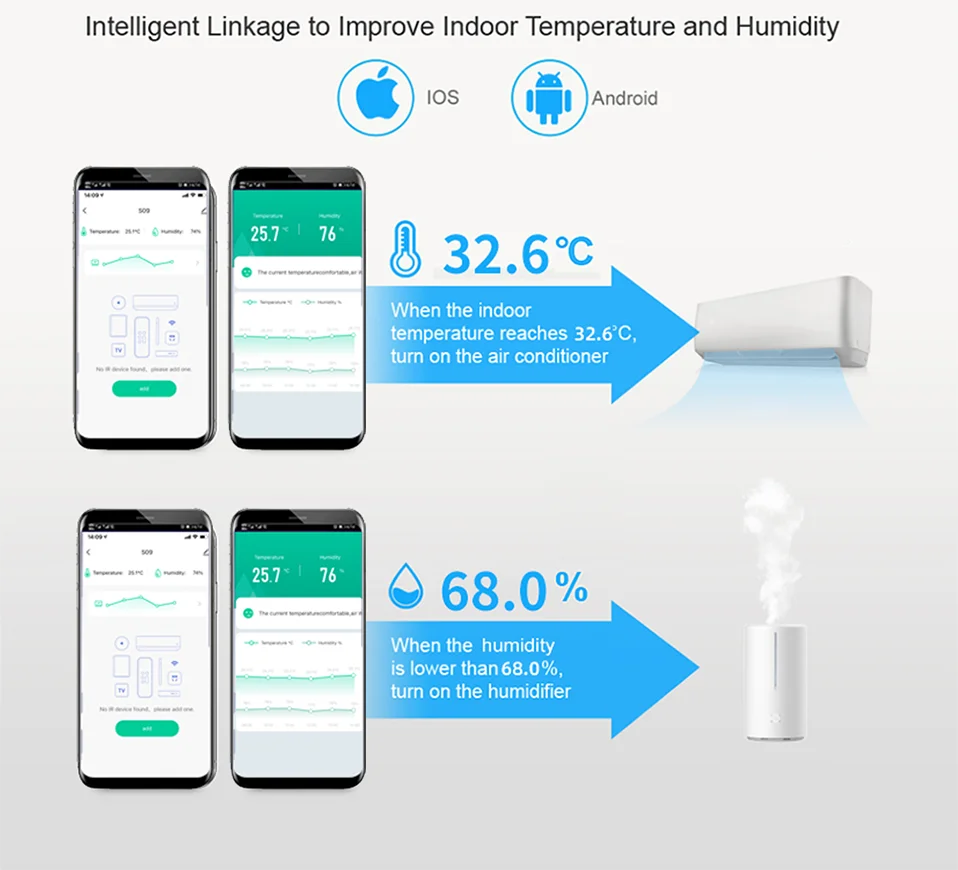
With the help of the built-in sensor, you can know the temperature and humidity in the room at any time. And according to their values, do subsequent automation. For example, turn on the air conditioner when the temperature is higher than 26 ℃, and turn on the humidifier when the humidity is less than 50%
3. App Remote Control
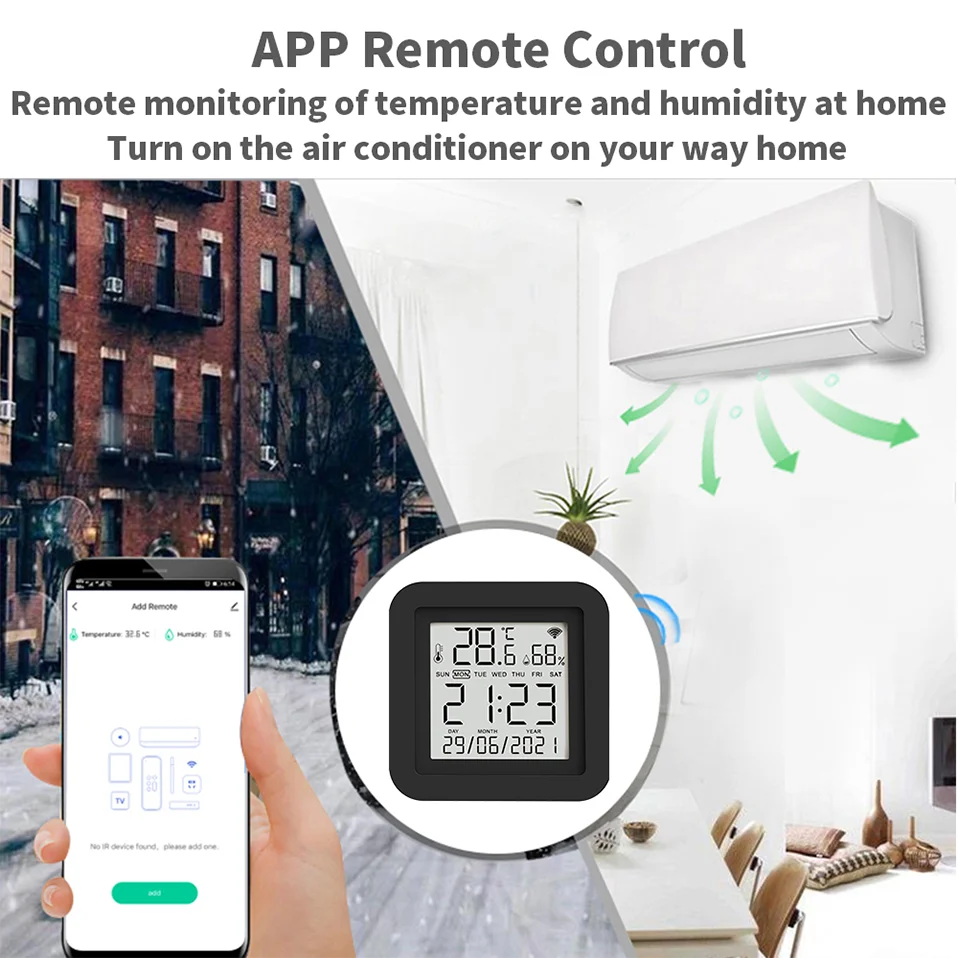
Remote Control your home appliances by using “Smart Life” App in your smart phone anywhere anytime. For example: Switch on home A/C in advance, enjoying the comfortable temperature once you get home.
4. Easy to install and add to app
Once you plug the cable line into the device, the device enters configuration mode, and then Then use Bluetooth configuration in APP. The whole process takes only a few minutes.
5. Voice Control
By connecting Intelligent speaker, such as Alexa, Google Home, you are able to control your home appliances by voice. For example: Alexa, turn on TV; OK Google, set air conditioning temperature to 25 degrees.
6. Scenario and Automation in App
A scenario consists of 1 or more actions. By creating an “Scenario”, you may control multiple devices with one tap; By adding an “Automation” and interworking with other smart home devices, Wi-Fi remote control is able to execute actions automatically according to conditions, such as device status, weather and time.
7. Timer and Automatic Trigger
According to your living habits, set time switches for your home appliances, such as turning on/off the air conditioner at regular intervals.
8. DIY
Customizing buttons in the Tuya Smart App if your home appliances brand is not in the list or not supported.
9. Third-Party Control
Works with Alexa, Google Assistant, Tmall Genie, Tecent Xiaowei, DingDong, Rokid, DuerOS, etc.
Why choose this product?
1. Say goodbye to use remote controls for each of the IR home appliances such as TV, Air-Conditioner , TV box, light, Fan, Audio, etc.
2. You can remotely control these devices with the tap of your finger on the mobile App.
3. you can real-time monitor the temperature and humidity on App at anytime and anywhere.
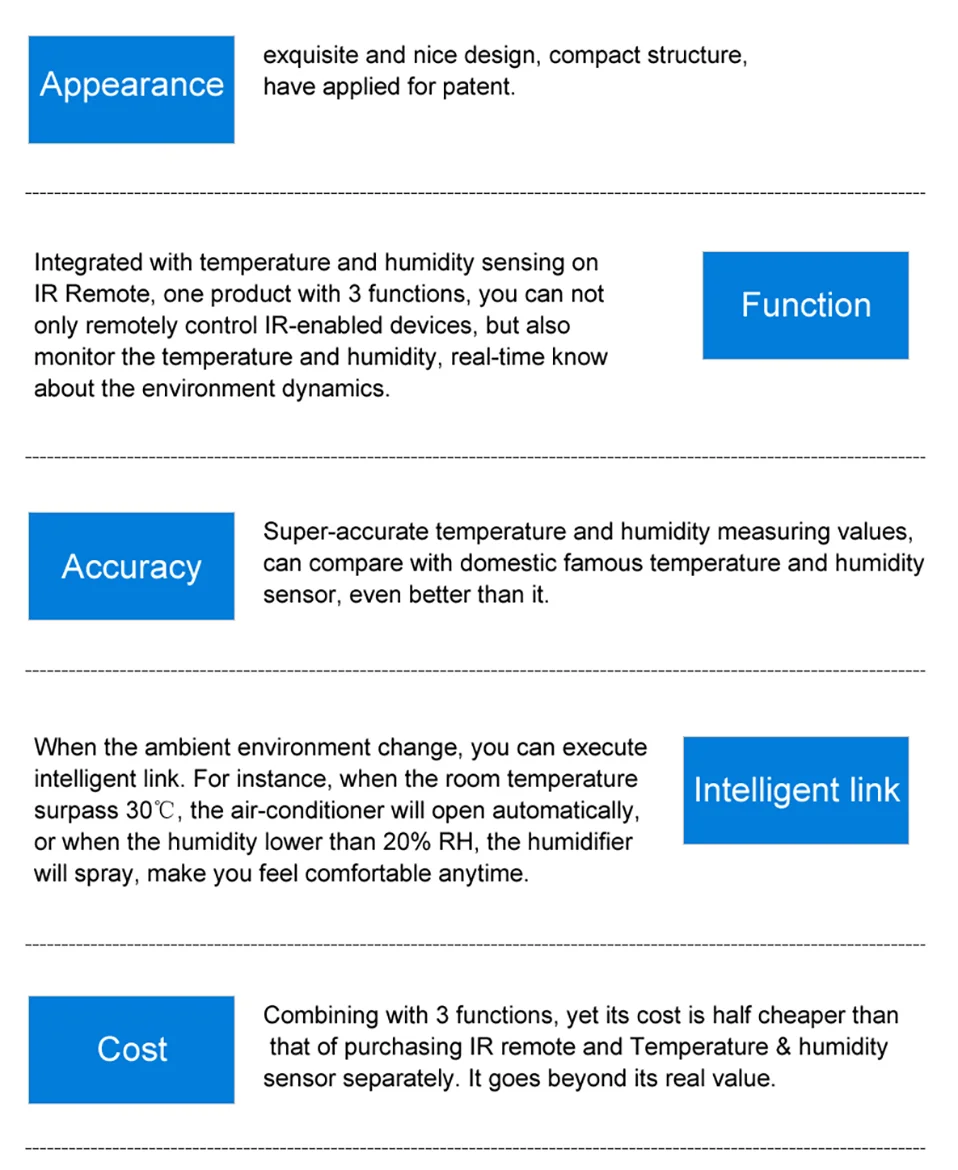
4. Combining with 3 functions , yet its cost is half cheaper than that of purchasing IR Remote and Temperature & Humidity Sensor separately. It goes beyond its real value.
5. When the ambient environment change, you can execute intelligent link. For instance, where the room temperature surpass 30℃, the Air-conditioner will open automatically.
NOTE: Please kindly read the user manual carefully before usage and keep it for future reference.
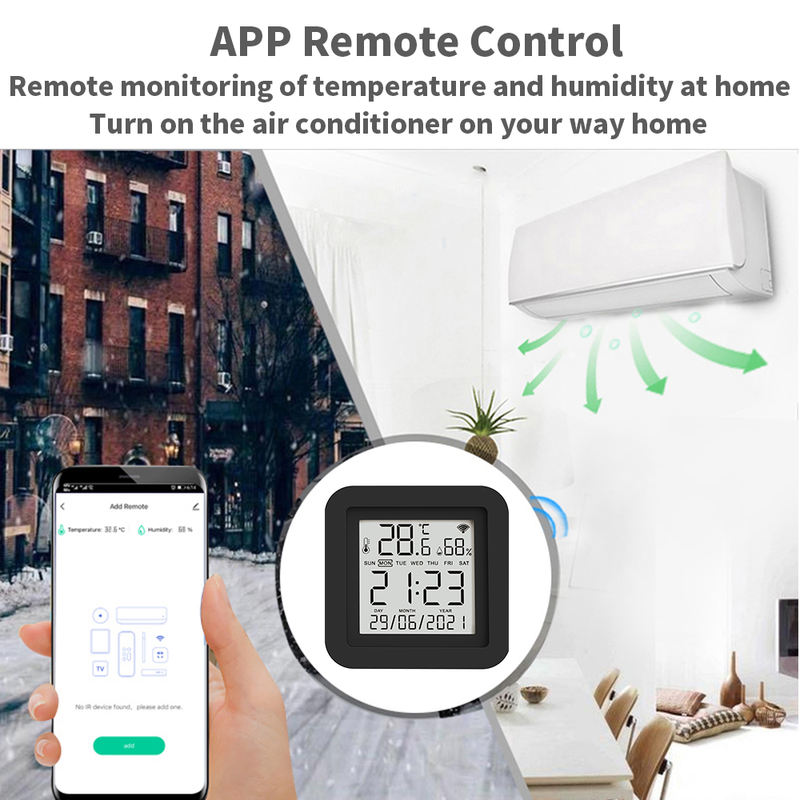
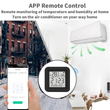
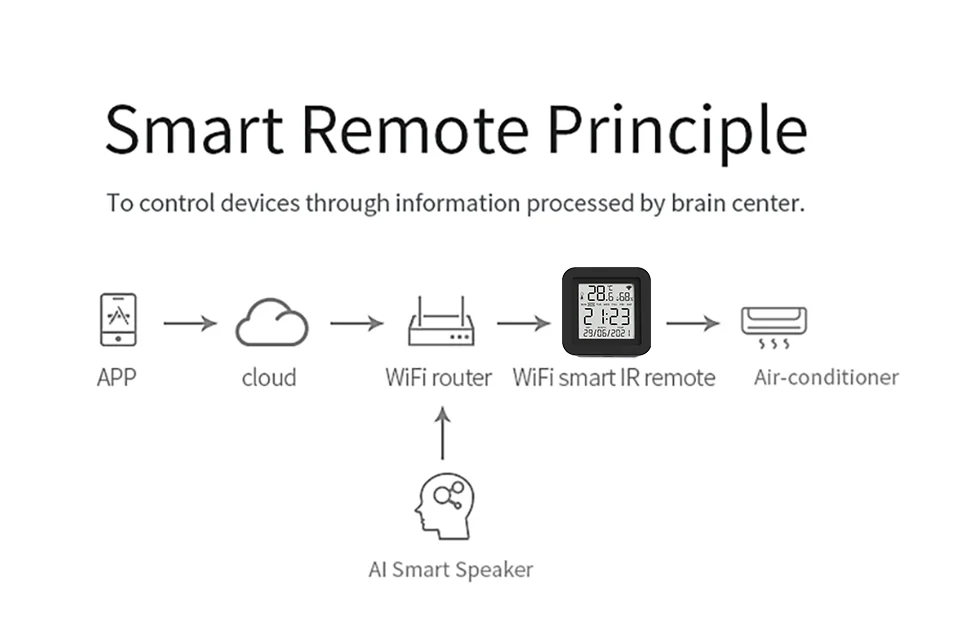
APP Remote Control
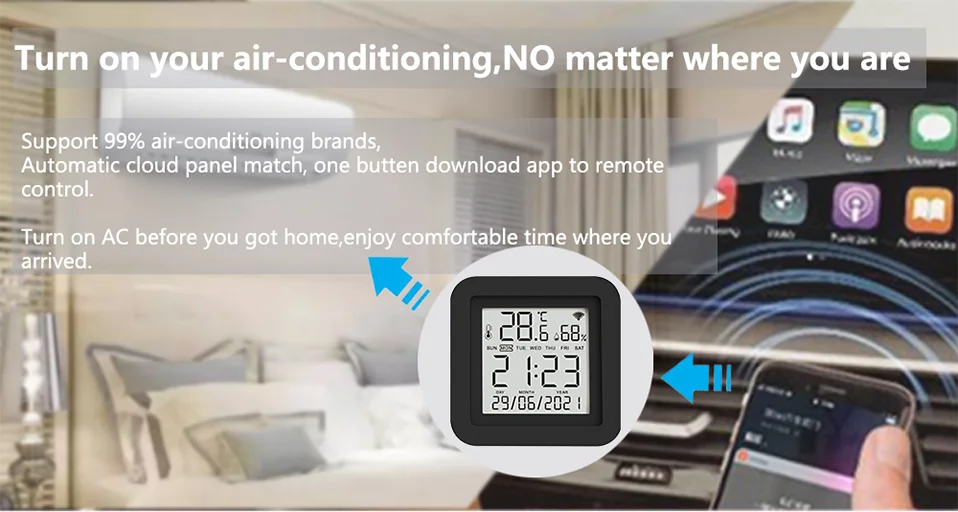
Turn on your air conditioner, no matter where you are.
-Support 99% air conditioner in the market,automatic cloud panel match,one button download App to remote control
-Turn on AC in advance, enjoy the warm time when you get home
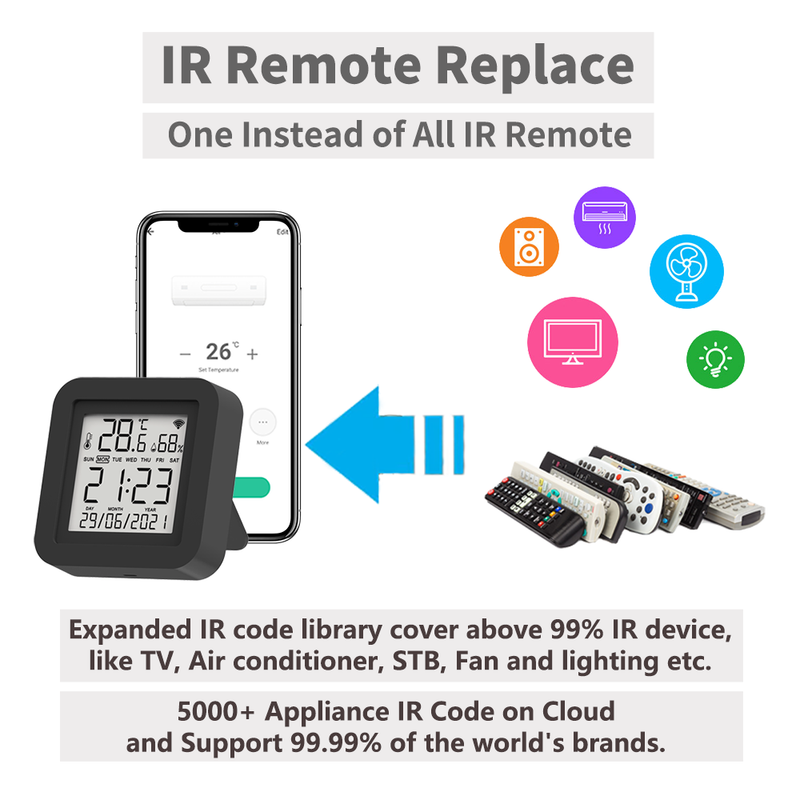
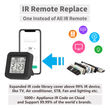
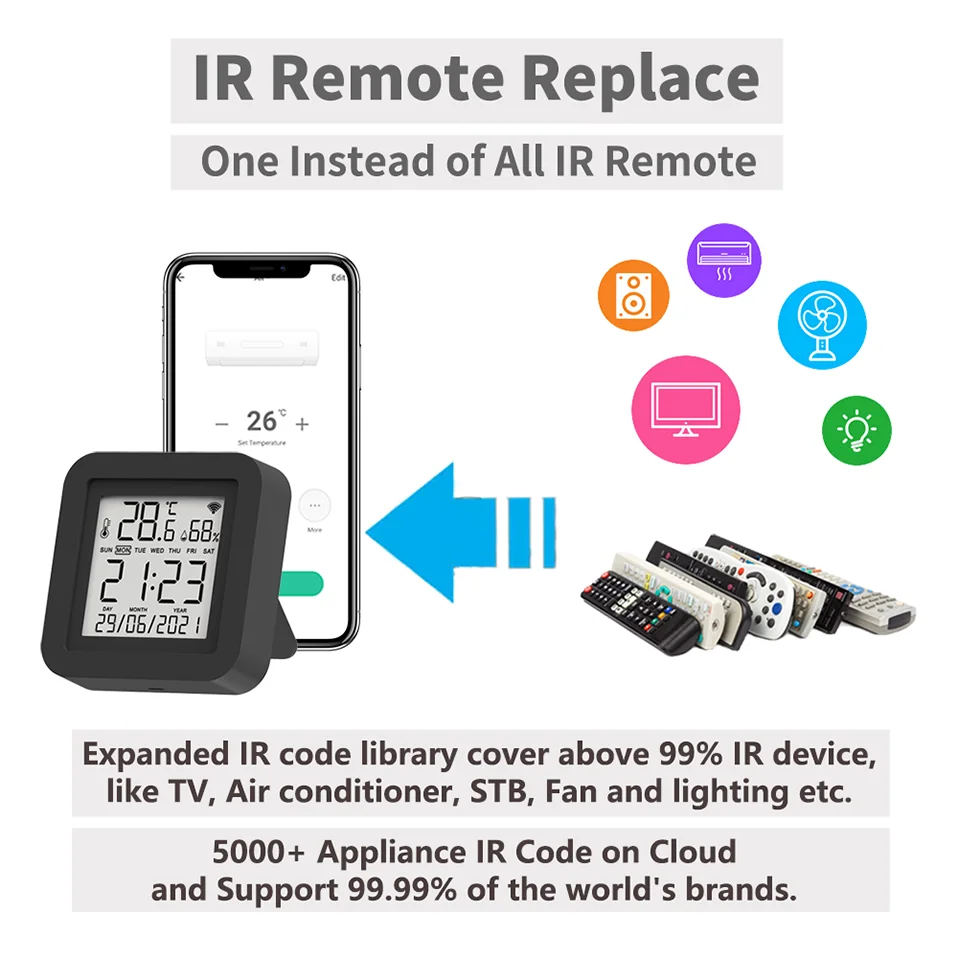
IR Remote Replace
The Smart IR Remote expanded IR code library cover above 98% IR device. So TV, Air conditioner, STB Fan and lighting etc. which used IR Control can be control by it.
You don't need to worry about the problems you can't control, and finally we provide the copy function.
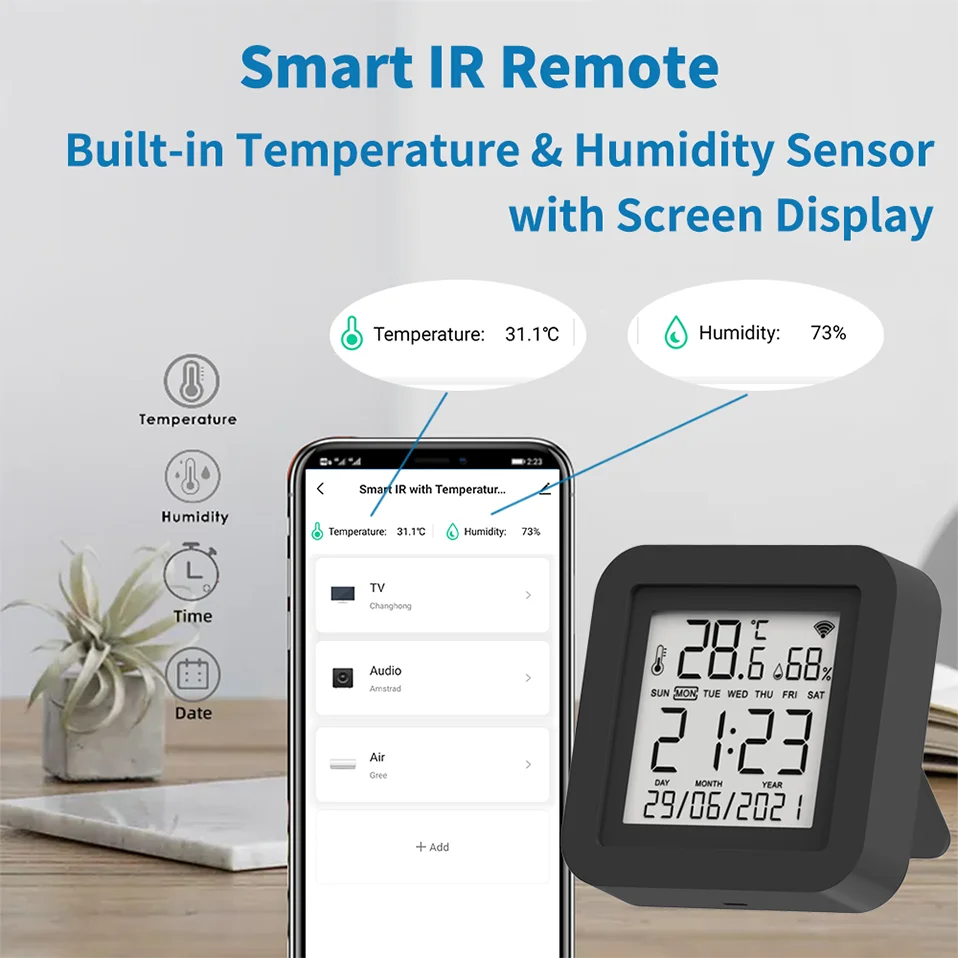
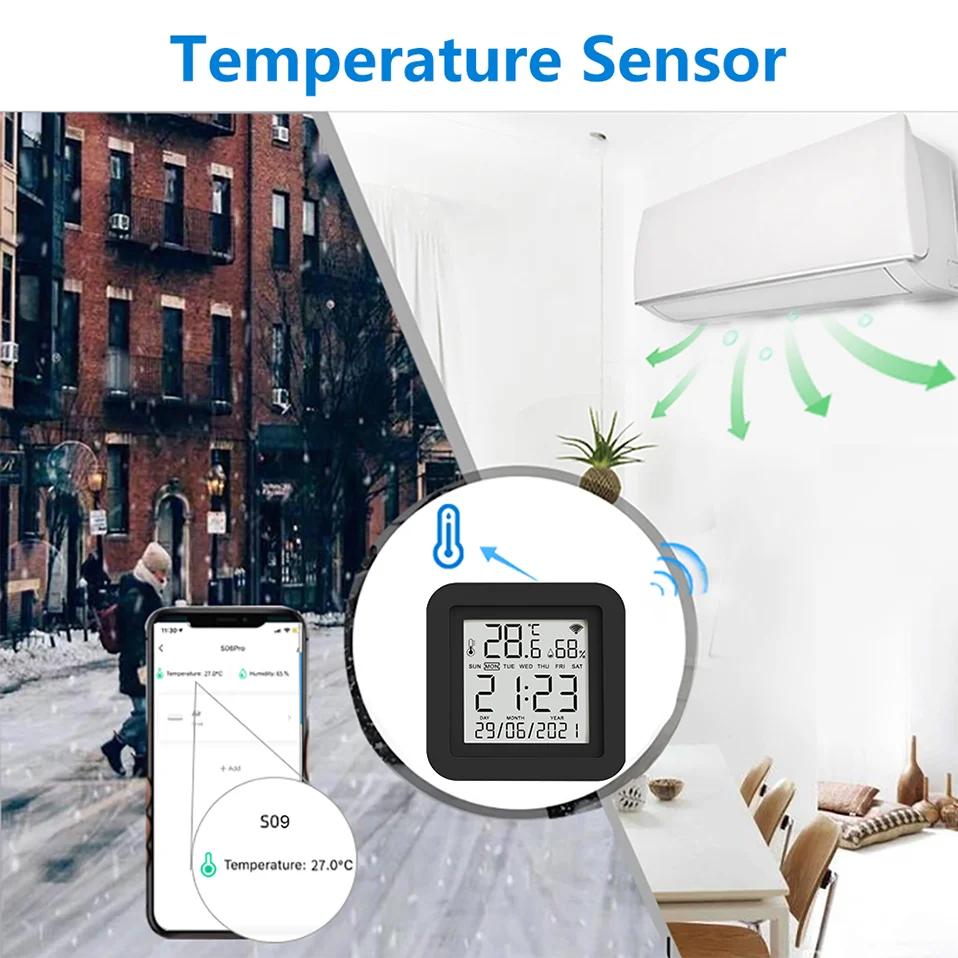
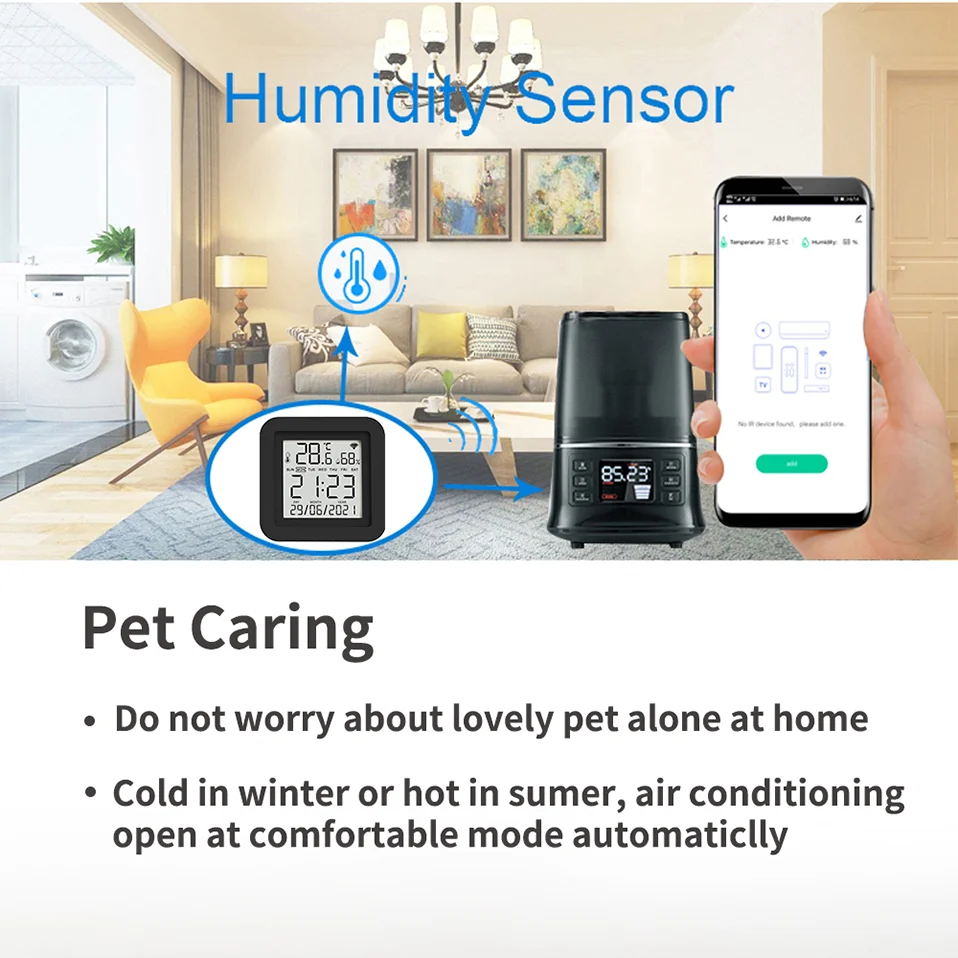
Built-in Temperature and Humidity Sensor
With the help of the built-in sensor, you can know the temperature and humidity in the room at any time. And according to their values, do subsequent automation. For example, turn on the air conditioner when the temperature is higher than 26 ℃, and turn on the humidifier when the humidity is less than 50%.
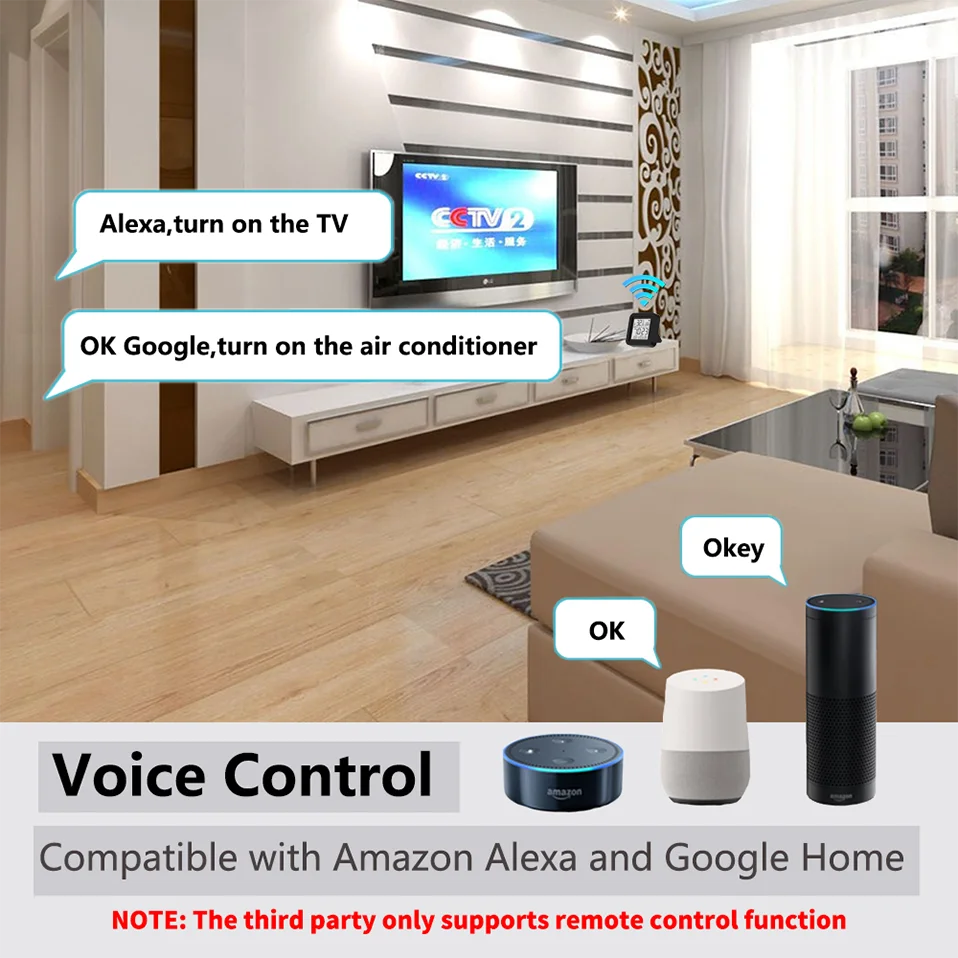
Voice Control
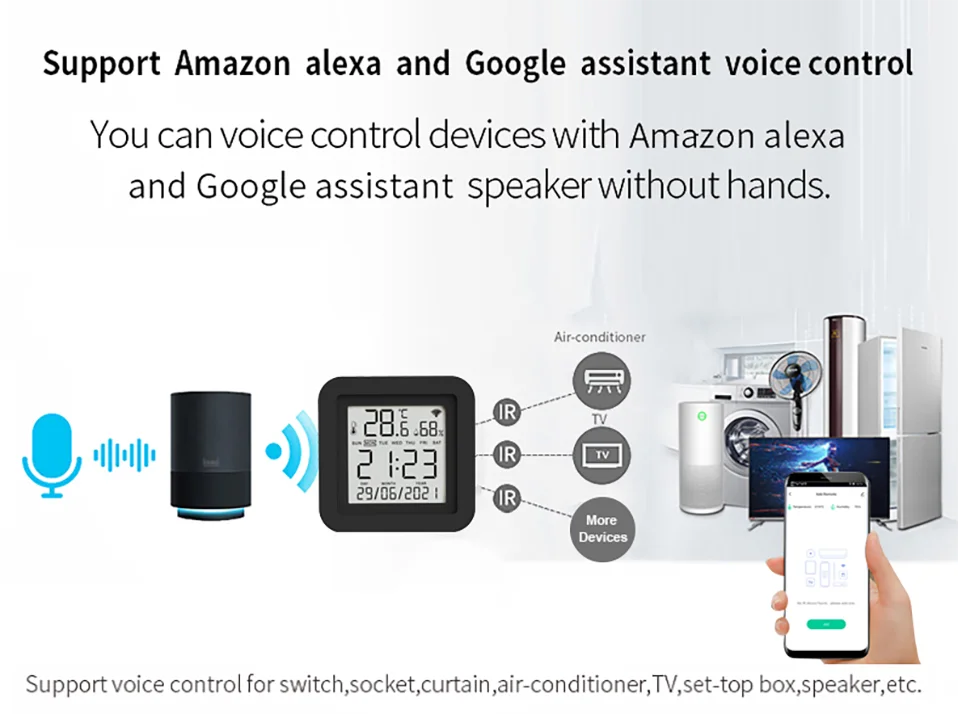
By connecting App to Alexa, Google Home, you are able to control your home appliances by voice. For example:
-Alexa, turn on the TV;
-OK Google, set air conditioning temperature to 25 degrees.
-Alice, turn on the light.
NOTE:
1. This product is recognized as a universal remote control on Alexa/Google Home/Yandex Alice, and cannot be recognized as a temperature and humidity sensor.
2. This product will not be displayed on Alexa and Google Home. Only the appliances remote added to our products are displayed on Alexa/Google Home/Yandex, and you can only control them by voice.
3. Yandex Alice Only Support Air conditioner, TV, TV BOx STB, Fan
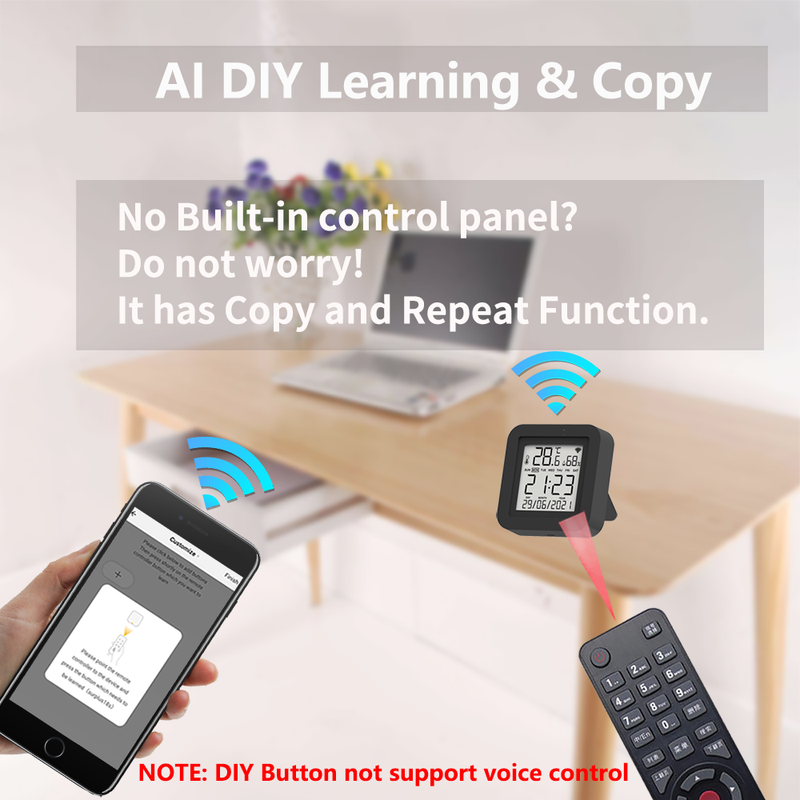
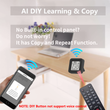
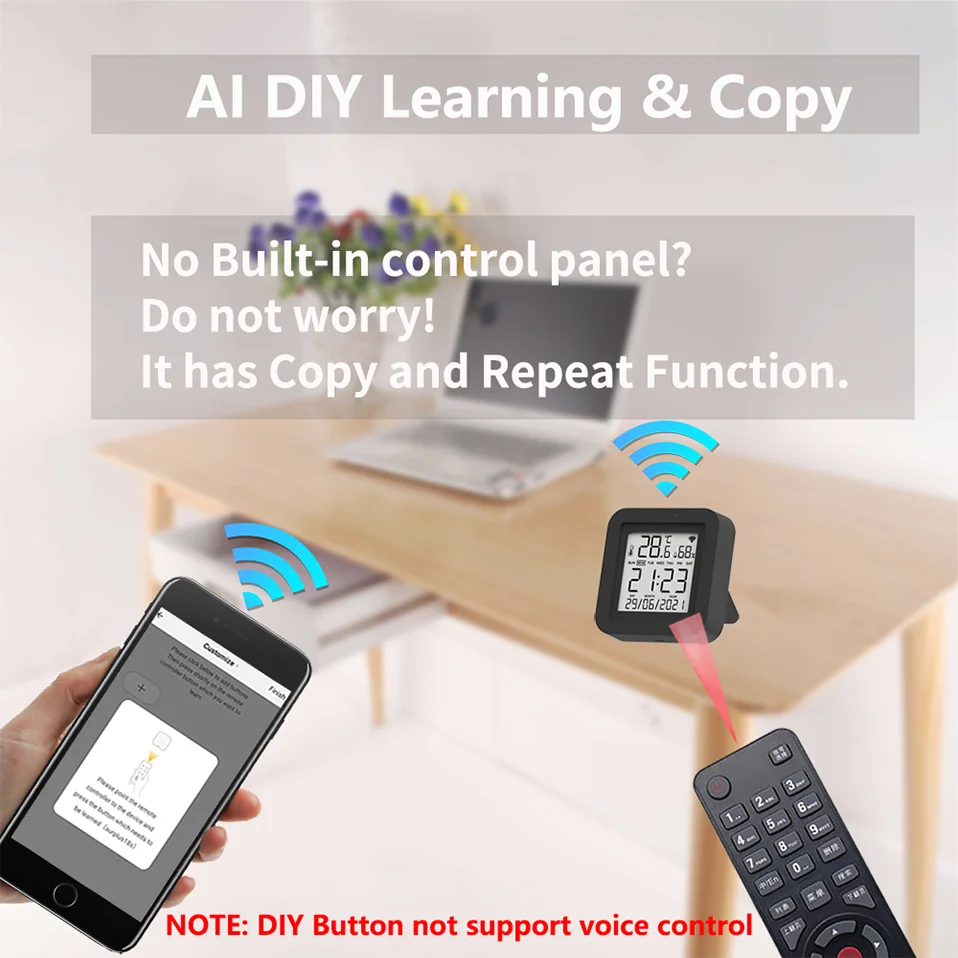
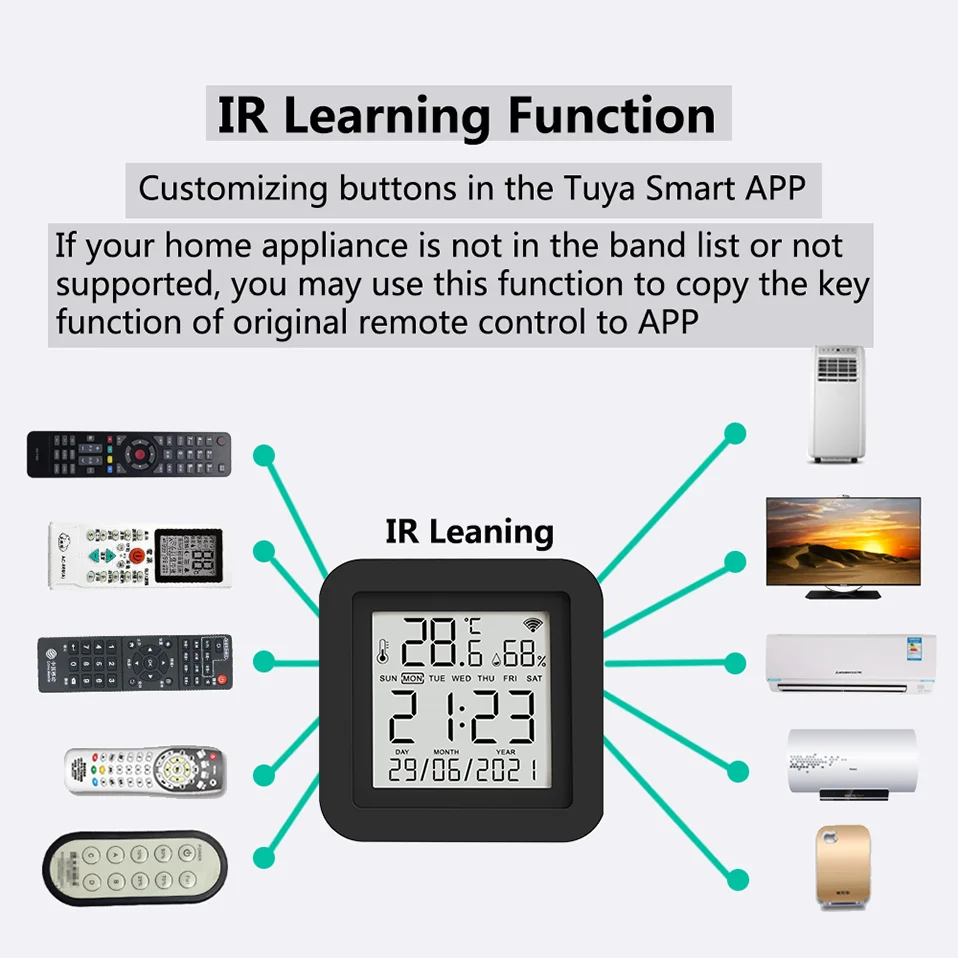
IR Learning Function:
Smart Life App provides Customizing and copy function.
If your home appliances is not in the brand list or not supported, you may use this function to copy the key function of original remote control to App.
NOTE: DIY does not support voice control
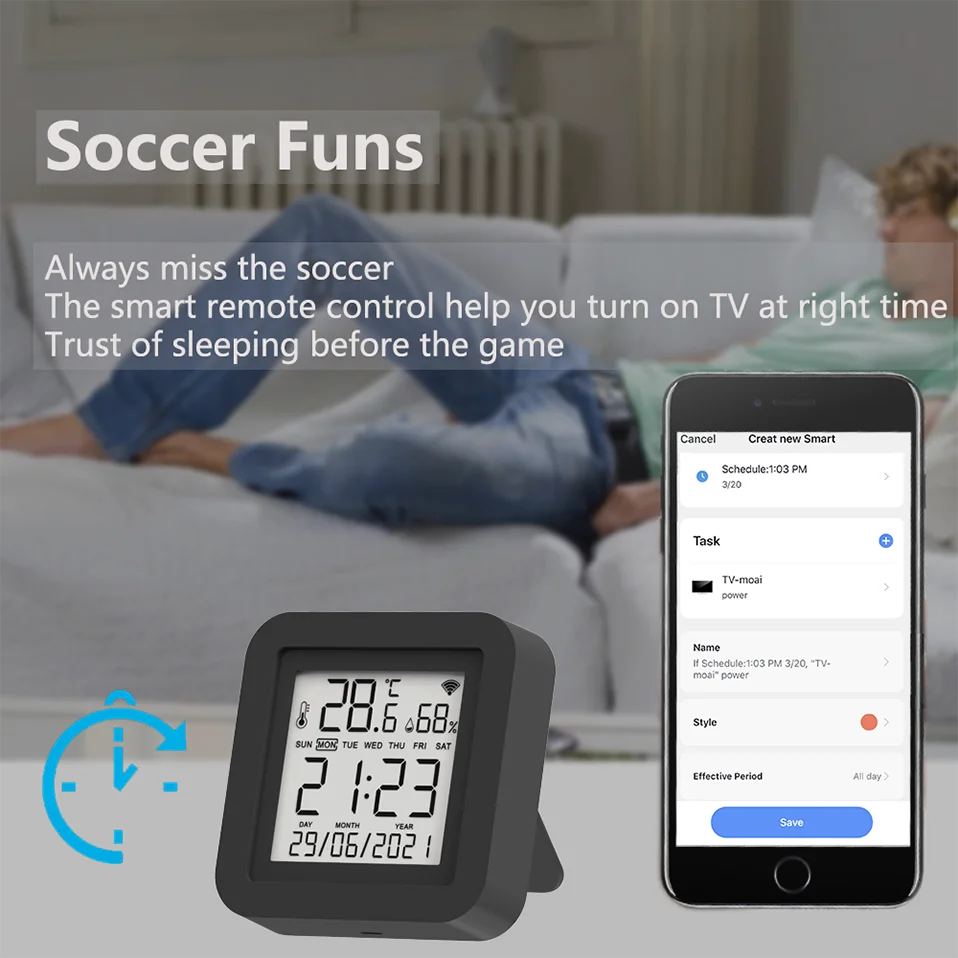
Timer and Automatic Trigger
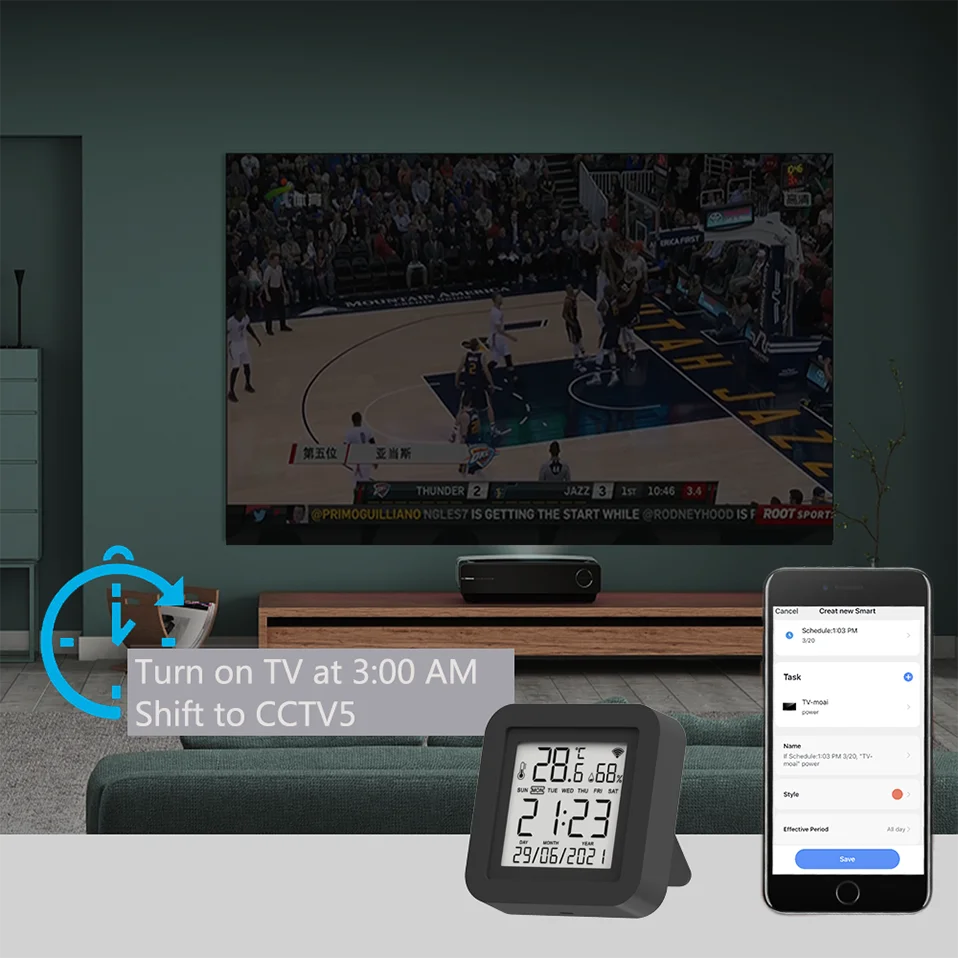
Never miss one second of excellent match
-Stay up late for the match,but always oversleep?
-The smart remote control helps you turn on TV at right time and right channel. Enjoy your match!
Intelligent link
In Smart Life or Tuya Smart system, you can use the temperature and humidity data of Smart IR as the automatic conditions. That is, you can ask other devices to perform specific operations according to temperature or humidity.
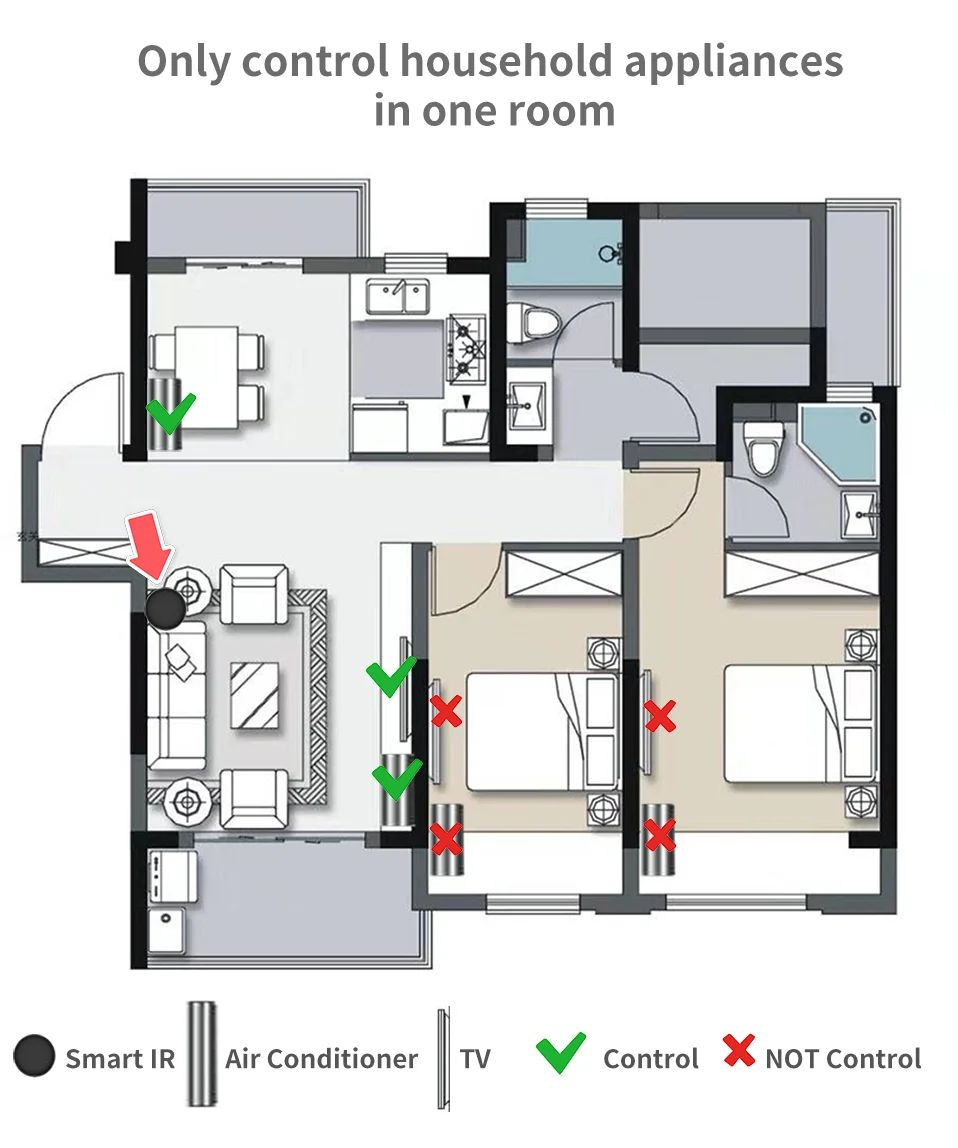
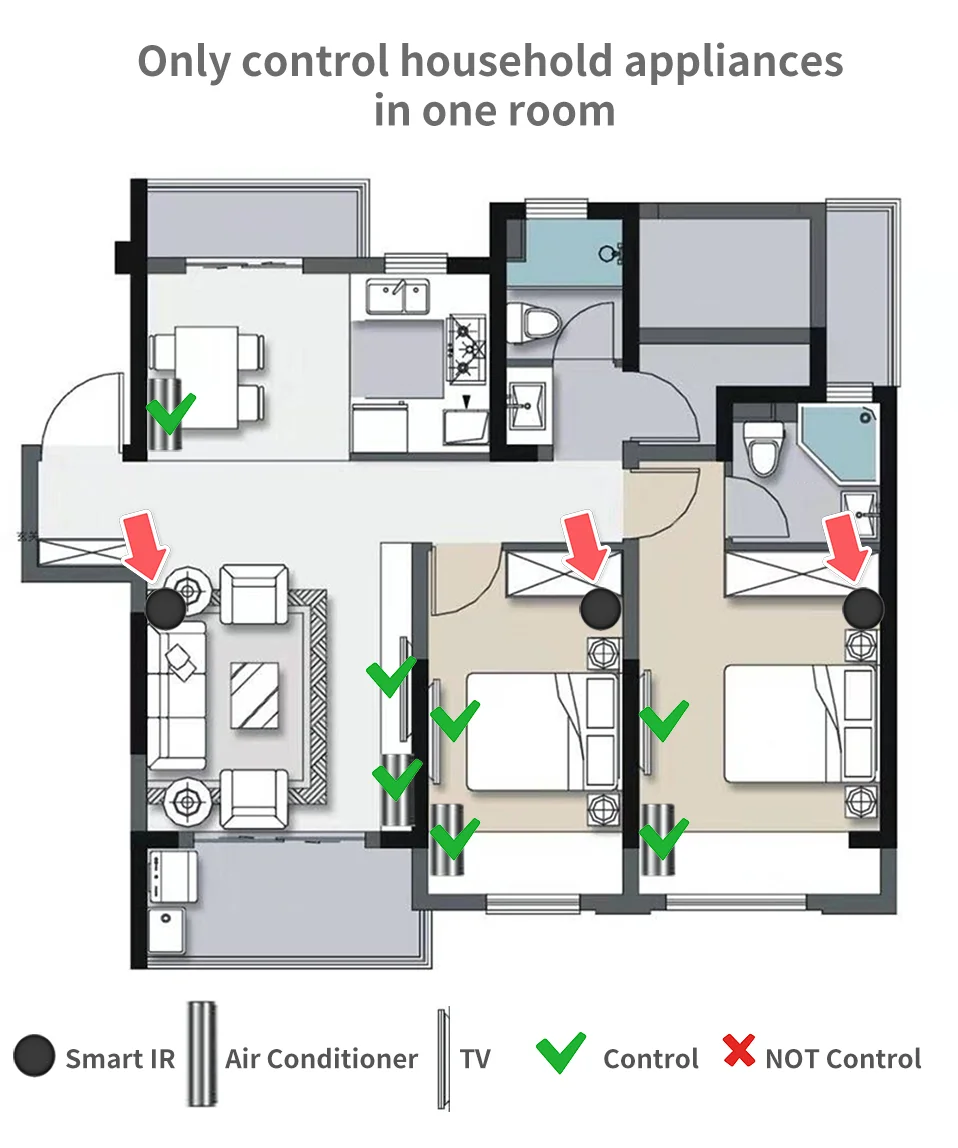
Maybe every room needs one
Infrared rays cannot penetrate the wall, so it cannot control household appliances in other rooms.
It is recommended to install a universal remote control in every room.
NOTE: The Smart IR Remote can control multiple infrared remote control home appliances, the APP does not limit the specific number, but they must be in the same room.
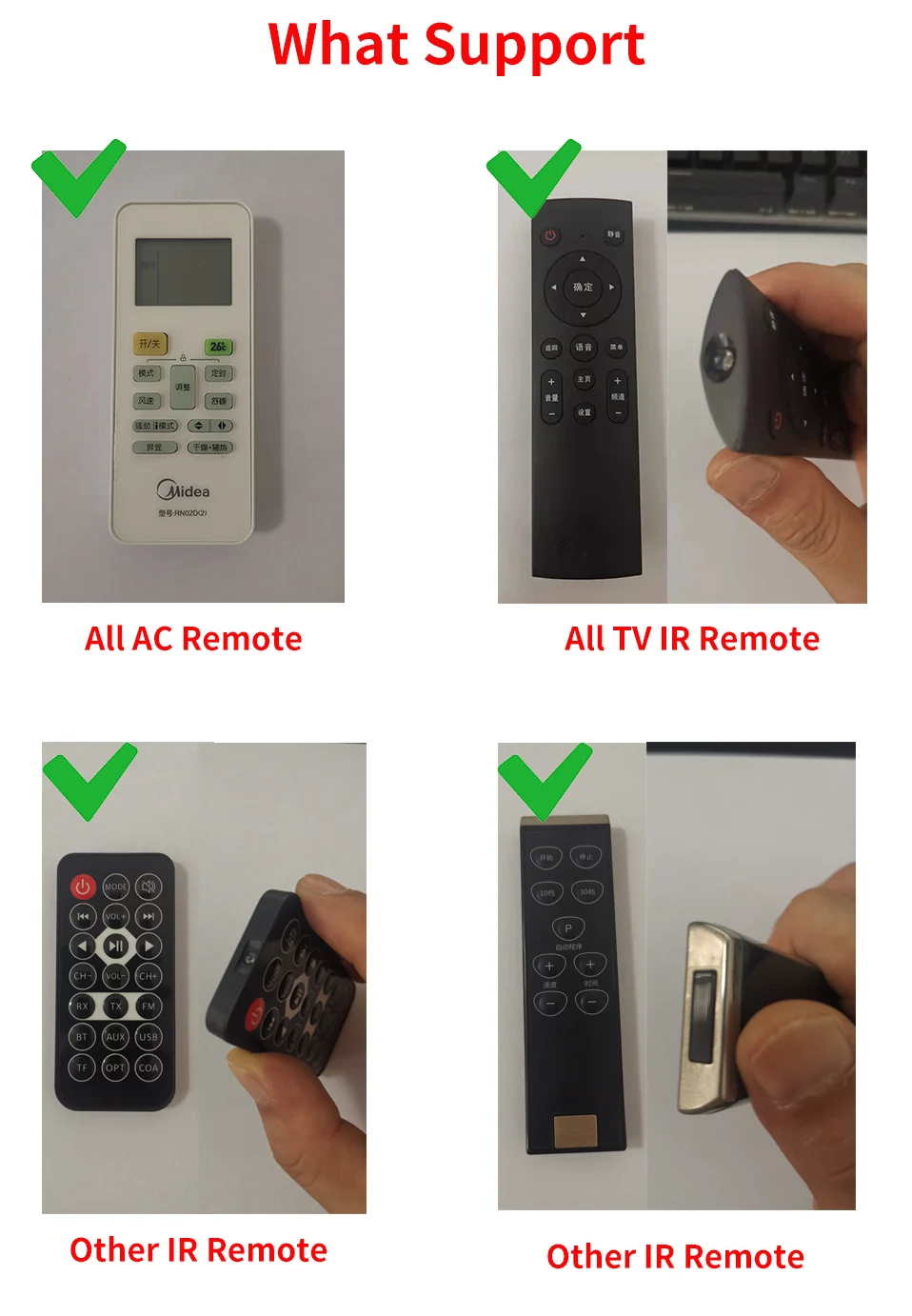
Which types are Remote Control support?
The Smart IR Remote supports all infrared remotes.
But note that 2.4G remotes, RF remotes, and Bluetooth remotes are not supported.
Tips:
1. The infrared remote control has an infrared emitting tube, or the infrared emitting tube is protected by a black transparent window.
2. Long press the infrared remote control to start the home appliance, the long press function is not supported, other functions are supported.
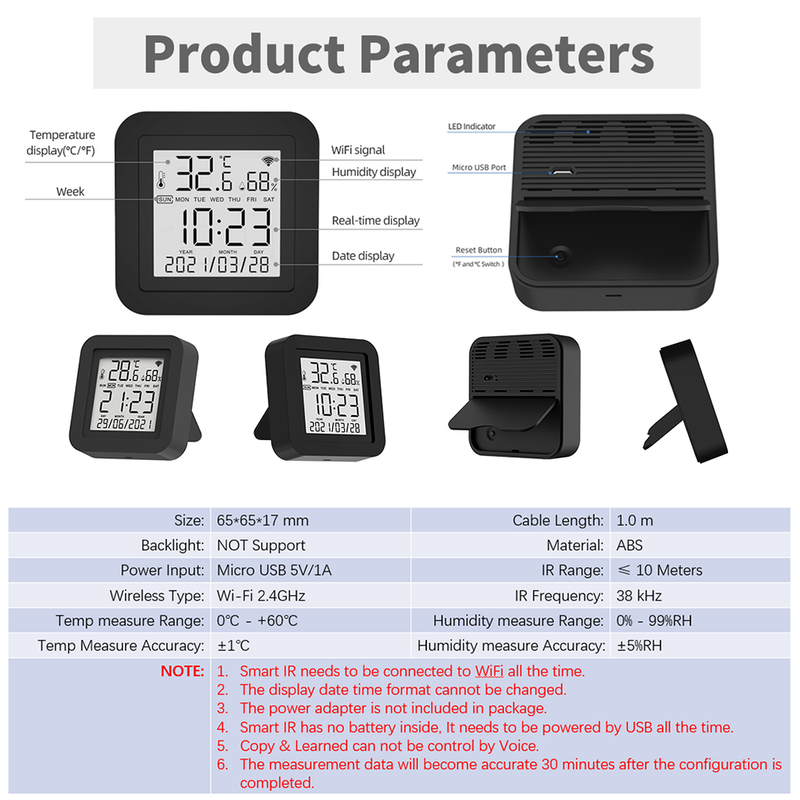
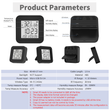
Product Parameter:
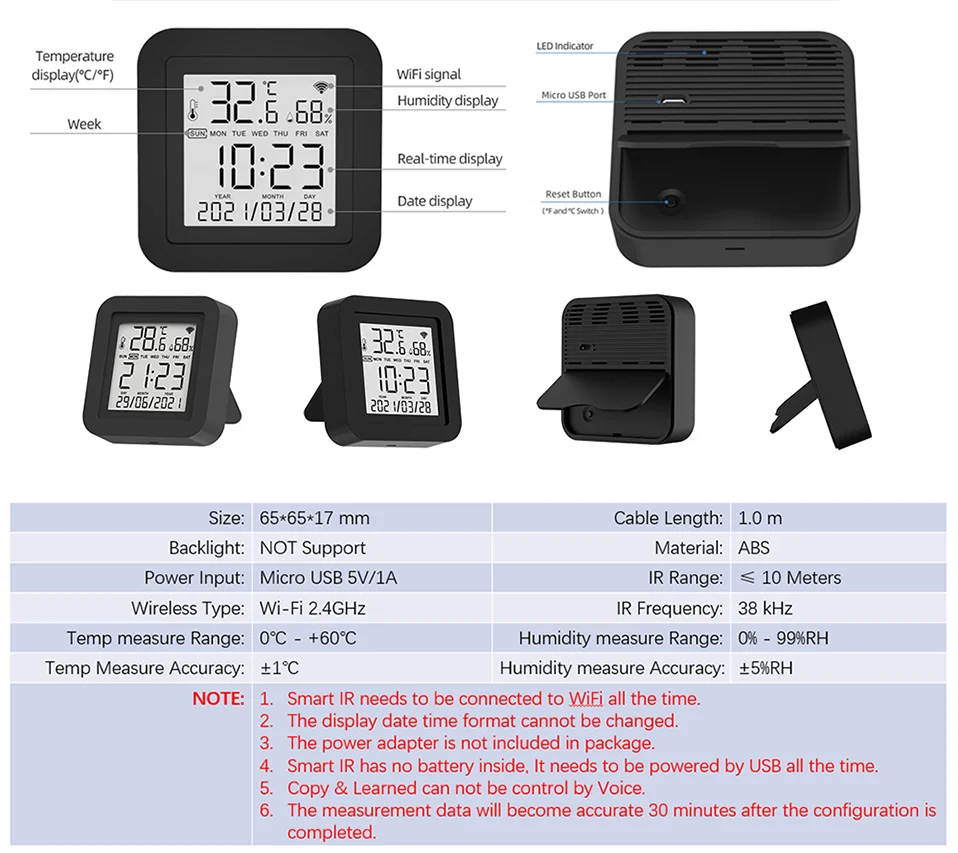
* Input: DC 5V/1A(Micro USB NO Adapter)
* Infrared Frequency: 38KHz
* IR Remote Control Distance: 10m
* Connection: Wi-Fi 2.4GHz
* Original App: Smart Life
* Temperature Measuer Range: 0?-80?
* Temperature Accuracy: ± 1 ℃
* Humidity Measure Range: 0%RH-99%RH
* Humidty Accuracy: ± 5% RH
* Material: ABS
* Size: 45mm * 47mm
* Screen size: 40mm * 40mm
What does the app page look like
App may be modified to better. Here is just a reference.
NOTE:
1. The daily temperature and humidity data are only stored for 7 days.
2. The monthly temperature and humidity data are only stored for 12 months.
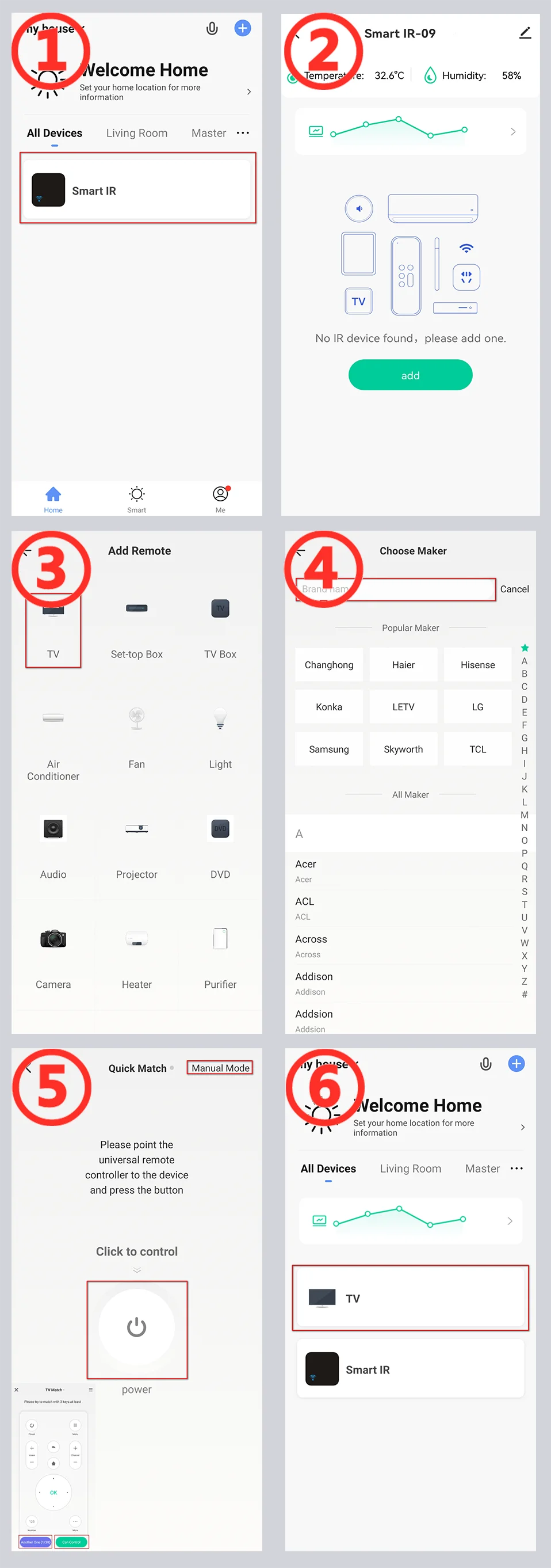
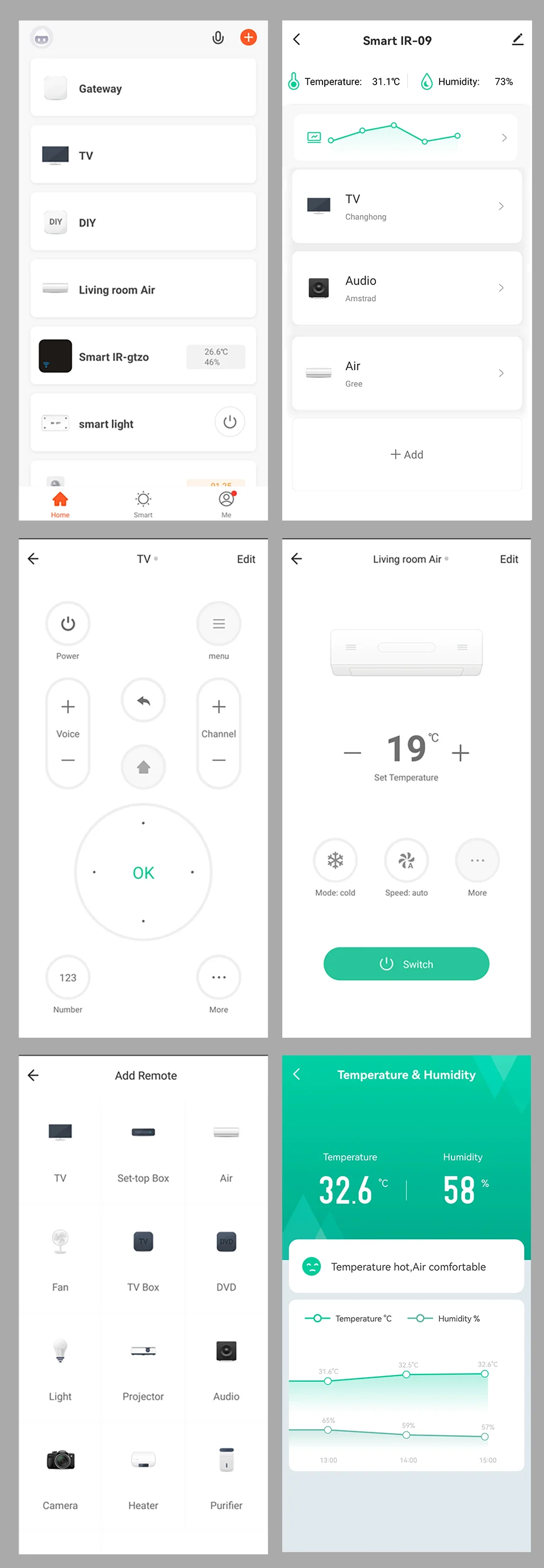 onfiguration : ink Product to App
NOTE:Page maybe change better.

Configuration : Add TV To APP
NOTE:Page maybe change better.
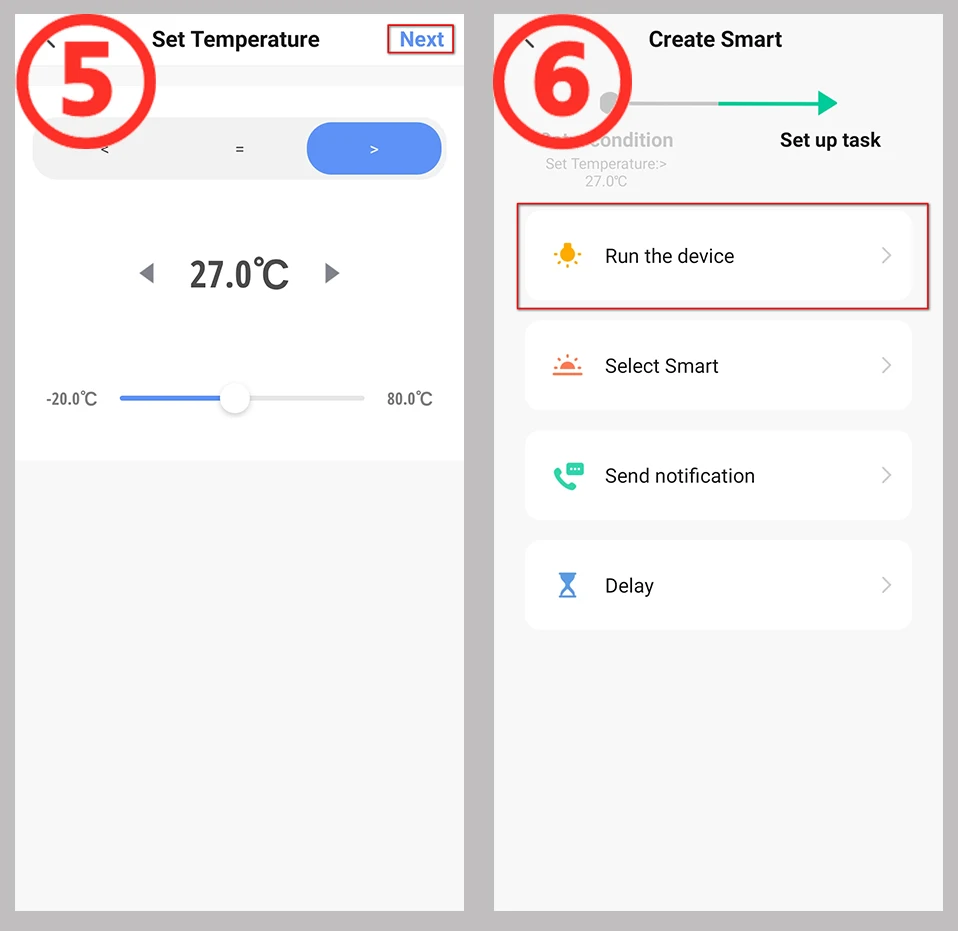
Configuration :Build an automated process
Take the temperature adjustment setting air conditioning setting as an example.
1. Select the "+" button on the "Smart" page to establish an automated process
2, Select "when device status changes". (You can also choose other conditions according to your actual needs)
3. Select the devices as the condition. (Here takes the temperature and humidity remote control equipment as an example)
4. Select the state condition of the device, and choose the temperature as the input condition.
5. Set the temperature conditions. There can be "greater than"/"less than"/"equal to", set the temperature value below. Then select the "Next" button.
6, Set the task to run after the conditions are met. Here, select the device that needs to be run.
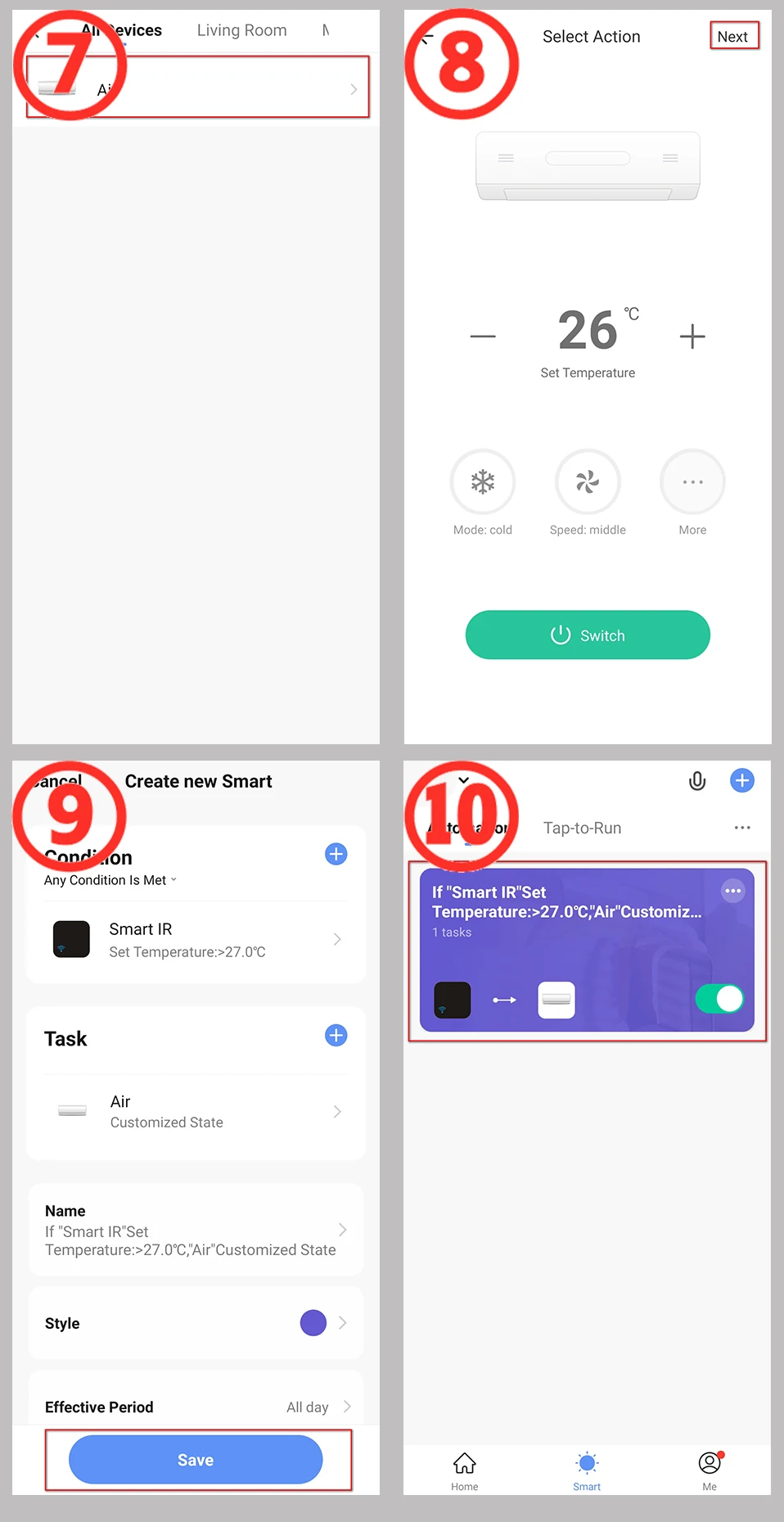
7, Choose to run the air conditioner. You can choose the devices you want to run according to the actual situation.
8, Set the command when operating the air conditioner.
9, "Smart" condition and operation summary page, select "Save".
10. The establishment of the automation process is complete. You can quickly close and open the automation on this page.

FQA
1. What devices can control with Smart Remote Control?
You can control TV, Fan, Air conditioner and other IR enabled appliances.
2. How many devices can be added to the remote control?
There are no restrictions. But please note that infrared rays cannot penetrate the wall
3. What are the suggestions for the installation location?
We suggest installing it in an open location. Do not install it in a closed iron box as it will affect signal transmission.
The WiFi signal at the installation location must be normally.
4. Does it have a built-in battery?
No built-in battery, requires continuous use of USB power supply.
5. What type of power adapter is required?
The power adapter is not included in the package.
The power adapter needs to use 5V/1A or higher.We recommend using the power adapter of an old phone.
Poor quality or power sufficient power adapters may cause unstable operation of the device.
6. Do I need to manually synchronize the date and time?
No need. It will automatically adjust to the correct time based on your account registration location and WiFi information.
And the format of date and time cannot be switched.
7. What are the suggestions for the installation location?
We suggest installing it in an open location. Do not install it in a closed iron box as it will affect signal transmission.
The WiFi signal at the installation location must be normally.
8. What is the length of the cable used? What is the interface with the device?
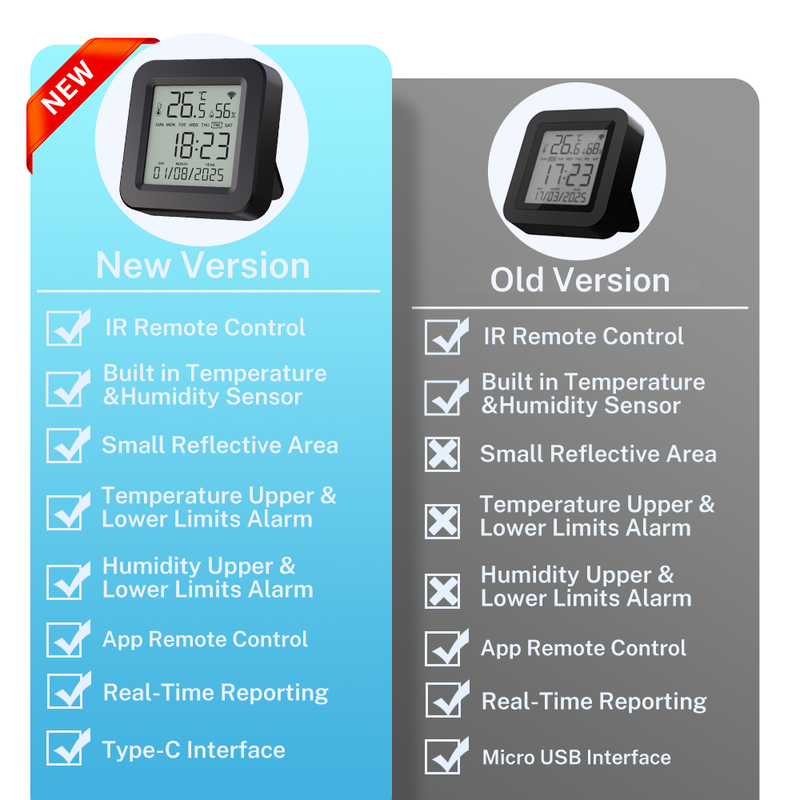
The cables is 100cm. Currently, Micro USB is used, but we may modify it to Type-C without notification.
The USB cable is only used for power supply and has no data function.
9. What should I do when I cannot control the devices with this remote control?
Firstly, make sure your mobile device and the WiFi remote control are adjacent and connected to the same network,Assure the Smart IR Remote Control is always power on.
10. What should I do when device configuration process has failed ?
you can:
Check whether the remote control is powered on or not.
1).Check whether your mobile device is connected to2.4GHz WiFi network.
2).Check your network connectivity, make sure the router is working properly.
3).Make sure the WiFi password entered is correct when adding remote control.
11. Can it go through walls or be used to control IR devices in upstairs/downstairs rooms?
IR can not go through walls, so make sure there are no obstacles between IR remote and IR enabled devices.
12. We have Huawei/Xiaomi set-top box, why is it not connecting?
There are two types of set-top boxes, OTT and IPTV,the most obvious difference is that IPTV supports living streaming while OTT does not. please make sure you have matching TV box before setup.
13. What we should do when we are unable to use IR remote to control an electric device?
Please check the following:
1).IR remote network in good condition(click any key on the remote control panel in the APP and see whether the indicator light starts flashing. if it flashes, it indicates to work properly.
2).There is no object blocking between IR remote and electric device
3).The factory remote control of electric device is IR enabled.(cover the top of the remote control with hand or any object, then press any keys. if the device does not respond, it is IR based, otherwise, it is Bluetooth or RF based remote control.)
14. Why can't I see devices on Yandex Alice, Google Home, and Amz Alexa?
Tuya defined it as IR HUB when designing it. On third-party smart speakers, the device itself is not displayed, only the IR remote control added to the device is displayed.
15. Why is the control panel displayed on third-party smart audio apps like the Smart Life APP?
We and Tuya have requested them to make changes, but their progress is slow. Please use the original app 'Smart Life'.
Shop Policies
Payment Policy
Payment Policy – BILLIONS BIRDS
At BILLIONS BIRDS, we are committed to providing a safe, secure, and seamless payment experience for our customers.
1. Accepted Payment Methods
We accept the following payment options:
Major Credit & Debit Cards (Visa, MasterCard, American Express)
Secure Online Payment Gateways (such as PayPal, Stripe, or other providers available at checkout)
Any additional payment methods displayed during checkout
All payments must be completed in full at the time of purchase.
2. Secure Transactions
All transactions are processed through encrypted and secure payment systems to protect your personal and financial information. We do not store your full payment details on our servers.
3. Currency
Prices are displayed in the currency indicated on the website. If you are purchasing from another country, your bank may apply currency conversion fees.
4. Order Confirmation
Once your payment has been successfully processed, you will receive an order confirmation email containing your purchase details.
5. Failed or Declined Payments
If your payment is declined, please verify your billing information or contact your bank. Orders will only be processed after successful payment confirmation.
6. Fraud Prevention
BILLIONS BIRDS reserves the right to cancel or refuse any order if fraud or unauthorised activity is suspected.
Delivery Policy
Delivery Policy – BILLIONS BIRDS
At BILLIONS BIRDS, we are dedicated to delivering your orders safely and efficiently.
1. Order Processing
All orders are processed within 1–3 business days after payment confirmation. Orders are not processed or shipped on weekends or public holidays.
2. Shipping Times
Estimated delivery times vary depending on your location:
Domestic Shipping: 3–7 business days
International Shipping: 7–15 business days
Please note that delivery times are estimates and may vary due to customs procedures, carrier delays, weather conditions, or other unforeseen circumstances.
3. Shipping Costs
Shipping fees are calculated at checkout based on your location and selected shipping method. Any customs duties, taxes, or import fees are the customer's responsibility.
4. Tracking Information
Once your order has been shipped, you will receive a confirmation email with tracking details (if available) so you can monitor your package.
5. Delivery Issues
If your order is delayed, lost, or arrives damaged, please contact us within 7 days of the expected delivery date. We will work with the shipping carrier to resolve the issue as quickly as possible.
6. Incorrect Shipping Information
Customers are responsible for providing accurate shipping details at checkout. BILLIONS BIRDS is not responsible for orders shipped to incorrect addresses provided by the customer.
Refund Policy
Refund Policy – BILLIONS BIRDS
At BILLIONS BIRDS, customer satisfaction is our top priority. If you are not completely satisfied with your purchase, we’re here to help.
1. Return Eligibility
You may request a return within 14 days of receiving your order. To qualify for a return:
The item must be unused, unworn, and in the same condition as received.
The item must be in its original packaging.
Proof of purchase (order confirmation or receipt) is required.
Certain items may not be eligible for return, including clearance items, gift cards, or personalised/custom products.
2. Non-Refundable Items
The following items are non-refundable:
Final sale or discounted items
Gift cards
Items damaged due to misuse, negligence, or improper care
3. Return Process
To initiate a return, please contact our customer support team with your order number and reason for return. If your return is approved, you will receive instructions for returning the item.
Unless the item is defective or incorrect, customers are responsible for return shipping costs.
4. Refund Processing
Once we receive and inspect your returned item:
We will notify you of the approval or rejection of your refund.
If approved, the refund will be issued to your original payment method within 5–10 business days.
Please note that banks or payment providers may require additional time to process refunds.
5. Damaged or Incorrect Items
If you receive a damaged, defective, or incorrect item, please contact us within 7 days of delivery and provide clear photos of the product and packaging. We will arrange a replacement or full refund at no additional cost.
6. Late or Missing Refunds
If you have not received your refund:
Check your bank account again.
Contact your credit card company or payment provider.
If the issue persists, don't hesitate to contact our support team for assistance.
Customer reviews
Share your thoughts with other customers
Be the first one to write a review!

