
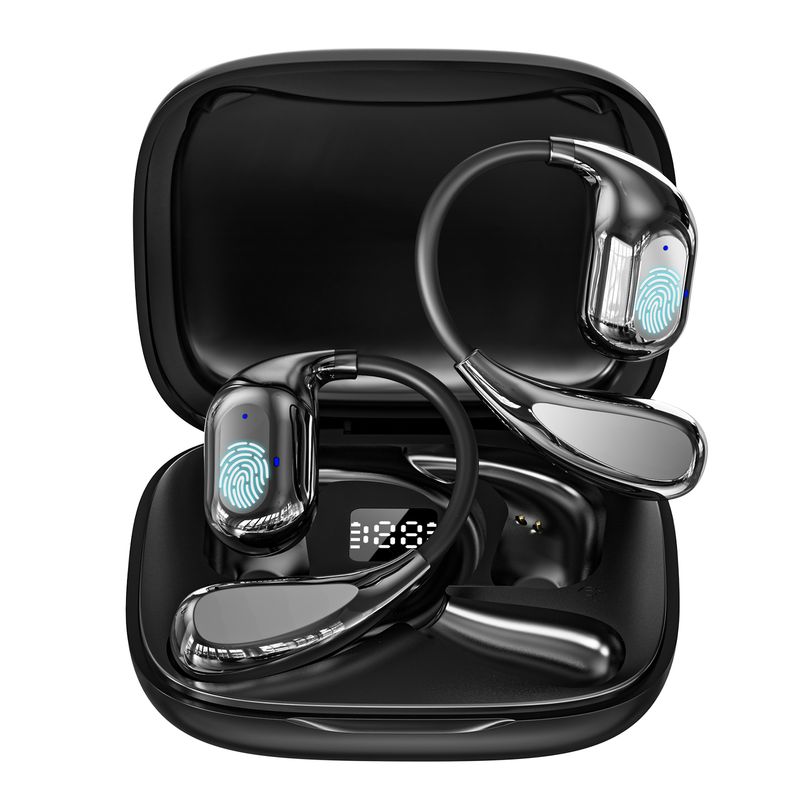



VORMOR Instant Translator Earbuds V16 150 Languages Smart AI Voice Translator Wireless BT5.4 Music Headphones support VTrans APP
Includes all taxes
Meet your Seller
-
$105.77Sold by BILLIONS BIRDS
Description
VORMOR Instant Translator Earbuds V16 150 Languages Smart AI Voice Translator Wireless BT5.4 Music Headphones support VTrans APP
Product Description
Specification
Product name: Wireless Translation Earbuds
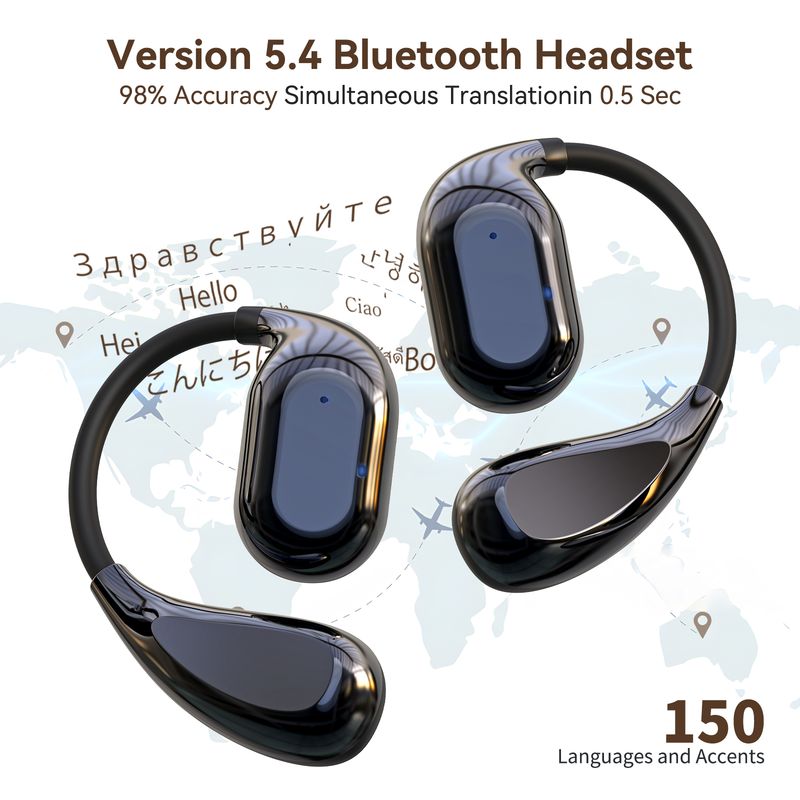
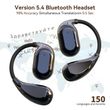
BT version: V5.4
Support APP:VTrans(Free to download)
Transmission range: 2402-2480MHz
Supported protocol: HSP/HFP/A2DP/AVRCP
Transmission frequency: 2.4GHz
Frequency response range: 20HZ-20KHZ
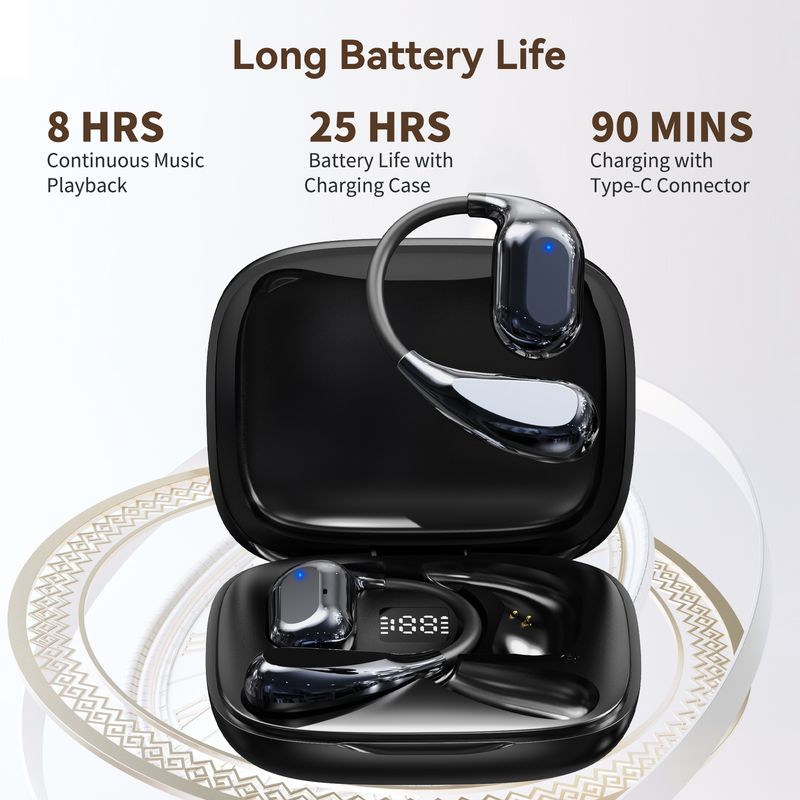
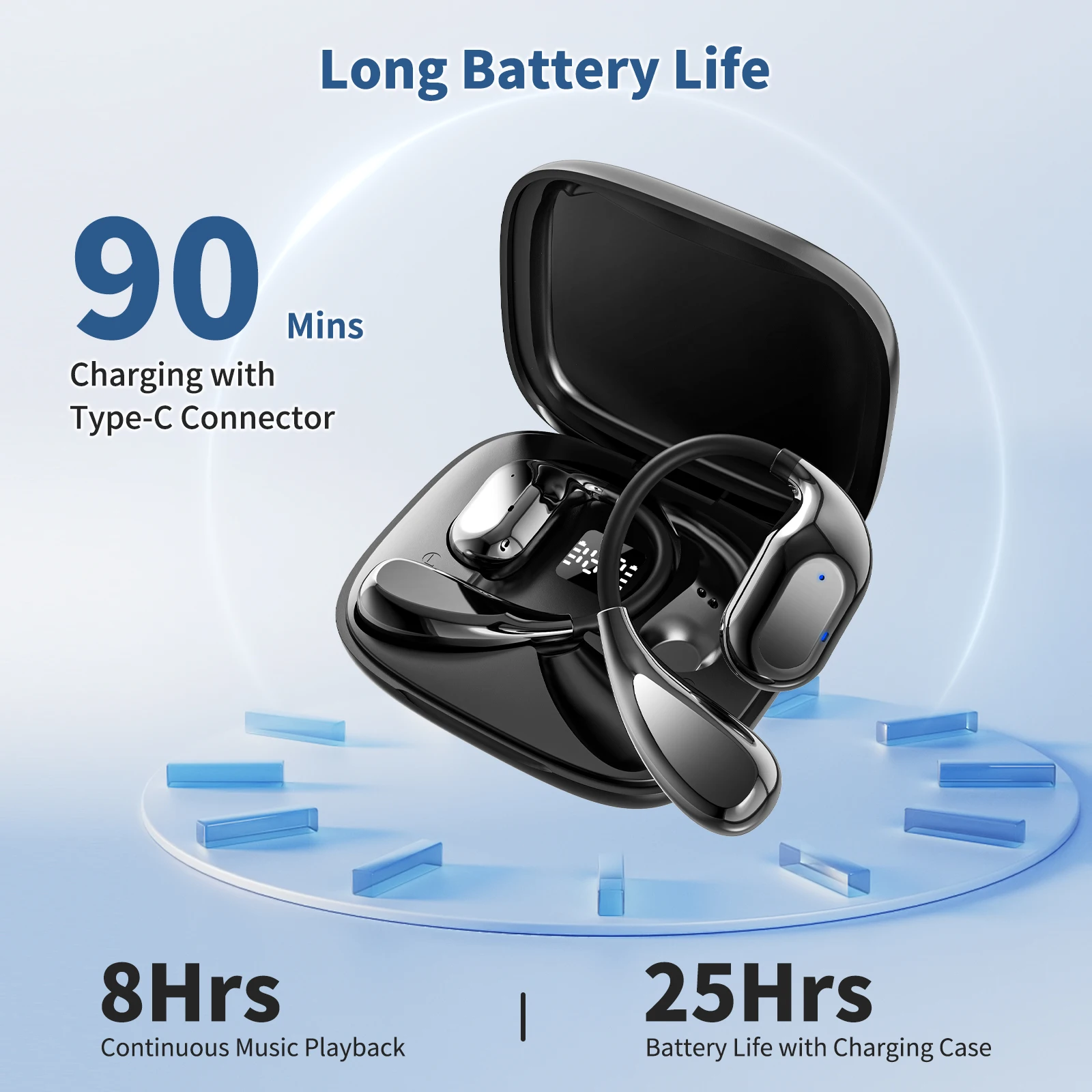
Charging time: about 1.5 hours
Product impedance :16Ω±15%
Sensitivity: 118dB+/-3@1kHz
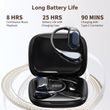
Call time: About 6 hours
Music time: about 8 hours (50% volume)
Stand-by time: about 1 year
Working distance: about 10m
Charging voltage/current: 5V / 1A(standard environment)
Product operating temperature: -10℃~+45℃
Product storage temperature: -20℃~+65℃
Answer the call: Single Click
Hang up: Double click
Call rejection: Press for 1S
Play/Pause: Double click
Next: Triple click
Voice assistant: Press for 2S
Charging Case Parameter
Charging port: Type-C
Battery life : about 3-4 times
Charging voltage/current: 5V / 1A
Operating temperature: -10℃~+45℃
Charging time: about 1.5 hours
Storage temperature: -20℃~+65℃
Product Listing
Translator Earphone*2
Charging case *1
Charging cable *1
Instruction manual *1
VTrans download and instructions for use
1.Please scan the QR code with your mobile phone or tablet to download and install VTrans(download software free and the four modes scene features within the app are free).
2.Open the APP, click "Connect" on the right side to enter the BT settings of the phone, and find your BT and pair it, and
then return to the VTrans main interface after paired. (Please ignore this step if you have connected this earphones before).
3.VTrans provides three translation modes with different application scenarios
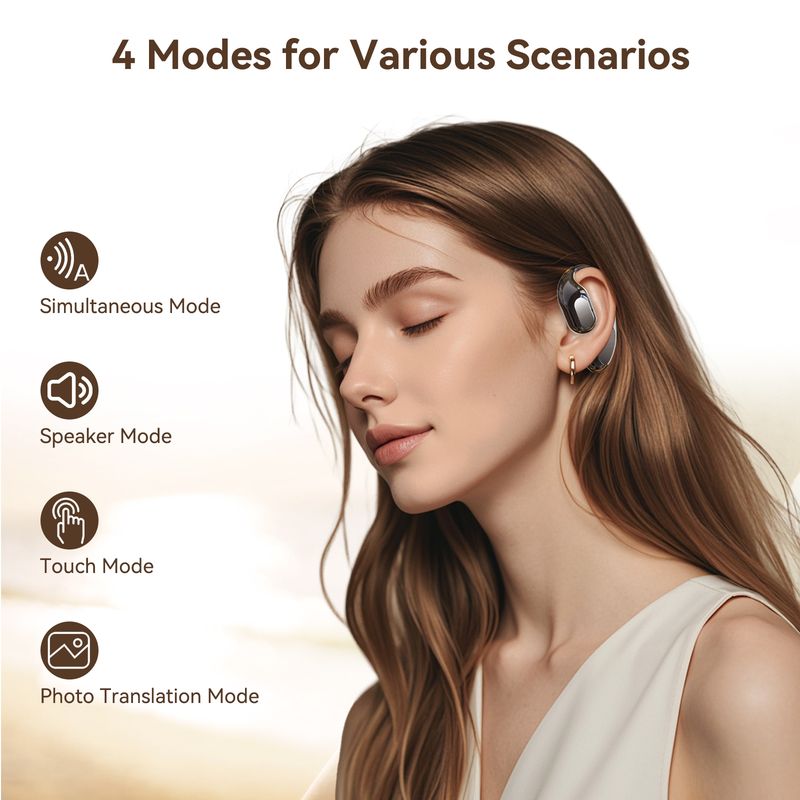
A: Simultaneous Mode (one person wears one earphone): Select the language, click the start talking button. The device will automatically recognize the language of both parties, and broadcast it after translation.
B: Speaker Mode (mobile phone to earphone): First, set the corresponding languages,double-click the earphone touch area and speak, and the mobile phone displays the translation result and broadcasts it; Tap the phone to start talking, The headphones broadcast the translation result.
C: Touch mode (one person wears one earphone), both parties wear headphones, and select the corresponding language. Double-click the touch area of the earphone to start speaking, and the voice will be automatically recognized after the end, and the headset will broadcast the translation result.
4. "My" module:
Set the system language Operation instructions of the APP
Basic settings and function selection.
Operation Instruction
Power on
1.Open the charging case, and the earphones will turn on automatically.
2.Touch for 3 seconds to power on
IOS and Android systems connect the earphones
Turn on the BT of the mobile phone, search VTrans for the BT device. For the first time, you need to manually connect the device.
Power Off
1.Put it in the charging case to turn off
2.Press and hold for 6 seconds to turn off
Power on for 3 minutes without connection, and automatically turn off.
Master-slave switch
left and right earbuds can be connected to the phone at will, switch freely, and connect in seconds after powering on.
Factory reset
Put the earphones into the charging case and keep the case open, hold the left/right earphones touch area for 8 seconds. The Orange light will flash for 3 seconds and then factory reset.
Four Modes are supported for free within the app:
1.Simultaneous Interpretation Mode
2.Speaker Mode
3.Touch Mode
4.Photo Translation Mode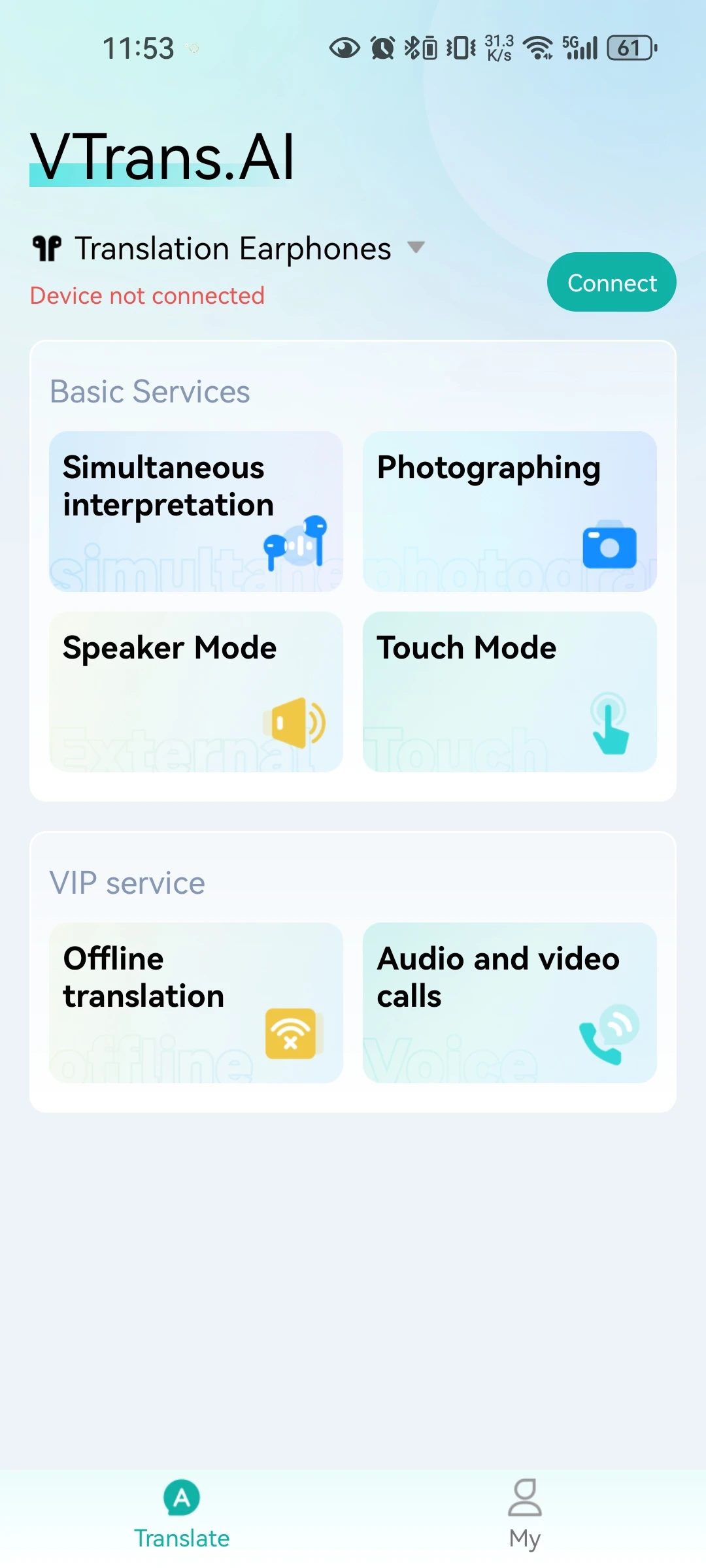
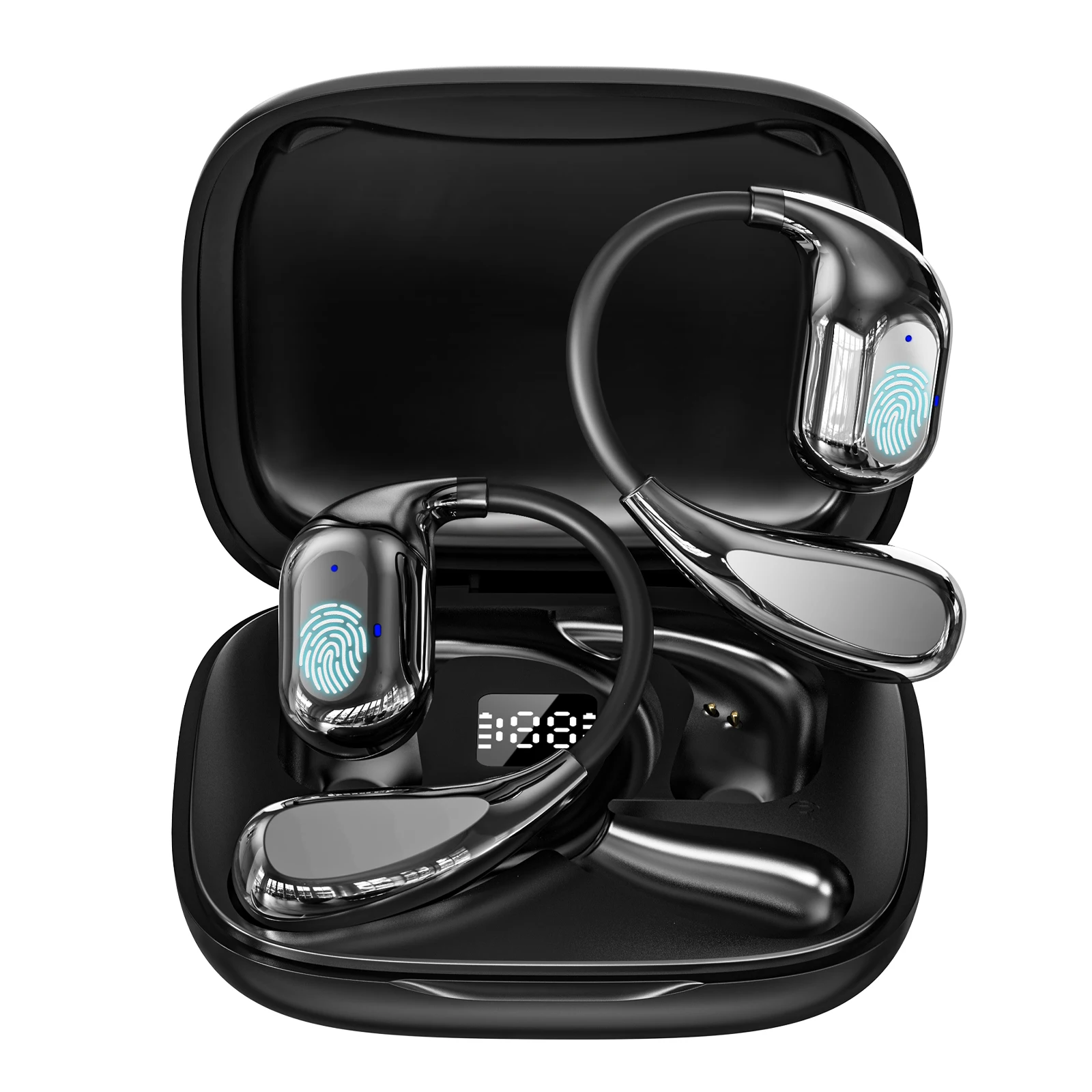
V16 Translation Earbuds
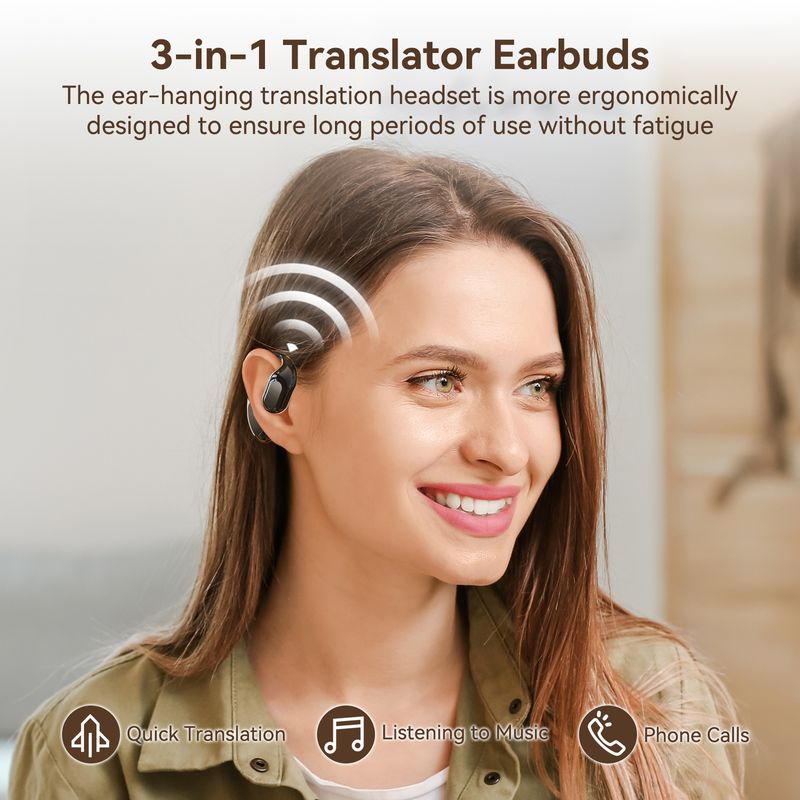
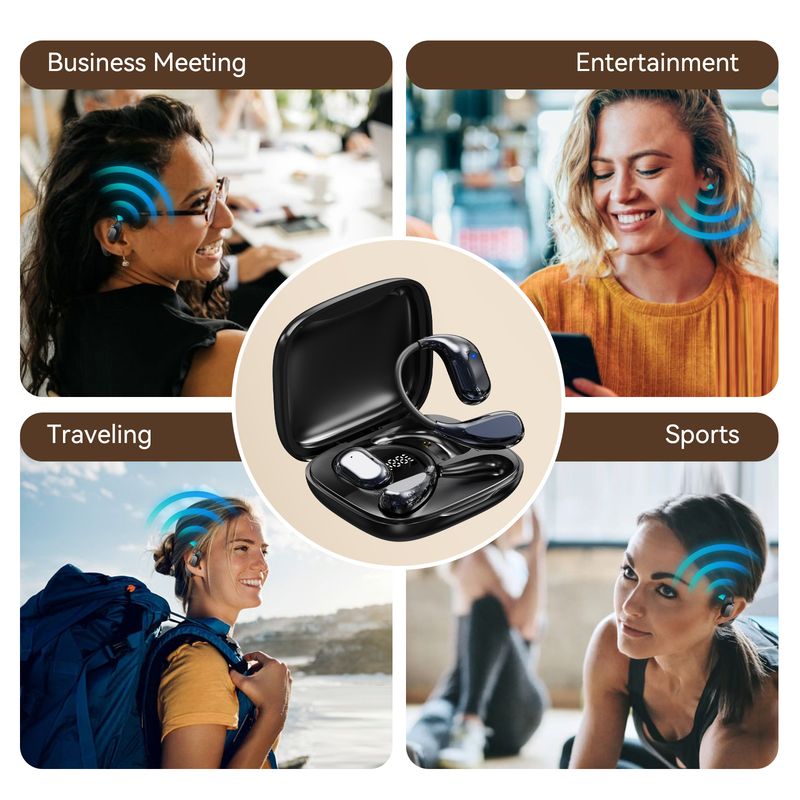
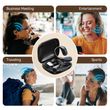
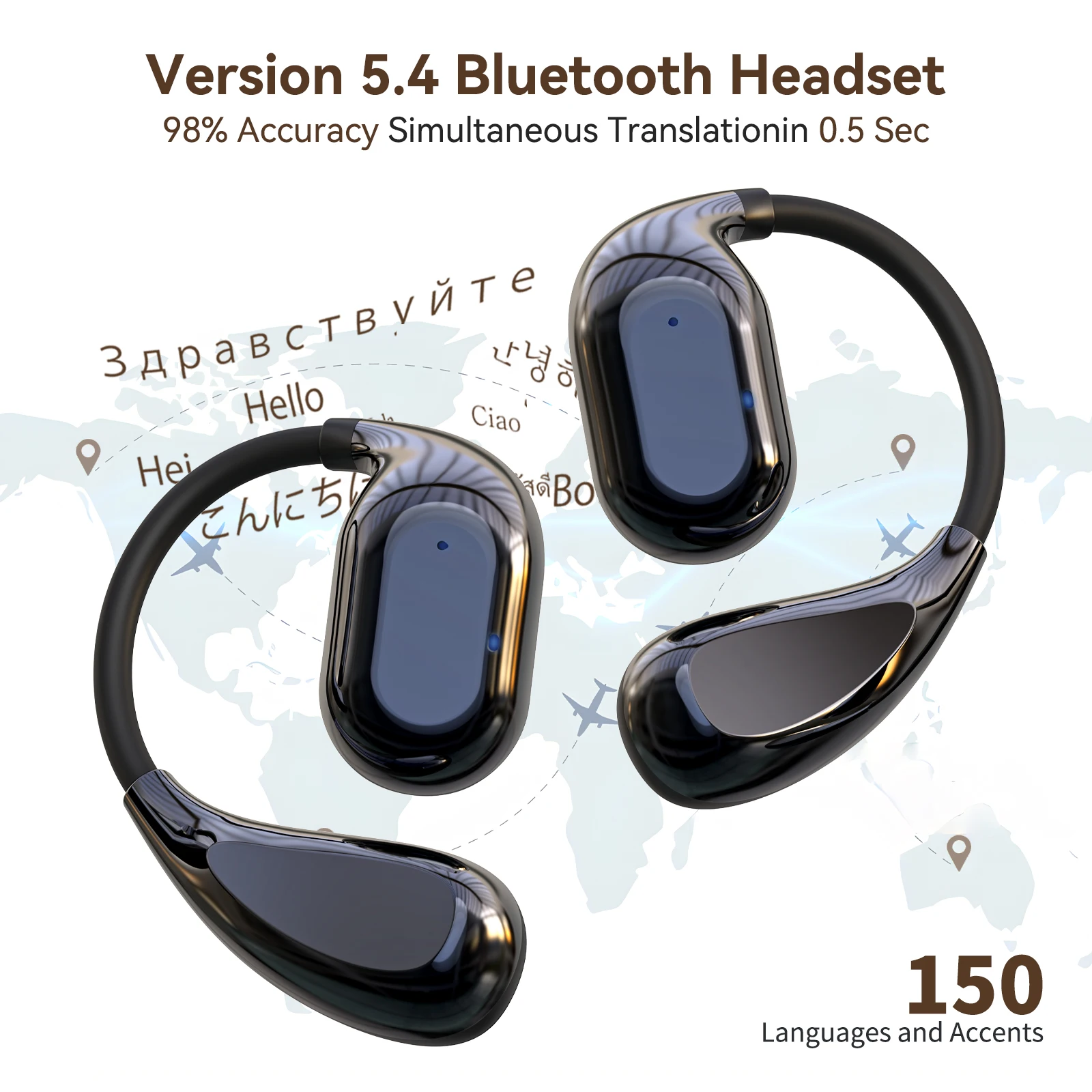
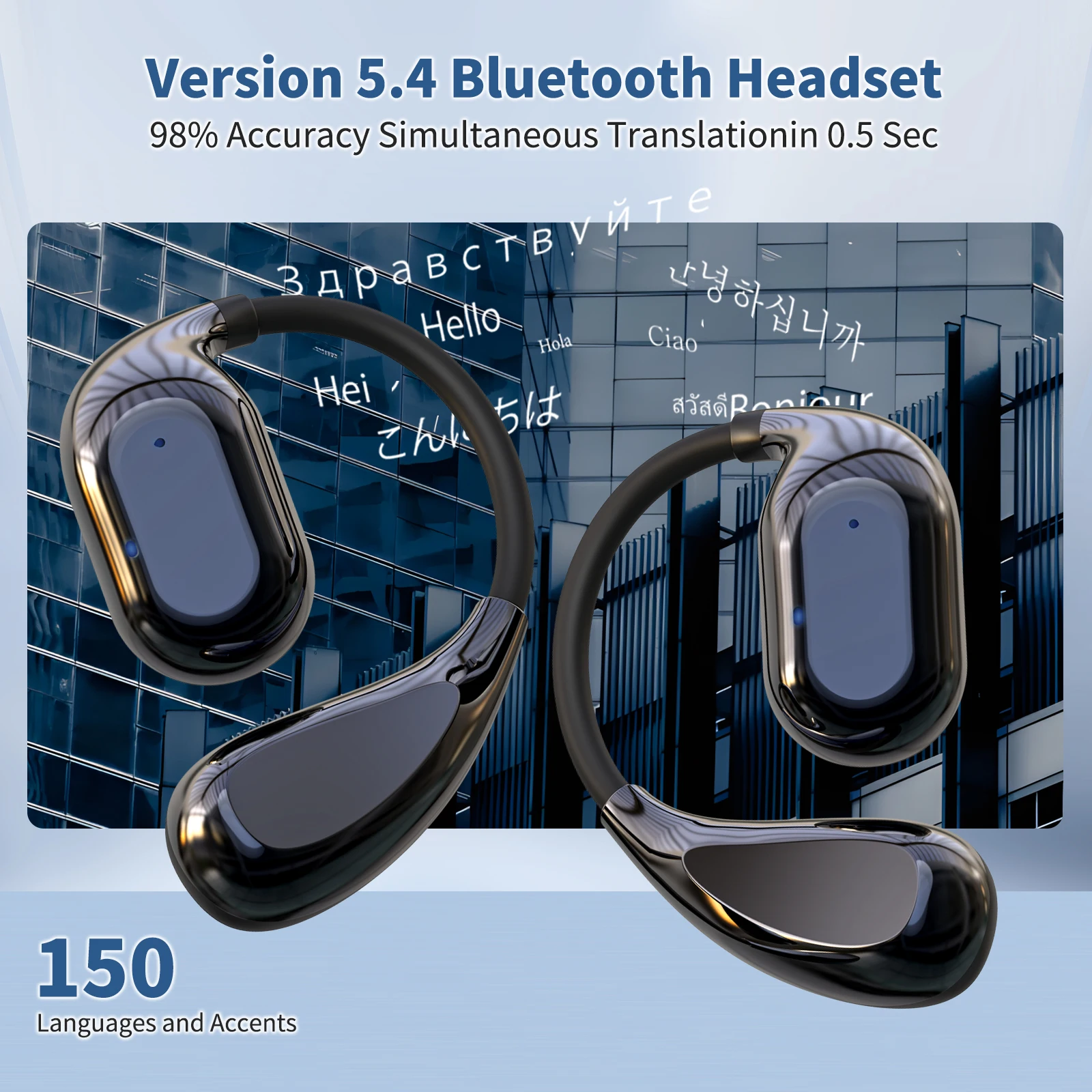
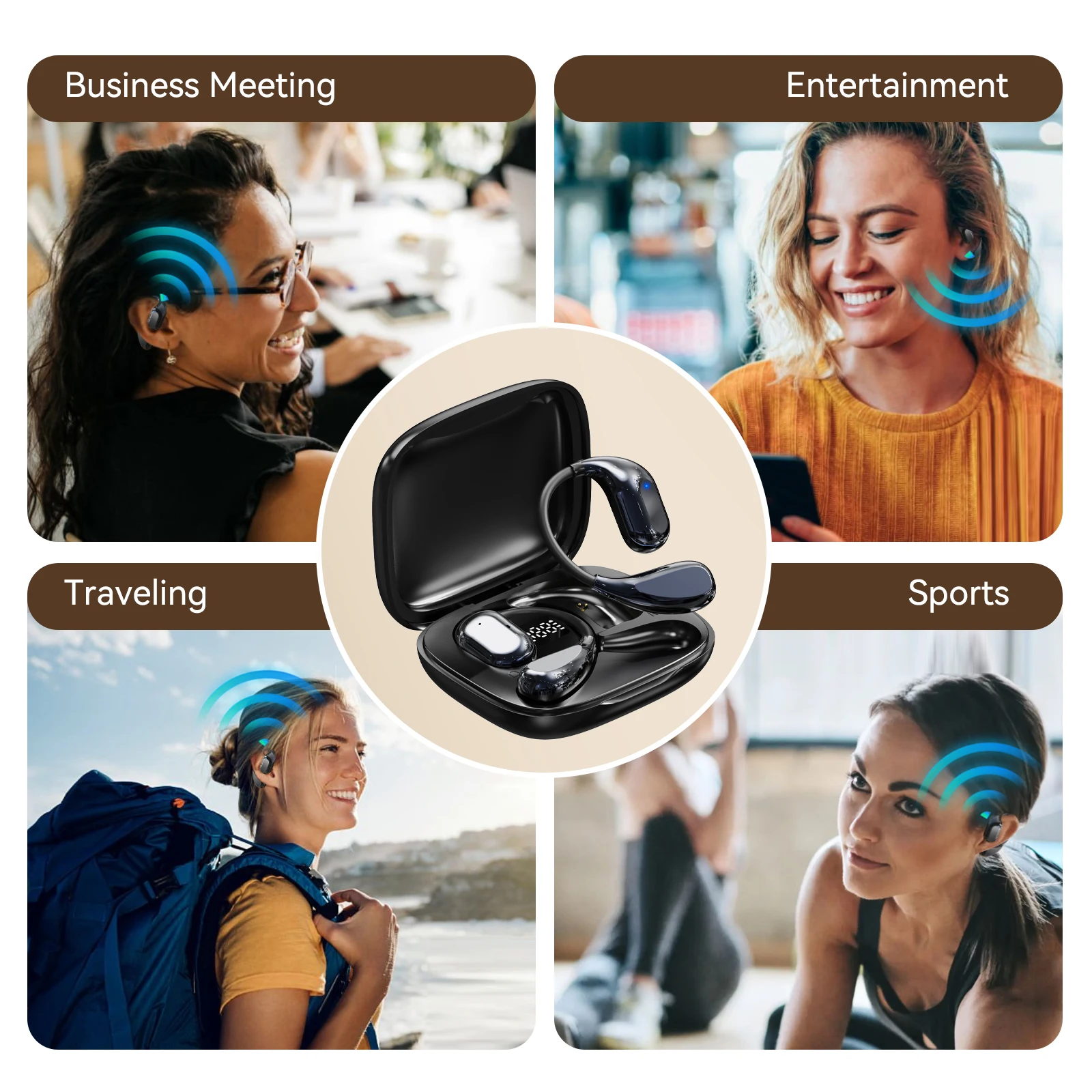
3 in 1 Wireless Earphones:support 150 Languages Translator/ Playing Music / Calls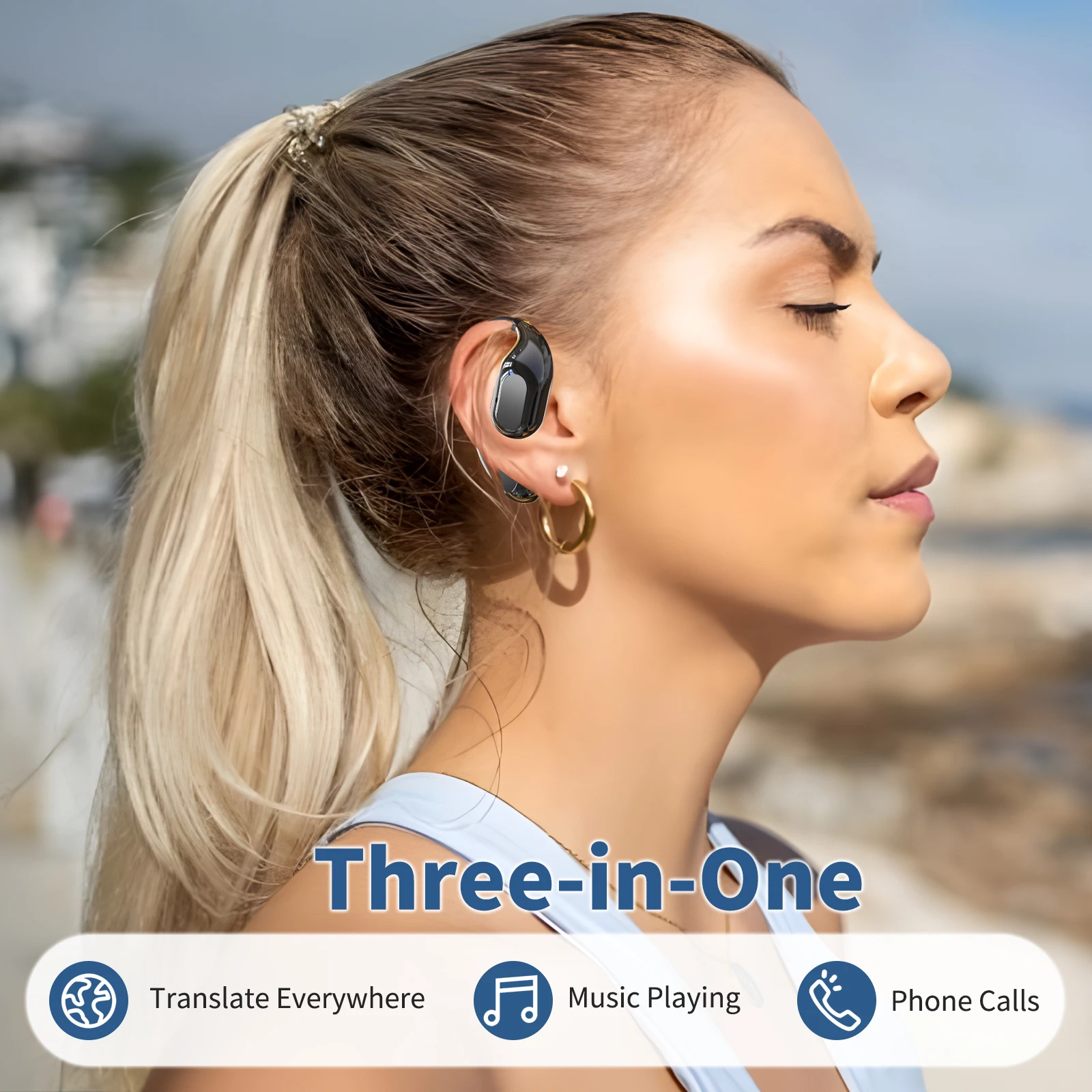
Real-time Record of Translated Text
During the communication process,the content of the conversation is transcribed and translated into text in real time,and synchronized to the mobile APP,which can be viewed at any time.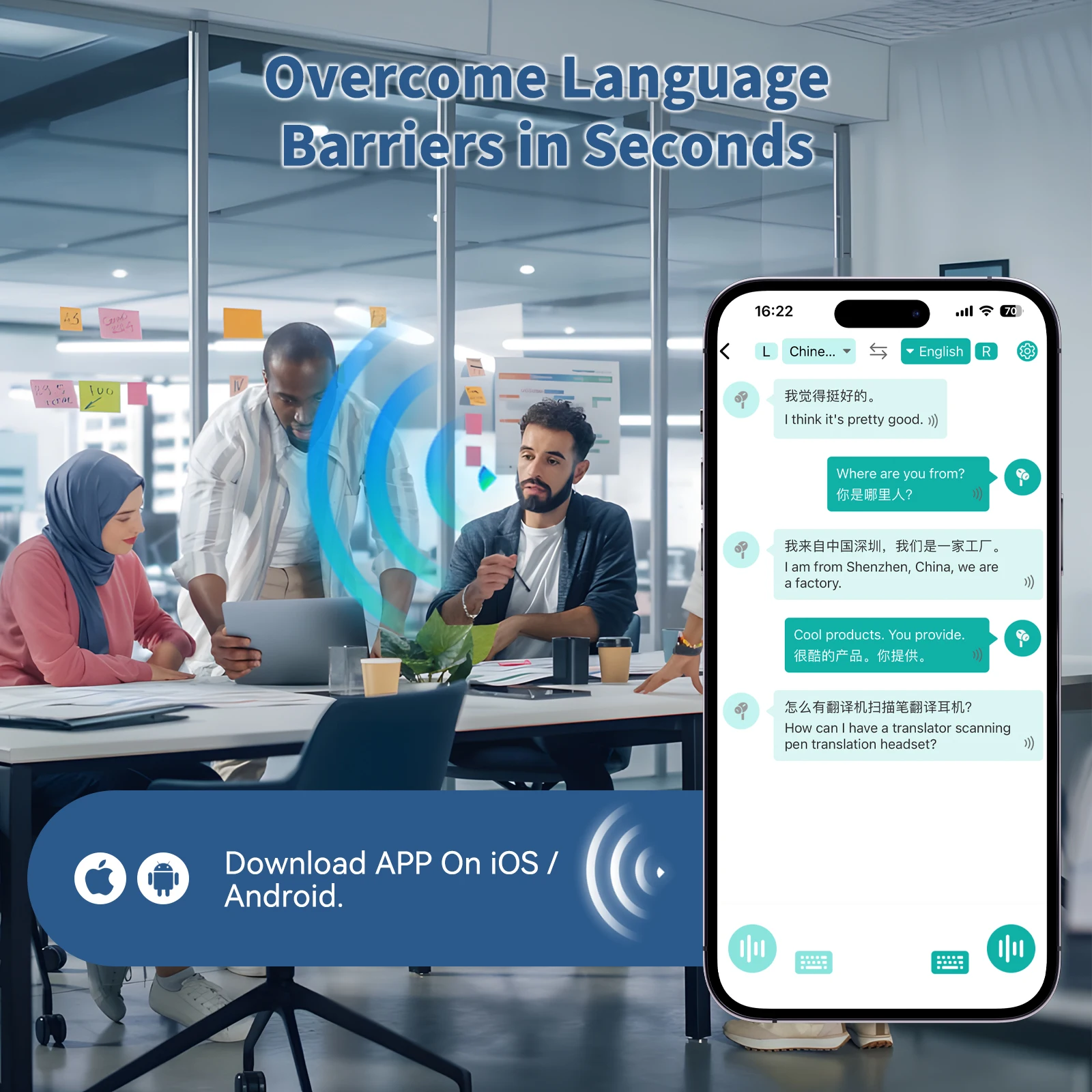


Safety Guidelines
1.Please follow the instructions in this manual, do not disassemble or modify the device for any reason, otherwise it may cause the earphones to malfunction or burn.
2.Do not infiltrate the product into any liquid or water to rinse the product.
3.Do not use a charger other than the rated current and voltage of the headset.
(5V/1A) to charge the headset, otherwise It is easy to cause damage to the earphones battery (please use the matching charging cable to charge the earphones).
4.Please use and store this product in a normal temperature environment, do not place the device in an environment where the temperature is too low or too high(below 0 or above 45°).
5.Do not block the openings of the headset, such as the charging port, indicator light and microphone, etc.
6.Please avoid using headphones at excessive volume or for too long to avoiddizziness or damage to hearing.
7.Do not use the device under thunderstorm weather, which may cause the device to work abnormally and the signal to be interrupted.
Shop Policies
Payment Policy
Payment Policy – BILLIONS BIRDS
At BILLIONS BIRDS, we are committed to providing a safe, secure, and seamless payment experience for our customers.
1. Accepted Payment Methods
We accept the following payment options:
Major Credit & Debit Cards (Visa, MasterCard, American Express)
Secure Online Payment Gateways (such as PayPal, Stripe, or other providers available at checkout)
Any additional payment methods displayed during checkout
All payments must be completed in full at the time of purchase.
2. Secure Transactions
All transactions are processed through encrypted and secure payment systems to protect your personal and financial information. We do not store your full payment details on our servers.
3. Currency
Prices are displayed in the currency indicated on the website. If you are purchasing from another country, your bank may apply currency conversion fees.
4. Order Confirmation
Once your payment has been successfully processed, you will receive an order confirmation email containing your purchase details.
5. Failed or Declined Payments
If your payment is declined, please verify your billing information or contact your bank. Orders will only be processed after successful payment confirmation.
6. Fraud Prevention
BILLIONS BIRDS reserves the right to cancel or refuse any order if fraud or unauthorised activity is suspected.
Delivery Policy
Delivery Policy – BILLIONS BIRDS
At BILLIONS BIRDS, we are dedicated to delivering your orders safely and efficiently.
1. Order Processing
All orders are processed within 1–3 business days after payment confirmation. Orders are not processed or shipped on weekends or public holidays.
2. Shipping Times
Estimated delivery times vary depending on your location:
Domestic Shipping: 3–7 business days
International Shipping: 7–15 business days
Please note that delivery times are estimates and may vary due to customs procedures, carrier delays, weather conditions, or other unforeseen circumstances.
3. Shipping Costs
Shipping fees are calculated at checkout based on your location and selected shipping method. Any customs duties, taxes, or import fees are the customer's responsibility.
4. Tracking Information
Once your order has been shipped, you will receive a confirmation email with tracking details (if available) so you can monitor your package.
5. Delivery Issues
If your order is delayed, lost, or arrives damaged, please contact us within 7 days of the expected delivery date. We will work with the shipping carrier to resolve the issue as quickly as possible.
6. Incorrect Shipping Information
Customers are responsible for providing accurate shipping details at checkout. BILLIONS BIRDS is not responsible for orders shipped to incorrect addresses provided by the customer.
Refund Policy
Refund Policy – BILLIONS BIRDS
At BILLIONS BIRDS, customer satisfaction is our top priority. If you are not completely satisfied with your purchase, we’re here to help.
1. Return Eligibility
You may request a return within 14 days of receiving your order. To qualify for a return:
The item must be unused, unworn, and in the same condition as received.
The item must be in its original packaging.
Proof of purchase (order confirmation or receipt) is required.
Certain items may not be eligible for return, including clearance items, gift cards, or personalised/custom products.
2. Non-Refundable Items
The following items are non-refundable:
Final sale or discounted items
Gift cards
Items damaged due to misuse, negligence, or improper care
3. Return Process
To initiate a return, please contact our customer support team with your order number and reason for return. If your return is approved, you will receive instructions for returning the item.
Unless the item is defective or incorrect, customers are responsible for return shipping costs.
4. Refund Processing
Once we receive and inspect your returned item:
We will notify you of the approval or rejection of your refund.
If approved, the refund will be issued to your original payment method within 5–10 business days.
Please note that banks or payment providers may require additional time to process refunds.
5. Damaged or Incorrect Items
If you receive a damaged, defective, or incorrect item, please contact us within 7 days of delivery and provide clear photos of the product and packaging. We will arrange a replacement or full refund at no additional cost.
6. Late or Missing Refunds
If you have not received your refund:
Check your bank account again.
Contact your credit card company or payment provider.
If the issue persists, don't hesitate to contact our support team for assistance.
Recommended Products
Customer reviews
Share your thoughts with other customers
Be the first one to write a review!

Items (0)
