
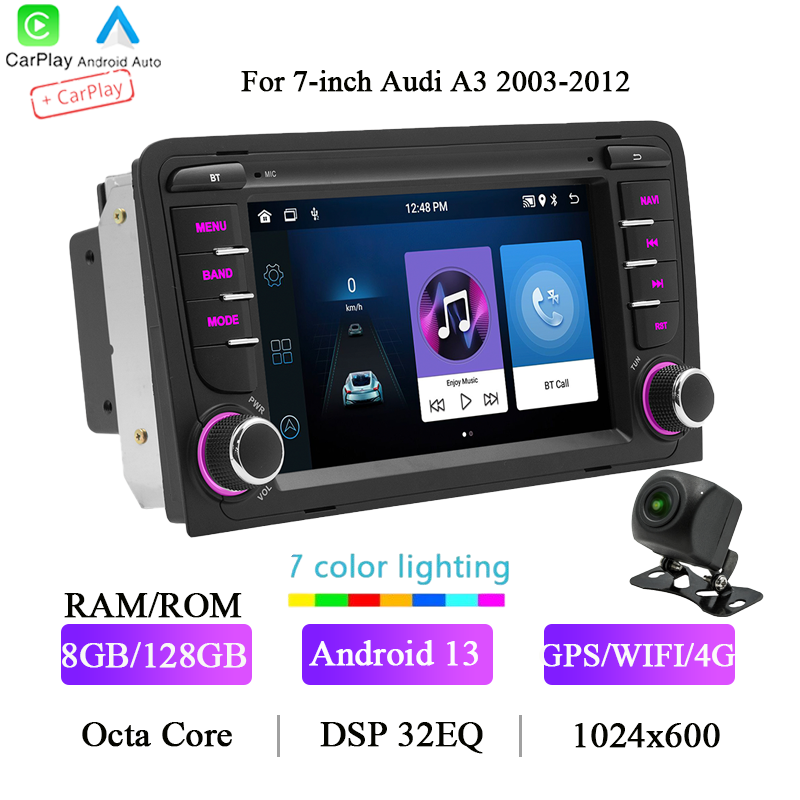
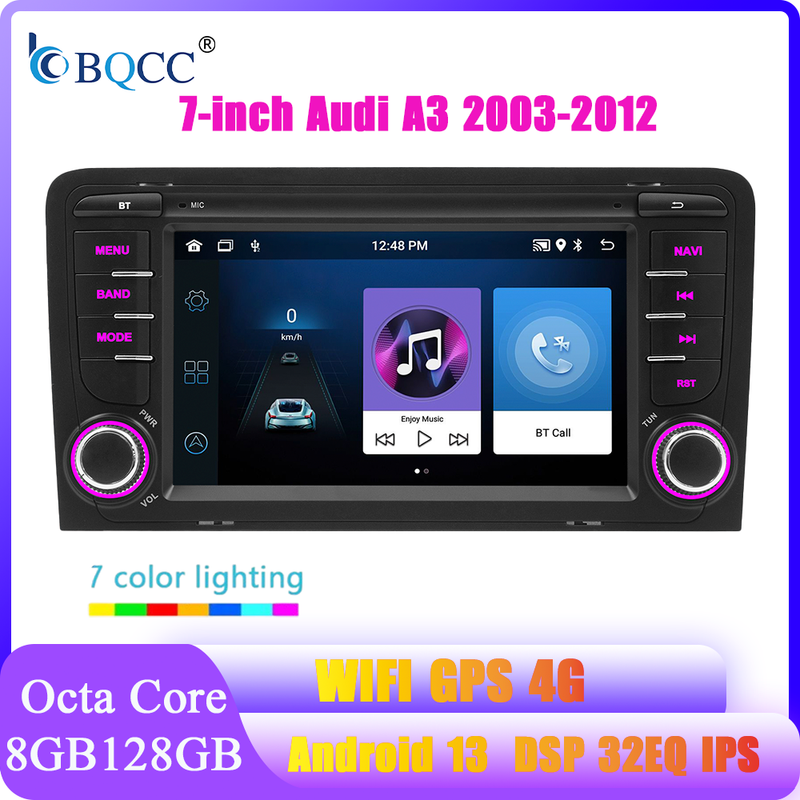
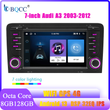
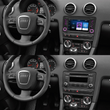
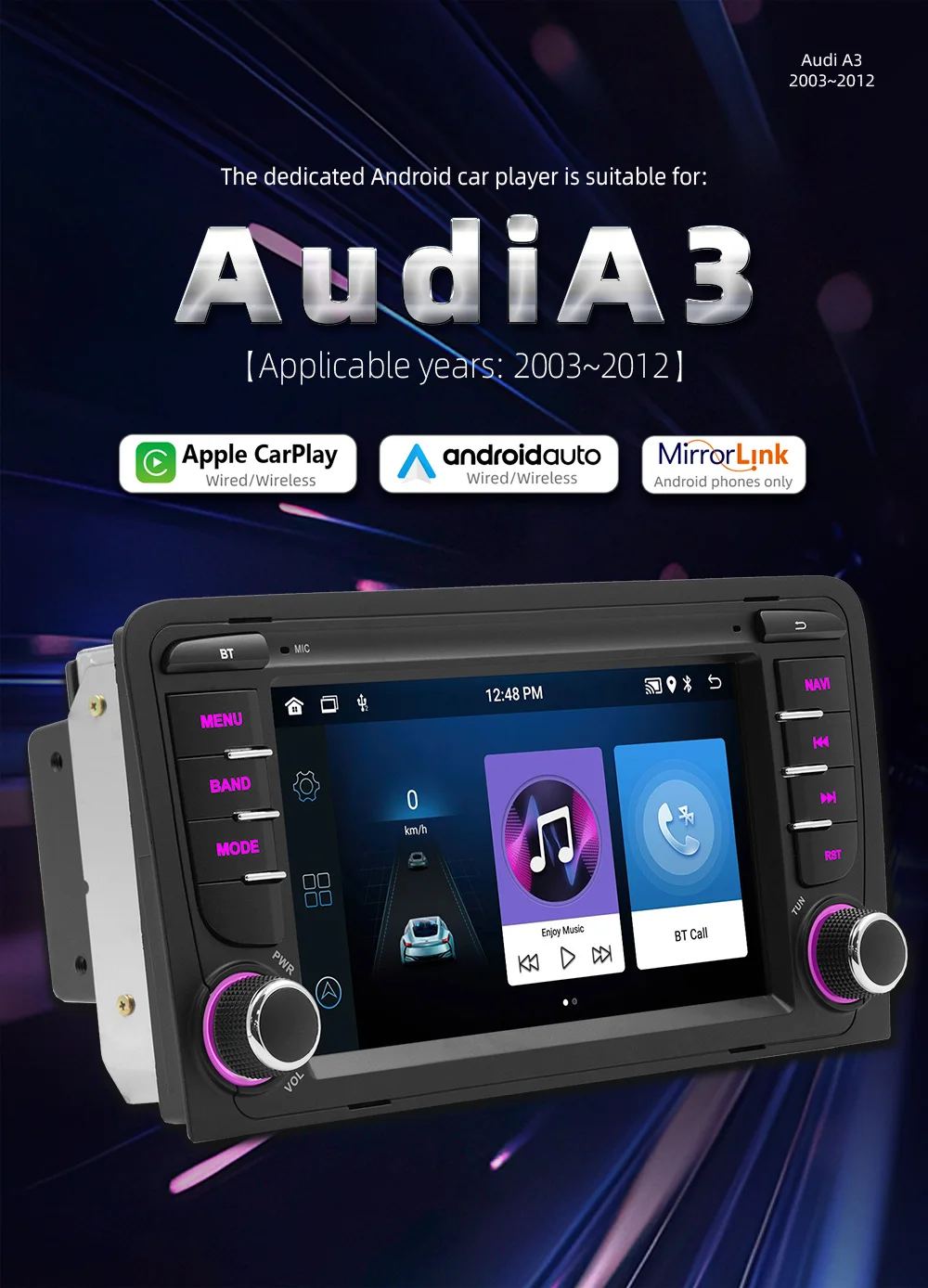
BQCC 7" Android 13 player Octa Quad Core 32 EQ DSP car radio Mirrorlink Wifi GPS Navigation Player Carplay For Audi A3 2003-2012
Includes all taxes
Meet your Seller
-
$992.75Sold by BILLIONS BIRDS
Description
BQCC 7" Android 13 player Octa Quad Core 32 EQ DSP car radio Mirrorlink Wifi GPS Navigation Player Carplay For Audi A3 2003-2012
Loving life, loving shopping.
☆Tips:
1.The installation requires a little knowledge of electronic products. Please install it with the help of professional;
2. After receiving the product, please try to check whether the machine is normal, and then install it (testing method: connect red and yellow lines to the positive pole and black line to the negative pole of the 12V power supply). When installing, please be careful not to connect the line incorrectly, so as not to affect the normal use. When connecting speaker wires, pay attention to the positive and negative poles.
3.This product is an Android system, you can download the required software including maps, very convenient

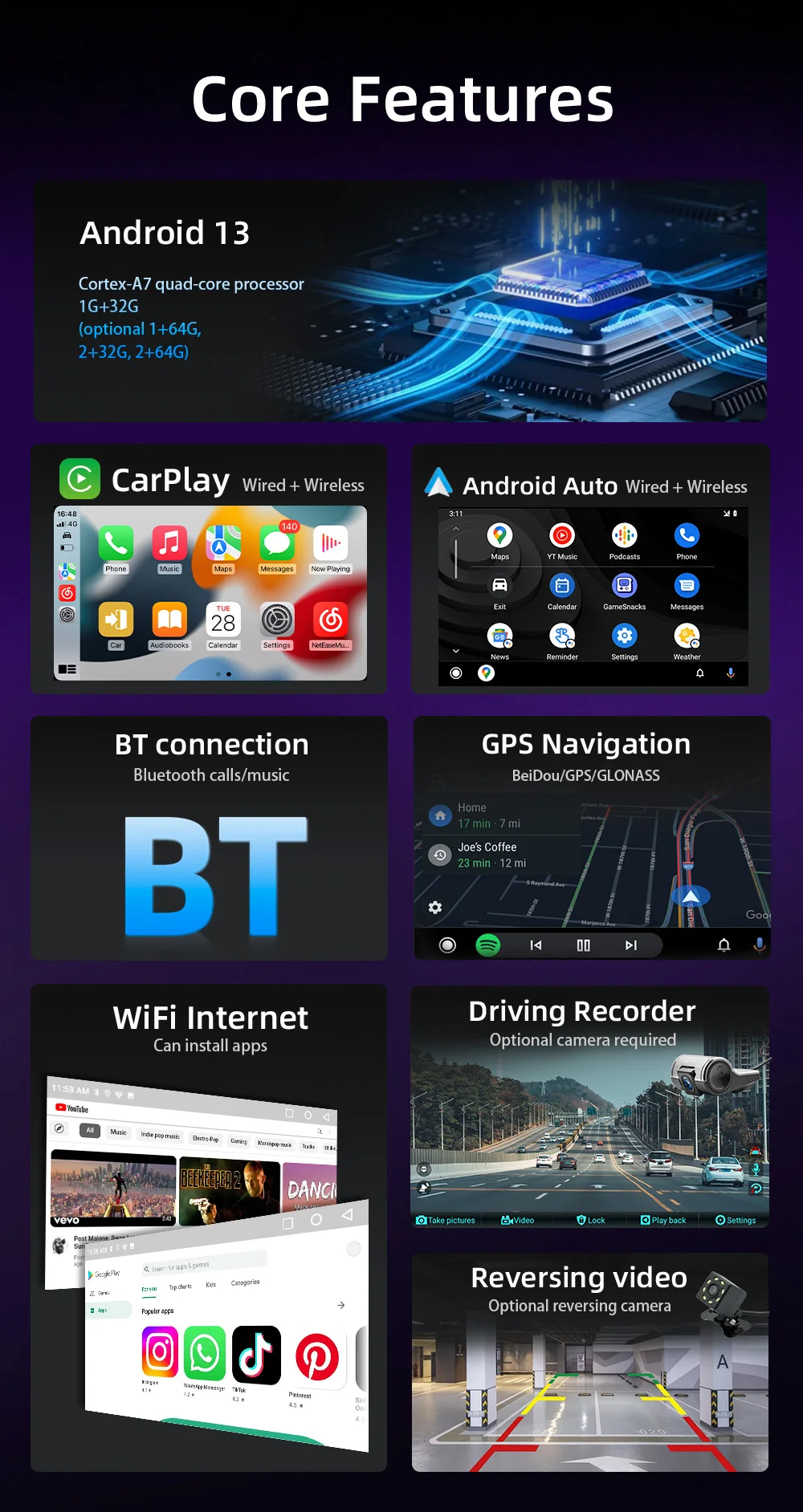
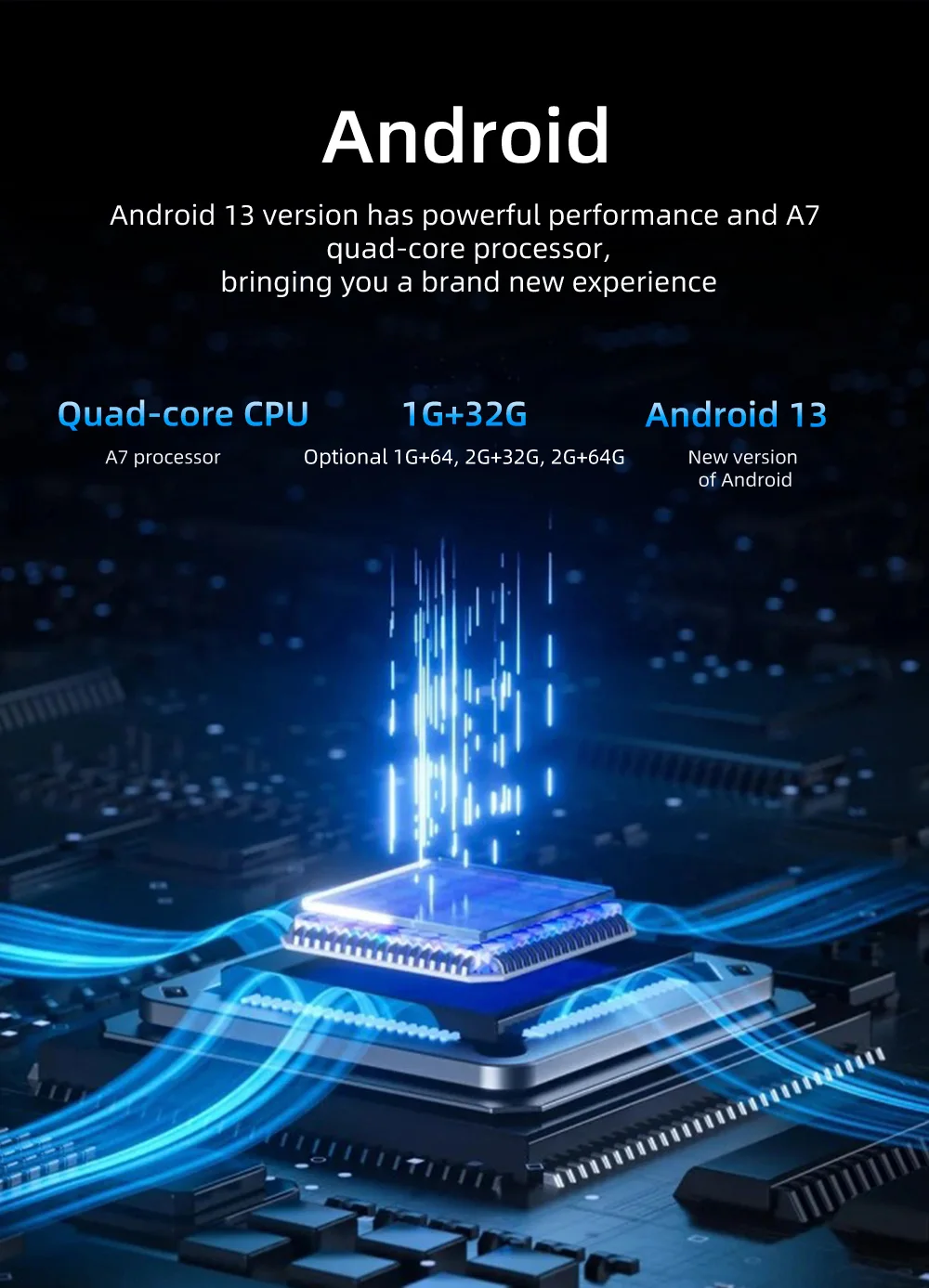
★ Processor: Cortex quad-core processor/ Octa-core high-definition,7-inch IPS capacitive screen running fast radio player, 1024*600/1280*720 high resolution
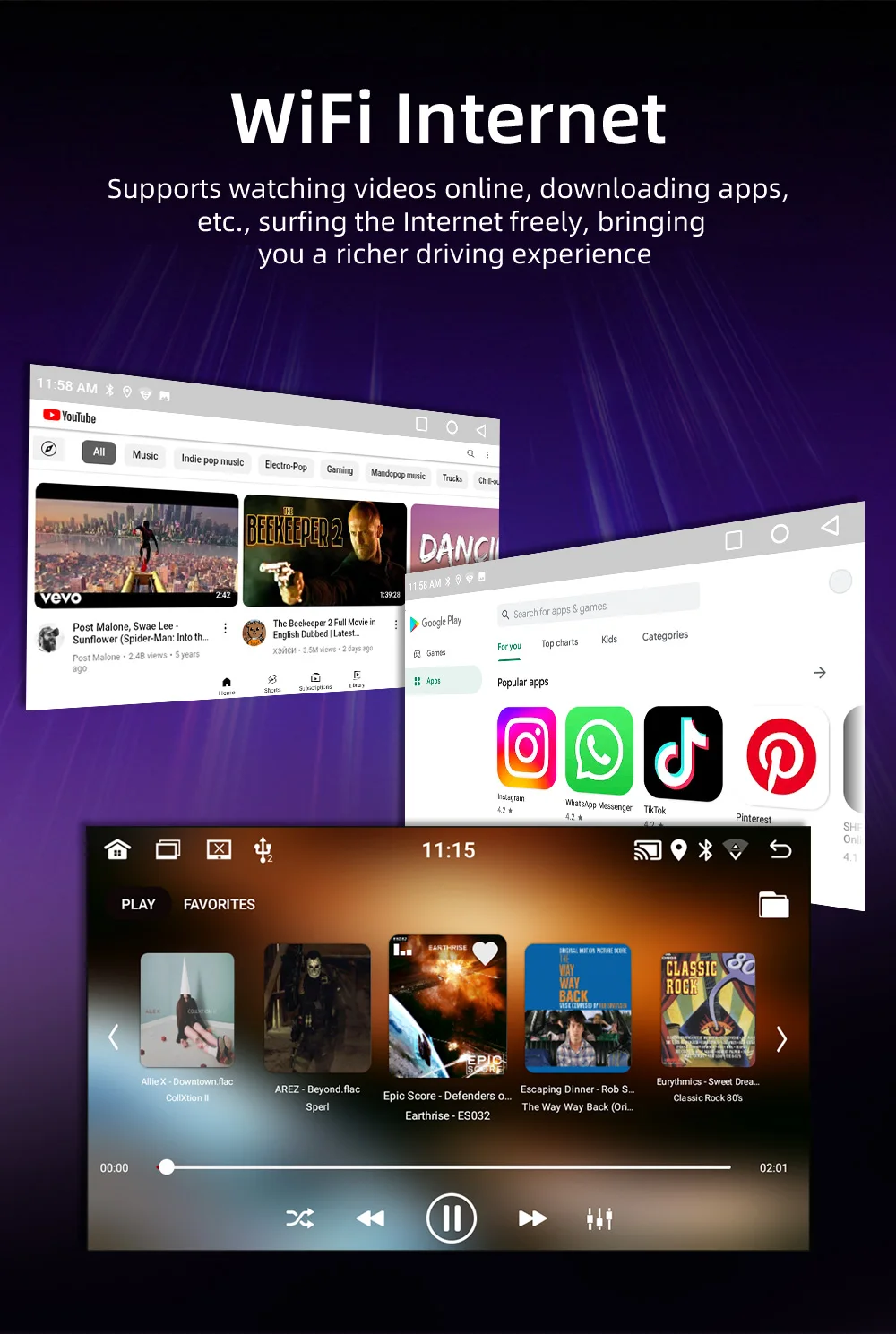
★ Android operating system, you can install apps, Google Play Store, Facebook, YouTube, Twitter, etc.
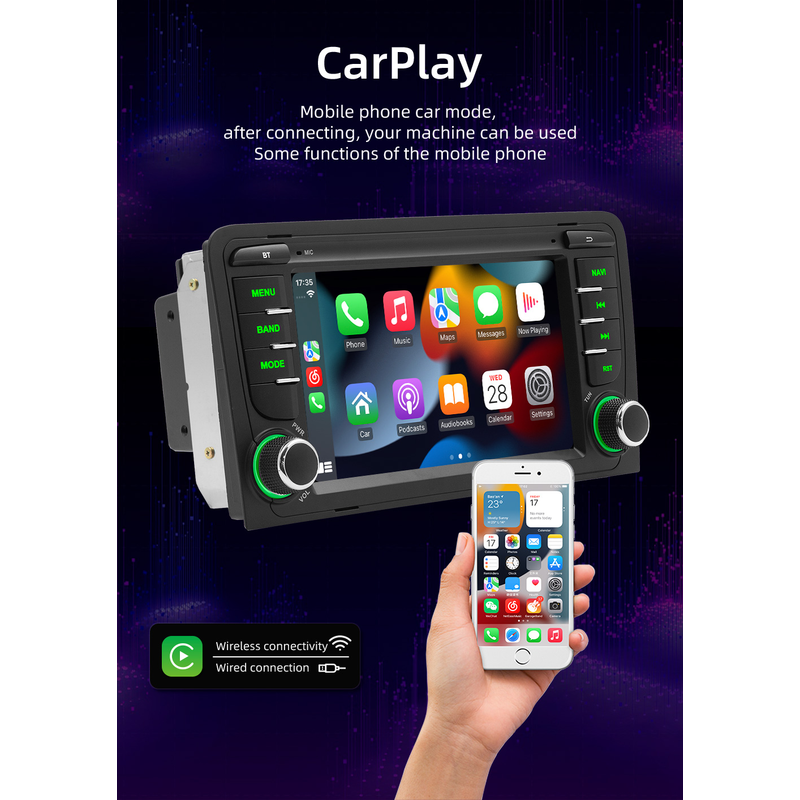
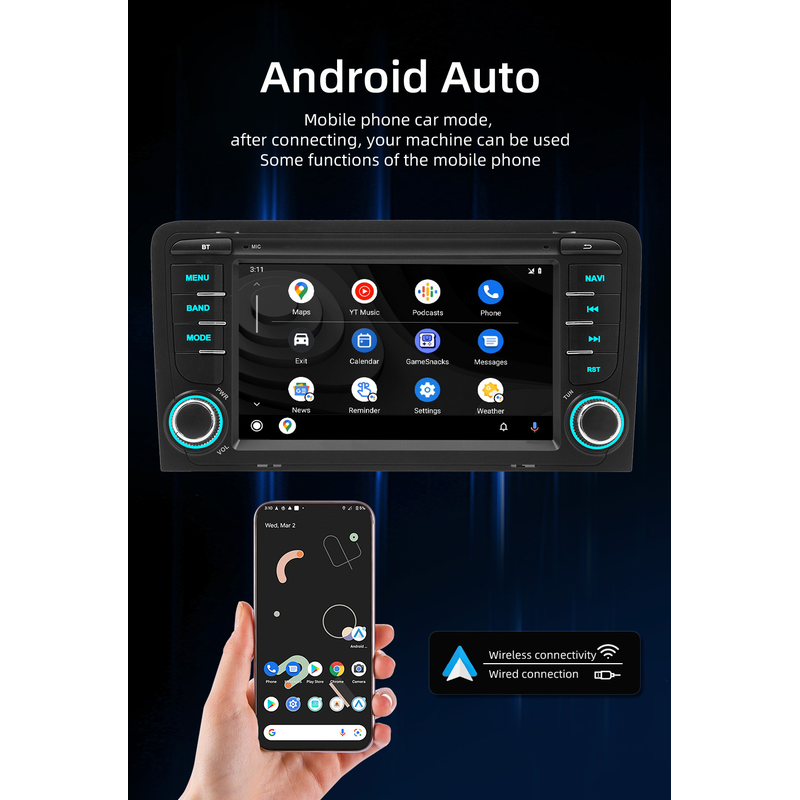
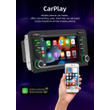
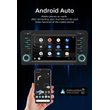
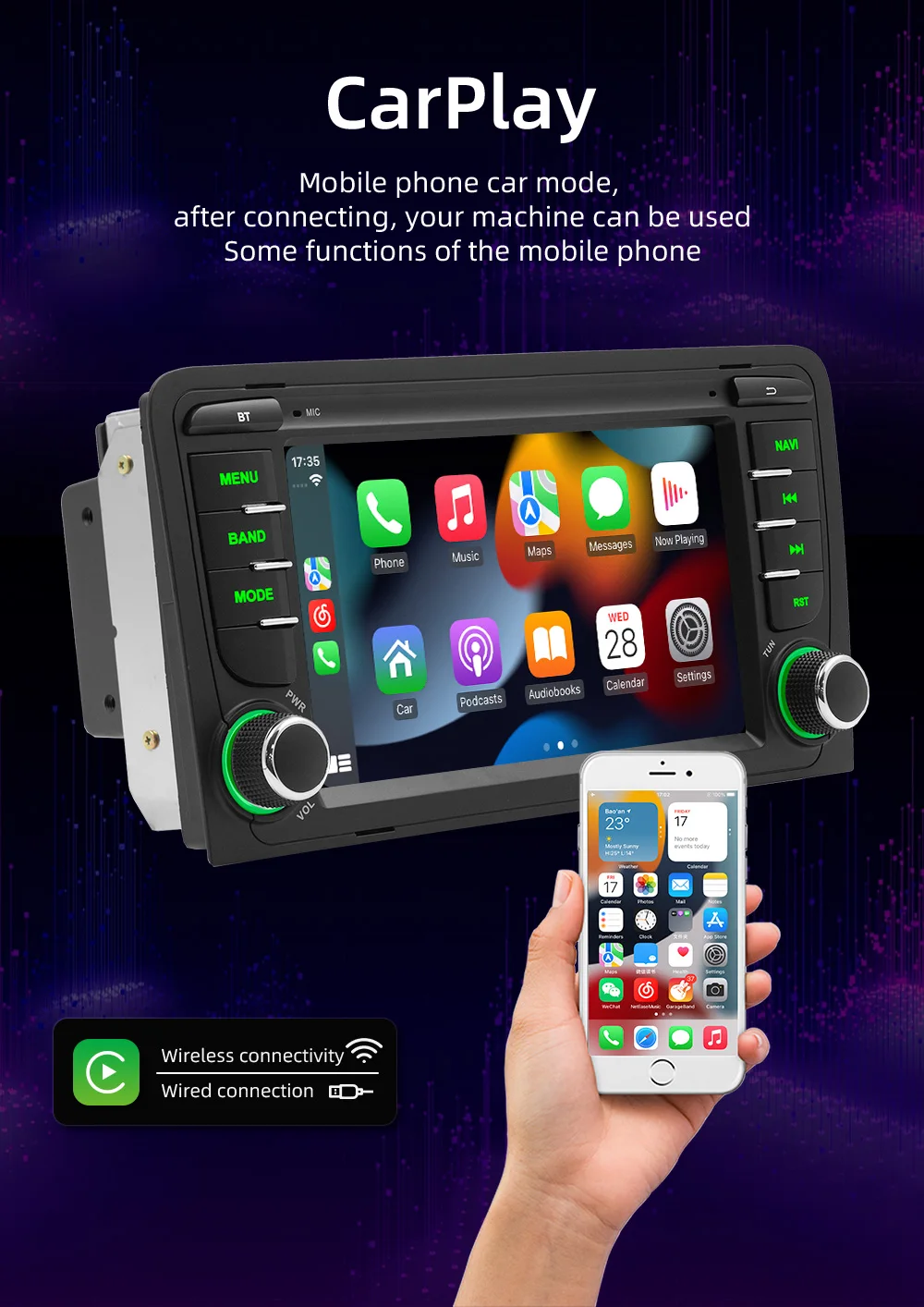
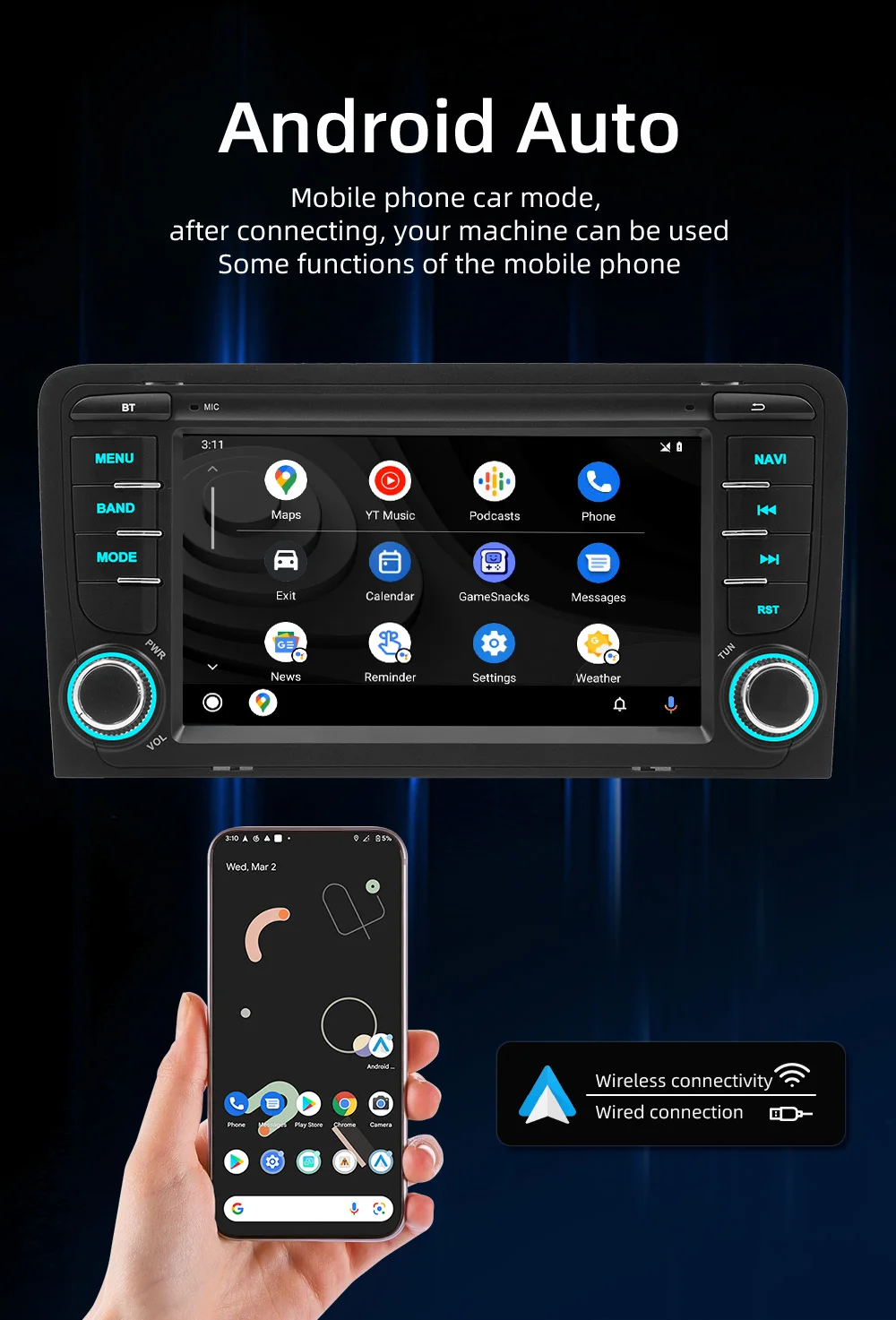
★ Wireless Carplay and wireless Android Auto: Users who use them can connect to the car system through a data cable to achieve voice-controlled navigation, make calls, send and receive messages, and listen to music.
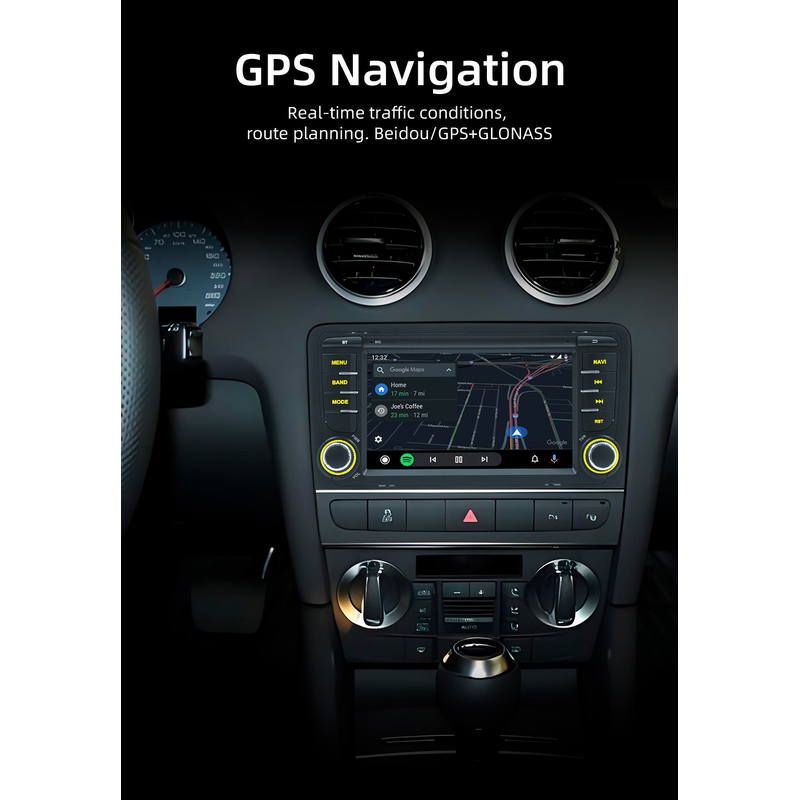
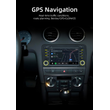
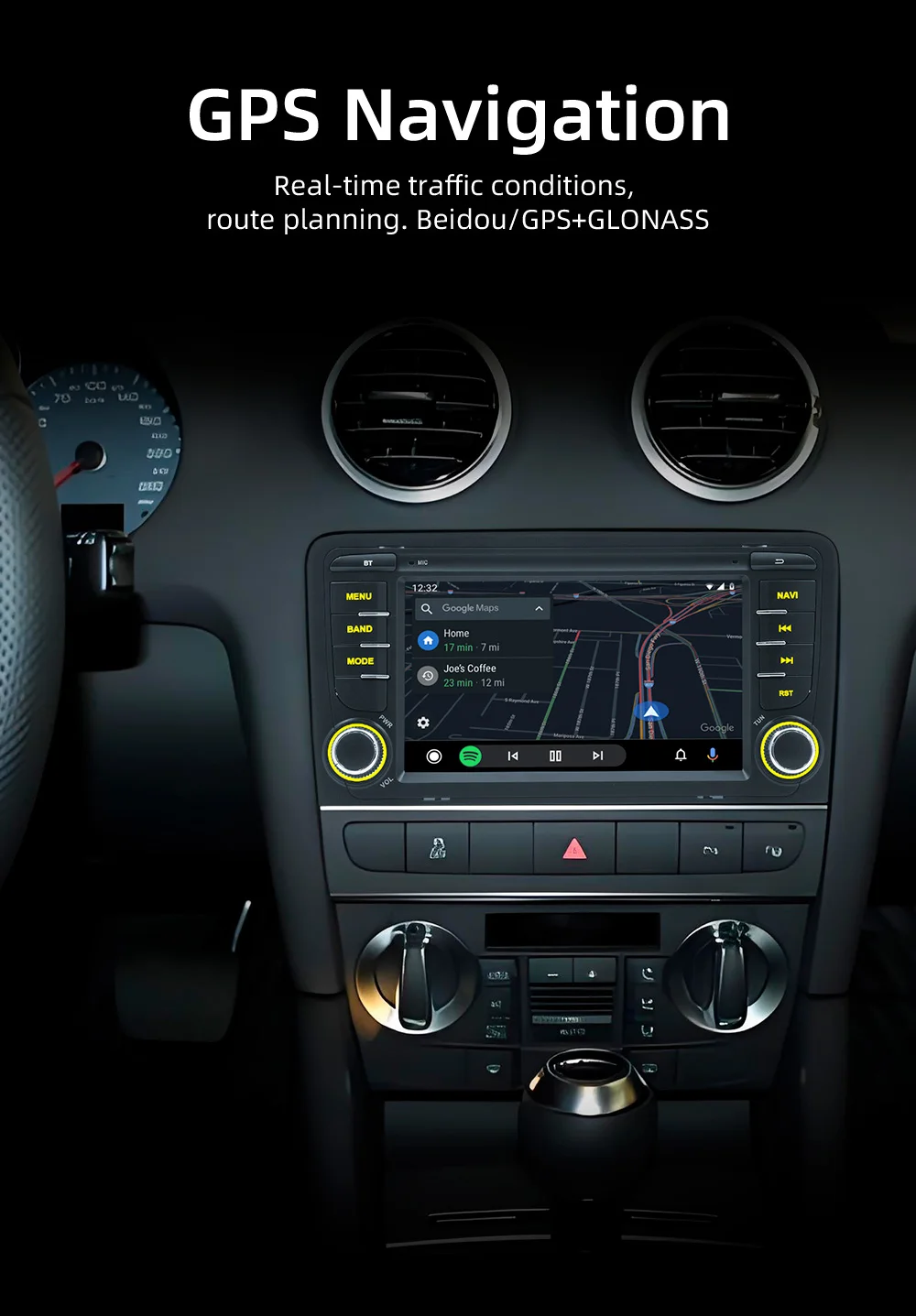
★ GPS Navigation: Support many kinds of navigation App such as Baidu Map, Gaode Map, Google Map, built-in offline map
★ Support WIFI connection, online video playback, and online map navigation
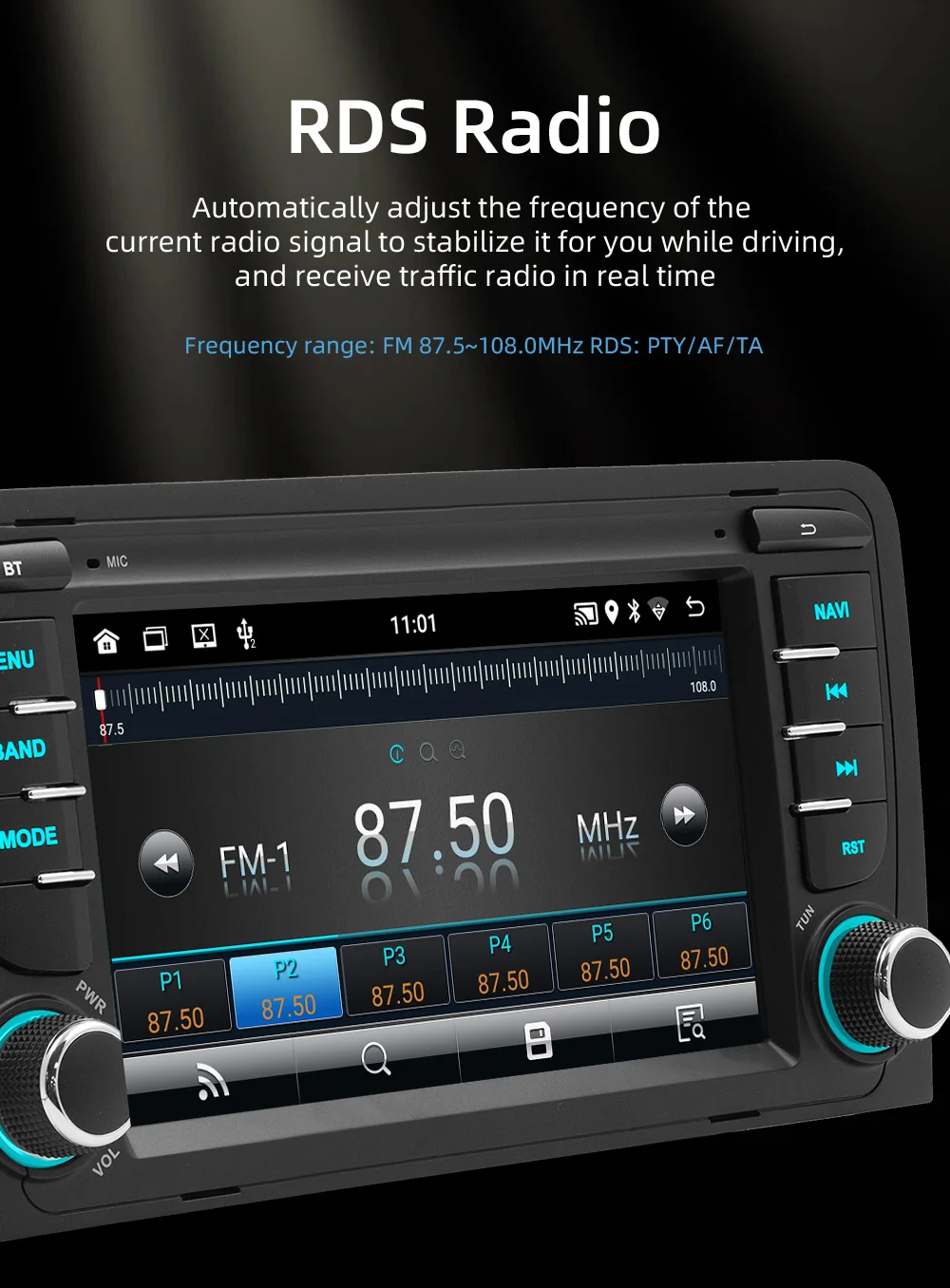
★ Support FM/RDS: with 30 preset radio stations, high-end radio chip, powerful noise reduction, and anti-interference ability
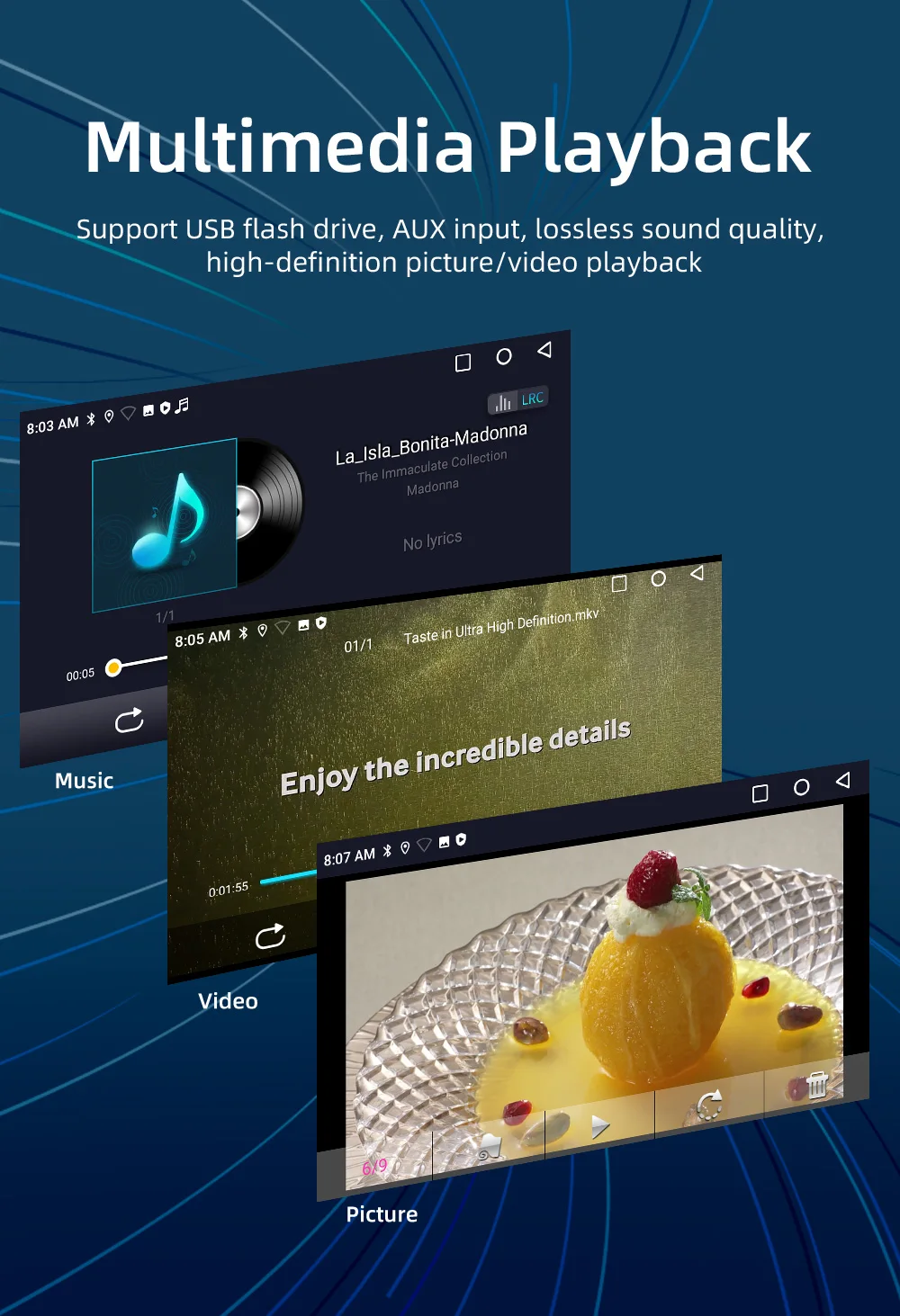
★ Support USB/AUX/Bluetooth multiple music playback modes
★ Support Intelligent voice AI voice assistant
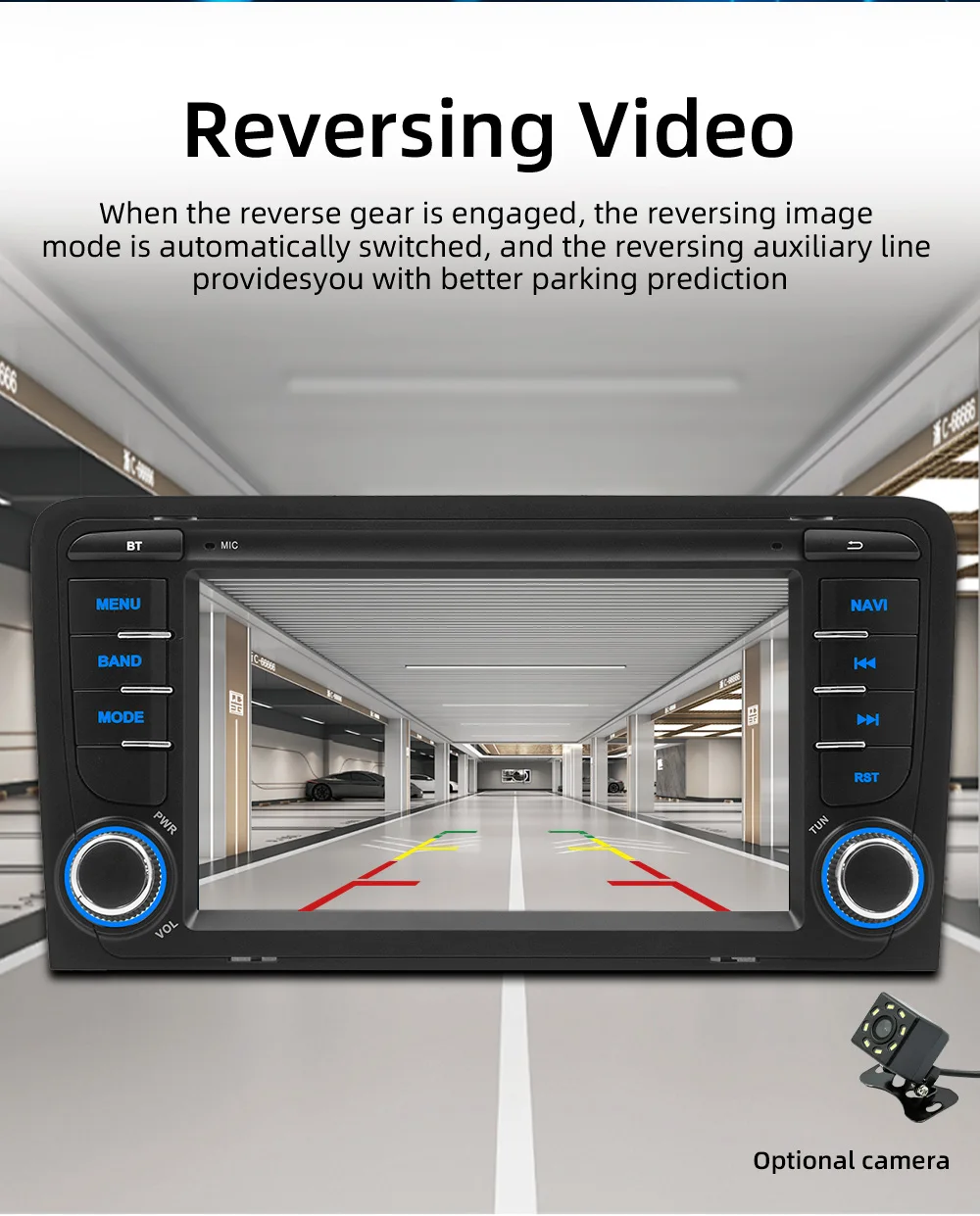
★Support rear view camera
★Built-In microphone for hands-free calling function.
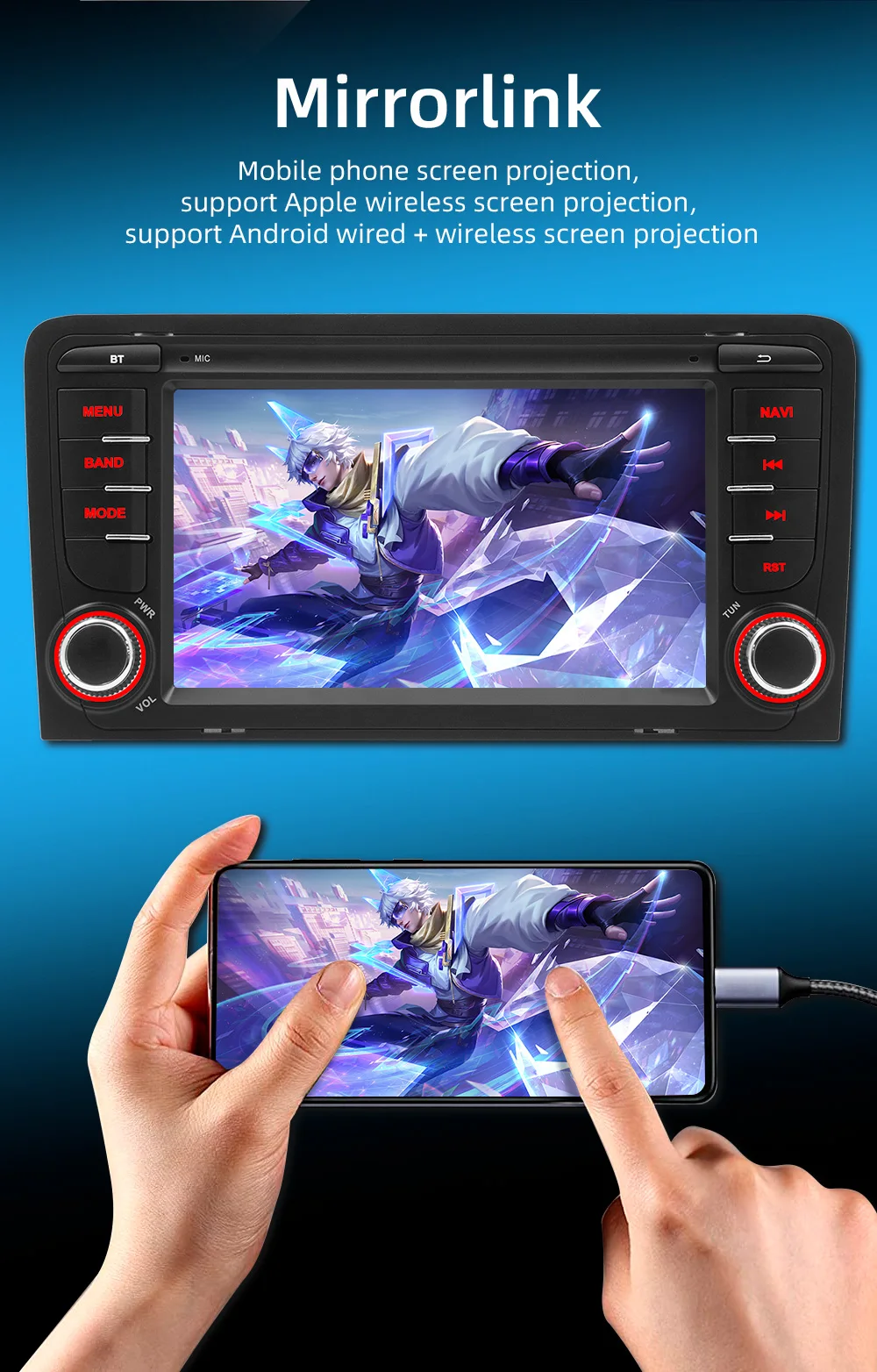
★Support Android/ phone Mirror Link
★Support split-screen function
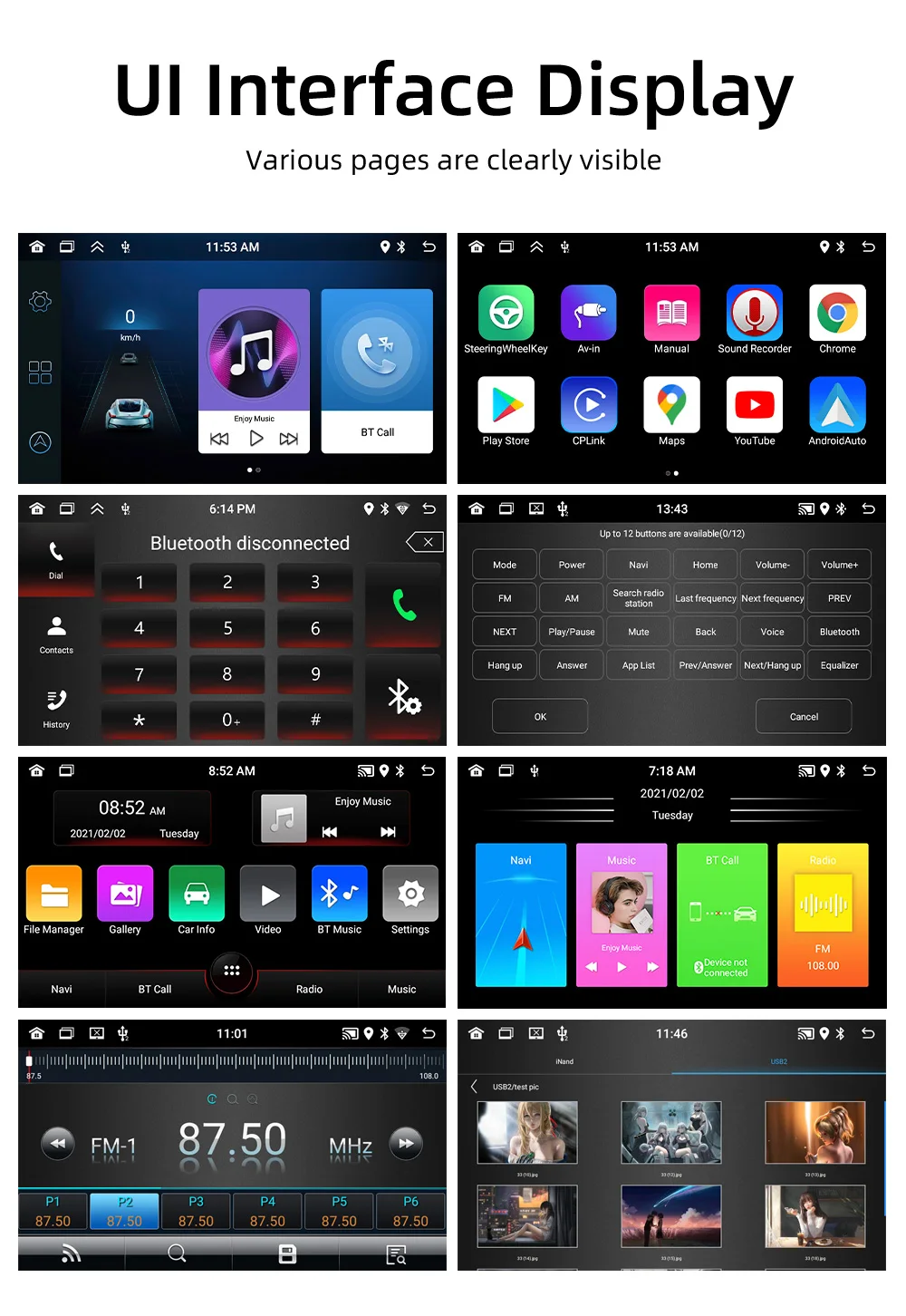
★Support file manager
★Support phone book download
★Support lossless audio: 16/32 EQ sound gives you the pleasure of the concert scene
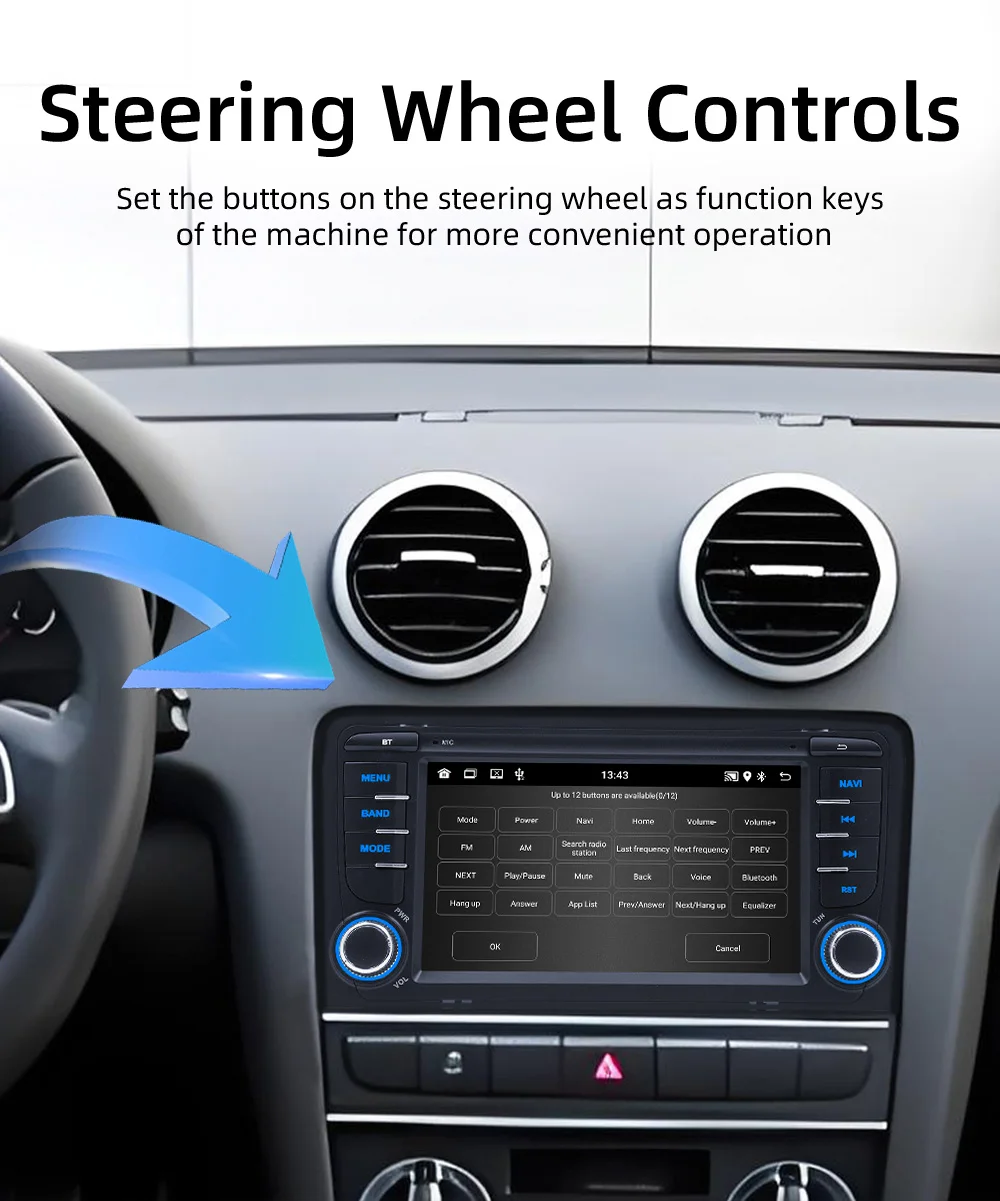
★Support steering wheel control
★Support languages with multiple on-screen menus
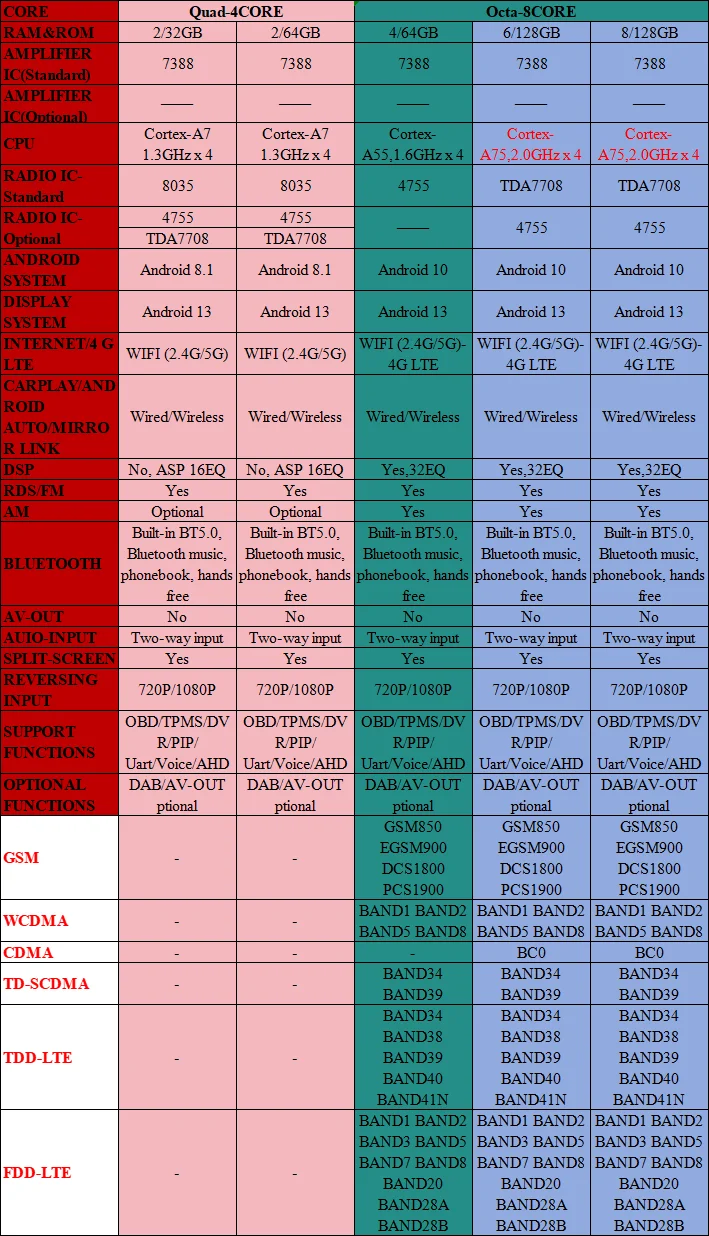
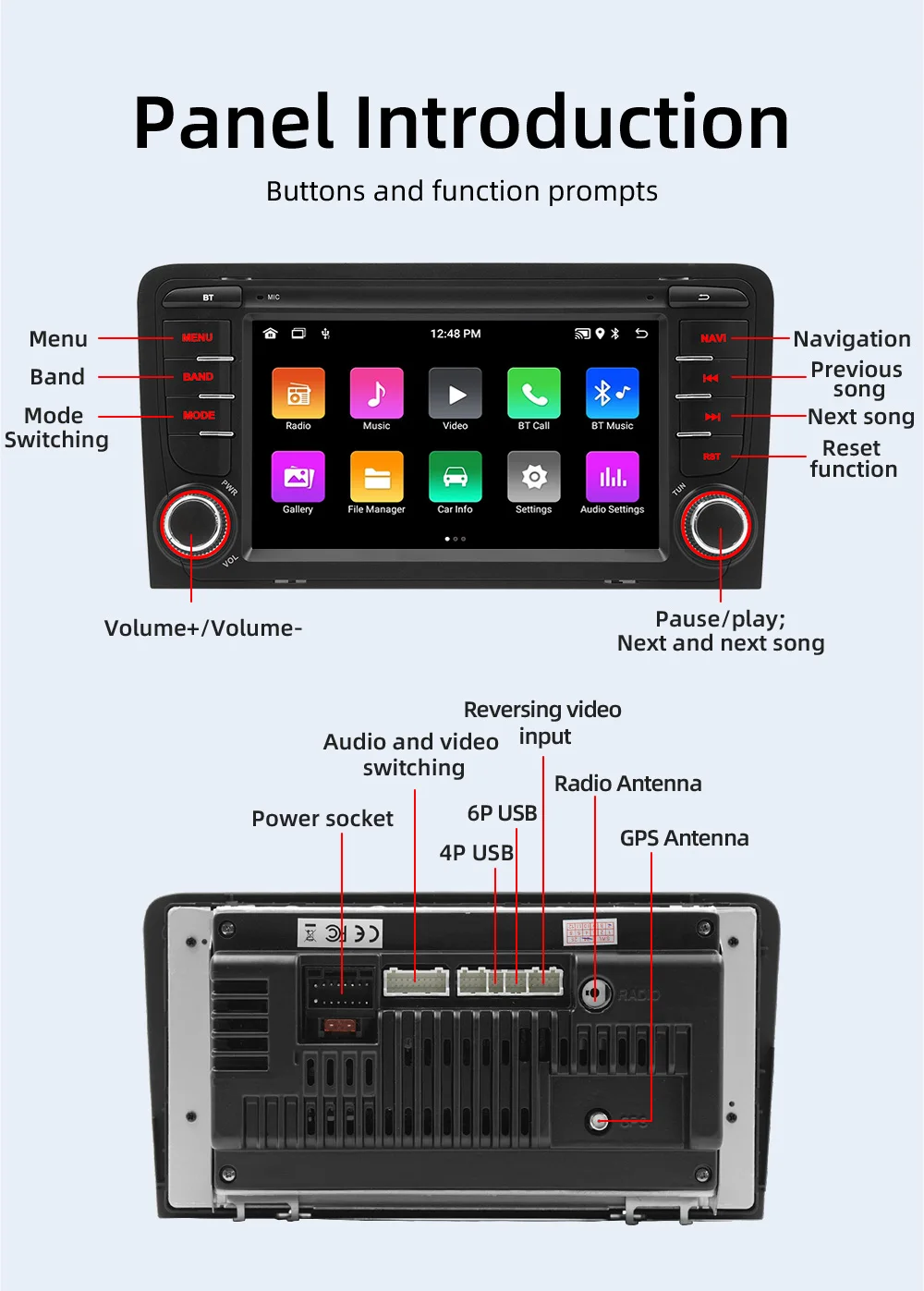
 Basic parametersBasic parameters
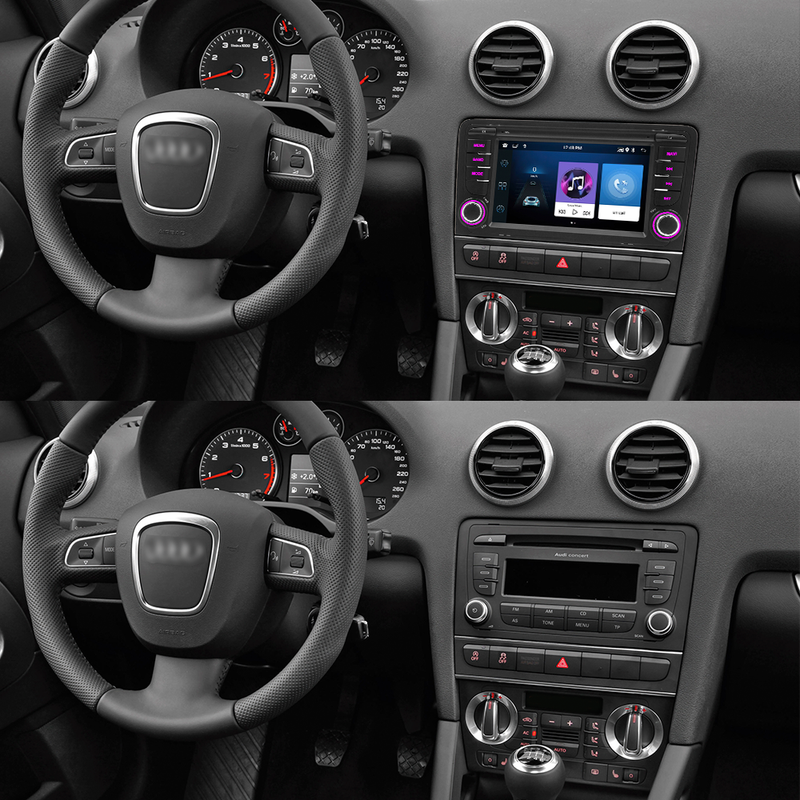
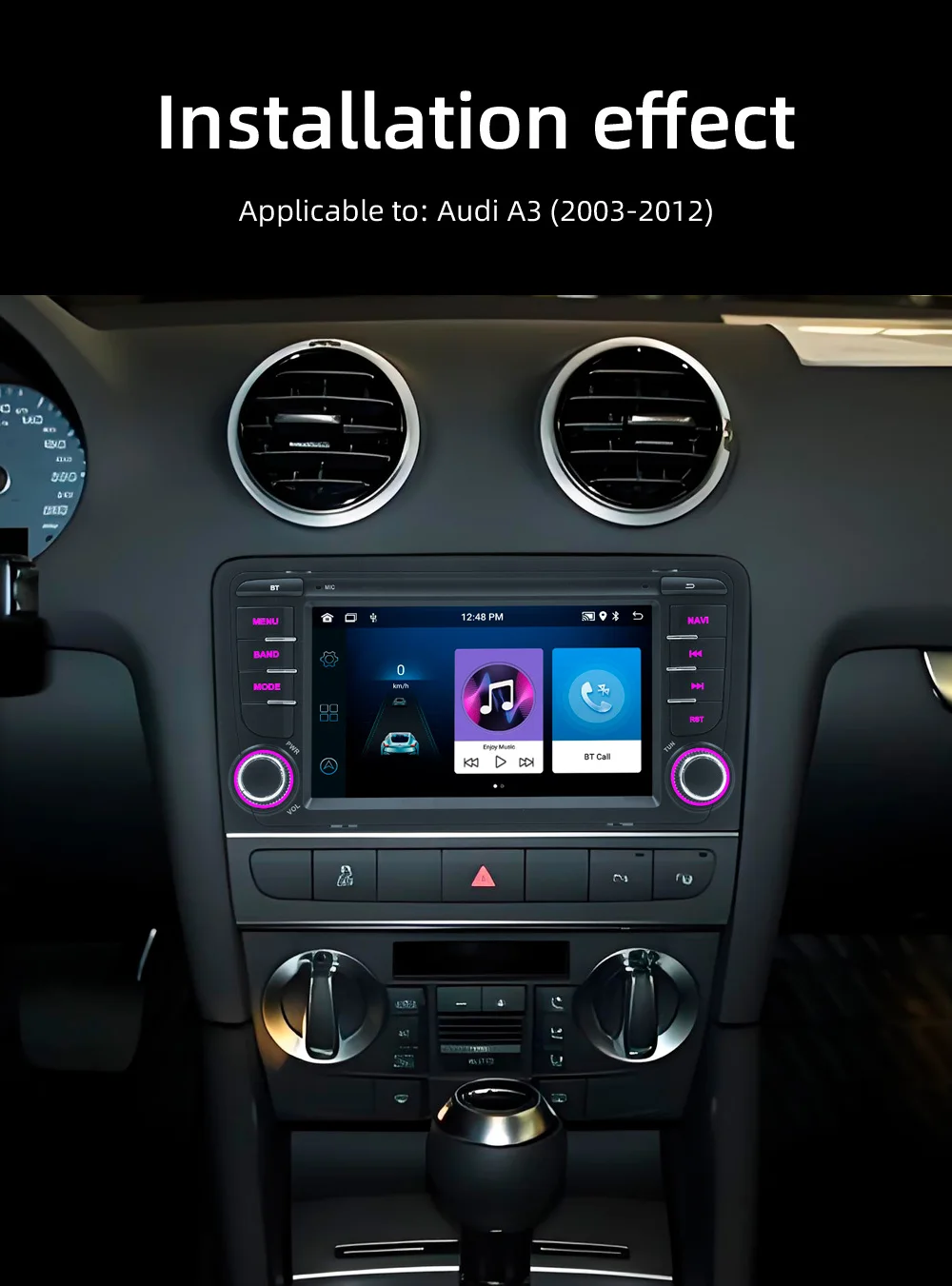
Model: Audi A3 Audi A3
Applicable models: 2003-2012 models
Type:Android car player
System: Android 13
Radio frequency: FM 87.5~108.0MHz (can switch between Americas 1, Americas 2, China, Russia, Japan, regional radio frequencies)
Radio chip: 6625
Amplifier chip: 7388
Output power: 60Wx4
Working voltage: 9~16V
Working temperature: -10~60℃
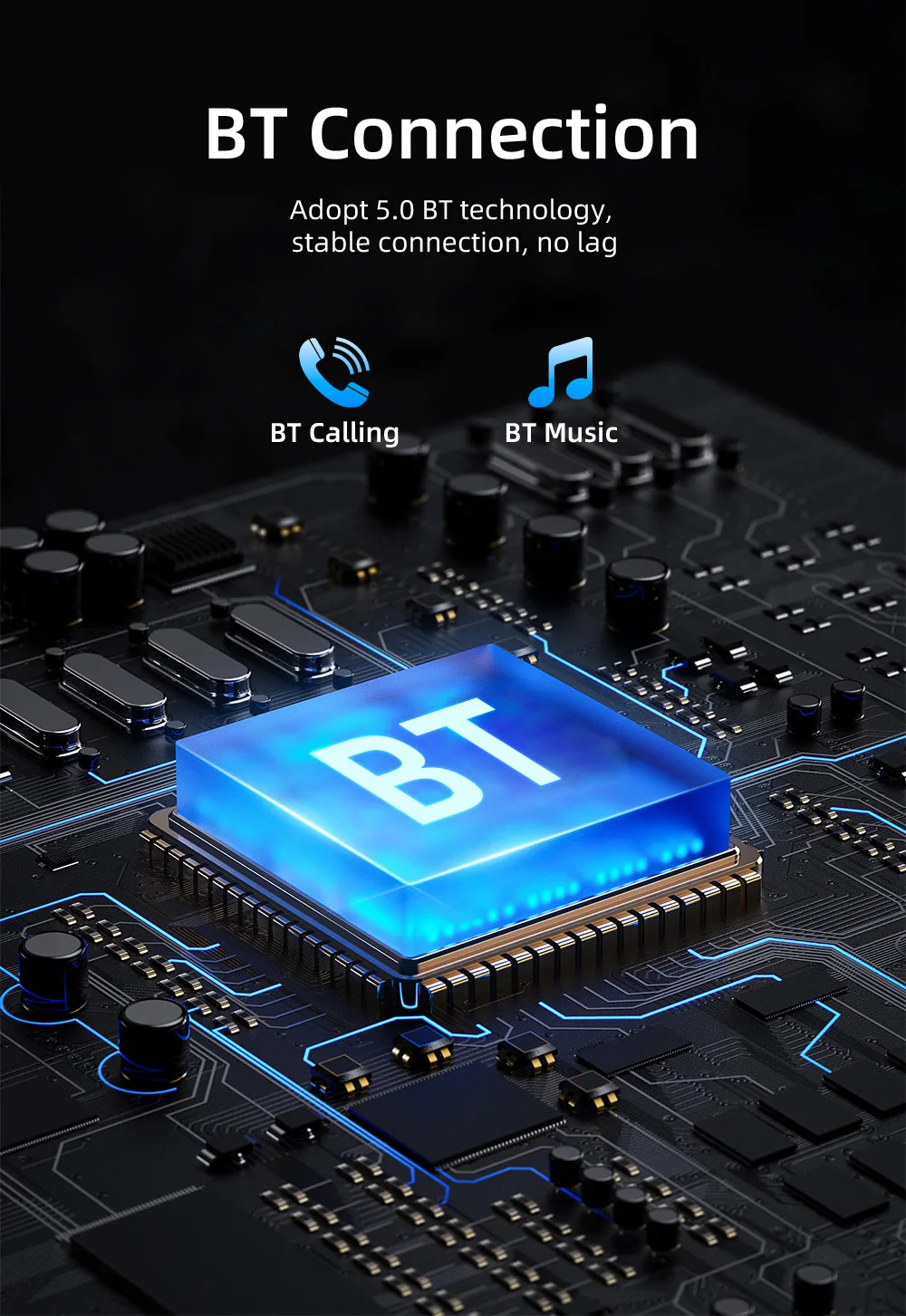
Bluetooth version: 5.0
Wifi frequency supports: 2.4GHz
GPS signal: Beidou/GPS/GLONASS
Panel light: Colorful lights
Performance parameters
Display resolution Support resolution: 1024x600
Screen size 7 inches
Dimension parameters
Installation size Special size for special vehicles (cannot be installed on non-corresponding models)
Color box size 270x160x180mm (cowhide box)
Whole box size 555x496x374MMmm
Number of units in the whole box 12 units
Weight parameters
Weight per unit 1.4KG
Net weight of the whole box 16.8KG
Gross weight of the whole box 18KG
Function parameters
Mobile phone interconnection: Support: √, not support: ×
Apple CarPlay: wired √, wireless √;
Android Auto: wired √, wireless √;
iPhone screen projection: wired ×, wireless √;
Android screen projection: wired √, wireless √."
Video playback warning Support
Steering wheel control Support button learning
USB interface USB1(4P), USB2(6P) (CarPlay connection can only use 4P port, Android auto connection can be used)
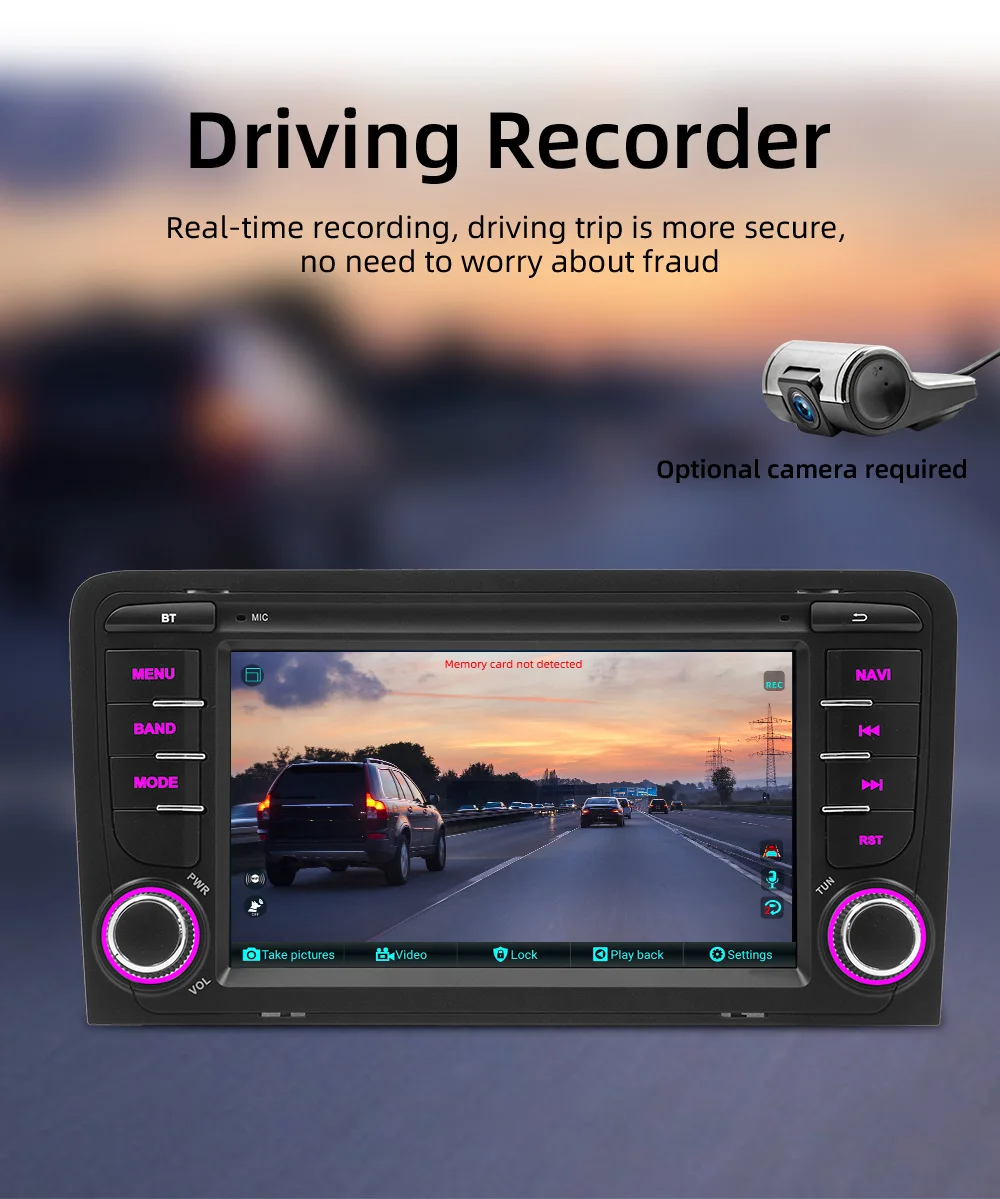
Driving recorder Support (USB signal input, recorder optional)
Reset button Support
RCA port parameters
RCA output: 1. Left channel output; 2. Right channel output; 3. Subwoofer output; 4. Video output
RCA input: 1. Left channel input; 2. Right channel input; 3. Video input; 4. Reverse video input;
AUX port MIC input hole 3.5mm
Format parameters
Audio format : MP3/WMA/WAV/APE/FLAC/AAC/OGG/RM
Video format : MPEG/AVI/RM/FLV/ASF/WMV/MP4/MKV/OGM/TS/DivX/RMVB/VOB
Image format :JPG/BMP/PNG/JPEG/GIF
Language parameters
Chinese/Traditional Chinese/English/Russian/Greek/Polish/Turkish/Arabic/Persian/Romanian/French/Hungarian/Italian/Thai/German/Ukrainian/Spanish/Portuguese/Czech/Vietnamese/Japanese/Malaysian/Dutch/Indonesian/Korean
Other parameters
Factory set password 3368 or 1234
Basic functions
1. Radio
2. Read USB disk (audio/video/picture)
3. Bluetooth function
4. Rear view function (camera optional)
5. Original car steering wheel learning function
6. Android recorder can be installed (recorder optional)
7. WIFI Internet access
8. GPS navigation
9. APP can be installed
10. External microphone (external microphone optional)
11. Recorder function
12. RDS function, can receive traffic radio in real time
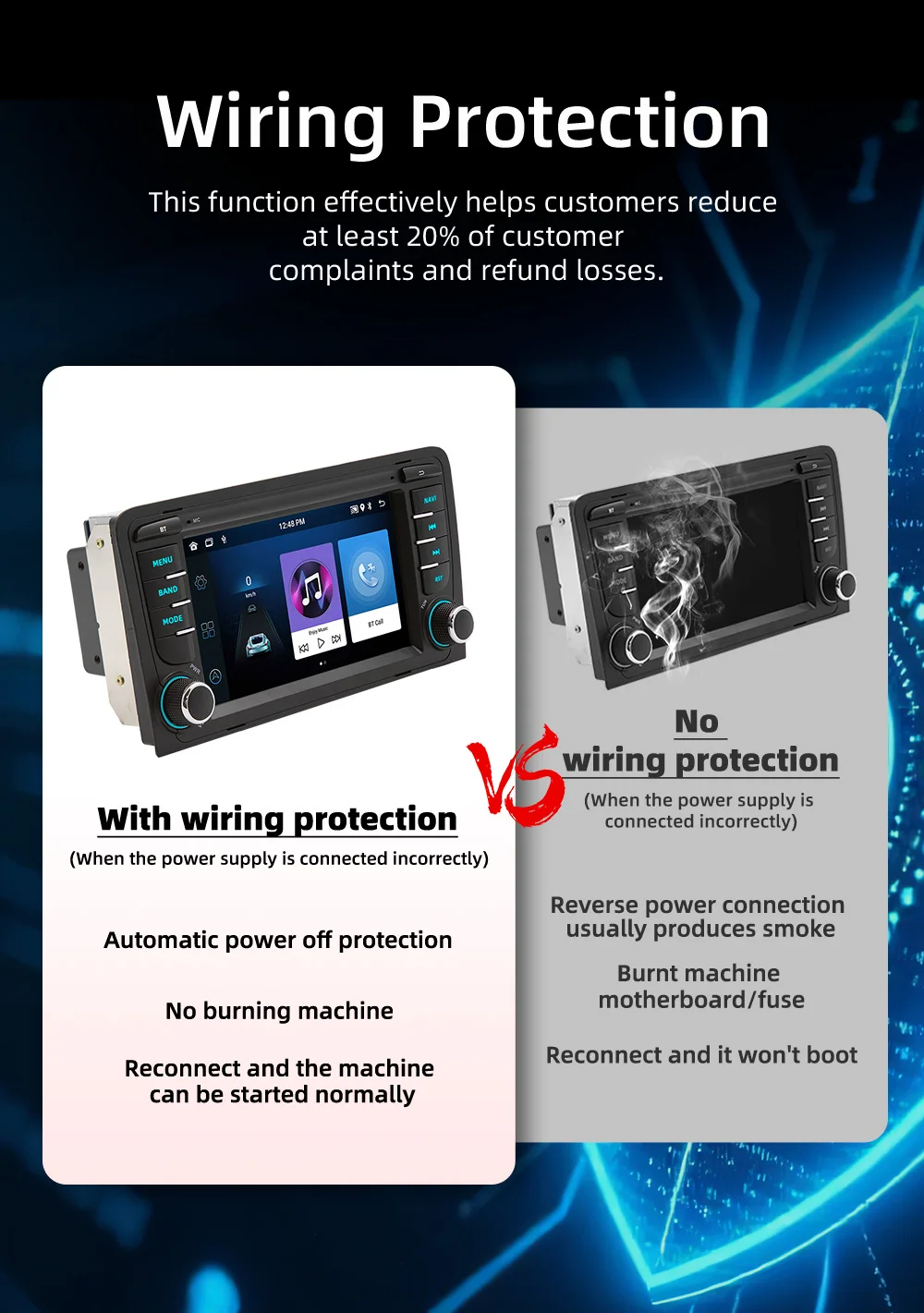
13. Power supply positive and negative pole reverse connection protection function (the positive and negative poles of the power line are connected incorrectly, which will not cause the circuit board to burn)
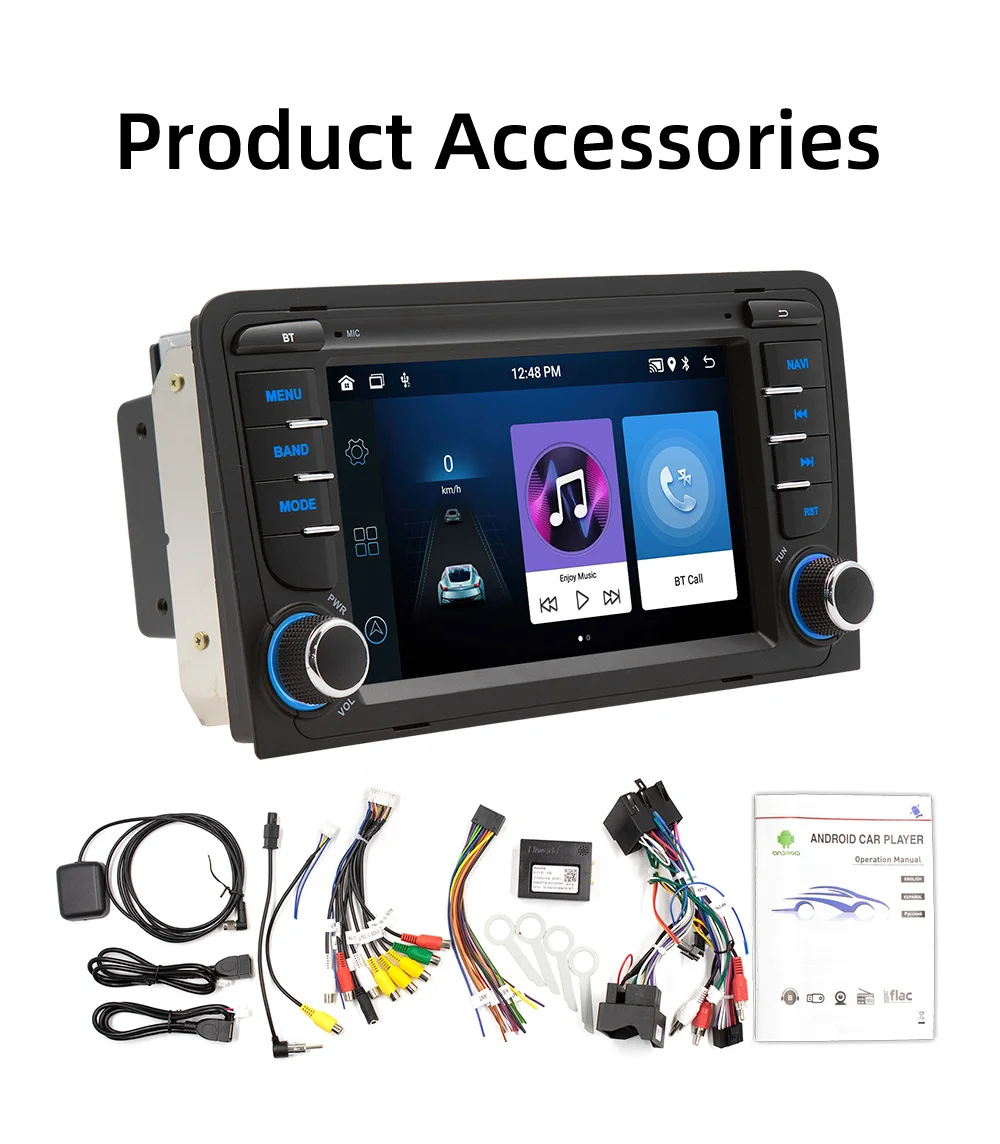 Accessories
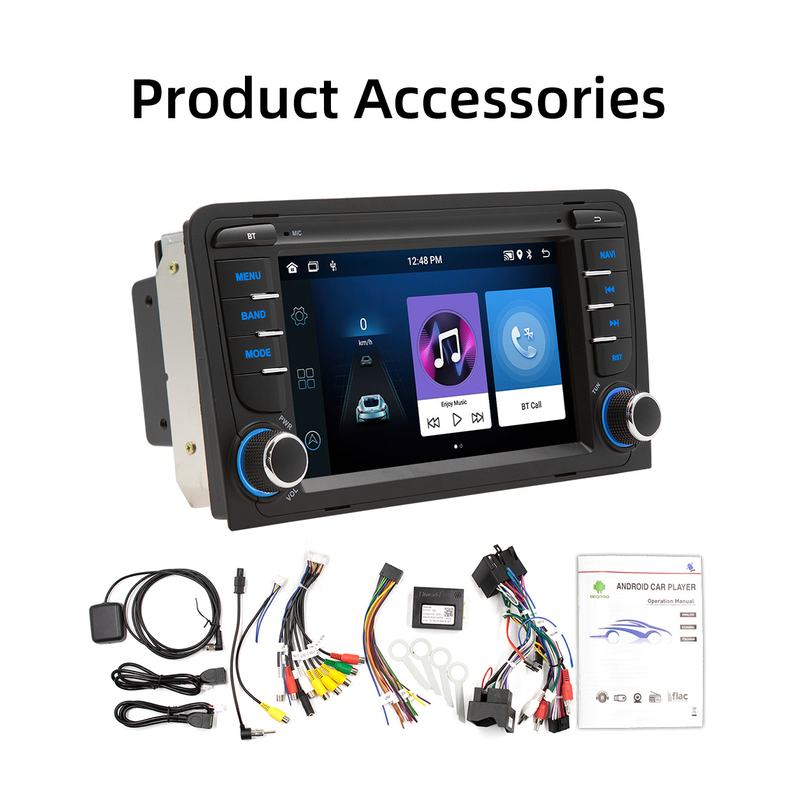
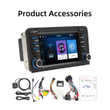
1x1 Machine
1x1. GPS antenna
1x2 . Dedicated power cord
1x1. Manual
1x1. RCA cable package
1x1. USB1 (4P)
1x1. USB2 (6P)
1x1. Original car radio antenna
(accessories, manuals, packaging will be updated from time to time, subject to the actual goods received)
FAQ:
Q1.Why the car radio can't turn on?
1>Please check the Voltage of the car radio: DC 12V
2>When you test this car radio, you can combine the red and yellow wires and connect them to the positive side of the power supply. The black line to the negative power supply.
3>Replace the same type of insurance to test the car radio.
Note: Please must use our power cables to connect our car radio, it is not possible to insert the original car plug directly into our machine.
Q2.Why the car radio will show time after we turn off this?
>That time clock is a function for the car radio, that can't be removed. In fact, a car radio had been turning off, saves time is more convenient for people to see,
>If you didn't need this, you need to unplug the power positively and negatively
Q3.Why hasn't sound in the car radio when playing music?
>1. When you are not using our original audio cable, please check if your audio cable is suitable for our camera.
>2. Please check if there is any collision between the lines.
>If the line is connected, there will be no sound when the speaker cable touches the speaker cable. There is also no sound when the power cord touches the speaker cable.
>If the problem is still here, please use a single speaker to connect a group of audio cables to test the car radio. The four-speaker cables are connected separately to see if there is any sound.
Q4.Why can't search FM?
>1. No radio antenna was inserted.
>2. Please check if the radio antenna is plugged in. Please insert more antennas several times to make it well contacted.
>3. The signal of your location is not good. Please go to a better place to test again.
>4. The radio antenna on the car is broken/has no effect; please replace the radio antenna and test it again.
Q5.Why can't connect the Bluetooth to the car radio?
>1. Open the phone settings interface, open the Bluetooth in the Bluetooth function, search for Bluetooth devices, and find the player's Bluetooth model to be paired; if you need a pairing code, enter 0000; if not, try 1234 or 123456.
>2. Please try to use another mobile phone to test this function. All methods are correct and still cannot use Bluetooth, Please unplug the plug on the back of the player and plug it in after 3 minutes.
Q6. How to update GPS Map?
>1. First of all, you need to download the map update APK from our website or anywhere else, or use a mobile phone to do WIFI hotspots to download and install directly. You can also use online navigation. Then you need to copy them to the GPS ROM and set the navigation path to the navigation program by setting.
Q7.Is it possible to listen to music or radio while using navigation ?!
>1. Yes, it is possible to listen to the radio or music while using the navigation system. Clayton devices are using a unique technology that makes listening to music happen when you are using the navigation system.
Q8.Do these units support steering wheel control ?!
>1.Yes of course. For each different car model, there is a different CAN-Bus ( Optional ) that comes with the unit to match the unit to the vehicle amplifier and steering wheel control.
Q9.Can we install the DVD Units ourselves?
>1. We will provide all the wires for the navigation, Power wire (Plug and play), RCA wires (with 7 ports), Reversing video input wire & wifi & Bluetooth antenna, GPS antenna, two USB wires
>2. It is preferred that the installation be done by a professional person. We are not responsible for the damages that might occur to the dashboard of the car while installing the device. So it is better that a professional person installs the unit on the cars.




Shop Policies
Payment Policy
Payment Policy – BILLIONS BIRDS
At BILLIONS BIRDS, we are committed to providing a safe, secure, and seamless payment experience for our customers.
1. Accepted Payment Methods
We accept the following payment options:
Major Credit & Debit Cards (Visa, MasterCard, American Express)
Secure Online Payment Gateways (such as PayPal, Stripe, or other providers available at checkout)
Any additional payment methods displayed during checkout
All payments must be completed in full at the time of purchase.
2. Secure Transactions
All transactions are processed through encrypted and secure payment systems to protect your personal and financial information. We do not store your full payment details on our servers.
3. Currency
Prices are displayed in the currency indicated on the website. If you are purchasing from another country, your bank may apply currency conversion fees.
4. Order Confirmation
Once your payment has been successfully processed, you will receive an order confirmation email containing your purchase details.
5. Failed or Declined Payments
If your payment is declined, please verify your billing information or contact your bank. Orders will only be processed after successful payment confirmation.
6. Fraud Prevention
BILLIONS BIRDS reserves the right to cancel or refuse any order if fraud or unauthorised activity is suspected.
Delivery Policy
Delivery Policy – BILLIONS BIRDS
At BILLIONS BIRDS, we are dedicated to delivering your orders safely and efficiently.
1. Order Processing
All orders are processed within 1–3 business days after payment confirmation. Orders are not processed or shipped on weekends or public holidays.
2. Shipping Times
Estimated delivery times vary depending on your location:
Domestic Shipping: 3–7 business days
International Shipping: 7–15 business days
Please note that delivery times are estimates and may vary due to customs procedures, carrier delays, weather conditions, or other unforeseen circumstances.
3. Shipping Costs
Shipping fees are calculated at checkout based on your location and selected shipping method. Any customs duties, taxes, or import fees are the customer's responsibility.
4. Tracking Information
Once your order has been shipped, you will receive a confirmation email with tracking details (if available) so you can monitor your package.
5. Delivery Issues
If your order is delayed, lost, or arrives damaged, please contact us within 7 days of the expected delivery date. We will work with the shipping carrier to resolve the issue as quickly as possible.
6. Incorrect Shipping Information
Customers are responsible for providing accurate shipping details at checkout. BILLIONS BIRDS is not responsible for orders shipped to incorrect addresses provided by the customer.
Refund Policy
Refund Policy – BILLIONS BIRDS
At BILLIONS BIRDS, customer satisfaction is our top priority. If you are not completely satisfied with your purchase, we’re here to help.
1. Return Eligibility
You may request a return within 14 days of receiving your order. To qualify for a return:
The item must be unused, unworn, and in the same condition as received.
The item must be in its original packaging.
Proof of purchase (order confirmation or receipt) is required.
Certain items may not be eligible for return, including clearance items, gift cards, or personalised/custom products.
2. Non-Refundable Items
The following items are non-refundable:
Final sale or discounted items
Gift cards
Items damaged due to misuse, negligence, or improper care
3. Return Process
To initiate a return, please contact our customer support team with your order number and reason for return. If your return is approved, you will receive instructions for returning the item.
Unless the item is defective or incorrect, customers are responsible for return shipping costs.
4. Refund Processing
Once we receive and inspect your returned item:
We will notify you of the approval or rejection of your refund.
If approved, the refund will be issued to your original payment method within 5–10 business days.
Please note that banks or payment providers may require additional time to process refunds.
5. Damaged or Incorrect Items
If you receive a damaged, defective, or incorrect item, please contact us within 7 days of delivery and provide clear photos of the product and packaging. We will arrange a replacement or full refund at no additional cost.
6. Late or Missing Refunds
If you have not received your refund:
Check your bank account again.
Contact your credit card company or payment provider.
If the issue persists, don't hesitate to contact our support team for assistance.
Recommended Products
Customer reviews
Share your thoughts with other customers
Be the first one to write a review!

Items (0)
